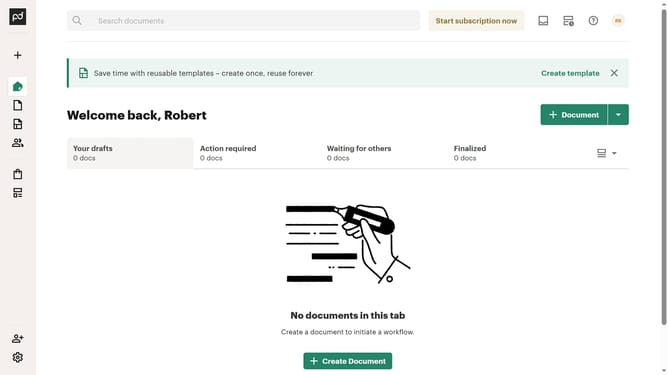
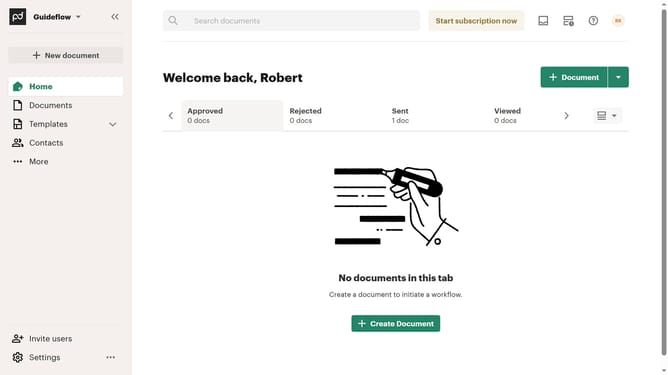
How to show approved tab in PandaDoc
Here is how to show approved tab in pandadoc
- First click the dropdown options button in the top right corner of the main content area
- Then click on the "Customize tabs" option from the dropdown menu
- Then click on the "Approved" checkbox in the Customize dialog to enable the Approved tab
- Finally click on the "Apply" button at the bottom right of the Customize dialog to save the changes
Why should you show approved tab in PandaDoc
PandaDoc is an innovative document management tool designed to streamline your workflow efficiently.
The approved tab in PandaDoc is a valuable feature that enhances document tracking by categorizing completed documents for easy access. This allows users to quickly find and review all documents that have already received approval, saving time and reducing confusion.
Having an organized view of approved documents enhances productivity and makes it easier to manage ongoing projects. It ensures a streamlined workflow and efficient document lifecycle management, leading to more effective team collaboration and transparency.
Last update