How to remove the viewed status filter from archived documents in PandaDoc
Here is how to remove the viewed status filter from archived documents in pandadoc
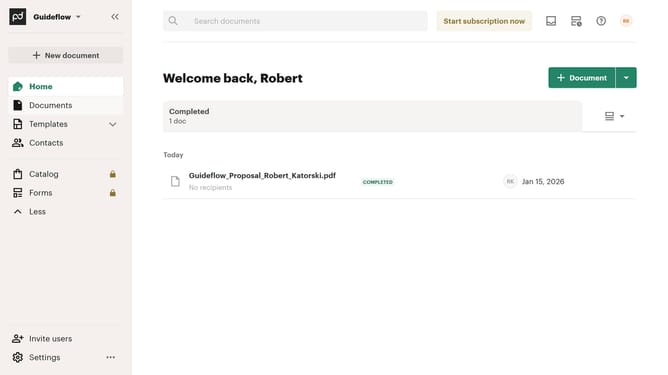
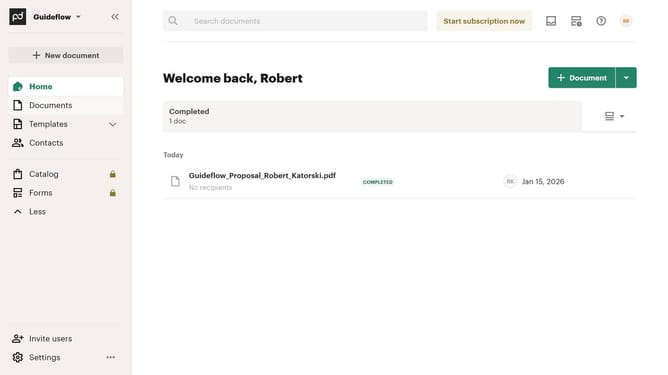
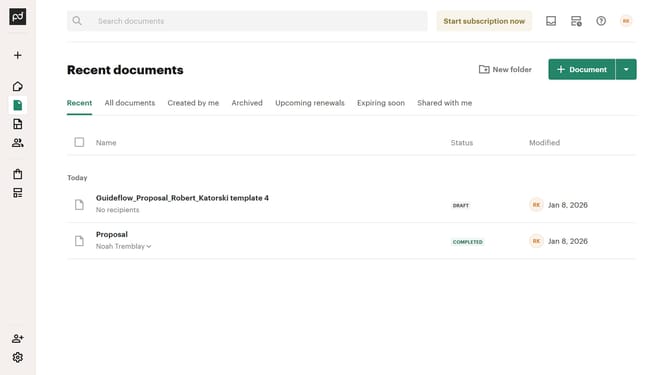
- First click on "Documents" in the sidebar navigation menu
- Then click on "Archived" tab in the top navigation bar
- Next click on "Status" dropdown filter button
- Then uncheck the "Viewed" checkbox option in the status filter dropdown
- Finally click on "Apply" button to confirm the filter selection
Why should you remove the viewed status filter from archived documents in PandaDoc
PandaDoc is an intuitive online platform designed to streamline document automation and enhance workflow efficiency.
By removing the viewed status filter from archived documents, users can declutter their workflow, focusing more on critical tasks without unnecessary distractions.
This feature empowers teams to access all archived documents, regardless of viewing status, promoting a comprehensive review and a more organized document management system.
Overall, removing the viewed filter aligns with PandaDoc's mission to optimize productivity and enhance user control over their document processes.
Last update