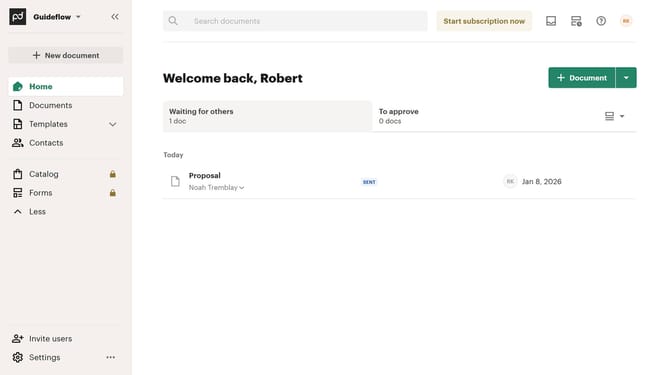
How to remove the declined status filter from all documents in PandaDoc
Here is how to remove the declined status filter from all documents in pandadoc
- First click on "Documents" in the left sidebar navigation menu
- Then click on "All documents" tab in the top navigation bar
- Next click on "Status" dropdown filter in the filter toolbar
- Then scroll down in the menu list that appears
- Next uncheck the "Declined" checkbox option in the status filter dropdown menu
- Finally click on "Apply" button to confirm the filter selection
Why should you remove the declined status filter from all documents in PandaDoc
PandaDoc is a dynamic platform designed to streamline document management and enhance workflow efficiency.
By removing the declined status filter from all documents in PandaDoc, users can effortlessly focus on active and ongoing agreements without distraction.
This feature simplifies navigation and provides a cleaner view of crucial documents, facilitating more efficient decision-making and time management.
Ultimately, leveraging this capability aids in maintaining a clutter-free workspace, allowing professionals to concentrate on driving business success.
Last update