How to make a copy of a template in PandaDoc
Here is how to make a copy of a template in pandadoc
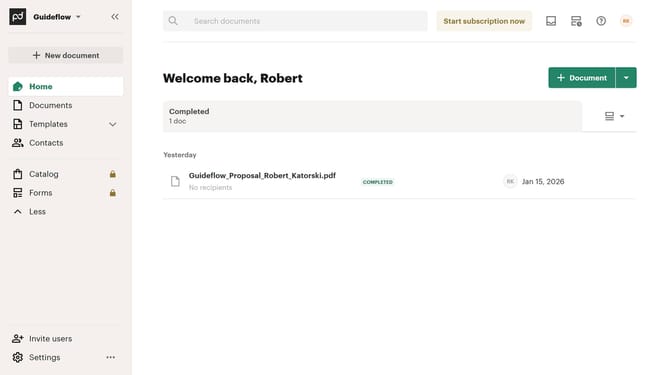
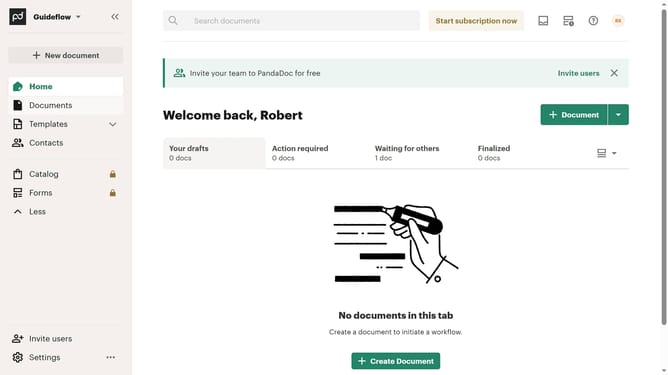
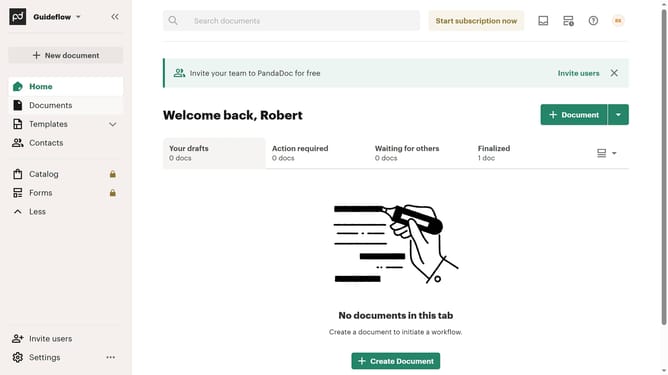
- First click on the dropdown arrow next to "Templates" in the left sidebar to expand the submenu
- Then click on "My templates" option in the expanded Templates submenu in the left sidebar
- Next click on the three-dot menu button on the right side of the template you want to copy
- Finally click on the "Make a copy" option from the menu that appears
Why should you make a copy of a template in PandaDoc
PandaDoc is a versatile tool designed to enhance document workflow efficiency.
The feature of making a copy of a template in PandaDoc streamlines the document creation process by allowing users to replicate existing templates effortlessly.
This functionality not only saves time but also ensures consistency across all documents. It empowers teams to maintain branding and formatting standards, while also facilitating personalized document adjustments when needed.
Last update