How to restore an archived document in PandaDoc
Here is how to restore an archived document in pandadoc
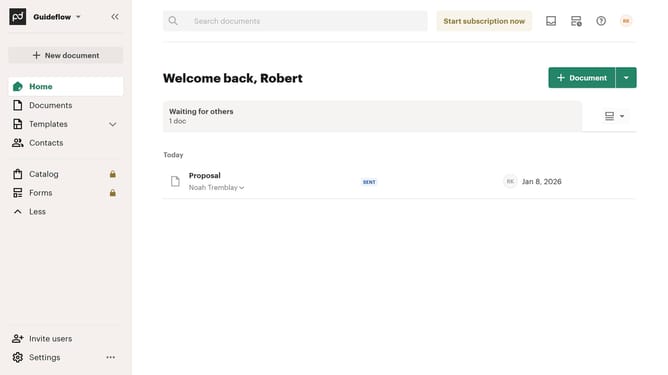
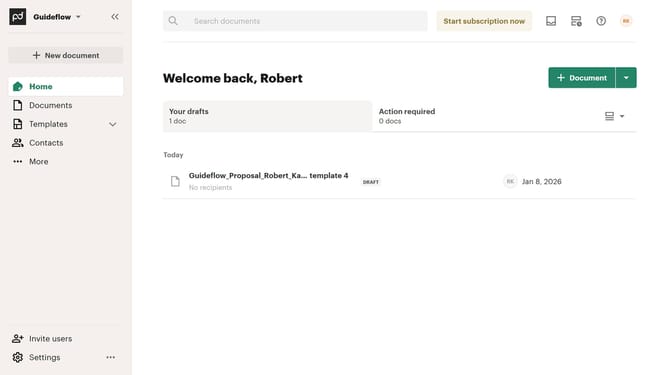
- First click on "Documents" in the sidebar navigation menu
- Then click on "Archived" tab in the top navigation bar
- Next click on the three-dot menu button for the next to the document you want to restore
- Finally click on "Restore" option in the dropdown menu
Why should you restore an archived document in PandaDoc
PandaDoc is a streamlined platform designed to simplify document management and enhance business workflows.
One of its notable features is the ability to restore archived documents effortlessly. This feature helps users quickly access past contracts or proposals, ensuring nothing is ever permanently lost.
Restoring archived documents is critical when revisiting earlier agreements or updating older versions. It provides peace of mind, knowing that essential documents are always retrievable.
This feature supports business continuity, allowing for seamless document tracking and management, contributing to a more organized and efficient business operation.
Last update