How to show the waiting for others tab in PandaDoc
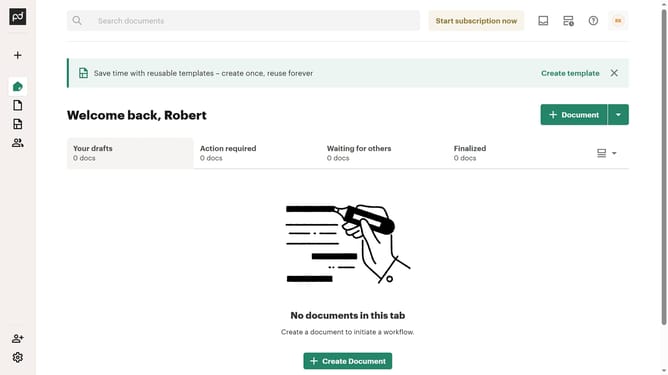
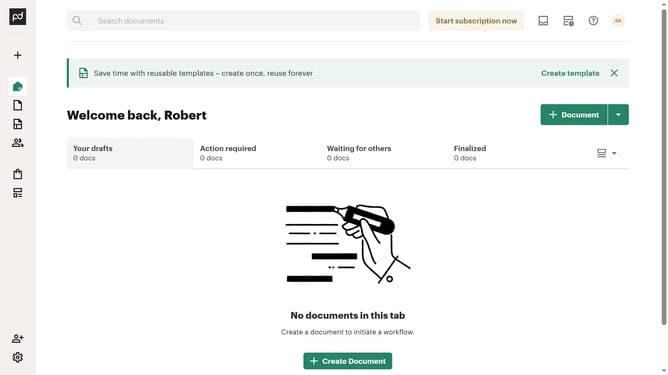
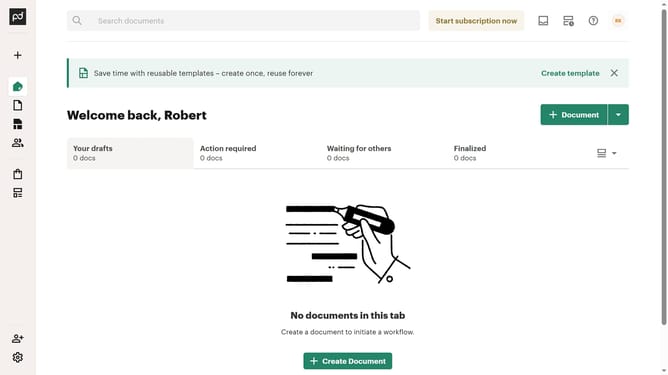
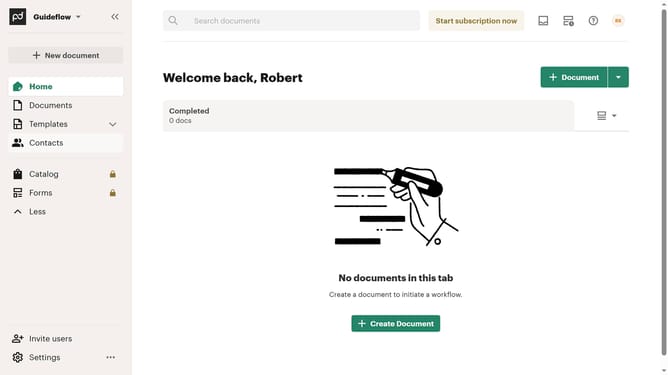
Here is how to show the waiting for others tab in pandadoc
- First click on the dropdown menu button in the top right corner of the main content area to open the view options menu
- Then click on the "Customize tabs" option from the dropdown menu to open the customization dialog
- Next click on the "Waiting for others" checkbox in the TABS section to enable this tab option
- Finally click on the "Apply" button at the bottom right of the customization dialog to save the changes
Why should you show the waiting for others tab in PandaDoc
PandaDoc is a versatile document automation platform designed to streamline the workflow of document creation, management, and e-signature.
The "Waiting for Others" tab is a crucial feature that helps users keep track of documents pending action from other parties. This feature ensures that you have a clear view of where each document stands in the signing process.
Using this tab enhances productivity by allowing you to manage your documents efficiently and respond promptly to any pending actions, thus reducing delays and improving collaboration.
Last update