How to hide the waiting for others tab in PandaDoc
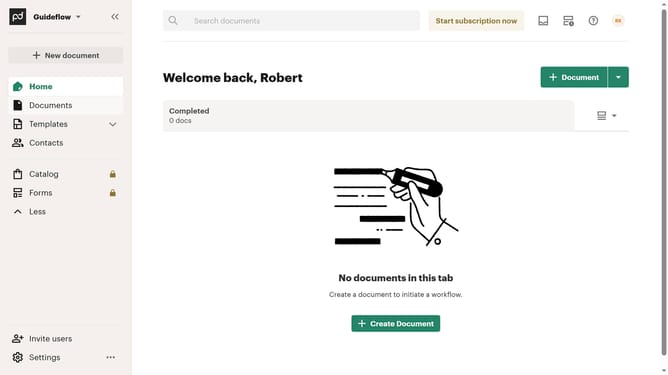
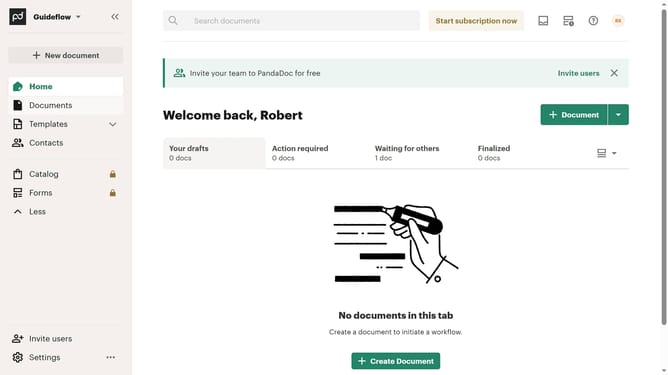
Here is how to hide the waiting for others tab in pandadoc
- First click on the dropdown menu button in the top right corner of the document tabs section
- Then click on the "Customize tabs" option from the dropdown menu
- Next uncheck the "Waiting for others" checkbox in the Customize dialog under the TABS section
- Finally click on the "Apply" button at the bottom right of the Customize dialog
Why should you hide the waiting for others tab in PandaDoc
PandaDoc is an intuitive document management platform crafted to improve workflow efficiency in businesses.
Among its many features, the ability to hide the "waiting for others" tab enhances user experience by decluttering the interface.
This feature is particularly useful for streamlining tasks, allowing users to focus on other document management functions without unnecessary distractions.
Utilizing this functionality promotes a cleaner, more organized workspace, enhancing productivity and ensuring a seamless PandaDoc experience.
Last update