How to filter created documents by draft status in PandaDoc
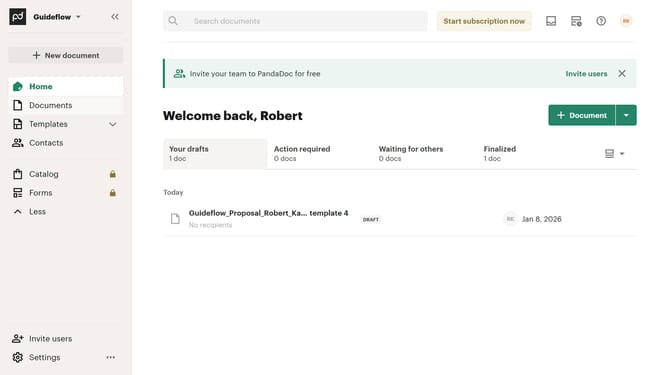
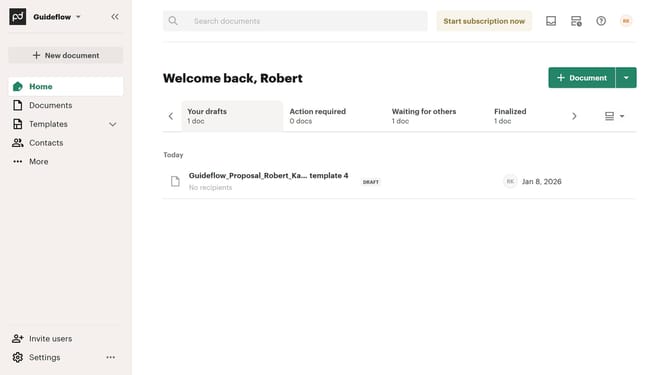
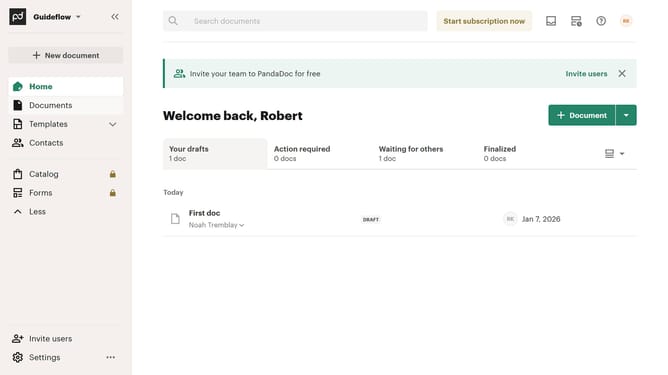
Here is how to filter created documents by draft status in pandadoc
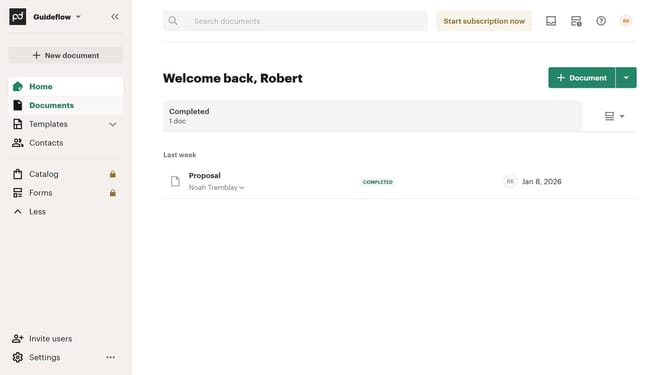
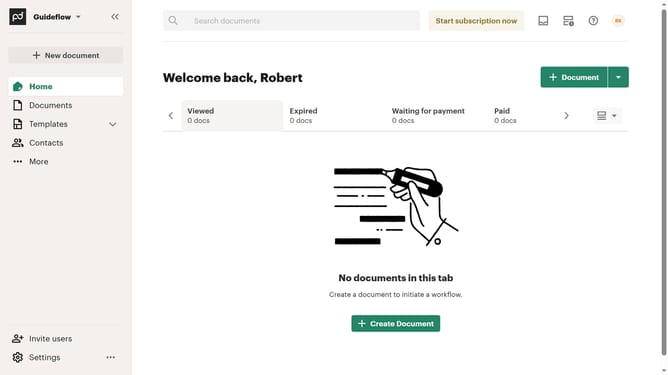
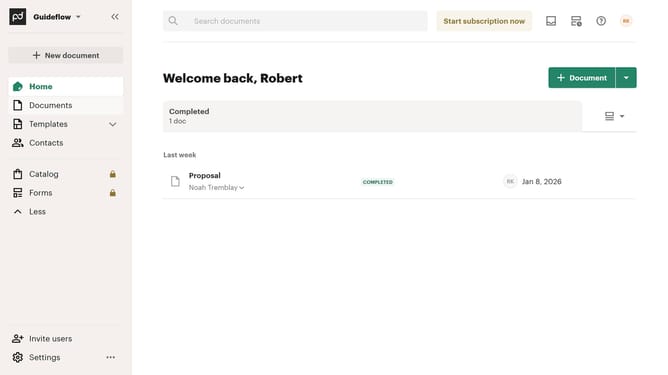
- First click on the "Documents" item in the left sidebar navigation menu
- Then click on the "Created by me" tab in the top navigation bar
- Next click on the "Status" dropdown filter button in the filter toolbar
- Then click on the "Draft" checkbox option in the status filter dropdown menu
- Finally click on the "Apply" button to confirm the filter selection
Why should you filter created documents by draft status in PandaDoc
PandaDoc streamlines the document creation process, offering seamless digital solutions for businesses.
Among its useful features is the ability to filter documents by draft status. This function simplifies the management process by allowing you to quickly locate and review documents that are still in progress, ensuring nothing is overlooked.
Using this filter not only saves time but also enhances efficiency, enabling focused attention on documents that require further action or refinement.
Adopting this feature enhances workflow management, encouraging a more organized and productive workspace.
Last update