

Campaign planning is scattered across too many places.
You have a Google Sheet for the content calendar, a Trello board for campaign tracking, and a Slack channel where someone pinned the Q3 plan two months ago. Monday standup rolls around and half the updates are "I'll check and get back to you." Leadership asks what shipped last quarter, and nobody has a clean answer without spending an afternoon reconstructing it from memory and message threads.
That's not a system. That's organizational debt compounds over time with a due date. According to CoSchedule's research, organized marketers are 674% more likely to report success than those without a documented plan. Marketing calendar software exists to consolidate that mess into one shared, real-time view of every campaign, piece of content, and activity across channels.
This guide covers 15 tools with honest reviews, transparent pricing, and a framework for picking the right one for your team size and stack. If you're also evaluating tools across the broader marketing landscape, our roundups of the best content marketing tools and best marketing automation software cover adjacent categories worth exploring.
What's inside
- 15 marketing calendar software reviews with pricing, G2 ratings, and specific trade-offs for each tool
- A side-by-side comparison table of the best marketing calendar software in 2026
- Guidance on when to pick a dedicated calendar tool vs. a PM tool with calendar views
- An integration evaluation framework to filter tools before you test them
- Free tier recommendations for budget-constrained teams
Tools were evaluated based on G2 data, published pricing as of early 2026, integration depth, and relevance to growth and marketing teams.
TL;DR
- Marketing calendar software replaces spreadsheet-based planning with a shared, real-time view of all campaigns and content across channels.
- Best all-around dedicated marketing calendar: CoSchedule. Best PM tool with calendar views: monday.com. Best free marketing calendar software: ClickUp.
- Dedicated marketing calendars work better for content-heavy teams. PM tools with calendar features tend to fit cross-functional campaign management.
- 11 of the 15 tools on this list offer free tiers. Test with a real campaign before committing budget.
- Integration with your CRM, analytics, and ad platforms matters more than feature count.
What is marketing calendar software
Marketing calendar software is a planning tool that gives marketing teams a visual, shared timeline of all campaigns, content, and activities across channels. Sometimes called calendar marketing software or marketing planning software, it centralizes what your team is doing, when it's happening, and who owns each piece.
It's not the same as three adjacent categories that often get conflated. Generic project management tools happen to have calendar views, but they aren't built around marketing workflows. Social media schedulers cover one channel, not your full marketing mix. Editorial calendars focus on content publishing dates but miss paid campaigns, events, and cross-channel coordination. For teams focused specifically on social channels, our guide to the best social media marketing tools covers that category in depth.
Core components of marketing calendar software include:
- Visual calendar views (monthly, weekly, daily, timeline/Gantt)
- Campaign and content planning across channels
- Multi-channel visibility (social, email, paid, events, content)
- Team collaboration (assignments, approvals, comments)
- Integration with execution tools (email platforms, social schedulers, CMS)
- Reporting on planned vs. completed activities
When to use marketing calendar software
Your team has outgrown spreadsheets
When campaigns span 3+ channels and involve 2+ people, shared Google Sheets break. Version conflicts in collaborative spreadsheets pile up, someone accidentally deletes a formula, and there's zero automation to flag missed updates. The symptom is constant "did you see the latest version?" messages. The cause is a tool that wasn't built for collaborative planning.
You need cross-functional visibility
Sales wants to know what campaigns are live. Leadership wants a quarterly view. Product wants to coordinate launches. A shared marketing campaign calendar creates one source of truth that answers these questions without someone pulling together a deck every time an exec asks.
You're scaling content or campaign volume
Going from 4 blog posts a month to 12. From 2 campaigns per quarter to 8. Informal tracking systems break at scale, not because people are sloppy, but because the combinatorial complexity of multi-channel marketing channels × campaigns × team members exceeds what any spreadsheet can manage. Teams scaling content production should also evaluate dedicated content creation software to pair with their calendar tool.
You need approval workflows
Regulated industries, multi-brand companies, or teams with stakeholders who review before publish. Email-chain approvals create bottlenecks and lost feedback. Calendar tools with built-in approvals keep everything in one thread and create an audit trail for promotion planning and compliance.
Marketing calendar software comparison table
Here's a side-by-side view of the best marketing calendar tools covered in this guide. Scan the "Best For" column to find your match, then jump to the full review for details. Pricing reflects published rates as of early 2026 and may change.
Pricing verified as of early 2026. Check each vendor's site for current rates.
1. CoSchedule
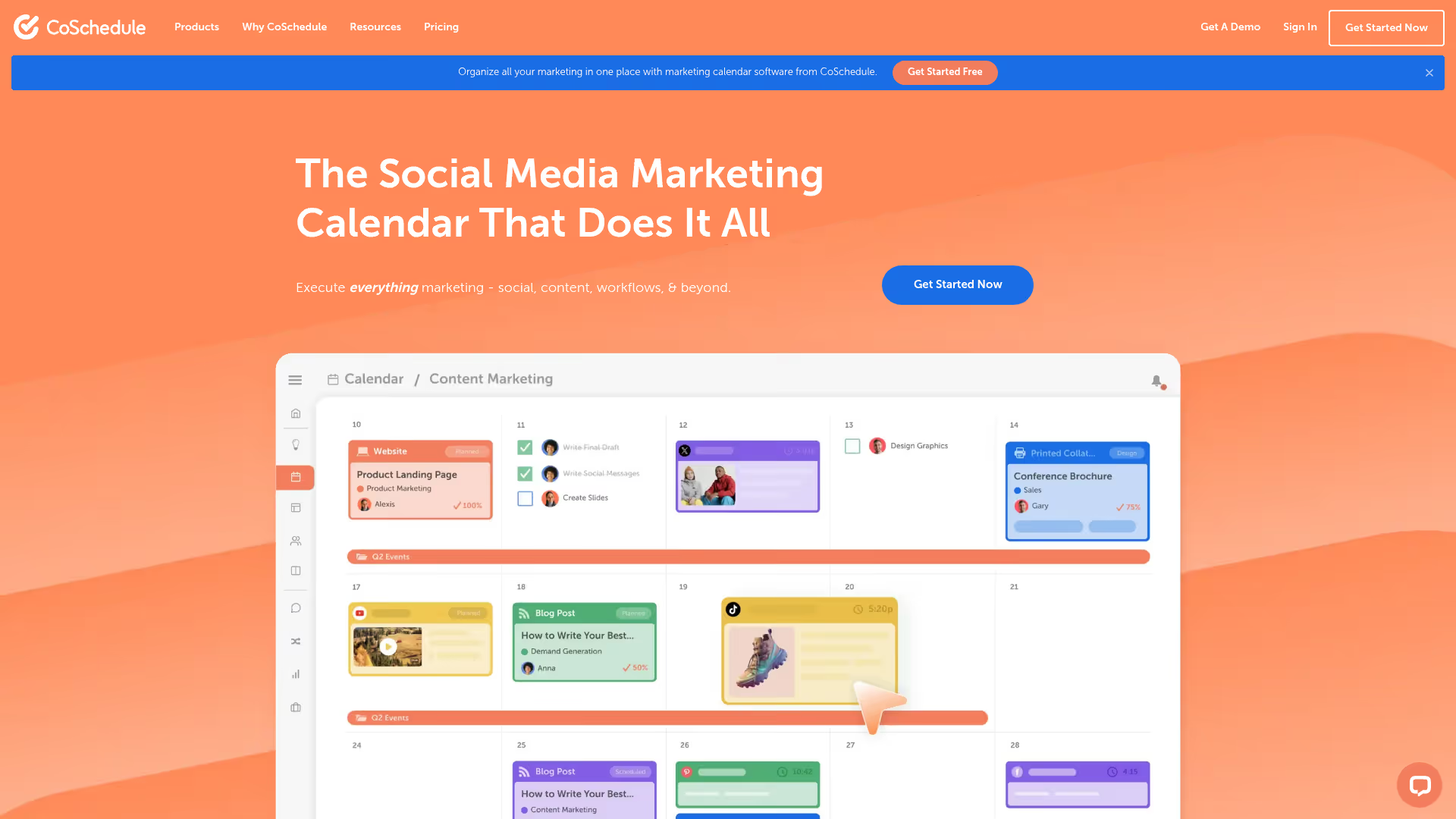
CoSchedule is the most purpose-built marketing calendar tool on this list. It wasn't adapted from a generic PM platform. It was designed from the ground up for marketing teams who need a visual, drag-and-drop marketing content calendar for blog posts, social media, email campaigns, and events in one view.
The Social Calendar product offers a free tier, making it a low-risk entry point for teams testing the category. ReQueue automated social resharing, CoSchedule's automated social resharing feature, fills gaps in your social schedule by intelligently reposting top-performing content. The Headline Analyzer is a well-known bonus that helps optimize content titles before publishing. For larger teams, the Marketing Suite expands into work management and asset organization.
The trade-off: CoSchedule is narrower than PM tools. If your team needs to manage non-marketing projects in the same workspace, you'll need a second tool alongside it.
Best for: Content-heavy marketing teams (5+ blog posts/month, active social channels) who want a calendar that's opinionated about marketing workflows.
Key strengths
- Purpose-built for marketing teams, not adapted from PM
- Social Calendar available on a free tier
- ReQueue for automated social resharing
- Headline Analyzer for content optimization
- Integrations with WordPress, HubSpot, Google Docs, Mailchimp
- Team workflow and approval features built in
Why choose CoSchedule: If your primary need is a marketing content calendar that handles blog, social, and email coordination, CoSchedule gets you productive on day one. It's the right pick over PM tools when you want opinionated marketing workflows rather than a blank canvas you have to configure yourself.
Pricing: Social Calendar free. Marketing Calendar from $29/user/mo. Marketing Suite custom pricing.
2. monday.com
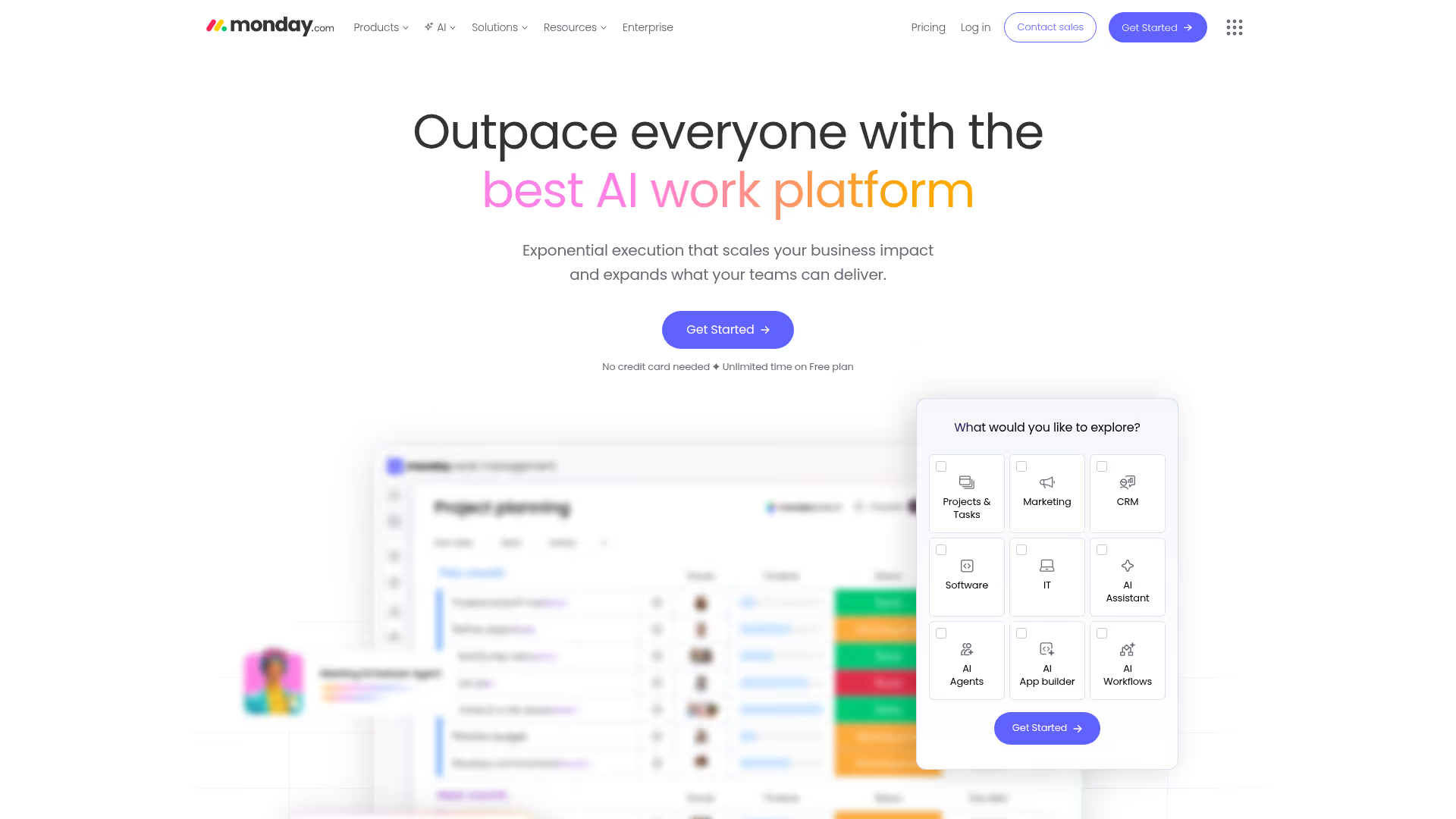
monday.com is a work OS that has become one of the most popular marketing calendar tools because of its flexibility. You can build a marketing calendar from templates or from scratch, switching between calendar, Gantt, Kanban, and table views with a click. Automations handle repetitive workflows: auto-assign tasks, notify stakeholders when statuses change, and move items between boards without manual intervention.
For growth marketers, the dashboards are the selling point. Real-time views of campaign status across channels, without manual updates or someone pulling together a report. Marketing-specific templates get teams productive fast, and 200+ integrations connect monday.com to HubSpot, Salesforce, Google Ads, and the rest of your stack. You can explore an interactive demo of monday.com to see the interface before signing up.
The trade-off: flexibility comes with setup cost. monday.com can do almost anything, which means you'll spend time configuring it to do your specific thing. For teams that want an opinionated tool that works out of the box, CoSchedule or Loomly may be faster to adopt.
Best for: Teams that want a customizable marketing calendar tool they can shape to their exact workflow, with strong automation to reduce manual coordination.
Key strengths
- Highly customizable views (calendar, Gantt, Kanban, timeline)
- Powerful no-code automations for marketing workflows for repetitive tasks
- 200+ integrations including HubSpot, Salesforce, Google Ads
- Marketing-specific templates for fast setup
- Real-time dashboards for campaign visibility
Why choose monday.com: Best for teams that want to build a system tailored to their exact process. If your marketing workflow doesn't fit a standard template and you need automation to keep things moving, monday.com gives you the building blocks without requiring engineering support.
Pricing: Free tier (up to 2 seats). Basic from $9/seat/mo. Standard from $12/seat/mo. Pro from $19/seat/mo.
3. Asana
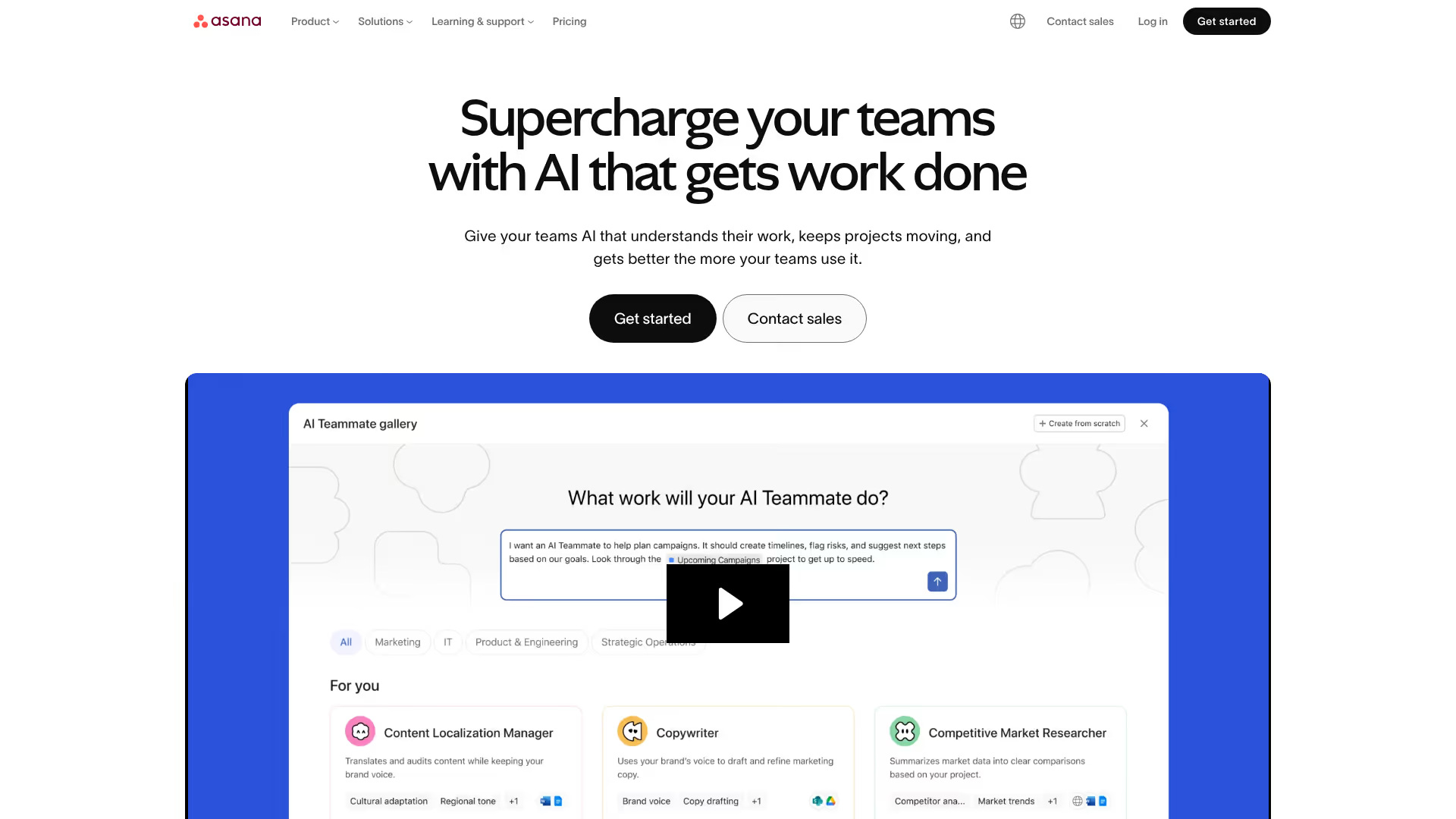
Asana is the PM tool most marketing teams default to, and its calendar functionality is strong enough to serve as a primary marketing calendar. Calendar view shows tasks by due date. Timeline view adds Gantt-style dependency tracking. Portfolios give marketing leaders a bird's-eye view of all campaigns without digging into individual projects.
The strength for growth marketers is cross-functional coordination. Marketing campaign planning alongside engineering requests, design briefs, and launch checklists in one workspace. Forms capture campaign requests from other teams, creating a structured intake process instead of scattered Slack messages.
The trade-off: Asana's calendar view is functional but secondary to its task management. If you primarily need a visual calendar rather than a task list with a calendar view, dedicated tools like CoSchedule will feel more natural.
Best for: Marketing teams embedded in cross-functional organizations where campaigns involve engineering, design, and product stakeholders who also use the same tool.
Key strengths
- Calendar + Timeline views with dependency tracking
- Portfolios for high-level campaign oversight
- Forms for structured campaign request intake
- Rules for automation (auto-assign, move, notify)
- Integrations with Slack, Google Drive, Figma, HubSpot
Why choose Asana: When your marketing campaigns require coordination with non-marketing teams, Asana keeps everyone in one workspace. The portfolio view gives leadership the quarterly overview they keep asking for, without you building a separate deck.
Pricing: Personal free. Starter from $10.99/user/mo. Advanced from $24.99/user/mo.
4. ClickUp
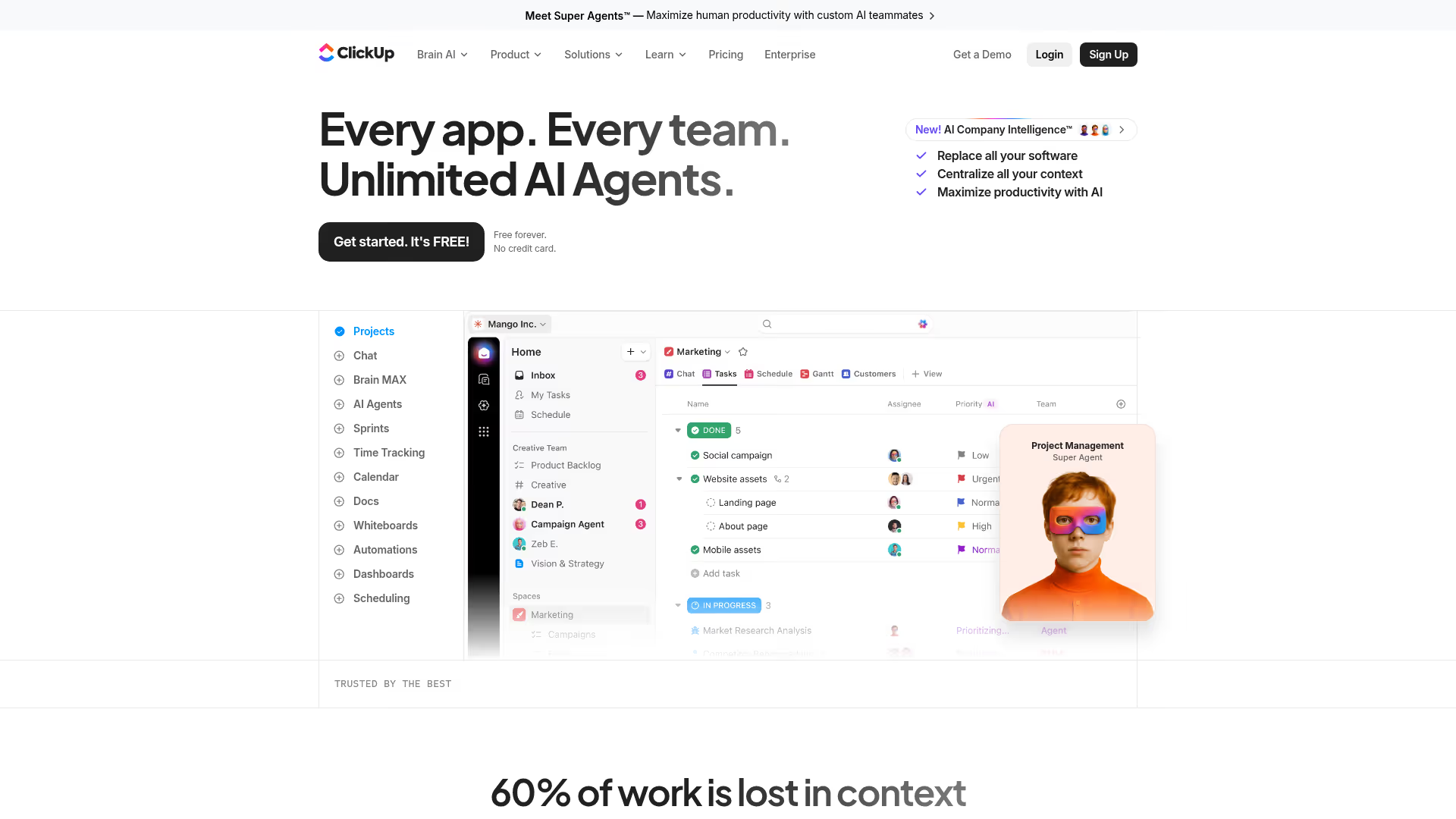
ClickUp positions itself as the "everything app" for work management. For marketing calendars specifically, it delivers the most feature-rich free tier in the category. Calendar view, Gantt charts, Whiteboards, Docs, and Goals are all available for free. Growth marketers who need a planning tool but don't have budget approval will find ClickUp's free tier more capable than most paid alternatives.
The free marketing calendar software angle is real: unlimited tasks and members on the free plan, with views that rival what other tools charge $10+/user/mo for. AI features for task summarization and writing assistance add another layer of value.
The trade-off is specific and worth naming: the sheer number of features creates a learning curve steeper than any other tool on this list. Setup takes longer than simpler tools like Trello or Toggl Plan. If you need something running today, ClickUp might slow you down before it speeds you up.
Best for: Budget-constrained teams who need a powerful free tool and are willing to invest setup time in exchange for a feature set that rivals paid platforms.
Key strengths
- Most generous free tier (unlimited tasks and members)
- Calendar + Gantt + Board + List views included
- Built-in Docs and Whiteboards for planning
- Goals for tying tasks to marketing objectives
- 1,000+ integrations across categories
Why choose ClickUp: If budget is the constraint and you're willing to invest a week in setup, ClickUp gives you more for $0 than most tools give you for $10/user/mo. The trade-off is time, not money.
Pricing: Free forever tier. Unlimited from $7/user/mo. Business from $12/user/mo.
5. Airtable
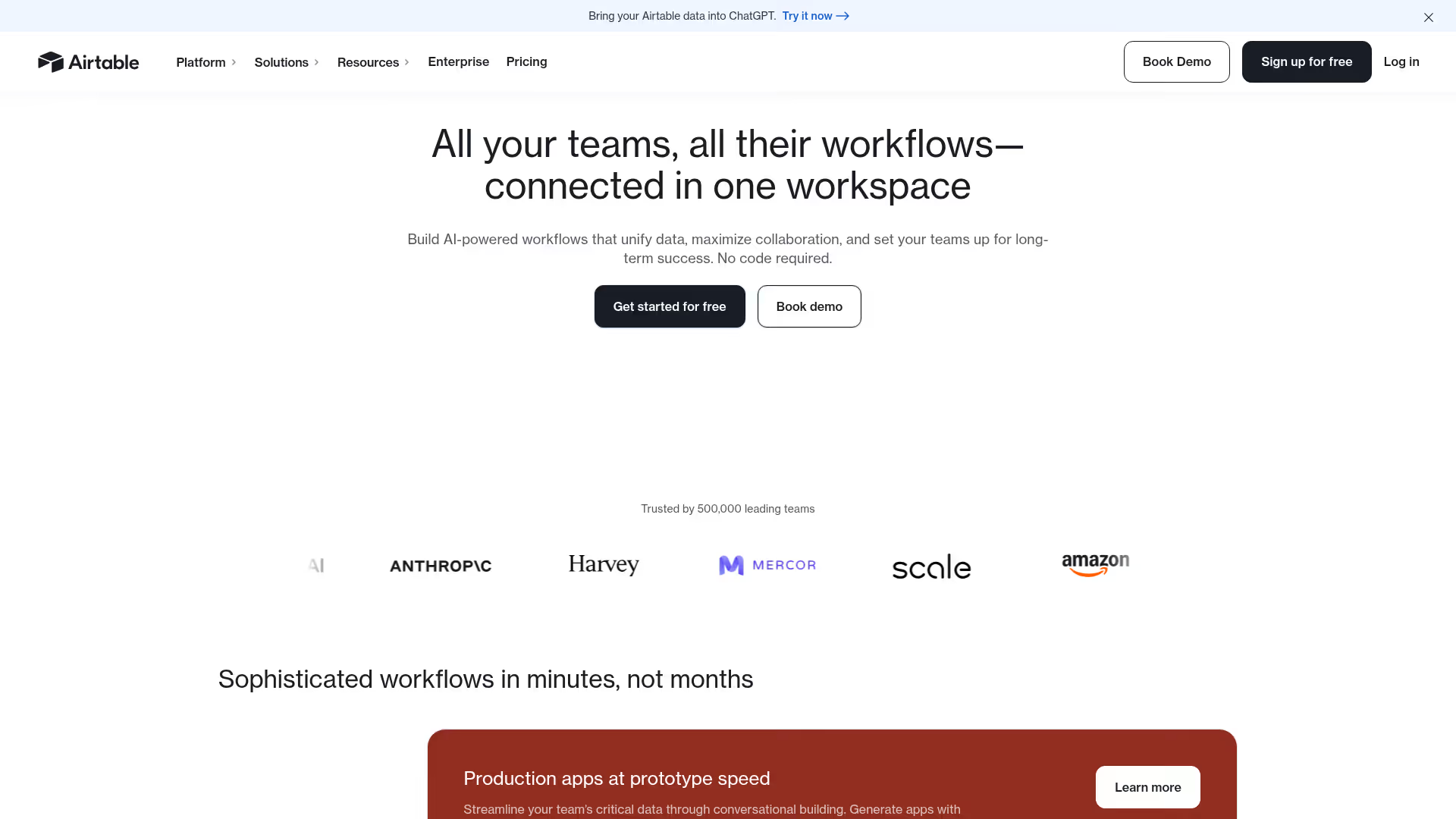
Airtable is a spreadsheet-database hybrid approach to data management that growth marketers use to build custom marketing calendars with more structure than a spreadsheet but more flexibility than a rigid PM tool. You define your own fields (campaign type, channel, status, owner, budget, UTM parameters) and view the data as calendar, grid, Kanban, or gallery.
Interface Designer lets you build custom dashboards for different stakeholders. A simplified view for leadership. A detailed view for the team. For data-driven growth teams, Airtable tracks campaign metadata alongside the calendar - budget, UTM codes, results - in one place.
The trade-off: Airtable requires more initial setup than any template-driven tool. You're building a custom system, which means the quality of your calendar depends on how well you design it. Teams that want to start planning in 15 minutes should look elsewhere.
Best for: Data-driven growth teams who want to track campaign metadata (UTMs, budget, performance) alongside their calendar and build custom views for different stakeholders.
Key strengths
- Flexible database with calendar views
- Custom fields for any marketing metadata
- Interface Designer for stakeholder dashboards
- Automations for recurring workflows
- Extensions marketplace (charting, Gantt, pivot tables)
Why choose Airtable: When you need your calendar to double as a campaign database - tracking budget, UTMs, performance data, and status in one place - Airtable gives you the structure without the rigidity of a traditional PM tool.
Pricing: Free tier. Team from $20/seat/mo. Business from $45/seat/mo.
6. Wrike
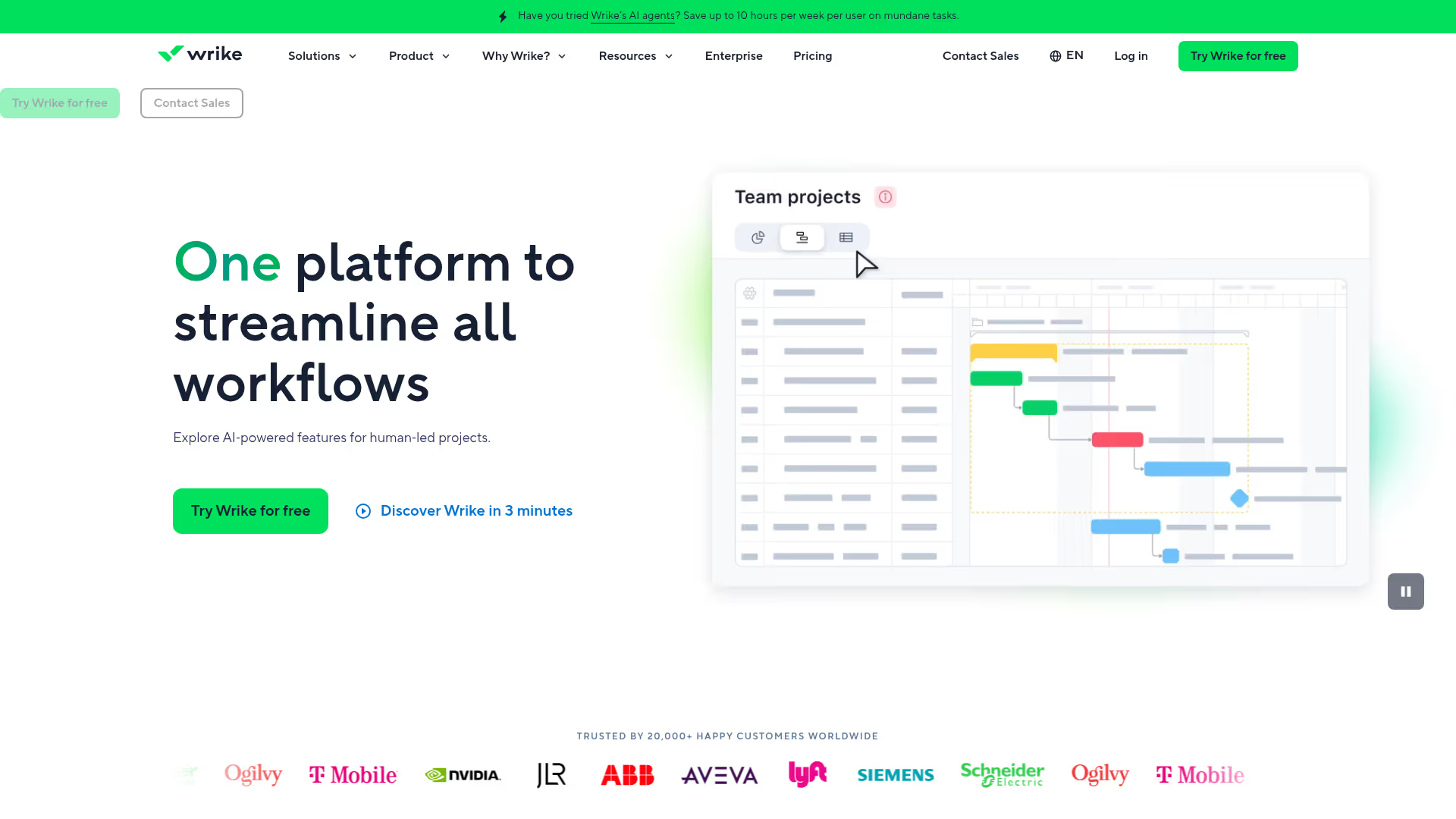
Wrike is enterprise-grade project management with deep marketing-specific features. Its strength for larger marketing organizations is the combination of visual proofing and markup on creative assets, resource management (workload balancing), and custom request forms. The calendar view is functional, but Wrike's real value is the workflow surrounding the calendar: brief → create → review → approve → publish.
For growth teams with complex approval chains or agency collaboration, Wrike provides governance that simpler tools lack. Cross-tagging lets tasks appear in multiple projects simultaneously, so a single campaign asset can live in both the content calendar and the brand review workflow.
The trade-off: Wrike is overkill for small teams. The feature depth that makes it powerful for a 20-person marketing org creates unnecessary complexity for a 3-person growth team. The learning curve matches the tool's ambition.
Best for: Marketing orgs with 10+ people, agency relationships, and approval workflows that involve legal, brand, or executive review.
Key strengths
- Visual proofing and approval workflows
- Resource management and workload views
- Custom request forms and intake processes
- Gantt, calendar, and board views
- 400+ integrations with marketing and business tools
Why choose Wrike: When your campaigns involve multiple approval layers - legal review, brand compliance, executive sign-off - Wrike provides the governance structure that simpler tools can't match. It's the right pick for teams that need process rigor, not just a visual calendar.
Pricing: Free tier. Team from $10/user/mo. Business from $24.80/user/mo.
7. Notion
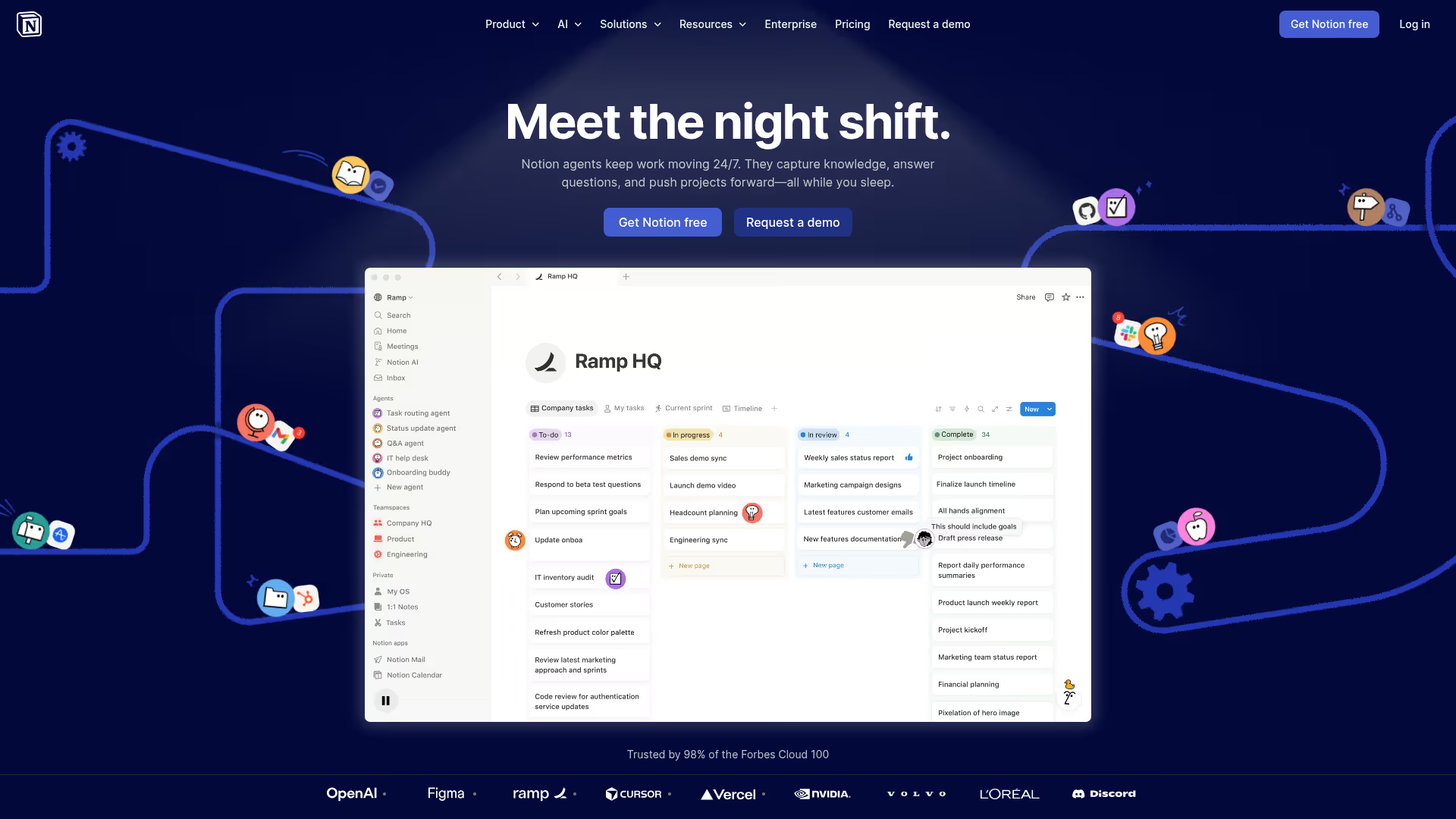
Notion is the Swiss Army knife of internal documentation and planning. As a marketing calendar, it works through database functionality - create a campaign database with properties (status, channel, publish date, owner, type) and render it as a calendar view. The strength: your calendar lives alongside playbooks, meeting notes, brand guidelines, and campaign briefs. Everything is connected.
The marketing calendar app works well on mobile too, letting team members check campaign status and update progress on the go. Teams also embed interactive demos from tools like Guideflow directly into Notion campaign briefs, keeping product walkthroughs alongside the campaigns they support.
The trade-off is important: Notion has no built-in publishing or social scheduling. It's a planning and documentation tool, not an execution tool. You'll need separate tools for social scheduling, email sending, and content publishing. If you need plan-to-publish in one tool, look at CoSchedule or Loomly.
Best for: Teams that want planning + knowledge management in one workspace and don't need built-in publishing.
Key strengths
- Database-driven calendars with linked content
- Flexible templates for marketing workflows
- AI-powered writing assistance built in
- Strong collaboration (comments, mentions, permissions)
- API and integrations (Slack, Google Drive, Figma)
Why choose Notion: When your marketing calendar needs to live alongside campaign briefs, brand guidelines, and team playbooks, Notion keeps everything connected. It's the right pick for teams that value context over execution features.
Pricing: Free tier. Plus from $10/seat/mo. Business from $15/seat/mo.
8. Trello
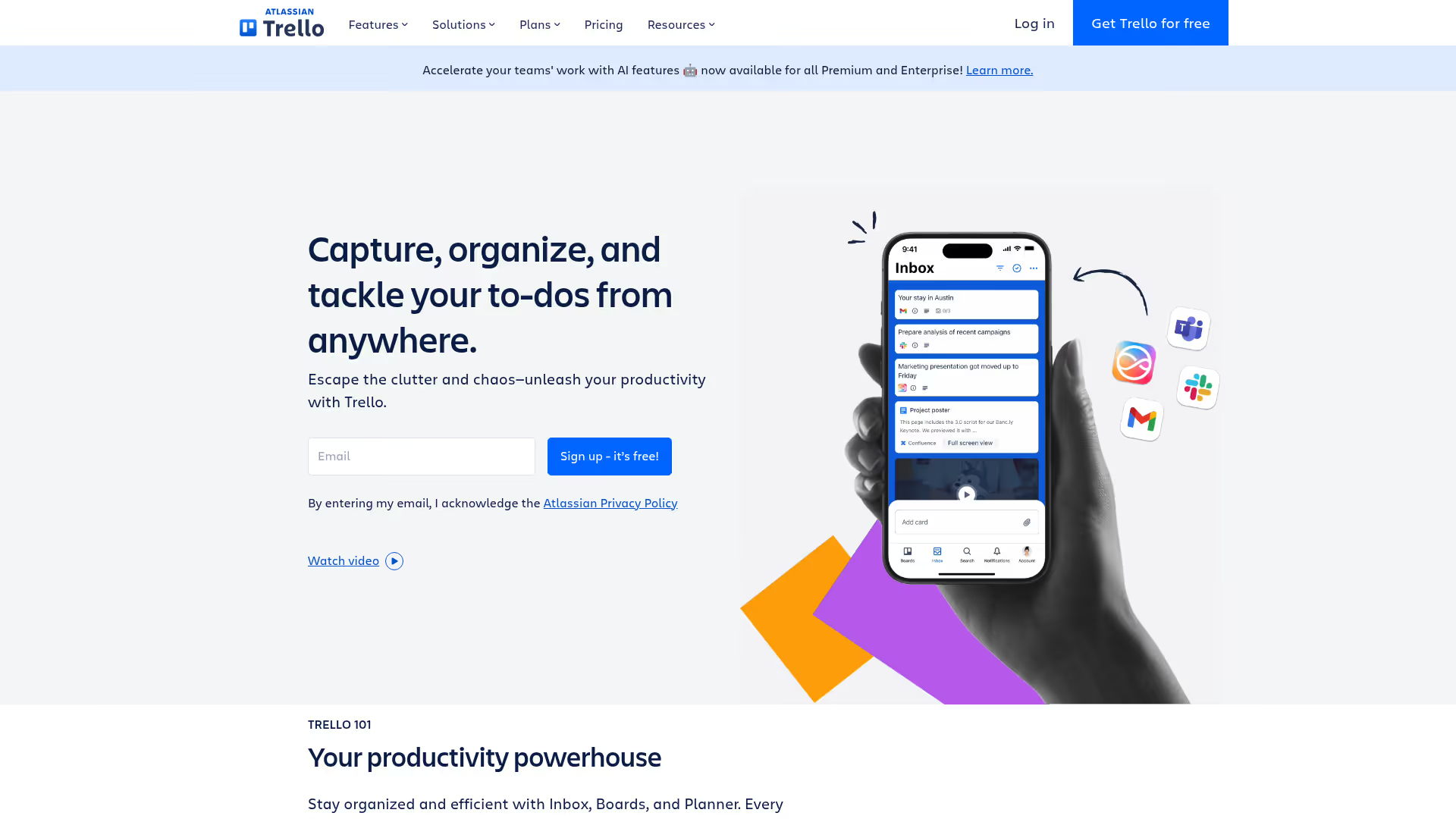
Trello is the simplest tool on this list, and that's its advantage. If your marketing team needs a visual overview of what's planned and in progress without spending a week configuring a PM system, Trello's board-based interface gets you there in an afternoon. The Calendar Power-Up adds a calendar view on top of familiar Kanban boards. Butler automations handle basic workflow rules like auto-assigning cards and moving them between lists.
For solo marketers or very small teams (1–3 people), Trello is often enough. The free tier covers most small-team needs, and the learning curve is close to zero.
The trade-off: for teams beyond 5 people or campaigns spanning 4+ channels, you'll likely outgrow it. Limited reporting, no Gantt views, and shallow automation compared to ClickUp or monday.com mean Trello works best as a starting point, not a long-term home for complex marketing operations.
Best for: Small teams or solo marketers who value simplicity and speed-to-use over feature depth.
Key strengths
- Extremely low learning curve
- Calendar Power-Up for timeline view
- Butler automations for basic workflows
- Power-Ups for integrations (Slack, Google Drive)
- Free tier covers most small-team needs
Why choose Trello: When you need a marketing calendar running today, not next week. Trello trades feature depth for speed-to-value. If your needs are straightforward - track what's planned, what's in progress, what's done - it does that with zero friction.
Pricing: Free tier. Standard from $5/user/mo. Premium from $10/user/mo.
9. Smartsheet
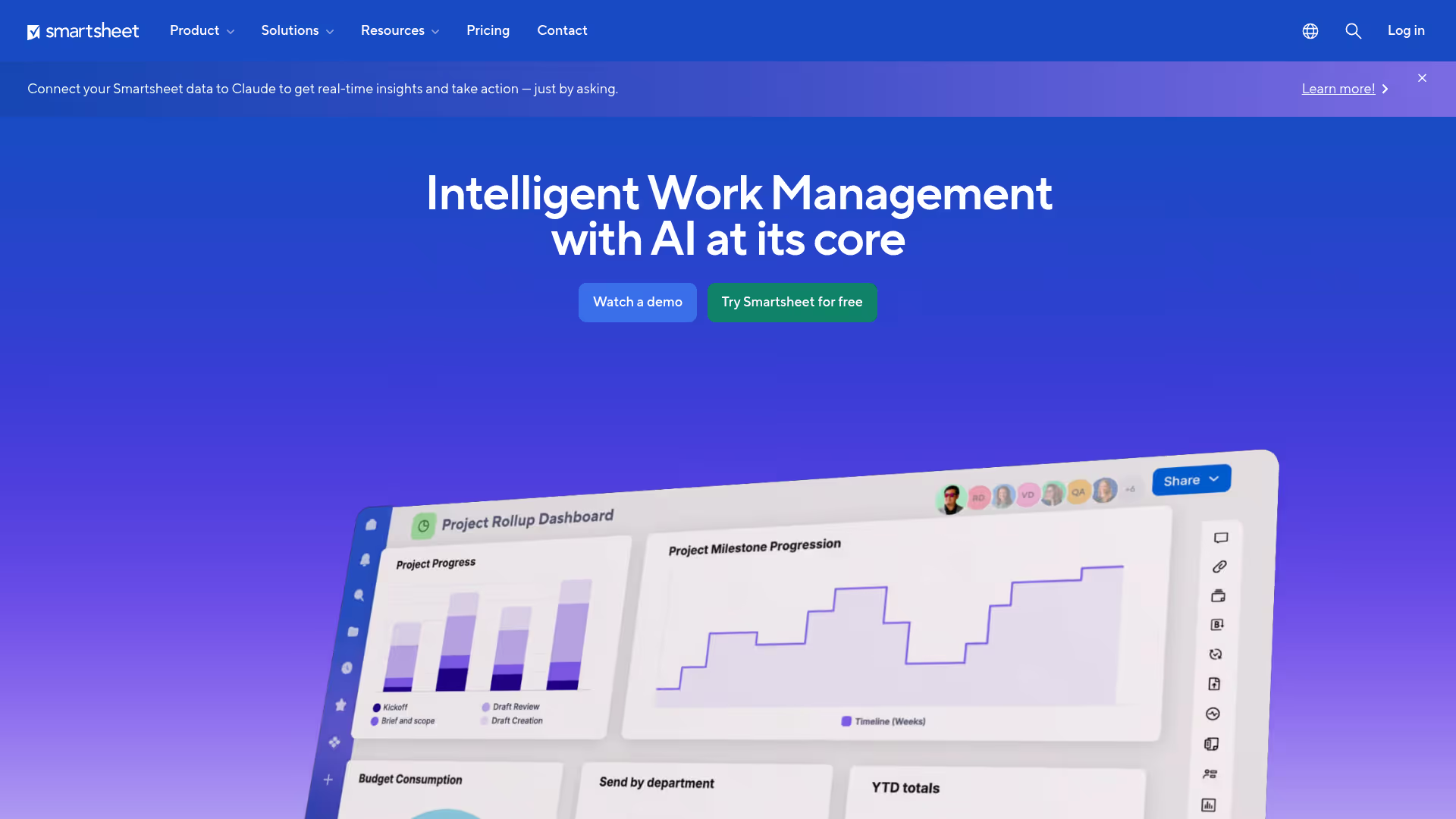
Smartsheet is the marketing calendar for teams whose brains are wired for spreadsheets. The interface looks and feels like a spreadsheet - rows, columns, formulas - but with PM features layered on top: Gantt charts, calendar views, automated workflows, and dashboards. For marketing ops teams that need spreadsheet-level granularity with calendar-tool visual planning, Smartsheet bridges that gap.
It's also strong for teams that collaborate with external agencies or freelancers. The sharing and permissions model is flexible enough to give contractors access to specific sheets without exposing your entire workspace.
The trade-off: if you're not a spreadsheet person, Smartsheet will feel more complex than it needs to be. The interface prioritizes data density over visual clarity. Teams that want a clean, visual calendar should look at Toggl Plan or CoSchedule instead.
Best for: Marketing ops teams and spreadsheet-native planners who need granular data management with project management capabilities.
Key strengths
- Spreadsheet-familiar interface with PM capabilities
- Gantt + calendar + card views available
- Robust formulas and conditional formatting
- Automated workflows with approval paths
- External sharing for agency collaboration
Why choose Smartsheet: When your team already thinks in rows and columns, Smartsheet adds calendar views and automation without forcing you to abandon the mental model you're comfortable with. It's the migration path from Google Sheets that doesn't feel like starting over.
Pricing: Pro from $9/user/mo. Business from $19/user/mo. Enterprise custom.
10. Loomly
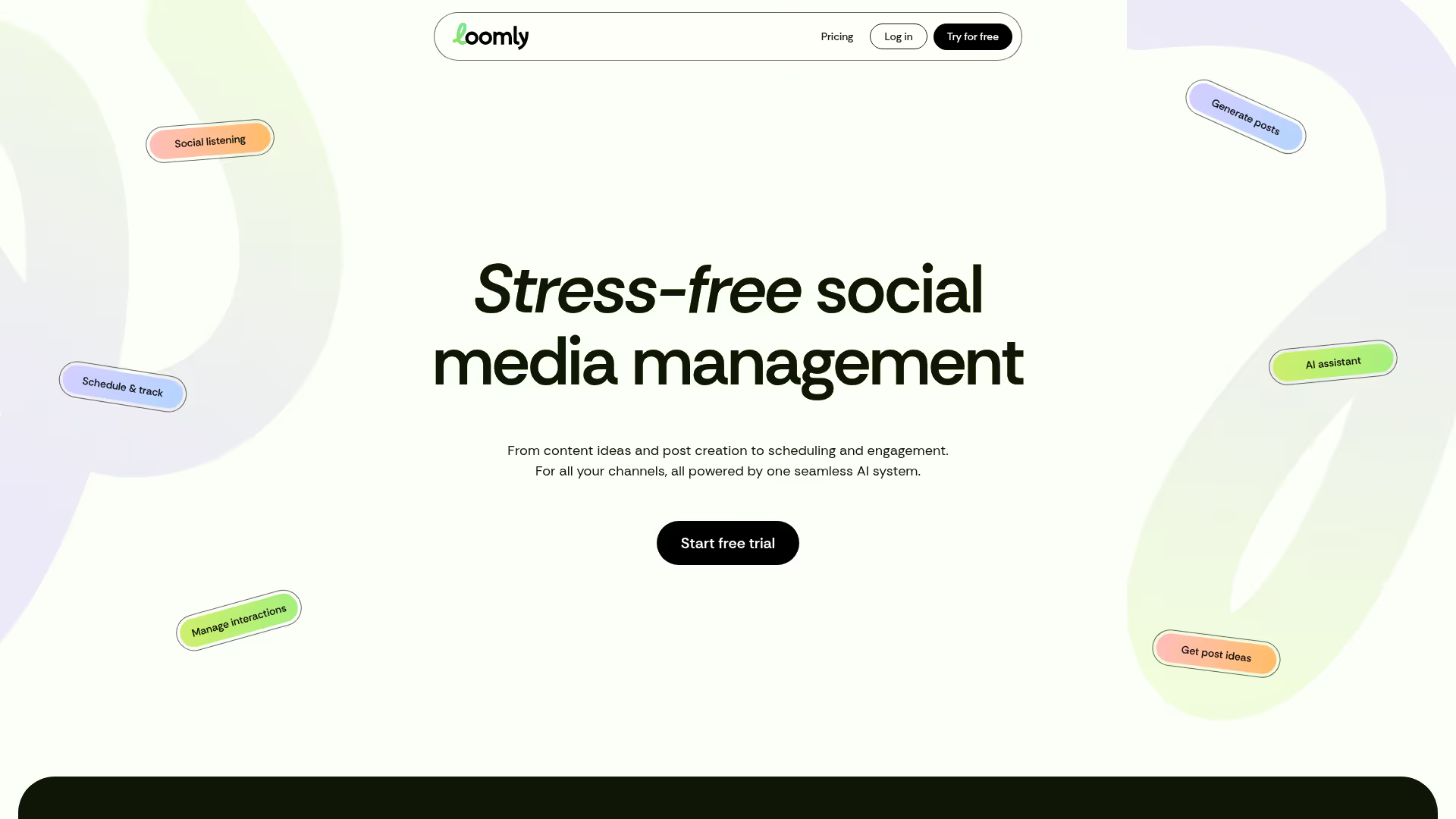
Loomly is a content and social media calendar built for brands that need planning and publishing in one tool. Unlike general PM tools, Loomly integrates directly with social platforms (Facebook, Instagram, X, LinkedIn, Pinterest, TikTok, Google Business Profile) for scheduling and publishing. Post ideas and optimization suggestions help fill creative gaps when your team runs dry on content.
For growth marketers whose primary calendar need is social + content coordination and promotion planning, Loomly removes the need for a separate scheduling tool. The approval workflow lets stakeholders review posts before they go live, keeping brand consistency without email-chain chaos. If you're evaluating the broader social media tool landscape, our guide to the best social media analytics tools covers the measurement side.
The trade-off: Loomly is strong for social and content but doesn't handle broader marketing project management. If you also need to plan events, manage paid campaigns, or track non-content marketing activities, you'll need a separate tool alongside Loomly.
Best for: Content and social-focused marketing teams that want planning, approval, and publishing in one tool without adding a separate social scheduler.
Key strengths
- Built-in social media scheduling and publishing
- Content calendar with drag-and-drop interface
- Post idea generation and optimization tips
- Approval workflows for stakeholder review
- Analytics for post performance tracking
Why choose Loomly: When social and content are the core of your marketing calendar, Loomly handles the full cycle from ideation to publishing to analytics. You skip the tool-switching between a planning tool and a social scheduler.
Pricing: Base from $42/mo (2 users). Standard from $80/mo (6 users). Advanced from $175/mo (14 users).
11. Planable
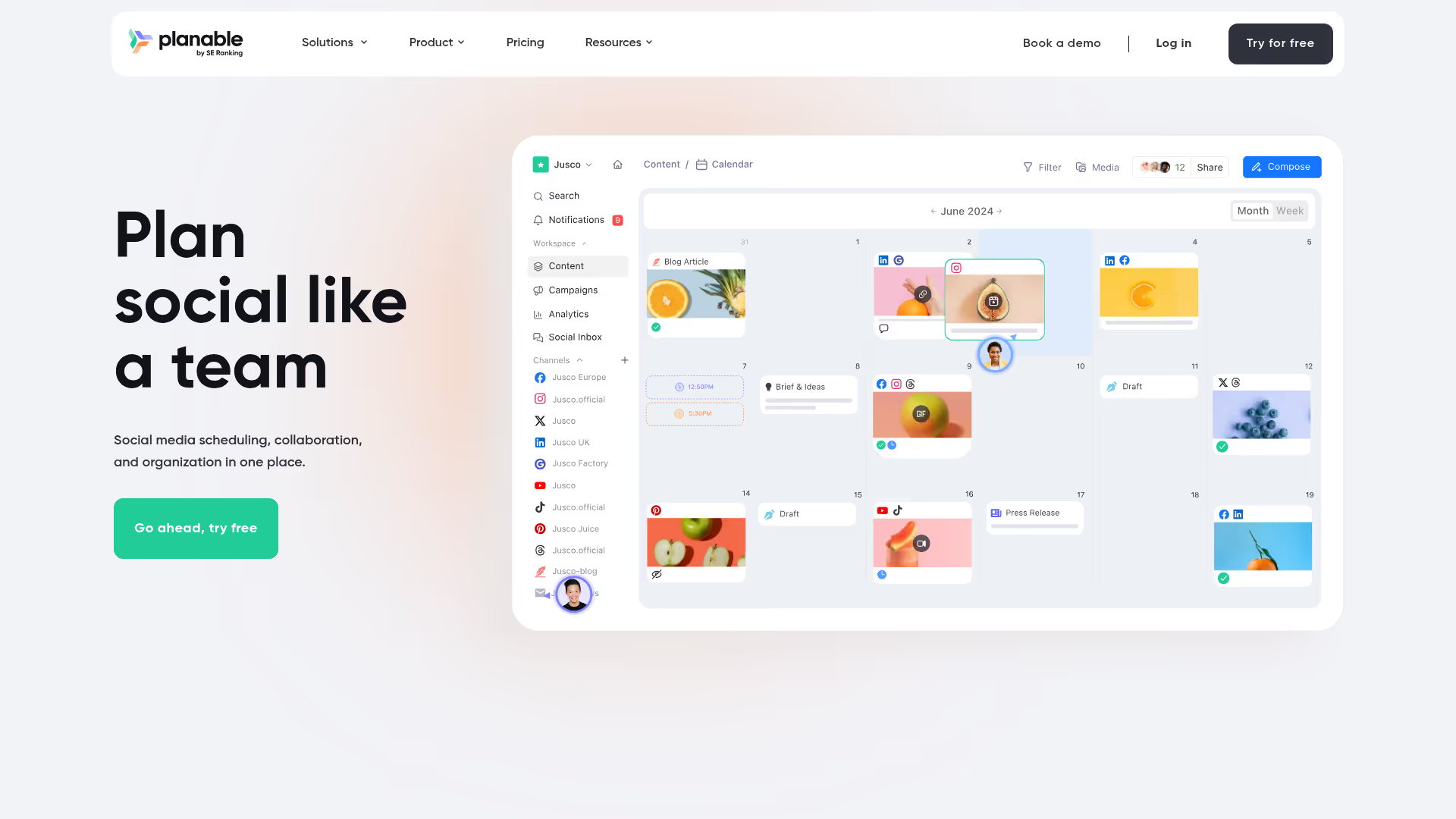
Planable is a content planning and approval platform designed for marketing teams and agencies that need fast stakeholder sign-off. The visual preview shows exactly how content will look before publishing - social posts, blog content, newsletters - so reviewers see the final product, not a draft in a Google Doc.
Calendar view maps all planned content with color-coding by channel or campaign. The approval workflow is the core differentiator: multiple approval types (none, optional, required, multi-level) let you match the tool to your governance needs. Workspace separation handles multi-brand or multi-client teams cleanly.
The trade-off: Planable is excellent at the review-and-approve stage but lighter on the planning and strategy side. It's not a full campaign management tool. Think of it as the approval layer that sits alongside your broader planning system.
Best for: Teams working with leadership, legal, or external clients who need to approve content before it goes live, and want to eliminate the email-chain approval mess.
Key strengths
- Visual content preview across channels
- Multi-level approval workflows (none to multi-layer)
- Universal Content calendar for all content types
- Real-time collaboration and feedback
- Workspace separation for multi-brand teams
Why choose Planable: When the bottleneck isn't planning but approval - when content sits in review for days because feedback is scattered across email, Slack, and comments - Planable consolidates that into one visual workflow.
Pricing: Free tier (50 posts). Basic from $33/user/mo. Pro from $49/user/mo.
12. TrueNorth

TrueNorth is purpose-built for growth marketers, and it shows. Unlike PM tools adapted for marketing, TrueNorth starts with a growth model: define your marketing goal (traffic, leads, revenue), and the tool forecasts what activity you need to hit it. Your marketing campaign calendar then maps planned campaigns against that forecast. Every item on the calendar has a projected impact. Teams exploring the broader growth marketing stack should also check our list of the best growth marketing tools.
This is the "why" behind the calendar, not just the "what and when." Campaign ideation includes scoring and prioritization, so your team focuses on the activities most likely to move the number. Milestone tracking shows whether you're on pace or falling behind.
The trade-off: TrueNorth is narrower than PM tools. It doesn't handle task management, resource allocation, or cross-functional project management. It's a strategy and planning layer, not an execution tool. Teams that need both planning and day-to-day task management will need TrueNorth plus something else.
Best for: Growth marketers who need to justify every campaign to leadership or tie marketing activity directly to pipeline and revenue goals.
Key strengths
- Growth modeling ties calendar activities to goals
- Campaign ideation with scoring and prioritization
- Milestone tracking against growth forecasts
- Simple campaign briefs and results logging
- Focus on marketing-specific metrics, not generic PM
Why choose TrueNorth: When leadership asks "what's the expected ROI of this campaign?" and you don't have a good answer, TrueNorth gives you the framework to connect every calendar item to a business outcome.
Pricing: From $99/mo for up to 5 users. Growth plan custom pricing.
13. Uptempo
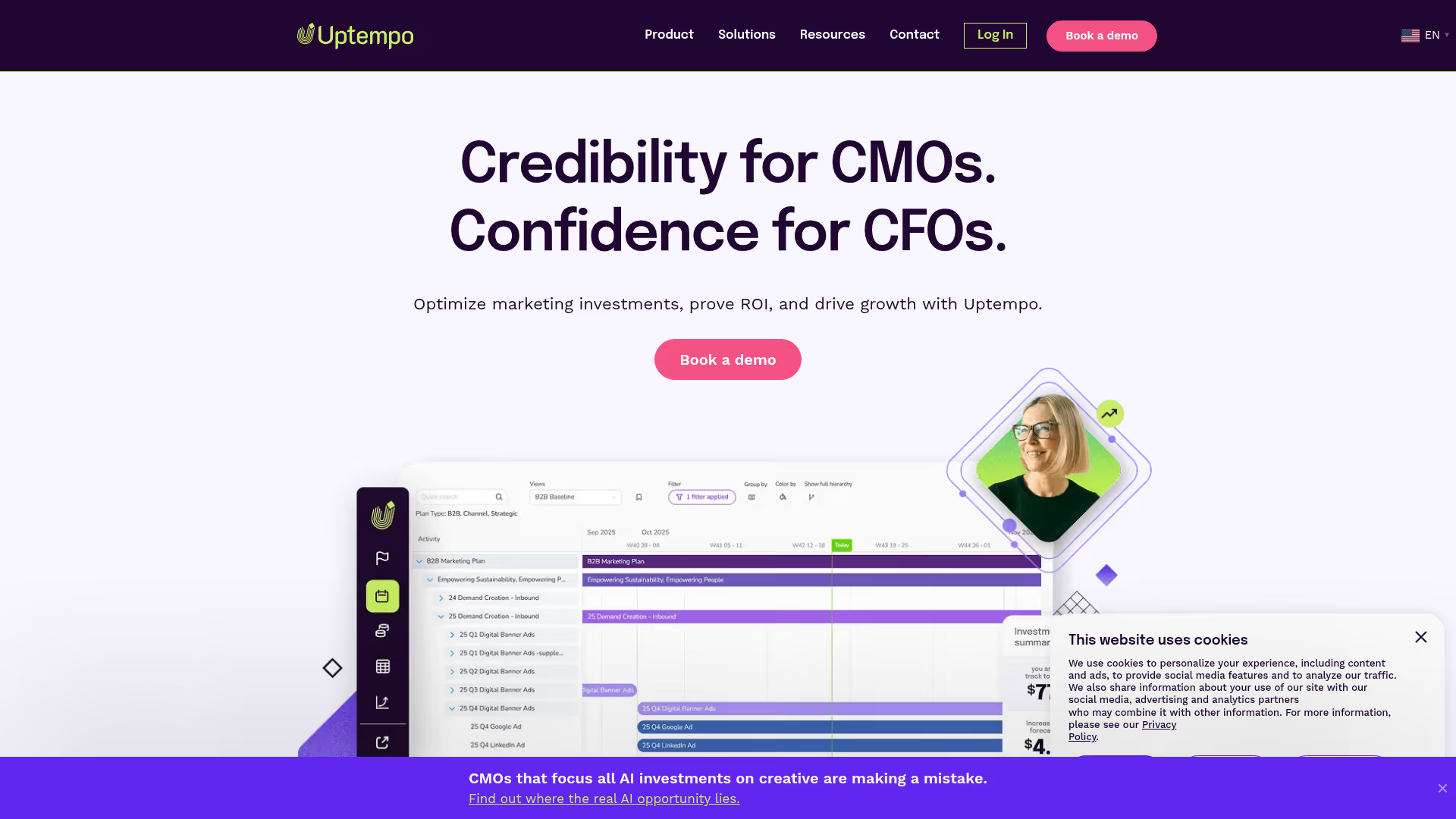
Uptempo (formerly Hive9 and Allocadia) is an enterprise marketing operations platform. For organizations with multiple marketing teams, business units, or regions that need to coordinate on a shared calendar with budget visibility, Uptempo is built for that scale. This is marketing planning software at the enterprise end of the spectrum.
Nested calendar hierarchy lets global teams see the full picture while regional teams manage their own plans. The Impact Modeler connects marketing activities to business outcomes, giving CMOs the ROI visibility they need for budget conversations. For teams that also need to measure the impact of their campaigns, our roundup of the best marketing analytics software covers the measurement tools that pair well with planning platforms.
The trade-off is direct: this is not a tool for a 3-person growth team. It's for marketing organizations with 20+ people and complex, multi-region planning requirements. Custom pricing means enterprise budget. If you're reading this article to find a $10/user/mo tool, Uptempo isn't it.
Best for: Enterprise marketing organizations (20+ people, multiple regions/BUs) that need budget management, ROI modeling, and nested calendar hierarchies.
Key strengths
- Nested calendars for multi-team and multi-region visibility
- Budget management integrated with calendar planning
- Impact Modeler for tying activity to ROI
- Real-time updates across global teams
- Filtered plan views by team, channel, or campaign
Why choose Uptempo: When your marketing org spans regions, business units, and dozens of people, Uptempo provides the governance and budget visibility that no PM tool can match at that scale.
Pricing: Custom pricing (enterprise). Contact for quote.
14. Toggl Plan
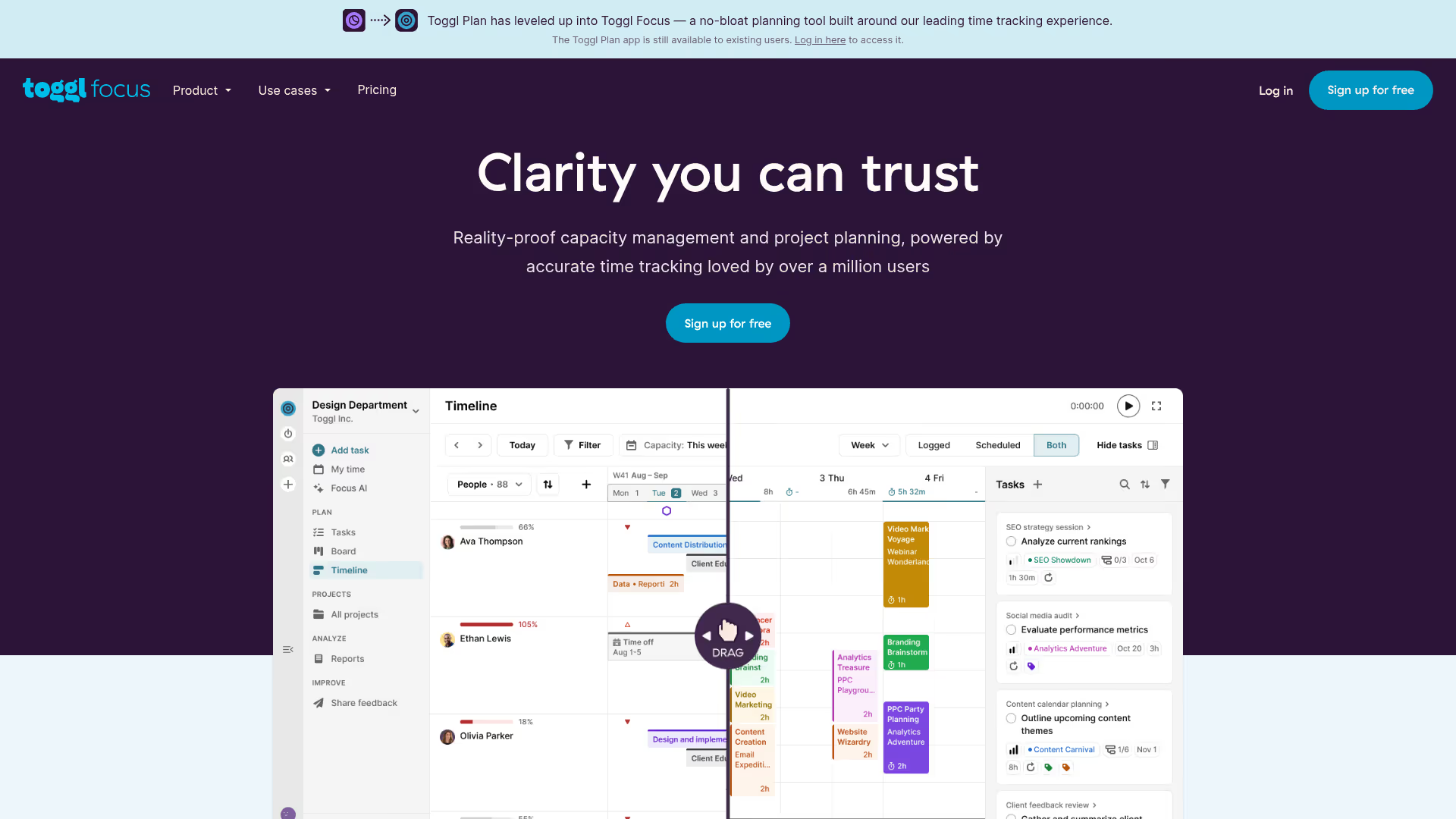
Toggl Plan is a visual timeline planning tool with a clean, color-coded overview of who's working on what and when. The interface is intentionally minimal - no complex configurations, no feature overload. Create timelines for team members and projects, drag tasks to schedule, and color-code by campaign or channel.
For small marketing teams that want a visual plan without the overhead of a full PM suite, this is the tool you set up in 15 minutes and start using the same day. Shared timelines give stakeholders visibility without requiring them to learn a new system.
The trade-off: limited automation and fewer integrations than larger platforms. No built-in reporting beyond basic timeline views. If your needs grow, Toggl Plan will likely become insufficient. It's designed for simplicity, not scale.
Best for: Small teams (2–5 people) who want visual timeline planning and nothing more. Fastest time-to-value on this list.
Key strengths
- Clean visual timeline interface
- Color-coded task planning by campaign or channel
- Team workload management at a glance
- Simple drag-and-drop scheduling
- Integrations with Toggl Track for time tracking
Why choose Toggl Plan: When you want a visual marketing calendar running in 15 minutes with zero configuration overhead. It's the right pick for small teams that need clarity, not complexity.
Pricing: Team from $9/user/mo. Business from $15/user/mo.
15. Hive
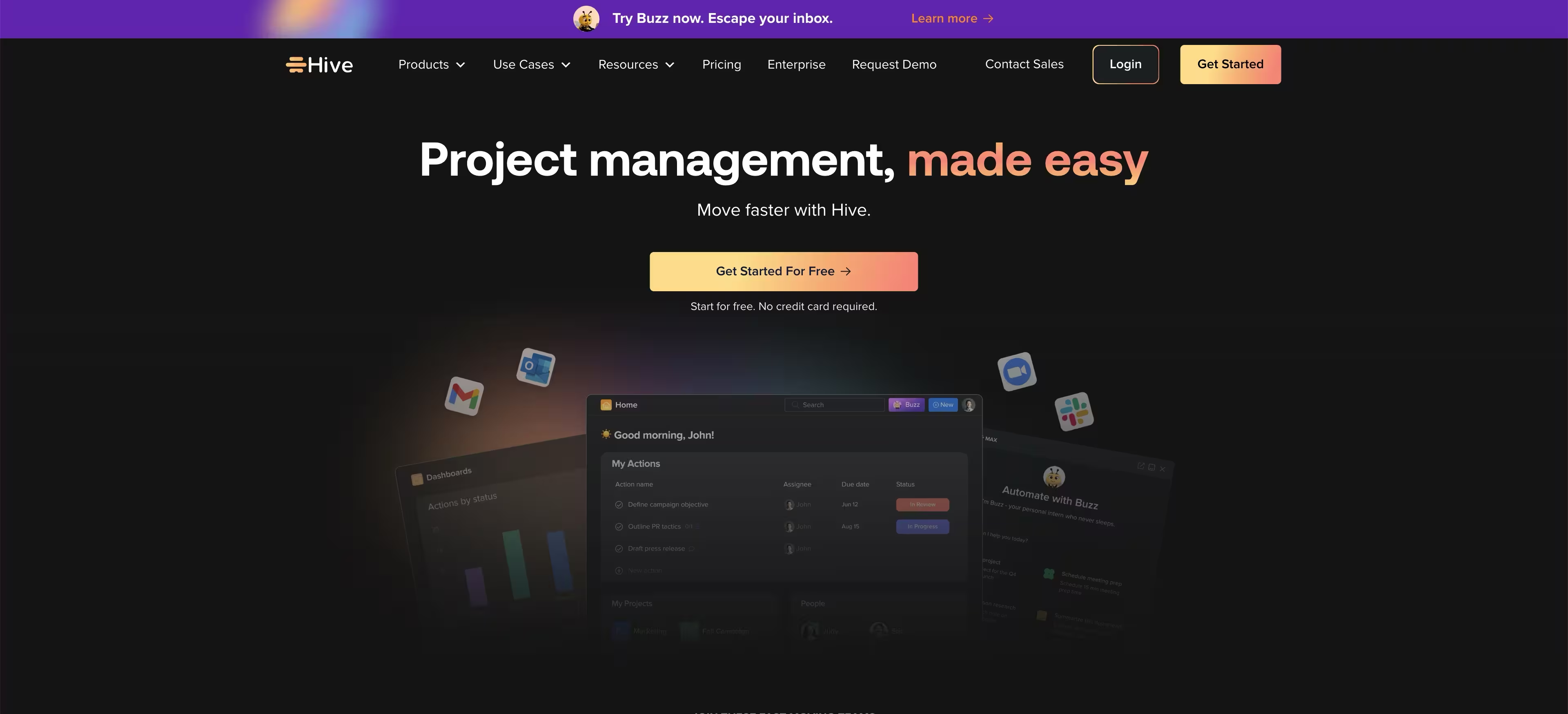
Hive is a project management platform with strong calendar functionality and an AI-powered task management in project tools (HiveMind) for task creation and content drafting. Calendar, Gantt, Kanban, and table views sit alongside native email, chat, and note-taking. The "action-oriented" positioning means Hive emphasizes task execution over planning - everything is built to move items forward.
For growth teams that want task management + light marketing planning in one place without ClickUp's complexity or Wrike's enterprise pricing, Hive is a solid middle option. Time tracking is built in, and proofing features handle basic creative review.
The trade-off: Hive is good at many things but not the top pick at any single one. The calendar view is functional but not as visually polished as CoSchedule or Toggl Plan. The AI features are useful but still maturing. It's a generalist, not a specialist.
Best for: Action-oriented marketing teams that want a middle ground between simple tools (Trello) and complex enterprise platforms (Wrike) with AI assistance included.
Key strengths
- Multiple project views (calendar, Gantt, Kanban, table)
- HiveMind AI for task and content assistance
- Native email and chat integration
- Automated workflows for status changes
- Time tracking and proofing features built in
Why choose Hive: When you need more than Trello but less than Wrike, and you want AI assistance baked into your daily workflow. Hive fills the middle ground for teams that want execution speed without enterprise complexity.
Pricing: Free tier. Teams from $5/user/mo. Enterprise custom.
Key features to look for in marketing calendar software
When evaluating marketing calendar tools, these five feature categories tend to separate tools that get used daily from tools that collect dust.
Multi-channel calendar views
You need to see email, social, paid, content, and events in one visual - not because it's nice to have, but because channel overlap creates conflict. Running a paid campaign while the content team publishes a contradicting message is the kind of mistake a single marketing planning software view prevents. Look for calendar, Gantt, timeline, and Kanban options.
Integrations with your marketing stack
Name the categories that matter: CRM (HubSpot, Salesforce), email platforms (Mailchimp, Customer.io), social tools (Buffer, Hootsuite), CMS (WordPress), and analytics (GA4). Integration depth matters more than integration count. A tool with 500 integrations that only syncs task names is less useful than a tool with 50 that syncs campaign data, status, and performance metrics. If you're still selecting your CRM, our guide to the best CRM software can help you evaluate options that integrate well with calendar tools.
Collaboration and approval workflows
Comments, @mentions, approval chains, and external stakeholder access. This matters most when multiple people touch campaigns - which is always. The number of stakeholders in a B2B purchase decision averages 6 to 10 stakeholders according to Gartner. Your internal campaign approval chain isn't much simpler.
Reporting on planned vs. completed
The ability to see what shipped, what slipped, and what's blocked. Dashboards for leadership visibility. This saves you from the quarterly review where you reconstruct what happened from Slack messages and memory. A tool that tracks planned-vs-actual saves hours of forensic reporting.
Automation
Rules that auto-assign, auto-notify, or auto-move tasks when status changes. This reduces the manual coordination overhead that growth marketers resent - the "did you update the spreadsheet?" messages, the "where does this stand?" Slack pings. Automation handles the bookkeeping so people can focus on the work.
How to choose the right marketing calendar tool
Match the tool to your team size and complexity
Explicit matching saves you from over-buying or under-buying:
- Solo marketer or 2-person team → Trello, Notion, Toggl Plan
- Growth team of 3–10 → CoSchedule, monday.com, ClickUp
- Enterprise marketing org (10+) → Wrike, Uptempo
More features don't mean better. A 2-person team on Wrike will spend more time configuring than planning.
Dedicated calendar vs. PM tool with calendar views
Dedicated tools (CoSchedule, Loomly, TrueNorth) are purpose-built but narrower in scope. PM tools (monday.com, Asana, ClickUp) are broader but require more setup to work as marketing calendars. The right choice depends on whether your calendar IS your workflow (dedicated tool) or just one view within a larger cross-functional workflow (PM tool).
Evaluate integrations before features
A marketing calendar software tool that doesn't connect to your email platform, CMS, and analytics stack creates another silo instead of eliminating one. Before evaluating features, map your current stack: CRM, email platform, social scheduler, CMS, analytics. Then check which tools integrate with all of them. This filter eliminates half the list before you test anything. For teams evaluating their email marketing software alongside their calendar tool, getting the integration right between the two is critical.
Test the free tier before committing
Most tools on this list offer free plans or trials. Test with a real campaign, not a dummy project. If the tool doesn't click within a week, it won't click in a month. Build your actual next campaign in the trial - plan it, assign it, move it through status changes. That's the real test. If your team creates product tours or interactive walkthroughs as part of campaigns, tools like Guideflow can help you build and share those experiences alongside your calendar workflow.
Conclusion
The best marketing calendar software is the one that matches your team size, integrates with your stack, and gets used consistently. A tool you actually use beats a tool with more features that collects dust.
Once your campaigns are planned and shipping, the next bottleneck most growth teams hit is showing their work - demonstrating campaigns, product features, or workflows to stakeholders and prospects. Interactive demos let your team share product experiences without scheduling another meeting.