
You spent an hour customizing that demo deck. The prospect canceled. Again. The real problem isn't qualification or timing. It's friction. Buyers want hands-on proof before committing 30 minutes to a stranger, and static slides don't cut it anymore. This guide covers 10 interactive demo tools that let prospects experience your product on their own terms, so your team can focus on deals that actually close.
What's inside this guide
This guide covers the best interactive demo tools for sales teams in 2026 that are actually being used to close deals faster. You'll find:
- What interactive demo tools are and how they differ from sandboxes and live demos
- When to use them across the sales cycle, from outbound to post-call follow-up
- 10 platforms evaluated based on speed, personalization, CRM integration, and buyer intent signals
- Selection criteria so you can match the right tool to your team's workflow
We focused on tools that reduce engineering dependency, generate measurable engagement data, and fit into existing sales motions without adding friction.
TL;DR
- Best overall for sales teams: Guideflow captures, personalizes, and tracks demos in minutes without engineering help
- When to use interactive demos: Pre-call outreach, stakeholder alignment, post-call follow-up, and champion enablement
- Key selection criteria: CRM integration, ease of capture, personalization depth, and buyer intent analytics
- What separates winners from losers: Speed to create without technical help, measurable engagement signals that feed sales strategy, and personalization that scales across accounts
What are interactive demo tools for sales teams
Interactive demo tools let prospects experience your product through guided, clickable walkthroughs without scheduling a live call or logging into a sandbox. In 2026, the best platforms focus on high personalization, AI-driven creation, and seamless CRM integration because more than half of $1M B2B deals will be processed through digital self-serve channels.
The core idea: buyers research alone and want hands-on proof before committing time to a meeting. Interactive demos let them evaluate on their own terms, which removes the friction of scheduling while still showing the product in action. For sales teams specifically, the value comes down to one thing: the cognitive cost of committing to a live meeting keeps rising. Prospects protect their attention more aggressively than ever when 61% of buyers prefer rep-free experiences.
Interactive demos don't remove that cost. They let prospects pay it on their own schedule.
Core capabilities of sales demo software
The best interactive demo platforms share a common set of capabilities that directly impact pipeline velocity:
- Capture: Record product flows via browser extension or screen capture without waiting on engineering
- Edit: Customize text, images, and branding using a plug and play editor that non-technical users can handle
- Personalize: Tailor demos by persona, account, or use case with dynamic variables that pull from CRM data
- Share: Distribute via link, embed, email, or social so demos meet prospects wherever they are
- Analyze: Track engagement as buyer intent signals, not just "demo viewed," so reps know what to prioritize
Interactive demos vs sandboxes vs live demos
Interactive demos, sandboxes, and live demos serve different moments in the buyer journey. Here's how they compare:
Most sales teams use all three at different stages. Interactive demos work best for scaling the early and mid-funnel, while sandboxes and live demos handle deeper technical validation.
Key features that drive pipeline velocity
Not all features matter equally for sales teams. The ones that directly impact deal movement include:
- No-code creation: Reps ship demos without waiting on product or engineering, which means faster response to prospect requests
- CRM integration: Sync engagement data to Salesforce or HubSpot for lead scoring and prioritization
- Branching paths: Let prospects self-select their journey based on role or use case, so the demo feels relevant
- Personalization at scale: Customize for each account without re-recording, which saves hours per week
- Engagement analytics: See which features prospects explored, where they dropped off, and what they cared about
When sales teams use interactive demos
Interactive demos outperform alternatives at three specific moments in the sales cycle. Each moment is about reducing cognitive cost for buyers while generating intent signals for reps.
Pre-call prospecting and outreach
Cold outreach with a generic deck or PDF rarely gets a response when 83% of buyers define requirements before sales. Interactive demos change the equation by letting prospects evaluate before committing to a meeting.
You can embed demos directly in sequences, emails, and LinkedIn messages to maximize your outreach campaigns. Instead of asking for 30 minutes of someone's time, you're offering a 2-minute product experience they can complete on their own schedule. Prospects who engage with a demo before a call show up more prepared and more qualified.
Mid-funnel evaluation and stakeholder alignment
Modern B2B deals involve 13 stakeholders on average. Not everyone attends the discovery call. Not everyone watches the recording.
Interactive demos solve this by giving champions something to share internally through an interactive demos library. When a VP of Sales wants to loop in their CTO, they can forward a demo that shows the technical integration, not a slide deck that summarizes it. You can track who viewed what, which tells you which stakeholders are actually evaluating and which are just cc'd.
Post-call follow-up and champion enablement

Post-call Loom recordings have a problem: prospects don't watch them. They're too long, too generic, and provide no signal back to the seller.
Interactive demos let champions self-serve the specific features discussed in the call. If the conversation focused on reporting, you send a demo of reporting. If it focused on integrations, you send a demo of integrations.
Reps see engagement data to know who's actually evaluating. That signal is worth more than a "thanks for the call" email.
How we evaluated these demo automation platforms
We looked at what actually matters for sales teams running demos day to day:
- Speed to first demo: How fast can a rep capture and publish without technical help? Minutes matter when a prospect asks for a follow-up.
- Personalization depth: Can you tailor by persona, account, and use case at scale? Or do you re-record every time?
- Sales workflow fit: Does it integrate with HubSpot, Salesforce, and more? Does it work with sequencers and meeting tools?
- Buyer intent signals: Does it track meaningful engagement beyond "demo viewed"? Feature exploration, time spent, and drop-off points matter.
- Enterprise readiness: SSO, security, and access controls for scaling teams
- Pricing transparency: Clear pricing that scales with team size without surprise overages
Interactive demo software comparison table
The 10 best interactive demo tools for sales teams in 2026
Each of the best interactive demo tools for sales teams in 2026 serves a different primary use case, so the right choice depends on your team's specific motion.
1. Guideflow
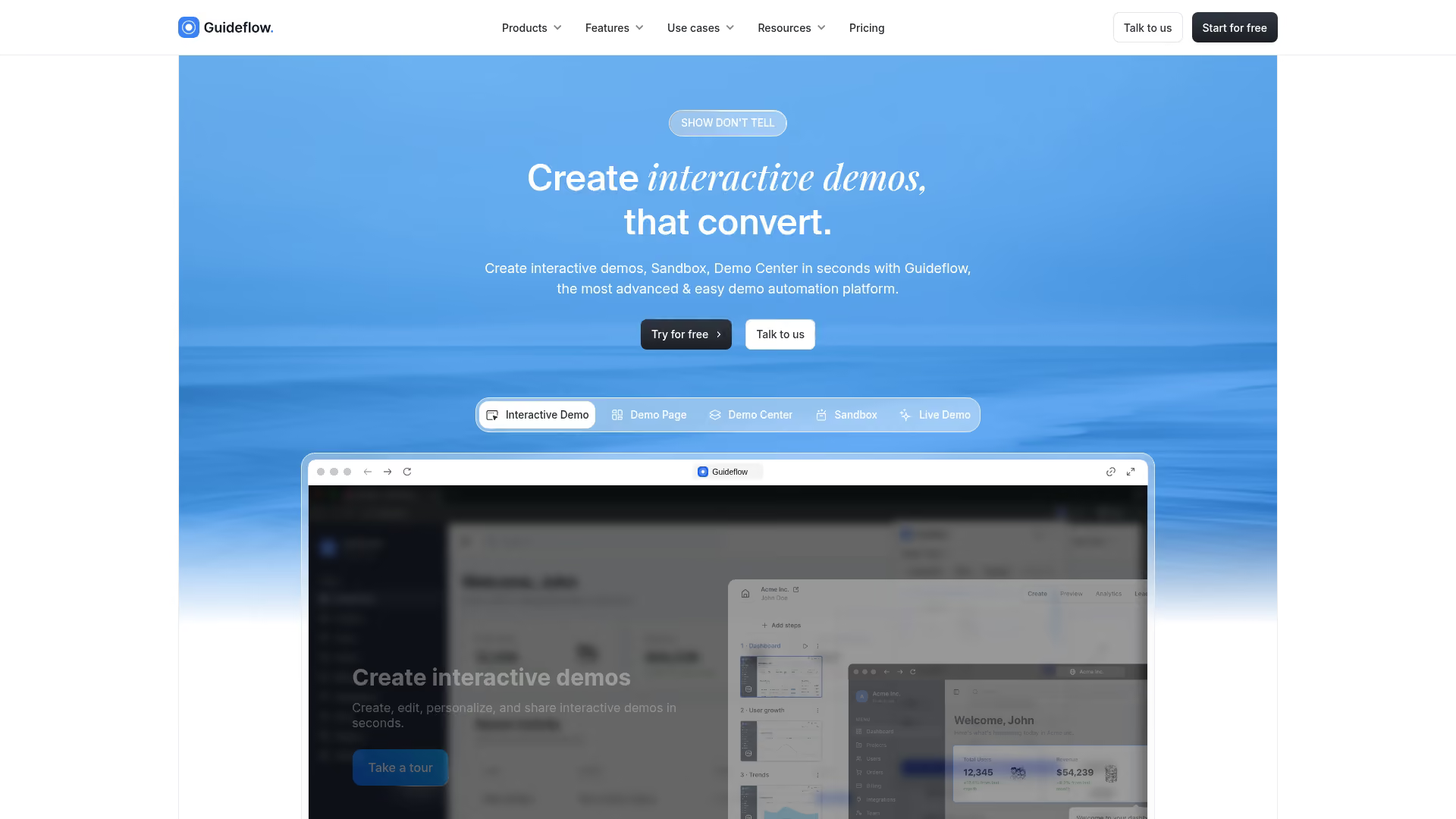
Guideflow is a demo automation platform built for pre-sales teams (see the full landscape of best presales software tools) and marketing teams that want to create, personalize, and measure interactive demos without engineering dependency. You capture any workflow via browser extension in clicks, edit with a no-code builder, personalize demos for every prospect with dynamic variables, and track buyer intent signals that feed directly into your CRM.
Best for: Sales teams that want to ship demos in minutes, personalize at scale, and use engagement data to prioritize follow-up.
Key strengths
- Capture in seconds: Browser extension records your product as you click through it. No staging environment, no engineering ticket.
- Personalization at scale: Dynamic variables let you tailor text, images, and data by persona, role, or account without re-recording.
- Full-funnel analytics: Track which features prospects explored, how long they engaged, where they dropped off, and which use cases they care about.
- AI-powered editing: Auto-generate steps, CTAs, translations, and voiceovers so you can publish polished demos faster.
- CRM integration: Sync engagement data to Salesforce and HubSpot for lead scoring and prioritization.
Why choose Guideflow
Guideflow removes the tradeoff most teams face: fast tools are basic, enterprise tools are slow to implement. You get both speed (capture and ship in minutes) and power (personalization, analytics, integrations, enterprise readiness).
The platform supports multiple demo formats, including interactive demos, sandboxes, demo centers, and live demos, so you can match the format to the moment in the buyer journey.
Pricing
- Free: $0/month (5 guideflows, unlimited viewers, 7-day analytics)
- Solo: $40/month (unlimited guideflows, advanced analytics, lead forms, AI features)
- Growth: $499/month
- Advanced: $1,499/month
- Enterprise: From $2,999/month
Start your journey with Guideflow today!
2. Demodesk
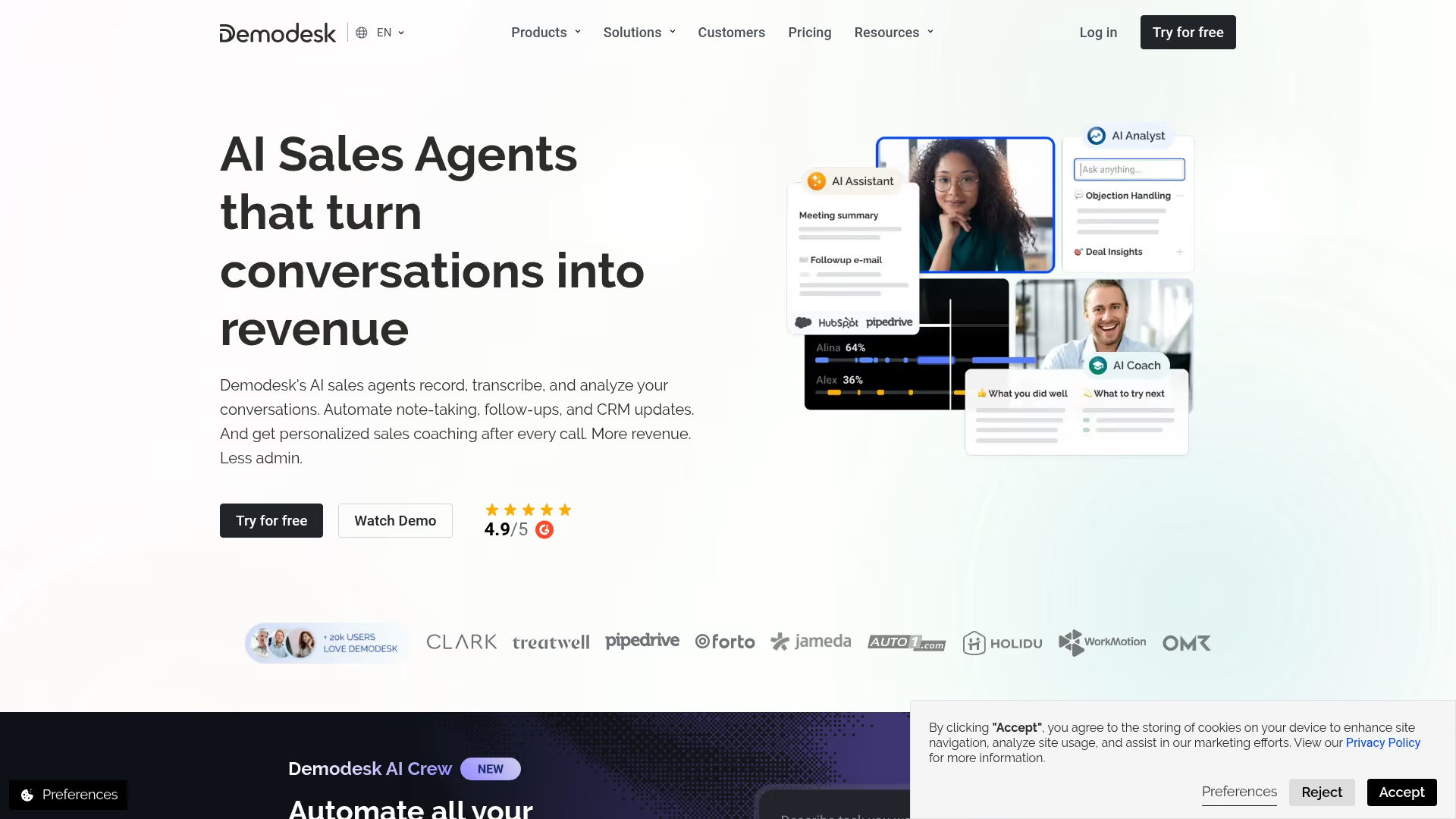
Demodesk is a virtual meeting platform designed for sales teams running live product demonstrations. It provides a controlled demo environment within video calls, with features like automated scheduling, real-time playbooks, and CRM logging.
Best for: Teams that run high-volume live demos and want to standardize the meeting experience across reps.
Key strengths
- Virtual meeting rooms: Purpose-built for demos, not just video calls
- Real-time playbooks: Guide reps through talk tracks during live calls
- Automated scheduling: Reduce back-and-forth with calendar integration
- CRM logging: Automatically capture meeting notes and outcomes
Why choose Demodesk
Demodesk works well when your primary motion is live demos and you want to improve consistency across a large team. It's less about self-serve interactive demos and more about making live calls more effective. The tradeoff: it doesn't create async, self-serve experiences.
Pricing
Contact sales for pricing. Plans vary by team size and feature requirements.
3. Vidyard
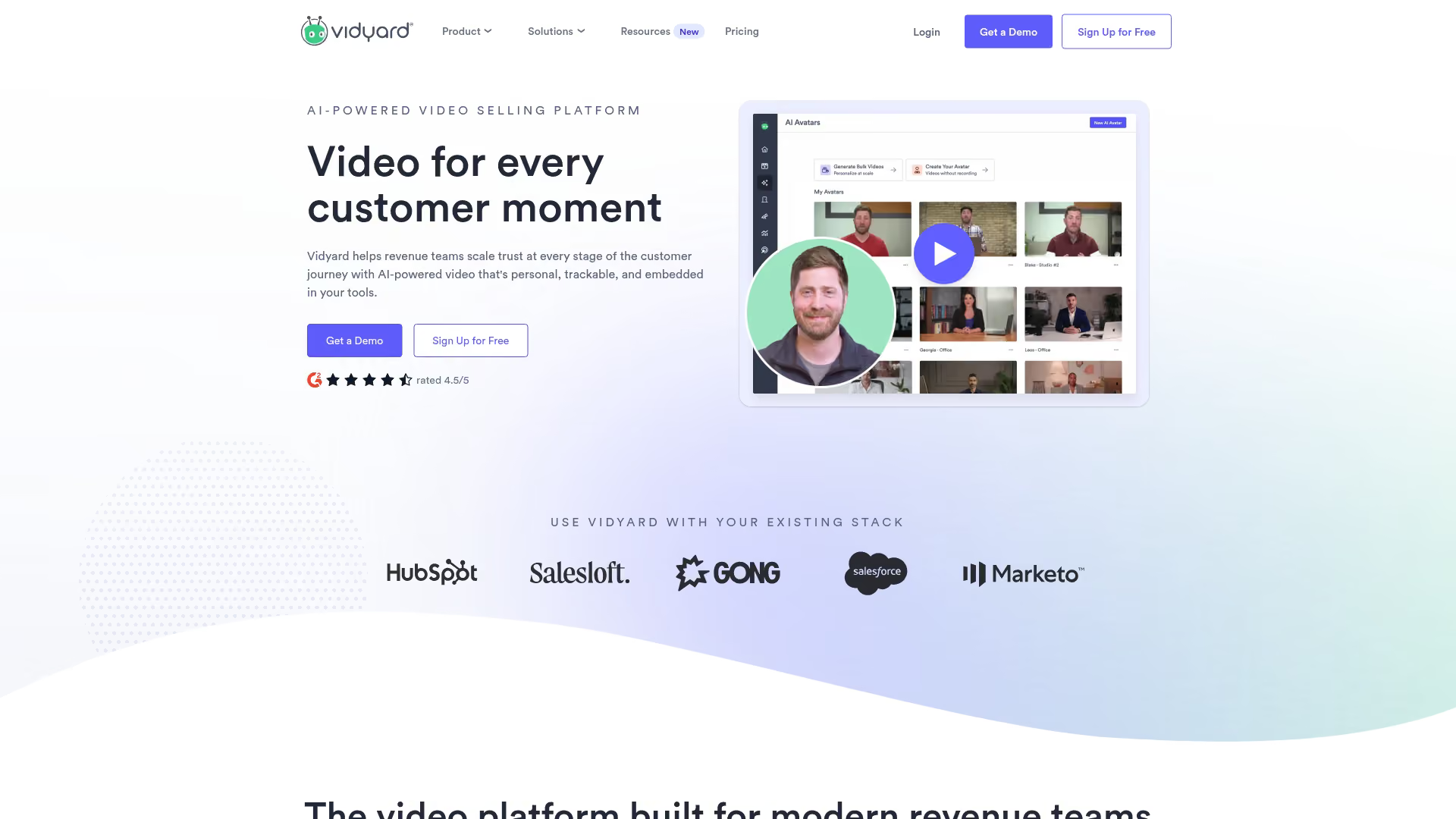
Vidyard is a video messaging platform that lets sales reps record and share personalized videos with interactive elements like CTAs and in-video forms. It's designed for teams already using video in outreach who want to add engagement tracking.
Best for: Sales teams using video prospecting who want to add clickable CTAs and track viewer engagement.
Key strengths
- Personalized video messages: Record quick videos with webcam and screen capture
- Interactive CTAs: Add clickable buttons and forms within videos
- Engagement tracking: See who watched, how long, and what they clicked
- CRM integration: Sync viewing data to Salesforce and HubSpot
Why choose Vidyard
Vidyard fits teams where video is already part of the outreach motion. It adds interactivity and tracking to what would otherwise be a one-way recording.
The limitation: viewers watch, they don't click through your product. It's video-based, not product capture-based.
Pricing
Free plan available. Paid plans start at $19/month per user.
4. Loom
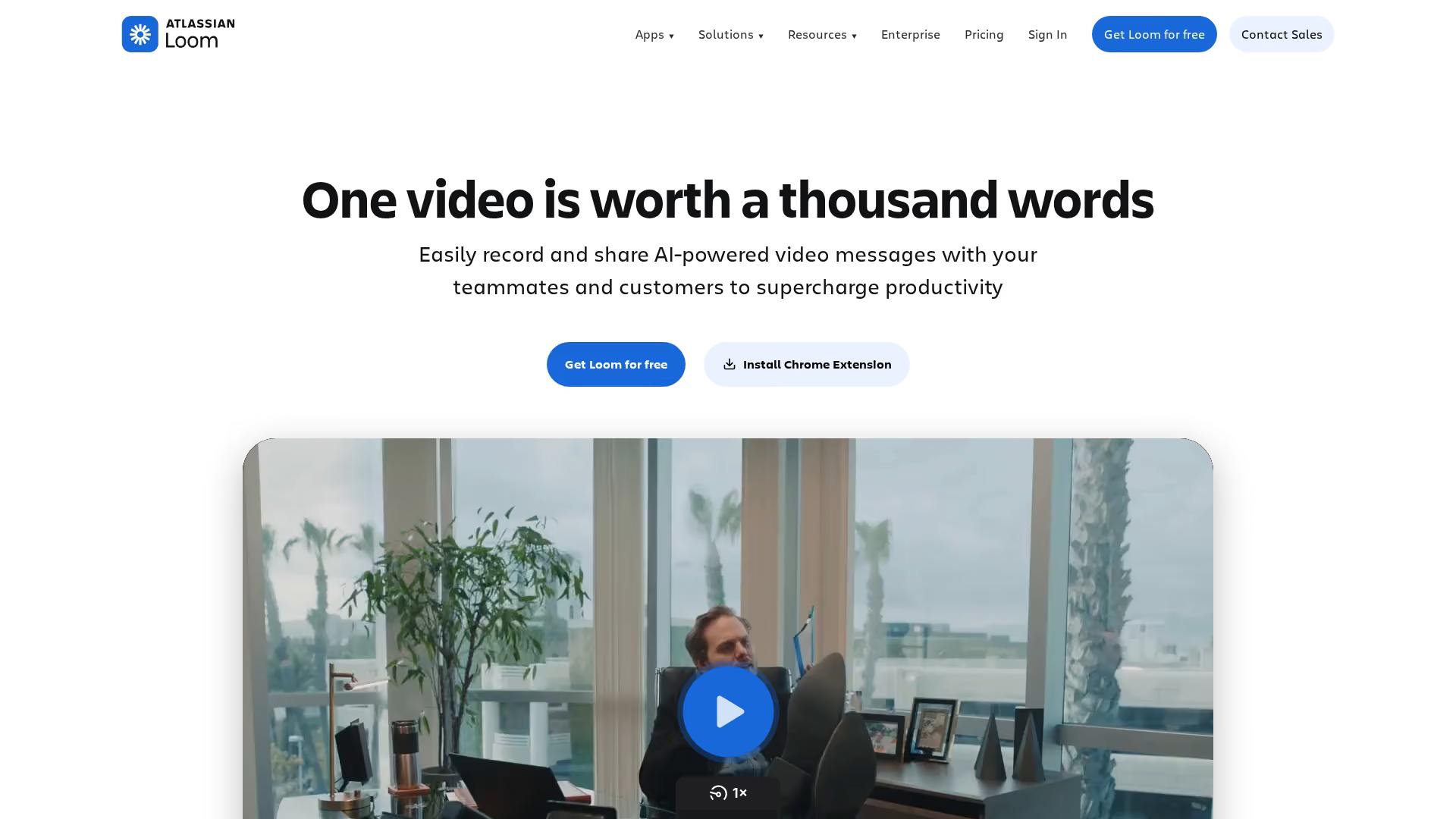
Loom is an async video messaging tool for quick screen recordings. Sales teams use it for follow-ups, explanations, and personalized outreach. It's fast to record and easy to share.
Best for: Reps who want to send quick, personalized video messages without complex setup.
Key strengths
- Fast capture: Record screen and webcam in seconds
- Easy sharing: Generate a link instantly, embed anywhere
- Viewer insights: See who watched and for how long
- Comments and reactions: Viewers can respond directly on the video
Why choose Loom
Loom is the fastest way to send a personalized video. It works well for quick explanations, follow-ups, and adding a human touch to outreach. The limitation: it's not truly interactive. Viewers watch, they don't click through your product.
Pricing
Free plan available. Business plans start at $12.50/month per user.
5. Gong
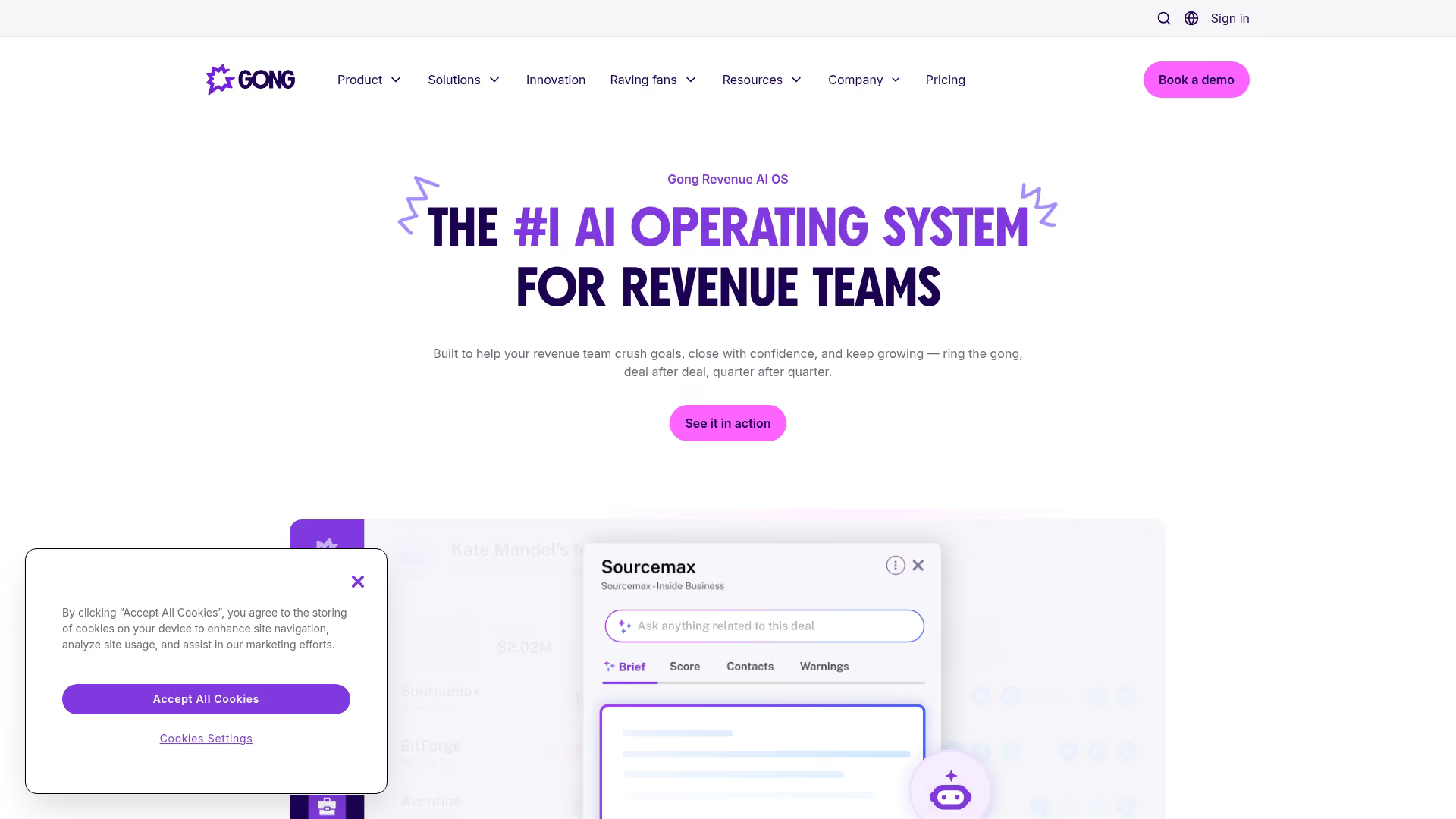
Gong is a conversation intelligence platform that records, transcribes, and analyzes sales calls. It helps teams understand what happens in live demos and coach reps based on real conversations.
Best for: Sales leaders who want to analyze live demo performance and improve rep effectiveness.
Key strengths
- Call recording and transcription: Capture every live demo automatically
- Conversation analytics: Identify patterns in winning vs. losing deals
- Coaching insights: Spot coaching opportunities based on talk tracks and objections
- Deal intelligence: Track deal health based on conversation signals
Why choose Gong
Gong doesn't create self-serve demos. It helps you understand what happens in live demos so you can improve them. If your motion is heavily live-demo-driven, Gong provides the feedback loop to get better. The tradeoff: it's an analytics and coaching tool, not a demo creation tool.
Pricing
Contact sales for pricing. Typically enterprise-level investment.
6. Highspot
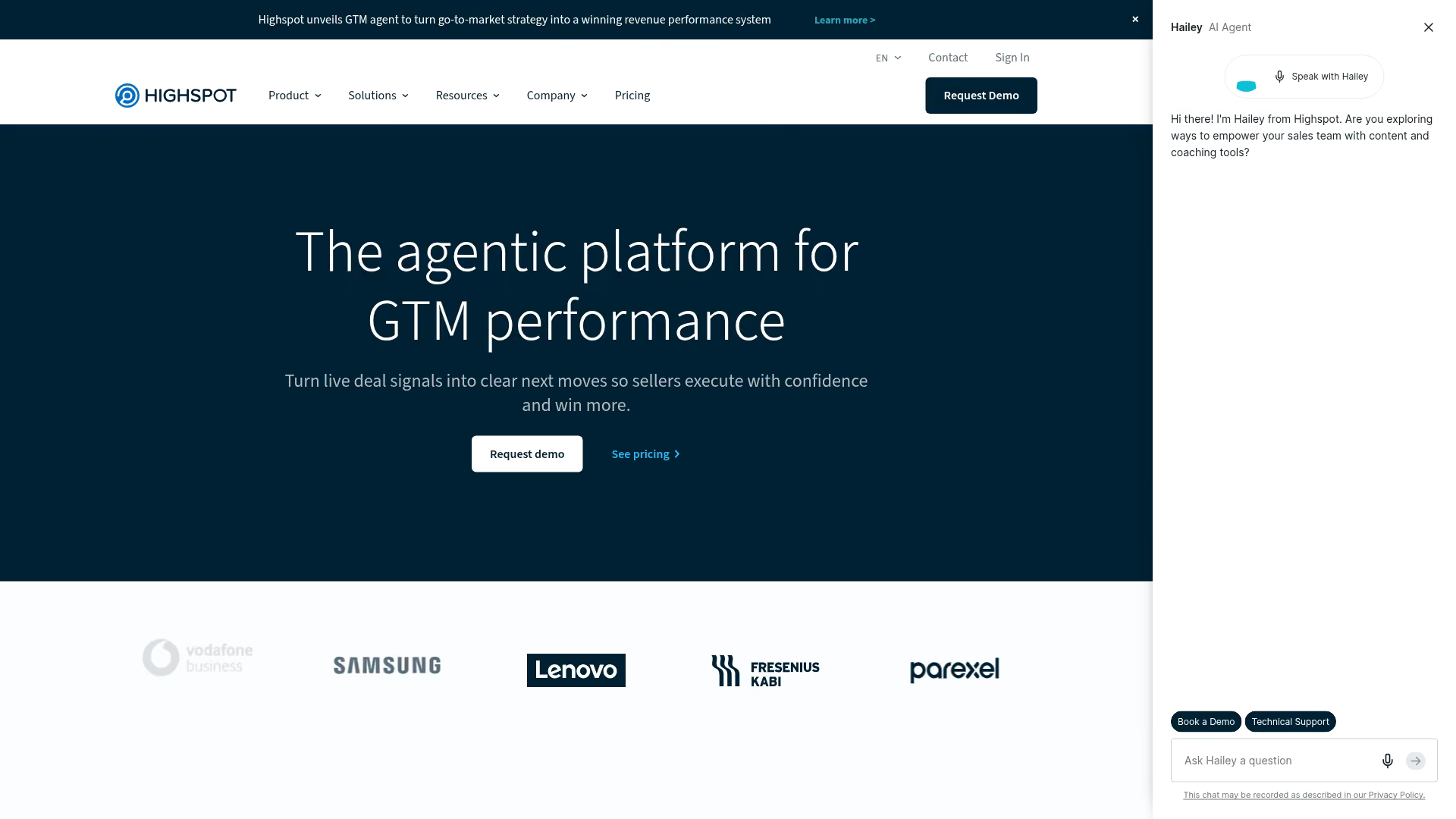
Highspot is a sales enablement platform focused on content management, training, and seller guidance. It helps large teams organize and distribute demo assets, pitch decks, and sales collateral.
Best for: Large sales organizations that want governance over demo content and sales assets.
Key strengths
- Content management: Organize demos, decks, and collateral in one place
- Content analytics: See which assets get used and which drive outcomes
- Training and coaching: Onboard reps with guided learning paths
- CRM integration: Surface relevant content within Salesforce
Why choose Highspot
Highspot works well when the problem is content chaos: too many assets, no visibility into what works, inconsistent messaging across reps. It's less about creating demos and more about managing them. Demo creation is secondary to content governance.
Pricing
Contact sales for pricing. Enterprise-focused.
7. Showpad
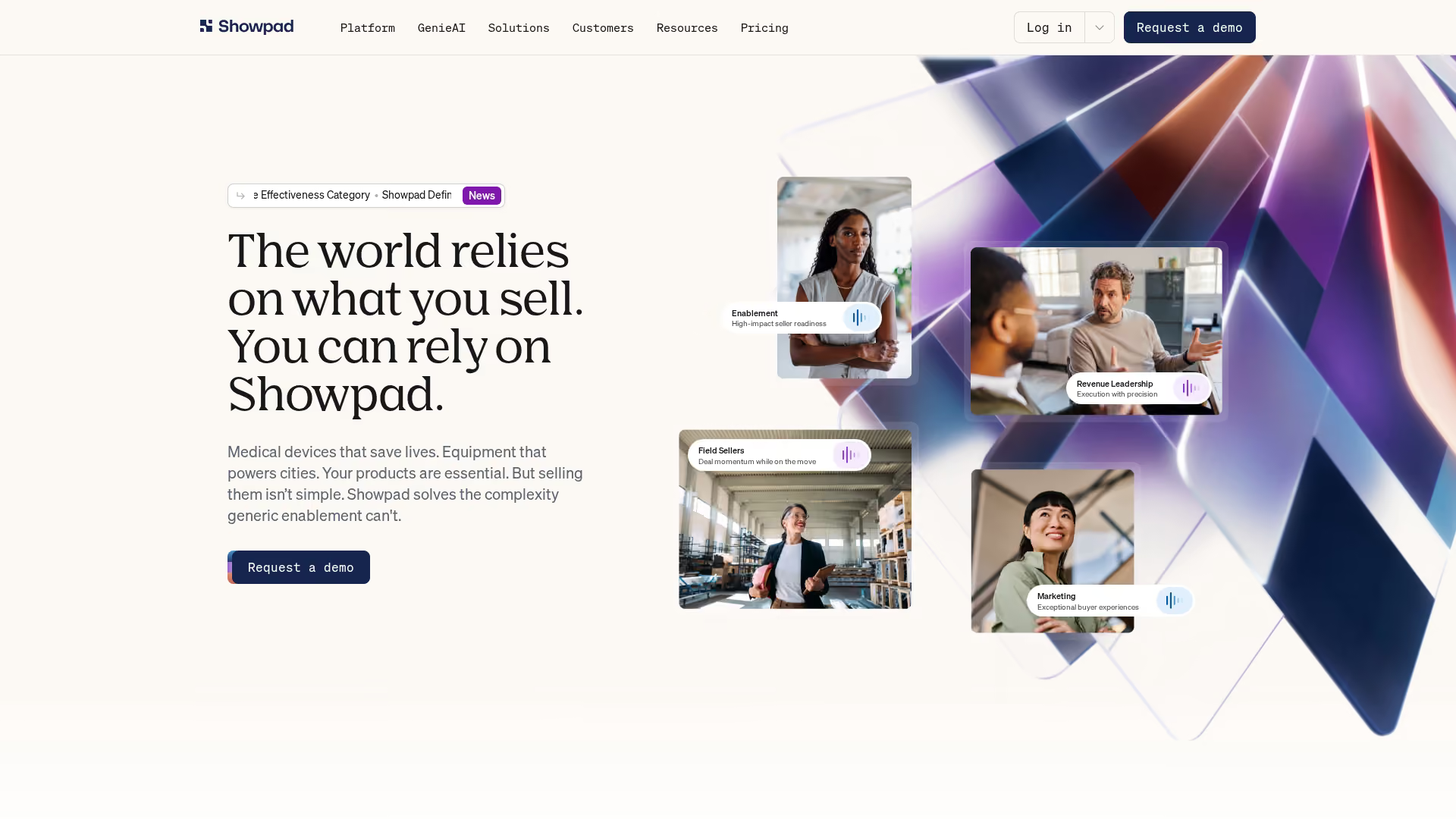
Showpad combines sales enablement with content management and coaching. It helps teams organize assets, train reps, and track content engagement across the buyer journey.
Best for: Teams that want training, content, and seller guidance in one platform.
Key strengths
- Content hub: Centralize demos, videos, and collateral
- Seller training: Built-in coaching and certification
- Buyer engagement tracking: See what content prospects view
- Integrations: Connect with CRM and marketing tools
Why choose Showpad
Showpad fits teams that want enablement and content management together. It's broader than pure demo tools, covering training and coaching alongside content distribution. Interactive demo capabilities are part of a larger suite, not the primary focus.
Pricing
Contact sales for pricing.
8. Seismic
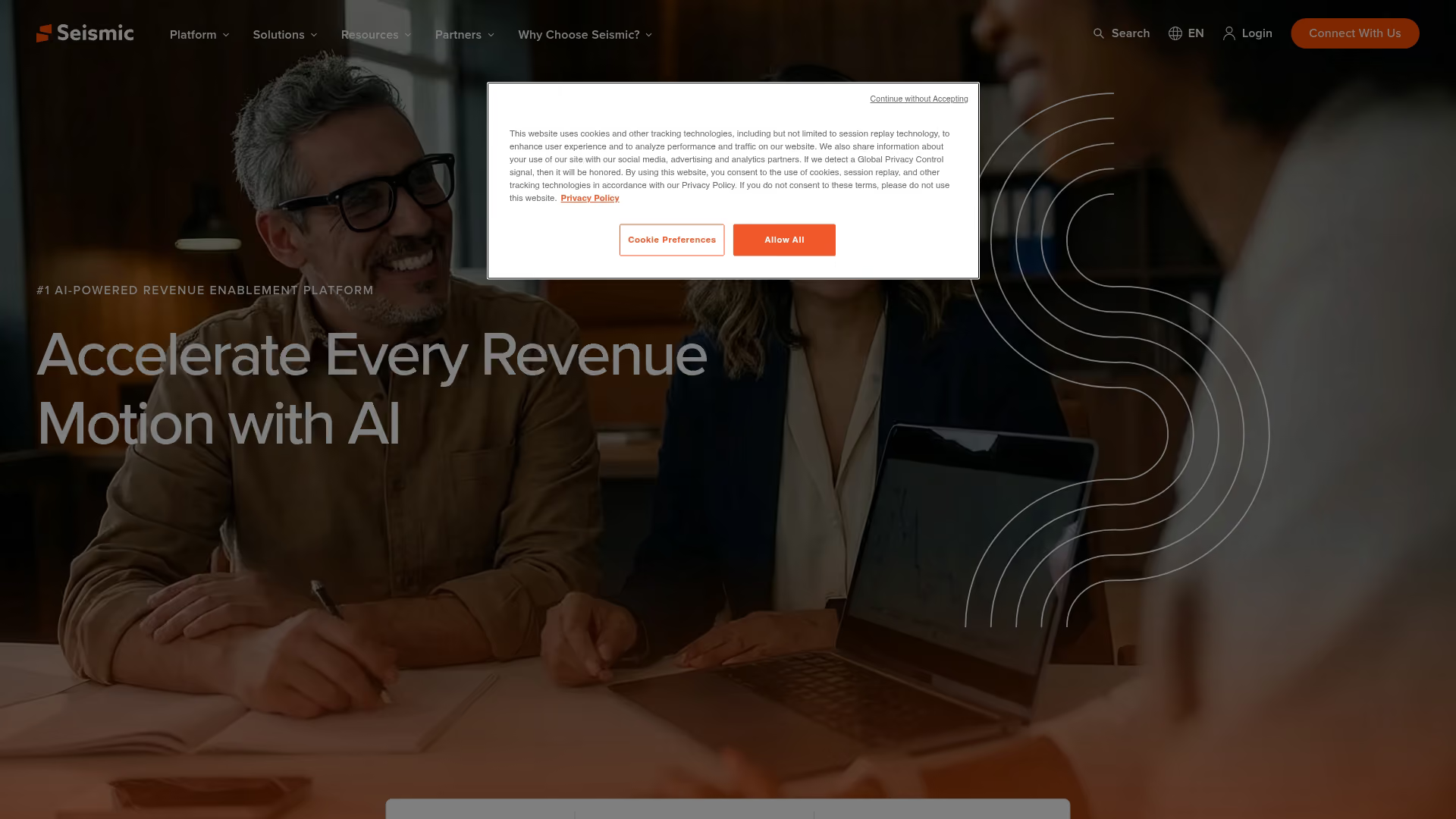
Seismic is an enterprise sales enablement platform covering content management, training, analytics, and AI-powered recommendations. It's designed for large organizations with complex content requirements.
Best for: Enterprise organizations wanting content governance, training, and analytics at scale.
Key strengths
- Enterprise content management: Govern assets across global teams
- AI-powered recommendations: Surface relevant content based on deal context
- Training and enablement: Onboard and certify reps at scale
- Advanced analytics: Measure content impact on revenue
Why choose Seismic
Seismic is the enterprise choice when you want full-stack enablement: content, training, analytics, and governance. Demo tools are one piece of a much larger platform. The tradeoff: implementation is significant.
Pricing
Contact sales for pricing. Enterprise-level investment.
9. Trumpet
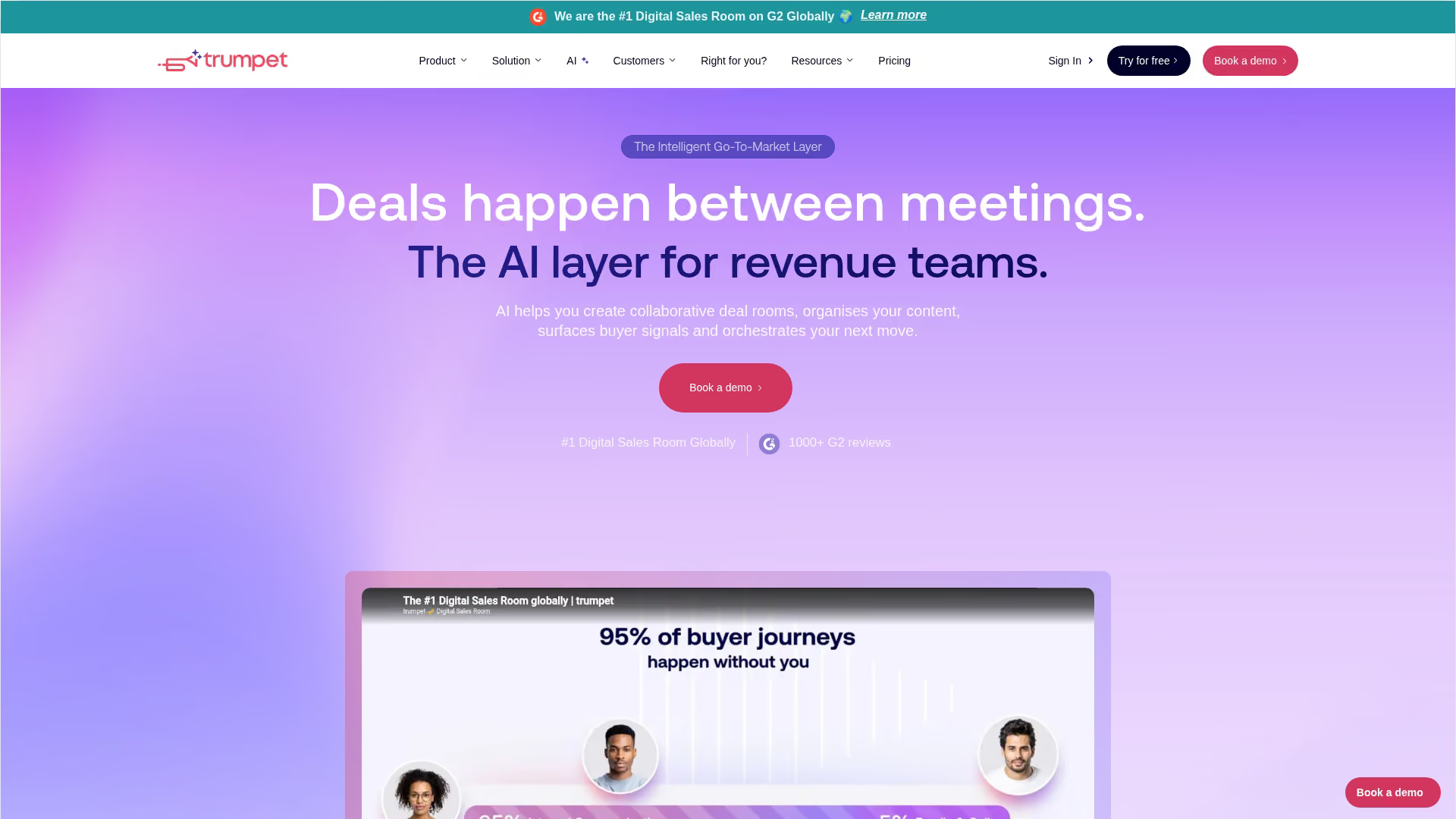
Trumpet creates personalized digital sales rooms where you can combine demos, proposals, videos, and documents in one buyer-facing portal. It's designed for multi-stakeholder deals where you want to centralize everything.
Best for: Sales teams running complex deals who want to create personalized buyer portals.
Key strengths
- Digital sales rooms: Combine demos, docs, and videos in one link
- Personalization: Tailor each room by account
- Engagement tracking: See who viewed what and when
- Mutual action plans: Track deal milestones with buyers
Why choose Trumpet
Trumpet works well when deals involve multiple stakeholders and lots of content. Instead of sending separate links for demos, proposals, and case studies, you create one portal. Demos are embedded in deal rooms rather than standalone.
Pricing
Free plan available. Paid plans start at $36/month.
10. GetAccept
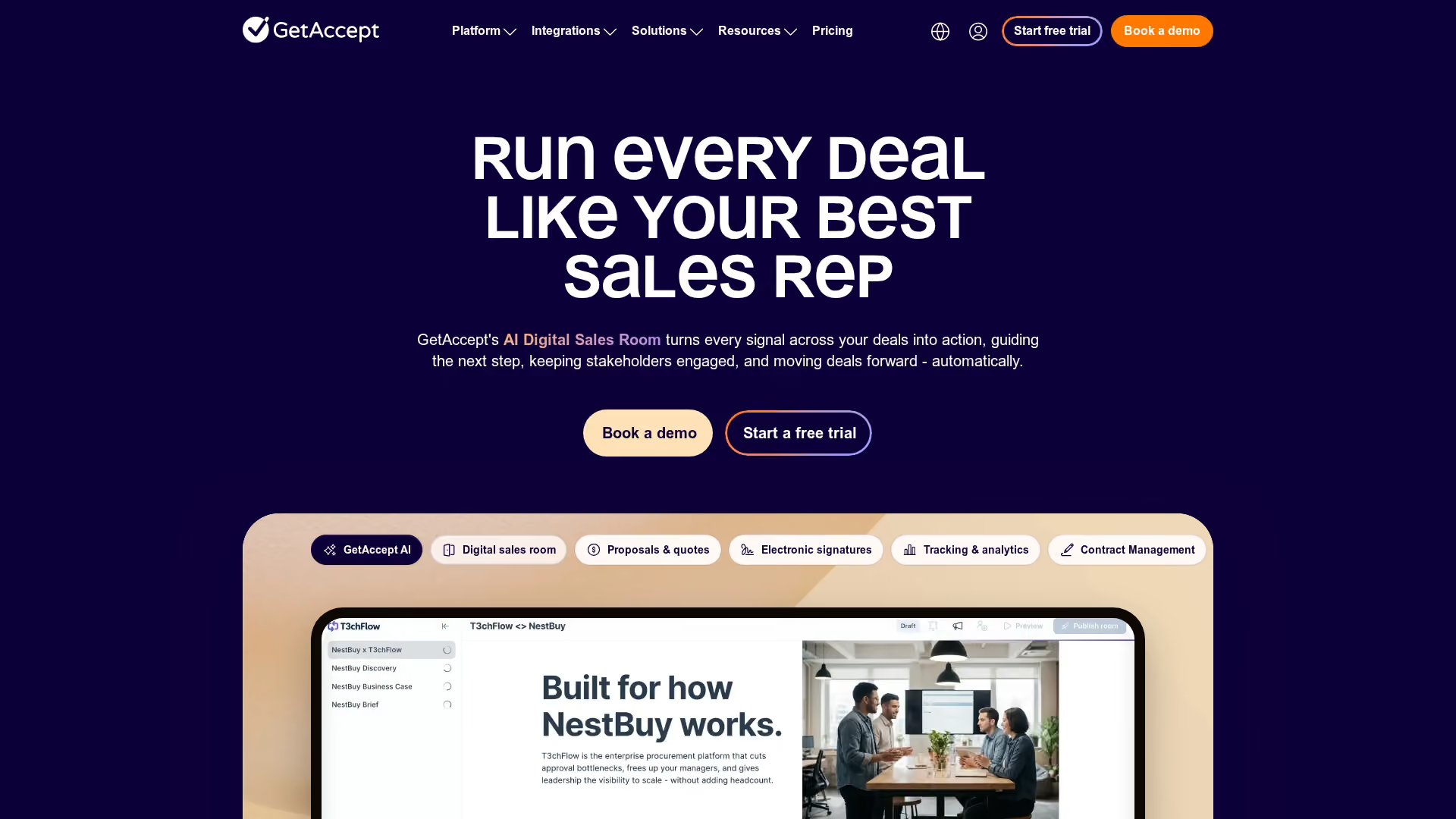
GetAccept is a deal room and proposal platform that combines contracts, proposals, and content in one space. It's designed for the close stage of the sales cycle.
Best for: Teams that want to combine proposals, contracts, and demo content in one deal workflow.
Key strengths
- Deal rooms: Centralize proposals, contracts, and content
- E-signatures: Close deals without switching tools
- Engagement tracking: See when buyers view and interact
- Video messaging: Add personalized videos to proposals
Why choose GetAccept
GetAccept fits teams focused on the close. It's less about creating demos and more about packaging them with proposals and contracts for final evaluation. Interactive demo is part of deal workflow, not the primary function.
Pricing
Paid plans start at $15/month per user.
How to choose the right demo platform for your sales team
The "best" tool depends on your team's primary motion. Here's how to match capabilities to your reality.
Match the tool to your primary use case
Different use cases call for different strengths:
- Outbound prospecting: Prioritize fast capture and easy sharing in sequences
- Mid-funnel nurturing: Prioritize personalization and stakeholder tracking
- Enterprise deals: Prioritize security, branding control, and CRM integration
- Product-led sales: Prioritize self-serve embed and analytics
Evaluate CRM and tech stack integration
Demo tools that don't fit your existing workflow create friction. Reps won't use them.
Look for native integrations with your CRM (Salesforce, HubSpot) and sequencers (Outreach, Salesloft). Engagement data that syncs automatically is essential for lead scoring and prioritization. Integration depth varies widely, so ask specifically about what data flows where.
Consider team size and scaling requirements
Small teams prioritize speed and simplicity. You want to capture and share demos without training or setup.
Large teams prioritize governance. You want SSO, role-based access, team workspaces, and audit logs.
You also want templates that ensure consistency across reps. Per-seat pricing can become a blocker for scaling.
Compare pricing models and total cost
Common pricing models include per-seat, usage-based, and platform fees:
- Per-seat: Predictable, but expensive at scale
- Usage-based: Flexible, but hard to forecast
- Platform fee: Simple, but may include features you don't use
Hidden costs include implementation, training, and overage charges. Ask for a full cost breakdown before committing.
What to look for in enterprise demo software
Larger organizations and security-conscious buyers have additional requirements beyond basic functionality.
Security and compliance requirements
Demos can expose product data, so security posture matters. Key concerns include SOC 2 compliance, data residency, and GDPR handling. Ask vendors for their security documentation. If they can't provide it quickly, that's a signal.
SSO and access management
Enterprise deployments require SSO integration (Okta, Azure AD, Google Workspace). You also want role-based access so different team members have appropriate permissions. Admin controls, audit logs, and team workspaces matter when you're managing demos across multiple teams or regions.
Analytics and buyer intent data
Enterprise teams want more than "views." They want feature-level engagement, time spent, drop-off points, and multi-stakeholder tracking. When you know which features a prospect explored, you can tailor the next conversation. When you know which stakeholders engaged, you know who to involve in the deal.
How to measure ROI from sales demo tools
Tying demo investment to pipeline and revenue outcomes is essential for justifying the spend.
Conversion metrics that matter for sales teams
Track the following metrics to understand demo impact:
- Demo completion rate: Are prospects finishing the experience?
- Meeting book rate: Are demos driving next steps?
- Stage conversion: Are demo-engaged leads moving faster through the pipeline?
- Cycle length: Are deals closing sooner with self-serve demos in the flow?
Compare demo-engaged leads vs. non-engaged leads. The delta tells you what demos are worth.
Tracking demo engagement as buyer intent signals
Engagement data is intent data. Use it to prioritize follow-up:
- Features explored: What does this prospect care about?
- Time spent: How seriously are they evaluating?
- Pages viewed: Which use cases matter to them?
- Drop-off points: Where did they lose interest?
This signal is more valuable than "opened email" or "clicked link." It tells you what to talk about in the next conversation.
How to implement a demo platform without slowing down your team
Implementation friction kills adoption. Here's how to avoid it:
- Start with one use case: Don't try to overhaul everything. Pick outbound or post-call follow-up and prove value there first.
- Assign an owner: Someone builds the first demos and establishes templates. Without ownership, nothing ships.
- Integrate with existing workflow: Connect to CRM and sequences before asking reps to change behavior.
- Set a pilot timeline: Test with a small team, measure results, then expand. Two weeks is usually enough to see signal.
- Avoid over-customization early: Ship fast, iterate based on engagement data.
Tip: Start with your highest-volume outreach motion. If you send 100 cold emails a week, that's where demos will have the most impact.
Start closing more deals with the right demo tool
The best interactive demo tools for sales teams in 2026 match your primary use case, fit your existing workflow, and generate measurable engagement signals. Speed to create matters. Personalization at scale matters.
CRM integration matters.
The goal is letting buyers experience value earlier so reps can close with real data, not guesswork. If you're evaluating options, start with a free trial using your actual product and your actual use case.
Start your journey with Guideflow today!