Your approvals live in email. Your onboarding checklist sits in a spreadsheet. The handoff between sales and finance happens in a Slack thread nobody can find two weeks later. Every one of those gaps is a place where work stalls, context disappears, and someone has to chase a status update by hand.
That friction adds up. The global business process management market was valued at USD 20.38 billion in 2024 and is projected to reach USD 61.17 billion by 2030 (Grand View Research, 2024). Teams are not buying business process management software because it is fashionable. They are buying it because manual processes do not scale, and the cost of fragmented handoffs shows up in slower cycle times and frustrated staff.
The problem is that the BPM category is crowded and confusing. Some tools are built for developers writing orchestration logic. Others are point-and-click platforms a business analyst can run without filing an IT ticket. Some shine at process modeling. Others are built for execution at enterprise scale. Picking the wrong one means months of implementation pain and a tool nobody adopts.
This guide cuts through that. We compared the leading business process management tools on the criteria that actually decide fit: how much automation depth they offer, how low-code or developer-heavy they are, how well they integrate, and what they cost. The goal is decision speed, not a definition lecture.
What's inside
This guide is for operations leads, RevOps and marketing ops managers, business analysts, and process owners shortlisting bpm software at mid-market to enterprise companies. It assumes you already know you need a BPM platform. You are here to compare options.
We selected and ranked these 11 process management software tools using four criteria:
- Workflow automation depth: how far the tool automates real end-to-end processes, not just simple triggers.
- Low-code accessibility: how much business users can build without engineering.
- Integration breadth: how cleanly it connects to your CRM, ERP, and data sources.
- Pricing transparency and value: whether you can understand cost before a sales call, and what you get for it.
Every tool below includes verified pricing context where public, a current G2 rating, and a clear best-for buyer match.
TL;DR
Short on time? Here are the fast picks across the main list:
- Best for enterprise process orchestration: Pega BPM and Appian BPM Suite both handle complex, governed, end-to-end automation at scale.
- Best low-code for IT-light teams: Microsoft Power Automate and Nintex Workflow Automation let business users automate without heavy engineering.
- Best for process modeling and mapping: Bizagi and ARIS lead on modeling depth and process analysis.
- Best open-source and developer-centric: Camunda is BPMN-native with open-source roots and a free SaaS tier.
- Best for mid-market value: ProcessMaker pairs low-code automation with case-based pricing.
Read the full breakdowns below to match a tool to your process complexity and stack.
Background: what is business process management software?
Business process management (BPM) software is a category of tools that lets teams design, automate, execute, monitor, and optimize repeatable business processes. Instead of running approvals, onboarding, and handoffs across email and spreadsheets, a BPM platform turns those workflows into structured, trackable, automated flows.
The terminology can get muddy, so here is the plain version. A BPMS (business process management system or suite) is the broader platform that runs the whole discipline. The terms "bpm software," "bpm tools," and "BPMS" are often used interchangeably. An iBPMS (intelligent BPMS) adds AI and advanced analytics on top of traditional BPM, layering smarter decisioning into the same workflow engine.
BPM is usually grouped into three types, each suited to a different kind of work:
- Integration-centric BPM: automates processes that move data between systems with little human input, like ERP and CRM syncs.
- Human-centric BPM: built around people, approvals, and task routing, where decisions need a person in the loop.
- Document-centric BPM: organizes processes around a document moving through review, signature, and approval.
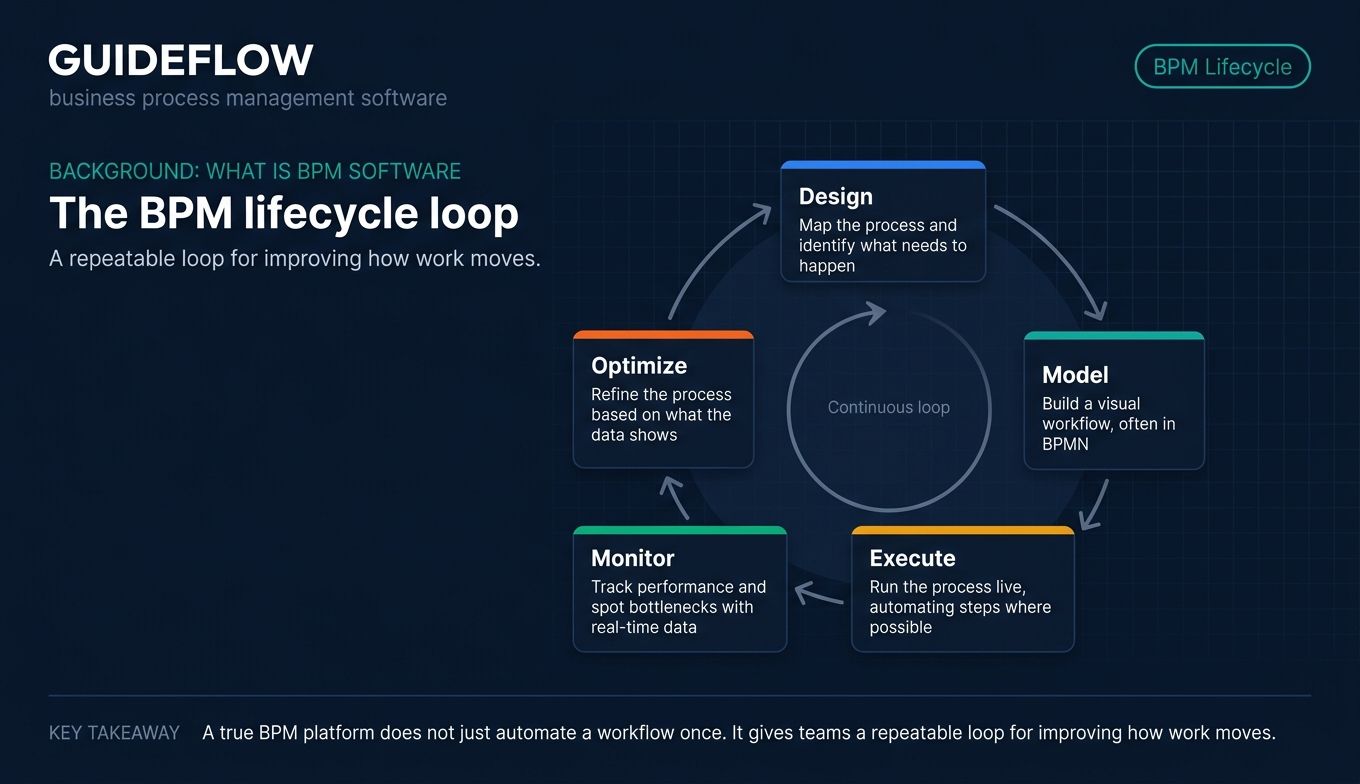
Most platforms also follow a five-stage BPM lifecycle. IBM defines it as:
- Design: map the process and identify what needs to happen.
- Model: build a visual representation of the workflow, often in BPMN.
- Execute: run the process live, automating steps where possible.
- Monitor: track performance and spot bottlenecks with real-time data.
- Optimize: refine the process based on what the data shows.
The strongest bpm tools support all five stages and offer low-code business process management software features so business users, not just developers, can build and adjust workflows. That mix of modeling depth, automation, and accessibility is what separates a true BPM platform from a simple workflow trigger tool.
When to use business process management software
BPM software earns its keep when manual coordination starts breaking down. Here are the situations where a BPM system pays off fastest.
Automate approvals and document review without IT tickets
If a purchase order or contract has to bounce between three inboxes before it moves forward, you have a BPM problem. Low-code business process management software lets you build the approval logic once, route requests automatically, and escalate when something stalls. Business users configure the rules visually, so you are not waiting on an engineering sprint to change an approval threshold. For contract-heavy workflows, pairing your BPM tool with dedicated contract management software can tighten the review and approval loop further.
Standardize onboarding and cross-team handoffs
New-hire onboarding and customer onboarding both fail in the same way: steps get skipped because they live in someone's head. A BPM platform turns those checklists into enforced, trackable workflows. When sales closes a deal, the handoff to finance, provisioning, and customer success triggers automatically. Nobody has to remember the next step because the system does. Many teams complement this by using onboarding flow software to guide new users through structured first steps.
Monitor and optimize processes with real-time data
You cannot improve a process you cannot see. BPM tools instrument every step, so you know where requests pile up, how long each stage takes, and which handoffs leak time. That visibility turns optimization from guesswork into evidence. You watch the data, find the bottleneck, adjust the flow, and measure the result, which is the whole point of the monitor and optimize stages of the lifecycle. Teams that need deeper behavioral insight often layer in product analytics software alongside their BPM platform.
Comparison table: business process management platforms at a glance
Here is the shortlist of business process management tools, sorted by relevance to enterprise and mid-market buyers. Use it to narrow to two or three, then read the full sections below. Pricing reflects publicly available figures at the time of writing; several enterprise vendors quote custom pricing only.
| # | Product | Intent | Key use case | Pricing | G2 rating |
|---|---|---|---|---|---|
| 1 | Appian BPM Suite | Enterprise low-code automation | Governed end-to-end process apps | Per user, per month, per app (custom); Community Edition free | 4.5/5 |
| 2 | Pega BPM | Enterprise orchestration and decisioning | Complex, highly governed processes | Custom pricing | 4.2/5 |
| 3 | Microsoft Power Automate | Low-code automation and RPA | Microsoft-stack workflow automation | From $15.00/user/month, paid yearly | 4.4/5 |
| 4 | Nintex Workflow Automation | Mapping plus automation | Process mapping and workflows together | From $15,000/year | 4.3/5 |
| 5 | Bizagi | Process modeling and automation | Modeling-first low-code apps | Consumption-based (custom) | 4.6/5 |
| 6 | Camunda | Developer orchestration | BPMN-native microservices orchestration | SaaS Free; Enterprise custom | 4.5/5 |
| 7 | IBM Business Automation Workflow | Integration-centric enterprise BPM | Complex integration and case management | Custom pricing | 4.4/5 |
| 8 | ProcessMaker | Mid-market low-code BPM | Affordable case-based automation | From $3,000/month, billed annually | 4.3/5 |
| 9 | ARIS | Process intelligence and modeling | Enterprise modeling and analysis | Custom pricing | 4.4/5 |
| 10 | Oracle BPM | Integration-centric enterprise suite | Oracle-ecosystem process apps | From $1,150 Named User Plus perpetual | 4.0/5 |
| 11 | CMW Platform | Business-user low-code BPM | Configurable workflow and case management | Custom pricing | 4.6/5 |
The 11 best business process management software tools in 2026
Each tool below includes a screenshot, an overview, its best-fit buyer, key strengths, a clear reason to choose it, and verified pricing context. Read these as a shortlist, not a directory.
1. Appian BPM Suite
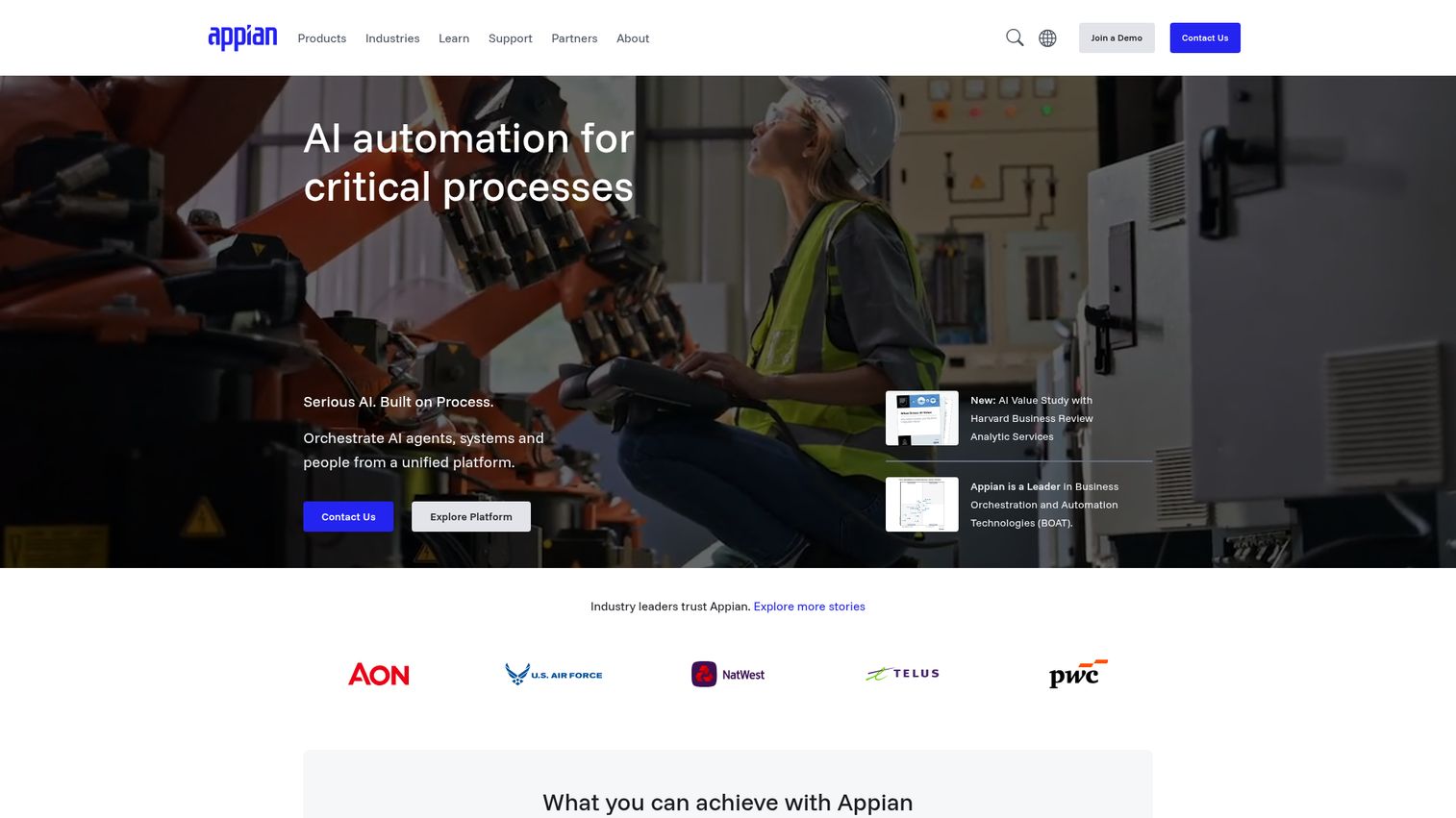
Appian is an AI process automation platform for designing, automating, and optimizing complex enterprise processes. It pairs low-code app building with a data fabric that unifies enterprise data, so teams can build governed process apps that span people, systems, bots, and AI. Large enterprises and governments use it when they need end-to-end automation under tight governance.
Best for: large enterprises and government teams that need governed, low-code automation of complex processes across people, systems, data, and AI.
Key strengths
- Low-code app building: assemble process apps fast without a large engineering team, then maintain them visually.
- Data fabric: unify data scattered across systems so processes act on a single, connected view.
- AI features: built-in AI agents, AI Copilot, Composer, and AI Skills bring intelligent automation into the workflow.
Why choose Appian: Appian fits when your processes are complex, regulated, and span multiple systems, and you want speed of app build without sacrificing governance. The data fabric is the differentiator. If your bottleneck is fragmented data as much as fragmented workflow, Appian addresses both at once. It is a heavier platform than a simple workflow tool, which is exactly why enterprises pick it.
Appian pricing: Appian Platform is offered in Standard, Advanced, and Premium tiers, each priced per user, per month, per app. The first-party pricing page does not display public dollar amounts, so plan to request a quote. Appian also offers a free Community Edition that gives access to a dedicated platform instance for building and testing.
2. Pega BPM
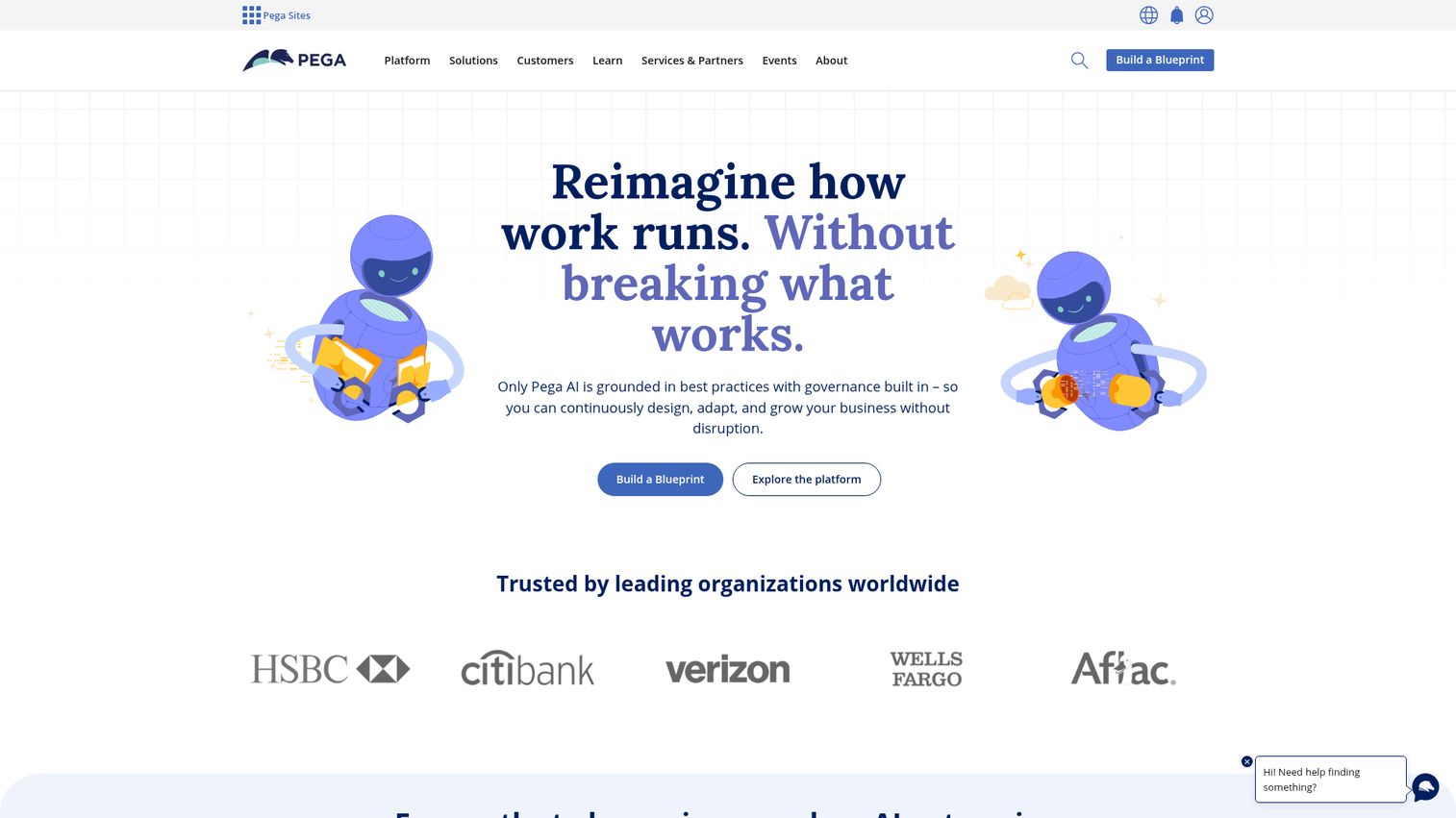
Pega BPM is part of Pega Platform, an enterprise low-code, AI-powered process automation platform for managing workflows, case lifecycles, and business processes. Pega is known for combining case management with AI decisioning, so processes do not just run, they make smarter routing and next-action choices along the way. It is a fixture in highly governed enterprise environments.
Best for: large enterprises that need governed, scalable workflow automation, case management, and BPM across complex operations.
Key strengths
- Case management and BPM: handle long-running, branching processes that do not fit a simple linear workflow.
- Workflow automation: combine human tasks and digital automation in the same orchestrated flow.
- Low-code development: build applications visually while keeping enterprise governance intact.
Why choose Pega: Pega is the pick when your processes are genuinely complex, span many stakeholders, and demand strong governance. The AI decisioning and case management depth are what separate it from lighter tools. If your work involves intricate case lifecycles rather than tidy, repeatable approvals, Pega is built for that reality. It rewards organizations ready to invest in a serious enterprise platform.
Pega pricing: Pega does not publish first-party pricing figures or fixed plan tiers. Its product pages direct buyers to contact sales or start a trial, so pricing is custom and quote-based. Budget for an enterprise engagement and validate scope against your process complexity during the sales conversation.
3. Microsoft Power Automate
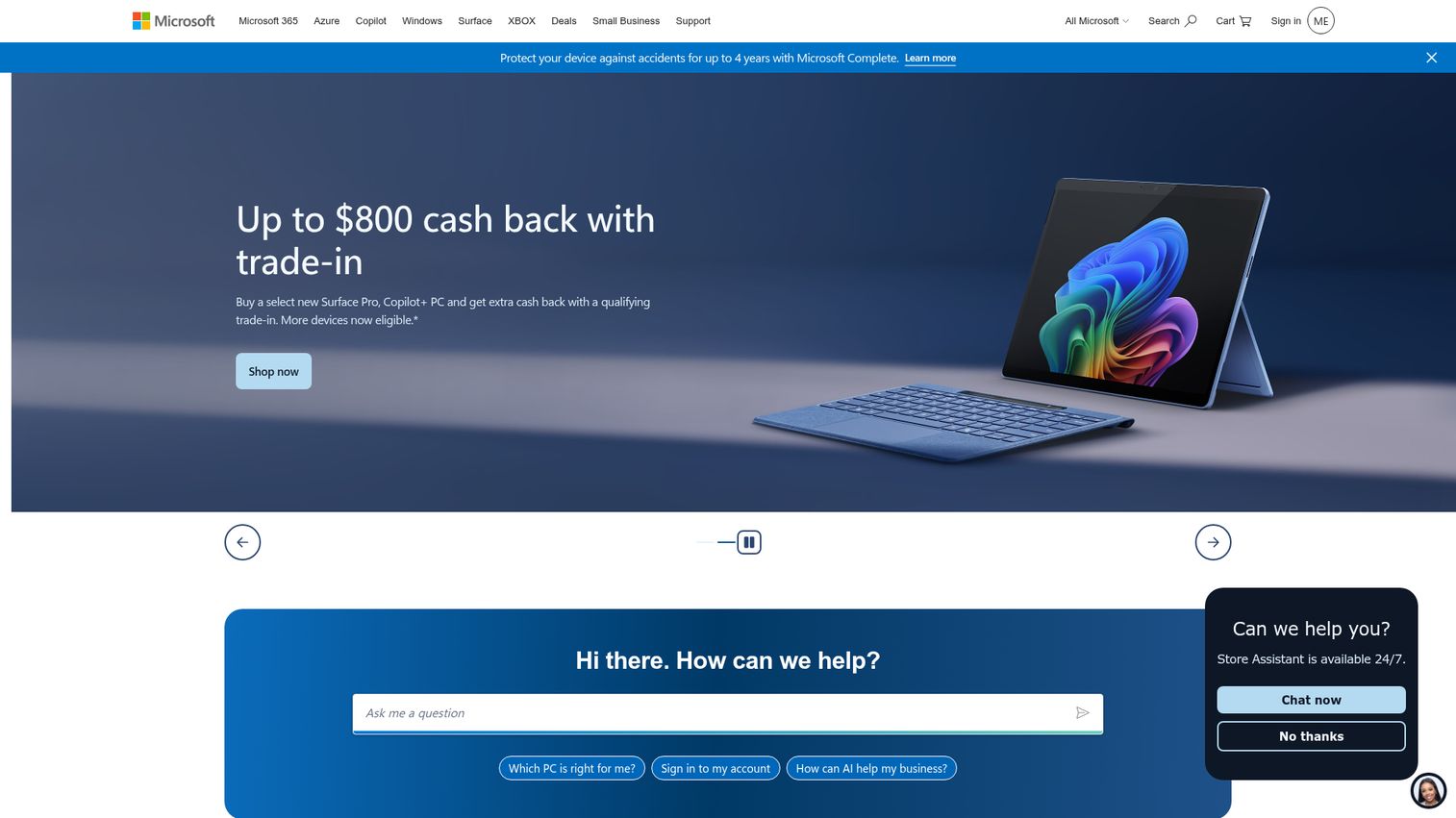
Microsoft Power Automate is an enterprise low-code automation platform for optimizing business processes with cloud flows, desktop RPA, AI, process mining, and governance. It is the natural BPMS choice for organizations already living in the Microsoft ecosystem, since it connects tightly into Microsoft 365 and the wider Power Platform. Point-and-click design tools make it accessible to IT-light teams.
Best for: organizations, especially Microsoft 365 users, that need low-code workflow automation and RPA across business processes.
Key strengths
- Cloud flows: automate digital processes across apps without writing code.
- Desktop flows: add attended and unattended robotic process automation for legacy systems.
- Task and process mining: discover where automation will pay off before you build it.
Why choose Power Automate: If your team runs on Microsoft 365, Power Automate is the lowest-friction entry into BPM and RPA. Business users build flows with templates and point-and-click design instead of code, which reduces IT dependence on routine process changes. It scales from simple notifications up to mined, optimized, enterprise-grade automation.
Power Automate pricing: Power Automate Premium starts at $15.00 per user per month, paid yearly, covering cloud flows, attended desktop flows, and process mining. Power Automate Process is $150.00 per bot per month and Hosted Process is $215.00 per bot per month, both paid yearly, for unattended automation. A Process Mining add-on is listed at $5,000.00 per tenant per month, paid yearly. A 30-day free trial is available. Microsoft notes prices may vary by currency, country, and region.
4. Nintex Workflow Automation
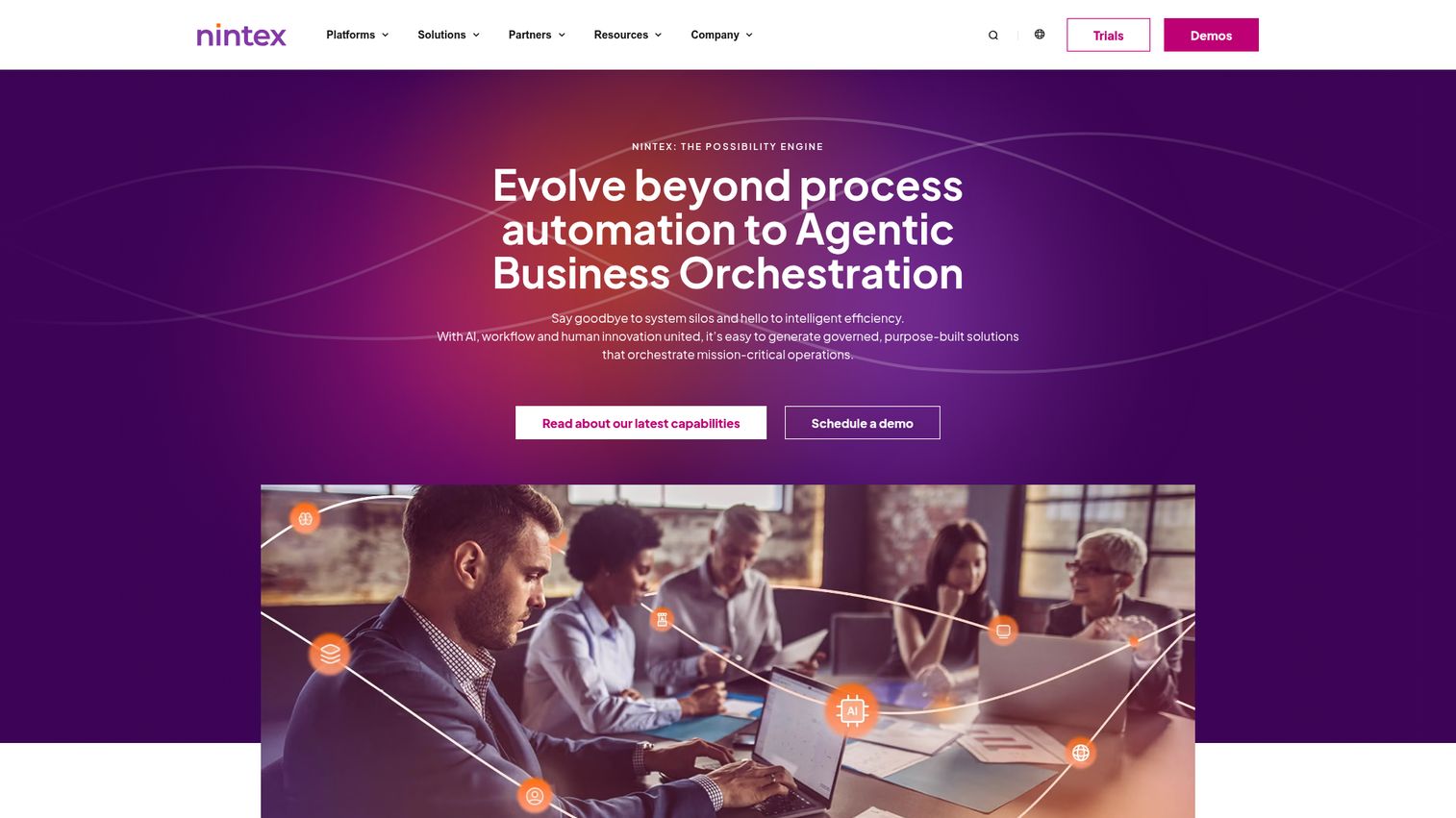
Nintex is cloud-based workflow software for streamlining and automating business processes without coding. Its differentiator is pairing process mapping with execution in one place, so teams can document how a process should work and then automate it without switching tools. Drag-and-drop and AI-assisted design keep it accessible.
Best for: organizations that need governed, low-code workflow automation across people, systems, documents, and AI-assisted processes.
Key strengths
- Drag-and-drop and AI design: build workflows visually, with AI assistance to speed up creation.
- Broad integrations: connect across cloud and on-premises systems so automation reaches legacy tools.
- Document and forms automation: generate documents, capture data with digital forms, and add eSignatures and RPA.
Why choose Nintex: Nintex fits teams that want their business process mapping tools and their automation engine under one roof. Mapping a process and then automating it in the same platform reduces the gap between documentation and execution. If you have struggled with process maps that drift out of sync with reality, Nintex keeps them connected.
Nintex pricing: Nintex Automation Cloud is offered in three tiers, Essentials, Pro, and Expert, with starting pricing listed at $15,000 per year (USD). Per-tier prices and detailed billing are not shown publicly, so request a quote for the tier that matches your needs. A free trial is offered, though no permanent free tier was confirmed.
5. Bizagi
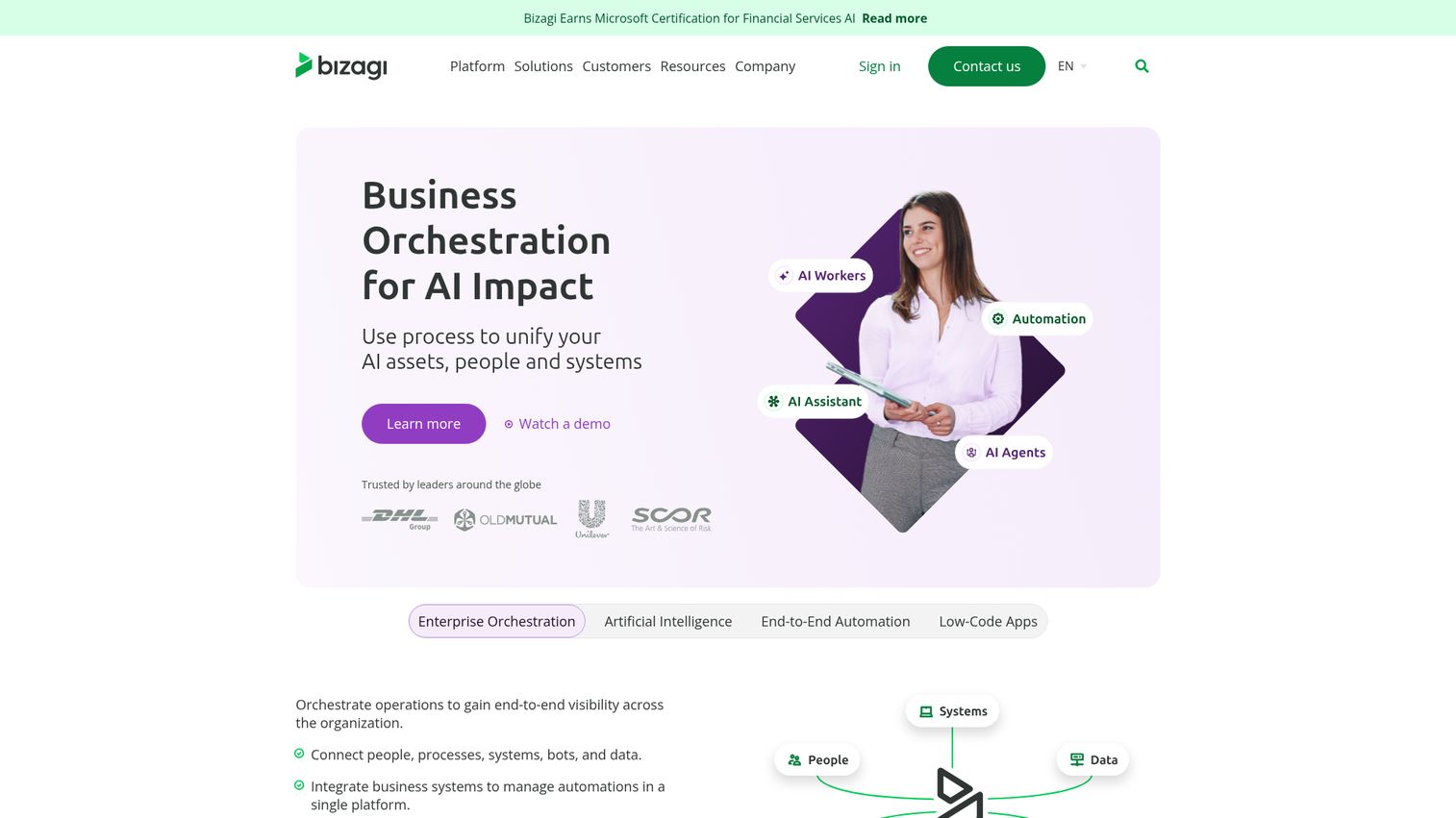
Bizagi is a low-code automation platform for managing, optimizing, automating, and orchestrating business processes across people, systems, data, AI, and bots. It is best known for strong process modeling, which makes it a favorite of modeling-first teams that want to map before they automate. Case management rounds out its workflow capabilities.
Best for: enterprises that need low-code process automation, orchestration, and compliance-oriented workflow applications.
Key strengths
- Business process modeling: map and document processes with depth, the foundation of any BPM effort.
- Digital process automation: turn those models into running, automated workflows.
- Case management: handle non-linear, decision-heavy processes that branch as they run.
Why choose Bizagi: Bizagi is the choice when modeling comes first and you want one platform to carry a process from map to live automation. Its modeling reputation makes it strong for teams whose priority is understanding and standardizing processes before scaling them. The low-code layer then lets business users build applications on top of those models.
Bizagi pricing: Bizagi describes its PaaS pricing as consumption-based, with unlimited users and apps, scaling with usage and business needs. The first-party pricing page does not display public numeric prices or named tiers; it offers a pricing brochure and a request-a-quote flow. Reach out for a tailored quote based on your expected usage.
6. Camunda
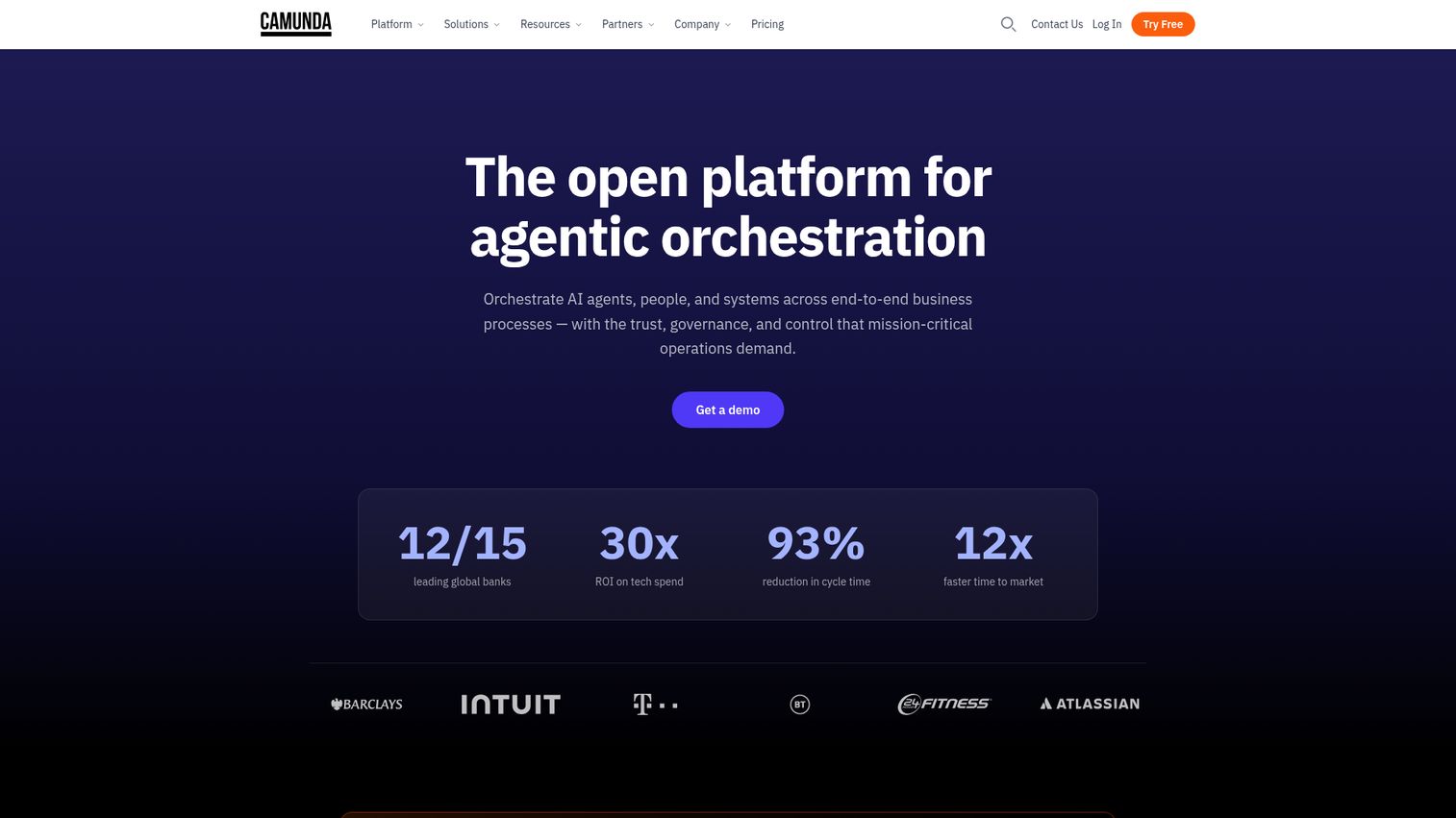
Camunda is a process orchestration platform for enterprise AI that coordinates AI agents, people, systems, and devices across end-to-end business processes. With open-source roots and a BPMN-native engine, it is the developer-centric option on this list. Engineering-led teams use it to orchestrate complex, mission-critical processes across microservices.
Best for: enterprises that need developer-friendly orchestration of complex, mission-critical processes spanning people, AI agents, microservices, and systems of record.
Key strengths
- BPMN and DMN modeling: model processes and decisions in open standards developers and analysts can share.
- Zeebe orchestration engine: run BPMN processes and DMN decisions at high volume.
- Operations tooling: Operate, Tasklist, Optimize, Connectors, Identity, and Console cover monitoring, human tasks, analytics, and access control.
Why choose Camunda: Camunda is the pick when engineering owns process orchestration and you want a standards-based, developer-friendly platform rather than a point-and-click suite. If your processes live across microservices and systems of record, Camunda's orchestration engine is built for exactly that. It performs best in the hands of teams comfortable with BPMN and code. For teams evaluating broader automation stacks, comparing AI orchestration platforms can help frame where a BPMN engine fits.
Camunda pricing: Camunda SaaS Free is forever free at €0, covering unlimited process and decision modeling, 5 user seats, community support, and a 30-day trial of orchestration features. SaaS Enterprise is custom-priced for high-volume automation and end-to-end orchestration, adding features like Camunda Copilot, SAP integration, RPA, unlimited deployments, 24x7 support, and dedicated customer success.
7. IBM Business Automation Workflow
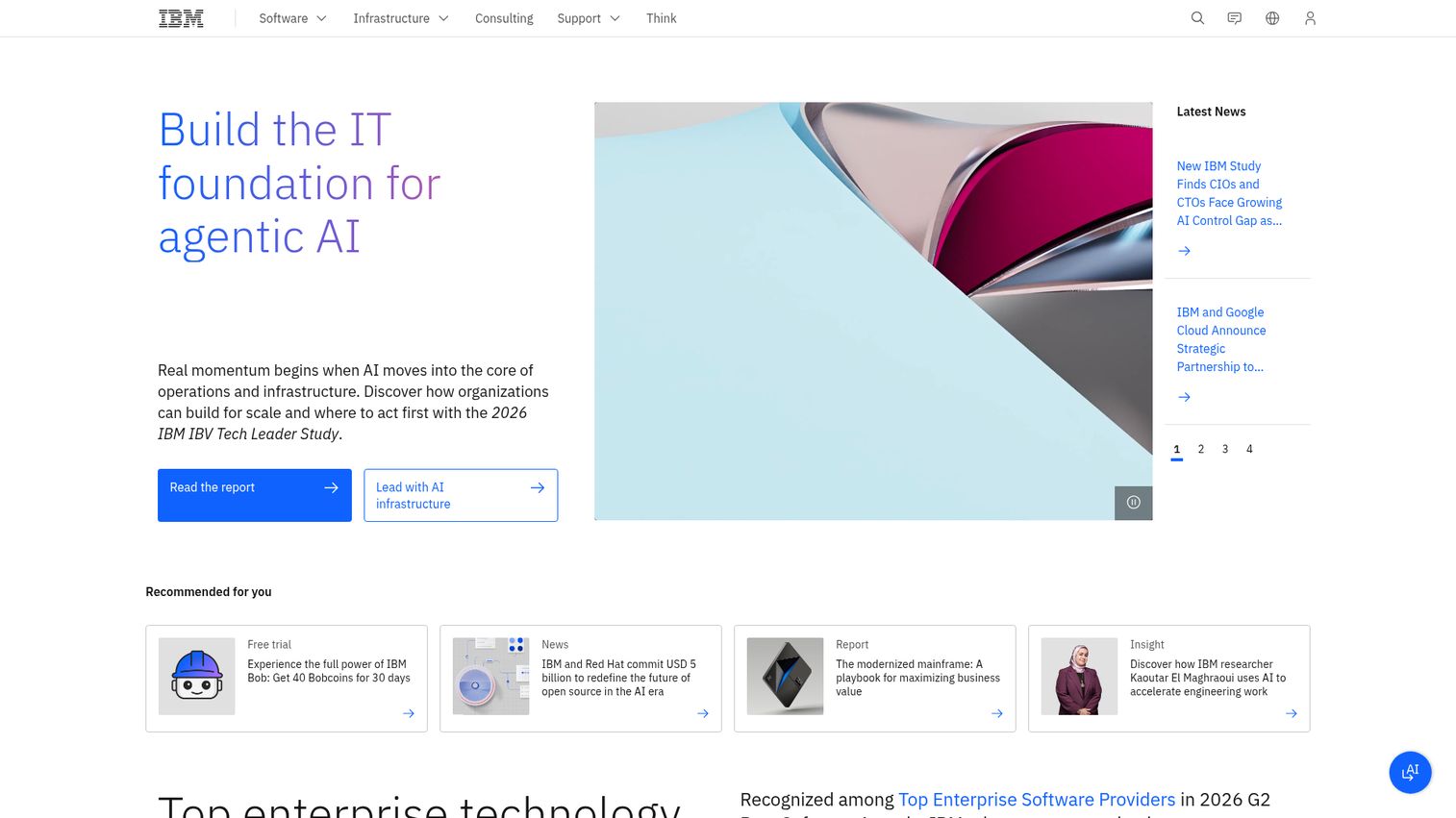
IBM Business Automation Workflow helps automate digital workflows on premises or on cloud by uniting information, processes, and users. Part of the broader Cloud Pak for Business Automation, it is built for integration-centric automation at enterprise scale, combining BPM with case management. Blueworks Live supports the modeling side.
Best for: enterprises that need BPM and case-management workflow automation across on-premises or cloud environments.
Key strengths
- Integrated BPM and case management: handle both structured workflows and unstructured cases in one platform.
- Built-in visibility and analytics: surface process data to support better operational decisions.
- Authoring and administration: create reusable, standardized workflows with deployment, security, and governance controls.
Why choose IBM Business Automation Workflow: This is the option for large enterprises with complex integration needs and a mix of on-premises and cloud systems. The combination of BPM, case management, and IBM's wider automation portfolio fits organizations that need depth and flexibility in deployment. If your processes must unite information, people, and systems across a sprawling estate, it is built for that scale.
IBM Business Automation Workflow pricing: IBM does not publish a first-party numeric price for Business Automation Workflow. The product page confirms a 30-day trial but directs buyers to engage for pricing, so treat it as custom and quote-based. Scope your environment and deployment model before the conversation to get an accurate figure.
8. ProcessMaker
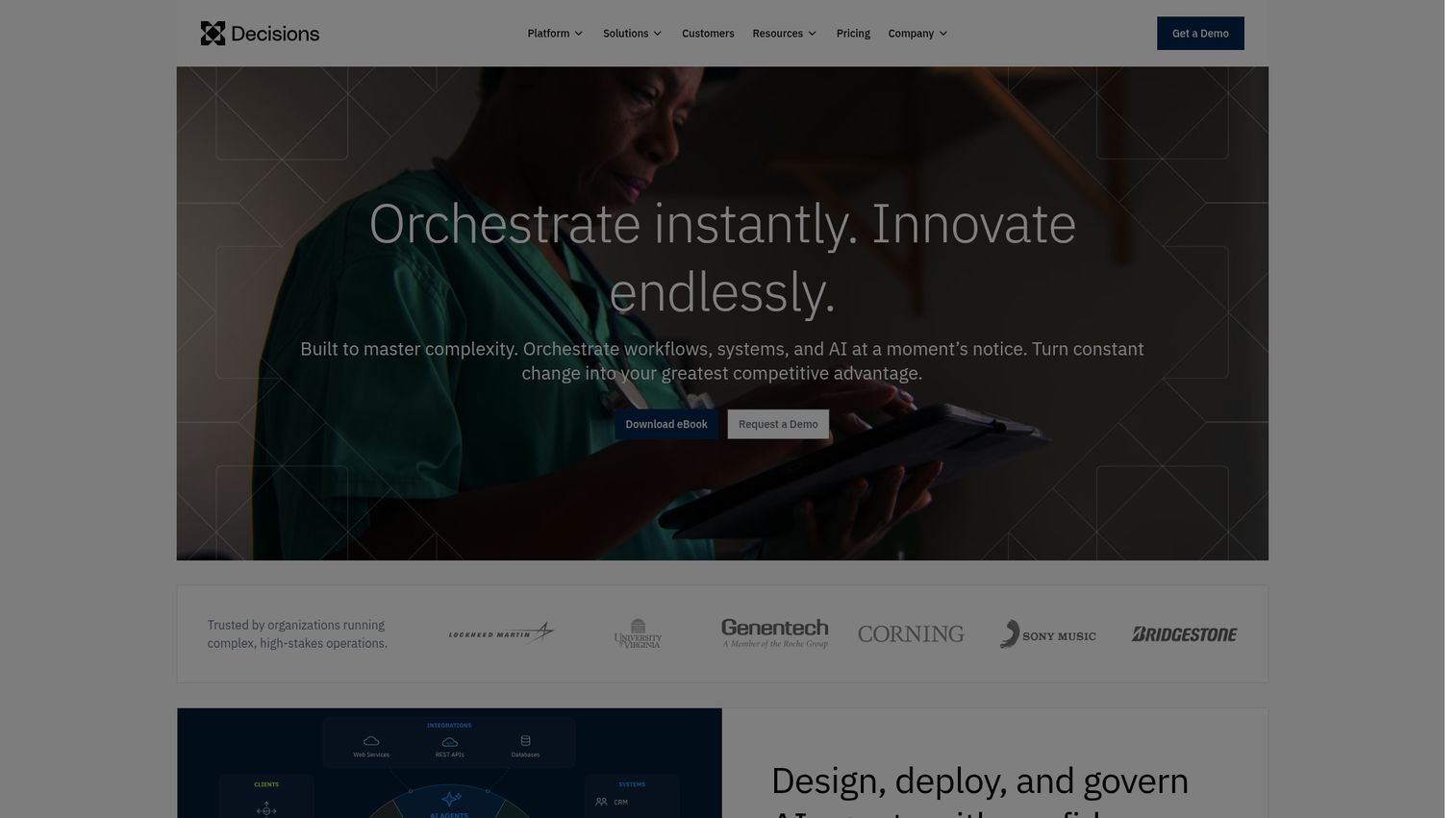
ProcessMaker is a cloud-based, low-code business process management and workflow automation solution for designing, running, reporting on, and optimizing business processes. It leans toward mid-market value, with drag-and-drop design and AI-assisted features, and shows up frequently in banking and finance use cases. Case-based pricing keeps the entry point clear.
Best for: enterprises and mid-market teams that need low-code workflow automation, approvals, process orchestration, and AI-assisted process improvement.
Key strengths
- Drag-and-drop design: build workflows and approval flows visually, without heavy engineering.
- Custom forms and interfaces: capture data and tailor the user experience to each process.
- Process Intelligence and AI: add AI agents and intelligent document processing to improve and automate processes.
Why choose ProcessMaker: ProcessMaker fits mid-market teams that want low-code BPM without enterprise-suite complexity or cost. Its strength in regulated industries like finance makes it credible for approval-heavy, document-driven processes. If you want a clear, case-based pricing model and AI-assisted automation without a long enterprise procurement cycle, it is a practical choice.
ProcessMaker pricing: ProcessMaker uses case-based pricing with unlimited processes and users, paid by running cases. The Standard plan starts at $3,000 per month, billed annually, and includes 1,000 cases per month. Professional and Enterprise plans require a quote. A free trial is available, but no permanent free tier is offered.
9. ARIS
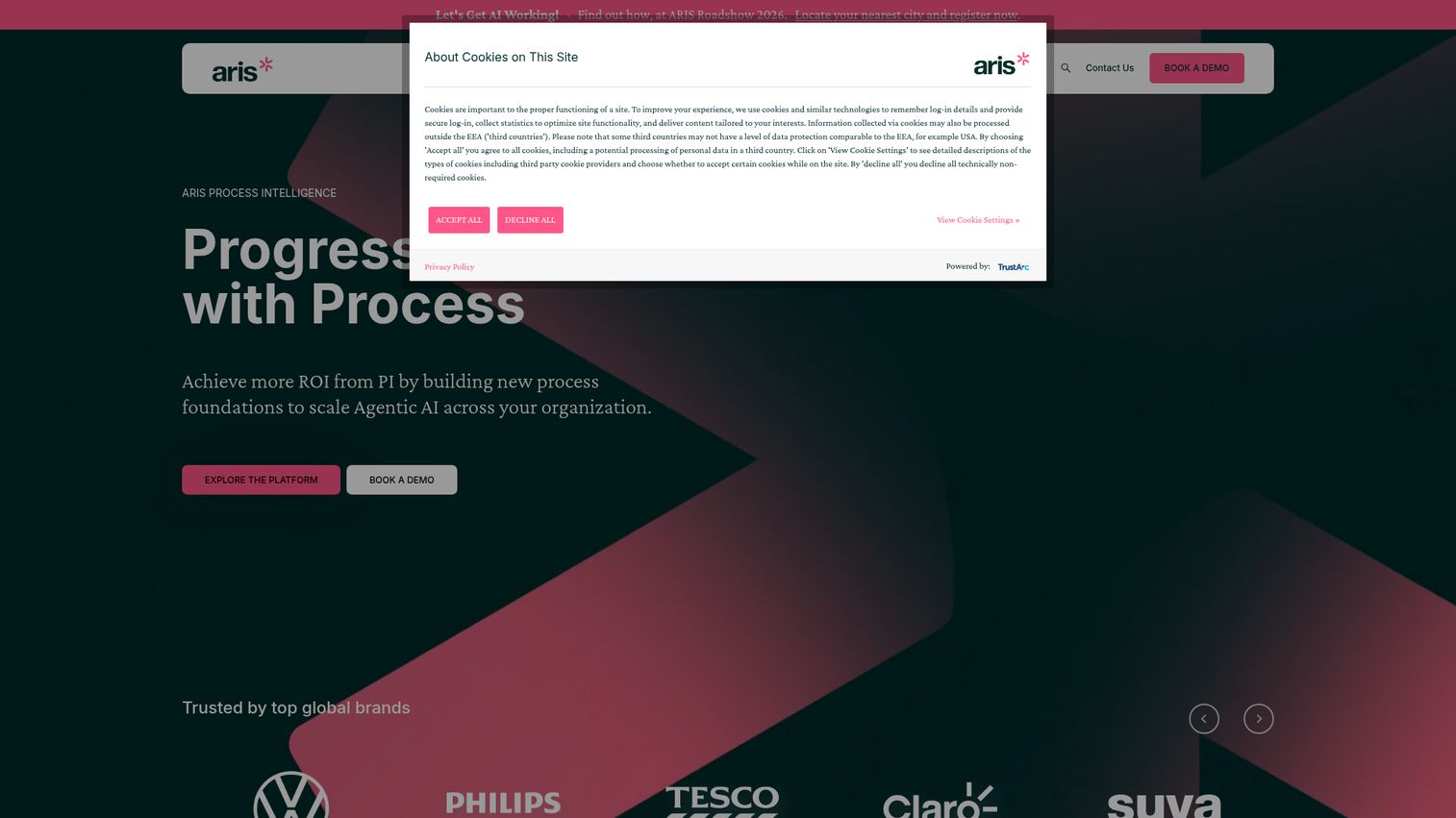
ARIS is a process intelligence platform combining BPM, process mining, and AI to help organizations design, monitor, analyze, and improve business processes. It is the modeling and analysis specialist on this list, built for process architects who need governance and depth. Where execution-first tools run workflows, ARIS focuses on understanding and improving them.
Best for: enterprises seeking governed process intelligence across BPM, process mining, compliance, and AI-driven transformation.
Key strengths
- Process Core: design, document, test, monitor, and control processes in one governed environment.
- Process Mining: analyze event-log data to find issues and bottlenecks hidden in how work actually runs.
- Agentic AI capabilities: identify AI automation opportunities and support governed AI agents.
Why choose ARIS: ARIS is the pick for process architects and large-scale modeling efforts where analysis depth and governance matter more than building executable apps. If your priority is understanding your process landscape, mining real event data, and driving transformation, ARIS is purpose-built for that work. It complements execution tools rather than replacing them.
ARIS pricing: ARIS does not display public pricing figures on its first-party pages, and the platform messaging points to trials and quotes rather than published tiers. Expect custom, quote-based pricing aligned to enterprise scope. Engage directly to scope modeling and process-mining needs before committing.
10. Oracle BPM
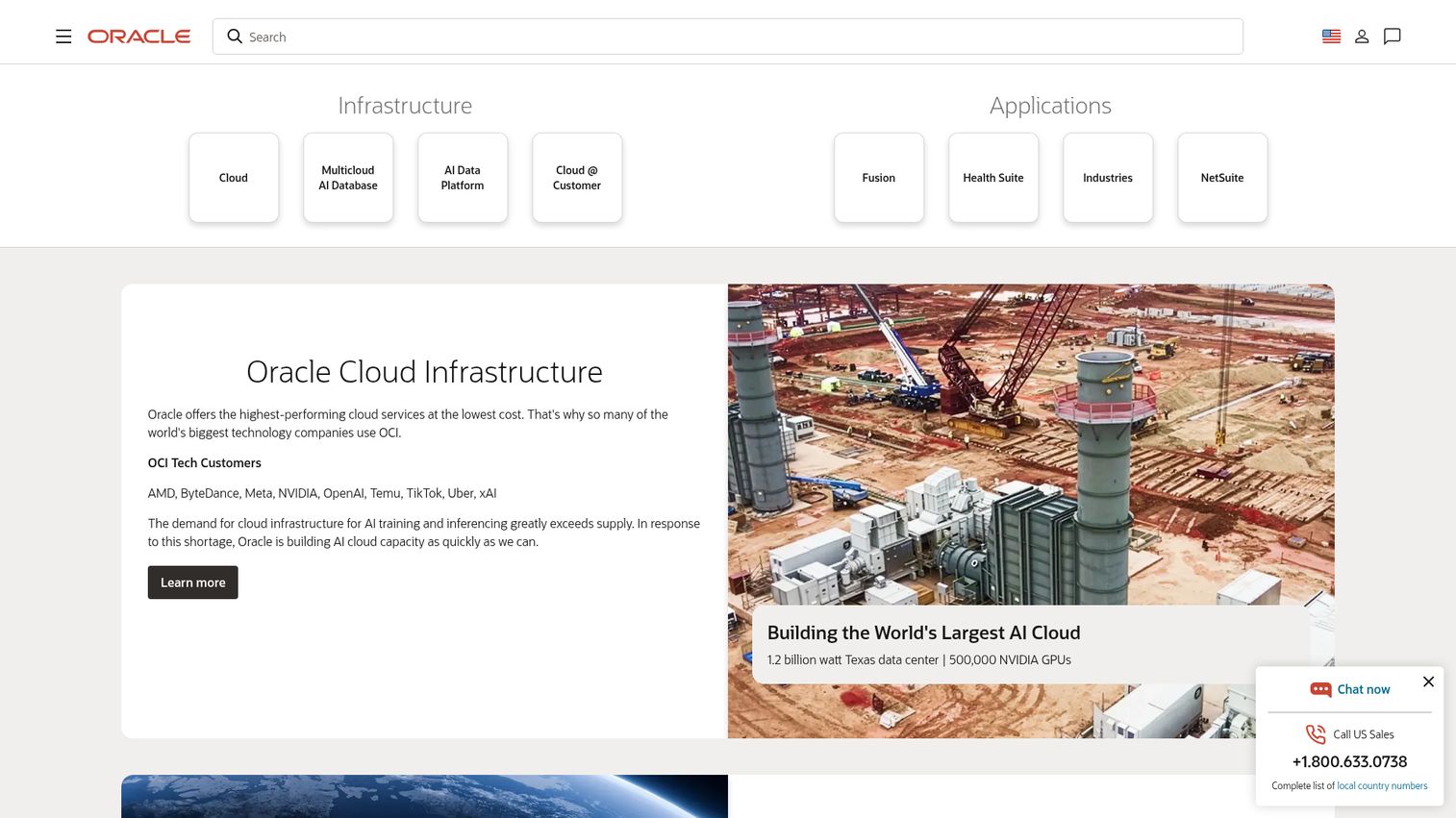
Oracle BPM is a suite of tools for creating, executing, administering, monitoring, and optimizing business processes. Built within Oracle's middleware stack, it is integration-centric and a natural fit for organizations already standardized on Oracle. BPMN and BPEL support give it modeling and orchestration depth.
Best for: enterprises standardizing complex BPMN and BPEL process orchestration, human workflows, and Oracle middleware-based process applications.
Key strengths
- BPMN 2.0 and BPEL support: model, implement, run, and monitor processes using established standards.
- Business Process Composer: create processes, edit Oracle Business Rules, and customize tasks from the web.
- Human workflow: route tasks with deadlines, escalations, notifications, and task forms.
Why choose Oracle BPM: Oracle BPM makes the most sense for enterprises already invested in the Oracle ecosystem, where integration-centric automation can lean on existing middleware. If your data and applications live in Oracle, the suite fits naturally into that estate. It rewards organizations that value standards-based orchestration and have the technical depth to run it.
Oracle BPM pricing: Oracle's Technology Global Price List shows the Unified Business Process Management Suite at $1,150.00 per Named User Plus perpetual license and $57,500.00 per Processor perpetual license, with separate software update and support fees. A non-Oracle middleware edition is priced the same. These are perpetual license figures, so factor in support costs when comparing to subscription tools.
11. CMW Platform
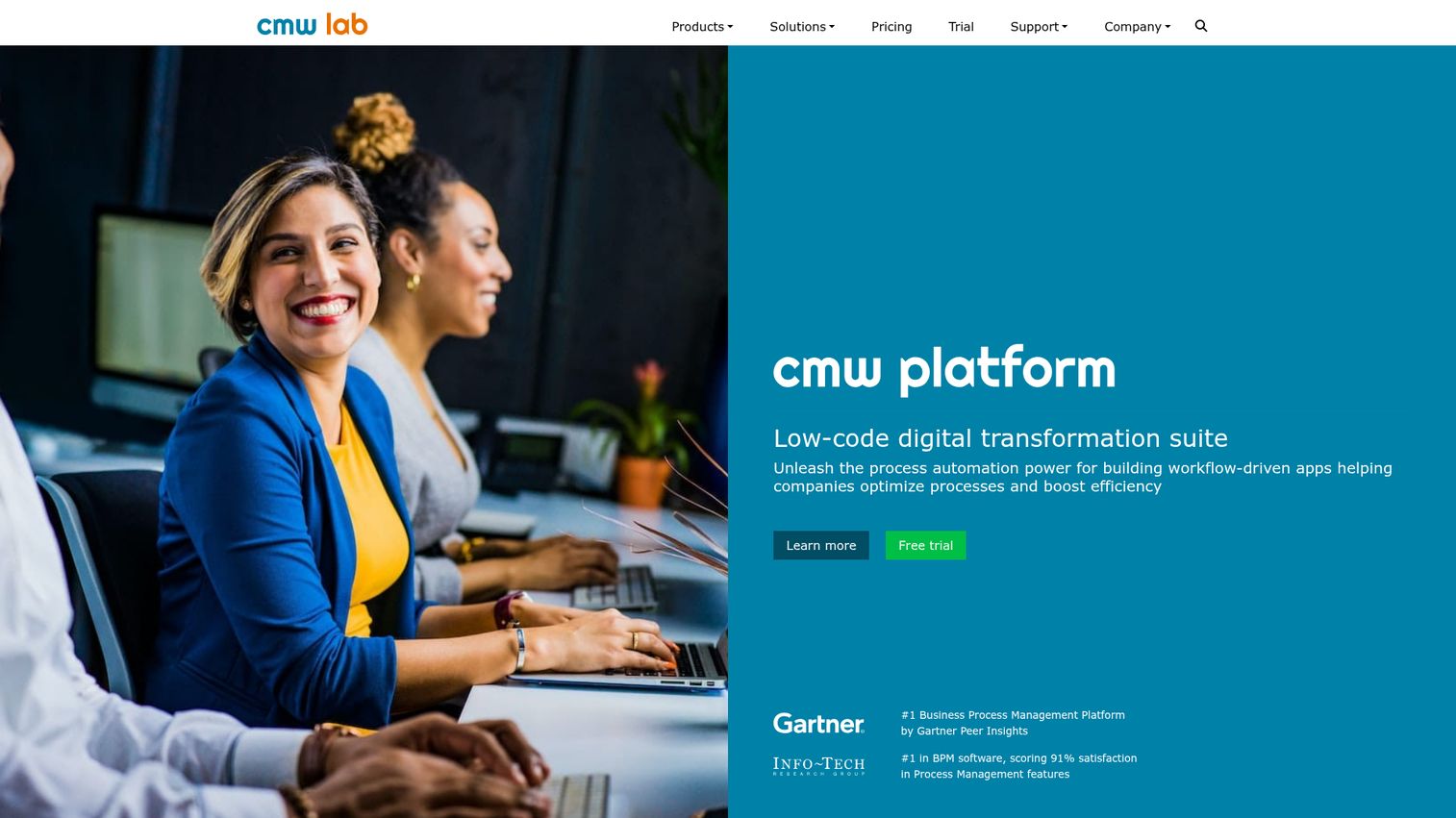
CMW Platform is business process management software for process automation, optimization, and operational control. It leans toward business-user-led automation, with low-code and no-code configurability so teams can build workflows without engineering. Strong peer ratings reflect its accessibility.
Best for: organizations that need low-code BPM, workflow automation, and process monitoring across business operations.
Key strengths
- Low-code BPMN 2.0 modeling: model processes in a standard notation without writing code.
- Workflow engine: run task and case management with built-in routing logic.
- Monitoring and analytics: track KPIs with dashboards and reporting to keep processes under control.
Why choose CMW Platform: CMW Platform fits teams that want business users, not developers, leading process automation. Its no-code configurability lowers the barrier to building and adjusting workflows, which suits operations teams without deep IT support. If you want a low-code BPM platform that business users can own day to day, it is a strong candidate.
CMW Platform pricing: CMW Lab lists three purchasing options, Do-it-yourself, Shoulder-to-shoulder, and Count on partner, and states that license and implementation cost is calculated individually based on company needs, process complexity, and additional services. No public numeric price is shown, so request a tailored quote. A free trial is available, though no permanent free tier was confirmed.
Considerations: how to choose a BPM platform
Picking a business process management platform comes down to matching the tool to your team's reality, not chasing the longest feature list. Run your shortlist through these criteria before you commit.
Low-code vs. developer-required
Some platforms are built for business users with point-and-click design. Others assume engineers will write orchestration logic. Be honest about who will own the tool day to day. If you have limited developer bandwidth, low-code business process management software matters more than raw flexibility. Many buyers de-risk this decision by experiencing the platform hands-on before signing, and interactive demos are one way teams explore how a tool actually works before committing budget.
Deployment model
Cloud SaaS gets you running fast with less maintenance. On-premises gives you more control over data and infrastructure, which regulated industries often require. Tools like IBM Business Automation Workflow support both. Decide which trade-off your security and compliance posture demands before you shortlist.
Integration depth
A BPM platform that cannot talk to your CRM, ERP, and data sources will leave you with new silos instead of fewer. Check exactly which systems each tool connects to natively, and how much engineering a custom integration requires. Integration-centric automation lives or dies on this. If your processes hinge on customer data, comparing CRM software options early helps you map those connection points.
Governance and compliance
Audit trails, role-based access, and security controls are non-negotiable in regulated environments. Enterprise platforms like Pega, Appian, and ARIS lead here. If you operate in finance, healthcare, or government, weight governance heavily in your evaluation.
Pricing model and total cost
Pricing models vary widely: per-user, per-flow, per-bot, case-based, consumption-based, and perpetual licenses all appear on this list. Map the model to how your usage will scale. A cheap entry tier can get expensive fast if cost grows with every flow or case you add.
Conclusion
The right business process management software depends entirely on your process complexity, your team's technical depth, and your existing stack. For complex, governed enterprise orchestration, Pega BPM and Appian BPM Suite lead. For low-code automation in IT-light teams, Microsoft Power Automate and Nintex Workflow Automation are the practical picks, with Power Automate the obvious choice for Microsoft-stack organizations. If modeling and process analysis come first, Bizagi and ARIS deliver depth. Camunda is the developer-centric, open-source option, and ProcessMaker offers strong mid-market value with clear case-based pricing.
The smart next step is to shortlist two or three business process management solutions that match your process types and integration needs. Request demos and trials, and validate each against your real workflows, not a generic checklist. Walking stakeholders through a tool with an interactive product tour can speed up buy-in during this stage. Pay close attention to how much your team can build without engineering, and how cleanly the platform connects to your data. Start with a free trial where one exists, like Power Automate, Camunda's SaaS Free tier, or ProcessMaker's trial, so you can test the fit before you commit budget.
FAQs
Business process management software is a category of tools that lets teams design, automate, execute, monitor, and optimize repeatable business processes. Instead of running approvals, onboarding, and handoffs across email and spreadsheets, it turns those workflows into structured, automated, trackable flows. The goal is to reduce manual coordination, cut cycle times, and give teams visibility into how work actually moves.
A BPMS (business process management system or suite) is the broader platform that runs the entire BPM discipline, from modeling through execution and monitoring. The terms "bpm software," "bpm tools," and "BPMS" are often used interchangeably in practice. An iBPMS, or intelligent BPMS, goes a step further by adding AI and advanced analytics on top of traditional BPM capabilities.
BPM is the end-to-end discipline of modeling, executing, monitoring, and optimizing entire business processes. Workflow automation is one component of that, focused on automating specific sequences of tasks. Put simply, every BPM platform includes workflow automation, but BPM also covers process design, analysis, governance, and continuous optimization that pure workflow tools may not.
Costs range widely. Low-code tools like Microsoft Power Automate start at $15.00 per user per month, paid yearly, while platforms like Nintex start around $15,000 per year and ProcessMaker starts at $3,000 per month, billed annually. Enterprise suites such as Pega, Appian, IBM Business Automation Workflow, and ARIS use custom, quote-based pricing. Free options exist too, including Camunda's SaaS Free tier and Appian Community Edition.
The three types are integration-centric, human-centric, and document-centric. Integration-centric BPM automates data moving between systems with little human input. Human-centric BPM is built around people, approvals, and task routing. Document-centric BPM organizes processes around a document moving through review, signature, and approval.
Yes. Camunda has open-source roots and offers a forever-free SaaS tier for modeling with limited seats. Appian provides a free Community Edition for building and testing on a dedicated platform instance. Microsoft Power Automate offers a 30-day free trial, and several other tools on this list, including Nintex, ProcessMaker, and CMW Platform, provide free trials before purchase.
Low-code BPM software lets business users build and adjust automations through visual, point-and-click interfaces instead of writing code. It reduces dependence on IT for routine process changes, so teams can update approval rules or workflow steps without an engineering sprint. Microsoft Power Automate, Nintex, Bizagi, ProcessMaker, and CMW Platform all emphasize low-code or no-code building.
Match the platform to your process complexity, deployment model, integration needs, low-code requirements, and budget. Decide who will own the tool day to day, since that determines how much low-code accessibility matters. Then shortlist two or three options and trial them against your real workflows before committing, so you validate fit on evidence rather than feature lists.