You finished the walkthrough two hours ago. The report is still open on your laptop. You are dragging photos into the right sections, retyping the same defect language you have typed a hundred times, and hoping the sync between your phone and your desktop did not drop the crawlspace shots. The client wants the report tonight. The agent wants it faster.
That gap between finishing an inspection and delivering a clean, client-ready report is where most home inspection businesses lose time, and where the software you pick actually matters. According to Global Growth Insights (2025), roughly 62 to 68 percent of home inspection companies now run on digital inspection platforms, and about 53 percent of field inspectors work mobile-first. Productivity gains of 25 to 30 percent are commonly attributed to adopting the right software. The tools have moved past "digital clipboard." The question is which one fits how you actually work.
The friction is rarely the inspection itself. It is the report writing, the syncing across devices, the scheduling back-and-forth, and the moment a client opens a PDF that looks fine to you but reads like a technical manual to them. If you run a solo operation, you feel every minute of admin. If you run a team, you feel every inconsistency between inspectors. The software either removes that drag or adds to it.
What's inside
This guide compares seven home inspection software platforms on the criteria that decide daily workflow: report quality and client comprehension, mobile field experience, automation for scheduling and communication, pricing transparency, and fit for solo versus multi-inspector teams. We prioritized tools with verifiable pricing, real feature depth, and a clear operating model rather than marketing claims. The list reflects 2026 product positioning and is built to help inspectors and operators shortlist faster, then trial with intent instead of guessing.
TL;DR
- Best overall for all-in-one workflow: Spectora, which combines report writing, scheduling, payments, and automation.
- Best for media-rich reports and cross-device use: Home Inspector Pro, strong on desktop and mobile with photo and video annotation.
- Best for broader inspection operations: SafetyCulture, a mobile-first checklist and audit platform with a free tier.
- Best for a recognizable inspection-first report tool: HomeGauge, with desktop report writing and client-facing delivery.
- Best for team coordination and business operations: Inspection Support Network, built around scheduling, messaging, and automation.
- Best for property-focused, offline-capable capture: zInspector, strong on mobile inspections and photo workflows.
- Best for a flat-rate, modern all-in-one option: InspectorData, with AI report writing and unlimited inspections.
What is home inspection software?
Home inspection software is a purpose-built platform that helps inspectors capture findings in the field, write and format reports, and deliver client-ready output, often with scheduling, payments, and communication attached.
The category exists because the job splits into distinct stages, and each stage has its own friction. Good inspection software collapses those stages into one workflow. The core jobs it handles:
- Capture findings in the field: checklists, dictation, and quick data entry on a phone or tablet.
- Write and format reports: structured templates that turn raw findings into organized sections.
- Add photos, video, and annotations: visual evidence attached directly to defects, with markup.
- Sync across devices: field capture on mobile that flows to a desktop for finishing.
- Deliver client-ready output: summaries, ratings, and layouts that a buyer and agent can actually read.
- Automate communication and scheduling: agreements, reminders, payment collection, and status updates.
For operators thinking about scale, the real value is repeatability. A platform that standardizes report quality across five inspectors is worth more than a marginally faster report writer used by one. The best home inspection software reduces manual work without adding process overhead your team has to manage.
When to use home inspection software
Not every business needs every feature. Match the tool to where your friction actually lives.
Speed up onsite capture
If your inspectors spend the walkthrough typing instead of inspecting, you need a strong mobile inspection experience. Look for fast field entry, voice dictation, tap-to-select checklists, and reliable syncing between phone and desktop. This matters most for high-volume inspectors and teams running multiple jobs a day, where minutes saved per inspection compound across the week. Offline mode belongs here too, because signal drops in basements and rural properties.
Improve report presentation
If your reports are technically accurate but clients keep calling with questions, the problem is presentation, not content. This is when client-ready reports, plain-language summaries, severity ratings, and photo-rich layouts earn their keep. Agents forward reports they can understand. A clean summary section reduces post-delivery calls and protects your reputation with the referral partners who feed you work.
Reduce admin after the inspection
If report writing is fine but you are drowning in scheduling emails, agreement signatures, and payment chasing, you need automation more than a better report writer. Platforms with online scheduling, e-signed agreements, automated reminders, and integrated payments remove the invisible hours around each job. This is the difference between a report tool and a home inspection business platform.
Comparison table
Here is the shortlist at a glance. Read the "Intent" column first to find your operating model, then check "Key differentiation" for the specific strength. Pricing reflects each vendor's published rates as of mid-2026, and G2 ratings are included where a listing exists. Some tools have limited review counts, so treat ratings as directional, not definitive.
| # | Product | Intent | Key differentiation | Pricing | G2 rating |
|---|---|---|---|---|---|
| 1 | Spectora | All-in-one home inspection business | Report writing, scheduling, payments, and automation in one platform | $109/month | 2.8/5 |
| 2 | Home Inspector Pro | Cross-device report writing | Desktop and mobile apps with photo/video annotation and AI translation | $89/month | 5.0/5 |
| 3 | HomeGauge | Inspection-first report writing | Desktop Report Writer with client-facing delivery and storage | $89/month after 30-day trial | Limited reviews |
| 4 | SafetyCulture | Broad mobile inspections and audits | Checklists, templates, offline sync, and a free tier | $0 free tier, $24/seat/month Premium | 4.6/5 |
| 5 | Inspection Support Network | Team operations and coordination | Per-inspection pricing built around scheduling and automation | From $7.25/inspection | Limited reviews |
| 6 | zInspector | Property-focused field capture | Offline mobile inspections with photo/video and PDF reports | 15-day free trial | 4.5/5 |
| 7 | InspectorData | Flat-rate modern all-in-one | AI report writing with unlimited inspections | $79/month | Not listed |
1. Spectora
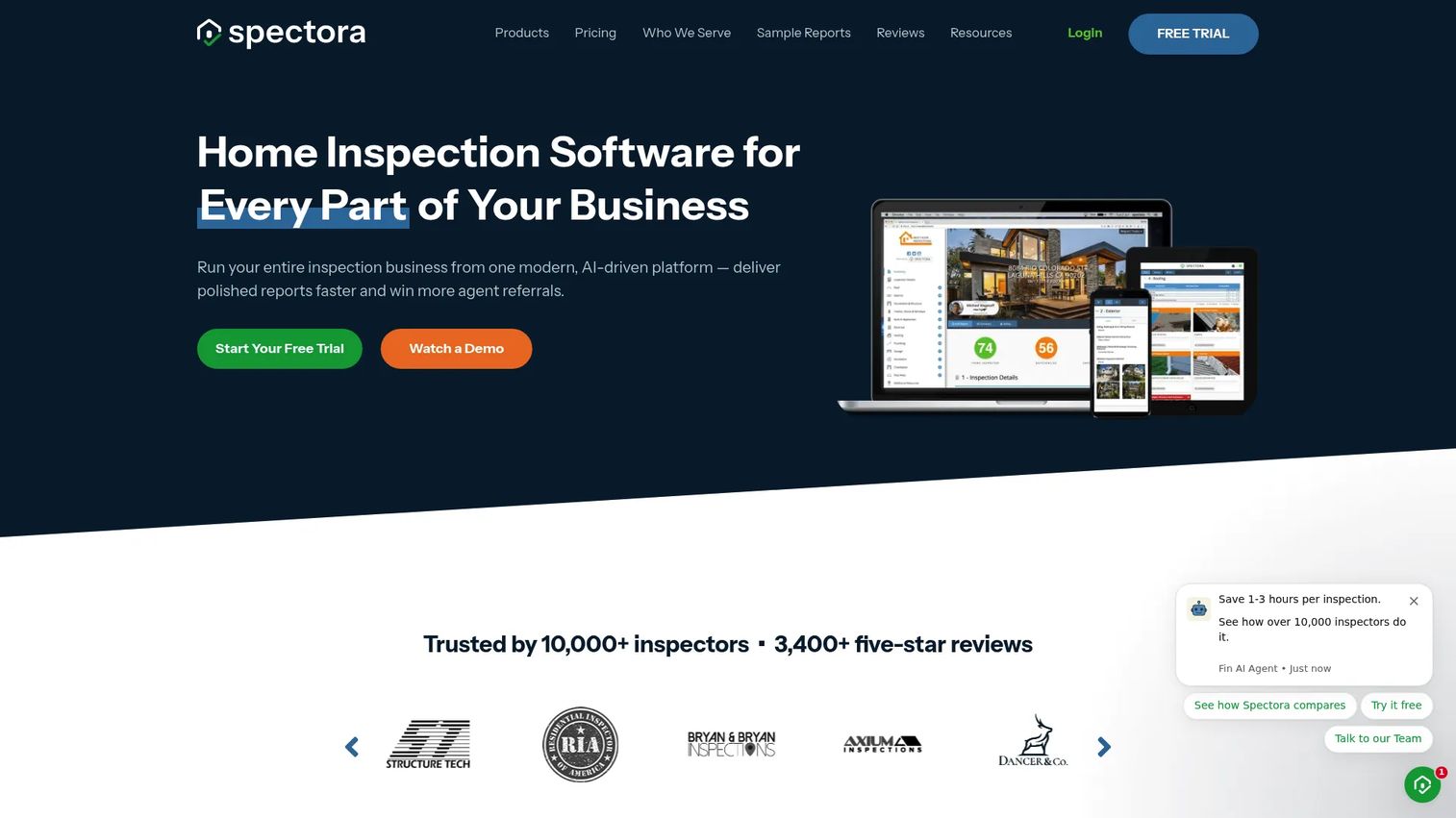
Spectora is home inspection software built to run the whole business, not just the report. It combines mobile and web report writing with scheduling, payments, and client communication, which is why it shows up as the default recommendation for inspectors who want one system instead of a stack of disconnected tools. The report editor works on both phone and desktop, so you can capture in the field and finish anywhere.
Best for: Home inspection businesses that want an all-in-one report-writing and operations platform.
Key strengths
- Mobile app and web report writing: capture findings on-site and finish reports from any device without losing formatting.
- Scheduling with calendar integration: book, manage, and sync inspections without email tag.
- Automation for emails and texts: trigger agreement requests, reminders, and follow-ups automatically.
Why choose Spectora: A team would pick Spectora over a report-only tool because it removes the admin layer around every inspection. When scheduling, agreements, payments, and communication all live in the same place as the report, you stop stitching workflows together and stop losing context between systems. For a growing firm, that consistency across inspectors is the whole point.
Spectora pricing: The solo plan runs $109 per month, or $1,090 per year if billed annually. Additional inspectors are $99 per month each, or $999 per year. There is no free tier, but a free trial includes two inspections so you can test the full workflow before committing.
2. Home Inspector Pro
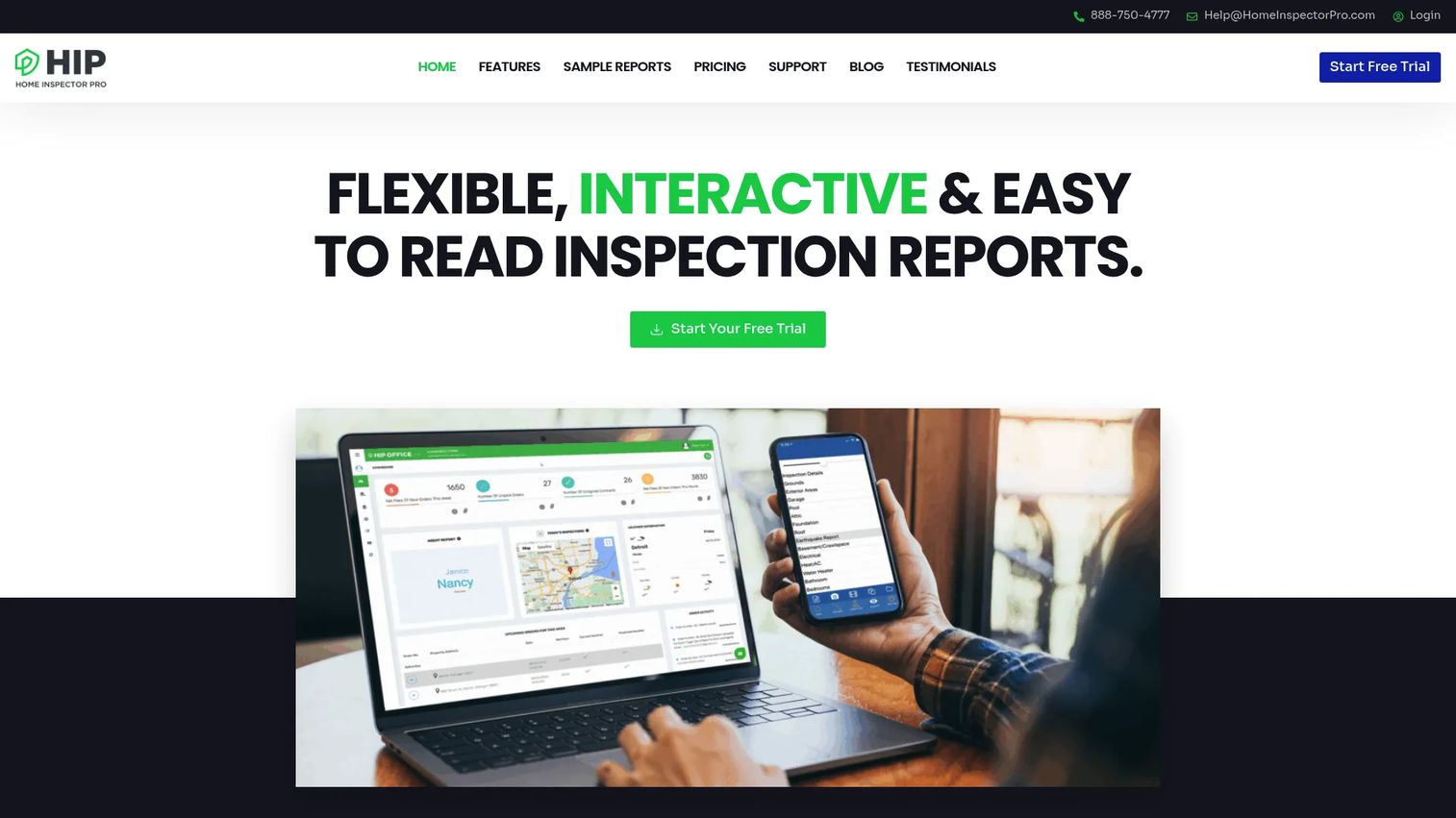
Home Inspector Pro is a report-writing platform built for inspectors who want deep control over how their reports look and function across devices. It runs on Windows, Mac, iPhone, iPad, and Android, so your field capture and desktop finishing stay in one system regardless of what hardware your team carries. The customizable templates are the draw for inspectors who have specific formatting standards and refuse to compromise on them.
Best for: Home inspectors who want highly customizable report writing across desktop and mobile devices.
Key strengths
- Flexible, customizable report templates: shape reports to match your exact standards and state requirements.
- True cross-device apps: work across Windows, Mac, iOS, and Android without a compatibility gap.
- Team inspections and media annotation: run multi-inspector jobs with photo and video markup, plus AI-powered report translation.
Why choose Home Inspector Pro: This is the pick when report presentation and field productivity are your top priorities. The AI translation feature is a genuine differentiator for inspectors serving multilingual clients, and the annotation tools make photo-rich reports fast to build. If your clients or agents span languages, this capability alone can justify the switch.
Home Inspector Pro pricing: The platform uses one straightforward plan at $89 per month, with an annual discount available for those who commit for the year. There is no free tier, but a 30-day free trial gives you a full month to test the report writer and mobile apps against real inspections.
3. HomeGauge
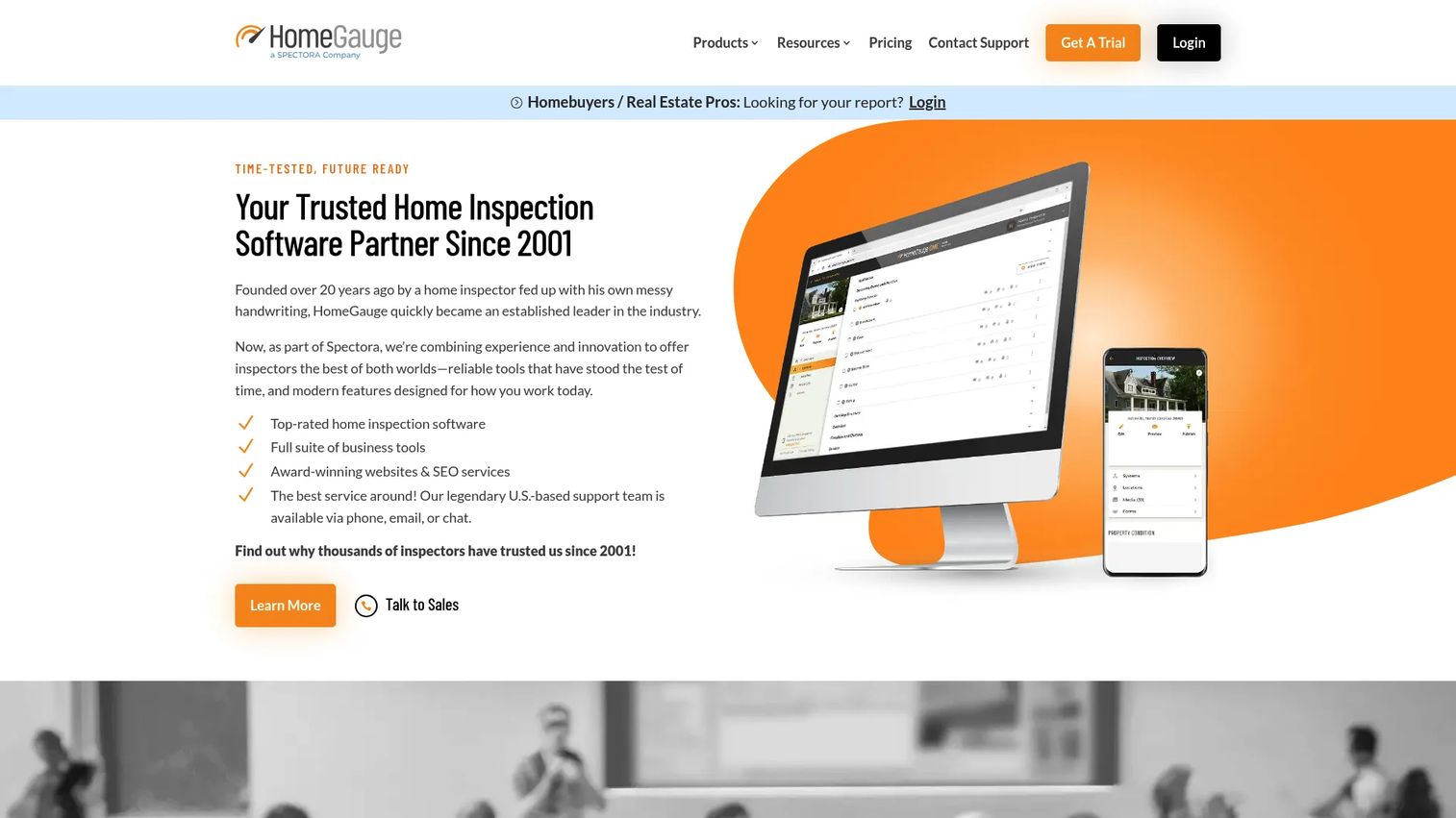
HomeGauge is a recognizable name in inspection reporting software, built around a desktop Report Writer with a companion mobile app for field capture. It pairs report writing with client-facing tools like online report delivery, storage, scheduling, and payments, so the output side of your business is handled alongside the writing. Inspectors who prefer building reports on a desktop while capturing on mobile tend to gravitate here.
Best for: Home inspectors who want desktop-based report writing with companion mobile capture and client-facing delivery.
Key strengths
- Desktop Report Writer with Companion app: write on desktop, capture in the field, and keep both in sync.
- Online agreements, scheduling, and payments: handle the transactional side without leaving the platform.
- Online report delivery and storage: send interactive, hosted reports clients can open in a browser.
Why choose HomeGauge: HomeGauge fits buyers who want an established, inspection-first tool with a desktop-centric writing experience. Its online report delivery is the standout, giving clients a hosted, browsable report rather than a static file. Where broader platforms lean into automation-heavy operations, HomeGauge keeps the report and its delivery at the center.
HomeGauge pricing: HomeGauge Software starts with a 30-day free trial at $0, then moves to $89 per month. That single, transparent price makes it easy to budget, and the free trial period is long enough to run real inspections through the full delivery workflow before you pay.
4. SafetyCulture
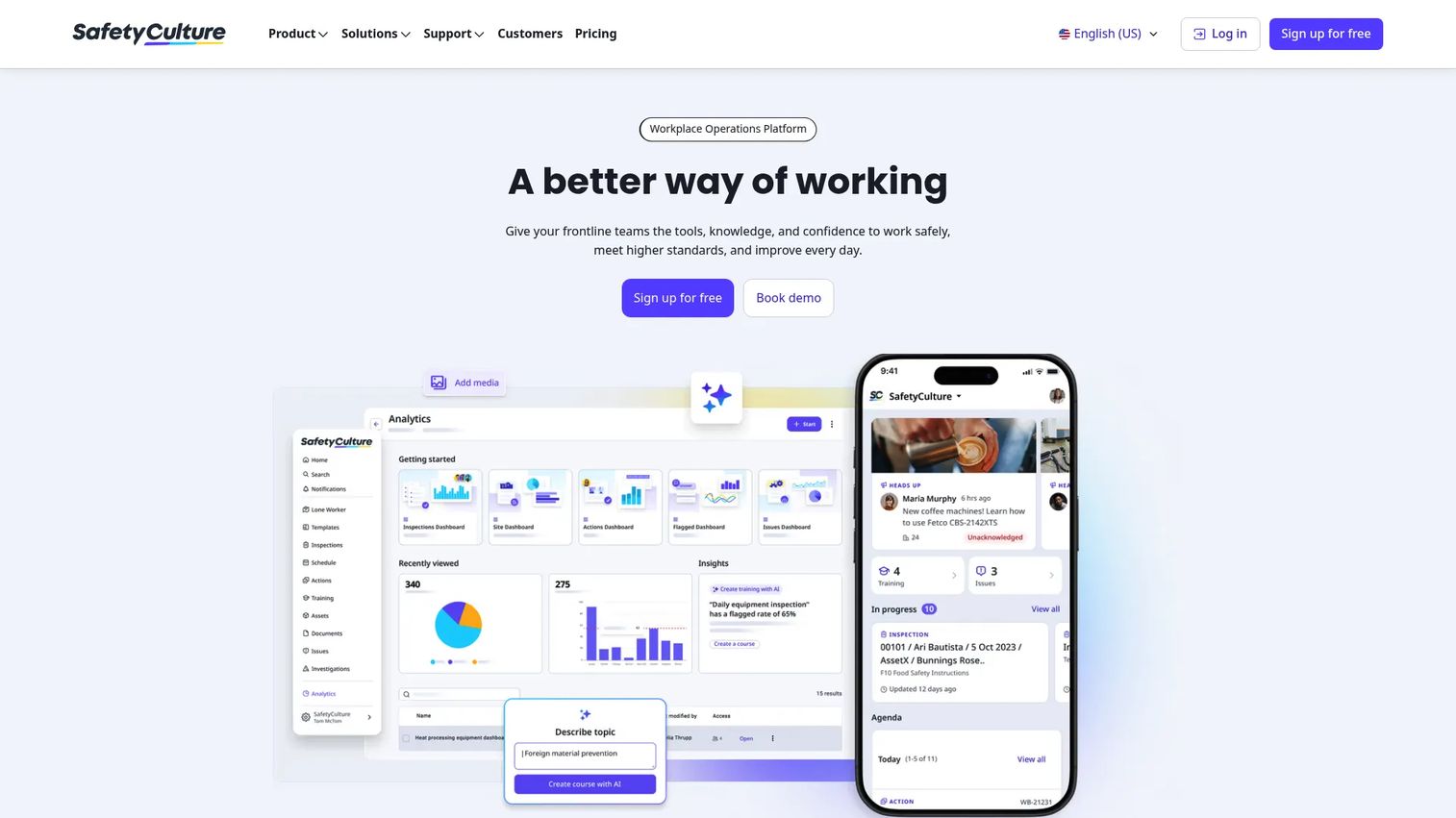
SafetyCulture is a mobile-first operations platform built around inspections, checklists, and audits. It is not a home-inspection-only tool, which is exactly why it earns a place here: for inspectors who also handle commercial, safety, or multi-property work, one flexible template engine can cover a wider range of jobs than a residential-only report writer. Offline sync and a genuine free tier make it easy to test at zero cost.
Best for: Teams that need mobile-first inspections, audits, and operational compliance workflows.
Key strengths
- Inspections and checklists: build custom templates for any inspection type, not just residential.
- Templates and schedules: reuse standardized checklists and schedule recurring inspections.
- Actions and task management: assign and track follow-up items after findings are logged.
Why choose SafetyCulture: SafetyCulture appears in a home inspection comparison because of its breadth and its free entry point. If your business spans more than standard residential inspections, or you want to validate a mobile inspection workflow before spending anything, the free tier for up to 10 seats is a low-risk way in. Its smart reports and offline mode hold up in field conditions where connectivity is unreliable.
SafetyCulture pricing: The Free plan supports up to 10 seats at $0. Premium runs $24 per seat per month, Lite seats start from $5 per seat per month billed annually, and Enterprise is custom. That range makes it flexible for both solo testers and larger operations. It holds a 4.6/5 rating on G2.
5. Inspection Support Network
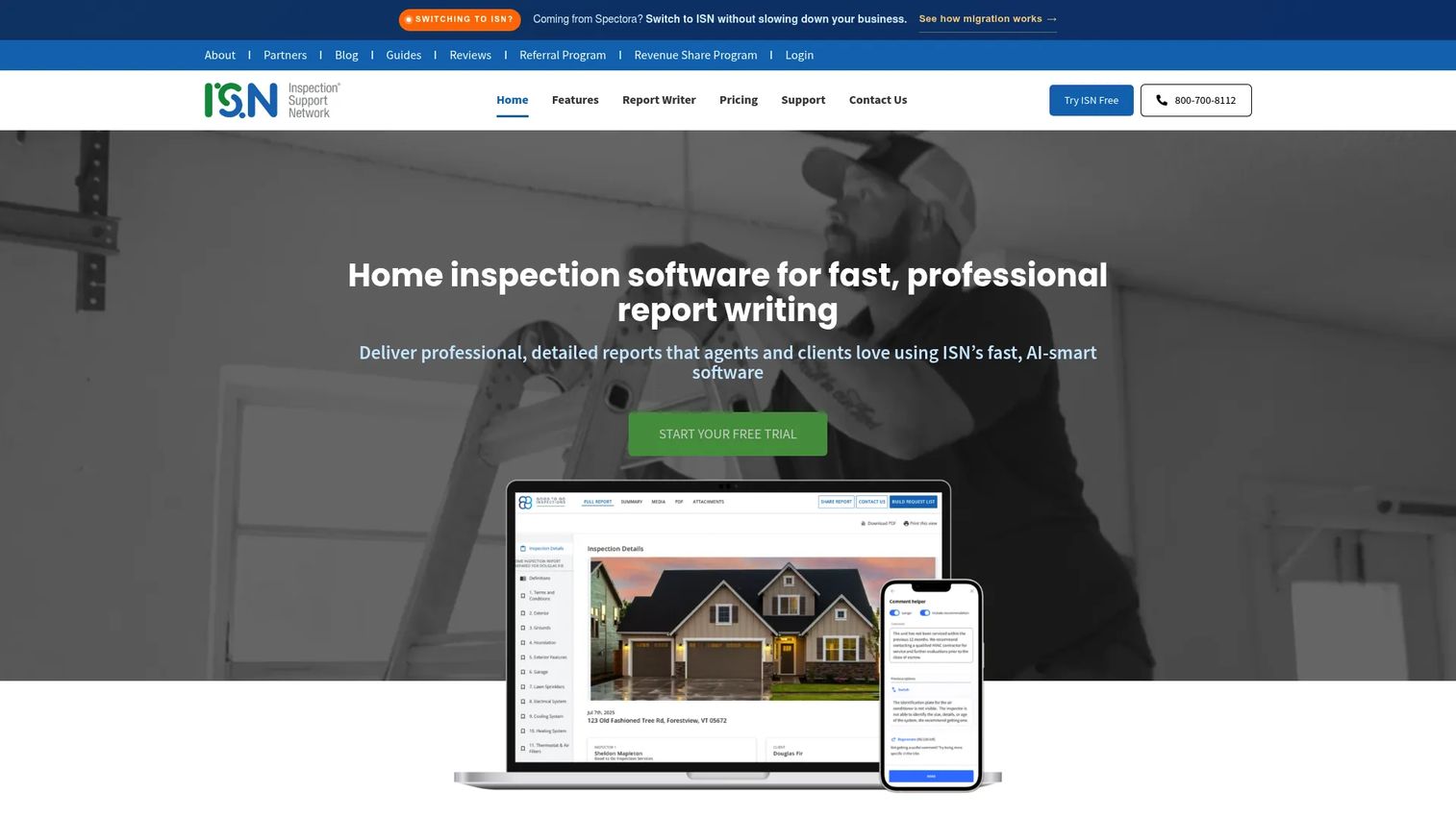
Inspection Support Network positions itself as the operations layer for inspection businesses, built around scheduling, client and agent communication, payments, and automation, with report writing attached. For firms that have outgrown a standalone report tool and now need to coordinate multiple inspectors, agents, and clients, this is where the platform earns its keep.
Best for: Home inspection firms that need an all-in-one operations platform.
Key strengths
- Interactive report writer with voice control: build reports using text, touch, and voice input in the field.
- Online scheduling for clients and agents: let clients and agents book directly without phone tag.
- SMS and email messaging with automations: run marketing and communication workflows on autopilot.
Why choose Inspection Support Network: This is the pick when your bottleneck is coordination, not report writing. The scheduling, messaging, and automation features are the core, and the report writer supports them rather than the other way around. For a multi-inspector firm managing volume and referral relationships, the operations depth is the differentiator.
Inspection Support Network pricing: Pricing is volume-based per inspection. The first 50 inspections per month run $7.25 each, inspections 51 to 100 drop to $5.50 each, and 101 to 150 fall to $3.75 each. Volume above 151 per month moves to custom pricing via sales. A 30-day free trial is available, and monthly minimums may apply. This structure fits firms whose costs should scale with volume rather than a flat seat fee.
6. zInspector
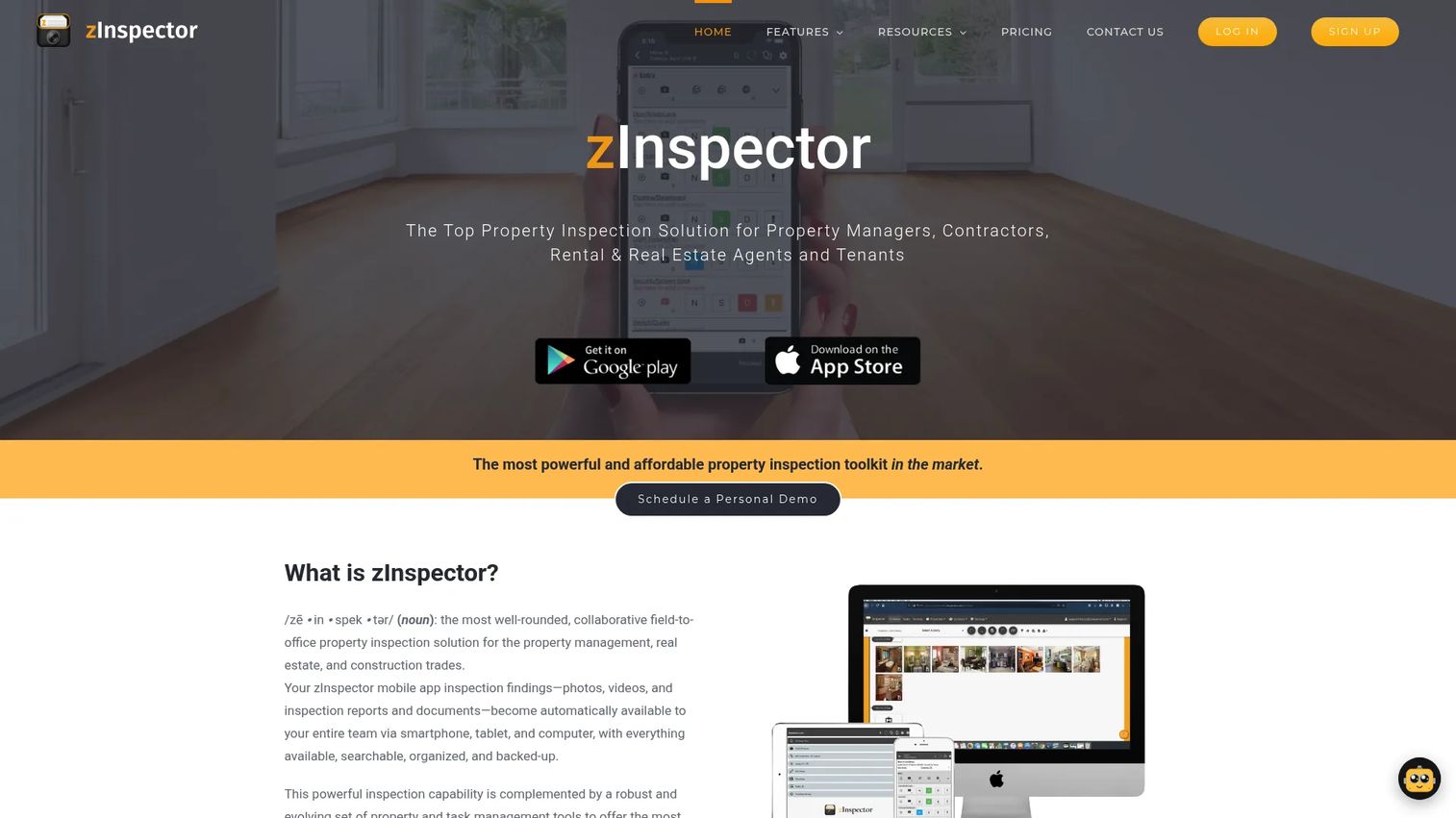
zInspector is property inspection and reporting software with strong roots in property management, which shapes its strengths: offline mobile capture, fast photo and video workflows, and PDF report generation. It handles move-in, move-out, periodic, renewal, and common-area inspections, making it a practical fit for inspectors and smaller teams who value speed and portfolio documentation over heavy report customization.
Best for: Property managers and inspectors needing field inspections, reporting, and portfolio documentation.
Key strengths
- Offline mobile inspections: capture photos, video, and findings without a signal, then sync later.
- Multiple inspection types: move-in, move-out, periodic, renewal, and common-area workflows out of the box.
- Property management integrations: tasks, scheduling, inbox, portals, and third-party connections.
Why choose zInspector: For leaner, faster-moving teams and anyone doing recurring property work, zInspector's offline-first mobile capture and photo workflows are the appeal. It leans practical rather than heavily customizable, which suits high-volume documentation where speed of capture matters more than bespoke report formatting.
zInspector pricing: zInspector offers a 15-day free trial with no credit card required, so you can run real inspections before committing. Published subscription prices were not listed at the time of writing, so confirm current tiers directly on their pricing page during your trial. It holds a 4.5/5 rating on G2.
7. InspectorData
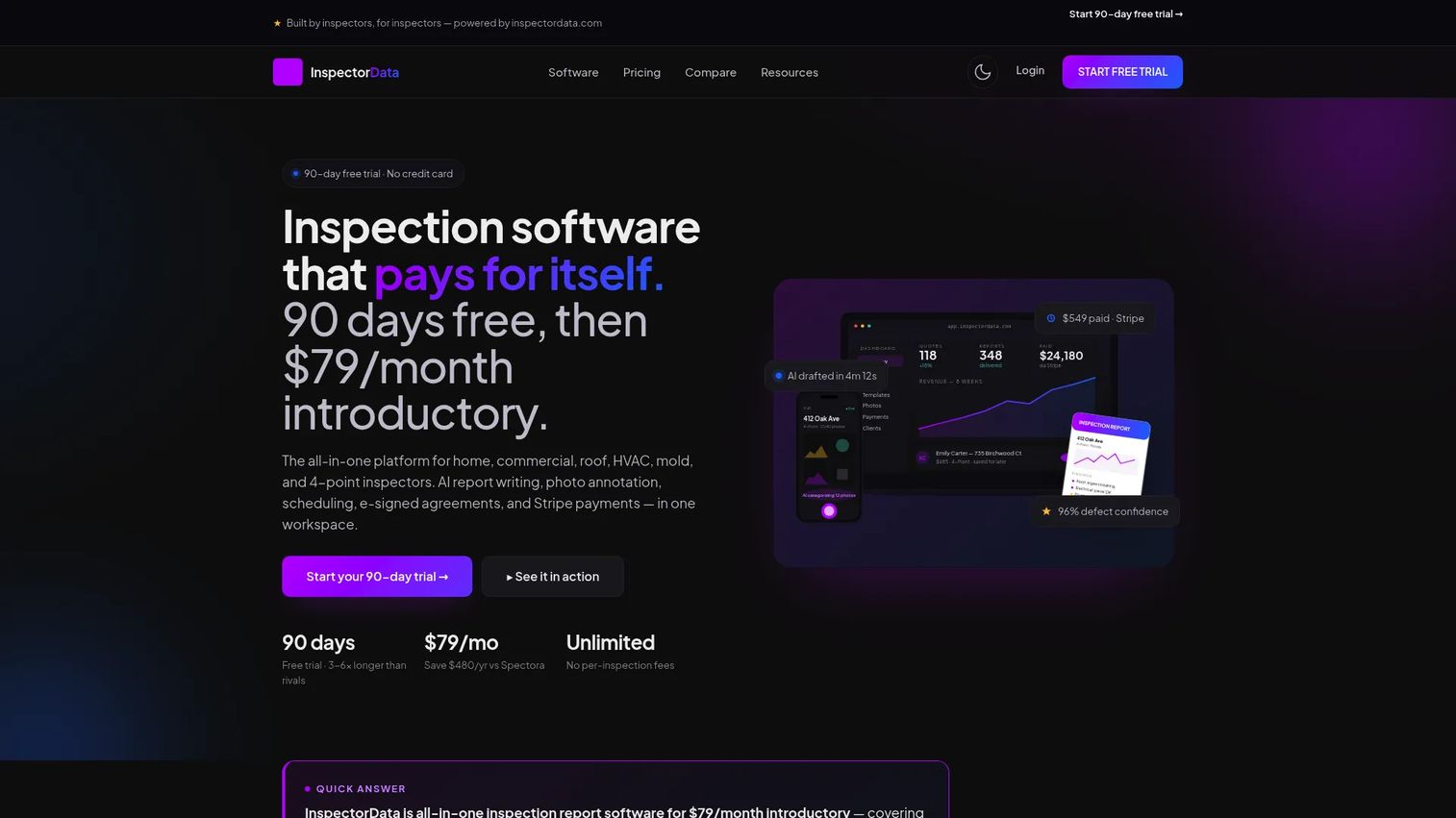
InspectorData is an all-in-one home inspection report software with a modern, flat-rate model and AI report writing at its core. It bundles report writing, photo annotation, scheduling, e-signed agreements, and Stripe payments into a single plan, which appeals to inspectors who want predictable costs and unlimited volume rather than per-inspection or per-seat math.
Best for: Home inspectors wanting a flat-rate, all-in-one report and workflow platform.
Key strengths
- AI report writing: speed up report drafting with AI-assisted comment and section generation.
- Photo annotation and library: mark up defects and keep a reusable photo library across reports.
- Scheduling, e-signed agreements, and Stripe payments: handle booking, signatures, and payment in one flow.
Why choose InspectorData: A buyer would consider InspectorData over older-school tools for its flat-rate pricing and AI report writing. Unlimited inspections on a single monthly price removes the mental math of per-inspection billing, and the AI drafting speeds up the slowest part of the job. For a solo inspector or lean team optimizing for predictable cost and modern features, it is a clean fit.
InspectorData pricing: InspectorData runs a single plan at $79 per month introductory, with unlimited inspections and reports, after a generous 90-day free trial. No credit card is required to start, which makes it one of the lowest-risk platforms to evaluate on this list.
Considerations before you buy
The shortlist narrows fast once you match a tool to how you actually operate. Run every candidate through these criteria before committing.
Report clarity for clients, not just inspectors
A report that reads clearly to you can still confuse a buyer. Evaluate the summary section, severity ratings, and photo placement from the client's point of view. The tools that generate hosted, browsable reports or plain-language summaries reduce post-delivery calls and protect your referral relationships.
Mobile and offline reliability
Test the mobile inspection app in real conditions, including a basement or a property with weak signal. Confirm offline mode captures photos and findings without dropping data, and that syncing to desktop is clean. If field capture is slow or fragile, no amount of reporting polish makes up for it.
Pricing model versus your volume
Flat monthly pricing, per-seat pricing, and per-inspection pricing each favor a different business shape. A high-volume solo inspector may prefer flat-rate. A seasonal or variable-volume firm may prefer per-inspection. Multi-inspector teams should model the cost across all seats before deciding.
Automation and operations depth
Decide whether you need a report writer or a business platform. If scheduling, agreements, payments, and reminders eat your week, prioritize automation depth. If report writing is your only friction, a focused tool may serve you better without the extra features.
Team consistency and scale
If you run or plan to run multiple inspectors, prioritize standardized templates and shared workflows. Consistency across inspectors protects report quality and your brand more than any single feature does.
Conclusion
The right home inspection software depends on your operating model, not a universal ranking. For an all-in-one platform that runs the whole business, Spectora is the strongest default. For field workflow and media-heavy reporting across every device, Home Inspector Pro leads, with its AI translation as a standout for multilingual clients. For firms whose real bottleneck is coordination and scheduling, Inspection Support Network is the operations layer that fits.
Beyond those, SafetyCulture suits broader inspection work with a free entry point, HomeGauge fits inspection-first buyers who want strong client delivery, zInspector serves offline-heavy property work, and InspectorData offers a modern flat-rate option with AI report writing.
Do not decide on features alone. Pick your top two, then run the same mock inspection through both, from field capture to client-ready report. The tool that produces the cleaner report with less friction is your answer. Most of these platforms offer free trials, so the comparison costs you nothing but an afternoon.
FAQs
For solo inspectors, the best fit balances low overhead with a complete workflow. InspectorData's flat-rate $79 per month with unlimited inspections and Home Inspector Pro's single $89 per month plan both suit solo operators who want predictable costs. If you want scheduling and payments built in, Spectora's all-in-one approach covers more of the business in one place.
zInspector and SafetyCulture both lead on mobile-first, offline-capable capture, which matters most for field reliability. Spectora and Home Inspector Pro also offer strong mobile report writing with true cross-device syncing. The best choice depends on whether you finish reports in the field or on a desktop afterward, so test the syncing behavior during a trial.
Multi-inspector firms typically choose platforms built for coordination and consistency. Inspection Support Network is built around scheduling, messaging, and automation across a team. Spectora and Home Inspector Pro both support team inspections with per-inspector pricing, so model the total cost across all your seats before deciding.
Many platforms bundle scheduling and payments alongside report writing. Spectora, HomeGauge, Inspection Support Network, and InspectorData all include scheduling and payment collection in their workflows. If your admin load is heavy, prioritize a platform that handles agreements, reminders, and payments so you are not managing separate tools.
Home Inspector Pro is known for highly customizable templates that adapt to your exact standards and state requirements. HomeGauge offers a strong desktop Report Writer with hosted client delivery. SafetyCulture's template engine is the most flexible for non-residential inspection types. Match the template flexibility to how specific your formatting standards are.
SafetyCulture offers a genuine free tier for up to 10 seats, which is the closest thing to free home inspection software on this list. Most other platforms offer free trials instead of free plans, ranging from two inspections with Spectora to a 90-day trial with InspectorData and a 30-day trial with HomeGauge and Home Inspector Pro.
Offline mode is critical if you inspect basements, crawlspaces, or rural properties where signal drops. zInspector and SafetyCulture both prioritize offline capture, letting you log photos and findings without connectivity, then sync when you are back online. Test offline reliability during a trial, because losing field data mid-inspection is the one failure that costs you a re-visit.
Run the same mock inspection through each tool, from field capture to final client-ready report. Compare how fast you capture findings on mobile, how clean the syncing is, how the finished report reads to a non-inspector, and how much admin the automation removes. The platform that produces the clearer report with the least friction, at a price that fits your volume, is the one to keep.