You built a list of 40 accounts this week. You found the right person at each one. Then you spent the next two hours hunting for phone numbers across LinkedIn, company sites, and old spreadsheets. Half the numbers were wrong. A third were switchboards. You dialed anyway.
That is the tax on bad phone data. Every wrong number is a wasted touch, and every switchboard is a connect that never happens. The reverse phone number lookup market alone hit $2.49 billion in 2025 and is growing at an 8.8% CAGR through 2033, according to Verified Market Research. The reason is simple: teams and individuals both need a faster, more reliable way to turn a name, a domain, or an unknown caller ID into a usable number.
Phone number finder software splits into two jobs. Reverse phone lookup answers "who called me" from a number you already have. Forward, or B2B phone enrichment, does the opposite, returning verified direct dials and mobile numbers from a name, email, or company domain. Pick the wrong category and you burn time. This guide sorts the tools by which job they actually solve.
What's inside
This guide covers phone number finder software for two distinct jobs: reverse lookup and B2B phone number enrichment. It is written for SDRs and outbound teams who care about connect rates, plus anyone who needs quick caller identification.
We selected tools based on:
- Verification quality and data accuracy
- Free access, free tiers, and pricing transparency
- Workflow fit for prospecting and outreach
- Coverage across direct dials, mobile numbers, and reverse lookup
- Compliance and responsible sourcing
TL;DR
- Best for B2B verified direct dials: Tomba Phone Finder, for teams enriching prospecting lists at scale.
- Best free phone number finder: lemlist Free Phone Number Finder, for reps who want a quick lookup from a LinkedIn profile or name.
- Best all-in-one prospecting platform: Saleshandy Phone Number Finder, for teams combining lead finding, phone lookup, and outreach.
- Best for caller ID and spam blocking: Sync.me and Truecaller, for identifying and screening unknown callers.
- Best for broad consumer lookup: Whitepages and BeenVerified, for people search and reverse lookup by name or number.
- Best for quick free reverse lookup: NumLookup, for occasional lookups with a free daily search.
What is phone number finder software
Phone number finder software is a tool that locates, verifies, and returns usable phone numbers, either by reverse lookup from an existing number or by forward lookup from a name, email, domain, or LinkedIn profile.
The category solves two opposite problems. Reverse lookup starts with a number and tells you who it belongs to, along with caller ID, line type, and carrier data. Forward lookup, often called phone number enrichment, starts with a person or company and returns their direct dial or mobile number so you can call them.
Core capabilities to expect:
- Verified phone numbers: direct dials and mobile numbers checked against live data sources
- Multiple input types: name, email, company domain, or LinkedIn profile
- Line type and carrier data: mobile versus landline, plus carrier detail for reverse lookup
- Reverse lookup: identify unknown callers and screen spam
- Integrations: CRM sync, browser extension, or spreadsheet add-on
- API access: bulk enrichment for larger lists
- Free tier or credits: a way to test accuracy before you pay
For an SDR, the practical test is whether the tool returns a number that connects. Data accuracy is revenue quality: a verified direct dial that reaches a decision-maker is worth more than ten switchboard numbers you have to route through a receptionist.
When to use phone number finder software
Find a direct dial for outbound prospecting
You have the account and the name. You need the number. B2B enrichment tools take a LinkedIn profile, email, or company domain and return a verified direct dial or mobile number. This is the core use case for outbound SDRs who need to hit call volume without manually digging through company sites. Better data here means fewer wasted dials and higher connect rates.
Identify who called before you call back
An unknown number shows up on your phone or in your call logs. Reverse phone lookup tools return the name, location, line type, and carrier behind the number. Caller ID and spam call blocker apps also flag likely scam calls before you pick up. This matters for both consumer safety and for reps deciding whether an inbound number is worth returning.
Verify a contact list before running a campaign
Before you load 500 numbers into a dialer or sequencer, you want to know which ones are live. Phone number enrichment and verification tools check numbers against current data, flag disconnected lines, and identify line type. Running verified numbers protects your connect rate and keeps your outreach stack clean.
Comparison table
The table below separates B2B enrichment tools, built for prospecting and outreach, from reverse lookup and caller ID apps, built for identifying unknown callers. Match the tool to the job before you compare price.
| # | Product | Best for | Key differentiation | Pricing | G2 rating |
|---|---|---|---|---|---|
| 1 | Tomba Phone Finder | B2B verified contacts | Phone and email finder with domain enrichment | Free plan; Growth $89/mo | 4.7/5 |
| 2 | lemlist Free Phone Number Finder | Free quick lookups | Verified number from a LinkedIn profile or name | Free tool | Not listed |
| 3 | Saleshandy Phone Number Finder | All-in-one prospecting | 852M+ contacts plus outreach in one platform | Free plan; Lead Starter from $49/mo | 4.6/5 |
| 4 | Sync.me | Caller ID and spam | Real-time caller ID and scam detection | Free with Premium | Not listed |
| 5 | Truecaller | Caller ID at scale | Community-based caller identification | Free; Premium from $74.99/yr | 4.4/5 |
| 6 | Whitepages | People search | Reverse phone and reverse email lookup | Free with paid lookups | Not listed |
| 7 | BeenVerified | Background lookup | Public-record aggregation into reports | See pricing note | Not listed |
| 8 | NumLookup | Quick reverse lookup | One free lookup per day | Free daily; paid plans | Not listed |
Best 8 phone number finder software for 2026
1. Tomba Phone Finder
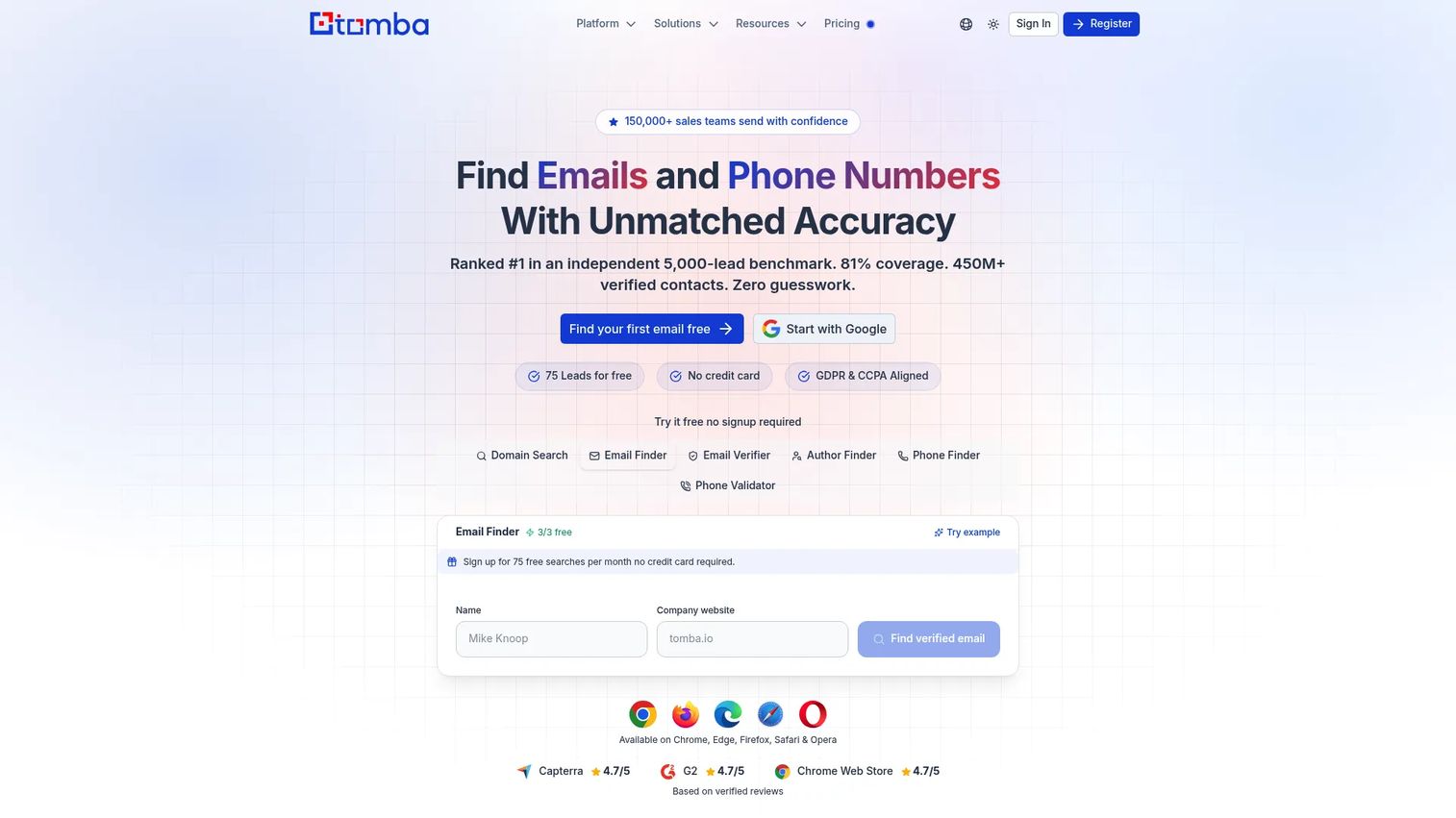
Tomba is a B2B contact data platform built for finding, verifying, and enriching emails and phone numbers. Its Phone Finder returns verified numbers, and it pairs that with an email finder and domain search so you can build a full contact record from a company domain. For SDRs enriching prospecting lists, it covers the forward lookup job: start with a domain or name, get a usable number back.
The value for outbound teams is verification. A number is only worth dialing if it connects, and Tomba positions accuracy and compliance as core to its data. Domain search lets you find every contact at a target account, which matters when you are multi-threading a deal.
Best for: Sales and marketing teams that need verified B2B contacts and phone lookups from a domain or name.
Key strengths
- Phone Finder for verified B2B direct and mobile numbers
- Email finder and verification alongside phone data
- Domain search to enrich a whole account
- API access for bulk enrichment
Why choose Tomba: If your workflow starts from a company domain and you want phone plus email in one place, Tomba fits the enrichment step in a prospecting workflow. It suits teams that value verified data over raw volume.
Tomba pricing: Free plan available. Paid plans include Starter at $39/month and Growth at $89/month.
2. lemlist Free Phone Number Finder
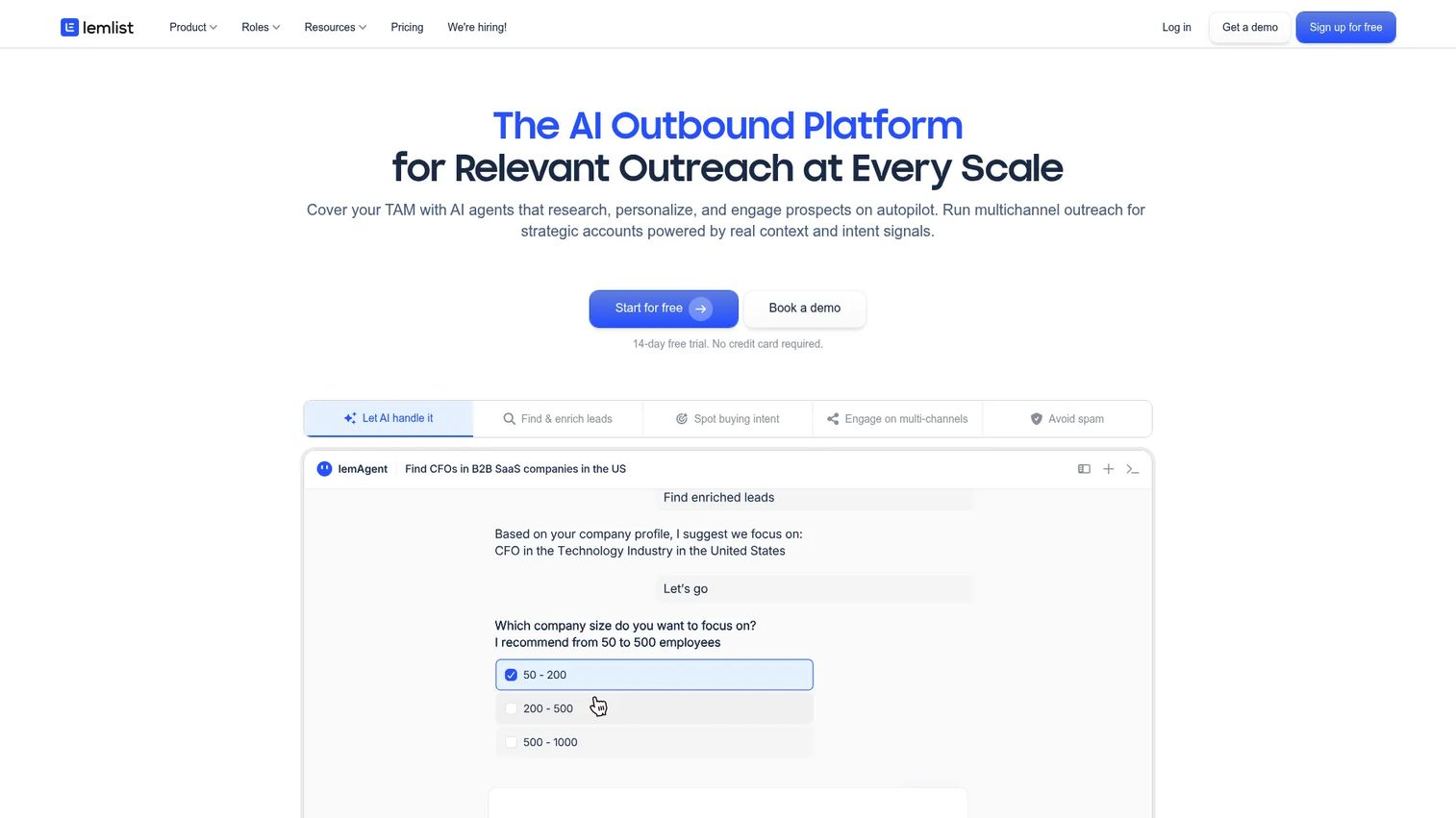
lemlist offers a free phone number finder that pulls a verified number from a LinkedIn profile or a name. It is built for reps who want a fast, no-commitment lookup without opening a paid account. Paste a profile, get a number, move on. That speed is the point for an SDR working through a target list.
lemlist also runs the phone finder as a paid, credit-based action inside its broader outreach platform, so heavy users can find phone numbers alongside their email sequences and campaigns.
Best for: Reps who need a free, quick phone number lookup from a LinkedIn profile or name.
Key strengths
- Free phone number lookup, no paid plan required
- Input from a LinkedIn profile or a name
- Verified number results
- Ties into lemlist's outreach platform for scale
Why choose lemlist: If you want to test phone lookup before committing budget, the free tool is a low-friction starting point. It suits individual reps and small teams who already run outreach in lemlist.
lemlist pricing: The phone number finder is available as a free tool. Inside lemlist, the phone number finder runs as a credit-based action costing 20 credits per successful find.
3. Saleshandy Phone Number Finder

Saleshandy combines phone number finding with a full prospecting and cold outreach platform. Its Lead Finder taps a database of 852M+ B2B contacts and 42M+ companies, with AI-assisted search across 20+ smart filters. You find verified emails and phone numbers, then move straight into sequences without switching tools. That consolidation is the draw for teams tired of a seven-tab outreach stack.
Phone number verification and CRM sync keep your data clean as you build lists, and unused credits roll over, which helps teams manage cost across busy and slow months.
Best for: Teams that need verified B2B phone numbers and emails plus outreach in a single platform.
Key strengths
- 852M+ B2B contacts and 42M+ companies
- AI-assisted lead search with 20+ smart filters
- Phone number verification and CRM sync
- Lead finding and cold outreach in one place
Why choose Saleshandy: If you want to consolidate list building, phone lookup, and sequencing, Saleshandy reduces tool sprawl. It fits SDR teams standardizing a repeatable prospecting workflow.
Saleshandy pricing: Free plan available. Lead Starter is $59/month monthly or $49/month billed annually, and Lead Pro is $99/month monthly or $79/month billed annually. A custom plan is available for higher volume.
4. Sync.me
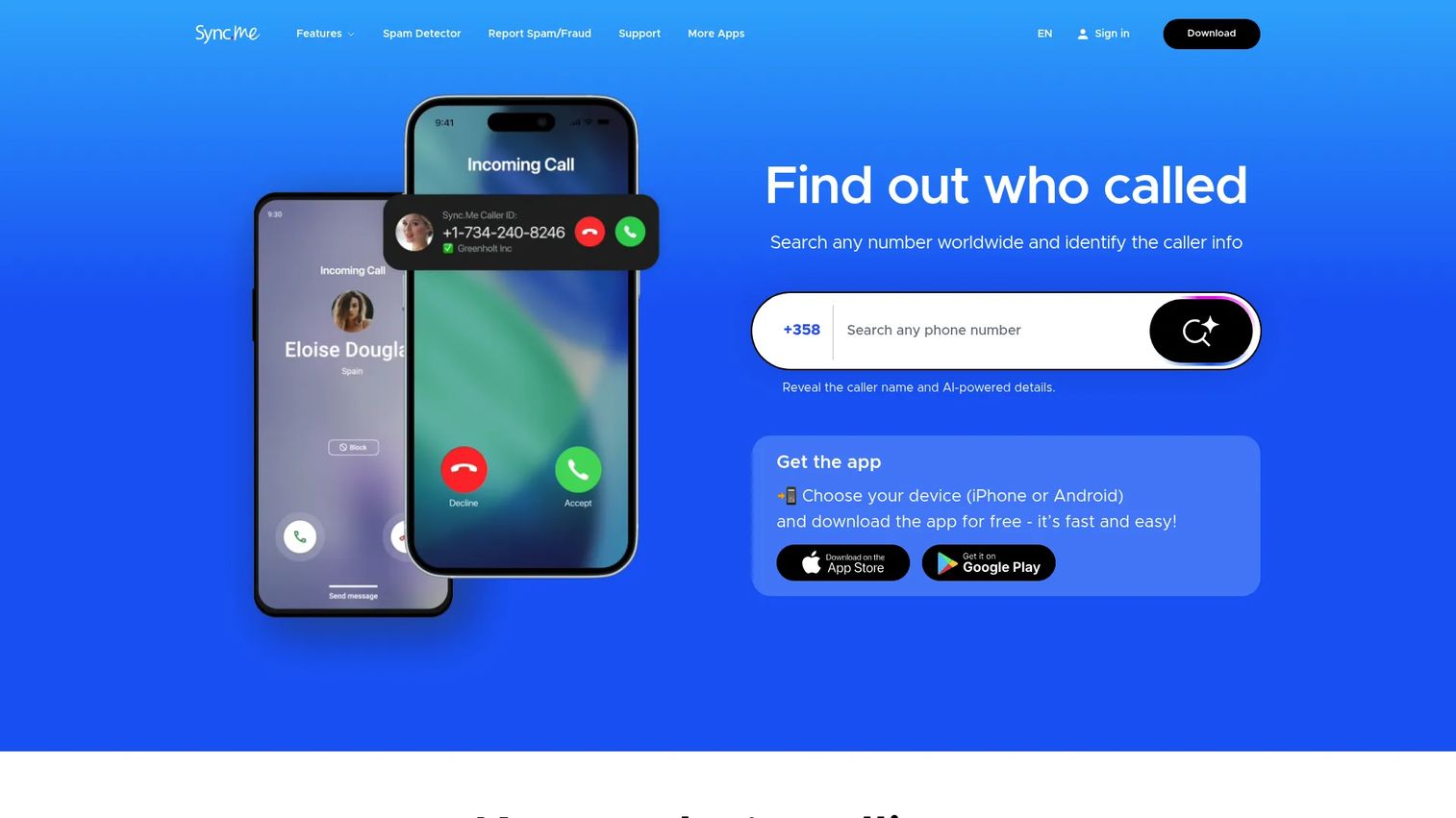
Sync.me is a caller ID and spam-protection app with contact sync, reverse lookup, and call tools. It answers the "who called me" question in real time, identifying unknown callers and flagging likely spam and scam calls before you answer. For anyone dealing with a flood of unknown numbers, that screening is the core value.
Its reverse phone lookup lets you check a number against Sync.me's data, and contact sync keeps your address book current across devices. This is an app-first, consumer-leaning tool rather than a B2B enrichment platform.
Best for: People who want caller identification and spam-call blocking on their phone.
Key strengths
- Real-time caller ID for unknown numbers
- Advanced spam and scam detection
- Reverse phone lookup
- Contact sync across devices
Why choose Sync.me: If your priority is screening inbound calls and blocking spam, Sync.me focuses on that job. It suits individual users and reps who want to vet unknown numbers before returning a call.
Sync.me pricing: A free download is available, with a Premium plan referenced on the app. A public price for Premium is not listed on the brand site.
5. Truecaller
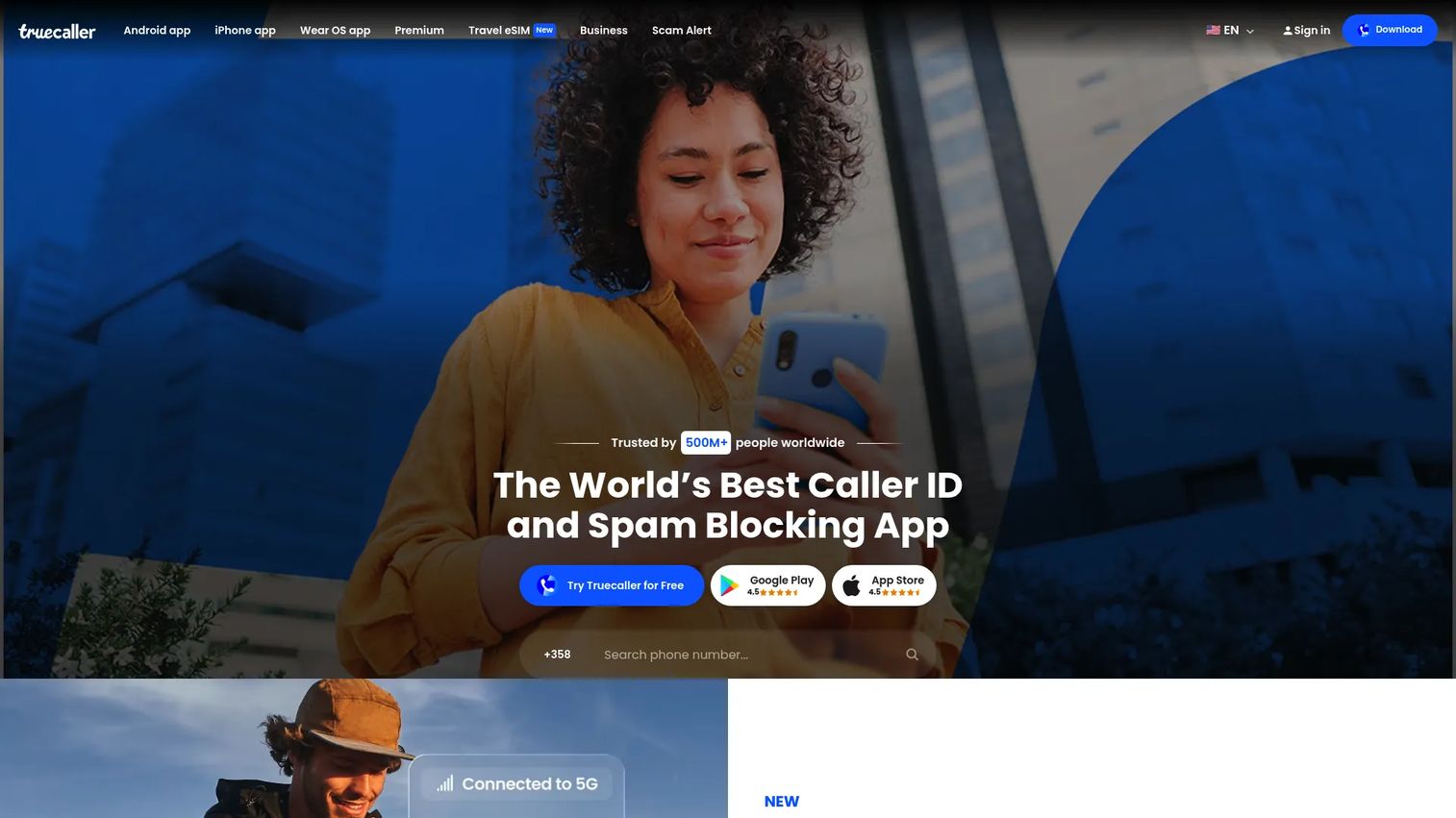
Truecaller is a widely used caller ID, spam blocking, and call-screening app. Its identification relies on a large community-based database, so unknown callers get named and spam gets flagged before you pick up. The scale of that community data is what makes it effective at surfacing who is calling.
Beyond caller ID, Truecaller offers an assistant and call-screening features that handle calls you do not want to answer. Like Sync.me, this is a reverse-lookup and caller-identification tool, not a B2B prospecting engine.
Best for: Individuals or teams that want caller ID and spam protection at scale.
Key strengths
- Caller ID for unknown callers
- Spam and scam blocking
- Assistant and call screening
- Large community-based caller database
Why choose Truecaller: If you want broad caller identification backed by a large user community, Truecaller is a strong pick for screening. It fits users who field a high volume of unknown calls.
Truecaller pricing: A free version is available. Paid plans include Premium at $74.99/year, Family at $99.99/year, and Gold at $249.00/year.
6. Whitepages
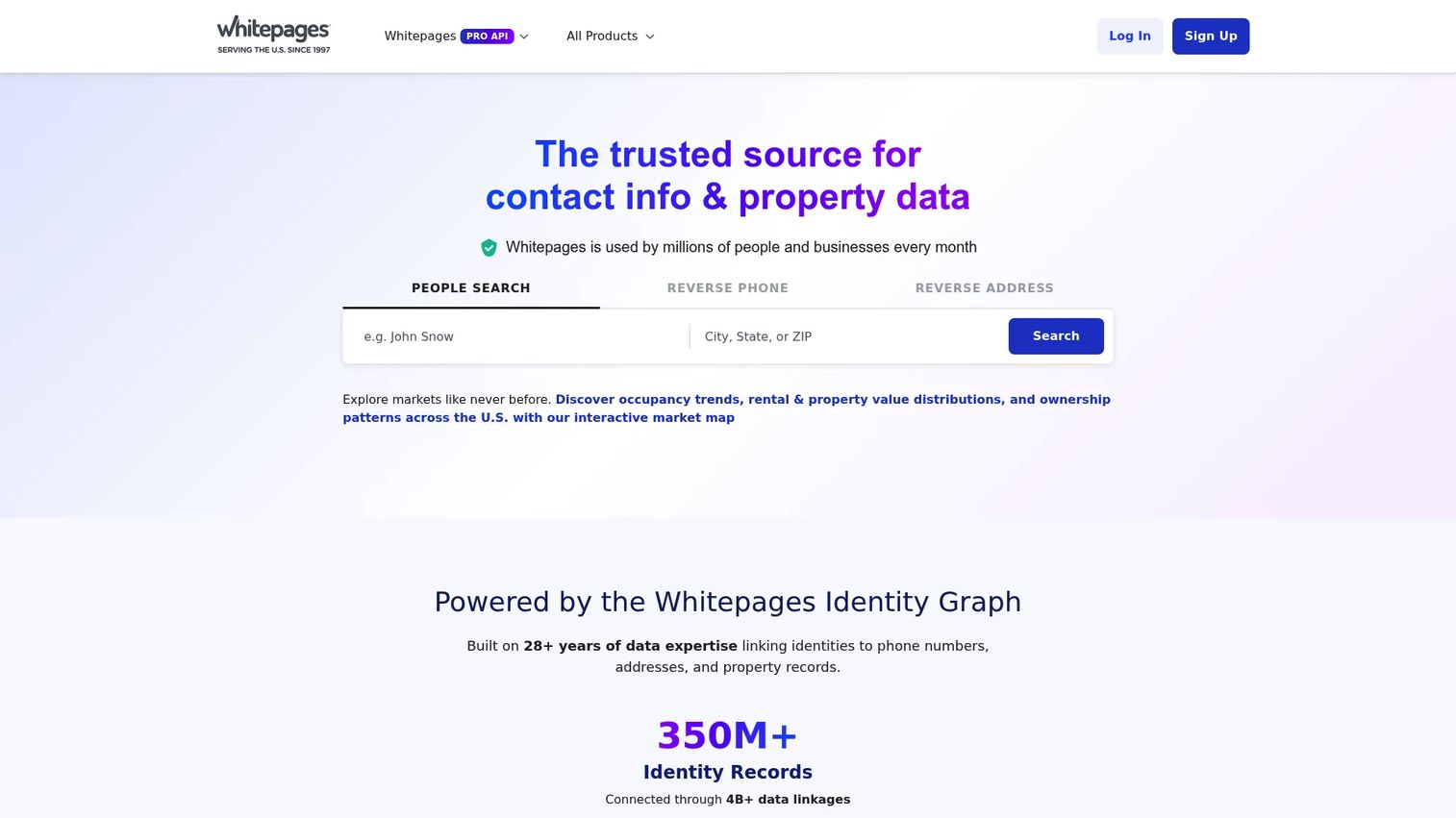
Whitepages is a people-search and reverse-lookup service for finding contact, address, and property information. You can search by name, phone, address, email, or job title, and run reverse phone or reverse email lookups to identify who is behind a number or address. This is a broad consumer lookup tool with background-check-style intent.
For reps, Whitepages is useful when you need to confirm identity or find a person by name rather than enrich a B2B account at scale. It leans toward people search and public records rather than verified direct dials for outbound.
Best for: Finding people, phone numbers, addresses, and related lookup data by name or number.
Key strengths
- People search by name, phone, address, email, or job title
- Reverse phone and reverse email lookup
- Property records and market reports
- Contact sync and spam-call identification
Why choose Whitepages: If you need to find or verify a person across public records rather than build a B2B call list, Whitepages covers that broad lookup. It suits identity confirmation and people-search use cases.
Whitepages pricing: Whitepages offers a free experience with paid lookups. Reported options include a Whitepages Premium annual plan at $29.99, single premium lookups from $1.99, and monthly lookup bundles ranging from $3.99 to $22.99.
7. BeenVerified
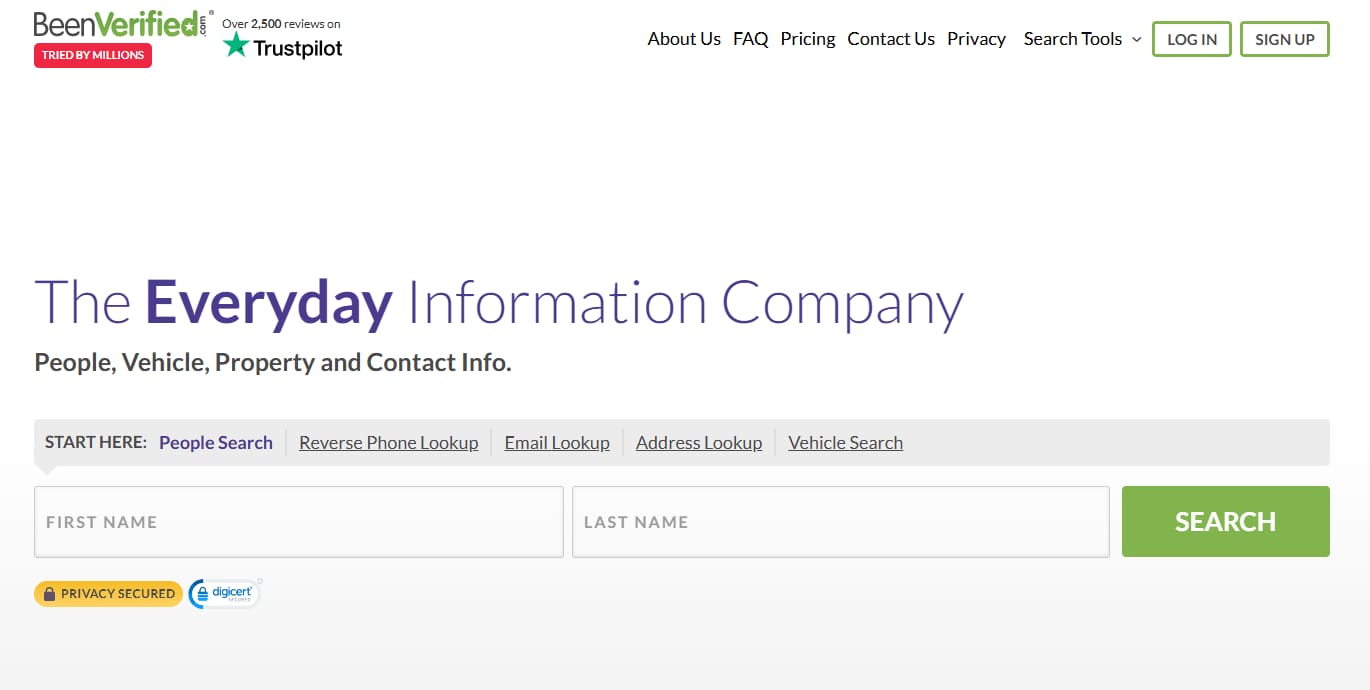
BeenVerified is a consumer background-check and people-search service that aggregates public records into readable reports. Search a name, phone, or address and it pulls together available public data, including phone, address, and relative information. The intent here is identity lookup and background research rather than outbound prospecting.
For someone trying to identify an unknown caller or research a contact, BeenVerified compiles public records in one report. It sits firmly in the consumer people-search category alongside Whitepages.
Best for: Consumers seeking background checks and public-record lookup reports.
Key strengths
- People search and background reports
- Public-record aggregation
- Phone, address, and relative lookup
- Report-based results
Why choose BeenVerified: If your goal is a background report or identity research rather than a verified direct dial, BeenVerified consolidates public records into one place. It fits consumer lookup and research use cases.
BeenVerified pricing: BeenVerified sells subscription-based access to its people-search reports. Check the BeenVerified site for current plan pricing before you subscribe.
8. NumLookup
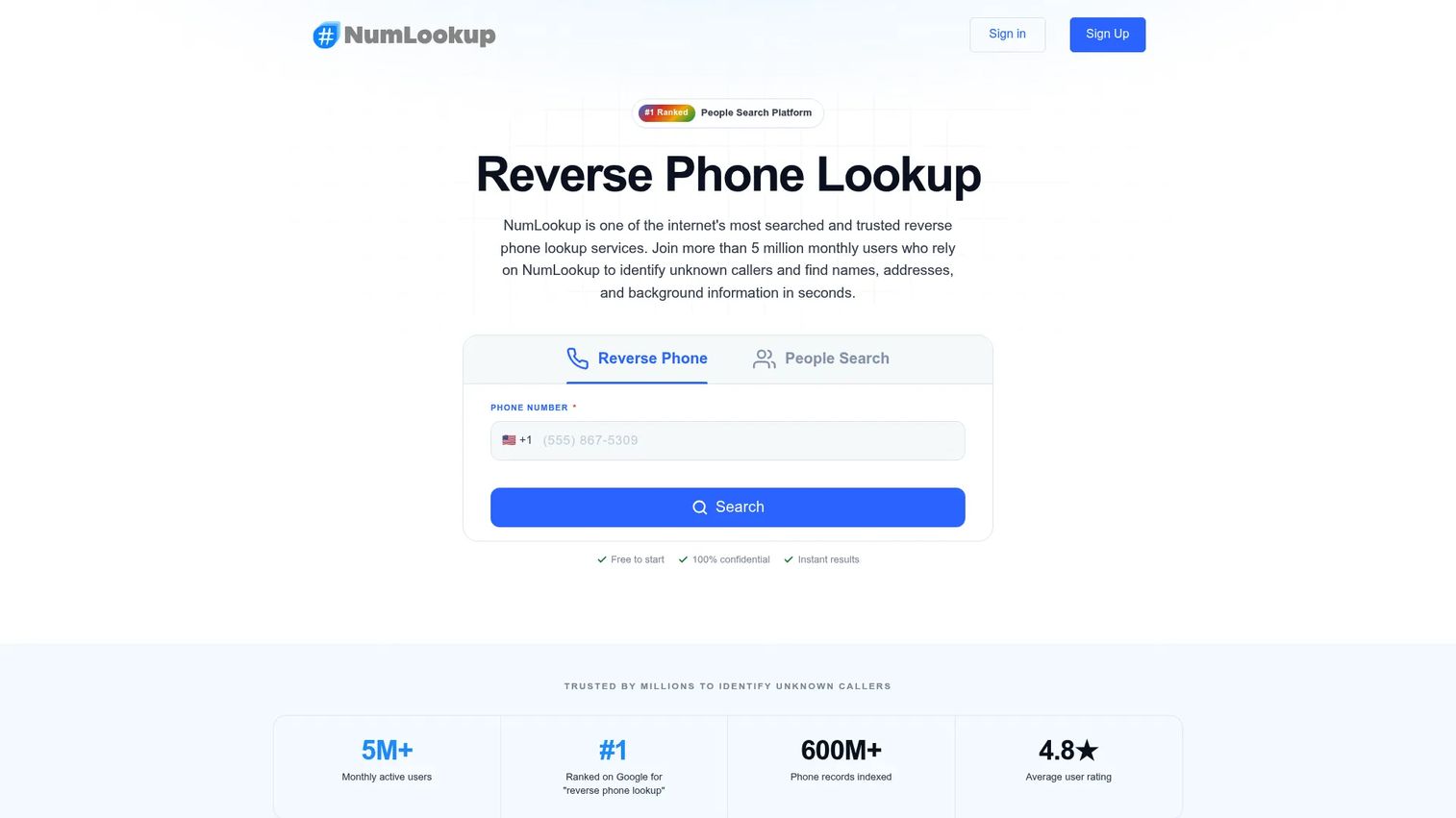
NumLookup is a reverse phone lookup service with a free daily search and paid subscription access for fuller reports. Enter a number and get basic caller info: name, location, carrier, and phone type. For occasional lookups, the free daily search keeps it simple, no account gymnastics required.
Paid reports add address history, relatives, demographics, and background details for deeper research. NumLookup is a fast, focused reverse lookup tool rather than a B2B enrichment platform.
Best for: People who need occasional reverse phone lookups with a free daily option.
Key strengths
- Reverse phone lookup
- Basic caller info: name, location, carrier, and phone type
- One free lookup per day
- Paid reports with address history and background details
Why choose NumLookup: If you only need the occasional reverse lookup and want a free option, NumLookup keeps it simple. It suits light users doing quick caller identification.
NumLookup pricing: One reverse phone lookup per day is free. Subscription plans are available for more frequent use and fuller reports; check the NumLookup site for current plan pricing.
Considerations before you buy
Picking the right tool comes down to matching the job to your workflow. Run through this checklist before you commit.
Reverse lookup or forward enrichment
Decide which job you actually have. If you are identifying unknown callers, choose a caller ID or reverse lookup tool. If you are building call lists from names and domains, choose a B2B enrichment tool. Buying the wrong category is the most common mistake, and the two rarely overlap well.
Verification and data accuracy
A number that does not connect costs you a touch and a shot at a meeting. Look for verified direct dials and mobile numbers, and test accuracy on your own accounts during a free trial or with free credits before you scale. Data quality is the whole game for outbound.
Free tier and pricing fit
Check the free tier limits and how credits work. Some tools give you a free daily lookup, others give monthly credits, and heavy prospecting can burn through them fast. Confirm whether unused credits roll over and what the per-find cost looks like at your volume.
Workflow and CRM fit
The best data is useless if it lives in a separate tab. Look for CRM sync, a browser extension, or a spreadsheet add-on so numbers land where you already work. For SDRs, tight integration with your sequencer and dialer reduces clicks and keeps your outreach stack clean.
Compliance and privacy
Phone data is regulated. Make sure the tool sources data responsibly and gives you what you need to stay compliant with privacy rules in your region. Responsible sourcing protects both your prospects and your team.
Conclusion
The right phone number finder depends on which job you are doing. If you run outbound and need verified direct dials from names and domains, start with a B2B enrichment tool: Tomba for verified contact data, Saleshandy if you want prospecting and outreach in one platform, or lemlist's free finder to test lookups before you pay. These fit the prospecting workflow where connect rate is everything.
If your job is identifying unknown callers or screening spam, reach for a caller ID or reverse lookup tool instead. Sync.me and Truecaller lead on caller ID and spam blocking, while Whitepages and BeenVerified cover broad people search. NumLookup handles the occasional free reverse lookup without any setup.
Your next step: pick the category that matches your workflow, then test accuracy on your own data before you scale. For SDRs, the fastest win is running a small batch of enriched numbers through your dialer and measuring the connect rate against your current source. Let the data decide.
FAQs
It works in one of two directions. Reverse lookup takes a number you already have and matches it against data sources to return the name, location, line type, and carrier. Forward lookup, or enrichment, takes a name, email, domain, or LinkedIn profile and returns a verified phone number by cross-referencing B2B and public data.
For B2B lookups, lemlist's free phone number finder returns a verified number from a LinkedIn profile or name with no paid plan. For reverse lookup, NumLookup offers one free search per day. Many B2B tools like Tomba and Saleshandy also include free plans or credits so you can test accuracy before paying.
Yes. B2B enrichment tools are built for exactly this. Tools like Tomba and Saleshandy take a name, email, or company domain and return verified direct dials and mobile numbers. Domain search also lets you find multiple contacts at the same account, which helps when you are multi-threading a deal.
No. Reverse lookup starts with a phone number and tells you who it belongs to, plus caller ID and line type. Phone number enrichment does the opposite: it starts with a person or company and finds their number. Reverse lookup answers "who called me," while enrichment answers "what number do I call."
Phone number finder tools are widely used in B2B sales, but legality depends on how you source and use the data. Choose tools that source data responsibly and follow privacy rules like GDPR and CCPA where they apply. Always respect do-not-call regulations and consent requirements in your region before dialing.
Outbound SDRs benefit most from B2B enrichment tools that return verified direct dials. Tomba fits teams that want verified contact data from a domain, and Saleshandy suits teams that want lead finding and outreach in one platform. lemlist's free finder is a good low-cost starting point. Caller ID apps are less relevant for outbound list building.
Accuracy varies by provider and by how fresh their data is. Verified direct dials are checked against live data sources, which raises connect rates versus unchecked numbers. The reliable test is to run a small batch through your dialer and measure the connect rate on your own accounts before committing to a plan.
Many B2B enrichment tools offer CRM sync, browser extensions, or spreadsheet add-ons so numbers flow into your existing workflow. Saleshandy syncs with CRMs and pairs lookup with outreach, and Tomba offers API access for bulk enrichment. Check integration support before buying so numbers land where you already work.