You have a campaign launching Thursday. You need six clips: a hero cut for the landing page, a vertical version for Reels, a square one for the feed, a captioned edit for LinkedIn, plus two ad variants. It's Tuesday. Your designer is buried. Your video editor of choice takes 40 minutes just to render.
This is the actual job for most marketers now. Not "make one polished film." Ship many versions of the same idea, fast, with enough motion and polish to stop the scroll and enough consistency to stay on brand. The right video effects software decides whether that takes an afternoon or three days.
The stakes are rising too. The global video editing software market was valued at $3.2 billion in 2025 and is projected to reach $5.2 billion by 2034 at a 5.6% CAGR, according to Dataintelo (2025). Video content keeps eating budget and attention, which means the tool you pick shapes how much output you can produce per person. If you also generate clips from scratch, our roundup of the best AI video generators pairs well with anything below.
So the question is not "which editor is most powerful." It's "which one lets a small team add effects, transitions, and motion without becoming a bottleneck."
What's inside
This guide ranks 8 tools built for creating effects-heavy video faster, from browser-based editors to full post-production suites. It's written for marketers and content teams who need social-ready output on tight timelines, not film school graduates.
We evaluated each tool on six things that actually matter when you ship weekly:
- Effects depth: transitions, animated effects, and motion styling
- Ease of use: how fast a non-editor gets a usable result
- AI features: captions, auto-cut, background removal, and generation
- Free plan value: what you get without paying
- Export and sharing: formats, resizing, and platform-specific output
- Platform support: browser, Windows, Mac, and mobile
TL;DR
Short on time? Here are the shortcuts by buyer type:
- Best for fast branded social content: Adobe Express. Browser-based, template-driven, and free to start.
- Best free video editing software for teams: Canva or DaVinci Resolve, depending on whether you want templates or pro depth.
- Best for TikTok and Reels: CapCut. Built for vertical, short-form, and trend-driven effects.
- Best for advanced effects and color: DaVinci Resolve. Pro-grade control with a free version that most teams never outgrow.
- Best for Windows power users: CyberLink PowerDirector. Deep effect packs plus AI modules.
- Best middle-ground editor: Wondershare Filmora. More than a basic tool, without pro overhead.
What is video effects software?
Video effects software is a tool for adding transitions, animations, motion graphics, filters, and AI-assisted edits to video, then exporting it in formats ready for social, ads, or web. It sits between raw footage and a publish-ready clip.
Most marketers do not need a full editing suite. They need the effects layer: the part that turns a flat screen recording or product clip into something with movement, brand styling, and polish. That is what separates a video effects editor from a bare-bones trimmer.
The core feature set to expect in 2026:
- Transitions and animated effects: cuts, wipes, zooms, and motion styling between clips
- Motion graphics and templates: pre-built animated openers, lower thirds, and text reveals you can drop in
- AI video effects: auto-captions, background removal, auto-cut, object tracking, and generative fills
- Captions and social formatting: burned-in subtitles, safe zones, and aspect-ratio presets
- Export options and platform compatibility: vertical, square, and horizontal exports plus direct social publishing
The best video editing software for a marketing team leans hard on templates and AI to cut the manual work. The best pick for a post-production team leans on control: keyframes, nodes, and layer depth. Both are "video effects software." They just serve different jobs.
The visual formats you produce are one piece of a wider content stack. Teams that also need clickable product experiences often build interactive demos alongside their video, so a landing page can show a real product flow next to a polished hero clip.
When to use video effects software
Not every video job needs the same tool. Here is how to match the software to the situation.
Speed up social content production
Use a template-driven, browser-based editor when you need short-form clips, ads, and repurposed campaign assets on a weekly cadence. Marketers running paid social or organic content calendars care more about turnaround than timeline precision. Tools like Adobe Express, Canva, and CapCut are built for this: open, drop in footage, apply an effect preset, export in three formats.
Add polish without a designer
Use a preset-heavy motion effects software when you want branded transitions and animated text but do not have design or editing support. The goal is professional-looking motion without keyframing anything by hand. Filmora and Movavi sit here, giving you effect libraries and one-click styling that make output look intentional.
Create platform-specific variants
Use a tool with strong resize and export controls when one source edit has to become TikTok, Reels, Shorts, and LinkedIn versions. Auto-resize and aspect-ratio presets save the tedious re-cropping that eats a marketer's afternoon. This is where browser editors and AI-assisted tools genuinely earn their keep.
Comparison table
We ranked these by commercial relevance to a marketing team choosing a video editor: how fast it ships social content, how deep the effects go, and how much value the free tier delivers. Order reflects fit for the persona, not alphabetical listing.
| # | Product | Intent | Key use case | Pricing | G2 rating |
|---|---|---|---|---|---|
| 1 | Adobe Express | Fast branded content | Social posts, videos, and ads with AI and templates | Free; Premium US$9.99/mo | 4.5/5 |
| 2 | Canva | Template-driven design | Drag-and-drop video with motion effects and captions | Free; Pro US$144/yr | Not listed |
| 3 | CapCut | Short-form social | Vertical video, trends, and AI effects | Free tier; paid plans in-app | 4.0/5 |
| 4 | DaVinci Resolve | Advanced effects and color | Pro editing, VFX, color, and audio | Free; Studio $295 one-time | 4.7/5 |
| 5 | CyberLink PowerDirector | AI-assisted Windows editing | Effect packs, AI modules, and timeline control | 365 $54.99/yr; perpetual $139.99 | 4.4/5 |
| 6 | Wondershare Filmora | Beginner-to-intermediate | Effect presets, AI tools, and fast edits | From US$29.99/qtr | 4.4/5 |
| 7 | Movavi Video Editor | Simple polished edits | Filters, transitions, and quick social exports | From $19.95/mo | 4.7/5 |
| 8 | Adobe Premiere Elements | Guided consumer editing | Guided effects, motion titles, and text tools | US$99.99 one-time | 4.1/5 |
1. Adobe Express
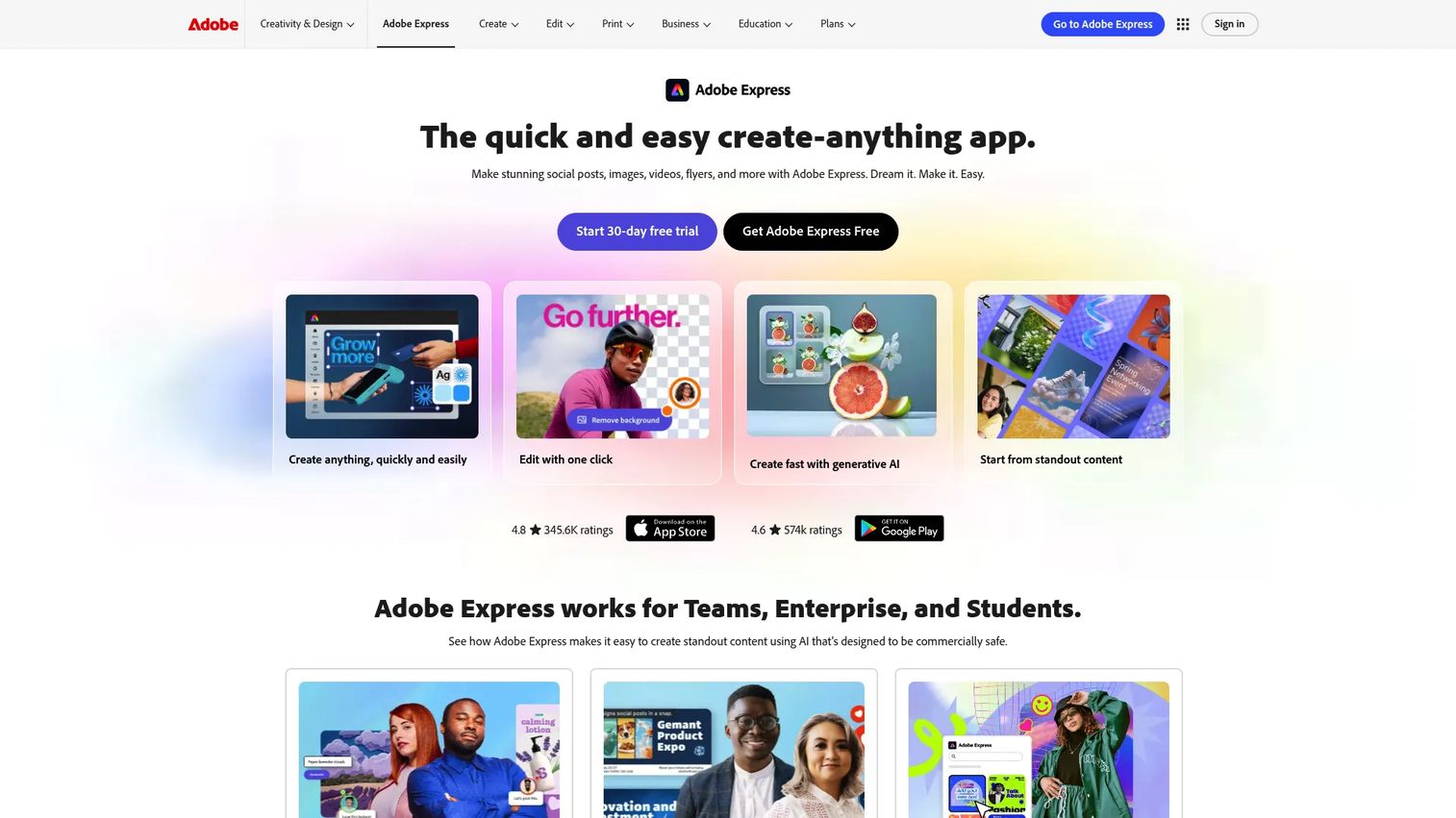
Adobe Express is a browser-based content creation app for making social posts, videos, flyers, and branded marketing assets fast. It runs in the browser, so there is no install, no rendering machine, and no waiting. For marketers who live in the content calendar, this is the closest thing to a "just ship it" editor with real Adobe effects under the hood.
The pitch for a growth team is speed to branded output. You start from a template, drop in footage, apply transitions and text animations, and resize for every platform in one click. AI generation covers images, video, and social posts when you are short on source material.
Best for: Teams and individuals who need fast branded social and marketing content creation.
Key strengths
- AI generation: Create images, videos, and social posts from prompts when you lack raw assets.
- Template library: Start from ready-made flyer, logo, social, and video formats instead of a blank timeline.
- Brand kits and resize: Lock colors, fonts, and logos, then resize any project across platforms in one click.
Why choose Adobe Express: If your bottleneck is volume, not craft, Express wins on turnaround. It gives you Adobe-grade effects and brand consistency without the Premiere Pro learning curve, which makes it a strong fit for lean marketing teams shipping many variants per week.
Adobe Express pricing: The free plan costs US$0.00 and covers a wide range of creation. Premium runs US$9.99/mo for the full asset library and advanced features. Enterprise pricing is available through Adobe Sales, with education and team variants also offered.
2. Canva
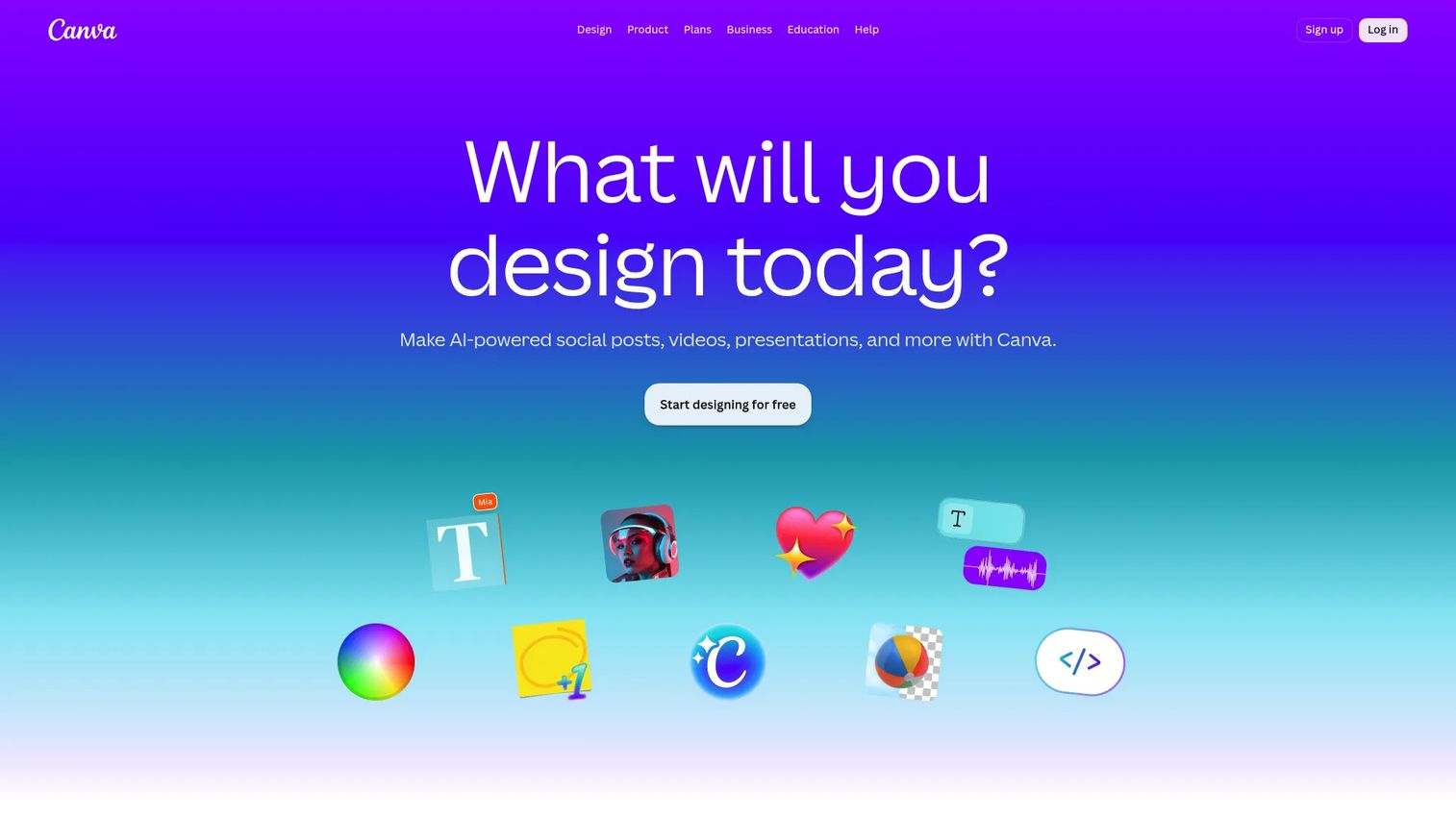
Canva is an online design platform that expanded into video, and its drag-and-drop editor is where most non-designers feel instantly at home. If your team already builds decks and social graphics in Canva, adding motion effects and captions to video is a natural extension of the same workflow.
For marketers, the appeal is template-driven production. You can build a branded video, add animated transitions, auto-generate captions, and resize for every channel without leaving the tool. The AI design features handle background removal and quick edits so you spend less time fiddling and more time publishing.
Best for: Teams and individuals needing fast, template-driven visual content creation.
Key strengths
- Drag-and-drop editor: Assemble clips, text, and effects visually with no timeline expertise required.
- Templates and stock library: Pull from a large bank of motion templates and stock media to start fast.
- AI design tools and brand management: Apply brand kits and AI edits so every asset stays on-brand.
Why choose Canva: Canva is the middle of the Venn diagram between design and video. If your team produces graphics and video together, keeping both in one platform reduces tool sprawl, which is a constant pressure for lean marketing teams.
Canva pricing: The Free plan is US$0/year for one person. Pro runs US$144/year, Business is US$250/year per person, and Enterprise pricing is available on request. The free tier is generous enough for a solo marketer testing the workflow.
3. CapCut
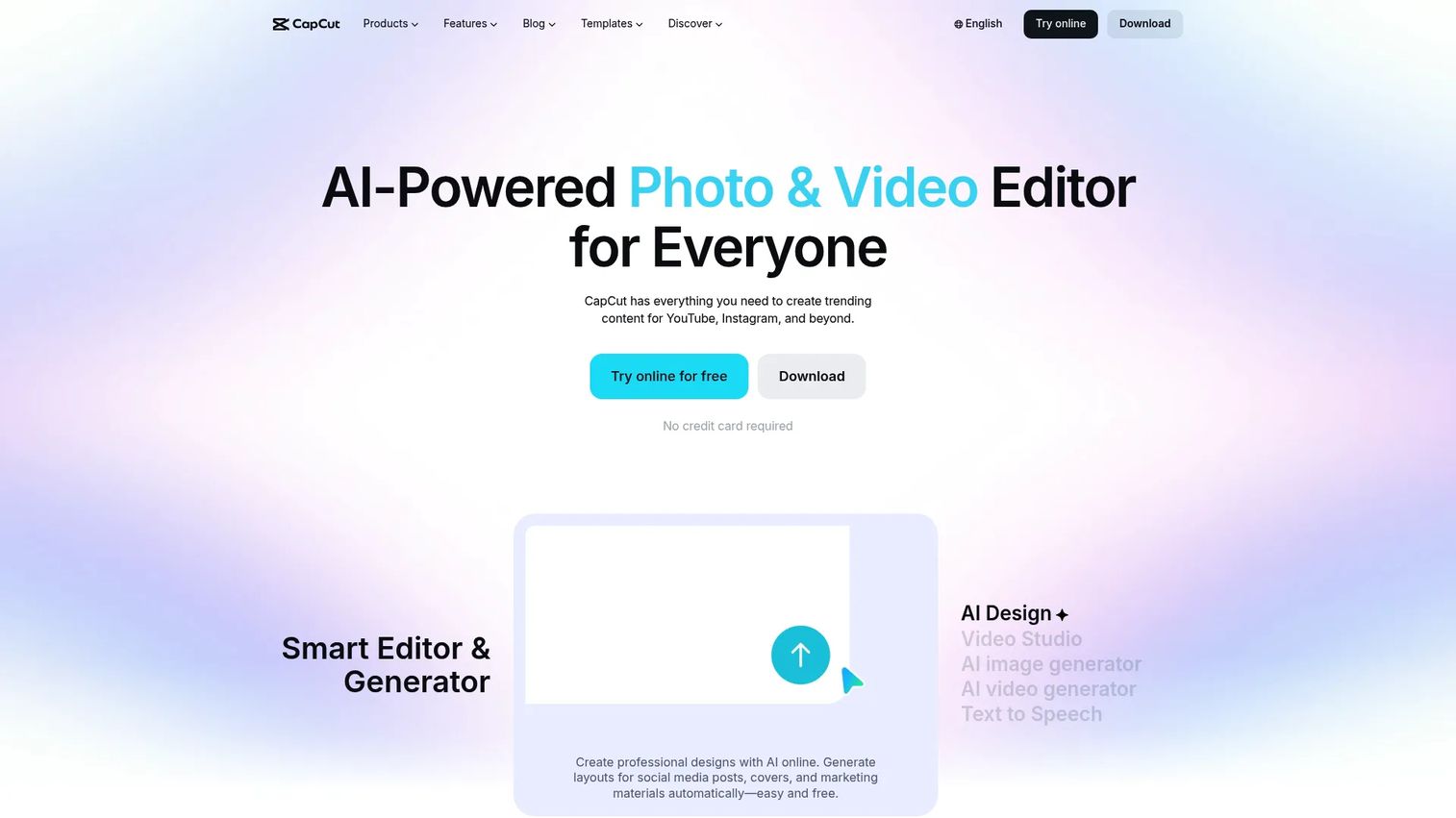
CapCut is an AI-powered video editing platform built for mobile, desktop, and web, and it dominates short-form. If your content lives on TikTok, Reels, and Shorts, CapCut is the tool most creators reach for first because it ships trend-driven effects fast and edits vertical natively.
For social-first marketers, the draw is momentum. Trendy effects, text-based editing, auto-captions, and one-tap AI cuts let you match whatever format is performing this week. It works across devices, so a rough cut on mobile can finish on desktop.
Best for: Creators and teams making short-form social or commerce videos.
Key strengths
- Cross-device editing: Edit on mobile, desktop, or web and pick up where you left off.
- AI tools: Use auto-captions and auto-cut to speed up repetitive editing steps.
- Cloud storage and collaboration: Store projects in the cloud and work with teammates on the same edit.
Why choose CapCut: For teams whose entire motion is short-form and trend-driven, CapCut moves at the speed of social. It is purpose-built for vertical video, which makes it a natural default for creator-led and commerce content.
CapCut pricing: CapCut offers a free tier plus two main subscription options, Standard and Pro. Current pricing is shown in-app and varies by region and platform, so check the subscription page at checkout for exact figures.
4. DaVinci Resolve
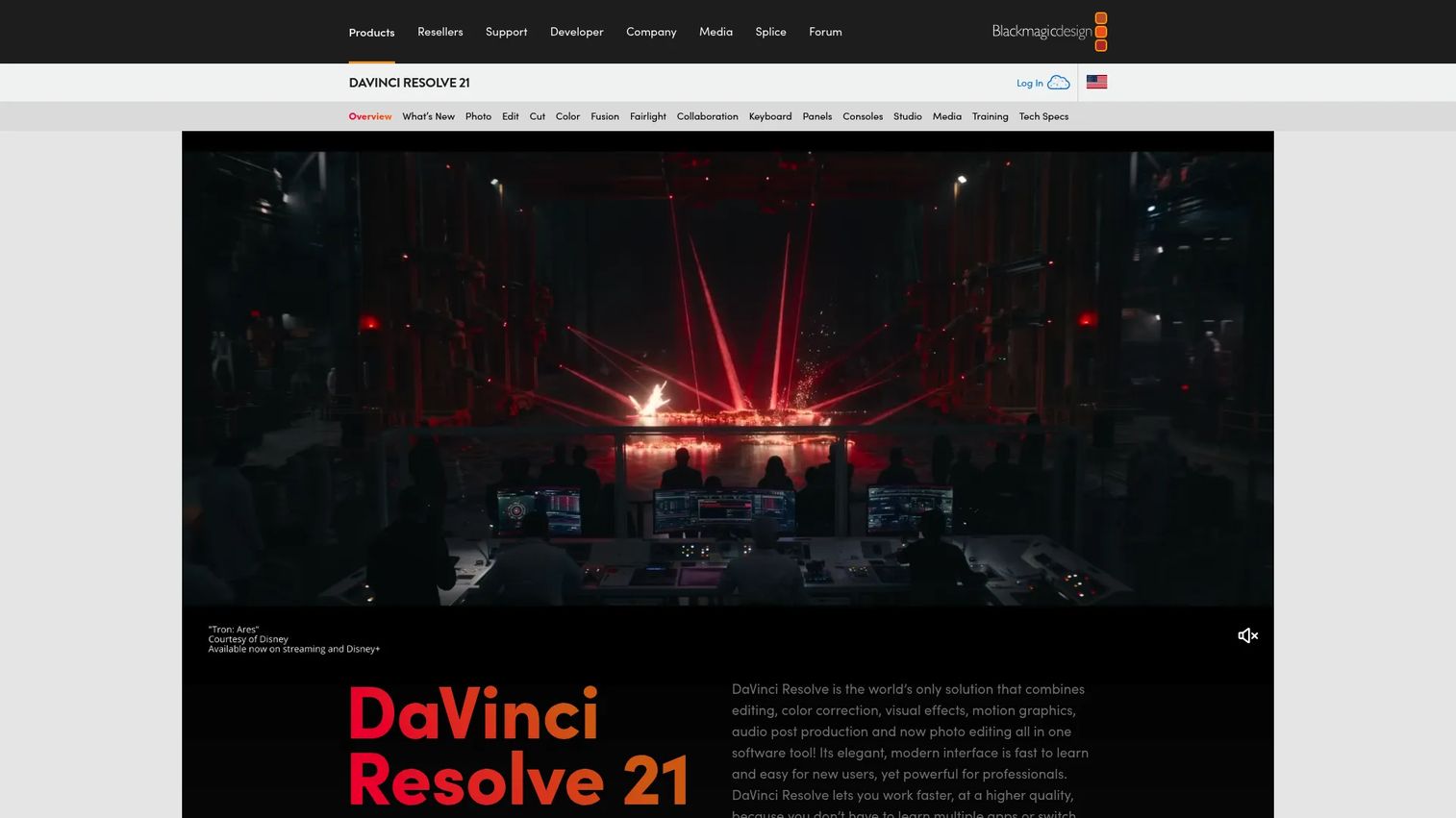
DaVinci Resolve is all-in-one post-production software covering editing, color, VFX, motion graphics, and audio in one application. It is the pro pick on this list, and the free version alone outperforms most paid consumer editors. If your team wants depth, this is where the ceiling is highest.
The reason it lands on a marketer's list is the free tier. You get node-based effects, industry-grade color grading, and a Fusion page for motion graphics without paying. The learning curve is steeper, but the payoff is control that template editors cannot match.
Best for: Editors and colorists who want professional post-production tools with a free entry point.
Key strengths
- Free version with real depth: Access editing, HDR grading, and collaboration without a paid tier.
- Studio AI features: The paid Studio release adds AI Neural Engine tools for advanced effects.
- Node-based color and VFX: Build precise, layered effects and grades with pro-grade control.
Why choose DaVinci Resolve: When you have someone on the team who can invest in the craft, Resolve gives you a full VFX and color pipeline for free. It is the strongest choice for teams that want to produce hero content in-house instead of outsourcing.
DaVinci Resolve pricing: DaVinci Resolve is free. DaVinci Resolve Studio is a one-time $295 purchase that unlocks AI Neural Engine features, higher-resolution support, and additional effects. No subscription required.
5. CyberLink PowerDirector
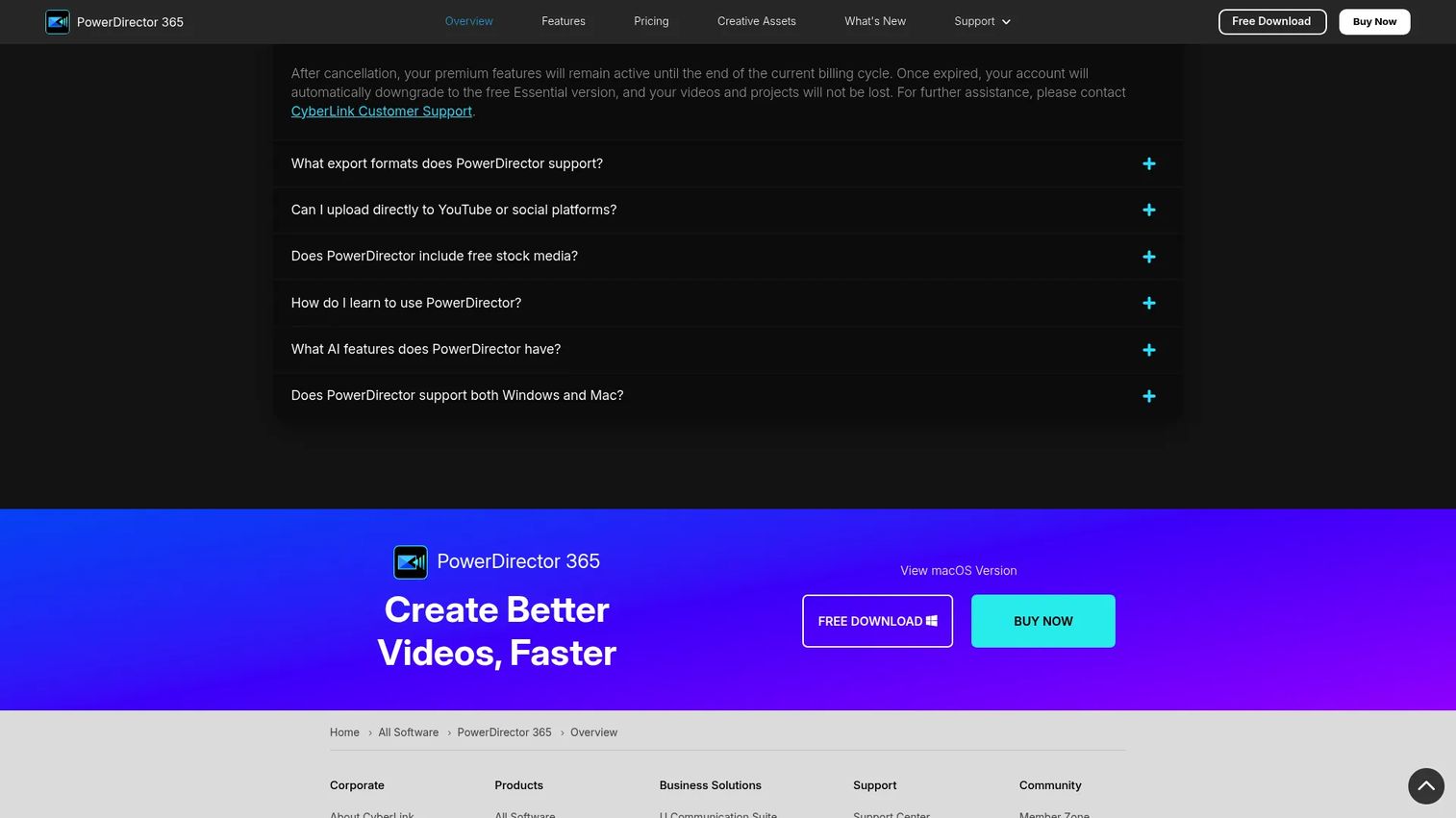
CyberLink PowerDirector is AI-powered video editing software for Windows and Mac that balances speed with deep effect packs. It sits between consumer simplicity and pro complexity, which makes it a strong fit for marketers who want serious effects without a Resolve-level learning curve.
For a content team, the value is the effect library plus AI modules. You get transitions, motion styling, and a stabilizer alongside newer AI tools like Video Edit by Chat, so you can describe an edit and let the software execute it.
Best for: Creators who want AI-assisted video editing with both subscription and perpetual license options.
Key strengths
- AI Agents: Automate editing tasks with AI-driven assistance inside the timeline.
- Video Edit by Chat: Describe the edit you want and let the tool apply it.
- Video Stabilizer: Smooth out shaky footage without manual keyframing.
Why choose CyberLink PowerDirector: PowerDirector gives Windows-first teams a deep effects toolkit with flexible licensing. The choice between a subscription and a perpetual license is rare in this category and useful for teams that dislike recurring costs.
CyberLink PowerDirector pricing: PowerDirector 365 is a subscription at $54.99 per year. PowerDirector 2026 is a perpetual license at $139.99 one-time. A free Essential version is also available with limited features.
6. Wondershare Filmora
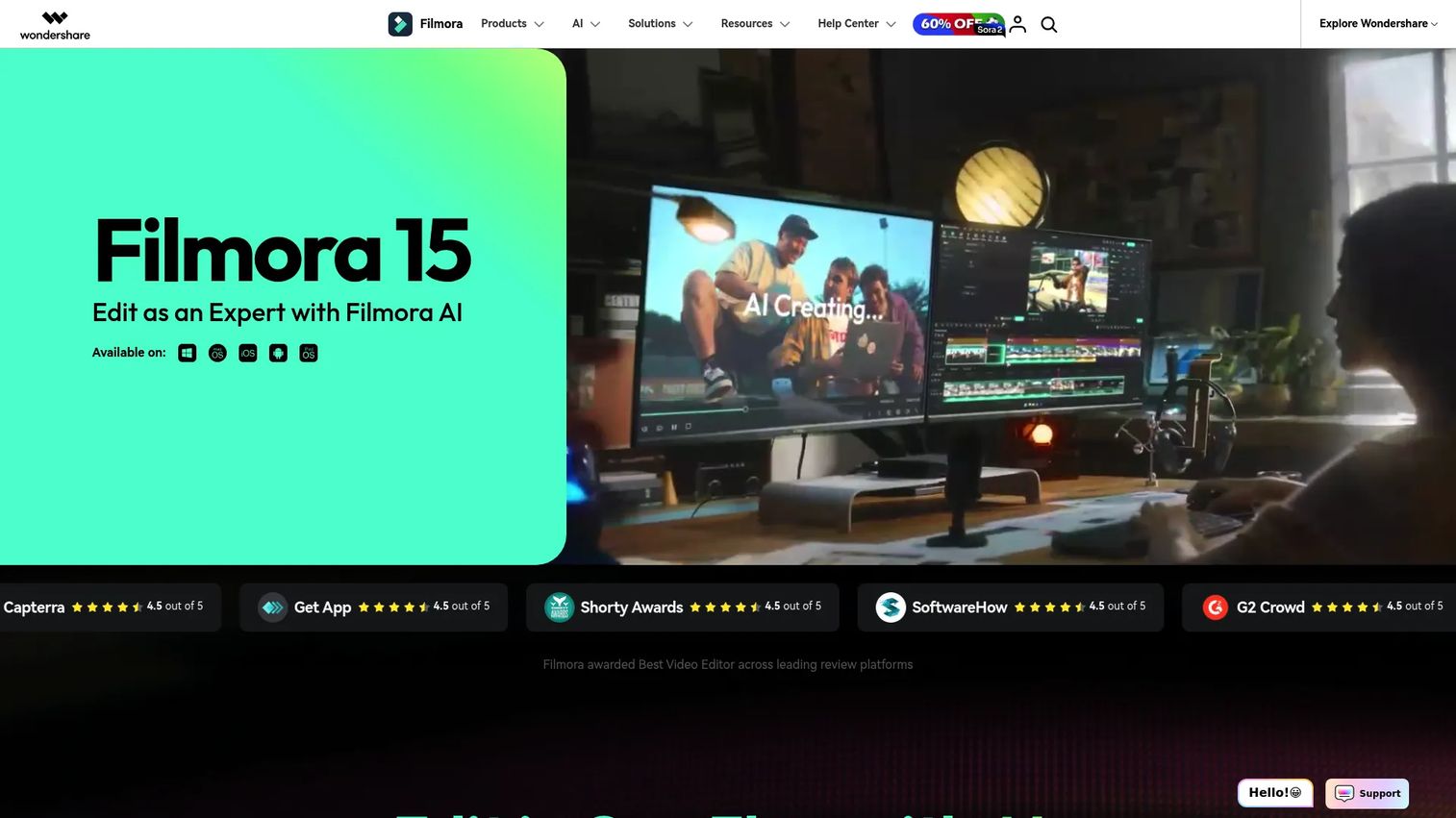
Wondershare Filmora is AI-powered video editing software aimed at creators and teams who want more than a basic editor without pro overhead. It is the reliable middle-ground pick: enough effect presets and AI tools to look polished, simple enough to learn in an afternoon.
For marketers, Filmora hits the sweet spot between speed and capability. Effect presets, automatic captions, and multi-clip editing let you produce professional-looking content quickly, while AI image generation fills gaps when you lack assets.
Best for: Beginners and fast-turn content creators who want an easy video editor with AI tools.
Key strengths
- Automatic captions: Generate subtitles fast for social-ready, sound-off viewing.
- AI image generation: Create visuals with GPT Image 2 when you need extra assets.
- Multi-clip editing: Work across multiple clips on a straightforward timeline.
Why choose Wondershare Filmora: Filmora is for teams that have outgrown the simplest editors but do not want to manage a pro suite. It gives you a strong effects library and AI assistance in a package a non-editor can pick up quickly.
Wondershare Filmora pricing: The Cross-Platform Quarterly Plan starts at US$29.99 per quarter. The Annual Plan is US$49.99 per year, and a Perpetual Plan is available for US$79.99 one-time. Filmora Creative Assets is a separate add-on.
7. Movavi Video Editor
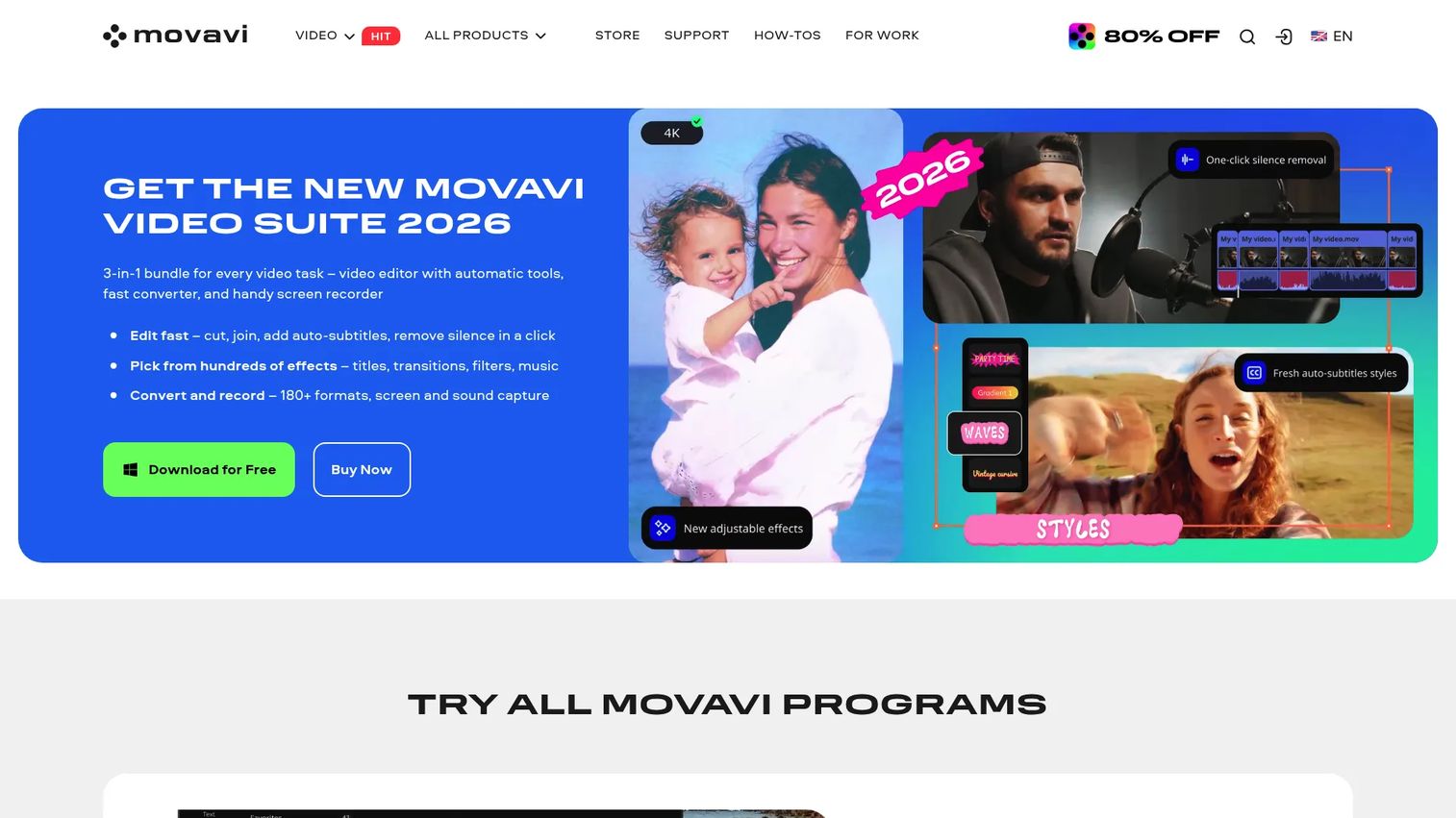
Movavi Video Editor is beginner-friendly video editing software for Windows and Mac that prioritizes simplicity and polished results. If your team values getting a clean edit out the door over deep control, Movavi keeps the interface uncluttered and the workflow fast.
For marketers, the appeal is a short path from raw clip to finished asset. Drag-and-drop editing, filters, transitions, one-click AI tools, and stabilizing cover the essentials, and 4K support means output looks sharp on any channel.
Best for: Non-technical creators who want quick, polished edits without a steep learning curve.
Key strengths
- 4K video editing: Produce high-resolution output for every platform.
- One-click AI tools: Apply background removal and enhancements without manual work.
- Screen recording: Capture your screen directly for tutorials and product clips.
Why choose Movavi Video Editor: Movavi is the fastest on-ramp for a marketer who does not edit video every day. It trades depth for approachability, which is exactly right for teams that need occasional polished clips without a dedicated editor.
Movavi Video Editor pricing: Video Editor is $19.95 for a one-month subscription. Video Editor Plus is $69.95 per year, and Video Suite Plus is $99.95 per year. A 7-day trial is available and renews automatically unless canceled.
8. Adobe Premiere Elements
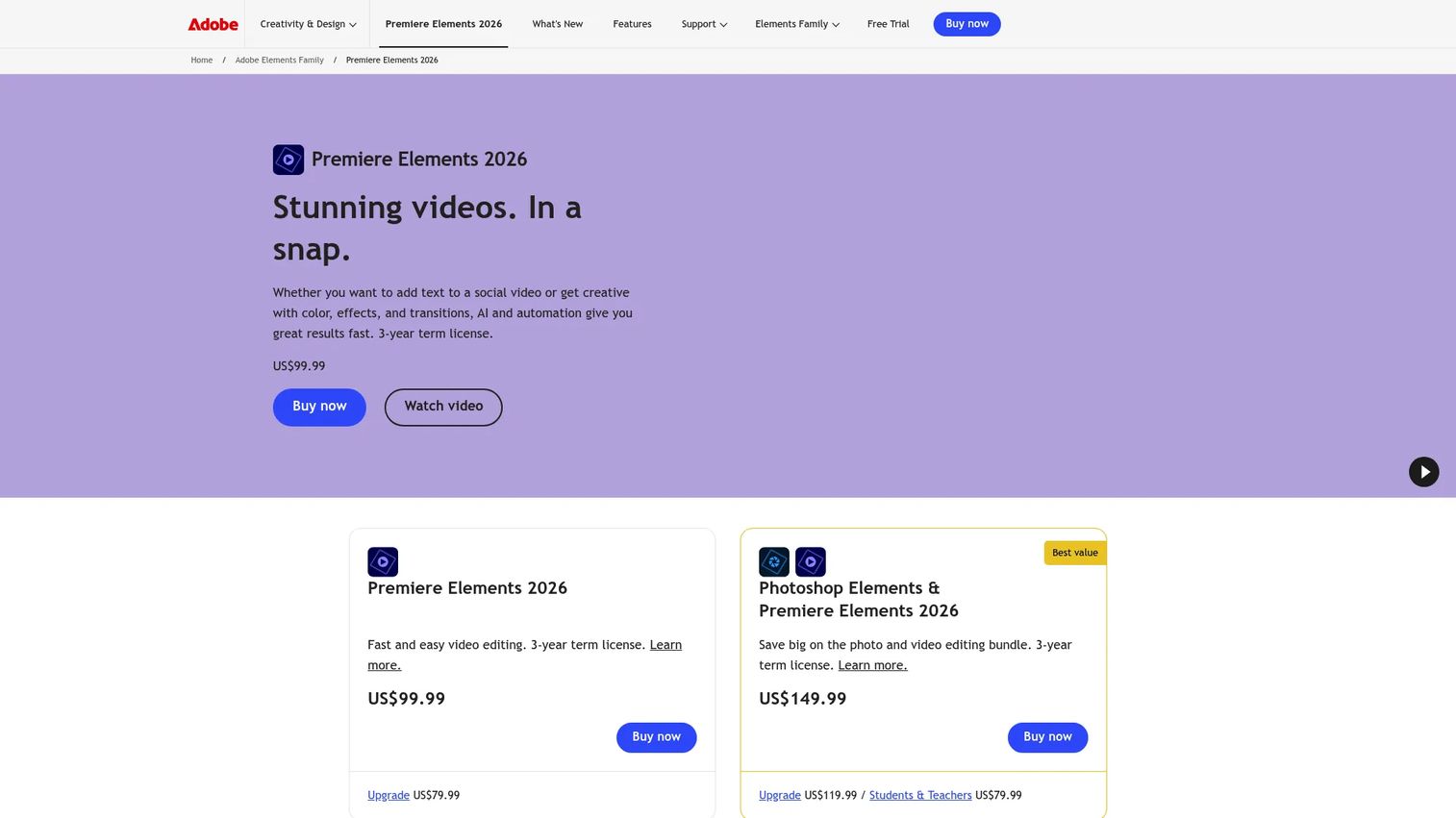
Adobe Premiere Elements is consumer video editing software with AI-assisted, guided, and advanced editing modes. It is the structured on-ramp into Adobe's ecosystem for teams that want more guidance than a browser editor but are not ready for Premiere Pro.
The standout feature is Guided editing: step-by-step walkthroughs that teach you an effect or motion title as you build it. For a marketer learning video, that structure removes the blank-timeline paralysis while still giving access to creative effects and text tools.
Best for: Beginners and casual creators who want easy, guided video editing.
Key strengths
- Quick, Guided, and Advanced modes: Choose your level, from one-click edits to full control.
- AI-assisted editing: Automate common editing tasks with built-in AI.
- Creative effects and motion titles: Add transitions, motion titles, and text tools with an organizer to manage assets.
Why choose Adobe Premiere Elements: Premiere Elements suits marketers who want a desktop editor with training wheels and a one-time price. The guided modes make it a genuine learning tool, not just a simplified editor.
Adobe Premiere Elements pricing: Premiere Elements 2026 is a one-time US$99.99 purchase with a 3-year term license. An upgrade is US$79.99, and a bundle with Photoshop Elements is US$149.99. A 7-day trial is available; there is no free plan.
Considerations before you buy
Before you commit budget or a seat, run every option through this checklist. It is the difference between a tool that ships content and a tool that sits unused.
Does it replace something you already pay for?
Tool sprawl is real, and every new subscription needs to justify itself. If Canva already covers your design and video, adding a second editor may add cost without adding output. Map what each tool replaces before you buy.
How steep is the learning curve for your team?
A powerful editor no one on the team can use is worse than a simple one everyone can. Match the tool to the skill level you actually have. Browser and template editors ramp in hours; node-based suites take weeks.
What does the free tier actually include?
Free plans vary wildly. Some are watermark-free and generous; others gate exports or resolution. Test the free tier with a real project before you assume it fits, and confirm export limits.
Does it export in every format you publish?
Vertical, square, and horizontal are table stakes now. Verify the tool auto-resizes and exports for TikTok, Reels, Shorts, and LinkedIn without manual re-cropping, or you will lose that time on every project.
Conclusion
The right video effects software depends entirely on what you are optimizing for. If you want fast branded social content in the browser, Adobe Express is the clear pick. If your team already lives in one design tool, Canva keeps everything in one place. For short-form and vertical video, CapCut moves at the speed of trends.
Need serious depth without serious cost? DaVinci Resolve's free version is unmatched. Windows teams that want deep effects with flexible licensing should look at CyberLink PowerDirector, while Filmora and Movavi cover the middle ground for teams that want polish without a pro suite. Adobe Premiere Elements is the guided on-ramp for anyone learning.
Pick based on speed, free access, effects depth, or social-first output, then test the free tier or trial with one real project before you scale it across the team. And if your marketing motion also needs clickable product experiences to sit beside your video, Start your journey with Guideflow today!
FAQs
Video effects software is a tool for adding transitions, animations, motion graphics, filters, and AI-assisted edits to video, then exporting it for social, ads, or web. It turns raw footage into polished, publish-ready clips. Most tools combine an editing timeline with an effects and template library so you can style and cut in one place.
For a true beginner video editor, Adobe Express and Canva are the easiest to start with because they run in the browser and lean on templates. Movavi and Adobe Premiere Elements are strong desktop options, with Premiere Elements offering guided walkthroughs that teach effects as you build. All four get a non-editor to a usable result quickly.
DaVinci Resolve has the deepest free video editing software on this list, with pro-grade color, VFX, and motion graphics at no cost. For faster, template-driven work, Canva and Adobe Express both offer generous free tiers. CapCut also has a free tier that covers most short-form editing.
CapCut is the most popular social media video editor for TikTok and Reels because it edits vertical natively and ships trend-driven effects fast. Adobe Express and Canva also handle vertical formats well with auto-resize presets. For quick, effects-heavy short-form on mobile, CapCut is usually the fastest.
Not usually. Most marketers get professional-looking motion effects software results from preset libraries in Filmora, Movavi, or Canva without keyframing anything. You only need an advanced tool like DaVinci Resolve when you want custom, layered motion graphics and precise control over every element.
For AI video effects, CapCut, Adobe Express, and CyberLink PowerDirector lead with tools like auto-captions, auto-cut, background removal, and generative content. PowerDirector's Video Edit by Chat lets you describe an edit in plain language, while DaVinci Resolve Studio adds an AI Neural Engine for advanced effects. The best fit depends on whether you want fast social AI or deeper pro tools.
Yes. Adobe Express, Canva, and CapCut all run as a browser-based video editor with no install required, which is ideal for teams that need to jump in from any machine. Desktop tools like DaVinci Resolve, PowerDirector, Filmora, Movavi, and Premiere Elements offer more depth but require installation.