



A static model is cheap to make. Animating it is where the money goes, and where things break.
You finish a clean mesh, then hit the wall every rigging job runs into: The skeleton bends wrong, the shoulder collapses, the weights bleed across the wrong vertices. Now you are stuck choosing a tool before you have even posed a frame. Free suites, one-click auto-riggers, manual-control apps, and full production pipelines all promise animation-ready rigs, and they do not all mean the same thing by "ready."
The market is not small, either. The auto-rigging software segment alone reached $0.6B in 2025 and is projected to hit $1.4B by 2034, per MarketIntelo (2025). That growth reflects a real shift: Rigging is now a decision about pipeline fit, not just a checkbox in a modeling app.
This guide compares 7 rigging programs by the job they do best, so you pick for your model type, budget, and export path instead of guessing.
What's inside
- Who this is for: Character artists, indie developers, technical artists, and animation teams choosing a rigging tool for a real project.
- How tools were chosen: Rigging depth, auto-rigging speed, deformation control, export compatibility, and price accessibility.
- What you'll compare: Bones hierarchy, inverse kinematics, weight painting, retargeting, and cross-platform handoff into Unreal, Unity, Blender, and Maya.
- Why 2026 matters: Current releases, current pricing, and active pipeline support, verified rather than pulled from an old thread.
TL;DR
- Best free 3D rigging software: Blender for full rigging tools with no license cost.
- Best for pro character pipelines: Maya for deep rigging, Bifrost procedural rigging, and the ML Deformer.
- Best for fast auto rigging: AccuRIG for quick character setup with joint refinement.
- Best for AI-assisted animation: Cascadeur for quick rigging, retargeting, and physics-based posing.
- Best for Blender-centered control: Auto-Rig Pro for artists who want more than default armatures.
- Best for sculpt-to-rig workflows: ZBrush for posing sculpted characters with ZSphere rigging.
- Best for broad studio pipelines: 3ds Max for teams already inside the Autodesk stack.
What is rigging software
Rigging software builds the skeletons, controls, and deformation systems that let a static 2D or 3D model move for animation. It sits between modeling and animation: The model gives you shape, the rig gives you motion.
The core idea is a bones hierarchy. You place joints inside the mesh, parent them into a skeleton, then attach the surface to those bones so it deforms when they rotate. Good rigging software adds controls on top of that skeleton so an animator moves a hand, not thirty individual joints.
If you evaluate tools the way a product manager scopes a build, think in terms of the workflow each stage demands and where the handoffs live.
Core features to look for:
- Skeleton and bones hierarchy: Parent joints into a rig that drives the mesh.
- IK and FK controls: Inverse kinematics lets you pin a foot and solve the leg backward, while forward kinematics rotates each joint down the chain.
- Weight painting and deformation: Assign skin weights per vertex so bends look natural instead of pinching.
- Constraints and control rigs: Add limits, targets, and drivers so animators pose fast without breaking the rig.
- Retargeting and export pipeline support: Move animation between skeletons and hand the rig off in FBX, USD, or DAE.
Inverse kinematics and weight painting are the two areas where rigs succeed or fall apart. IK controls how intuitive posing feels. Weight painting controls whether the deformation holds up when the character actually moves. A tool can generate a skeleton in seconds and still cost you hours if its weight painting is weak.
Rigging also splits by asset type. Character rigging needs organic deformation and clean skin weights. Mechanical rigging cares more about precise pivots and constraints than soft bending. Procedural rigging automates repetitive setup across many similar assets. One tool rarely wins all three, which is why this list separates them.
When to use rigging software
Convert a sculpt or static mesh into an animation-ready character
You have a finished model and no way to move it. Rigging software adds the skeleton, controls, and skin weights that turn that mesh into a posable, animation-ready character. This is the most common trigger, especially when a sculpt comes out of a dedicated modeling tool with zero rig attached.
Speed up repetitive character setup
When you rig ten humanoids that share the same topology, manual setup burns time you do not have. Auto rigging and procedural rigging generate a working skeleton and initial weights in one pass. You then refine, rather than starting from an empty armature every time.
Prepare assets for cross-platform export
A rig that only works in one app is a liability. If the character has to ship into Unreal, Unity, or a downstream DCC, your export pipeline matters as much as the rig itself. Check FBX, USD, and DAE support before you commit, because a broken skeleton on import erases the time you saved building it.
Rigging software comparison
The table below sorts the 7 tools by relevance to a rigging job. Pricing and G2 ratings were checked against vendor pages and live G2 listings in August 2026. Some pro tools show partial public pricing, so those cells reflect the visible verified figure. Blender and AccuRIG are free, Cascadeur and ZBrush publish full tiers, and the Autodesk apps run on subscription.
| # | Product | Best for | Key differentiator | Pricing | G2 rating |
|---|---|---|---|---|---|
| 1 | Blender | Free full rigging | Complete armature, IK, and weight paint toolset at no cost | Free | 4.6 |
| 2 | Maya | Pro character pipelines | Bifrost procedural rigging plus ML Deformer | Subscription (free trial) | 4.3 |
| 3 | AccuRIG | Fast auto rigging | Guided one-pass auto rigging, FBX and USD export | Free | 2.5 |
| 4 | Cascadeur | AI-assisted animation | Physics-based posing and quick rigging | Free; Indie from $8/mo annual | N/A |
| 5 | Auto-Rig Pro | Blender control | Automatic skeleton with adjustable bone structure | See pricing note | N/A |
| 6 | ZBrush | Sculpt-to-rig | ZSphere rigging with automatic weighting | From $479.40/yr | N/A |
| 7 | 3ds Max | Studio pipelines | Broad modeling, rigging, and OpenUSD workflows | From $134/mo | 4.3 |
Best 7 rigging software for 2026
1. Blender
Blender is the free, open-source default for 3D rigging, and it earns that spot. It ships a full armature system with bones, constraints, inverse kinematics, and weight painting, so you can build a complete character rig without buying anything. The same install also covers modeling, animation, and rendering, which keeps the whole pipeline in one app.
Best for: Individuals and studios that want production-capable rigging with zero license cost.
Key features
- Bones, armatures, and full skeleton hierarchy
- IK and FK controls for posing
- Weight painting for precise skin weights
- Constraints and custom control rigs
- FBX, USD, and glTF export support
Why choose Blender: No cost and deep documentation make it the safest first pick, and the tradeoff is a steeper self-taught curve than a guided auto-rigger.
Blender pricing: Blender is free and open source. Blender Studio, a separate subscription for training and assets, starts at €11.50/month for individuals.
Blender holds a 4.6/5 rating on G2, the highest in this list.
2. Maya
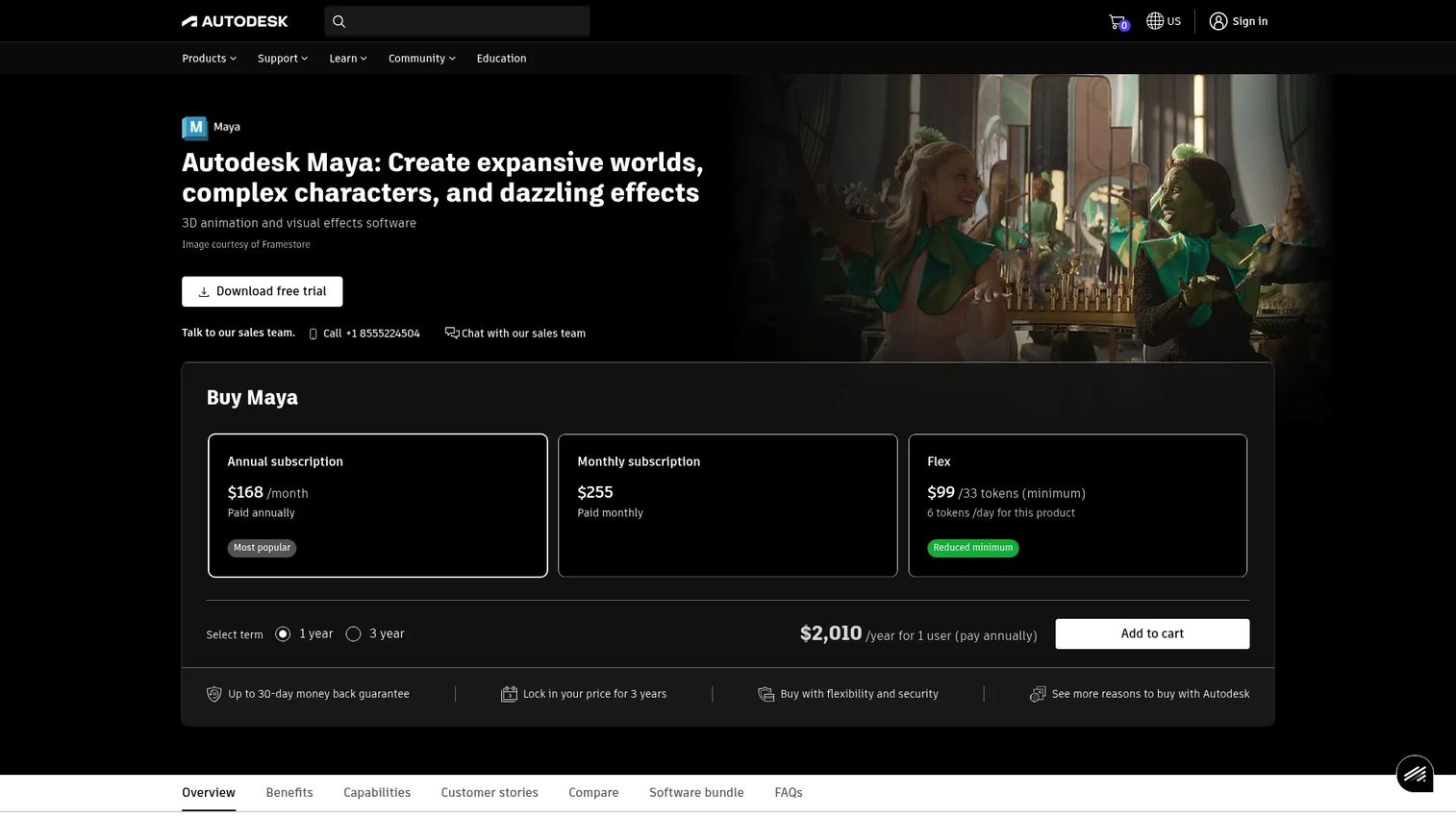
Maya is the production standard for character rigging in film, TV, and AAA games. Its Quick Rig tool generates a fast humanoid skeleton, while Bifrost handles procedural rigging for complex, repeatable setups. The ML Deformer trains machine-learning approximations of expensive deformations, so heavy rigs play back closer to real time.
Best for: Studios and technical artists who need deep rigging inside a full production pipeline.
Key features
- Quick Rig for fast humanoid skeletons
- Bifrost for procedural rigging graphs
- ML Deformer for faster complex deformation
- Advanced weight painting and skin tools
- FBX and USD export for pipeline handoff
Why choose Maya: It offers the deepest rigging control here, and the tradeoff is subscription cost plus a real learning investment before it pays off.
Maya pricing: Autodesk sells Maya on monthly, annual, and three-year subscriptions with a free 30-day trial and education access. Current tier prices render behind Autodesk's buy flow rather than as a flat public number.
Maya carries a 4.3/5 rating on G2.
3. AccuRIG
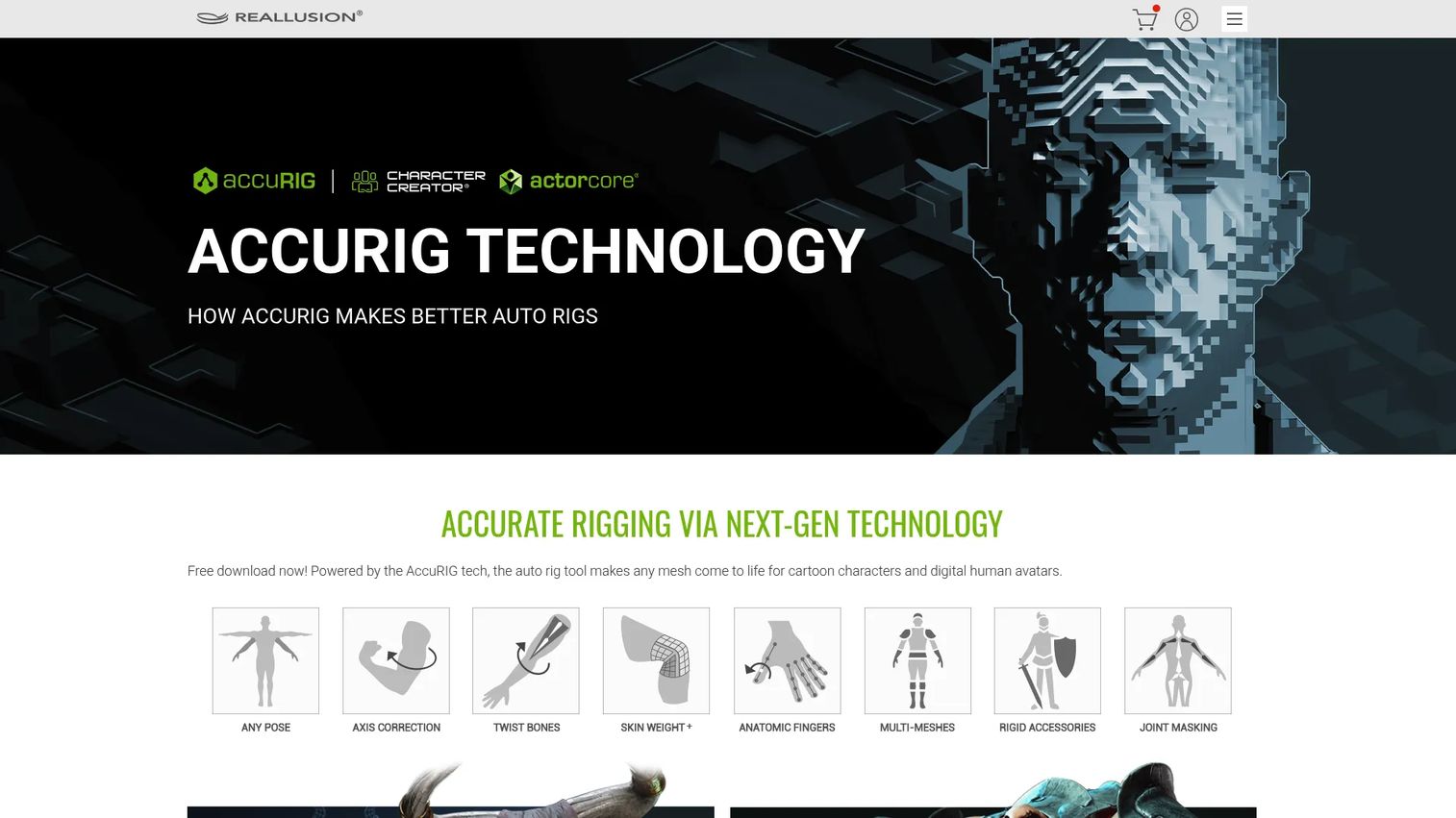
AccuRIG from Reallusion is built for one job: Fast, free auto rigging of 3D characters. You import a static mesh, place a few guide points, and it generates a full skeleton with skin weights in a guided pass. It handles scan and sculpt poses, then exports rigged characters in FBX and USD for downstream tools and engines.
Best for: 3D artists who need free character auto-rigging without touching a manual armature.
Key features
- Guided one-pass auto rigging
- Joint refinement and pose offset controls
- Handles scan and sculpt input poses
- Automatic skin weights generation
- FBX and USD export handoff
Why choose AccuRIG: It removes the manual skeleton step entirely, and the tradeoff is that it targets characters rather than mechanical or highly custom rigs.
AccuRIG pricing: AccuRIG is a free download from Reallusion with no paid tier for the rigging tool itself.
AccuRIG shows a 2.5/5 on G2, though that reflects a single review rather than a broad sample.
4. Cascadeur
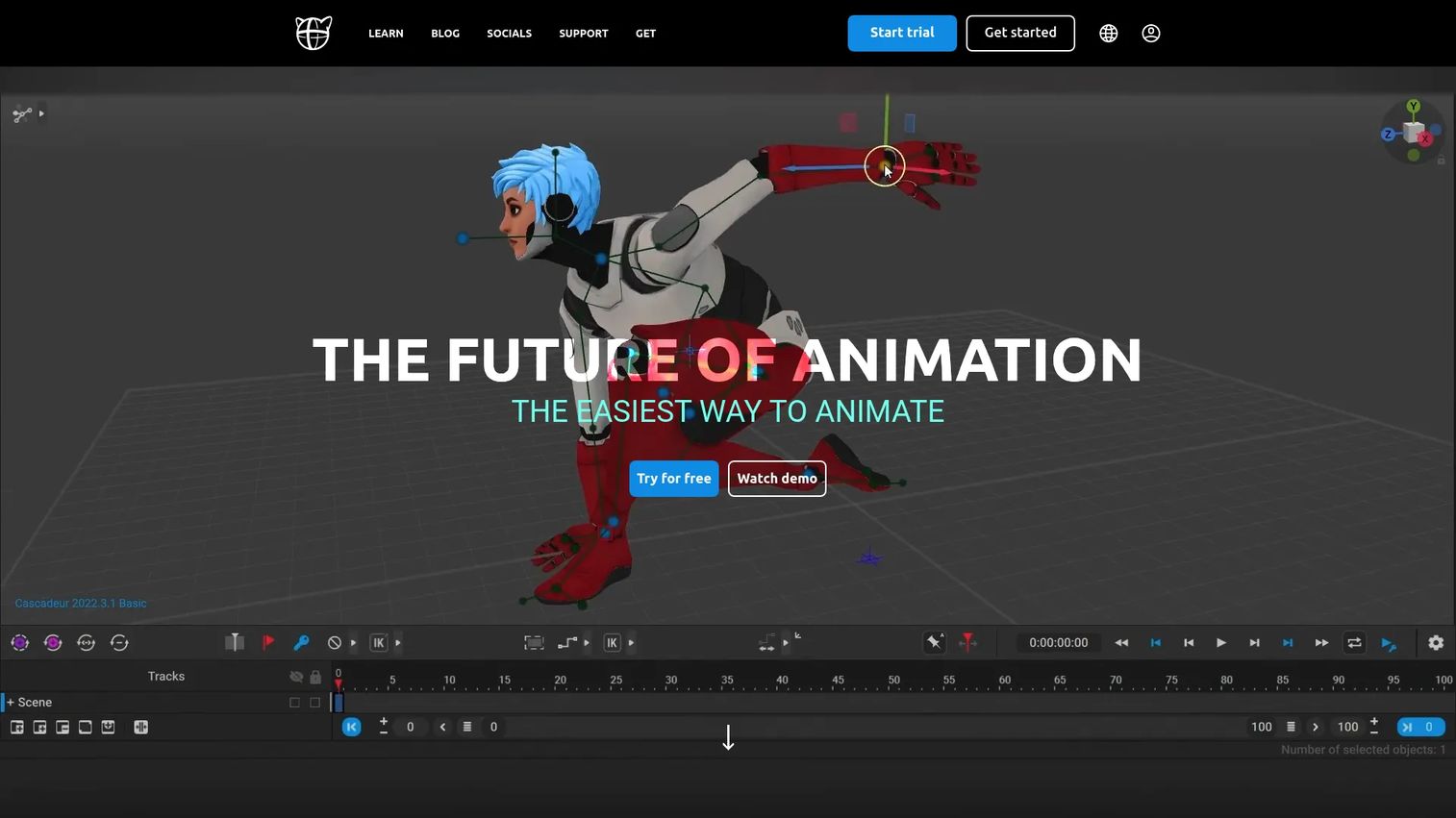
Cascadeur is a standalone character animation app with AI-assisted and physics-based tools, and rigging is its front door. Its quick rigging tools stand up a skeleton fast, and AutoPhysics plus physics-based posing help you build believable motion without motion capture. It handles keyframe animation and cleanup of imported clips, then exports through FBX and DAE.
Best for: Animators and small teams creating or polishing character animation without a mocap stage.
Key features
- Quick rigging and auto-rigging tools
- Physics-based posing and AutoPhysics
- Retargeting for imported animation
- Keyframe animation and cleanup
- FBX and DAE export
Why choose [Cascadeur: The physics assistance shortens the path to natural motion, and the tradeoff is that it centers animation rather than deep custom rig construction.
Cascadeur pricing: A free tier runs forever. Indie is $8/month billed annually or $19/month, and Pro is $33/month billed annually or $49/month.](https://cascadeur.com/plans) Paid individual plans convert to a perpetual license after 12 months.
Cascadeur does not currently carry a verified G2 rating.
5. Auto-Rig Pro
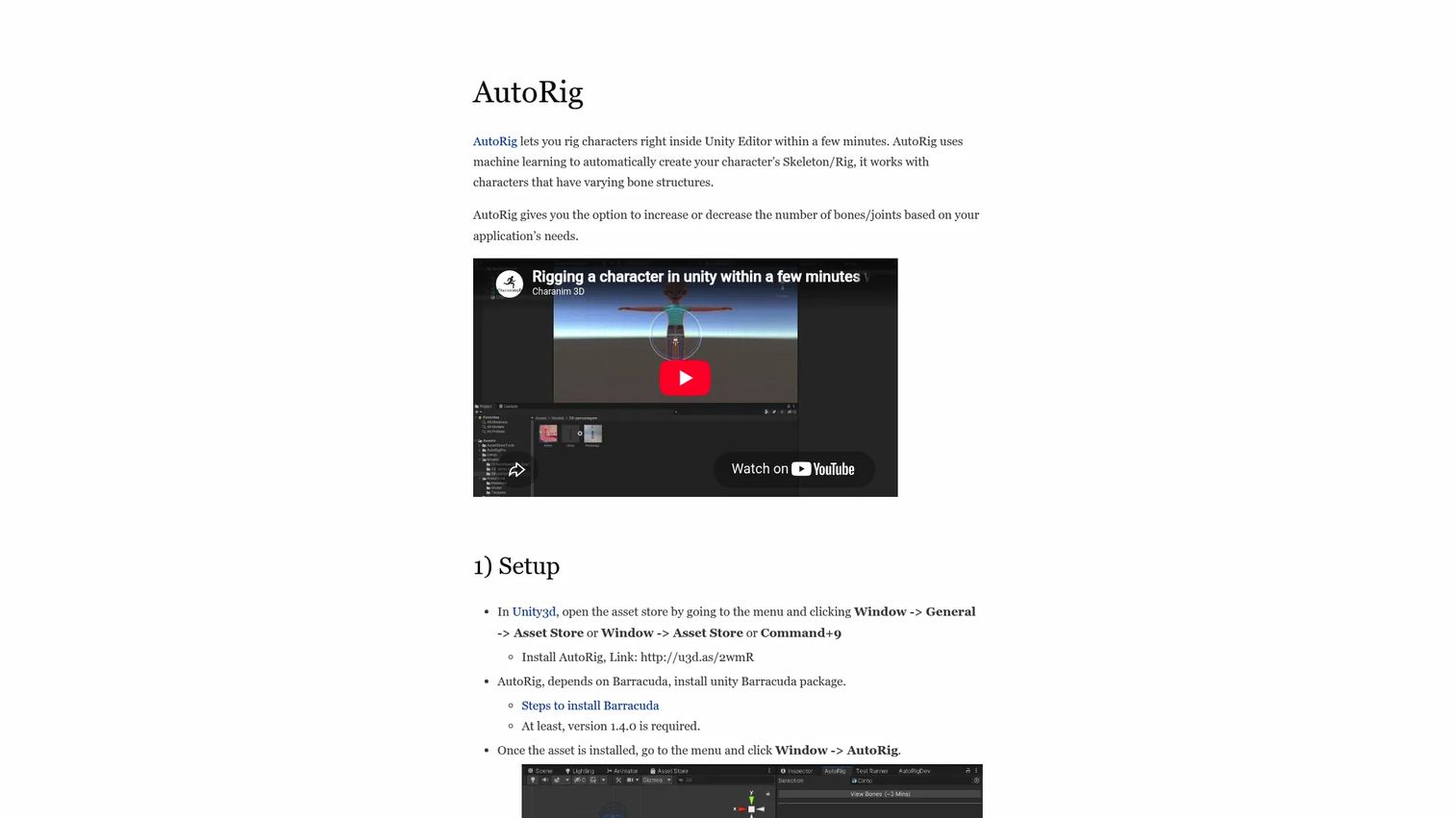
Auto-Rig Pro automates character skeleton and rig creation with adjustable bone structures. It generates a working rig fast, supports varying bone counts, and lets you edit bone density and joints for the deformation control default tools skip. For artists already committed to a Blender-centered workflow, it adds speed without leaving the app they know.
Best for: Blender users who want faster rigging with more control than default armatures.
Key features
- Automatic character skeleton creation
- Adjustable bone density and joint editing
- Support for varying bone structures
- Export support for game engines
- Fits existing Blender workflows
Why choose Auto-Rig Pro: It layers speed and control onto a familiar workflow, and the tradeoff is that its value depends on already working inside that ecosystem.
Auto-Rig Pro pricing: Auto-Rig Pro sells as a paid add-on through its distribution channels, and its site did not surface a flat public price at the time of writing. Check the vendor listing for the current one-time cost before purchase.
Auto-Rig Pro does not currently carry a verified G2 rating.
6. ZBrush
ZBrush from Maxon is a sculpting-first tool, but its rigging support matters when your character starts as a sculpt. ZSphere rigging lets you build a posing skeleton directly on the model, and automatic weighting assigns skin weights so you can strike a pose without a full external rig. It is the practical bridge from a high-detail sculpt to a posed asset.
Best for: 3D artists doing high-detail sculpting who need to pose characters at the source.
Key features
- ZSphere rigging for posing skeletons
- Automatic weighting for skin weights
- Digital sculpting with customizable brushes
- PolyPaint texturing on the model surface
- Redshift and BPR render support
Why choose ZBrush: It keeps posing inside the sculpting app, and the tradeoff is that its rigging targets pose setup rather than full animation rigs.
ZBrush pricing: ZBrush runs $479.40 per year or $39.95/month, covering both desktop and iPad. ZBrush for iPad also offers a free plan with limited features.
ZBrush does not currently carry a verified G2 rating.
7. 3ds Max
3ds Max is Autodesk's professional app for modeling, rendering, and animation across games, film, and design visualization. Its rigging tools sit inside a broader production suite, with OpenUSD workflows and a modifier stack that suits studios running mixed asset types. For teams already standardized on Autodesk software, it keeps rigging in the same house as the rest of the pipeline.
Best for: Studios and artists who need broad 3D production coverage alongside rigging.
Key features
- Modeling, rigging, and animation in one app
- OpenUSD workflows for pipeline handoff
- Modifier stack and retopology tools
- Rendering with Arnold
- FBX export for cross-platform delivery
Why choose 3ds Max: It fits teams that want rigging inside a wider toolset, and the tradeoff is that it is heavier than a dedicated auto-rigger for a single character.
3ds Max pricing: 3ds Max starts at $134/month, with annual and three-year terms plus Flex pay-as-you-go and a 30-day free trial. The annual and three-year prices sit behind Autodesk's buy flow rather than a flat public figure.
3ds Max holds a 4.3/5 rating on G2.
Considerations
Treat this like any tooling decision: Match the tool to the workflow, then check the cost of maintaining it.
Free versus paid
Free rigging software such as Blender and AccuRIG covers a real amount of production work, so start there before assuming you need a license. Pay when time savings, procedural depth, or pipeline reliability outweigh the subscription. The honest test is opportunity cost: Hours lost fighting a free tool can exceed a paid plan.
Auto rigging versus manual control
One-click auto rigging gets you a working skeleton fast, which is ideal for repetitive humanoids. Manual and refinement control matters when deformation quality decides the shot. Most strong pipelines auto-rig first, then hand-correct weights where the mesh bends hardest.
Export compatibility
A rig only counts if it survives handoff. Confirm FBX, USD, or DAE support against your target, whether that is Unreal, Unity, Blender, or Maya. A broken skeleton on import is the single most common way teams lose the time they thought they saved.
Learning curve and documentation
Tool quality includes docs, tutorials, and community depth, not just feature lists. Blender wins on volume of learning material, while pro apps lean on official training. Factor ramp time the way you would factor onboarding: A capable tool nobody can learn is a stalled tool.
Asset type
Character rigs, stylized sculpts, and mechanical assets do not always share a best tool. Sculpt-first artists lean on ZBrush, character animators reach for AccuRIG or Cascadeur, and studios standardize on Maya or 3ds Max. Pick for the asset in front of you.
Conclusion
The right rigging software depends on the job, not a single ranking.
Blender is the strongest free, full-featured pick and a fair default for most artists. Maya wins for production depth, with Bifrost procedural rigging and the ML Deformer. AccuRIG is the fastest route through auto rigging, and Cascadeur adds AI and physics assistance for animation-heavy work. Auto-Rig Pro suits Blender-centered artists, ZBrush covers sculpt-to-rig posing, and 3ds Max fits broader studio pipelines.
Your next step: Shortlist two tools by asset type and export target, then run a real character through each free tier or trial before committing. The rig that survives your handoff into Unreal, Unity, or Maya is the one worth paying for.
Start your journey with Guideflow today!
FAQs
Rigging builds the skeleton and controls that let a model move. Skinning binds the mesh surface to that skeleton and sets skin weights, so each vertex follows the right bones. Rigging defines the structure; skinning, refined through weight painting, defines how the surface deforms.
Yes. Blender rigging ships a complete armature system with bones, inverse kinematics, constraints, and weight painting, at no cost. It handles full character rigs for both learning and production, and its large tutorial base shortens the ramp. The main tradeoff is a self-taught curve versus a guided auto-rigger.
AccuRIG is among the fastest for characters, generating a full skeleton and skin weights in a guided one-pass workflow. Cascadeur and Auto-Rig Pro also offer quick rigging aimed at speed. For a single humanoid mesh with clean topology, a guided auto-rigger beats manual setup by hours.
Most can, through FBX and USD. AccuRIG, Blender, and Maya export rigged characters that import into Unreal and Unity, and Cascadeur exports FBX and DAE. Always test the export pipeline with your target engine early, since skeleton naming and scale mismatches cause the most import failures.
Not strictly. Maya is the production standard for deep character rigging, procedural rigging, and studio pipelines, which is why many teams standardize on it. Blender produces professional-grade rigs for free, and 3ds Max covers studios already inside Autodesk. Choose Maya when procedural depth and pipeline fit justify the subscription.
Primarily a sculpting tool, with rigging support that matters for posing sculpted characters. Its ZSphere rigging and automatic weighting let you build a posing skeleton on the model itself. Use ZBrush to pose a sculpt at the source, then move to a dedicated tool for full animation rigs.
Prioritize clean skin weights, reliable FBX or USD export, and retargeting so animation moves between skeletons. Auto rigging speeds up repetitive humanoids, while weight painting control keeps deformation from breaking in-engine. Confirm the export pipeline against Unreal or Unity before you build the full rig.
Blender for free, full-featured learning, or AccuRIG if you want a guided auto-rigging start with no manual skeleton. Blender's documentation and community make self-teaching manageable, and AccuRIG removes the hardest early step. Both let a new user reach an animation-ready rig without a license cost.










