You approved an invoice last week. The contractor still has not been paid. Somewhere between the email request, the W-9 sitting in a folder, the approval thread in Slack, and the bank file your bookkeeper has not uploaded yet, the payment stalled. Multiply that by 40 contractors across three countries and two tax regimes, and you have the quiet operational drag that eats finance hours every single month.
Contractor payments break down when invoices, approvals, tax documents, and payment methods live in different systems. The problem is rarely the act of paying someone. It is the reconciliation, the missing compliance docs, the lack of a single place to see what has been paid, what is pending, and what is stuck. For a founder trying to build a finance function that survives board scrutiny, that fragmentation is the real cost.
The market reflects how fast this is scaling. The cross-border contractor payments market is projected to grow from $9.8 billion in 2025 to $24.7 billion by 2034, a 10.8% CAGR, according to Dataintelo (2025). More contractor spend means more workflow, more compliance exposure, and more reasons to replace spreadsheets with a system. The right tool turns a monthly fire drill into a repeatable process your finance lead can run without you.
Choosing finance infrastructure is similar to choosing any operational layer. If you have ever evaluated marketing automation tools or application performance monitoring tools, you know the pattern: the winner is the one that reduces manual work, integrates with what you already run, and gives leadership clean visibility.
What's inside
This guide covers seven contractor payment software platforms built for different jobs: global contractor payouts, US contractor payroll, construction pay applications, and accounts payable automation. We selected tools based on four criteria that matter most to a finance-conscious operator: payment workflow automation, compliance and tax document handling, integration depth with your accounting or ERP stack, and the payment rails each platform supports. Both construction-specific pay apps and broad contractor platforms are included, so you can match the tool to your actual workflow rather than a generic feature list.
TL;DR
- Best for large or complex contractor programs: Worksuite, for end-to-end contractor lifecycle, onboarding, compliance, and audit trail.
- Best for global contractor teams: Deel Payroll, for multi-country payments, FX, and built-in compliance.
- Best for US SMB simplicity: Gusto, with a contractor-only plan and automated tax filing.
- Best for AP-heavy finance teams: Tipalti, for accounts payable automation and global mass payments.
- Best for QuickBooks-native finance: QuickBooks Payments, for accounting-aligned ACH and card processing.
- Best for construction pay apps and lien waivers: GCPay, purpose-built for general contractors and subcontractors.
- Best for Square-based small businesses: Square Payroll, for simple contractor direct deposit and tax filing.
What is contractor payment software?
Contractor payment software is a platform that manages how a business pays independent contractors, freelancers, and vendors, covering invoice intake, approval workflows, tax document collection, payment execution, and reporting in one system. Unlike running payments through a bank portal and a spreadsheet, it ties the money movement to the paperwork and the audit trail.
It is worth separating four overlapping categories, because buyers often confuse them:
- Contractor payment software: Focuses on paying non-employees. Handles invoices, W-9 and W-8BEN collection, 1099-NEC generation, and payouts via ACH, wire, or local bank transfer.
- Payroll software: Built primarily for W-2 employees, with tax withholding, benefits, and statutory filings. Many payroll tools add contractor payments as a secondary function.
- AP automation: Treats contractors as one type of payee inside a broader accounts payable system, with PO matching, vendor onboarding, and mass payments.
- Construction pay application software: A specialized workflow for general contractors and subcontractors, built around pay apps, schedules of values, lien waivers, and retention, not generic invoicing.
Core capabilities to expect from a strong platform:
- Invoice management: Intake, validation, and matching against approved work.
- Approval workflows: Routing, thresholds, and a clear chain of sign-off.
- Tax compliance: W-9, W-8BEN, 1099-NEC handling, and year-end reporting.
- Payment rails: ACH, wire transfer, and multi-currency or local bank transfer options.
- Reporting and audit trail: Dashboards, payment tracking, and a record finance can defend.
- Integrations: QuickBooks, Xero, NetSuite, or your ERP, so data does not get rekeyed.
When to use contractor payment software
Pay contractors without spreadsheet chaos
When invoices arrive by email, approvals happen in Slack, and tax forms sit in a shared drive, every payment cycle becomes a reconciliation project. Contractor payment software centralizes intake, approval, and payout so nothing falls through the cracks. For a founder, this is about removing the monthly finance fire drill and handing your finance lead a process that runs without your involvement.
Manage construction pay applications and lien waivers
General contractors and subcontractors do not run generic invoicing. They run pay applications tied to a schedule of values, with retention, change orders, and lien waivers exchanged at each draw. This workflow needs construction billing software built for the job, not a payroll tool with an invoice field bolted on. Compliance documents and waiver collection are part of the payment, not an afterthought.
Centralize global contractor payouts
Paying contractors across countries means juggling multiple currencies, local transfer methods, and different tax regimes. A global contractor payment platform handles FX, local bank transfers, and country-specific compliance so you are not wiring money manually and tracking it in a spreadsheet. Visibility and audit trail matter most here, because the cost of a compliance miss scales with your geographic spread.
Build finance visibility for leadership
Reporting, audit trail, and integration depth become purchase triggers the moment your board starts asking where contractor spend is going. When you need clean numbers that survive due diligence, the right platform gives you payment tracking, categorized spend, and reconciliation that ties to your books. This is the operating discipline that lets a Series B finance function scale without manual stitching.
Comparison table
The table below sorts the seven tools by category fit. Pricing and G2 ratings reflect verified values at the time of writing.
| # | Product | Intent | Key differentiation | Pricing | G2 rating |
|---|---|---|---|---|---|
| 1 | Worksuite | Global contractor lifecycle | End-to-end onboarding, compliance, payments, contracts | Custom (request-based) | 4.4/5 |
| 2 | Deel Payroll | Global payroll and contractors | Multi-country payroll with FX and compliance | From $29 per employee/mo (managed payroll) | 4.7/5 |
| 3 | Gusto | US SMB payroll and contractors | Contractor-only plan, automated tax filing | Contractor-only $0/mo + $6/person; Simple from $49/mo | 4.6/5 |
| 4 | Tipalti | AP automation and mass payments | Global payout workflows inside payables | From $99/mo (Accounts Payable) | 4.5/5 |
| 5 | QuickBooks Payments | Accounting-native payments | ACH and card processing tied to QuickBooks | 1% ACH; 2.99% cards per transaction | 3.9/5 |
| 6 | GCPay | Construction pay applications | Pay apps, lien waivers, ERP integrations | Custom (request-based) | 4.6/5 |
| 7 | Square Payroll | SMB contractor payroll | Simple contractor direct deposit and tax filing | Contractor-only $6/mo per person | 4.2/5 |
Best contractor payment software for 2026
1. Worksuite
Worksuite is a freelancer and contingent workforce management platform that handles onboarding, compliance, payments, contracts, and reporting in one system. It is built for organizations running large or complex contractor programs, where the challenge is not a single payment but managing hundreds of contractors across regions with consistent compliance and a clean audit trail. The platform treats payment as one stage in a full contractor lifecycle, which is why finance and operations teams use it together.
Best for: Enterprises and scaling companies managing large global contractor and freelancer programs.
Key strengths
- Contingent workforce management: Onboard, classify, and manage contractors at scale from one place.
- Global compliance and payments: Handle contractor compliance and payouts across countries without manual tracking.
- Contract lifecycle and reporting: Manage agreements and pull reporting that gives leadership a defensible record.
Why choose Worksuite: If your contractor base is large, distributed, and compliance-sensitive, Worksuite consolidates the lifecycle so you stop stitching together onboarding tools, payment portals, and spreadsheets. It fits founders who need a system that an operations lead can own end to end, rather than a point tool for one slice of the workflow.
Worksuite pricing: Worksuite uses request-based pricing. The premium plan is quoted through a sales conversation, and the site directs buyers to contact the company for pricing and a demo. There is no public starting price listed, so budget planning here means a direct conversation with their team.
2. Deel Payroll
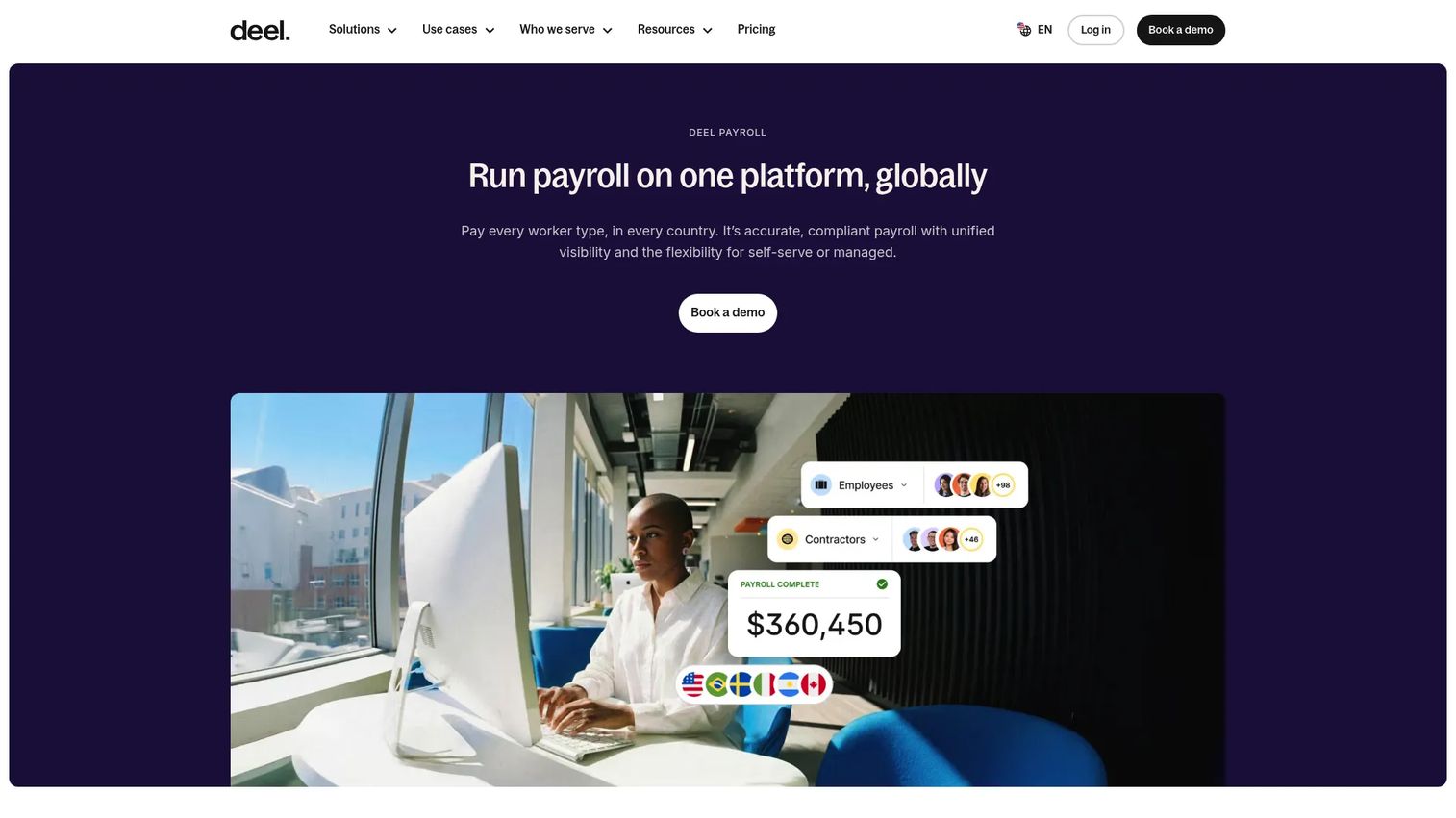
Deel Payroll is a global payroll platform for running payroll for both employees and contractors across countries. For teams paying contractors internationally, it brings compliance, filings, and multi-currency payouts into one system, so you are not coordinating separate vendors per country. It overlaps with broader HR and workforce workflows, which makes it a strong fit for companies that want global contractor support inside the same platform they use for international hiring.
Best for: Companies needing unified multi-country payroll and contractor payments with compliance built in.
Key strengths
- Country-based payroll: Run self-serve or managed payroll by country without standing up local entities for every payout.
- Built-in compliance: Handle filings and statutory requirements inside the platform.
- Global payments with FX: Pay contractors in multiple currencies with local transfer support.
Why choose Deel Payroll: Deel fits when your contractor spend is genuinely global and you want compliance and FX handled rather than managed manually. It is broader than a pure contractor payment tool, so the value compounds if you also run international payroll or plan to hire across borders.
Deel Payroll pricing: Managed payroll starts at $29 per employee per month for both the Global and US options, per Deel's public pricing page. A self-serve payroll tier is listed without a public price, so confirm that option directly with their team. There is no free tier.
3. Gusto
Gusto is an all-in-one payroll, HR, and benefits platform for small businesses, with a dedicated contractor-only plan for teams that pay US contractors and want simplicity. Contractors self-onboard, tax filing is automated, and you can later bundle full payroll and benefits if you start hiring employees. For a founder running a lean US team, this keeps domestic contractor payments clean without committing to a heavier finance system.
Best for: US small businesses that want straightforward contractor payments with the option to grow into full payroll.
Key strengths
- Automated tax and compliance: Payroll, tax filing, and 1099 handling run automatically.
- Contractor self-onboarding: Contractors enter their own details, reducing admin on your side.
- Hiring and onboarding tools: Time tracking and onboarding are available as you scale into employees.
Why choose Gusto: Gusto is the practical pick when your contractor payments are US-based and you value simplicity over global reach. The path from contractor-only to full payroll inside one system means you do not have to migrate later when you start hiring.
Gusto pricing: The Contractor-only plan is $0/mo plus $6/mo per person, with a promotional note offering $0/mo for the first six months. Paid tiers start at Simple ($49/mo + $6/mo per person), Plus ($80/mo + $12/mo per person), and Premium ($180/mo + $22/mo per person). Pricing is public on Gusto's site.
4. Tipalti
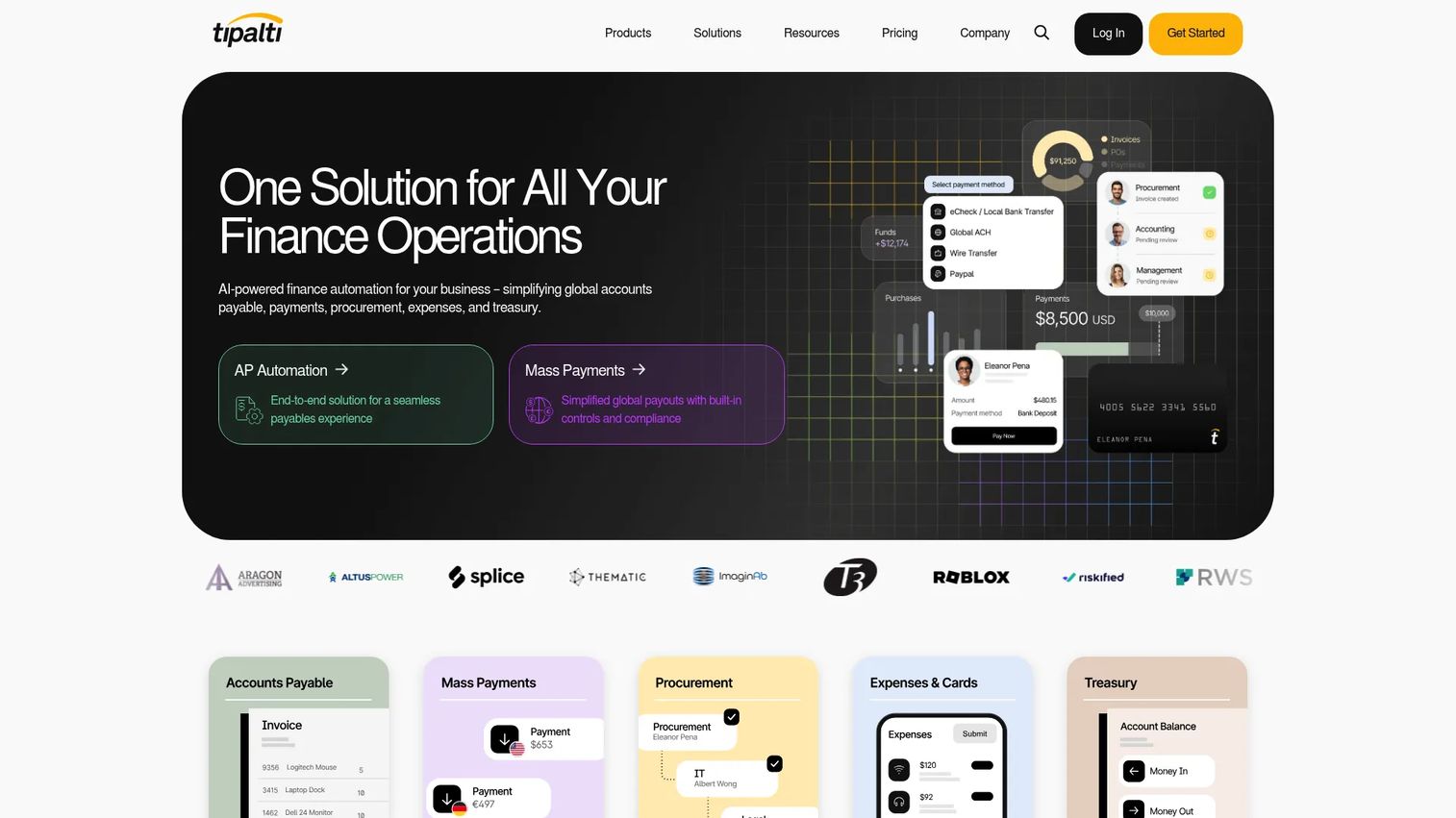
Tipalti is finance automation software covering accounts payable, mass payments, procurement, expenses, and treasury. It fits finance teams that want contractor payments handled inside a broader payables system, with AI-powered AP automation, automated PO matching, and tax compliance built in. Rather than treating contractor payouts as a standalone job, Tipalti folds them into a full accounts payable workflow with a self-serve payee portal.
Best for: Mid-market and enterprise finance teams needing automated AP and global payout workflows.
Key strengths
- AI-powered AP automation: Reduce manual invoice handling and approval routing.
- Global payments and payee portal: Pay vendors and contractors worldwide with a self-serve onboarding portal.
- PO matching and tax compliance: Automate matching and tax document collection at scale.
Why choose Tipalti: Tipalti makes sense when contractor payments are one part of a larger payables operation and you want one platform for AP automation, mass payments, and compliance. It is AP-oriented rather than contractor-only, so the fit is strongest for finance teams scaling spend across many payees.
Tipalti pricing: Pricing is modular. The Accounts Payable module starts at $99/month and Mass Payments starts at $249/month, per Tipalti's pricing page, with additional transaction fees and other modules available. Overall packaging is quote-based, and there is no free tier.
5. QuickBooks Payments
QuickBooks Payments is a payment processing add-on from QuickBooks for accepting online, in-person, and digital wallet payments, tied directly to your bookkeeping. For founders already living in QuickBooks, it keeps payment activity and accounting aligned, so contractor-related transactions reconcile against your books without extra import steps. It is best understood as an integrated finance workflow rather than a specialized contractor platform.
Best for: Businesses already using QuickBooks that want payment collection and bookkeeping in one place.
Key strengths
- Online invoice payments: Collect and record payments tied to QuickBooks invoices.
- Flexible payment methods: Support ACH, cards, Apple Pay, PayPal, and Venmo.
- In-person payments: Tap to Pay on iPhone and card reader options for on-site work.
Why choose QuickBooks Payments: Choose this when QuickBooks is already your accounting backbone and you want payments that reconcile automatically. It excels at accounting alignment, so the honest framing is that it works best as an integrated finance layer, not as a dedicated contractor management system.
QuickBooks Payments pricing: QuickBooks lists pay-as-you-go transaction rates with no setup costs. ACH bank payments are 1% per transaction, cards and digital wallets are 2.99%, in-person payments are 2.5%, and keyed-in cards are 3.5%, per the QuickBooks rates page. The page shows no standalone subscription fee for QuickBooks Payments itself.
6. GCPay
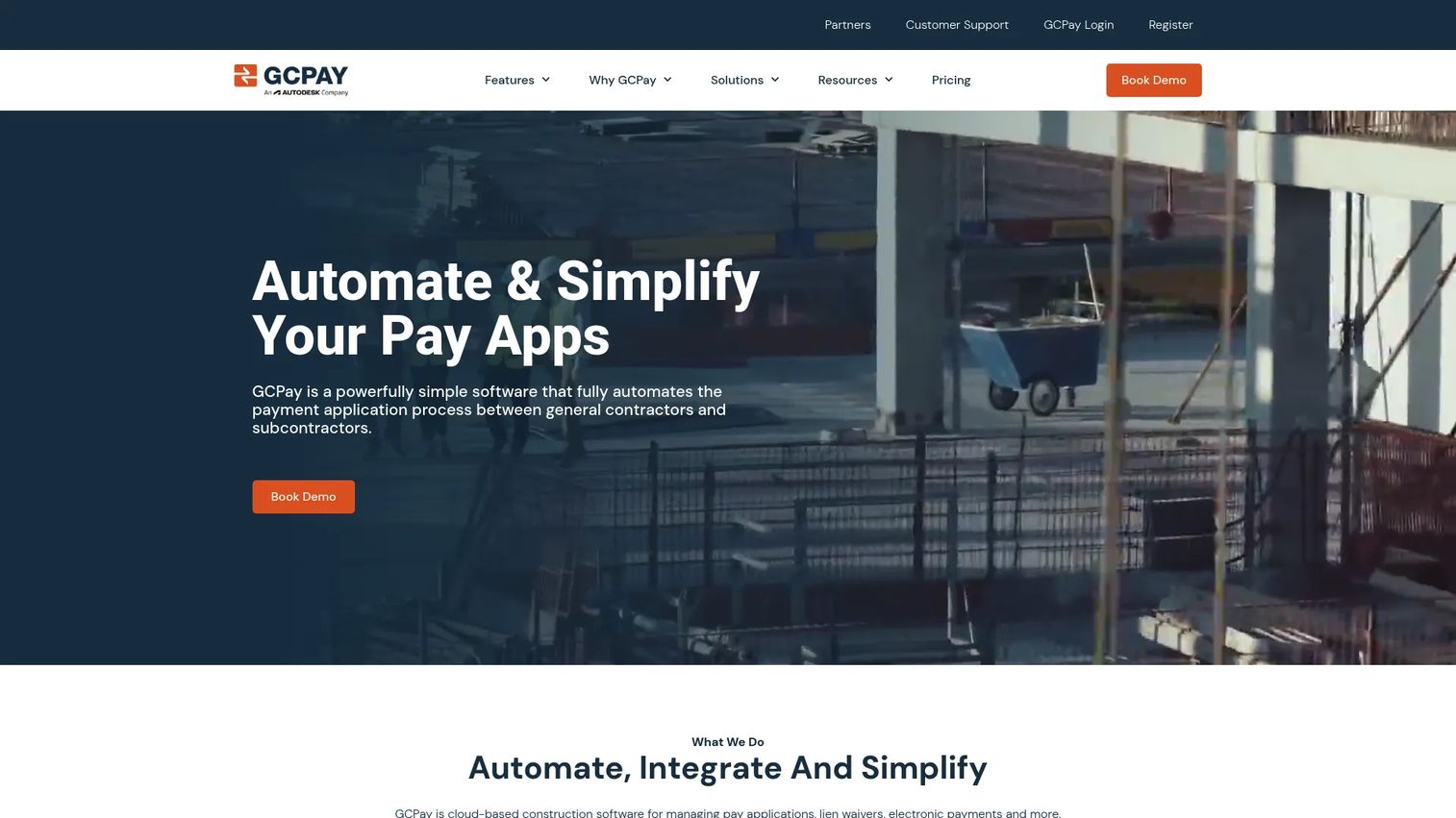
GCPay is cloud-based construction payment management software built specifically for general contractors and subcontractors. This is GC pay app software in the truest sense: it automates pay applications, creates and exchanges lien waivers, and manages compliance documents and electronic payments across the project. If your payment workflow runs on schedules of values, retention, and waiver exchange, this is the construction invoice software the generic tools cannot replicate.
Best for: General contractors needing construction pay app, lien waiver, and payment workflow automation.
Key strengths
- Automated pay applications: Generate and process pay apps tied to the schedule of values.
- Lien waiver management: Create and exchange waivers as part of each draw.
- ERP integrations and electronic payments: Connect to your construction ERP and pay electronically.
Why choose GCPay: GCPay is the right call when your business is construction and your payment process is the pay application, not a standard invoice. It speaks the language of project accountants, controllers, and project managers, and it handles the compliance documents that come with subcontractor payments.
GCPay pricing: GCPay uses customized pricing and does not publish a public starting price. The site directs buyers to contact sales for a quote, so plan for a direct conversation to scope cost against your project volume.
7. Square Payroll
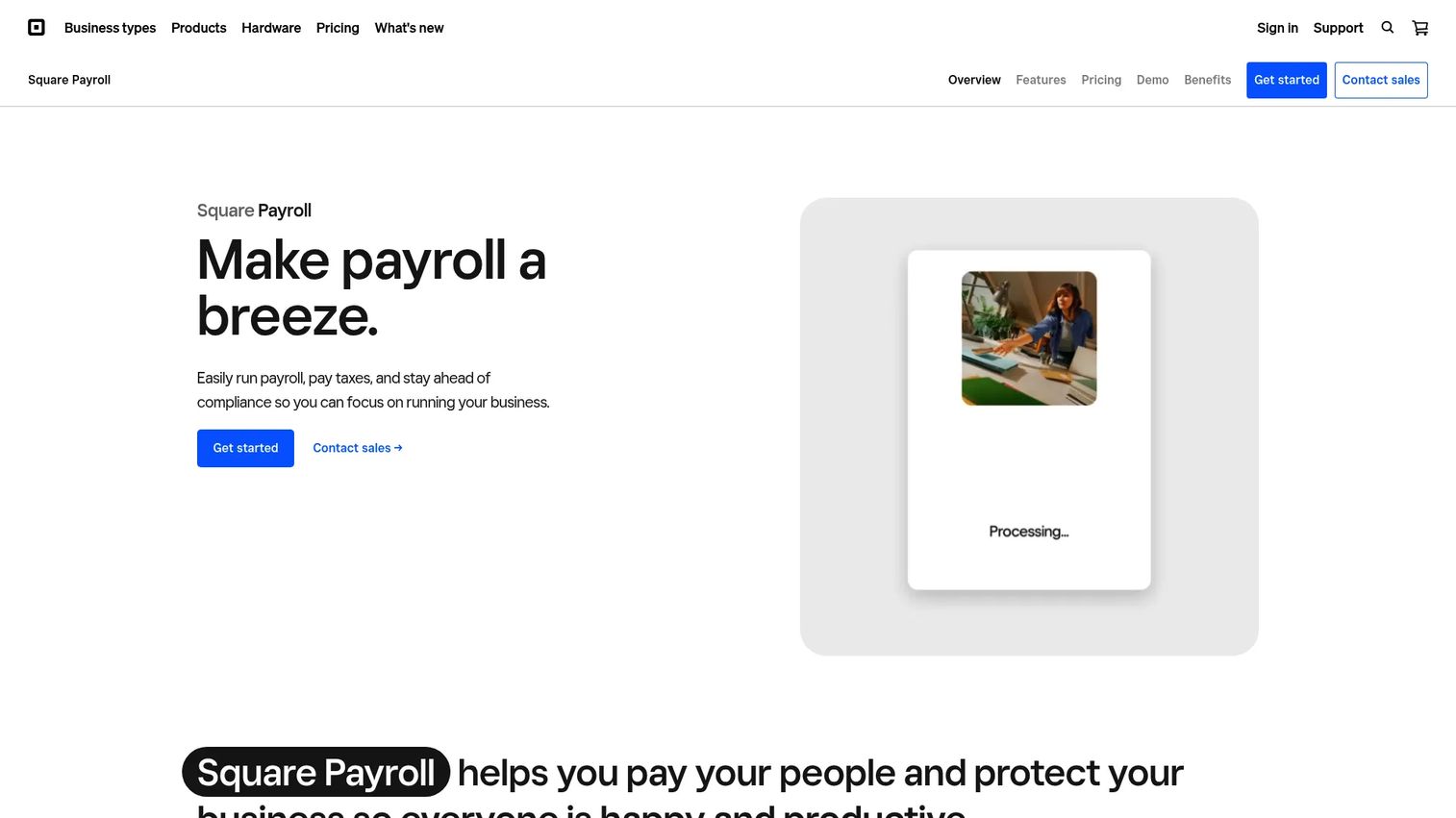
Square Payroll is Square's online payroll service for paying employees and contractors, with tax filing and tight integration into the Square ecosystem. For small and service businesses already running Square for payments and point of sale, it adds contractor payroll with unlimited runs and direct deposit. The scope is broader than pure contractor payment software, so it fits best when simplicity and Square integration matter more than specialized contractor features.
Best for: Small businesses already using Square that need integrated payroll for employees or contractors.
Key strengths
- Unlimited payroll runs: Pay contractors as often as needed with no per-run cost.
- Automated tax handling: Federal and state tax calculations, payments, and filings are automated.
- Square ecosystem tools: Square Team App, timecard import, and direct deposit options.
Why choose Square Payroll: Square Payroll works when you are already inside the Square ecosystem and want a simple way to pay contractors alongside employees. It is a tight, honest fit for SMBs that value low overhead and integration over deep contractor-specific workflow.
Square Payroll pricing: The contractor-only plan is $6/mo per person paid. Full-service payroll for employees and contractors is $35/mo plus $6 per person paid each month, per Square's pricing page. There is no free tier.
Considerations before you buy
Compliance and tax document handling
Confirm the platform collects and stores W-9 and W-8BEN forms, generates 1099-NEC at year end, and handles the tax regimes you operate in. For global contractor payments, country-specific compliance is the difference between a clean audit and a scramble. Treat this as a hard requirement, not a nice-to-have.
Payment rails and transfer options
Check which rails the tool supports: ACH, wire transfer, and local bank transfer or multi-currency payouts. If you pay contractors internationally, FX handling and local transfer methods matter more than domestic speed. Match the rails to where your contractors actually are.
Integration depth
The tool should connect to your accounting or ERP stack, whether that is QuickBooks, Xero, NetSuite, or a construction ERP. Shallow integration means rekeying data, which reintroduces the manual error you bought the software to remove. Verify the integration covers the fields you reconcile against.
Reporting and visibility
Look for dashboards, payment tracking, and an audit trail that survives board scrutiny. The reporting should let your finance lead answer where contractor spend went without exporting and stitching data by hand. This is what turns a payment tool into finance infrastructure.
Security and trust signals
Evaluate the platform's security posture, access controls, and track record. You are routing money and sensitive tax data through it, so look for established trust signals and clear data handling. For a Series B company preparing for diligence, this is non-negotiable.
Conclusion
The right contractor payment software depends entirely on what your workflow actually is. For global contractor teams, Deel Payroll handles multi-country payouts, FX, and compliance in one system, and Worksuite fits when you are managing a large, complex contractor lifecycle end to end. For US SMB simplicity, Gusto and Square Payroll keep domestic contractor payments clean and low-overhead. For AP-heavy finance teams, Tipalti folds contractor payouts into a full accounts payable system. For founders living in QuickBooks, QuickBooks Payments keeps everything reconciled. And for construction, GCPay is the specialized pay application software that generic tools cannot match.
Start by naming your real job: are you paying global contractors, running US contractor payroll, automating accounts payable, or managing construction pay apps? That single distinction narrows the field faster than any feature comparison. Then pressure-test your shortlist against compliance handling, payment rails, integration depth, and reporting before you commit. The goal is a repeatable process your finance lead can run without you in the loop.
FAQs
Contractor payment software is a platform that manages how a business pays independent contractors and freelancers, covering invoice intake, approval workflows, tax document collection, and payouts via ACH, wire, or local bank transfer. It ties the money movement to the paperwork and the audit trail, replacing the spreadsheet-and-bank-portal approach with a single system.
Payroll software is built primarily for W-2 employees, handling tax withholding, benefits, and statutory filings. Contractor payment software focuses on non-employees, managing 1099-NEC generation, W-9 and W-8BEN collection, and contractor payouts. Many platforms now cover both, but the core workflows and tax obligations differ.
Pay application software is a specialized construction billing tool built around pay applications, schedules of values, retention, and lien waivers, rather than generic invoices. General contractors and subcontractors use it to process each draw and exchange compliance documents. GCPay is a purpose-built example in this category.
For global contractor payments, Deel Payroll handles multi-country payroll, FX, and local transfers with built-in compliance, while Worksuite manages the full contractor lifecycle across regions. Tipalti is strong when global payouts sit inside a broader accounts payable operation. The best choice depends on whether you need payroll, lifecycle management, or AP automation.
Yes. Strong contractor payment platforms collect W-9 and W-8BEN forms during onboarding and generate 1099-NEC at year end. Tools like Gusto and Square Payroll automate US tax filing, while global platforms add country-specific compliance for international contractors. Confirm the specific forms and regimes each tool supports.
Many platforms integrate with QuickBooks, Xero, NetSuite, or other accounting and ERP systems so payment data does not get rekeyed. QuickBooks Payments is native to QuickBooks, and construction tools like GCPay connect to construction ERPs. Always verify the integration covers the fields you reconcile against.
Prioritize payment workflow automation, compliance and tax document handling, integration depth with your accounting stack, and reporting that survives board scrutiny. The goal is a repeatable process your finance lead can own without routing everything through you. Strong trust signals and security posture are non-negotiable when routing money and tax data.
Not exactly. Construction billing software is a specialized subset built around pay applications, schedules of values, retention, and lien waivers for general contractors and subcontractors. General contractor payment software handles broader independent-contractor invoicing and payouts. If your workflow runs on draws and waivers, you need construction-specific pay app software like GCPay rather than a generic tool.