Every new service starts the same way. A developer opens Slack, asks who owns the deployment template, waits, gets pointed to a Confluence page that's six months stale, then pings the platform team anyway. Multiply that across dozens of services and hundreds of engineers, and you get the real tax on velocity: not a lack of talent, but a lack of paved roads. Knowledge lives in DMs. Standards live in someone's head. Every stack decision gets relitigated.
That friction is why internal developer platforms became a category instead of a side project. The platform engineering and internal developer platform market is forecast to grow from USD 10.44B in 2026 to USD 31.57B by 2031, a 24.77% CAGR, according to Research and Markets (2024). Cycloid's State of Platform Engineering (2026) reports that over 65% of enterprises have already built or adopted an internal developer platform to improve developer experience and governance. The shift is not hype. It is teams deciding that self-service, done right, beats a queue of tickets.
If you are a product manager watching engineering throughput, this matters directly. Slow onboarding for engineers, inconsistent service creation, and manual coordination with platform teams all show up downstream as delayed releases and stretched roadmaps. The right internal developer platform reduces cognitive load without giving up governance. This guide walks through what an IDP actually is, how to evaluate one, and the seven tools worth a serious look in 2026. Along the way we treat this as a buying decision, not a definition contest, the same way we do in adjacent tooling roundups like our best customer data platform guide.
What's inside
This guide is written for product managers, platform leads, and engineering stakeholders comparing internal developer platform tools before committing budget or headcount. We cover what an IDP is, the difference between a platform and a portal, the criteria that actually separate these tools, and the seven platforms most worth evaluating in 2026. We selected tools based on four things that matter across organizational realities: developer self-service depth, golden paths and templating, integration breadth across CI/CD and observability, and governance maturity including RBAC and service ownership. No feature sprawl, just fit by operating model.
TL;DR
- Best open-source foundation: Backstage is the default starting point for teams that want to build their own internal developer portal and own the roadmap.
- Best enterprise-managed option: Red Hat Developer Hub packages Backstage with support, RBAC, and audit logging for regulated or large-scale orgs.
- Best for Atlassian-native teams: Atlassian Compass fits organizations already living in Jira, Bitbucket, and Opsgenie that want service ownership and health fast.
- Best for opinionated platform automation: Humanitec suits centralized platform teams building standardized, self-service environment workflows.
- Best catalog-first portals: Port, Cortex, and OpsLevel give teams a configurable service catalog with scorecards and self-service without reinventing the wheel.
What is an internal developer platform?
An internal developer platform is a self-service layer that lets developers provision, deploy, and manage the resources they need through paved paths, without filing tickets or waiting on the platform team for every action. It sits on top of your existing infrastructure, CI/CD, and cloud tooling and exposes a consistent interface for common workflows.
The distinction that trips most teams up is platform versus portal. A developer portal vs internal developer platform question comes up constantly, and the answer is layered. The internal developer portal is the interface, the catalog, docs, and self-service actions developers see. The internal developer platform is the whole system underneath, including the orchestration, automation, and infrastructure that make those actions real. A portal without a platform is a nice directory. A platform without a portal is powerful plumbing no one can find. You usually want both.
Here is what a mature internal developer platform includes:
- Self-service interface: A single place where developers create services, request environments, and run common actions without a handoff.
- Golden paths and templates: Paved, opinionated defaults for scaffolding new services so every repo starts consistent and compliant.
- Orchestration and automation: The engine that turns a self-service request into real infrastructure, deployments, and configuration.
- Integrations: Deep connections to CI/CD integration points, observability, security scanners, cloud providers, and source control.
- Governance and RBAC: Role-based access control, policy enforcement, and clear service ownership so self-service does not become a free-for-all.
- Developer experience benefits: Lower cognitive load, faster onboarding engineers, and fewer context switches, which is the whole point.
Treated as a platform as a product, an IDP has an internal customer (your developers), a roadmap, and adoption metrics. That framing is what separates a platform that gets used from one that gathers dust.
What to look for in an internal developer platform
Feature lists are easy to game. What actually matters is whether the platform reduces friction without hiding operational reality. Here is the evaluation frame we would use.
Self-service without chaos
The point of an IDP is to cut tickets and manual handoffs. But self-service without guardrails just moves the chaos closer to production. The best platforms let developers act independently while preserving operational context: who owns this, what depends on it, what policy applies. Look for developer self-service that surfaces the right defaults, not one that hands every engineer a blank cloud console. The measure is fewer "how do I deploy this" tickets, not more untracked resources.
Golden paths and templates
Golden paths standardize the common case so developers are not reinventing a deployment pipeline for every service. Good golden paths encode your org's real standards, security defaults, logging, CI config, into reusable templates. The trick is flexibility: paved roads should cover the 80% cleanly while still letting teams step off the path when they genuinely need to. Rigid templates get abandoned. Sensible defaults get adopted.
Integrations and extensibility
A polished UI is worth little if it cannot talk to your stack. CI/CD integration with your pipelines, observability hooks into your monitoring, security scanner connections, and source control sync are what make a catalog trustworthy. Extensibility matters just as much. Your platform will need to model services and tools nobody anticipated, so a strong plugin or API model beats a fixed feature set every time.
Governance, compliance, and ownership
As the org grows, platform teams need real control: who can do what (RBAC), which policies apply where, and who owns each service. Strong governance is not bureaucracy, it is the thing that lets you say yes to self-service safely. Look for clear ownership modeling, scorecards that track standards, and audit trails when compliance reviews come knocking.
Developer experience and adoption
The best platform is the one engineers actually open. A tool with the longest feature list and 12% adoption loses to a simpler one everyone uses daily. Evaluate the actual developer experience: how fast a new hire finds what they need, how obvious the next action is, how little documentation reading it requires. Adoption is the only metric that proves the investment paid off.
When teams use an internal developer platform
Not every team needs an IDP on day one. These are the moments when the investment starts paying back.
Standardize new service creation
When every new service is a snowflake, each one carries its own quirks in deployment, logging, and config. That inconsistency compounds into operational risk. An IDP with service catalog backing and scaffolding templates makes new service creation repeatable, so the tenth service looks like the first and every team inherits the same sensible defaults.
Reduce onboarding friction for engineers
A new hire should ship something small in their first week, not spend it hunting for access and reading stale wikis. Self-service infrastructure and a clear catalog cut ramp time dramatically. When onboarding engineers can see every service, its owner, its docs, and its health in one place, the platform team stops being a bottleneck.
Centralize visibility across services
Once you pass a few dozen services, no one can hold the map in their head. A catalog that tracks ownership, dependencies, and operational health becomes the source of truth. This is where portals earn their keep: an on-call engineer at 2am needs to know who owns a failing service and what it depends on, immediately.
Enforce guardrails at scale
Security, compliance, and consistency get harder as headcount climbs. Guardrails enforced through policy and scorecards let you scale standards without scaling a review committee. The platform checks that every service has an owner, meets baseline security requirements, and follows deployment norms, automatically, on every change.
Comparison table
The goal here is not feature sprawl. It is fit by platform philosophy. Some of these tools want you to build; some want to sell you an opinionated, managed experience. The right pick depends on your team's engineering maturity, existing stack, and appetite for ownership. Pricing and G2 ratings below reflect verified public sources at time of writing; several enterprise-focused tools use quote-based pricing.
| # | Product | Intent | Key differentiation | Pricing | G2 rating |
|---|---|---|---|---|---|
| 1 | Backstage | Build your own portal | Open-source framework, catalog, templates, plugins | Open source, self-hosted | 5.0/5 |
| 2 | Red Hat Developer Hub | Enterprise-managed Backstage | Supported, RBAC, audit logging on OpenShift/Kubernetes | No-cost trial, then contact sales | Not listed |
| 3 | Atlassian Compass | Atlassian-native IDP | Catalog plus health scorecards, deep Jira/Bitbucket ties | Free; Standard $7.67/user/mo; Premium $23.96/user/mo | Not listed |
| 4 | Humanitec | Platform orchestration | Environment and deployment automation for platform teams | Teams €1,999/mo; Pro €4,999/mo; Enterprise custom | Not listed |
| 5 | Port | Configurable portal | Software catalog, workflows, scorecards, AI agents | Free; Basic $30/seat/mo; Standard $40/seat/mo | 4.4/5 |
| 6 | Cortex | Engineering intelligence | AI-powered ownership mapping, scorecards, golden paths | Custom pricing | 4.5/5 |
| 7 | OpsLevel | Standards and maturity | Catalog with scorecards, auto-detected owners, self-service | Custom pricing | 4.3/5 |
The 7 best internal developer platform tools
1. Backstage
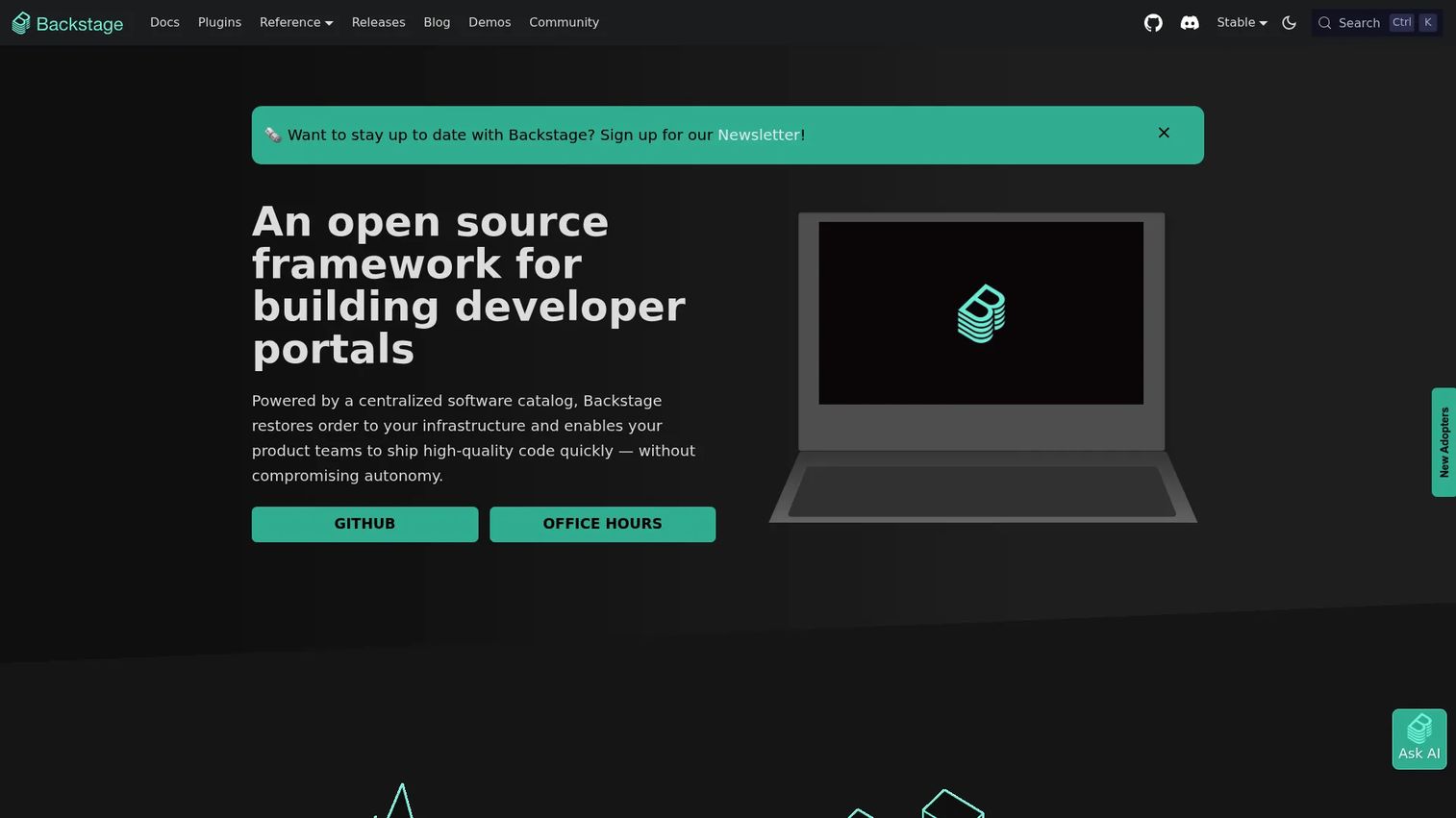
Backstage is the open-source framework that effectively defined the modern developer portal category. Created at Spotify and donated to the CNCF, it gives engineering teams a foundation to build their own internal developer portal around a software catalog, software templates, and TechDocs. It is the default starting point for teams that want full control over their platform's shape and roadmap.
Best for: Engineering teams with the appetite and headcount to build and maintain their own internal developer portal.
Key strengths
- Software catalog: A single centralized inventory of all services, systems, and ownership, the backbone of everything else.
- Software templates: Golden-path scaffolding so new services start consistent and compliant every time.
- Plugin ecosystem: A large open-source plugin library plus TechDocs, so you extend the portal to fit your exact stack.
Why choose Backstage: If you want to own the platform outright and shape it to your organization, nothing else offers this level of control. Backstage fits teams that see the portal as core infrastructure worth investing engineering time into, rather than something to buy off the shelf. The tradeoff is honest: you are running an open-source project, which means implementation and ongoing maintenance sit with your team.
Backstage pricing: Backstage is fully open source and free to self-host. There is no license fee. Budget instead for the engineering time to stand it up and maintain it, which for most teams is the real cost. Its G2 listing shows a 5.0/5 rating, though from a small review base.
2. Red Hat Developer Hub
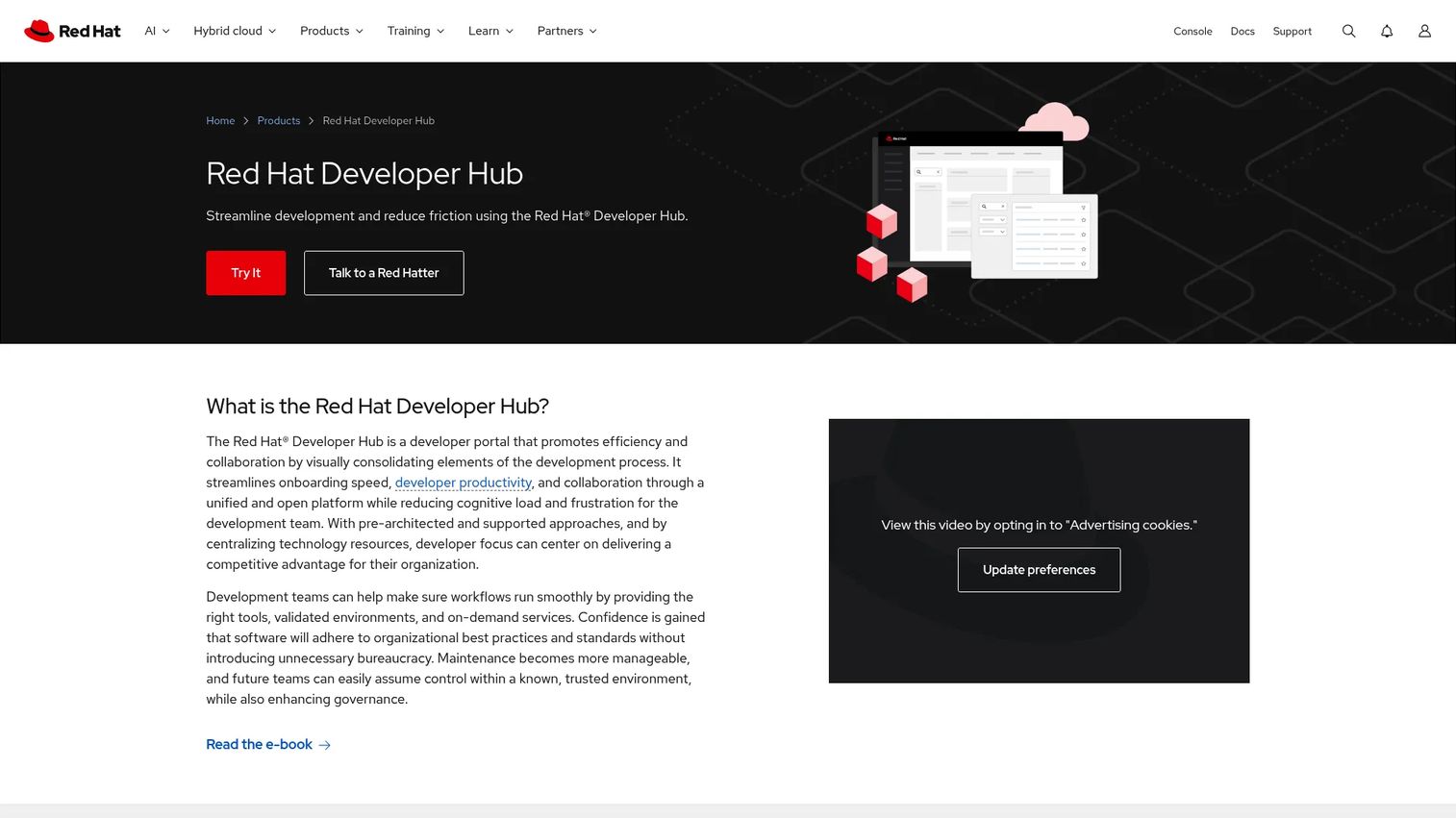
Red Hat Developer Hub takes the Backstage foundation and wraps it in enterprise packaging: vendor support, hardened RBAC, audit logging, and dynamic plug-ins, all optimized for Red Hat and Kubernetes environments. It is Backstage for teams that want the open-source core without owning the entire maintenance burden themselves.
Best for: Enterprises building a supported internal developer portal on OpenShift or Kubernetes, especially in regulated environments.
Key strengths
- Centralized self-service portal: A single, supported developer portal with gold-path templates for consistent self-service.
- Enterprise RBAC and audit logging: Fine-grained access control and audit trails built for compliance-heavy organizations.
- Dynamic plug-ins and templates: Pre-built plug-ins and templates so teams extend the portal without forking upstream Backstage.
Why choose Red Hat Developer Hub: For large or regulated engineering organizations, the value shows up in support and governance. You get the Backstage ecosystem plus a vendor accountable for updates, security patches, and enterprise features. It fits teams already invested in Red Hat and OpenShift who want a managed path rather than a from-scratch build.
Red Hat Developer Hub pricing: Public numeric pricing is not listed on the product pages. Red Hat offers a no-cost trial and routes buyers to sales for enterprise licensing. Expect pricing to align with Red Hat's broader subscription model tied to your OpenShift or platform footprint.
3. Atlassian Compass
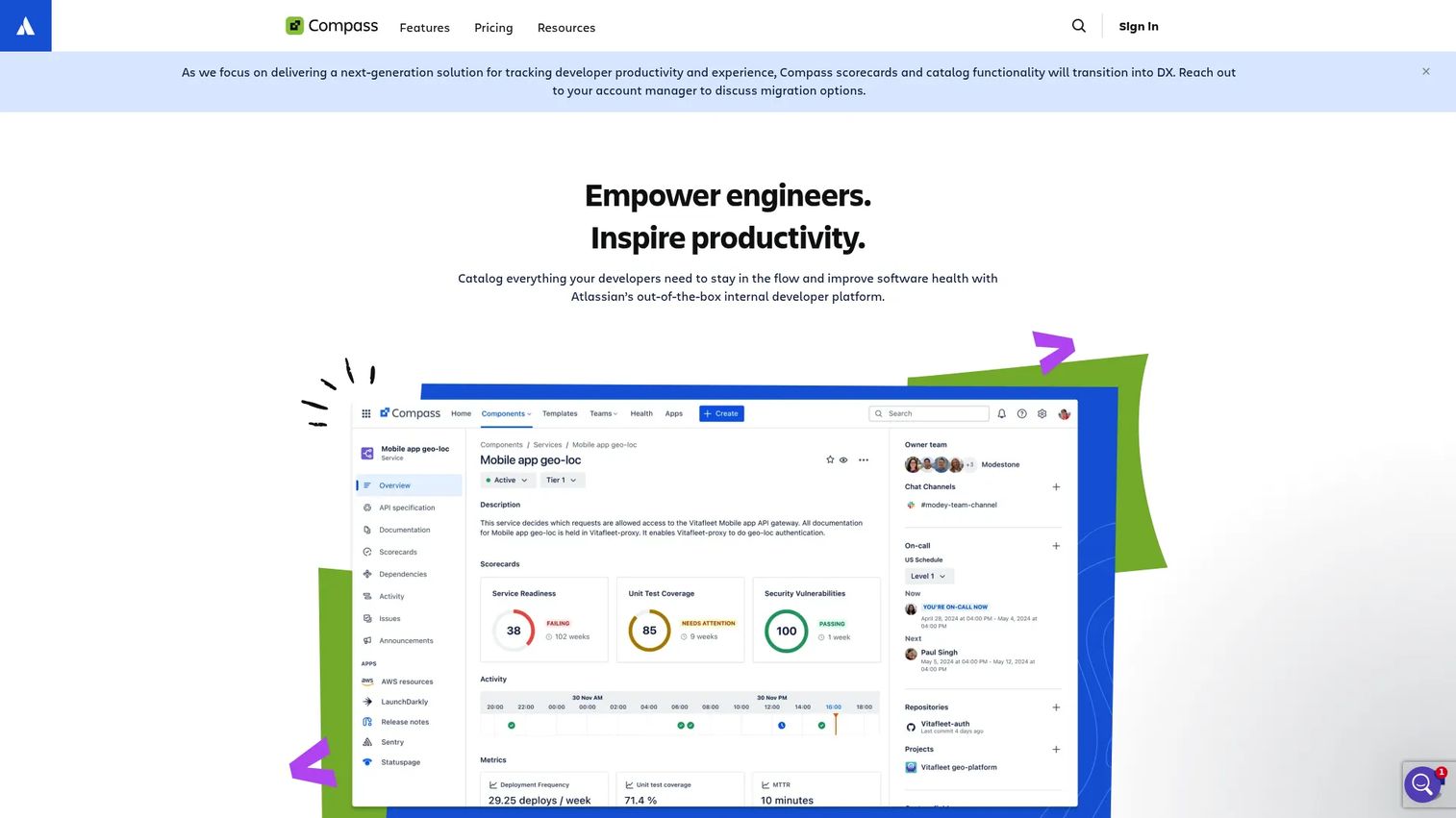
Atlassian Compass is a cloud-based internal developer platform for cataloging software components, tracking their health, and managing operational context. Its clearest advantage is native depth with the Atlassian stack: if your teams already live in Jira, Bitbucket, and Opsgenie, Compass slots in without a new integration project.
Best for: Teams already on Atlassian tools that want service ownership, health signals, and operational visibility fast.
Key strengths
- Software component catalog: An unlimited catalog of services and components with ownership baked in.
- Health scorecards and metrics: Scorecards and custom metrics to track service standards and operational health.
- Atlassian integrations: Native ties to Jira, Jira Service Management, Bitbucket, and Opsgenie for a connected workflow.
Why choose Atlassian Compass: If your organization runs on Atlassian, Compass gives you a catalog and health layer without stitching together disconnected tools. It fits teams that want visible service ownership and standards quickly, using data and workflows they already trust. The trade-off is ecosystem fit: its strongest value comes when you are already committed to the Atlassian suite.
Atlassian Compass pricing: Compass has a Free plan for up to three full users and unlimited basic users. Standard runs $7.67 per user per month and Premium runs $23.96 per user per month, both billed monthly, with a 14-day free trial on paid plans. Premium adds advanced compliance, SLA, IP allowlisting, and longer data retention.
4. Humanitec
Humanitec is platform engineering software focused on orchestration and automation rather than just cataloging. It gives platform teams the building blocks to construct self-service environment and deployment workflows, with an orchestrator that turns developer requests into real, standardized infrastructure. It is used by mid and large-size engineering organizations building serious internal self-service.
Best for: Platform engineering teams building standardized, automated self-service infrastructure at scale.
Key strengths
- Environment management: Dynamic environment creation and management so developers spin up what they need on demand.
- Deployment management: Standardized deployment workflows that keep every service consistent across environments.
- Infrastructure orchestration: An orchestrator that generates app and infra configuration automatically from developer intent.
Why choose Humanitec: Where catalog-first tools focus on visibility, Humanitec focuses on the automation engine underneath self-service. It fits opinionated, centralized platform teams that want to codify how environments and deployments happen, not just document them. This is the pick when standardization and environment automation are the core problem you are solving.
Humanitec pricing: Humanitec publishes tiered pricing. Teams starts at €1,999 per month and Pro at €4,999 per month, both billed monthly, with Enterprise and Self-hosted plans available at custom pricing. A free trial is offered. This is a platform investment aimed at teams with dedicated platform engineering headcount.
5. Port
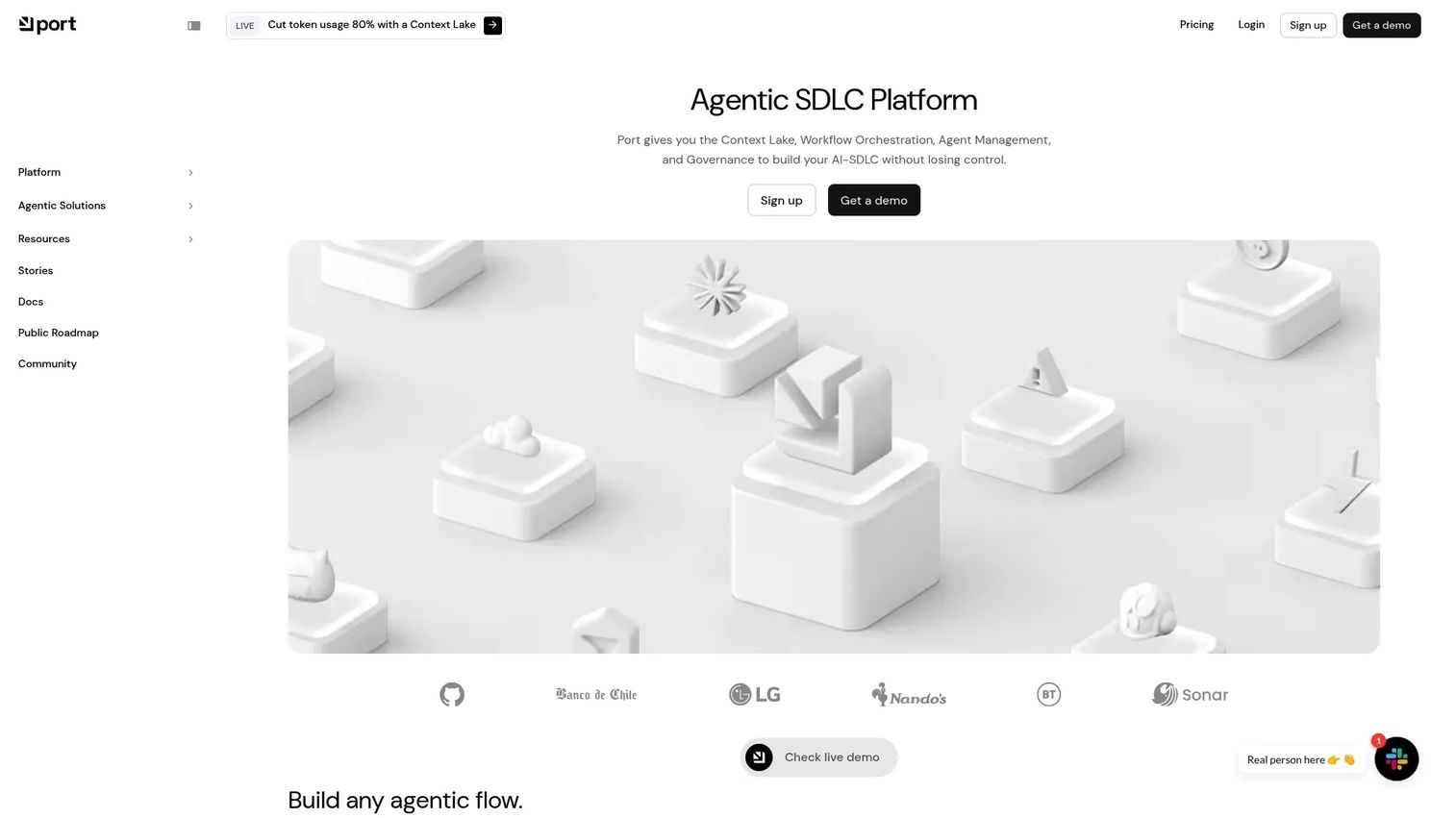
Port is a configurable internal developer portal built around a software catalog, self-service actions, workflows, and scorecards, with AI agents layered on top. It is designed for teams that want a portal they can shape to their exact data model without building the foundation from scratch. Its no-code-friendly configuration is a big part of the appeal.
Best for: Platform teams that want a configurable portal with catalog, workflows, and self-service without reinventing the base.
Key strengths
- Software catalog and context lake: A flexible catalog you model to your own entities, backed by a unified data layer.
- Actions, workflows, and scorecards: Self-service actions, automated workflows, and scorecards to enforce standards.
- AI agents and Port AI: AI-assisted operations that surface answers and automate routine platform tasks.
Why choose Port: Port hits a middle ground between build-it-yourself Backstage and heavily opinionated automation platforms. You get a highly configurable catalog and self-service layer without owning an open-source codebase, plus AI features for day-to-day operations. It fits teams that value flexibility and want to move quickly.
Port pricing: Port offers a Free plan at $0. Basic starts at $30 per seat per month and Standard at $40 per seat per month, both billed annually, with Enterprise on custom pricing that combines a platform fee with per-seat cost. Port holds a 4.4/5 rating on G2.
6. Cortex
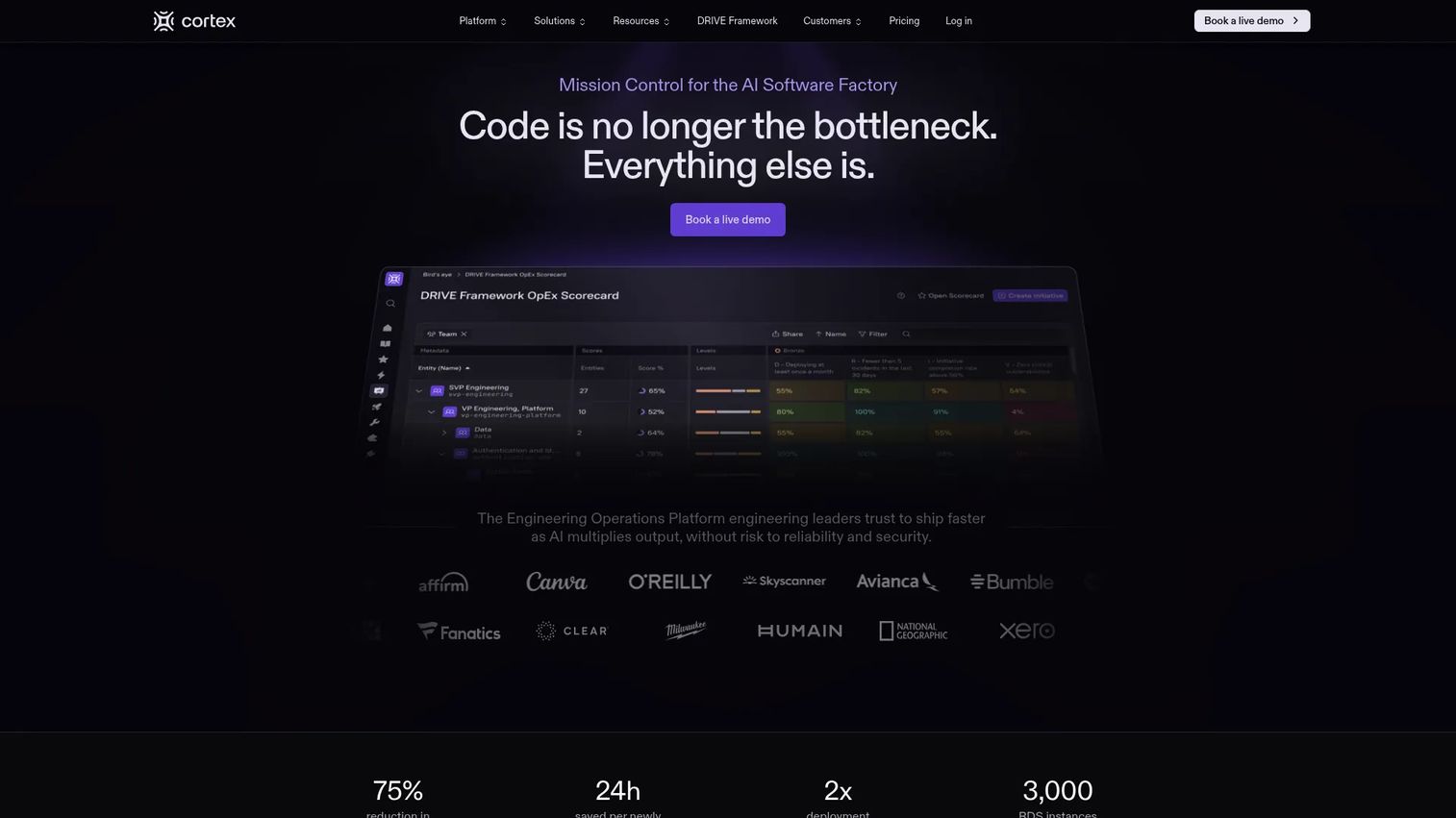
Cortex is an engineering operations platform focused on service ownership, standards, and engineering maturity. It combines a service catalog with scorecards and engineering intelligence, using AI to map ownership and surface where services fall short of standards. It is built for keeping large software portfolios organized and accountable.
Best for: Engineering organizations that need a portal plus operational maturity tracking across many services.
Key strengths
- AI-powered ownership mapping: Automatic service and ownership mapping so the catalog stays accurate without manual upkeep.
- Scorecards and engineering intelligence: Scorecards that measure service maturity, reliability, and standards adherence.
- Golden paths and workflows: Paved paths and self-service workflows to standardize how developers create and manage services.
Why choose Cortex: Cortex shines when the problem is not just visibility but accountability, keeping hundreds of services meeting real standards. Its scorecards and AI-driven ownership mapping help platform teams drive engineering maturity, not just inventory services. It fits orgs where operational excellence and standards enforcement are the priority.
Cortex pricing: Cortex uses custom pricing. Rather than public tiers, it prepares a tailored proposal after a short scoping conversation about your team size and needs. It carries a 4.5/5 rating on G2, the highest verified score among the quote-based tools here.
7. OpsLevel
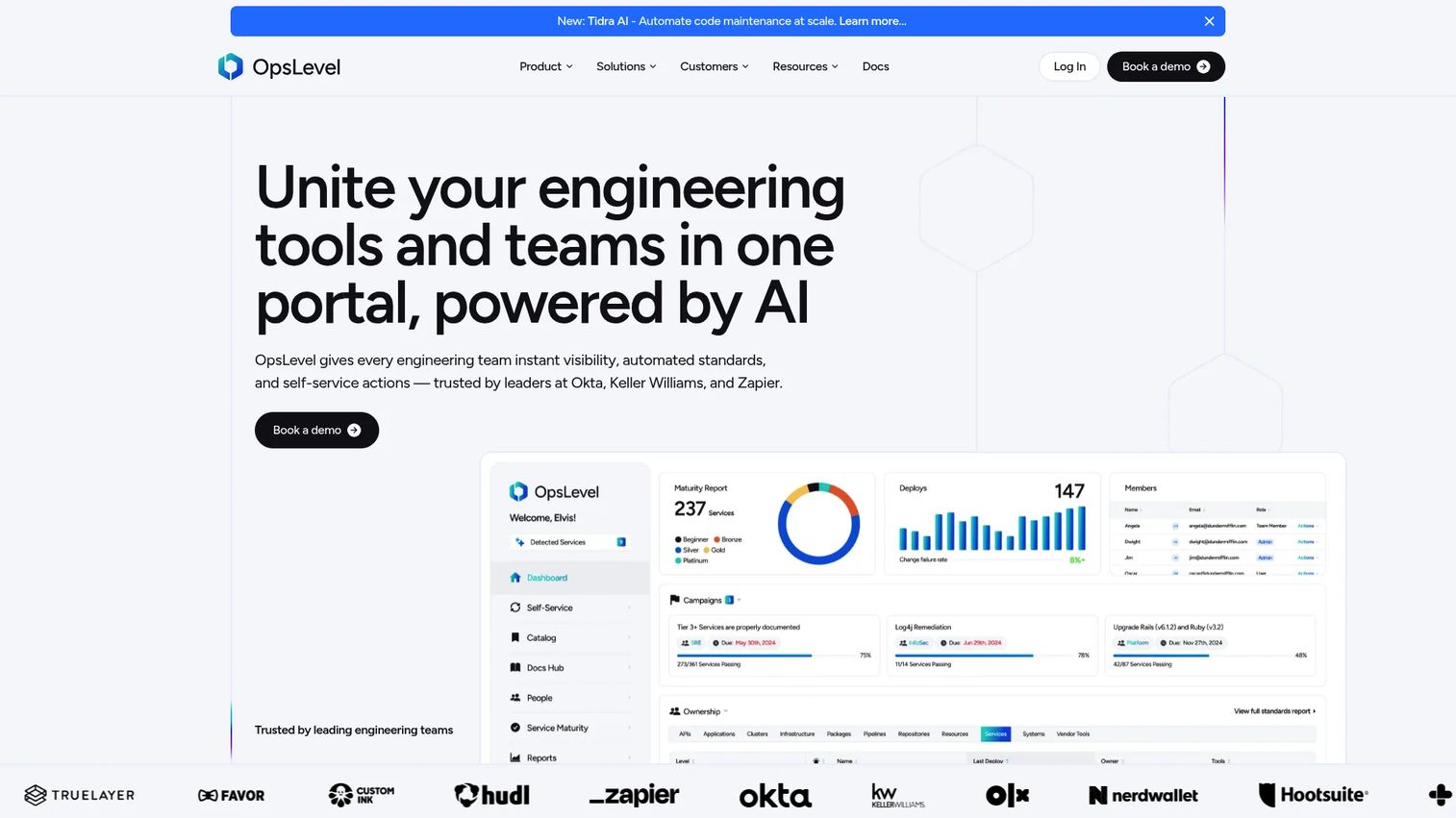
OpsLevel is an AI-powered internal developer portal centered on software catalogs, standards, and self-service. It emphasizes service maturity: cataloging every service, auto-detecting owners, and running automated checks so teams can measure and improve how well services meet standards. It fits teams that care about scorecards, ownership, and consistency.
Best for: Engineering teams that want a catalog plus standards enforcement to raise service maturity across the org.
Key strengths
- AI-enriched software catalog: A catalog with AI-powered enrichment and auto-detected service owners to keep data current.
- Standards and scorecards: Automated checks and notifications that flag when services drift from standards.
- Self-service actions: Self-service workflows and automation so developers act without waiting on the platform team.
Why choose OpsLevel: OpsLevel is a strong pick when maturity and standards are the goal. Its scorecards and automated checks make it easy to define what "good" looks like and track every service against it. It fits teams that want to improve service quality systematically rather than just maintain a directory.
OpsLevel pricing: OpsLevel uses quote-based pricing with Standard and Enterprise plans, sized to your team and factors like self-hosting and support. No public numeric price is listed, so you will need a scoping call. OpsLevel holds a 4.3/5 rating on G2.
Considerations before you buy
A tool that looks great in a demo can still be the wrong fit for your operating model. Run every option through this checklist before committing.
Existing stack compatibility
Your IDP has to meet your stack where it is. Check native support for your CI/CD, cloud providers, source control, and monitoring. A platform that requires rebuilding half your pipeline to adopt is a platform your team will resist. The best fit is the one that connects to what you already run with minimal friction.
Service catalog depth
The catalog is the core. Evaluate how flexibly it models your services, systems, and dependencies, and whether it stays accurate over time. Auto-discovery and AI-assisted ownership mapping matter here, because a catalog nobody maintains rots fast and stops being trusted.
Scaffolding and golden path support
Look closely at how each tool handles templates and golden paths. Can you encode your real standards? Can teams step off the path when they need to? The strength of templating determines whether new service creation actually becomes consistent or just theoretically could.
Policy and access control
Governance is non-negotiable at scale. Assess RBAC granularity, policy enforcement, and audit capabilities. If compliance reviews are part of your world, audit logging and access control move from nice-to-have to requirement.
Reporting and adoption measurement
You cannot improve what you cannot see. The platform should show adoption: who uses it, which self-service actions run, and where developers still fall back to tickets. Without this instrumentation, you cannot prove ROI or know where to iterate, and that data is what turns a platform into a product.
Implementation effort and ownership model
Be honest about who will own this. An open-source build gives maximum control and asks for engineering investment. A managed or SaaS portal gets you live faster with less internal maintenance. Match the ownership model to your team's real capacity, not the capacity you wish you had.
Conclusion
The best internal developer platform is the one that reduces friction without becoming a new maintenance burden of its own. Feature checklists do not win here. Fit does.
If your team has the engineering appetite and wants full control, start with Backstage and own the build. If you want that same foundation with enterprise support and governance, Red Hat Developer Hub is the managed path. If you are already an Atlassian shop, Compass gets you service ownership and health signals fast. For opinionated environment and deployment automation, Humanitec is built for centralized platform teams. And if you want a configurable, catalog-first portal with scorecards and self-service without a from-scratch build, Port, Cortex, and OpsLevel are all strong depending on whether you weight flexibility, engineering intelligence, or standards maturity most.
Pick by maturity and operating model: open source first if you want control, enterprise-managed next if you want support, catalog-first if you need visible ownership fast. Then measure adoption relentlessly, because a platform nobody uses is just expensive plumbing.
FAQs
An internal developer platform is a self-service layer that lets developers provision, deploy, and manage resources through paved paths without filing tickets for every action. In platform engineering, it is the product that a platform team builds and maintains for its internal customers, the developers, combining a portal interface with the orchestration and automation underneath.
The portal is the interface developers see: the catalog, docs, and self-service actions. The internal developer platform is the entire system beneath it, including orchestration, automation, and infrastructure that make those actions real. A portal without a platform is a directory; a platform without a portal is plumbing no one can find. Most mature setups run both together.
At minimum: a self-service interface, golden paths and templates for scaffolding, orchestration and automation, deep integrations with CI/CD and observability tooling, and governance with RBAC and clear service ownership. The end goal across all of these is lower developer cognitive load and faster, more consistent delivery.
Backstage gives you an excellent portal foundation: catalog, templates, and a plugin ecosystem. For many teams it is the starting point of the platform, not the whole thing. You will typically pair it with orchestration and automation for real self-service provisioning, plus the engineering time to run and extend it. It excels when you want full control over the build.
Organizations with many services, growing engineering headcount, and rising coordination overhead benefit most. Once new service creation, onboarding engineers, and cross-service visibility start consuming platform-team time, an IDP pays back quickly. Smaller teams with a handful of services may not need one yet.
CI/CD integration, observability and monitoring hooks, source control sync, cloud provider connections, and security scanners top the list. These are what make a service catalog trustworthy and self-service actions real. A polished interface that cannot talk to your existing stack delivers far less value than a plainer one that integrates deeply.
Track adoption first: active users, self-service actions run, and how often developers still fall back to tickets. Then measure outcomes like time to onboard a new engineer, time to create a new service, and deployment consistency. Governance signals, such as the percentage of services with owners and passing scorecards, round out the picture.
Most early-stage startups should wait. With a handful of services and a small team, coordination happens in a Slack channel and an IDP is overhead you do not need yet. The trigger to invest is when service count and headcount grow enough that manual coordination and inconsistent service creation start slowing releases. At that point, a catalog-first portal is often the fastest first step.