Your brand assets live in seven places. Google Drive has the logos. Dropbox has the product screenshots, two versions back. Figma has the new ones, but only the designer knows which frame is approved. The agency has a folder called "Final Assets v3" that no one trusts. Slack has the rest, buried in DMs.
Your new VP Marketing started Monday. By Wednesday, they were hunting for an approved one-pager. By Friday, the product launch deck still used last quarter's UI screenshots. Legal asked who signed off on the customer photo on the homepage. No one had an answer.
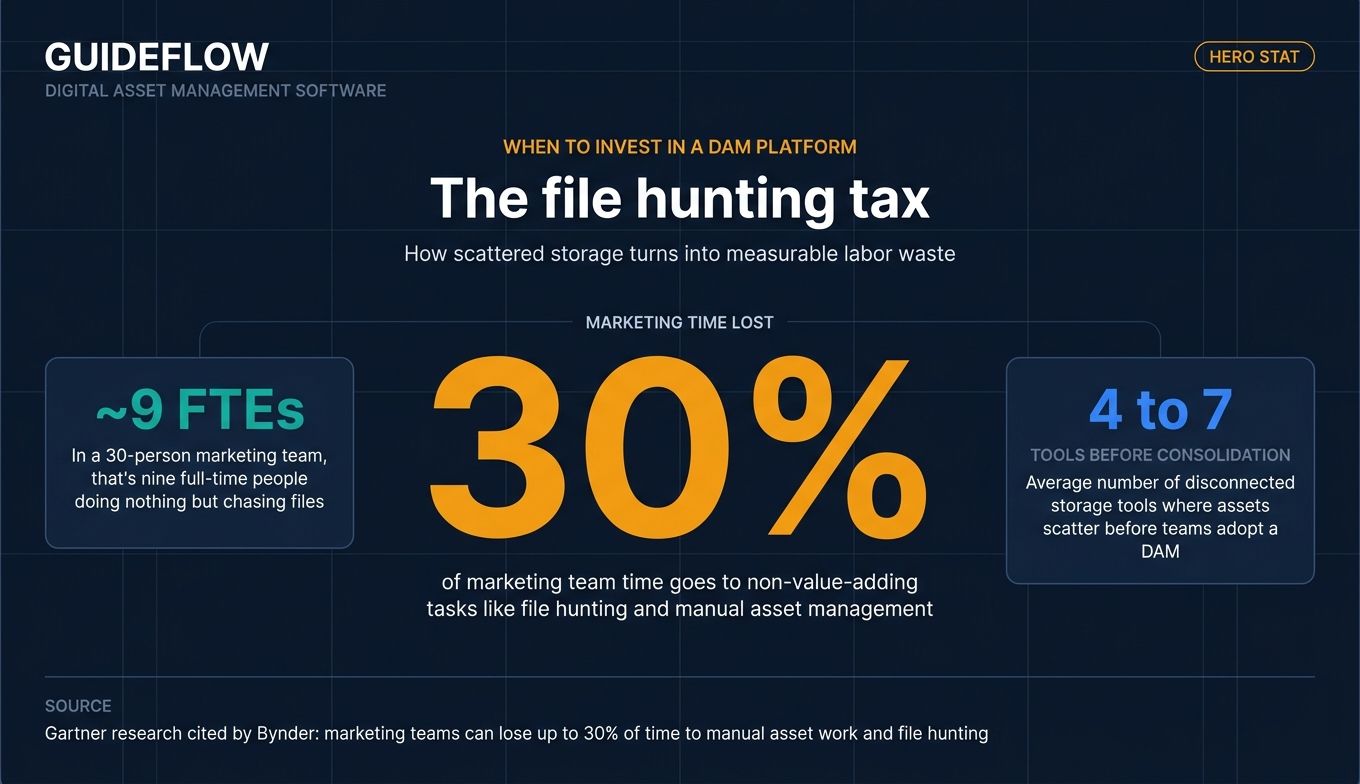
According to Gartner research cited by Bynder, marketing teams spend up to 30% of their time on non-value-adding tasks like file hunting and manual asset management. At a 30-person marketing org, that is roughly nine full-time people doing work that should not exist.
A digital asset management system fixes the underlying problem: there is no single source of truth for what your brand looks like, who can use it, or which version is current. Every team that ships customer-facing content needs one. The question is which platform fits a 50-person company without acting like a 5,000-person procurement cycle.
This shortlist was built for teams that need to consolidate, not enterprises that need another vendor in the stack.
What's inside
This guide covers 12 DAM platforms across enterprise, mid-market, SMB, and open-source segments. Tools were selected against four criteria:
- Real customer base in SaaS and B2B software
- Public pricing, named tiers, or verifiable G2-reported context
- Integration depth with the modern marketing and creative stack, including Figma, Slack, Salesforce, and major CMS platforms
- AI-powered search, tagging, or brand compliance capability
Each entry includes a strengths breakdown, persona fit, and a verified pricing summary so you can shortlist 3 vendors and run a real pilot.
TL;DR
A quick decision shortcut by persona before you read the full breakdown:
- Best for enterprise marketing teams: Bynder, for AI-powered governance and brand portals at scale.
- Best for video-heavy workflows: MediaValet, for unlimited users and strong video search.
- Best for design-led creative teams: Air, for boards-not-folders UX and native Figma collaboration.
- Best for brand management plus DAM in one system: Frontify, for live brand guidelines paired with asset library.
- Best for developer-led and programmatic delivery: Cloudinary, for image and video APIs with a real free tier.
- Best for open source and no license fee: ResourceSpace, for self-hosted control with AI search built in.
What is digital asset management software?
Digital asset management software is a centralized platform that stores, organizes, tags, governs, and distributes a company's digital assets, including images, videos, logos, design files, documents, and brand content, so the right teams and partners can find and use the approved version at the right time.
A modern digital asset management platform does seven things well:
- Centralized asset library with metadata, taxonomy, and version control
- AI-powered search, including natural language, visual similarity, and facial recognition
- Permissions, approval workflows, and digital rights management
- Distribution to CMS platforms, ad channels, partners, marketplaces, and sales enablement
- Integrations with Adobe Creative Cloud, Figma, Slack, CMS, PIM, and CRM
- Analytics on asset usage, downloads, and performance
- Brand portals for external sharing with agencies, partners, and press
A DAM system is not the same as file storage like Google Drive or Dropbox. Drive stores files. A DAM governs them: it knows what is approved, who can use it, where it was used, when it expires, and which version is current. It is also not a marketing resource management (MRM) system, which manages plans and budgets, a product information management (PIM) system, which manages SKU-level product data, or a content management system (CMS), which publishes web pages.
Most teams adopt DAM software to consolidate four to seven existing tools into one searchable library that everyone, including external agencies and partners, can self-serve from. Many also use DAM as the upstream source for downstream activation. Product screenshots and brand assets stored in a DAM often feed directly into sales enablement, partner portals, product launch campaigns, and interactive demos where consistency matters.
The category overlaps with media asset management software, especially for video-heavy teams, but the buying criteria are the same: search quality, governance, integrations, and time to a working library.
When to invest in a DAM platform
Three triggers consistently push teams off shared drives and into a real digital asset management system.
Consolidate scattered assets across five or more storage locations
If your brand assets live across Drive, Dropbox, Figma, an agency folder, Slack threads, and a legacy server, the cost is not storage. It is the hours your team spends asking "which is the latest logo?" and the customer-facing assets that ship with outdated screenshots. A DAM collapses that sprawl into one searchable library.
Onboard a new marketing or brand leader without month-one chaos
The strongest buying trigger we see is "we just hired a VP Marketing." A new leader should not spend their first month archaeology-ing through folders. A DAM gives them a working library on day one, with metadata, approvals, and clear ownership already in place.
Scale brand consistency across partners, regions, and channels
When external agencies, channel partners, or regional teams need self-serve access to brand assets, email attachments stop scaling. A DAM with brand portals gives partners controlled access to approved assets, with usage rights and expiration dates enforced automatically. For teams scaling partner programs alongside DAM, pairing it with a partner relationship management platform closes the loop on partner enablement.
Comparison table
The table below covers all 12 picks, sorted by relevance to scaling SaaS and mid-market marketing teams. Pricing reflects publicly available information from each vendor's pricing page as of June 2026. Where vendors do not publish dollar amounts, the table notes the named tier structure instead. G2 ratings were verified against live G2 listings.
| # | Product | Intent | Key use case | Pricing | G2 rating |
|---|---|---|---|---|---|
| 1 | Bynder | Enterprise | AI-powered brand governance and portals | Custom (no public price) | 4.5 |
| 2 | MediaValet | Mid-market to enterprise | Video-heavy workflows, unlimited users | Custom (no public price) | 4.5 |
| 3 | Brandfolder | Mid-market | Brand-led teams, external portals | Premium and Enterprise tiers, custom pricing | 4.4 |
| 4 | Air | SMB to mid-market | Creative collaboration, Figma-adjacent teams | Free; Business $900/mo billed annually; Enterprise custom | 4.6 |
| 5 | Frontify | Mid-market | Brand guidelines plus DAM unified | MAU-based custom packages | 4.5 |
| 6 | Cloudinary | Developer-led | Image and video API plus DAM | Free; Plus $99/mo; Advanced $249/mo; Enterprise custom | 4.4 |
| 7 | Canto | SMB to mid-market | Easy-to-use DAM, fast onboarding | Four named tiers, custom pricing | 4.4 |
| 8 | Acquia DAM | Enterprise | DAM plus PIM unified | Workgroup, Mid-Market, Enterprise tiers, custom | 4.4 |
| 9 | Adobe Experience Manager Assets | Enterprise | Adobe-stack standardized shops | Prime and Ultimate tiers, custom pricing | 4.2 |
| 10 | Aprimo | Enterprise | DAM plus content operations | Custom quote, modular packaging | 4.3 |
| 11 | ResourceSpace | All sizes | Open source, no license fee | Free self-hosted; managed cloud plans available | 4.4 |
| 12 | PhotoShelter | Sports, media, brands | Photo and video-heavy workflows | Five named tiers, custom pricing | 4.3 |
The 12 best digital asset management software tools in 2026
1. Bynder
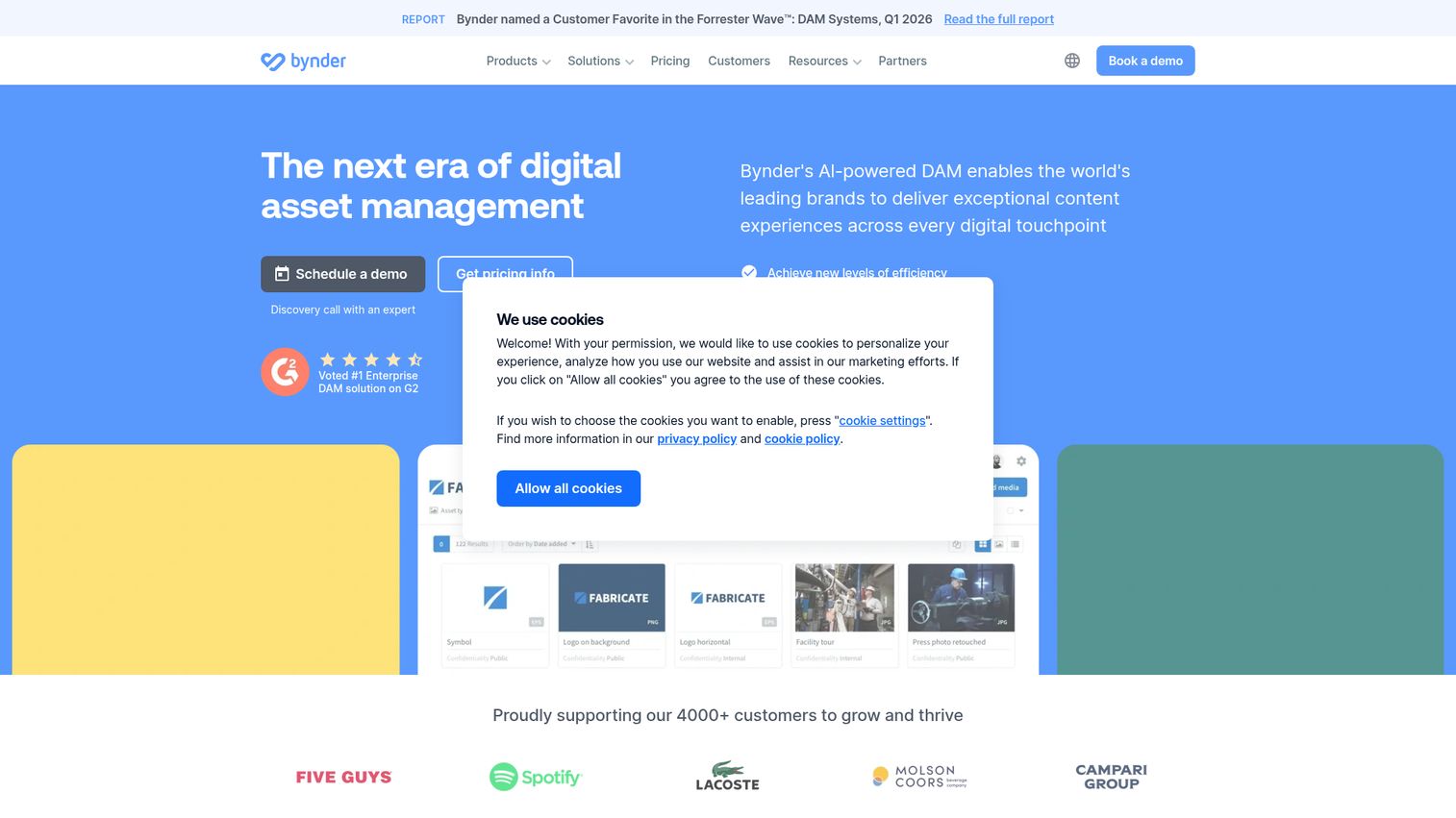
Bynder is an AI-powered digital asset management platform for delivering content experiences across digital touchpoints. It is the most analyst-recognized name in the category and tends to win deals where multi-brand or multi-region governance is the dominant requirement. Bynder positions itself for enterprise and growing brands that need centralized DAM with AI-driven search, governance, and content operations.
Best for: Enterprise and large mid-market marketing teams managing multi-brand, multi-region asset libraries with serious governance requirements.
Key strengths
- Duplicate Manager: Surfaces and resolves duplicate assets across the library, which matters once you migrate years of agency folders in one batch.
- Search by Image: Lets users find assets by uploading or selecting a reference image, which is faster than guessing keywords for visually similar content.
- Similarity Search: Surfaces visually related assets so teams find approved alternatives instead of recreating them.
Why choose Bynder: Bynder is the strongest fit when you have multi-stakeholder brand governance, regional teams, and external partners all touching the same library. If your evaluation comes down to "we need brand compliance enforced, not just stored," Bynder is hard to beat.
Bynder pricing: Bynder uses fully custom pricing. The vendor states subscription plans are tailored based on number of users, storage, MarTech ecosystem usage, products included, and support level. There is no public starting price, no published free tier, and no self-serve plan; demos are by request through the Bynder pricing page.
2. MediaValet
MediaValet is a secure, scalable digital asset management platform for marketing and creative teams. Built on Microsoft Azure, it differentiates on unlimited users (no per-seat penalty as your team grows) and strong video workflows. It tends to win when the asset library scales faster than the team.
Best for: Mid-market to enterprise teams with heavy video, broadcast, or sports media libraries that want predictable economics as users grow.
Key strengths
- AI-powered search: Includes face recognition and smart tagging for fast retrieval across large libraries.
- Custom portals and proofing tools: Combined with global CDN delivery for sharing approved assets externally.
- Granular permissions and Unify framework: Usage reporting and an integration framework for connecting MediaValet into the broader stack.
Why choose MediaValet: Best economics if your user count scales faster than your asset count. The unlimited-user model removes the per-seat tax that punishes growing teams on competing platforms.
MediaValet pricing: MediaValet uses custom pricing based on organizational needs. The vendor explicitly states it offers unlimited users rather than forced tiers, but does not publish dollar amounts or a free tier on its pricing page. All evaluations are demo-led.
3. Brandfolder
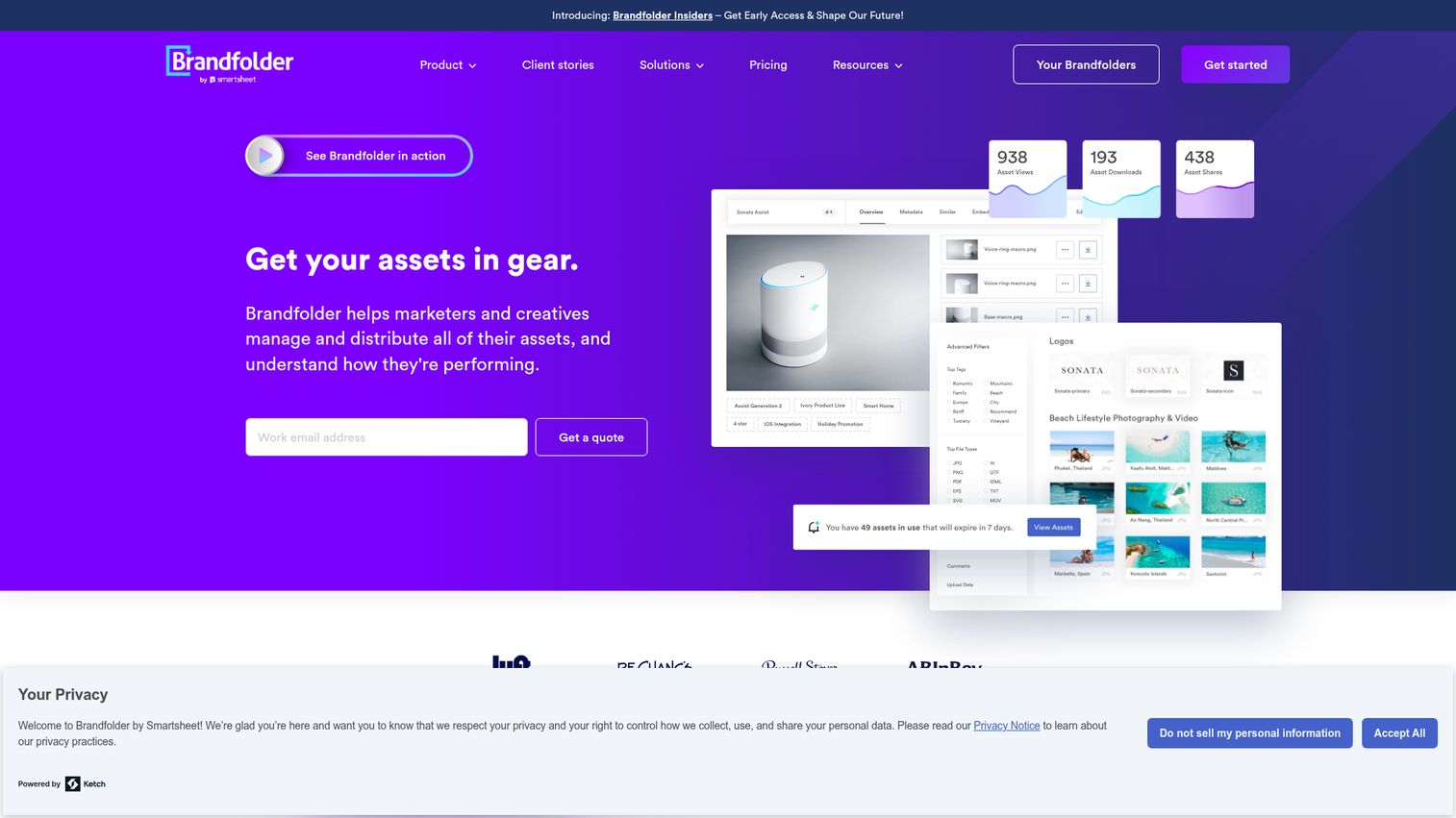
Brandfolder, a Smartsheet company, is a digital asset management platform for storing, organizing, sharing, and governing brand assets. It is known for a polished UI, fast adoption, and strong external sharing through brand portals. Teams that prioritize brand consistency over heavy creative ops tend to land here.
Best for: Brand and marketing teams whose top-three requirements include external brand portal sharing and asset-level analytics.
Key strengths
- Asset analytics: Asset-level usage insights show which content actually drives downstream activity.
- Adobe plugin: Native plugins for Photoshop, Illustrator, and InDesign keep creative work tied to the source of truth.
- Share Links: Editable contents and expiration dates on shared links enforce governance after assets leave the platform.
Why choose Brandfolder: Best when "polished UX" and "external sharing" are top of the requirements list. Brandfolder tends to win on adoption speed because teams find what they need without training.
Brandfolder pricing: Brandfolder publishes two named tiers, Premium and Enterprise, on its pricing page, but does not disclose dollar amounts, billing cadence, or a free tier. All buyers route through a sales demo.
4. Air
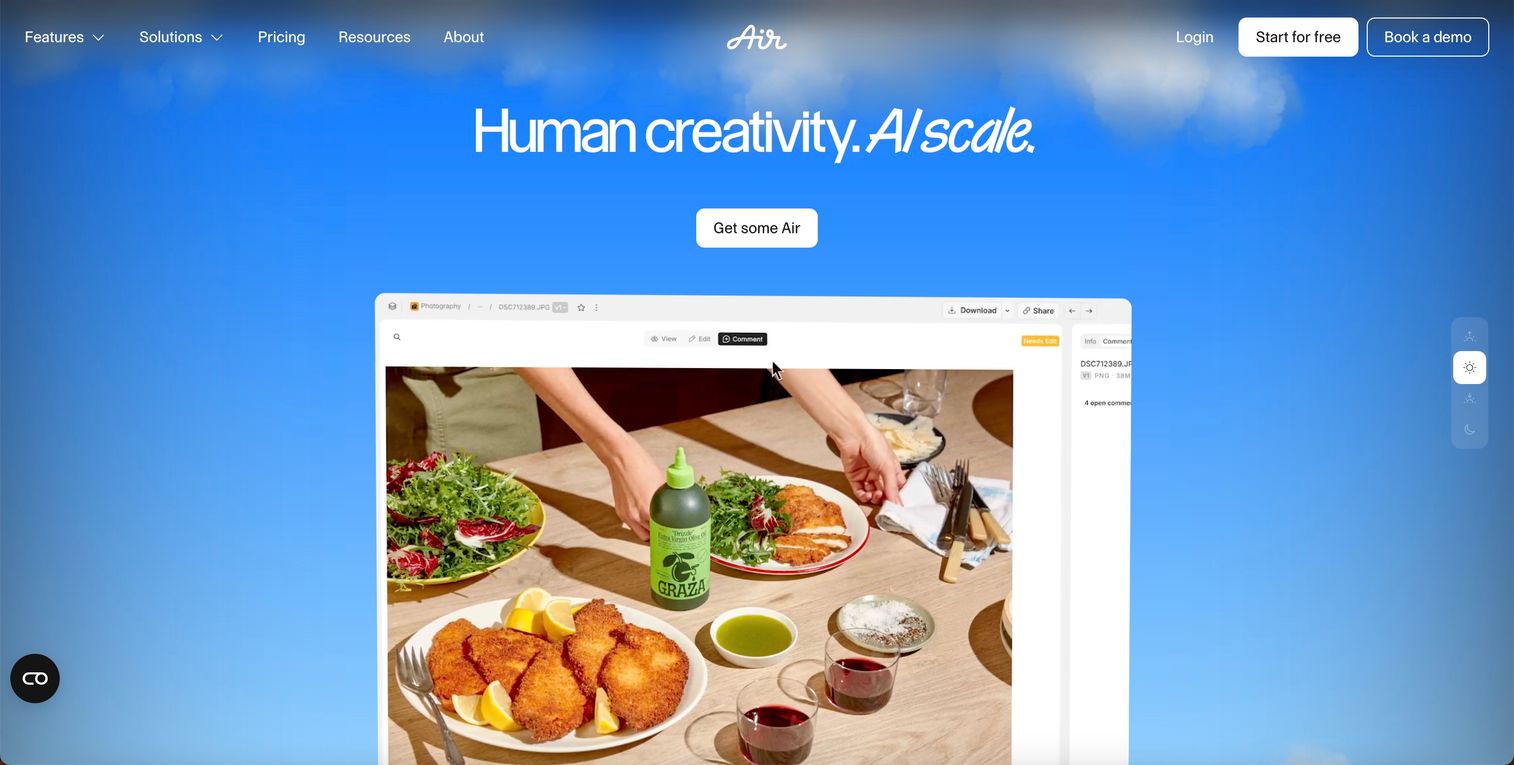
Air is a creative operations platform for teams that organize, approve, and scale visual assets across channels. It is the strongest fit when the team's primary workflow is creative iteration in tools like Figma rather than enterprise governance. The boards-not-folders UX feels native to design-led teams.
Best for: SMB and mid-market creative, content, and social teams that work primarily in Figma, Adobe, and visual asset workflows.
Key strengths
- Conversational search: Find assets by colors, objects, people, dialogue, and visual similarity, not just file names.
- Reviews and approvals: Pinned comments on images or video timelines, with approval tracking inline.
- AI design and editing in Canvas: Resize, adapt, and create variants from approved assets without leaving the platform.
Why choose Air: Best fit when the team's daily workflow is creative iteration, not enterprise compliance. Air gets adopted because designers like it. That alone is rare in this category.
Air pricing: Air offers Free, Starter, Business, and Enterprise plans on its pricing page. The model is credit-based, and all plans include unlimited seats. The Free plan includes 120 credits per month with full feature access. Business is $900/month billed annually with 30,000 credits per month. Enterprise is custom with 60,000 credits per month.
5. Frontify
Frontify is a platform that combines digital asset management, brand guidelines, and templates into a single unified system. It tends to win when "what is our brand?" and "where are our assets?" need the same answer. The live brand guidelines, rather than static PDFs, are the differentiator.
Best for: Midsize and enterprise organizations managing brands and assets across multiple teams, regions, or partners that need brand guidelines and DAM in one platform.
Key strengths
- Digital asset management: Find, manage, and share brand assets from a centralized library.
- Guidelines and portals: A single home for brand guidelines that updates in real time, not a stale PDF.
- Templates: Create and scale on-brand content with controlled, on-brand templates.
Why choose Frontify: Best when brand consistency across decentralized teams is the strategic priority. If your partners and regional teams build their own content, Frontify gives them guardrails plus the asset library in the same place.
Frontify pricing: Frontify uses a monthly active users (MAU) pricing model and does not display fixed pricing. The vendor explicitly states it proposes tailored packages based on customer needs through its pricing page. No public starting price, named tier prices, or free tier are disclosed.
6. Cloudinary
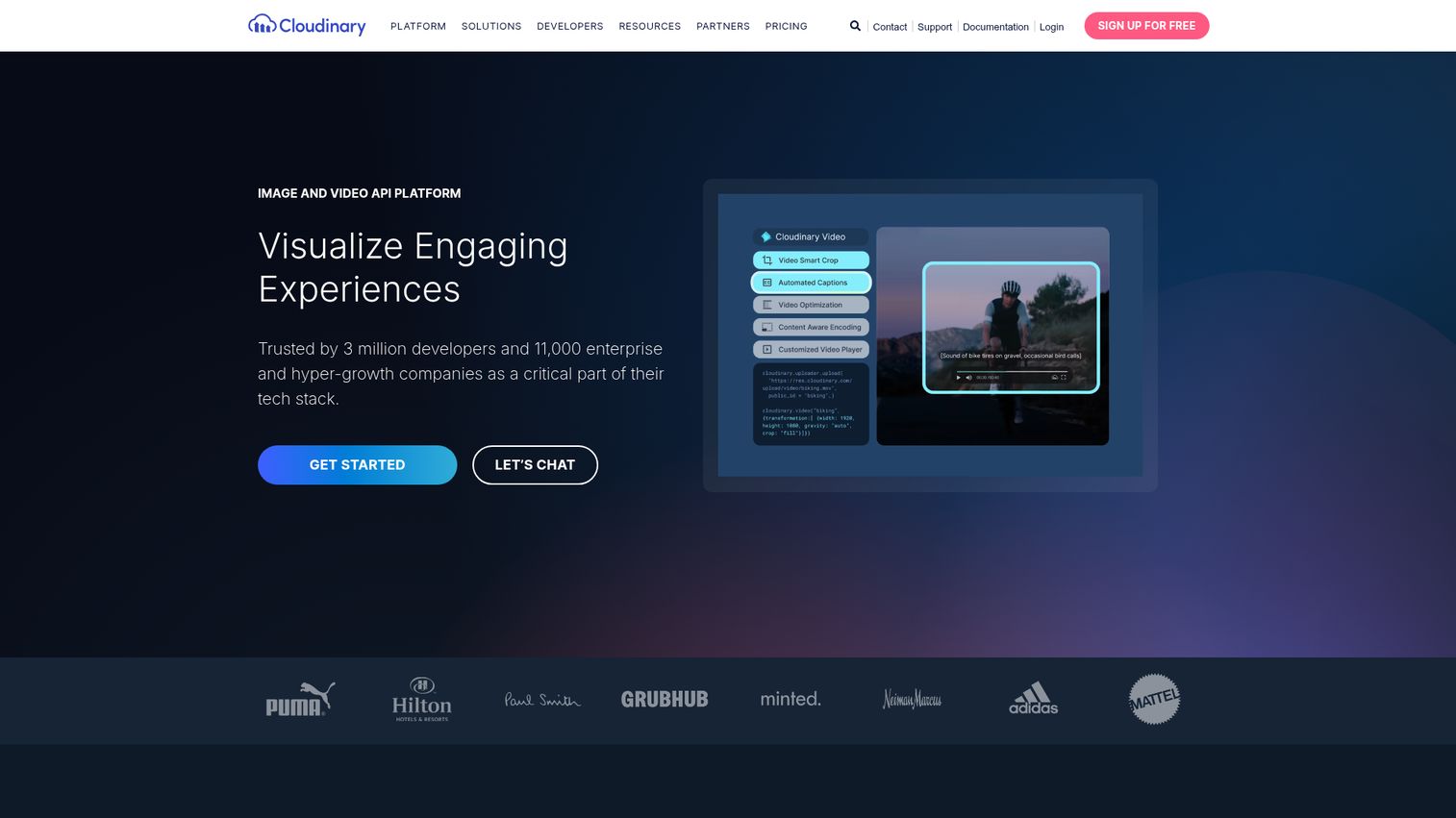
Cloudinary is an image and video API platform for managing, transforming, optimizing, and delivering visual media. It is developer-first by design and the best fit when product images and videos are delivered programmatically. Cloudinary Assets, the DAM layer, sits on top of the same infrastructure.
Best for: Product and engineering teams that need programmatic asset delivery alongside marketing DAM, especially in e-commerce, marketplaces, and media sites.
Key strengths
- Automated image transformations: Optimized delivery via API, sized and formatted on the fly.
- AI-powered video: Transcoding, smart cropping, and automated subtitles built in.
- Digital asset management: Advanced search and discovery on top of the same media infrastructure.
Why choose Cloudinary: Best when product media is delivered programmatically and marketing also needs a DAM. Few platforms serve both an engineering org and a marketing org credibly. Cloudinary is one of them.
Cloudinary pricing: Cloudinary publishes Image and Video API plans of Free ($0), Plus ($99/month or $89/month billed yearly), Advanced ($249/month or $224/month billed yearly), and Enterprise (custom). The same pricing page lists a separate Cloudinary Assets DAM section with Free ($0) and Enterprise (custom) tiers. The free tier is the most generous in this list.
7. Canto
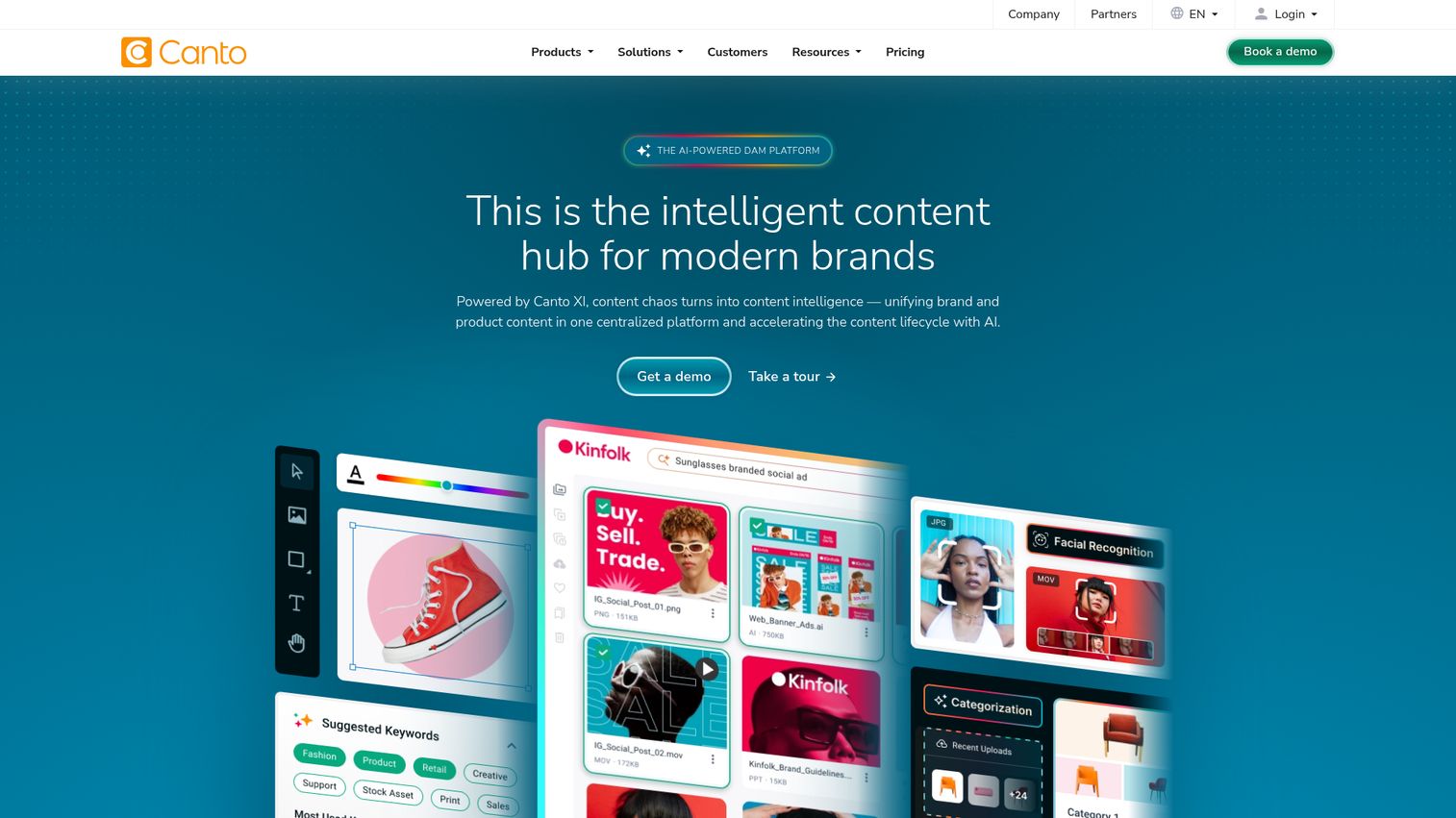
Canto is an AI-powered digital asset management platform for organizing, collaborating on, and distributing digital content. It is known for ease of use, fast onboarding, and a strong customer support reputation. Canto tends to win as the "first real DAM" for teams that have outgrown shared drives.
Best for: SMB and mid-market teams replacing Dropbox or Drive with their first real DAM, where time to a working library matters more than enterprise depth.
Key strengths
- AI visual search and auto-tagging: Reduces manual metadata work during and after migration.
- Collaborative workflows: Version control, digital rights management, and granular user permissions in one place.
- Unlimited portals and analytics: Sharing links and engagement data for distributing content externally.
Why choose Canto: Best "first DAM." Strong fit for teams that have outgrown shared drives but are not ready for the implementation cycle that enterprise platforms demand.
Canto pricing: Canto offers four named tiers on its pricing page: Core Essentials, Enhanced Collaboration, Omni Brand Solution, and Advanced. Pricing scales based on team size and storage needs and is custom-quoted; no dollar amounts or free tier are published.
8. Acquia DAM
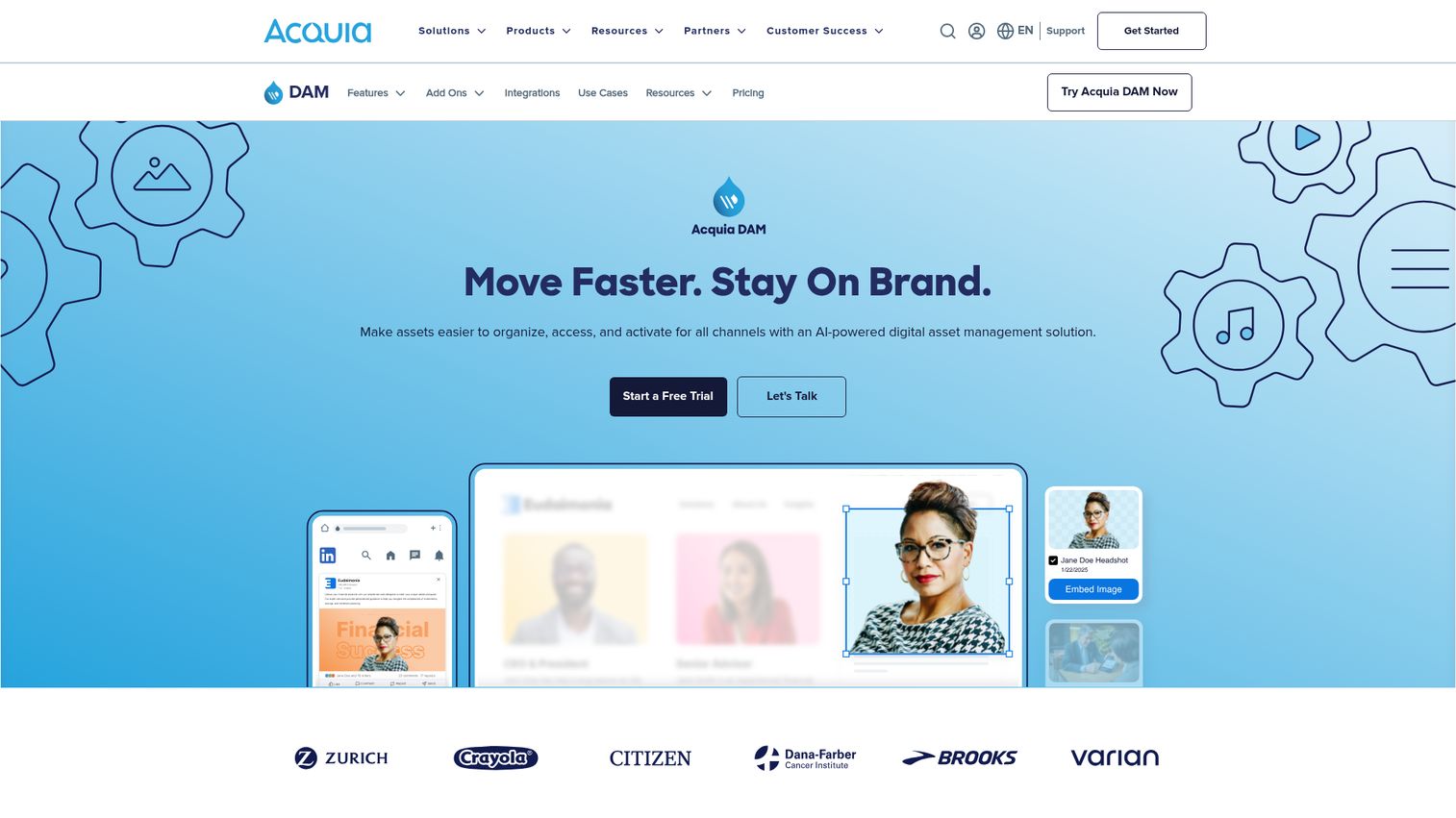
Acquia DAM, formerly known as Widen, is an AI-powered digital asset management platform for organizing, accessing, and activating brand assets across channels. It is the strongest fit when DAM and product information management need to share the same workflows. Consumer goods, retail, and manufacturing teams overrepresent in the customer base.
Best for: Mid-market and enterprise organizations where product data and brand assets share workflows, including consumer goods, retail, and manufacturing.
Key strengths
- Centralized asset library: Advanced search, metadata tagging, version control, workflow automation, brand portals, and analytics in one platform.
- AI-powered asset enrichment: Automated tagging, color detection, text extraction, video transcription, and AI-generated descriptions.
- Rights management: Asset expiration dates, usage rights and licensing info, watermarks, and role-based or portal-based access restrictions.
Why choose Acquia DAM: Best when product data and brand assets share workflows. If your team currently runs a DAM and a PIM as separate systems, Acquia DAM is the consolidation play.
Acquia DAM pricing: Acquia DAM publishes three tiers on its pricing page: Workgroup, Mid-Market, and Enterprise. Pricing is annual SaaS plus upfront implementation, based on customer needs. No dollar amounts are disclosed.
9. Adobe Experience Manager Assets
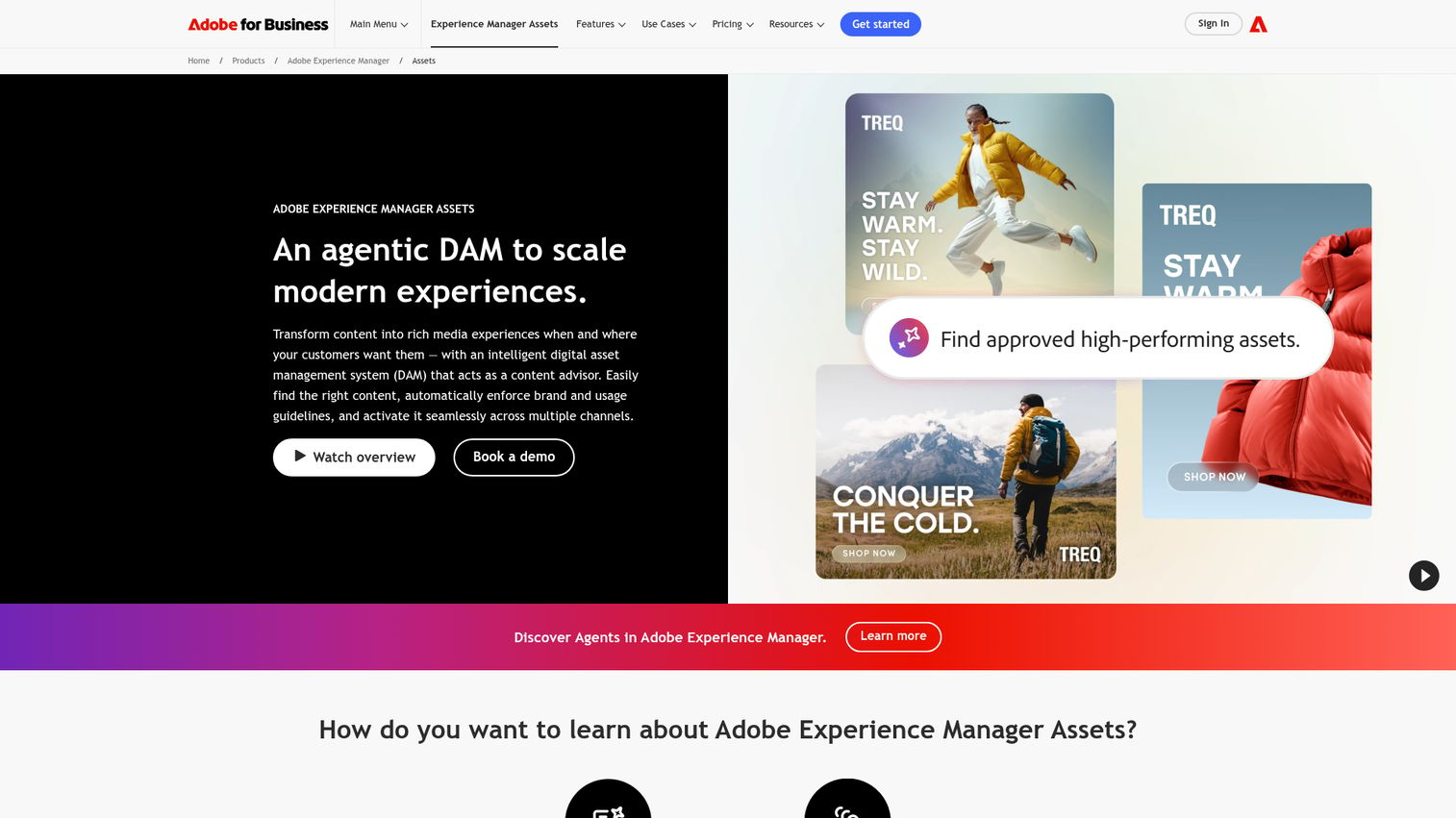
Adobe Experience Manager Assets is a digital asset management system that helps teams discover, govern, activate, deliver, and analyze multimedia content. It is the natural fit when your creative team already lives in Adobe Creative Cloud and procurement has an Adobe MSA. Outside that context, the procurement effort is substantial.
Best for: Enterprise organizations already standardized on Adobe Creative Cloud and Adobe Experience Cloud, where the creative workflow already runs through Adobe tools.
Key strengths
- Conversational search: Content Advisor Agent and AI-powered tagging accelerate asset discovery.
- Advanced governance: Permissions, digital rights management, and compliance controls at enterprise scale.
- Asset activation: Dynamic Media Templates and rich media transformations for delivery across channels.
Why choose AEM Assets: Best when the creative team is already deep in Adobe and the buying motion can absorb an enterprise implementation. The ecosystem advantage is real, but it is only an advantage if you are already in the ecosystem.
AEM Assets pricing: Adobe publishes two named packages, Prime and Ultimate, on its pricing page. All pricing is custom and routed through Adobe sales. No starting price, billing term, or free tier is disclosed publicly.
10. Aprimo
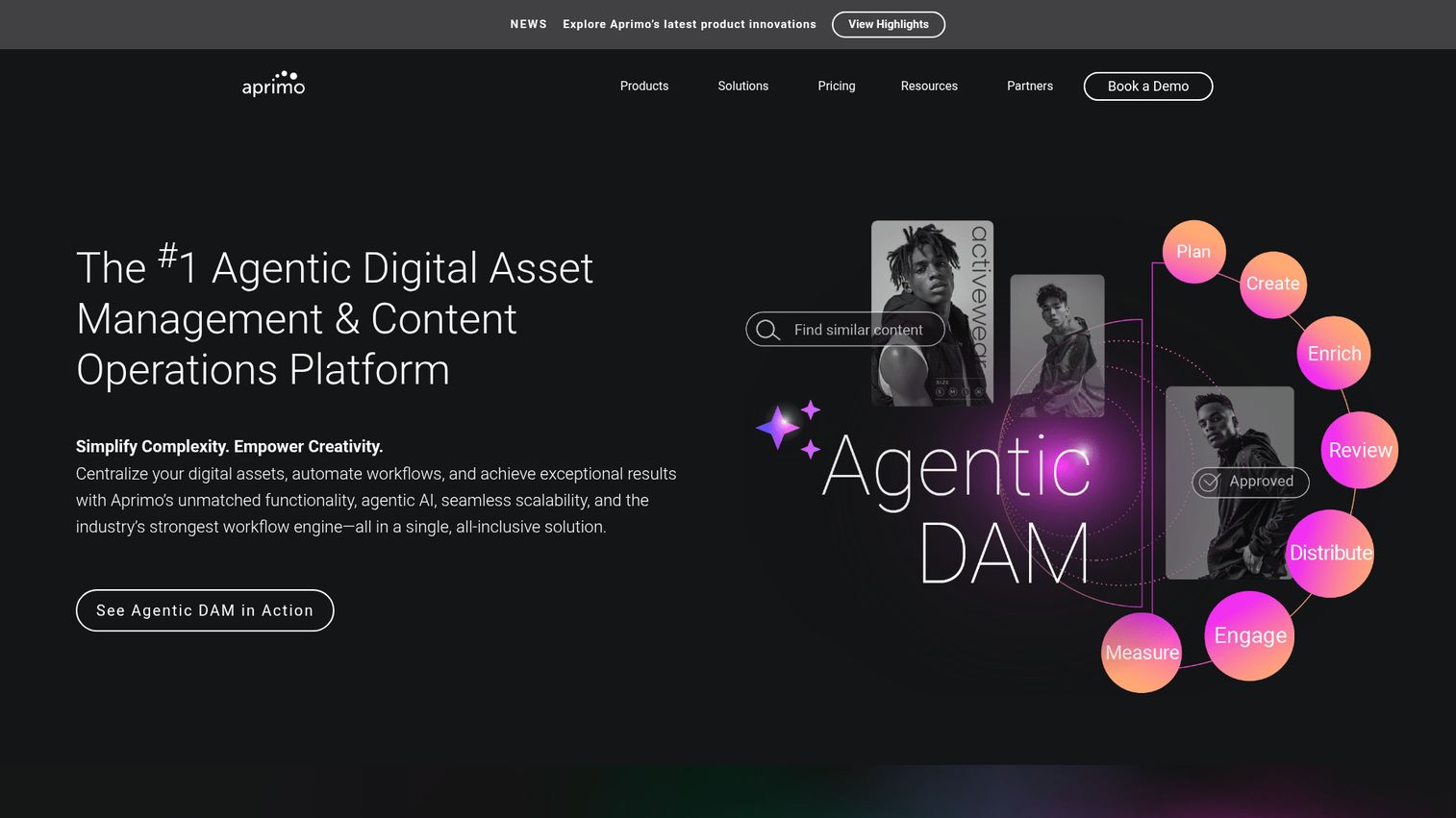
Aprimo is an agentic digital asset management and content operations platform that centralizes digital assets, automates workflows, and supports real-time personalization. It tends to win when DAM is one piece of a broader content operations problem that includes planning, budgeting, and approvals. Teams in this position often pair DAM with dedicated content creation tools and content marketing platforms to round out the stack.
Best for: Large enterprise marketing organizations running multi-team content operations where DAM, MRM, and content intelligence all need to live together.
Key strengths
- AI-powered search and metadata automation: Plus content recommendations across the asset library.
- Workflow automation: Reviews, approvals, annotations, and collaboration tools for multi-team content ops.
- Real-time personalization: Content intelligence based on user behavior and engagement insights.
Why choose Aprimo: Best when DAM is part of a broader content ops problem. If your team is already running separate tools for planning, asset management, and approvals, Aprimo's modular packaging is designed for that consolidation.
Aprimo pricing: Aprimo uses fully custom pricing based on chosen products and number of users. The pricing page lists modular packages including a Standard Package for DAM, AI Elite add-on, Personalization, Content Intelligence, Productivity, Plan, and Spend. No dollar amounts or free tier are disclosed.
11. ResourceSpace
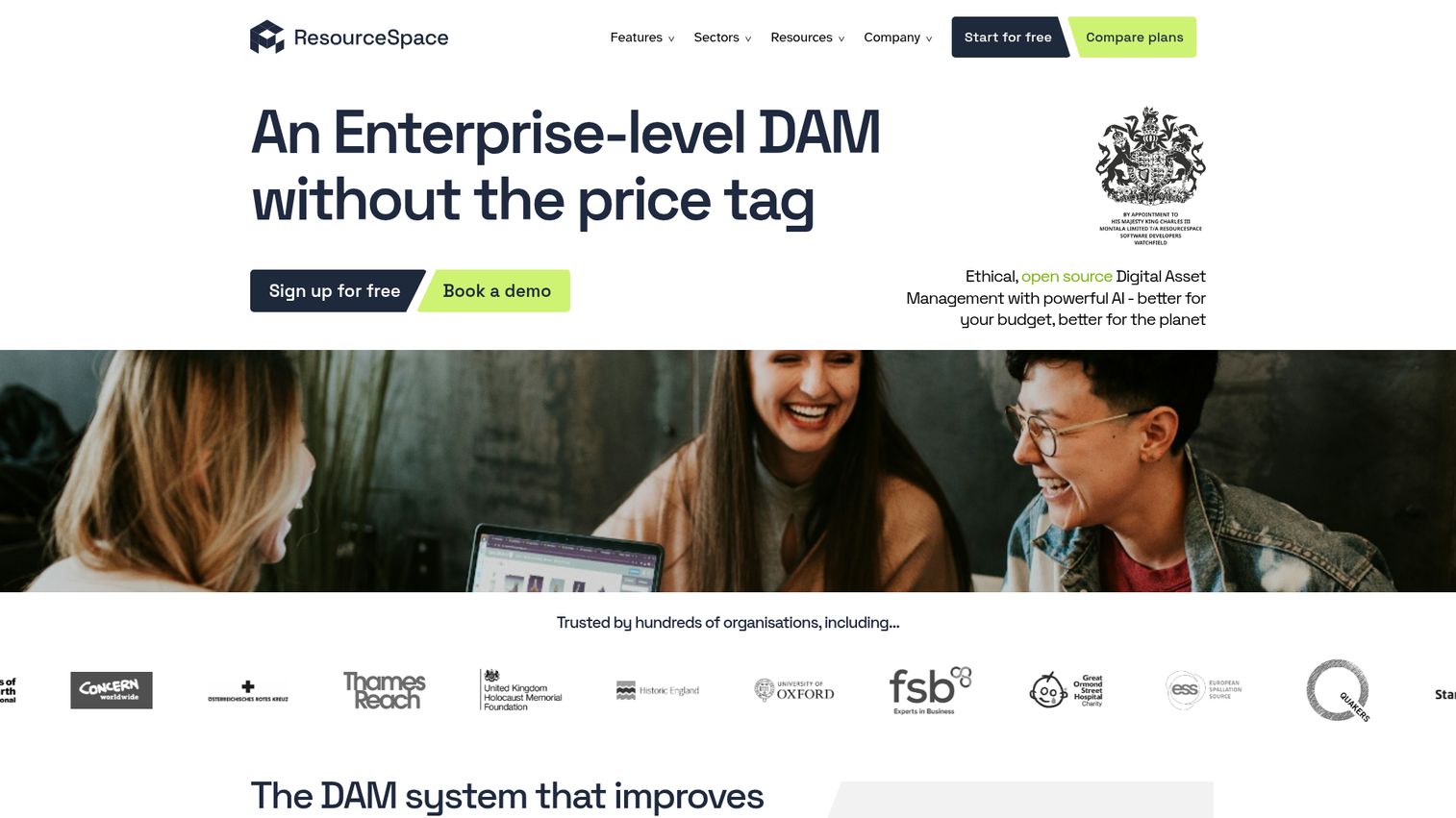
ResourceSpace is open source digital asset management software with AI-powered metadata, search, sharing, and workflow controls. It is the budget play, the technical-comfort play, and the no-vendor-lock-in play in one package. Nonprofits, public sector, and engineering-comfortable teams overrepresent here.
Best for: Budget-conscious teams, nonprofits, public sector, and engineering-comfortable organizations that want a real DAM without an annual license fee.
Key strengths
- AI-powered metadata and search: Includes natural language search, reverse image search, and facial recognition.
- Secure sharing and collaboration: Shared collections, public access, and embeddable content for external use.
- Granular permissions and workflow states: SSO support and detailed usage reporting for governance.
Why choose ResourceSpace: Best when budget is constrained but DAM needs are real. The AI feature set is more competitive than most teams expect from an open source DAM, but you need the technical comfort to self-host or the budget for managed hosting.
ResourceSpace pricing: ResourceSpace is open source with no annual software license fee for self-hosting. The pricing page lists Team Cloud, Business Cloud, Enterprise Cloud, and Platinum Cloud managed hosting plans, but no readable dollar amounts. Self-hosted is free; managed hosting and support contracts are quoted.
12. PhotoShelter
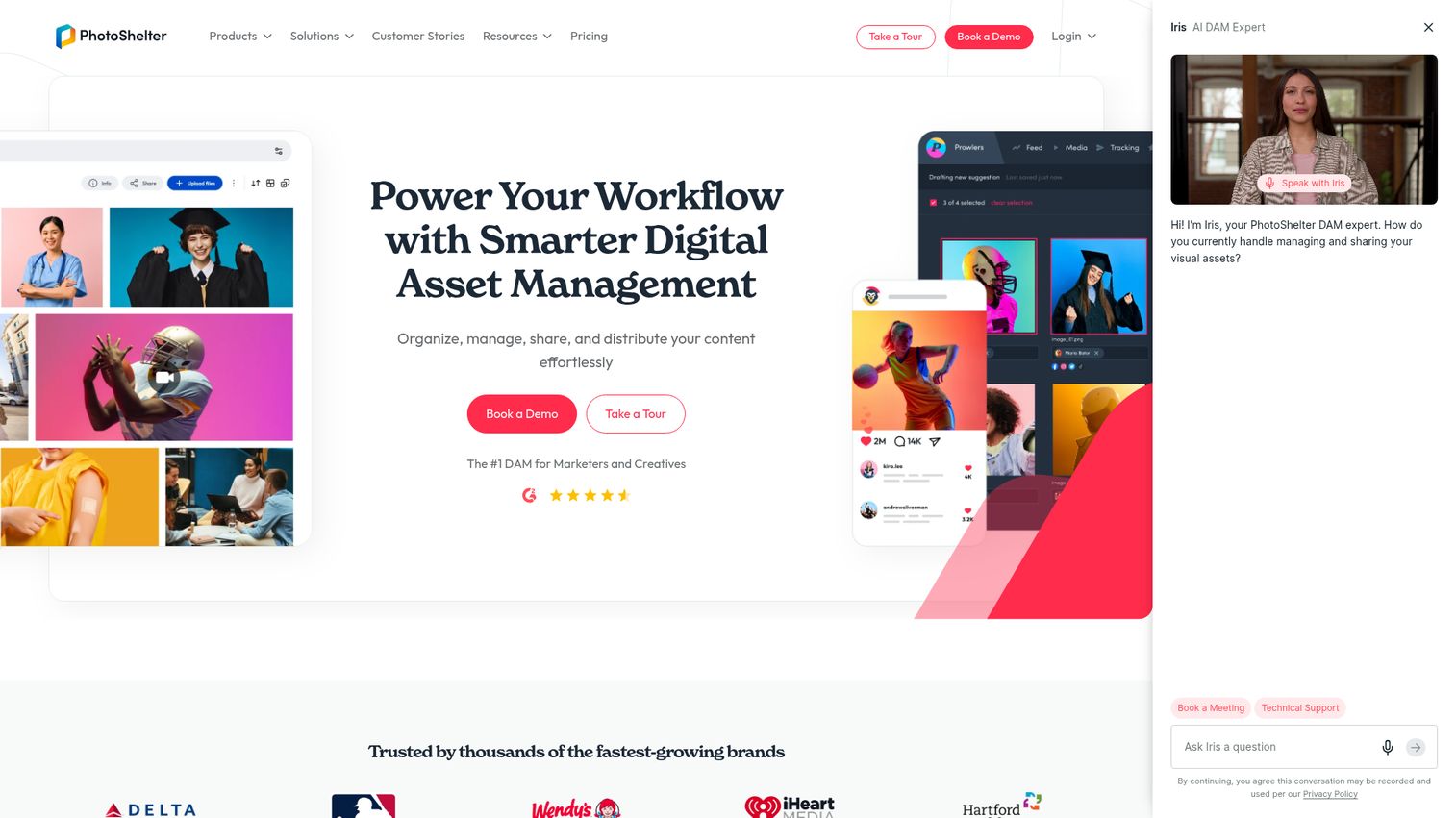
PhotoShelter is a digital asset management and content distribution platform for marketers and creatives. It is photo and video-focused, with strong field-to-publish workflows for sports teams, media organizations, and brands with heavy photography operations.
Best for: Sports teams, media organizations, and brands whose primary asset type is photography and who need fast field-to-publish workflows.
Key strengths
- Real-time digital asset management: Field-captured content flows into the library immediately for editorial use.
- AI visual search and similarity search: Finds the right shot across thousands of similar frames.
- Social content distribution: Built-in distribution to social channels without leaving the platform.
Why choose PhotoShelter: Best for teams whose primary asset type is photography. The mobile capture-to-publish workflow is the differentiator and is not matched by general-purpose DAMs.
PhotoShelter pricing: PhotoShelter publishes five named tiers on its pricing page: Starter, Standard, Pro, Premium, and Enterprise. Feature differences are shown, but dollar amounts are not disclosed publicly. All buyers route through sales.
How to choose a digital asset management platform
A founder evaluating DAM software cares about five things. The VP Marketing executing the decision cares about the same five, in roughly the same order.
What does it actually replace in your stack?
If the DAM does not replace Dropbox, Drive, or the "Brandfolder spreadsheet" you keep in Notion, it adds complexity instead of removing it. List every tool the DAM should retire on day one. If that list is empty, you are not ready.
Integration depth with Figma, Slack, CMS, and CRM
A DAM that does not sit inside Figma and Slack will not get adopted by the creative team. A DAM that does not connect to your CMS and CRM will not get adopted by marketing. Test the specific integrations your team uses, not the ones on the marketing page.
AI search and tagging quality
Visual search, natural language search, and auto-tagging are now table stakes across this category. Implementation quality is not. Test it with your own assets during the demo, not the vendor's curated demo library. Bad implementations are still common.
Pricing model and growth penalty
Per-seat pricing scales aggressively. Unlimited-user or storage-based pricing often wins as teams grow. Model the cost at 2x and 5x your current headcount before signing.
Setup speed and time-to-first-win
Can your new VP Marketing have a working library in their first month? If onboarding requires a multi-month implementation, that is a real concern for a 50-person company. SMB-focused tools should stand up in weeks. Enterprise tools take longer for reasons that are sometimes worth it.
Conclusion
Twelve DAM platforms, four buyer personas, one decision.
For enterprise marketing teams managing multi-brand governance, Bynder or Adobe Experience Manager Assets are the analyst-recognized choices. For mid-market consolidation, MediaValet, Brandfolder, or Canto each win for different reasons: unlimited users, external portals, and onboarding speed respectively. For design-led teams that live in Figma, Air or Frontify are the natural fits. For developer-led and programmatic use cases, Cloudinary is hard to beat, especially with its free tier. For open source and budget-constrained teams, ResourceSpace is the only credible answer.
The next step is not another vendor demo. Shortlist three tools that match your stack and stage. Run a 30-day pilot with your real asset library, your actual VP Marketing or brand lead, and the agency partners who will use it. Measure one thing: time to find an approved asset before versus after. The platform that wins on that metric is the platform that gets adopted.
If your team's primary workflow is creative iteration, start with Air. If governance is the dominant requirement, start with Bynder. And once you have a clean asset library, the next leverage point is putting those approved screenshots and brand assets to work in interactive product demos that sales, marketing, and partners can share without going back to the asset folder.
FAQs
Digital asset management software is a centralized platform that stores, organizes, tags, governs, and distributes a company's digital assets, including images, videos, logos, design files, documents, and brand content. It exists so the right teams and partners can find and use the approved version at the right time.
Google Drive and Dropbox store files. A DAM governs them. The differences live in metadata, version control, permissions, approval workflows, and brand rights management. A DAM knows what is approved, who can use it, where it was used, and when it expires. Drive knows what folder it is in. For a marketing team running launches and managing external partners, that gap is the entire reason DAM software exists.
Pricing spans from free, with open source DAM like ResourceSpace, to six-figure annual contracts for enterprise platforms like Adobe Experience Manager Assets or Aprimo. Self-serve paid tiers like Cloudinary Plus start at $99/month. Mid-market and enterprise platforms typically use custom pricing routed through sales. Common pricing models include per-seat, unlimited-user, storage-based, asset-count-based, and credit-based.
Yes. ResourceSpace is the longest-running open source DAM and is free when self-hosted. Cloudinary offers a meaningful free tier on both its Image and Video APIs and its Cloudinary Assets DAM layer. Air also offers a free plan with 120 monthly credits and full feature access. Each has different trade-offs around storage, users, and feature gating.
AI digital asset management refers to DAM platforms that use machine learning and generative AI for auto-tagging, natural language search, visual similarity search, facial recognition, brand compliance checking, automated metadata generation, and AI-generated variants. Most enterprise and mid-market DAMs now include some combination of these. Implementation quality varies. Test with your own assets, not a curated demo library.
Inside the company, DAM is used by marketing, brand, creative operations, product marketing, sales enablement, partner marketing, and legal or compliance teams. Outside the company, it is used by external agencies, channel partners, regional teams, press, and analysts through brand portals. The buyer is usually marketing or brand leadership; the heaviest users are creative ops and the partner-facing teams.
A CMS publishes content, usually web pages. A DAM stores and governs the source assets that feed into the CMS, ads, sales decks, partner portals, and more. The two systems are complementary, not competitive. Most modern DAMs integrate directly with major CMS platforms so approved assets flow from one source of truth into every published surface.
It depends on the platform and the state of your existing assets. SMB-focused tools like Air, Canto, and hosted ResourceSpace can be stood up in days to a few weeks. Mid-market platforms like Brandfolder, Frontify, and MediaValet typically take 4 to 8 weeks for a real rollout with taxonomy, integrations, and migrated assets. Enterprise platforms like Adobe Experience Manager Assets, Aprimo, and Acquia DAM run 3 to 6 months and sometimes longer. The biggest variable is the state of your current asset library, not the platform itself.