You have the same inventory you had last quarter. The pressure to pull more revenue out of it keeps climbing. Meanwhile, ad ops spends hours on manual trafficking, reconciling reports that never quite match, and stitching together demand from direct deals, networks, and programmatic exchanges that all speak different languages.
That gap between what your inventory could earn and what it actually earns usually traces back to one thing: the ad server underneath it. The global ad server software market was valued at US$491.02M in 2025 and is projected to reach US$775.70M by 2034, according to The Insight Partners (2025). Publishers are investing in this layer because it sits at the center of every monetization decision they make.
A publisher ad server software platform decides which ad shows where, to whom, at what price, and how that gets reported back to the people who own the revenue number. Get it right and you control yield, capping, weighting, and demand routing from one place. Get it wrong and you leak revenue across every fill.
This guide is for publishers and ad operations teams who are evaluating or replacing their ad serving stack. If you are also mapping adjacent tooling, our roundups on marketing resource management software, community management software, and event management software cover related parts of a media operation. For now, we are focused on the ad server itself.
What's inside
This guide compares 8 publisher ad server software options for 2026. We chose them for monetization fit, inventory control, reporting depth, integration options, and real market relevance to publisher buyers. The list favors tools publishers actually shortlist, not every generic ad tech platform on the market.
For each tool you get a plain overview, who it fits best, the key strengths, an honest read on why you would choose it, and verified pricing where it is public. We close with a buyer's checklist and FAQs covering open source, self-serve, and how a publisher ad server differs from an SSP.
TL;DR
- Best overall for enterprise publishers: Google Ad Manager, for mature inventory management across web, app, and video with direct and programmatic demand in one tag.
- Best for direct-sold inventory and local publishers: Broadstreet, built around client-facing ad creation and reporting.
- Best for API-led flexibility: Kevel, for teams building custom ad experiences and retail media.
- Best configurable mid-market server: AdButler, for self-serve and programmatic add-ons without heavy implementation.
- Best open source option: Revive Adserver, a free, self-hostable core platform.
- Best simple starting point: AdSense, for small publishers monetizing traffic with display ads.
What is publisher ad server software?
Publisher ad server software is a platform that lets a publisher store, target, deliver, and measure the ads that run across their owned inventory. It is the system of record for every impression a media owner sells or fills.
Here is where it sits and what it does:
- What it does: stores ad creatives and campaigns, decides which ad serves on each impression, applies targeting and capping rules, and records impressions, clicks, and conversions for ad reporting.
- Where it sits: at the center of the monetization stack, between your direct sales team, your ad networks, and your programmatic demand sources.
- How it helps: removes manual ad trafficking work, gives you inventory control over placements, weighting, and frequency capping, and unifies revenue optimization across demand types.
- How it connects: integrates with SSPs, ad networks, and exchanges, and supports real-time bidding (RTB) so programmatic demand competes for the same inventory your direct deals do.
A publisher ad server is not the same as an SSP. The ad server is your decisioning and delivery layer. The SSP connects your inventory to programmatic buyers. Most publishers run both, with SSP integration feeding demand into the ad server's decision logic. Strong ad operations depends on that handoff being clean.
When to use a publisher ad server
Clean up ad trafficking workflows
If your team manually builds every campaign, swaps creatives by hand, and re-keys the same line item across multiple tools, the ad server is doing too little. A dedicated platform centralizes ad trafficking so setup, scheduling, and changes happen once. That frees ad operations to work on yield instead of data entry, and it cuts the errors that quietly cost fill.
Improve yield and inventory control
When you cannot control which placements get priority, how often a user sees a campaign, or how competing line items are weighted, you are leaving money on the table. A real publisher ad server gives you placement-level inventory control: frequency capping, banner weighting, priority tiers, and floor pricing. That control is the lever behind yield optimization and steady revenue optimization across the page.
Unify reporting across demand sources
Direct, network, and programmatic demand each report differently. When the numbers never reconcile, the revenue team loses trust in the data and makes slower calls. A capable ad server pulls direct-sold, network, and programmatic demand into one ad reporting view so you can see true performance per placement and shift inventory toward what pays.
Comparison table
The table below ranks the 8 tools by relevance to publisher buyers. Pricing and G2 ratings reflect verified public values as of mid-2026. Where a vendor gates pricing behind sales, that is noted.
| # | Product | Intent | Key use case | Pricing | G2 rating |
|---|---|---|---|---|---|
| 1 | Google Ad Manager | Enterprise monetization | Web, app, and video inventory at scale | Quote-based | 4.2/5 |
| 2 | AdButler | Configurable ad serving | Self-serve and programmatic for publishers and networks | From $179/mo | 4.5/5 |
| 3 | Kevel | API-led ad platform | Custom ad products and retail media | Quote-based | 4.5/5 |
| 4 | Broadstreet | Direct-sold management | Local and niche publisher ad sales | From $299/mo | 4.8/5 |
| 5 | Revive Adserver | Open source serving | Self-hosted ad delivery and reporting | Free / from $10/mo hosted | 4.0/5 |
| 6 | AdSense | Simple monetization | Display ads on website traffic | Free to use | 4.2/5 |
| 7 | OpenX | SSP and exchange | Omnichannel programmatic supply | Quote-based | 3.2/5 |
| 8 | AdGlare | Lightweight serving | Multi-format ad delivery with real-time tracking | From $99/mo | 5.0/5 |
1. Google Ad Manager

Google Ad Manager is Google's ad management platform for publishers and app developers to manage inventory, demand sources, and monetization from one place. It handles web, app, and video inventory at scale, which is why large media owners shortlist it first. Direct-sold reservations and programmatic demand compete on the same tag, so you are not bolting two systems together to fill a page.
The pull for enterprise publishers is breadth. You manage demand sources, run reservation and programmatic monetization side by side, and lean on Google's analytics, reporting, and brand safety controls without leaving the platform. For teams running serious volume across formats, that consolidation is the whole point.
Best for: Publishers and media teams monetizing web, app, and video inventory at scale.
Key strengths
- Unified demand on one tag: Manage direct, network, and programmatic demand sources from a single place, so every impression gets the highest bid.
- Reservation plus programmatic: Run guaranteed direct deals and open programmatic monetization in the same decision engine.
- Reporting and brand safety: Analytics, granular reporting, and controls that protect inventory quality across every fill.
Why choose Google Ad Manager: If your inventory spans web, app, and video and you need direct and programmatic demand competing cleanly, this is the default enterprise pick. It scales further than most publishers will ever push it. The trade-off is depth: smaller teams may not need everything it offers.
Google Ad Manager pricing: Google does not publish a public price for Ad Manager. Pricing is quote-based and handled through a contact and signup flow, so plan to talk to sales to scope it against your inventory volume.
2. AdButler
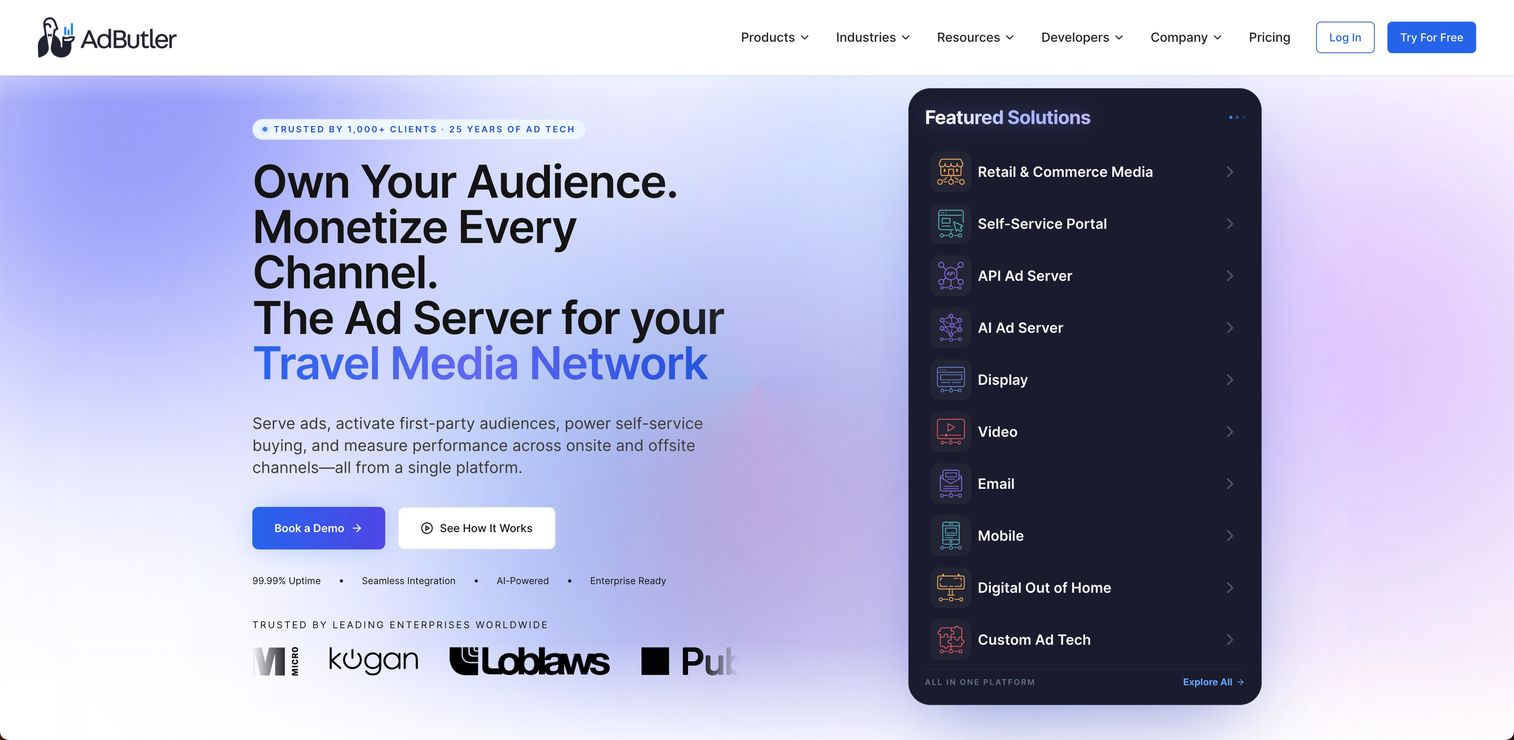
AdButler is a cloud-based ad serving and retail media platform for publishers, networks, and advertisers. It is built for teams that want a configurable ad server with self-serve, programmatic, and advanced targeting options, without a heavy enterprise implementation cycle. You get control over formats and demand without standing up infrastructure.
The format coverage is wide: display, mobile, video, in-app, native, email, and DOOH all serve from one platform. Add a self-serve marketplace and programmatic add-ons, and a mid-market publisher can run direct sales and programmatic demand from the same place. API access means your dev team can wire it into existing workflows when needed.
Best for: Teams that need a configurable ad server with self-serve, programmatic, and advanced targeting options.
Key strengths
- Broad format support: Serve display, mobile, video, in-app, native, email, and DOOH from one platform.
- Self-serve and programmatic add-ons: Stand up a self-serve marketplace and layer programmatic advertising onto direct sales.
- Targeting, reporting, and API: Granular ad targeting, clear reporting, and API access for custom integration.
Why choose AdButler: It hits a sweet spot for publishers who have outgrown a basic server but do not want an enterprise rollout. The configurability and format range cover most monetization motions. Choose it when you want control and self-serve options without a long implementation.
AdButler pricing: AdButler publishes pricing openly. The Essentials plan starts at $179/month for 1M ad requests, and Standard starts at $682/month for 10M ad requests, both billed monthly. Several add-ons are also listed publicly, so you can scope cost against request volume.
3. Kevel
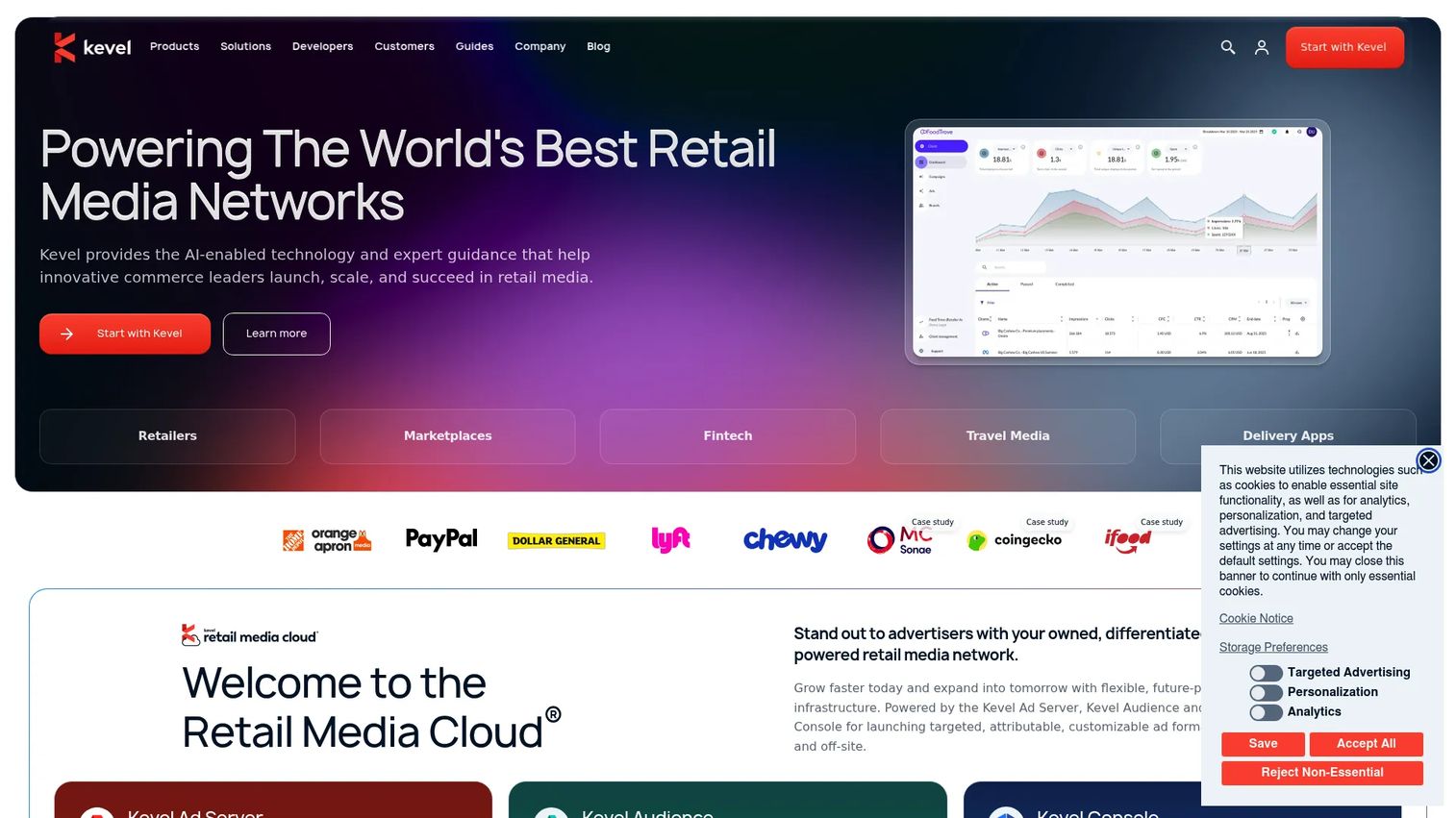
Kevel is retail media cloud software for building custom ad platforms and ad serving APIs. It is the API-driven option for teams that want deep control over the ad experience rather than a templated server. If you are building sponsored listings, native ad placements, or a retail media network on top of your own product, Kevel gives you the primitives to do it.
The core idea is buildability. You get an API-based ad server, campaign management, and audience segmentation and activation, all driven through a console for omnichannel campaign management. Retailers and marketplaces use it to launch owned ad products that look and behave exactly like their site, because they control the rendering and logic end to end.
Best for: Retailers and marketplaces building owned retail media ad products.
Key strengths
- API-first ad server: Build custom ad serving and campaign management into your own product.
- Audience segmentation and activation: Target and activate first-party audiences across your owned inventory.
- Omnichannel console: Manage campaigns across channels from one control surface.
Why choose Kevel: Pick Kevel when an off-the-shelf server cannot express the ad experience you want and you have engineering to build with APIs. It is the strongest fit for sponsored listings and retail media. If you need a turnkey UI-first server, a configurable platform may fit better.
Kevel pricing: Kevel does not publish a public price. Pricing is quote-based and scoped through sales, which is common for API-led platforms sized to your traffic and ad product scope.
4. Broadstreet

Broadstreet is a direct-sales-friendly ad manager built for local, niche, and independent publishers. If most of your revenue comes from relationships you sell directly, not programmatic auctions, Broadstreet is shaped around that workflow. Ad creation, client-facing reporting, and support all assume a human sells the placement.
The fit here is the direct-sold motion. You build ads, manage campaigns, and hand clients clear reporting they actually understand, which matters when the buyer is a local business owner rather than a programmatic trading desk. For community publishers that live on direct relationships, that simplicity is the feature.
Best for: Local publishers and community organizations that sell inventory directly.
Key strengths
- Direct-sold workflow: Ad creation and campaign management built around selling placements directly.
- Client-facing reporting: Reporting clear enough to share with local advertisers.
- Approachable setup: Designed for lean teams without a dedicated ad ops department.
Why choose Broadstreet: Choose it when direct sales drive your revenue and you want client-friendly tooling over programmatic depth. It removes friction from selling and reporting on direct deals. It is less aimed at publishers whose revenue is mostly programmatic.
Broadstreet pricing: Pricing reported via G2 shows a Business plan at $299/month and a VIP plan starting at $999, provided by Broadstreet. Scope the tier against how many sites and advertisers you manage.
5. Revive Adserver
Revive Adserver is a free, open source ad serving system for publishers, ad networks, and advertisers. It is the open source choice for teams that want a free core platform and are comfortable running their own stack. You download it, host it, and own the whole environment.
The appeal is control and cost. Revive serves ads on websites, apps, and video players, manages advertisers, campaigns, banners, websites, zones, and users, and tracks impressions, clicks, conversions, and campaign performance. For publishers who want delivery rules and reporting without a per-impression bill, the open source model is hard to beat. In 2024, the project moved to the care of Aqua Platform, which now stewards the Download and Hosted editions.
Best for: Teams needing a self-hosted, open source ad server.
Key strengths
- Free and open source: Run the Download edition at no license cost with full ownership.
- Full campaign management: Manage advertisers, campaigns, banners, zones, and users in one system.
- Performance tracking: Track impressions, clicks, conversions, and campaign performance.
Why choose Revive Adserver: Choose it when you want a no-cost, self-hosted server and have the team to run it. The Download edition is free; the Hosted edition starts from $10/month if you would rather not self-manage. It is the right call for publishers prioritizing control and cost over a fully managed enterprise experience.
Revive Adserver pricing: The Download edition is free and open source. The Hosted edition starts from $10/month for teams that want the platform managed for them.
6. AdSense

AdSense is Google's free ad monetization platform for website and content publishers. It is the easiest entry point on this list, and it is honest to call it a starting point rather than a full ad ops suite. You add a tag, Google fills the inventory, and you earn from clicks and impressions.
The simplicity is the value. AdSense displays ads on your site, handles automated ad placement and optimization, and gives you ad blocking and placement controls so you keep some say over what runs. It does not give you the inventory control, demand routing, or direct-sold workflow of a dedicated publisher ad server, which is the point: it trades control for a near-zero setup path to revenue.
Best for: Publishers who want to monetize website traffic with display ads.
Key strengths
- Near-zero setup: Add a tag and start earning from display ads on your content.
- Automated optimization: Google handles ad placement and optimization automatically.
- Placement controls: Ad blocking and placement controls keep some say over what shows.
Why choose AdSense: Choose it when you want the simplest possible path to monetizing traffic and do not yet need direct sales, capping, or demand routing. It is free to use, and Google pays you per click or impression. When you outgrow it, a dedicated server gives you the control AdSense intentionally leaves out.
AdSense pricing: AdSense is free to participate in. Google pays publishers for clicks or impressions, so there is no subscription cost to weigh, only the revenue share built into how it pays out.
7. OpenX

OpenX is an adtech company offering an intelligent supply-side platform for programmatic advertising. It belongs on a publisher's list when you are comparing ad server plus exchange-style capabilities, because OpenX leans toward the SSP and exchange side of the stack rather than pure ad serving. If programmatic demand is the bulk of your revenue, this is where it overlaps with ad server needs.
The platform spans curation, yield, and exchange. OpenXSelect handles curation, supply-side targeting, and deal creation, OpenXBuild offers a software suite for building advertising solutions, OpenXControl manages yield and monetization, and OpenXExchange connects you to a global omnichannel ad exchange. For publishers focused on maximizing programmatic demand and RTB fill, that supply-side depth is the draw.
Best for: Publishers and ad buyers needing omnichannel SSP and exchange infrastructure.
Key strengths
- Curation and deals: OpenXSelect supports curation, supply-side targeting, and deal creation.
- Yield and monetization: OpenXControl manages yield optimization and monetization across demand.
- Global exchange: OpenXExchange connects inventory to omnichannel programmatic demand.
Why choose OpenX: Choose it when programmatic demand and SSP integration matter more than direct-sold ad serving. It sits on the supply and exchange side, so many publishers pair it with an ad server rather than replacing one. Weigh it against your direct versus programmatic mix.
OpenX pricing: OpenX does not publish public pricing on its product pages. Pricing is contact-sales and quote-based, scoped to your inventory and programmatic volume.
8. AdGlare
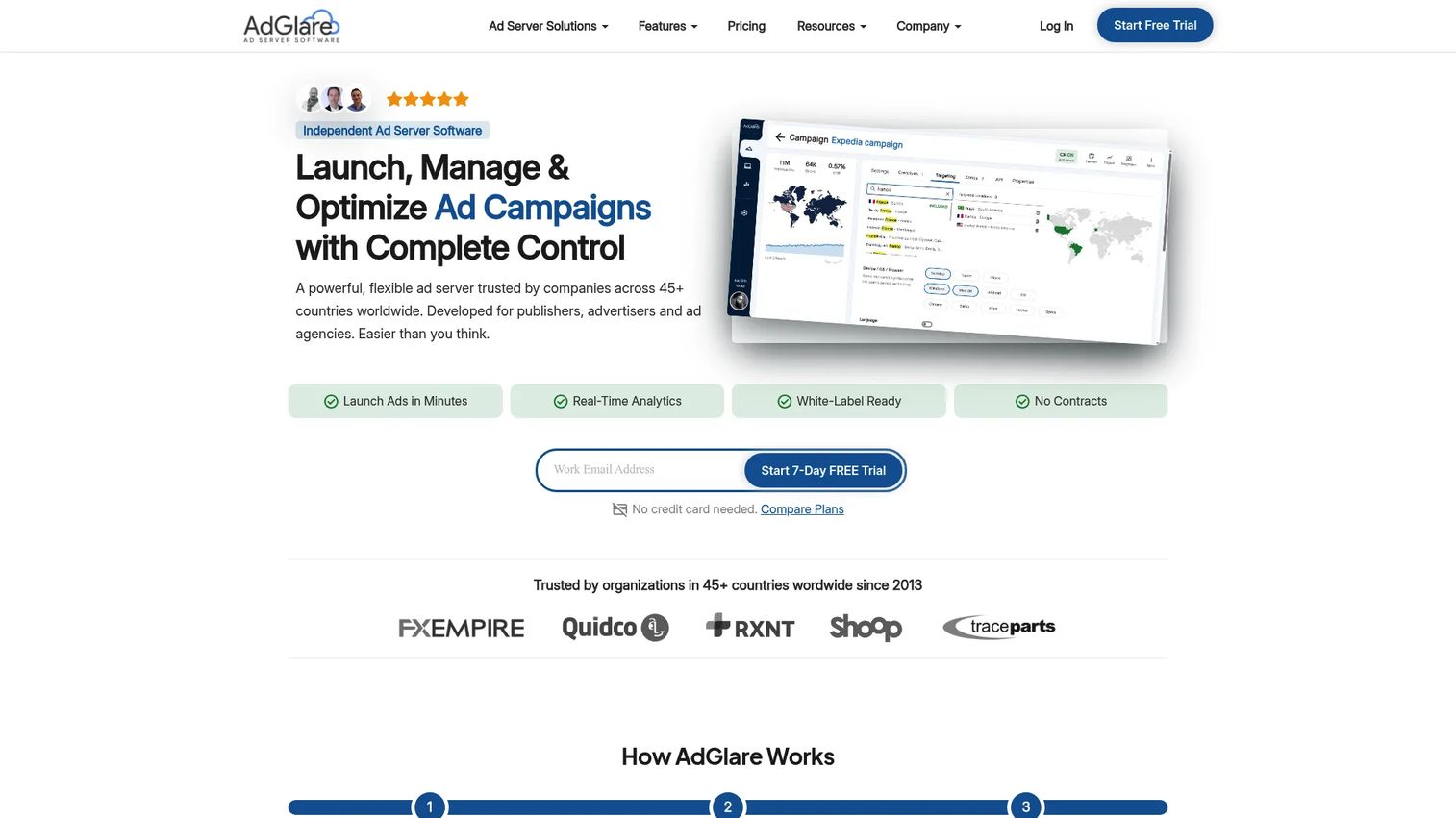
AdGlare is cloud-based ad serving software for publishers and advertisers that want straightforward ad management and control. It is a lighter-weight option focused on operational simplicity: place ads, schedule them, track results, without an enterprise footprint. Trusted by organizations across many countries since 2013, it leans on transparent flat-rate pricing.
The strength is clean delivery and tracking. AdGlare handles ad delivery and scheduling, real-time event tracking and reporting, plus geotargeting, budgeting, pacing, and bot filtering. For publishers who want placement management and multi-format delivery without programmatic complexity, it covers the core ad operations job and gets out of the way.
Best for: Publishers, advertisers, and agencies needing an ad server with real-time tracking and multi-format delivery.
Key strengths
- Real-time tracking: Live event tracking and reporting on delivery and performance.
- Delivery controls: Geotargeting, budgeting, pacing, and bot filtering built in.
- Flat-rate pricing: Transparent monthly plans instead of per-impression billing.
Why choose AdGlare: Choose it when you want a simple, predictable ad server for placement management and multi-format delivery. The flat-rate pricing makes cost easy to forecast. It is aimed at operational simplicity rather than deep programmatic or retail media buildouts.
AdGlare pricing: AdGlare lists transparent flat-rate plans on its pricing page: Lite at $99/month, Professional at $499/month, and Enterprise at $649/month, with a Custom option. A 7-day free trial is mentioned, though no free tier is shown.
Considerations before you buy
Use this checklist to pressure-test any shortlist before you commit budget. The right answer depends on your inventory mix, team size, and integration needs.
Inventory and workflow complexity
Can the platform handle your actual mix of direct-sold and programmatic demand without bolting on a second system? Map your real ad trafficking workflow, then check whether setup, scheduling, and changes happen once or get re-keyed across tools. The cleaner the workflow, the less revenue leaks to manual error.
Reporting depth
Check whether reporting surfaces the metrics your revenue team actually uses, not just impression counts. You want placement-level ad reporting that reconciles direct, network, and programmatic demand in one view. If the numbers never match your other sources, the data loses the trust that drives decisions.
Integration fit
Verify compatibility with the SSPs, ad networks, exchanges, analytics, and CRM you already run. Strong SSP integration and RTB support decide whether programmatic demand competes fairly for your inventory. List your must-have connections before the demo, then confirm each one rather than taking a feature checklist at face value.
Support and implementation model
Decide whether your team needs self-serve setup, managed onboarding, or hands-on support. An open source server rewards teams that can run their own stack; a managed platform suits teams that want the vendor to carry implementation. Match the model to your real ad operations capacity, not your aspiration.
Pricing structure
Compare public pricing, gated pricing, and revenue-share assumptions carefully. A flat monthly plan is easy to forecast; a per-impression or revenue-share model scales with your traffic in ways that can surprise you. Model cost against your actual volume, not a vendor's example.
Conclusion
The best publisher ad server software comes down to your monetization motion, not a feature scorecard. Google Ad Manager is the enterprise default when you run web, app, and video at scale with direct and programmatic demand competing on one tag. Broadstreet fits local and niche publishers whose revenue lives on direct sales. Kevel is the build-it-yourself pick for retail media and custom ad products. AdButler covers configurable mid-market serving, Revive Adserver gives you a free open source core, AdSense offers the simplest path to first revenue, OpenX leans into the SSP and exchange side, and AdGlare keeps delivery simple with flat-rate pricing.
Shortlist two or three that match your inventory mix, team size, support needs, and integration requirements. Then run a live trial or demo with your own inventory before you sign. The right platform should make yield optimization easier and ad ops lighter from day one, not add another tool to reconcile.
FAQs
Publisher ad server software is a platform that stores, targets, delivers, and measures ads across a publisher's owned inventory. It decides which ad serves on each impression, applies capping and targeting rules, and records performance for reporting. It is the decisioning and delivery layer that turns inventory control into revenue optimization.
A publisher ad server is your decisioning and delivery layer; it decides which ad wins each impression across direct, network, and programmatic demand. An SSP connects your inventory to programmatic buyers and brings RTB demand to the table. Most publishers run both, with SSP integration feeding demand into the ad server's logic rather than replacing it.
Prioritize inventory control (capping, weighting, priority tiers), unified ad reporting across demand sources, and clean SSP and RTB integration. Ad trafficking efficiency matters too, since manual setup quietly costs fill. Match the feature depth to your direct versus programmatic mix rather than buying the longest checklist.
Open source ad server software like Revive Adserver is a strong fit when you want a free, self-hosted core and have the team to run it. You get full ownership of delivery rules, reporting, and the environment without a per-impression bill. Teams that prefer a fully managed setup often choose a hosted edition or a commercial platform instead.
Broadstreet is shaped around direct-sold inventory for local, niche, and independent publishers, with ad creation and client-facing reporting built for the direct sales motion. Google Ad Manager also handles direct reservations well, alongside programmatic, if you run at larger scale. The best pick tracks how much of your revenue comes from relationships you sell yourself.
Yield optimization comes from inventory control: frequency capping, banner weighting, priority tiers, and floor pricing that let demand compete fairly per impression. Unified reporting then shows which placements pay, so you shift inventory toward what performs. Layering programmatic demand and SSP integration alongside direct deals raises the competition for each fill.
In a demo, test your real ad trafficking workflow end to end, confirm reporting reconciles direct, network, and programmatic demand, and verify each SSP, exchange, and analytics integration you depend on. Run it against your own inventory, not a canned dataset, so you see actual fill and yield behavior. Check the support and pricing model against your team's capacity.
Pricing ranges from free and open source (Revive Adserver's Download edition) to flat monthly rates (AdGlare from $99/month, AdButler from $179/month) to quote-based enterprise deals (Google Ad Manager, Kevel, OpenX). AdSense is free to use and pays via revenue share. Model each option against your actual impression volume, since per-impression and revenue-share structures scale with traffic differently than flat plans.