
Building a community is one thing. Keeping members engaged, conversations productive, and spam under control while you scale is another problem entirely.
Community management software handles the operational side of running online communities: hosting discussions, managing members, moderating content, and tracking engagement in one centralized platform. This guide breaks down 12 platforms built for different use cases, from creator communities and SaaS customer hubs to enterprise support forums and association networks.
What's inside
This guide covers 12 community management platforms built for different team sizes and use cases. You'll find a breakdown of what community software actually does, when it makes sense to invest in one, and a side-by-side comparison of the top tools available today. Each platform section includes key strengths, pricing, and the specific scenarios where it fits best.
TL;DR
Community management software centralizes member engagement, discussions, moderation, and analytics in one owned space you control.
Mighty Networks and Circle work well for creators and membership businesses, while Khoros and Sprinklr handle enterprise-scale support communities.
Hivebrite and Glue Up are purpose-built for associations and alumni networks with membership management baked in.
For teams also showcasing products to community members, Guideflow offers interactive demos that complement onboarding and education workflows.
What is community management software
Community management software lets organizations build, host, and moderate online spaces where members connect and engage with each other. Unlike social media management tools that help you broadcast on third-party platforms, community software creates an owned environment where you control the experience, data, and member relationships. Popular platforms include Circle, Mighty Networks, Khoros, and Hivebrite.
The core function is straightforward: bring people together around shared interests, reduce support burden through peer-to-peer help, and build loyalty that translates to 40% higher retention.
Core capabilities of community management platforms
Discussion forums and groups: Spaces for members to ask questions, share ideas, and connect around topics.
Member directories: Searchable profiles so members can find and network with each other based on role, location, or expertise.
Content sharing: Ability to post updates, articles, media, and announcements.
Moderation tools: Controls for admins to manage posts, remove spam, and enforce guidelines.
Analytics dashboards: Track engagement metrics, active members, and community health.
Community software vs social media management tools
The distinction matters when evaluating your stack. Community management software creates spaces you own. Social media management tools help you manage presence on platforms someone else owns.
Aspect | Community management software | Social media management tools |
|---|---|---|
Ownership | You own the community space | You manage presence on external platforms |
Data control | Full access to member data and behavior | Limited to what platform APIs expose |
Member relationships | Direct, ongoing engagement in your environment | Fragmented across channels you don't control |
Primary use | Build loyal community and reduce support costs | Broadcast content and monitor social mentions |
When to use a community management platform
Not every organization benefits from dedicated community software. Here are the scenarios where it typically makes sense.
Customer communities and support
SaaS companies and product teams often build communities to enable peer-to-peer support. When customers help each other troubleshoot issues, ticket volume drops and customer success teams can focus on higher-value conversations. Demo centers within these communities enable members to explore product features independently, further reducing support burden.
Membership and association management
Professional associations, alumni networks, and membership organizations use community platforms to deliver ongoing value beyond annual conferences. Members can network year-round, access exclusive content, and participate in discussions that justify renewal fees.
Learning and course communities
Creators, educators, and training teams build communities around courses to increase completion rates. When learners can ask questions and connect with peers, engagement stays higher and outcomes improve.
Brand advocacy and user groups
Marketing teams create communities of power users, beta testers, or brand advocates. Groups like this provide early feedback on new features, generate word-of-mouth referrals, and often become sources for case studies.
How we evaluated the best community management tools
We looked at six factors when selecting platforms for this list:
Engagement features: Quality of discussion tools, messaging, events, and member interaction capabilities.
Ease of use: How quickly teams can set up and manage the community without technical expertise.
Customization: Branding options, layout flexibility, and white-label capabilities.
Integrations: Connections with CRM, marketing automation software, and analytics tools.
Pricing and scalability: Cost structure and ability to grow with your community.
G2 ratings and user feedback: Real user reviews and satisfaction scores.
Community management software comparison table
# | Product | Best for | Key differentiator | Pricing | G2 rating |
|---|---|---|---|---|---|
1 | Mighty Networks | Creators and courses | All-in-one community + courses | From $41/mo | 4.6/5 |
2 | Circle | Online communities | Clean UX, flexible spaces | From $49/mo | 4.7/5 |
3 | Hivebrite | Associations and alumni | Enterprise membership features | Custom pricing | 4.5/5 |
4 | Gainsight Customer Communities | Customer success | Deep product integration | Custom pricing | 4.4/5 |
5 | Khoros | Enterprise brands | Scale and moderation | Custom pricing | 4.3/5 |
6 | Sprinklr | Large enterprises | AI-powered management | Custom pricing | 4.3/5 |
7 | Glue Up | Associations and events | CRM + community combined | From $125/mo | 4.5/5 |
8 | Bettermode | Branded communities | Customizable widgets | Free tier available | 4.6/5 |
9 | Discourse | Open source communities | Developer-friendly | Free (self-hosted) | 4.1/5 |
10 | Higher Logic Vanilla | Customer support communities | Gamification and ideation | Custom pricing | 4.3/5 |
11 | Tribe | Embedded communities | API-first approach | From $59/mo | 4.5/5 |
12 | Mobilize | Volunteer and advocacy | Event and action management | From $50/mo | 4.4/5 |
The 12 best online community management software platforms
1. Mighty Networks
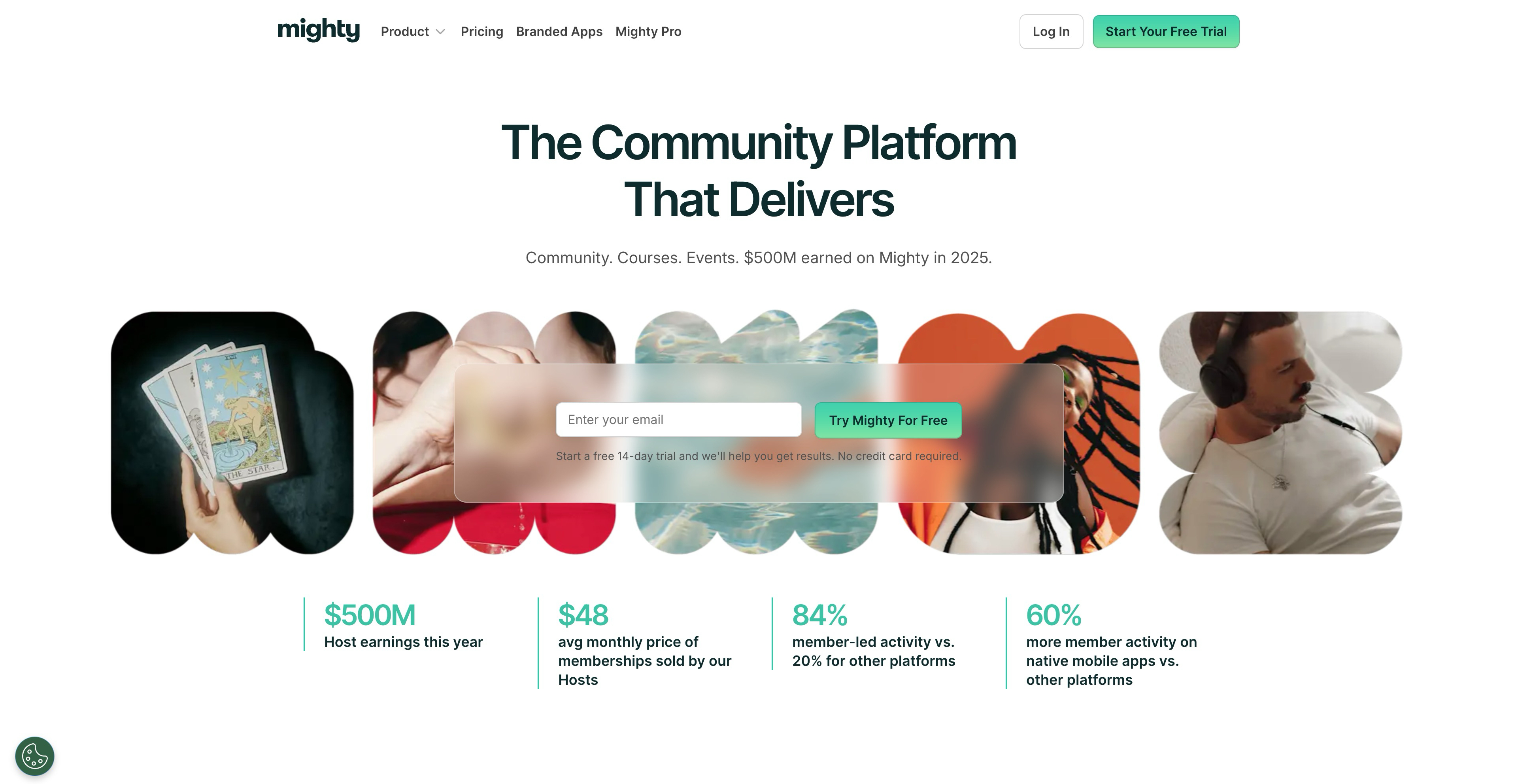
Mighty Networks combines community, courses, and commerce in a single platform designed for creators, coaches, and membership businesses. You get native mobile apps, live streaming, and the ability to charge for access without stitching together multiple tools.
The platform works well when you want members to pay for community access or bundled course content. Everything lives in one place: discussions, events, courses, and member profiles.
Key strengths
Native courses and content: Build and sell courses alongside community discussions without third-party integrations.
Branded mobile apps: Members access your community through iOS and Android apps with your branding.
Monetization built in: Charge for memberships, courses, or bundles with integrated payment processing.
Why choose Mighty Networks: Pick it when you want to monetize a community around educational content and prefer having courses, payments, and community in one system.
Pricing: Plans start at $41/month for the Community plan, with higher tiers unlocking courses, branded apps, and advanced features.
2. Circle
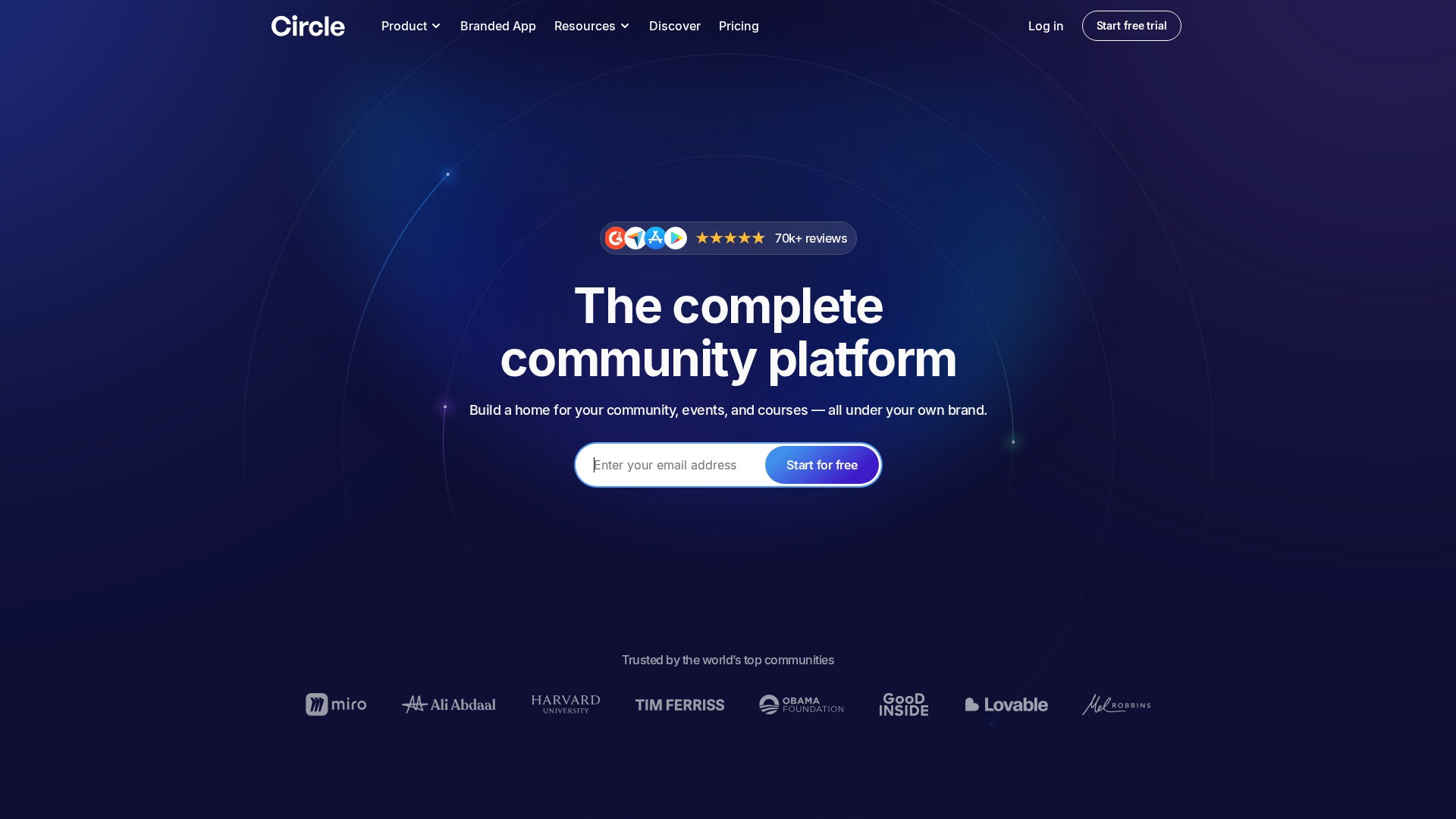
Circle offers a modern community platform with a clean interface and flexible organization through spaces, groups, and member segments. It's become popular with creators, SaaS companies, and membership businesses who want a polished experience without heavy customization work.
The platform emphasizes ease of use. You can set up spaces for different topics, run live events, and create member workflows without technical expertise.
Key strengths
Spaces and organization: Create distinct areas for different topics, member tiers, or use cases within one community.
Live events and rooms: Host live streams, AMAs, and audio rooms directly in the platform.
Member workflows: Automate onboarding sequences and engagement triggers based on member actions.
Why choose Circle: Pick it when you want a polished community experience that's easy to manage and integrates well with your existing creator or SaaS stack.
Pricing: Plans start at $49/month for Basic, scaling up to Professional and Business tiers.
3. Hivebrite
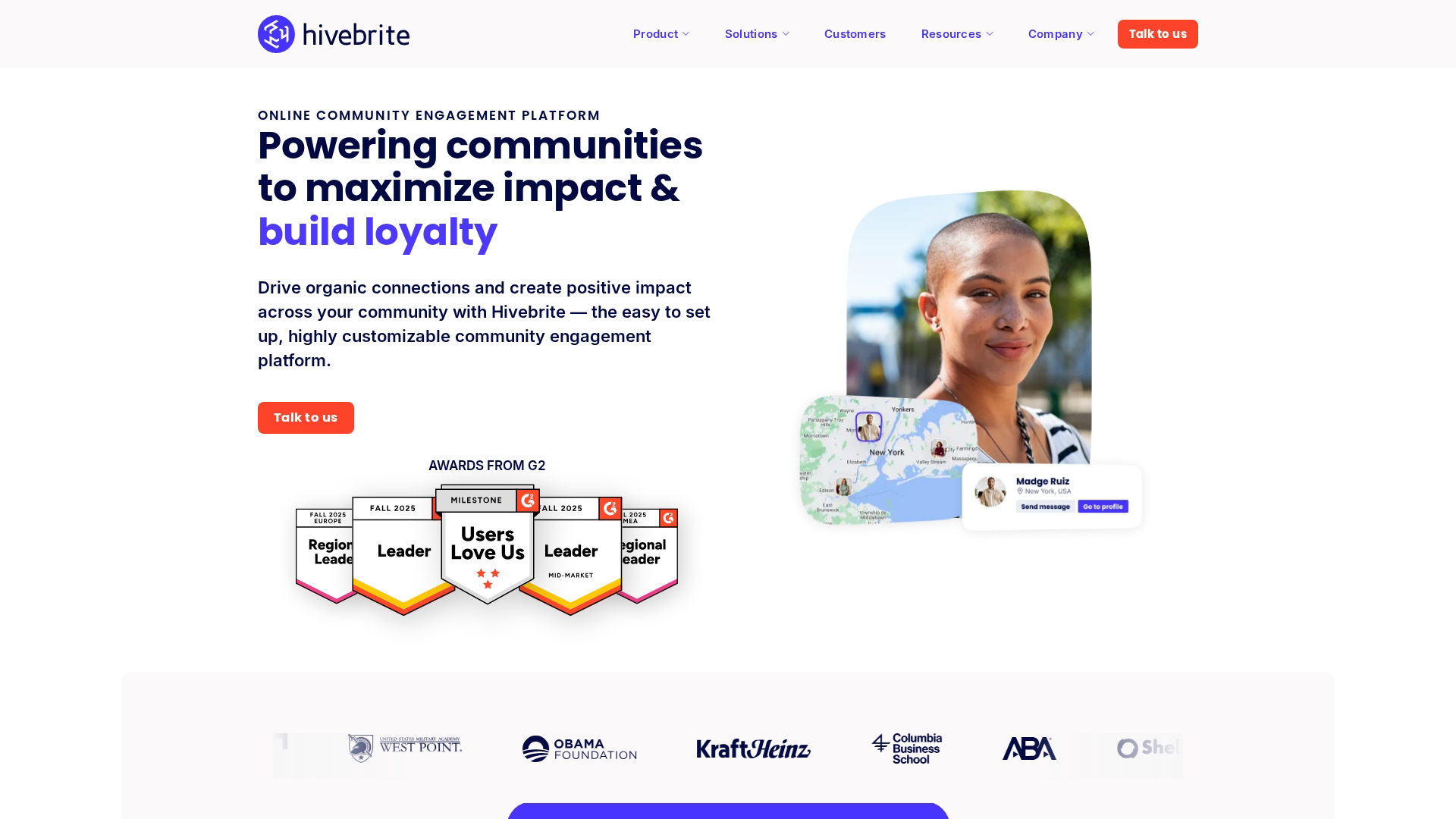
Hivebrite is built for large membership organizations, alumni networks, and professional associations that require enterprise-grade features. The platform handles complex membership structures, event management, fundraising, and job boards alongside community discussions.
What sets Hivebrite apart is its focus on the specific workflows associations deal with: membership renewals, chapter management, mentorship programs, and donor engagement.
Key strengths
Membership management: Handle tiers, renewals, and member data in a structured way.
Event and chapter tools: Manage regional chapters, local events, and global conferences.
Career services: Job boards and mentorship matching for professional networks.
Why choose Hivebrite: Pick it when you're running a large association or alumni network and require membership management, events, and community in one enterprise platform.
Pricing: Custom pricing based on organization size and requirements.
4. Gainsight Customer Communities
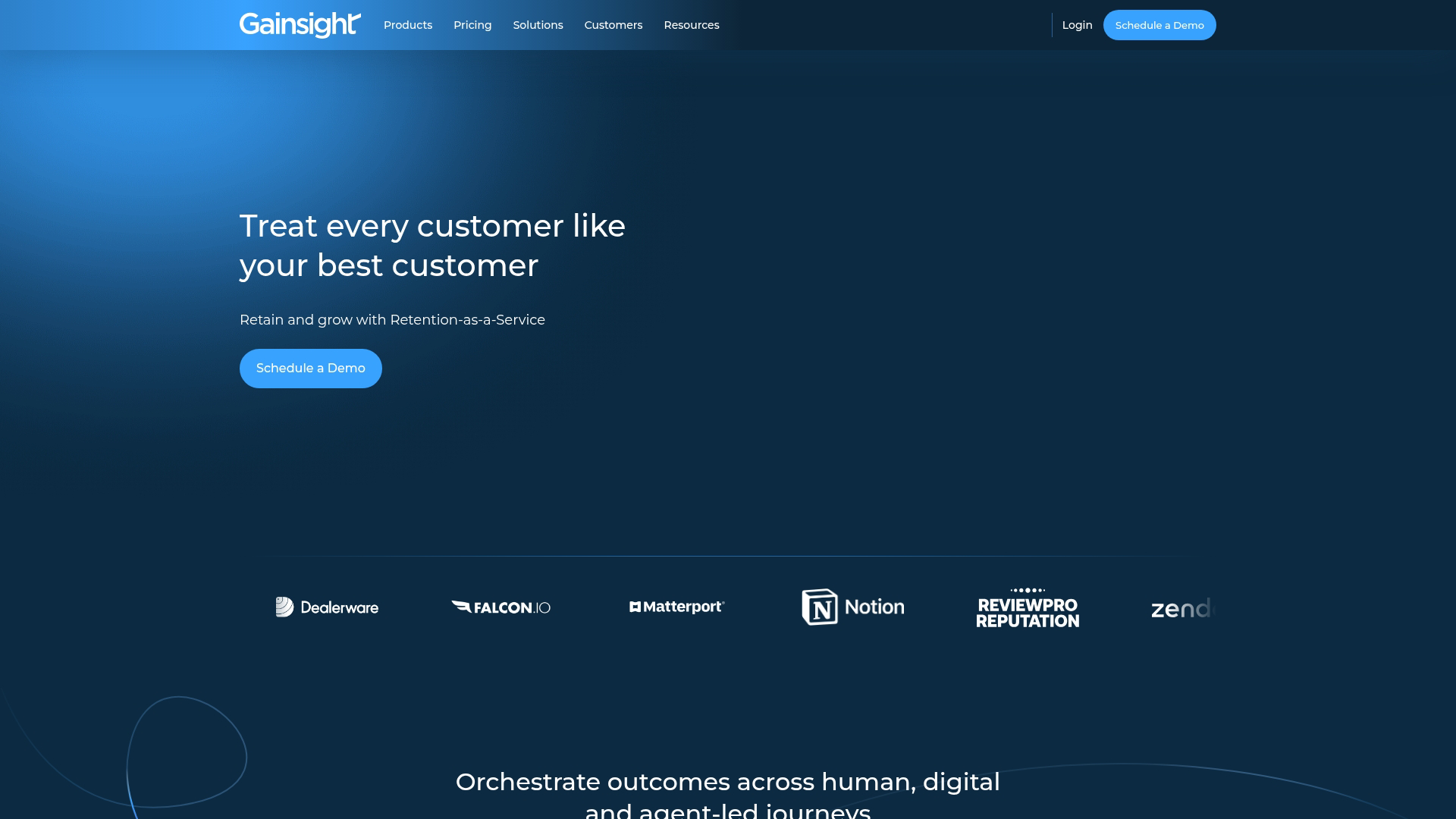
Gainsight Customer Communities focuses specifically on customer success use cases. The platform connects community engagement to product adoption, support deflection, and customer health scores.
For SaaS companies already using Gainsight's customer success platform, the integration is seamless. Community activity feeds into customer health data, and CSMs can see which accounts are engaged or at risk based on community participation.
Key strengths
Product feedback loops: Ideation boards and feature voting tied to your product roadmap.
Customer health integration: Community engagement data flows into Gainsight health scores.
Support deflection: Knowledge base and peer support reduce ticket volume.
Why choose Gainsight Customer Communities: Pick it when you're a SaaS company using Gainsight and want community engagement tied directly to customer success metrics.
Pricing: Custom pricing, typically bundled with broader Gainsight deployments.
5. Khoros
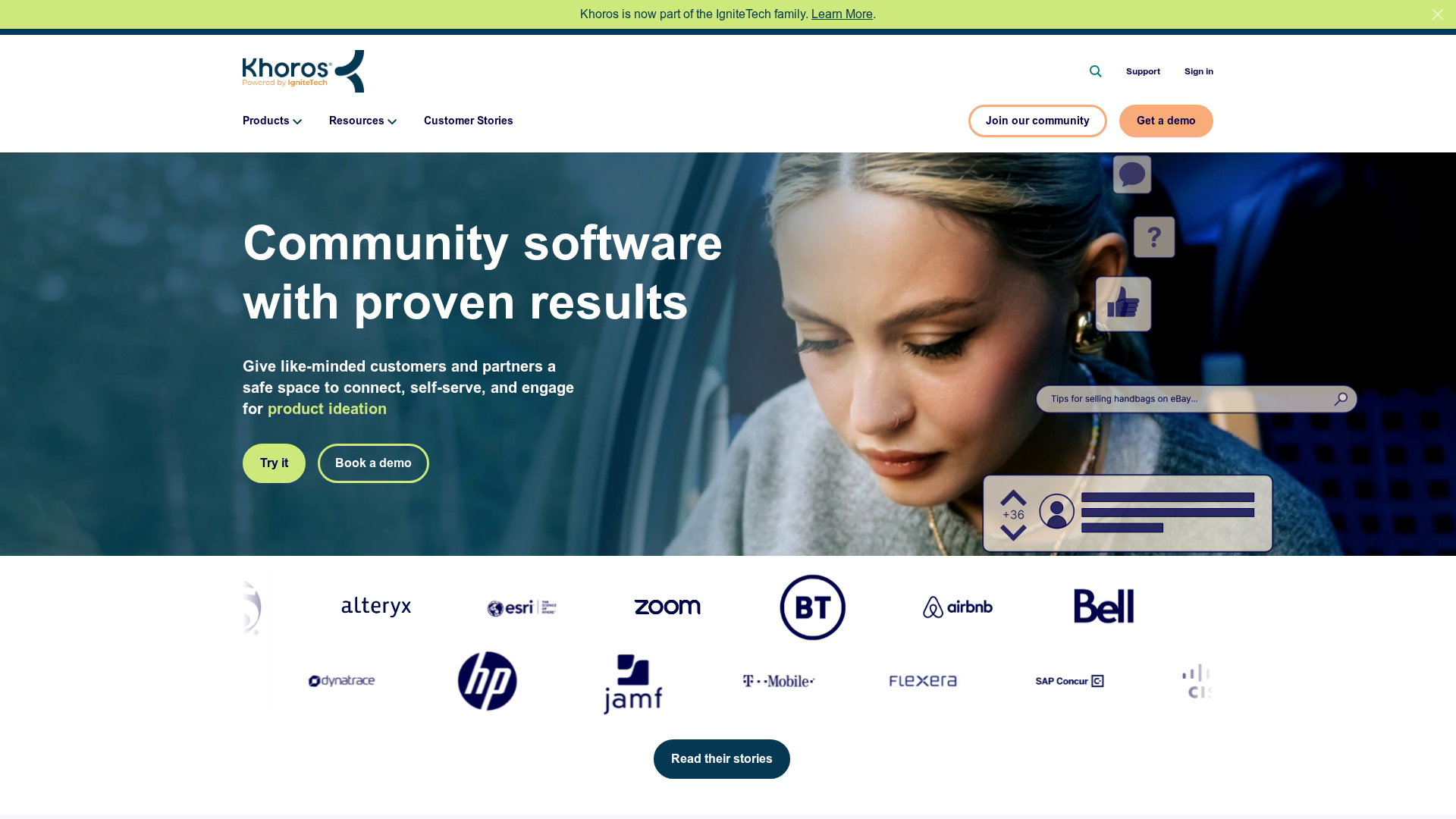
Khoros handles enterprise-scale communities with millions of members. The platform emphasizes moderation at scale, SEO optimization for community content, and analytics that tie community activity to business outcomes.
Large brands use Khoros for support communities where customers help each other, reducing call center volume.
Key strengths
Scale and performance: Built for communities with millions of members and high activity volume.
Advanced moderation: AI-assisted moderation and workflow tools for large teams.
SEO optimization: Community content ranks in search, driving organic traffic.
Why choose Khoros: Pick it when you're running a large-scale support community and require enterprise moderation, analytics, and integration capabilities.
Pricing: Custom enterprise pricing.
6. Sprinklr
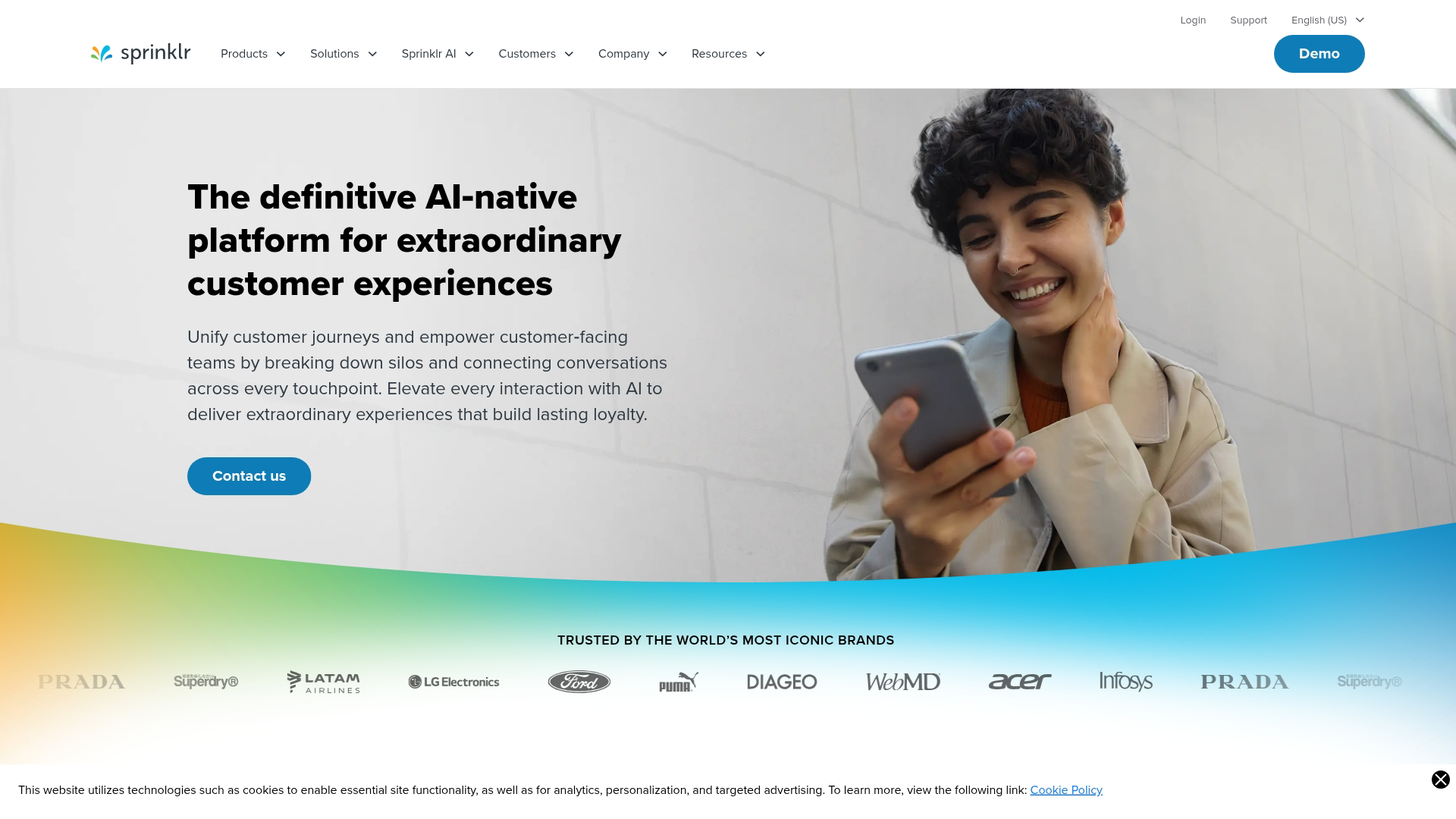
Sprinklr positions community management as part of a broader customer experience management suite. The platform uses AI for moderation, content recommendations, and member matching.
For enterprises already using Sprinklr for social media or customer service, adding community management keeps everything in one system.
Key strengths
Unified CXM platform: Community sits alongside social, service, and marketing in one system.
AI-powered moderation: Automated content filtering and escalation for large communities.
Cross-channel insights: See community engagement alongside other customer touchpoints.
Why choose Sprinklr: Pick it when you're an enterprise already using Sprinklr and want community integrated with your broader customer experience stack.
Pricing: Custom enterprise pricing.
7. Glue Up
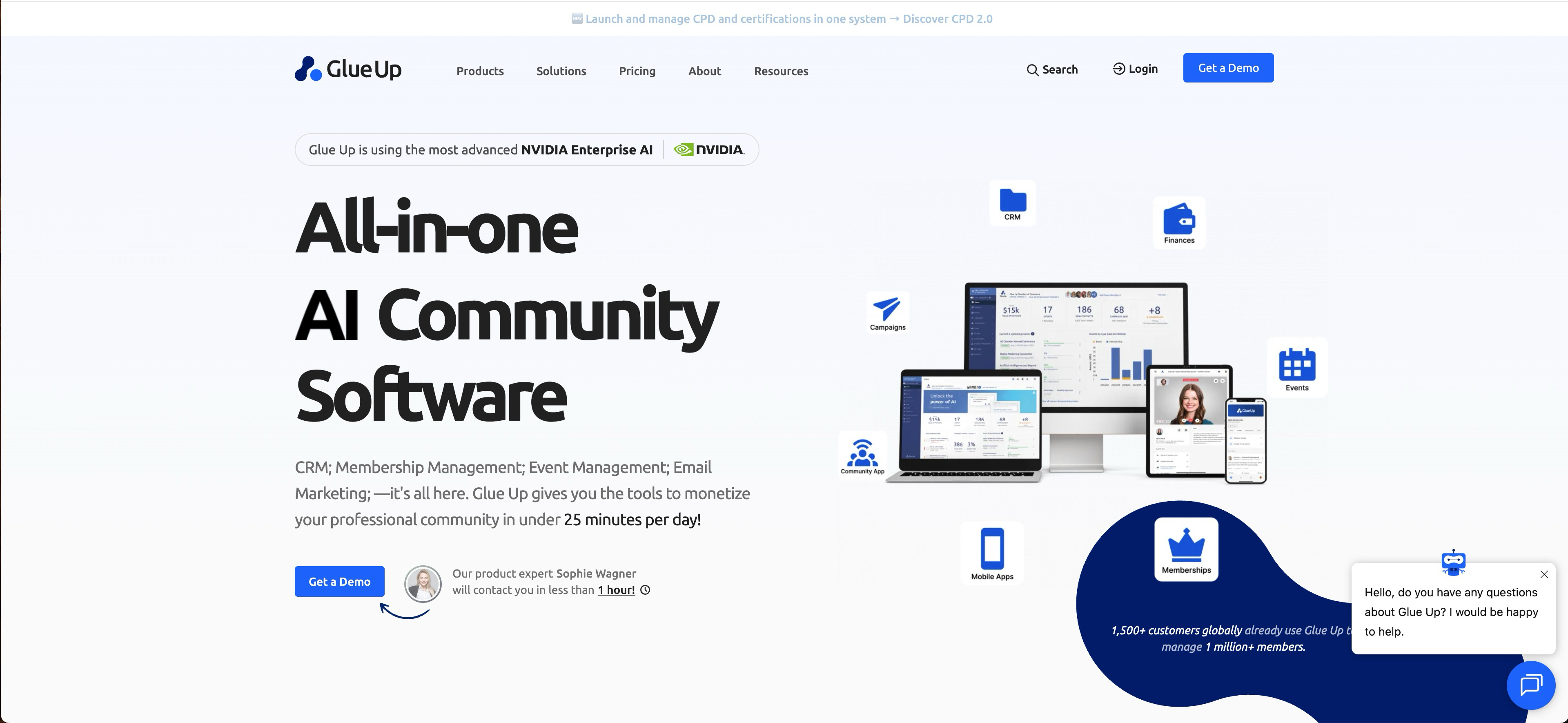
Glue Up combines community, CRM, and event management for associations and membership organizations. Instead of integrating separate tools, you get member data, event registration, email campaigns, and community discussions in one platform
The all-in-one approach works well for associations that don't have technical resources to maintain integrations between specialized tools.
Key strengths
Integrated CRM: Member data, engagement history, and communications in one place.
Event management: Registration, ticketing, and check-in alongside community features.
Membership workflows: Automate renewals, onboarding, and engagement sequences.
Why choose Glue Up: Pick it when you're an association that wants CRM, events, and community in one platform without managing multiple integrations.
Pricing: Plans start at $125/month, scaling with features and member count.
8. Bettermode
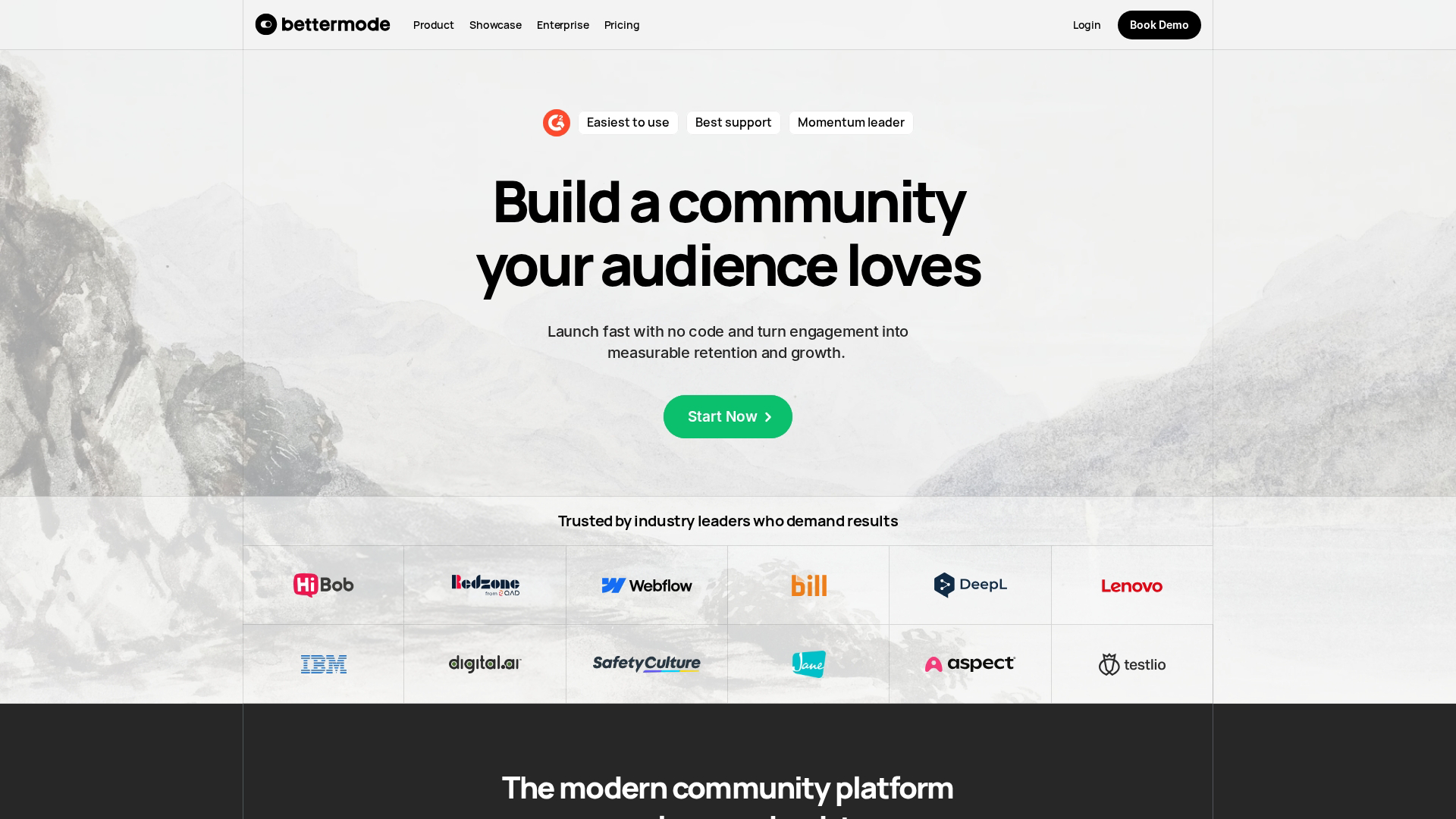
Bettermode offers a widget-based approach to community building. You assemble your community from modular components, customizing the experience without heavy development work. The platform also supports embedding community features directly into your product.
The free tier makes it accessible for teams testing community as a channel.
Key strengths
Modular widgets: Build your community from customizable components.
Embeddable: Add community features directly into your product or website.
Free tier: Test the platform without upfront commitment.
Why choose Bettermode: Pick it when you want flexibility to customize your community experience and potentially embed it into your existing product.
Pricing: Free tier available, with paid plans unlocking additional features.
9. Discourse
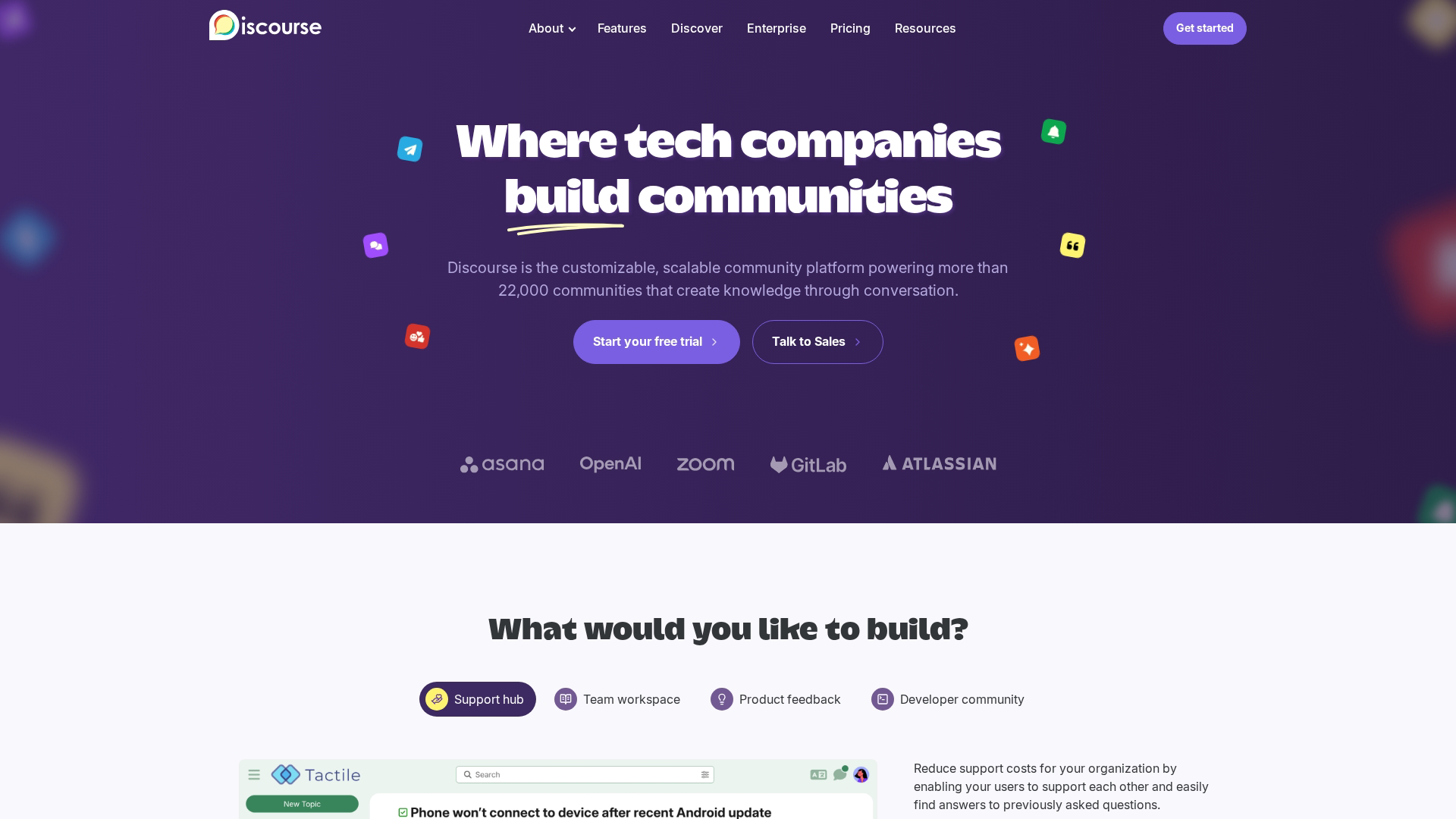
Discourse is open-source community software popular with developer communities and technical audiences. You can self-host for free or use their managed hosting. The plugin ecosystem extends functionality, and the trust level system gamifies member progression.
Technical communities appreciate the transparency of open source and the ability to customize everything. The trade-off is that setup and maintenance require more technical expertise than hosted alternatives.
Key strengths
Open source: Full control over your community software and data.
Self-hosting option: Run on your own infrastructure at no software cost.
Trust levels: Gamified progression system that rewards engaged members.
Why choose Discourse: Pick it when you're running a technical community and want full control, open-source transparency, or the ability to self-host.
Pricing: Free for self-hosted, managed hosting plans available.
10. Higher Logic Vanilla
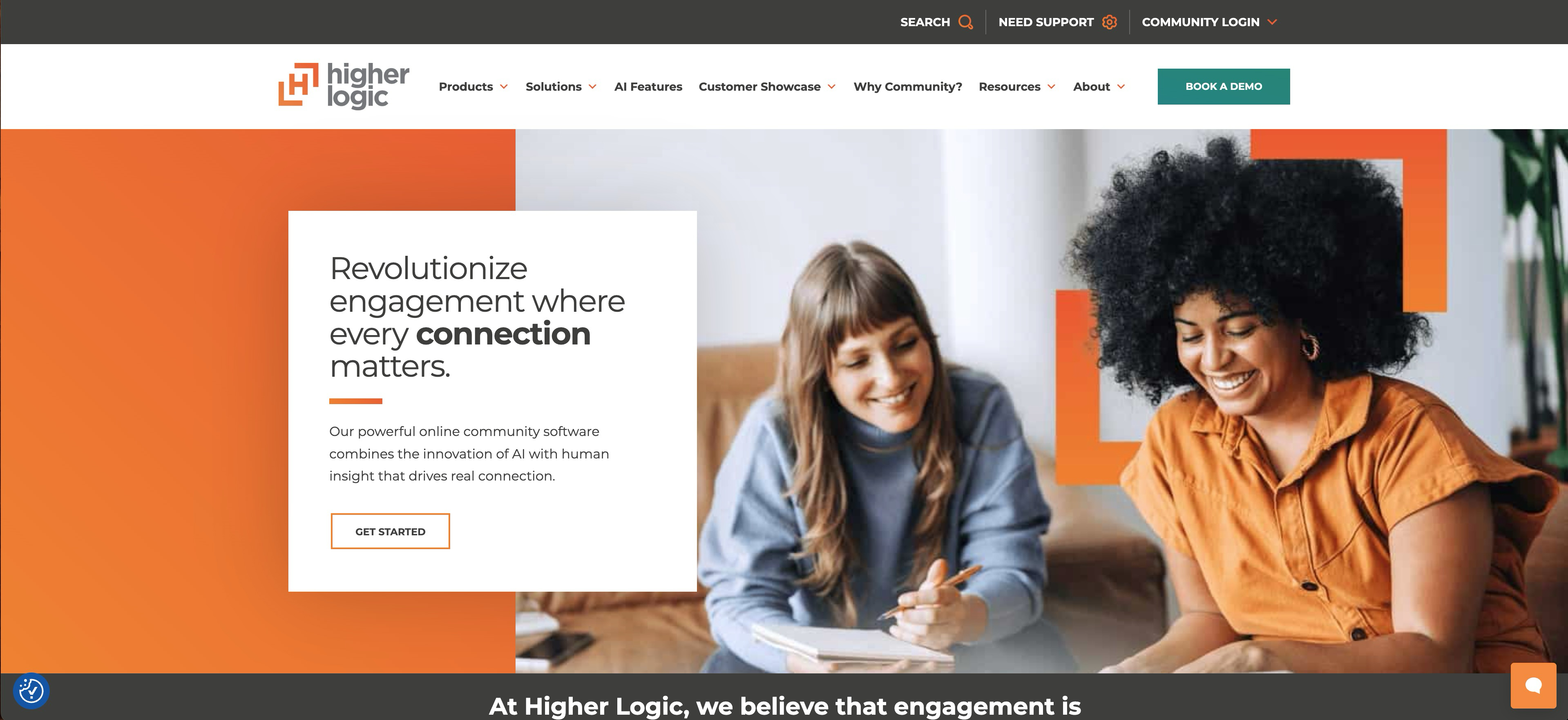
Higher Logic Vanilla focuses on customer support communities with features like gamification, ideation boards, and knowledge base integration. The platform helps B2B companies reduce support costs by enabling peer-to-peer help.
Gamification elements like badges, points, and leaderboards encourage members to answer questions and contribute content.
Key strengths
Gamification: Badges, points, and leaderboards drive engagement.
Ideation management: Feature voting and idea submission for product feedback.
Knowledge base integration: Connect community discussions to support documentation.
Why choose Higher Logic Vanilla: Pick it when you're building a B2B support community and want gamification and ideation features to drive engagement.
Pricing: Custom pricing based on requirements.
11. Tribe
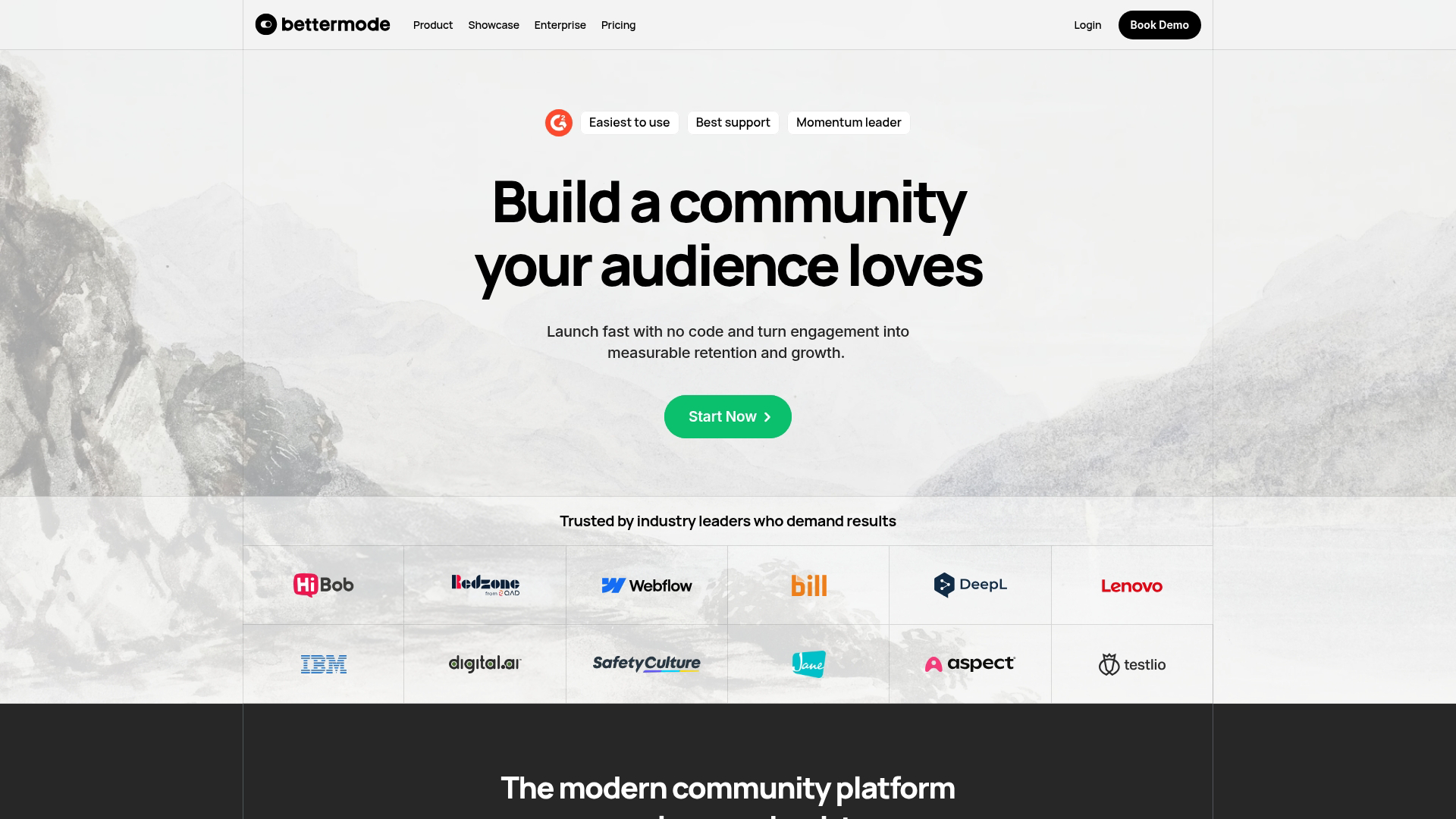
Tribe takes an API-first approach to community, making it well-suited for product teams that want to embed community features directly into their applications. The headless architecture gives developers flexibility while still providing a no-code admin interface.
For SaaS companies that want community to feel native to their product rather than a separate destination, Tribe's embedding capabilities and SSO support create a seamless experience.
Key strengths
API-first architecture: Build custom integrations and embed community anywhere.
Headless options: Use Tribe's backend with your own frontend.
SSO support: Single sign-on for seamless member authentication.
Why choose Tribe: Pick it when you want to embed community features directly into your product with deep customization.
Pricing: Plans start at $59/month, with enterprise options for larger deployments.
12. Mobilize
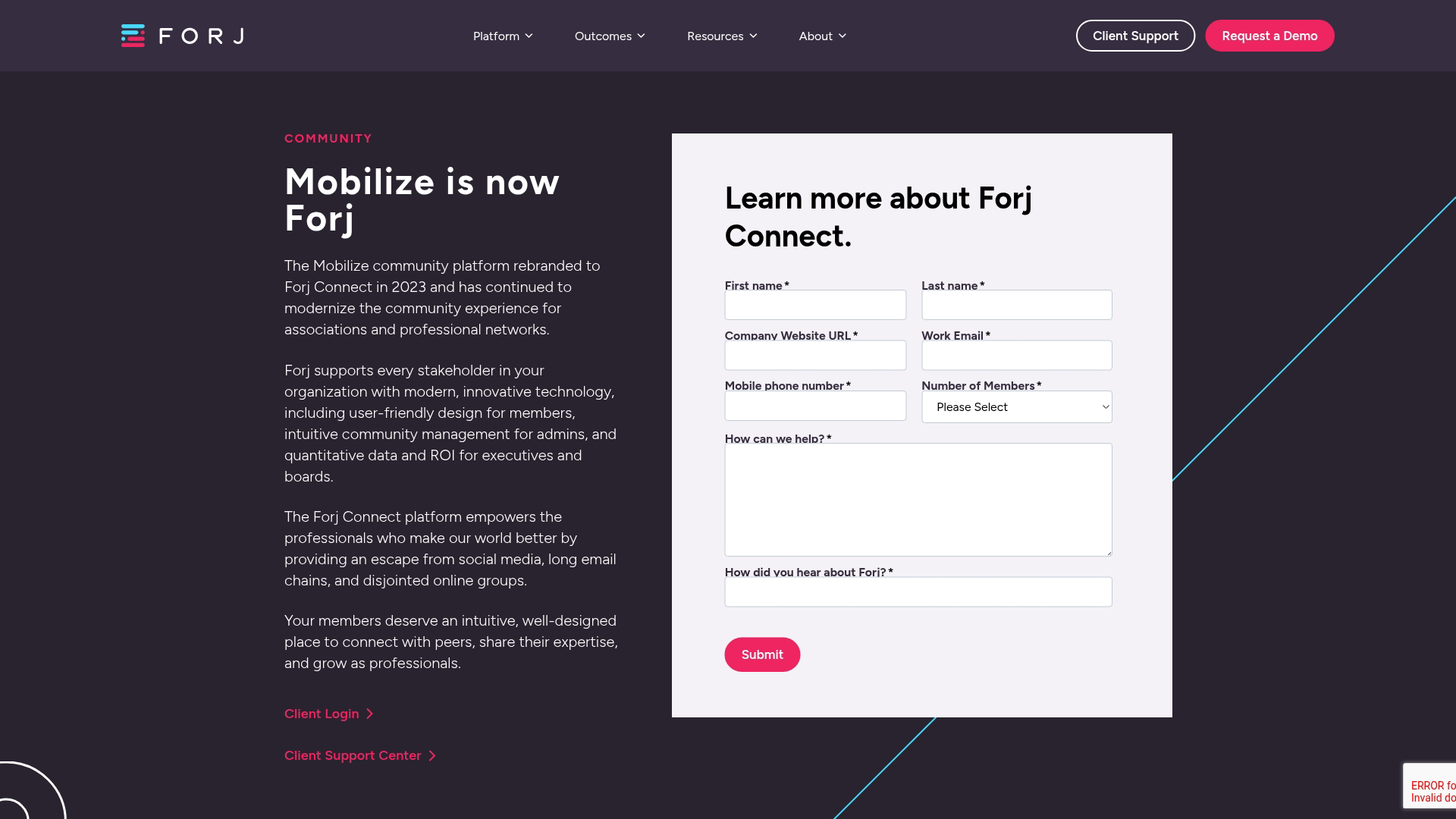
Mobilize is built for organizing and volunteer management rather than general community building. Nonprofits, advocacy groups, and grassroots organizations use it to coordinate campaigns, manage volunteers, and drive collective action.
The platform focuses on getting people to take action: attending events, making calls, or participating in campaigns.
Key strengths
Action campaigns: Organize members around specific calls to action.
Volunteer coordination: Manage shifts, assignments, and volunteer communications.
Event management: Host and track attendance for in-person and virtual events.
Why choose Mobilize: Pick it when you're a nonprofit or advocacy organization focused on mobilizing people for events and campaigns rather than ongoing discussion.
Pricing: Plans start at $50/month, scaling with features and organization size.
What to look for in community management software
Engagement and discussion features
The core of any community platform is how members interact. Look for forums, groups, direct messaging, live events, reactions, and commenting. Some platforms add gamification elements like badges and leaderboards to encourage participation.
Moderation and administration controls
As communities grow, moderation becomes critical. Evaluate roles and permissions, content moderation workflows, spam filtering, member approval processes, and reporting tools.
Analytics and engagement reporting
Understanding community health requires data. Look for member activity tracking, engagement metrics, content performance reports, and health scores. The best platforms connect community data to business outcomes like support deflection or retention.
Integrations with CRM and marketing tools
Community data becomes more valuable when it flows into your broader stack. 64% of B2B firms report higher retention when community platforms integrate with CRM and analytics systems. Prioritize platforms that integrate with your CRM (Salesforce, HubSpot), marketing automation tools, and communication tools like Slack.
Customization and white label branding
For professional communities, branding matters. Evaluate custom domain support, brand colors and logos, layout flexibility, and options to remove vendor branding.
Pricing models and scalability
Community platforms typically price by member count, flat monthly rate, or usage-based models. Consider how costs scale as your community grows.
Build your community with the right platform
Choosing community management software starts with clarity on your primary use case. Support communities, membership organizations, creator businesses, and advocacy groups have different requirements. Match the platform's strengths to your specific situation rather than chasing the most features.
For teams also looking to showcase their product to community members, interactive demos can complement community onboarding and education. Instead of pointing members to documentation or scheduling calls, you can embed clickable product walkthroughs directly in your community spaces.
Start your journey with Guideflow today!
FAQs about community management software
What is the difference between CRM and community management software?
CRM tracks individual customer relationships and sales pipeline progression. Community management software facilitates group interactions and peer-to-peer engagement among members in a shared space you control.
How much does community management software typically cost?
Pricing ranges from free open-source options to enterprise custom pricing. Most mid-market platforms start between $40-150 per month, with costs scaling based on member count or feature tiers.
Can Slack or Discord work as a community management platform?
Both work for real-time chat communities but lack dedicated features like member directories, structured forums, engagement analytics, and content organization that purpose-built platforms provide.
What are the best free community management software options?
Discourse offers free self-hosted deployment, and Bettermode has a free tier. Some platforms offer free plans for small communities under certain member limits.
How do you migrate an existing community to a new platform?
Most platforms offer data export tools and migration support. Plan for member communication, content transfer, and a transition period where both platforms may run simultaneously.
What security features do community management platforms include?
Look for SSO integration, role-based access controls, data encryption, GDPR compliance tools, and content moderation capabilities to protect member data and community integrity.
How do AI features improve community management tools?
AI assists with content moderation, spam detection, member recommendations, and automated responses to common questions. Gartner predicts agentic AI will resolve 80% of common service issues by 2029, helping community managers scale without adding headcount.
Which community management platform works best for small teams?
Circle, Mighty Networks, and Bettermode offer intuitive interfaces and reasonable pricing that work well for teams without dedicated community managers.
How do you measure ROI from community management software?
Track support ticket deflection, member retention rates, engagement metrics, and revenue from community-driven referrals or upsells to quantify community value.
What integrations do community management systems support?
Prioritize CRM integration (Salesforce, HubSpot), marketing automation, analytics platforms, SSO providers, and communication tools like Slack or email platforms based on your existing stack.