


Voice assistants used to mean shouting "Hey Siri" three times before giving up and typing. That's changed. The latest AI voice assistants handle natural conversation, remember context, and actually complete tasks instead of just answering questions.
We tested 15 AI voice assistants across personal productivity, business automation, and smart home control to find which ones deliver on their promises and which still leave you reaching for your keyboard.
TL;DR
- AI voice assistants use natural language processing and voice recognition to understand spoken commands and complete tasks hands-free.
- Google Gemini leads for users in the Google ecosystem, while ChatGPT Voice excels at complex, conversational reasoning.
- Lindy stands out for business task automation, actually booking meetings and sending emails rather than just answering questions.
- Alexa remains the top choice for smart home control with the broadest device compatibility.
- Current limitations include noticeable latency, transcription errors with accents, and shallow app integrations.
What's inside
This guide covers 15 AI voice assistants tested across personal productivity, business workflows, and hands-free scenarios. You'll find a comparison table, individual tool breakdowns with pricing and ratings, use case recommendations, and an honest look at where voice AI still falls short.
We selected tools based on voice recognition accuracy, response latency, integration depth, and real-world task completion.
What is an ai voice assistant
AI voice assistants are software programs that use artificial intelligence, natural language processing (NLP), and voice recognition to understand spoken commands and perform tasks. NLP refers to the technology that helps computers interpret human language, including slang, context, and intent. Voice recognition converts your spoken words into text the system can process.
Unlike older voice systems that required rigid command structures ("Call John Smith mobile"), modern AI voice assistants interpret conversational speech. You can ask follow-up questions, change your mind mid-sentence, and speak naturally.
- Natural language processing: Interprets complex human speech, allowing conversational commands rather than scripted phrases
- Voice recognition: Identifies users by voice and converts speech to actionable text
- Context awareness: Remembers previous interactions to improve accuracy and conversation flow
- Task execution: Connects to apps and services to complete actions like sending emails or booking meetings
How we tested these ai voice assistants
We evaluated each assistant across five criteria:
- Speech recognition accuracy: How well does it understand commands across different accents, background noise levels, and speaking speeds?
- Response latency: What's the delay between finishing your command and receiving a response? Anything over two seconds disrupts natural conversation.
- Integration depth: Does it connect to your existing apps? More importantly, can it actually do things in those apps, or just surface information?
- Multi-turn conversation handling: Can you ask follow-up questions without repeating context?
- Ease of setup and daily use: How quickly can you start using it?
Ai voice assistant comparison table
# | Product | Best for | Key differentiation | Pricing | G2 rating |
|---|---|---|---|---|---|
1 | Google Gemini | Google ecosystem users | Real-time conversation with context memory | Free; AI Premium from $19.99/mo | 4.4/5 |
2 | ChatGPT Voice | Natural conversations | Advanced reasoning and complex discussions | Free tier; Plus $20/mo | 4.7/5 |
3 | Microsoft Copilot Voice | Windows users | Native Windows 11 and Microsoft 365 integration | Free; Pro $20/mo | 4.3/5 |
4 | Apple Siri | Apple device owners | Cross-device sync with on-device privacy | Free with Apple devices | 4.2/5 |
5 | Amazon Alexa | Smart home control | Broadest device compatibility | Free; Alexa+ subscription available | 4.3/5 |
6 | Lindy | Task automation | Actually completes multi-step business tasks | Free tier; paid plans available | 4.6/5 |
7 | Otter | Meeting transcription | Real-time transcription with speaker identification | Free tier; Pro from $16.99/mo | 4.4/5 |
8 | Fireflies | Sales call analysis | Conversation analytics with CRM sync | Free tier; Pro from $18/mo | 4.5/5 |
9 | Samsung Bixby | Samsung device owners | Deep Samsung ecosystem integration | Free with Samsung devices | 3.8/5 |
10 | PolyAI | Customer service | Enterprise call center automation | Enterprise pricing | 4.5/5 |
11 | Speechify | Reading and accessibility | Natural text-to-speech across documents | Free tier; Premium from $139/yr | 4.5/5 |
12 | ElevenLabs | Voice generation | Ultra-realistic voice synthesis and cloning | Free tier; paid from $5/mo | 4.7/5 |
13 | Hound | Complex queries | Fast multi-part question handling | Free app; enterprise licensing | 4.1/5 |
14 | Mycroft | Privacy-focused users | Open-source with self-hosting option | Free and open-source | 3.9/5 |
15 | Pi by Inflection | Emotional support | Empathetic conversational companion | Free | 4.3/5 |
1. Google Gemini: best ai voice assistant for the Google ecosystem
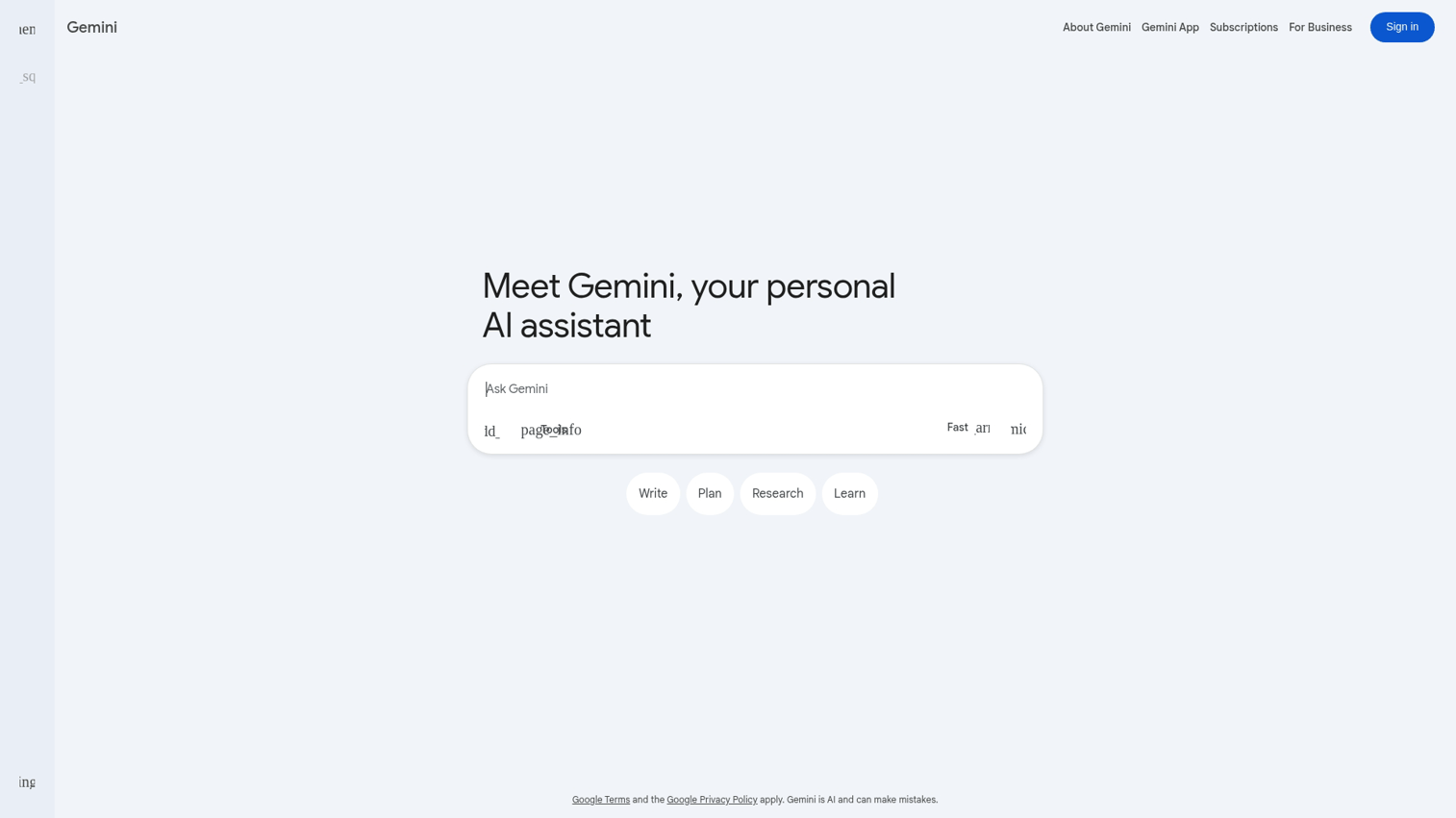
Google Gemini represents Google's latest conversational AI, replacing the older Google Assistant with more advanced language understanding. Gemini Live enables real-time, fluid voice interaction where you can interrupt, change topics, and have natural back-and-forth conversations.
The standout feature is context awareness. Gemini remembers what you discussed earlier in a conversation and can reference previous interactions. Ask about your schedule, then follow up with "move that meeting to Thursday" without repeating which meeting you mean.
Best for: Users already invested in Google Workspace, Gmail, Calendar, and Android who want voice control across their digital life.
Key strengths
- Natural conversation flow with mid-sentence interruptions
- Direct access to Gmail, Calendar, Docs, and Drive
- Context memory within and across sessions
- Strong performance across 40+ languages
Why choose this tool
Choose Gemini if you live in Google's ecosystem. The integration depth with Workspace apps means you can draft emails, check calendars, and search Drive without switching contexts.
Pricing
Free tier available. Advanced features require Google One AI Premium subscription at $19.99/month.
2. ChatGPT Voice: best ai voice assistant for natural conversations
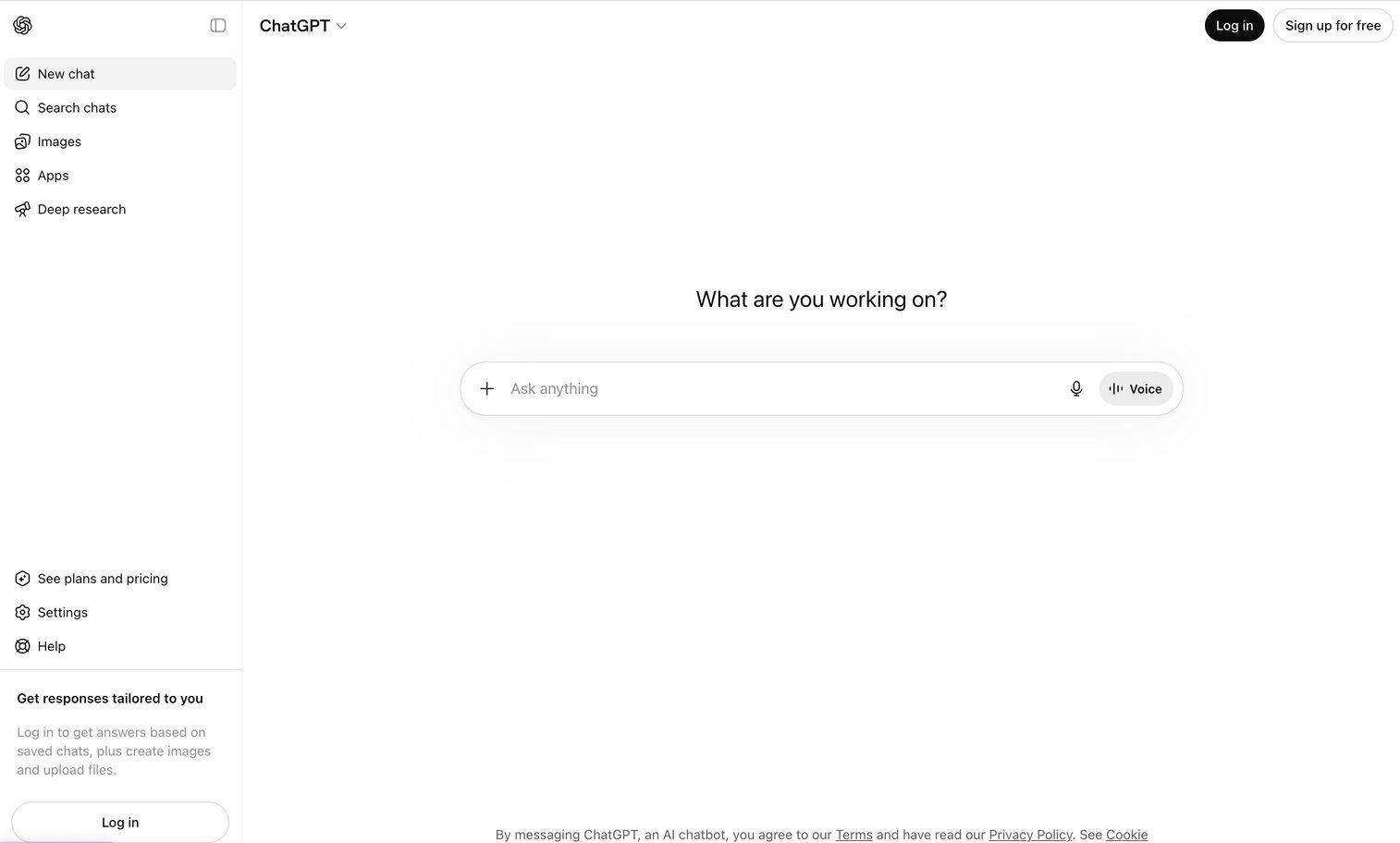
ChatGPT Voice from OpenAI brings the reasoning capabilities of GPT-4 to voice interaction. Where other assistants excel at quick commands, ChatGPT Voice handles complex, multi-turn discussions that require actual thinking.
The difference becomes clear when you ask something nuanced. Instead of surface-level answers, ChatGPT Voice can explain concepts, work through problems, and engage in genuine back-and-forth dialogue.
Best for: Users who want a conversational AI for brainstorming, research, or working through complex problems.
Key strengths
- Advanced reasoning for multi-step thinking
- Nuanced conversation that understands context and subtext
- Voice mode on mobile through the ChatGPT app
- Ability to break down complex topics at any level
Why choose this tool
Choose ChatGPT Voice when your primary use is a thinking partner rather than a task executor. It excels at explaining concepts and helping you work through decisions.
Pricing
Free tier with usage limits. ChatGPT Plus at $20/month unlocks voice mode and faster responses.
3. Microsoft Copilot Voice: best ai voice assistant for Windows users
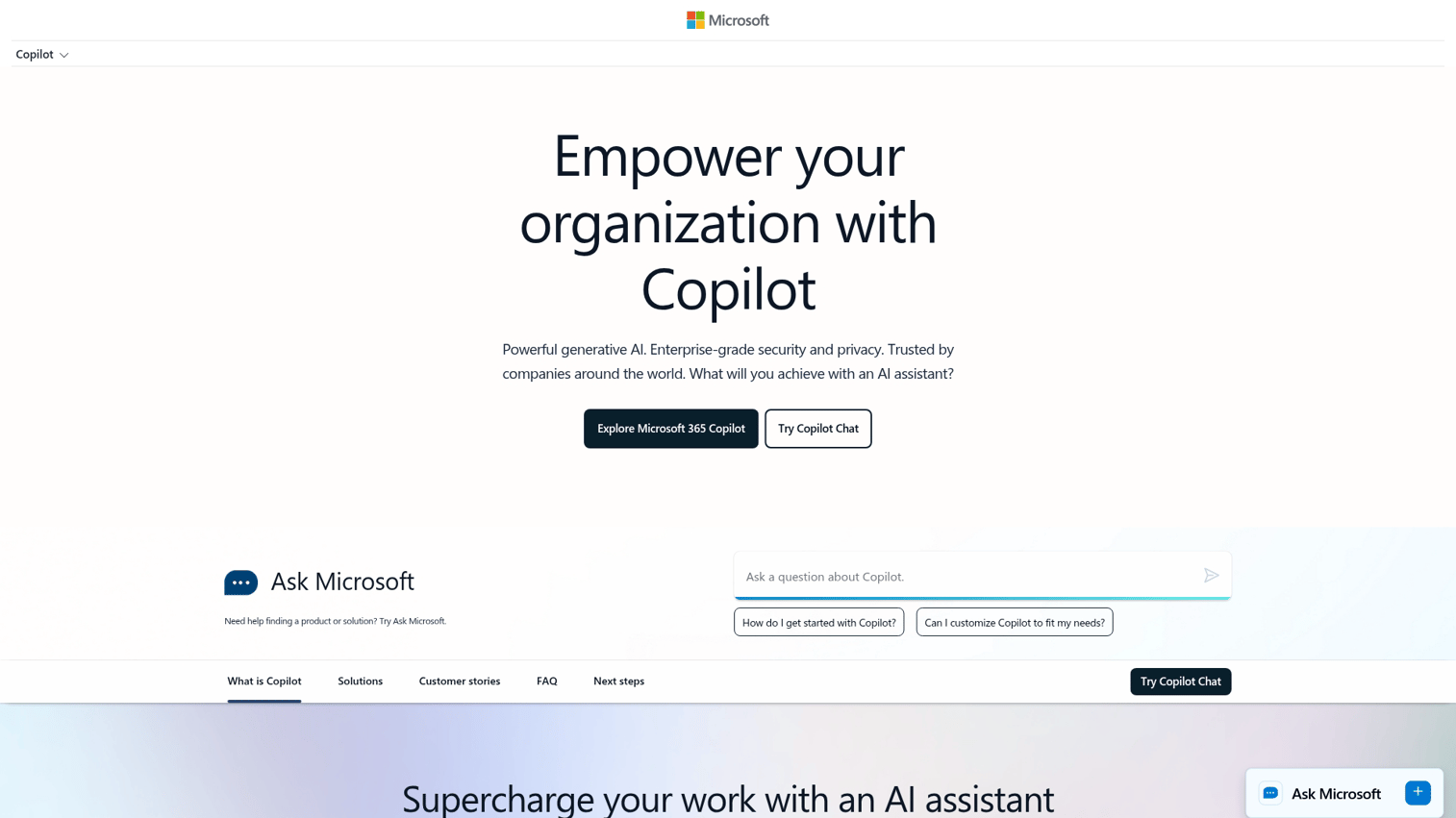
Microsoft Copilot Voice brings natural voice interaction to Windows 11 and Microsoft 365. Say "Hey, Copilot" on your desktop to start a conversation without touching your keyboard.
The integration with Microsoft 365 sets it apart. You can ask Copilot to summarize your recent emails, draft a response, or find that document you were working on last week.
Best for: Windows power users who want voice control across Office apps, Edge browser, and system settings.
Key strengths
- Built into Windows 11 with "Hey, Copilot" activation
- Direct access to Outlook, Word, Excel, and Teams
- Strong multilingual support
- Hands-free desktop navigation
Why choose this tool
Choose Copilot Voice if you work primarily in the Microsoft ecosystem. The ability to control Windows and Office apps by voice creates genuine productivity gains.
Pricing
Free basic access with Windows 11. Copilot Pro at $20/month adds priority access and advanced features.
4. Apple Siri: best ai voice assistant for Apple devices
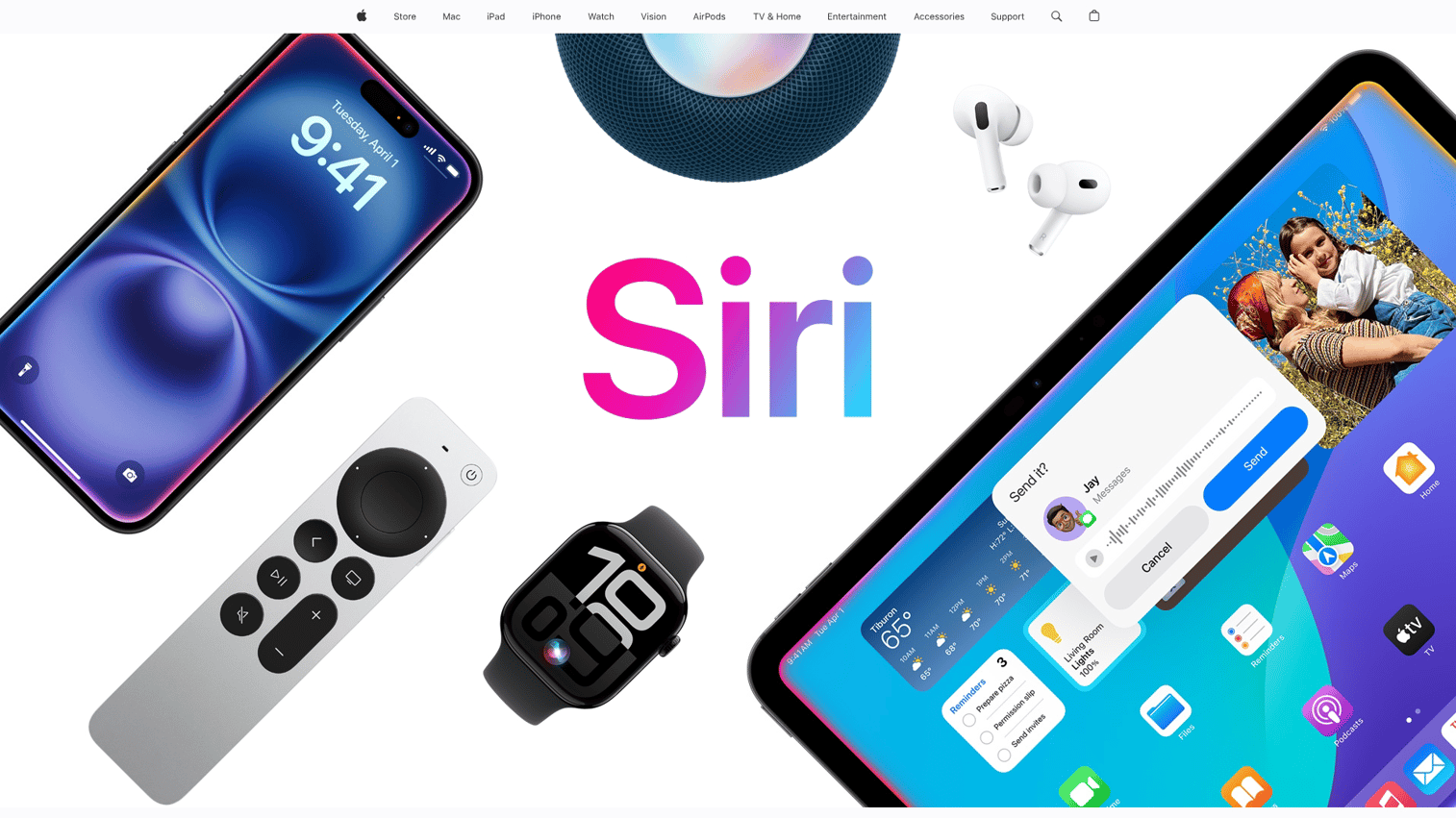
Apple Siri offers deep integration across iPhone, iPad, Mac, Apple Watch, and HomePod. The key differentiator is privacy: Siri processes many requests on-device rather than sending everything to the cloud.
Cross-device continuity works well. Start a reminder on your iPhone, and it appears on your Mac.
Best for: Users fully invested in Apple's ecosystem who prioritize privacy.
Key strengths
- Seamless handoff between Apple devices
- Native HomeKit smart home control
- Shortcuts automation triggered by voice
- On-device processing for privacy
Why choose this tool
Choose Siri if you own multiple Apple devices and value privacy. HomeKit integration makes it the natural choice for Apple-centric smart homes.
Pricing
Free with all Apple devices.
5. Amazon Alexa: best voice activated ai assistant for smart homes
Amazon Alexa dominates smart home control with compatibility across thousands of devices from hundreds of brands. If you want one voice activated ai assistant to control your entire home, Alexa has the broadest reach.
The Skills marketplace extends functionality with third-party integrations. Routines let you trigger multiple actions with a single command.
Best for: Smart home enthusiasts who want comprehensive device control.
Key strengths
- Works with more smart home devices than any competitor
- Routines chain multiple actions into single voice commands
- Drop-in communication turns Echo devices into an intercom system
- Skills marketplace extends functionality
Why choose this tool
Choose Alexa if smart home control is your priority. The Routines feature creates genuine automation, not just voice-triggered single actions.
Pricing
Free with Echo devices. Alexa+ subscription adds enhanced conversational AI features.
6. Lindy: best ai voice assistant for task automation
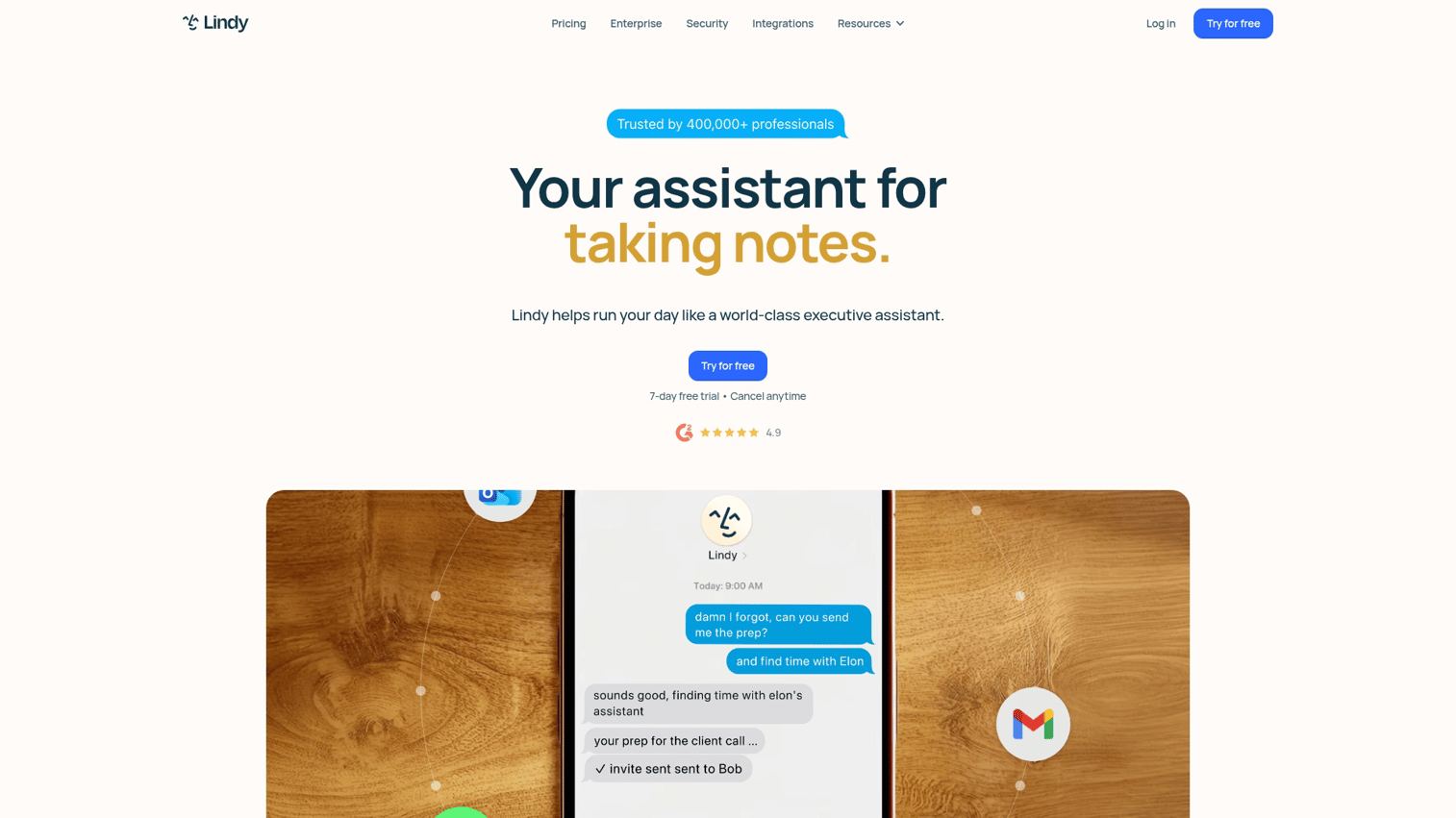
Lindy stands apart because it actually completes tasks rather than just answering questions. Tell Lindy to schedule a meeting, and it checks calendars, sends invites, and handles the back-and-forth. Tell Siri the same thing, and you get a reminder to schedule a meeting.
This distinction matters for business users. Lindy connects to your calendar, email, and CRM to execute multi-step workflows.
Best for: Business users who want an assistant that completes tasks autonomously.
Key strengths
- Actually books meetings, sends emails, and updates CRM records
- Handles scheduling logistics including availability checking
- Composes and sends emails based on voice instructions
- Connects to Salesforce, HubSpot, and other business tools
Why choose this tool
Choose Lindy when you're tired of assistants that answer questions but don't do anything. If you want to say "schedule a call with the marketing team next week" and have it actually happen, Lindy delivers.
Pricing
Free tier available. Paid plans unlock advanced automation and deeper integrations.
7. Otter: best ai voice assistant for meeting transcription
Otter focuses specifically on capturing and organizing meeting content. It joins your Zoom, Google Meet, or Teams calls automatically, transcribes in real-time, and generates summaries with action items.
The searchable archive becomes valuable over time. Can't remember what was decided in last month's planning meeting? Search Otter's transcripts by keyword, speaker, or date.
Best for: Teams that want automatic meeting documentation without manual note-taking.
Key strengths
- Real-time text as people speak, with speaker identification
- AI-generated meeting recaps with key points and action items
- Searchable archives by keyword
- Automatic calendar integration
Why choose this tool
Choose Otter when meeting documentation is your primary pain point. It eliminates the "who's taking notes?" question.
Pricing
Free tier with 300 monthly transcription minutes. Pro plan from $16.99/month for 1,200 minutes.
8. Fireflies: best ai voice assistant for sales call analysis
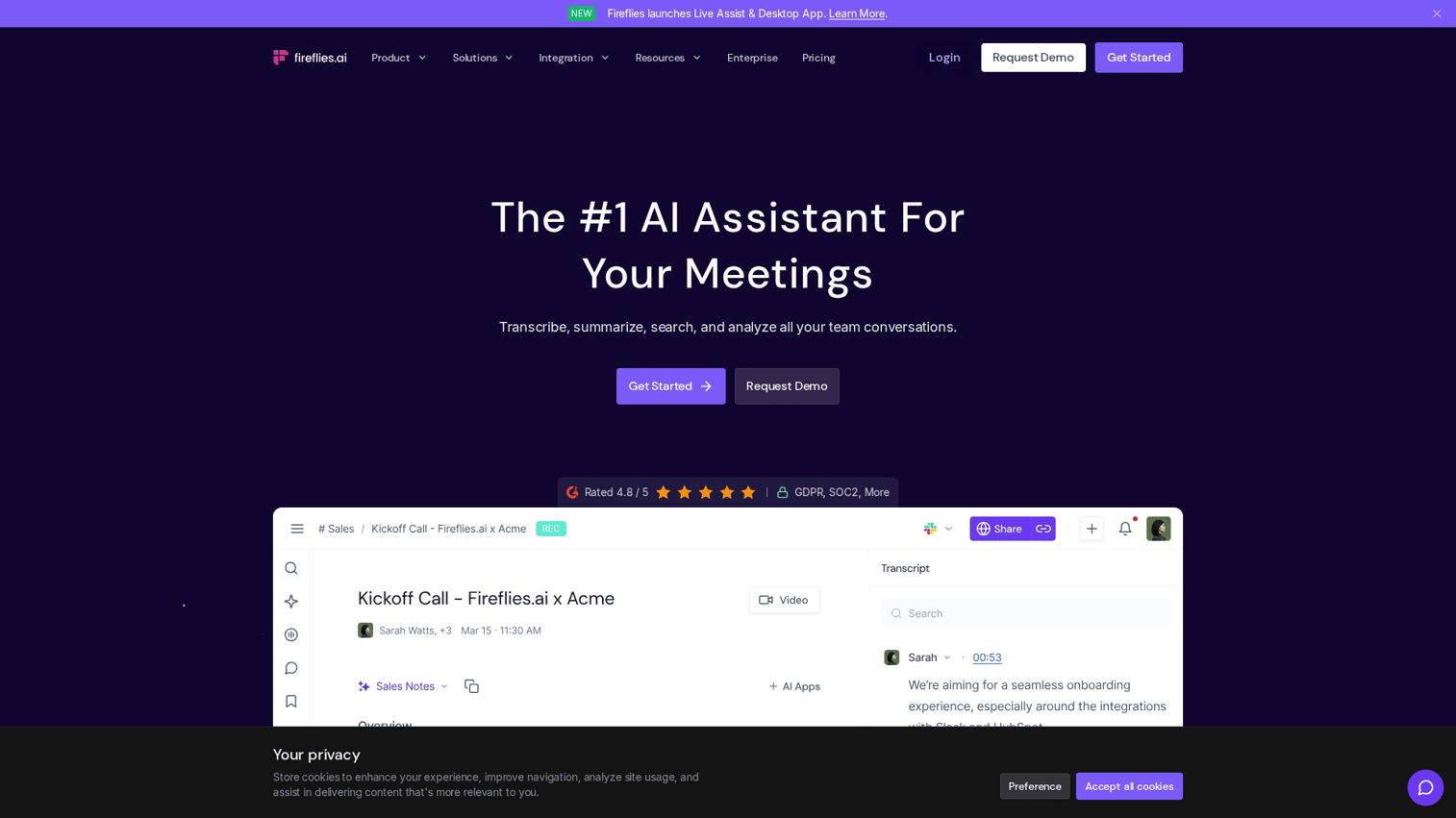
Fireflies goes beyond transcription to analyze conversations. It identifies action items, tracks sentiment, and syncs insights directly to your CRM. Sales teams use it to understand what's working in calls.
The CRM integration matters for revenue teams. Call insights flow automatically into Salesforce or HubSpot records.
Best for: Sales teams that want to analyze call patterns and sync conversation data to CRM.
Key strengths
- Joins and records meetings across platforms
- Extracts key points, questions, and next steps
- Identifies emotional tone throughout calls
- Syncs with Salesforce, HubSpot, and other platforms
Why choose this tool
Choose Fireflies when you want to understand patterns across sales conversations, not just document individual calls.
Pricing
Free tier available. Pro plan from $18/month per seat.
9. Samsung Bixby: best ai voice assistant for Samsung devices
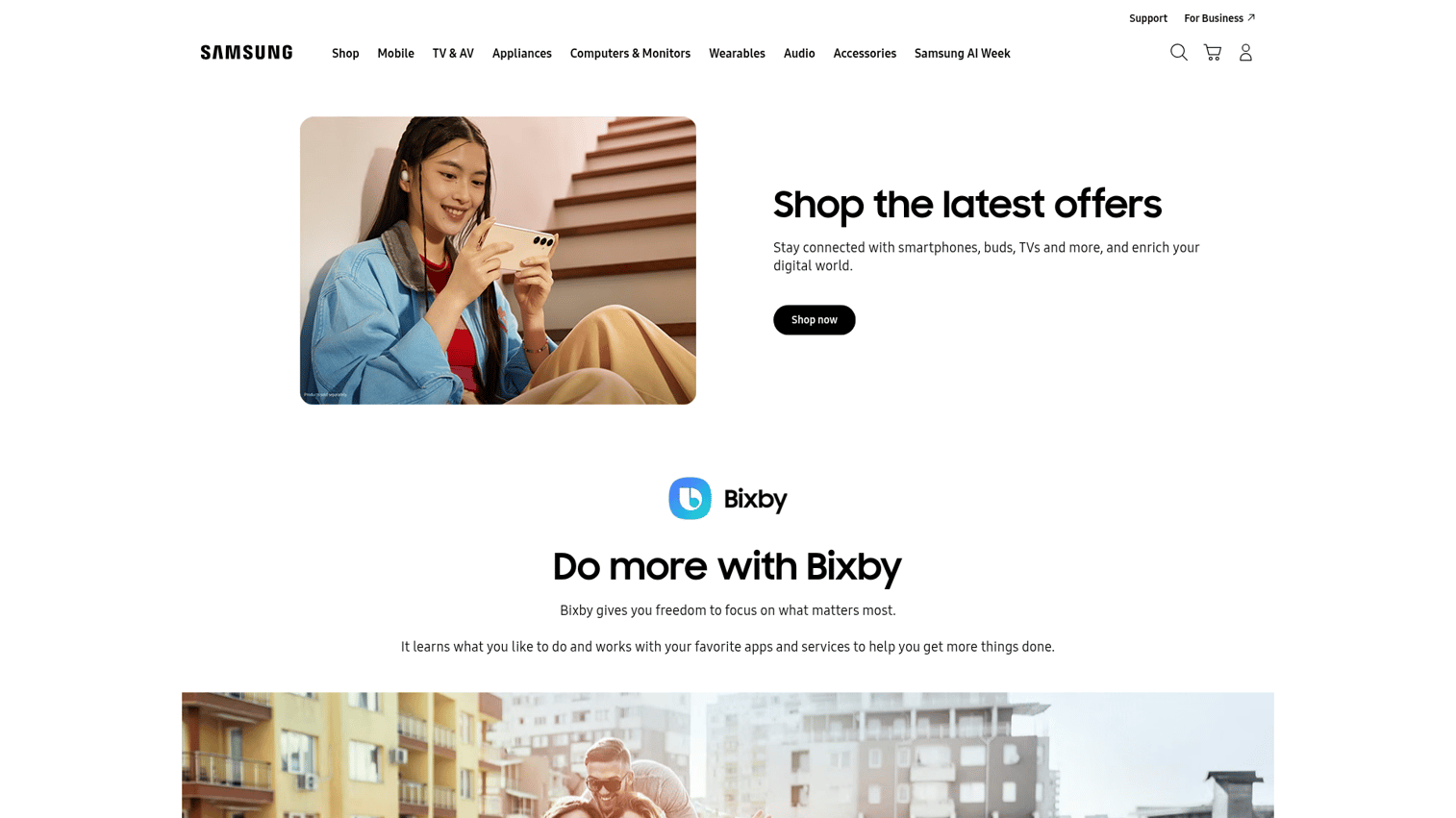
Samsung Bixby offers deep integration across Samsung phones, TVs, refrigerators, and appliances. If your home is Samsung-centric, Bixby provides unified control that other assistants can't match.
Bixby Routines automate device behavior based on time, location, or triggers.
Best for: Samsung device owners who want unified voice control.
Key strengths
- Deep integration with Galaxy phones, TVs, and appliances
- Controls Samsung's SmartThings ecosystem
- Automates device behavior based on context
- Many functions work without internet
Why choose this tool
Choose Bixby if you own multiple Samsung devices. The integration depth exceeds what Google Assistant or Alexa can offer on Samsung hardware.
Pricing
Free with Samsung devices.
10. PolyAI: best ai voice assistant for customer service
PolyAI handles enterprise call center automation in a category Gartner says will save $80 billion in 2026. The technology handles natural phone conversations, not just scripted menu navigation.
Best for: Enterprise organizations that want to automate customer service phone lines.
Key strengths
- Handles unscripted customer explanations
- Resolves common issues without human escalation
- Provides consistent 24/7 service
- Meets compliance requirements for regulated industries
Why choose this tool
Choose PolyAI when you're handling significant call volume and want to automate resolution of common inquiries.
Pricing
Enterprise pricing based on call volume.
11. Speechify: best ai voice assistant for reading and accessibility
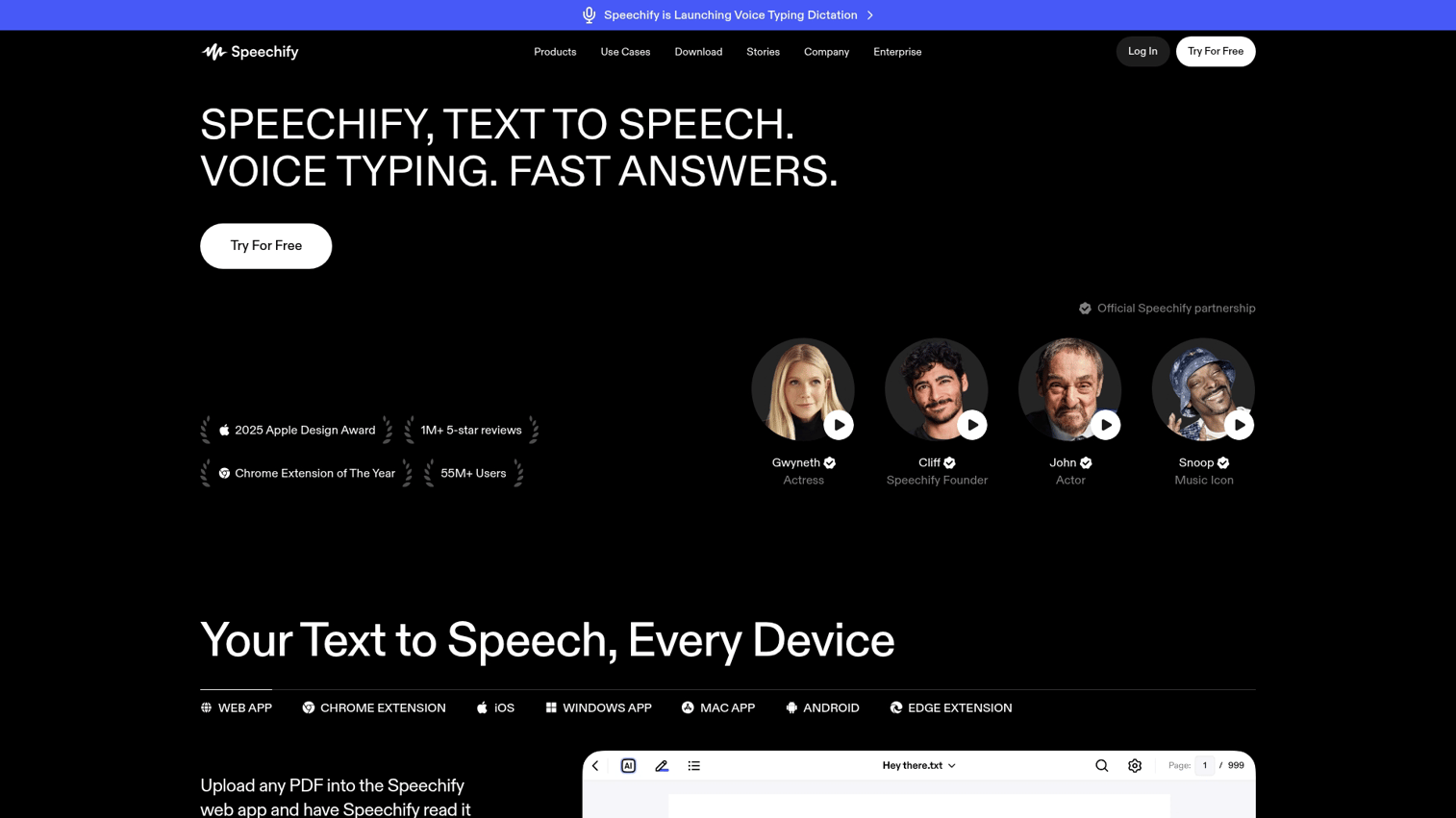
Speechify converts text to natural-sounding speech. Upload documents, paste articles, or use the browser extension to have any content read aloud.
Best for: Users who want content read aloud for accessibility or multitasking.
Key strengths
- AI voices that don't sound robotic
- Works across 30+ languages
- Adjustable playback from 0.5x to 4.5x speed
- Browser extension converts any web content
Why choose this tool
Choose Speechify when you want to consume written content through audio.
Pricing
Free tier with limited features. Premium from $139/year.
12. ElevenLabs: best ai voice assistant for voice generation
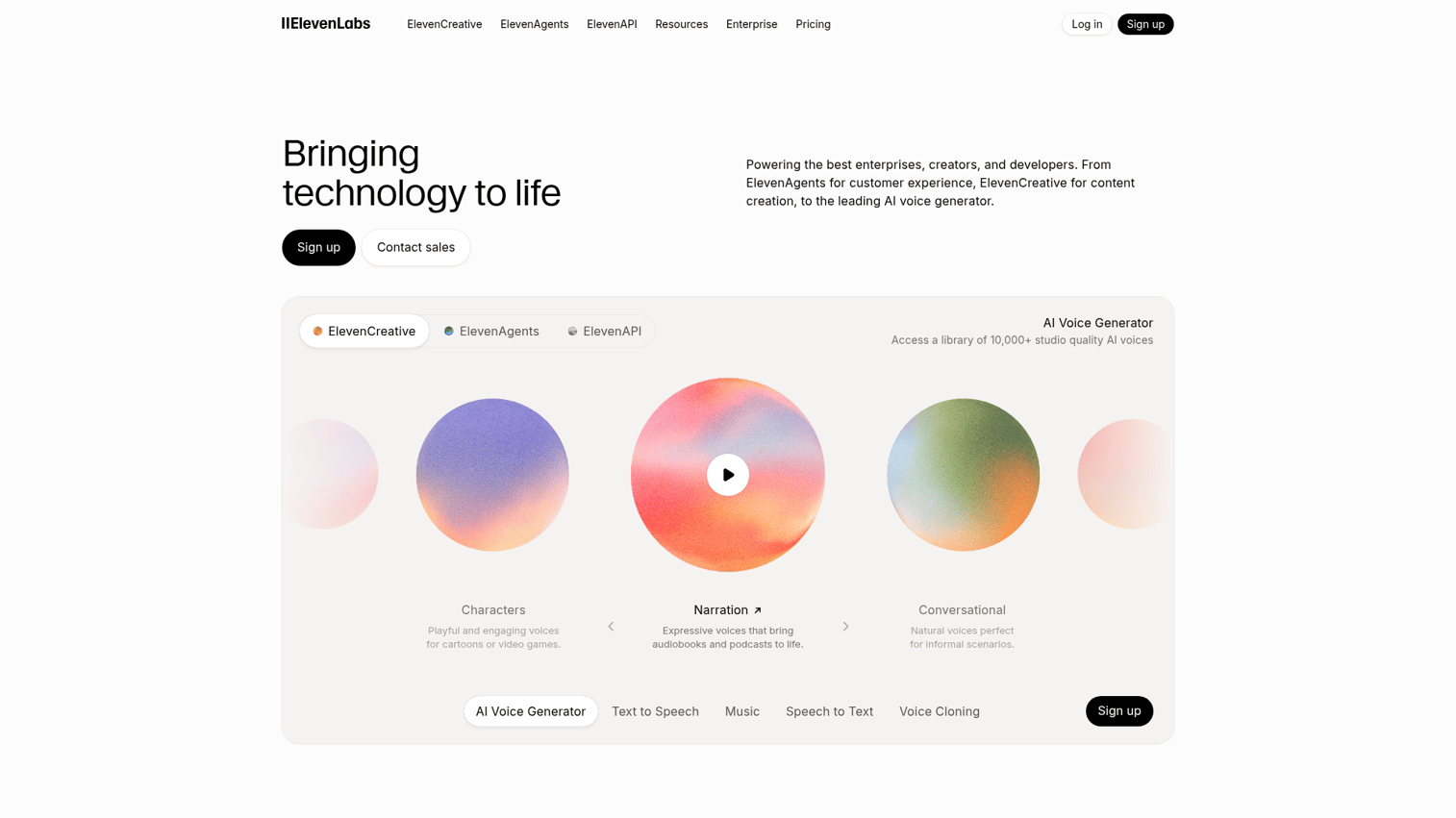
ElevenLabs creates synthetic voices that sound indistinguishable from human recordings. You can clone voices, generate speech in multiple languages, and create custom AI voices for products.
Best for: Creators and product teams who want to generate custom AI voices.
Key strengths
- Voices that pass for human in blind tests
- Voice cloning with consent
- Speech generation across 29 languages
- API access for product integration
Why choose this tool
Choose ElevenLabs when you're creating content or products that require voice.
Pricing
Free tier with character limits. Paid plans from $5/month.
13. Hound: best ai voice assistant for complex queries
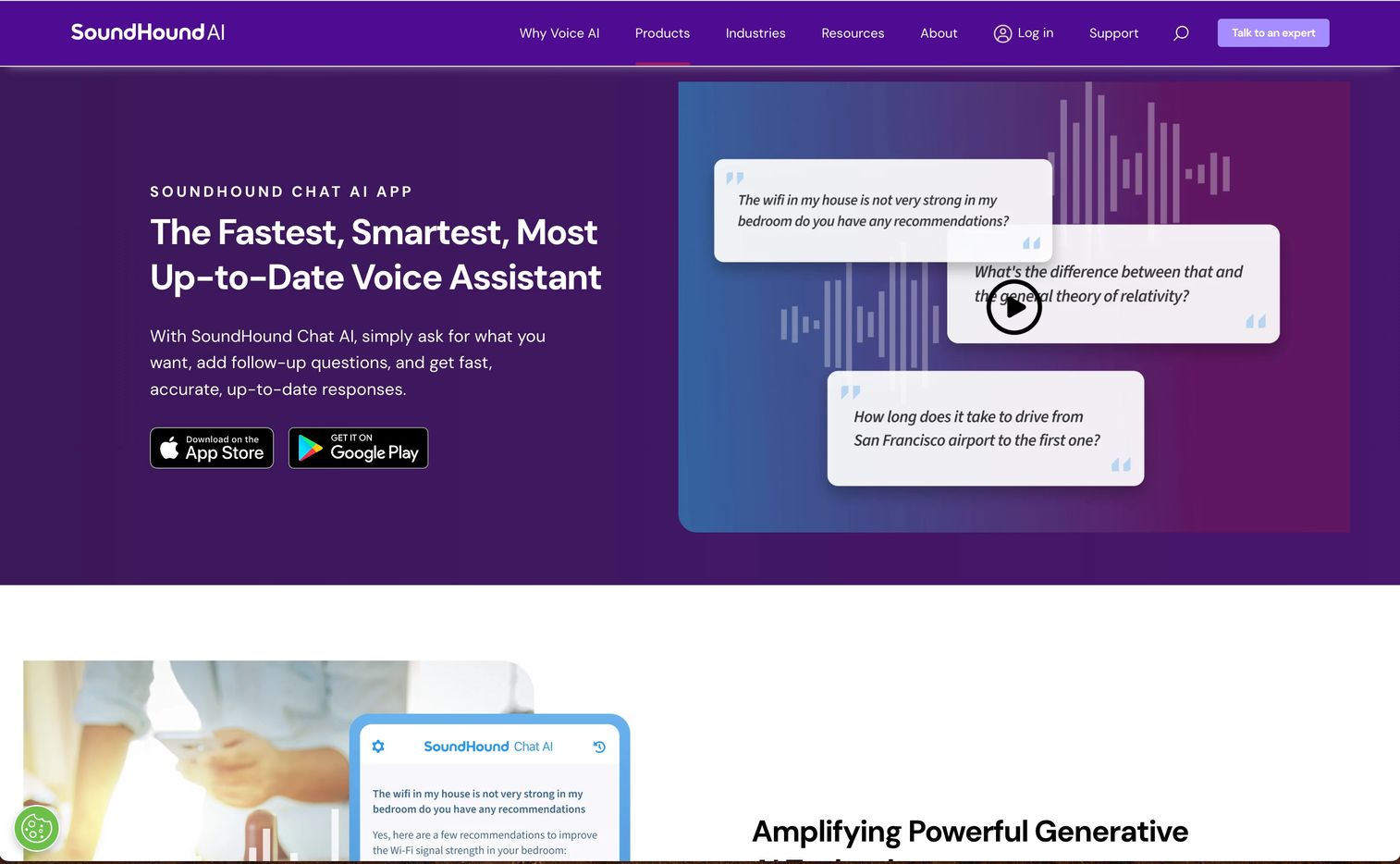
Hound by SoundHound handles complex, multi-part questions faster than most competitors. Ask "find Italian restaurants within 10 miles that are open now, have outdoor seating, and take reservations" and get useful results.
Best for: Users who ask complex, compound questions.
Key strengths
- Answers often arrive before you finish speaking
- Processes multi-part questions with multiple constraints
- Strong performance in restaurants and navigation
- No wake word required in the app
Why choose this tool
Choose Hound when you frequently ask complex questions with multiple conditions.
Pricing
Free app. Enterprise licensing available.
14. Mycroft: best ai voice assistant for privacy focused users
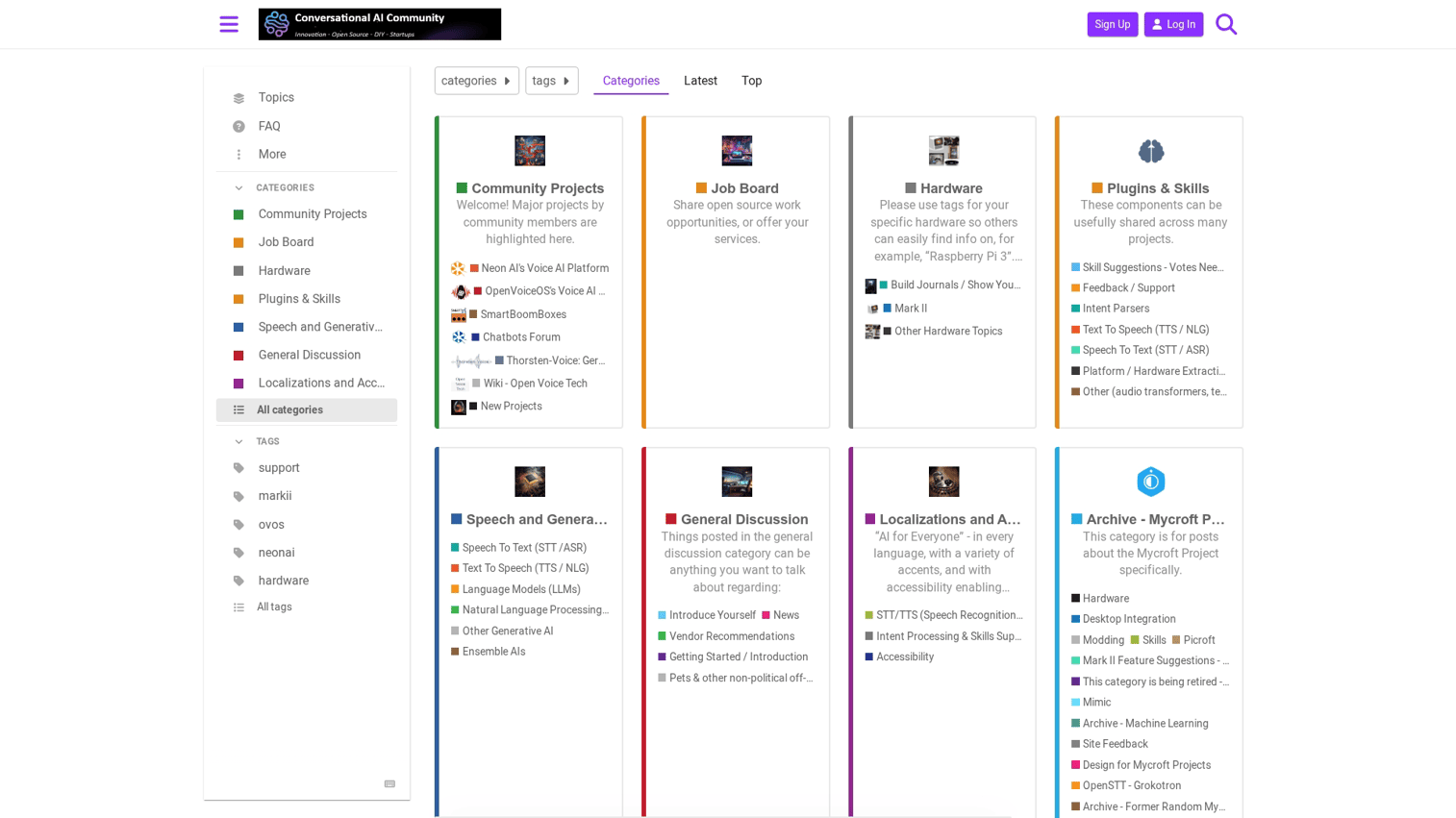
Mycroft is the open-source alternative for users who won't accept cloud-based voice processing. You can self-host the entire system, ensuring your voice data never leaves your network.
The tradeoff is setup complexity. Mycroft requires technical comfort to install and configure.
Best for: Privacy-conscious users with technical skills.
Key strengths
- Full transparency into how the system works
- Run everything on your own hardware
- Voice data stays on your network
- Active developer community
Why choose this tool
Choose Mycroft when privacy is non-negotiable and you're comfortable with technical setup.
Pricing
Free and open-source.
15. Pi by Inflection: best ai voice assistant for emotional support
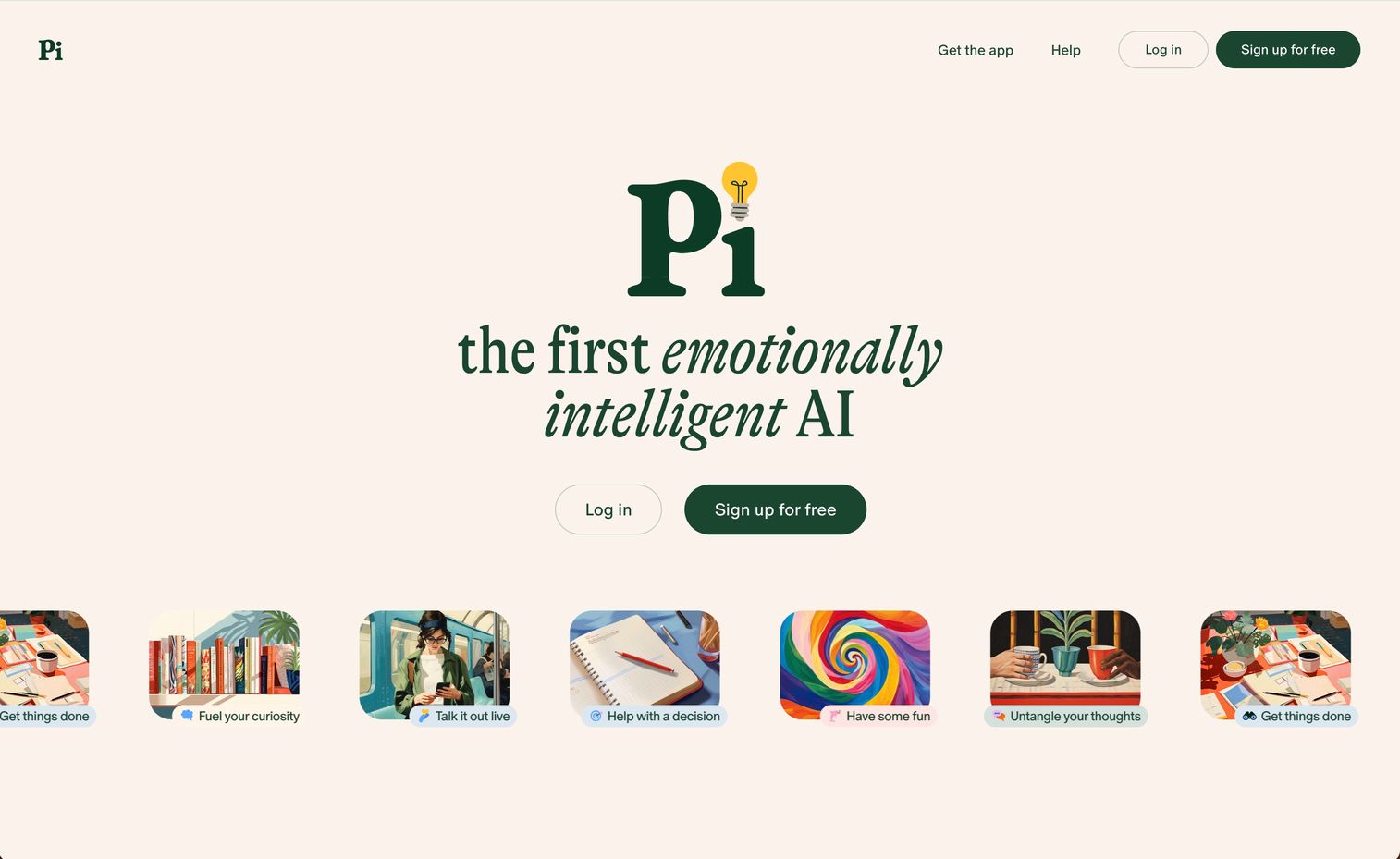
Pi from Inflection AI focuses on empathetic conversation rather than task completion. It's designed to be a supportive conversational companion.
Best for: Users who want a conversational companion for personal reflection.
Key strengths
- Responds with warmth and understanding
- Remembers what you've shared previously
- Designed to help you feel heard
- Helps you think through challenges
Why choose this tool
Choose Pi when you want someone to talk to, not something to command.
Pricing
Free to use.
Best ai voice assistants by use case
Different scenarios call for different tools. Here's how to match your primary use to the right assistant.
Personal productivity and daily tasks
For calendar management, reminders, and quick searches, Google Gemini works best for Android users, Siri for Apple users, and ChatGPT Voice when you want deeper conversation.
Business meetings and note taking
Otter and Fireflies lead for meeting transcription and analysis. Otter excels at pure documentation, while Fireflies adds conversation analytics. Lindy handles the scheduling side.
Smart home and device control
Alexa offers the broadest device compatibility. Siri works best for Apple HomeKit setups. Bixby provides the deepest integration for Samsung homes.
Customer service and call automation
PolyAI handles enterprise call center automation. For smaller-scale customer communication, Lindy can automate responses through email and messaging.
Voice activated ai assistant for hands free work
Microsoft Copilot Voice leads for Windows desktop users. Siri works best for Apple device users. Gemini serves Android users well.
How ai voice assistants work
Understanding the technology helps you set realistic expectations.
Speech recognition and transcription
The assistant first converts your spoken audio into text using automatic speech recognition (ASR). Accuracy depends on audio quality, background noise, accent, and speaking clarity.
Natural language understanding
Once your speech becomes text, natural language understanding (NLU) figures out what you actually want. This component identifies intent ("book a meeting"), extracts entities ("with Sarah," "next Tuesday"), and handles ambiguity.
Response generation and text to speech
The AI formulates a response based on your intent, then converts that text back to spoken audio. Voice synthesis has improved dramatically in recent years.
Action execution and integrations
For assistants that do things (not just answer questions), this final step matters most. The system connects to external services to execute your request. Integration depth determines whether you get a helpful answer or an actual completed task.
What ai voice assistants can actually do
Setting realistic expectations helps you get value from voice AI.
- Productivity: Manage calendars, set reminders, draft emails, summarize meetings
- Communication: Make calls, send messages, read notifications aloud
- Information: Answer questions, provide weather, give directions, search the web
- Smart home: Control lights, locks, thermostats, entertainment systems
- Accessibility: Read content aloud, provide hands-free device control
- Business: Transcribe calls, analyze conversations, automate workflows
Where current voice assistants still fall short
Honest assessment of limitations helps you work around them.
- Latency: Most assistants have noticeable delay between command and response despite leading systems now operating in 300 to 800ms.
- Transcription accuracy: Recognition struggles with heavy accents, background noise, and technical terminology, and 73% of users consider accuracy the leading challenge.
- Context loss: Many assistants forget conversation history across sessions.
- Limited actions: Most assistants answer questions but can't complete multi-step tasks.
- Integration depth: Connections to apps often surface information without enabling action.
What is changing in voice ai technology
The technology continues improving in a market projected to reach USD 33.74 billion by 2030. Here's where development is heading.
More natural and human like conversations
Newer models like Gemini Live and ChatGPT Voice enable interruptions, mid-sentence corrections, and natural dialogue flow. You can change your mind while speaking, and the assistant adapts.
Assistants that execute real actions
The shift from "answering questions" to "completing tasks" represents the biggest functional improvement. Tools like Lindy actually book meetings and send emails.
Deeper app and workflow integrations
Voice assistants are connecting more deeply to CRM, email, calendar, and business tools. Instead of just reading your calendar, they can modify it.
Proactive and context aware assistance
Assistants are learning to anticipate what you want and offer suggestions before you ask. Using memory from past interactions, they can surface relevant information proactively.
How to choose the right ai voice assistant
With 15 options, narrowing down requires clarity on your priorities.
- Primary use case: Personal productivity, business automation, smart home, or customer service?
- Device ecosystem: Apple, Google, Windows, Samsung, or cross-platform?
- Integration requirements: Which apps and services do you use daily?
- Privacy requirements: Cloud processing acceptable, or do you require on-device options?
- Budget: Free tier sufficient, or do you want paid features?
Voice ai for product demos and guided experiences
Voice AI technology extends beyond personal assistants into business applications. Marketing teams use AI-generated voiceovers and avatars to create guided product experiences that engage buyers without requiring live demos.
Interactive demos with voice narration help prospects understand products at their own pace. Instead of scheduling a call and waiting for availability, buyers can experience a voice-guided walkthrough immediately.
Guideflow offers AI-powered voiceovers and avatars that turn static product captures into narrated experiences. Pre-sales teams use voice-guided demos alongside other presales software tools to scale their reach without scaling headcount.
Start building interactive voice experiences today
Voice AI is changing how people interact with products and information. The same technology powering consumer assistants can help your prospects experience your product through guided, narrated demos.
Instead of asking buyers to schedule a call and wait, let them explore your product with AI-guided walkthroughs. They get immediate value; you get engagement data showing what they actually cared about.
Start your journey with Guideflow today!
FAQs about ai voice assistants
Yes, several tools offer free tiers for voice generation. ElevenLabs provides limited free characters monthly, and Speechify offers a free tier with basic features. Advanced capabilities like voice cloning require paid subscriptions.
Google Gemini and ChatGPT Voice currently lead in accuracy for conversational speech in standard conditions. Otter excels specifically for meeting transcription with speaker identification.
Most require internet connectivity for full functionality. Apple Siri and Samsung Bixby support on-device processing for basic commands without a connection. Mycroft can run entirely offline when self-hosted.
Recognition accuracy varies by platform. Google and Microsoft offer the broadest language and accent support. All assistants still struggle with heavy accents, regional dialects, and specialized terminology.
Yes, tools like Lindy, Fireflies, and Otter connect directly to Salesforce, HubSpot, and other business platforms. They sync conversation data, trigger workflows, and update records automatically. Consumer assistants like Siri and Alexa have limited business tool integration.
A voice assistant answers questions and performs simple commands when asked. A voice agent autonomously completes multi-step tasks, makes decisions, and handles complex workflows without manual intervention. Lindy operates more like an agent; Siri operates more like an assistant.
Most cloud-based assistants store conversation data to improve their models. Apple Siri offers options to minimize data retention. Mycroft, being self-hosted, stores nothing externally. Check each platform's privacy policy for specific data handling practices.










