Cloud environments scale faster than engineering teams can govern them. A product manager who needs a stable staging environment for a sprint release, a platform engineer provisioning test infrastructure on demand, or an ops lead coordinating overnight batch jobs across cloud and on-premises systems, all hit the same wall: Manual work doesn't scale, and manual work drifts.
According to the Firefly State of IaC report (2025), 89% of respondents have adopted infrastructure as code, yet only 6% have complete coverage. That gap is where release delays, configuration drift, surprise costs, and incident risk live.
The challenge isn't awareness. It's choosing the right automation layer. Infrastructure as code, configuration management, CI/CD pipelines, workload orchestration, and hybrid cloud management solve different problems. Buying the wrong category costs engineering cycles and opportunity cost. This guide maps each tool to the job it actually does.
What's inside
This guide compares 15 cloud infrastructure automation tools selected for 2026. It is written for product and platform leaders evaluating infrastructure tooling for SaaS teams, internal developer experience, release reliability, and operational scale.
- Who it's for: Product managers, platform engineers, DevOps leads, and technical product leaders
- Selection criteria: Automation scope and category fit, cloud and hybrid coverage, governance depth, pricing transparency, and G2 rating
- What's covered: Infrastructure as code, configuration management, CI/CD automation, workflow orchestration, and hybrid cloud management, treated as separate categories, not interchangeable choices
- Pricing and ratings: Verified against vendor pages and G2 at time of writing
TL;DR
- Best for infrastructure as code: Terraform, for multicloud module reuse and version-controlled provisioning
- Best for AWS-native provisioning: AWS CloudFormation, with no additional CloudFormation charge for AWS resources
- Best for agentless configuration automation: Ansible, with a free open-source edition and enterprise subscription options
- Best for enterprise configuration governance: Puppet, free for fewer than 25 nodes, custom pricing beyond that
- Best for CI/CD-heavy teams: GitLab CI (free tier with 400 minutes/month) or GitHub Actions (free for public repos)
- Best for enterprise workload automation: BMC Control-M, Broadcom Automic, Redwood RunMyJobs, or Stonebranch, all quote-based for enterprise scale
- Best for hybrid cloud management: HPE Morpheus, with self-service provisioning across private and public infrastructure
What is cloud infrastructure automation software?
Cloud infrastructure automation software helps teams provision, configure, orchestrate, govern, and maintain cloud infrastructure through repeatable workflows instead of manual console work.
The category includes several distinct automation layers:
- Infrastructure as code: Define compute, storage, networking, and permissions in version-controlled templates; apply changes reproducibly across environments
- Automated provisioning: Spin up and tear down cloud resources on demand, reducing wait time for staging, QA, and preview environments
- Configuration management: Enforce desired state across servers, packages, services, and policies; detect and fix drift before it causes incidents
- CI/CD integration: Connect infrastructure changes to build, test, and deployment pipelines so releases move through environments consistently
- Workflow orchestration: Coordinate cloud jobs, data pipelines, file transfers, and dependent processes across systems and schedules
- Governance and compliance: Enforce access controls, audit trails, policy rules, and cost guardrails across teams and accounts
- Drift detection and remediation: Identify when live infrastructure deviates from declared state and correct it automatically
- Hybrid and multicloud support: Manage workloads across public cloud, private data centers, edge, and legacy systems from a single control plane
Understanding the boundary between these layers matters for buying decisions:
- Terraform and AWS CloudFormation handle provisioning and infrastructure as code
- Ansible, Puppet, and Chef manage configuration state and compliance
- Jenkins, GitLab CI, and GitHub Actions connect automation to software delivery workflows
- BMC Control-M, Broadcom Automic, Redwood RunMyJobs, and Stonebranch handle enterprise workload orchestration
- HPE Morpheus and VMware Cloud Foundation serve hybrid and private cloud operations at platform scale
Picking the wrong category doesn't just waste budget. It shifts engineering attention to the wrong problems.
When to use cloud infrastructure automation tools
Standardize environments before release velocity breaks
Product teams hit a predictable scaling point: Staging, QA, preview, and production environments start to diverge. One team runs a database version the others don't. A config flag exists in production but not in staging. The next release breaks in ways nobody can reproduce. Infrastructure automation creates reproducible environments from code, so every environment is built the same way. For PMs, this reduces release risk, improves sprint predictability, and cuts the engineering opportunity cost of debugging environment-specific failures.
Give teams self-service infrastructure without losing governance
Platform teams can expose approved templates, modules, and policy guardrails through self-service catalogs. Product squads request and receive compliant infrastructure without waiting for manual provisioning tickets. Security and operations keep control over what gets created and how. This matters for PMs managing internal developer experience: Fewer blockers, faster iteration cycles, and clearer ownership of infrastructure decisions.
Coordinate cloud jobs across systems and dependencies
Cloud infrastructure automation extends beyond provisioning. Enterprise teams run scheduled data pipelines, overnight batch jobs, file transfers, and application workflows that depend on each other and on external systems. Workload automation tools handle dependency ordering, SLA monitoring, failure handling, and cross-system coordination, so operational workflows run reliably without manual babysitting or tribal knowledge.
Cloud infrastructure automation tools comparison
The table below separates tools by primary category and best-fit job. Pricing reflects verified data at time of writing; treat G2 ratings as a snapshot. No single tool wins every category.
| # | Product | Best for | Key differentiator | Pricing | G2 rating |
|---|---|---|---|---|---|
| 1 | Terraform | Multicloud IaC | Module reuse and multicloud provider ecosystem | From $0.10/resource/month (cloud); OSS free | 4.6/5 |
| 2 | Ansible | Agentless config automation | YAML playbooks with no agent required | OSS free; enterprise subscription (custom) | 4.6/5 |
| 3 | Puppet | Enterprise config governance | Desired-state enforcement with compliance reporting | Free (under 25 nodes); custom beyond | 4.2/5 |
| 4 | Chef | Policy-driven compliance | Per-node compliance and configuration automation | From $59/node/year | 4.3/5 |
| 5 | AWS CloudFormation | AWS-native provisioning | No additional charge for AWS namespace resources | Free for AWS resources; $0.0009/handler op (third-party) | 4.4/5 |
| 6 | Jenkins | Customizable CI/CD | Plugin ecosystem and self-hosted control | Open source (free) | 4.4/5 |
| 7 | GitLab CI | Integrated DevSecOps pipelines | Source control, pipelines, and security scanning in one | Free (400 min/month); from $29/user/month (Premium) | 4.5/5 |
| 8 | GitHub Actions | Repository-native automation | Triggers tied directly to GitHub events and PRs | Free (2,000 min/month); from $4/user/month (Team) | N/A |
| 9 | Apache Airflow | DAG-based workflow orchestration | Python-defined dependency graphs | Open source (free) | 4.4/5 |
| 10 | BMC Control-M | Enterprise workload automation | Cross-platform orchestration with SLA management | From $2,400/month (Starter Pack SaaS) | 4.3/5 |
| 11 | Broadcom Automic | Hybrid enterprise job scheduling | SAP and mainframe workflow automation | Custom pricing | 4.2/5 |
| 12 | Redwood RunMyJobs | SaaS workload automation | Cloud-native ERP and data workflow orchestration | Custom pricing | 4.6/5 |
| 13 | Stonebranch UAC | Event-driven hybrid automation | Jobs-as-code with real-time hybrid IT orchestration | Custom pricing | 4.5/5 |
| 14 | HPE Morpheus | Hybrid cloud management | Self-service provisioning with governance and FinOps | From $741.99 | N/A |
| 15 | VMware Cloud Foundation | Private cloud platform | Integrated compute, storage, networking, and Kubernetes | Custom pricing (per core) | 4.4/5 |
Best cloud infrastructure automation tools for 2026
1. Terraform
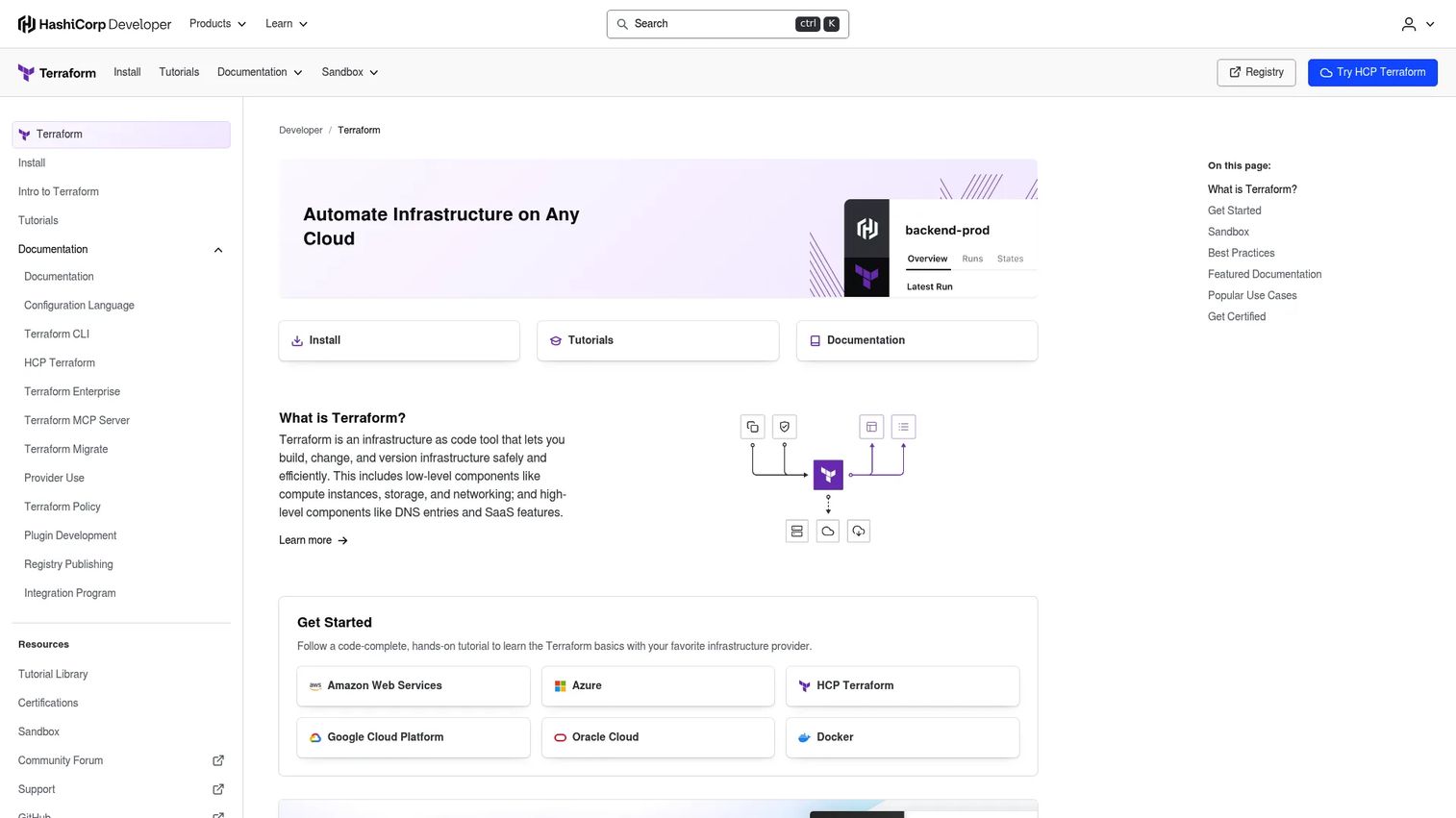
Terraform is an infrastructure-as-code tool for safely provisioning and managing cloud and on-premises infrastructure. Developed originally by HashiCorp and now under IBM, it uses a declarative HCL configuration language to define infrastructure state across hundreds of providers. Teams write, plan, and apply changes with a consistent workflow whether they're targeting AWS, Azure, GCP, or private cloud APIs.
Best for: Platform teams standardizing infrastructure as code across multiple cloud providers.
Key features
- Declarative HCL configuration with version control support
- Write-plan-apply workflow with dependency-aware execution
- Reusable modules for consistent environment patterns
- Remote state management for team collaboration
- Sentinel-based policy as code for governance guardrails
Why choose Terraform: Its module ecosystem means platform teams can publish approved building blocks that product squads reuse without reinventing networking, security groups, or database configurations each time. That's direct engineering opportunity cost savings.
Terraform pricing: HCP Terraform (cloud) starts at $0.10 per managed resource per month on the Essentials plan. Standard costs $0.47 per resource/month, and Premium costs $0.99 per resource/month. Terraform Enterprise is custom pricing for self-managed deployments. The open-source CLI remains free.
G2 rating: 4.6/5
2. Ansible
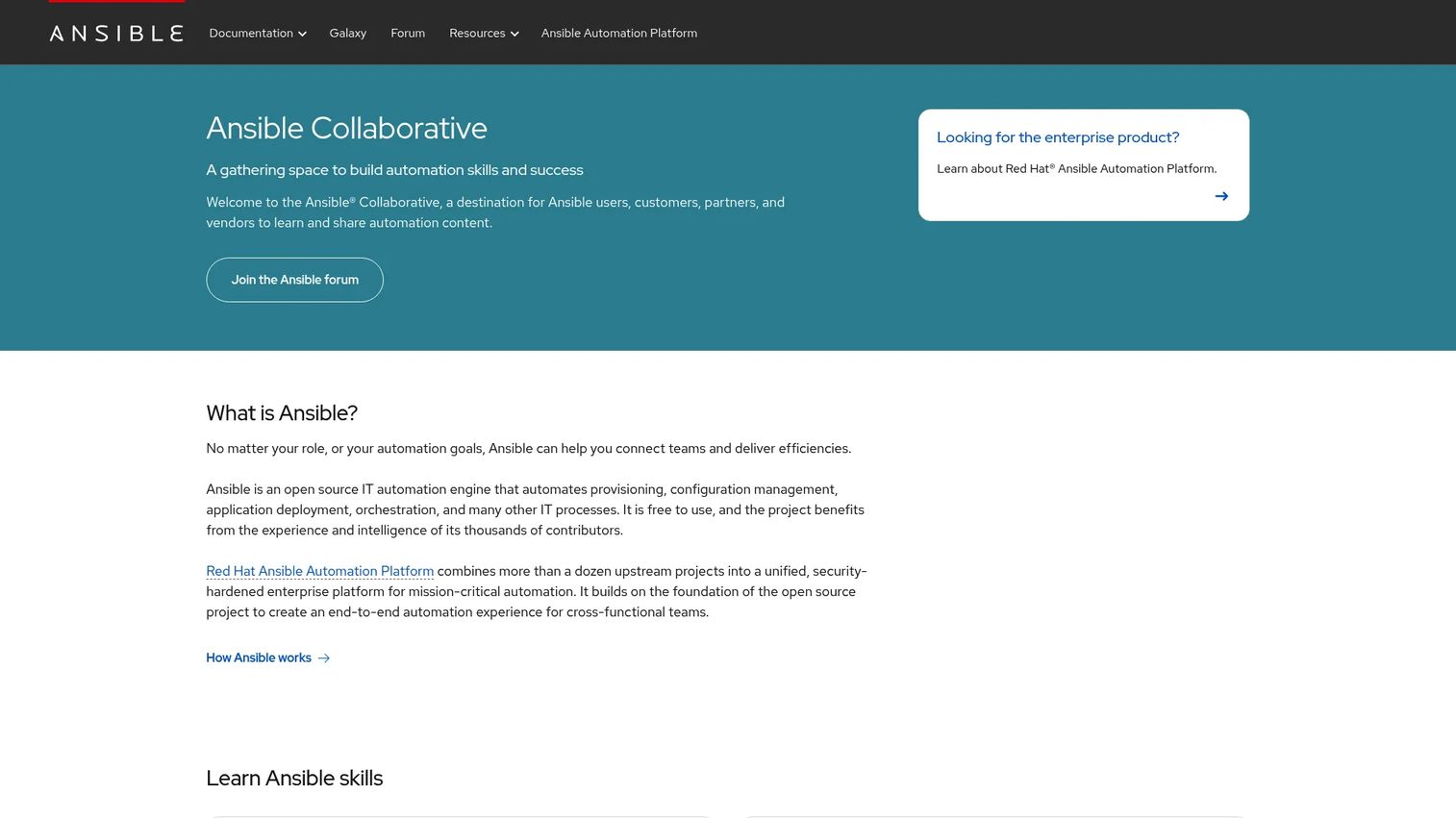
Ansible is an open-source, agentless automation engine for configuration management, provisioning, application deployment, and operational runbooks. It communicates over SSH and other transports without requiring agents on managed nodes. YAML playbooks describe the desired state in human-readable terms, making them accessible to both experienced engineers and newcomers to automation.
Best for: IT and platform engineering teams automating configuration, deployments, and operational tasks across hybrid Linux, cloud, network, and application environments.
Key features
- Agentless architecture using SSH and standard transports
- Human-readable YAML playbooks
- Configuration management and desired-state enforcement
- Large collection and module library for cloud and network tasks
- IT workflow and runbook automation
Why choose Ansible: Its agentless design means lower operational overhead at the start: No agent fleet to manage, no additional ports to open, no dependency on a running agent service. For platform teams supporting many different operating environments, that consistency is a meaningful time saver.
Ansible pricing: Community Ansible is free and open source. Red Hat Ansible Automation Platform, the enterprise offering, requires a customized subscription quote covering Standard and Premium tiers. Contact Red Hat for sizing and pricing.
G2 rating: 4.6/5
3. Puppet
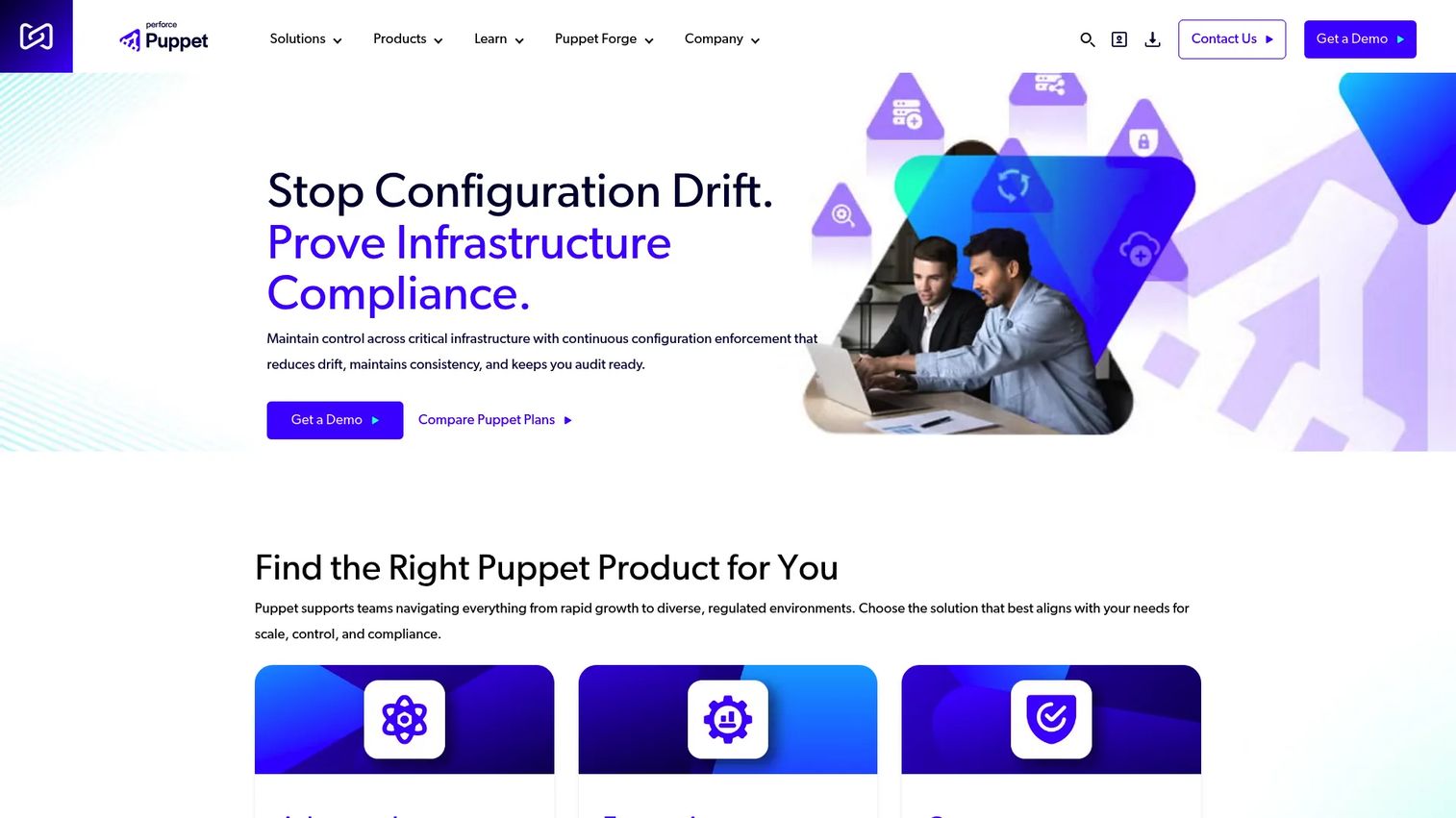
Puppet is a configuration management platform that enforces desired state across infrastructure at scale. It supports both agent-based and agentless automation and includes compliance scanning against CIS Benchmarks and DISA STIGs. For teams managing hundreds or thousands of nodes where configuration drift creates real audit and security risk, Puppet's continuous enforcement model reduces manual remediation cycles.
Best for: Organizations managing complex hybrid infrastructure that need continuous configuration enforcement, compliance reporting, and drift remediation.
Key features
- Continuous desired-state enforcement across managed nodes
- Configuration drift detection and automated remediation
- Security and compliance scanning (CIS Benchmarks, DISA STIGs)
- Role-based access controls and self-service automation
- Reporting, audit trails, and AI-powered infrastructure insights
Why choose Puppet: When governance and audit trails matter as much as speed, Puppet's depth in compliance reporting and drift correction justifies the learning investment. It fits organizations where security review is part of every infrastructure change.
Puppet pricing: Core Developer is free for environments with fewer than 25 nodes. Core Commercial, Enterprise, and Advanced tiers all use custom pricing. Contact Puppet for node counts above 25.
G2 rating: 4.2/5
4. Chef
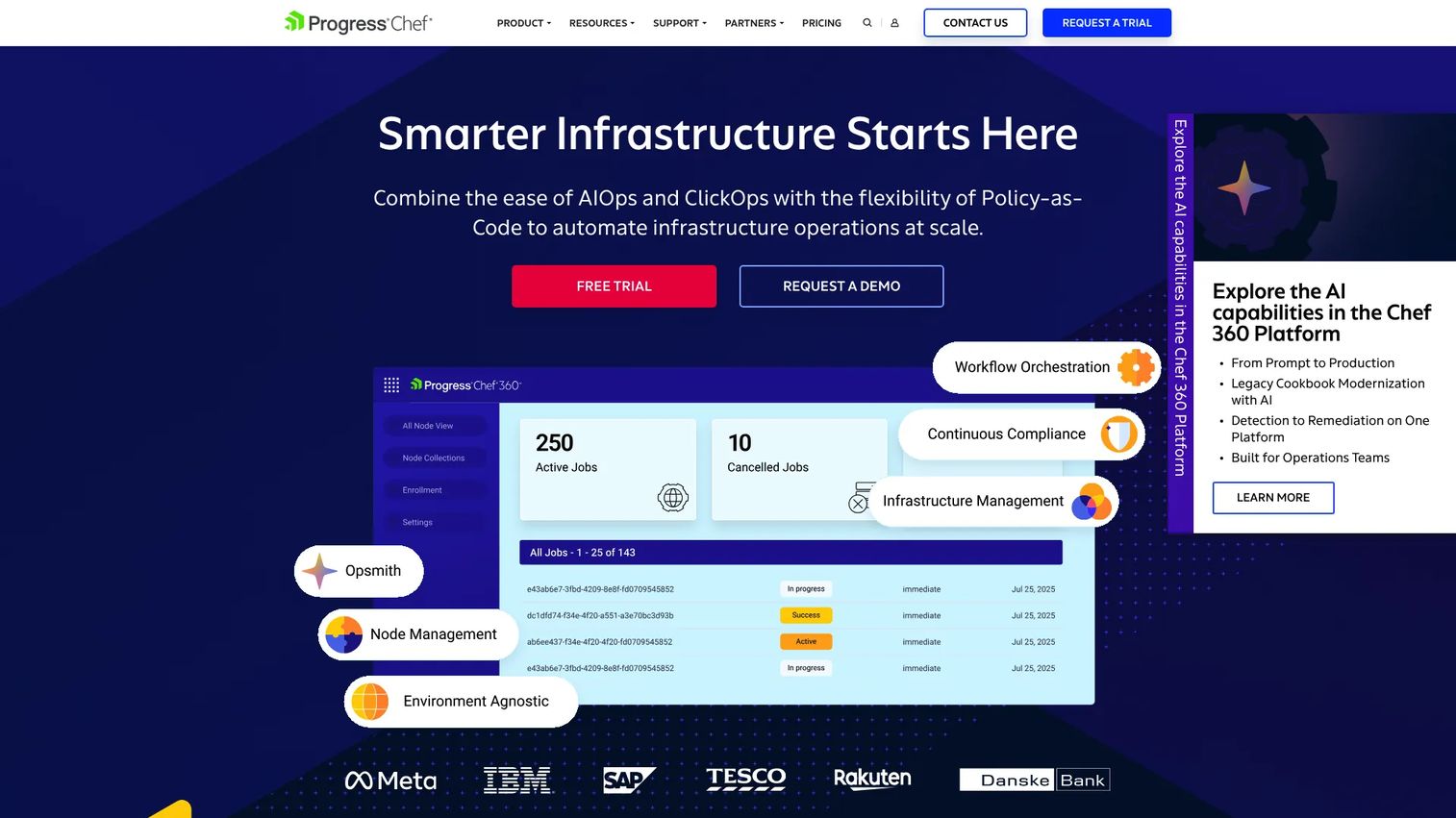
Chef provides enterprise DevOps automation and infrastructure management through the Chef 360 Platform. It applies policy-as-code principles to configuration, compliance scanning, and application delivery. Chef fits teams with mature DevOps practices and regulated environments where infrastructure configuration requires verifiable, auditable records of what changed and when.
Best for: Organizations automating infrastructure operations, compliance, and application delivery across cloud, on-premises, hybrid, or air-gapped environments.
Key features
- Policy as code for consistent configuration state
- Compliance scanning and continuous remediation
- Infrastructure state control and configuration recipes
- Node management and application delivery workflows
- Enterprise reporting with audit-ready records
Why choose Chef: Its per-node pricing model scales predictably for organizations with large, stable server estates. Teams running regulated workloads, particularly those needing verifiable configuration audit trails, get strong compliance reporting depth.
Chef pricing: Business plan starts at $59 per node per year. Enterprise runs $189 per node per year. Enterprise Plus requires a custom quote for larger or more complex environments.
G2 rating: 4.3/5
5. AWS CloudFormation
AWS CloudFormation is AWS's native infrastructure-as-code service for modeling and provisioning AWS resources through JSON or YAML templates. Teams define stacks, preview changes with Change Sets, and manage deployments across accounts and regions using StackSets. It integrates natively with AWS IAM, CloudTrail, and service control policies, so governance fits directly into existing AWS account structures.
Best for: AWS teams that need repeatable, version-controlled infrastructure provisioning tightly integrated with AWS services and permissions.
Key features
- JSON and YAML templates for all major AWS services
- StackSets for cross-account and cross-region provisioning
- Change Sets for previewing updates before applying
- Drift Detection to identify manual changes
- CloudFormation Registry for third-party resource integration
Why choose AWS CloudFormation: For teams already committed to AWS, there's no additional CloudFormation charge for provisioning AWS namespace resources. Native IAM integration means permissions work exactly as they do everywhere else in AWS, without mapping layers.
AWS CloudFormation pricing: No additional charge for AWS and Alexa namespace resources. Third-party resource providers and custom hooks cost $0.0009 per handler operation, with the first 1,000 operations free. Underlying AWS resources remain billed at their standard rates.
G2 rating: 4.4/5
6. Jenkins
Jenkins is an open-source automation server for building, testing, and deploying software. It connects infrastructure automation to build, test, and deployment jobs through a Jenkinsfile pipeline-as-code model. Its plugin ecosystem covers hundreds of integrations, from cloud providers to notification tools to testing frameworks, making it one of the most flexible CI/CD platforms available.
Best for: Development and DevOps teams that need highly customizable, self-hosted CI/CD automation with full control over the pipeline environment.
Key features
- Pipeline as code using declarative and scripted Jenkinsfiles
- Distributed builds across multiple agents and machines
- Extensible plugin architecture (hundreds of available plugins)
- Job orchestration across build, test, and deployment stages
- Self-hosted deployment for full infrastructure control
Why choose Jenkins: The flexibility is real, but it comes with maintenance responsibility. Teams that want deep customization and don't mind owning the administration of the automation server itself get more control than most SaaS CI/CD tools offer.
Jenkins pricing: Jenkins is fully open-source and free to download and run. Operational costs come from infrastructure, hosting, administration time, and plugin management, not from licensing.
G2 rating: 4.4/5
7. GitLab CI
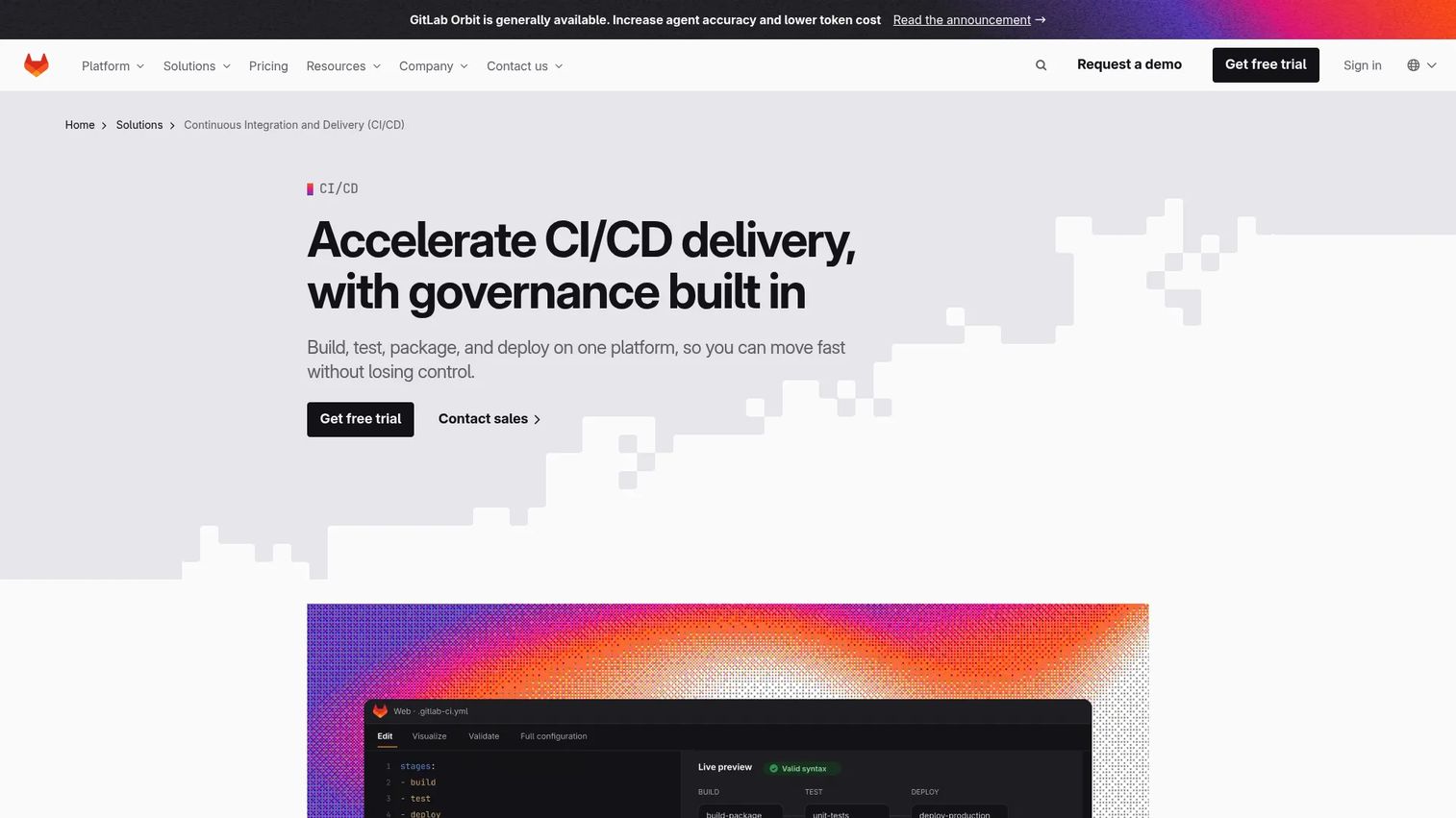
GitLab CI automates software building, testing, security verification, and deployment within GitLab's DevSecOps platform. Pipeline configuration lives in a .gitlab-ci.yml file alongside application code, so infrastructure changes, security scans, and deployment gates all exist in the same repository and workflow. PMs working with engineering teams running GitLab broadly can see release workflow status, environment gating, and deployment history without switching tools.
Best for: Development and DevOps teams seeking integrated source control, CI/CD automation, security testing, and deployment workflows inside GitLab.
Key features
- Pipeline configuration via
.gitlab-ci.ymlin-repo - Integrated SAST, DAST, code quality, and container scanning
- Concurrent testing and parallel pipeline execution
- Deployment environment tracking and promotion gates
- Runner architecture for self-hosted and SaaS execution
Why choose GitLab CI: When the engineering org already lives in GitLab, adding CI/CD here eliminates the cross-tool context switching that slows down code review to deployment cycles. Release visibility improves without additional tooling.
GitLab CI pricing: Free plan includes 400 compute minutes per month. Premium costs $29 per user per month (billed annually) with 10,000 minutes included. Ultimate uses custom pricing with 50,000 minutes included.
G2 rating: 4.5/5
8. GitHub Actions
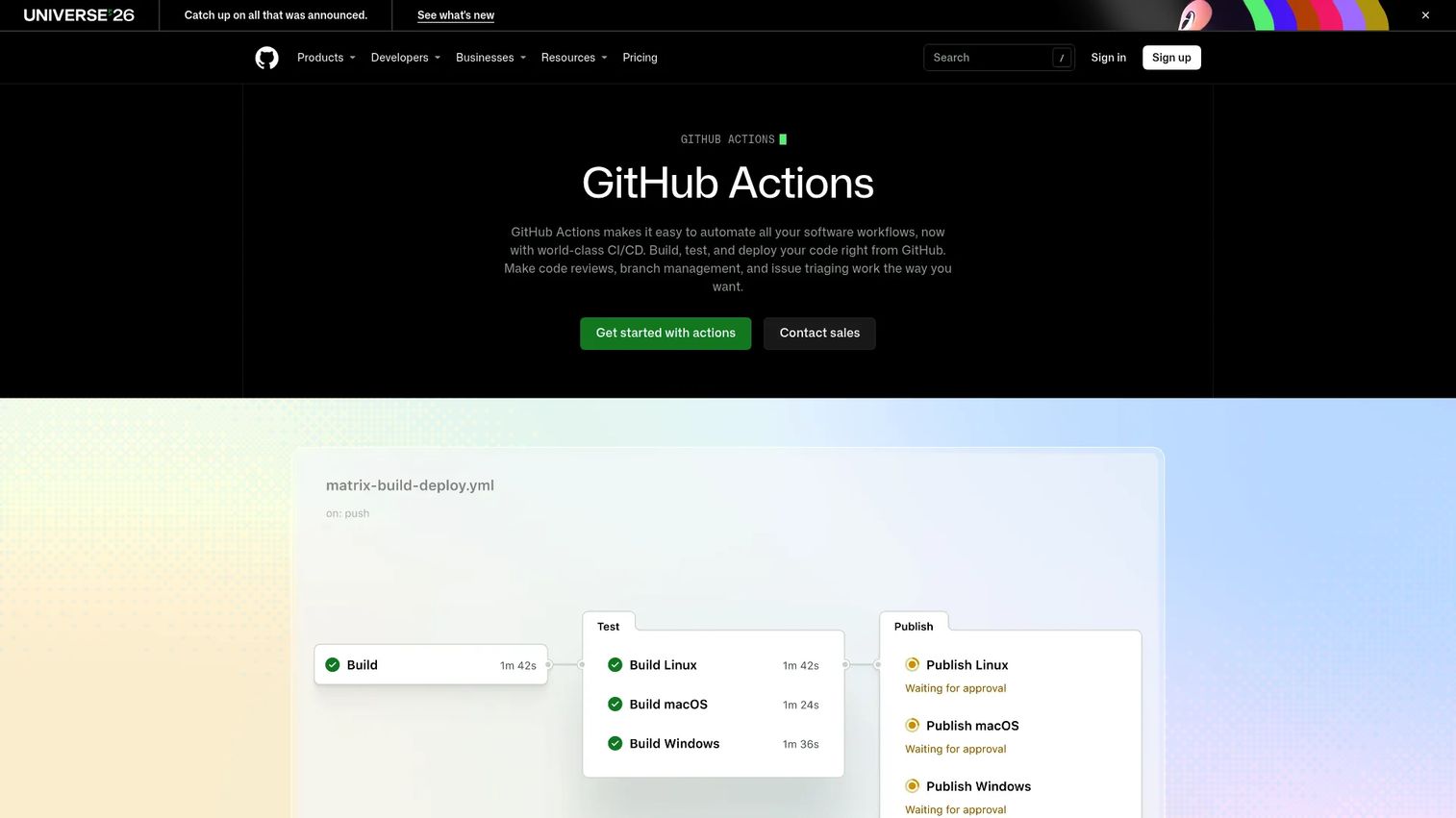
GitHub Actions automates software workflows, including CI/CD, infrastructure tasks, security checks, and deployment jobs, directly within GitHub repositories. Workflows are defined in YAML files stored under .github/workflows/ and trigger on GitHub events like pull requests, pushes, releases, or scheduled times. The Actions Marketplace provides thousands of prebuilt actions for integrating with cloud providers, testing tools, and deployment targets.
Best for: Development teams running engineering work in GitHub who want repository-native automation without a separate CI server.
Key features
- YAML workflow files stored alongside application code
- Hosted runners for Linux, macOS, Windows, ARM, and GPU workloads
- Matrix builds across OS and runtime version combinations
- Self-hosted runners for custom or secure environments
- Repository-native triggers tied to GitHub events and pull requests
Why choose GitHub Actions: For teams already in GitHub, automation sits exactly where the code lives. Product managers benefit when release automation is attached to pull requests and deployment history appears in the same interface as code review.
GitHub Actions pricing: Free plan includes 2,000 CI/CD minutes per month and free use on public repositories. Team plan costs $4 per user per month with 3,000 included minutes. Enterprise runs $21 per user per month with 50,000 minutes. Additional runner minutes and storage incur usage-based charges.
9. Apache Airflow
Apache Airflow is an open-source platform for programmatically authoring, scheduling, and monitoring workflows. Engineers define pipelines as Python DAGs (Directed Acyclic Graphs), where tasks and their dependencies are expressed as code rather than configuration. It's not an IaC tool, but it handles scheduled and dependency-driven cloud jobs, data pipeline orchestration, and operational workflows that other automation layers don't address.
Best for: Engineering teams that need code-defined orchestration for complex, scheduled, batch-oriented data and machine-learning workflows.
Key features
- DAG-based workflows with Python authoring
- Web-based UI for monitoring, scheduling, logs, and debugging
- Scheduling engine with complex dependency management
- Extensible operators and integrations for cloud and third-party services
- Dynamic pipeline generation through Python code
Why choose Apache Airflow: For SaaS products where data freshness, ML pipeline reliability, or batch processing directly affects customer-facing features, Airflow gives engineering teams precise control over execution order and failure handling. For PMs, that translates to fewer data-related incidents in production.
Apache Airflow pricing: Apache Airflow is open-source and free. Operational costs come from hosting, infrastructure, and administration. Managed Airflow services from cloud providers carry their own pricing structures separate from the open-source project.
G2 rating: 4.4/5
10. BMC Control-M
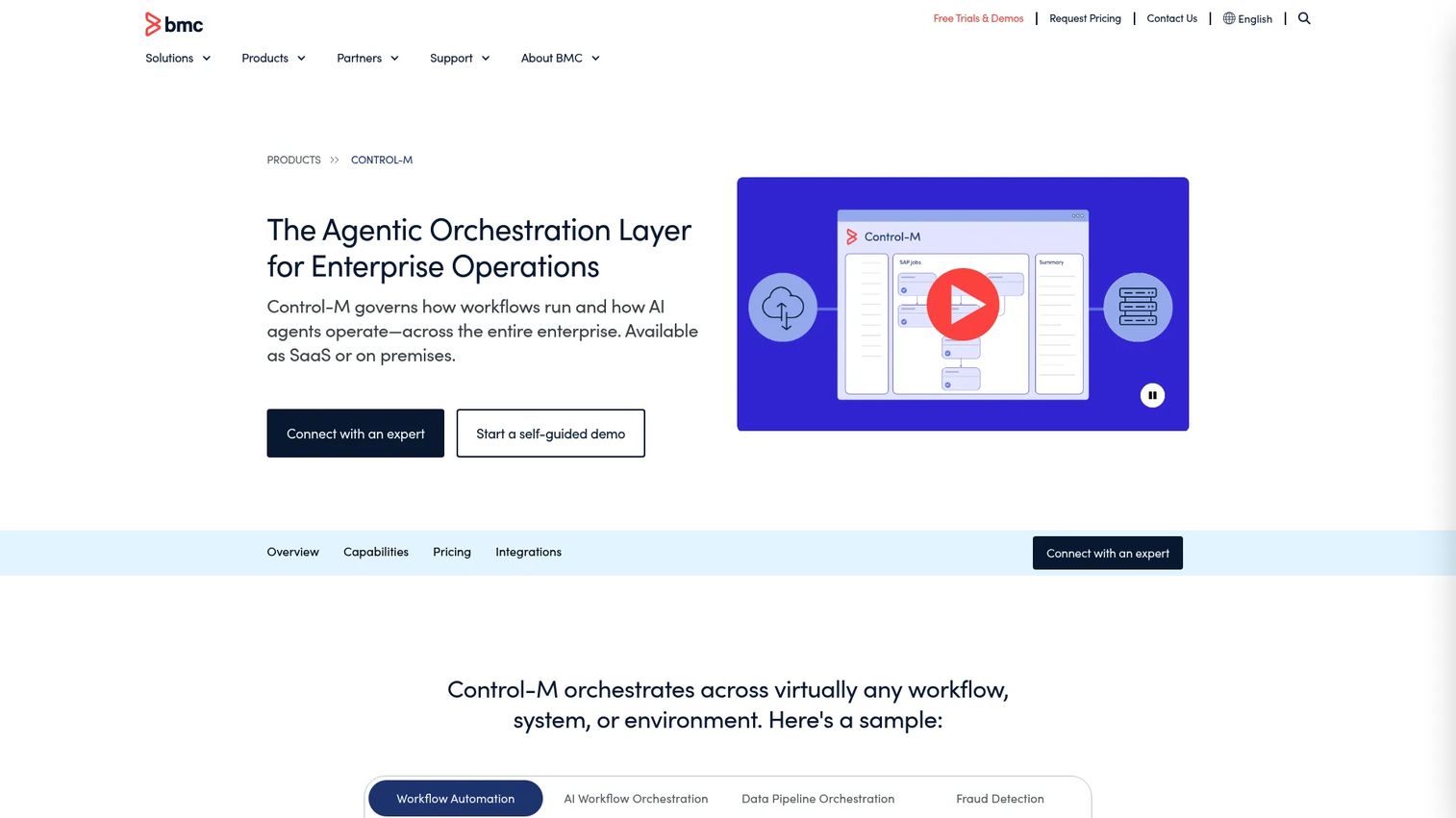
BMC Control-M is an enterprise workload automation and orchestration platform that coordinates workflows across applications, data pipelines, cloud services, mainframes, and business processes. It supports Jobs-as-Code and DevOps orchestration, making it relevant for organizations modernizing workload management while maintaining legacy environment compatibility.
Best for: Large and growing organizations that need centralized orchestration of complex application, data, cloud, and mainframe workflows with SLA visibility.
Key features
- Enterprise workload scheduling across hybrid environments
- Application and data workflow orchestration
- SLA management with trend analytics and dependency visualization
- Managed file transfer with encryption and checkpoint restart
- Jobs-as-Code and AI workflow orchestration
Why choose BMC Control-M: When cloud workflows depend on legacy batch jobs, mainframe processes, or business-critical timing constraints, Control-M coordinates those dependencies across system boundaries. That's the job lightweight IaC tools don't do.
BMC Control-M pricing: Starter Pack SaaS runs $2,400 per month, billed annually, covering growing teams and hybrid cloud workloads. Enterprise tier pricing requires a quote from BMC and supports configurable SaaS, self-hosted, or hybrid deployments.
G2 rating: 4.3/5
11. Broadcom Automic
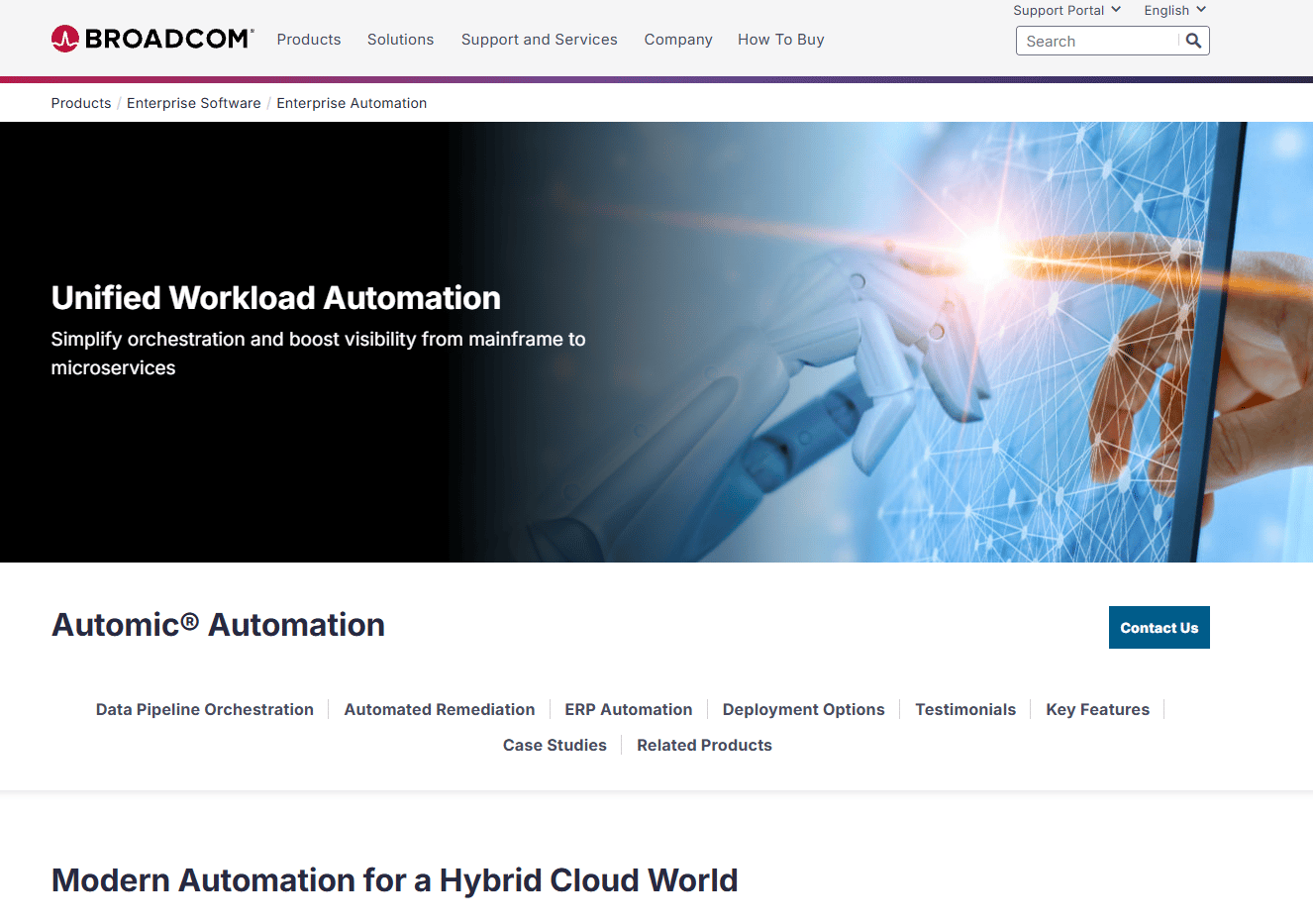
Broadcom Automic is an enterprise workload automation and service orchestration platform built for hybrid cloud, on-premises, mainframe, ERP, data pipeline, and microservices environments. It supports automation across SAP, Oracle, and non-ERP systems, with governance, auditing, and compliance built into the platform. Organizations with legacy schedulers find Automic a path to centralized, modern workload management without replacing existing systems immediately.
Best for: Large enterprises needing governed, scalable workload automation across hybrid cloud, mainframe, SAP, and data-processing environments.
Key features
- Unified workload automation across mainframe, distributed, and cloud environments
- ERP automation for SAP and Oracle processing workflows
- Managed file transfer with encryption, compression, and checkpoint restart
- SLA management with critical-path tracking and dependency visualization
- Automation-as-code and lifecycle management across dev, test, and production
Why choose Broadcom Automic: Organizations running SAP at the core of their operations, or managing complex cross-system dependencies across mainframe and cloud, get a governance model that covers those environments without requiring a wholesale migration.
Broadcom Automic pricing: Broadcom describes Automic SaaS as subscription-based but does not publish pricing figures. Deployment options span Automic SaaS, Kubernetes Edition, and on-premises. Contact Broadcom for a quote.
G2 rating: 4.2/5
12. Redwood RunMyJobs
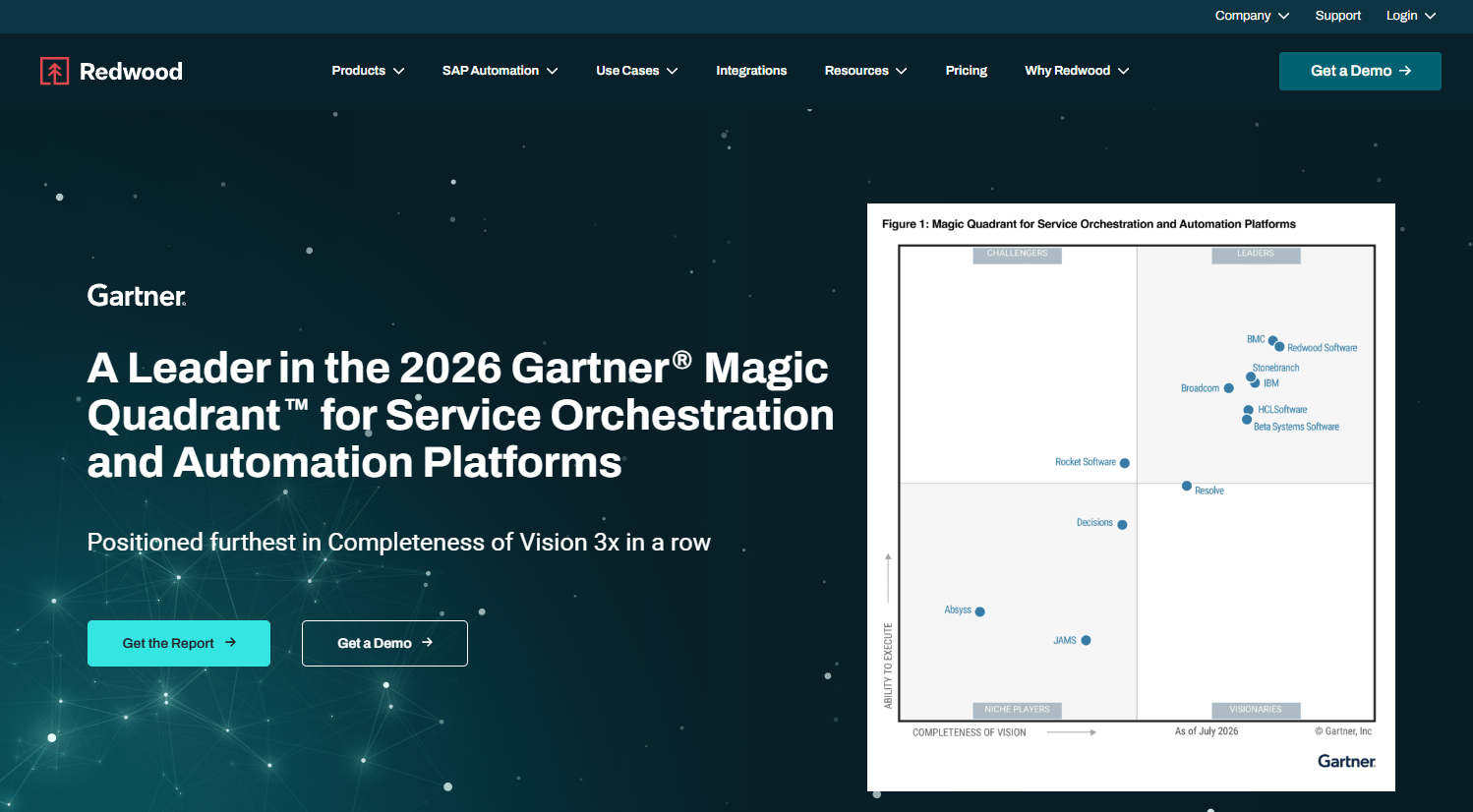
Redwood RunMyJobs is a cloud-native enterprise workload automation and service orchestration platform. It coordinates applications, processes, data pipelines, and hybrid cloud environments through event-driven orchestration. Notably, it removes the need to operate scheduler infrastructure yourself, since the platform runs as a managed SaaS service.
Best for: Large enterprises needing governed, end-to-end automation across SAP, ERP, cloud, data, and legacy environments without managing scheduler infrastructure.
Key features
- Event-driven orchestration across cloud, on-premises, SaaS, ERP, and data systems
- Deep SAP and Oracle ERP integrations
- Predictive SLA monitoring with AI-powered operational analysis
- Managed file transfer with unified workflow visibility
- Low-code workflow design with reusable templates and open APIs
Why choose Redwood RunMyJobs: Teams that need ERP workflow automation but don't want to operate scheduler infrastructure get the operational coverage without the maintenance overhead. For PMs, that matters when downstream data or ERP processes affect customer-facing workflows.
Redwood RunMyJobs pricing: Contact Redwood for a quote that reflects workload volume, integrations, and deployment scope.
G2 rating: 4.6/5
13. Stonebranch Universal Automation Center
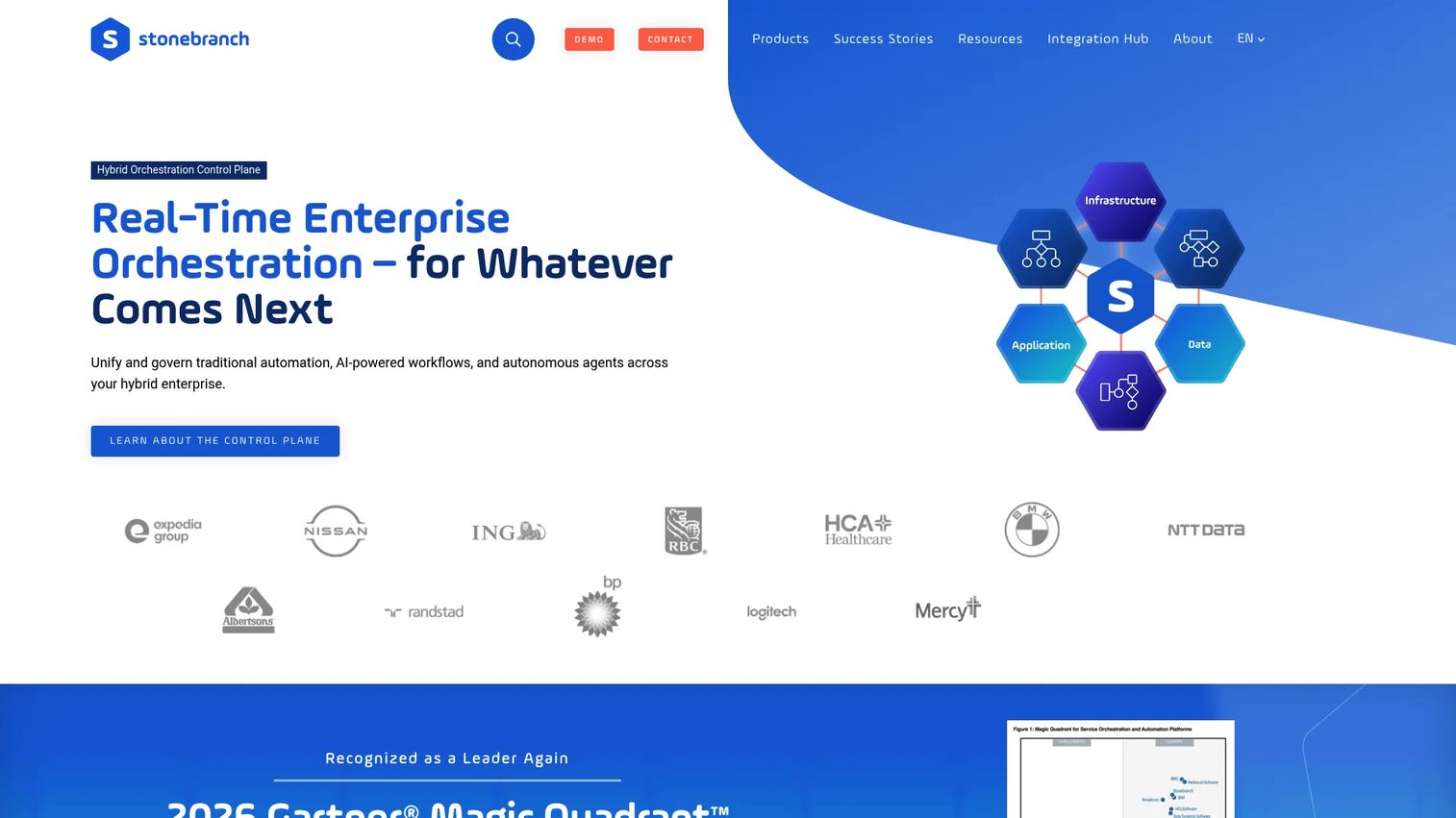
Stonebranch Universal Automation Center is a real-time IT automation and orchestration platform for managing workflows, workloads, integrations, and data movement across hybrid environments. It supports event-driven and time-based job scheduling with centralized monitoring. The jobs-as-code capability appeals to teams moving beyond legacy scheduling paradigms while maintaining visibility across all environment types.
Best for: Enterprises needing centralized workload automation and orchestration across hybrid IT, including mainframe, cloud, applications, and data pipelines.
Key features
- Workflow automation and orchestration across on-premises, cloud, and containerized environments
- Event-driven and time-based job scheduling with centralized monitoring
- Managed file transfer and data-pipeline orchestration
- DevOps automation with jobs-as-code and infrastructure-as-code support
- Drag-and-drop workflow design with role-based access controls
Why choose Stonebranch UAC: Its jobs-as-code approach bridges traditional scheduler workflows and modern DevOps practices, so teams can modernize incrementally rather than replacing everything at once. That's a credible migration path for enterprises with years of scheduler history.
Stonebranch UAC pricing: Pricing reflects workload volume, environments, and modules required.
G2 rating: 4.5/5
14. HPE Morpheus
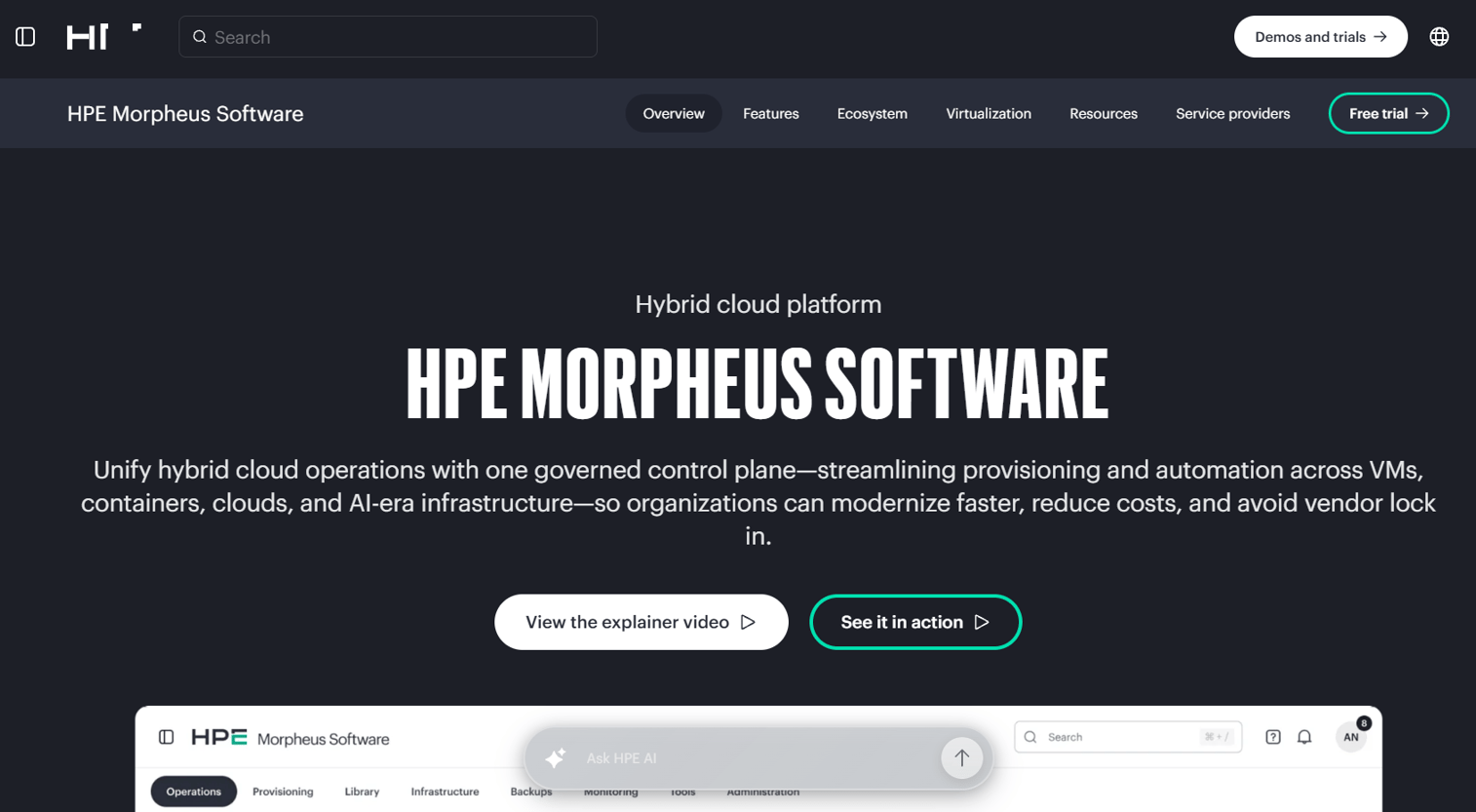
HPE Morpheus is a governed hybrid-cloud management platform for provisioning, automation, governance, and operations across VMs, containers, public clouds, and on-premises infrastructure. It includes over 90 integrations, self-service provisioning catalogs, role-based governance, and FinOps visibility across environments. Organizations building internal developer platforms for self-service infrastructure use HPE Morpheus as the management and policy layer.
Best for: Organizations managing hybrid-cloud and virtualization environments that need unified provisioning, automation, governance, and VM migration capabilities.
Key features
- Self-service provisioning and orchestration across hybrid environments
- Governance and role-based access control with policy enforcement
- Automation workflows and application lifecycle management
- Hybrid-cloud visibility and FinOps cost management
- VM workload migration and 90+ integrations
Why choose HPE Morpheus: Platform teams building self-service infrastructure portals for product squads need governance built in from the start. HPE Morpheus provides the provisioning layer, the policy guardrails, and the cost visibility together, rather than requiring three separate tools.
HPE Morpheus pricing: HPE lists Morpheus Software starting at $741.99 through the HPE Store. Full plan pricing for VM Essentials, Advanced, and Enterprise versions requires direct engagement with HPE.
15. VMware Cloud Foundation
VMware Cloud Foundation is an integrated private-cloud platform combining vSphere compute, vSAN storage, NSX networking, Kubernetes services, automation, and operations. Now under Broadcom, it automates deployment, lifecycle management, and operations across the full private cloud stack. For VMware-centric enterprises standardizing cloud-like operations in their own data centers, VCF provides the infrastructure platform, not just a single automation utility.
Best for: Large enterprises building and operating integrated private or hybrid clouds at scale on VMware infrastructure.
Key features
- Integrated vSphere compute, vSAN storage, and NSX networking
- Automated deployment and lifecycle management via VCF Operations and VCF Automation
- Integrated Kubernetes services and private AI infrastructure support
- Hybrid-cloud management across on-premises, edge, and public cloud
Why choose VMware Cloud Foundation: Organizations already standardized on VMware who want cloud-like operational automation without migrating workloads to public cloud get a full-stack platform that automates everything from compute provisioning to lifecycle updates. The scope goes well beyond a single-layer IaC tool.
VMware Cloud Foundation pricing: Subscription licensing is priced per core, with a minimum requirement of 16 cores per processor. Contact Broadcom for a quote reflecting core count and required modules.
G2 rating: 4.4/5
Considerations when choosing cloud infrastructure automation tools
Match the tool to the automation job
The biggest buying mistake is purchasing an enterprise workload scheduler when the team needs cloud provisioning, or buying an IaC tool when the actual problem is business-process orchestration. Before shortlisting, write one sentence describing the job you need automated. That sentence should tell you which category applies: Provisioning, configuration, CI/CD, workflow scheduling, or hybrid cloud management.
Check governance before speed
Automation that runs without access controls, state management, or audit logs creates hidden risk. Ask every vendor how the tool handles change approvals, environment isolation, ownership tracking, and policy enforcement. For PMs, governance gaps surface as incidents, compliance failures, or contested infrastructure changes during post-mortems.
Evaluate maintainability across releases
Infrastructure automation becomes product infrastructure over time. Modules, playbooks, pipelines, and templates need owners and a versioning strategy. Ask who updates these artifacts when the product changes, what happens during a major cloud provider API change, and whether the team can maintain automation without the original author.
Confirm cloud and stack fit
AWS-native tools like CloudFormation work best when the team stays within AWS. Multicloud teams need Terraform or Ansible's provider-agnostic approach. Hybrid cloud with private data center requirements often needs a management layer like HPE Morpheus or VMware Cloud Foundation. Existing tooling for Git, secrets management, observability, and incident response also affects integration effort and total cost.
Measure impact before scaling
Establish baselines before rolling out automation broadly. Track environment provisioning time, deployment frequency, lead time for changes, failed change rate, manual ticket volume, drift incidents, and cloud cost variance. Without a before-state, it's impossible to prove the investment justified the engineering opportunity cost of building and maintaining it.
Conclusion
Cloud infrastructure automation covers more ground than most evaluation processes account for. Terraform and AWS CloudFormation handle provisioning and infrastructure as code. Ansible, Puppet, and Chef manage configuration state and compliance. Jenkins, GitLab CI, and GitHub Actions connect automation to release workflows. Apache Airflow handles scheduled dependency-driven orchestration. BMC Control-M, Broadcom Automic, Redwood RunMyJobs, and Stonebranch cover enterprise workload automation at scale. HPE Morpheus and VMware Cloud Foundation address hybrid and private cloud operations as full-stack platforms.
For product and platform leaders, the practical next step is to shortlist by automation job first, then narrow by cloud fit and governance requirements. Run one pilot workflow with real infrastructure, measure the baseline metrics before you start, and compare against them 60 days in. That evidence is what makes the investment defensible to engineering, security, and finance stakeholders alike.
For teams that also need to show complex products to buyers, customers, or internal teams without a live environment, explore what application release orchestration tools and AI governance tools cover adjacent to this stack. Building reliable infrastructure is one side of the equation; communicating what your product does on top of it is the other.
Start your journey with Guideflow today!
FAQs
Cloud infrastructure automation tools help teams provision, configure, orchestrate, govern, and maintain cloud infrastructure through repeatable, code-driven workflows rather than manual console operations. Different tools handle different layers: Some focus on resource provisioning, others on configuration state enforcement, pipeline automation, workload scheduling, or hybrid cloud management. Matching the tool to the specific layer is the most important buying decision.
Infrastructure as code is one method inside the broader cloud automation category. It defines cloud resources in version-controlled templates and applies changes reproducibly. Cloud automation also includes workload scheduling, CI/CD pipeline integration, configuration management, governance policy enforcement, and lifecycle operations. A team might use IaC for provisioning while separately using workload automation tools for overnight batch job coordination.
Terraform is the most common IaC choice for multicloud provisioning, with a provider ecosystem covering hundreds of cloud services and APIs. Ansible handles agentless configuration across mixed environments without cloud-specific agent dependencies. For broader hybrid cloud management that includes cost governance and self-service provisioning, HPE Morpheus covers multiple cloud and on-premises targets from a single control plane.
AWS CloudFormation is the native option, with no additional CloudFormation charge for provisioning AWS namespace resources and deep integration with IAM, CloudTrail, and service control policies. Terraform is a common alternative when teams need reusable module libraries, state management across team members, or consistent workflows that extend beyond AWS. Many AWS teams run both: CloudFormation for AWS-native service stacks and Terraform for shared modules across cloud boundaries.
They are CI/CD and workflow automation tools rather than pure infrastructure platforms. Jenkins and GitHub Actions typically trigger IaC deployments, run configuration scripts, execute tests, and coordinate deployment gates. They connect software delivery workflows to infrastructure automation rather than managing infrastructure state directly. Teams commonly combine them with Terraform or Ansible to automate the full path from code commit to deployed environment.
Infrastructure automation provisions and manages the environments where applications run. Workload automation schedules and orchestrates the jobs, data pipelines, file transfers, and application workflows that run inside those environments. BMC Control-M, Broadcom Automic, Redwood RunMyJobs, and Stonebranch solve workload orchestration problems, including dependency ordering, SLA tracking, and cross-system coordination, that IaC tools like Terraform and CloudFormation don't address.
Focus on outcomes rather than feature lists. The questions that matter are: Does this reduce environment provisioning time for release cycles? Does it cut engineering interrupts from manual infrastructure requests? Does it improve governance without slowing teams down? Does it integrate with existing Git, secrets, observability, and incident tools? Can it be maintained across releases without requiring the original author? For tools in adjacent categories, see the best AI governance tools and best automation testing tools roundups for related buying guidance.
Track environment provisioning time before and after adoption, deployment frequency, lead time for changes, change failure rate, mean time to recovery, manual infrastructure ticket volume, configuration drift incidents, and cloud cost variance. According to the Firefly State of IaC report (2025), 68% of respondents operate across multiple clouds, which makes drift detection and cost variance particularly important baselines to establish before scaling automation broadly.