You mapped the onboarding flow last quarter. Engineering shipped three changes since. Now support, design, and a new PM all want the current version, and the diagram you shared lives in a slide nobody can edit.
That gap between "documented once" and "actually current" is where most process work breaks down. The flowchart application segment alone generated $1.27 billion in revenue and 33.5% of global diagram software spend in 2025, according to Dataintelo (2025). Teams are not short on tools. They are short on tools that stay current without becoming maintenance debt.
Picking the right flowchart software comes down to a few practical questions. Can people edit it in the browser? Are there templates so you are not starting from a blank canvas? Does it support real collaboration, or just one person drawing while others watch? And does the pricing scale with a team or punish it? This guide answers those questions across eight tools built for people who document, align, and share workflows for a living.
What's inside
This guide is for Product Managers and cross-functional teams who need to map processes, share diagrams, and keep workflows current across engineering, design, and support.
We chose these eight flowchart maker tools on four criteria:
- Ease of use: how fast a team adopts it without training
- Collaboration: real-time editing, comments, and sharing controls
- Templates: ready-made process, swimlane, and workflow layouts
- Browser access and pricing: online flowchart software that scales without punishing team size
TL;DR
- Best overall for teams and depth: Lucidchart, for collaborative diagramming plus process documentation
- Best for workshop-style collaboration: Miro, for mapping inside broader planning sessions
- Best for Microsoft-heavy orgs: Microsoft Visio, for Teams and Microsoft 365 workflows
- Best for lightweight visual collaboration: FigJam, for product and design teams already in Figma
- Best free flowchart software: draw.io, for no-friction, no-cost diagrams
- Best for business process documentation: Creately, for structured workflows and process maps
- Best for quick professional diagrams: SmartDraw, for polished output fast
- Best for desktop-heavy diagramming: EdrawMax, for many diagram types in one app
What is flowchart software?
Flowchart software is a tool for visually mapping processes, decisions, workflows, and handoffs using connected shapes and lines. It turns a sequence of steps into a diagram anyone can read at a glance, which makes it a core piece of process flow diagram software for teams documenting how work actually moves.
Most process flow software shares a common set of capabilities:
- Templates: prebuilt flowcharts, swimlanes, and process maps to skip the blank canvas
- Drag-and-drop shapes: standard flowchart symbols for decisions, actions, and endpoints
- Real-time collaboration: multiple editors, comments, and cursors on one diagram
- Export options: PNG, SVG, PDF, and image formats for docs and slides
- Integrations: connections to Google Drive, Microsoft 365, Slack, Jira, and Confluence
- Browser access: edit from any device without a desktop install
There is a difference worth naming between basic diagramming and workflow documentation. Basic diagramming produces a picture. Workflow documentation produces a living reference that teams update, version, and share as the process changes. The best flowchart maker does both, but you should know which one you actually need before you buy.
The market reflects that demand. The global online flowchart software market was $1.49 billion in 2025 and is projected to reach $3.08 billion by 2031 at a 12.88% CAGR, per ReportPrime (2025). Cloud-based solutions now account for 61 to 68% of deployments, according to Datahorizzon Research and Dataintelo, which is why browser access is no longer a nice-to-have.
When to use flowchart software
Document a process that keeps changing
Onboarding, support triage, release approvals, and sign-off chains all shift as the product and team evolve. A flowchart builder gives you one editable source of truth instead of a static screenshot that goes stale the moment engineering ships. When process ownership is shared across teams, a live diagram keeps everyone reading the same map.
Map cross-functional handoffs
Ambiguity between product, design, engineering, support, and operations is where deals and launches stall. A flow chart maker makes each handoff explicit: who owns the step, what triggers the next one, and where the decision points sit. Use it for triage flows, approval routing, and launch planning where several teams touch the same sequence.
Replace scattered notes and whiteboard photos
Sticky notes, screenshots, and ad hoc slides do not survive a single reorg. A browser-based tool wins the moment you need to reuse a diagram, share it with a new hire, or update it without redrawing from scratch. Reuse, sharing, and updateability are the whole reason to move off the whiteboard.
Comparison table
Sorted by relevance to teams documenting and aligning on workflows, not alphabetically. Pricing and ratings reflect verified vendor and G2 values at generation time.
| # | Product | Best for | Key differentiator | Pricing | G2 rating |
|---|---|---|---|---|---|
| 1 | Lucidchart | Collaborative diagramming and process docs | Real-time collaboration with Visio import/export | Free tier; Team from $7 per user per month | 4.6/5 |
| 2 | Miro | Cross-functional workshops and planning | Infinite canvas with 7000+ templates | Free plan; paid Starter, Business, Enterprise | 4.6/5 |
| 3 | Microsoft Visio | Microsoft 365 and Teams environments | Native Microsoft integration, web and desktop | From $5.00 user/month, paid yearly | Not listed |
| 4 | FigJam | Product and design teams in Figma | Whiteboard collaboration inside Figma | Free Starter; Professional from $3 per editor/mo | 4.6/5 |
| 5 | draw.io | No-cost internal diagrams | Free forever, open source, no sign-up | Free | Not listed |
| 6 | Creately | Business process documentation | Visual workspace plus lightweight project management | Free plan; paid Starter, Team, Business, Enterprise | 4.4/5 |
| 7 | SmartDraw | Polished diagrams fast | Automated diagramming and scaled drawings | Individual from $7.95/month, billed annually | 4.5/5 |
| 8 | EdrawMax | Broad diagram types in one app | Many diagram types with AI-assisted creation | Free trial; Annual from US$99/year | 4.5/5 |
The short read: Lucidchart and Miro cover the most cross-functional ground, Visio and FigJam win on ecosystem fit, and draw.io is the strongest pick when budget is the deciding factor.
Best 8 flowchart software tools for 2026
1. Lucidchart
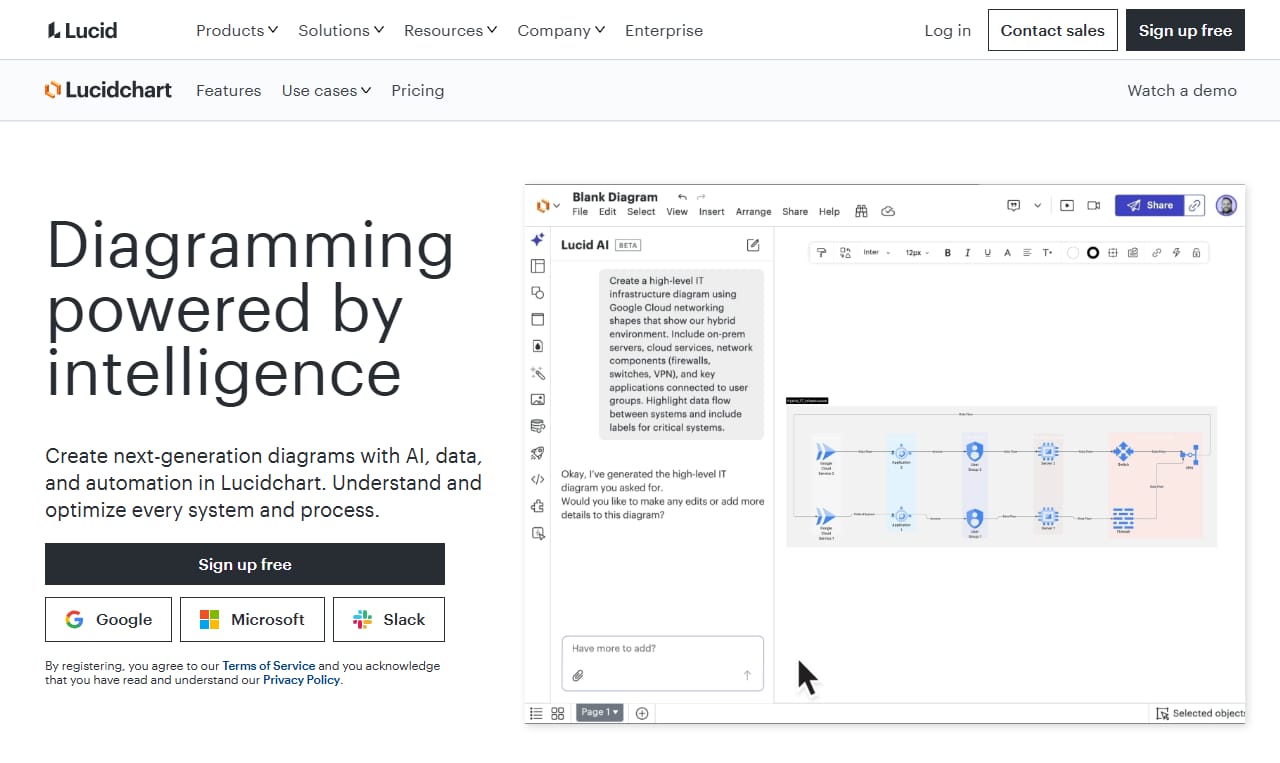
Lucidchart is a cloud-based diagramming platform built for teams that need to create and collaborate on flowcharts, process maps, and other diagrams. It leans hard into collaboration and documentation, which is why it tends to be the default for PMs mapping workflows that multiple teams have to keep current. Diagrams live in the browser, so a new hire or a stakeholder can open the current version without a desktop install.
Best for: PMs and cross-functional teams that need templates, real-time collaboration, and shareable, versioned diagrams.
Key strengths
- Real-time collaboration with comments and shared editing
- Visio import and export for mixed-tool environments
- Large template and shape library for fast starts
- Browser-based access across devices
Why choose Lucidchart: If your workflow lives across product, engineering, and support, and it changes often, Lucidchart handles depth and team editing without forcing everyone onto a desktop app. It fits teams that treat diagrams as living documentation, not one-off pictures.
Lucidchart pricing: A free account is available with 3 editable documents. The Team plan starts at $7 per user per month, with Individual and Enterprise plans also offered.
2. Miro
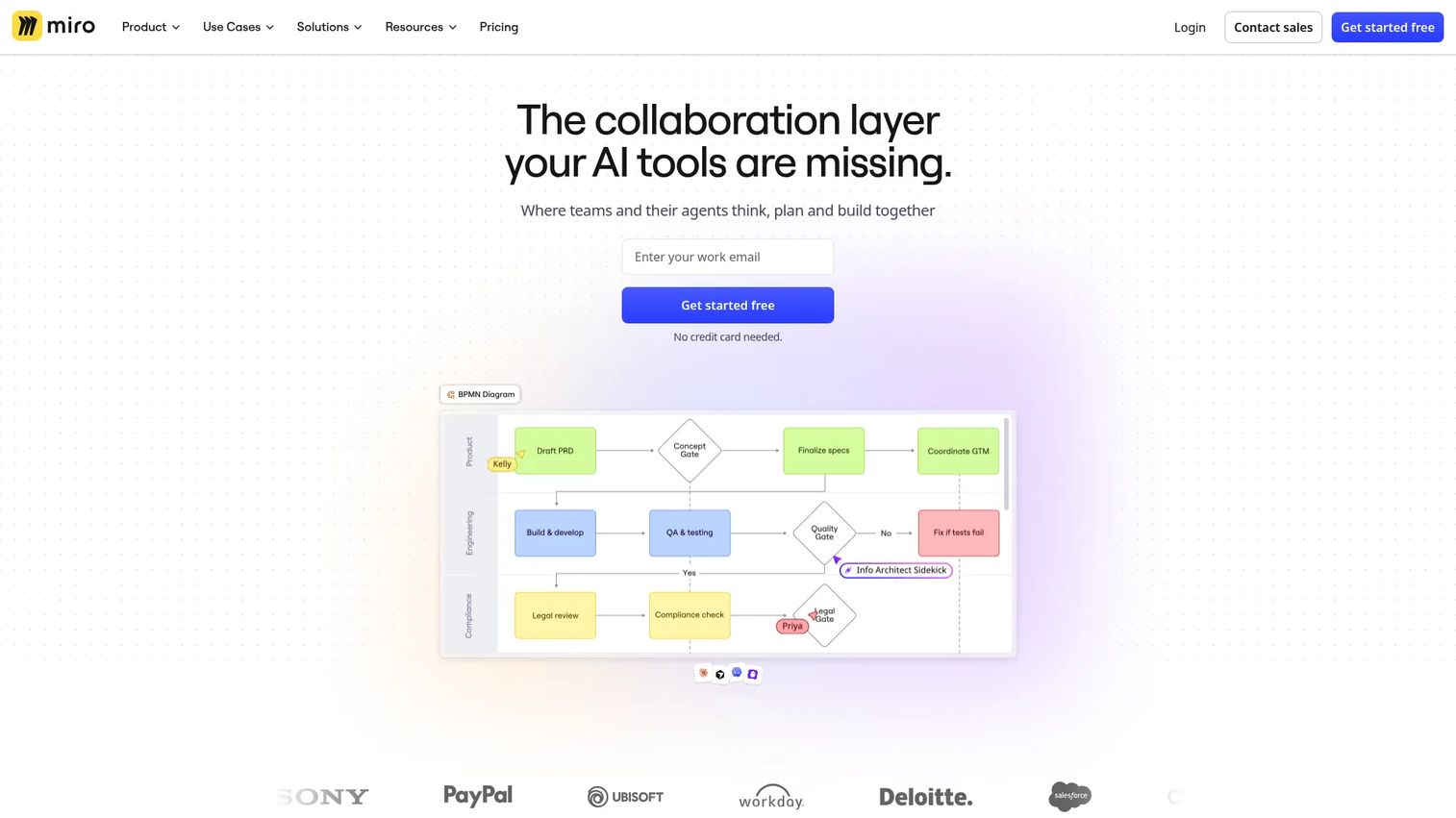
Miro is an AI-powered visual collaboration workspace where teams brainstorm, plan, diagram, and ship work on a shared canvas. Flowcharts here live inside broader sessions, so you can map a process, drop in sticky notes, and run a planning workshop without switching tools. That makes it a strong flow chart builder for early ideation where the diagram is one part of a bigger conversation.
Best for: Cross-functional teams that want flowcharts inside workshops, planning, and brainstorming sessions.
Key strengths
- Infinite canvas for large, multi-flow maps
- 7000+ templates including diagrams and process maps
- Real-time collaboration with cursors and comments
- 250+ integrations for connecting to your stack
Why choose Miro: Choose Miro when the flowchart is part of a live working session, not a standalone deliverable. It suits teams that map processes collaboratively before formalizing them, and it scales from a quick sketch to a full planning board.
Miro pricing: A free plan is available. Paid Starter and Business plans bill monthly or annually, with annual billing saving 20% and Business including a 14-day trial. Enterprise pricing is custom.
3. Microsoft Visio
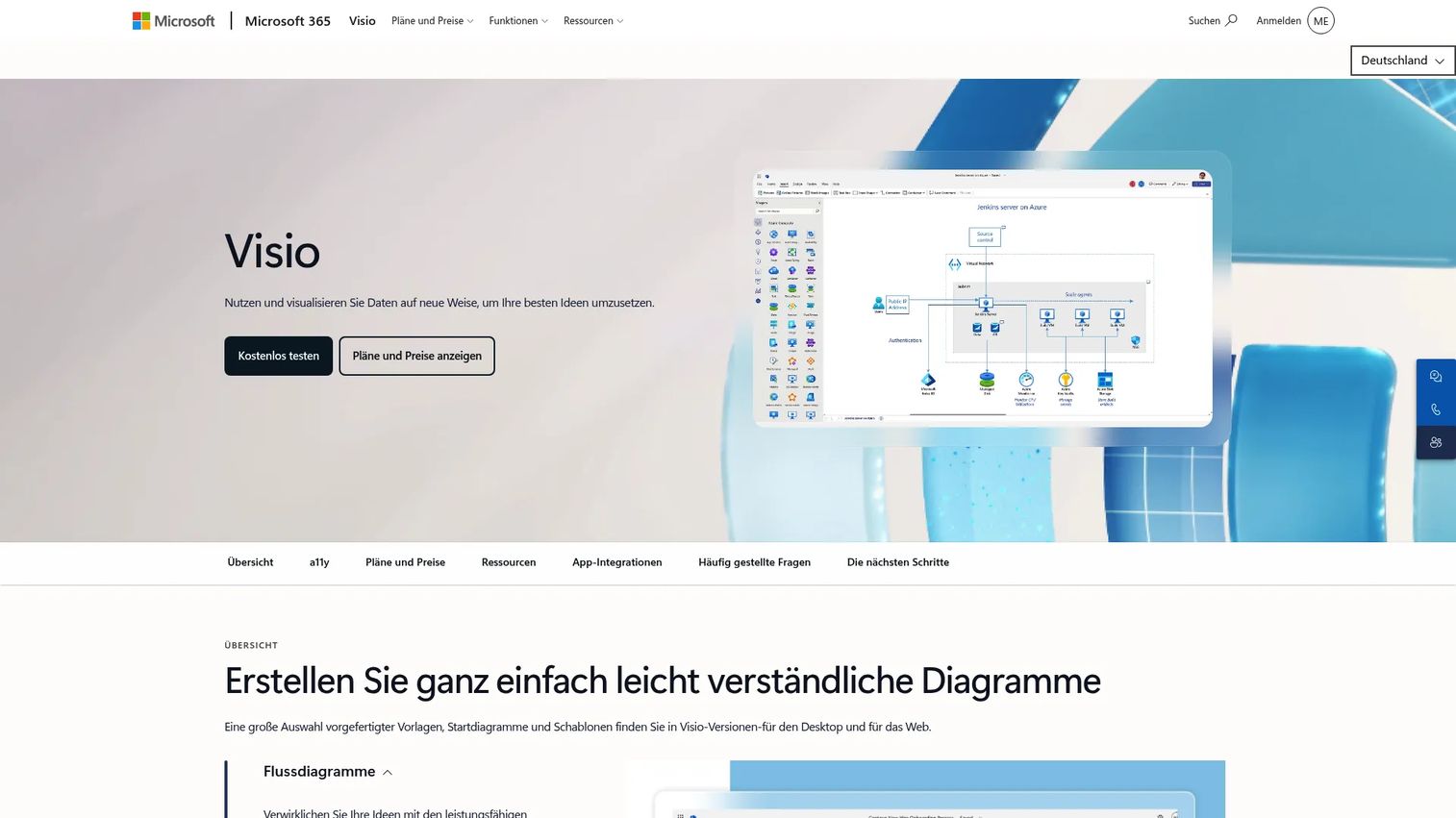
Microsoft Visio is Microsoft's diagramming software for flowcharts, org charts, floor plans, and other professional diagrams. Its edge is ecosystem fit: if your org already runs on Microsoft 365 and Teams, Visio diagrams live where your team already works. Both a web app and a desktop app are available, so structured diagramming and lightweight browser edits both have a home.
Best for: Organizations standardized on Microsoft 365 that want native diagramming and process documentation.
Key strengths
- Real-time collaboration, commenting, and sharing
- Basic and advanced templates and shape libraries
- Visio web app plus a Teams app
- Desktop app included in Plan 2
Why choose Microsoft Visio: For Microsoft-heavy environments, Visio removes the friction of a separate tool and separate logins. It fits enterprise teams that need structured, professional diagrams and want them inside the stack IT already manages.
Microsoft Visio pricing: Visio Plan 1 starts at $5.00 per user per month, paid yearly. Visio Plan 2 is $15.00 per user per month, paid yearly. One-time purchases include Visio Standard 2024 at $309.99 and Visio Professional 2024 at $579.99.
4. FigJam
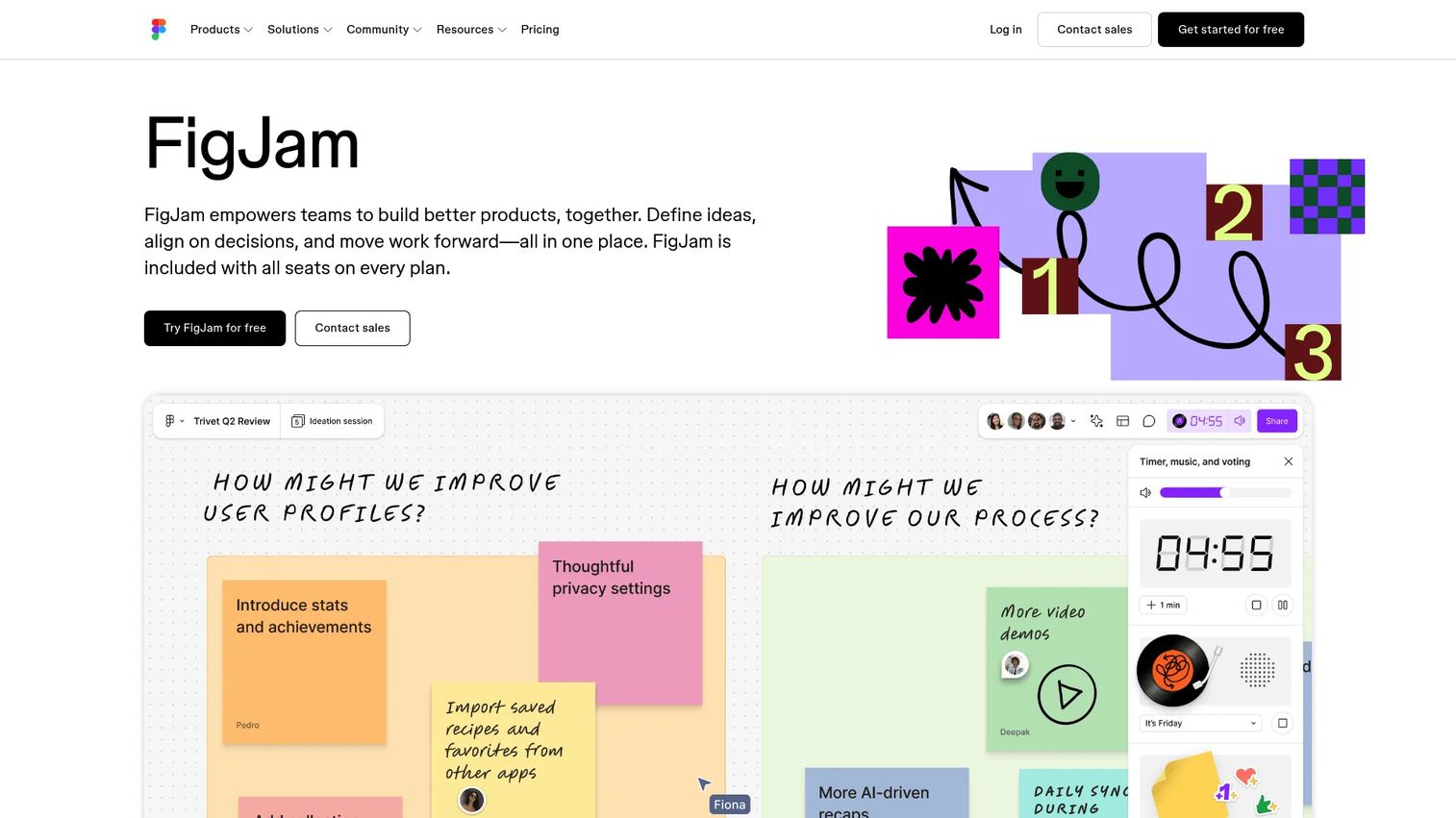
FigJam is Figma's collaborative online whiteboard for brainstorming, diagramming, planning, and workshops. For product and design teams already living in Figma, it removes the tool-switching tax: you map a flow in the same environment where the designs already sit. It is lightweight by design, which makes it fast for early-stage process mapping before anything gets formalized.
Best for: Product and design teams already using Figma that want fast, collaborative flowcharts.
Key strengths
- Real-time collaboration on a shared canvas
- Templates for diagramming, meetings, agile, and strategy
- Stickers, timers, and voting for workshops
- Bundled with every Figma seat
Why choose FigJam: If your team already works in Figma, FigJam is the path of least resistance for quick flowcharts and workshop-style mapping. It works best when speed and collaboration matter more than heavy process documentation.
FigJam pricing: A free Starter plan is available. Professional is $3 per editor per month and Organization is $5 per editor per month, with FigJam included on every Figma plan seat.
5. draw.io
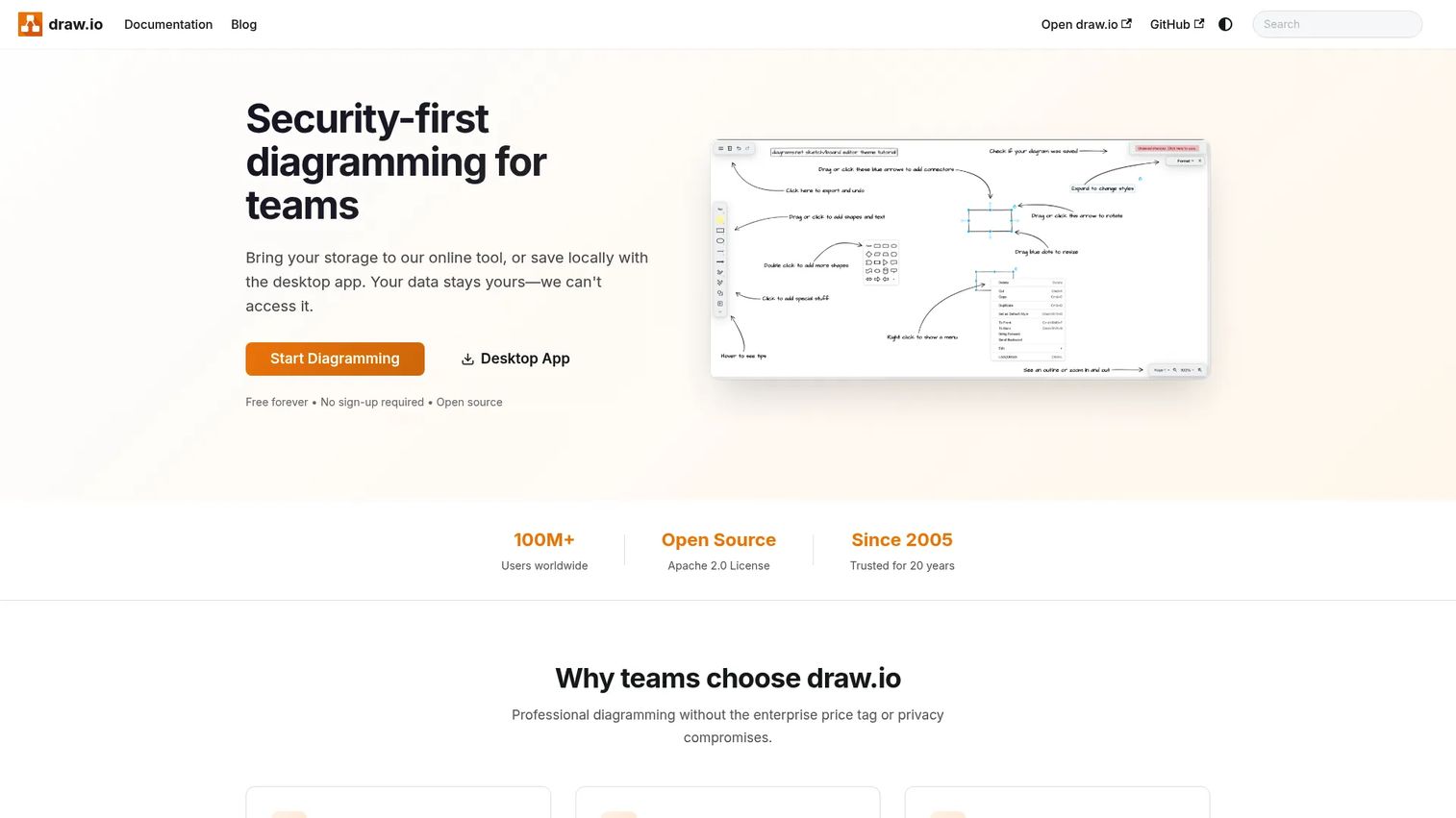
draw.io is a security-first diagramming tool that runs online, on desktop, and through integrations. It is free forever, open source, and needs no sign-up, which makes it the go-to free flowchart software for quick internal diagrams. You can store diagrams in your own cloud or locally, which appeals to teams that care about where their data lives.
Best for: Teams that want a no-friction, no-cost flowchart tool for internal diagrams.
Key strengths
- Real-time collaboration with shared cursors
- Store diagrams in your own cloud or locally
- Desktop app plus integrations with Google Drive, OneDrive, Atlassian, GitHub, Notion, and VS Code
- No sign-up required to start
Why choose draw.io: When budget is the deciding factor or you need a diagram in the next five minutes, draw.io removes every barrier. It fits teams that want privacy control and a straightforward canvas without a subscription.
draw.io pricing: Free forever, with no sign-up required. The tool is open source and available across web, desktop, and integrations.
6. Creately
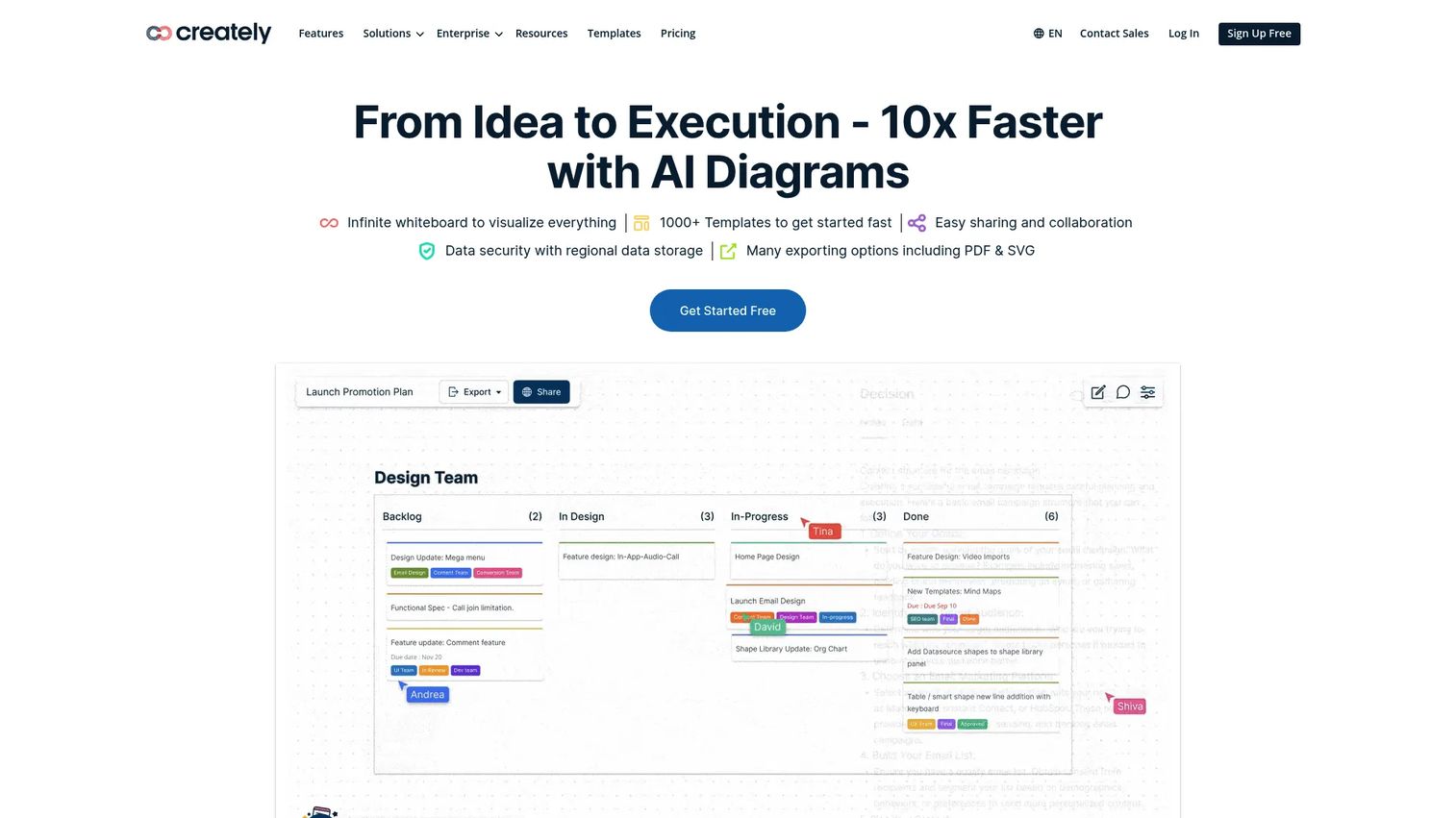
Creately is a visual collaboration platform for diagramming, whiteboarding, planning, and project management. It leans toward structured process work, pairing an infinite canvas with lightweight project and workflow management. That combination suits operations-heavy teams that want their process maps to connect to the work they describe.
Best for: Teams that want structured workflows, process maps, and light project management in one place.
Key strengths
- Infinite visual canvas for large process maps
- Real-time collaboration across the team
- Templates and shape libraries for many diagram types
- Lightweight project and workflow management
Why choose Creately: Choose Creately when your flowcharts feed into ongoing operations rather than sitting as static references. It fits teams that want documentation and execution close together on one canvas.
Creately pricing: A forever-free plan is available. Paid Starter, Team, and Business plans bill monthly or annually, and Enterprise is quote-based through sales.
7. SmartDraw
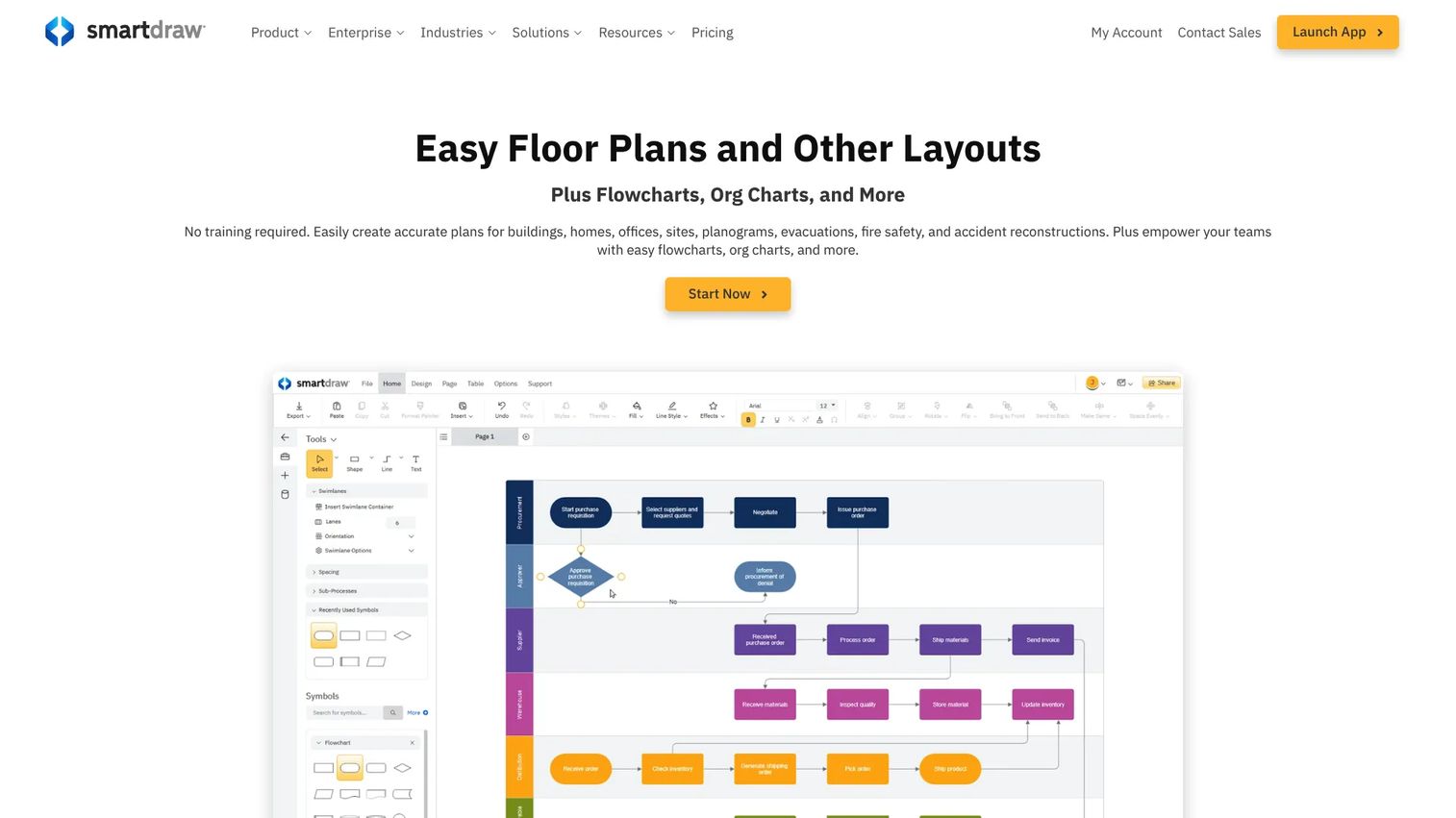
SmartDraw is online diagramming and scaled drawing software for floor plans, flowcharts, org charts, and technical diagrams. Its automation does much of the layout work, so you get polished, presentable output without fiddling with alignment. That makes it a fast flowchart maker for teams that need diagrams to look finished the moment they land in a deck.
Best for: Teams that need professional, presentable diagrams quickly without CAD-level complexity.
Key strengths
- Automated online diagramming that handles layout
- Scaled floor plans and layouts
- Integrations with Microsoft 365, Google Workspace, and Atlassian
- Cloud storage connections
Why choose SmartDraw: If output quality and speed matter more than deep collaboration, SmartDraw gets you to a clean diagram fast. It fits teams that present diagrams to stakeholders and want them to look professional by default.
SmartDraw pricing: The Individual plan starts at $7.95 per month, billed annually. The Team plan is $6.95 per user per month, billed annually with a three-user minimum. Enterprise is quote-based.
8. EdrawMax
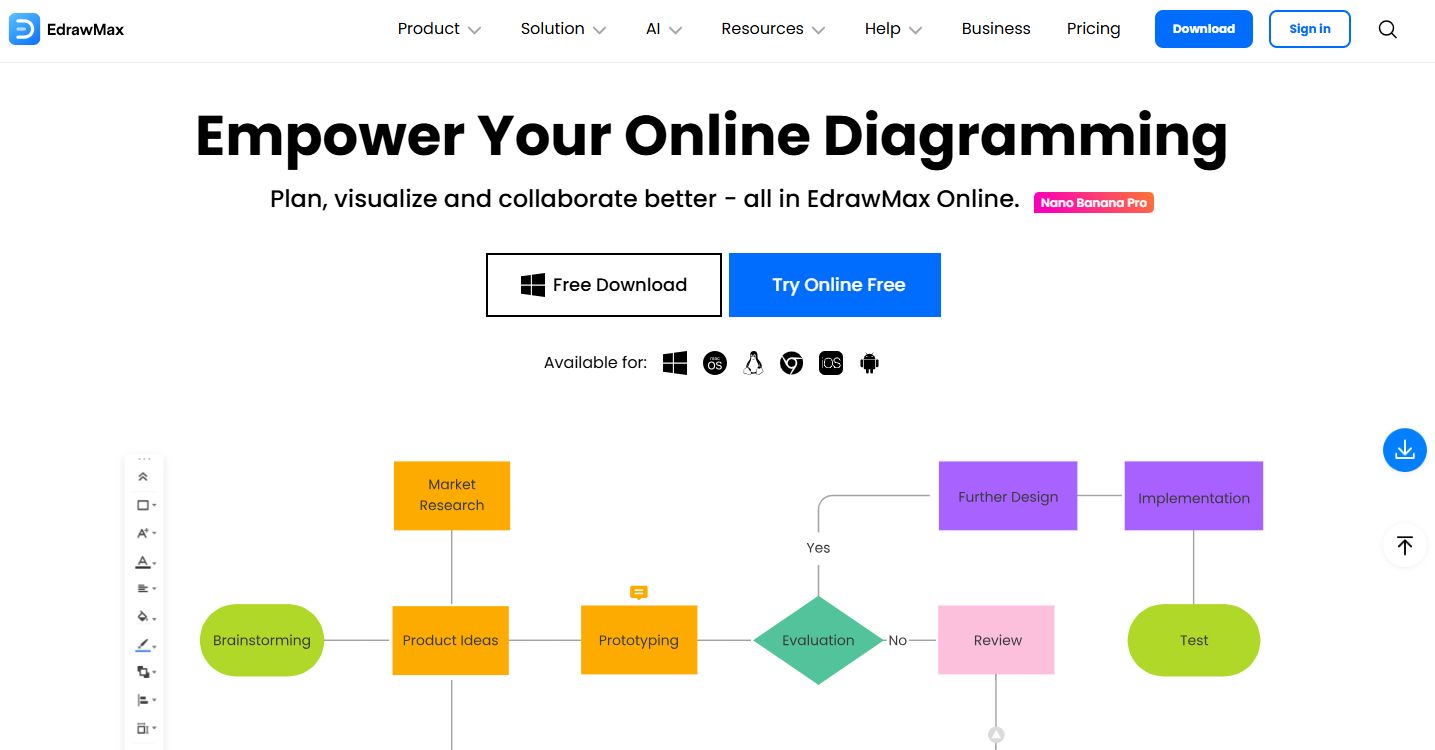
EdrawMax is an all-in-one diagramming tool for flowcharts, mind maps, network diagrams, floor plans, and more. Its range is the draw: if you need many diagram types in one app rather than a purpose-built flowchart tool, EdrawMax covers the breadth. It also includes AI-assisted diagram creation and Visio import and export for mixed environments.
Best for: Teams and individuals who need versatile diagramming across many diagram types in one place.
Key strengths
- Diagramming and flowcharts across many types
- AI-assisted diagram creation
- Visio import and export
- Desktop and online flexibility
Why choose EdrawMax: Choose EdrawMax when your team creates a wide mix of diagrams, not just flowcharts, and wants one tool to cover all of them. It fits desktop-heavy workflows and teams that value a large template library.
EdrawMax pricing: A free trial is available. The Semi-Annual plan is US$69 per six months, the Annual plan is US$99 per year, and a Perpetual plan is US$99 as a one-time purchase.
Considerations
Before you commit a team to a flowchart builder, run through these five criteria. They separate a tool that gets adopted from one that becomes another abandoned tab.
Ease of use
Optimize for adoption, not raw diagramming power. The most capable tool loses to the one people actually open. Check onboarding, editing speed, and how long it takes a non-designer to produce a clean flowchart. If your team needs a training session to draw a box, that friction compounds every release.
Collaboration
Look at real-time editing, comments, and sharing permissions. Live workshops need multiple cursors on one canvas. Asynchronous review needs clean commenting and version history so a stakeholder can weigh in on their own time. Decide which matters more for your team before you evaluate, because tools optimize for one or the other.
Templates and examples
Templates cut setup time and standardize how your diagrams look. Check for process, swimlane, and onboarding flow templates specifically, since those are the layouts PMs reach for most. A strong template library also keeps diagrams consistent across people, which matters when several teams document their own workflows.
Integrations and exports
Integrations are part of the workflow, not a nice-to-have. Confirm the tool connects to Google Drive, Microsoft 365, Slack, Jira, and Confluence, wherever your team already works. Check export quality too: PNG, SVG, and PDF outputs need to hold up in docs and slides without redrawing.
Pricing and free tiers
Read the free plan carefully. Many restrict collaboration, export quality, or add branding to shared diagrams. Compare what the free tier locks against what your team actually needs day to day, and check whether paid pricing scales per user in a way that punishes team size.
Conclusion
The right flowchart software depends on where your workflow actually lives. Lucidchart is the broadest pick for teams that document and align across product, engineering, and support. Miro wins when the diagram is part of a live workshop. Visio is the natural choice for Microsoft-heavy orgs, and draw.io is hard to beat when budget is the deciding factor.
Pick based on the environment your team already works in, not the longest feature list. A tool that fits the workflow gets adopted; one that fights it becomes maintenance debt. Start with a free tier, map one real process your team keeps updating, and see whether the diagram stays current after the next release. That single test tells you more than any comparison table.
Start your journey with Guideflow today!
FAQs
draw.io and FigJam are among the easiest to start with. draw.io needs no sign-up and opens straight to a canvas, while FigJam offers templates and a low learning curve for teams new to diagramming. Both let a beginner produce a clean flowchart in minutes without training.
draw.io is the strongest free flowchart software, since it is free forever, open source, and needs no account. Lucidchart, Miro, FigJam, and Creately also offer free plans, though those tiers cap documents, editors, or export options. If cost is the deciding factor, start with draw.io.
Lucidchart and Miro lead for team use. Lucidchart pairs real-time collaboration with process documentation, so diagrams stay current as workflows change. Miro suits teams that map processes inside broader planning and workshop sessions. Both support live editing, comments, and browser access across a whole team.
It depends on your stack. Lucidchart is browser-first, collaborative, and works across any environment, and it imports and exports Visio files. Visio fits organizations standardized on Microsoft 365 and Teams, where native integration matters more than cross-platform flexibility. Pick based on where your team already works.
Yes. Both include flowchart templates and shapes on an infinite collaborative canvas. Miro suits flowcharts built inside larger planning sessions, while FigJam fits product and design teams already in Figma. Neither is a dedicated process documentation tool, but both handle collaborative flowcharting well.
Prioritize ease of adoption, real-time collaboration, a strong template library, and integrations with Google Drive, Microsoft 365, Slack, Jira, and Confluence. The tool should keep diagrams current without constant maintenance, and its free or paid pricing should scale with your team rather than punish it.
Flowchart software produces diagrams that visualize any sequence of steps, decisions, and handoffs. Process mapping software focuses specifically on documenting and standardizing business processes, often with more structure around ownership and workflow. Many tools, including Lucidchart and Creately, do both, so the line is increasingly blurred.