Your team just rolled out a new CRM. Three months later, half the sales reps are still using spreadsheets, support tickets about "how do I do X" keep piling up, and the six-figure software investment sits underutilized. According to Zylo's 2026 SaaS Management Index, SaaS license utilization sits at only 54%. This is the adoption gap that digital adoption platforms - a market projected to reach $4.81 billion by 2033 - exist to close.
A digital adoption platform (DAP) is software that overlays enterprise applications to guide users through tasks in real time with interactive walkthroughs, tooltips, and automation. This guide covers what DAPs actually do, the features that matter, and reviews of 12 platforms to help you find the right fit for employee onboarding, customer product adoption, or both.
What's inside
This guide covers what a digital adoption platform actually does, the features that separate strong solutions from weak ones, and when DAP software makes sense for your team. You'll find a comparison table of 12 platforms, detailed reviews with pricing and ratings, and practical criteria for choosing the right fit.
We selected tools based on G2 ratings, enterprise adoption, feature depth, and integration capabilities. The list includes options for employee onboarding, customer product adoption, and hybrid use cases.
TL;DR
- What a DAP does: Software that overlays enterprise applications to guide users through tasks with in-app walkthroughs, tooltips, and automation
- Primary use cases: Employee software training, customer product onboarding, change management, support ticket deflection
- Top picks by category: WalkMe for enterprise scale, Pendo for product analytics, Appcues for quick no-code setup, Guideflow for interactive demos that complement in-app guidance
- Selection focus: Match platform capabilities to your primary use case, verify integrations with your existing stack, assess implementation complexity against your team's resources
What is a digital adoption platform
A digital adoption platform (DAP) is software that sits on top of enterprise applications, mobile apps, or web-based tools to guide users in real time. Think of it as an overlay that provides interactive walkthroughs, on-screen tips, and task automation without requiring changes to the underlying application's code.
DAPs work by interacting with the application's interface to deliver contextual help at the moment users need it. For web apps, the platform reads the page structure (the DOM) and positions guidance elements accordingly. This approach differs from traditional training because guidance happens inside the application rather than in separate sessions or documentation.
Most platforms are platform-agnostic, meaning they can deploy across various technologies like Salesforce, Dynamics, Workday, or custom-built applications.
Key features of the best digital adoption platforms
The capabilities below separate strong DAP solutions from basic tooltip tools. When evaluating options, look for depth in each area rather than surface-level checkboxes.
In-app guidance and walkthroughs
Step-by-step interactive tutorials appear within the application interface, walking users through processes as they complete them. Formats include tooltips, pop-ups, spotlights highlighting specific elements, and guided flows that advance as users take actions.
In-app guidance reduces reliance on external training materials and eliminates most "how-to" support requests.
Behavioral analytics and usage tracking
DAPs track user behavior within applications to identify where processes break, which features go unused, and where users struggle. Look for platforms that offer funnel analysis, drop-off tracking, and the ability to segment analytics by user role or experience level.
No-code content creation
The ability to build walkthroughs, tooltips, and onboarding flows without developer involvement matters because it lets product, marketing, and CS teams ship guidance quickly. Look for drag-and-drop editors and WYSIWYG interfaces that non-technical users can operate independently.
Personalization and user segmentation
DAPs deliver different guidance based on user role, experience level, or behavior. A first-time user sees onboarding flows while a power user sees tips for advanced features. Targeting prevents experienced users from being annoyed by basic tutorials.
Multi-language and multi-role coaching
Enterprise DAPs include localization features that translate guidance content and role-based targeting that delivers different walkthroughs based on user permissions, department, or experience level.
Integration with CRM and analytics tools
Connections to Salesforce, HubSpot, Segment, and other GTM stack tools sync engagement data for lead scoring, trigger workflows, and provide a unified view of user behavior. Verify native integrations versus custom development requirements before committing.
When to use digital adoption software
DAP software makes sense in specific situations. Here's when the investment typically pays off.
Employee onboarding and training
DAPs accelerate software proficiency for new hires and reduce IT/HR support burden during tool rollouts. Guidance appears inside the app rather than in separate training sessions, which means employees learn while doing actual work. With average training declining to 40 hours per employee in 2025 according to Training Magazine data, in-app guidance fills the growing gap.
Organizations rolling out new enterprise software like Salesforce, Workday, or ServiceNow often see the fastest ROI from DAP implementations.
Customer product adoption for SaaS
SaaS companies use DAPs to guide customers through first-time setup, feature discovery, and ongoing education. For prospects who haven't yet signed up, interactive demos can complement DAPs by showing product value before users are inside the application.
Change management during software rollouts
When deploying new tools or updating existing workflows, DAPs help users follow new processes correctly. In-app guidance improves data quality and adoption rates while reducing the "shadow IT" problem of employees reverting to old methods.
Support deflection and self-service enablement
In-app guidance answers user questions at the moment of need, reducing support ticket volume. The best implementations connect DAP content to help centers and knowledge bases so users can access deeper resources when needed.
Top 12 digital adoption platforms compared
| # | Product | Intent | Key differentiation | Pricing | G2 rating |
|---|---|---|---|---|---|
| 1 | Guideflow | Pre-purchase product experience | Interactive demos and sandboxes for prospects | Free + paid from $40/mo | 4.7/5 |
| 2 | Pendo | Product analytics + adoption | Behavioral analytics with in-app guidance | Custom pricing | 4.4/5 |
| 3 | WalkMe | Enterprise-scale adoption | Cross-application guidance for complex orgs | Custom pricing | 4.5/5 |
| 4 | Whatfix | Enterprise customization | Deep customization with professional services | Custom pricing | 4.6/5 |
| 5 | Appcues | Quick no-code onboarding | Fast implementation without engineering | From $249/mo | 4.6/5 |
| 6 | Userpilot | Behavior-driven onboarding | Product analytics with user segmentation | From $249/mo | 4.6/5 |
| 7 | UserGuiding | Budget-friendly option | Core DAP features at lower price point | From $89/mo | 4.6/5 |
| 8 | Apty | Process and compliance | Guided data entry with validation rules | Custom pricing | 4.7/5 |
| 9 | Userlane | Step-by-step guidance | Automatic flow detection across apps | Custom pricing | 4.5/5 |
| 10 | Chameleon | Product tours and announcements | Highly customizable styling and targeting | From $279/mo | 4.4/5 |
| 11 | Gainsight PX | Customer success focus | Engagement data tied to customer health | Custom pricing | 4.4/5 |
| 12 | Spekit | Sales enablement | Just-in-time learning for revenue teams | Custom pricing | 4.6/5 |
12 best digital adoption platforms for product and user adoption
Each platform below was evaluated based on feature depth, ease of use, integration ecosystem, pricing transparency, and real user feedback.
1. Guideflow
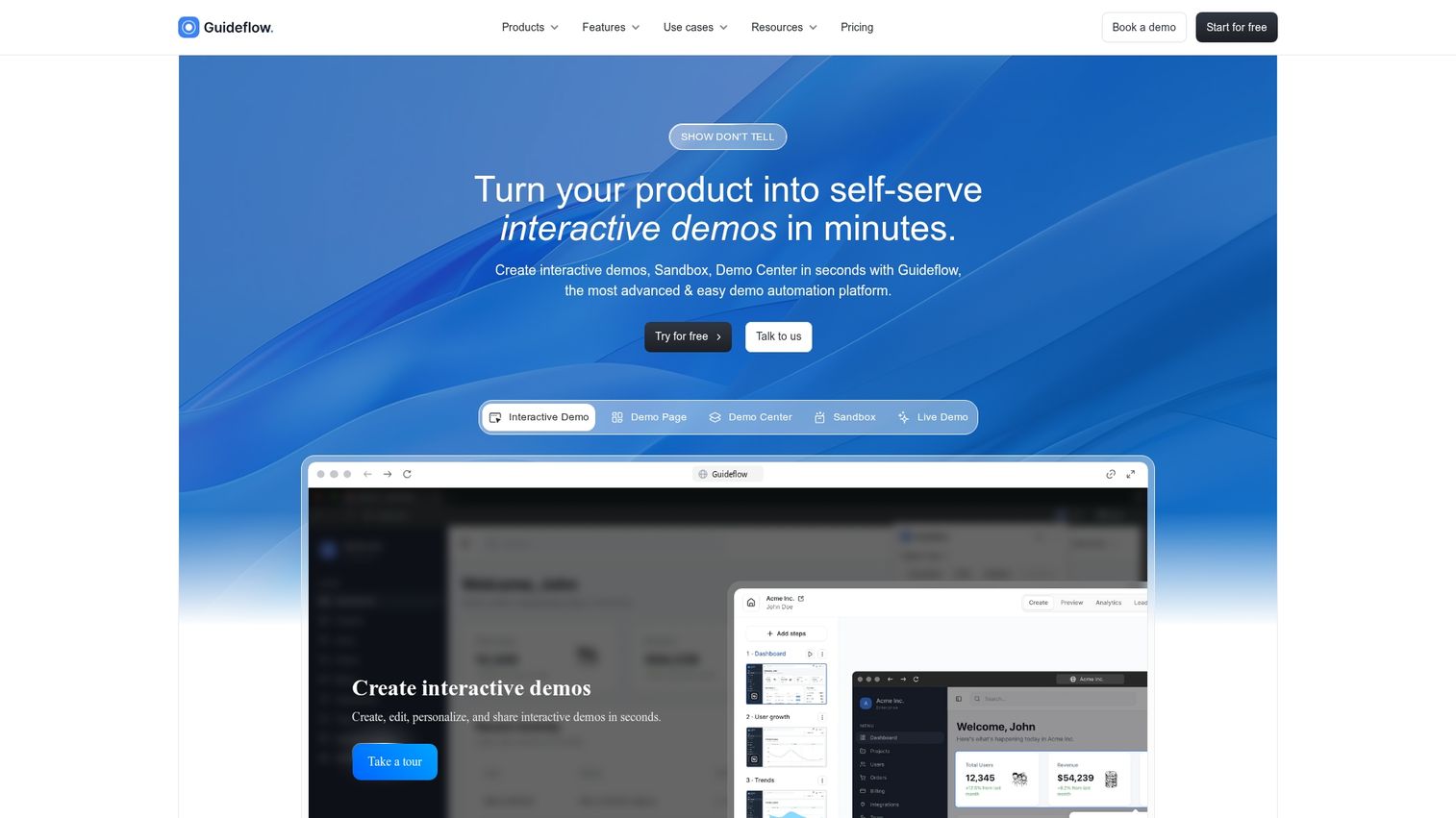
Guideflow approaches digital adoption differently than traditional DAPs. Instead of overlaying guidance on applications users are already inside, Guideflow creates interactive demos and sandbox environments that let prospects and customers experience products before or alongside in-app guidance.
Best for: Product marketing teams, pre-sales teams, and customer success teams who want to show product value through self-serve interactive experiences.
Key strengths
- Browser-based capture: Record product flows directly from your browser, then refine with a drag-and-drop editor
- Multi-format demos: Interactive demos, sandboxes, demo centers, and live demos for different moments in the buyer journey
- AI-powered editing: Auto-generate steps, translations, voiceovers, and content adjustments
- Distribution flexibility: Embed on websites, share via links, add to emails, or post on social platforms
- Behavioral analytics: Track impressions, completion rates, and conversions with CRM integration
Why choose Guideflow: When you want to demonstrate product value before users are inside the application, or complement in-app DAP guidance with external-facing demos.
Pricing: Free plan available. Solo at $40/month, Growth at $499/month, Advanced at $1,499/month, Enterprise from $2,999/month.
Start your journey with Guideflow today!
2. Pendo
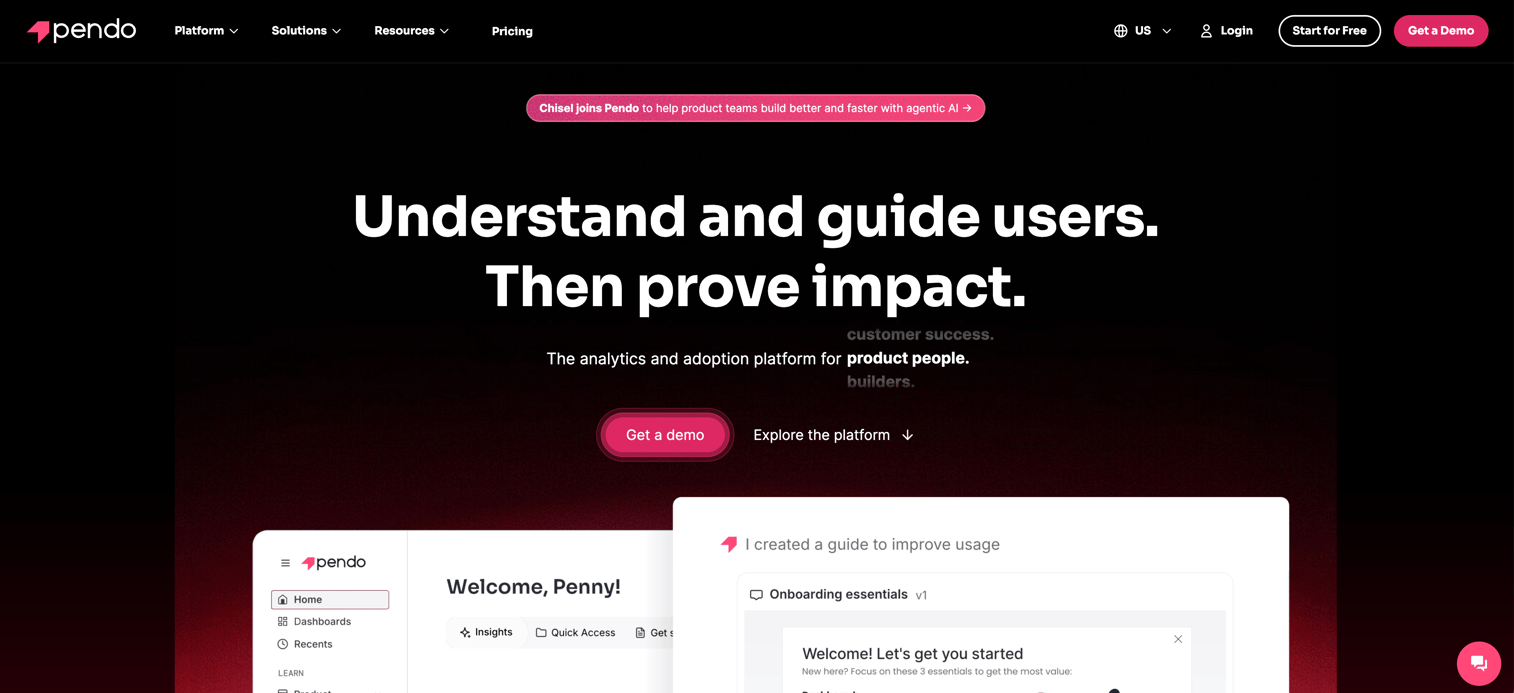
Pendo combines product analytics with in-app guidance, making it strong for product teams who want behavioral data alongside adoption features. The platform tracks how users interact with your application and lets you build guides based on that data.
Best for: Product teams at SaaS companies who want combined analytics and guidance in one platform.
Key strengths
- Retroactive analytics: Analyze user behavior from before you set up tracking
- Feature adoption tracking: See which features get used and which get ignored
- NPS and feedback surveys: Collect user sentiment directly in-app
- Guide targeting: Show guides based on user behavior, segment, or account data
Why choose Pendo: When you want product analytics and adoption tools in one platform rather than integrating separate tools.
Pricing: Custom pricing based on monthly active users and features.
3. WalkMe
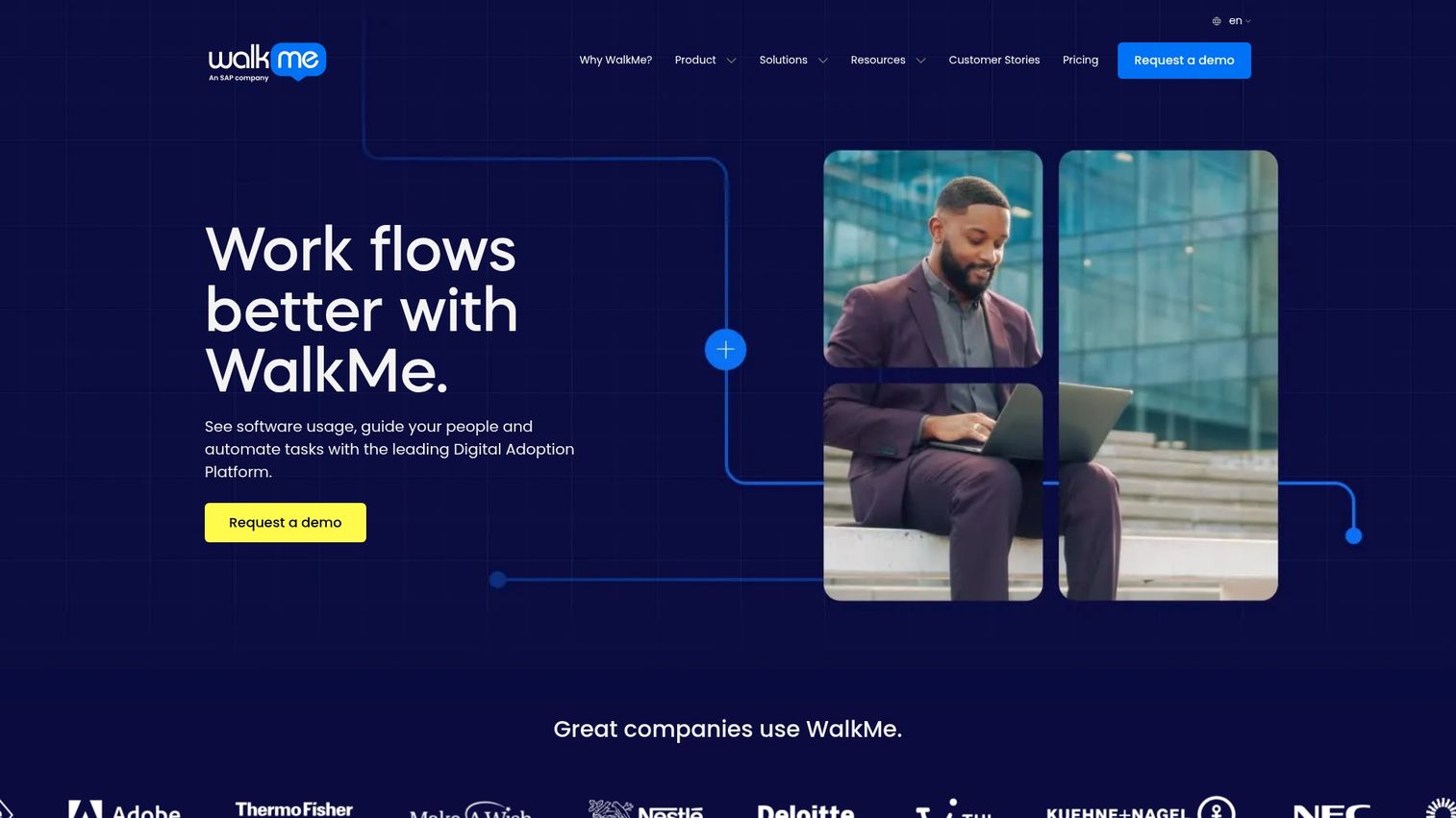
WalkMe is the enterprise-scale option for large organizations with complex workflows spanning multiple applications. The platform handles cross-application guidance and workflow automation at a level most competitors can't match.
Best for: Fortune 500 companies with multiple enterprise applications and complex compliance requirements.
Key strengths
- Cross-application guidance: Guide users across multiple tools in a single workflow
- Workflow automation: Automate repetitive tasks and data entry
- Compliance tracking: Ensure users follow required processes
- Enterprise security: SOC 2, GDPR, and other enterprise compliance certifications
Why choose WalkMe: When you're deploying across dozens of enterprise applications and need a platform that can handle that complexity.
Pricing: Custom enterprise pricing.
4. Whatfix
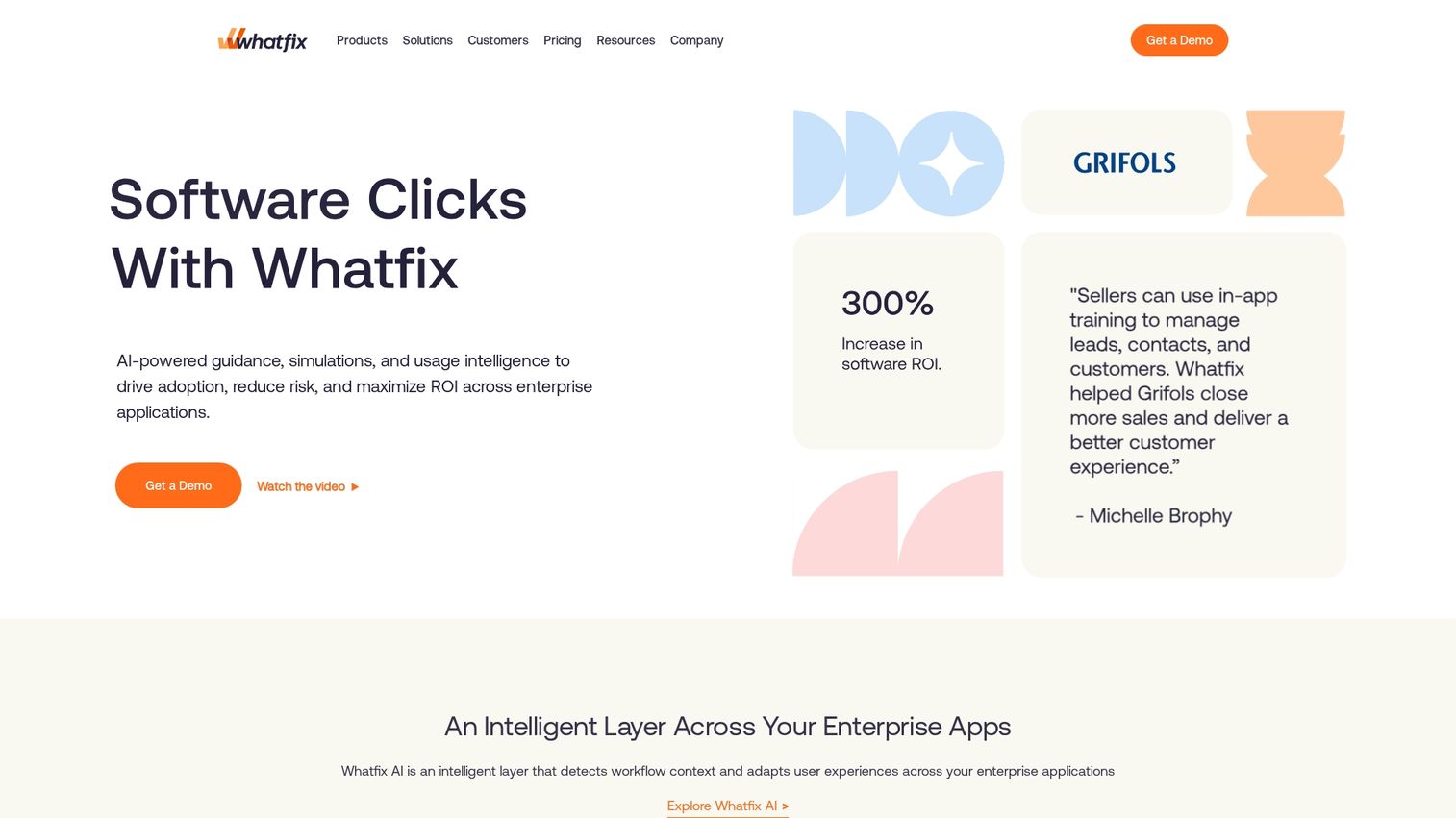
Whatfix focuses on enterprise customization with strong professional services for complex deployments. The platform offers deep customization options that let large organizations tailor every aspect of the user experience.
Best for: Large organizations needing deep customization and white-glove implementation support.
Key strengths
- Content aggregation: Pull help content from multiple sources into unified guidance
- Self-help widgets: Searchable help that surfaces relevant content contextually
- Multi-format content: Auto-generate videos, PDFs, and articles from walkthroughs
- Enterprise support: Dedicated implementation teams for complex rollouts
Why choose Whatfix: When you need extensive customization and have the budget for professional services.
Pricing: Custom pricing based on deployment scope and support level.
5. Appcues
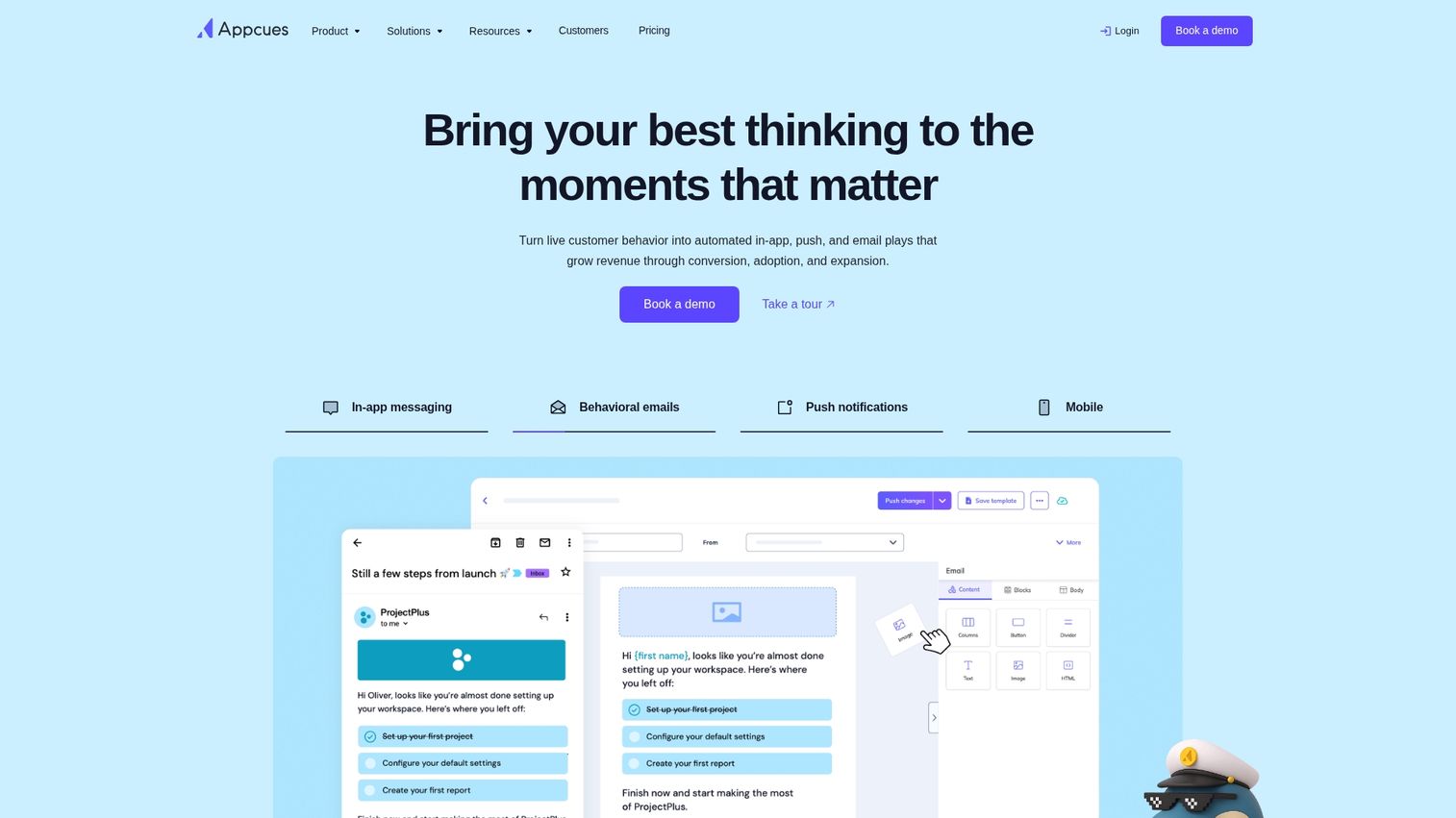
Appcues prioritizes quick implementation and ease of use over enterprise features. Product and growth teams can build onboarding flows without engineering involvement and see results within days rather than months.
Best for: Product and growth teams at SaaS companies who want fast implementation without engineering dependencies.
Key strengths
- Intuitive builder: Non-technical users can create flows independently
- A/B testing: Test different onboarding approaches and measure results
- Quick setup: Most teams launch their first flows within a week
- Targeting and segmentation: Show different experiences based on user attributes
Why choose Appcues: When speed to value matters more than enterprise features.
Pricing: Starts at $249/month for the Essentials plan.
6. Userpilot
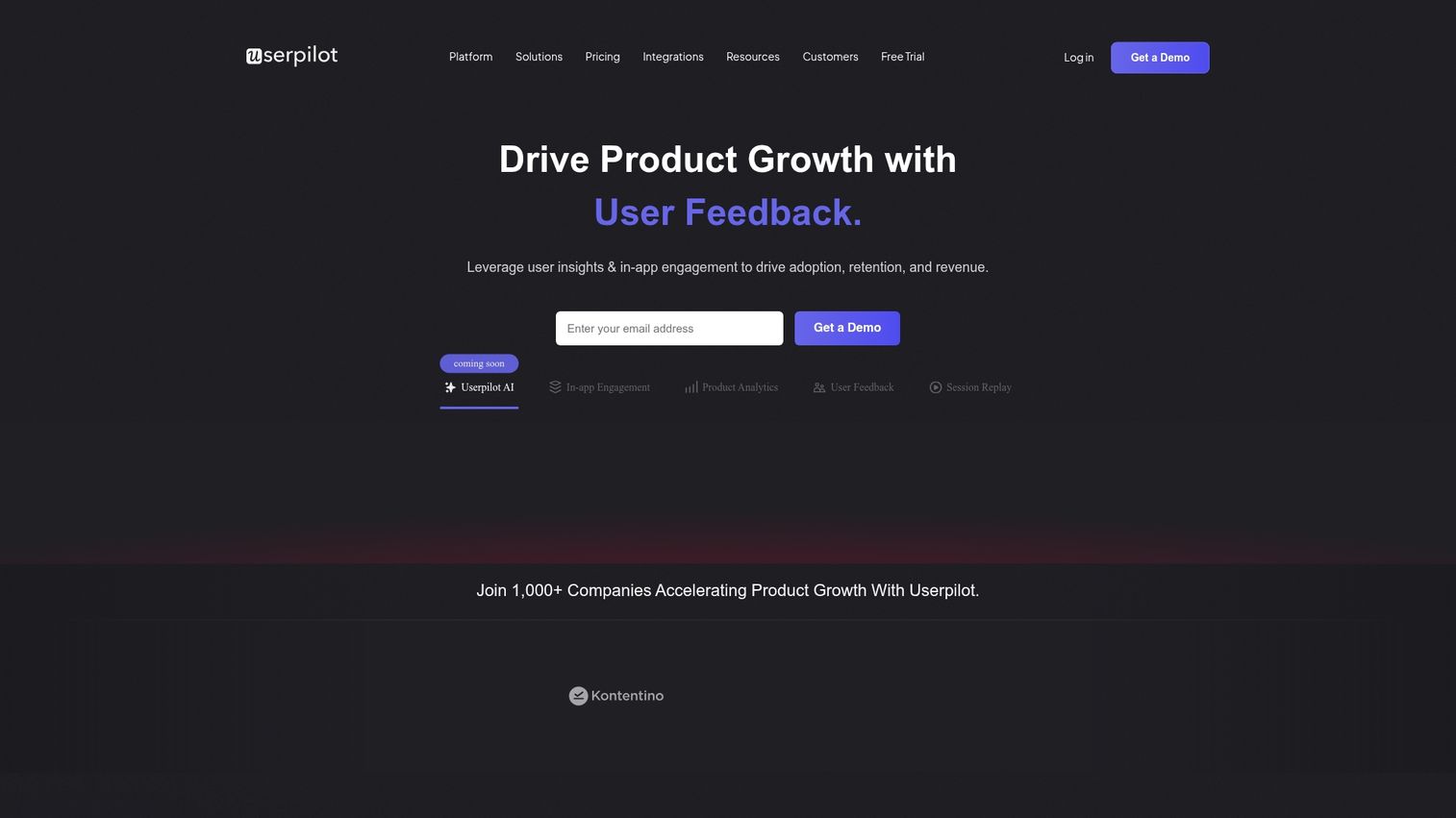
Userpilot combines behavior-driven product onboarding with analytics, focusing on activation and feature adoption for SaaS products. The platform emphasizes understanding user behavior to deliver the right guidance at the right time.
Best for: SaaS product teams focused on activation metrics and feature adoption.
Key strengths
- Product analytics: Track user behavior and identify friction points
- User segmentation: Create segments based on behavior, attributes, or lifecycle stage
- In-app experiences: Build modals, tooltips, banners, and checklists
- Feedback collection: Gather user input through surveys and NPS
Why choose Userpilot: When you want strong analytics capabilities alongside onboarding tools.
Pricing: Starts at $249/month.
7. UserGuiding
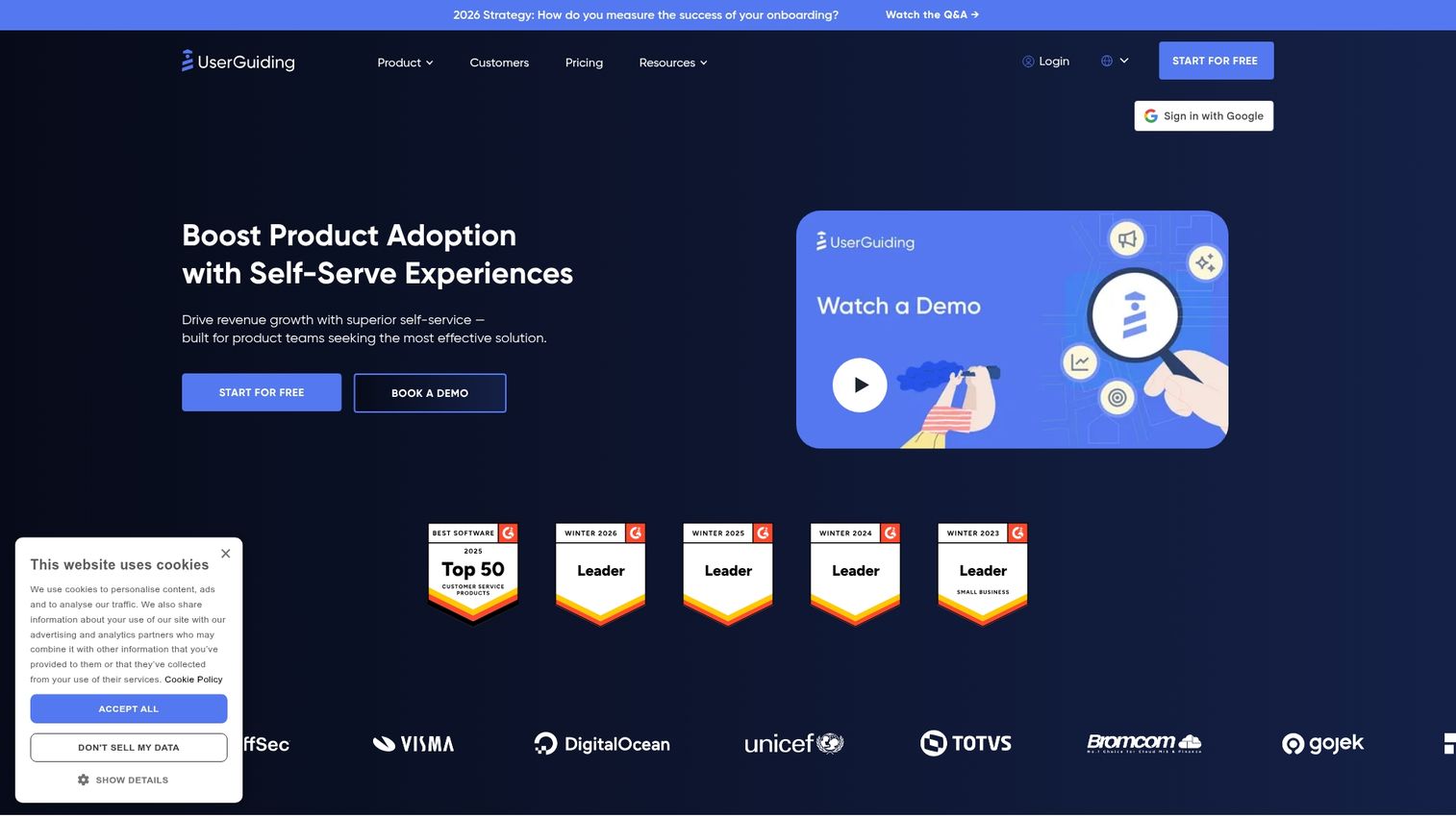
UserGuiding offers core DAP functionality at a lower price point than most competitors. The platform covers essential onboarding features without the enterprise complexity or enterprise pricing.
Best for: Startups and mid-sized teams with limited budgets who want core DAP functionality.
Key strengths
- Competitive pricing: Lower cost than enterprise alternatives
- Essential features: Walkthroughs, tooltips, checklists, and resource centers
- Simple implementation: Quick setup without extensive technical resources
- Localization: Multi-language support included in base plans
Why choose UserGuiding: When budget constraints matter and you don't need enterprise-scale features.
Pricing: Starts at $89/month for the Basic plan.
8. Apty
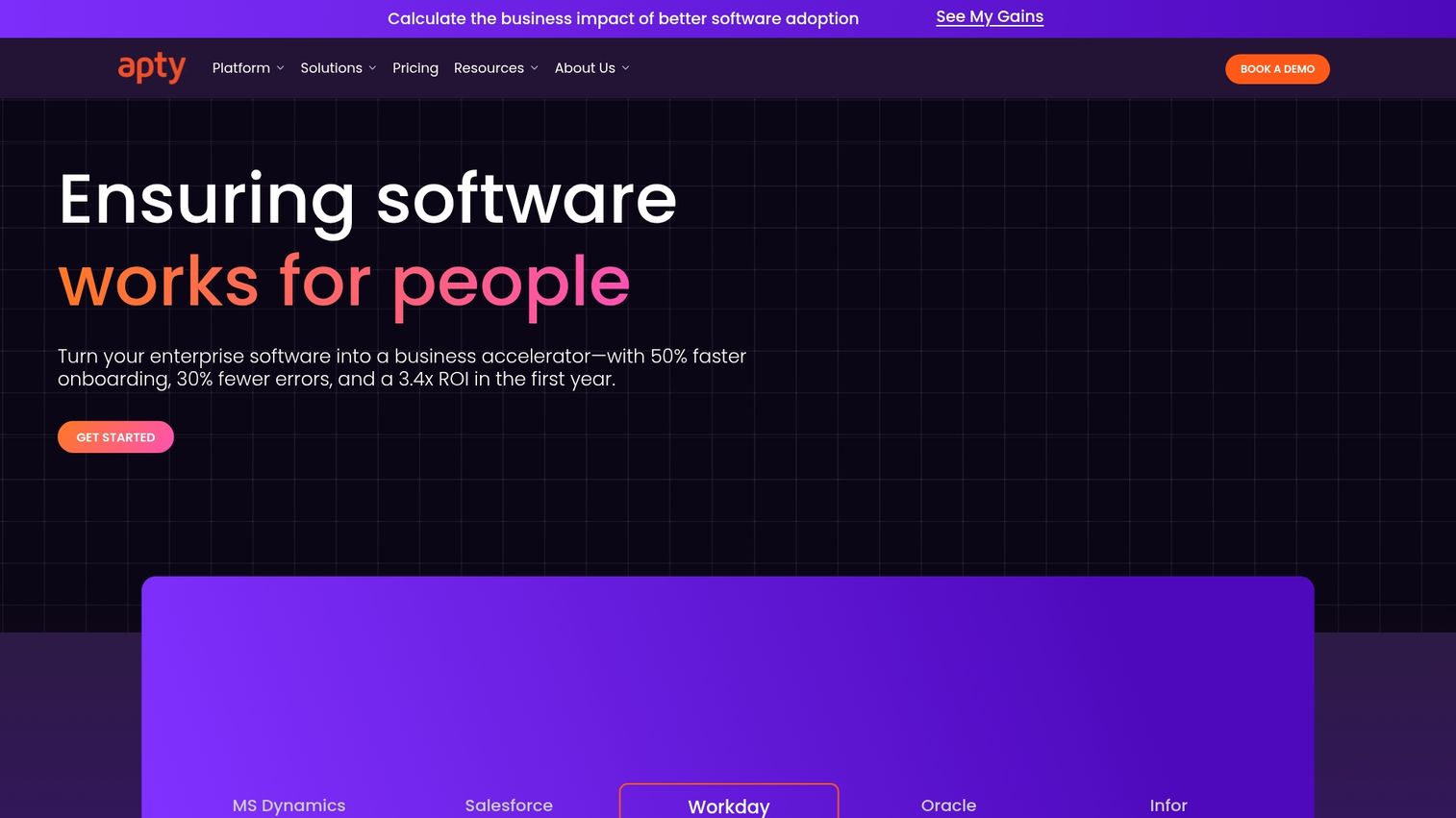
Apty focuses on process compliance and data accuracy, making it strong for regulated industries and organizations with strict data entry requirements. The platform guides users through proper input processes to maintain data integrity.
Best for: Enterprises with strict data accuracy requirements and regulated industries.
Key strengths
- Guided data entry: Walk users through proper input processes step by step
- Validation rules: Prevent incorrect data entry before it happens
- Process enforcement: Ensure users follow required workflows
- Compliance tracking: Document that required processes were followed
Why choose Apty: When data accuracy and process compliance matter more than user experience polish.
Pricing: Custom pricing based on deployment scope.
9. Userlane
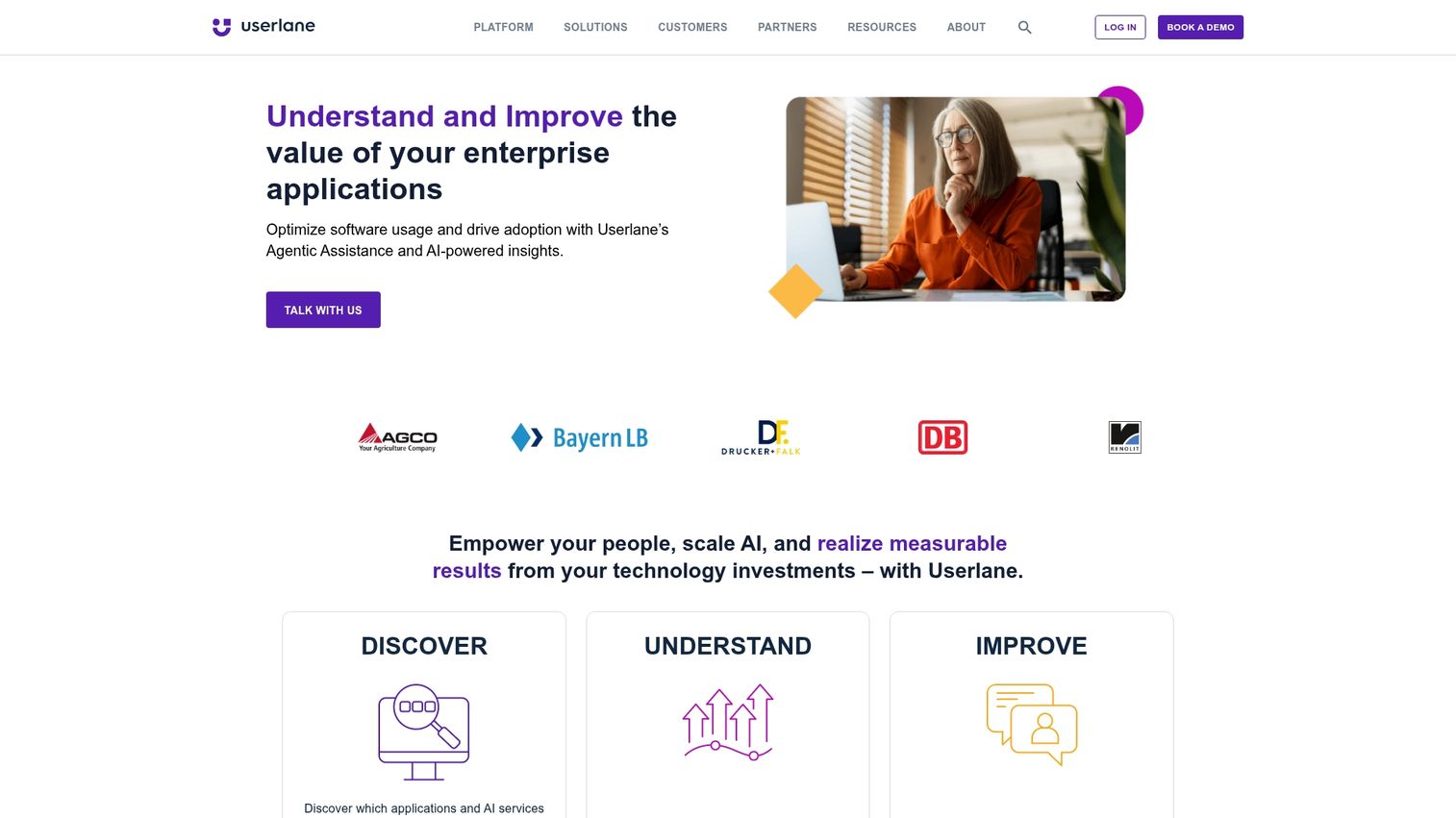
Userlane specializes in automated step-by-step guidance with automatic flow detection. The platform can identify user workflows and suggest guidance without extensive manual configuration.
Best for: Organizations rolling out enterprise software who want hands-on walkthroughs with minimal setup.
Key strengths
- Automatic flow detection: Platform identifies common workflows automatically
- Interactive guides: Step-by-step guidance that advances as users complete actions
- Multi-application support: Works across various enterprise applications
- Analytics dashboard: Track completion rates and identify problem areas
Why choose Userlane: When you want to deploy guidance quickly across enterprise applications without extensive content creation.
Pricing: Custom pricing based on users and applications.
10. Chameleon
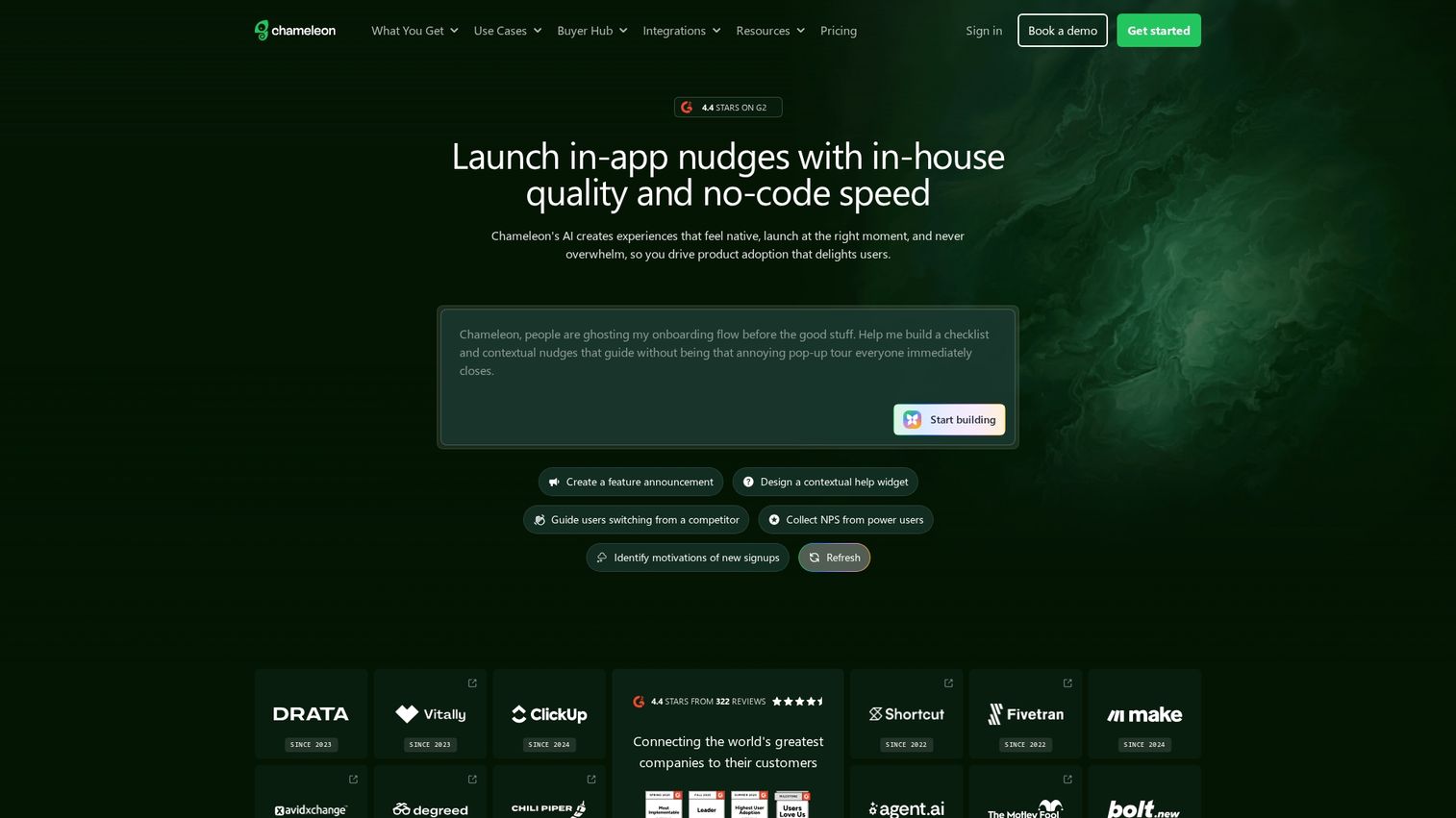
Chameleon emphasizes customizable product tours and in-app announcements with deep styling options. The platform lets teams match guidance to their brand more precisely than most alternatives.
Best for: Product teams who want highly customized in-app messaging and tours.
Key strengths
- Customizable styling: Match guidance to your brand precisely
- Microsurveys: Collect feedback without disrupting user workflows
- Launchers: Create in-app menus and resource centers
- Deep targeting: Show content based on complex user attribute combinations
Why choose Chameleon: When brand consistency and design control matter.
Pricing: Starts at $279/month for the Startup plan.
11. Gainsight PX
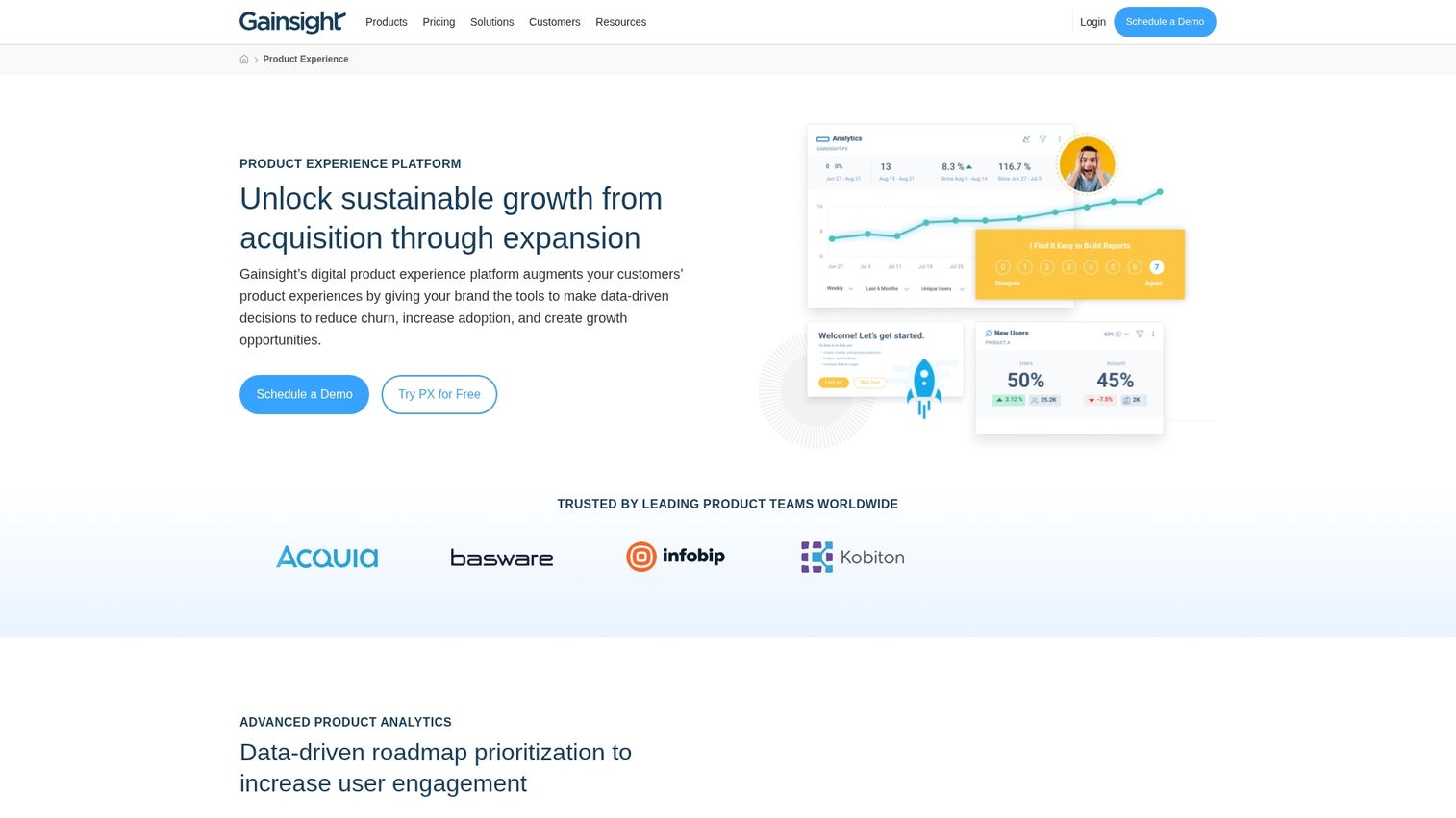
Gainsight PX ties product engagement data to customer health scores, making it strong for customer success teams focused on retention and expansion. The platform connects in-app behavior to broader customer relationship data.
Best for: CS teams at B2B SaaS companies focused on retention and expansion revenue.
Key strengths
- Customer health integration: Connect product usage to customer health scores
- Journey orchestration: Coordinate in-app and out-of-app engagement
- Engagement analytics: Track feature adoption by account and segment
- Gainsight ecosystem: Integrates with Gainsight CS for unified customer view
Why choose Gainsight PX: When you're already using Gainsight for customer success or want tight integration between product usage and customer health data.
Pricing: Custom pricing based on monthly active users.
12. Spekit
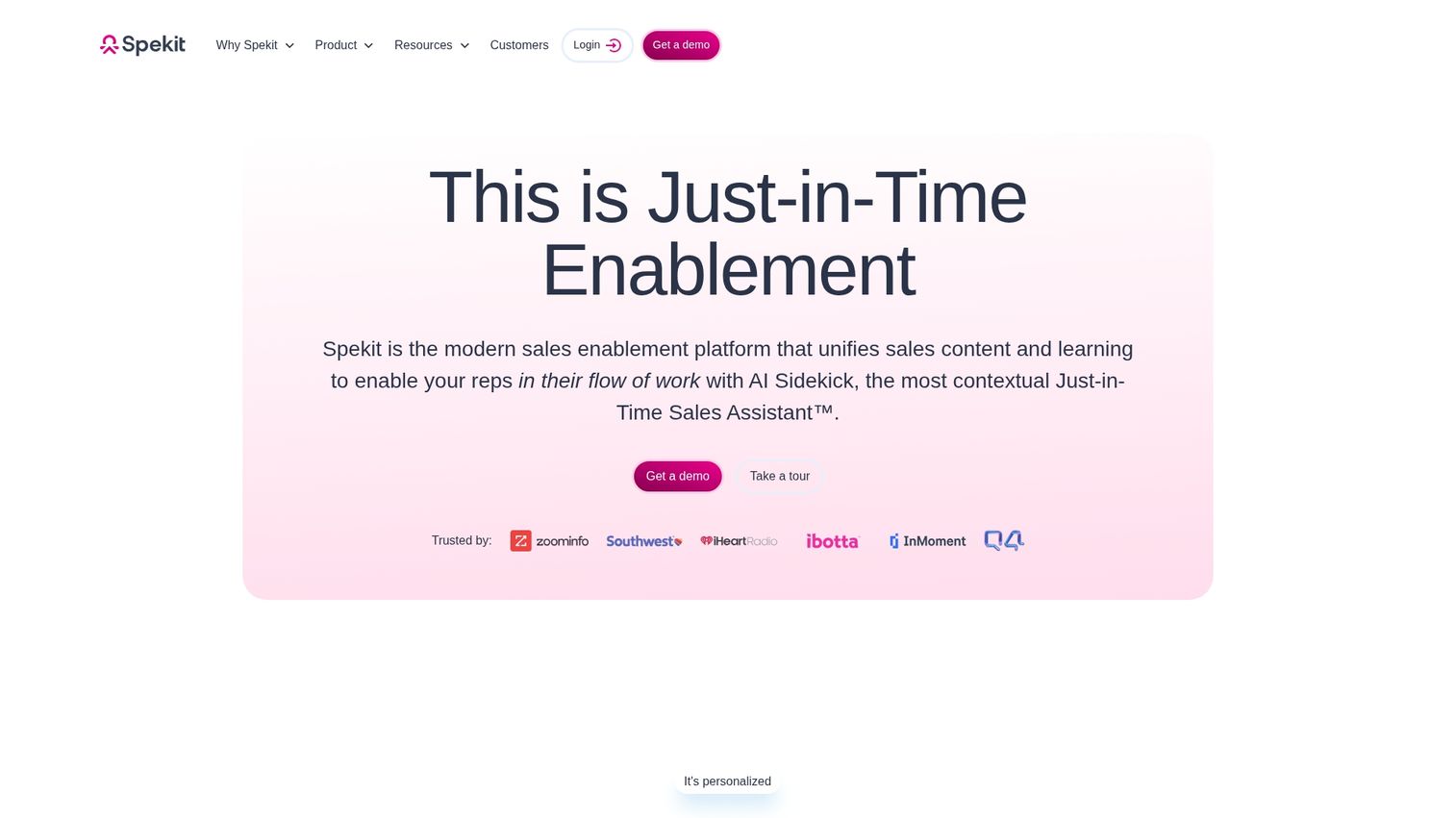
Spekit focuses on just-in-time learning for revenue teams, surfacing knowledge where sales reps work rather than requiring them to search separate systems. The platform is particularly strong for Salesforce environments.
Best for: Revenue teams using Salesforce and sales tools who want contextual enablement.
Key strengths
- Salesforce-native: Deep integration with Salesforce workflows
- Contextual knowledge: Surfaces relevant content based on what reps are doing
- Sales playbook delivery: Deliver methodology and process guidance in-context
- Chrome extension: Works across web applications reps use daily
Why choose Spekit: When your primary use case is sales enablement rather than customer-facing adoption.
Pricing: Custom pricing based on users and features.
How to choose the right digital adoption solution
The right platform depends on your primary use case, technical resources, and existing stack.
Match platform capabilities to your primary use case
DAPs vary in focus:
- Employee-facing enterprise adoption: WalkMe, Whatfix, Apty
- Customer-facing SaaS onboarding: Pendo, Appcues, Userpilot
- Sales enablement: Spekit
- Pre-purchase product experiences: Guideflow
Define your primary use case first, then filter options accordingly.
Evaluate integration requirements with your tech stack
Common integration categories to assess include CRM systems (Salesforce, HubSpot), analytics platforms (Segment, Amplitude), communication tools (Slack), and the specific applications you want to layer guidance on. Verify native integrations versus custom development requirements before committing.
Consider total cost of ownership and pricing models
Pricing structures vary:
- MAU-based: Cost scales with monthly active users
- Seat-based: Cost scales with team members creating content
- Usage-based: Cost scales with guide views or interactions
- Enterprise contracts: Custom pricing with implementation services
Factor in implementation, training, and ongoing maintenance costs beyond subscription fees.
Assess implementation complexity and time to value
Implementation timelines range from days (Appcues, UserGuiding) to months (WalkMe, Whatfix). Match complexity tolerance to your team's resources and urgency.
Tips for successful DAP implementation
Even the best platform fails without proper implementation.
1. Start with high-impact workflows first
Focus initial deployment on workflows with highest friction or support volume. Quick wins build momentum and prove ROI before expanding scope.
2. Measure baseline metrics before launch
Capture current state metrics before implementation: support ticket volume for covered workflows, task completion rates, time-to-proficiency for new users, and feature adoption rates. Without baselines, you can't demonstrate improvement.
3. Build cross-functional ownership across teams
DAP success requires collaboration between product, IT, training, and the business teams using the applications. Establish clear ownership and feedback loops.
4. Iterate based on behavioral analytics
Use DAP analytics to identify where users still struggle, then refine guidance continuously. The best implementations treat content as a living system rather than a one-time project.
How to start building your digital adoption strategy
The right DAP depends on whether you're focused on employee software adoption, customer product onboarding, or demonstrating product value to prospects.
For teams who want to show product value before users are in the application, interactive demos complement traditional DAPs by letting buyers experience the product on their own terms. Start by defining your primary use case, then evaluate 2-3 platforms that specialize in that area.
Start your journey with Guideflow today!
FAQs about digital adoption platforms
A DAP provides guidance inside the application at the moment of need, while traditional onboarding relies on separate training sessions, documentation, or videos that users reference outside their workflow.
The best platform depends on your use case. WalkMe and Whatfix excel at enterprise application friction. Pendo and Appcues work well for SaaS product friction. Guideflow addresses pre-purchase friction by letting prospects experience products through interactive demos.
IT and HR teams use DAPs for employee software training. Product teams use them for customer onboarding and feature adoption. Customer success teams use them for ongoing education. Sales teams use them for tool enablement.
Yes, DAPs can complement interactive demo platforms by providing in-app guidance after prospects convert, while interactive demos handle the pre-purchase product experience.
Pricing models vary by vendor. Some charge per monthly active user, others per seat or through enterprise contracts. Costs range from under $100/month for basic tools to six-figure annual contracts for enterprise deployments.
Whatfix focuses on enterprise-scale customization with strong professional services for complex deployments. Pendo combines product analytics with in-app guidance, making it stronger for product teams who want behavioral data alongside adoption features.
WalkMe, Whatfix, and Apty are most commonly deployed at enterprise scale. They offer robust security, compliance features, cross-application support, and dedicated implementation teams for complex environments.
Implementation timelines range from days to months depending on the platform and deployment scope. Quick-start tools like Appcues and UserGuiding can launch first guides within a week. Enterprise platforms like WalkMe and Whatfix typically require 2-6 months for full deployment.