Enterprise sales tools are software platforms built for organizations managing complex, high-value deals with long sales cycles and multiple decision-makers. They span categories from CRM and conversation intelligence to demo automation, each addressing specific friction points that simple SMB tools can't handle.
The average enterprise deal now involves 8+ stakeholders and takes months to close.
What's inside
This guide covers what enterprise sales software actually does, when your team benefits most from it, how to evaluate options, and a comparison of 12 tools across CRM, sales engagement, conversation intelligence, and demo automation. You'll find pricing, G2 ratings, and specific use cases for each platform.
TL;DR
- Enterprise sales tools manage complex, multi-stakeholder deals with long sales cycles and high-value contracts
- Key evaluation criteria include CRM integration, automation depth, analytics, and security compliance
- Guideflow stands out for interactive demos that let prospects self-educate before calls
- Demo platforms reduce time zone friction and help global sales teams scale personalized product experiences
- Start with the category that addresses your biggest bottleneck, whether that's pipeline visibility, engagement, or demo delivery
What is enterprise sales software
Enterprise sales tools are scalable software platforms designed for large organizations managing complex, high-value deals and long sales cycles. Unlike SMB sales tools built for quick transactions, enterprise software handles buying committees with multiple stakeholders, extended evaluation periods, and strict security requirements.
The platforms span several categories:
- CRM and revenue intelligence: Track pipelines, forecast revenue, and manage account relationships
- Sales engagement: Automate multi-channel outreach sequences and follow-ups
- Conversation intelligence: Record and analyze sales calls for coaching and deal insights
- Sales enablement: Manage content, training, and competitive battlecards
- Demo automation: Create personalized, self-serve product experiences for prospects
Each category addresses a specific friction point in enterprise sales, from finding the right contacts to proving product value to closing multi-threaded deals.
When to use enterprise sales tools
Complex multi-stakeholder deals
Enterprise deals typically involve buying groups of 5 to 16 people spanning IT, finance, end users, and executives. When you're selling to multiple personas with different priorities, you want tools that track engagement across stakeholders and personalize outreach accordingly. A single-threaded approach that worked for SMB deals breaks down quickly here.
Long sales cycles with technical evaluations
Enterprise deals often require proof-of-concept phases, security reviews, and extended evaluation periods - 86% of B2B purchases stall at some point in the process. Tools that support async product experiences help maintain momentum when scheduling live calls becomes difficult. Prospects can evaluate on their own time while you track their engagement.
Scaling from SMB to enterprise motion
What worked for quick SMB closes rarely translates upmarket. If your team is moving into enterprise territory, the manual processes that handled 20 deals now create chaos at 200.
Distributed or global sales teams
Global teams face time zone challenges, localization requirements, and the need for consistent messaging across regions. The best enterprise demo platforms for global sales teams enable async selling so prospects in Singapore can evaluate your product while your AEs in San Francisco sleep.
How to evaluate enterprise sales software
Integration with your CRM and GTM stack
Data silos kill enterprise sales efficiency. Your tools want to sync engagement data back to Salesforce or HubSpot for lead scoring and pipeline visibility. Look for native integrations with your existing stack, including Marketo, Slack, and analytics platforms.
Automation and workflow capabilities
Enterprise sales involves too many touchpoints for manual management. Evaluate automation categories like outreach sequences, follow-up triggers, demo personalization, and reporting. The goal is reducing admin work so reps focus on selling.
Analytics and revenue attribution
Enterprise teams want pipeline forecasting, engagement tracking, and conversion metrics at the account level. Can you see which stakeholders engaged with what content? Can you attribute revenue to specific campaigns or demos?
Security and compliance requirements
Procurement teams at enterprise buyers will ask about SOC 2, GDPR, SSO, and role-based access controls. If a tool can't pass security review, it doesn't matter how good the features are.
Pricing and total cost of ownership
Enterprise pricing often requires custom quotes. Factor in implementation, training, and ongoing support costs beyond license fees.
Comparison of the best enterprise sales tools
| # | Product | Category | Key differentiator | Pricing | G2 rating |
|---|---|---|---|---|---|
| 1 | Guideflow | Demo automation | No-code interactive demos with CRM-driven personalization | Free + paid from $40/mo | 5.0/5 |
| 2 | Salesforce Sales Cloud | CRM | Deep customization and AppExchange ecosystem | Custom | 4.4/5 |
| 3 | HubSpot Sales Hub | CRM | Native marketing alignment and user-friendly interface | Custom | 4.4/5 |
| 4 | Gong | Conversation intelligence | AI-powered call analysis and deal intelligence | Custom | 4.8/5 |
| 5 | Outreach | Sales engagement | Multi-channel sequences with A/B testing | Custom | 4.3/5 |
| 6 | ZoomInfo | Sales intelligence | B2B contact database with intent data | Custom | 4.4/5 |
| 7 | Clari | Revenue intelligence | AI-powered forecasting and pipeline inspection | Custom | 4.5/5 |
| 8 | Seismic | Sales enablement | Content management with compliance controls | Custom | 4.7/5 |
| 9 | Salesloft | Sales engagement | Engagement automation with built-in conversation intelligence | Custom | 4.5/5 |
| 10 | Demandbase | ABM platform | Account identification with intent data and ABM advertising | Custom | 4.4/5 |
| 11 | LinkedIn Sales Navigator | Social selling | Advanced search and InMail for enterprise buyers | From $99/mo | 4.3/5 |
| 12 | Cognism | Sales intelligence | GDPR-compliant data with phone-verified mobile numbers | Custom | 4.6/5 |
12 Best enterprise sales tools
1. Guideflow
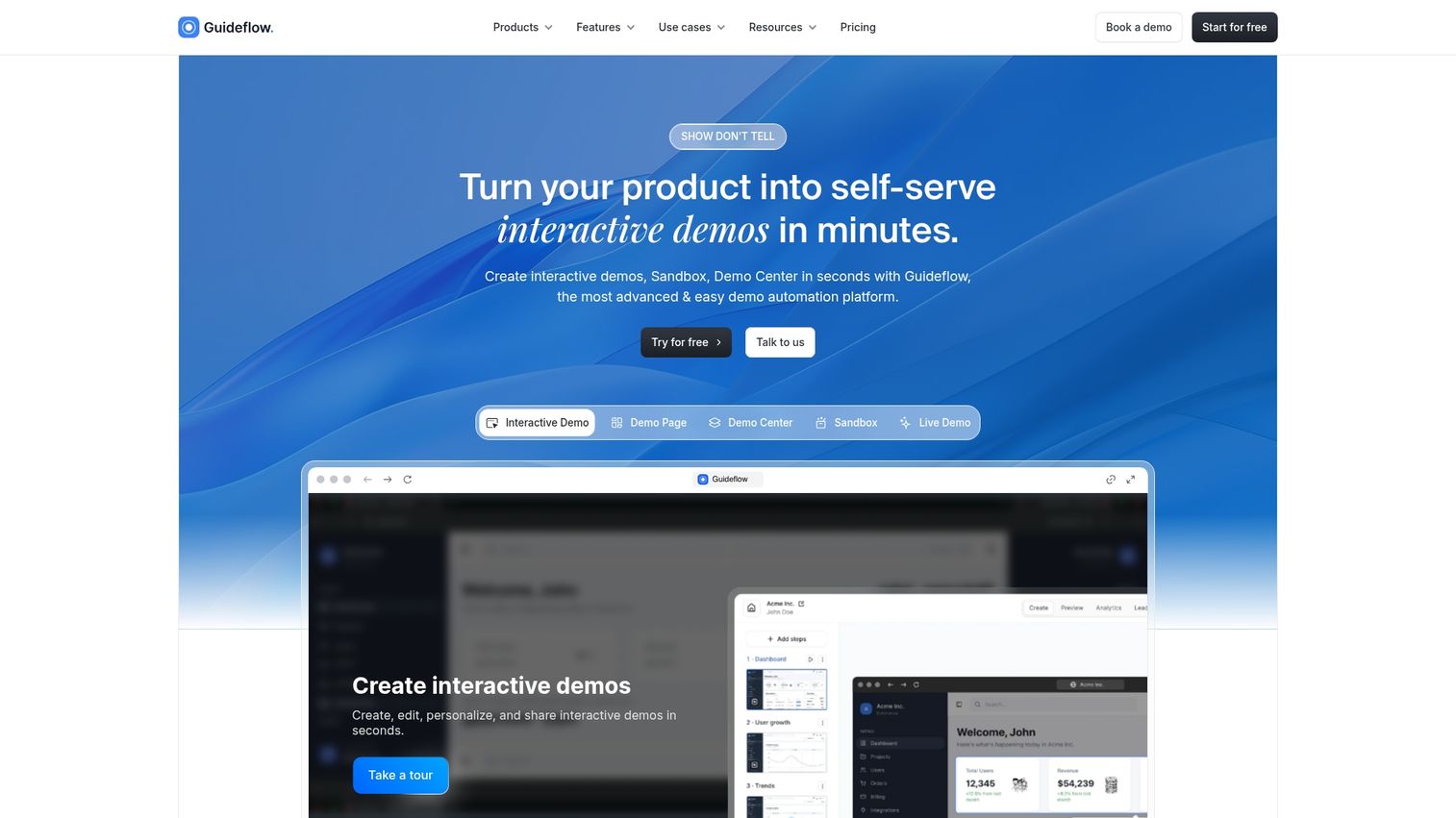
Guideflow is a demo automation platform that turns your product into self-serve interactive demos prospects can experience without scheduling a call. You capture your product flow directly from your browser, then edit and personalize it for different personas, industries, or use cases. This solves a real problem for enterprise sales teams: prospects ghost after scheduling demos, time zones make coordination painful, and your best AEs spend hours repeating the same product walkthrough instead of closing deals.
Best for: Pre-sales teams and marketing teams that want prospects to experience the product before committing to a live demo. If you're tired of no-shows or want to qualify buyers before your AEs invest time, Guideflow lets prospects self-educate on their schedule while you track exactly what resonates.
Key strengths
- No-code capture and editing: Record your product in clicks, then refine with a drag-and-drop editor. No engineering resources needed, so your sales team stays independent and moves fast.
- CRM-driven personalization: Pull variables from Salesforce or HubSpot to tailor demos at scale. Show each prospect their company name, their use case, their industry without manually rebuilding demos for every account.
- Engagement analytics: Track which steps prospects view, where they drop off, and what drives conversions. Know exactly which features matter to each account before your discovery call even starts.
- Multi-format support: Interactive demos, sandboxes, demo centers, and live demos from one platform. One tool handles your entire demo workflow instead of stitching together multiple point solutions.
Pricing: Free tier available. Paid plans start at $40/month (Solo), with Growth at $499/month and Enterprise from $2,999/month.
Start your journey with Guideflow today!
2. Salesforce Sales Cloud
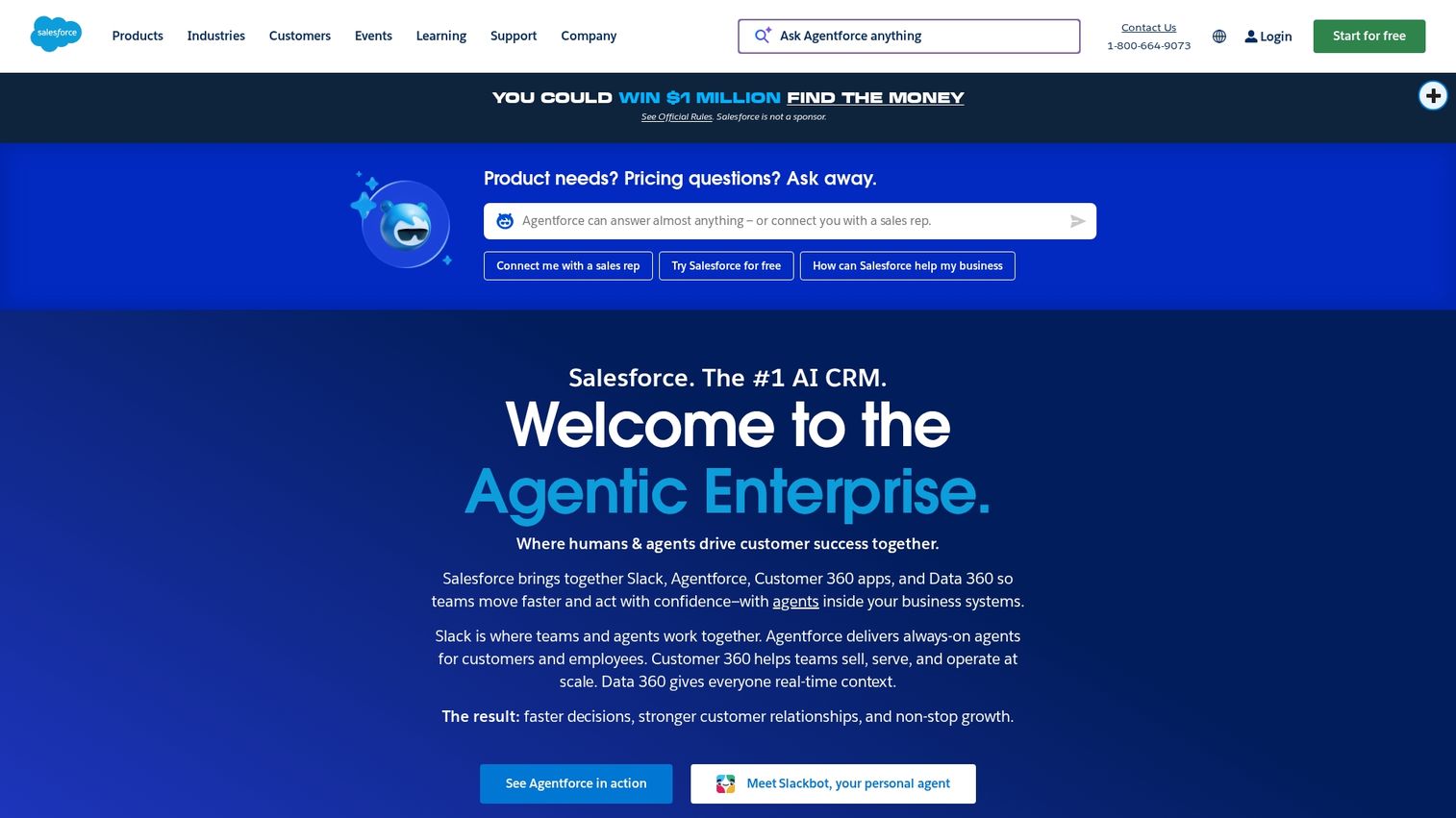
Salesforce remains the industry-standard CRM for enterprise sales teams. Its depth of customization and massive AppExchange ecosystem make it the foundation of most enterprise sales stacks. When you're managing hundreds of deals across multiple regions with complex approval workflows, Salesforce gives you the flexibility to model your exact sales process. The learning curve is steep and implementation takes months, but for organizations with unique requirements or heavy customization needs, it's still the most powerful option available.
Best for: Large organizations wanting deep customization, complex workflows, and extensive third-party integrations. If your sales process has unique stages, custom fields, or approval chains that off-the-shelf CRMs can't handle, Salesforce adapts to your needs instead of forcing you into a template.
Key strengths
- Pipeline management: Track deals across stages with customizable sales processes. Build separate pipelines for different product lines, regions, or deal types with stage-specific fields and automation rules.
- Einstein AI: Predictive lead scoring, opportunity insights, and automated data capture. The AI layer surfaces which deals need attention, predicts close probability, and automatically logs activities so reps spend less time on admin work.
- AppExchange: Thousands of integrations for nearly any use case. Whatever tools your team uses, from CPQ to contract management to analytics platforms, there's probably a pre-built connector that syncs data back to Salesforce.
Pricing: Enterprise tier requires custom pricing conversations.
3. HubSpot Sales Hub Enterprise
HubSpot offers a more approachable enterprise CRM with native alignment between sales, marketing, and service. Teams scaling from mid-market often find the transition smoother than jumping straight to Salesforce. The interface is intuitive, implementation is faster, and the native connection between marketing campaigns and sales pipeline means you actually know which activities drive revenue. If your sales and marketing teams currently operate in silos with separate systems, HubSpot forces alignment by putting everyone in the same platform with shared data.
Best for: Organizations wanting sales, marketing, and service alignment without the complexity of Salesforce. If you need a CRM software that your team will actually use without months of training, and you want marketing attribution that shows which campaigns influence deals, HubSpot delivers both.
Key strengths
- Native marketing integration: Seamless handoff between marketing automation and sales. See exactly which emails a prospect opened, which content they downloaded, and which campaigns touched them before they became an opportunity.
- User-friendly interface: Lower training overhead compared to Salesforce. New reps get productive in days instead of weeks, and your team spends less time fighting the system and more time selling.
- Reporting dashboards: Built-in analytics without extensive customization. Get pipeline reports, activity tracking, and revenue forecasts out of the box instead of hiring a Salesforce admin to build custom reports.
Pricing: Enterprise tier available with custom pricing.
4. Gong
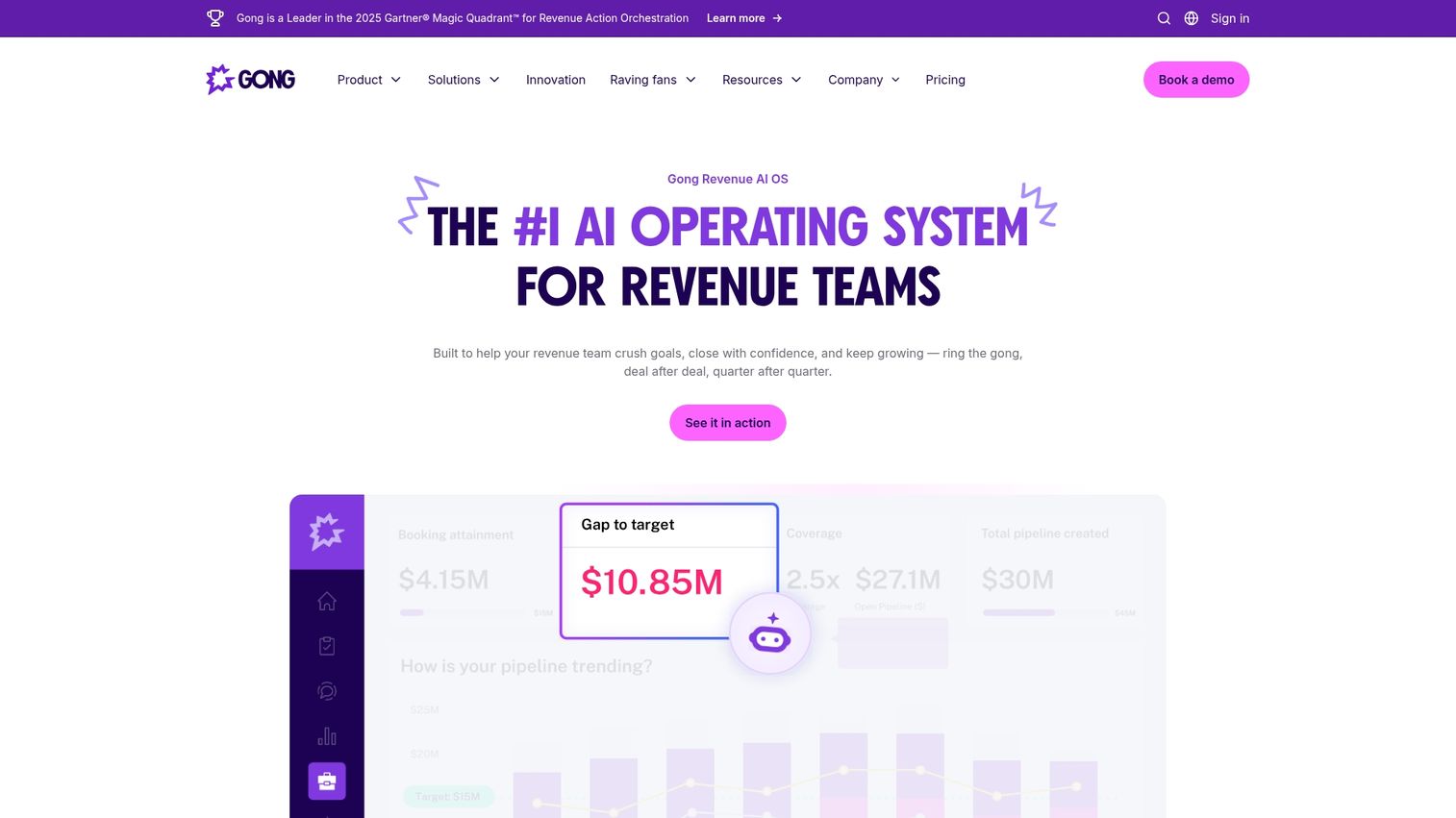
Gong captures and analyzes sales conversations to surface coaching opportunities and deal intelligence. It's become essential for enterprise teams wanting visibility into what actually happens on calls. Instead of relying on rep notes in the CRM (which are often incomplete or optimistic), Gong records every call and uses AI to identify patterns. Sales leaders can spot which objections keep coming up, which competitors are mentioned most, and which reps need coaching on specific talk tracks. For enterprise deals where a single misstep can kill a six-figure opportunity, having a record of every conversation is invaluable.
Best for: Sales leaders wanting deal visibility, coaching insights, and competitive intelligence from conversations. If you're managing a team and need to understand why deals are stalling, which messaging resonates, or how to replicate what your top performers do differently, Gong gives you the data.
Key strengths
- Call recording and analysis: Automatic transcription with AI-powered insights. Every call gets recorded, transcribed, and analyzed for keywords, sentiment, and talk-to-listen ratios without any manual work from your reps.
- Deal intelligence: Risk signals and next-step recommendations based on conversation patterns. Gong flags deals that show warning signs (like lack of executive engagement or unaddressed objections) so you can intervene before it's too late.
- Competitive insights: Track how competitors come up in conversations. See which competitors you're losing to most often, what objections they raise, and how your top reps handle competitive situations.
Pricing: Custom pricing based on seats.
5. Outreach
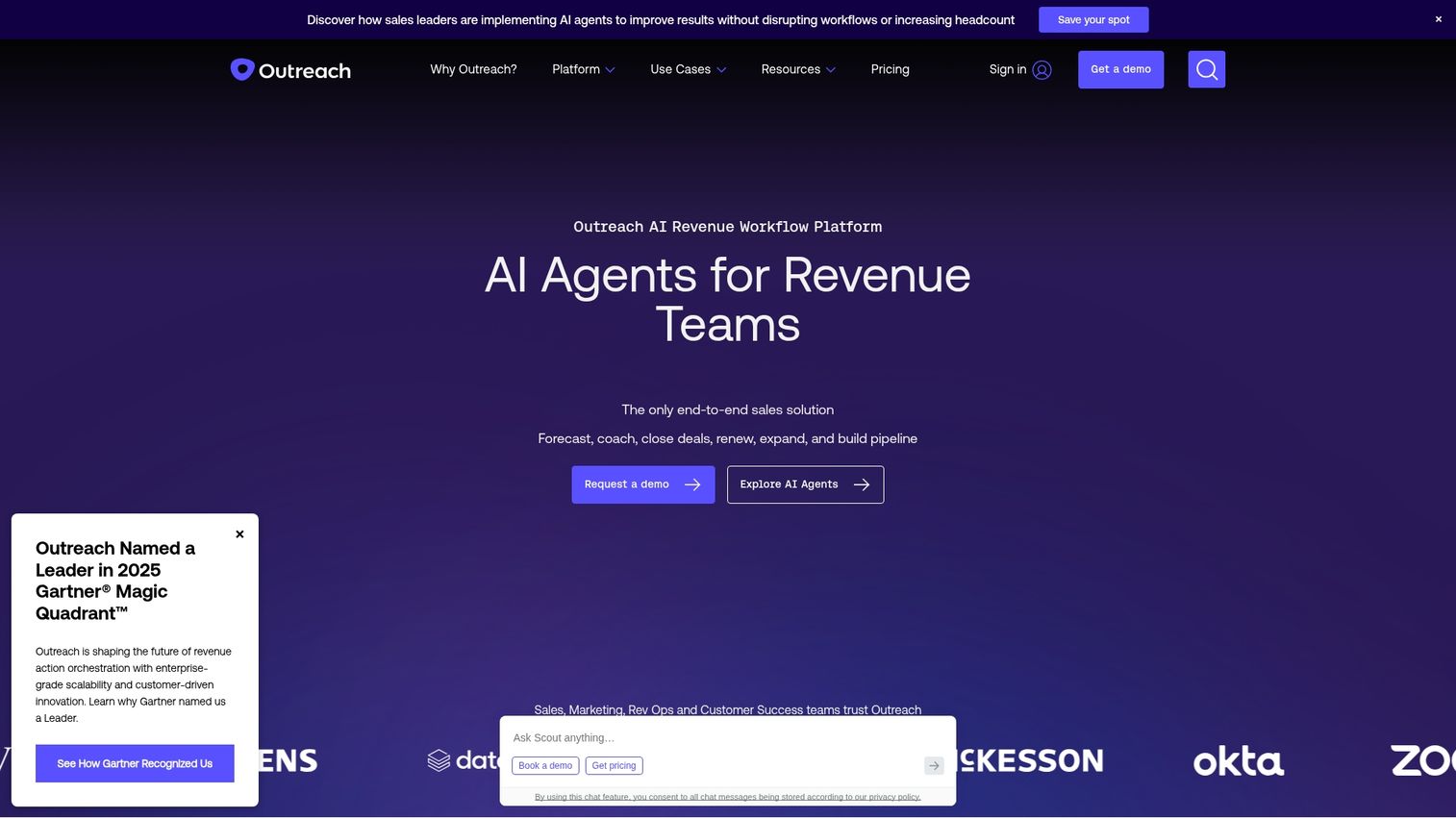
Outreach is a sales engagement platform that automates multi-channel sequences while providing analytics on what's working. SDR and AE teams use it to scale personalized outreach without manual follow-up tracking. Instead of your reps manually sending emails, setting calendar reminders for follow-ups, and logging every touchpoint in the CRM, Outreach automates the entire cadence. Your team focuses on the conversations that matter while the platform handles the repetitive work. For enterprise teams running high-volume prospecting or managing hundreds of accounts simultaneously, this automation is the difference between chaos and consistency.
Best for: SDR and AE teams running high-volume, multi-channel outreach sequences. If your team needs to touch hundreds of prospects per week across email, phone, and LinkedIn without dropping balls or losing track of who needs what follow-up, Outreach keeps everyone organized and productive.
Key strengths
- Sequence automation: Email, call, and LinkedIn touchpoints in coordinated cadences. Build a sequence once, enroll prospects, and the platform automatically sends emails, schedules call tasks, and triggers LinkedIn touches at the right intervals.
- A/B testing: Test subject lines, messaging, and timing at scale. Run experiments to see which email templates get higher reply rates, which call scripts book more meetings, and which timing works best for your audience.
- Workflow automation: Trigger actions based on prospect behavior. If someone opens an email three times, automatically escalate them to a priority list. If they click a pricing link, trigger a notification to the rep to follow up immediately.
Pricing: Custom pricing.
6. ZoomInfo
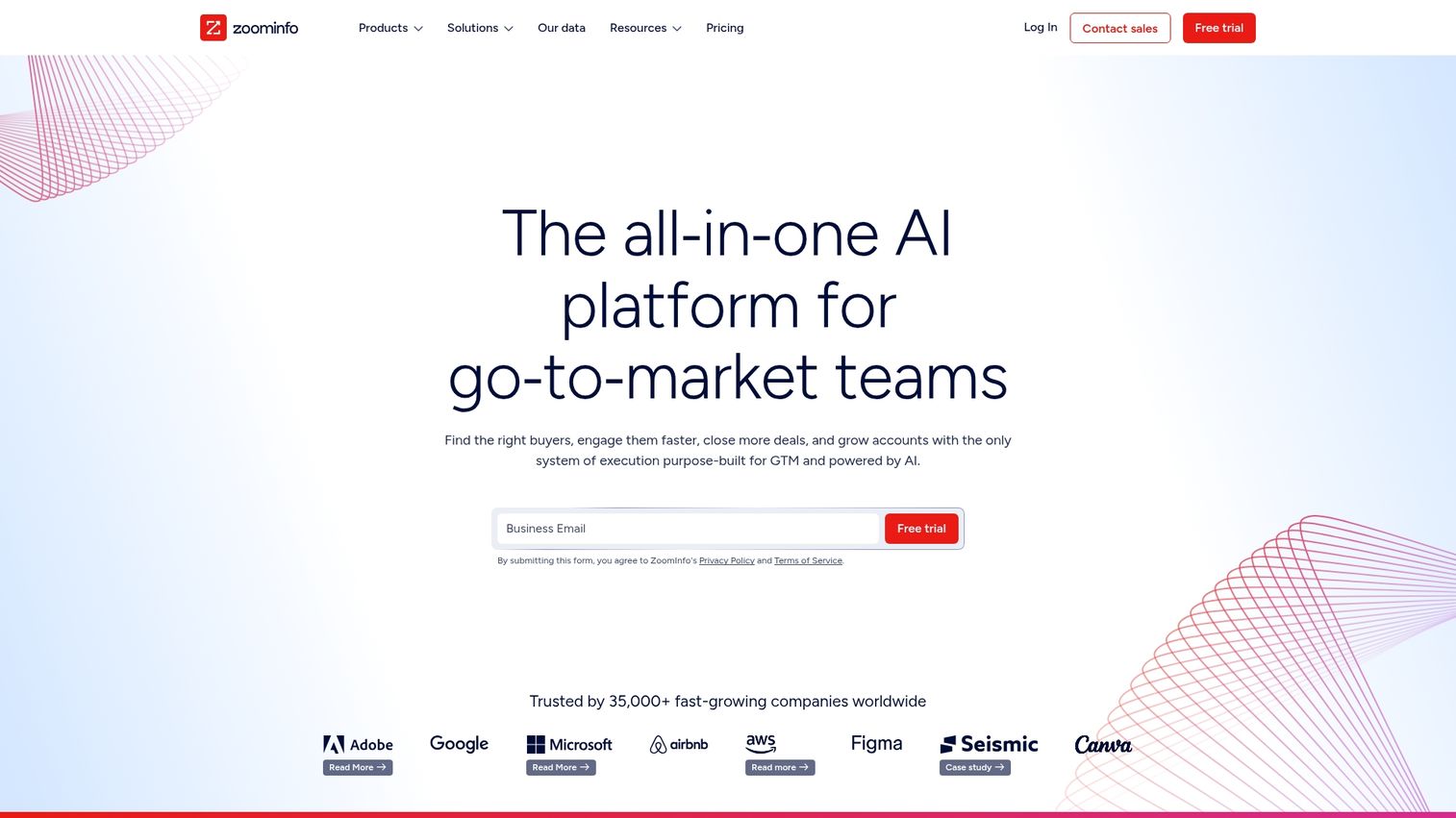
ZoomInfo provides B2B contact and company data that powers prospecting and account research. Enterprise teams use it to identify decision-makers, understand org structures, and prioritize accounts showing buying intent. The biggest challenge in enterprise sales is often just finding the right person to talk to. ZoomInfo solves this by giving you direct dials, verified emails, and org charts that show reporting structures. The intent data layer adds another dimension by flagging which accounts are actively researching solutions in your category, so you can prioritize outreach to buyers who are actually in-market.
Best for: Teams wanting accurate enterprise sales leads and account intelligence for prospecting. If your reps waste hours hunting for contact info, guessing at org structures, or cold calling accounts that aren't even in-market, ZoomInfo gives them the data to work smarter.
Key strengths
- Contact database: Direct dials and verified emails for decision-makers. Stop relying on generic info@ addresses or outdated contacts. Get mobile numbers and direct lines that actually reach the people who make buying decisions.
- Intent data: Signals showing which accounts are actively researching solutions. See which companies are visiting competitor websites, reading review sites, or searching for keywords related to your product category.
- Org charts: Understand reporting structures and identify champions. Map out who reports to whom, find the economic buyer, and identify potential champions who can advocate internally for your solution.
Pricing: Multiple tiers with custom enterprise pricing.
7. Clari
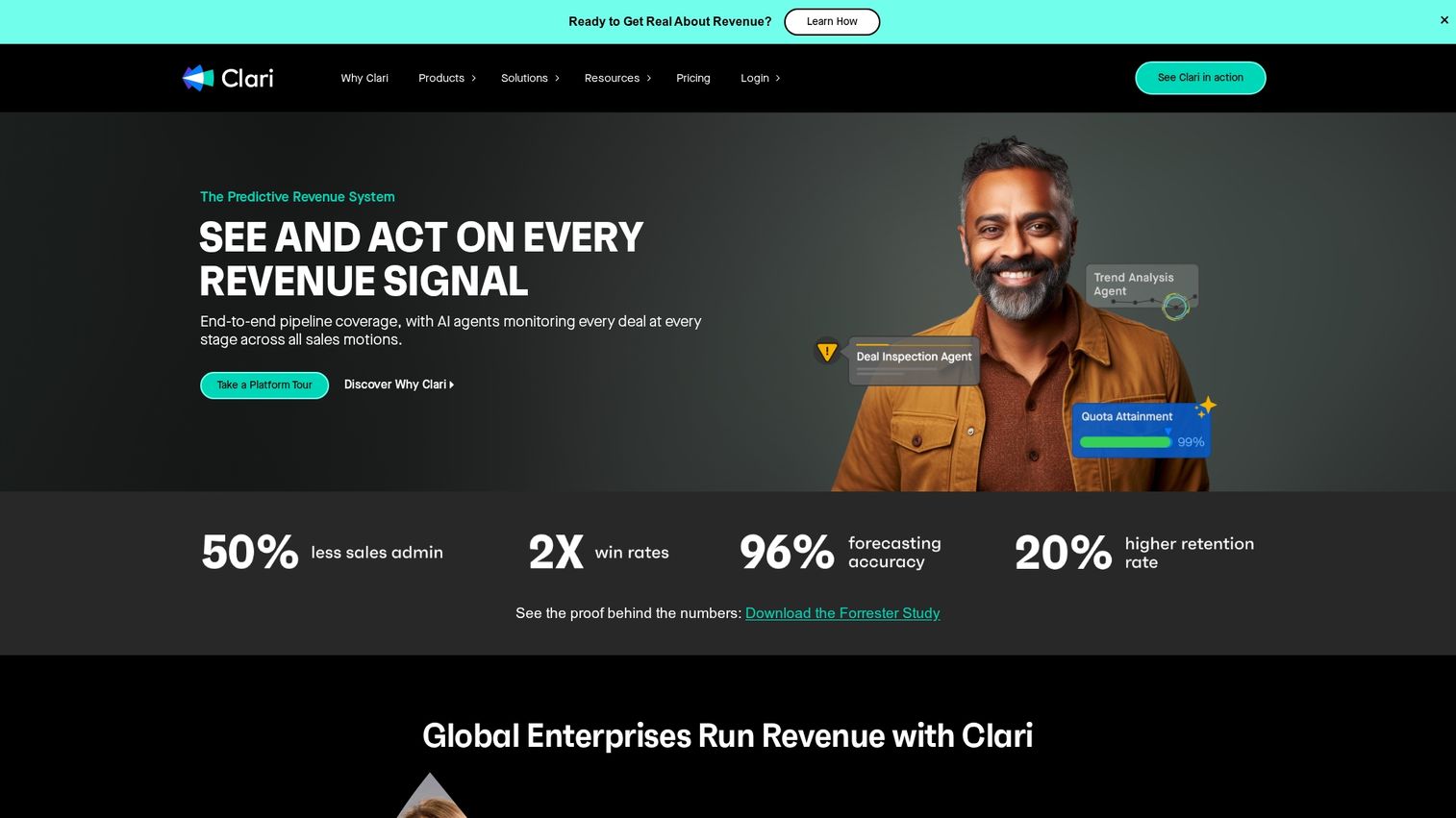
Clari focuses on revenue intelligence and forecasting accuracy. RevOps teams use it to inspect pipeline health, identify revenue leaks, and improve forecast confidence. The problem Clari solves is simple but critical: most sales forecasts are wrong because they rely on rep gut feel and CRM data that's incomplete or outdated. Clari pulls signals from emails, meetings, and CRM activity to build a more accurate picture of deal health. For enterprise organizations where missing forecast by 10% means millions in revenue variance, Clari's AI-powered predictions help leadership make better decisions about hiring, spending, and guidance.
Best for: RevOps teams wanting pipeline visibility and forecast accuracy. If your leadership team needs reliable revenue predictions, or if you're constantly surprised by deals that slip or close unexpectedly, Clari gives you the data to forecast with confidence.
Key strengths
- AI-powered forecasting: Predictive models based on historical patterns and current activity. Clari analyzes thousands of data points across your deals to predict close probability more accurately than rep intuition alone.
- Pipeline inspection: Drill into deals to understand risk and next steps. See which opportunities lack executive engagement, which haven't had recent activity, and which are progressing healthily toward close.
- Activity capture: Automatic logging of emails and meetings. Reps don't need to manually update the CRM because Clari captures activity automatically and uses it to assess deal health.
Pricing: Custom pricing based on organization size.
8. Seismic
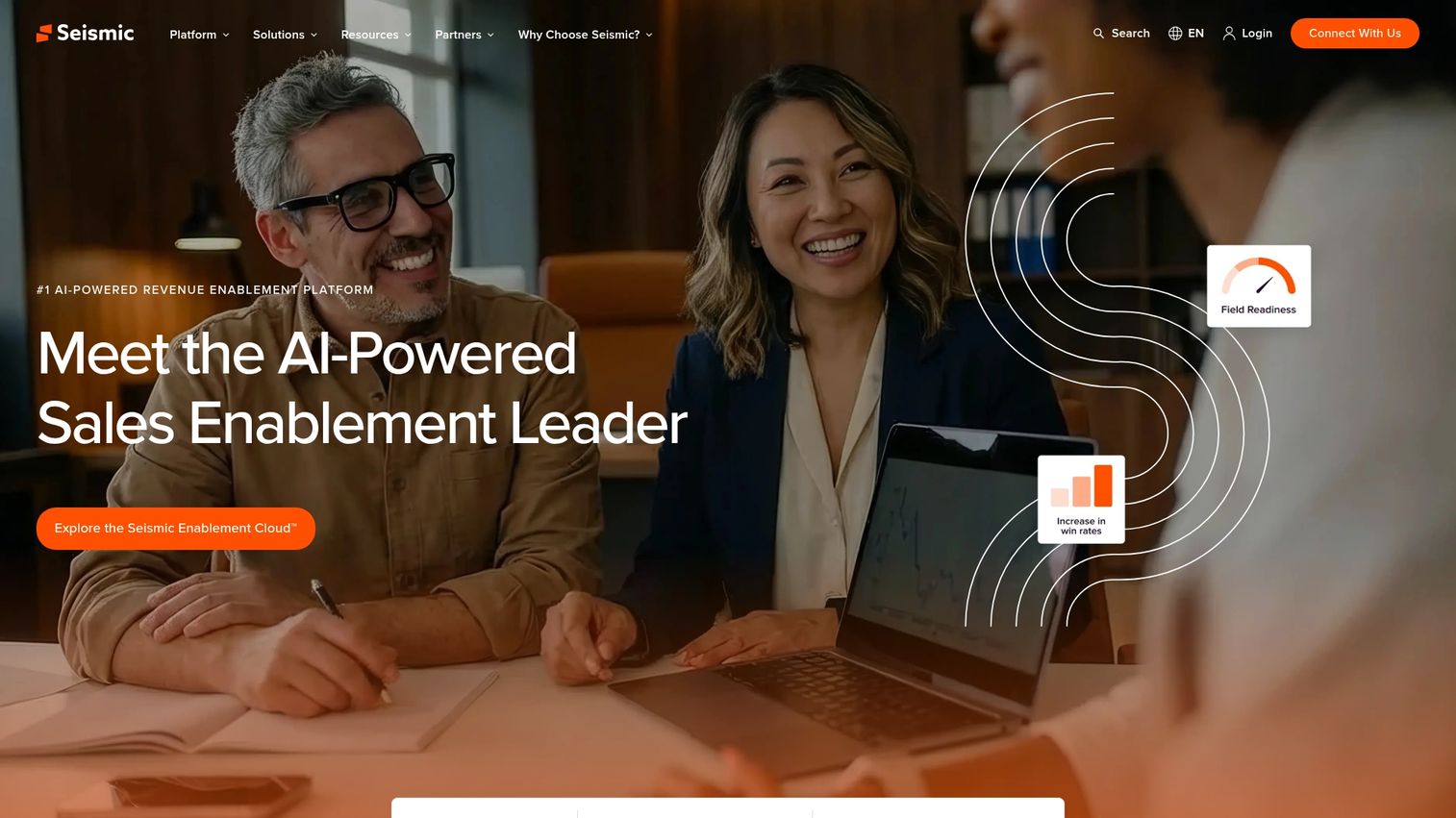
Seismic is an enterprise sales enablement platform for organizations with large content libraries and compliance requirements. It helps reps find the right content and ensures messaging stays on-brand. The challenge in enterprise sales is that reps need dozens of different assets (case studies, ROI calculators, security documentation, competitive battlecards) and they need the right version for each buyer. Seismic centralizes everything in one searchable repository with version control, so reps always use current materials and compliance teams can enforce approval workflows. For regulated industries or companies with strict brand guidelines, this control is non-negotiable.
Best for: Organizations with large content libraries, compliance requirements, and distributed sales teams. If your reps struggle to find the right case study, use outdated slide decks, or send materials that haven't been legal-approved, Seismic solves the chaos.
Key strengths
- Content management: Centralized repository with version control and permissions. Store every sales asset in one place, control who can access what, and automatically retire outdated materials so reps never send the wrong version.
- Personalization: Dynamic content assembly based on buyer context. Build templates that automatically pull in the right case studies, pricing, and messaging based on industry, company size, or use case.
- Training and coaching: Learning paths and certification tracking. Onboard new reps with structured training programs, track completion, and ensure everyone knows your product, competitors, and sales methodology.
Pricing: Custom enterprise pricing.
9. Salesloft
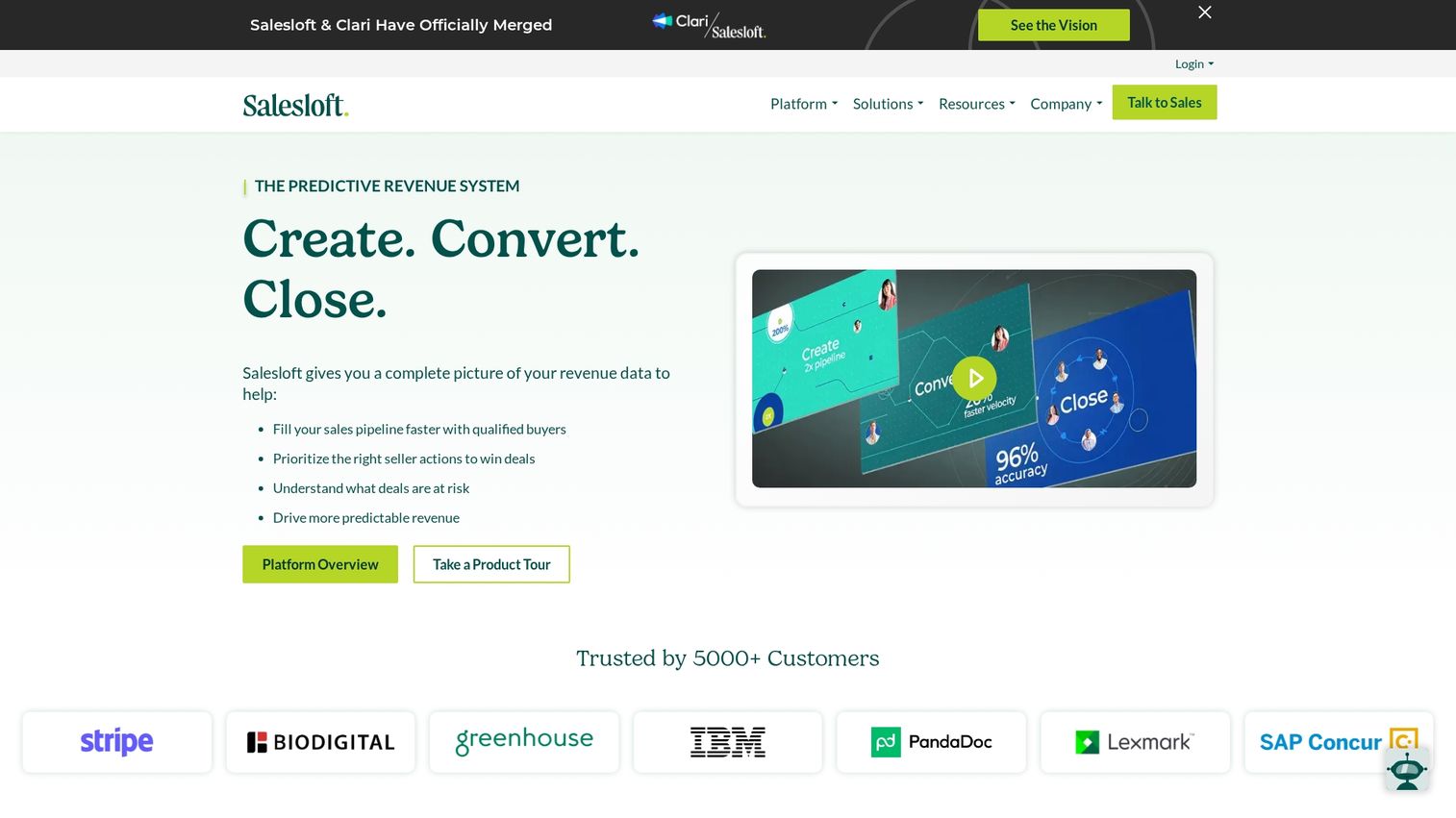
Salesloft combines sales engagement with conversation intelligence after acquiring Drift. Teams get cadence automation alongside chatbot and call recording capabilities. This combination is powerful because you can automate outreach sequences, capture every conversation for coaching, and even engage website visitors with chatbots, all from one platform. For teams that want the engagement automation of Outreach plus the conversation intelligence of Gong without managing two separate tools, Salesloft delivers both in a single system.
Best for: Teams wanting engagement automation with built-in conversation intelligence. If you need both cadence automation and call recording but want to avoid integrating multiple point solutions, Salesloft gives you a unified platform.
Key strengths
- Cadence automation: Multi-channel sequences with personalization. Build email, call, and social touch sequences that run automatically while still feeling personalized to each prospect.
- Drift integration: Chatbot and conversational marketing capabilities. Engage website visitors in real-time with chatbots that qualify leads and book meetings directly on your calendar.
- Call recording: Conversation intelligence for coaching. Record calls, analyze talk tracks, and coach reps on what's working without sitting in on every conversation.
Pricing: Custom pricing based on seats.
10. Demandbase
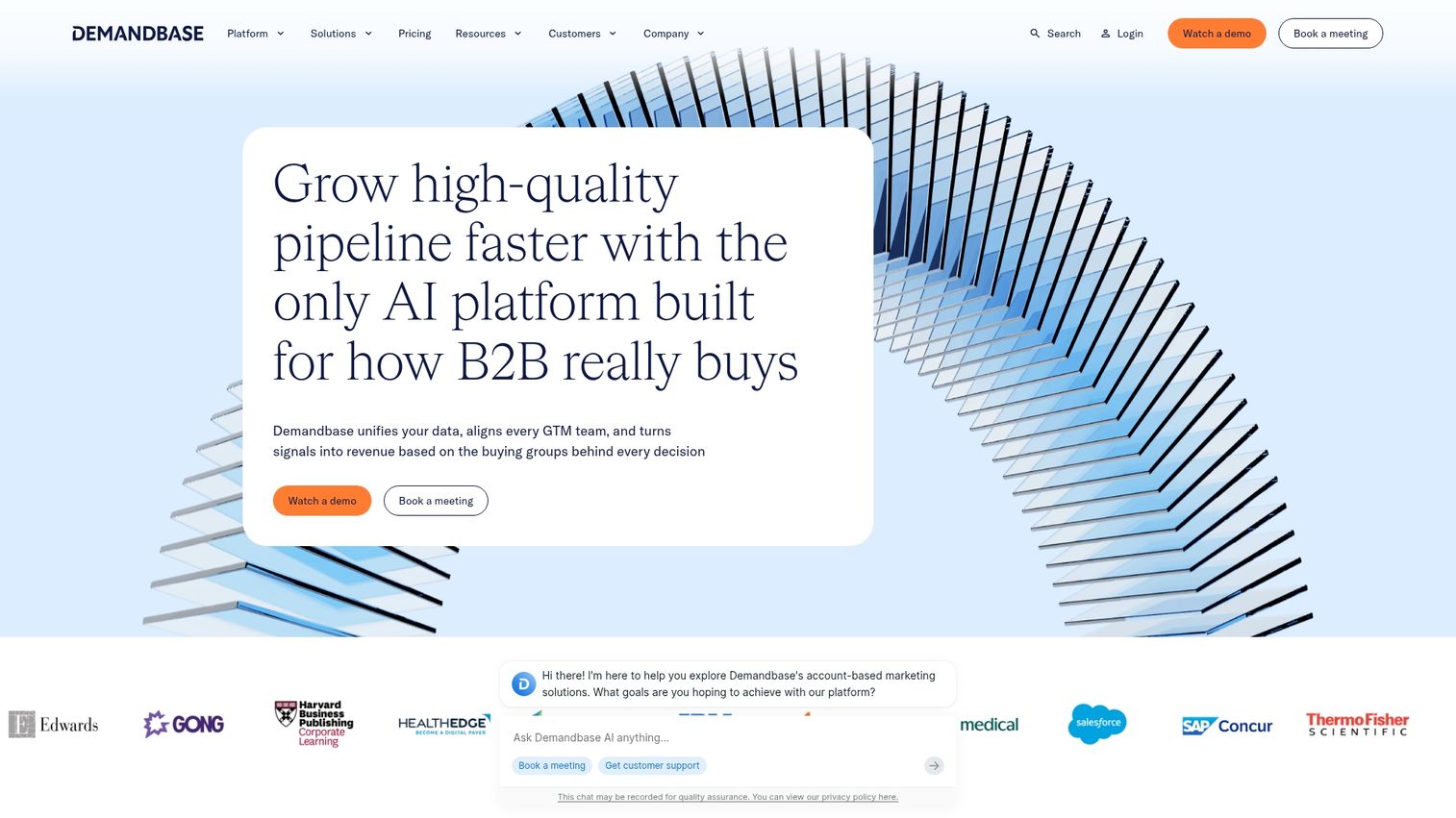
Demandbase is the leading ABM platform for enterprise teams running account-based strategies. It combines account identification, intent data, and advertising in one platform. The core insight behind ABM is that in enterprise sales, not all leads are equal. A director at a Fortune 500 company in your ICP is worth 100x more than a manager at a small business outside your target market. Demandbase helps you identify which accounts are visiting your website (even anonymously), which ones show buying intent, and then lets you run targeted advertising to specific accounts across display and social channels. For teams selling to a defined list of target accounts, this focus drives better ROI than broad-based demand gen.
Best for: Enterprise teams running account-based marketing and sales strategies. If you have a defined list of target accounts and want to coordinate marketing and sales efforts around those specific companies, Demandbase aligns your entire go-to-market motion.
Key strengths
- Account identification: De-anonymize website visitors to target accounts. See which companies are visiting your site, which pages they view, and how engaged they are, even before anyone fills out a form.
- Intent data: Signals showing account-level research activity. Identify which target accounts are actively researching solutions in your category based on their content consumption across the web.
- ABM advertising: Target specific accounts across display and social. Run ads that only show to people at your target accounts, ensuring your budget goes toward the buyers that actually matter.
Pricing: Custom pricing based on modules.
11. LinkedIn Sales Navigator
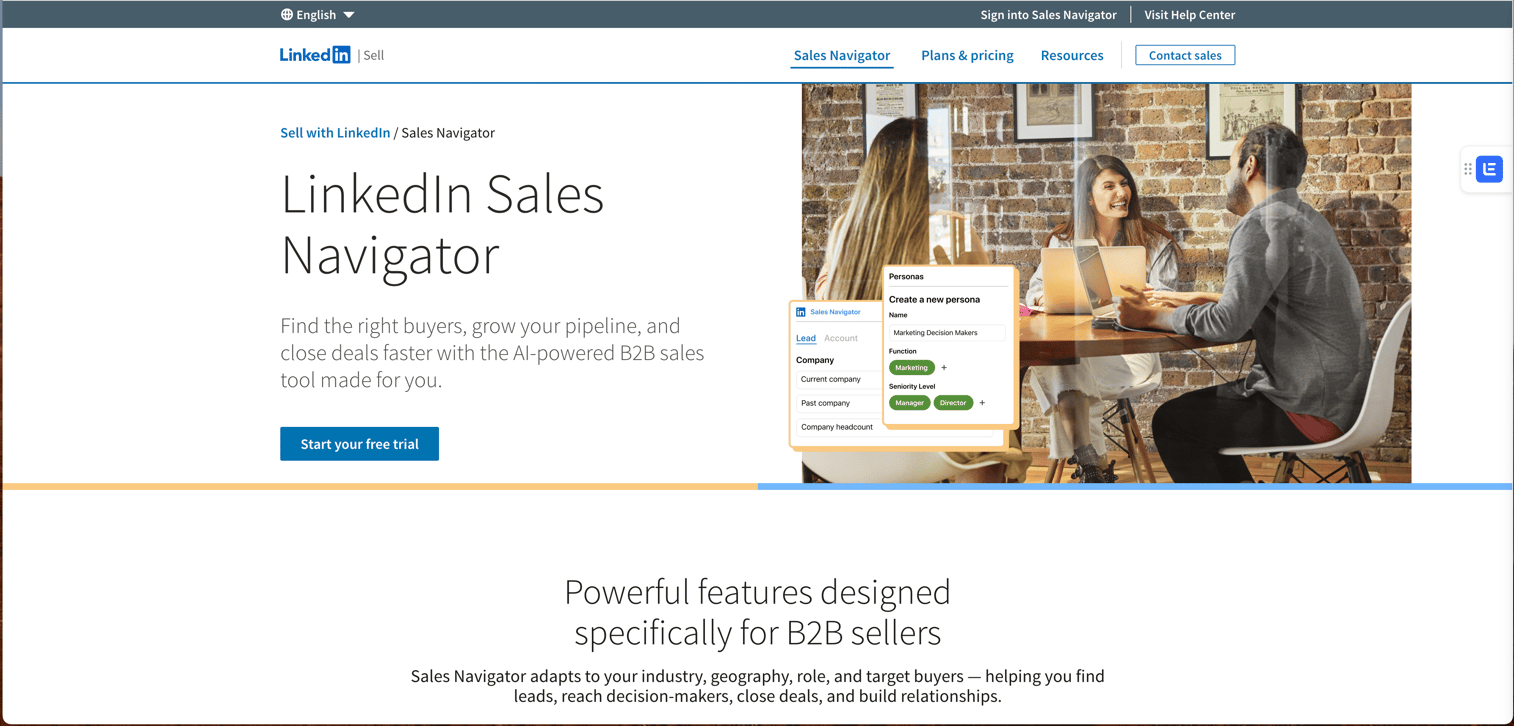
LinkedIn Sales Navigator is essential for social selling and relationship building in enterprise sales. Advanced search and InMail capabilities help reps connect with hard-to-reach buyers. Enterprise buyers are increasingly ignoring cold emails and screening calls, but they're active on LinkedIn. Sales Navigator gives you advanced filters to find exactly the right prospects (VP of Sales at Series B SaaS companies in the Northeast, for example), lets you send InMail messages even if you're not connected, and tracks who's viewed your profile or engaged with your content. For relationship-driven enterprise sales where warm introductions and social proof matter, LinkedIn is where deals start.
Best for: Reps building relationships with enterprise buyers through social selling. If your buyers are active on LinkedIn and you need a way to reach them outside of cold email, Sales Navigator gives you the tools to start conversations and build relationships.
Key strengths
- Advanced search: Filter by seniority, function, company size, and more. Build highly specific prospect lists using dozens of filters, save your searches, and get alerts when new people match your criteria.
- InMail: Direct messaging to prospects outside your network. Reach decision-makers you're not connected to with messages that land in their LinkedIn inbox instead of getting lost in email spam folders.
- CRM sync: Integration with Salesforce and HubSpot. Automatically sync your LinkedIn activity back to your CRM so every InMail, connection request, and profile view gets logged without manual data entry.
Pricing: Team and Enterprise tiers available.
12. Cognism
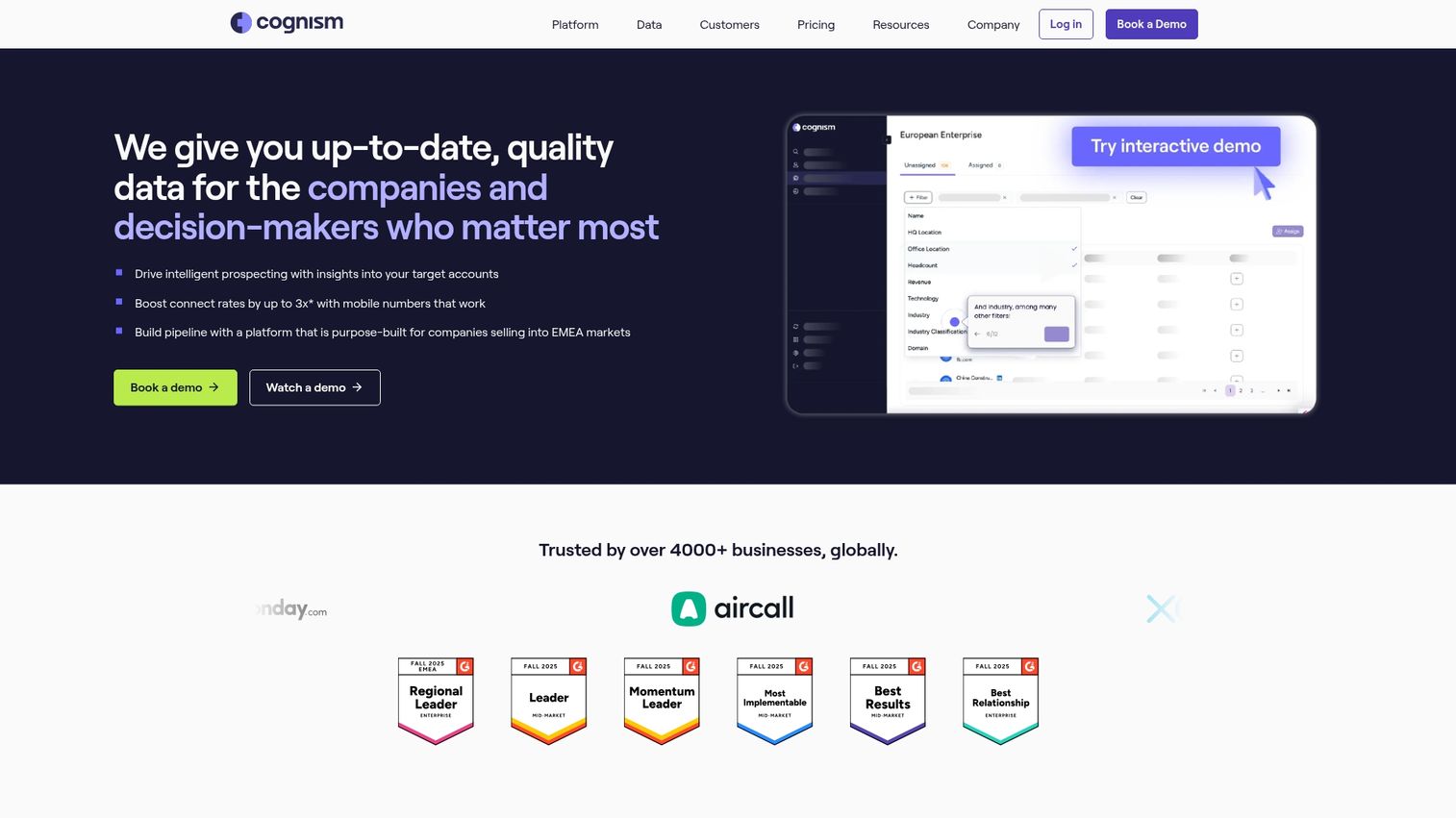
Cognism provides GDPR-compliant B2B data with phone-verified mobile numbers. European and global teams often prefer it for compliance confidence. The challenge with most contact databases is that the data is either inaccurate (numbers are outdated or wrong) or non-compliant (collected without proper consent, which creates legal risk in Europe). Cognism solves both problems by phone-verifying mobile numbers to ensure they're current and by building their database with GDPR compliance from the ground up. For teams selling in Europe or global companies that need to meet strict data privacy requirements, Cognism gives you accurate data without legal risk.
Best for: European and global teams wanting compliant contact data with verified mobile numbers. If you're selling in Europe and need GDPR-compliant data, or if you're tired of calling numbers that are disconnected or wrong, Cognism delivers both compliance and accuracy.
Key strengths
- Phone-verified mobiles: Higher connect rates than competitors. Every mobile number is verified by calling it, so you're not wasting time dialing disconnected numbers or landlines that go to voicemail.
- GDPR compliance: Built for European data requirements. The entire database is collected and maintained with GDPR compliance, so your legal team can approve it without concerns about regulatory risk.
- Intent data: Bombora integration for buying signals. Layer intent data on top of contact information to prioritize accounts that are actively researching solutions in your category.
Pricing: Custom pricing based on credits.
How to pilot enterprise sales software
1. Define your core use cases
Start by identifying specific problems: demo bottlenecks, forecast accuracy, content findability. Avoid buying tools without clear use cases.
2. Map requirements to evaluation criteria
Create a scorecard based on the evaluation criteria above. Weight criteria by priority for your organization.
3. Run a controlled pilot
Pilot with a subset of reps or one sales segment. Define success metrics upfront. Typical pilot periods run 30-90 days.
4. Plan rollout and adoption
Enterprise tools fail without adoption planning. Include training, change management, and executive sponsorship.
5. Measure and optimize
Track usage metrics and business outcomes. Adjust workflows based on what's working.
How enterprise demo platforms support global sales teams
Localizing demos for regional markets
Global teams often struggle with demos in multiple languages. AI-powered translations and localized content let you adapt demos without rebuilding from scratch.
Personalizing at scale across personas
Enterprise deals involve different personas with different priorities. Interactive demos can show different features to IT versus finance versus end users using branching logic and dynamic variables.
Reducing time zone friction with async demos
Scheduling live demos across time zones slows deals - 61% of B2B buyers prefer rep-free buying. Self-serve interactive demos let prospects evaluate on their own time while analytics track engagement even without a live call.
Building your enterprise sales stack
The right enterprise sales tools depend on where your biggest bottlenecks live. If pipeline visibility is the problem, start with revenue intelligence. If reps can't find content, prioritize enablement. If prospects ghost after scheduling calls, demo automation addresses that gap directly.
Interactive demos fill a critical hole in most enterprise stacks by letting buyers self-educate before committing to live conversations.
Start your journey with Guideflow today!
FAQs about enterprise sales tools
Enterprise sales software handles longer sales cycles, multiple stakeholders, complex integrations, and stricter security requirements. SMB tools optimize for speed and simplicity, while enterprise platforms prioritize depth, customization, and compliance.
Implementation timelines vary by tool complexity. SaaS platforms with no-code setup can be live in days. Deeply customized CRM deployments often take several months with professional services involvement.
Interactive demos complement rather than replace live demos. They let prospects self-educate before calls and enable async engagement when scheduling is difficult.
Teams typically measure ROI through pipeline velocity, win rates, sales cycle length, rep productivity, and revenue influenced or attributed to specific tools.
Most enterprise procurement teams require SOC 2 Type II certification. Organizations handling EU data verify GDPR compliance. SSO and role-based access controls are standard requirements.
Some platforms like HubSpot and Guideflow offer free tiers or trials. Most enterprise-focused tools require demos and custom pricing conversations.