Most websites convert between 2% and 5% of visitors. That means for every 100 people who land on your page, 95 or more leave without taking action.
CRO tools exist to close that gap. They show you where visitors get stuck, let you test fixes, and measure what actually moves the needle. This guide covers 25 of the best conversion rate optimization tools for 2026, organized by category and use case, so you can pick the right ones for your stack.
What's inside
This guide covers conversion rate optimization (CRO) tools, the main categories of conversion optimization software, and when to use each type. You'll find key evaluation criteria and a ranked list of the 25 best CRO tools for 2026. Tools were selected based on G2 ratings, fit for specific use cases, and pricing transparency.
TL;DR
- CRO tools defined: Software that analyzes user behavior, identifies friction, and tests improvements to increase conversions.
- Categories covered: A/B testing, heatmaps, analytics, interactive demos, landing pages, surveys, and lead capture.
- Top picks by use case: Guideflow for interactive demos, Optimizely for A/B testing, Hotjar for heatmaps, and Google Analytics for foundational analytics.
- Key evaluation criteria: Integration depth, ease of use, analytics quality, and pricing model.
What are conversion rate optimization tools
Conversion rate optimization tools are software applications designed to analyze user behavior, identify friction points, and test website improvements to increase the percentage of visitors who take desired actions - a market projected to reach $5.0 billion by 2035. Top tools for 2026 include Google Analytics 4 for data tracking, Hotjar for heatmaps, and Optimizely for A/B testing.
CRO tools help marketers, product managers, and UX designers make data-driven decisions instead of relying on intuition. The core workflow follows a simple pattern:
- Analyze: Track how visitors interact with pages.
- Identify: Find where users drop off or get stuck.
- Test: Run experiments to validate improvements.
- Optimize: Implement changes that increase conversions.
Types of CRO tools
Here are the main categories of conversion optimization software that modern teams use.
A/B testing and experimentation platforms
A/B testing tools, used by 77% of companies on their websites, let you test two or more versions of a page element to see which one performs better. Split testing compares different page URLs, while multivariate testing examines multiple element variations simultaneously. Examples include Optimizely and VWO.
User behavior and session recording tools
Behavior analytics software shows how visitors interact with your site through heatmaps, click maps, and session recordings. Heatmaps visualize where users click and scroll, while session recordings replay individual user journeys. Examples include Hotjar and FullStory.
Web analytics and attribution software
Analytics platforms track website traffic, monitor conversions, and show which marketing channels drive results. Attribution modeling helps connect marketing spend to actual revenue. Examples include Google Analytics 4, Mixpanel, and Heap.
Interactive demo and personalization platforms
Interactive demos let prospects experience your product through guided, clickable walkthroughs before committing to a sales call. Personalization platforms adapt website content based on visitor data like industry, role, or past behavior.
Landing page builders and form optimization tools
Landing page builders create high-converting pages without developer help. Form optimization tools analyze where users abandon forms and why. Examples include Unbounce, Instapage, and Zuko.
Survey and user feedback tools
Survey platforms collect qualitative data directly from users about their experience. Feedback tools help you understand the "why" behind user behavior that quantitative analytics cannot explain. Examples include Typeform and SurveyMonkey.
Lead capture and popup tools
Lead capture tools create targeted popups, opt-in forms, and exit-intent campaigns. Exit-intent technology detects when a user is about to leave and triggers a message. Examples include OptinMonster and ConvertBox.
When to use website conversion optimization tools
Here are common situations that signal it's time to invest in CRO tools.
High traffic pages with low conversion rates
If a page receives significant traffic but has a low conversion rate, CRO tools can help diagnose why. Behavior analytics reveal the gap between visits and desired actions taken.
Testing new messaging or page layouts
Before committing to a full website redesign, A/B testing tools validate changes with real user data. Running experiments removes guesswork from design decisions.
Understanding visitor drop off points
Session recordings and funnel analytics reveal exactly where users abandon key flows. Aggregate data often hides the specific friction points that cause drop-offs.
Personalizing experiences by segment or persona
Different visitors often respond to different experiences - according to McKinsey, fast-growing companies drive 40% more revenue from personalization. Personalization tools adapt website content based on visitor data like industry, role, or past behavior. Product marketing teams often start here to improve relevance.
Improving product demo to signup conversions
The traditional "book a demo" form creates friction that kills conversions. Interactive product demos let prospects self-serve and evaluate your product on their own time.
How to evaluate conversion optimization software
| Criteria | What to look for |
|---|---|
| Integration depth | Connects to your CRM, analytics, and marketing automation stack |
| Ease of implementation | Quick time-to-value without significant engineering help |
| Data quality | Actionable, reliable, and trustworthy insights |
| Collaboration features | Multiple team members can access and work together |
| Pricing transparency | Predictable cost as your usage scales |
| Privacy compliance | Meets GDPR and your organization's security requirements |
Comparison of top CRO tools
| # | Product name | Intent | Key use case | Pricing | G2 Rating |
|---|---|---|---|---|---|
| 1 | Guideflow | Interactive Demos | B2B SaaS demo conversions | Free tier available | 4.9/5 |
| 2 | Optimizely | A/B Testing | Enterprise experimentation | Custom | 4.2/5 |
| 3 | VWO | All-in-One CRO | Mid-market teams | Tiered plans | 4.2/5 |
| 4 | Hotjar | Behavior Analytics | UX designers and marketers | Free tier available | 4.3/5 |
| 5 | Crazy Egg | Behavior Analytics | Small teams | Tiered by pageviews | 4.1/5 |
| 6 | FullStory | Session Replay | Enterprise UX diagnostics | Custom | 4.5/5 |
| 7 | Google Analytics 4 | Web Analytics | All teams (foundational) | Free | 4.5/5 |
| 8 | Heap | Product Analytics | Product teams (auto-capture) | Free tier available | 4.3/5 |
| 9 | Mixpanel | Product Analytics | Product-led growth teams | Free tier available | 4.5/5 |
| 10 | Adobe Analytics | Web Analytics | Enterprise attribution | Custom | 4.1/5 |
| 11 | Unbounce | Landing Pages | Marketing teams | Tiered by conversions | 4.4/5 |
| 12 | Instapage | Landing Pages | High-volume paid campaigns | Tiered plans | 4.3/5 |
| 13 | Leadpages | Landing Pages | Small businesses | Tiered plans | 4.3/5 |
| 14 | Mutiny | Personalization | B2B marketing teams | Custom | 4.7/5 |
| 15 | HubSpot | All-in-One Marketing | Teams using HubSpot CRM | Free tools available | 4.4/5 |
| 16 | OptinMonster | Lead Capture | Reducing site abandonment | Tiered by site views | 4.1/5 |
| 17 | Contentsquare | Experience Analytics | Enterprise teams | Custom | 4.4/5 |
| 18 | Kameleoon | A/B Testing and AI | Predictive personalization | Custom | 4.6/5 |
| 19 | AB Tasty | Experimentation | Ecommerce and marketing | Tiered enterprise plans | 4.4/5 |
| 20 | Smartlook | Session Replay | Web and mobile app teams | Free tier available | 4.5/5 |
| 21 | UserTesting | User Research | UX and product teams | Custom | 4.5/5 |
| 22 | Typeform | Surveys and Forms | Conversational data collection | Free tier available | 4.5/5 |
| 23 | SurveyMonkey | Surveys | Customer feedback | Free tier available | 4.4/5 |
| 24 | Zuko Analytics | Form Analytics | Optimizing high-value forms | Tiered by submissions | 4.8/5 |
| 25 | ConvertBox | Lead Capture | Targeted popups | One-time pricing option | 4.8/5 |
25 best CRO tools for website conversion optimization
1. Guideflow
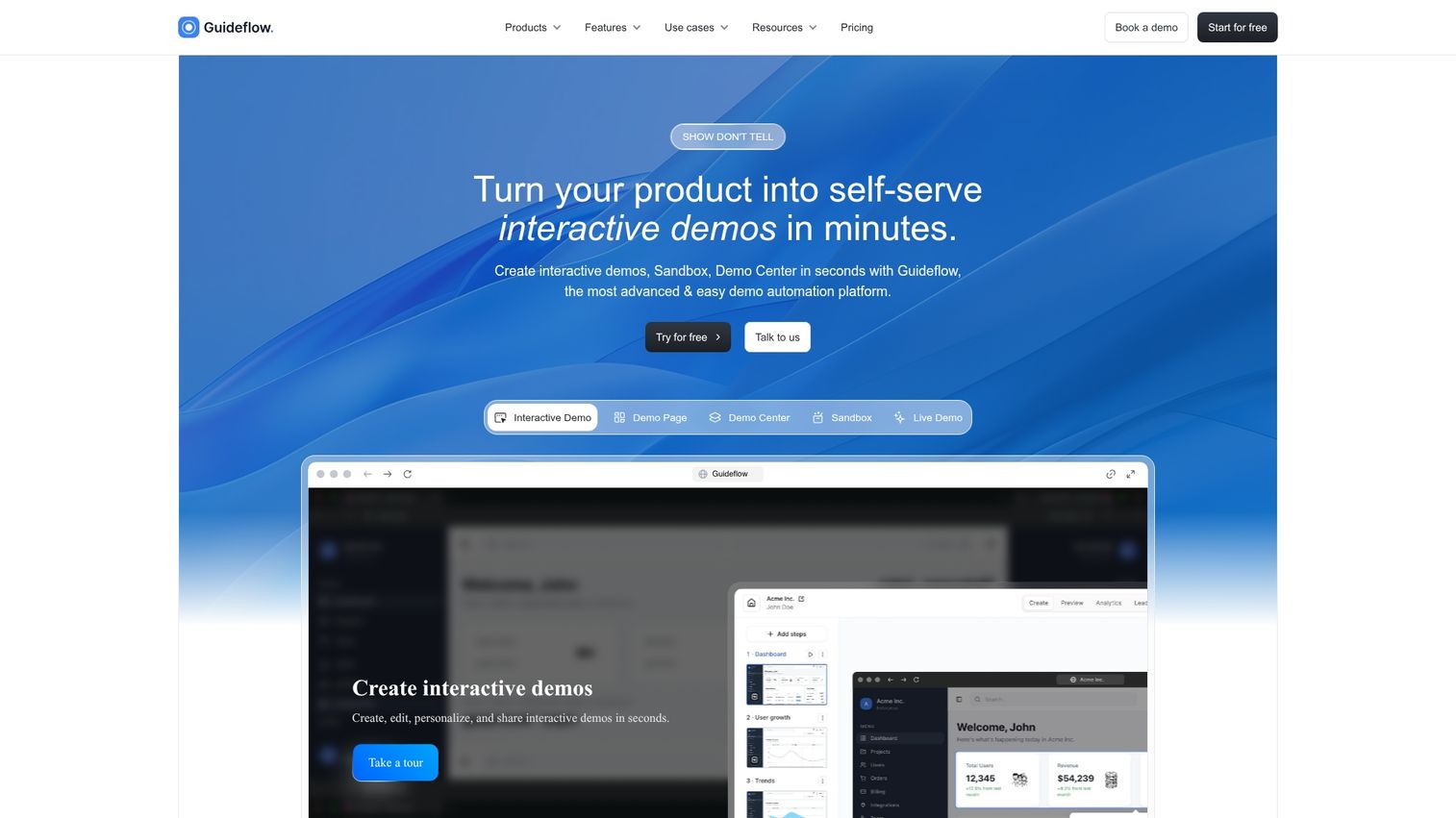
Guideflow is a no-code platform for creating interactive product demos that let prospects experience your product without a live sales call. Instead of pushing everyone into a "book a demo" funnel, you capture your product flow and turn it into clickable, step-by-step demos.
Best for: B2B SaaS teams wanting to increase demo-to-signup conversions, pre-sales teams needing scalable demos, and marketing teams embedding demos on landing pages.
Key strengths
- Fast product capture: Create demos in minutes, not days.
- Deep personalization: Use CRM variables to tailor each demo.
- Conversion analytics: Track exactly which demo steps drive conversions.
- AI-powered editing: Refine demos quickly with automated suggestions.
Why choose: When static screenshots and "book a demo" flows create too much friction, interactive demos let buyers self-qualify and understand your product's value instantly.
Pricing: Free tier available, with paid plans starting at $40/month.
Start your journey with Guideflow today!
2. Optimizely
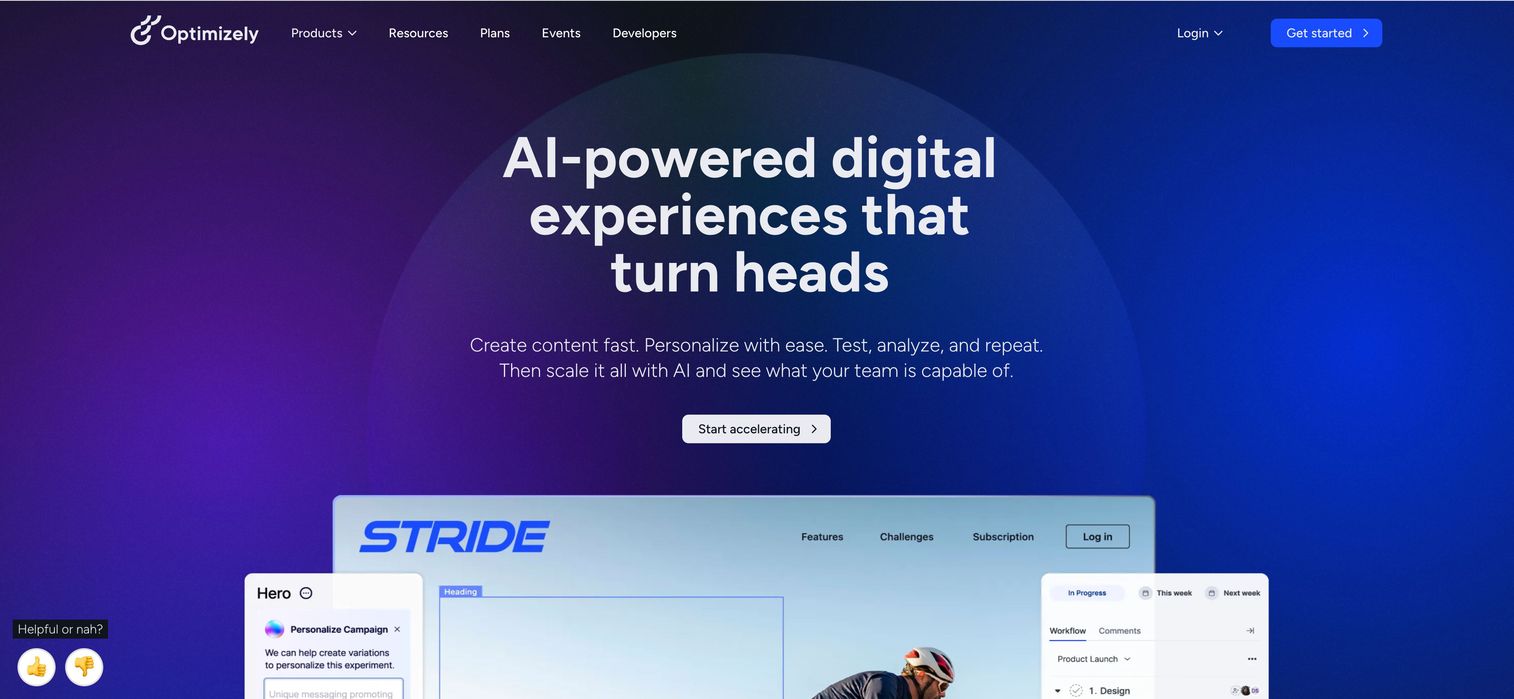
Optimizely is a full-stack experimentation platform for running A/B tests across web, mobile, and server-side applications. The platform offers statistical rigor, feature flagging, content personalization, and a robust API.
Best for: Enterprise teams running complex multivariate tests at scale.
Why choose: When you need enterprise-grade experimentation with advanced targeting and server-side capabilities.
Pricing: Custom enterprise pricing.
3. VWO
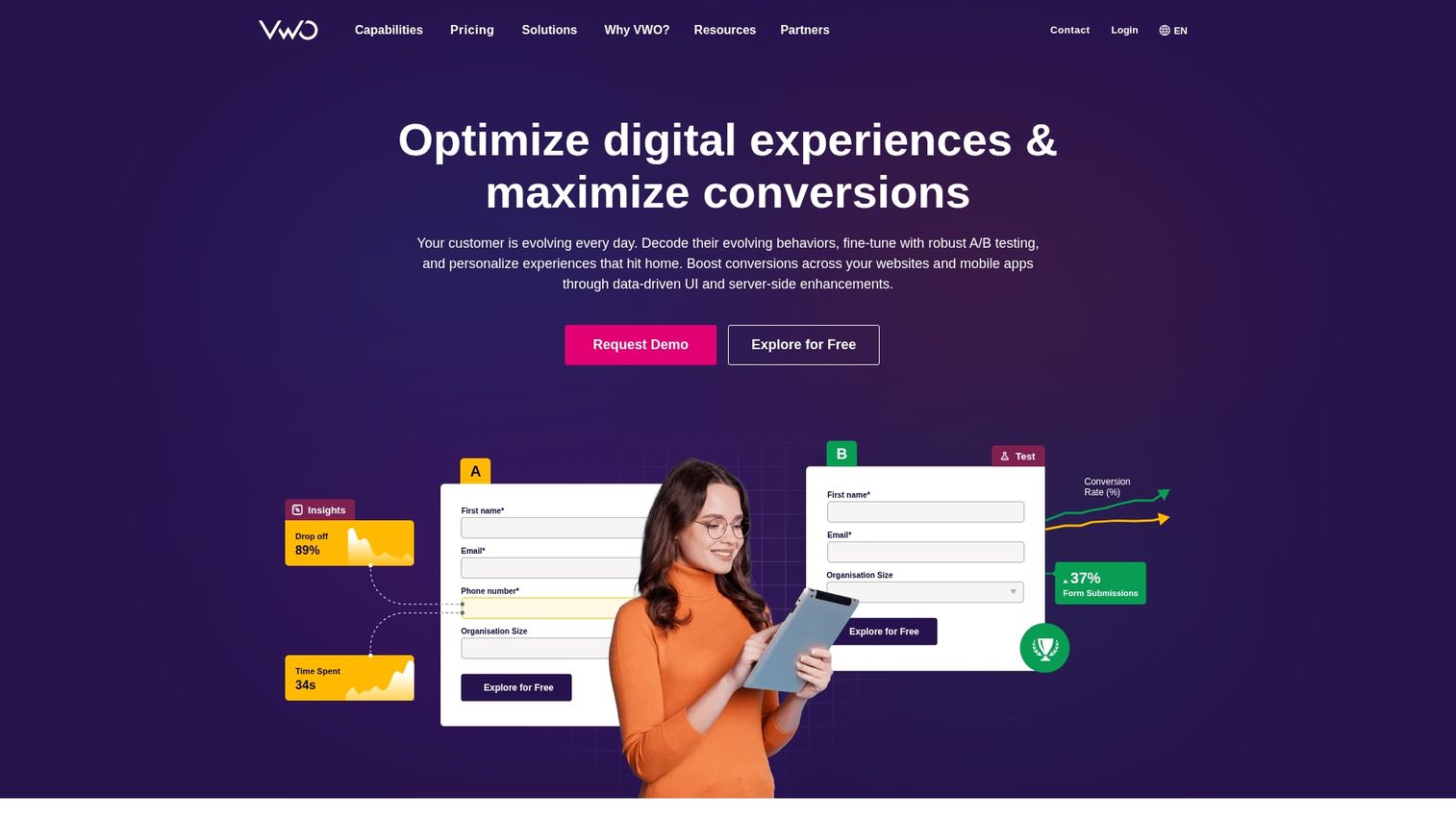
VWO is an all-in-one CRO platform that offers A/B testing, heatmaps, session recordings, and surveys in one place. The visual editor works for non-technical users.
Best for: Mid-market teams that want multiple CRO capabilities without buying separate tools.
Why choose: When you want a unified platform for both testing and behavior analytics.
Pricing: Tiered plans starting at a growth level.
4. Hotjar
Hotjar is a behavior analytics tool that shows how users interact with your pages through visual heatmaps, click maps, and session recordings. Setup takes minutes.
Best for: UX designers and marketers who want to quickly see and understand actual user behavior.
Why choose: When you need to understand user behavior quickly without a steep learning curve or large budget.
Pricing: Free tier available, with paid plans based on session volume.
5. Crazy Egg
Crazy Egg is a visual analytics tool that provides heatmaps, scrollmaps, and confetti click reports, plus a built-in A/B testing feature. Confetti reports segment clicks by traffic source.
Best for: Small teams wanting straightforward behavior insights combined with simple testing capability.
Why choose: When you want heatmaps and basic A/B testing in one affordable, easy-to-use tool.
Pricing: Tiered plans based on pageviews.
6. FullStory
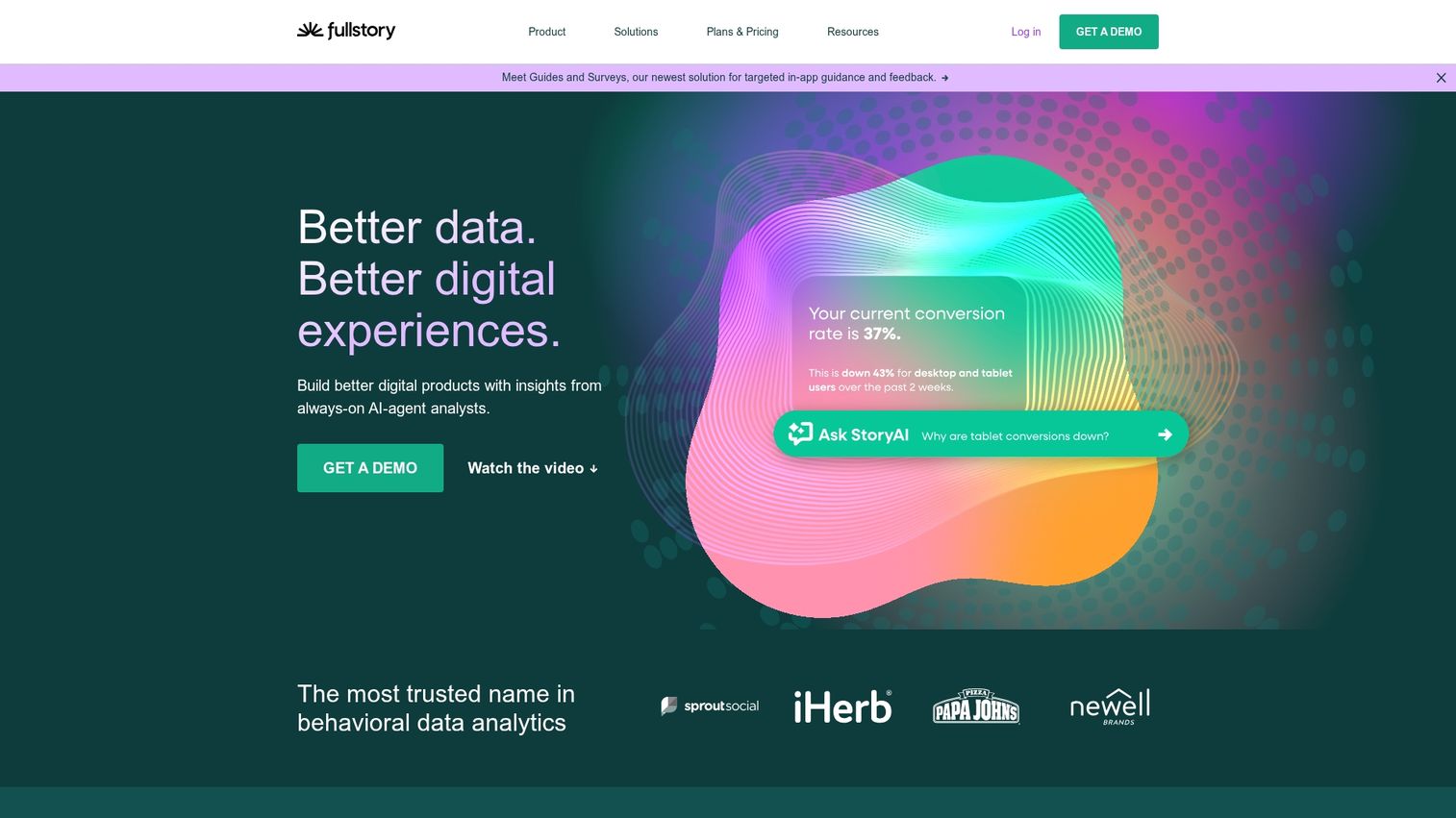
FullStory is an enterprise-grade session replay platform that provides digital experience analytics with frustration detection. The platform automatically detects "rage clicks" and other frustration signals.
Best for: Product and UX teams that need deep diagnostic capabilities to troubleshoot complex user experience issues.
Why choose: When you need to diagnose complex user experience issues at scale.
Pricing: Custom pricing based on session volume.
7. Google Analytics 4
Google Analytics 4 is Google's event-based analytics platform for measuring website traffic, user behavior, and goal conversions. The platform integrates deeply with Google Ads.
Best for: Every team, as it serves as the foundational analytics layer for any digital property.
Why choose: As your baseline analytics platform before adding more specialized CRO tools.
Pricing: Free (with an enterprise version, GA360, available).
8. Heap
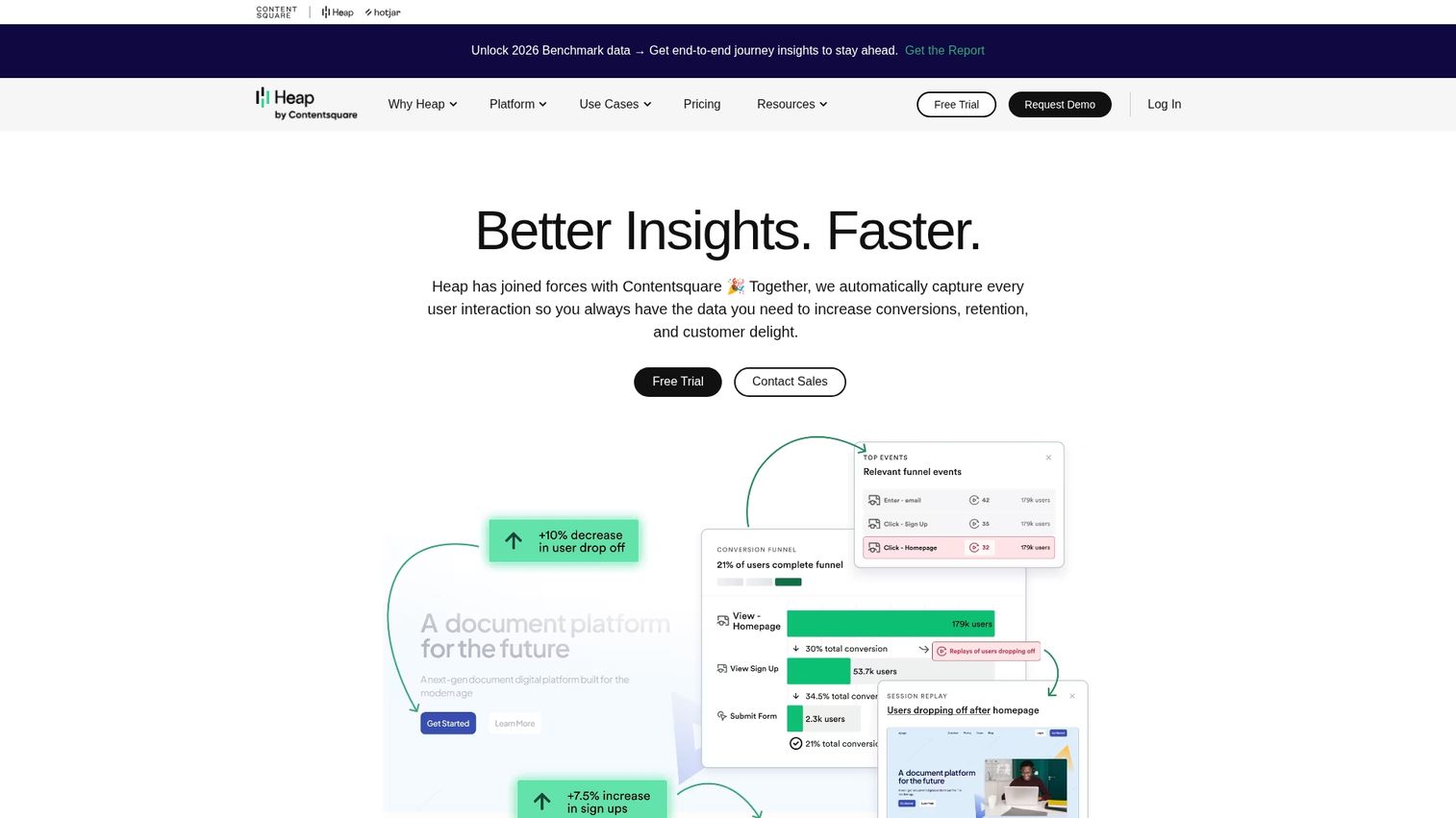
Heap is a product analytics platform that automatically captures every user interaction without requiring manual event tagging. Retroactive analysis lets you examine events you didn't initially track.
Best for: Product teams that want a complete data set without heavy implementation overhead.
Why choose: When you want comprehensive data without the risk of missing insights due to untagged elements.
Pricing: Free tier available, with usage-based paid plans.
9. Mixpanel
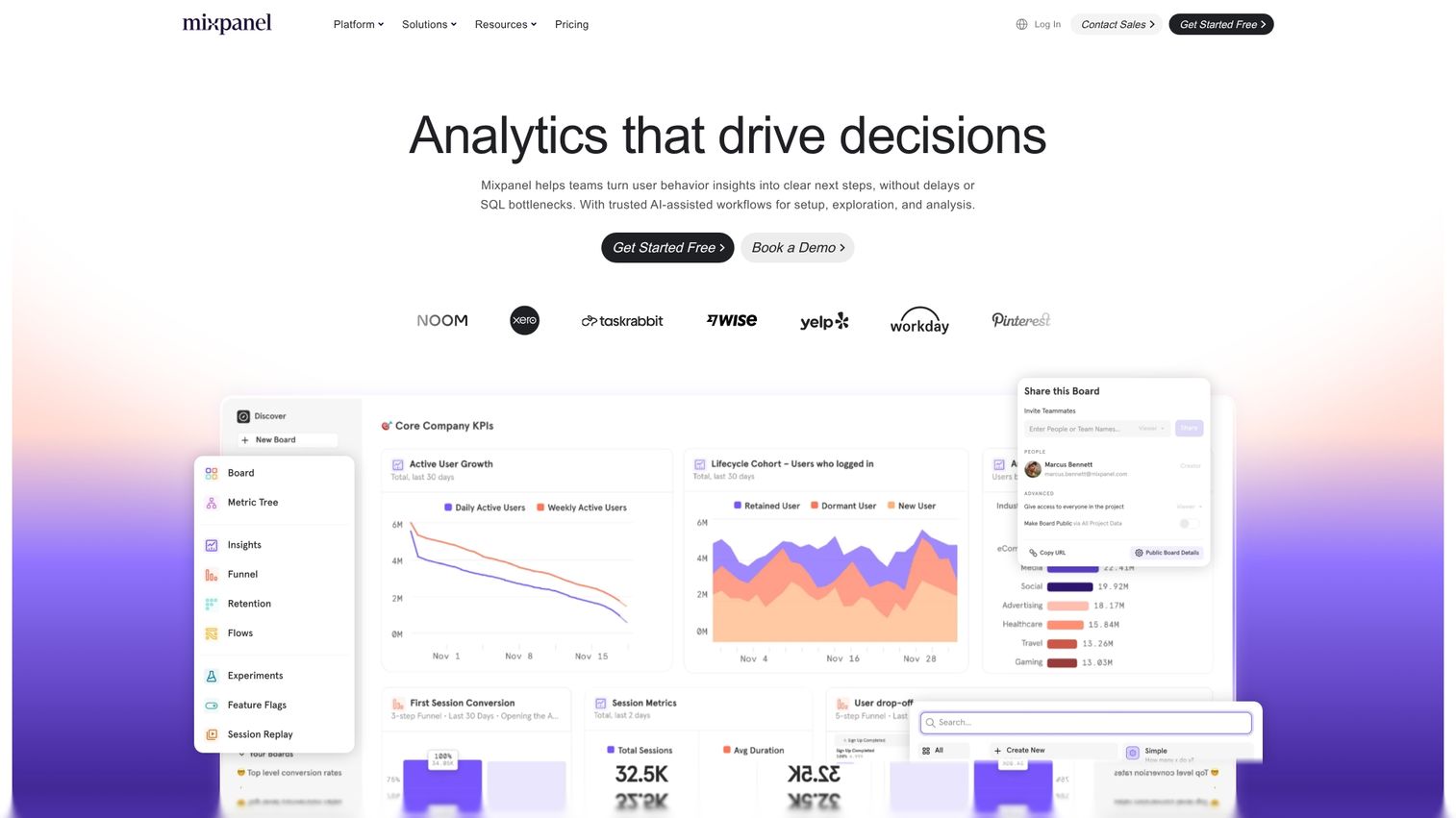
Mixpanel is a product analytics tool focused on tracking user behavior, retention, and conversion funnels with an event-based model. Cohort analysis helps identify patterns across user groups.
Best for: Product-led growth teams that need to track activation, engagement, and retention metrics.
Why choose: When you need to go beyond page views and perform deep funnel and retention analysis.
Pricing: Free tier available, along with growth and enterprise plans.
10. Adobe Analytics
Adobe Analytics is an enterprise-grade analytics platform offering advanced segmentation and sophisticated attribution modeling. Predictive analytics help forecast future performance.
Best for: Large organizations with complex, multi-channel marketing and sales funnels.
Why choose: When you need an enterprise-scale analytics solution with deep customization.
Pricing: Enterprise custom pricing.
11. Unbounce
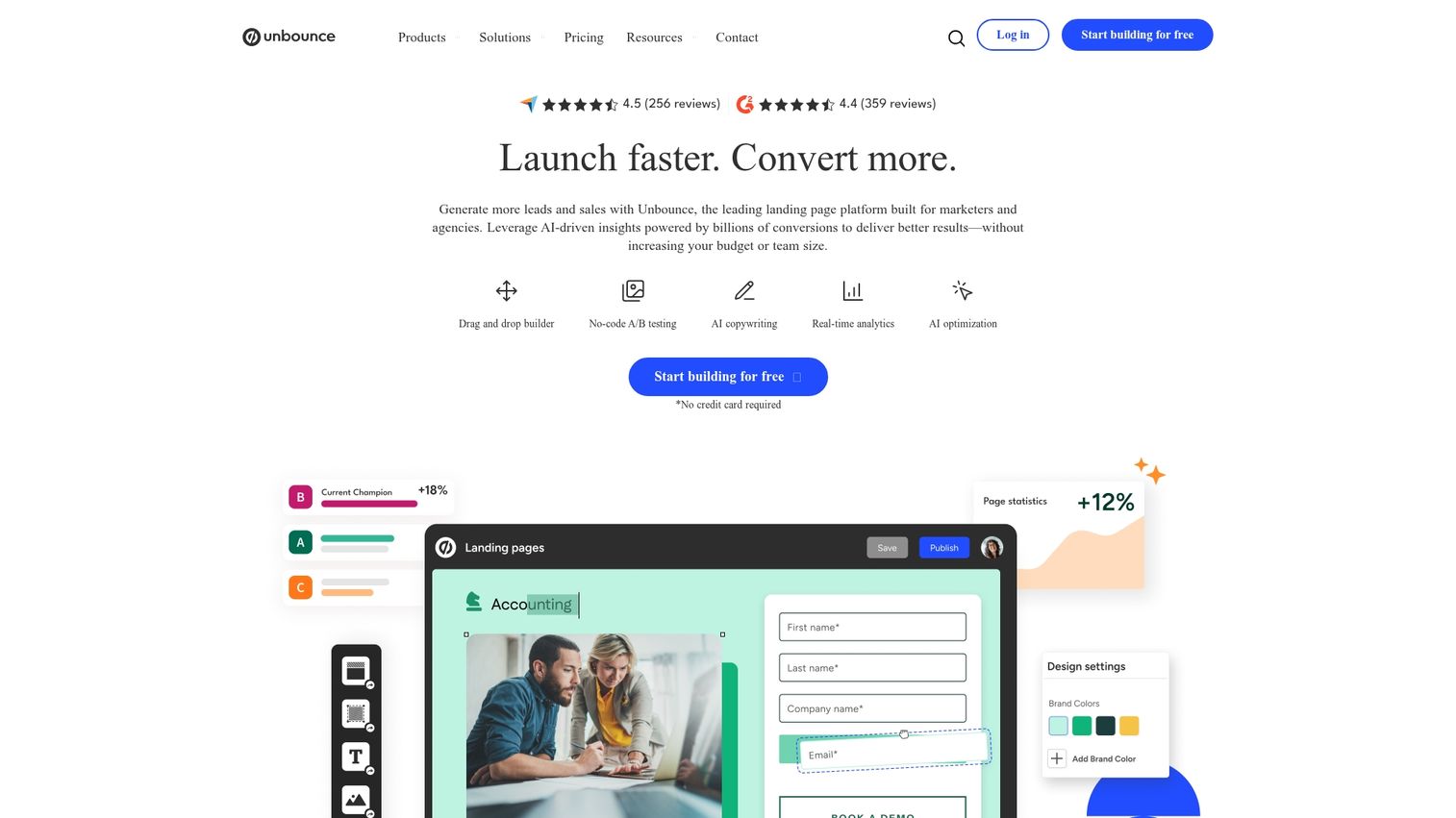
Unbounce is a leading landing page platform featuring a drag-and-drop builder and an AI-powered optimization feature called Smart Traffic. Smart Traffic automatically routes visitors to the best-performing variant.
Best for: Marketing teams that need to build and launch campaign-specific landing pages quickly without developer resources.
Why choose: When you need to launch landing pages fast and have a tool that helps you optimize them continuously.
Pricing: Tiered plans based on conversions and features.
12. Instapage
Instapage is an enterprise-focused landing page platform with advanced personalization and collaboration features. AdMap aligns ad campaigns to personalized landing pages.
Best for: Teams running high-volume paid advertising campaigns that need message match between ads and landing pages.
Why choose: When you need to scale landing page personalization and tie it directly to your ad campaigns.
Pricing: Building and Converting tiers.
13. Leadpages
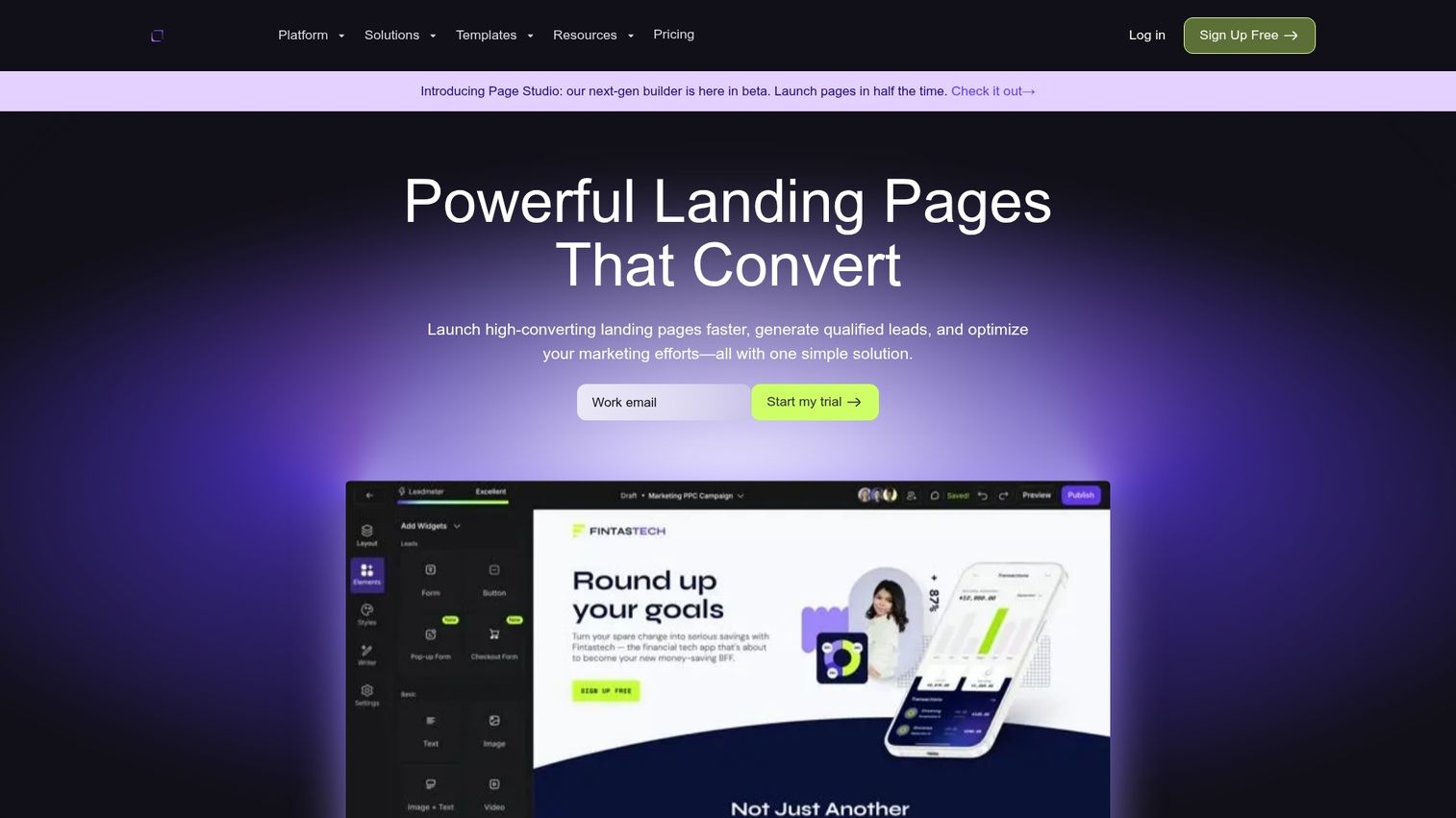
Leadpages is an affordable landing page and website builder focused on conversion optimization for small businesses. Built-in payment processing simplifies selling.
Best for: Small businesses and solopreneurs who need simple, effective landing pages without high cost.
Why choose: When you need to create effective landing pages without the complexity of enterprise-level tools.
Pricing: Standard and Pro tiers.
14. Mutiny
Mutiny is an AI-powered personalization platform that automatically changes website content based on visitor firmographic data. The no-code editor enables account-based targeting.
Best for: B2B marketing teams aiming to personalize their website experience for target accounts. Mutiny fits well in a broader product marketing tools stack.
Why choose: When you want to automatically show different, more relevant content to different B2B visitor segments.
Pricing: Custom pricing.
15. HubSpot
HubSpot is an all-in-one marketing, sales, and service platform with built-in CRO features like landing pages, forms, A/B testing, and analytics. Deep CRM integration connects marketing to sales outcomes.
Best for: Teams already using the HubSpot CRM who want integrated CRO capabilities. HubSpot works well alongside marketing automation tools.
Why choose: When you want CRO tools that are native to your existing marketing platform and CRM.
Pricing: Free tools available, with tiered paid plans.
16. OptinMonster
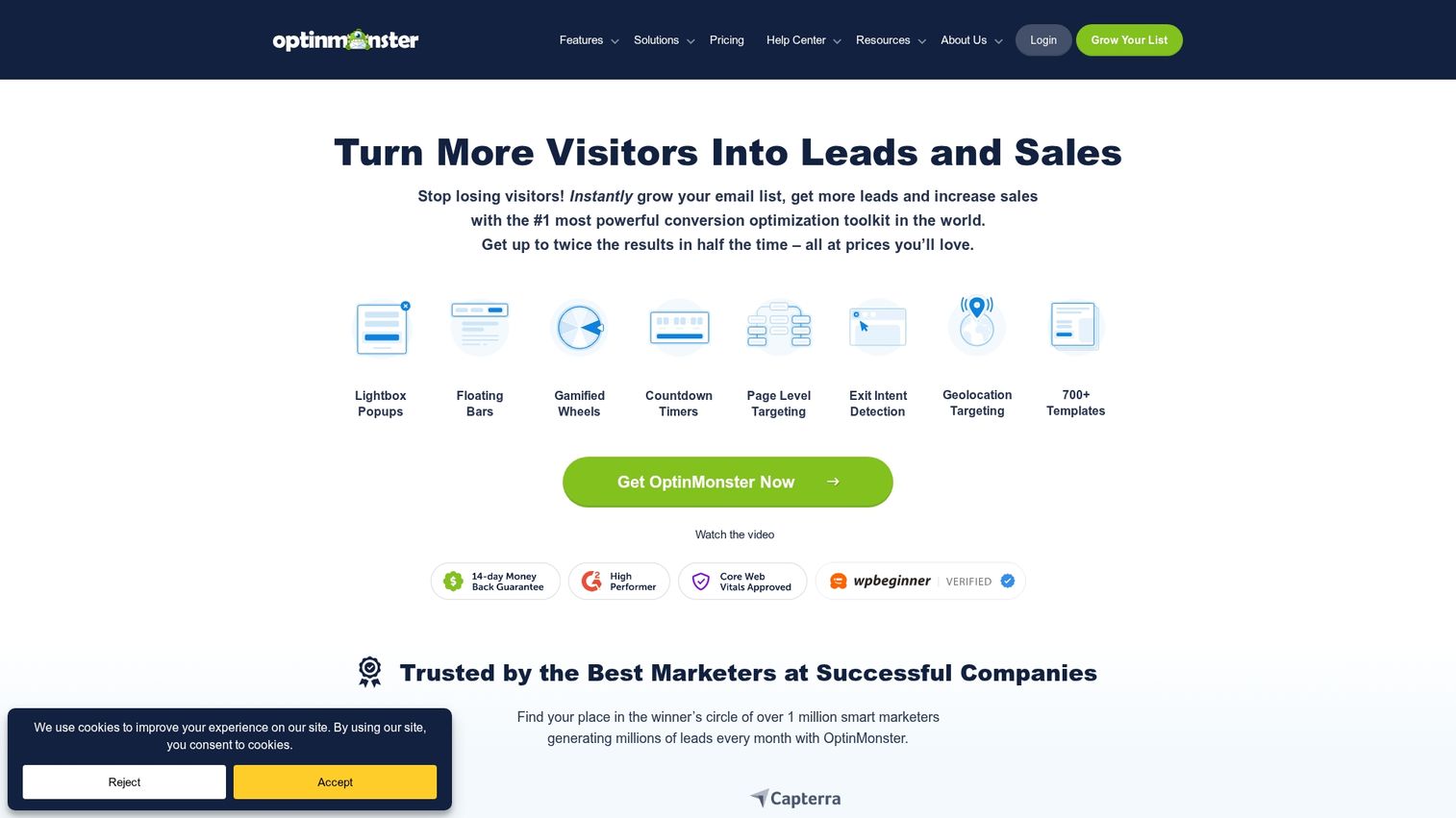
OptinMonster is a powerful popup and lead capture tool featuring advanced targeting rules and exit-intent technology. Exit-intent detects when a user is about to leave and triggers a targeted message.
Best for: Marketing teams focused on reducing website abandonment and capturing more leads.
Why choose: When you need to implement sophisticated popup and lead capture campaigns without custom development.
Pricing: Tiered plans based on site views.
17. Contentsquare
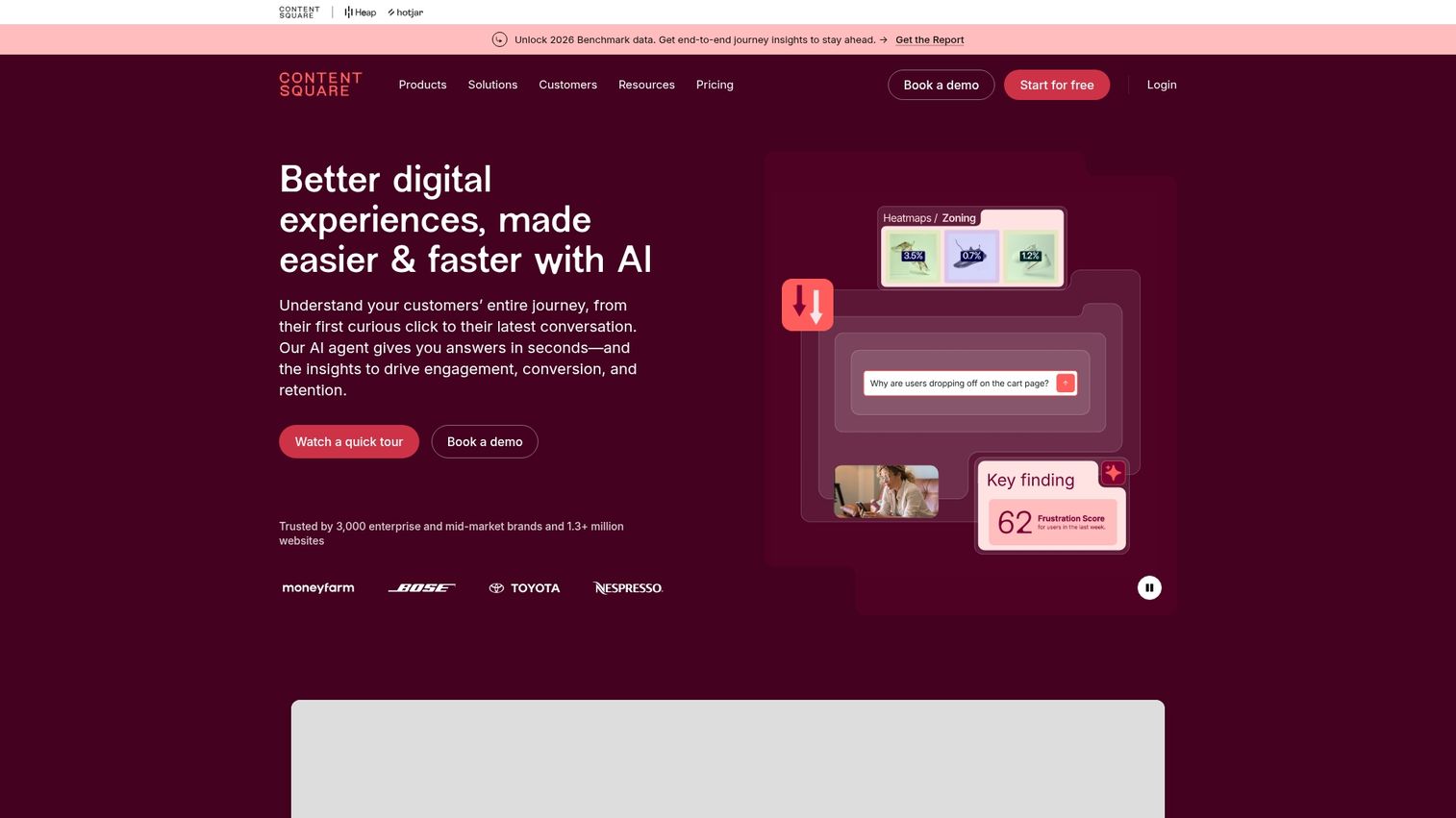
Contentsquare is a digital experience analytics platform that combines session replay, heatmaps, and AI-powered insights. Zone-based heatmaps aggregate data across dynamic elements.
Best for: Enterprise teams that need comprehensive experience analytics with AI-driven recommendations.
Why choose: When you need enterprise-scale experience analytics with actionable AI recommendations.
Pricing: Enterprise custom pricing.
18. Kameleoon
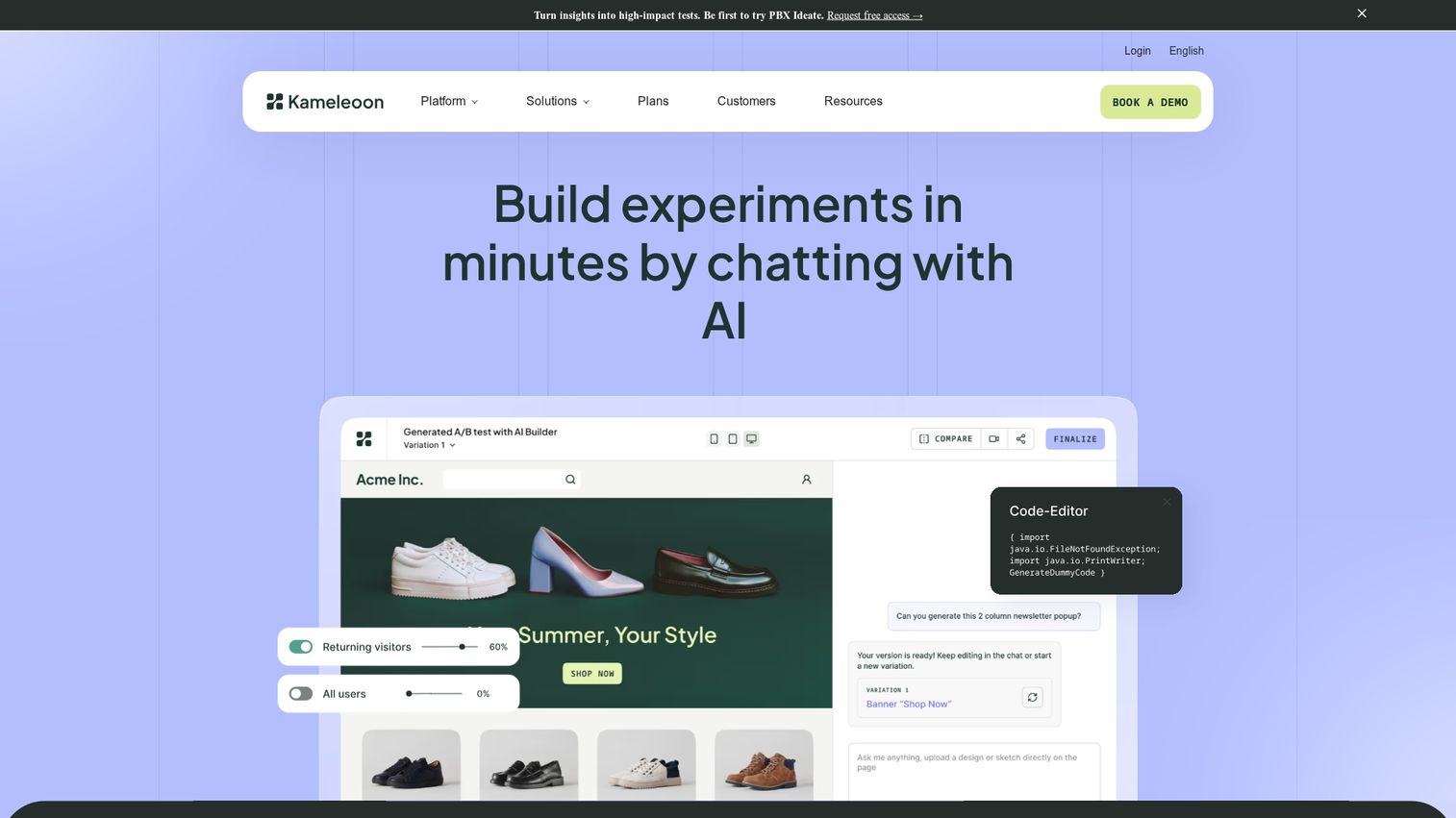
Kameleoon is an experimentation and personalization platform that combines A/B testing with AI-driven personalization. AI-powered predictions identify converting segments automatically.
Best for: Teams that want to leverage predictive targeting and real-time personalization.
Why choose: When you want AI to help optimize your tests and personalize experiences automatically.
Pricing: Custom pricing.
19. AB Tasty
AB Tasty is a CRO platform that combines A/B testing with engagement features like widgets, social proof notifications, and urgency tools. The visual editor works for non-technical users.
Best for: Ecommerce and marketing teams that want to run experiments while using built-in engagement widgets.
Why choose: When you want a single platform for experimentation combined with conversion-boosting widgets.
Pricing: Tiered enterprise plans.
20. Smartlook
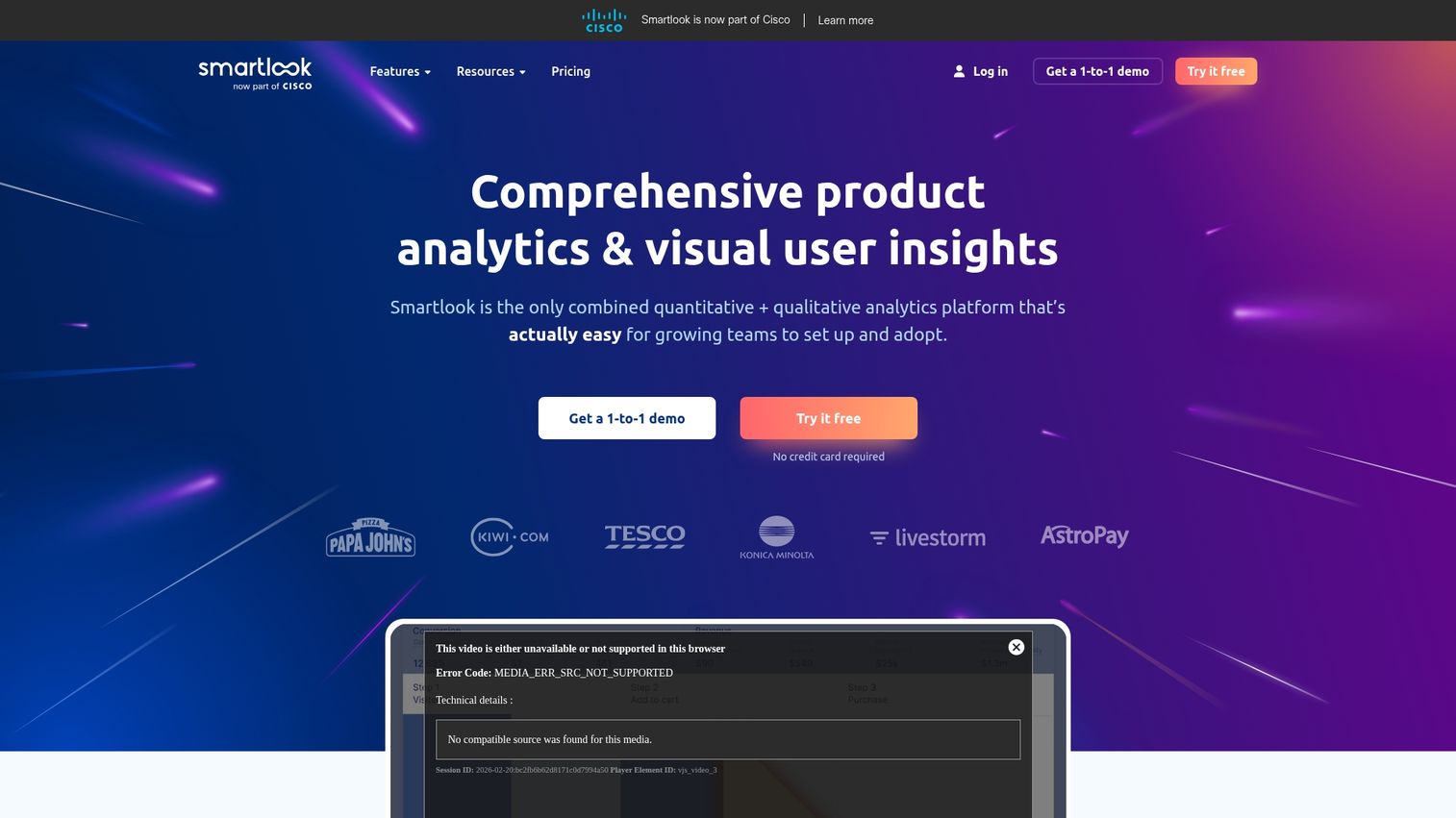
Smartlook is a behavior analytics tool offering session recordings, heatmaps, and event tracking for both web and mobile applications. Always-on recording captures every session.
Best for: Teams that need to analyze user behavior across both website and native mobile apps.
Why choose: When you need a single session recording tool that works for both your website and mobile app.
Pricing: Free tier available, with usage-based paid plans.
21. UserTesting
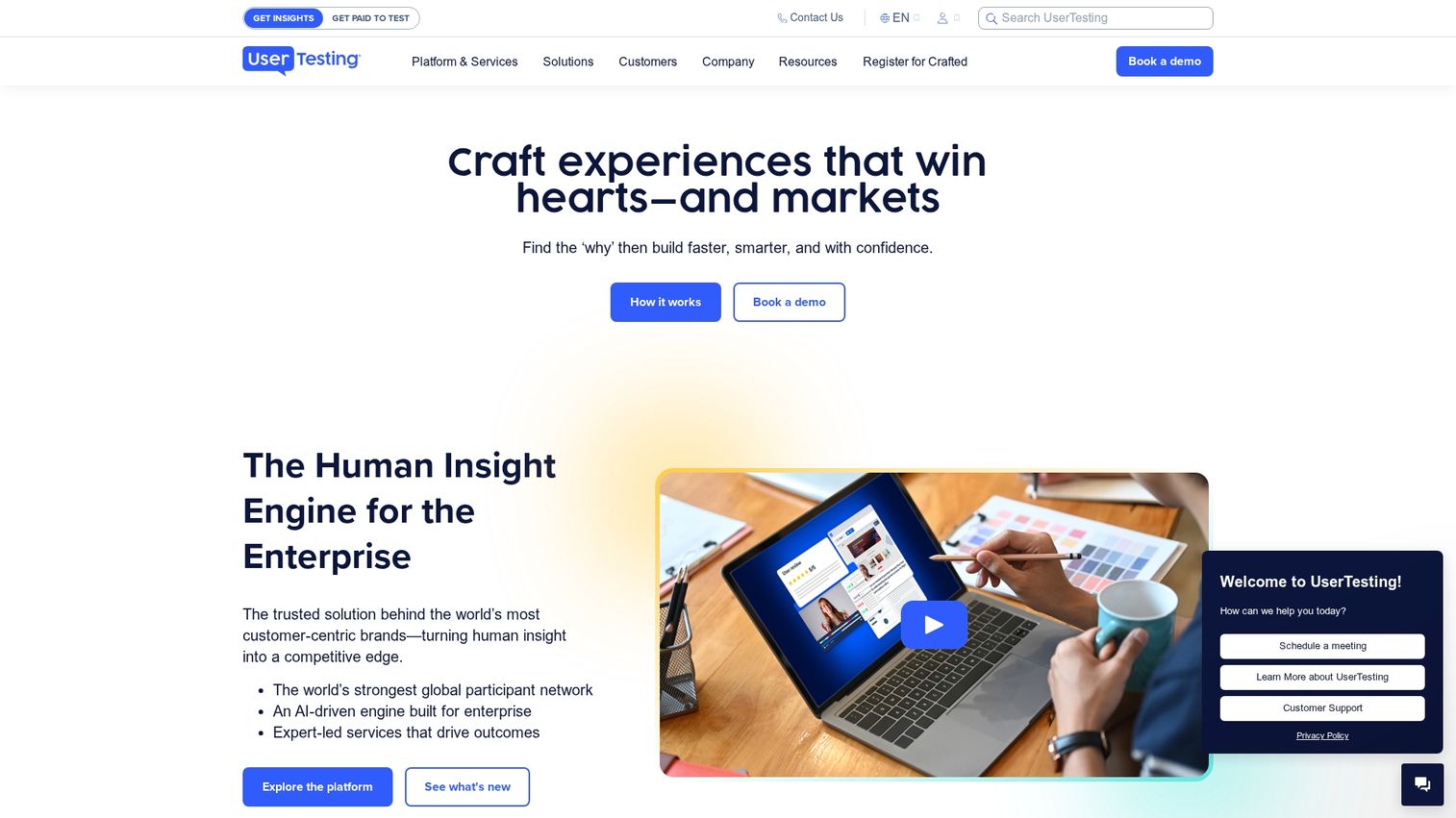
UserTesting is a user research platform that allows you to get video feedback from real users as they complete tasks. A large panel of test participants enables fast turnaround.
Best for: UX and product teams that want qualitative insights to understand the "why" behind quantitative data.
Why choose: When you need to understand the user's thought process through direct, qualitative feedback.
Pricing: Custom pricing.
22. Typeform
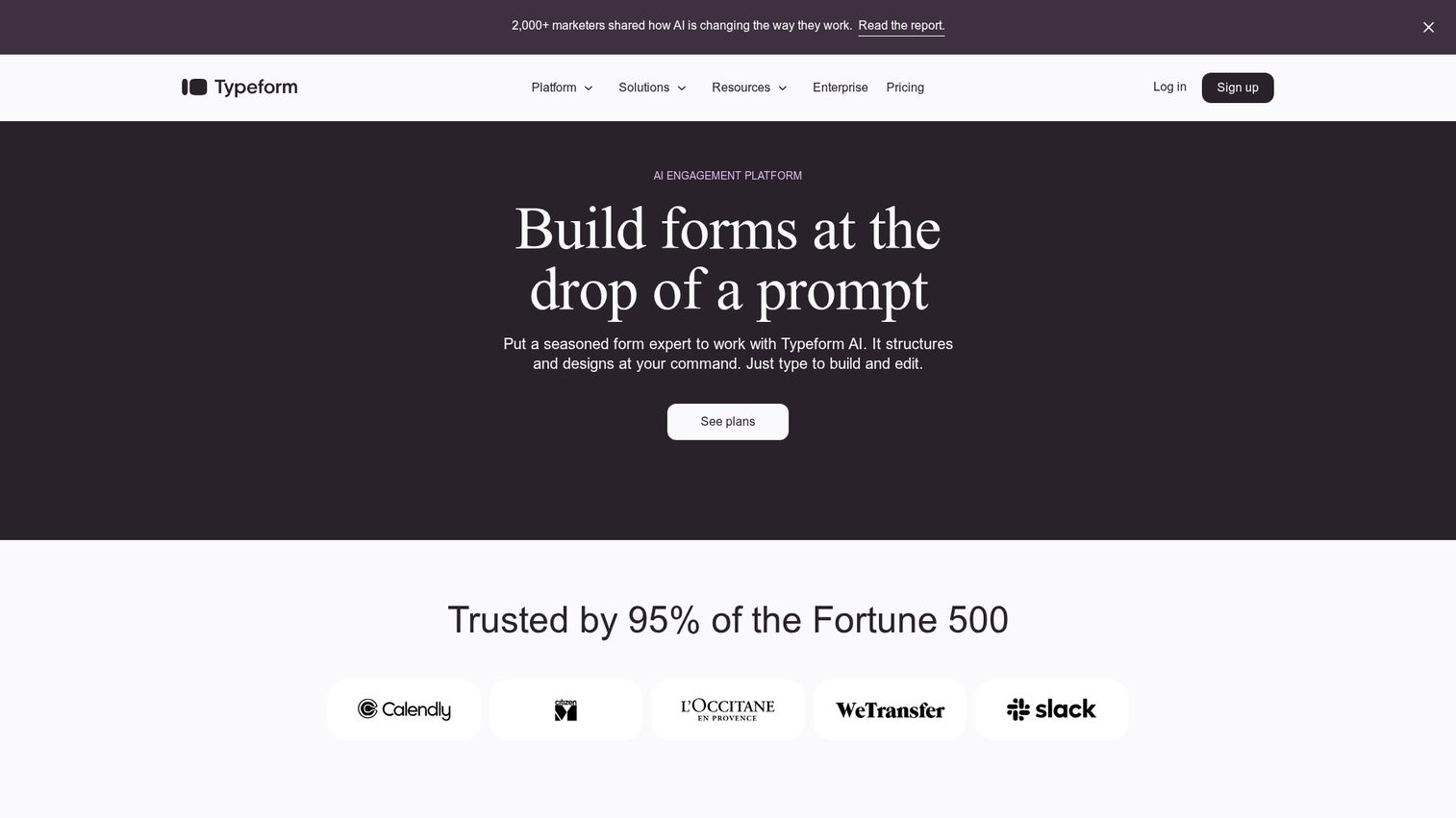
Typeform is a form and survey builder known for its conversational, one-question-at-a-time interface. Conditional logic jumps adapt the survey based on previous answers.
Best for: Teams that want higher completion rates on surveys, lead capture forms, and questionnaires.
Why choose: When traditional, static forms feel too impersonal or suffer from low completion rates.
Pricing: Free tier available, with paid plans based on responses.
23. SurveyMonkey
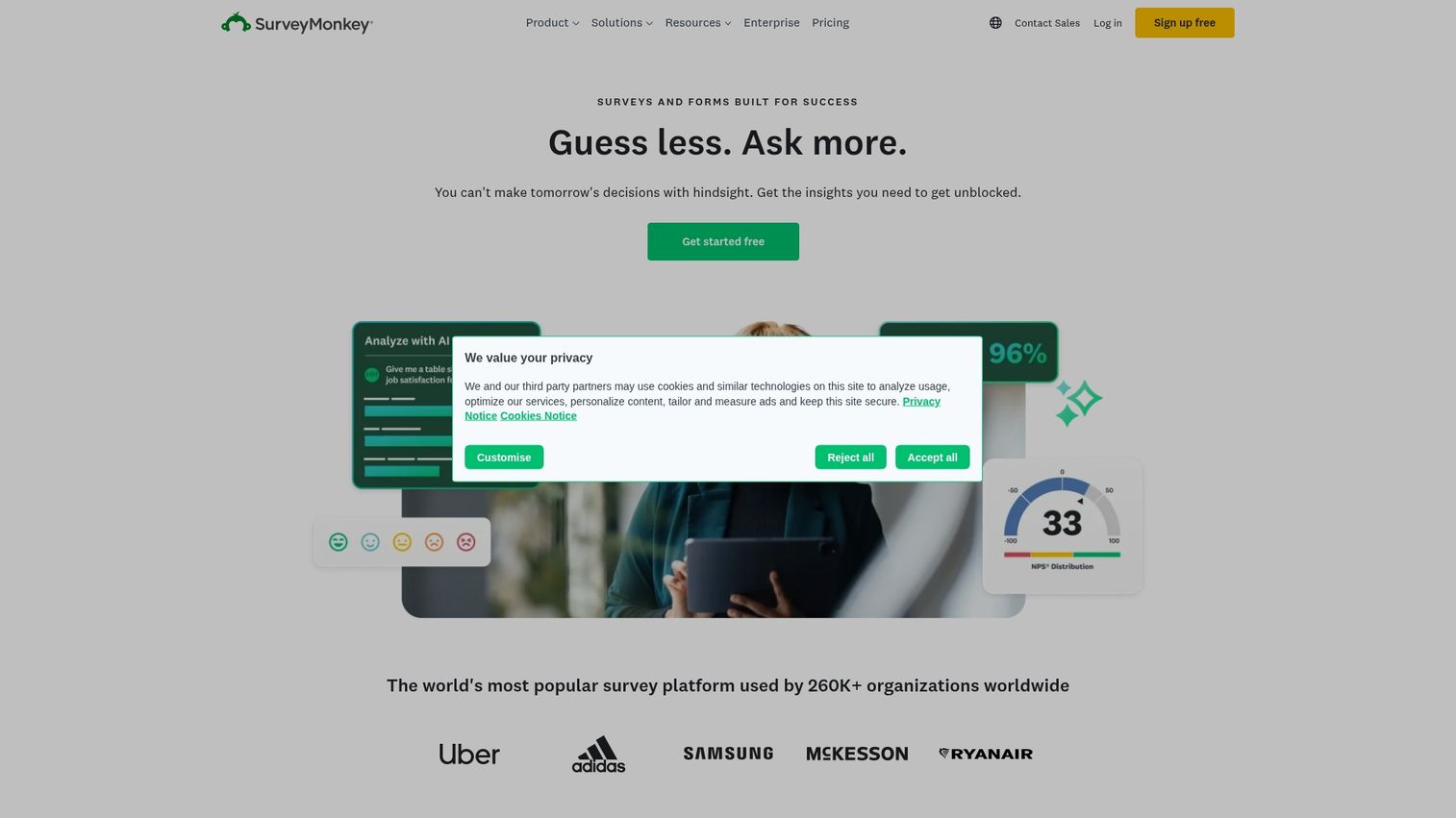
SurveyMonkey is a leading survey platform for collecting customer feedback and measuring metrics like Net Promoter Score. Data benchmarking compares your results to industry standards.
Best for: Teams that need a reliable, feature-rich survey tool with robust analysis capabilities.
Why choose: When you need a proven, powerful survey tool with extensive features for any research project.
Pricing: Free tier available, with tiered paid plans.
24. Zuko Analytics
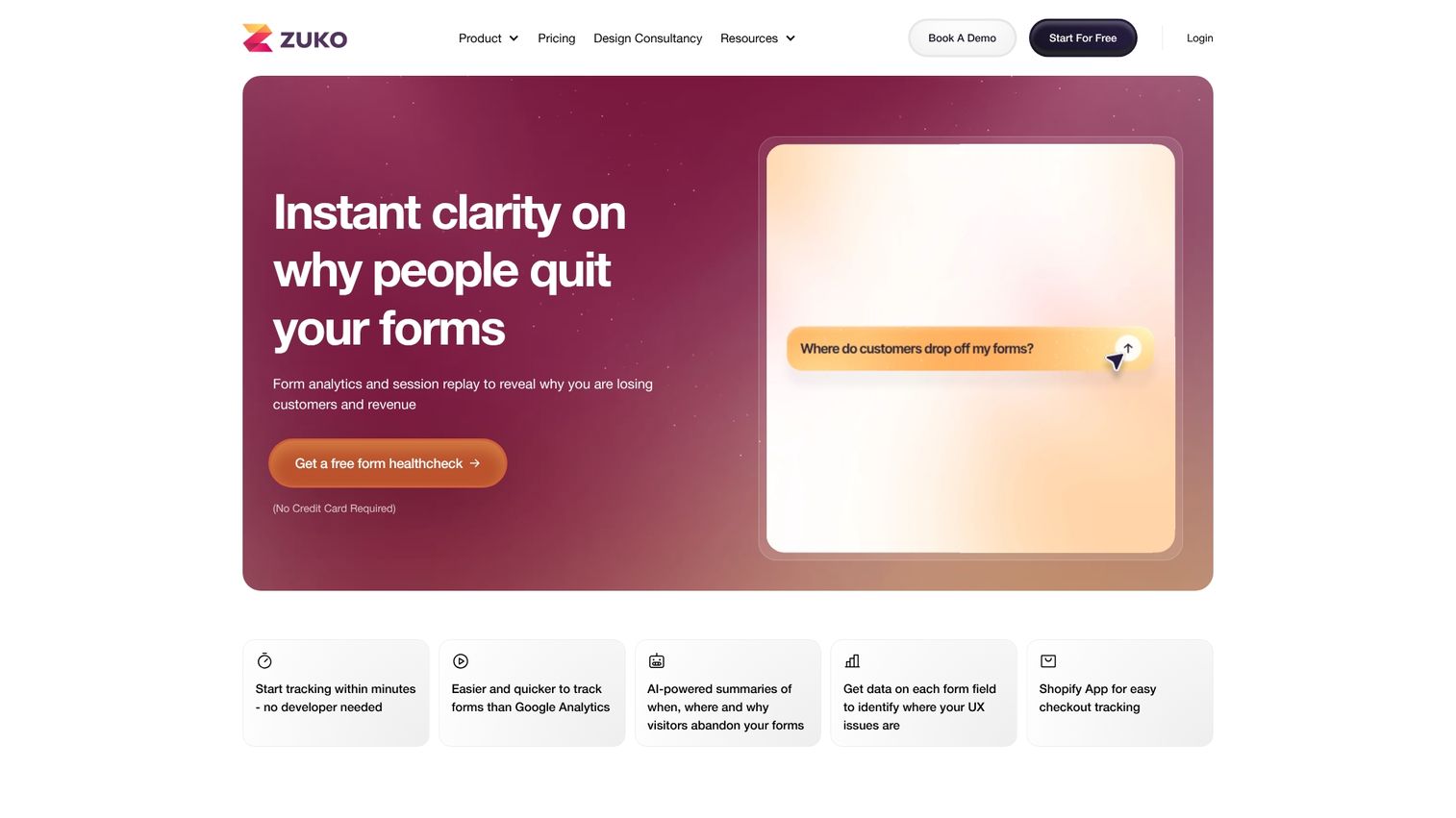
Zuko is a specialized analytics tool designed specifically for understanding online form performance. Field-level analytics show which questions cause drop-offs.
Best for: Teams with high-value forms that are losing significant conversions.
Why choose: When forms are a critical conversion point and you need granular, actionable data.
Pricing: Tiered plans based on form submissions.
25. ConvertBox
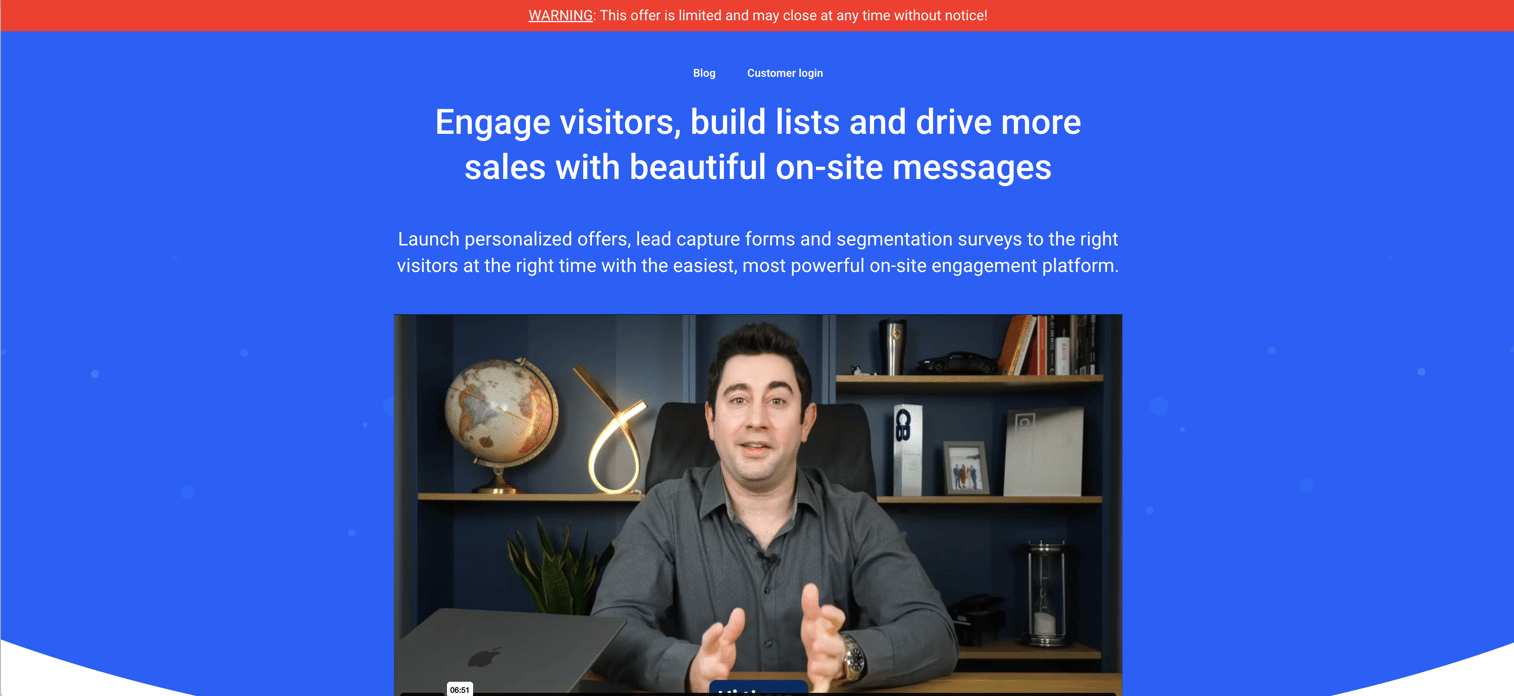
ConvertBox is a lead capture tool that enables you to create targeted popups with smart targeting, segmentation, and personalization. A one-time lifetime pricing option eliminates ongoing subscription costs.
Best for: Marketers who want sophisticated targeting capabilities without an ongoing subscription cost.
Why choose: When you want powerful popup and lead capture capabilities with the option of a one-time payment.
Pricing: One-time and subscription options available.
Key considerations for building a CRO tech stack
- Start with analytics: You can't optimize what you don't measure. A foundational analytics tool is the necessary first step.
- Add behavior insights: Once you know what is happening, use behavior tools to understand why.
- Layer in testing: After you have a hypothesis, use an A/B testing tool to validate changes before committing resources.
- Consider the demo experience: For many B2B companies, interactive product demos have the highest impact on conversion because they directly reduce evaluation friction.
- Integrate everything: Your tools deliver more value when connected. Ensure your CRO tools can integrate with your CRM and marketing platform.
- Match tool complexity to team capacity: Don't buy an enterprise tool if you don't have enterprise resources to manage it.
How to start improving your conversion rates
- Audit your current conversion points and use analytics to identify the biggest drop-offs.
- Install foundational analytics tools like Google Analytics 4 if you haven't already.
- Pick one high-impact area to optimize first. The demo request or trial signup flow often has the most direct impact on revenue.
- Choose tools from this list that match your team's technical capacity and budget.
- Aim to run your first test or implement your first optimization within the first week.
The fastest way to improve demo-to-signup conversions is by letting prospects experience your product themselves. Start your journey with Guideflow today!
FAQs about conversion rate optimization tools
CRO focuses on converting the traffic you already have into customers or leads. SEO focuses on bringing more organic traffic to your site. SEO fills the top of the funnel, and CRO makes the rest of the funnel more efficient.
Yes. Google Analytics 4 provides a powerful, foundational analytics platform at no cost. Tools like Hotjar, Heap, and Mixpanel offer generous free tiers with enough capability for early-stage teams.
Interactive demos let visitors experience your product's value without scheduling a call or creating an account. Users engage actively in a self-directed, hands-on experience rather than passively watching a video or reading a description.
B2B SaaS teams typically benefit most from tools that support longer, more complex sales cycles. Interactive demo platforms, account-based personalization tools like Mutiny, and product analytics platforms like Heap tend to have the most impact.
You can see initial behavioral insights within days of installing tools like Hotjar or FullStory. Meaningful conversion rate improvements from A/B testing typically emerge after running experiments for two to four weeks, depending on traffic volume.
Yes, most teams use a stack of several CRO tools. A typical stack includes a web analytics tool, a behavior insights tool, an A/B testing platform, and a conversion-focused tool like an interactive demo platform or landing page builder.
The four core approaches are: reducing friction in user flows; increasing motivation through better value propositions and social proof; improving clarity so visitors understand what to do next; and personalizing experiences to make them more relevant to different visitor segments.
Kameleoon and AB Tasty are leaders in AI-powered predictive optimization. Both platforms use machine learning to automatically allocate more traffic to winning variations and personalize experiences based on predicted conversion likelihood.