Sales reps spend 70% of their time on activities that do not directly generate revenue. Data entry, meeting scheduling, lead research, follow-up emails. AI sales assistant software automates these tasks so your team can focus on conversations that actually close deals.
What's inside
This guide covers what AI sales assistant software actually does, when each type fits your workflow, and 11 platforms organized by use case. We picked tools based on G2 ratings, pricing transparency, and integration depth with common sales stacks.
What is AI sales assistant software
AI sales assistant software automates repetitive sales tasks like lead qualification, meeting scheduling, data entry, and pipeline forecasting. These tools process large volumes of data to find patterns, scale async communication, and surface insights that would take humans hours to compile manually - a shift McKinsey estimates could unlock $0.8 to $1.2 trillion in productivity across sales and marketing.
The category - projected to reach $145 billion by 2033 according to Grand View Research - spans several distinct functions:
- Lead qualification and enrichment: Scores prospects based on behavior and firmographic data, tracks job changes, and sources new contacts automatically.
- Conversation intelligence: Analyzes recorded calls to surface coaching insights, competitor mentions, and missed opportunities.
- Automated follow-ups: Schedules meetings, sends personalized sequences, and updates CRM records without manual entry.
- Predictive analytics: Projects revenue, assesses deal probability, and flags at-risk opportunities before they stall.
AI sales assistants differ from general virtual assistants like Siri or Alexa. They integrate directly with your CRM, analyze your pipeline data, and automate sales-specific workflows that generic tools cannot handle.
When to use AI sales assistants
Different AI sales assistant tools excel at different stages of the sales workflow. Matching the right tool to your bottleneck matters more than picking the highest-rated option.
Prospecting and lead enrichment
When your team spends hours researching prospects before outreach, lead enrichment tools pull data from multiple sources automatically. They track job changes, company growth signals, and contact information so reps start conversations with context instead of cold guesses.
Outreach and email coaching
If reply rates are low despite high send volume, the problem often sits in the message itself. Email coaching tools analyze your writing in real time, suggest personalization based on prospect data, and score emails before you hit send.
Call recording and real-time coaching
For teams where deals are won or lost on calls, conversation intelligence tools transcribe, analyze, and coach during or after conversations. Some provide live prompts when competitors get mentioned or when reps miss key qualification questions.
Meeting intelligence and follow-ups
After discovery calls, reps often lose momentum writing notes and updating CRM records. Meeting intelligence tools auto-join calls, extract action items, and sync summaries directly to your CRM so follow-ups happen faster.
Sales demos and product experiences
When prospects ghost before demos or deals stall in evaluation, the friction often comes from asking buyers to commit time before they understand value. Interactive demos let prospects experience your product on their own terms, qualifying themselves before a live call.
Pipeline analytics and forecasting
If your forecast accuracy is unreliable or deals slip without warning, pipeline analytics tools predict outcomes based on historical patterns and current engagement signals. They surface at-risk deals early so managers can intervene.
AI sales assistant software comparison
| # | Product | Best for | Key differentiator | Pricing | G2 rating |
|---|---|---|---|---|---|
| 1 | Guideflow | Interactive demos | AI-powered demo personalization | Free tier available | 5.0/5 |
| 2 | Clay | Lead enrichment | 50+ data provider waterfall | Starts at $149/mo | 4.9/5 |
| 3 | Lavender | Email coaching | Real-time writing suggestions | Free tier available | 4.9/5 |
| 4 | Dialpad | Call coaching | Live transcription and prompts | Starts at $15/user/mo | 4.4/5 |
| 5 | Avoma | Meeting intelligence | Auto-generated summaries | Free tier available | 4.6/5 |
| 6 | Regie.ai | Outreach at scale | AI content generation | Contact sales | 4.5/5 |
| 7 | My AI Front Desk | Inbound call handling | 24/7 AI receptionist | Starts at $65/mo | 4.8/5 |
| 8 | Otter | Note-taking | Searchable conversation archive | Free tier available | 4.3/5 |
| 9 | Clari Copilot | Pipeline analytics | Real-time deal risk scoring | Contact sales | 4.5/5 |
| 10 | Pipedrive AI | CRM-native assistance | Built-in pipeline recommendations | Starts at $14/user/mo | 4.3/5 |
| 11 | Instantly | Cold email at scale | Unlimited sending accounts | Starts at $37/mo | 4.8/5 |
The 11 best AI sales assistant tools
1. Guideflow
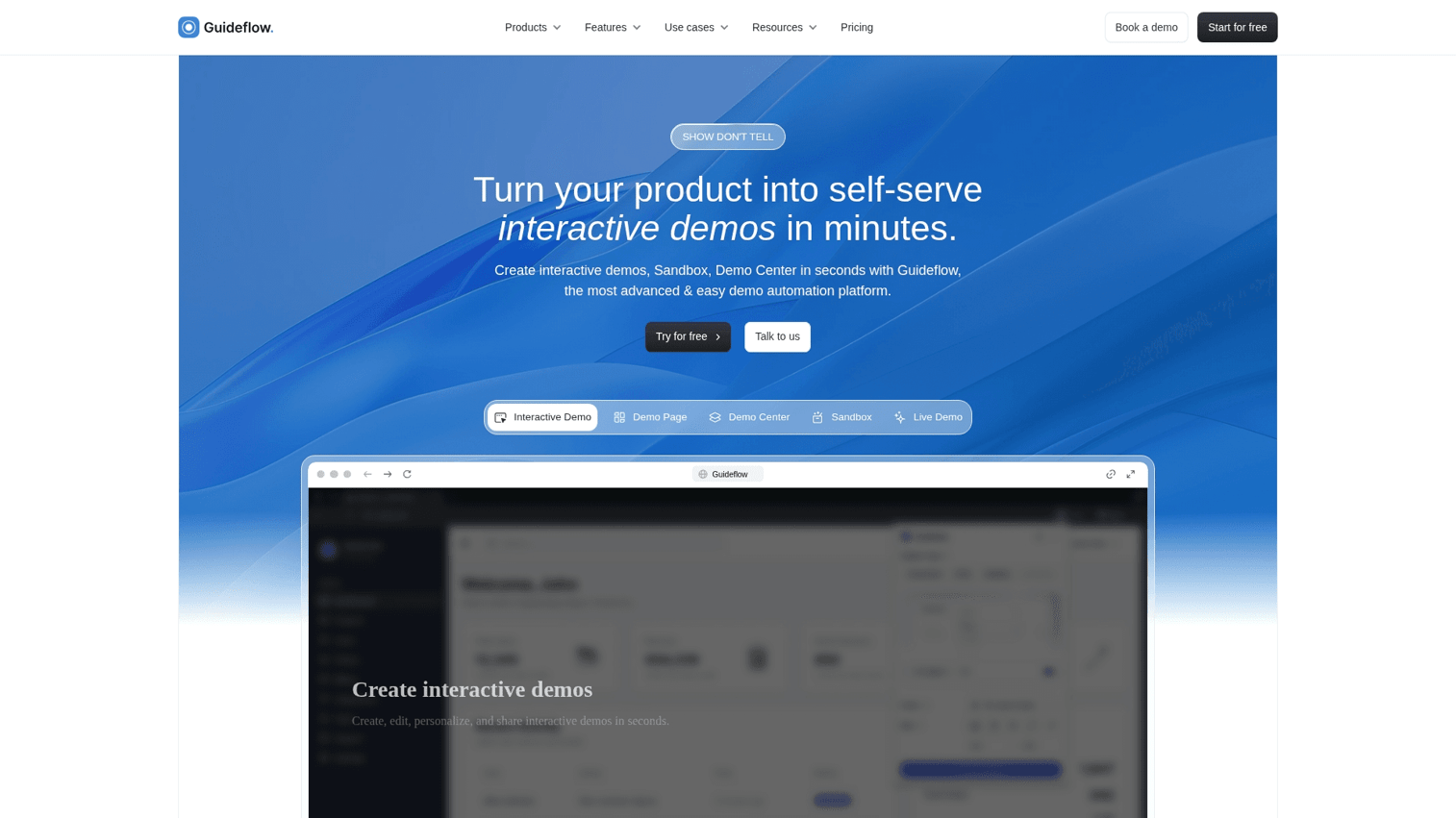
Guideflow is a demo automation platform that lets sales and pre-sales teams create self-serve interactive product experiences. Instead of pushing every prospect into a "book a demo" funnel, you capture your product flow and turn it into clickable, step-by-step demos that qualify leads before live calls.
The platform works for teams where prospects ghost after scheduling or deals stall because buyers cannot evaluate the product without committing time.
Key strengths
- AI-powered demo creation: Automatically generates steps, CTAs, translations, and voiceovers so you can publish polished demos quickly.
- No-code capture and editing: Record your product flow in clicks, then refine with a drag-and-drop editor.
- CRM integration and analytics: Track engagement, score leads based on demo behavior, and sync intent data to your existing tools.
- Sandbox environments: Let prospects explore realistic product replicas without touching your live backend.
Pricing: Free tier available. Paid plans start at $40/month and scale with usage.
Start your journey with Guideflow today!
2. Clay
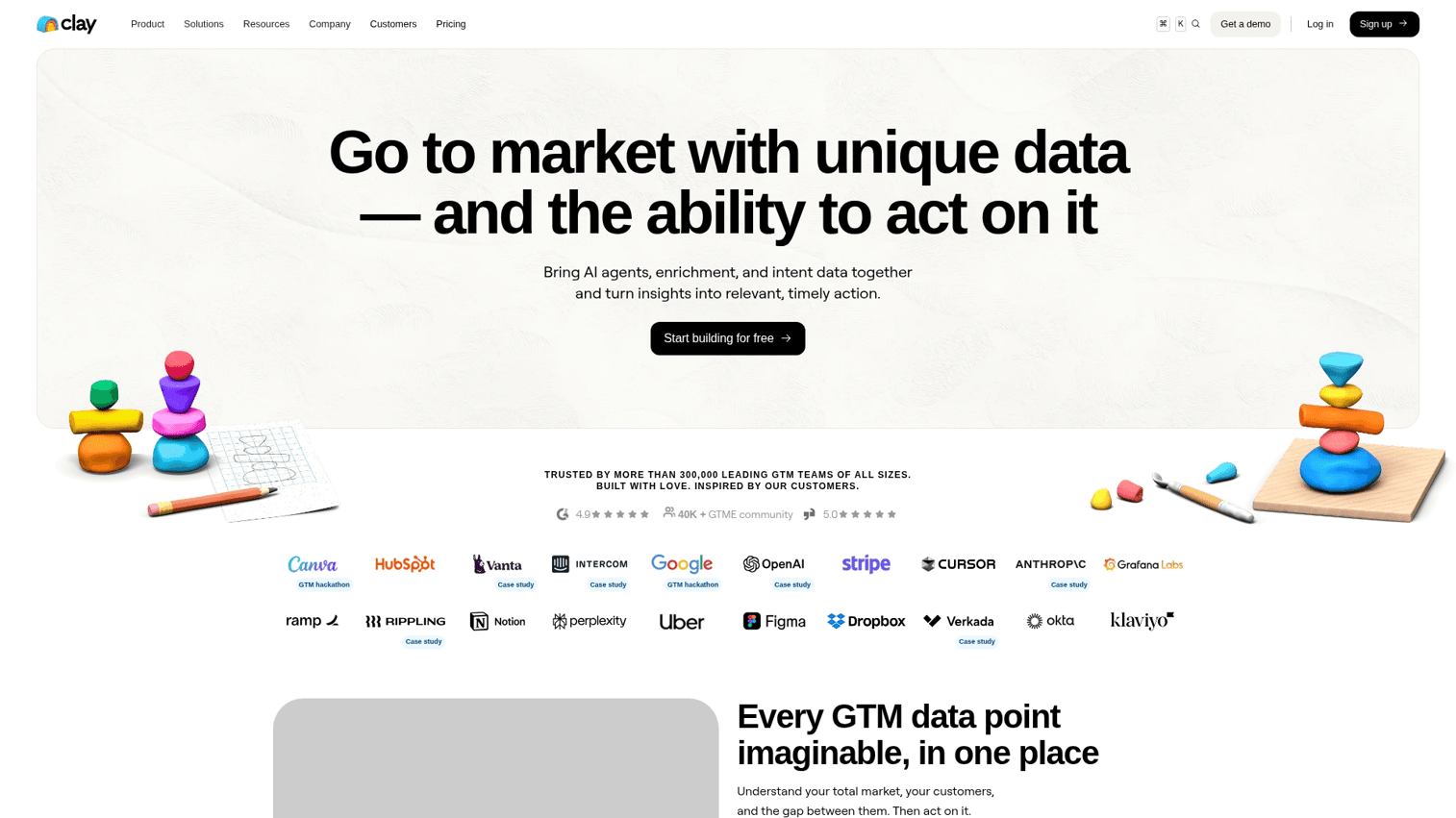
Clay pulls prospect data from over 50 providers in a single waterfall enrichment process. Instead of manually checking LinkedIn, company websites, and data vendors, Clay automates list building and research so reps start outreach with complete context.
Key strengths
- Waterfall enrichment: Queries multiple data sources automatically until it finds the information you need.
- AI research agent: Summarizes prospect insights and company signals without manual digging.
- Workflow integrations: Connects to CRM and outreach tools to trigger sequences based on enrichment results.
Pricing: Free tier available. Paid plans start at $149/month.
3. Lavender
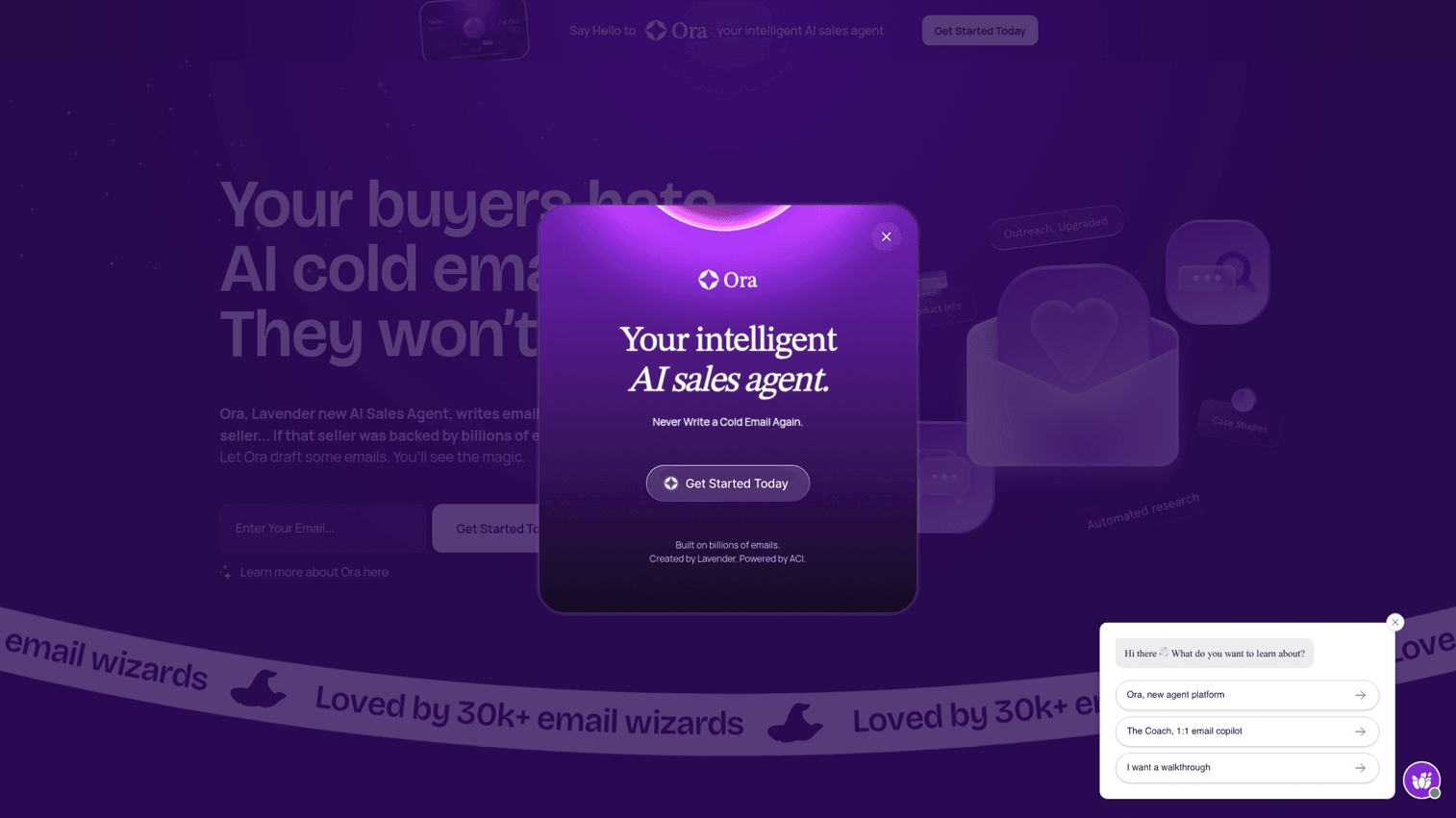
Lavender coaches reps on email writing in real time. It scores your message before you send, suggests personalization based on prospect data, and shows what top performers do differently.
Key strengths
- Real-time email scoring: See how your email will perform before hitting send.
- Personalization recommendations: Pulls prospect data to suggest relevant hooks and angles.
- Team analytics: Managers can see which writing patterns correlate with replies.
Pricing: Free tier available. Paid plans start at $29/month.
4. Dialpad
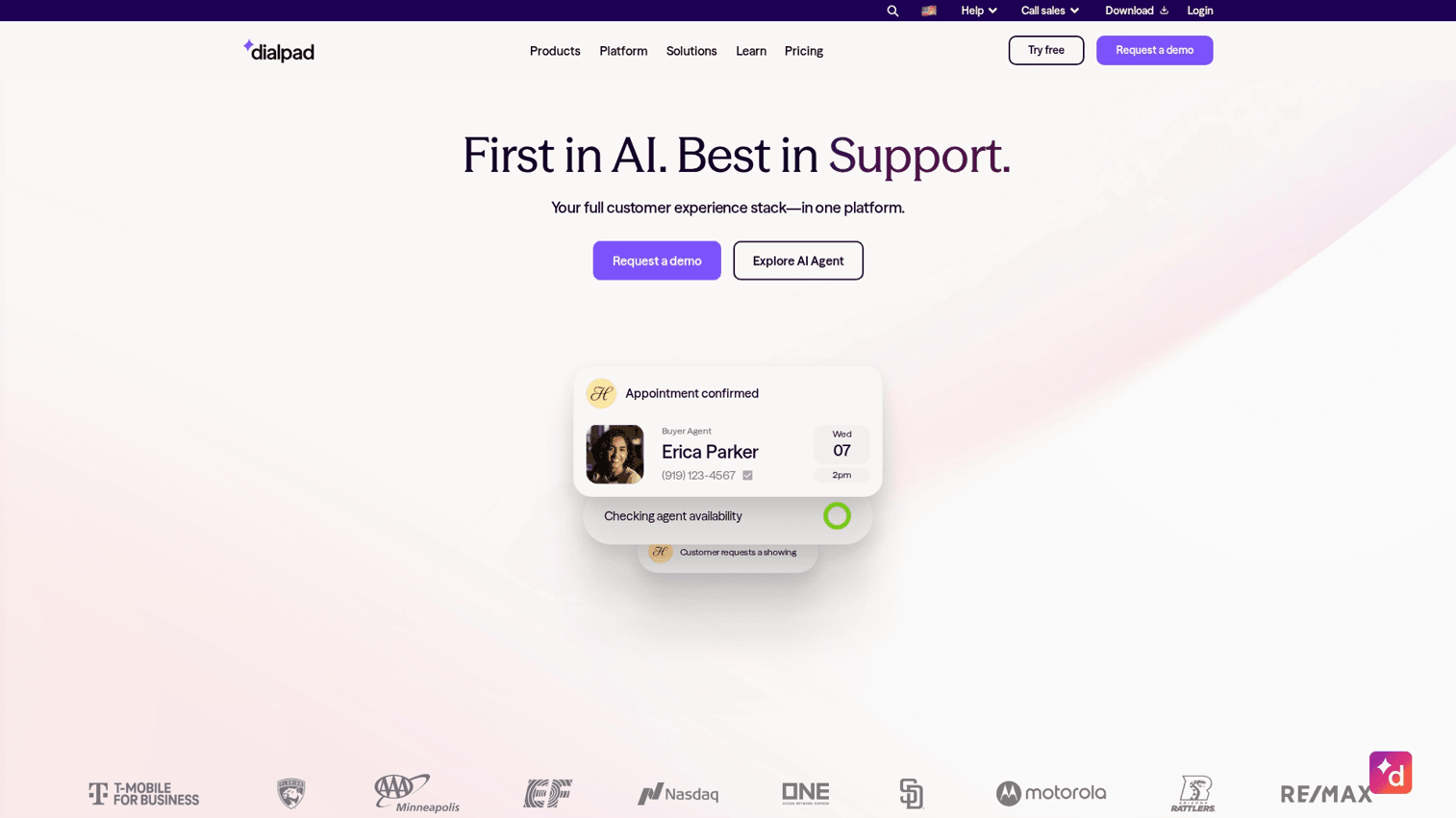
Dialpad provides conversation intelligence with real-time transcription and live coaching prompts during calls. Reps get suggestions when competitors come up or when they miss key qualification questions.
Key strengths
- Real-time transcription: See what is being said as the call happens.
- Live coaching prompts: Get nudges during calls based on conversation patterns.
- Post-call summaries: Automatic CRM sync with action items extracted.
Pricing: Starts at $15/user/month.
5. Avoma
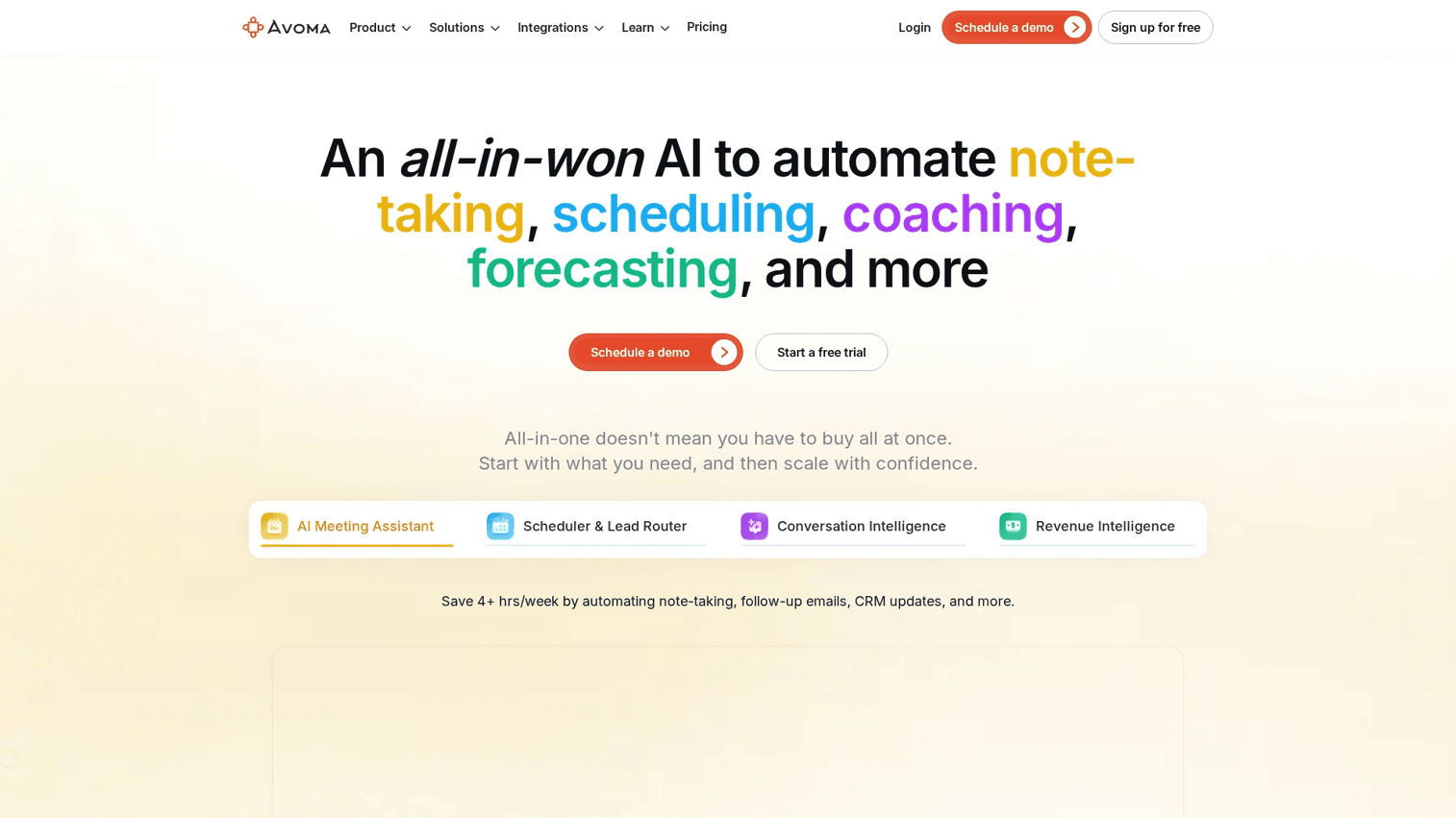
Avoma auto-joins meetings, transcribes conversations, and generates summaries with action items. It also provides conversation intelligence to track topics and coach reps on call performance.
Key strengths
- Automated meeting notes: No more manual note-taking during discovery calls.
- Topic tracking: See which subjects come up across deals and where reps struggle.
- Revenue intelligence: Connect conversation patterns to deal outcomes.
Pricing: Free tier available. Paid plans start at $19/user/month.
6. Regie.ai
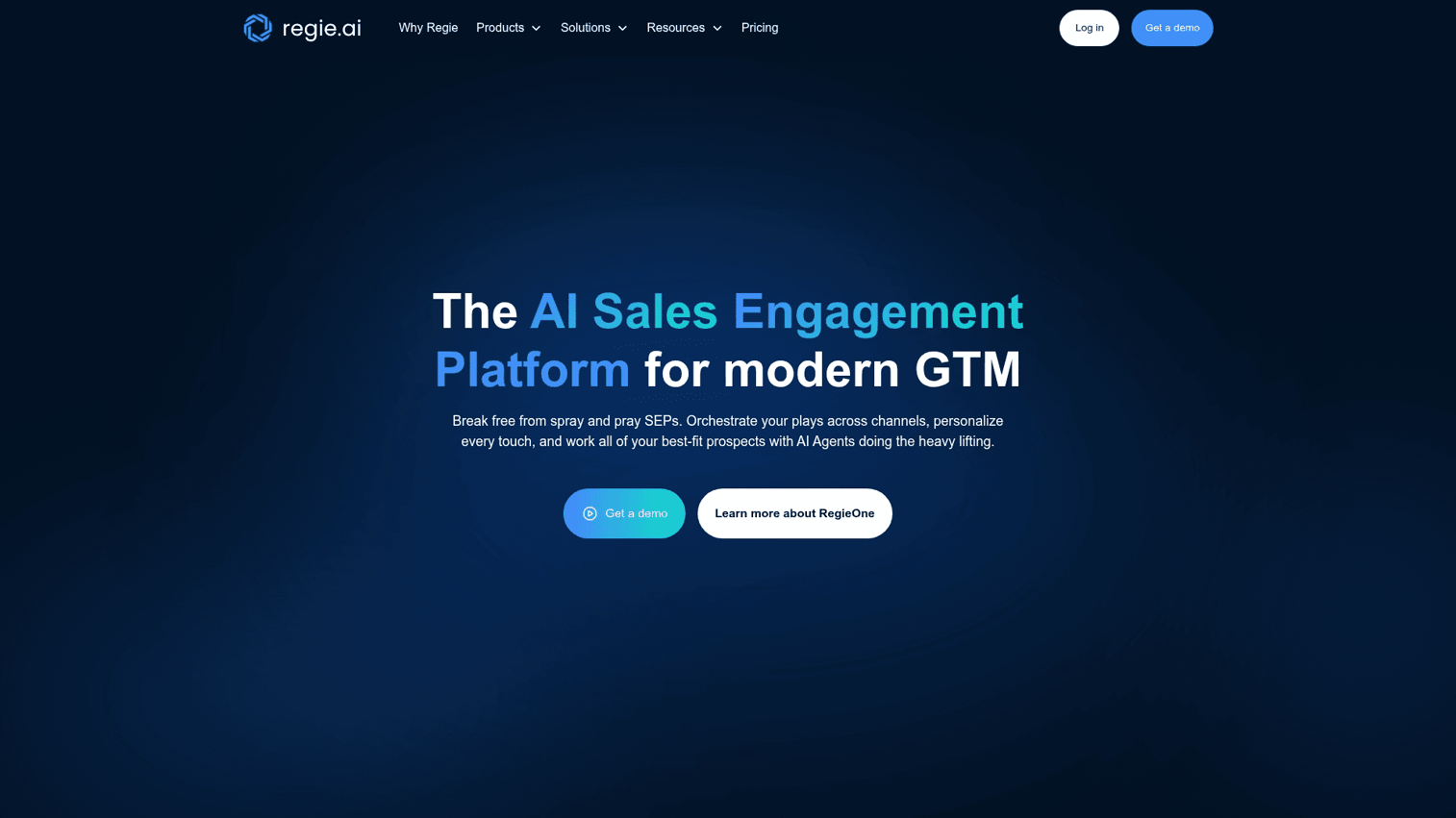
Regie.ai generates personalized email and call scripts at scale using AI. It manages content for sales teams and integrates with major sales engagement platforms.
Key strengths
- AI-generated sequences: Create personalized outreach without writing every email manually.
- Content management: Centralize approved messaging for consistency across the team.
- Platform integrations: Works with Outreach, Salesloft, and other engagement tools.
Pricing: Contact sales for pricing.
7. My AI Front Desk
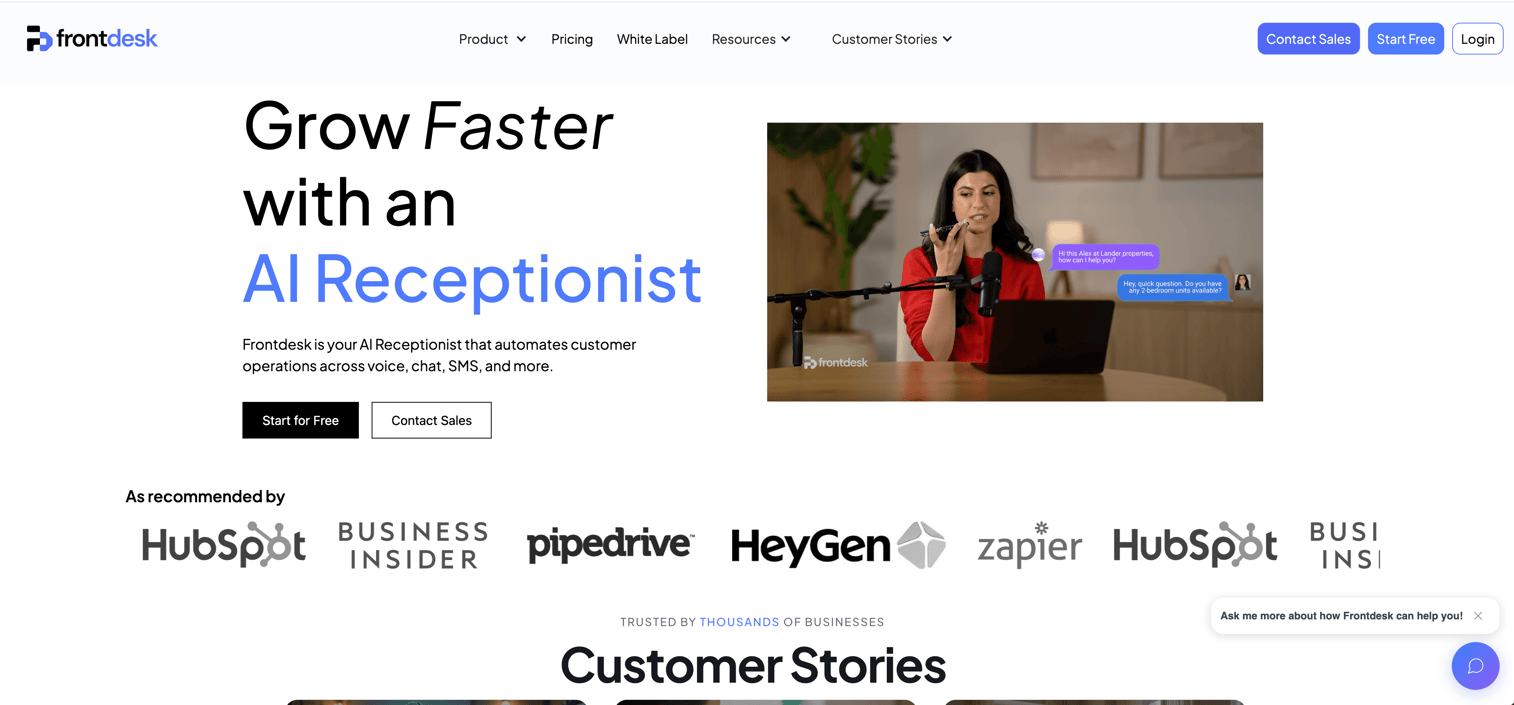
My AI Front Desk acts as a 24/7 AI receptionist that handles inbound calls, schedules appointments, and qualifies leads before they reach your team.
Key strengths
- Always-on availability: Never miss a call, even outside business hours.
- Appointment scheduling: Books meetings directly into your calendar.
- Custom knowledge base: Train the AI on your specific products and qualification criteria.
Pricing: Starts at $65/month.
8. Otter
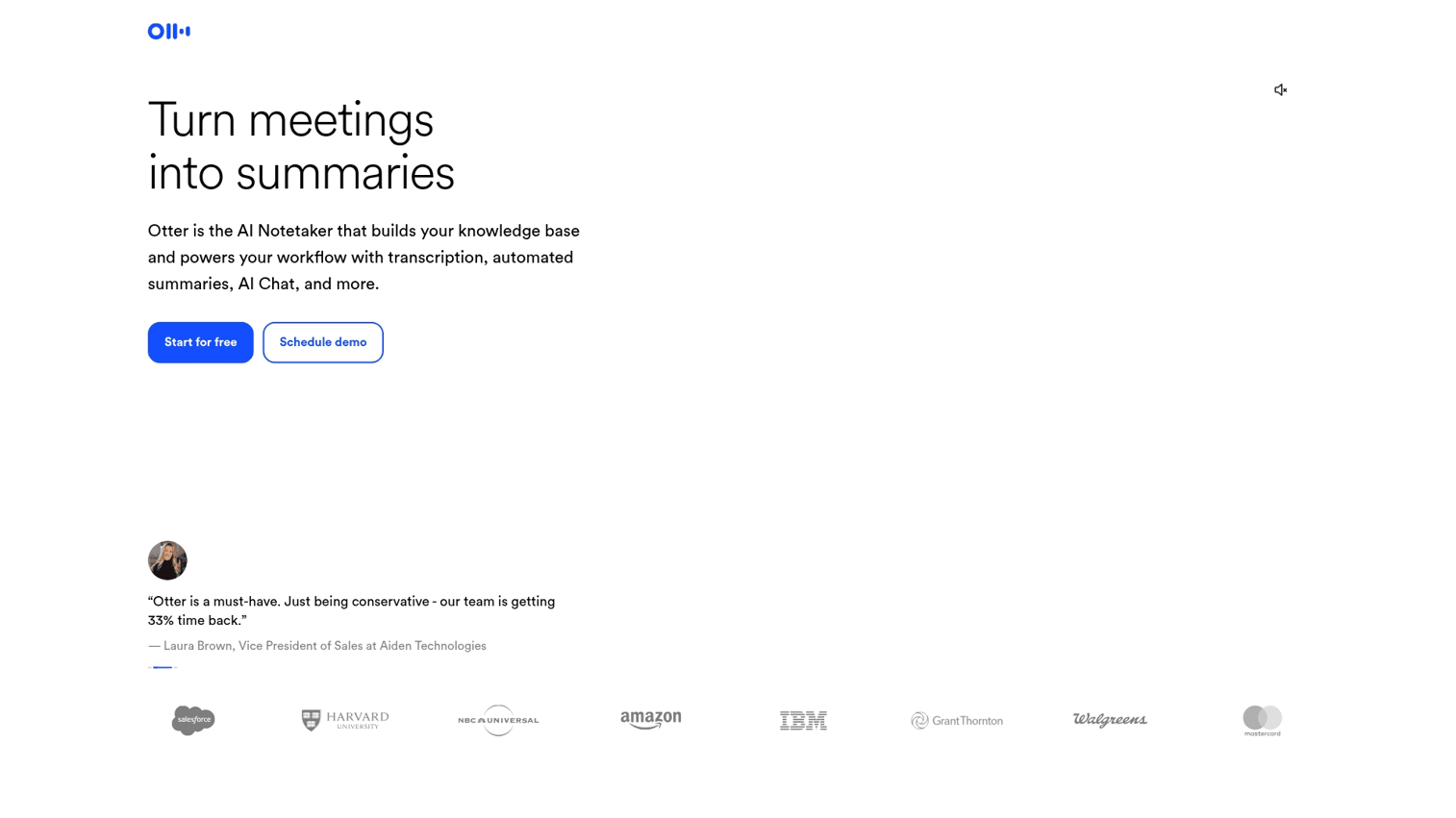
Otter specializes in automated meeting transcription and note-taking. OtterPilot joins calls automatically and creates searchable archives of every conversation.
Key strengths
- Automatic transcription: Join any meeting platform and capture everything said.
- AI summaries: Get key points and action items without reviewing the full recording.
- Searchable archive: Find specific moments across all your past conversations.
Pricing: Free tier available. Paid plans start at $16.99/user/month.
9. Clari Copilot
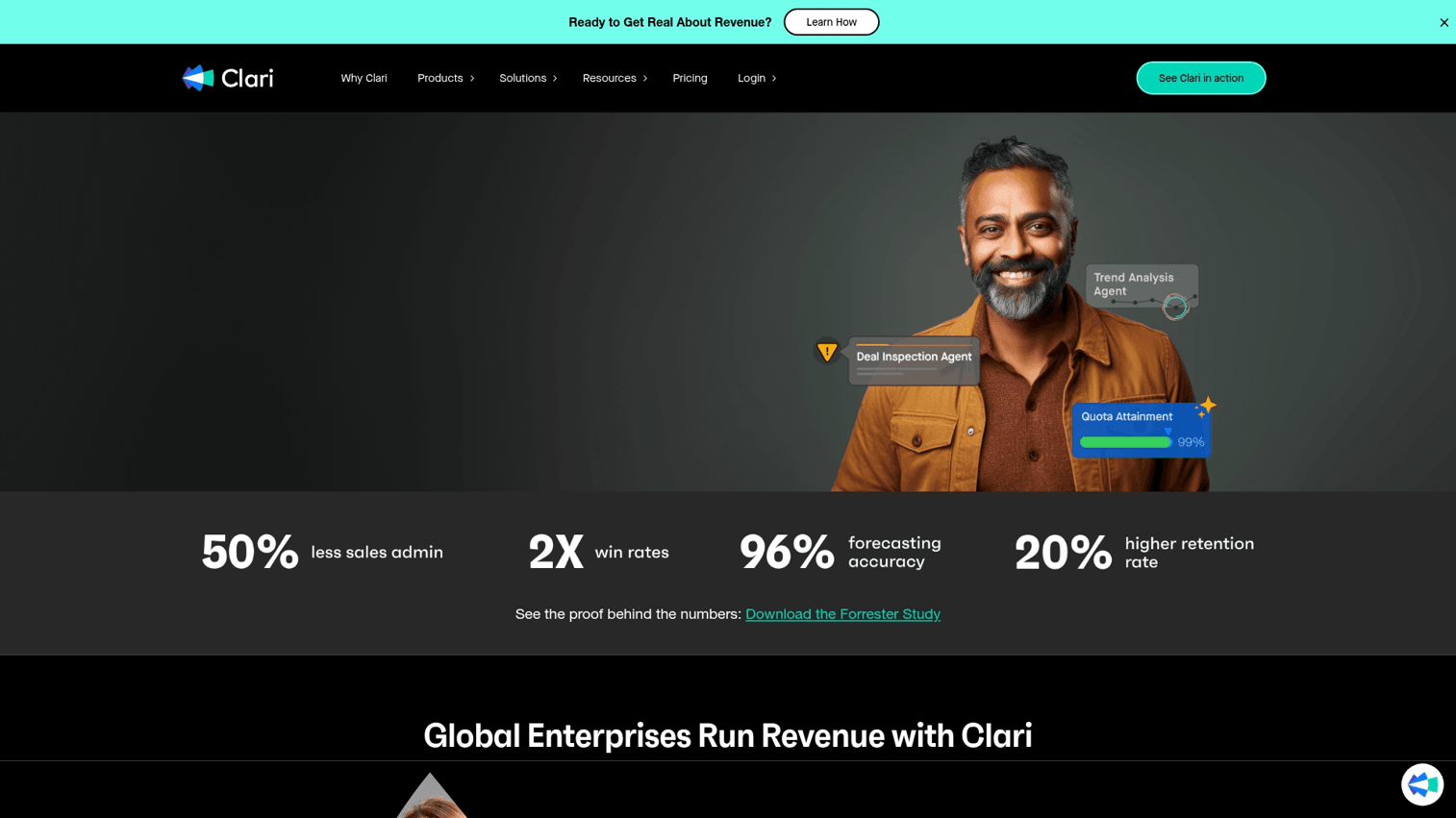
Clari Copilot analyzes your pipeline in real time, scores deal risk, and projects revenue based on historical patterns and current engagement signals.
Key strengths
- Real-time pipeline inspection: See deal health across your entire forecast.
- Risk scoring: Get alerts when deals show warning signs before they slip.
- Revenue forecasting: Project outcomes based on actual data, not gut feel.
Pricing: Contact sales for pricing.
10. Pipedrive AI Sales Assistant
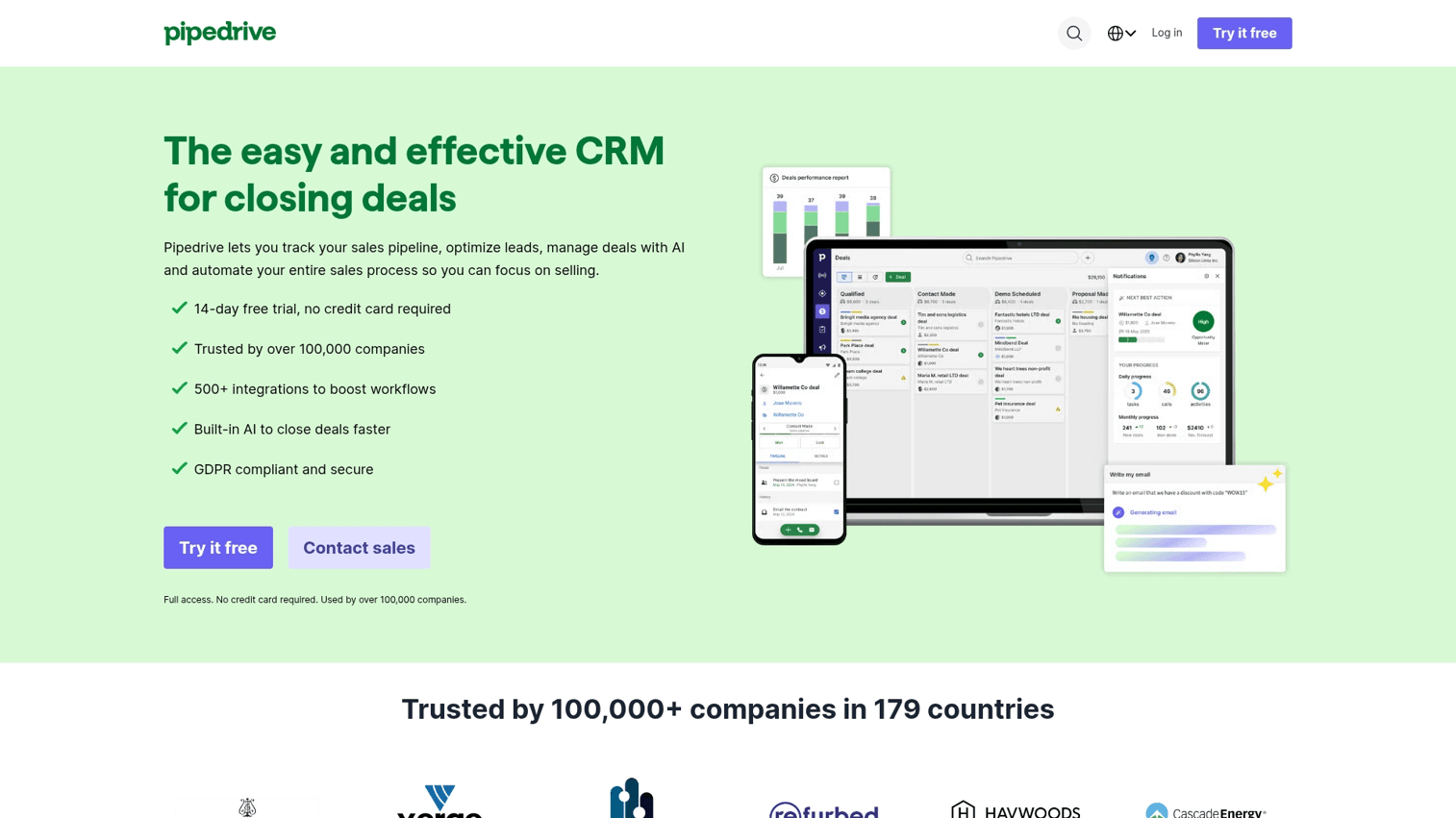
Pipedrive includes a built-in AI assistant that analyzes your pipeline and suggests next actions. Since it lives inside the CRM, there is no separate tool to manage.
Key strengths
- Native CRM integration: No additional setup or data syncing required.
- Performance tips: Get recommendations based on your actual pipeline data.
- Sales forecasting: Built-in projections without external tools.
Pricing: Starts at $14/user/month. AI features available in higher tiers.
11. Instantly
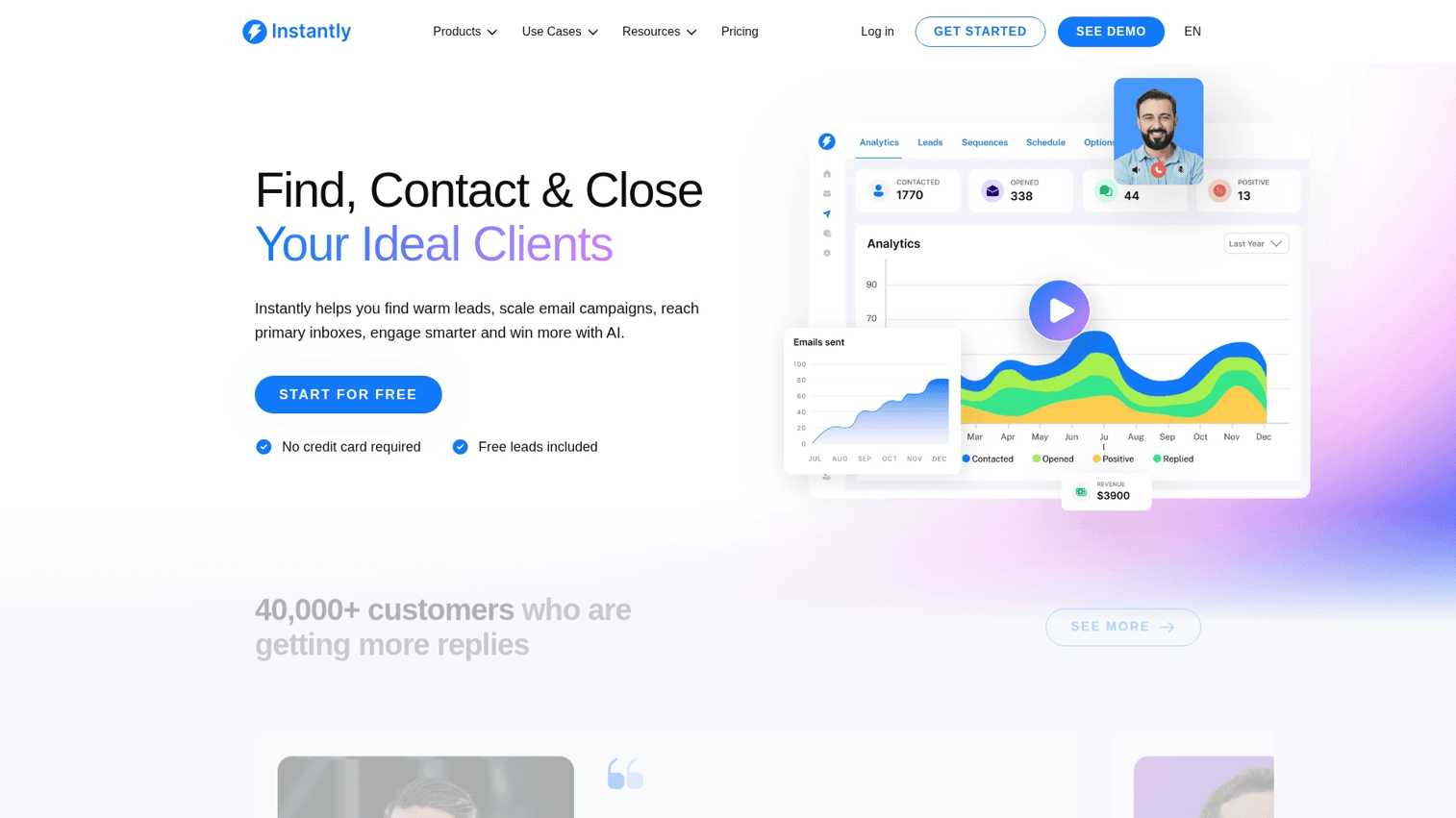
Instantly enables cold email at scale with unlimited sending accounts and built-in warmup to protect deliverability.
Key strengths
- Unlimited email accounts: Scale outreach without hitting sending limits.
- AI-powered warmup: Protect deliverability automatically.
- Campaign analytics: Track what works and optimize based on data.
Pricing: Starts at $37/month.
What to look for in AI sales assistant platforms
CRM and sales stack integration
The best AI sales assistant connects to your existing tools without manual data entry. Look for native integrations with Salesforce, HubSpot, or your CRM software of choice. Bi-directional sync matters because insights are useless if they do not flow back into your workflow.
AI-powered analytics and performance reporting
Engagement tracking, conversion attribution, and rep performance dashboards help you understand what works. Tools that surface analytics on demo engagement, email performance, or call outcomes give you data to optimize.
Personalization for outreach and demos
Dynamic personalization using CRM data, company information, and behavior signals increases engagement. Whether you are personalizing email sequences or interactive demos, the ability to tailor content at scale separates good tools from great ones.
No-code setup and ease of adoption
Sales teams will not use tools that require engineering support to configure. Prioritize platforms with visual builders and templates that non-technical users can handle.
Data security and compliance
For enterprise buyers, SOC 2 certification, GDPR compliance, and clear data handling policies are table stakes. Evaluate each tool's security posture before connecting it to your CRM.
How to choose the right AI sales assistant for your team
Start with your biggest bottleneck:
- If prospecting takes too long: Lead enrichment tools like Clay compress research time.
- If email reply rates are low: Email coaching tools like Lavender fix the message.
- If deals stall after discovery: Demo automation lets buyers self-serve and qualify themselves.
- If forecasting is unreliable: Pipeline analytics tools like Clari Copilot surface risk early.
Most teams combine multiple AI sales assistants across the workflow. The goal is not to find one tool that does everything but to solve specific friction points with purpose-built solutions.
For broader context on building your stack, see our guide to marketing automation tools.
Build a smarter sales stack with AI
AI sales assistants handle different parts of the workflow, from prospecting to pipeline analytics. The right choice depends on where your team loses deals or wastes time.
For teams where prospects ghost before demos or deals stall in evaluation, interactive demos let buyers experience the product on their own terms. That removes friction and surfaces intent data so you know who is actually engaged.
Start your journey with Guideflow today!
FAQs about AI sales assistant software
ChatGPT is a general-purpose AI, not purpose-built for sales workflows. Dedicated AI sales assistants integrate with CRM, analyze pipelines, and automate sales-specific tasks that ChatGPT cannot do natively without significant customization.
AI assistants automate repetitive tasks and surface insights, but human reps still handle relationship building, complex negotiations, and strategic accounts. Think of AI sales assistants as multipliers, not replacements.
Pricing ranges from free tiers for basic features to enterprise contracts for full platforms. Most tools offer per-user monthly pricing between $15 and $150 depending on capabilities.
Most tools require CRM access, email or calendar permissions, and call recording consent where applicable. Evaluate each tool's data handling and compliance certifications before connecting.
Simple tools like email coaching or note-taking deploy in hours. Complex platforms with full conversation analytics or revenue intelligence may take weeks for proper CRM integration and team training.
Many tools offer free tiers or affordable per-user pricing suited for small teams. Start with one high-impact category like email coaching or meeting notes before expanding your stack.