An investigation lives or dies on evidence integrity. One broken hash, one undocumented handling step, one tool that quietly altered a timestamp, and the whole case gets thrown out. That is the real stakes when you pick digital forensics software: not feature count, but whether the workflow holds up under scrutiny.
The market reflects how seriously organizations now take this. Grand View Research valued the global digital forensics market at USD 10.12 billion in 2023, projecting it will reach USD 26.15 billion by 2030 at a 15.1% CAGR. Mordor Intelligence pegs 2026 at USD 8.46 billion, growing to USD 15.37 billion by 2031 at a 12.68% CAGR. The direction is the same across every forecast: more data, more devices, more scrutiny, more spend.
Here is the problem you actually face. Evidence surfaces have exploded across disk, mobile, endpoint, and memory. Case data sizes keep growing. Deadlines shrink. And every step of collection, imaging, and analysis has to stay defensible in a way you can prove later. Choosing the wrong forensic software does not just slow you down. It can compromise chain of custody and put the entire investigation at risk.
This guide compares nine digital forensics tools that hold up in real casework, spanning free open source options and enterprise commercial platforms. If your evaluation work also touches how vendors present complex technical products, our roundup of digital adoption platforms covers an adjacent tooling category.
What's inside
This is a vendor-agnostic comparison built for technical evaluators, security leaders, and procurement influencers choosing digital forensics software for a team. We selected the nine tools based on four criteria that matter in real investigations: workflow fit across the collection-to-report lifecycle, artifact coverage across disk, mobile, endpoint, and memory, evidence handling and chain of custody support, and reporting quality.
The list deliberately mixes open source and commercial forensic software so you can compare tradeoffs within the category. Some tools are full case platforms. Others are focused utilities you slot into a larger investigative workflow. We flag which is which.
TL;DR
Short on time? Here is the decision shortcut.
- Best free GUI platform: Autopsy gives you filesystem parsing, keyword search, ingest modules, and reporting without a license fee.
- Best enterprise commercial option: Exterro FTK handles large datasets, centralized case management, and defensible workflows at scale.
- Best foundational open source toolkit: The Sleuth Kit for teams building their own disk and file system analysis workflows.
- Best for memory forensics: Volatility is the standard open source framework for RAM analysis, malware triage, and live response.
- Best bootable forensic environment: CAINE for field acquisition and safe work on suspect systems.
- Best prebuilt DFIR workstation: SANS SIFT bundles acquisition, analysis, and triage utilities into one ready environment.
What is digital forensics software?
Digital forensics software is a category of tools used to collect, preserve, analyze, and report on digital evidence in a way that stays defensible for investigations, incident response, and legal proceedings.
The strongest platforms support the full investigative workflow rather than a single step. Here is what that lifecycle looks like:
- Evidence collection and preservation: Acquiring data from devices without altering the source, often with write-blocking and hashing.
- Forensic imaging: Creating bit-for-bit copies of disks, drives, and volumes so analysis never touches the original.
- Artifact parsing: Extracting meaningful data from file systems, registries, browser history, logs, and application data.
- Indexing and search: Building searchable indexes so investigators can run keyword and hash queries across large datasets.
- Timeline analysis: Reconstructing events chronologically to understand what happened and when.
- Reporting and export: Generating court ready reports and exportable evidence packages.
- Chain of custody and defensibility: Logging every action so handling can be audited and defended later.
- Artifact coverage: Supporting disk, mobile, endpoint, and memory evidence, since real investigations rarely stay on one surface.
Open source versus commercial digital forensics software
Free and open source tools like Autopsy, The Sleuth Kit, and Volatility cover an enormous amount of ground. For smaller teams, focused tasks, or investigators comfortable assembling their own workflow, open source is often enough on its own.
Commercial digital forensics software earns its cost when you need throughput on large datasets, centralized case management across many investigators, vendor support, formal validation, and connectors into a broader stack. The decision is rarely open source versus commercial in the abstract. It is which combination fits your caseload, your team size, and your defensibility requirements.
When to use digital forensics software
Not every investigation needs the same tooling. Match the tool to the job.
Build defensible evidence workflows
When your findings might end up in court, an audit, or an internal disciplinary process, process discipline matters as much as analysis. You need repeatable handling, hashing at every step, and a complete audit trail. Tools with strong chain of custody logging and court ready reporting protect the work. This is where documentation and auditability outweigh raw speed.
Investigate endpoints, disks, and mobile artifacts
Different evidence surfaces demand different tools. Disk forensics and file system analysis lean on platforms like Autopsy and The Sleuth Kit. Mobile forensics and endpoint collection often push teams toward commercial platforms with broader device support. Map your artifact types first, then pick the tools that cover them without gaps.
Support DFIR, SOC, MSSP, or law enforcement work
Team type shapes buying criteria. A law enforcement buyer prioritizes court defensibility, chain of custody, and reporting that survives cross-examination. A SOC or MSSP running DFIR often prioritizes speed, triage, and memory forensics for live incidents. Corporate cyber investigators sit between the two, needing both defensibility and integration with existing security tooling. Know which pressures you are optimizing for before you shortlist.
Comparison table
The table below summarizes intent, primary use case, pricing, and rating for each tool. Open source options dominate this category, so most entries carry no license cost. Ratings are shown where a verified G2 listing exists.
| # | Product | Intent | Key use case | Pricing | G2 rating |
|---|---|---|---|---|---|
| 1 | Autopsy | Open source | GUI-based disk and file system analysis | Free | 4.5/5 |
| 2 | Exterro FTK | Commercial | Enterprise case management and review at scale | From $5,175 | 4.4/5 |
| 3 | The Sleuth Kit (TSK) | Open source | Command-line disk and file system analysis | Free | 4.5/5 |
| 4 | Digital Forensics Framework (DFF) | Open source | Modular evidence collection and investigation | Free | - |
| 5 | Open Computer Forensics Architecture (OCFA) | Open source | Pipeline-style evidence processing | Free | - |
| 6 | Bulk Extractor | Open source | Fast artifact and feature extraction | Free | - |
| 7 | CAINE | Live boot distro | Field acquisition and safe suspect analysis | Free | - |
| 8 | SANS SIFT | Open source | Prebuilt DFIR forensic workstation | Free | - |
| 9 | Volatility | Memory forensics | RAM analysis, malware triage, live response | Free | - |
1. Autopsy
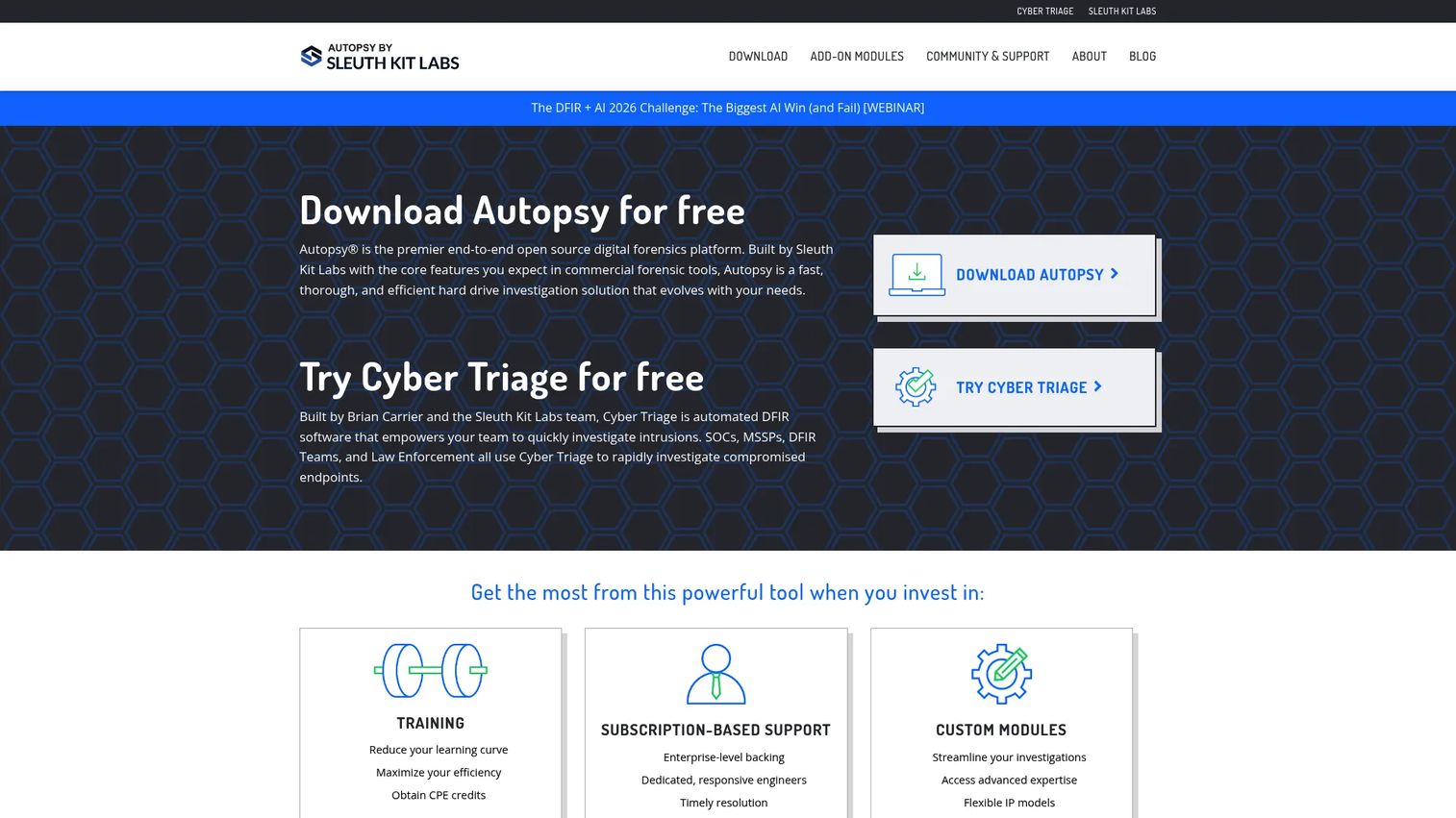
Autopsy is the best-known open source GUI for digital forensics work. It sits on top of The Sleuth Kit and wraps that engine in a graphical interface built for real investigations. Investigators use it for file system parsing, keyword search, hash database lookups, ingest modules, timeline review, tagging, and report generation, all without a commercial license. For many teams it is the sensible default when they want serious capability without licensing cost.
Best for: Investigators and teams that need a free, capable open source digital forensics platform with a full GUI.
Key strengths
- Hash database and keyword search: Run indexed searches and known-file lookups across large evidence sets to surface leads fast.
- Tagging and reporting: Mark findings as you work and export structured reports for review or disclosure.
- Plug-in and module architecture: Extend ingest and analysis with community and custom modules as your workflow matures.
Autopsy handles disk images, mobile devices, and other digital media, and its module system means it grows with your needs rather than boxing you in. Because it shares an engine with The Sleuth Kit, findings map cleanly between the GUI and the underlying command-line tools when you need lower-level access.
Why choose Autopsy: If you want a court-conscious, extensible platform without a purchase order, Autopsy is hard to beat. It gives smaller teams and public sector investigators real analytical depth while keeping the workflow auditable.
Autopsy pricing: The core Autopsy platform is free and open source to download and use. The official site lists paid add-ons around it, including in-person training at $499 per person and a Cyber Triage malware scanning subscription for Autopsy. The forensic platform itself carries no license fee.
2. Exterro FTK
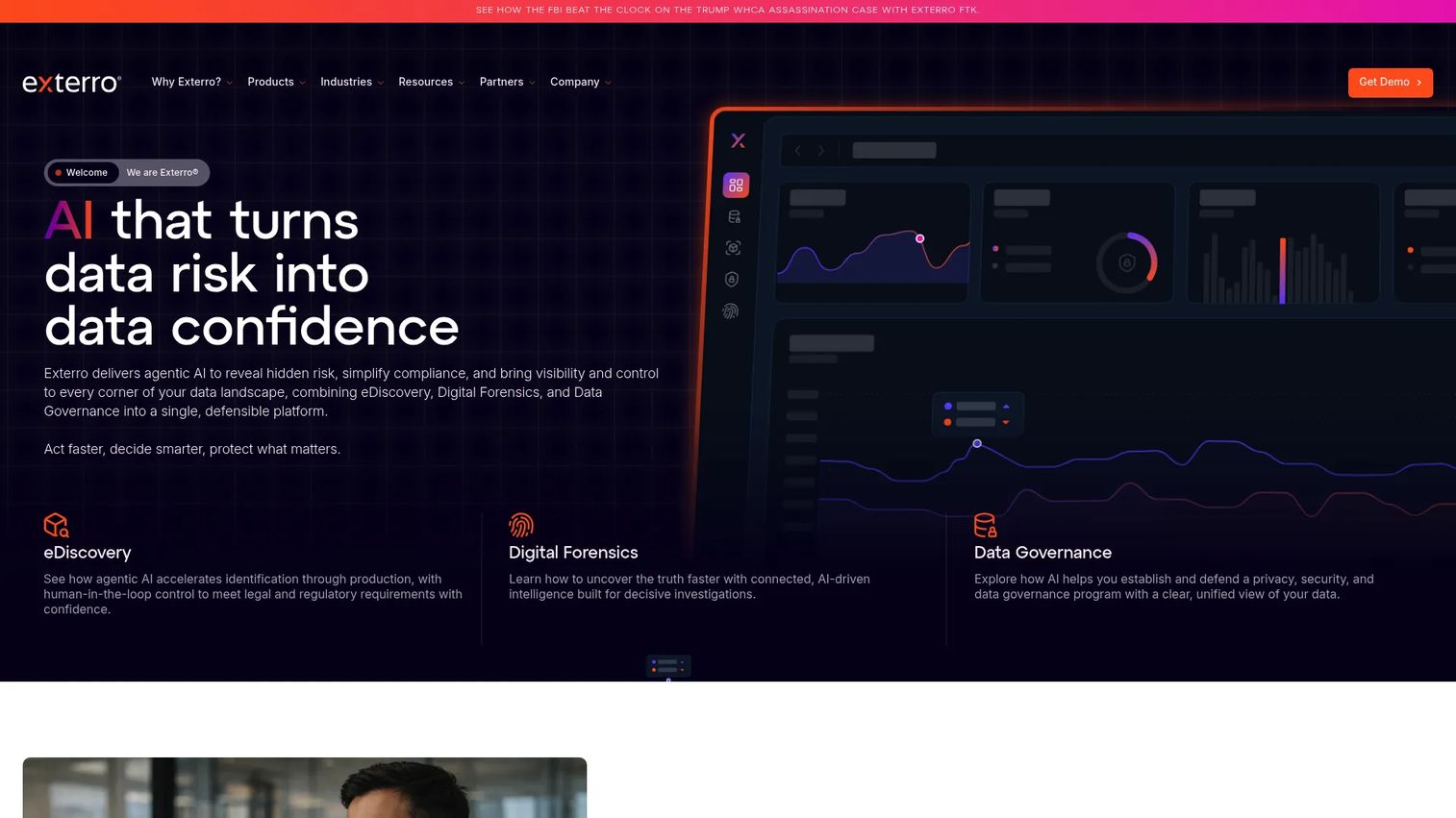
Exterro FTK, the Forensic Toolkit, is the enterprise commercial option built for speed, scale, and defensible workflows. It is the tool teams evaluate when case volumes and dataset sizes outgrow what a single analyst can manage manually. FTK centralizes case management, indexes evidence for fast search, supports remote endpoint preview and collection, and layers AI-driven review to help analysts prioritize what matters across large investigations.
Best for: Organizations that need defensible digital forensics and evidence review at scale, across multiple investigators.
Key strengths
- Centralized case management: Coordinate multiple investigators, evidence sources, and cases from one system.
- Remote endpoint preview and collection: Acquire and preview evidence from endpoints without being physically present.
- AI-driven forensic review: Surface relevant artifacts faster across large datasets so analysts spend time on findings, not sifting.
FTK is often on the shortlist for law enforcement agencies, corporate investigation teams, and DFIR groups that need throughput, compliance support, and enterprise-grade vendor backing. The forensic toolkit reputation is built on handling large evidence volumes without the workflow falling apart.
Why choose Exterro FTK: When your operating model depends on many investigators working many cases with formal reporting and support requirements, FTK is designed for that reality. The centralized model and connectors help keep evidence handling consistent across a team.
Exterro FTK pricing: Exterro publicly lists FTK on its store. FTK Virtual License and FTK Physical License both start from $5,175.00 USD as subscriptions. FTK Imager Pro is listed at $499.00 USD as an annual subscription, and a free FTK Imager is available for acquisition and imaging without the full platform.
3. The Sleuth Kit (TSK)
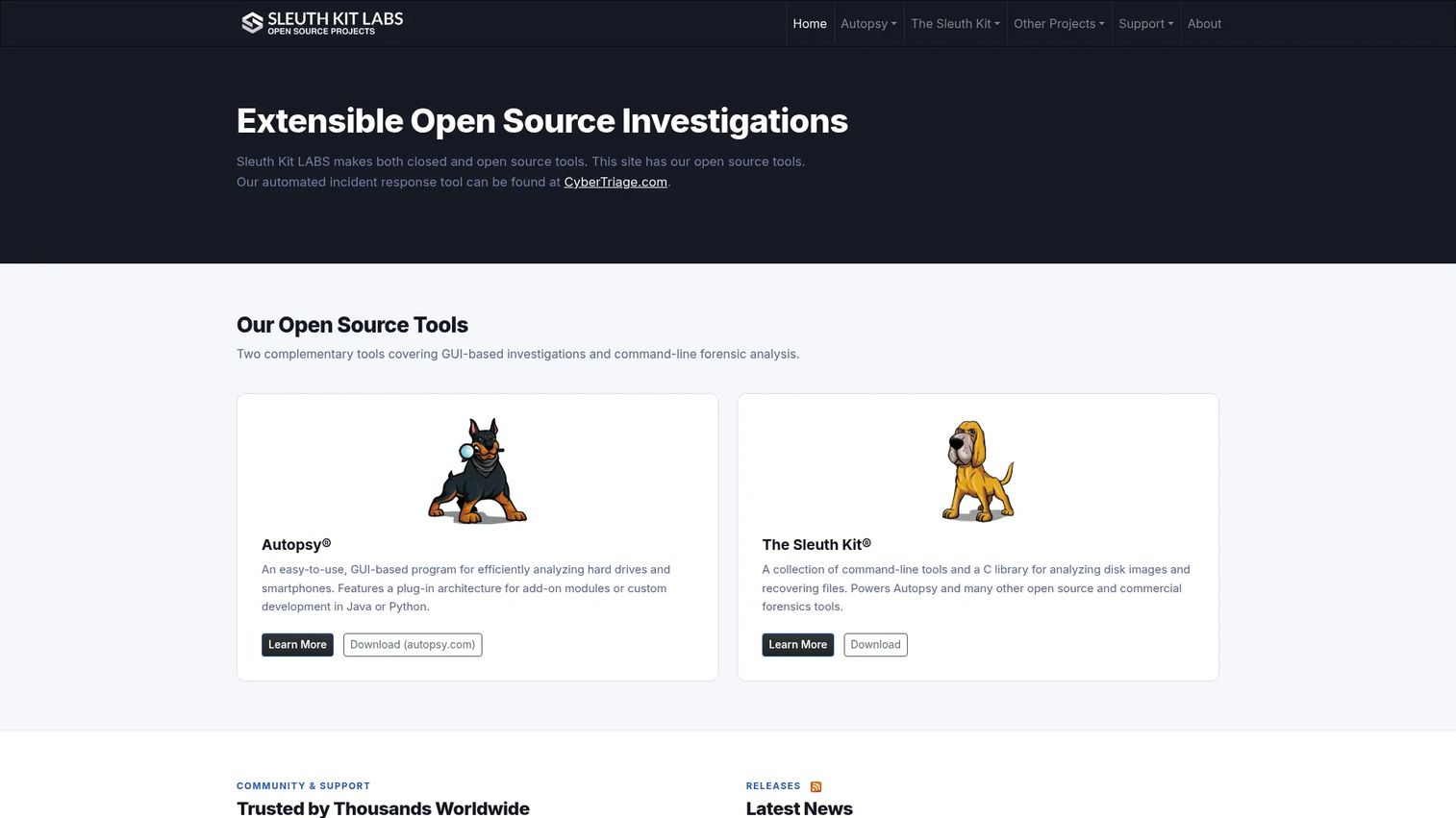
The Sleuth Kit is the open source command-line toolkit and C library that underpins much of the modern forensic stack, including Autopsy. It is foundational rather than end-user friendly. TSK gives you low-level disk image analysis, file system parsing, and file recovery through a set of command-line tools you can script and chain together.
Best for: Technical investigators, researchers, and teams building their own forensic workflows or tools on top of a proven engine.
Key strengths
- Command-line disk image and file system analysis: Parse volumes and file systems directly with granular control.
- File recovery and evidence examination: Recover deleted files and examine artifacts at the byte level.
- Works with Autopsy for a GUI: Pair TSK with Autopsy when you want a graphical layer over the same engine.
Because TSK is a library as much as a toolkit, developers and forensic engineers build custom automation and integrations on it. If your team scripts its analysis or maintains internal tooling, TSK is often the layer everything else sits on.
Why choose The Sleuth Kit: Choose TSK when you value control and repeatability over a polished interface. It rewards technical users who want to know exactly what each command is doing to the evidence.
The Sleuth Kit pricing: The Sleuth Kit is open source and free. The official site lists no paid tiers for TSK itself.
4. Digital Forensics Framework (DFF)
Digital Forensics Framework is an open source platform for collecting, preserving, and revealing digital evidence. Its appeal is flexibility. DFF offers both a GUI and a command-line interface, plus scripting support, which lets teams automate repetitive tasks and adapt the tool to their own investigative workflow rather than the other way around.
Best for: Open source digital forensics teams that want a lightweight, extensible investigation framework.
Key strengths
- GUI with tree view and bookmarking: Navigate evidence with tree and recursive views, tagging, live search, and bookmarks.
- Command-line interface for remote work: Run remote digital investigation and scripting from the CLI.
- Batch scripting support: Automate repetitive analysis tasks to keep large investigations moving.
The dual GUI and CLI model means analysts who prefer clicking and engineers who prefer scripting can work from the same framework. That flexibility suits organizations that want structure without being locked into one way of working.
Why choose Digital Forensics Framework: Pick DFF when extensibility and scripting matter more than a large commercial feature set. It is well suited to teams comfortable shaping their own process.
DFF pricing: DFF is open source with no public paid tiers.
5. Open Computer Forensics Architecture (OCFA)
Open Computer Forensics Architecture is an architecture-oriented investigation framework rather than a single desktop application. It was designed to process large volumes of evidence through a modular, pipeline-style backend. Rather than one analyst clicking through a single case, OCFA is built around automated evidence processing and integration of forensic tools into a coordinated workflow.
Best for: Forensic teams that care about pipeline-style evidence handling and system architecture.
Key strengths
- Open source forensics framework: A community-maintained architecture for computer forensics investigations.
- Evidence processing and analysis workflow: Move evidence through a structured processing pipeline rather than ad hoc steps.
- Modular architecture for tool integration: Plug forensic tools into a coordinated backend.
OCFA reflects a different design philosophy from single-user GUIs. It treats evidence processing as a system to be automated and scaled, which appeals to teams thinking in terms of infrastructure rather than individual cases.
Why choose OCFA: Choose OCFA when your challenge is volume and coordination, and you want an architecture you can extend rather than a fixed desktop tool.
OCFA pricing: OCFA is an open source project with no publicly listed pricing.
6. Bulk Extractor
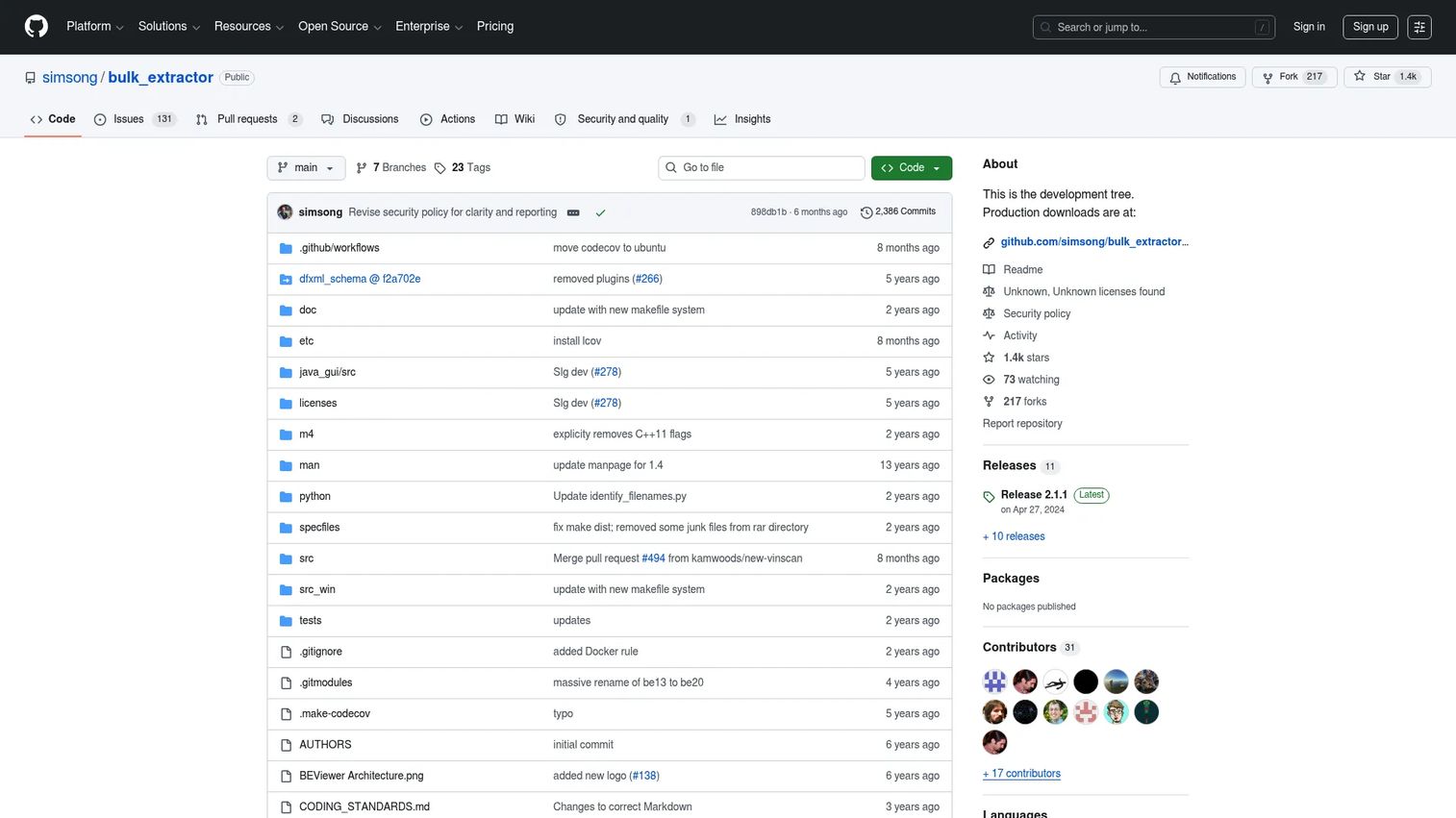
Bulk Extractor is a fast artifact and feature extraction tool. It is not a full case platform, and it does not try to be. Instead, it scans files, disk images, and directories for structured artifacts like email addresses, credit card numbers, JPEGs, and JSON snippets, and it does so quickly. Investigators reach for it early to surface leads before committing to deeper analysis.
Best for: Digital forensics and investigative triage across large datasets where speed to leads matters.
Key strengths
- Structured artifact extraction: Pull emails, card numbers, and other features from files, images, and directories.
- Recursive and decompressed content discovery: Find content buried in BASE64-encoded JPEGs and compressed JSON.
- Text outputs and histograms: Produce readable outputs and histograms that point investigators toward what matters.
Because Bulk Extractor works on data without parsing the file system first, it can run fast across evidence that other tools would take much longer to process. That makes it valuable at the front of an investigative workflow.
Why choose Bulk Extractor: Use it as a triage and lead-generation tool that feeds your deeper analysis. It answers "is there anything interesting here" quickly, so you can focus the slower work.
Bulk Extractor pricing: Bulk Extractor is an open source project distributed on GitHub with no paid tiers.
7. CAINE
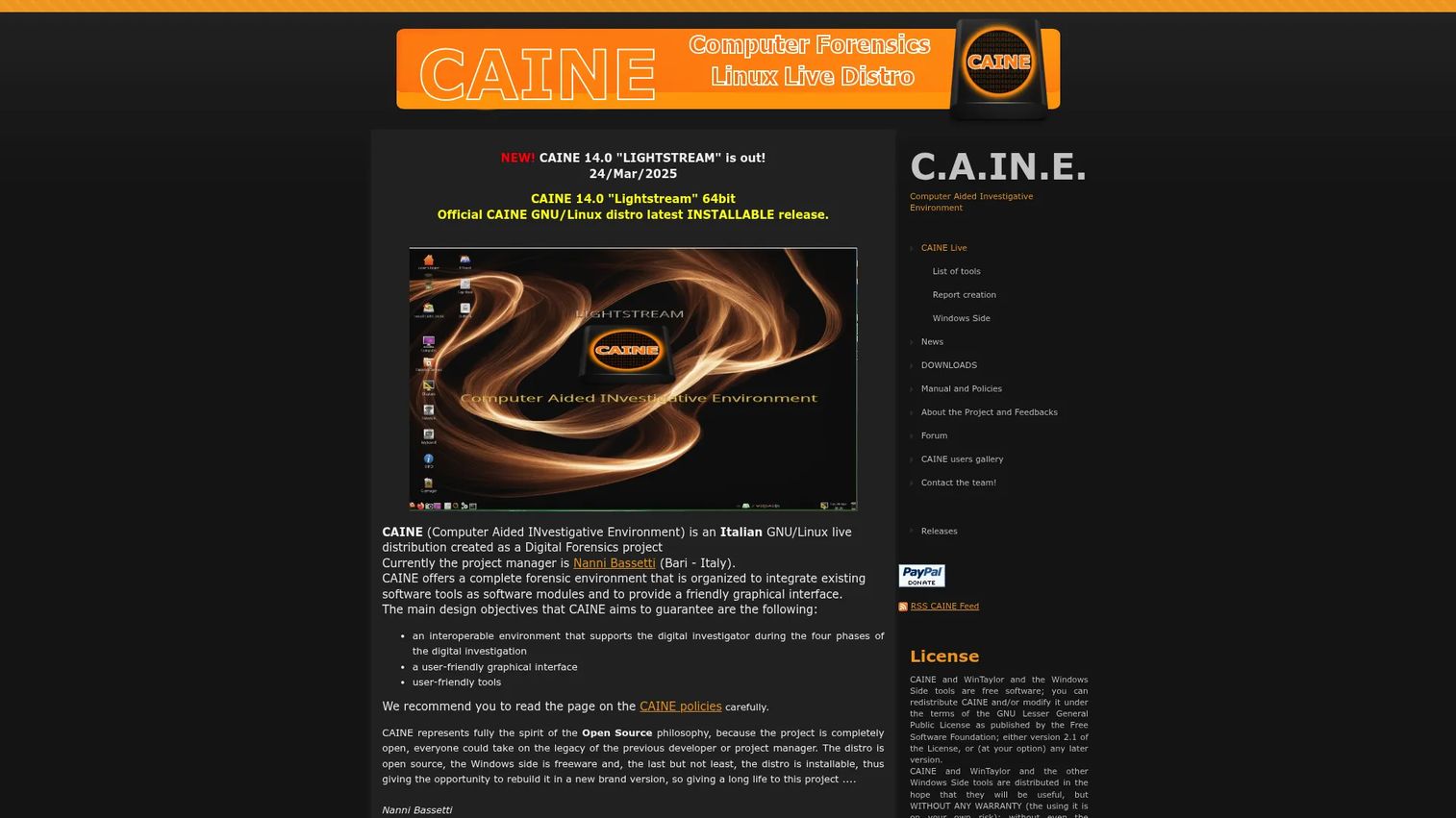
CAINE, Computer Aided Investigative Environment, is an open source GNU/Linux live distribution built for digital forensics. Its defining feature is live boot behavior. You boot a suspect system or a workstation from CAINE, and it applies read-only mounting and write-blocking so you can work without altering the source evidence. That matters enormously for field acquisition and initial imaging.
Best for: Digital investigators who need a bootable, portable forensic workstation for field work and acquisition.
Key strengths
- Read-only mounting and write-blocking: Preserve evidence integrity by preventing writes to the source.
- Bundled forensic toolset and reporting scripts: Get a curated set of forensic tools ready on boot.
- Windows-side forensic tools: Includes utilities for working with Windows systems during investigations.
Live boot matters because the safest way to preserve evidence on a machine is often to never let its own operating system touch the disk. CAINE gives investigators a portable, self-contained environment they can carry to the scene.
Why choose CAINE: Choose CAINE when you need to acquire or preview evidence safely on hardware you do not control. It is a field-ready foundation that pairs well with deeper analysis tools back at the lab.
CAINE pricing: CAINE is free open source software with downloads provided on the official site and no public paid pricing.
8. SANS Investigative Forensics Toolkit (SIFT)
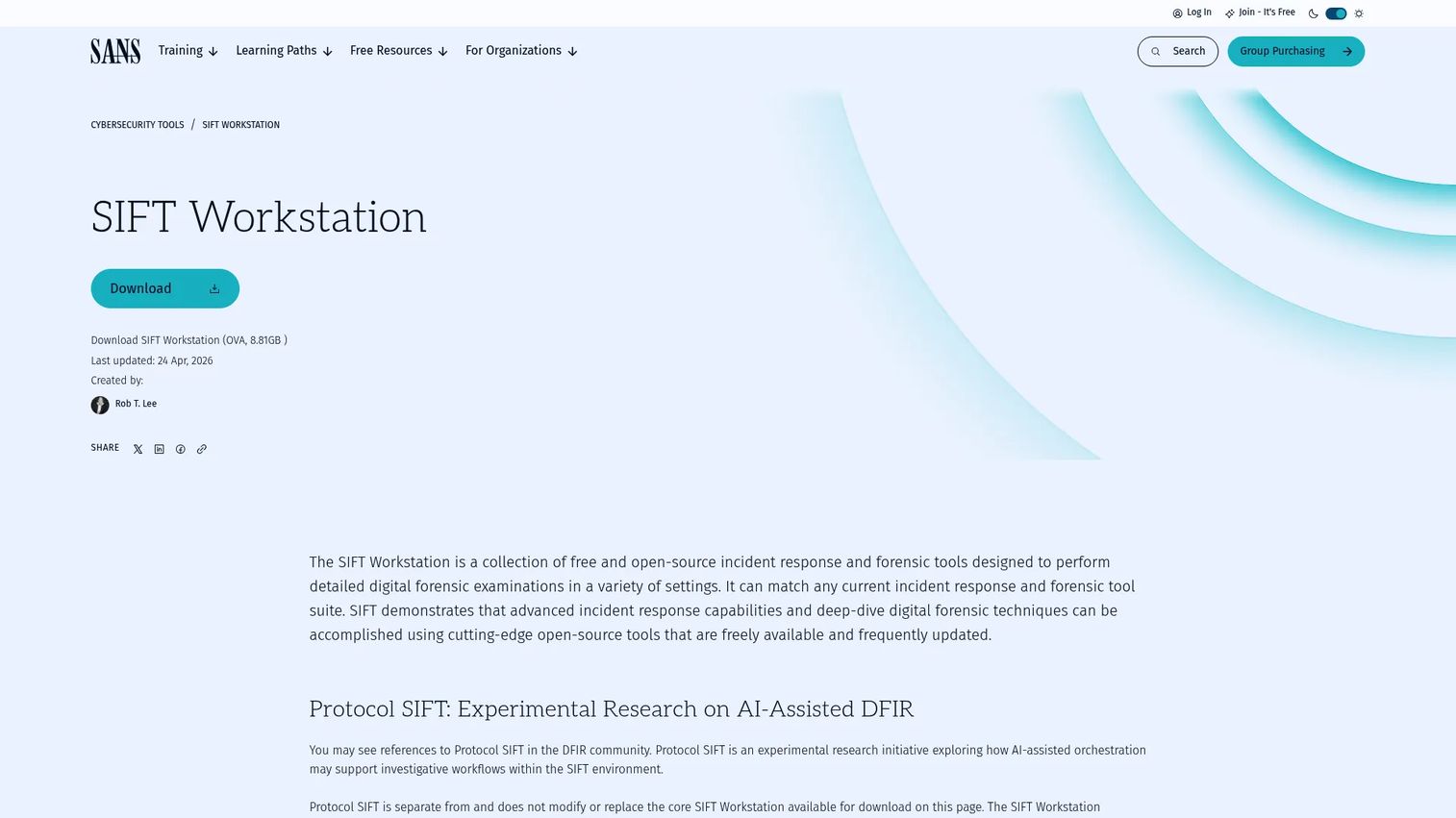
SANS SIFT is a free, open source digital forensics and incident response toolkit maintained by SANS. Rather than a single tool, it is a prebuilt environment packed with the utilities DFIR practitioners need for acquisition, analysis, and triage. Instead of assembling a forensic workstation from scratch, you install SIFT and start working.
Best for: DFIR teams that want a ready-made forensic workstation for acquisition, analysis, and triage.
Key strengths
- Open source DFIR and forensic tools: A curated bundle of incident response and forensic utilities.
- File system, memory, and network analysis: Analyze file systems, memory images, and network evidence in one environment.
- Flexible deployment: Available as a VM appliance or as a native Ubuntu and WSL installation.
SIFT saves the setup time of building and validating a forensic environment yourself. That prebuilt convenience is exactly why so many analysts and training programs standardize on it.
Why choose SANS SIFT: Choose SIFT when you want a maintained, ready environment rather than a manual assembly project. It gets a DFIR analyst productive quickly across multiple evidence types.
SANS SIFT pricing: SIFT is described on the SANS site as free and open source. No paid plan or public price is listed.
9. Volatility
Volatility is the standard open source memory forensics framework, maintained by The Volatility Foundation. Memory analysis matters when the evidence you need lives in RAM rather than on disk: running processes, injected malware, network connections, encryption keys, and artifacts that never touch storage. Volatility parses memory images to reconstruct what a system was doing at capture time.
Best for: Digital forensics and DFIR teams that need memory analysis for triage, malware investigation, and live response.
Key strengths
- Memory forensics analysis: Extract processes, connections, and artifacts from RAM captures.
- Volatility 3 support: Active development and support for the current framework generation.
- Training and community: Backed by an active community and training resources.
Volatility complements disk-focused tools rather than replacing them. In a live incident, memory forensics often surfaces evidence that disk analysis alone would miss, which is why it is a core part of most DFIR toolkits.
Why choose Volatility: Choose Volatility when volatile evidence matters, especially in malware investigations and live response. Pair it with a disk-focused platform for full coverage.
Considerations before you choose
Before you standardize on any digital forensics software, work through this checklist.
Chain of custody and defensibility
Can the tool log every action, hash evidence, and produce an audit trail that holds up under scrutiny? For court ready work, this is non-negotiable. Evaluate how the tool documents handling, not just how it analyzes.
Artifact coverage
Map your real evidence surfaces: disk, mobile, endpoint, and memory. No single tool covers all of them equally well, so confirm the coverage you actually need rather than the coverage a feature list advertises.
Reporting and export
Investigations end in reports. Assess report generation quality, exportable formats, and whether outputs are clear enough for non-technical reviewers, auditors, or courts.
Workflow fit and team model
A solo investigator, a SOC, an MSSP, and a law enforcement lab all work differently. Match the tool to your team size, caseload, and whether you need centralized case management or focused single-user utilities.
Open source versus commercial cost model
Free and open source tools carry no license cost but ask more of your team's expertise. Commercial digital forensics software adds support, scale, and validation. Weigh total cost against your caseload and defensibility requirements, not just the sticker price.
Conclusion
There is no single best digital forensics tool, only the right combination for your workflow. Open source options like Autopsy, The Sleuth Kit, and Volatility give flexible, capable, lower-cost investigations, and they cover an enormous amount of ground for smaller teams and focused tasks. Commercial platforms like Exterro FTK earn their spend when you need scale, centralized case management, and enterprise support across many investigators.
For memory forensics, Volatility is the standard, and it pairs with any disk-focused platform. For safe field acquisition, CAINE gives you a bootable, write-blocked environment. For a ready DFIR workstation, SANS SIFT saves the setup work.
The practical path is simple. Pick one primary platform that fits your team model and defensibility needs, then add one complementary utility that covers a gap, whether that is memory analysis, fast triage, or field acquisition. Test both against a real case before you standardize, because court ready confidence comes from proven workflows, not feature lists.
FAQs
Digital forensics software is used to collect, preserve, analyze, and report on digital evidence in a defensible way. It supports the full investigation lifecycle, from forensic imaging and artifact parsing to timeline analysis and court ready reporting, while maintaining chain of custody throughout.
DFIR, digital forensics and incident response, is the broader discipline that combines forensics with active incident response. Digital forensics software focuses more narrowly on evidence collection, preservation, analysis, and reporting. Many DFIR toolkits, like SANS SIFT, bundle forensic software alongside response-oriented utilities.
Often, yes. Open source tools like Autopsy, The Sleuth Kit, and Volatility handle many workflows well, especially for smaller teams or specific tasks like memory forensics. Commercial digital forensics software adds value when you need scale, automation, centralized case management, and vendor support.
It depends on evidence type and workflow, but Autopsy and Exterro FTK are both common evaluation points. The main decision criteria are defensibility, chain of custody, and reporting that survives cross-examination, so weigh those over feature counts.
Volatility is the standard open source framework for memory forensics. It is typically used for triage, malware investigation, and live response, where the evidence lives in RAM rather than on disk. It complements disk-focused tools rather than replacing them.
Prioritize chain of custody logging, repeatable workflows, evidence integrity through hashing and write-blocking, clear reporting, and full auditability. Court ready confidence comes from documented, repeatable handling that you can defend later, not from analysis features alone.
Some commercial platforms cover a lot of ground, but most teams run a stack rather than a single tool. There is real overlap between tools, yet specialization across artifact types means disk, mobile, and memory forensics are often handled best by different, complementary tools working together.