A dispatcher is staring at a whiteboard with 14 jobs scrawled across it and 6 technicians scattered across the city. One crew is stuck behind a closed road. A customer just called asking where their technician is, and nobody can answer. Two jobs got double-booked into the same afternoon window. The morning's completed work orders are still sitting on clipboards in vans, waiting to be typed up before anyone can invoice them.
This is the daily reality for service businesses still running on spreadsheets, paper, and group texts. The cost is not abstract. Late invoices slow cash flow. Missed appointment windows erode trust. Technicians waste hours driving inefficient routes or hunting for asset history that lives in someone's head.
The market has noticed. According to Fortune Business Insights, the global field service management market reached USD 5.37 billion in 2025 and is projected to hit USD 6.14 billion in 2026. That investment reflects a simple truth: manual field operations do not scale, and the businesses that fix this win on both margin and customer experience.
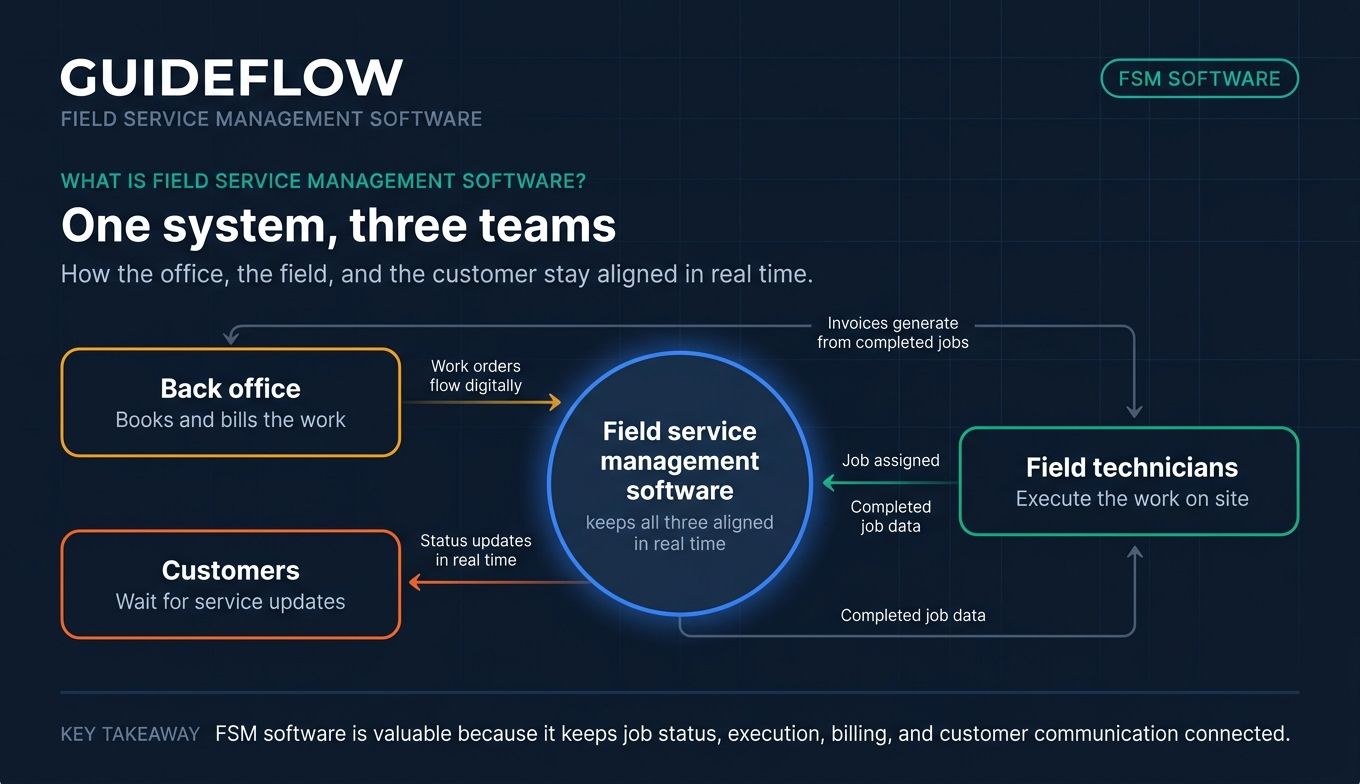
Field service software solves the coordination problem. It connects the office, the field, and the customer in one system. Scheduling stops being a guessing game. Work orders flow digitally. Invoices generate from completed jobs. And customers get told where their crew is without anyone picking up a phone.
This guide breaks down the seven platforms worth shortlisting in 2026, with honest pricing, real strengths, and clear guidance on which buyer each one fits.
What's inside
This guide is for service business operators evaluating field service management software, from solo trades and small HVAC shops to enterprise asset-service teams. We focused on tools that handle the full job lifecycle, not single-feature point solutions.
Each tool was assessed against four criteria that matter most in real field operations:
- Scheduling and dispatch depth: how well it handles assigning, routing, and rebooking crews.
- Mobile and offline field execution: whether technicians can work without a signal and sync later.
- Invoicing and payments: how fast completed jobs turn into collected revenue.
- Integrations and customer communication: connections to accounting tools plus real-time job visibility for customers.
Pricing and ratings were pulled from vendor pricing pages, G2, and Capterra. If you're also evaluating adjacent tools, our roundup of the best field sales software pairs well with this guide.
TL;DR
Short on time? Here are the decision shortcuts for the seven field services management software tools in this guide.
- Best for maintenance-driven teams: Coast, which blends CMMS asset upkeep with field work orders.
- Best for home-service trades: Workiz, built for HVAC, plumbing, locksmith, and cleaning businesses.
- Best for quote-to-cash simplicity: Jobber, with fast quoting, invoicing, and payment collection.
- Best for enterprise asset service: ServiceMax, for asset-intensive installed-base operations.
- Best for cross-functional enterprise workflows: ServiceNow Field Service Management.
- Best for growing service businesses: FieldPulse, with guided workflows and migration support.
- Best for configurable workflows: Zuper, for teams that need API depth and compliance controls.
What is field service management software?
Field service management software is a platform that helps businesses schedule, dispatch, track, and invoice work performed by technicians in the field. It replaces the patchwork of spreadsheets, paper work orders, and phone tag that breaks down the moment a business runs more than a handful of jobs a day.
At its core, field service software connects three groups that rarely share a system: the back office that books and bills the work, the field technicians who execute it, and the customer waiting for service. A good platform keeps all three aligned in real time.
The category overlaps with broader field workforce management software, but the focus is specific. It centers on the job: who is assigned, where they are, what they need, and whether the work got done and billed.
Most modern platforms share a common set of capabilities:
- Scheduling and dispatch: drag-and-drop calendars, route optimization, and technician availability tracking.
- Work order management: digital job records with photos, checklists, attachments, and status updates.
- Mobile and offline access: apps that let technicians work without connectivity and sync when back online.
- Asset and equipment history: records of what was serviced, when, and what parts were used.
- Customer communication: automated arrival notifications, status updates, and two-way messaging.
- Invoicing and payments: invoice generation from completed jobs plus in-field payment collection.
- Reporting and analytics: visibility into job completion, technician utilization, and revenue.
The right mix depends on your business. A solo plumber needs fast quoting and getting paid. An enterprise managing thousands of installed assets needs lifecycle tracking and offline reliability across a large workforce. Both fall under the same category, but they buy very different products.
That distinction matters when you shortlist. Software for field service management spans a wide range, and matching the tool to your operational complexity is the difference between fast adoption and shelfware.
When to use field service management software
Not every business needs a dedicated platform on day one. Here are the three moments when manual methods stop working and dedicated software earns its cost.
Schedule and dispatch crews without spreadsheets
Once you are coordinating more than a few technicians, spreadsheets and group texts create more problems than they solve. Field service scheduling software replaces manual juggling with drag-and-drop calendars, automated route optimization, and real-time visibility into who is available. Dispatchers see conflicts before they happen, and crews get the right job at the right time without a phone call. Teams comparing options often start with the best business scheduling software before narrowing down.
Equip field technicians with offline mobile access
Field crews lose connectivity constantly: basements, rural job sites, dead zones between stops. Modern field service technician software gives deskless workers a mobile app that works offline, capturing job notes, photos, signatures, and completed checklists on site. The moment the device reconnects, everything syncs to the office. No lost data, no end-of-day paperwork backlog. When vendors onboard these deskless teams, a mobile demo is the clearest way to show how the app behaves in the field.
Keep customers informed with real-time job visibility
The "where is my technician" call is a symptom of poor communication, not a customer who is impatient. The right platform sends automated arrival notifications, on-the-way updates, and job-completion confirmations. Customers know exactly what is happening, which cuts inbound calls and builds trust. This is the support-adjacent payoff: real-time job visibility quietly deflects a steady stream of status-check tickets before they ever reach a human.
Field service management software compared
Here is how the seven field service management and scheduling software tools stack up at a glance. Pricing reflects published vendor figures where available, with custom-quote products noted as such. Ratings are pulled from G2 and Capterra.
| # | Product | Intent | Key use case | Pricing | G2 rating |
|---|---|---|---|---|---|
| 1 | Coast | Maintenance + field work | Asset upkeep plus work orders | Free; paid from $2/user/mo | 4.7/5 (Capterra) |
| 2 | Workiz | Home-service trades | Scheduling, dispatch, call handling | Request pricing | 4.5/5 |
| 3 | Jobber | Small service businesses | Quote-to-cash workflows | From $27/mo | 4.6/5 |
| 4 | ServiceMax | Enterprise asset service | Installed-base field service | Custom quote | 4.2/5 |
| 5 | ServiceNow FSM | Enterprise workflows | Cross-functional orchestration | Custom quote | 4.3/5 |
| 6 | FieldPulse | Growing service businesses | Standardized job workflows | Custom quote | 4.6/5 (Capterra) |
| 7 | Zuper | Configurable operations | Custom workflows, integrations | From $65/user/mo | 4.7/5 |
The table is a starting point. The sections below explain who each tool fits, where it stands out, and what you actually pay.
The 7 best field service management software tools for 2026
1. Coast
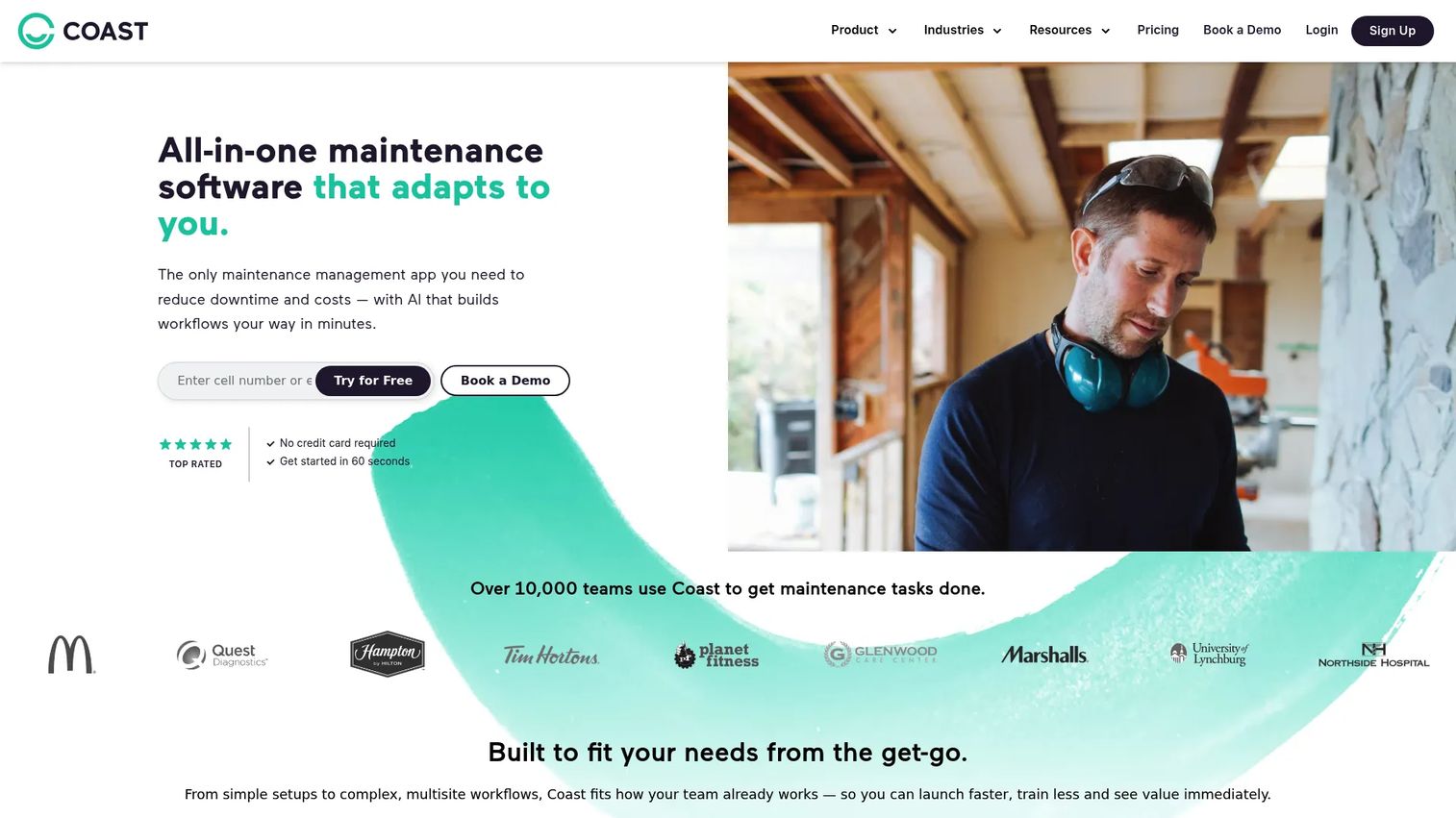
Coast is an all-in-one maintenance management platform that blends CMMS asset upkeep with field work order execution. It is built mobile-first for maintenance, facilities, and frontline operations teams that need to manage work orders, preventive maintenance, assets, and team communication in one place. When your field work and your asset maintenance overlap, Coast covers both sides without forcing you into two systems.
Best for: Teams managing both physical assets and field work orders from a single mobile-first platform.
Key strengths
- Work orders with rich context: attach photos, checklists, priorities, and real-time chat directly to each job so nothing gets lost between the field and the office.
- Preventive maintenance scheduling: set meter-based or time-based PM tasks that trigger automatically, keeping equipment uptime high.
- Asset and parts inventory tracking: monitor equipment history and parts levels with low-inventory notifications.
Why choose Coast: Coast is the strongest fit when asset maintenance and field service genuinely overlap. Most FSM tools treat assets as an afterthought, but Coast was built around them. Its 4.7/5 rating on Capterra across nearly 100 reviews reflects strong usability for frontline teams.
Coast pricing: Coast prices by workflow and starts with a genuinely free tier ($0 per user per month) that includes unlimited work orders, real-time messaging, and file uploads. Paid plans begin at $2 per user per month (Starter) and $4 per user per month (Pro), which adds full workflow customization, reporting analytics, and external work request forms. An Enterprise plan with SSO, multi-site management, and integrations is available on request.
2. Workiz
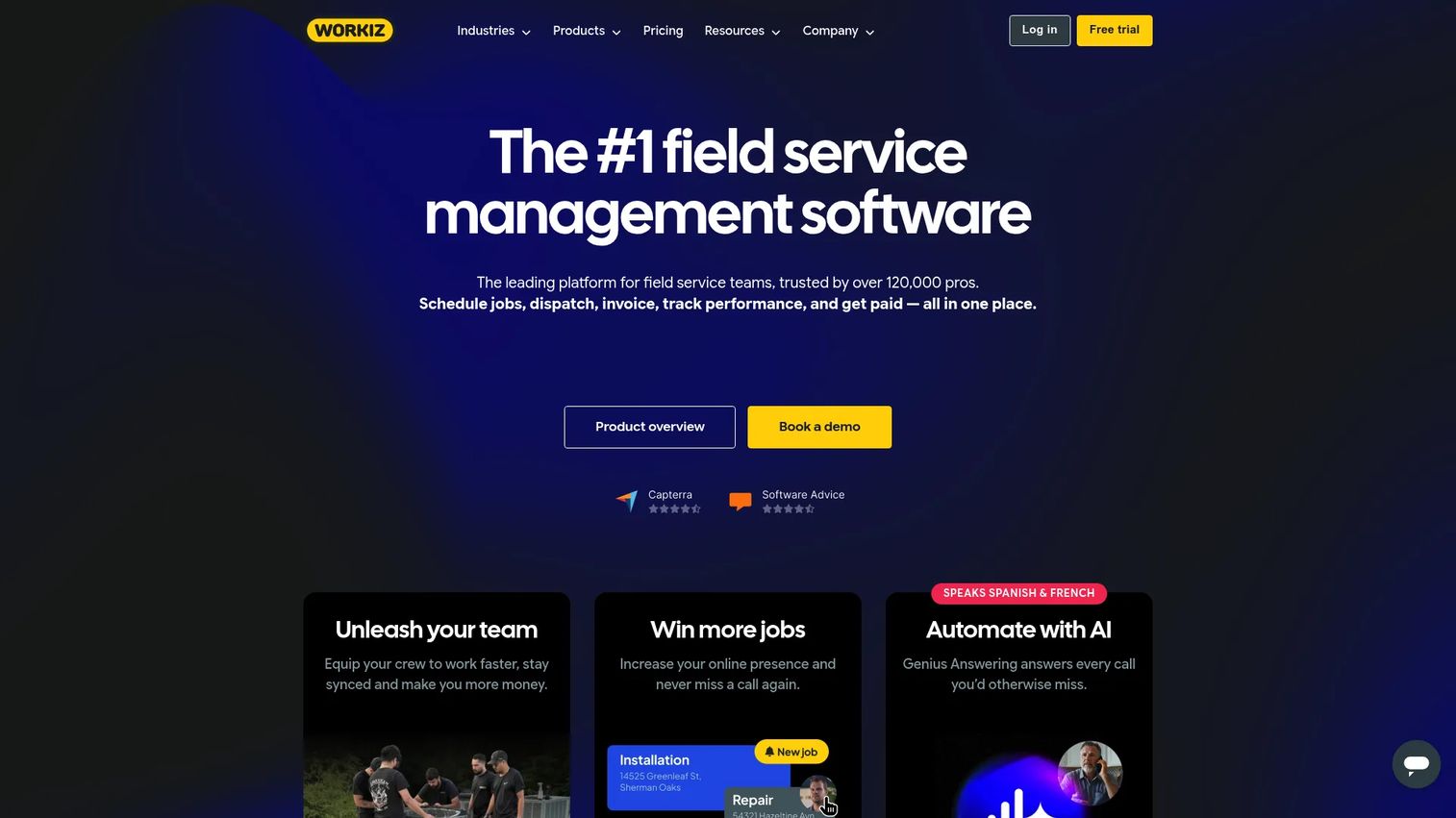
Workiz is an all-in-one field service management platform built specifically for home-service trades. It serves locksmiths, HVAC technicians, plumbers, cleaning crews, junk removal, and garage-door businesses with one system for scheduling, dispatching, jobs, invoicing, payments, and communications. Where Workiz separates itself is in how phone-driven service businesses actually operate.
Best for: Home-service businesses that book and dispatch work primarily over the phone.
Key strengths
- Integrated phone and call system: track calls, tie them to jobs, and capture lead sources without bolting on a separate phone tool.
- Scheduling and dispatching: assign and route crews with a visual calendar plus client management built in.
- Genius AI automation: Workiz Genius features add smart scheduling and lead handling to reduce manual booking work.
Why choose Workiz: Choose Workiz when phone calls drive your bookings and you want dispatch, CRM, and call tracking in one place. It holds a 4.5/5 rating on G2, with reviewers pointing to the all-in-one workflow for trades as the main draw.
Workiz pricing: Workiz offers three plans: Standard, Pro, and Ultimate, each billed monthly and including the first 5 users. Pricing is provided on request rather than published as a flat rate. Standard covers scheduling, invoicing, online payments, client management, and QuickBooks Online sync. Pro adds Genius leads and scheduling, while Ultimate adds inventory management, equipment tracking, and franchise management. A free trial is available.
3. Jobber
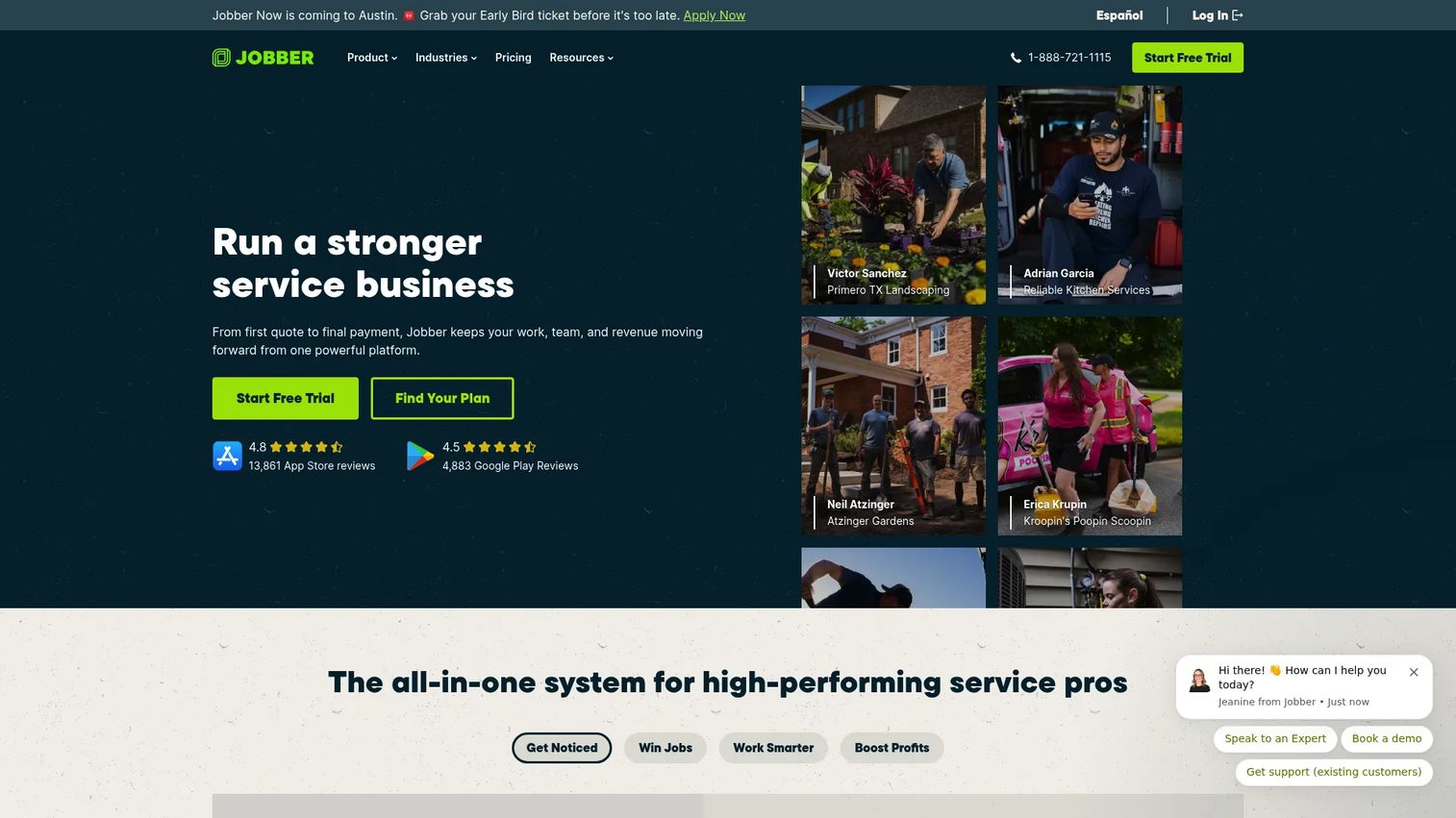
Jobber is field service management software for home-service businesses focused on the full quote-to-cash cycle. It handles quoting, scheduling, dispatching, invoicing, payments, and customer communication in one system. For small teams, Jobber's appeal is simple: it makes getting work approved and getting paid fast genuinely easy.
Best for: Small home-service teams that want straightforward quoting, invoicing, and payment collection.
Key strengths
- Quoting with online approval: send quotes customers can approve online, with automated follow-ups that chase the ones who go quiet.
- Client Hub portal: give customers a self-service space to approve quotes, view appointments, and pay invoices.
- Invoicing and payments: collect online credit card payments, ACH, Tap to Pay, and automatic recurring payments.
Why choose Jobber: Pick Jobber when ease of use and cash flow are your priorities. It is consistently rated easy to learn, holding a 4.6/5 on G2, and small teams tend to adopt it quickly without heavy onboarding.
Jobber pricing: Jobber starts at $27 per month (Core, billed annually for the first 12 months, then $29). The Connect tier adds online booking, payment automations, checklists, and QuickBooks Online sync. Grow adds advanced quoting, two-way SMS, and job costing, while Plus adds a marketing suite and dedicated onboarding. There is no free forever plan, but Jobber offers a free trial with no credit card required.
4. ServiceMax
ServiceMax, now part of PTC, is asset-centric field service management software built for enterprise service organizations in asset-intensive industries. It is designed to optimize technician productivity, maximize equipment uptime, and manage complex service operations at scale. When your business revolves around the installed base of equipment at customer sites, ServiceMax treats those assets as the center of everything.
Best for: Enterprises managing complex installed-base equipment across large field workforces.
Key strengths
- Installed base and asset lifecycle management: track every asset at every customer site, with full service history.
- Scheduling and dispatch optimization: match the right technician to the right job based on skills, location, and parts.
- ServiceMax Go offline mobile: technicians work online or offline, with advanced checklists and forms that sync when reconnected.
Why choose ServiceMax: ServiceMax fits asset-heavy enterprise operations where equipment uptime drives revenue. Its strength is depth in installed-base tracking and condition-based maintenance, areas where lighter tools fall short. It holds a 4.2/5 rating on G2.
ServiceMax pricing: ServiceMax does not publish pricing. PTC routes inquiries through contact and demo forms, and pricing is tailored to the size and complexity of the deployment. This is typical for enterprise software for field service management, where seat counts, modules, and integration scope all factor into a custom quote. Plan to scope your requirements before a meaningful conversation. Enterprise buyers often de-risk these evaluations with a live demo that mirrors their real deployment.
5. ServiceNow Field Service Management
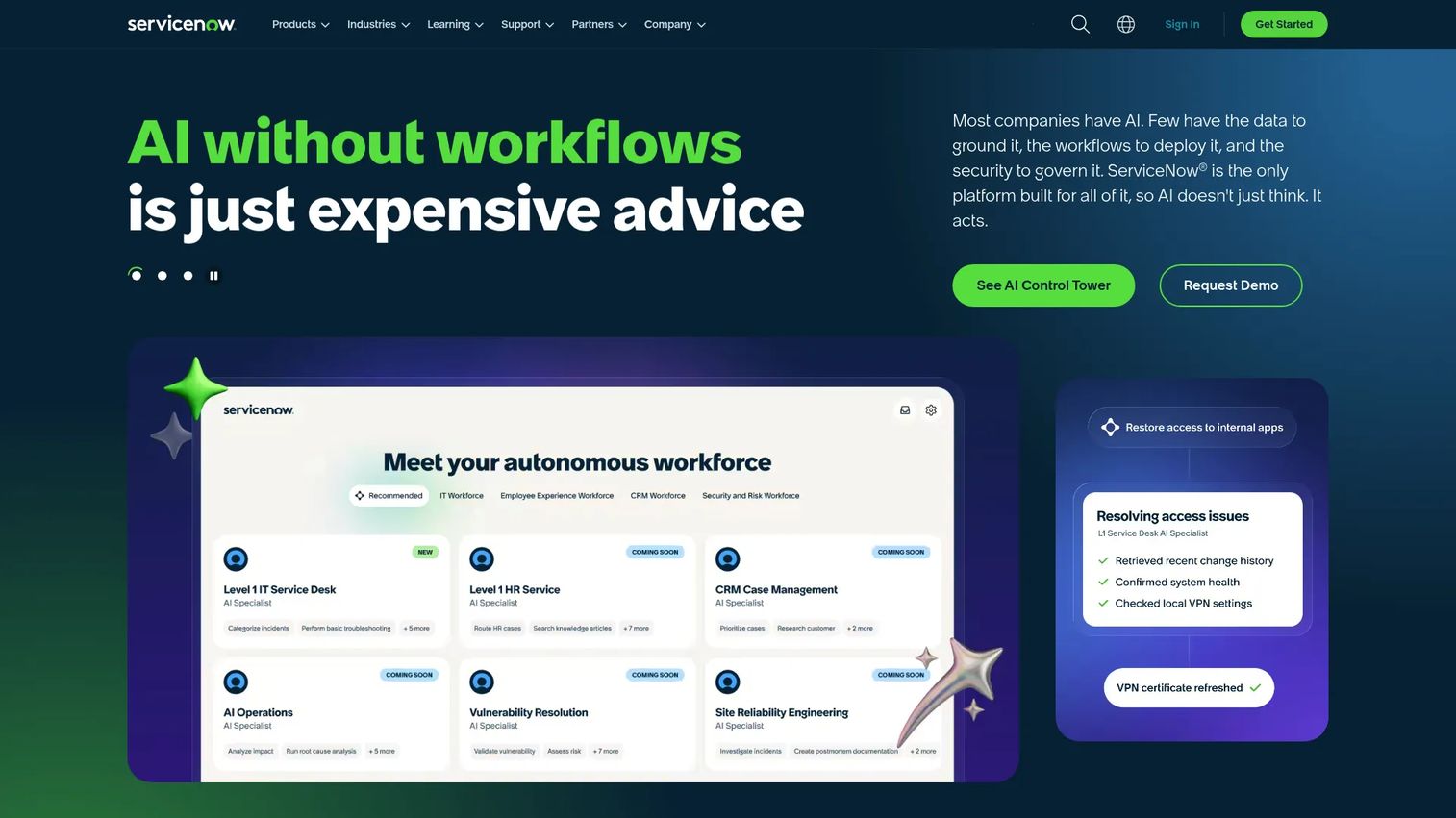
ServiceNow Field Service Management brings field operations onto the broader ServiceNow AI Platform. It helps organizations optimize scheduling, empower technicians, and streamline field operations while connecting field work to the rest of the enterprise. For large organizations already running ServiceNow for IT or customer service, the field service module extends those workflows rather than adding a disconnected tool.
Best for: Large organizations that need field service connected to broader cross-functional workflows.
Key strengths
- AI-assisted scheduling: automate job assignment, dispatching, and schedule optimization with AI built into the platform.
- Mobile work execution: guide technicians through jobs with AI-powered support and step-by-step direction.
- Asset and maintenance planning: monitor assets proactively and plan maintenance across departments.
Why choose ServiceNow: ServiceNow is the right call when field service must connect to ITSM, customer service, and other enterprise workflows in one platform. The deep cross-department integration is the differentiator. It carries a 4.3/5 rating on G2.
ServiceNow pricing: ServiceNow does not list numeric pricing for Field Service Management. The platform provides custom quotes after a needs evaluation, with scalable packages tailored to requirements. Enterprises evaluating ServiceNow are typically already on the platform, so pricing tends to fold into a broader licensing conversation. Expect to talk to a representative for an accurate figure.
6. FieldPulse
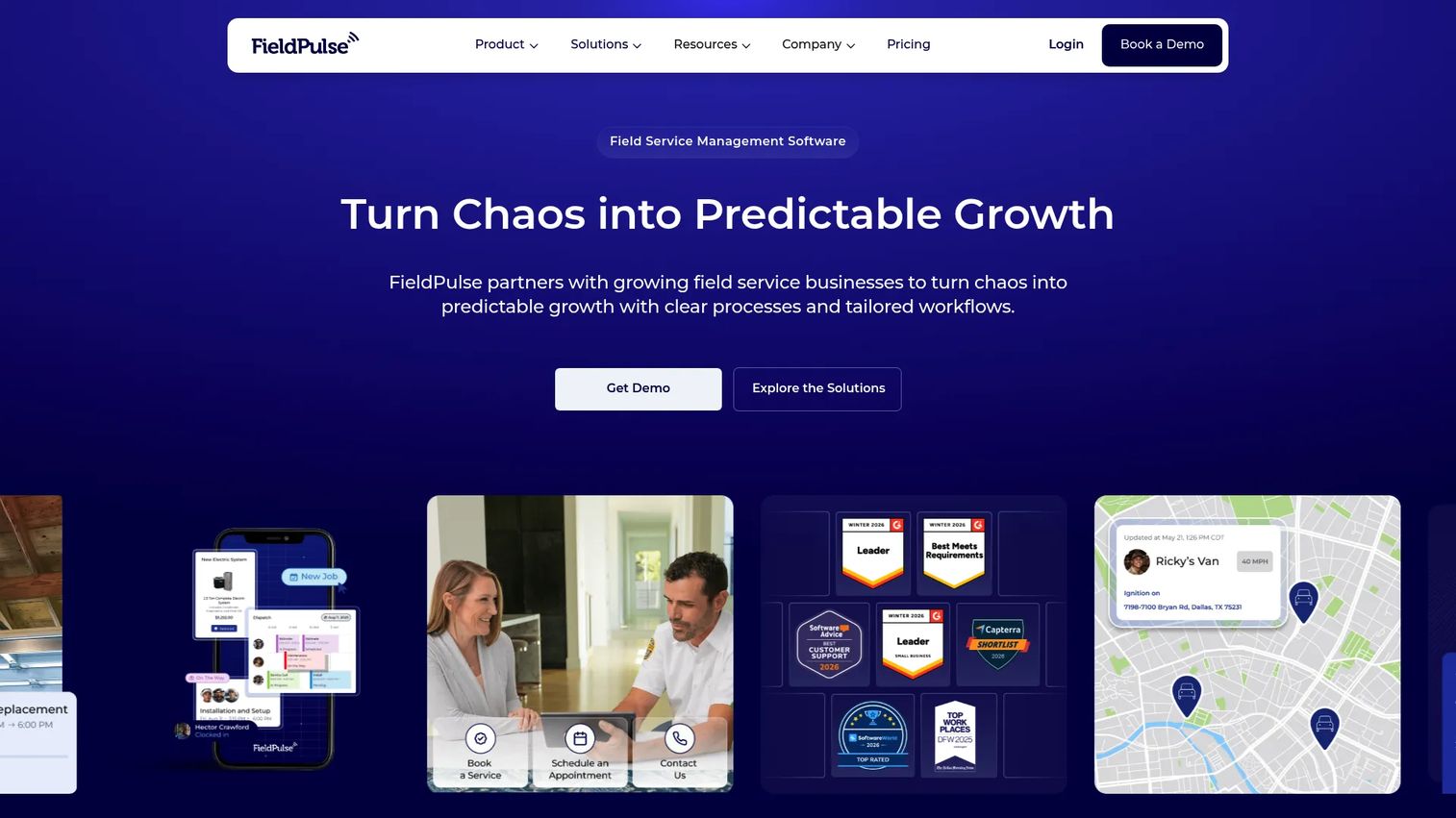
FieldPulse is field service management software built for growing field service businesses. It provides customizable workflows for scheduling, dispatching, customer management, work orders, estimates, invoices, and mobile technician operations. The positioning is clear: FieldPulse is for businesses scaling past the basics that need to standardize how work gets done across office and field teams.
Best for: Scaling trades businesses that need to standardize and customize their workflows.
Key strengths
- Scheduling and dispatching: coordinate office and field teams with flexible job assignment and routing.
- Work order management: manage the full job lifecycle with customizable stages and processes.
- Estimates and invoices: generate estimates, convert them to invoices, and collect payments.
Why choose FieldPulse: FieldPulse fits when you are scaling and want implementation support along the way. It offers structured onboarding and migration help, plus QuickBooks sync at higher tiers. FieldPulse holds a 4.6/5 rating on Capterra across roughly 450 reviews.
FieldPulse pricing: FieldPulse uses seat-based pricing customized to team size and offers three packages. Essentials covers core field service management. Professional adds project management and QuickBooks sync. Enterprise adds multi-location management and Open API access. Pricing is provided through a custom quote rather than published rates, and Capterra notes there is no free version.
7. Zuper
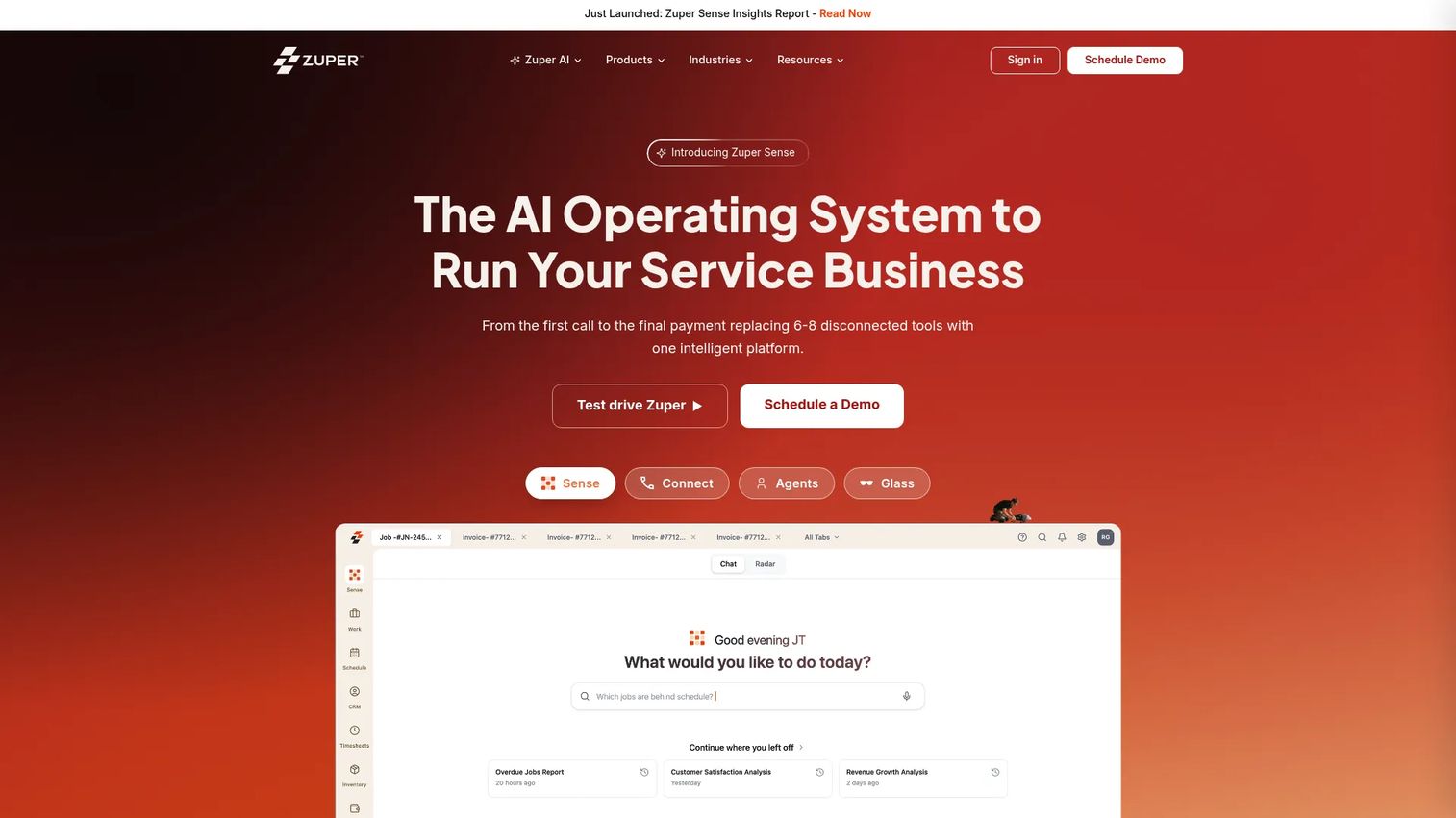
Zuper is an AI-powered, adaptable field service platform for managing field teams, customers, and service operations. It stands out for configurability: teams that need to mold the software around their specific processes, rather than the other way around, get deep workflow customization and broad integration support. That flexibility makes Zuper a strong fit for operations with non-standard requirements.
Best for: Teams that need configurable workflows and deep API integrations.
Key strengths
- Work order management: build and customize work order workflows to match your exact process.
- Field service scheduling and intelligent dispatching: optimize crew assignment with smart routing.
- Location intelligence and GPS tracking: monitor crews in real time with location-aware dispatching.
Why choose Zuper: Choose Zuper when configurability and integrations drive the decision. Its compliance controls and API depth suit teams in regulated verticals or those plugging field service into a larger stack. Zuper holds a 4.7/5 rating on G2.
Zuper pricing: Zuper offers three published tiers, billed annually per user. Basic starts at $65 per user per month and covers core field crew tools. Core, at $85 per user per month, adds quoting, scheduling, invoicing, and project management. Premium, at $105 per user per month, adds AI productivity features, advanced documentation, and reporting. No free tier is offered.
How to choose field service management software
The right field management software depends on your size, your stack, and how your crews actually work. Run any shortlist through these five checks before you commit.
Match the tool to your business size
A solo operator and a 500-technician enterprise have almost nothing in common in their needs. Solo and small teams should look at Jobber, Workiz, or FieldPulse for fast setup and per-user pricing. Asset-heavy enterprises belong with ServiceMax or ServiceNow. Buying up or down a tier from your actual size is the fastest path to either shelfware or a system you outgrow in a year.
Verify offline mobile reliability
Field crews lose signal constantly, and a tool that stalls without connectivity creates more problems than it solves. Confirm that work orders, forms, photos, and signatures all work offline and sync cleanly when the device reconnects. Test this on a real device in a real dead zone, not in a sales demo on office wifi.
Check invoicing and payment workflows
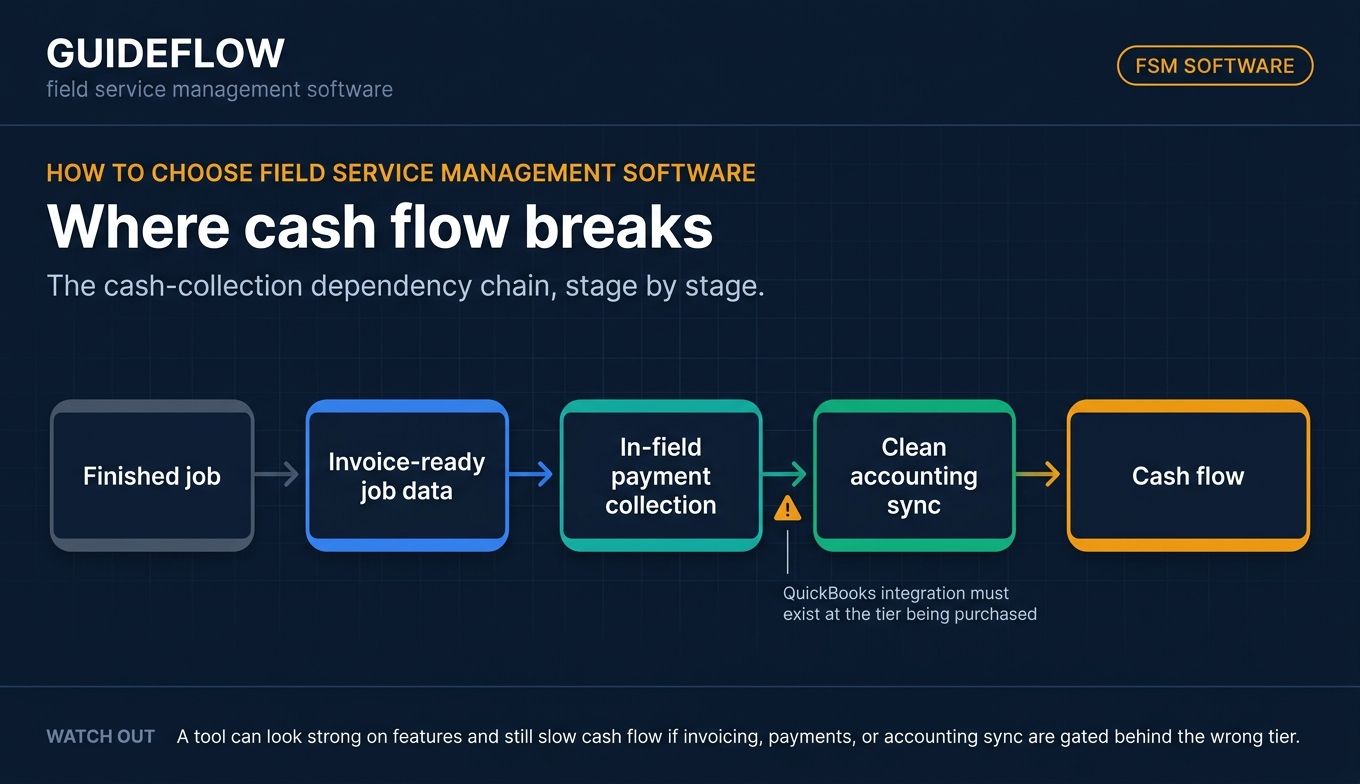
The gap between finishing a job and getting paid is where cash flow dies. Look for invoice-ready job data, in-field payment collection, and clean accounting sync. If your bookkeeping runs on QuickBooks, confirm the integration exists at the tier you are buying, not just the top one.
Confirm integrations with your existing stack
A field service platform that does not talk to your accounting, CRM, calendar, and communication tools just creates new data silos. Map your current stack and verify each connection before you sign. Pay attention to which integrations are gated behind higher tiers. If a CRM sits at the center of your operation, our guide to the best CRM software can help you confirm compatibility.
Evaluate customer communication features
Real-time job visibility is no longer a nice-to-have. Automated arrival notifications, status updates, and two-way messaging cut inbound calls and lift satisfaction. This is where vendors often demonstrate complex workflows to buyers using interactive demos, so you can see exactly how the customer-facing experience works before committing.
Conclusion
The right field service management software comes down to fit, not feature count. For small home-service teams, Jobber wins on quote-to-cash simplicity and fast payment collection. Home-service trades that run on phone bookings should look hard at Workiz and its integrated call system. If asset maintenance and field work overlap, Coast covers both sides from a single mobile-first platform with a free tier to start.
At the enterprise end, ServiceMax and ServiceNow handle complex, asset-intensive operations, with ServiceNow pulling ahead when field service must connect to broader workflows. Growing businesses that want guided standardization should evaluate FieldPulse, while teams chasing deep configurability will find their match in Zuper.
The next step is straightforward. Shortlist two or three platforms that fit your business size and operational complexity. Then book demos or start trials, and test the offline mobile experience and accounting sync on a real job before you commit. The best way to decide is to put your actual workflow through the software, not to compare feature lists on paper. To see how leading vendors build these buying experiences, browse our demo showcase.
FAQs
Field service management software is a platform that helps businesses schedule, dispatch, track, and invoice work performed by technicians in the field. It connects the back office, field crews, and customers in one system. Core functions include scheduling and dispatch, digital work orders, mobile and offline access, asset history, customer communication, and invoicing.
Pricing ranges widely. Entry-tier tools like Jobber start around $27 per month, while per-user platforms like Zuper begin at $65 per user per month. Some tools, including Coast, offer a free tier. Enterprise platforms like ServiceMax and ServiceNow use custom pricing tailored to deployment size and complexity, so you request a quote rather than see published rates.
For small service businesses, Jobber, FieldPulse, and Workiz are the most accessible options. Jobber suits small teams wanting easy quoting and fast payments. Workiz fits home-service trades that book over the phone. FieldPulse works well for businesses that are scaling and want structured onboarding. All three are built for smaller operations rather than large enterprises.
Yes. Most modern platforms offer offline mobile execution, since field crews regularly lose connectivity on job sites. Technicians can capture work orders, photos, signatures, and completed checklists offline, and the data syncs to the office once the device reconnects. ServiceMax Go is one example of an offline-capable mobile app built for this exact scenario.
FSM software focuses on field work orders, scheduling, and dispatching technicians to customer sites. CMMS (computerized maintenance management system) focuses on maintenance planning and asset upkeep, often for in-house equipment and facilities. The two overlap, and some platforms blend both. Coast, for example, combines CMMS preventive maintenance with field work order management in one system.
Yes. Many leading FSM tools sync with QuickBooks to streamline invoicing and accounting. Jobber, Workiz, and FieldPulse all offer QuickBooks integration, though it is sometimes gated to specific tiers. If accounting sync matters to you, confirm the integration exists at the plan level you intend to buy before signing.
Strong field service scheduling software should include drag-and-drop scheduling, route optimization, dispatch alerts, and technician availability tracking. The goal is to assign the right technician to the right job while minimizing drive time and avoiding double-bookings. Real-time visibility into crew location and job status rounds out a scheduling system that actually keeps dispatch organized.