You open a new mediation. Now the work begins. Intake forms in one inbox. Scheduling in a shared calendar. Signed confidentiality agreements in a folder somewhere. Settlement drafts in a word processor. Invoices in accounting software that never talks to the rest. By the third case running in parallel, you are spending more time reconstructing where things stand than actually resolving disputes.
That sprawl is the real problem mediation software solves. The right platform pulls intake, secure documents, scheduling, negotiation, settlement drafting, and billing into one workflow, so a mediator or ADR firm can move a case from first contact to signed agreement without switching between six tools. It matters more every year. The global online mediation market is projected to grow from $220M in 2023 to $410M by 2028 at a 13.3% CAGR, according to WorldMetrics (2023). The broader legal online dispute resolution market is expected to rise from $2.15B in 2025 to $8.71B by 2035, per VynZ Research (2024). Demand is moving toward technology-enabled dispute resolution, and the tooling is catching up fast.
This guide is a buyer's comparison for anyone weighing mediation case management software against dispute resolution software with a narrower or broader scope. We evaluated each option on workflow coverage, confidentiality and secure document handling, scheduling, billing, and virtual mediation support, so you can shortlist the tools that fit how you actually run cases.
What's inside
This list covers seven platforms spanning three overlapping categories: mediation case management software built for private practice and ADR firms, online dispute resolution software oriented toward courts and high-volume programs, and family law mediation software for custody and co-parenting work. We chose tools based on four criteria that decide whether software earns its place in a mediator's stack: end-to-end workflow coverage from intake to resolution, confidentiality and secure document handling, scheduling and calendaring, and billing plus virtual session support. Every tool below solves a real part of the mediation process, not a generic productivity promise.
TL;DR
- Best overall for mediation workflow: ADR Notable, an all-in-one case management platform for mediators and ADR organizations.
- Best for family law mediation: Custody X Change, purpose-built for custody schedules and parenting plans.
- Best for ADR case management and configuration: Casedoc, a configurable platform for courts and justice teams.
- Best for court-oriented online dispute resolution: Online Dispute Resolution by Modria, built around dispute filing and neutral-assisted workflows.
- Best for custom dispute-resolution solutions: ODR.com, a configurable online dispute resolution platform with calculator-based pricing.
- Best for video-driven virtual mediation: Immediation, an online mediation platform with live-session functionality and Clio integration.
- Best for AI-assisted dispute handling: NexLaw.ai, an AI legal assistant for research, drafting, and document analysis.
What is mediation software?
Mediation software is a system that helps mediators and alternative dispute resolution (ADR) professionals run disputes end to end, covering intake, secure documents, scheduling, negotiation, settlement tracking, drafting, and billing in one place.
It overlaps with two adjacent categories that buyers often confuse. Mediation case management software focuses on the operational workflow of a mediation practice, including case creation, calendars, conflict checks, and invoices. General case management software is broader and often built for law firms or courts, with less emphasis on the specific rhythm of a mediation. Online dispute resolution software (ODR) is designed for disputes handled largely or entirely online, often with written negotiation, party messaging, and access to third-party neutrals. Arbitration software sits nearby, supporting binding processes with panel management and evidence handling. Many platforms blend these categories, which is exactly why a clear buyer checklist matters.
Whichever category you land in, expect strong tools to cover these core capability areas:
- Intake and case setup: structured mediation intake software that captures party details, dispute type, and documents at the start.
- Secure documents and evidence: encrypted storage, role-based access, and confidentiality controls, the backbone of secure mediation software.
- Scheduling and reminders: mediation scheduling software with calendars, conflict checking, and automated reminders.
- Negotiation and settlement tracking: written negotiation threads, private and group conversations, and settlement tracking software to log where each issue stands.
- Drafting, e-sign, and payments: agreement drafting, e-signature, invoicing, and payment collection in one view.
A quick note on general tools. A mediator can run a session on a video call and track dates in a shared calendar, but those tools do not enforce confidentiality, keep an audit trail, connect a signed agreement to an invoice, or give you a single case record. That is the gap mediation-specific software fills, and it is why mediation workflow software has become its own category rather than a bundle of generic apps.
When to use mediation software
Manage intake to resolution in one workflow
If your caseload runs through email, spreadsheets, and disconnected folders, you already feel the cost. A single system for case creation, document management, scheduling, and settlement steps removes the reconstruction work between sessions. Mediation document management keeps every exhibit and draft tied to the right case, with version history and access controls. The payoff is fewer dropped threads and a clean record you can defend if a dispute over process ever arises.
Run confidential virtual sessions
Remote mediation is now standard for many practices. Virtual mediation software matters when parties are in different cities, when a matter needs breakout rooms to caucus privately, or when written negotiation works better than a live call. Look for secure video, private and group conversations, and document display inside the session. An online mediation platform that keeps the session, the documents, and the notes together beats stitching a video tool to a separate case file.
Handle billing and case administration
Independent mediators and small firms live or die on administration. Mediation billing software that tracks time, generates invoices, and collects payment closes the loop between resolving a case and getting paid for it. Conflict checking, retainer tracking, and reporting keep the practice compliant and predictable. When billing lives inside the same platform as the case, you stop exporting data between systems and reconciling it by hand.
Comparison table
Here is how the seven platforms compare on intent, key differentiation, pricing, and public G2 ratings. Pricing reflects publicly listed figures as of mid-2026; several vendors quote custom pricing based on case volume or organization size.
| # | Product | Intent | Key differentiation | Pricing | G2 rating |
|---|---|---|---|---|---|
| 1 | ADR Notable | All-in-one mediation case management | Case, scheduling, billing, and e-sign for ADR practices | Custom quote; free trial | Not yet rated |
| 2 | Casedoc | Configurable court and justice case management | Workflows, document traceability, public portal | Custom quote | Not yet rated |
| 3 | Custody X Change | Family law and co-parenting mediation | Parenting plans and parenting-time calculations | From $6/month (annual) | Not yet rated |
| 4 | Online Dispute Resolution by Modria | Court-oriented online dispute resolution | Dispute filing plus third-party neutrals | Not publicly listed | Not yet rated |
| 5 | ODR.com | Custom online dispute resolution | Configurable workflows across dispute types | From $1,500 set-up fee | Not yet rated |
| 6 | Immediation | Video-driven virtual mediation | Live sessions, breakout rooms, Clio integration | From $49/month | 5.0/5 |
| 7 | NexLaw.ai | AI-assisted legal and dispute work | Citation-backed research and AI drafting | From $2,999/year | Not yet rated |
A few of these platforms overlap. ADR Notable and Casedoc both handle case management but serve different buyers. Modria and ODR.com both do online dispute resolution but differ on customization. Read the sections below to match a tool to your specific motion.
1. ADR Notable
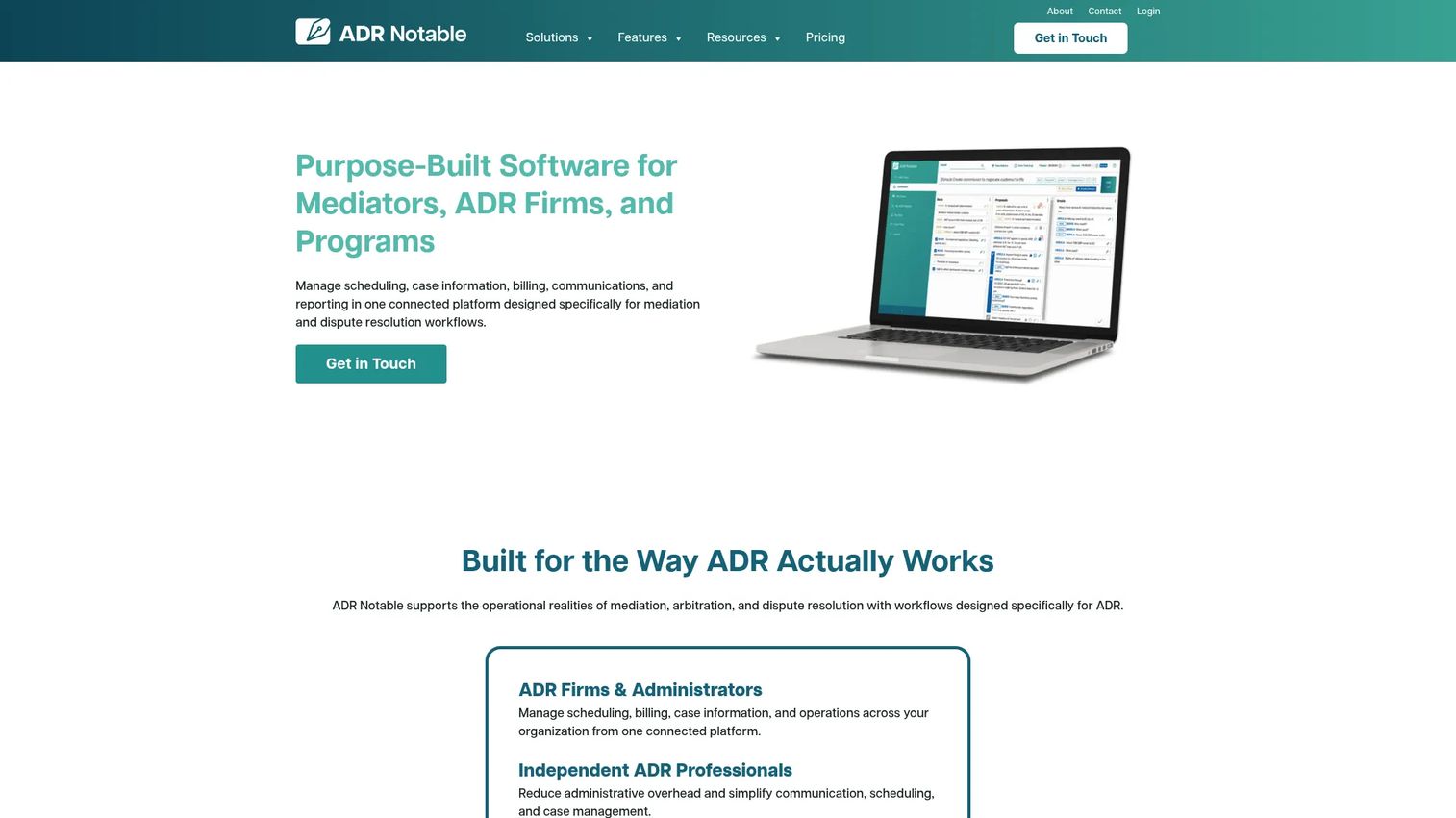
ADR Notable is cloud-based dispute resolution software built specifically for mediators, arbitrators, firms, and ADR programs. It treats a mediation practice as a workflow rather than a set of loose documents, pulling case notes, scheduling, conflict checks, billing, and e-signature into one system. This is mediation case management software rather than a generic case tool retrofitted for ADR, which shows in how the pieces fit together.
Best for: Mediators and ADR organizations that want a single platform to run cases from intake to resolution.
Key strengths
- Case and firm management: Keep every matter, note, and document in one structured record instead of scattered folders.
- Scheduling and conflict checking: Calendar sessions and flag conflicts before they become a problem.
- Billing and integrations: Invoice, collect payment, and sync with QuickBooks and Stripe so administration stays in one place.
Why choose ADR Notable: If your practice is drowning in disconnected tools, this platform's appeal is coverage. Intake, secure uploads, drafting, scheduling, and mediation billing software live under one roof, which cuts the reconstruction time between sessions. It fits independent mediators and multi-neutral firms that want operational control without wiring together separate apps.
ADR Notable pricing: Public pricing is not displayed. The site prices based on expected case volume and invites a custom quote, and it mentions free trial access. That model suits practices with variable caseloads that want pricing tied to actual usage rather than a fixed seat count.
2. Casedoc
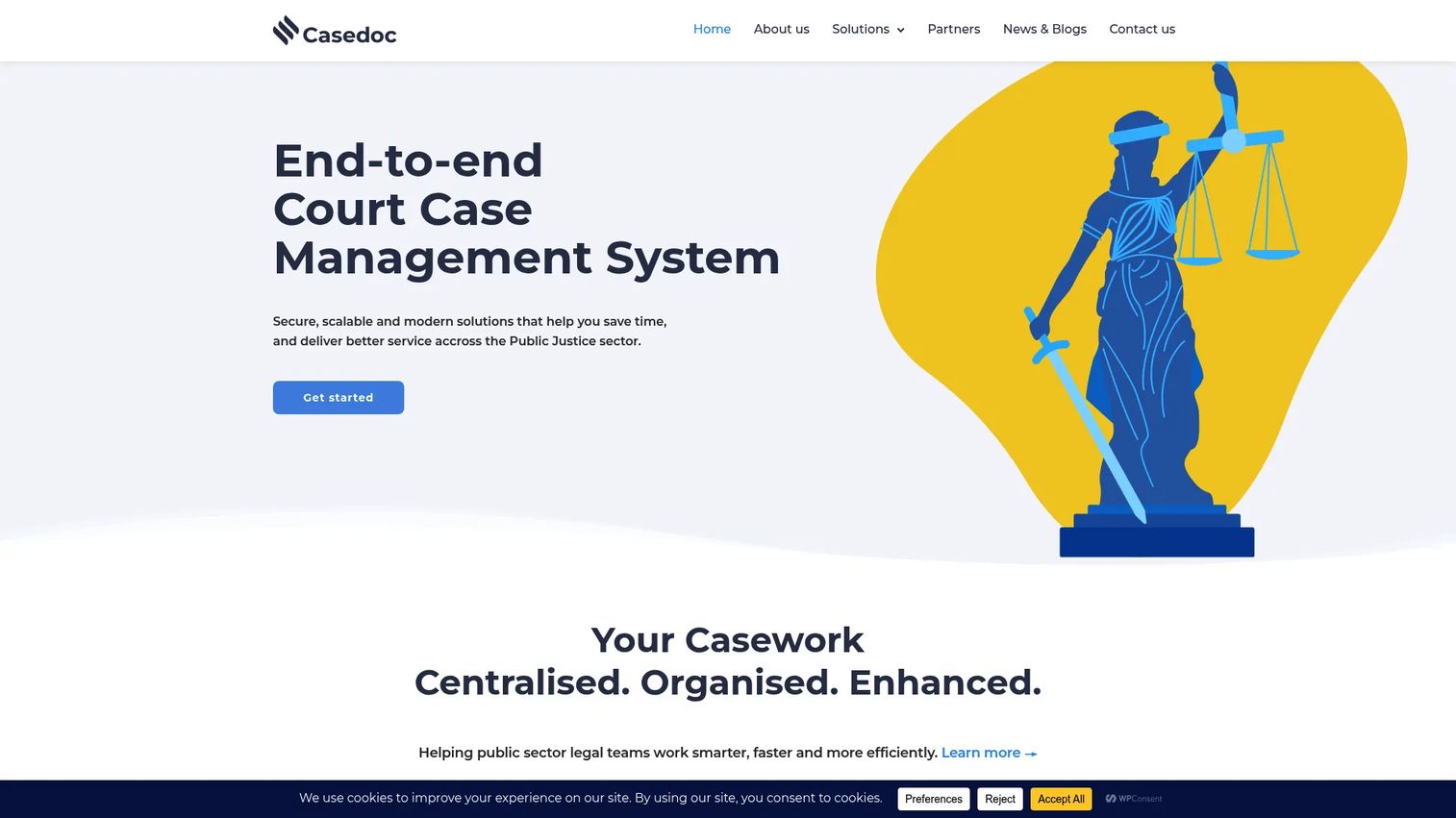
Casedoc is cloud-based case management software built for courts and other public-justice organizations. Its strength is configurability: teams shape workflows around their own dispute types and processes rather than bending to a fixed template. For ADR programs that operate at scale or inside a public-sector structure, that flexibility is the whole point.
Best for: Public-sector courts and justice teams that need configurable case management they can tailor to their processes.
Key strengths
- Configurable workflows: Model your own case stages and rules instead of accepting a rigid default.
- Document management and traceability: Keep a clear audit trail of every document and action across a case.
- Public portal and e-filing: Let parties file and interact through a dedicated portal, reducing manual intake.
Why choose Casedoc: Casedoc reads as an ADR operations platform, not a lightweight app. The vendor's messaging centers on efficiency and time saved by replacing manual, paper-bound steps with configurable digital workflows. Role-based access and traceability make it a fit for organizations with compliance and reporting obligations that a solo mediator would never face.
Casedoc pricing: Pricing is not publicly listed. The site uses demo and contact forms and asks prospective buyers to request pricing information, which is common for configurable platforms scoped to each organization's needs.
3. Custody X Change
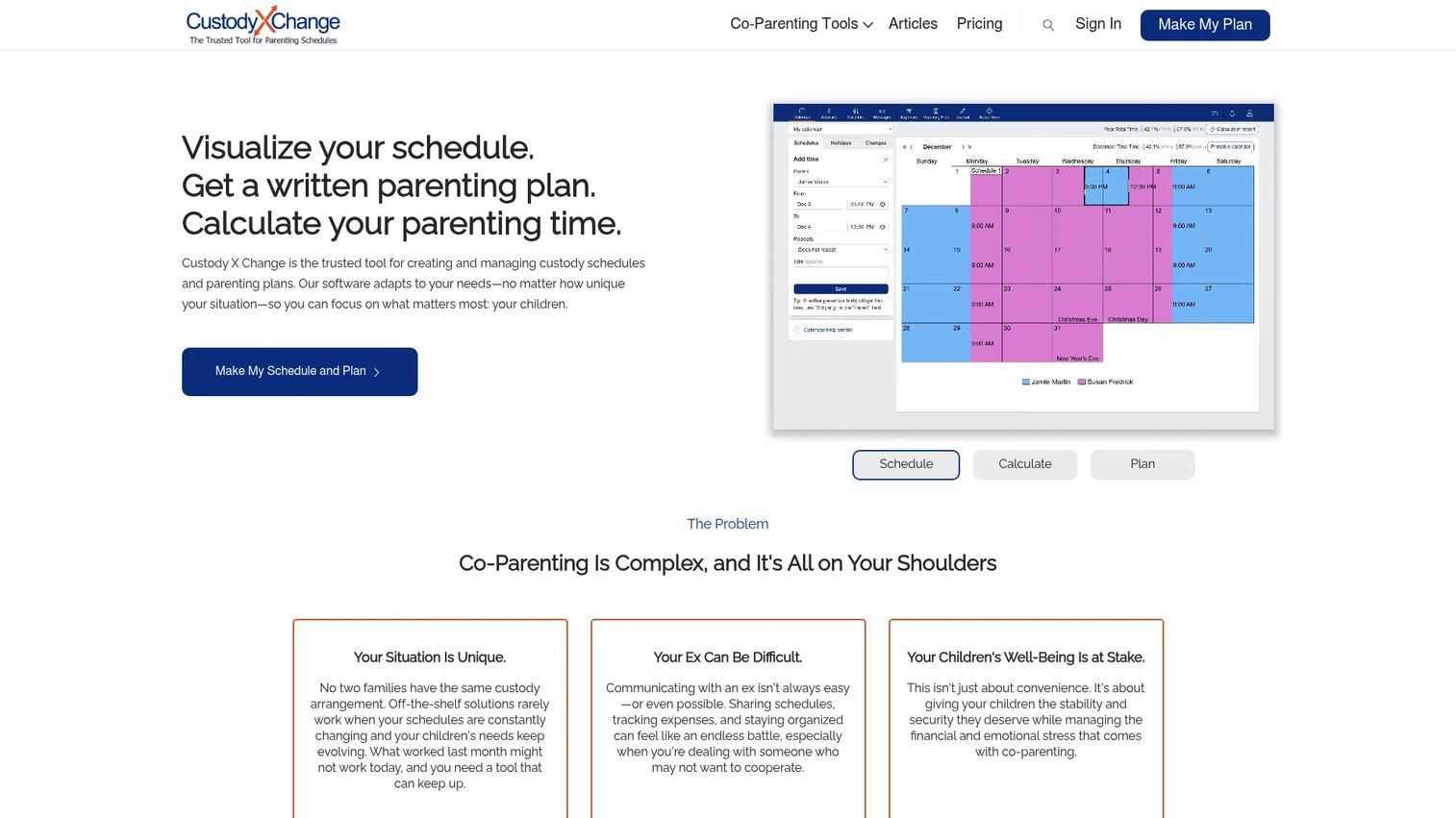
Custody X Change is family law mediation software focused on custody schedules, parenting plans, and parenting-time calculations. Where broad case tools stay generic, this one goes deep on the specific artifacts a custody mediation produces: a workable schedule, a documented plan, and a fair split of parenting time both parents can live with.
Best for: Parents and legal professionals managing custody schedules and parenting plans in co-parenting disputes.
Key strengths
- Custody and activity calendars: Build and visualize custody schedules that both parties can see clearly.
- Parenting plan templates: Draft complete parenting plans from structured templates instead of blank pages.
- Parenting-time calculations and tracking: Calculate parenting time precisely and track expenses and communication in one place.
Why choose Custody X Change: For mediators handling custody and co-parenting matters, this is the most purpose-built option on the list. Parenting-time calculations, expense tracking, a private journal, and co-parent messaging address the exact friction points family disputes create. It is narrower than a full ADR platform by design, and that focus is its advantage in family law.
Custody X Change pricing: Plans are Bronze, Gold, and Family. Bronze starts at $10 per month billed monthly or $6 per month billed annually. Gold is $20 per month monthly or $12 annually, and Family is $40 per month monthly or $24 annually. Annual billing shows a 40% saving, and the site offers a guest try-before-you-subscribe option so you can test it before committing.
4. Online Dispute Resolution by Modria
Online Dispute Resolution by Modria is an online dispute resolution platform for managing disputes, messaging parties, and bringing in third-party neutrals. It is built around the reality that many disputes today resolve asynchronously, through structured written exchange rather than a single live session. That makes it a strong fit for court-oriented and high-volume dispute programs.
Best for: Organizations that need a structured online dispute resolution workflow with access to neutrals.
Key strengths
- Dispute filing and case management: Open, track, and manage disputes through a consistent digital workflow.
- Party communication and settlement workflow: Move parties through negotiation with structured messaging toward settlement.
- Access to third-party neutrals: Bring in arbitrators and mediators when a dispute needs neutral assistance.
Why choose Online Dispute Resolution by Modria: This is online dispute resolution software in its purest form. Written negotiation, private and group conversations, document uploads, and mediator workflows suit programs that resolve disputes at scale, including court-connected and institutional deployments. If your caseload is high-volume and largely remote, this orientation fits better than a practice-management tool.
Online Dispute Resolution by Modria pricing: Public pricing is not displayed. The platform's terms note that some features are free while paid features may incur fees, but no fixed price is shown, so plan to request pricing scoped to your program.
5. ODR.com
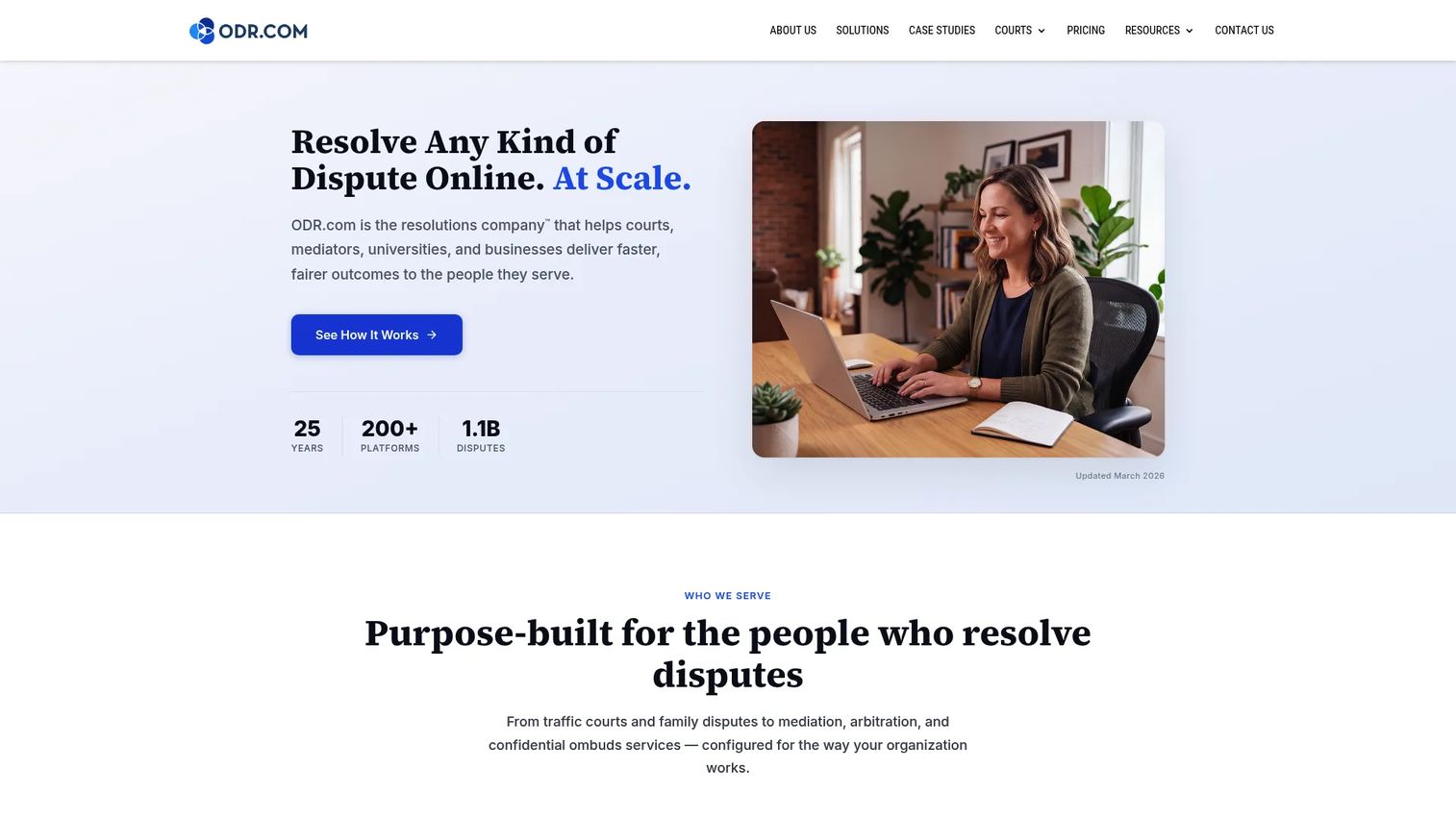
ODR.com is online dispute resolution software for courts, businesses, and organizations that need tailored workflows rather than an off-the-shelf template. It supports negotiation, mediation, arbitration, and ombuds processes, and lets teams configure each dispute type to match how they actually operate. That makes it a fit for buyers whose processes do not map cleanly onto a standard product.
Best for: Courts and organizations that need a configurable online dispute resolution platform built around their own processes.
Key strengths
- Configurable workflows: Set up distinct workflows for different dispute types across one platform.
- Case management and reporting: Track cases and pull the reporting that programs and oversight bodies require.
- Multi-process support: Run negotiation, mediation, arbitration, and ombuds processes in the same environment.
Why choose ODR.com: Choose this when your requirements are specific enough that templates get in the way. The implementation model leans toward tailored configuration, so it suits teams with the appetite to shape the platform around their dispute types rather than adapting to a fixed structure. That flexibility is the reason to pick it over a more opinionated tool.
ODR.com pricing: Pricing is calculator-based with feature add-ons and a one-time $1,500 set-up fee. Published add-ons include Meeting Rooms at $2,000 per year, Panel Management at $50 per panelist per year, Financial Management at $4,500 per year, and Advanced Reporting at $1,500. There is no single base subscription price, so total cost depends on the features you select.
6. Immediation
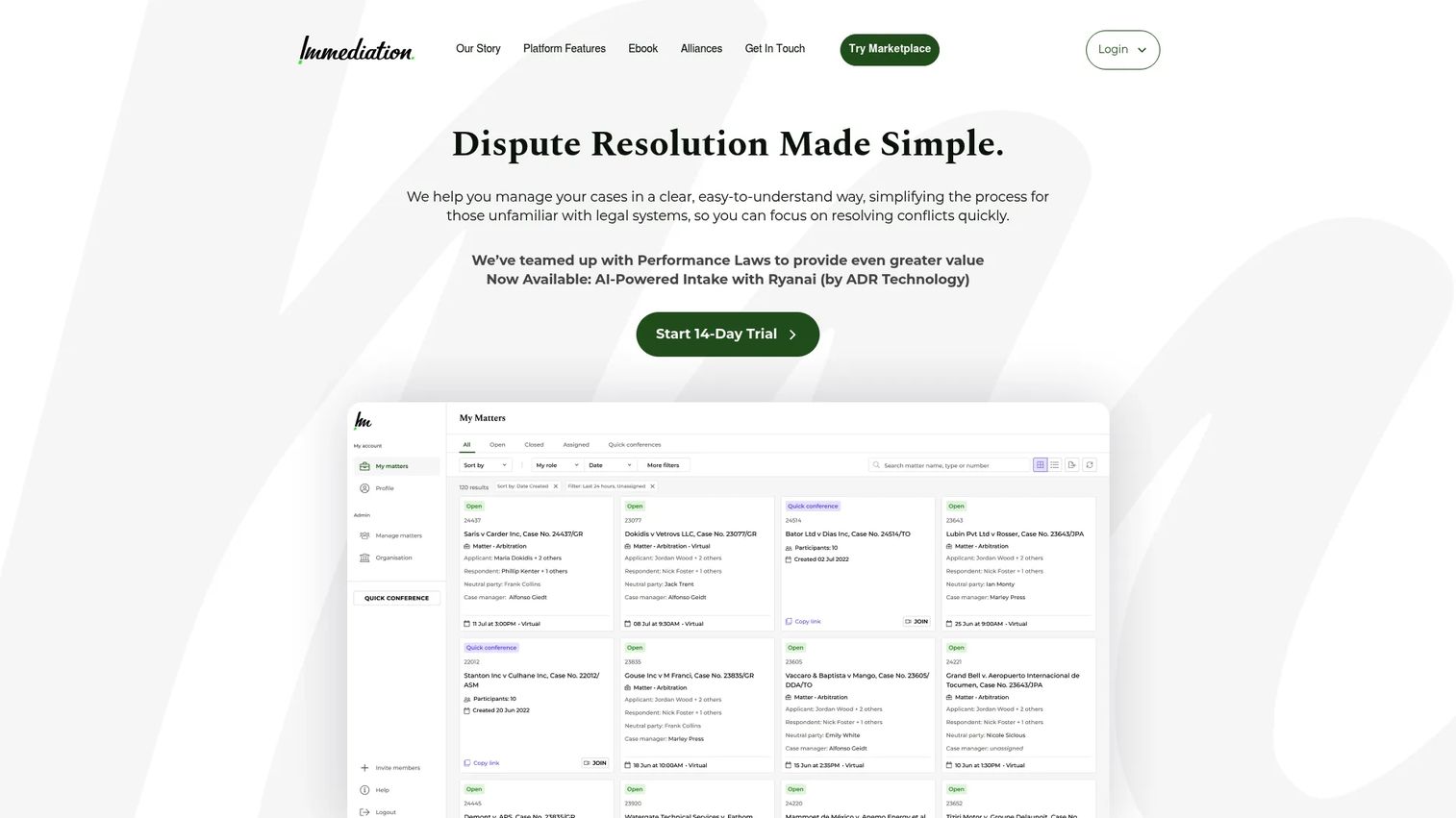
Immediation is dispute resolution software for mediation, arbitration, and adjudication, with more live-session functionality than most tools on this list. It combines video-based sessions with the case administration around them, so a virtual mediation runs inside the same platform that holds the intake forms, documents, and invoices. For practices that run remote sessions regularly, that integration is the draw.
Best for: ADR teams that need case management plus a strong virtual mediation platform in one tool.
Key strengths
- Video sessions with breakout rooms: Run live mediations with private caucus rooms, whiteboard, and document display.
- Automated intake and case management: Capture parties through intake forms and manage the case alongside the session.
- Clio and DocuSign integrations: Connect to legal practice management and e-signature, and invoice or collect payment in-platform.
Why choose Immediation: If your practice leans on live virtual sessions, Immediation puts the session and the settlement tracking software in the same place. Panel management, financial management, custom branding, and Clio integration make it a strong online mediation platform for firms that want the live-session experience without bolting a video tool onto a separate case file. It holds a 5.0 out of 5 on G2, based on a single review at the time of writing.
Immediation pricing: Plans are Professional at $49 per month or $499 per year, Team at $299 per month or $3,050 per year, and Enterprise with custom pricing. The site offers a 14-day free trial with no credit card required, which makes it easy to test the live-session workflow before committing.
7. NexLaw.ai

NexLaw.ai is an AI legal assistant for high-stakes litigation, research, drafting, and document analysis. It is not a pure mediation operations platform, and that distinction matters. Where the other tools manage the process of a mediation, NexLaw.ai assists the legal work around it: research, drafting, and analysis that feed into negotiation and settlement. Treat the AI as a well-briefed assistant that produces work product a human still reviews.
Best for: Litigation-focused law firms and attorneys who want secure AI research and drafting alongside their dispute work.
Key strengths
- Citation-backed legal research: Search case law and get research grounded in citations rather than unsupported output.
- AI drafting and summarization: Draft and summarize documents toward court-ready work product, with human oversight.
- Contract review and diligence: Review contracts and track negotiation points and obligations.
Why choose NexLaw.ai: This fits firms exploring AI-assisted workflow rather than pure mediation administration. Secure communication, legal document management, customizable workflows, and cross-border support suit teams handling complex matters where research and drafting volume is high. Keep expectations grounded: AI accelerates the drafting and analysis, and a human keeps oversight over every settlement decision.
NexLaw.ai pricing: The published pricing page shows annual per-license billing. Essential is $2,999 per year and Professional is $3,999 per year, with onboarding, updates, and standard support included. There is no free tier listed, so factor the annual commitment into your evaluation.
Considerations before you buy
Before you shortlist, run each option against the criteria that actually decide fit for a mediation practice.
Workflow coverage from intake to resolution
Map your real process, then check how much of it the software covers in one place. A tool that handles intake but not billing, or scheduling but not settlement tracking, leaves you exporting data between systems. The closer a platform gets to end-to-end coverage, the less reconstruction work you do between sessions.
Confidentiality and security
Mediation depends on trust, and secure mediation software is non-negotiable. Look for encryption, role-based access, audit trails, and clear data ownership. Ask where data is stored and who can access it, and confirm the platform can enforce confidentiality across documents, messages, and sessions.
Scheduling and virtual session support
If you run remote sessions, confirm the platform supports secure video, breakout rooms for private caucuses, and written negotiation. Even if you mediate in person, mediation scheduling software with conflict checking and automated reminders saves hours across a month of cases.
Billing, e-sign, and payments
Check whether time tracking, invoicing, e-signature, and payment collection live inside the same system as the case. When they do, you close the loop from resolution to payment without manual reconciliation. Confirm integrations with any accounting tool you already use.
Fit for your specialization
A custody mediator and a court-connected ODR program have different needs. Family law mediation software should handle parenting plans and time calculations; a high-volume program needs configurable workflows and reporting. Match the tool to your actual specialization rather than the longest feature list.
Conclusion
The right mediation software depends less on feature counts and more on how you run cases. For all-around mediation workflow depth, ADR Notable pulls intake, scheduling, billing, and e-sign into one practice-focused system. Casedoc suits public-sector courts and justice teams that need configurable case management. For family law, Custody X Change is the clear specialist. If your work is court-oriented and high-volume, Online Dispute Resolution by Modria and ODR.com bring online dispute resolution depth, with ODR.com favoring custom configuration. Immediation stands out for video-driven virtual sessions, and NexLaw.ai fits firms adding AI-assisted research and drafting to their dispute work.
The practical next step is simple. Shortlist two or three tools that match your specialization and workflow, then run each against one real case scenario, from intake through a mock settlement and invoice. The tool that carries a live case with the least friction is the one worth buying. Most of these platforms offer trials or guest access, so you can test before you commit.
FAQs
Strong mediation software covers the full case lifecycle: intake and case setup, secure document management, scheduling with conflict checking, negotiation and settlement tracking, and drafting with e-signature and payment handling. The differentiator is whether these live in one system or force you to export data between tools. For a mediator app to earn its place, it should reduce the reconstruction work between sessions rather than add another tab.
Yes. Mediation software focuses on the specific workflow of a dispute, including confidentiality controls, party communication, and settlement drafting. General case management software is broader and often built for law firms or courts, with less emphasis on the mediation rhythm. Some platforms blend both, which is why matching the tool to your actual motion matters more than the category label.
Many platforms do. Mediation billing software typically covers time tracking, invoicing, and payment collection, and the better tools integrate with accounting systems like QuickBooks and payment processors like Stripe. Keeping billing inside the same platform as the case closes the loop from resolution to payment without manual reconciliation, which matters most for independent mediators and small firms.
For custody and co-parenting disputes, Custody X Change is purpose-built family law mediation software. It handles custody schedules, parenting plan templates, parenting-time calculations, and expense tracking, which are the specific artifacts family disputes produce. It is narrower than a full ADR platform by design, and that focus is its advantage in family law.
Online dispute resolution software (ODR) manages disputes largely or entirely online, often through structured written negotiation rather than a single live session. Parties file a dispute, communicate through private and group messaging, upload documents, and, when needed, bring in third-party neutrals such as mediators or arbitrators. It suits high-volume and court-connected programs where in-person sessions are impractical.
Secure mediation software should offer encryption, role-based access, audit trails, and clear data ownership. Confirm where data is stored, who can access it, and whether confidentiality is enforced across documents, messages, and sessions. Mediation document management with version history also protects you if a dispute over process ever arises.
Yes. Virtual mediation software supports secure video, breakout rooms for private caucuses, document display, and sometimes written negotiation as an alternative to live calls. The advantage of an online mediation platform is keeping the session, documents, and case notes together, rather than connecting a separate video tool to a disconnected case file.
AI can help with the legal work around a mediation, including citation-backed research, document drafting, summarization, and contract review. Tools like NexLaw.ai frame AI as an assistant that produces work product a human still reviews, not a replacement for the mediator's judgment. For firms handling high research and drafting volume, AI can save time, but human oversight over every settlement decision remains essential.