The request came in as a Slack message. Then someone emailed about it. Then it came up in a standup. By the time your backlog got updated, three people thought they owned it and no one had the full context.
That's not a prioritization failure. It's an intake failure. And it's expensive: The global project portfolio management software market hit USD 7.46 billion in 2024, growing at a projected 12.8% CAGR through 2029, according to IDC (2025). Teams are spending real money trying to solve the chaos that starts before a single task is created.
The core problem isn't that work gets missed. It's that requests arrive through five different channels, get logged inconsistently, and hit the backlog without the context needed to prioritize them. Standardizing that front door, where requests come in, get reviewed, and get routed, is what project intake software is actually built to do.
This guide helps you find the right tool for your team's maturity level, size, and workflow.
What's inside
This guide covers 7 project intake and request management tools for 2026, evaluated for their suitability across cross-functional teams, creative and agency operations, and enterprise-scale governance.
Who it's for: Product managers, PMO leads, operations managers, and marketing ops teams dealing with request sprawl.
How tools were chosen:
- Strength of request capture and intake form flexibility
- Routing, approval, and prioritization logic
- Reporting and backlog visibility
- Integration fit with common stacks (Slack, Jira, Microsoft 365, Google Workspace)
TL;DR
- Best overall for cross-functional teams: Asana handles intake forms, routing rules, and dashboards in one place, with a free tier to start
- Best for creative and agency intake: Workamajig and Function Point cover the full cycle from request to delivery for marketing and creative ops
- Best for enterprise-scale governance: Adobe Workfront gives large teams centralized request capture, automation, and reporting
- Best for flexible setup: Monday.com lets you configure intake forms and boards without a rigid structure
- Best for resource-aware intake: Saviom ties request intake to capacity planning, making it useful when prioritization depends on resourcing
What is project intake software
Project intake software is a category of tools that centralizes incoming work requests, standardizes submission, routes requests for approval, and helps teams prioritize work before it enters active execution.
Where general project management software tracks tasks already in flight, intake software governs what gets into the backlog in the first place. The intake layer is where you decide: Accept, defer, or reject.
Core capabilities to look for:
- Request forms: Customizable submission fields that capture project name, type, priority, estimated effort, deadline, and requester details
- Custom fields and templates: Intake form templates by request type (campaign, feature, bug, content) so submitters know what information is required
- Routing and approval workflows: Rules that send requests to the right approver based on type, team, or threshold
- Prioritization logic: Scoring, tagging, or matrix views that help teams compare and rank requests objectively
- Intake dashboards: A centralized view of incoming requests, their status (pending, approved, deferred), and backlog volume
- Integrations: Connections to Jira, Slack, Microsoft Teams, Salesforce, and other daily tools so intake doesn't create a separate silo
How intake software differs from project management software:
Project management software executes approved work. Intake software decides what gets approved. Many PM tools include intake modules, but dedicated intake features, like structured submission, approval logic, and backlog governance, often require the right configuration or a specialized platform.
For teams where request volume is low and informal, a spreadsheet works. Once you're managing 50 or more requests per month across multiple submitter groups, intake software pays for itself in reduced context switching and fewer misrouted requests.
When to use project intake software
Centralize requests from multiple channels
If requests arrive through Slack, email, meetings, and direct messages, the problem isn't volume. It's fragmentation. Intake software creates a single submission path so every request gets captured with the same context. Teams stop hunting across channels for who asked for what and when.
Standardize submissions and reduce missing context
Requests without scope, deadline, or priority information create unnecessary back-and-forth. Intake forms enforce completeness at submission time. When someone fills out a form that requires estimated effort, linked stakeholders, and business justification, approvers get what they need to make a fast decision.
Prioritize work before it hits the backlog
Intake software helps you answer a harder question: Which of these approved requests should actually be worked on next? With scoring criteria, capacity visibility, or priority flags built into the intake flow, teams can make that call at intake time rather than during sprint planning.
Project intake software comparison
Use this table to quickly assess which tool fits your team's context before diving into the full reviews below.
| # | Product | Best for | Key differentiator | Pricing | G2 rating |
|---|---|---|---|---|---|
| 1 | Asana | Cross-functional teams | Forms, rules, and portfolios in one platform | Free; paid from $10.99/user/mo | 4.4/5 |
| 2 | Workamajig | Creative and marketing agencies | Intake to delivery with accounting included | From $45/user/mo | 3.9/5 |
| 3 | Saviom | Resource-constrained teams | Intake tied to capacity forecasting | Custom pricing | 4.0/5 |
| 4 | Adobe Workfront | Enterprise marketing and ops | Centralized request intake with AI and automation | Custom pricing | 4.1/5 |
| 5 | Monday.com | Teams wanting flexible configuration | Customizable boards with built-in forms | Free; paid from $9/seat/mo | 4.7/5 |
| 6 | Function Point | Agency project delivery | Request routing with full financial visibility | From $53/user/mo | 3.8/5 |
| 7 | RoboHead | In-house creative teams | Structured intake with approval and review modules | Custom pricing | 4.3/5 |
7 best project intake software tools for 2026
1. Asana
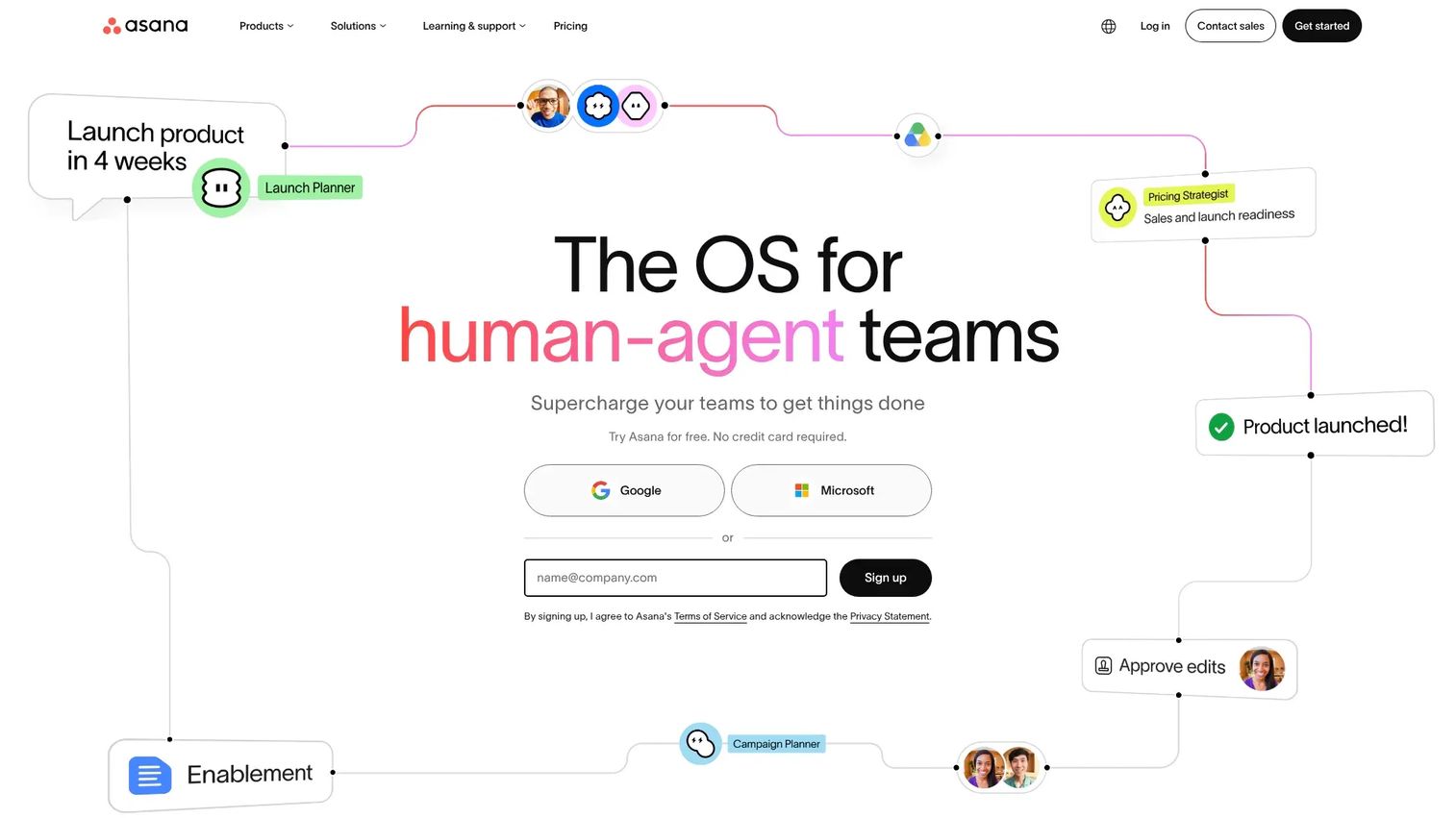
Asana is a work management platform used by cross-functional teams to capture, plan, and track projects from intake through delivery. Its intake capabilities center on customizable forms that feed directly into projects, with automation rules that route submissions, send notifications, and assign ownership based on field values.
Best for: Product, marketing, and ops teams that need intake and project execution in a single platform.
Key features
- Customizable intake forms with conditional logic and required fields
- Automation rules: Route, assign, and notify based on form responses
- Portfolio and goals views for cross-team prioritization
- Timeline and Gantt views for approved project planning
- 200+ integrations including Jira, Slack, and Salesforce
Why choose Asana: Asana works well when the same team that receives intake requests also manages execution. You avoid context switching between an intake tool and a project tracker, and the reporting layer gives ops leads visibility into request volume, throughput, and team load.
Asana pricing: The Personal plan is free forever for up to 2 users. Starter plans begin at $10.99 per user per month billed annually ($13.49 billed monthly). Advanced, Enterprise, and Enterprise+ tiers are available, with Enterprise pricing by contact.
Asana on G2: Rated 4.4/5 on G2.
2. Workamajig
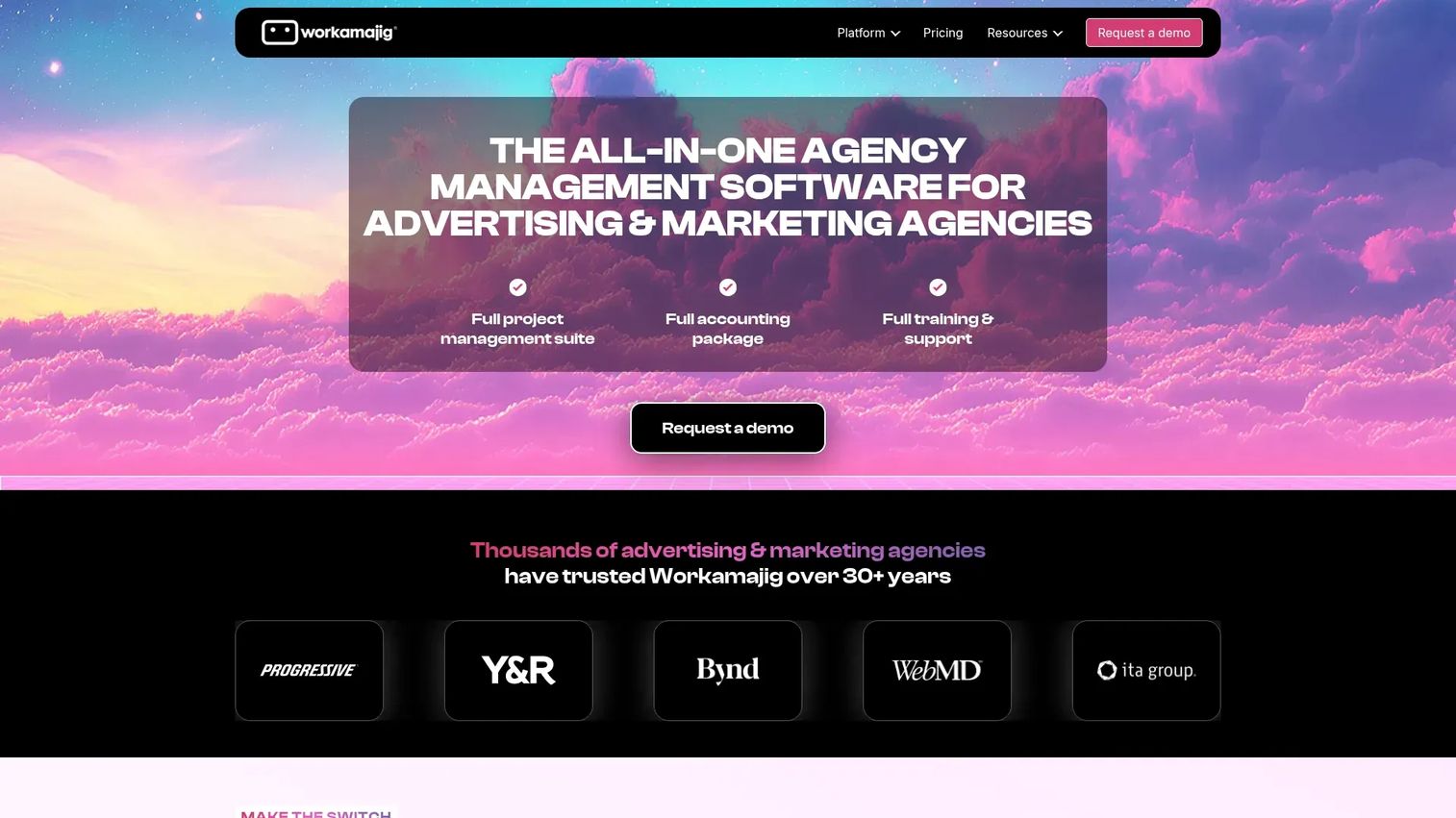
Workamajig is an agency management platform that combines project management, resource scheduling, and financial accounting for advertising and marketing teams. Intake happens through client request portals and project request forms that feed directly into estimates, scheduling, and delivery workflows.
Best for: Advertising agencies and in-house marketing teams that need to manage requests from client or stakeholder submission through to billing.
Key features
- Client and stakeholder request portals with form-based submission
- Resource scheduling tied directly to approved project intake
- Integrated accounting: Track budgets and costs from request through invoice
- Project status dashboards with intake queue visibility
- Support for both agency and in-house team configurations
Why choose Workamajig: If your intake process needs to connect immediately to resource availability, estimates, and financial tracking, Workamajig handles that connection without requiring separate tools. Most intake platforms stop at approval; Workamajig extends the workflow into delivery and billing.
Workamajig pricing: Plans start at $45 per user per month for teams of 10 or more, with volume discounts at the 25-user and 50-user tiers. Annual payment includes one month free. Both in-house and agency configurations are available at the same starting price.
Workamajig on G2: Rated 3.9/5 on G2.
3. Saviom
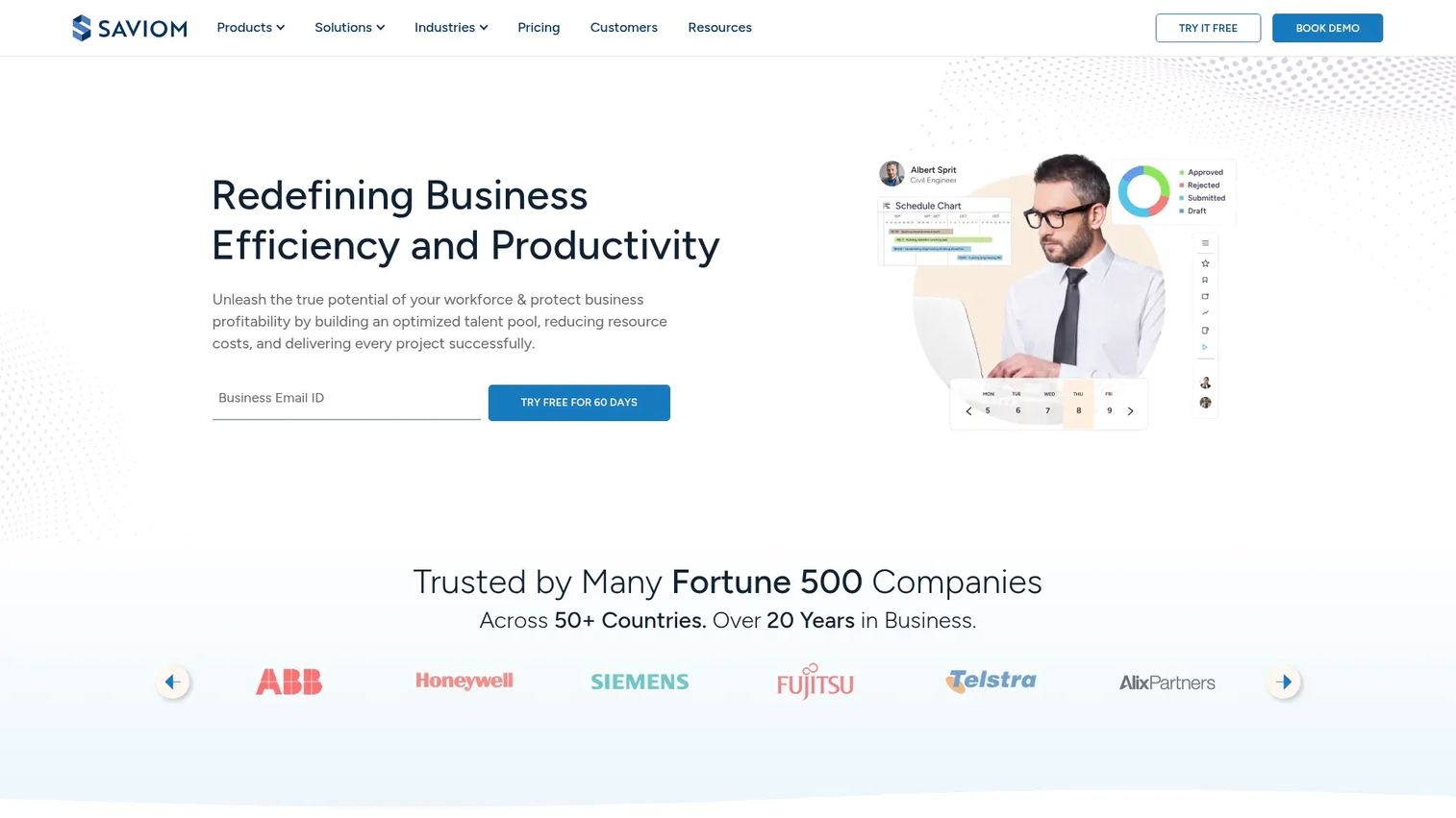
Saviom is an enterprise resource management and workforce planning platform that connects project demand, intake, and resource capacity. Teams use it to evaluate incoming requests against available capacity before approving work, which prevents the common pattern of accepting more projects than the team can realistically deliver.
Best for: Mid-size to enterprise teams where project intake decisions depend on resource availability and forward demand forecasting.
Key features
- Demand forecasting tied to resource availability across projects
- Real-time business intelligence dashboards for intake and capacity
- Configurable workflow automation for request routing and approval
- Multidimensional capacity planning across roles, skills, and departments
- Integration support for common ERP and project management tools
Why choose Saviom: Most intake tools help you capture and route requests, but few connect that intake decision to actual resource capacity. Saviom is built for organizations where over-commitment is the operational risk, and where the answer to "should we take this project?" depends on who's available and when.
Saviom pricing: Saviom operates on a custom quote model. Power and Lite license types are available depending on user role and access needs; non-user licenses carry no licensing cost. Contact Saviom for a quote based on team size and product requirements.
Saviom on G2: Rated 4.0/5 on G2.
4. Adobe Workfront
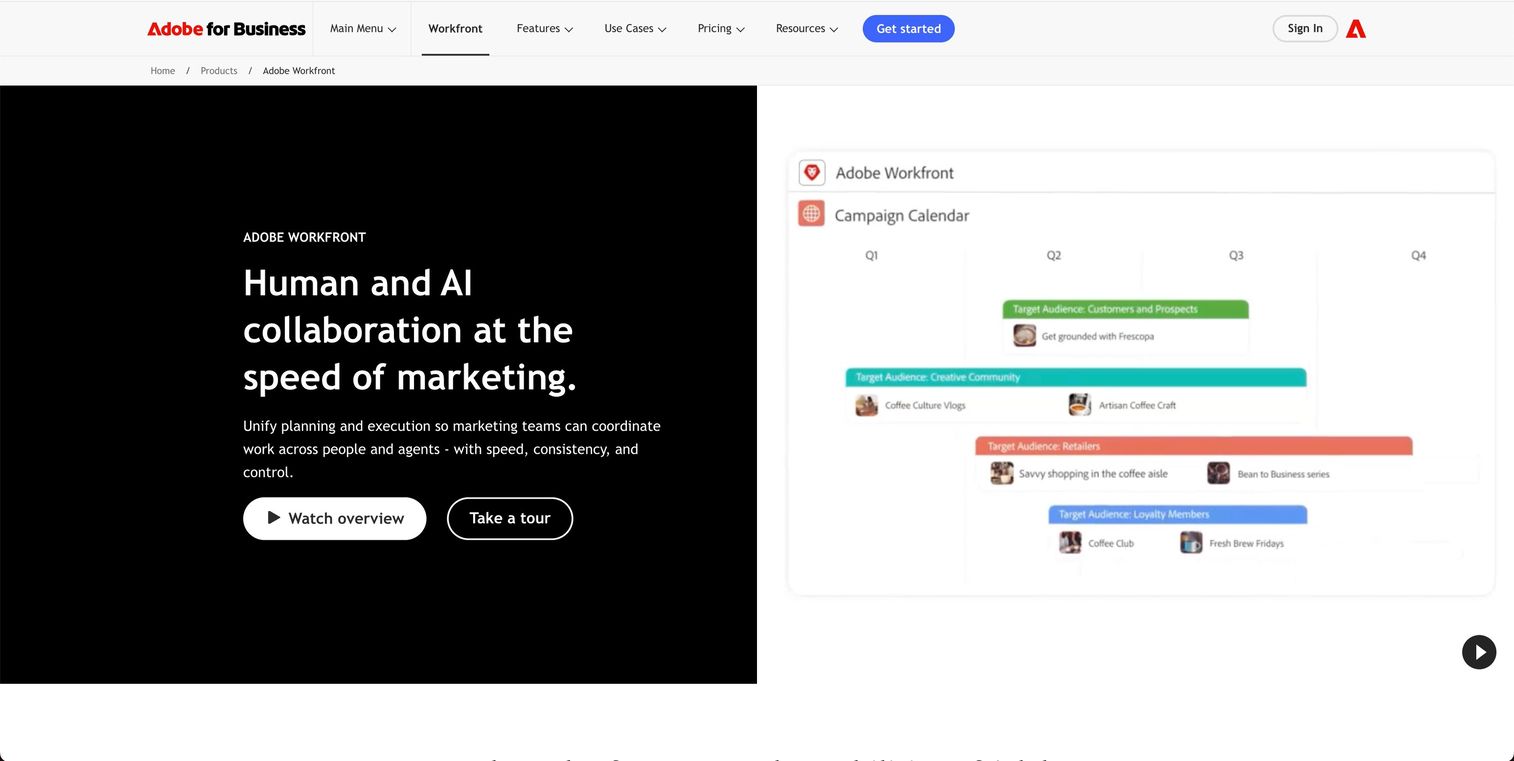
Adobe Workfront is an enterprise work management platform designed for large marketing, creative, and operations teams that need centralized project intake, workflow automation, and cross-team reporting. It handles structured request capture at scale and connects approvals to downstream execution through configurable workflow templates.
Best for: Enterprise marketing departments and PMOs that process high volumes of requests across multiple teams and require audit-ready reporting.
Key features
- Structured request queues with configurable intake forms per project type
- AI collaborators to support workflow suggestions and task generation
- Reviews and approvals with version tracking and stakeholder sign-off
- Reporting dashboards with intake volume, cycle time, and throughput metrics
- Deep integrations with Adobe Creative Cloud and major enterprise platforms
Why choose Workfront: For teams inside large organizations dealing with governance requirements, audit trails, and multi-department request flows, Workfront provides the process structure that lighter tools lack. The tradeoff is implementation complexity; it takes real configuration investment to match the platform to your intake workflow.
Adobe Workfront pricing: Workfront offers three tiers: Select, Prime, and Ultimate, plus targeted add-ons. All pricing is custom and requires a conversation with Adobe's sales team. No free tier or trial is listed.
Adobe Workfront on G2: Rated 4.1/5 on G2.
5. Monday.com
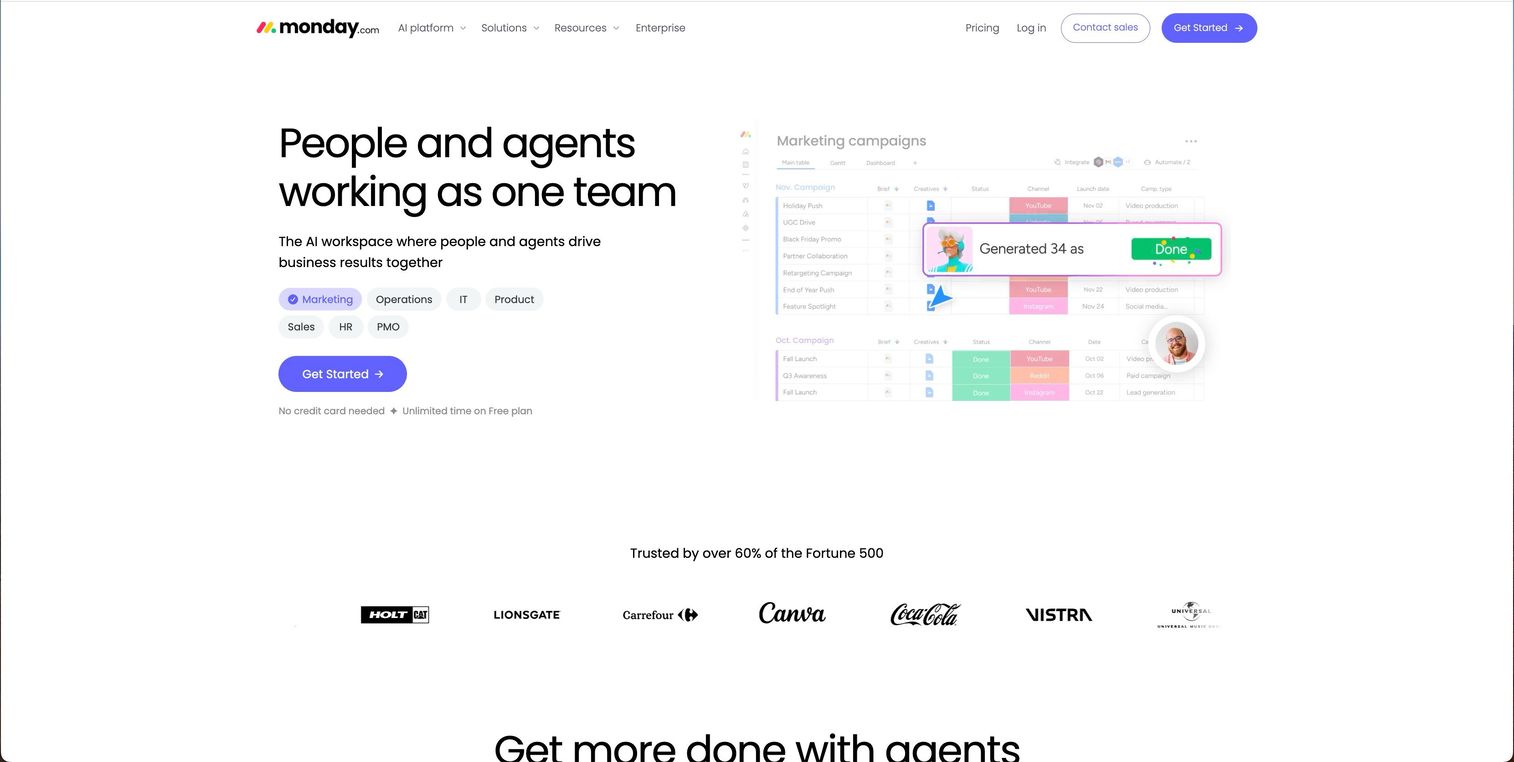
Monday.com is a flexible work platform that teams configure as a project management system, intake tracker, or operational database depending on their needs. Intake forms are built natively and feed into customizable boards where requests can be triaged, scored, and routed using automations and column-based logic.
Best for: Teams that want to build a custom intake system without heavy implementation overhead, and where flexibility matters more than rigid process structure.
Key features
- Native intake forms with conditional fields and automatic board population
- Customizable board views: Table, Kanban, Gantt, calendar, and chart
- Automations for routing, notifications, and status updates
- Dashboard widgets for request volume and backlog health
- Integrations with Slack, Jira, GitHub, Salesforce, and more
Why choose Monday.com: Monday.com's strength is configuration speed. You can stand up an intake board in hours without an IT project. The platform rewards teams willing to invest in building their own workflows, but it also means intake governance depends on how well your team actually maintains those configurations over time.
Monday.com pricing: A free plan is available for basic use. Paid plans start at $9 per seat per month (Basic, billed annually), $12 per seat per month (Standard), and $19 per seat per month (Pro). Enterprise pricing requires contacting sales.
Monday.com on G2: 4.7/5
6. Function Point
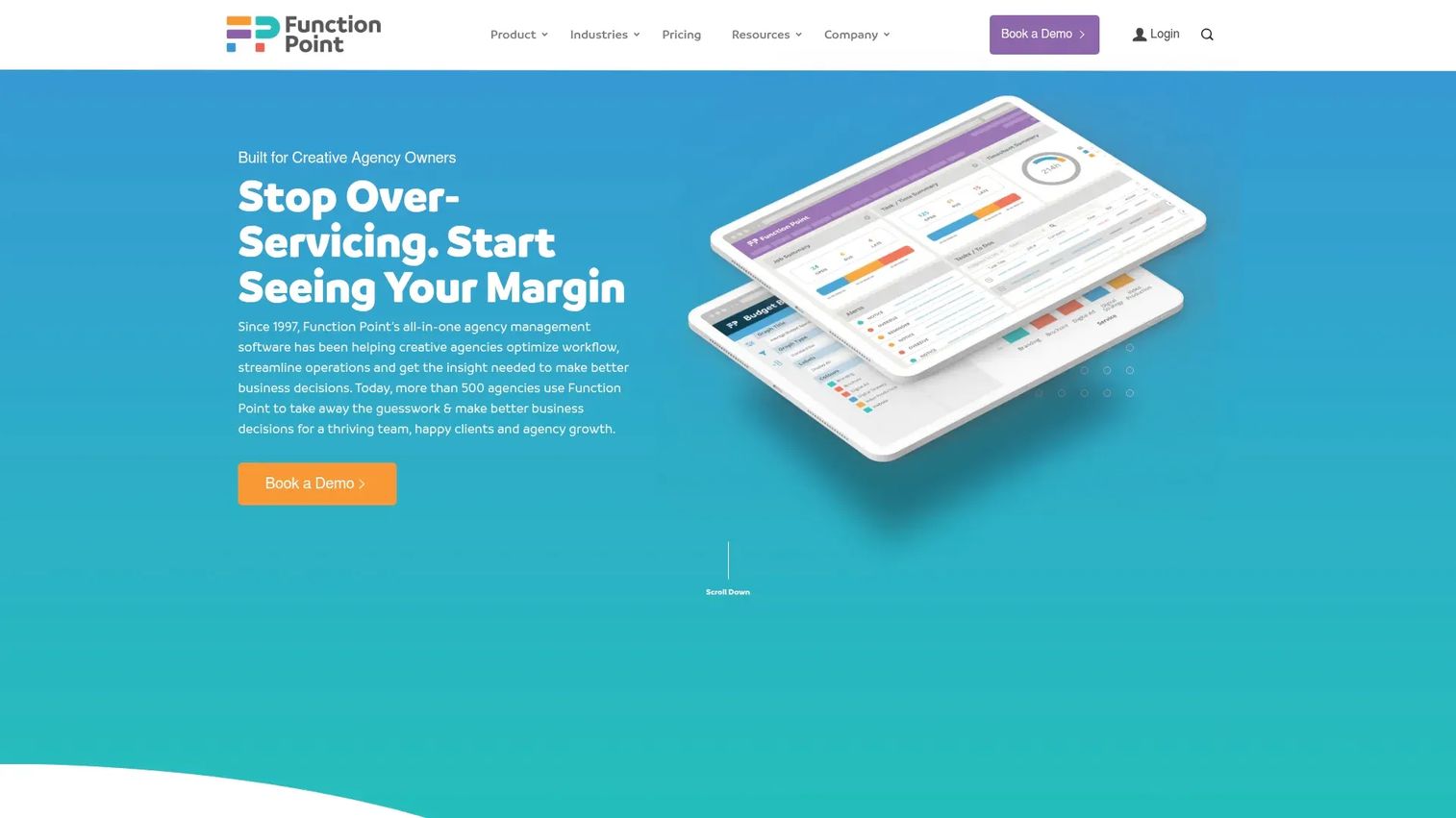
Function Point is an agency management platform for creative agencies and in-house marketing teams that need to manage project intake, time tracking, and financial reporting in one system. Intake flows through job creation and request routing features that connect directly to resource scheduling and profitability tracking.
Best for: Creative agencies and in-house marketing teams where intake quality directly affects delivery accuracy and project financials.
Key features
- Client and job request management with structured submission
- Resource scheduling linked to project intake and approval
- Time tracking integrated with project budgets and estimates
- Financial reporting tied to project lifecycle from intake through close
- Dashboard views for job status, team workload, and throughput
Why choose Function Point: Function Point suits teams where a poorly scoped intake request creates downstream cost overruns. The platform's integration of intake, time, and financial data means approvers can see profitability implications at the request stage, not after delivery.
Function Point pricing: The Standardize plan starts at $53 per user per month billed monthly ($58 annually). The Optimize plan is $62 per user per month billed monthly ($68 annually). No free tier is available.
Function Point on G2: Rated 3.8/5 on G2.
7. RoboHead
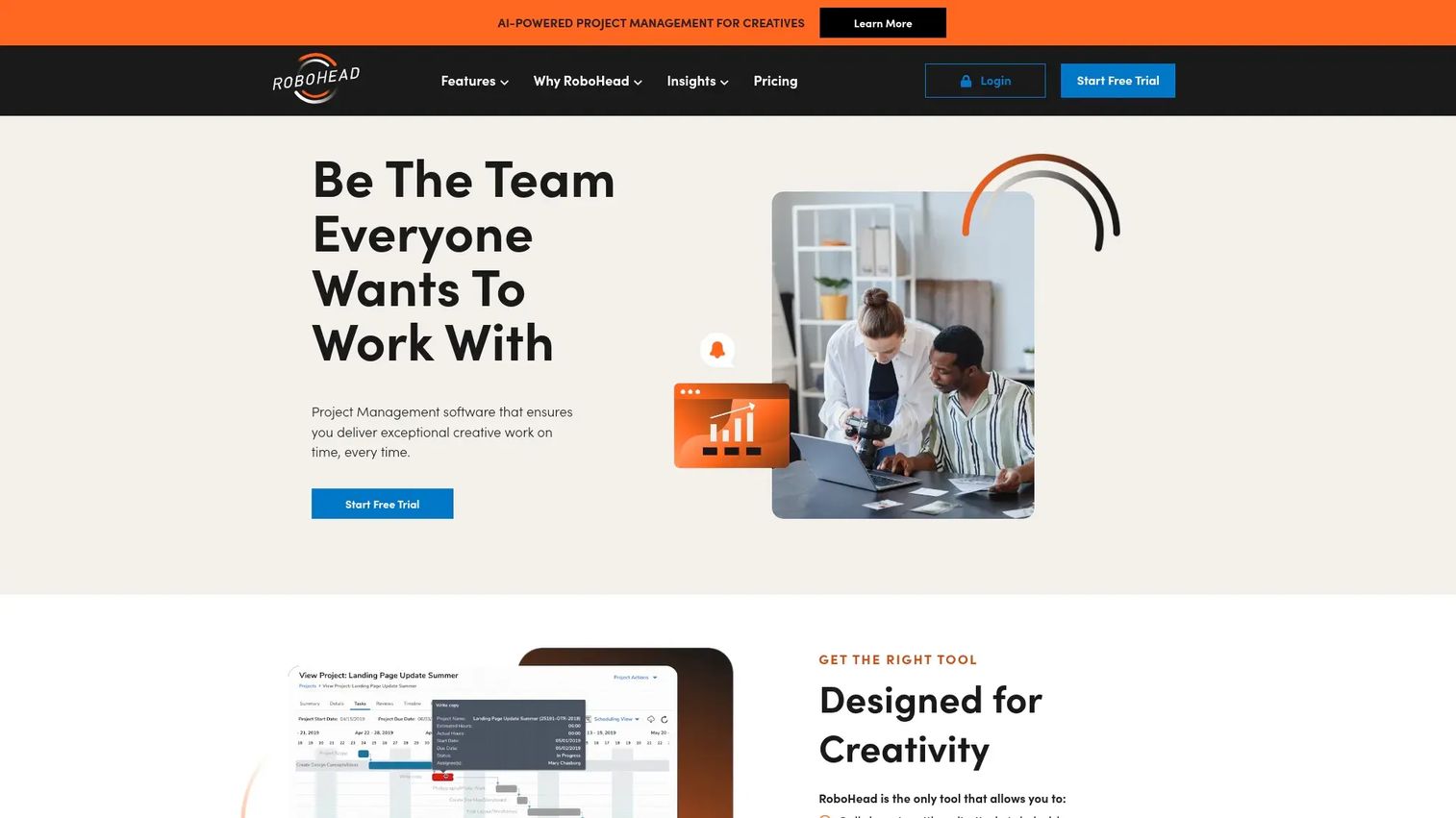
RoboHead is a project management platform built for in-house creative and marketing teams that need structured request submission, approval routing, and review workflows. It focuses on the intake and delivery cycle for teams that receive a steady volume of requests from internal stakeholders.
Best for: In-house creative teams that need repeatable intake governance without the complexity of an enterprise work management platform.
Key features
- Request submission module with structured intake forms
- Project, task, time, and review modules in one system
- API access with per-user API keys for integration
- Approval workflows with configurable routing
- File management and annotation for creative review cycles
Why choose RoboHead: RoboHead is purpose-built for the in-house creative team pattern, where the same group receives requests, manages approvals, and handles production. The platform keeps intake, review, and delivery tightly connected without requiring extensive configuration to get started.
RoboHead pricing: RoboHead uses custom pricing based on team needs. Contact their team to get a quote. No public tier pricing or free trial is listed on their pricing page.
RoboHead on G2: 4.3/5
Considerations
Before committing to any intake platform, evaluate these five factors against your team's actual workflow.
Request capture
Think about where requests currently come from and how many submitter types you have. A tool that works for internal team submissions may not support external client portals. Confirm that form fields are customizable to the submission types you actually receive, not just generic templates.
Routing and prioritization
Ask how the platform handles the approve, defer, and reject decision. Some tools route requests to a single approver queue; others support multi-stage approval or condition-based routing based on request type or estimated value. If prioritization relies on scoring or comparison matrices, verify those features exist before signing up.
Governance and ownership
Intake systems decay when no one owns them. Before selecting a tool, decide who controls form templates, approval rules, and intake criteria, and whether the platform makes those configurations maintainable without constant engineering involvement. Maintainability across your release cadence matters more than feature count.
Reporting and visibility
The intake dashboard is where a PM or ops lead checks backlog health. Confirm you can see request volume by period, acceptance rate, cycle time from submission to approval, and which submitter groups are generating the most requests. Without that instrumentation, intake governance becomes guesswork.
Integrations and maintenance
Intake software that doesn't connect to your execution layer creates a handoff gap. Verify integrations with the tools your team already uses: Jira for development tracking, Slack for notifications, or whatever your team's system of record is. Also check whether integrations require native connectors or Zapier-style workarounds, since that affects long-term maintenance cost.
Conclusion
The right project intake software depends on two things: Where your requests come from and what happens after they're approved.
For cross-functional product and ops teams that want intake and execution in one tool, Asana is the most practical starting point, especially with the free tier for small teams. For agencies and creative ops teams that need intake connected to resource scheduling and financials, Workamajig and Function Point are the stronger fits. For enterprise teams with governance requirements and high request volume, Adobe Workfront provides the structure and reporting depth that lighter tools can't match. Monday.com suits teams that want to build their own intake system quickly without committing to a rigid platform. Saviom belongs on the shortlist when over-commitment is your actual risk and capacity data needs to inform every intake decision.
Whichever tool you choose, start with the intake form design and routing logic before configuring anything else. The structure you put at the front of the process determines whether the rest of it holds.
Start your journey with Guideflow today!
FAQs
A project intake process is a structured workflow for receiving, evaluating, and routing incoming work requests before they enter active execution. It typically includes a submission step, a review and approval step, and a handoff to the relevant team or backlog. The goal is to ensure that every request arrives with enough context for a fast, consistent prioritization decision.
A well-structured project intake form captures the project name, request type, business justification, estimated scope or effort, target deadline, linked stakeholders, and priority level. Forms should be specific enough to prevent approvers from asking follow-up questions, but short enough that submitters complete them accurately. Conditional fields help by surfacing additional questions only when a specific project type is selected.
Effective prioritization compares requests on consistent criteria: Business impact, strategic alignment, estimated effort, and dependency on other work. Many teams use a scoring matrix that weights these factors so approvers can rank competing requests without subjective debates. The key is applying the same criteria every time, which requires those criteria to be built into the intake form or review workflow itself.
Project management software tracks work that has already been approved and assigned. Intake software governs what gets approved in the first place, managing the upstream step of capturing requests, routing them for review, and deciding what enters the backlog. Many PM tools include intake features, but without deliberate configuration, they default to a task creation interface rather than a governed submission process.
Consistent approval decisions require documented criteria applied at review time, not case-by-case judgment. Set explicit thresholds: Which request types require executive sign-off, what estimated effort triggers a scope review, and what business justification minimum qualifies a request for the backlog. Intake software enforces this by building criteria into the routing rules and requiring reviewers to select an outcome rather than leave requests in ambiguous states.
Teams with the highest payoff from intake software are those receiving requests from multiple stakeholder groups, running more concurrent projects than they have capacity for, or spending significant time clarifying incomplete requests before work starts. Product, marketing ops, creative ops, and PMO functions are the most common buyers, but any team managing a shared backlog from diverse submitters benefits from structured intake.
Most platforms in this category support Slack notifications and Jira integrations, either natively or through Zapier. Asana, Monday.com, and Adobe Workfront have native Slack and Jira connectors. For teams where engineers work in Jira and intake happens in a separate tool, verifying the depth of that integration, whether it syncs status bidirectionally or only creates one-way tickets, is worth checking before committing.
Track four metrics: Submission-to-decision cycle time (how long requests sit in review), acceptance rate (what share of requests get approved versus deferred or rejected), backlog growth rate (whether the queue is growing faster than the team can clear it), and requester completion rate (whether submitters fill out all required fields or frequently leave gaps). Improving any of these reflects a more functional intake process, and most intake platforms surface at least two of them in their reporting dashboards.