You can explain last quarter's revenue in a board meeting. Explaining why hiring missed plan, or why attrition ticked up in Q2, usually takes three spreadsheets, two Slack threads, and a week you don't have.
That's not a reporting problem. It's a data infrastructure problem. Finance knows headcount one way, HR tracks it another, and payroll has a third number. When your newly hired VP of People asks for a baseline on their first day, someone spends two days rebuilding a model that should already exist.
The HR analytics market is projected to reach $5.71 billion in 2026, growing at a 13.64% CAGR through 2031, according to Mordor Intelligence (2026). Growth reflects how seriously leadership teams now treat workforce data as operating infrastructure, not a compliance checkbox.
HR analytics software gives you the reporting layer that removes the recurring spreadsheet work. It connects your HR, payroll, recruiting, and performance systems and surfaces the metrics that matter for board reporting, hiring decisions, and retention planning.
This guide covers 20 platforms across every major category, with verified pricing and G2 ratings, so you can find the right fit for where your company is now.
What's inside
This guide is for Series B SaaS founders, People leaders, and Finance heads evaluating HR analytics tools. Each tool was selected based on:
- Analytics depth: Descriptive, diagnostic, or predictive workforce reporting
- Data integration: HRIS, payroll, recruiting, performance, and finance connectors
- Planning capability: Scenario modeling, headcount planning, and organizational design
- Time to value: Setup complexity relative to company stage and data maturity
- Pricing transparency: Verified current plans, not guessed figures
The list spans standalone people analytics platforms, HCM-embedded reporting, general-purpose BI tools, engagement analytics, workforce planning, and spreadsheet-based approaches.
TL;DR
- Best standalone people analytics platform: Visier, for data-mature HR organizations that need cross-system workforce intelligence and predictive analysis
- Best for workforce analytics: Crunchr, for centralized HR reporting, AI-assisted insights, and strategic workforce planning
- Best embedded HCM analytics: ADP Workforce Now, for companies that want workforce reporting connected directly to payroll
- Best for fast HR stack rollout: BambooHR, for growing companies that need accessible reporting without a dedicated analytics program
- Best for workforce planning and org design: Orgvue, for leadership teams modeling future structure, cost, and capacity
- Best general-purpose BI option: Power BI, especially for Microsoft-heavy environments that want workforce data alongside finance and ops
What is HR analytics software?
HR analytics software collects, combines, analyzes, and visualizes workforce data so leaders can make decisions about hiring, retention, compensation, performance, and organizational planning.
The category covers four analytics levels:
- Descriptive analytics: What happened? (Headcount by team, attrition this quarter)
- Diagnostic analytics: Why did it happen? (Turnover concentrated in one manager's org)
- Predictive analytics: What may happen next? (Flight-risk scoring by tenure and engagement signals)
- Prescriptive analytics: What action should leadership consider? (Adjusted hiring plan based on capacity model)
Common data sources these platforms connect to:
- HRIS and HCM records
- Payroll and compensation data
- Recruiting and ATS systems
- Time, attendance, and leave management
- Performance management platforms
- Employee engagement surveys
- Learning management systems
- Finance and headcount planning models
Key features to look for
- Headcount and organizational reporting
- Turnover and retention analysis
- Recruitment funnel analytics
- Compensation and pay equity reporting
- Workforce planning and scenario modeling
- Employee engagement analytics
- Predictive workforce insights
- Role-based access controls
- Data connectors and integrations
- Self-service dashboards
- Natural-language analytics
- Exportable reports for finance and board reporting
How HR analytics differs from general BI
HR-native platforms include pre-built workforce metrics, definitions, and benchmarks. General BI tools offer more flexibility across systems, but require internal modeling and metric ownership. HCM-embedded reporting is fastest to deploy when your system of record is already in place.
When to use HR analytics software
Consolidate board and leadership reporting
Board decks that require manual spreadsheet assembly every quarter create a recurring founder bottleneck. HR analytics software standardizes headcount, attrition, hiring efficiency, and compensation planning metrics so your VP of People or CFO can pull trusted numbers without building new models. The first reporting cycle that runs without a rebuild is the proof point.
Identify retention and hiring problems earlier
Turnover patterns by manager, tenure cohort, or role often signal problems months before they show up in exit interviews. Predictive features in platforms like Visier and Crunchr can surface flight-risk indicators when data quality is sufficient, but the stronger immediate value is diagnostic: Seeing where attrition concentrates so leaders can act on it. Use absence management software alongside these platforms to get a fuller picture of workforce health signals.
Model growth before committing headcount spend
Hiring plans that don't connect to revenue targets, runway, or manager capacity create budget surprises mid-year. Workforce planning tools like Orgvue and ChartHop let finance and People teams model scenarios before approving headcount. Connecting the hiring plan to the financial model is the difference between a plan the board accepts and one that gets sent back for revision.
HR analytics software comparison
The table below maps 20 tools across their primary HR analytics use case. Pricing reflects verified vendor data as of September 2026. G2 ratings reflect verified current listings; where no dedicated product-level rating was available, the cell is left blank.
| # | Product | Best for | Key differentiator | Pricing | G2 rating |
|---|---|---|---|---|---|
| 1 | Crunchr | Workforce analytics | AI-driven people analytics with natural-language insights | Custom pricing | 4.8/5 |
| 2 | Visier | Standalone people analytics | Cross-system workforce intelligence with AI assistant Vee | Custom pricing | 4.6/5 |
| 3 | ADP Workforce Now | Embedded HCM analytics | Payroll-connected workforce reporting in one platform | Custom pricing | N/A |
| 4 | BambooHR | Fast HR stack rollout | All-in-one HRIS with accessible reporting from $10/employee/mo | From $10/employee/mo | 4.4/5 |
| 5 | Paycor | Payroll-connected HR reporting | HCM suite with payroll and compliance analytics | From $99/mo + $5/employee/mo | 4.0/5 |
| 6 | Qualtrics | Employee experience analytics | Survey and sentiment platform with engagement analytics | From $420/mo | 4.4/5 |
| 7 | Excel | DIY small-dataset analysis | Flexible spreadsheet with free web version | Free; Microsoft 365 from $99.99/yr | 4.7/5 |
| 8 | Tableau | Advanced HR dashboards | Interactive visual analytics across data sources | From $15/user/mo (billed annually) | 4.4/5 |
| 9 | Power BI | General-purpose BI | Microsoft-native workforce and cross-functional reporting | From $14/user/mo (billed annually) | 4.5/5 |
| 10 | ThoughtSpot | Natural-language workforce queries | Search-driven analytics with AI-powered insights | From $25/user/mo (billed annually) | 4.4/5 |
| 11 | Workday People Analytics | Workday-centered orgs | Embedded AI workforce insights within Workday HCM | Custom pricing | N/A |
| 12 | SAP SuccessFactors Workforce Analytics | SAP-centered enterprise HR | Multidimensional workforce analysis in SuccessFactors | Custom pricing | N/A |
| 13 | Culture Amp | Employee engagement analytics | Engagement surveys, performance, and development in one platform | Custom pricing | 4.5/5 |
| 14 | Orgvue | Workforce planning and org design | Scenario modeling, org visualization, and cost analysis | Custom pricing | 4.4/5 |
| 15 | Insightful | Workforce productivity visibility | Real-time activity analytics for remote and hybrid teams | From $8/seat/mo (billed annually) | 4.6/5 |
| 16 | Deel | Distributed workforce reporting | Global payroll, contractor, and compliance workforce data | From $14/worker/mo | 4.7/5 |
| 17 | intelliHR | People management analytics | Centralized HR data with lifecycle and engagement reporting | Custom pricing | N/A |
| 18 | PerformYard | Performance analytics | AI-enhanced performance reviews, goals, and engagement | From $5/person/mo (billed annually) | 4.7/5 |
| 19 | ChartHop | Organizational planning | Org charts, headcount planning, and compensation analysis | From $5/employee/mo (billed annually) | 4.4/5 |
| 20 | Qlik | Governed HR data integration | Associative analytics across HR, finance, and ops data | From $300/mo (billed annually) | 4.4/5 |
20 best HR analytics software tools for 2026
1. Crunchr
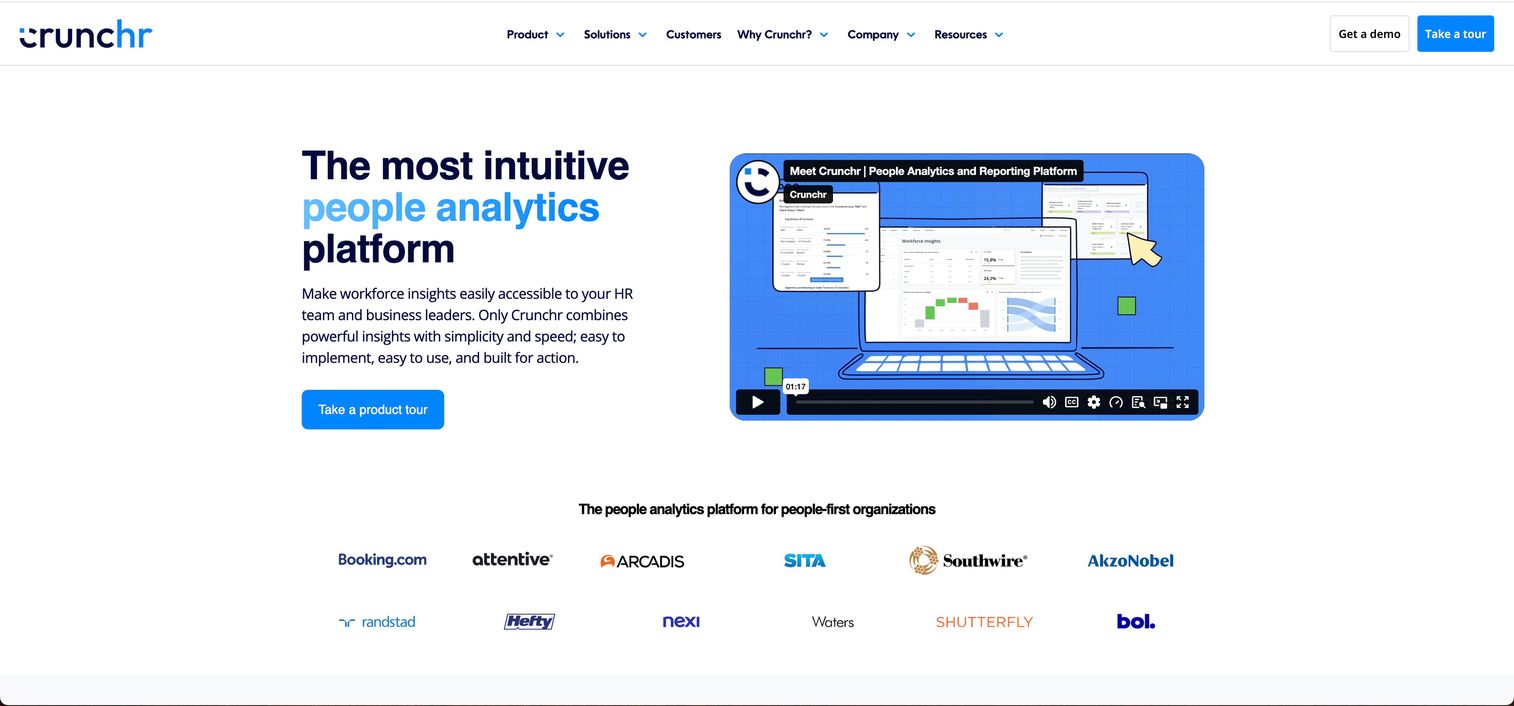
Crunchr is a people analytics platform that consolidates workforce data into a single source of truth for HR, Finance, and leadership teams. It combines pre-built and custom dashboards, an AI-powered natural-language assistant, and strategic workforce planning tools in one environment. The platform suits companies that need to move beyond static HR reports without building a data engineering function from scratch.
Best for: Enterprise HR and People teams that need centralized workforce analytics across multiple HR and business systems.
Key features
- AI natural-language assistant for workforce questions
- Pre-built and custom drag-and-drop HR dashboards
- Strategic workforce planning with scenario and financial-impact modeling
- Workforce data consolidation across HR and business sources
- Benchmarking, forecasting, and trend analysis
Why choose Crunchr: Choose Crunchr when your People and Finance teams need a dedicated analytics layer above your HRIS, with planning and forecasting built in. It fits companies where spreadsheet-driven reporting has become a recurring leadership bottleneck.
Crunchr pricing: Crunchr directs prospects to request a personalized demo for pricing details. Contact their team directly at crunchr.com to get a quote based on employee count and scope.
G2 rating: 4.8/5 (29 reviews)
2. Visier
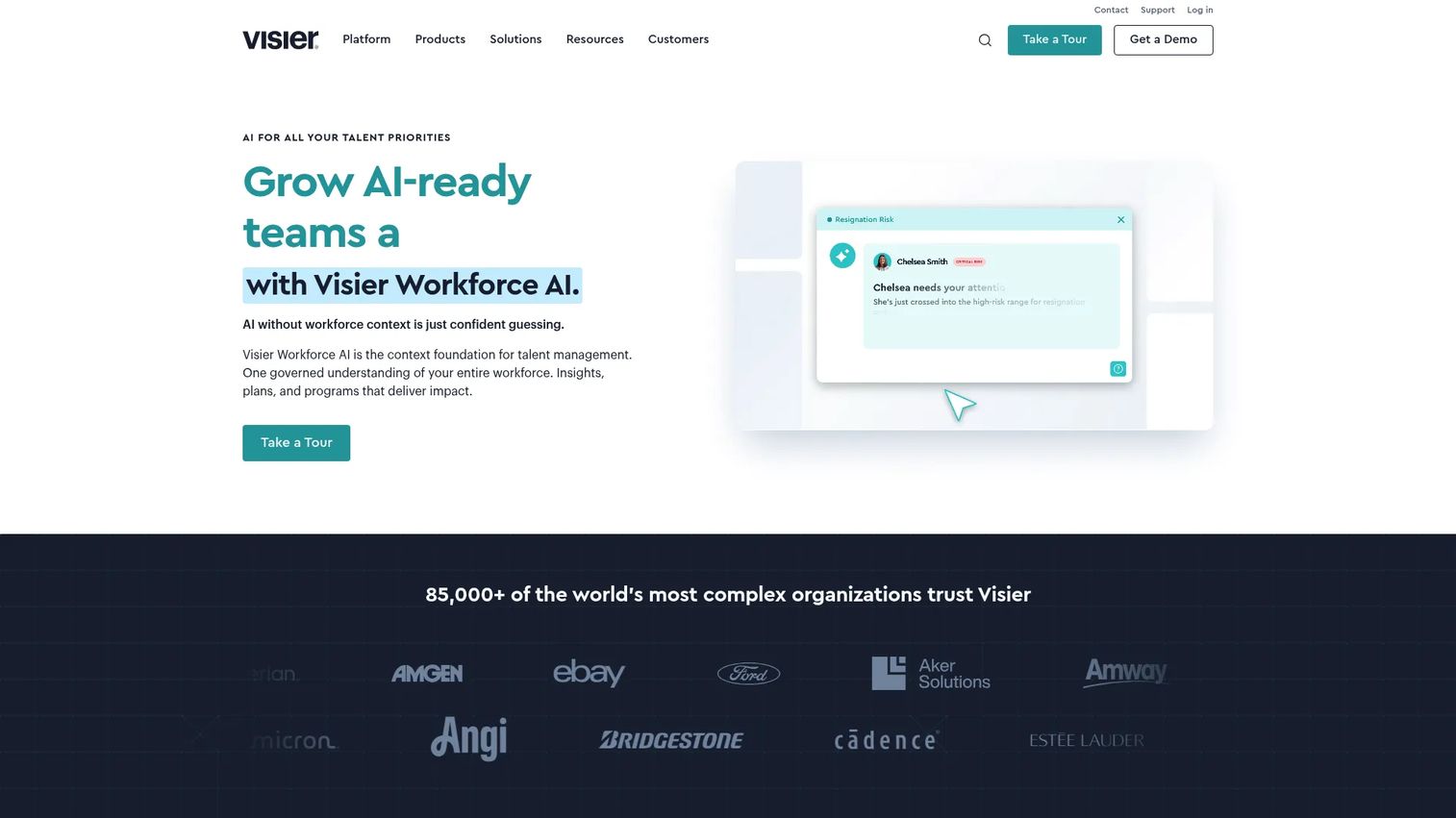
Visier provides AI-powered workforce intelligence that connects people data and business data for cross-system analytics. Its AI assistant Vee lets HR leaders and executives ask workforce questions in plain language. Visier is built for larger or more data-mature organizations that need governed, predictive people analytics beyond what HCM-native reporting offers.
Best for: HR and executive teams at mid-market to enterprise companies that need advanced people analytics and workforce planning across systems.
Key features
- AI assistant Vee for natural-language workforce questions
- Predictive analytics and workforce benchmarks
- Prebuilt metrics for hiring, attrition, talent, and diversity
- Cross-system data unification across people and business sources
- Custom dashboards, connectors, and embedded analytics
Why choose Visier: Visier is the right choice when descriptive HCM reporting is no longer sufficient and the organization needs predictive retention analysis, cross-system workforce views, and governed executive dashboards. Implementation scope and data maturity requirements are higher than embedded HCM tools, so factor in the time investment.
Visier pricing: Visier uses custom, quote-based pricing. Reach out directly at visier.com to scope deployment based on employee count and product modules.
G2 rating: 4.6/5
3. ADP Workforce Now
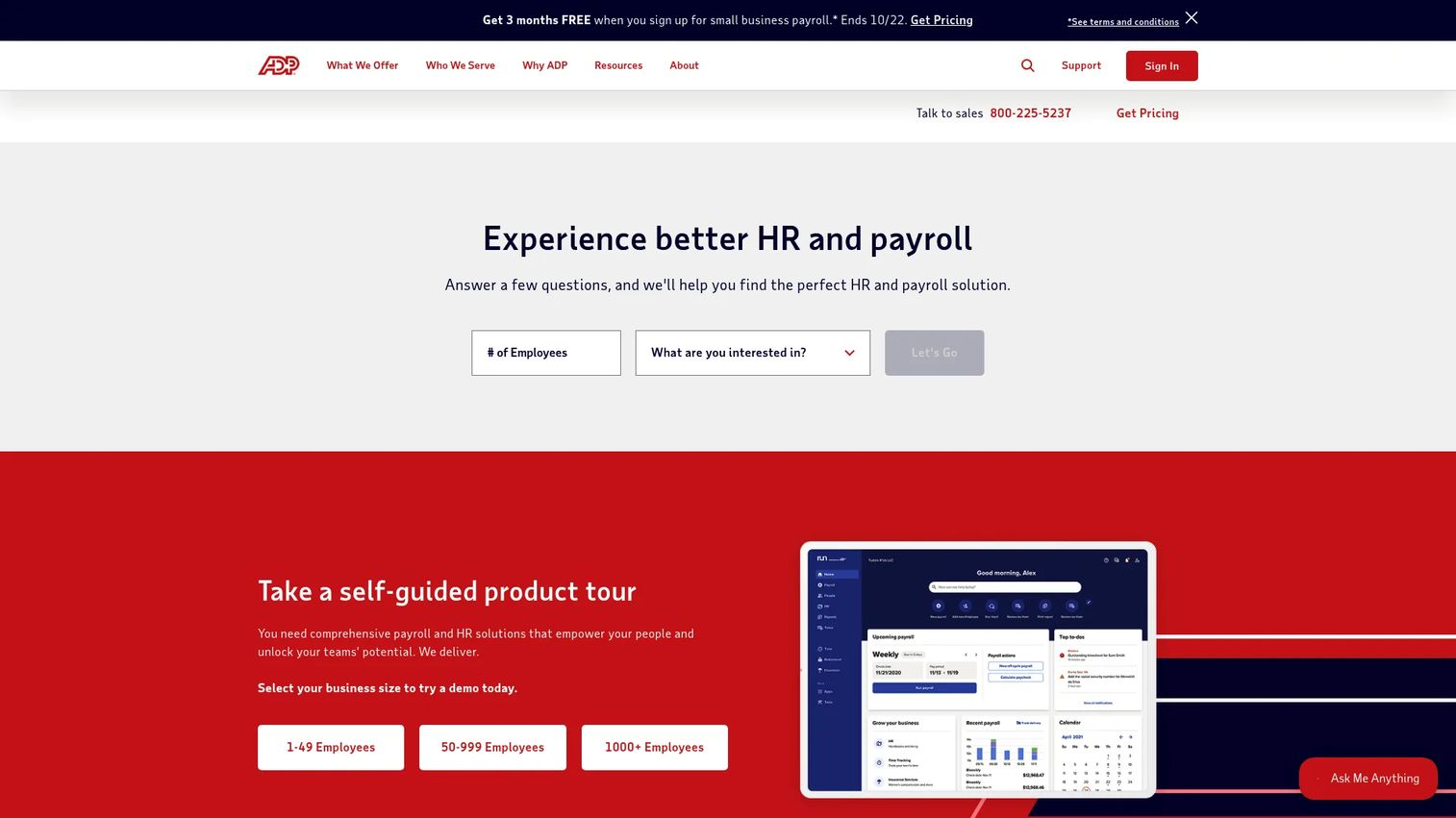
ADP Workforce Now is an all-in-one HR, payroll, benefits, and workforce management platform for midsized and enterprise organizations. Its analytics and reporting capabilities sit directly on top of payroll, time, and HR records, which reduces the integration work needed to get basic workforce metrics. Companies already running ADP for payroll get workforce analytics without connecting a separate system.
Best for: Companies that want HR analytics connected to payroll and HCM records without adding a standalone analytics tool.
Key features
- Payroll-linked workforce analytics and dashboards
- Headcount, retention, and HR reporting
- AI-powered insights across HR and payroll data
- Benefits, time, and attendance data integration
- Talent acquisition and compensation management reporting
Why choose ADP Workforce Now: ADP Workforce Now fits when HR and payroll are already centralized on the ADP platform. The analytics depth varies by module and implementation, and organizations that need cross-system people analytics beyond ADP may need additional tooling.
ADP Workforce Now pricing: ADP publishes Select, Plus, and Premium package tiers but does not display prices. All tiers are quote-based. Contact ADP directly at adp.com to get a price based on employee count and selected modules.
G2 rating: A dedicated G2 rating for the core ADP Workforce Now product was not verified at the time of research.
4. BambooHR
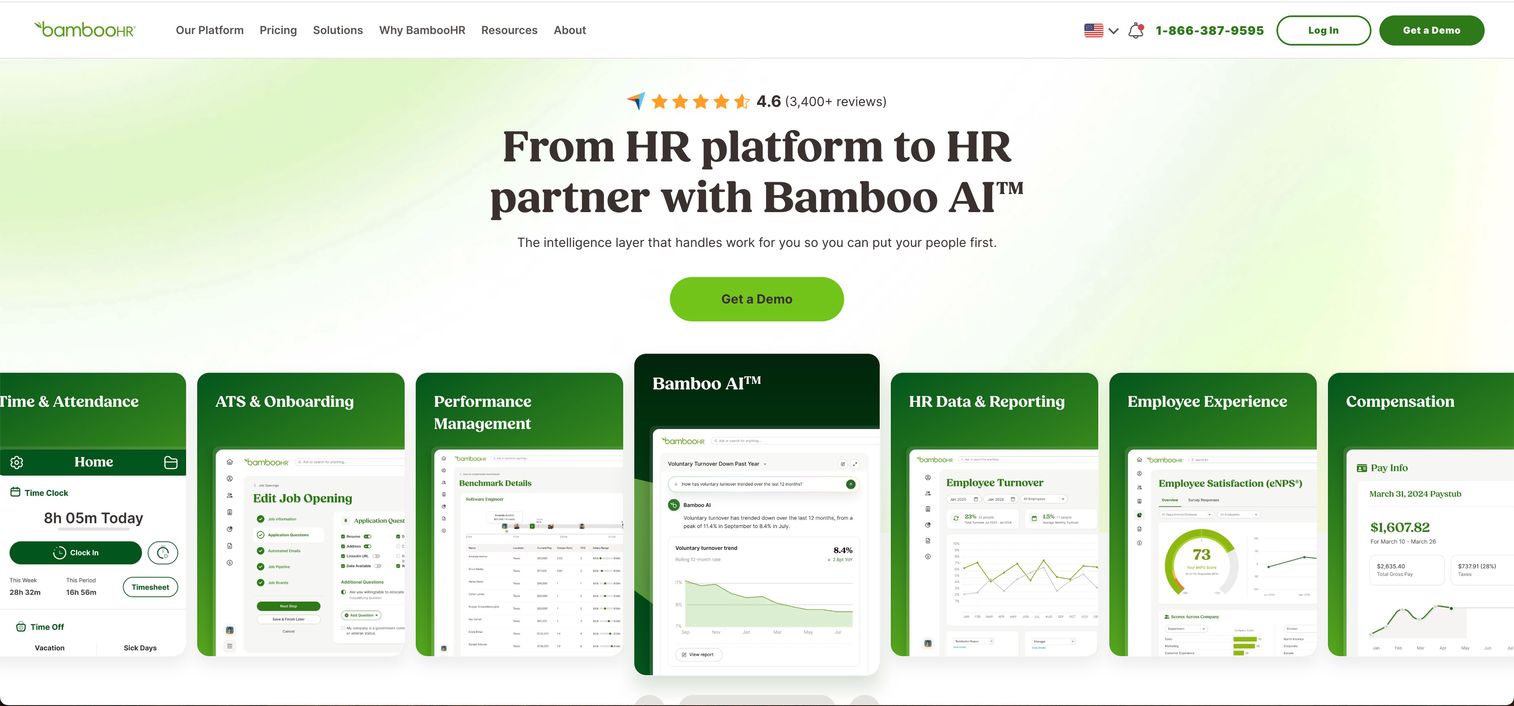
BambooHR is a cloud-based HR platform covering employee data, payroll, benefits, onboarding, time tracking, performance, and compensation. Its reporting tools are built for practical HR use rather than advanced people analytics, making it accessible for growing companies that need a reliable HRIS with usable dashboards. The platform suits a Series B company that needs a solid HR foundation before investing in a dedicated analytics layer.
Best for: Growing SaaS companies that need usable HR reporting and an HRIS foundation without a large analytics program.
Key features
- Employee reporting and headcount dashboards
- Custom report builder across HR data fields
- Compensation management and pay analysis
- Applicant tracking and onboarding data
- AI-powered workflows and HR insights (Bamboo AI)
Why choose BambooHR: BambooHR earns its place when adoption and time to first useful report matter more than analytics depth. For companies that need predictive retention or cross-system workforce modeling, a dedicated talent management software layer will be needed alongside it.
BambooHR pricing: Plans start at $10 per employee per month for Core, $17 per employee per month for Pro, and $25 per employee per month for Elite. Companies with 25 or fewer employees pay from $250 per month. All pricing is billed per employee per month.
G2 rating: 4.4/5
5. Paycor
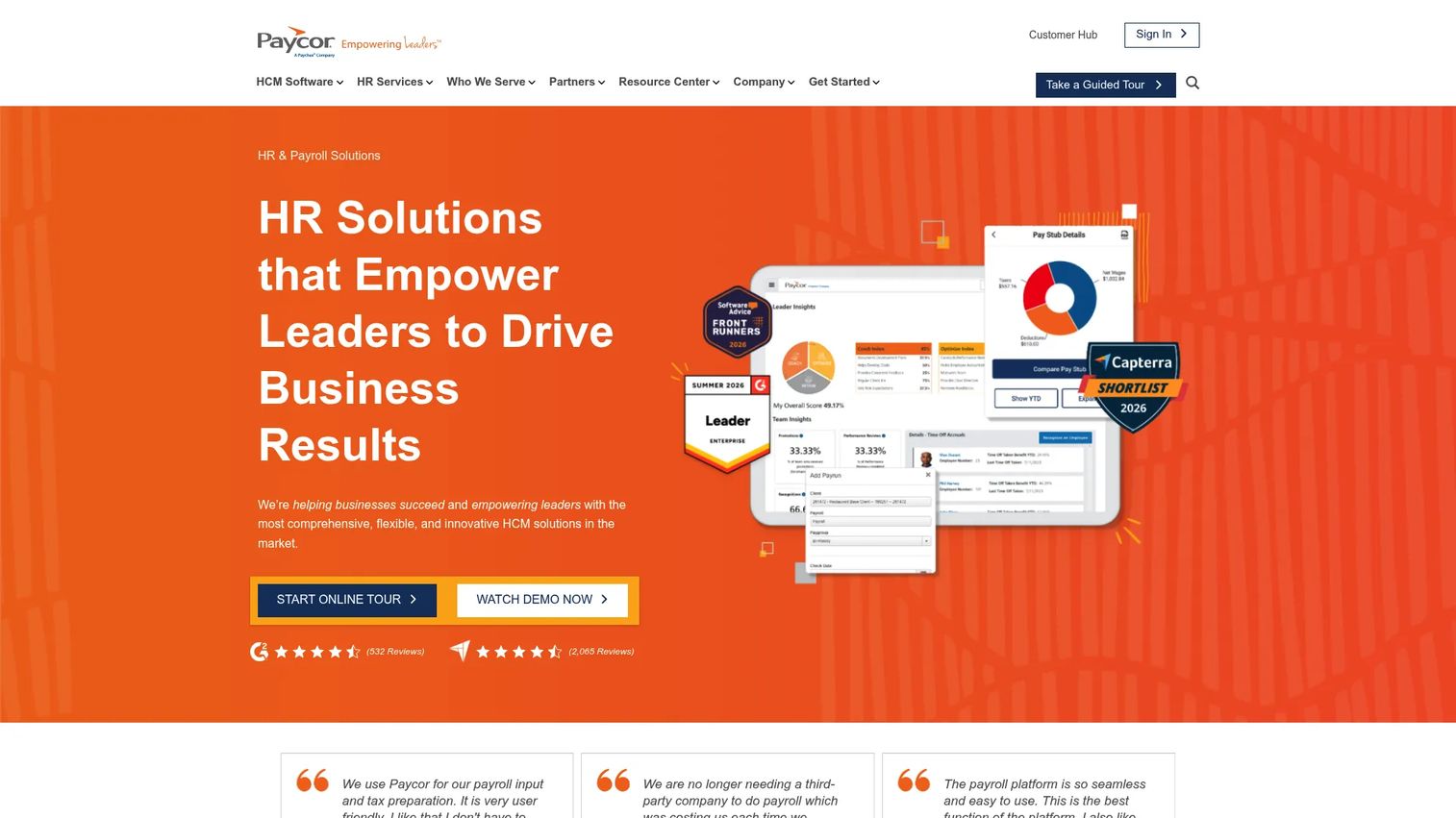
Paycor provides cloud-based human capital management software covering payroll, HR, talent acquisition, workforce management, and benefits. Its analytics sit within the HCM suite, connecting payroll, compliance, and workforce data in one reporting environment. The platform is relevant for small and midsize companies that want an integrated HCM operating layer with reporting built in.
Best for: Small and midsize businesses that want HR analytics connected to payroll and employee administration.
Key features
- Payroll processing and compliance reporting
- Workforce dashboards and HR analytics
- Talent acquisition and onboarding reporting
- Time, attendance, and scheduling data
- Benefits administration and ACA compliance tracking
Why choose Paycor: Paycor is a practical choice when the company needs payroll, HR, and basic workforce reporting in one system. Teams that need advanced cross-system people analytics or predictive modeling may need to supplement with a standalone platform.
Paycor pricing: Small-business plans start at $99 per month plus $5 per employee per month for Basic, with Essential at $149 plus $6/employee, Complete at $199 plus $7/employee, and HCM at $199 plus $12/employee. Mid-market pricing is custom.
G2 rating: 4.0/5
6. Qualtrics
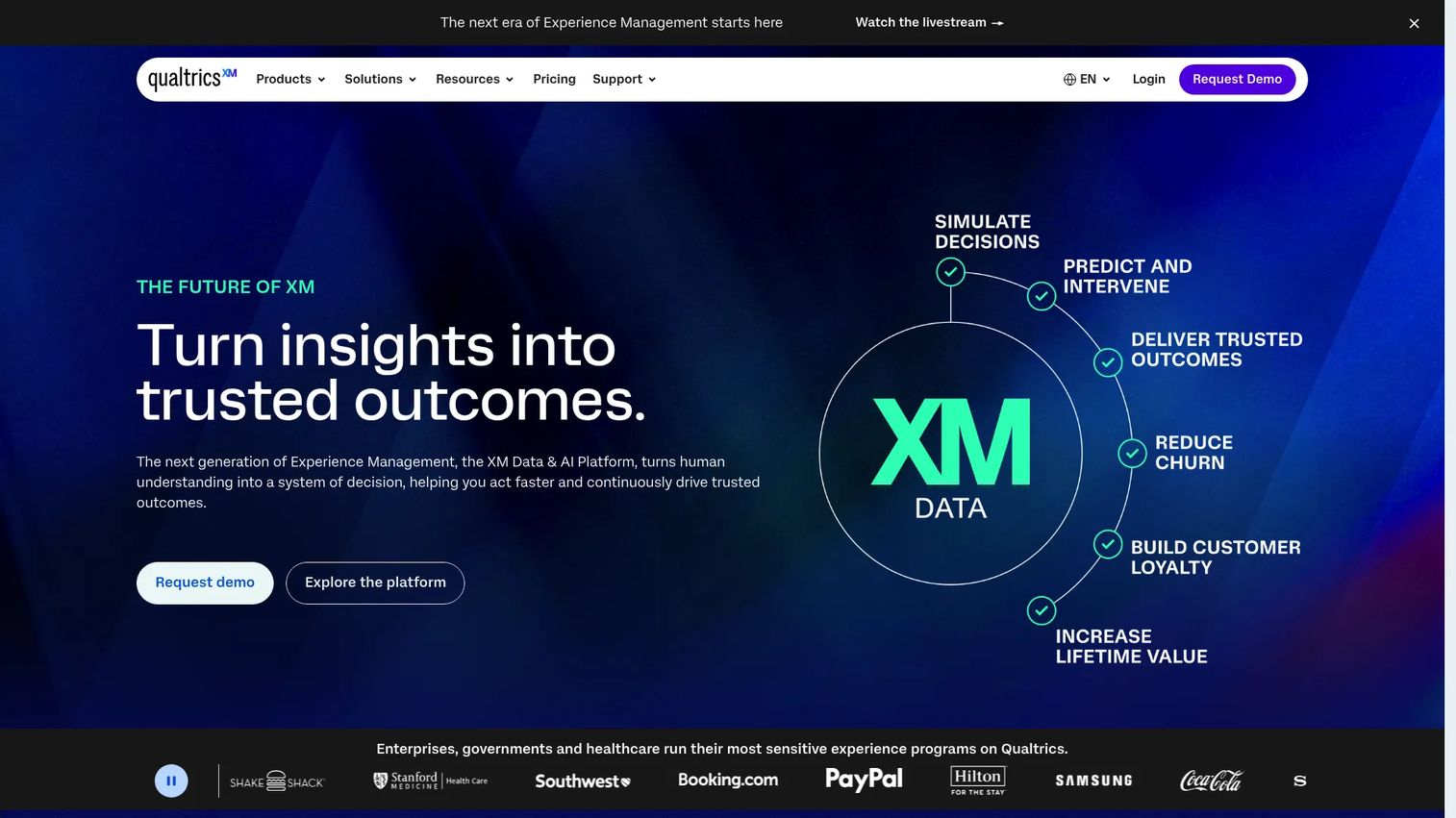
Qualtrics is an experience management platform covering customer, employee, market research, and brand experience data. On the HR side, it excels at employee engagement surveys, sentiment analysis, lifecycle feedback, and action planning. It complements operational workforce analytics rather than replacing payroll or headcount reporting.
Best for: People teams focused on engagement signals, sentiment, and employee experience as drivers of retention and manager effectiveness.
Key features
- Employee engagement surveys and lifecycle feedback
- AI-powered sentiment analysis and comment themes
- Action planning linked to survey results
- Dashboard and reporting across HR and experience data
- Integrations with HRIS, Slack, and Microsoft Teams
Why choose Qualtrics: Choose Qualtrics when the primary question is "how do employees feel and why" rather than "how many employees do we have and where." It pairs well with operational HR analytics platforms that handle headcount, attrition, and compensation reporting.
Qualtrics pricing: A free Surveys account is available. Self-service Strategic Research starts at $420 per month, billed annually at $5,040. The broader XM platform uses custom, quote-based pricing.
G2 rating: 4.4/5
7. Excel
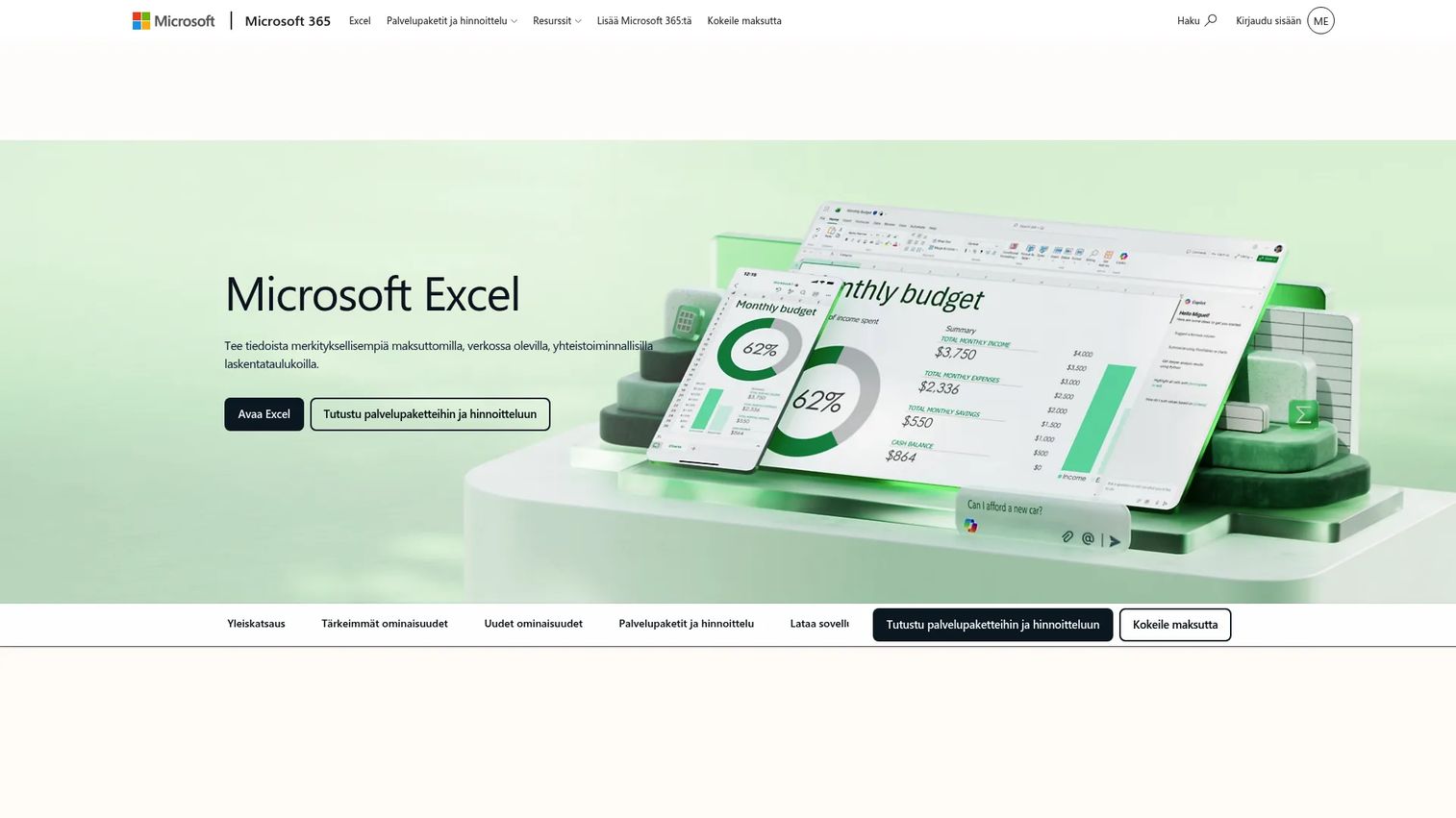
Microsoft Excel remains the starting point for HR analysis at companies that haven't yet moved to a dedicated platform. Pivot tables, formula-based analysis, and scenario modeling work well for small datasets and one-time analyses. The limitations show quickly: Inconsistent metric definitions across versions, manual refresh cycles, and no access controls on sensitive compensation data.
Best for: Small teams with limited data sources, strong spreadsheet skills, and one-off analytical needs.
Key features
- Pivot tables and formula-based data analysis
- Custom dashboard and chart creation
- Scenario modeling and what-if analysis
- Real-time collaboration via web version
- Broad file format compatibility
Why choose Excel: Excel is the lowest-friction starting point, and for companies with under 50 employees and simple reporting needs it may cover the basics. Once headcount exceeds that range, version control issues, data inconsistency, and manual refresh work start costing more time than a dedicated tool.
Excel pricing: The web version is free. Microsoft 365 Personal runs $99.99 per year and Family runs $129.99 per year, both including desktop Excel. Microsoft 365 Premium is $199.99 per year.
G2 rating: 4.7/5
8. Tableau
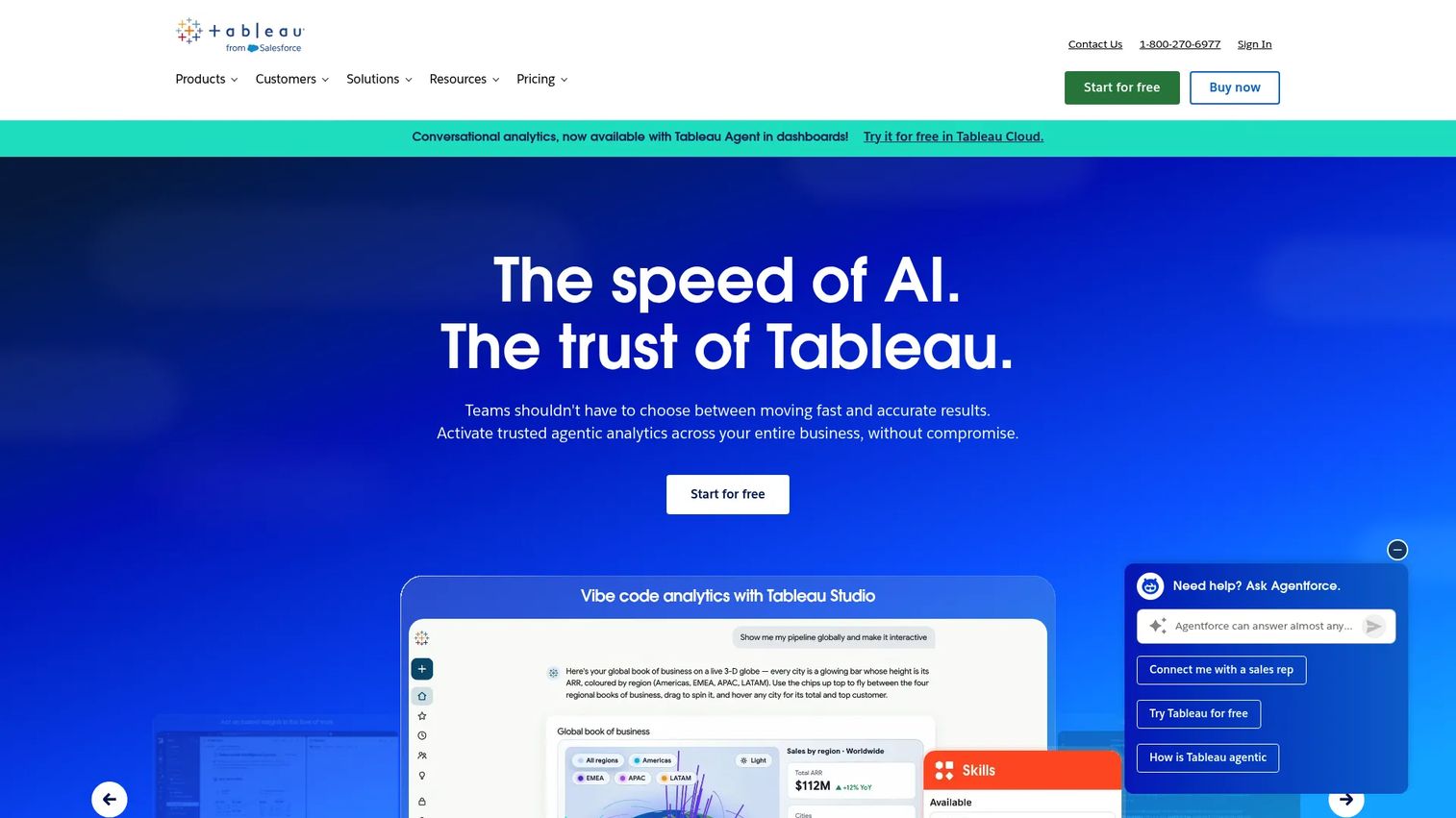
Tableau is a visual analytics platform for connecting, exploring, and sharing data-driven insights. HR teams use it to build interactive workforce dashboards across HRIS, payroll, recruiting, and engagement data. It suits organizations with internal data team support, because building and maintaining the HR data model, metric definitions, and dashboard governance requires ongoing analyst ownership.
Best for: Data-mature HR teams with analytics support that need flexible workforce visualization across business systems.
Key features
- Interactive dashboards and visual workforce analytics
- Data blending across HR, finance, and operations sources
- Calculated fields and custom metric definitions
- Embedded analytics for internal self-service
- Data governance and lineage tools
Why choose Tableau: Tableau delivers depth when your data team can own the modeling layer. HR teams without analyst support will spend more time on data prep than on insight generation, which is the common failure mode for this category of tool.
Tableau pricing: Standard Viewer starts at $15 per user per month, Standard Explorer at $42, and Standard Creator at $75, all billed annually. Enterprise tiers start at $35, $70, and $115 per user per month respectively. A free public version and a free desktop edition are available.
G2 rating: 4.4/5
9. Power BI
Power BI is a business intelligence platform for connecting data, building interactive reports, and sharing insights across Microsoft tools. For HR, it lets teams model workforce data alongside finance, revenue, and operating metrics in one reporting layer. Companies already running Microsoft 365, Azure, or Teams get tight native integration without additional connectors.
Best for: Companies that want workforce reporting embedded in a broader business intelligence stack, especially in Microsoft-heavy environments.
Key features
- Data modeling across HR, finance, and ops sources
- Interactive workforce dashboards and reports
- Microsoft 365 and Azure native integration
- Natural-language queries via Copilot in Fabric
- Role-based access controls and governance
Why choose Power BI: Power BI is the cost-effective BI choice when the company already pays for Microsoft 365 and wants workforce reporting to sit alongside its financial and sales data. HR teams typically need analyst support for data modeling and metric governance, so plan that resource before committing.
Power BI pricing: The free account supports report creation. Power BI Pro runs $14 per user per month and Premium Per User runs $24 per user per month, both billed annually. Embedded pricing varies by capacity.
G2 rating: 4.5/5
10. ThoughtSpot
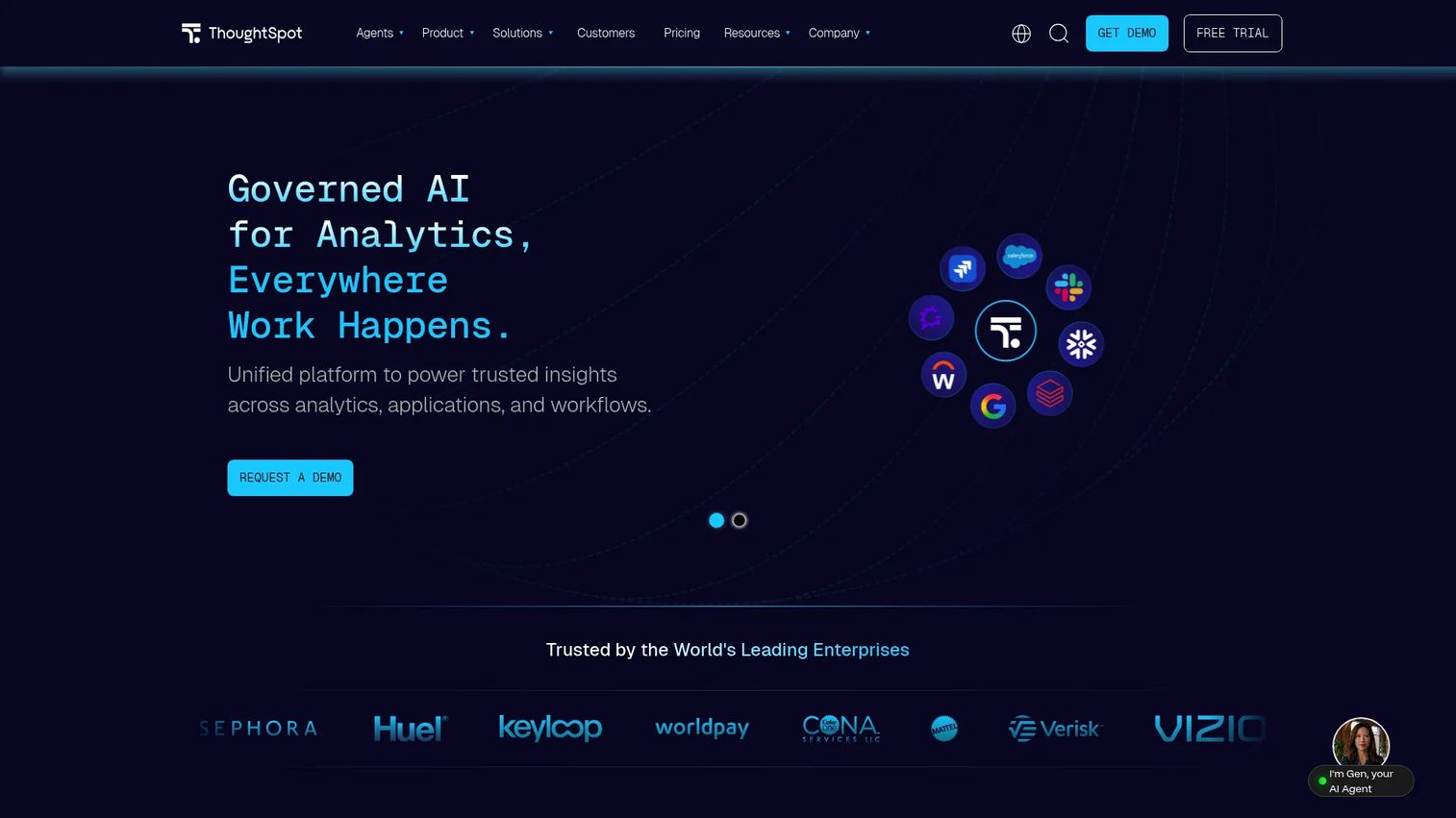
ThoughtSpot is an AI-native analytics platform built around natural-language search. HR leaders and executives type workforce questions directly and get answers from connected data without waiting for a new report. The platform also surfaces AI-powered anomaly detection and automated change analysis on top of standard dashboards.
Best for: Leadership teams that want self-service workforce exploration and executives who won't wait for a scheduled report.
Key features
- Natural-language search and conversational analytics
- AI-powered anomaly detection and change analysis
- Interactive dashboards and live data connections
- Embedded analytics with APIs and SDKs
- Data governance and role-based security controls
Why choose ThoughtSpot: ThoughtSpot reduces the time between a workforce question and an answer for people who won't learn a BI tool. Data preparation, permissions, and metric governance still require ownership, so the upstream data work still needs a dedicated resource.
ThoughtSpot pricing: Essentials starts at $25 per user per month and Pro starts at $50 per user per month, both billed annually. Enterprise and Embedded plans use custom pricing. A Developer plan is free for the first year.
G2 rating: 4.4/5
11. Workday People Analytics
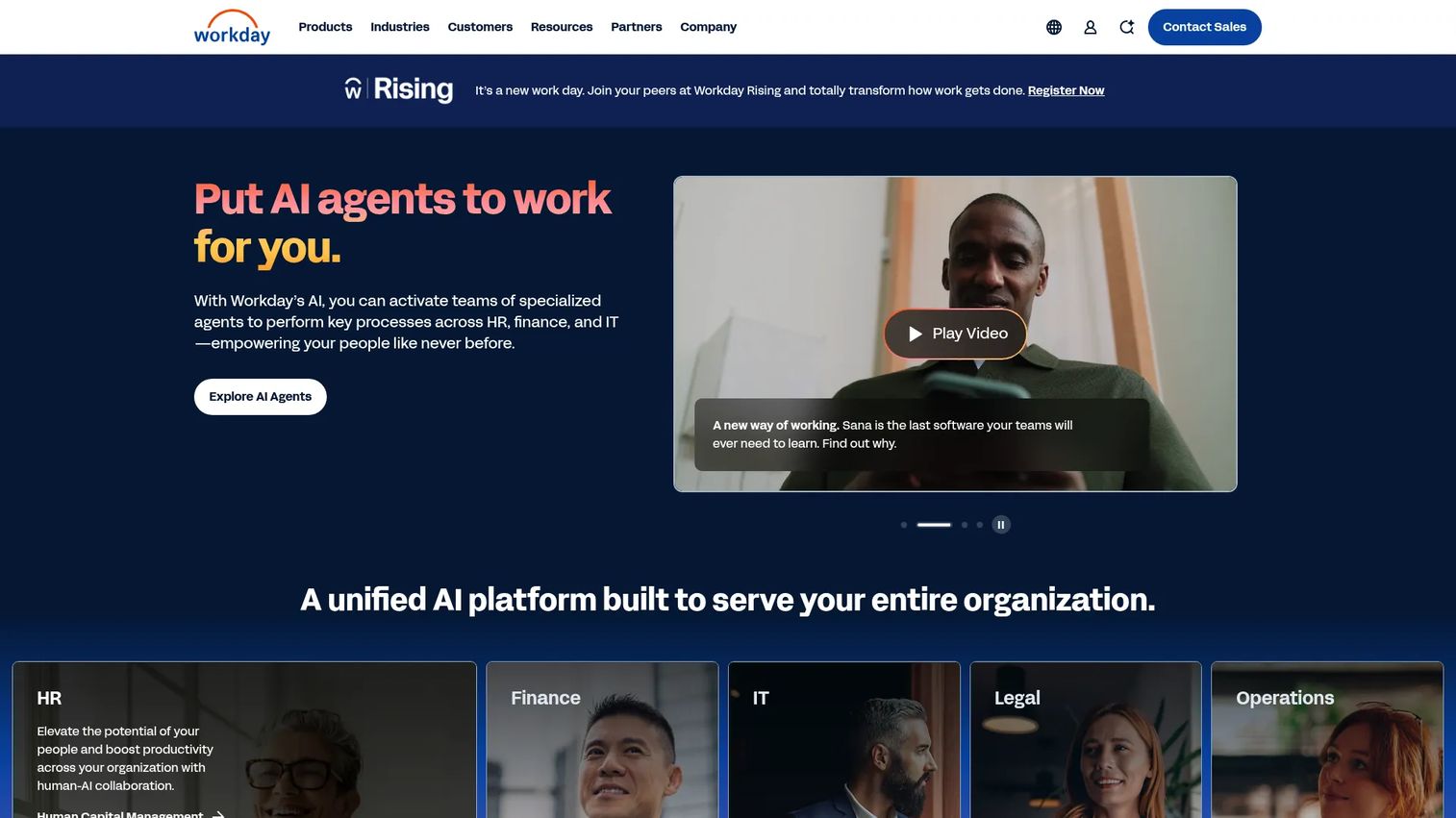
Workday People Analytics uses augmented analytics and machine learning to surface workforce KPIs, trends, risks, and opportunities within the Workday ecosystem. The Storyteller engine generates automated narratives and prioritized focus insights, covering hiring, attrition, talent, skills, diversity, and organizational composition. It is designed for organizations already standardized on Workday HCM.
Best for: Companies already running Workday HCM that want embedded, AI-assisted workforce analytics without a separate platform.
Key features
- AI-powered workforce KPIs and prioritized insights
- Automated narratives via the Storyteller engine
- Analysis across attrition, talent, skills, and diversity
- Native connection to Workday HCM data
- Executive dashboards and workforce planning support
Why choose Workday People Analytics: The platform delivers data proximity and reduced duplication for Workday shops. For companies outside the Workday ecosystem, the fit drops significantly and a standalone analytics platform makes more sense.
Workday People Analytics pricing: Custom pricing. Workday directs prospects to contact sales at workday.com for a quote based on deployment scope.
G2 rating: A dedicated product-level G2 rating for Workday People Analytics was not verified at the time of research.
12. SAP SuccessFactors Workforce Analytics
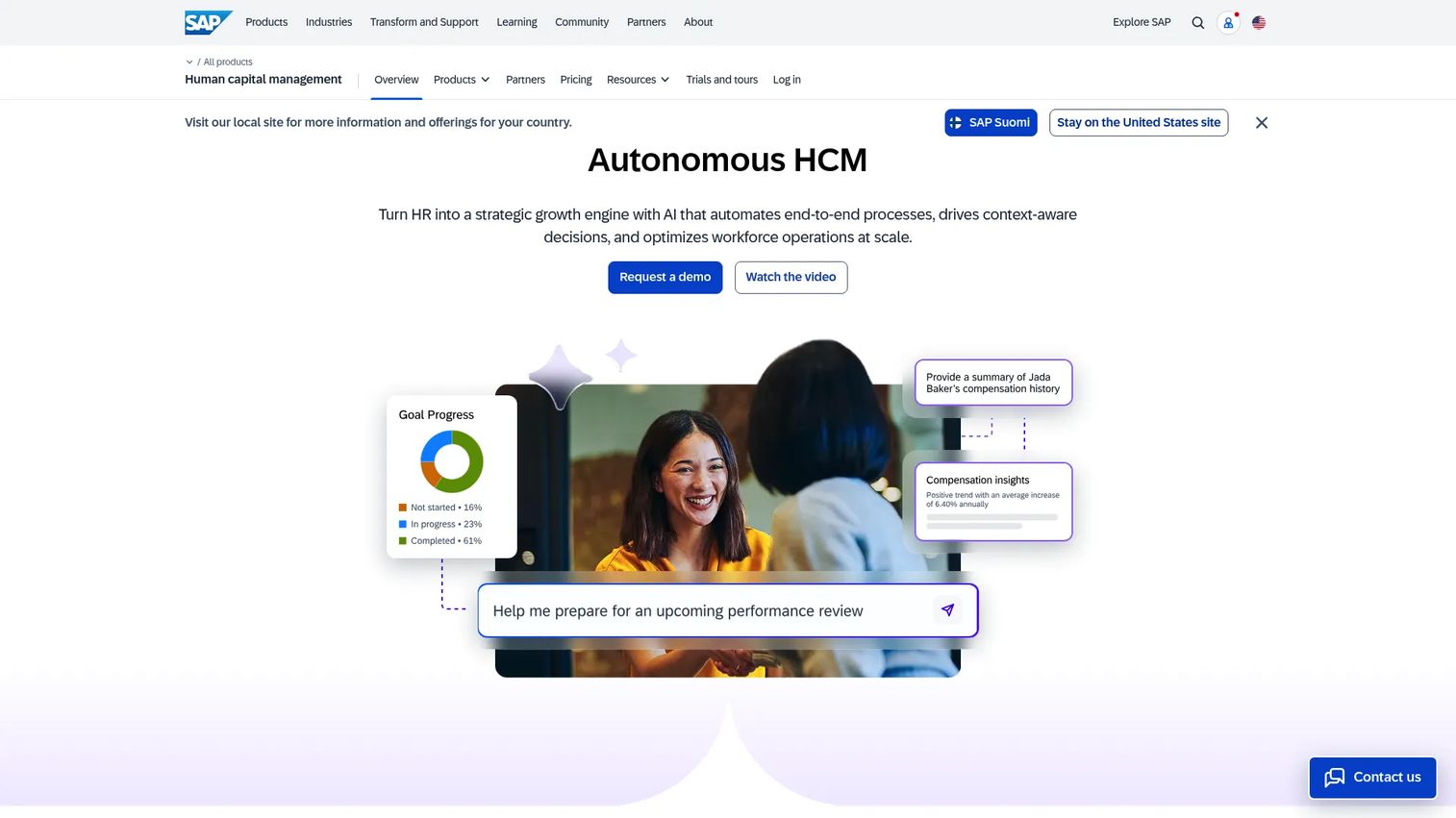
SAP SuccessFactors Workforce Analytics provides multidimensional workforce reporting and analysis within the SuccessFactors suite. Tools including Investigate, Benchmark, Query Workspace, and Analytics Workspace support trend analysis, statistical correlation, and regression methods across workforce measures and dimensions.
Best for: Enterprise HR teams running SAP SuccessFactors that need detailed, governed workforce reporting inside existing infrastructure.
Key features
- Custom analysis using Investigate and Query Workspace tools
- Trend analysis across workforce measures and dimensions
- Correlation, regression, and benchmarking methods
- Drag-and-drop analytics interface
- Enterprise governance aligned with SAP infrastructure
Why choose SAP SuccessFactors Workforce Analytics: The platform fits complex enterprise organizations with established SAP infrastructure. Implementation scope, procurement requirements, and governance expectations are high, reflecting an enterprise-first design. Companies outside the SAP ecosystem will find standalone people analytics platforms faster to deploy.
SAP SuccessFactors Workforce Analytics pricing: Custom pricing. SAP does not publish a standalone Workforce Analytics price. Contact SAP at sap.com or through a partner for a quote based on your SuccessFactors deployment.
G2 rating: A dedicated product-level G2 rating for SAP SuccessFactors Workforce Analytics was not verified at the time of research.
13. Culture Amp
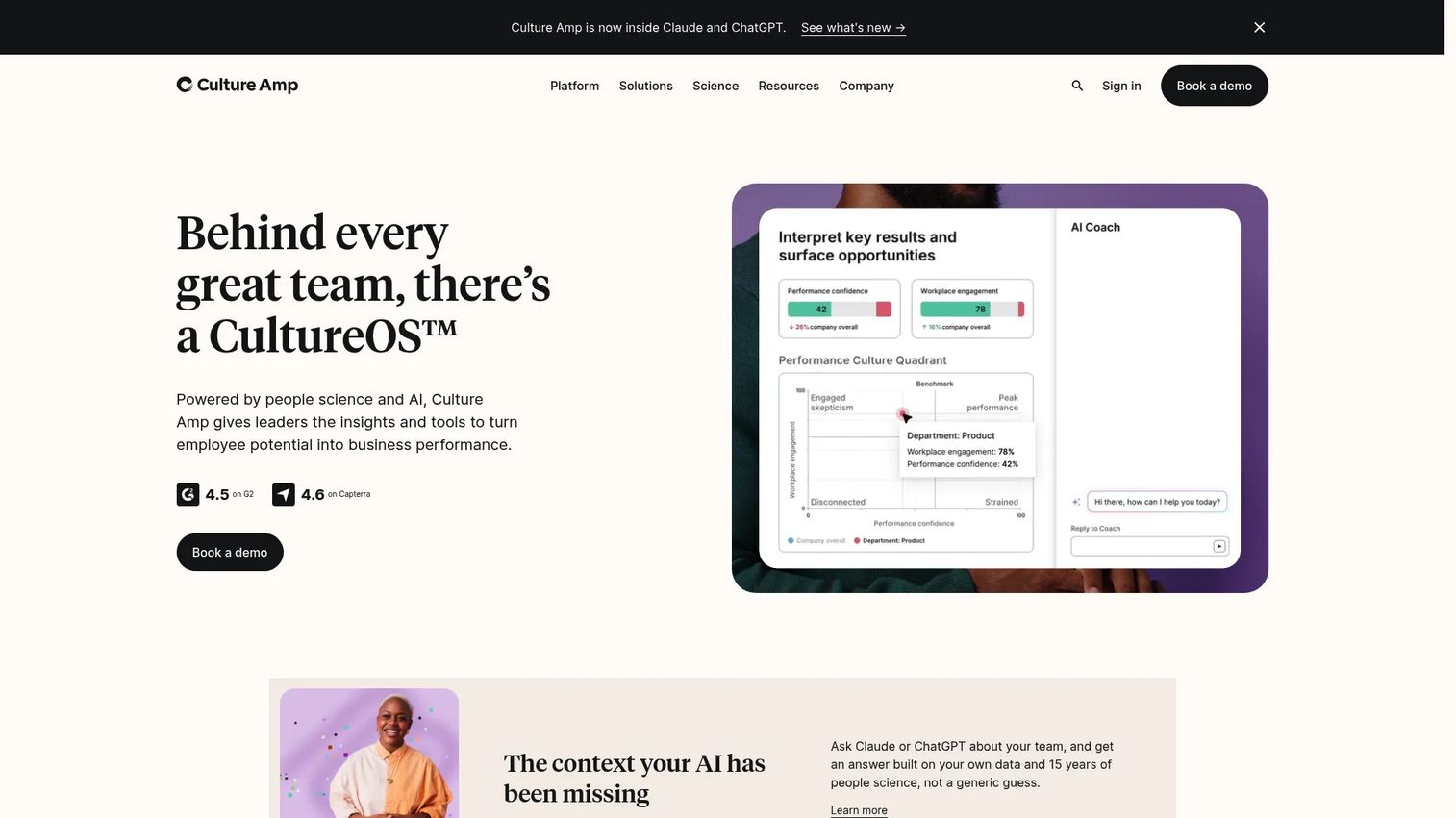
Culture Amp is an employee experience platform covering engagement surveys, performance management, and employee development. Its analytics translate survey results and feedback into manager-level action plans and organizational insights. The platform is used by People teams that want engagement data connected to performance cycles.
Best for: People teams measuring engagement, manager effectiveness, and employee development as part of a retention strategy.
Key features
- Employee engagement surveys and AI-powered sentiment analysis
- Performance reviews, calibration, goals, and continuous feedback
- Lifecycle surveys across the employee journey
- Development plans and Skills Coach
- HRIS, Slack, and Microsoft Teams integrations
Why choose Culture Amp: Culture Amp converts employee feedback into structured manager action better than most platforms in this category. It is an engagement and performance tool, not a replacement for payroll analytics or broad workforce reporting, so plan to pair it with an operational HR analytics platform.
Culture Amp pricing: Culture Amp uses annual billing and custom pricing across its Engage and Perform products. Request a quote at cultureamp.com based on employee count and selected modules.
G2 rating: 4.5/5
14. Orgvue
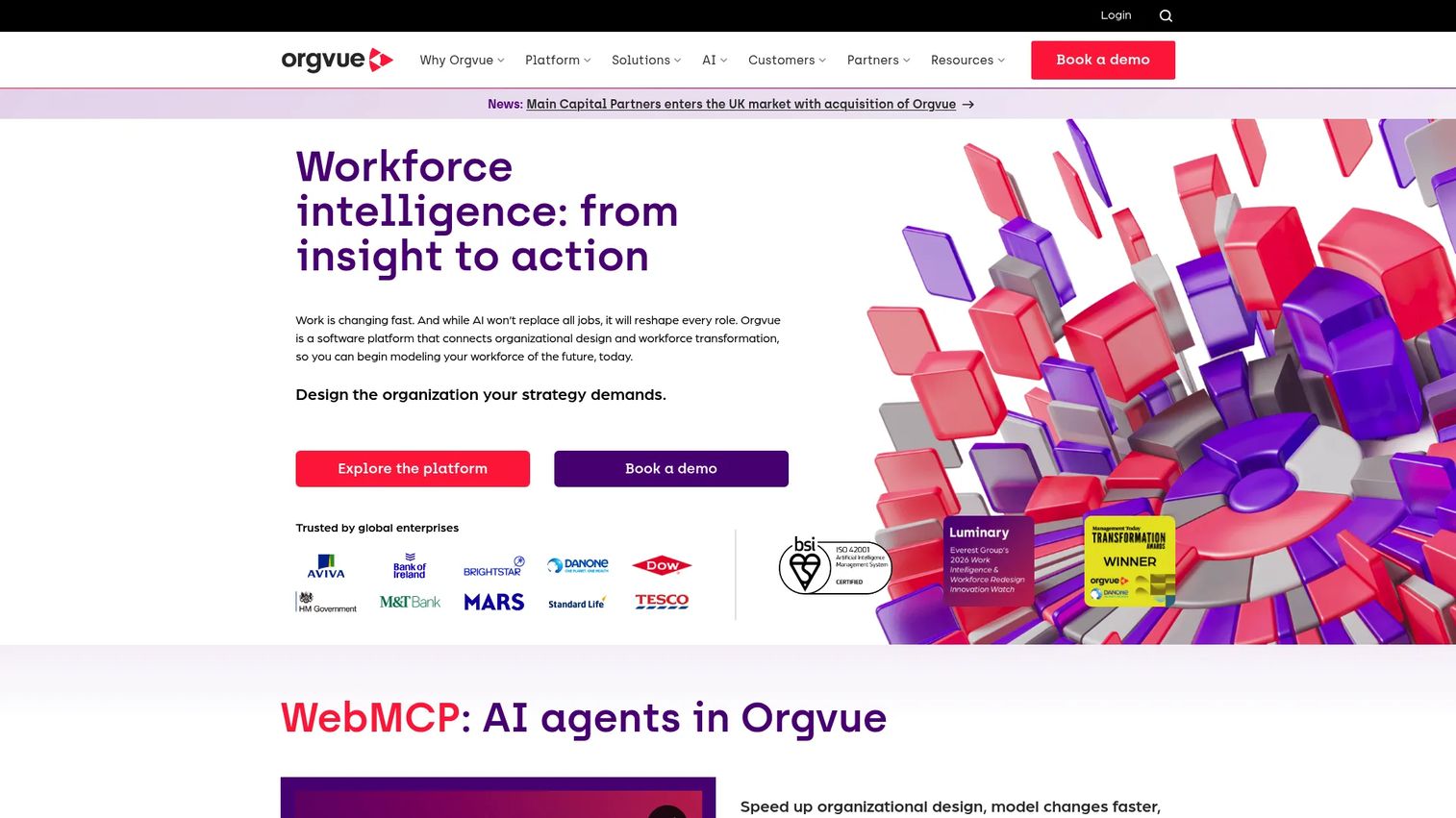
Orgvue is an organizational design and workforce transformation platform for analyzing, planning, and monitoring workforces. It supports scenario modeling, cost analysis, skills gap analysis, and organizational visualization. The platform fits leadership teams making structural decisions rather than teams focused on routine HR reporting.
Best for: Leadership and People teams modeling future organizational structure, cost, and capacity before committing headcount.
Key features
- Organization visualization and org chart analysis
- Scenario modeling and workforce transformation planning
- Activity analysis and spans-and-layers review
- Skills gap analysis and talent selection support
- Workforce monitoring and headcount tracking
Why choose Orgvue: Orgvue is the right tool when the decision is organizational, not operational. Companies preparing for substantial growth, a restructuring, or an operating-model change get the most from it. Routine headcount tracking or engagement reporting fits better in a different category.
Orgvue pricing: Orgvue uses annual subscription billing. Pricing is not published and requires contacting the team at orgvue.com for a quote.
G2 rating: 4.4/5
15. Insightful
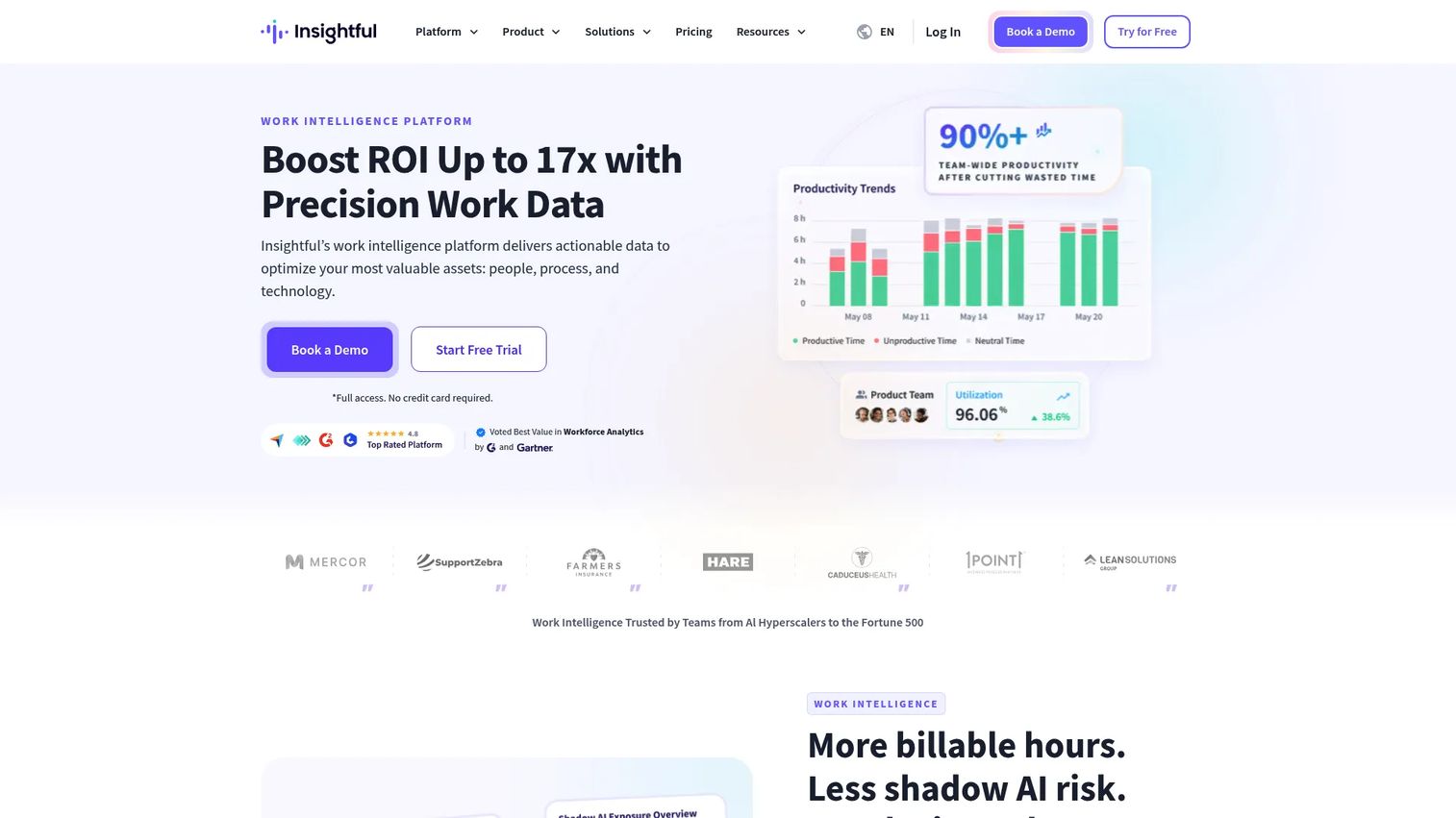
Insightful is a workforce intelligence platform for analyzing employee productivity, time, activities, and work locations. It suits distributed and hybrid teams where managers need visibility into workflow patterns without relying on manual check-ins. Monitoring practices should be implemented transparently and with clear employee communication about what is tracked.
Best for: Operations and People teams managing remote or hybrid workforces that need productivity and attendance visibility.
Key features
- Real-time workforce activity monitoring
- Time and attendance tracking
- Productivity dashboards and team reporting
- Workflow analysis across applications and activities
- Alerts and anomaly detection
Why choose Insightful: Insightful fits when operational productivity data and attendance patterns are the primary workforce question, not broader people strategy. Use it alongside, not instead of, a platform that covers retention, compensation, and organizational analytics.
Insightful pricing: Workforce Analytics starts at $8 per seat per month, Workflow Optimization at $12, and the Combo Plan at $16, all billed annually. Enterprise pricing is custom. A 7-day trial is available.
G2 rating: 4.6/5
16. Deel
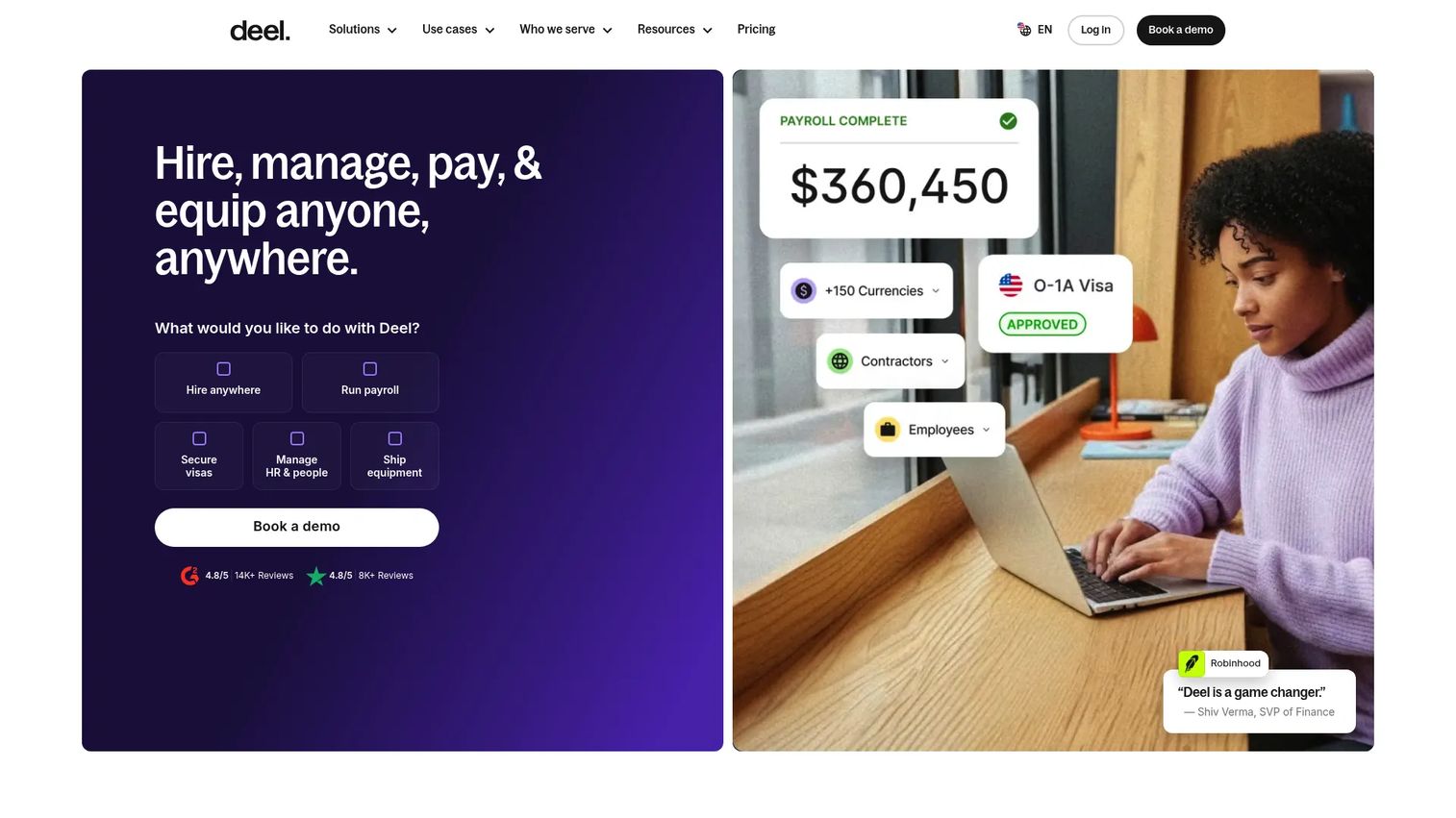
Deel is a global HR and payroll platform for hiring, paying, and managing employees and contractors worldwide. Its reporting covers global workforce composition, contractor data, payroll, compliance workflows, and benefits. It fits SaaS companies with distributed or international teams that need a unified view of workforce data across countries and employment types.
Best for: SaaS companies managing international employees and contractors that need consolidated global workforce reporting.
Key features
- Global hiring, EOR, and contractor management
- Payroll and compliance reporting in 120+ currencies
- Employee records and benefits administration
- Automated onboarding and HR management workflows
- Workforce data across employment types and countries
Why choose Deel: Deel solves the fragmented-data problem for international teams, where payroll, legal entities, and employment types vary by country. It complements rather than replaces a dedicated people analytics platform for organizations that also need retention modeling or engagement data.
Deel pricing: Pricing starts at $14 per worker per month for talent sourcing, $49 per contractor per month for contractor management, $125 per employee per month for US PEO, and $599 per employee per month for Employer of Record services.
G2 rating: 4.7/5
17. intelliHR
intelliHR is a cloud-based HR and people management platform covering employee records, onboarding, performance management, engagement surveys, and workforce analytics. The platform rebranded as Humanforce HR in March 2025 but continues to operate under the intelliHR name. It fits mid-market companies formalizing their people operations function after rapid headcount growth.
Best for: Mid-market companies building a more structured people operations function that need lifecycle tracking, engagement data, and performance reporting.
Key features
- Core HR and centralized employee records
- Performance management and feedback workflows
- Employee engagement surveys and reporting
- Onboarding and offboarding lifecycle tracking
- Compensation planning and HR dashboards
Why choose intelliHR: intelliHR fits companies moving from ad-hoc people management to structured processes, particularly in APAC-based or regionally focused markets where the platform has strong adoption. Pricing details and current G2 ratings were not publicly accessible during research; verify directly at intellihr.com.
intelliHR pricing: Pricing details were not accessible during research. Contact the team at intellihr.com for a current quote.
G2 rating: Current product-level rating not verified at time of research.
18. PerformYard
PerformYard is an AI-powered performance management platform covering reviews, goals, continuous feedback, one-on-one meetings, engagement surveys, and talent analytics. It gives HR teams a configurable system for managing performance cycles and surfacing employee development data, with AI summaries and recommendations layered in.
Best for: HR teams focused on performance review accuracy, goal alignment, and talent development visibility across the organization.
Key features
- Customizable performance reviews and review cycle management
- Goal management with cascading and aligned objectives
- Continuous feedback, recognition, and one-on-ones
- Employee engagement surveys and cohort analytics
- AI summaries, recommendations, and 9-box calibration views
Why choose PerformYard: PerformYard is the focused choice when performance cycle quality and goal visibility are the primary HR analytics need. Teams that also need workforce planning, headcount modeling, or predictive retention will need a complementary platform for those use cases.
PerformYard pricing: Performance and Talent Development plans both run from $5 to $15 per person per month, billed annually. The range reflects employee count and selected products. Implementation, training, HRIS integrations, and SSO are included.
G2 rating: 4.7/5
19. ChartHop
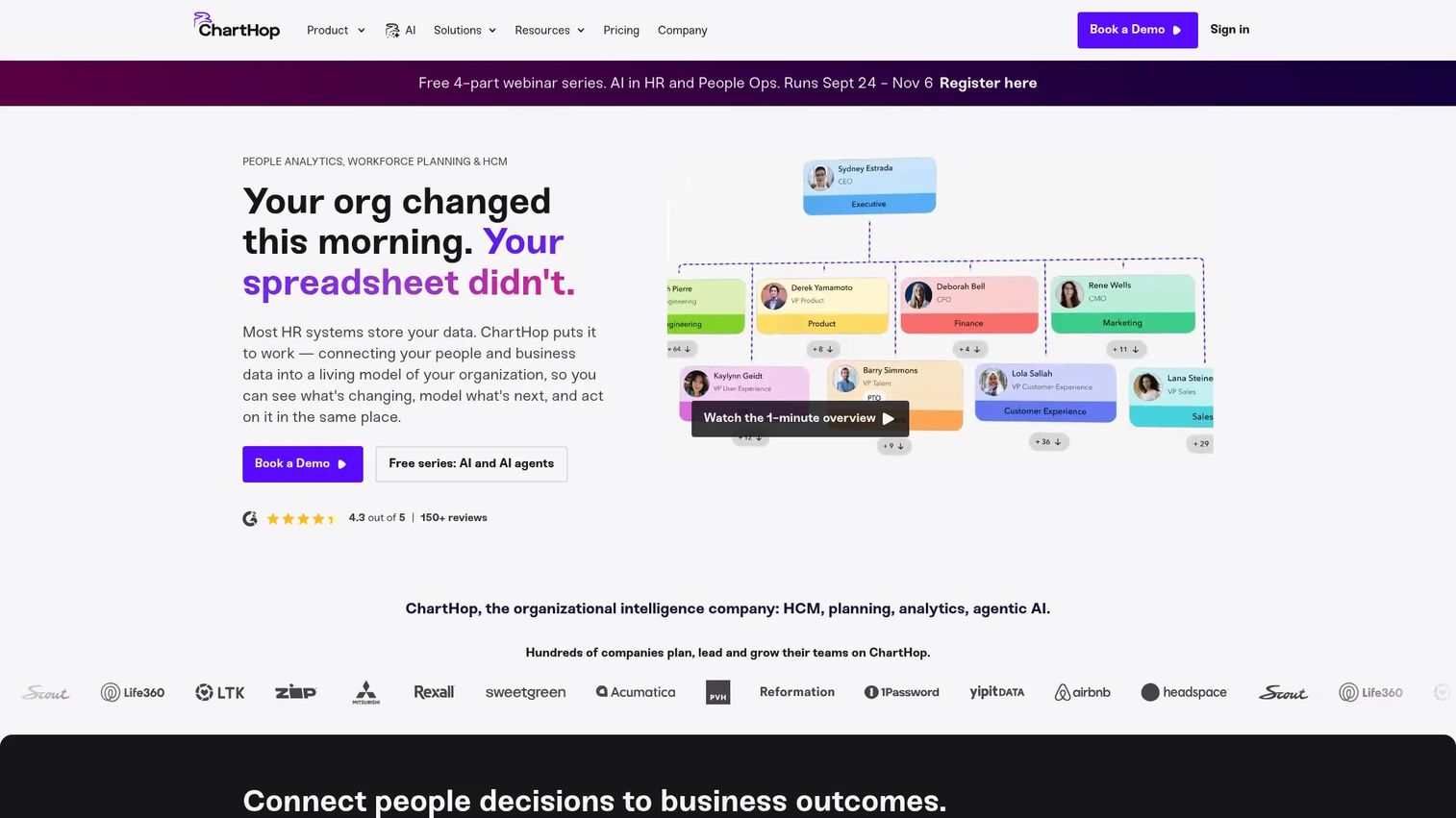
ChartHop is an AI-powered people operations and organizational intelligence platform combining org charts, people data, headcount planning, and compensation analysis. It connects HR and finance data so People and Finance teams can plan headcount, run scenario models, and track compensation in one environment. The ChartHop AI assistant lets users query workforce data in natural language.
Best for: People and Finance teams that need connected org visualization, headcount planning, and compensation analysis alongside their HRIS.
Key features
- Dynamic org charts and employee profile views
- Headcount planning and scenario modeling
- Compensation analysis and pay band tracking
- HRIS workflows, onboarding, and time-off management
- Ask ChartHop AI for natural-language workforce queries
Why choose ChartHop: ChartHop fits companies where Finance and People need to collaborate on headcount planning with shared data. It sits between a pure HRIS and a dedicated analytics platform, covering organizational visibility and planning without the complexity of enterprise workforce modeling tools.
ChartHop pricing: ChartHop Core starts at $5 per employee per month, billed annually. Add-on modules including HRIS, Headcount Planning, Compensation, Performance, Engagement, and Goals each cost $3 to $4 per employee per month. Enterprise pricing is custom.
G2 rating: 4.4/5
20. Qlik
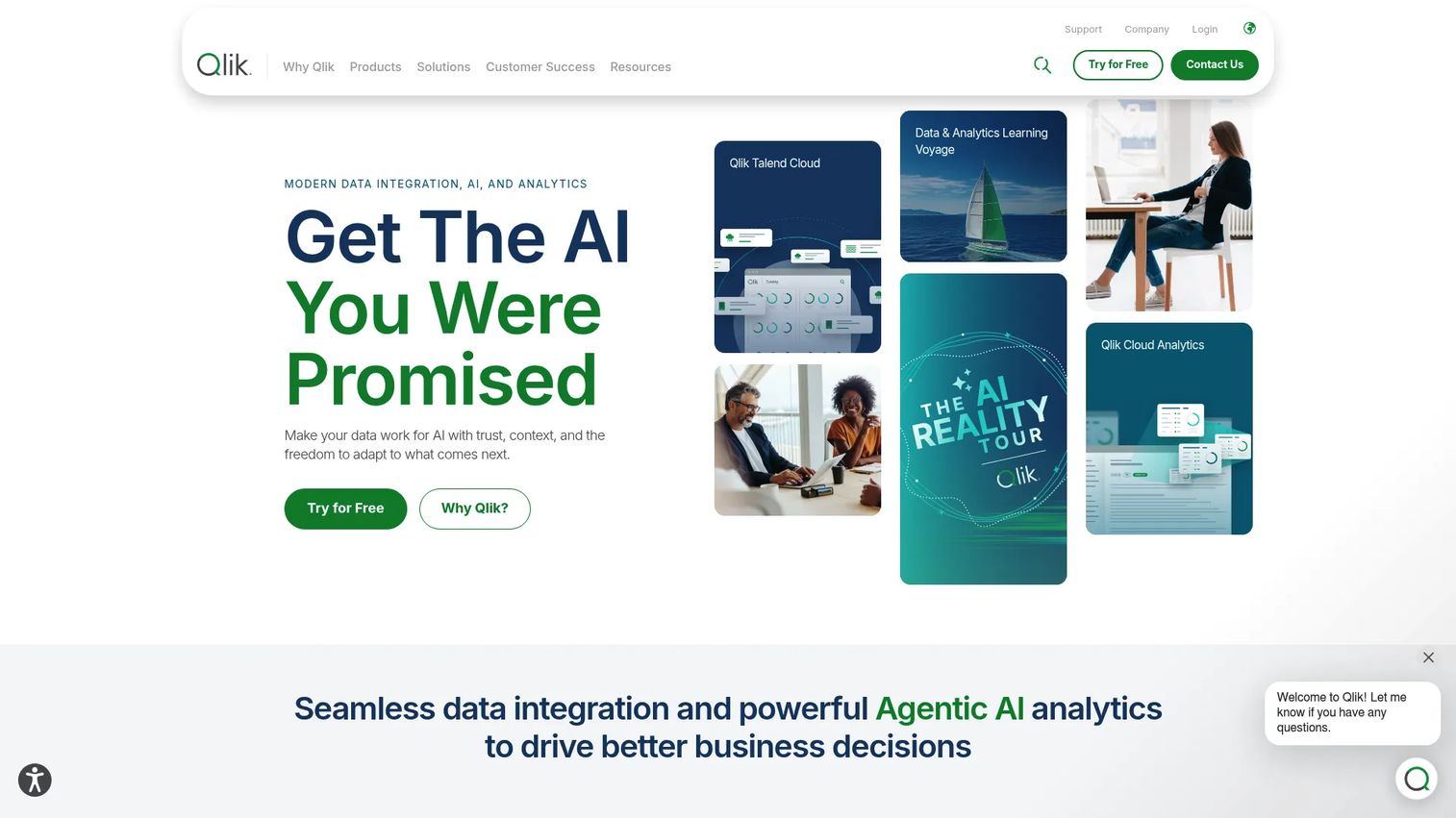
Qlik is a data integration, analytics, and AI platform for building governed workforce analytics across complex data environments. Its associative analytics engine lets users explore relationships across HR, finance, and operational data without SQL knowledge. Companies with strong internal data teams use Qlik to build workforce reporting alongside sales, revenue, and product data.
Best for: Data teams building governed workforce analytics that span HR, finance, and operations across multiple systems.
Key features
- AI-powered associative analytics and interactive dashboards
- Data integration, transformation, and quality management
- Predictive analytics and natural-language insights
- No-code automation across data workflows
- Governance, security, and lineage controls
Why choose Qlik: Qlik offers the broadest analytical flexibility across enterprise data environments, but requires stronger internal analytics ownership than HR-native tools. It is the right choice when the company needs workforce reporting to sit inside a governed, multi-system data platform rather than a standalone HR analytics tool.
Qlik pricing: Qlik Cloud Analytics Starter starts at $300 per month, Standard at $825 per month, and Premium at $2,750 per month, all billed annually. Enterprise pricing is custom and contact-based.
G2 rating: 4.4/5
Considerations when choosing HR analytics software
Start with the decision that costs you the most
Before evaluating features, define which recurring leadership question most often goes unanswered: Board reporting, headcount plan accuracy, retention visibility, or compensation exposure. A platform that solves that one decision first will prove its place in the stack. Expanding scope after the first successful reporting cycle is far easier than trying to solve everything at once.
Verify source-system coverage before committing
The platform is only as useful as the data it can reach. Confirm that it integrates with your HRIS or HCM, payroll provider, recruiting system, and any engagement or performance tools you already run. Ask specifically who owns data mapping and how often connections refresh, because stale data produces wrong decisions faster than no data.
Align on metric definitions before building dashboards
A headcount dashboard that Finance and HR calculate differently creates a trust problem, not a reporting solution. Before implementation, agree on the definitions for headcount, attrition, voluntary turnover, time to hire, and revenue per employee. A platform cannot fix conflicting definitions, but it can lock in consistent ones once the team agrees on them.
Evaluate privacy controls and access governance
Compensation, performance ratings, and sensitive employee data require role-based access controls, audit trails, and export restrictions. Evaluate whether the platform supports regional data requirements for your employee locations, and confirm that access can be scoped by role, business unit, and data type before giving leadership self-service access.
Estimate who owns the platform after launch
Every platform requires ongoing work: Updating connectors, maintaining metric definitions, refreshing dashboards, and answering executive requests. Ask whether that ownership lands on a dedicated analyst, a People Ops generalist, or an external consultant. A platform that depends on one person creates the same bottleneck it was supposed to eliminate.
How to choose the right HR analytics software for your team
If board reporting is the immediate need: Start with a platform that connects quickly to your existing HRIS and payroll data. An HCM-native tool like ADP Workforce Now or BambooHR delivers usable dashboards with minimal integration work if your system of record is already on that platform. Choose a standalone analytics tool like Visier or Crunchr when leadership needs cross-system analysis that your HRIS cannot produce on its own.
If retention is the urgent problem: Prioritize employee turnover analysis, cohort reporting, manager comparisons, and engagement signals. Culture Amp and Qualtrics surface the sentiment data; Visier and Crunchr add the predictive modeling layer when historical data is sufficient. Avoid buying predictive features before validating that your attrition data is clean and consistently defined.
If headcount planning is driving the decision: Orgvue and ChartHop are built for this job. Orgvue fits transformation-scale planning and organizational design. ChartHop fits Finance and People collaboration on rolling headcount models and compensation scenarios. General BI tools like Power BI work when the data team can own the modeling, and a predictive analytics software layer can augment either route.
If you already have a strong data team: Consider Power BI, Tableau, or Qlik. These tools give you workforce reporting that sits alongside sales, product, and financial data in one governed environment. The investment is internal analyst time rather than a specialized platform fee, which makes sense when the team already owns a BI stack.
Conclusion
HR analytics software is most valuable when it removes a recurring leadership bottleneck, not when it covers every possible metric. The right starting point depends on the decision that costs you the most time right now.
Crunchr and Visier suit companies that need dedicated people analytics across systems. ADP Workforce Now, BambooHR, and Paycor fit organizations that want HR and payroll reporting in one platform. Power BI, Tableau, and Qlik serve data teams that want workforce reporting inside a broader BI environment. Orgvue and ChartHop address headcount planning and organizational design. Culture Amp and Qualtrics cover engagement and employee experience. Excel remains a starting point for simple, one-off analysis.
Start with one decision, one owner, and a small set of agreed metrics. The first quarter where board reporting runs without manual rebuilds is the proof that the platform has earned its place in the stack.
For building the onboarding, training, and product education experiences that sit alongside your HR stack, Start your journey with Guideflow today!
FAQs
HR analytics software collects, integrates, and visualizes workforce data so leaders can make decisions about hiring, retention, compensation, performance, and organizational planning. It differs from basic HR reporting in that it connects multiple data sources, supports predictive and diagnostic analysis, and provides governed, self-service dashboards for executives and managers. General BI tools can analyze HR data but require more internal modeling and metric governance than HR-native platforms.
The answer depends on data maturity, current HR systems, and the reporting need driving the purchase. Companies with a single HRIS and basic reporting needs often start with BambooHR or ChartHop. Those needing cross-system workforce intelligence and predictive analysis typically evaluate Visier or Crunchr. Companies already on ADP or Workday can use embedded analytics before investing in a standalone platform.
Common data sources include HRIS and HCM records, payroll, applicant tracking systems, time and attendance data, performance management platforms, employee engagement surveys, learning management systems, and finance or workforce planning models. Data quality and source-system coverage determine the depth of analysis the platform can support.
Some platforms, including Visier and Crunchr, offer predictive retention analysis based on historical workforce data and engagement signals. Predictions depend on the quality and volume of historical data, the model's training, and consistent metric definitions. Predictive analytics should support investigation and early intervention, not replace judgment about individual employees.
HR-native platforms include prebuilt workforce metrics, definitions, and benchmarks, which reduces setup time and delivers faster first value. General BI tools offer flexibility across HR, finance, and operational data but require internal modeling, metric governance, and analyst ownership. The choice depends on how much analyst capacity the company has and whether cross-functional reporting alongside HR data is a priority.
Pricing varies significantly by platform type. HCM platforms like BambooHR and Paycor start from $10 to $99 per month plus per-employee fees. BI tools like Power BI start at $14 per user per month and Tableau at $15 per user per month. Specialized people analytics platforms like Visier and Crunchr use custom pricing based on employee count and deployment scope. Verify current pricing directly with vendors before budgeting.
Metrics that most directly inform operating decisions include headcount by team and function, voluntary turnover rate, retention by tenure cohort and manager, hiring plan variance, time to hire, cost per hire, compensation cost as a percentage of revenue, revenue per employee, and manager capacity ratios. For Series B companies, connecting these to burn multiple and payback period makes them board-ready.
Implementation timelines range from days for simple HRIS-connected reporting to several months for enterprise cross-system deployments. Key factors include data cleanliness, the number of source systems requiring connectors, availability of historical data, access design complexity, and whether internal or vendor resources manage the rollout. Starting with a narrow reporting use case and a single data source shortens the time to first useful output significantly.