Your team opens eight tabs to answer one question. The policy doc lives in a drive nobody remembers. The launch update sits in a Slack thread that scrolled past. The battlecard is three versions old. By the time someone finds the right answer, the moment has passed.
That friction has a cost. Employees bounce between chat, docs, portals, and legacy intranets, and every switch drains focus. For distributed and hybrid teams, the problem compounds. There is no shared "front door" where announcements, knowledge, and workflows live in one place.
Digital workplace software exists to close that gap. It pulls internal communication, enterprise search, knowledge management, and collaboration into one experience, so people spend less time hunting and more time working. The category is growing fast: the global digital workplace software market is projected to grow from roughly $59 to $73 billion in 2025 to around $176 to $202 billion by 2030 to 2032, at CAGRs in the 18 to 24% range, according to MarketsandMarkets (2025).
For a sales enablement audience, the relevance is direct. Better internal findability, cleaner governance, and stronger search shape how fast reps access the right content in workflow. That is the operational layer that turns scattered assets into seller readiness.
What's inside
This guide is for teams evaluating digital workplace solutions for communication, collaboration, search, and employee experience.
We selected platforms based on four criteria that matter most when you are consolidating a fragmented stack:
- Integrations with the tools your team already runs
- Governance and permissions for content accuracy and compliance
- Analytics and DEX to measure reach and adoption
- Mobile support for hybrid and non-desk teams
The list covers a mix of intranet software, employee experience platforms, and collaboration-first platforms, so you can match the category to your organization instead of forcing a fit.
TL;DR
- Best for enterprise intranet and employee experience: LumApps
- Best for communication and collaboration depth: Microsoft Teams
- Best for simple team collaboration: Zoho Connect
- Best for social-style internal engagement: Microsoft Viva Engage
- Best for workflow orchestration and employee routing: Workgrid
- Best for structured internal portals: Titan Workspace
- Best for secure workspace access: Citrix Digital Workspace
- Best for a branded hub inside Microsoft 365: Microsoft Viva Connections
Most buyers shortlist one enterprise-grade digital workplace platform and one simpler collaboration option, then decide based on integrations and adoption.
What is digital workplace software
Digital workplace software is a layer of tools, or a single platform, that brings communication, knowledge, collaboration, enterprise search, and workflow into one connected experience for employees.
Unlike a single intranet or chat app, digital workplace platforms act as the connective tissue across an organization. They give people a unified home page, a communication hub, and a way to find information without opening ten systems. Adoption reflects that demand: global digital workplace adoption reached roughly 69% of organizations in 2022, up from 53% in 2020, according to Technavio (2023).
Core capabilities most digital workplace solutions include:
- Intranet or home page: a unified home page and communication hub for the organization
- Employee communication: announcements, policies, and internal communication in one channel
- Enterprise search: find documents, people, and answers across connected systems
- Knowledge management: structured, governed content that stays current
- Workflow or approvals: requests, forms, and workflow automation routed to the right people
- Analytics and DEX: digital employee experience metrics on reach, usage, and content performance
- Mobile and frontline access: mobile access for distributed and non-desk teams
- Security and permissions: governance and permissions for accuracy and compliance
The strongest employee experience platforms combine these into one interface, so the workplace platform becomes where work starts, not one more tab to check.
When to use digital workplace software
Unify fragmented internal communication
When announcements live in email, policies in a drive, and updates in chat, people miss things. A digital workplace platform gives you one place for company updates, policy changes, and leadership communication. For distributed or hybrid organizations, that single source of truth matters more, because there is no hallway to catch the message informally.
Improve knowledge findability
When employees waste time hunting through docs, drives, and chat threads, onboarding slows and context switching multiplies. A collaboration hub with strong enterprise search cuts that search time. New hires ramp faster because answers are one query away, and seasoned staff stop re-asking questions that already have documented answers.
Support frontline and hybrid teams
When employees are not desk-based, mobile access stops being optional. Shift workers, field teams, and retail staff need announcements, schedules, and procedures on their phones. A workplace platform with strong mobile support keeps operational consistency across locations and supports hybrid work enablement without forcing everyone onto a laptop.
Comparison table
This table helps you compare platform style, primary use case, pricing, and review signals at a glance. Tools are ranked by broad buyer fit for the digital workplace software category. Pricing and ratings reflect verified public sources at the time of writing; enterprise pricing is often custom.
| # | Product | Best for | Key differentiator | Pricing | G2 rating |
|---|---|---|---|---|---|
| 1 | LumApps | Enterprise intranet and employee experience | AI employee hub with 50+ no-code connectors | Custom | Not listed |
| 2 | Microsoft Teams | Communication and collaboration depth | Microsoft-native chat, meetings, and files | From $4.00/user/mo | 4.4/5 |
| 3 | Zoho Connect | Simple team collaboration | Feeds, groups, and tasks with a free tier | From $0.40/user/mo | 4.5/5 |
| 4 | Microsoft Viva Engage | Social-style internal engagement | Communities and leadership engagement in M365 | From $2.00/user/mo | 3.6/5 |
| 5 | Workgrid | Workflow orchestration and routing | Conversational AI assistant for employees | Custom | Not listed |
| 6 | Titan Workspace | Structured internal portals | SharePoint-based intranet and workflows | Custom | 4.6/5 |
| 7 | Citrix Digital Workspace | Secure workspace access | Single sign-on to apps and desktops | Custom | Not listed |
| 8 | Microsoft Viva Connections | Branded hub inside Microsoft 365 | Employee home and dashboard in Teams | From $2.00/user/mo | Not listed |
Best 8 digital workplace software tools for 2026
1. LumApps
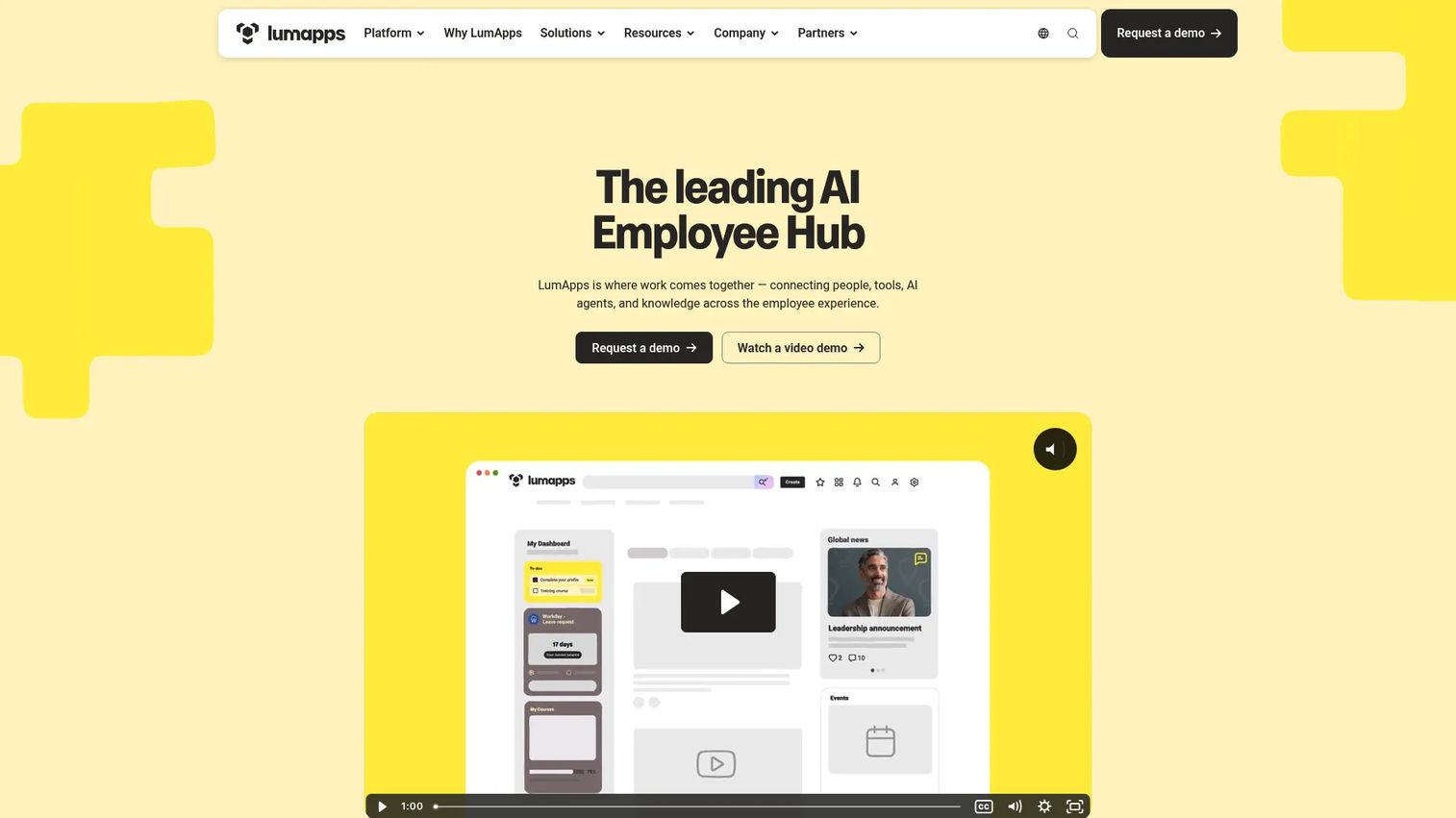
LumApps is an AI employee hub and intranet platform built for internal communications, productivity, and knowledge access. It positions itself as an employee experience platform for large organizations, pulling company updates, documents, and workflows into one branded home page. For enterprises with thousands of employees across regions, it acts as the unified front door to work.
Best for: Enterprise teams wanting a unified employee experience and intranet platform.
Key features
- AI employee hub for communication, productivity, and knowledge
- Integrations with Microsoft, Google, ServiceNow, and Workday
- 50+ no-code app connectors
- Communication and collaboration tools with workflows and forms
- Digital assistant for employee self-service
Why choose LumApps: It fits large organizations that need governance, personalization, and enterprise search in one intranet software layer rather than stitching together point tools. The 50+ connectors matter most when your knowledge already lives across Microsoft, Google, and HR systems.
LumApps pricing: LumApps does not publish public pricing on its site. Plans are quoted through a demo and contact process, so expect custom enterprise pricing based on scope and user count.
2. Microsoft Teams
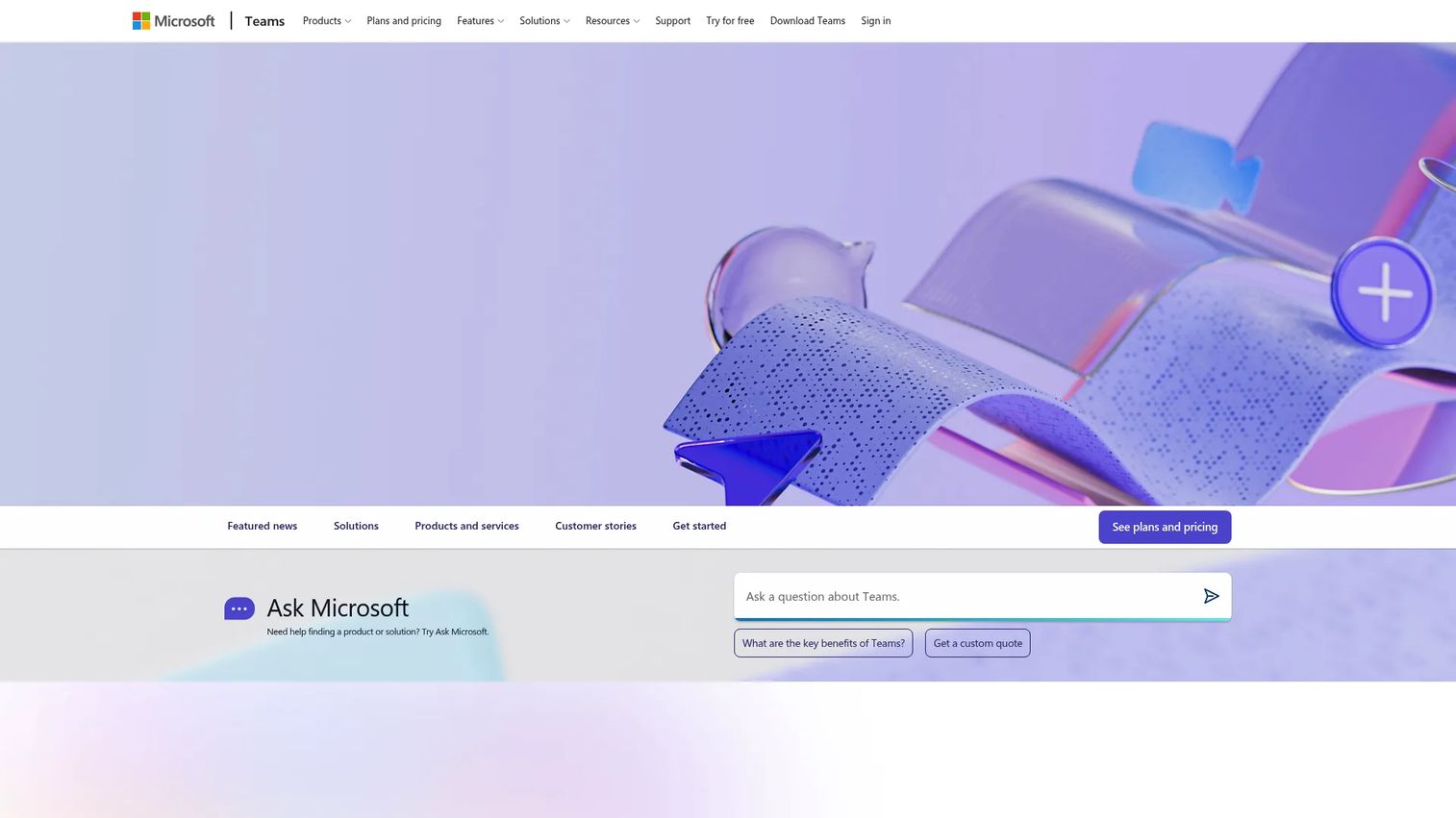
Microsoft Teams is Microsoft's AI-powered communication and collaboration platform for chat, meetings, calling, and file sharing. It anchors day-to-day work for organizations already standardized on Microsoft 365. Channels, files, and apps live alongside chat and video, which makes it a strong collaboration hub even before you add intranet layers on top.
Best for: Organizations needing a Microsoft-native hub for messaging, meetings, and collaboration.
Key features
- Chat, audio and video meetings, and recording
- File and app collaboration in Teams and channels
- 3D immersive meeting spaces
- AI-powered workflows and meeting insights
- Deep Microsoft 365 integration
Why choose Microsoft Teams: Teams performs best as a communication and collaboration hub. It is not a full intranet replacement on its own, which is why many Microsoft-heavy teams pair it with Viva Connections for the home page and knowledge layer.
Microsoft Teams pricing: A free version is available. Paid plans include Teams Essentials at $4.00 user/month (paid yearly) and Teams Premium at $10.00 user/month (paid yearly). Teams Phone Standard is $10.00 user/month and pay-as-you-go calling starts at $13.00 user/month.
3. Zoho Connect
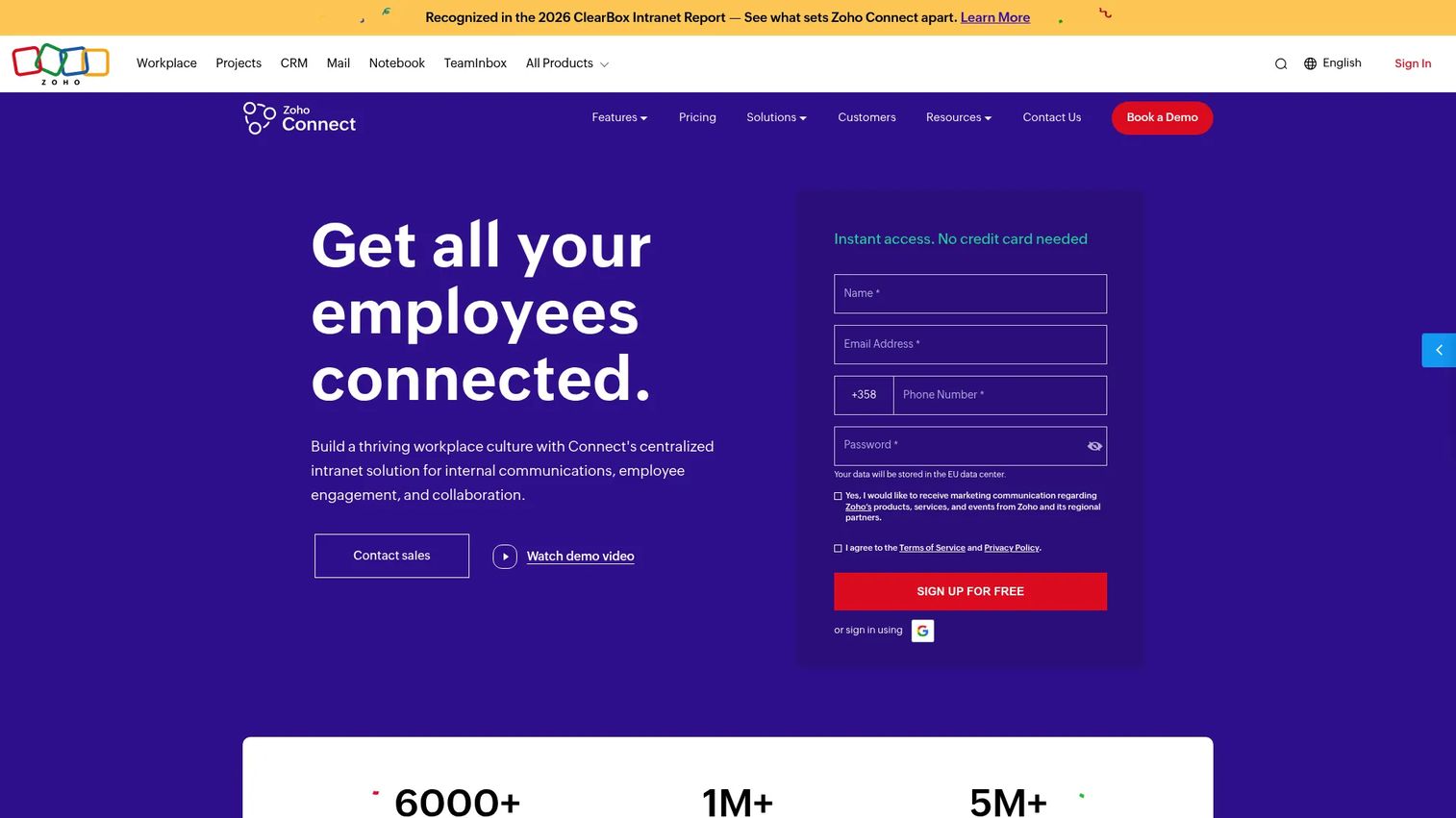
Zoho Connect is an employee intranet and collaboration platform for internal communication, tasks, and engagement. It is a lightweight communication hub built for smaller teams and budget-conscious buyers. Feeds, groups, forums, and announcements cover the core of internal communication without the weight of an enterprise deployment.
Best for: Organizations needing an internal intranet for communication, collaboration, and employee engagement.
Key features
- Feeds, channels, groups, forums, and announcements
- Tasks and boards with schedules
- Built-in video conferencing
- Zia AI writing assistant and post summaries
- Sentiment analysis on posts
Why choose Zoho Connect: It is attractive when you want simple digital workplace solutions without enterprise pricing. The free tier and low per-user cost make it easy to start, and teams already in the Zoho ecosystem get natural fit.
Zoho Connect pricing: Plans start at $0.40 per user/month for Starter, $1.00 per user/month for Enterprise, and $3.00 per user/month for Ultimate. The account moves to a forever free plan after the trial, and pricing scales by number of users.
4. Microsoft Viva Engage
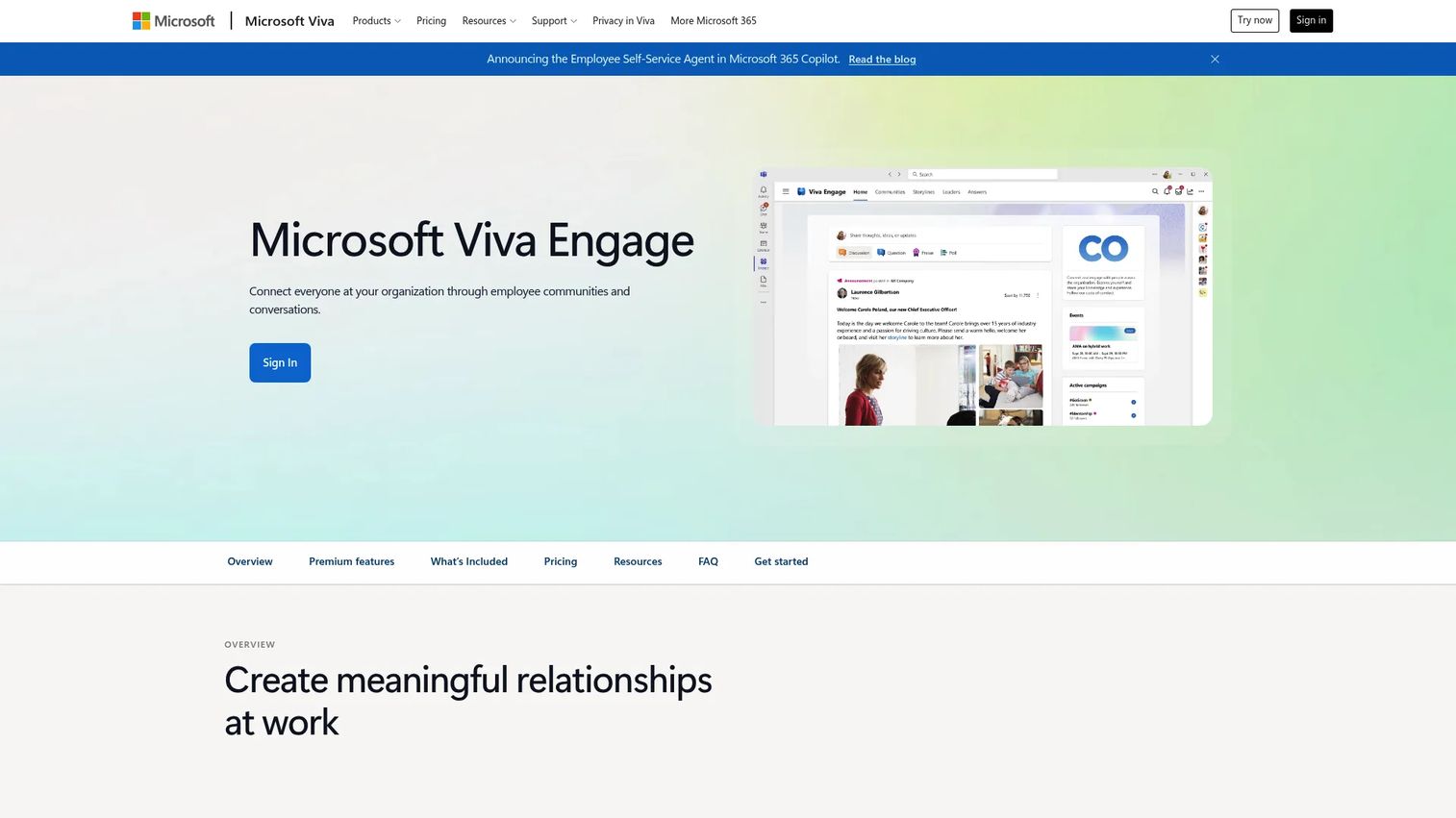
Microsoft Viva Engage is an employee communication and community platform within Microsoft Viva for conversations, leadership engagement, and knowledge sharing. It adds a social-style layer to the Microsoft ecosystem, where employees join communities, follow storylines, and participate in leadership AMAs. Think of it as the engagement and participation surface rather than a full intranet.
Best for: Large organizations that want internal communities and leadership communication.
Key features
- Employee communities and conversations
- Storylines and announcements
- Leadership corner and AMAs
- Employee participation and discussion feeds
- Native Microsoft 365 integration
Why choose Microsoft Viva Engage: It fits organizations that already run Microsoft 365 and want to lift employee engagement through social-style communication. Community and conversation features are included in enterprise plans, so the entry point is low.
Microsoft Viva Engage pricing: Community and conversation features are included in Microsoft 365 and Office 365 enterprise plans. Premium features require Microsoft Viva Employee Communications and Communities at $2.00/user/month (paid yearly) or the Microsoft Viva Suite at $12.00/user/month (paid yearly).
5. Workgrid
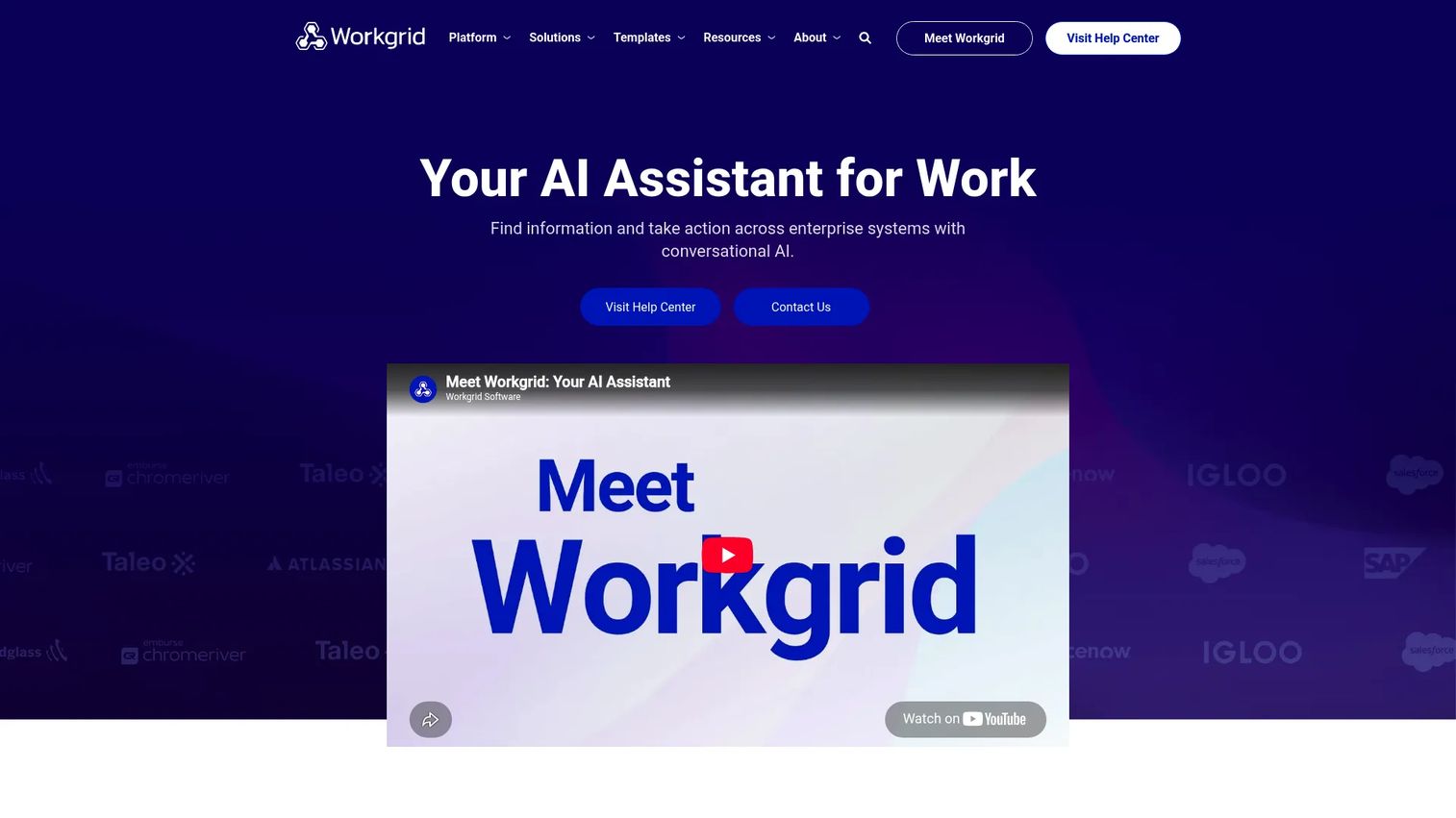
Workgrid is an AI assistant platform for the digital workplace that helps employees find information and take action across enterprise systems. Instead of replacing your intranet, it layers on top, routing tasks, requests, and answers into one interface. That makes it an orchestration layer for practical productivity and findability.
Best for: Enterprises looking to automate employee tasks and knowledge access across internal systems.
Key features
- Conversational AI assistant for employees
- Low-code and no-code builder
- 50+ pre-built app templates
- Task and request routing across systems
- Enterprise search and workflow delivery
Why choose Workgrid: It fits teams that already have core systems in place and want an experience layer that surfaces the right task or answer without opening each app. The AI assistant handles the repetitive "where do I find this" questions.
Workgrid pricing: Workgrid does not publish public pricing. Plans are quoted directly, so contact Workgrid for a quote based on your systems and user count.
6. Titan Workspace
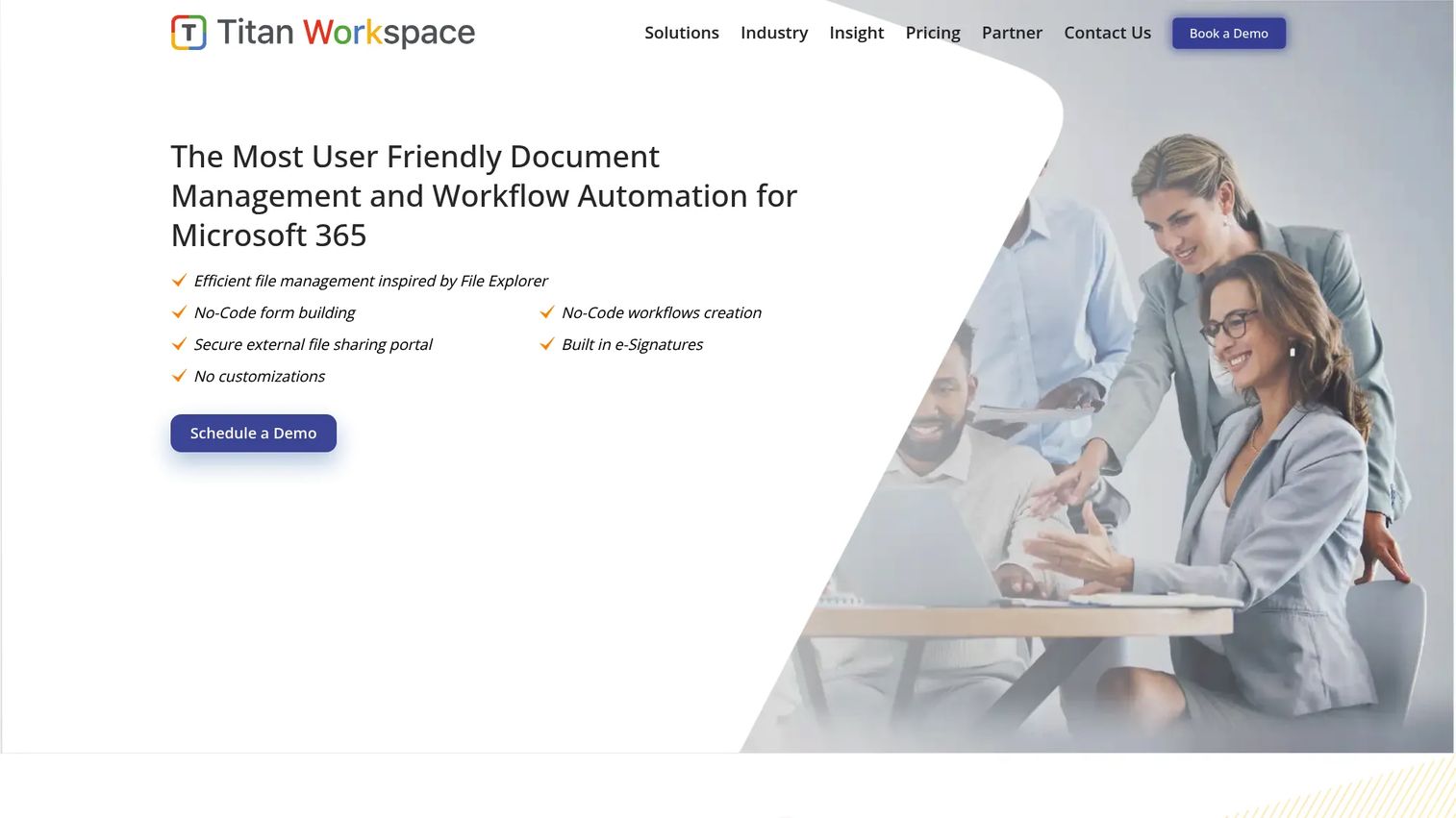
Titan Workspace is a Microsoft 365 and SharePoint-based digital workplace software for intranet, document management, and workflow automation. It fits organizations that want a structured internal portal on top of their existing Microsoft investment. Document control, approvals, and communication live in one place, with guest portals for external collaboration.
Best for: Organizations using Microsoft 365 or SharePoint that need intranet, document control, and workflow automation.
Key features
- Document management with version control and e-signatures
- No-code workflow automation for approvals and requests
- Guest and external user portals
- Intranet and internal communication tools
- Built on Microsoft 365 and SharePoint
Why choose Titan Workspace: It suits Microsoft-centric teams that need governance, document control, and knowledge management in a structured portal. The no-code workflow builder handles approvals and requests without heavy IT lift.
Titan Workspace pricing: Titan Workspace does not publish a public numeric price on its site. Its materials describe a per-user, per-month or annual subscription model per business process, with a free demo and free proof-of-concept available on request.
7. Citrix Digital Workspace
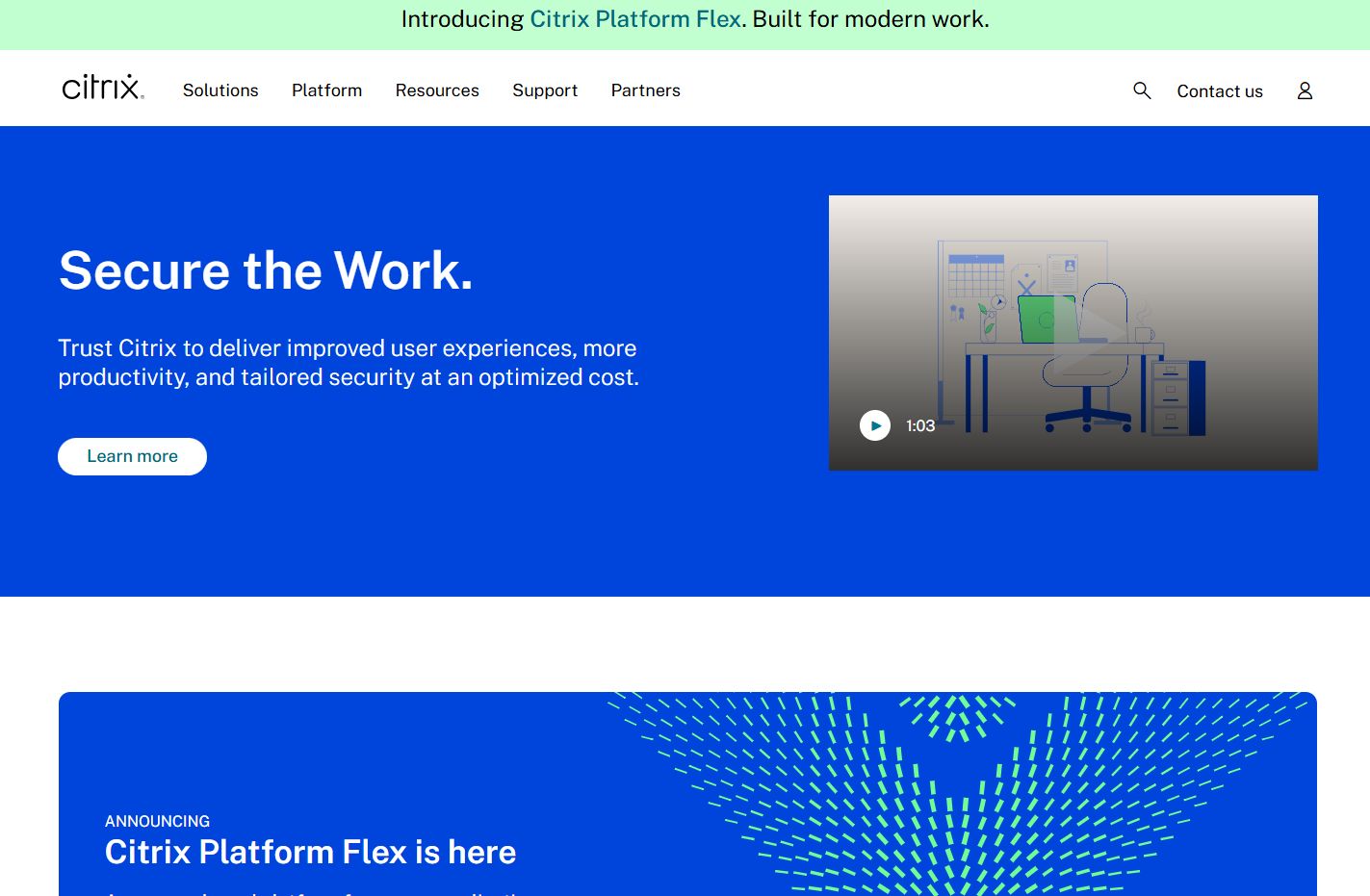
Citrix Digital Workspace is Citrix's digital workspace offering for secure access to apps, desktops, and web or SaaS resources. It sits in a different corner of the category than intranet tools. Rather than a communication hub, it is a secure access layer that delivers virtual apps and desktops to any device. That distinction matters when you evaluate: this is workspace access, not a pure intranet.
Best for: Enterprises standardizing secure access to virtual apps, desktops, and SaaS apps.
Key features
- Unified single sign-on across app types and devices
- Access control for corporate web and SaaS apps without VPN
- Workspace environment management
- Analytics and workspace intelligence
- Virtual app and desktop delivery
Why choose Citrix Digital Workspace: It fits enterprises where secure, governed access to apps and desktops is the priority, especially in regulated or remote-heavy environments. Pair it with an intranet or employee experience platform for the communication and knowledge layer it does not provide.
Citrix Digital Workspace pricing: Citrix does not publish standard public pricing for this offering. Pricing is quoted based on deployment scope, so contact Citrix for a tailored quote.
8. Microsoft Viva Connections
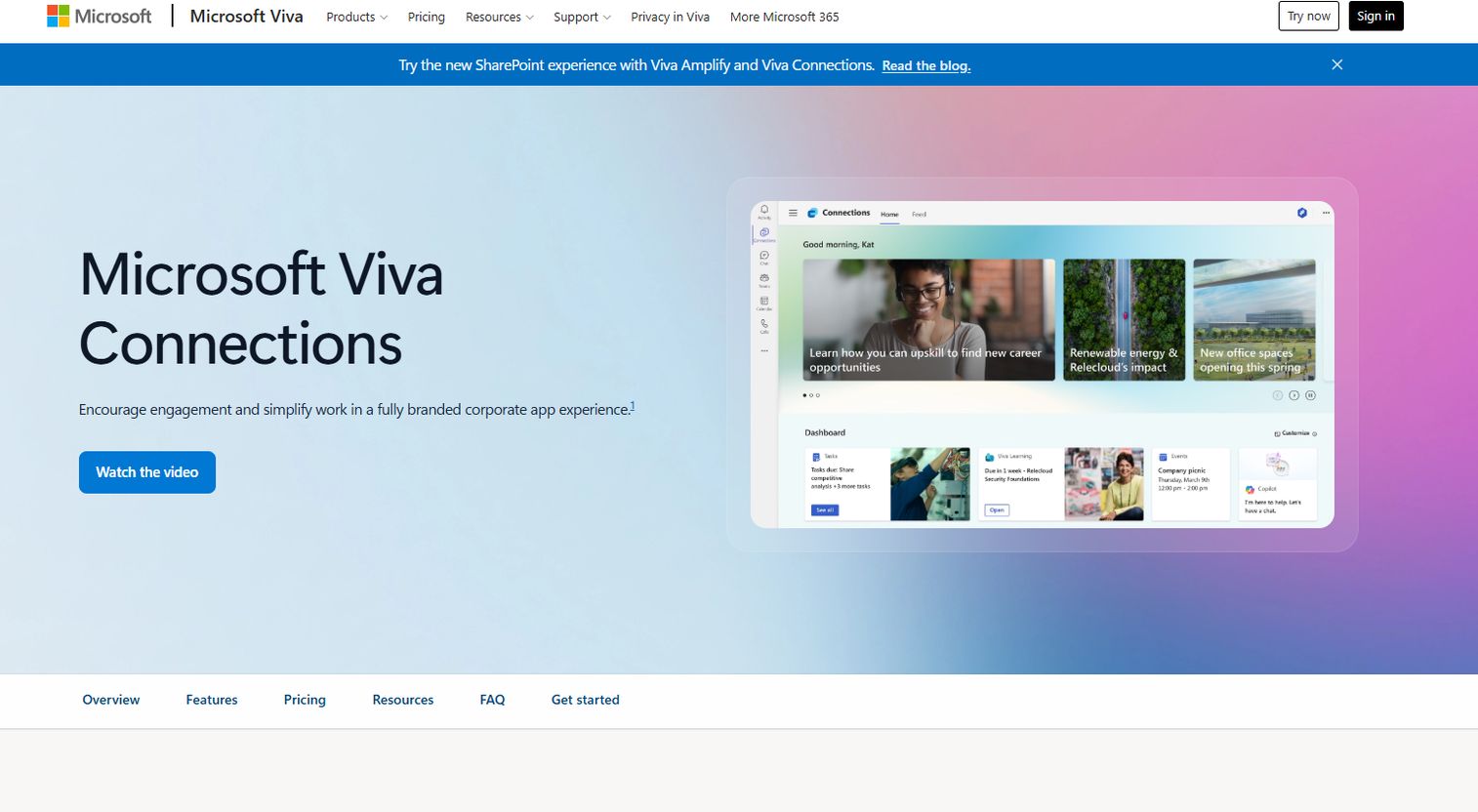
Microsoft Viva Connections is Microsoft's employee-communications app for news, dashboard cards, resources, and branded experiences in Teams and on the web. It acts as the front door to company resources inside Microsoft 365. For Microsoft-heavy environments, it turns Teams into a branded employee hub with a dashboard and curated links.
Best for: Organizations that want a branded employee home inside Microsoft 365 or Teams.
Key features
- Viva Connections dashboard with cards
- Corporate branding for the employee home
- Curated list of useful links and resources
- Intranet entry points inside Teams
- Included with Microsoft 365 enterprise plans
Why choose Microsoft Viva Connections: It matters most when your organization already lives in Microsoft 365 and wants a branded home page without a separate intranet purchase. It gives employees one entry point to news, resources, and dashboards inside Teams.
Microsoft Viva Connections pricing: Viva Connections is included in Microsoft 365 enterprise plans with a Teams license. It is also part of paid Viva offerings, including Viva Employee Communications and Communities at $2.00/user/month (paid yearly) and the Viva Suite at $12.00/user/month (paid yearly).
Considerations
Choose the right platform type
Intranet software, collaboration hubs, employee experience platforms, and workspace access layers solve different problems. An intranet centers on communication and knowledge. A collaboration hub centers on chat and files. A workspace access layer centers on secure app delivery. Map your primary pain to the category first, so you avoid buying the wrong type of tool.
Check governance and permissions
Content that is wrong or out of date erodes trust fast. Look for version control, clear content ownership, access controls, and a publishing workflow with approvals. Strong governance and permissions keep knowledge accurate and support compliance, which matters most in regulated industries and large organizations.
Verify search and findability
Search quality matters as much as content volume. A platform full of documents nobody can find is worse than a smaller, well-tagged library. Evaluate enterprise search, tagging, and metadata. Test real queries during a trial, because that is where the difference between good and poor findability shows up.
Confirm mobile and frontline support
If part of your workforce is not desk-based, mobile access decides adoption. Check that the mobile app covers announcements, search, and key workflows, not just a stripped-down feed. Strong mobile support drives frontline support and keeps distributed teams aligned.
Measure engagement and adoption
A platform you cannot measure is a black box. Look for analytics and DEX metrics: usage, content performance, and communication reach. These numbers tell you whether the digital employee experience is landing, and they connect the investment to knowledge consumption and adoption over time.
Conclusion
The right digital workplace software depends on your category and size. For enterprise intranet and employee experience, LumApps leads. For communication and collaboration depth, Microsoft Teams is the anchor, especially with Viva Connections and Viva Engage layered on for Microsoft-heavy teams. For simpler needs, Zoho Connect gives you a low-cost collaboration hub, while Workgrid and Titan Workspace serve orchestration and structured-portal use cases. Citrix Digital Workspace covers secure workspace access when that is your priority.
The practical move is to shortlist two: one enterprise-grade platform and one simpler collaboration option. Run both against real queries, real content, and your actual integrations. Then let adoption data decide.
Whatever platform you choose, remember that the destination inside it matters as much as the platform. Turn static internal docs into guided, interactive walkthroughs with Guideflow so onboarding, training, and product knowledge land through experience, not text.
Start your journey with Guideflow today!
FAQs
An intranet is one component: a portal for communication and content. A digital workplace is broader, connecting the intranet with search, collaboration, workflow, and analytics into one experience. Put simply, an intranet is a room; a digital workplace platform is the whole building where work happens.
Look for a unified home page, employee communication, enterprise search, knowledge management, workflow automation, and analytics and DEX. Mobile access and strong governance and permissions round out the list. The best digital workplace platforms combine these so employees start work in one place instead of ten tabs.
It cuts the time people spend hunting for information. When search, communication, and knowledge live in one place, context switching drops and answers arrive faster. For enablement teams, that means reps find the right content in workflow, which shortens ramp and keeps messaging consistent across deals.
Digital employee experience (DEX) is how employees interact with the tools and systems they use to work. It matters because friction in those tools directly slows output. Analytics and DEX metrics show where people struggle, so you can fix findability and communication gaps before they hurt adoption.
Platforms with strong mobile access and cloud delivery fit hybrid and distributed teams best. Microsoft Teams, LumApps, and Zoho Connect all support hybrid work enablement with mobile-first communication. The key test is whether frontline and non-desk staff can reach announcements, search, and workflows from their phones.
Track active users, content engagement, search success rates, and mobile usage over time. Analytics and DEX dashboards surface which content gets used and where people drop off. Tie those numbers to outcomes like faster onboarding and lower repeat questions to prove the platform is landing.
Teams is a strong communication and collaboration hub, but it performs best when paired with an intranet layer. Many Microsoft-heavy organizations add Viva Connections for a branded home page and Viva Engage for community engagement. Together they cover the digital workplace scope that chat and meetings alone do not.