Your mobile experience is growing. So are the places sensitive data can leave your control. A customer signs in from a personal phone, an employee checks a dashboard on airport Wi-Fi, and a third-party app asks for permissions nobody reviewed.
Mobile data security is no longer a firewall problem. It's a product problem. The controls you choose affect activation rates, engineering capacity, and whether enterprise buyers trust your app enough to deploy it. According to the Verizon Mobile Security Index (2025), 85% of organizations reported rising mobile device attacks over the past year. That number matters whether you're a PM shipping a BYOD policy or a product team preparing for a security review.
The category has no single answer. Device management governs configuration. Mobile threat defense detects risk on the device itself. Identity controls decide who gets in. The gap between those layers is where most incidents happen.
This guide covers eight tools that address different parts of that problem, with verified pricing, G2 ratings, and practical guidance for product managers who need to align security with activation outcomes.
What's inside
- Who this guide helps: Product managers, security partners, and IT teams securing company data on iOS and Android devices
- How tools were selected: Coverage across device management, app protection, threat detection, identity enforcement, and enterprise integration depth
- Selection criteria: BYOD support, policy controls, analytics depth, and fit with existing identity or endpoint stacks
- What the comparison covers: Verified pricing approaches, current G2 ratings, best use cases, and questions to ask before rollout
Pricing and ratings were verified from each vendor's live pricing page and current G2 listing before publication.
TL;DR
- Best for Microsoft-centric organizations: Microsoft Intune for device and app management tied to conditional access via Microsoft Entra ID
- Best for specialist mobile threat defense: Zimperium Mobile Threat Defense for on-device risk detection across apps, networks, phishing, and device posture
- Best for mobile risk visibility: Lookout Mobile Endpoint Security for threat intelligence and SIEM/SOAR integrations
- Best for Apple-first fleets: Jamf for Mobile for iOS and iPadOS management with mobile security coverage
- Best for identity-first access enforcement: Cisco Duo for MFA, device trust, and policy-based access decisions with a free tier up to 10 users
What is mobile data security?
Mobile data security is the set of policies, controls, and technologies used to protect business and customer information accessed, stored, or transmitted through smartphones, tablets, and mobile apps.
The category is broader than device locking or mobile antivirus. A complete program covers several distinct layers, each targeting a different attack surface.
The protection layers that matter
- Device management: Enrollment, configuration policies, OS update enforcement, remote lock, and selective wipe
- Application protection: Approved app controls, managed app policies, copy-paste restrictions, and data-sharing boundaries
- Identity and access: MFA, device trust, conditional access, and least-privilege enforcement
- Threat detection: Risky apps, malware, phishing, root or jailbreak signals, and network attacks
- Data protection: Encryption, secure containers, data loss prevention, and secure email
- Network protection: Secure remote access, DNS filtering, and zero-trust access controls
- Response workflows: Revoke sessions, isolate a device, notify users, and preserve audit trails
Mobile device management versus mobile threat defense
These terms get conflated, but they solve different problems. Mobile device management (MDM) and unified endpoint management (UEM) help configure and govern devices: Enrollment, policy profiles, compliance baselines, and remote actions. Mobile threat defense (MTD) detects and responds to risk on the device itself, covering the app, network, and phishing layers that MDM cannot see. Identity tools determine whether a specific device or user should access a protected resource at a given moment. Endpoint security platforms can extend coverage to mobile, but feature depth varies significantly by operating system.
Don't buy an MTD platform expecting it to replace MDM. Don't buy MDM and assume phishing is covered. Inventory the missing layer first, then match the tool to that gap.
When to use mobile data security tools
Support BYOD without exposing company data
When employees access internal dashboards, customer records, or support tools from personal devices, full device management overreaches. App-level protections let you enforce copy-paste restrictions, require encryption for corporate data, and selectively wipe managed apps without touching personal photos or messages. Conditional access policies can block access from non-compliant devices without enrolling the device itself. Before rollout, document exactly what the company can and cannot inspect on an employee-owned phone.
Protect a mobile product used in high-risk environments
Product teams whose users access financial data, health records, or privileged workflows face a second constraint: Mobile risk creates liability exposure that affects enterprise buyer decisions. Combining identity controls with mobile threat telemetry lets you detect compromised sessions before they reach sensitive workflows. Segment your instrumentation by device ownership model so you can measure risk separately from standard usage.
Reduce friction during enterprise security reviews
Enterprise buyers increasingly ask how mobile access is governed before signing. Product managers should prepare accurate answers on encryption standards, access control policies, app permissions, telemetry scope, device posture checks, and incident response procedures. A clear mobile security architecture shortens security review cycles and reduces the number of escalations that pull engineering into sales conversations.
Mobile data security tools comparison
The eight tools below address different layers of the same problem. No single tool covers every layer, and most organizations run two or three together. Use the table to identify which tools fit your current gap, then read the item sections for practical fit guidance.
| # | Product | Best for | Key differentiator | Pricing | G2 rating |
|---|---|---|---|---|---|
| 1 | Microsoft Intune | Microsoft 365 organizations managing corporate and BYOD devices | Device and app management connected to conditional access | From $8/user/month (annually) | N/A on G2; 4.5/5 on Capterra |
| 2 | Zimperium Mobile Threat Defense | Specialist mobile risk detection across devices, apps, and networks | On-device AI threat detection for iOS, Android, and ChromeOS | Contact sales | 4.6/5 |
| 3 | Lookout Mobile Endpoint Security | Security teams needing mobile threat intelligence and SOC visibility | Mobile EDR with SIEM, SOAR, and XDR integrations | Contact sales | 4.3/5 |
| 4 | Jamf for Mobile | Apple-first organizations securing iOS and iPadOS fleets | Apple-focused MDM, threat defense, and zero-trust access | Contact sales; 14-day trial available | 4.7/5 |
| 5 | Ivanti Endpoint Manager for Mobile | Regulated organizations needing deep mobile endpoint governance | Cross-platform MDM with on-premises deployment option | Contact sales | N/A (G2 rates broader Ivanti Endpoint Manager at 4.2/5) |
| 6 | Microsoft Defender for Endpoint | Teams extending an existing Microsoft security stack to mobile | Endpoint protection and mobile threat defense within Defender XDR | From $12/user/month (Defender Suite, annually) | 4.4/5 |
| 7 | Cisco Duo | Teams prioritizing MFA, device trust, and access policy enforcement | Identity-centered access decisions across managed and unmanaged devices | Free tier up to 10 users; paid from $3/user/month | 4.5/5 |
| 8 | Check Point Harmony Mobile | Organizations needing mobile phishing and network threat prevention | Mobile threat prevention integrated with Check Point security controls | Contact sales | 4.5/5 |
Pricing and G2 ratings verified October 2026 from each vendor's pricing page and G2 listing.
Best 8 mobile data security tools for 2026
1. Microsoft Intune
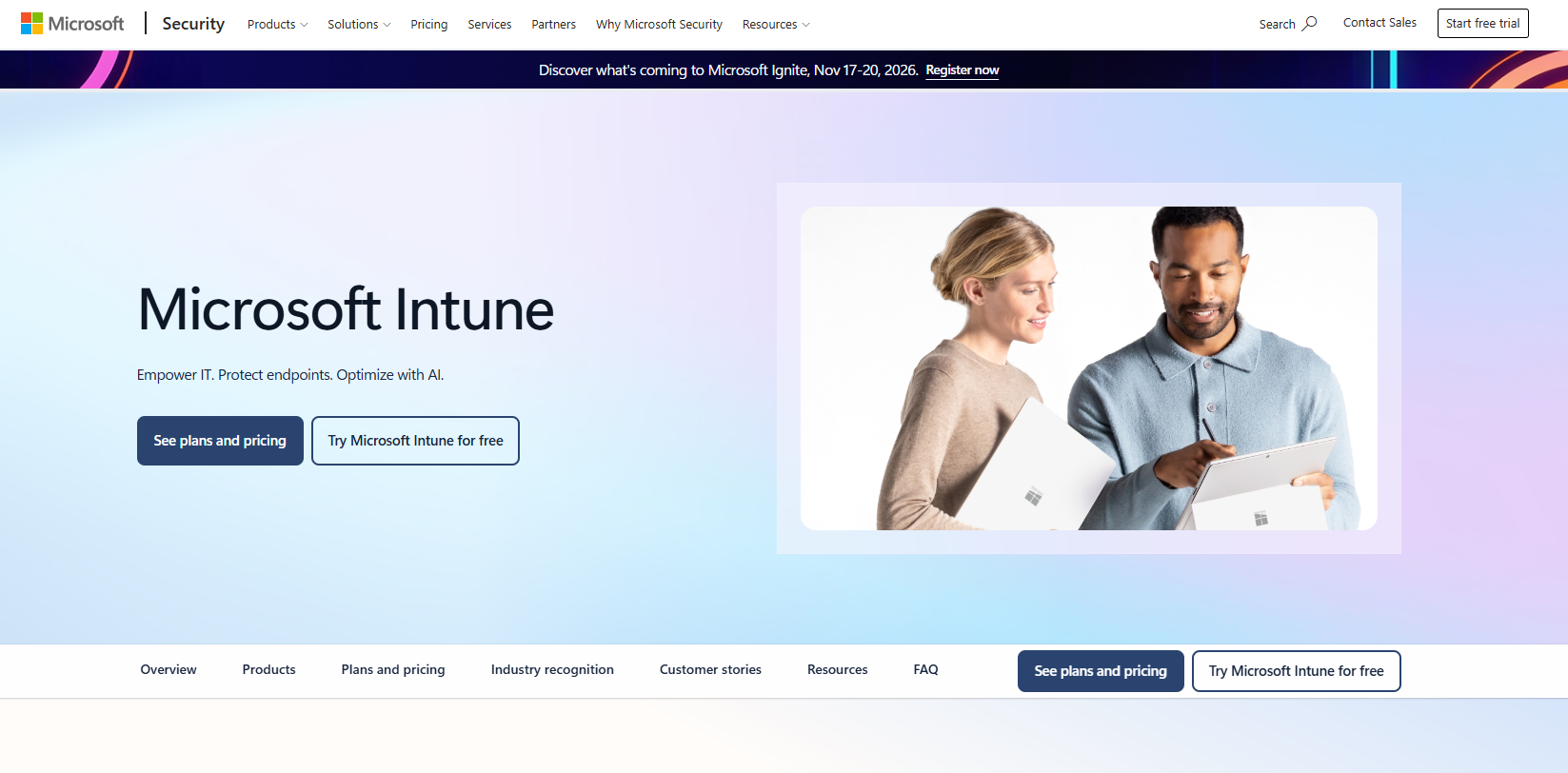
Microsoft Intune is a cloud-based unified endpoint management platform that helps organizations manage, secure, and support devices, apps, and organizational data across Windows, macOS, iOS, Android, and Linux. It handles both corporate-owned device enrollment and BYOD app protection, making it the default starting point for organizations already running Microsoft 365 and Entra ID. Intune's app protection policies let you enforce data handling restrictions on managed apps without requiring full device enrollment, which matters significantly for BYOD programs where employees resist full device management.
Best for: Organizations already standardized on Microsoft 365 that need device and app management tied to a single identity layer.
Key features
- Cross-platform device enrollment and compliance policies
- App protection policies for corporate data on unmanaged devices
- Selective wipe for managed applications
- Conditional access integration with Microsoft Entra ID
- Endpoint analytics and device health reporting
Why choose Microsoft Intune: Intune fits when your identity, endpoint, and mobile management need to share a single control plane. Configuration requires alignment across identity, endpoint, and product security stakeholders, so plan for cross-team coordination before rollout.
Microsoft Intune pricing: Plan 1 starts at $8 per user per month, billed annually. Plan 2 (advanced endpoint management capabilities) adds $4 per user per month as an add-on. The Intune Suite, which combines advanced management and security, adds $10 per user per month.
G2 rating: A current G2 rating for Microsoft Intune was not verified during research. Capterra reviewers rate it 4.5/5.
PM note: Determine whether your product must support users on completely unmanaged personal devices. App protection policies address that scenario without requiring full enrollment, and the distinction changes the implementation scope considerably.
2. Zimperium Mobile Threat Defense
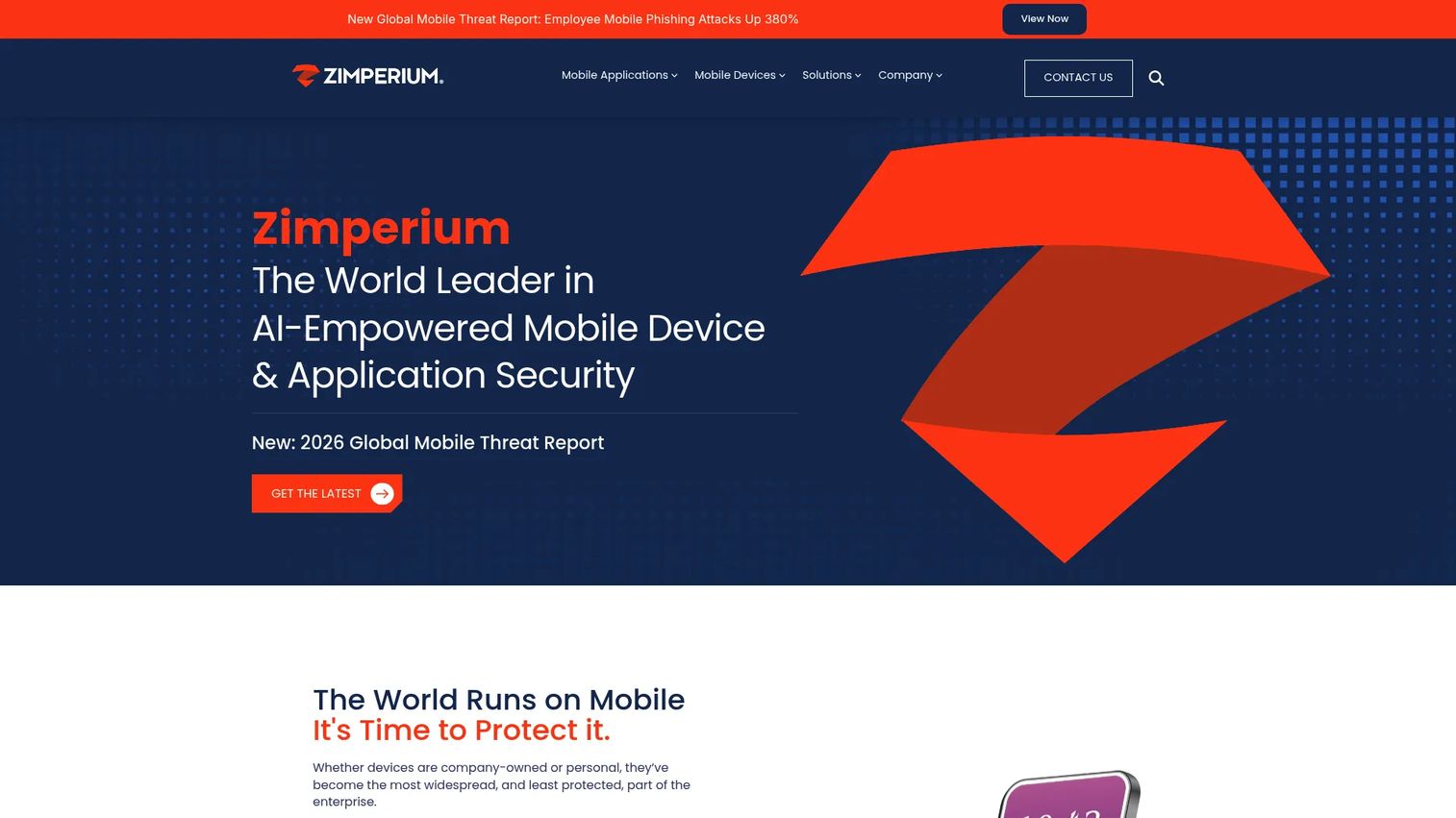
Zimperium Mobile Threat Defense is an enterprise MTD platform that uses AI-driven, on-device detection to identify and prevent known and zero-day mobile threats across iOS, Android, and ChromeOS. Unlike MDM tools that enforce configuration, Zimperium operates at the risk-signal layer: It detects compromised device states, network attacks, malicious applications, and phishing across SMS, browsers, and messaging channels. According to Zimperium's Global Mobile Threat Report (2025), 25.3% of enterprise devices could not receive OS updates due to hardware age, leaving a significant share of fleets permanently exposed to patched vulnerabilities. That's the gap MTD covers.
Best for: Enterprises and regulated organizations that need mobile-specific risk signals alongside their existing MDM or identity stack.
Key features
- AI-powered on-device threat detection without sending data to the cloud
- Network attack and rogue Wi-Fi detection
- Malicious app vetting and risk scoring
- Phishing protection across SMS, browsers, and messaging apps
- Integration with MDM, SIEM, SOAR, XDR, and conditional access platforms
Why choose Zimperium Mobile Threat Defense: Choose Zimperium when standard MDM compliance policies cannot tell you whether a device is under active attack. It operates as a specialist layer alongside MDM and identity tools rather than replacing either.
Zimperium Mobile Threat Defense pricing: Zimperium uses a sales-led pricing model. Contact the vendor directly for contract details. G2 reviewer-reported ranges and Capterra entries can provide directional context before engaging sales.
G2 rating: Zimperium Mobile Threat Defense is rated 4.6/5 on G2.
PM note: Define how device risk signals should change your product's behavior before you deploy. Step-up authentication, access restriction to sensitive workflows, or session termination are all valid responses, and the right answer depends on your data classification.
3. Lookout Mobile Endpoint Security

Lookout Mobile Endpoint Security is an AI-driven platform for detecting and responding to mobile threats across iOS, Android, and ChromeOS. It provides continuous risk scoring, mobile EDR with forensic analysis, and integrations with SIEM, SOAR, and XDR platforms, positioning it for organizations with active security operations that need mobile telemetry inside existing investigation workflows. Lookout's coverage extends to malicious and risky app detection, OS integrity monitoring for rooted or jailbroken devices, and network threat protection against man-in-the-middle conditions. Nearly 13% of enterprise devices encountered phishing or malicious content per quarter, according to Lookout's Q3 Mobile Threat Landscape Report (2025), underscoring how frequently unmanaged risk reaches the device layer.
Best for: Security operations teams that need mobile threat intelligence and risk signals to appear in SIEM or XDR workflows alongside other endpoint data.
Key features
- Malicious and risky app detection including malware, spyware, and trojans
- Device and OS integrity monitoring for rooting and jailbreak detection
- Network threat protection against rogue Wi-Fi and man-in-the-middle attacks
- Mobile EDR with threat hunting and forensic analysis
- SIEM, SOAR, and XDR integrations for security operations teams
Why choose Lookout Mobile Endpoint Security: Lookout fits when mobile risk visibility needs to reach security analysts and automated policy engines. It suits organizations where detection without operational response is insufficient.
Lookout Mobile Endpoint Security pricing: Lookout presents its mobile endpoint security offering through demo and sales-request flows. Contact the vendor for contract terms. G2, Capterra, and TrustRadius reviewers have published directional ranges for enterprise contracts.
G2 rating: Lookout is rated 4.3/5 on G2.
PM note: Map which mobile risk signals should trigger a user-facing prompt versus an automatic session block before rollout. Miscalibrated blocking damages activation rates and increases support volume faster than almost any other policy decision.
4. Jamf for Mobile
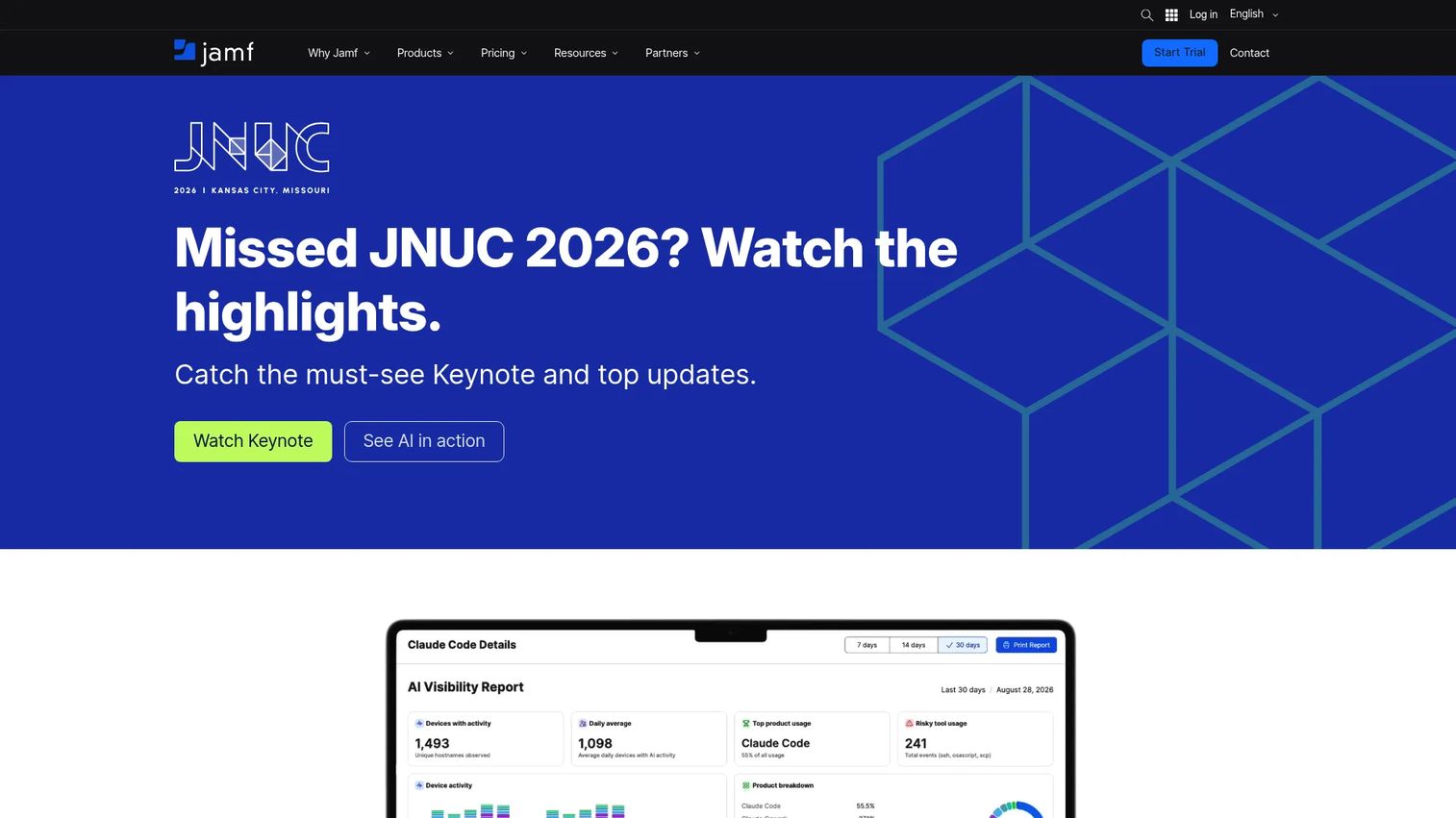
Jamf for Mobile is a comprehensive mobile device management and security platform designed primarily for iOS, iPadOS, visionOS, watchOS, and tvOS, with Android support available. It covers automated enrollment, compliance baselines, app configuration and distribution, mobile threat defense, web threat prevention, and zero-trust network access within a single platform built around Apple's management frameworks. For product teams and IT organizations running Apple-first environments, Jamf provides depth that general-purpose UEM tools frequently do not match on the Apple-specific control surface. Shared-device workflows and frontline app deployment are specific strengths for field, retail, and healthcare device programs.
Best for: Apple-first organizations securing iPhone and iPad fleets, including shared-device and frontline worker programs.
Key features
- Automated and customized Apple device enrollment
- Mobile device management and compliance baselines
- App configuration, distribution, and custom app deployment
- Mobile threat defense and web threat prevention
- Zero Trust Network Access integration
Why choose Jamf for Mobile: Jamf is the strongest category fit when Apple platform depth, device lifecycle controls, and native Apple administration matter most. For organizations running a broad mix of Android and Windows alongside iOS, a general-purpose UEM may provide more consistent cross-platform coverage.
Jamf for Mobile pricing: Jamf for Mobile uses a contact-sales pricing model. A 14-day free trial is available by request. Visit the Jamf pricing page for current commercial details.
G2 rating: Jamf is rated 4.7/5 on G2.
PM note: Confirm which device ownership models your program needs to support. Supervised corporate devices and employee-owned devices require different policy architectures on Apple platforms, and designing for one often breaks the other.
5. Ivanti Endpoint Manager for Mobile
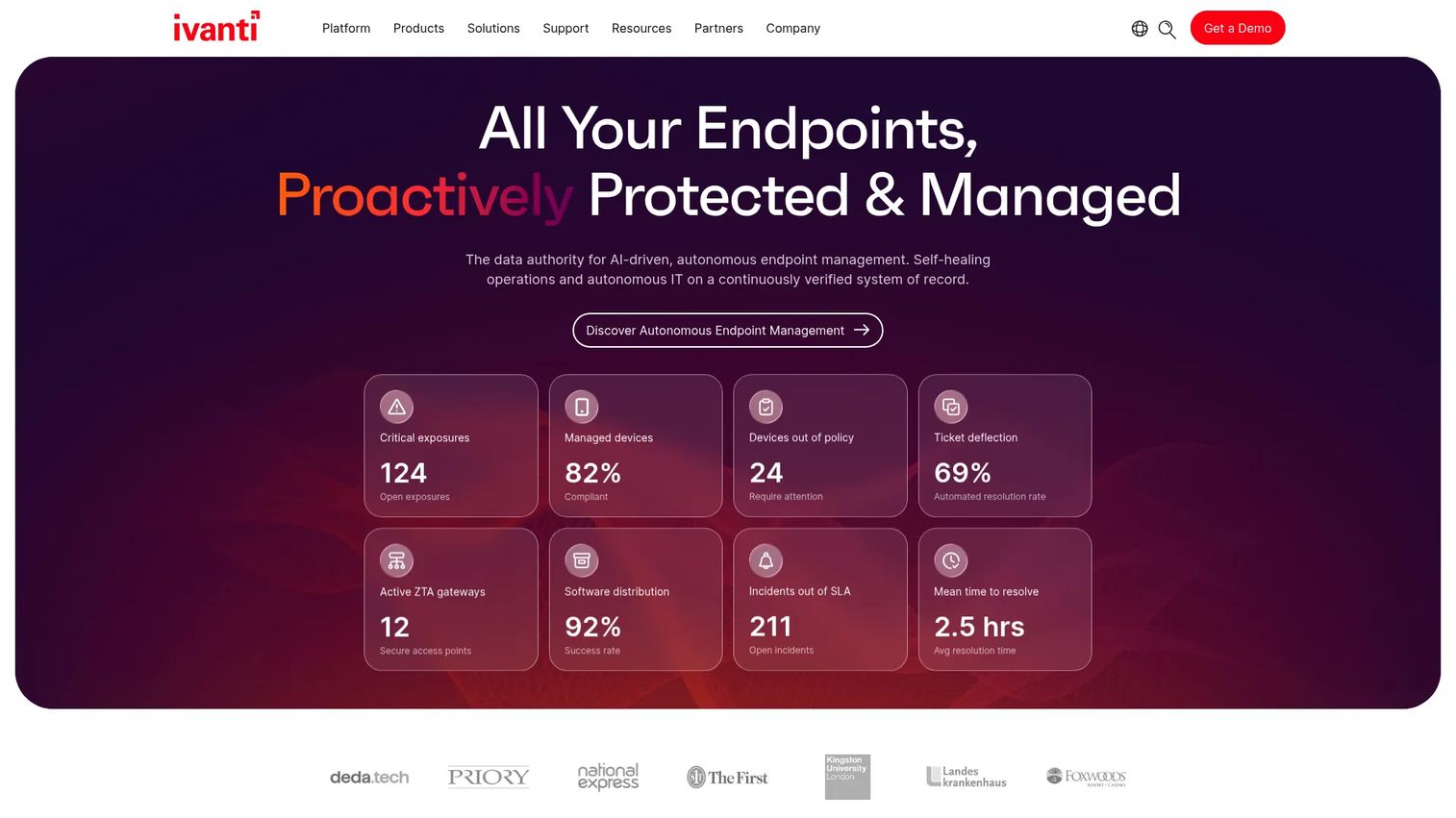
Ivanti Endpoint Manager for Mobile is an enterprise mobile endpoint management platform designed for organizations that need granular governance across Android, iOS, iPadOS, macOS, and Windows devices. It supports zero-touch onboarding, mobile device and application management, secure email and personal information management controls, encryption and gateway services, BYOD privacy and data protection, and an on-premises deployment option for teams that require direct control over their environment. The on-premises path separates Ivanti from most cloud-only MDM competitors and matters for highly regulated industries where data residency or upgrade control is a requirement.
Best for: Regulated enterprises and organizations that require on-premises MDM deployment alongside granular mobile endpoint governance.
Key features
- Zero-touch onboarding and cross-platform device provisioning
- Mobile device, application, and content management
- Secure email and personal information management controls
- Encryption and gateway services for data in motion
- BYOD privacy controls with corporate and personal data separation
Why choose Ivanti Endpoint Manager for Mobile: Choose Ivanti when your environment requires on-premises deployment, deep governance controls, or strict separation between corporate and personal data at the policy level. Its breadth of features requires more cross-functional administration than lightweight cloud MDM tools.
Ivanti Endpoint Manager for Mobile pricing: Ivanti uses a contact-sales pricing model. Visit the product page or contact the vendor for current commercial terms. Review sites including G2 and Capterra publish directional contract ranges.
G2 rating: A specific G2 rating for Ivanti Endpoint Manager for Mobile was not separately listed at verification time. G2 rates the broader Ivanti Endpoint Manager product at 4.2/5.
PM note: Ask whether policies can vary by user role, app sensitivity, device ownership, and geography. A single default policy across all segments creates unnecessary friction for user groups that don't need the strictest controls.
6. Microsoft Defender for Endpoint
Microsoft Defender for Endpoint is a multiplatform endpoint security platform covering Windows, macOS, Linux, iOS, and Android. On mobile, it adds threat defense capabilities that extend an existing Microsoft security operations program: Mobile threat signals, risk-based access data, automatic attack disruption, and integration with Microsoft Intune and Defender XDR. The distinction from Intune is meaningful. Intune manages device configuration and app policies. Defender adds active threat detection and endpoint security signals that can feed conditional access decisions and security investigations. Organizations running Microsoft security operations get mobile telemetry in the same workflow as their other endpoint data.
Best for: Organizations already running Microsoft Defender XDR that want mobile threat defense integrated into their existing security operations workflow.
Key features
- Mobile threat defense for Android and iOS
- Automatic attack disruption across endpoint signals
- Risk-based access data for conditional access policies
- Integration with Microsoft Intune and Defender XDR
- Exposure management and network detection capabilities
Why choose Microsoft Defender for Endpoint: Defender fits when security operations already live in the Microsoft ecosystem and the team needs mobile risk data inside the same platform as Windows and macOS endpoint signals. It works best when ownership between endpoint security, identity, and mobile engineering is clearly defined.
Microsoft Defender for Endpoint pricing: The publicly priced Microsoft Defender Suite starts at $12 per user per month, billed annually. Standalone Defender for Endpoint plan pricing was not publicly listed on Microsoft's reviewed pages. Check whether mobile coverage is included in your current Microsoft 365 or Defender licensing tier before purchasing separately.
G2 rating: Microsoft Defender for Endpoint is rated 4.4/5 on G2.
PM note: Don't assume every mobile feature is available on every OS version. Validate iOS and Android coverage depth during technical evaluation before committing to a rollout timeline.
7. Cisco Duo
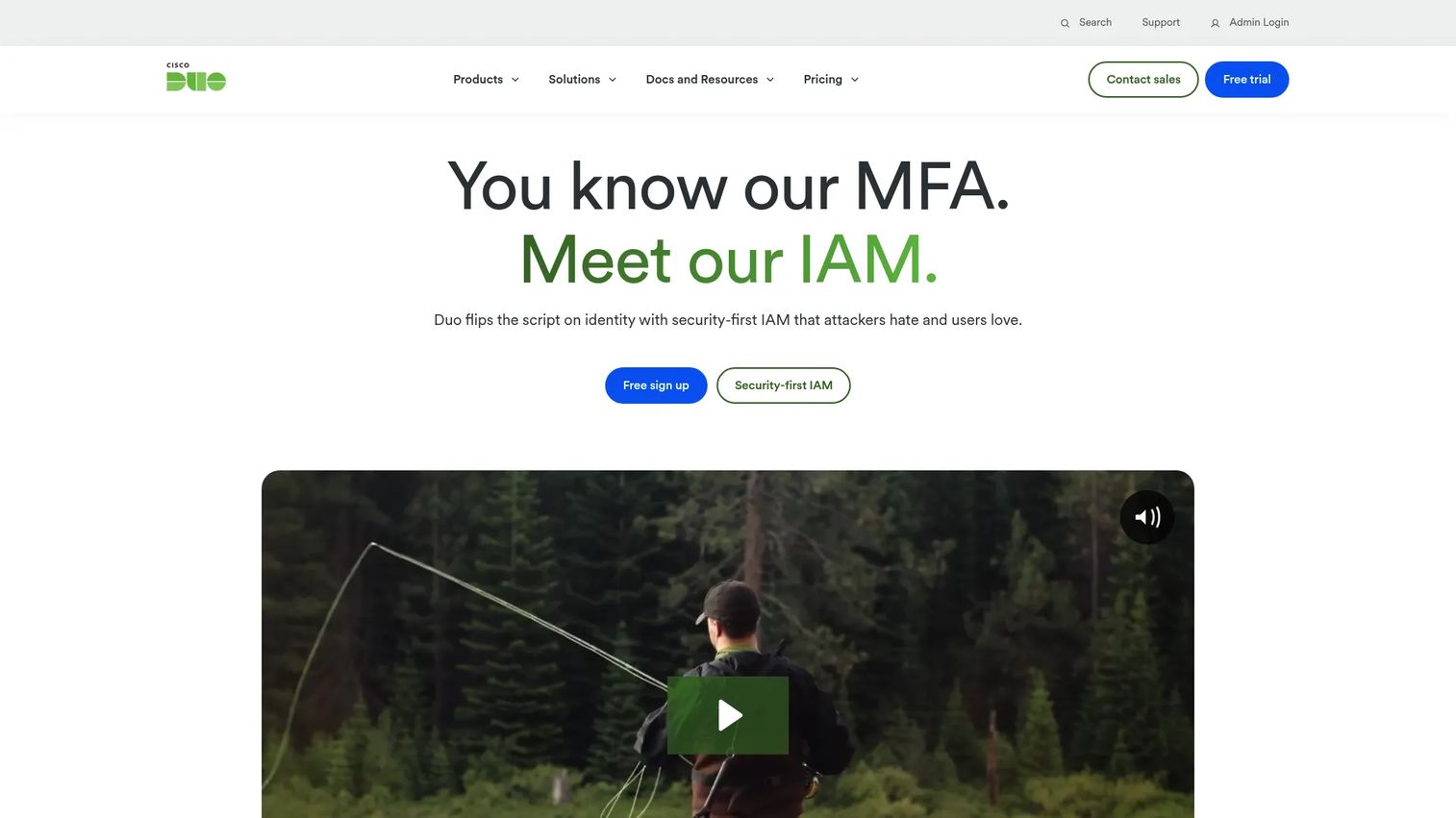
Cisco Duo is an identity security and access management platform providing phishing-resistant MFA, single sign-on, device trust, and identity threat protection. For mobile access specifically, Duo enforces device health checks and risk-based authentication decisions before granting access to SaaS admin tools, internal dashboards, source control, and customer support systems. Duo is not a full MDM or specialist MTD platform. Its value sits at the identity and access layer: Reducing credential-based account compromise and enforcing access policies across managed and unmanaged devices without requiring full device enrollment. A 30-day free trial is available, and the free tier supports up to 10 users.
Best for: Teams that need strong MFA and device trust enforcement without deploying a full mobile device management program.
Key features
- Phishing-resistant multi-factor authentication
- Device trust and endpoint health checks
- Risk-based and adaptive access controls
- Single sign-on and passwordless authentication options
- Broad SaaS application integrations
Why choose Cisco Duo: Duo is the right identity layer when the primary mobile risk is unauthorized access through compromised credentials or unmanaged devices. It complements device management and threat detection rather than replacing either.
Cisco Duo pricing: Duo Free supports up to 10 users at no cost. Duo Essentials starts at $3 per user per month. Duo Advantage is $6 per user per month, and Duo Premier is $9 per user per month. All paid tiers add progressive capabilities including directory sync, device trust, risk-based authentication, and VPN-less remote access.
G2 rating: Cisco Duo is rated 4.5/5 on G2.
PM note: Measure authentication abandonment rates and MFA-related support tickets after rollout. Stronger authentication improves security, but poorly designed recovery flows create activation drop-off that shows up in your first-week retention metrics.
8. Check Point Harmony Mobile
Check Point Harmony Mobile is a mobile threat defense platform that protects corporate iOS and Android devices against malware, malicious applications, phishing across SMS and browsers, man-in-the-middle network attacks, and OS-level vulnerabilities including rooting and jailbreaking. It integrates with broader Check Point security workflows, making it a logical fit for organizations that already operate Check Point controls for network and endpoint security. For distributed teams that frequently work outside managed corporate networks, Harmony Mobile provides a mobile-specific threat prevention layer that complements existing MDM and identity controls rather than replacing them.
Best for: Organizations with existing Check Point security programs that need mobile phishing and network threat prevention for distributed teams.
Key features
- Mobile phishing prevention across SMS, browsers, and messaging apps
- Malicious application detection and risk assessment
- Network attack protection against man-in-the-middle conditions
- OS vulnerability, rooting, and jailbreak detection
- Integration with Check Point enterprise security controls
Why choose Check Point Harmony Mobile: Harmony Mobile fits when a security team wants mobile threat prevention aligned with an existing Check Point security architecture. Treat it as a specialist security layer that works alongside your MDM and identity controls.
Check Point Harmony Mobile pricing: Check Point offers a free trial request and demo, but no plan names or numeric prices are displayed on the current product page. Contact the vendor directly for commercial terms. G2 and Capterra reviewers have published directional enterprise contract ranges.
G2 rating: Check Point Harmony Mobile is rated 4.5/5 on G2.
PM note: Ask how the platform handles user remediation. The most effective mobile security response tells users what to do next without generating a surge in IT or product support contacts.
Considerations when choosing mobile data security tools
Match the tool to the missing security layer
Buying MDM to solve phishing detection creates a coverage gap that a compliance policy cannot fill. Buying MFA and expecting it to govern app data leakage sets up a false sense of control. Inventory your current device, identity, application, network, and data controls first, then identify which layer is missing. That answer determines the category before any vendor conversation starts.
Define privacy boundaries for BYOD before deployment
Product and security teams must document what the company can and cannot inspect, control, or wipe on employee-owned devices before rollout. Users who believe personal photos, messages, or unrelated applications are under company surveillance will resist enrollment at a rate that kills program adoption. A written privacy commitment distributed before go-live changes the rollout dynamic significantly.
Test policy impact on activation and support volume
Security controls change onboarding. Instrument enrollment completion rates, MFA recovery events, blocked access incidents, time to restore access, and support contacts during the first 30 days after any policy change. Segment results by platform (iOS versus Android) and device ownership model. A policy that performs well for corporate devices often creates friction for BYOD users in a different segment.
Validate iOS and Android coverage separately
Mobile operating systems expose different security capabilities at the management and API layer. Confirm support by platform, OS version, enrollment type, and management mode during proof of concept. Features that work on enrolled iOS devices may behave differently on Android in BYOD mode, and assuming parity before validation creates post-launch incidents.
Plan for release cadence and policy maintenance
A policy correct at launch may conflict with a new app permission, OS update, or mobile workflow six months later. Assign named ownership for each active policy, review policy changes at major release milestones, and maintain a rollback plan. Security policies that drift out of sync with the product create both user friction and audit exposure.
Choose the tool that fits your mobile security gap
The eight tools in this guide solve different parts of a layered problem. Microsoft Intune handles device and app management for Microsoft-centric organizations. Zimperium adds on-device threat detection when MDM compliance policies don't cover active attack signals. Lookout connects mobile risk to security operations workflows. Jamf is the right call for Apple-first fleets. Ivanti covers regulated organizations that need on-premises deployment and deep governance. Microsoft Defender for Endpoint brings mobile threat defense into an existing Microsoft security program. Cisco Duo enforces identity and device trust without requiring full device enrollment. Check Point Harmony Mobile adds mobile phishing and network threat prevention for teams already running Check Point controls.
Start with a control gap assessment. Identify whether your current weakness is device governance, mobile threat detection, identity enforcement, data protection, or incident response. Then test the two tools that address that specific gap, measure enrollment completion and policy friction, and instrument the outcome before expanding scope.
Start your journey with Guideflow today!
FAQs about mobile data security tools
MDM is one component of mobile data security, not the complete program. MDM configures devices, enforces compliance baselines, and supports remote actions like lock and wipe. A complete mobile data security program also covers identity controls, application-level data protection, network threat detection, phishing prevention, encryption, and incident response workflows.
Usually not. MDM can enforce baseline controls, but BYOD programs typically need app protection policies that restrict corporate data without touching personal content, conditional access enforcement, MFA, and clearly documented privacy boundaries. High-risk workflows that handle financial data, health information, or privileged access may also require mobile threat defense to detect device-level risk signals that policy alone cannot surface.
Intune supports mobile threat defense integrations with multiple MTD vendors through its connector framework. The specific connector list and supported scenarios, including whether iOS, Android, enrolled devices, and app protection scenarios are covered, are documented in Microsoft's official Intune documentation. Verify the current connector list against your platform requirements before selecting an MTD partner.
A layered program combines user education, MFA to reduce the impact of stolen credentials, link and content protection that blocks malicious URLs in browsers and messaging apps, risk detection that flags known phishing infrastructure, and conditional access policies that restrict access when a device shows elevated risk. SMS-based, QR code, and messaging-app phishing attacks reach users through channels that email filters do not cover, so tool coverage across those vectors matters.
The answer depends on the specific product, enrollment method, app protection model, and company policy. App protection policies applied to managed apps on personal devices can enforce data handling restrictions without requiring full device enrollment or access to personal applications. Full device management, by contrast, gives the company broader visibility and control. The distinction should be documented in your BYOD policy and communicated to employees before deployment.
Track enrollment completion rates, successful MFA authentication events, blocked access incidents, policy exceptions, time to restore access after a block, mobile workflow completion rates, support ticket volume related to security controls, and confirmed security incidents. Segment results by platform (iOS versus Android) and device ownership model. Those segments often show different friction patterns that aggregate metrics obscure.
Yes. iOS and Android expose different management APIs, permission models, enrollment types, and update behaviors. Build a common control baseline that both platforms must satisfy, then validate platform-specific enforcement during proof of concept. Features available in supervised iOS mode often have no direct Android equivalent, and assuming they behave identically before testing produces post-launch incidents.
The operational sequence for a lost or stolen device: Revoke active sessions immediately, block access through your identity and MDM platform, use remote lock where device ownership and policy permit, selectively wipe managed business data from the device, assess what data may have been exposed, document the incident for audit purposes, and notify affected parties according to your data handling policy. The exact steps and authorities depend on your device ownership model and the sensitivity of the data involved.