You hired a VP of Finance last quarter. She opened your operating model and found three versions of the same spreadsheet across two platforms, none of them current. Your board deck lives in one tool, your sales proposals in another, and your customer contracts somewhere else entirely.
This isn't a discipline problem. It's a stack problem.
According to a 2025 Kantar/empower Office Study, U.S. employees spend an average of 29 hours per week inside productivity software. At that volume, the suite you choose determines whether your team spends those hours moving work forward or managing file chaos. The wrong call creates compatibility headaches with investors and customers, unpredictable per-seat costs as you scale from 50 to 150 employees, and a day-one friction tax for every new VP you bring on.
This guide cuts through the noise and helps you pick an office suite that earns its place in your stack.
What's inside
This guide covers 10 office suite software options for 2026, evaluated for fit at the 30 to 150 employee stage. Products were selected based on:
- Core coverage: Word processing, spreadsheets, and presentation tools
- Microsoft file compatibility: How well each handles DOCX, XLSX, and PPTX
- Collaboration depth: Shared editing, version history, and admin controls
- Cost predictability: Per-seat or flat pricing that scales without surprises
- Deployment flexibility: Cloud, desktop, or hybrid access
Pricing and G2 ratings were verified at generation time from vendor pricing pages and live G2 listings.
TL;DR
- Best overall for structured business operations: Microsoft 365 gives you the full stack, from board decks to email, billed per user per month
- Best for browser-first collaboration: Google Workspace runs entirely in the browser with strong shared editing and centralized admin
- Best for suite consolidation: Zoho Workplace bundles office apps with email, storage, and communication in one subscription
- Best free desktop suite: LibreOffice covers documents, spreadsheets, and presentations at zero license cost
- Best for Microsoft compatible files on a budget: WPS Office supports DOCX, XLSX, and PPTX with a free tier and a paid upgrade at $5.83/month
- Best for self-hosting or deployment control: OnlyOffice DocSpace lets technical teams run their own instance with full Microsoft format support
What is office suites software?
Office suite software is a bundled set of productivity applications that typically combines word processing, spreadsheets, presentation tools, file storage, and collaboration features into a single product or subscription.
For a growing SaaS company, the suite becomes the operating layer for every function. Finance runs models in spreadsheets, leadership builds board decks in presentation tools, and sales drafts proposals in word processors. When those applications live in separate tools with different sharing models, version control becomes manual work.
Core applications every suite should include:
- Word processing: Proposals, board documents, hiring offers, policies, and internal memos
- Spreadsheet software: Operating models, hiring plans, budgets, forecasting, and quarterly reporting
- Presentation software: Board decks, investor updates, sales presentations, and team training
Common suite deployment models:
- Desktop office suites: Installed locally, designed for offline work and complex document workflows
- Web-based office suites: Browser-first products with shared editing and centralized storage, ideal for distributed teams
- Hybrid suites: Desktop applications paired with cloud storage and team administration (Microsoft 365 is the dominant example)
- Open source office software: Freely downloadable options with local control and no license fees
Key features to look for:
- Microsoft file format support (DOCX, XLSX, PPTX)
- Real-time co-editing and commenting
- Version history and document recovery
- Cloud storage with permission controls
- Admin dashboard for user provisioning
- Desktop, web, and mobile access
- Security controls and audit capabilities
- Export and document conversion options
- Per-user pricing that scales predictably
The collaboration requirements shift as your headcount grows. A 10-person team can coordinate informally. At 80 people, you need shared drives, folder permissions, and a clear record of who changed what.
When to use office suite software
Standardize working files across departments
When finance, product, and sales each maintain their own document formats, you end up with version confusion at the worst moments, such as the week before a board meeting or a fundraise. A shared suite with standard templates, consistent naming, and centralized permissions cuts that confusion before it costs someone an afternoon.
Support board, finance, and operating workflows
Your board expects Excel-native models and clean PowerPoint decks. Your investors and auditors send DOCX contracts. Choosing a suite that handles these formats without formatting damage keeps your leadership team moving and avoids the conversion rework that kills credibility in high-stakes meetings.
Collaborate with customers and partners
Sales proposals, implementation plans, and partnership agreements flow between your team and external parties constantly. File compatibility and sharing controls matter here more than in any internal workflow. A prospect who can't open your proposal doesn't wait for a second attempt.
Office suite software comparison
The table below covers the 10 suites shortlisted for this guide. Pricing and G2 ratings were verified from vendor pricing pages and live G2 listings as of September 2026.
| # | Product | Best for | Key differentiator | Pricing | G2 rating |
|---|---|---|---|---|---|
| 1 | Microsoft 365 | Structured business operations | Full stack: Apps, email, storage, admin, and AI | From $7.00/user/month | 4.6/5 |
| 2 | Microsoft Office | Traditional desktop productivity | Perpetual desktop apps with one-time purchase option | From $179.99 one-time | 4.6/5 |
| 3 | LibreOffice | Free desktop office work | Zero license cost, open source, full-featured | Free | 4.3/5 |
| 4 | Google Workspace | Browser-first collaboration | Real-time co-editing with centralized admin | From $3.50/user/month | 4.6/5 |
| 5 | Polaris Office | Cross-platform document access | Broad format support with free basic plan | Free plan available | 4.3/5 |
| 6 | WPS Office | Budget Microsoft-compatible suite | Microsoft format support with a low-cost upgrade | Free; Pro+ $5.83/month | 4.4/5 |
| 7 | Zoho Workplace | Small business suite consolidation | Office apps bundled with email and communication tools | Free Mail plan; paid tiers available | N/A |
| 8 | Apache OpenOffice | No-cost offline desktop work | Free and open source with full desktop suite | Free | N/A |
| 9 | OnlyOffice | Microsoft-compatible self-hosting | DocSpace with desktop, cloud, and self-hosted options | Free Startup; Business $20/admin/month | 4.4/5 |
| 10 | iWork | Apple-focused teams | Native Apple integration with Pages, Numbers, Keynote | Free on Apple devices | 4.6/5 |
Best 10 office suites software for growing SaaS teams
1. Microsoft 365
Microsoft 365 is the dominant hybrid office suite for business teams, combining Word, Excel, PowerPoint, Outlook, Teams, and OneDrive into a single per-user subscription. For a Series B company, it covers every operating workflow from board materials to sales proposals without requiring separate tools for email, storage, or collaboration.
Best for: Companies that need a broad operating stack with strong Microsoft file compatibility and formal administration built in.
Key features
- Word, Excel, PowerPoint, Outlook, and OneNote desktop and web apps
- OneDrive cloud storage with 1 TB per user on business plans
- Microsoft Teams for chat, calls, and video meetings
- Admin center for user provisioning, device management, and security
- Microsoft Copilot AI assistance across applications
Why choose Microsoft 365: Every investor, auditor, and enterprise customer your team works with expects Microsoft file formats. Choosing 365 removes the compatibility question permanently and gives your new VP a familiar stack on day one.
Microsoft 365 pricing: Business Basic starts at $7.00 per user per month (billed annually), covering web and mobile apps, 1 TB OneDrive, Teams, and Exchange email. Business Standard with Copilot runs $23.50 per user per month and adds desktop application installs. Business Premium with Copilot is $32.00 per user per month and includes advanced security and device management. A 30-day free trial is available on most plans.
G2 rating: 4.6/5.
2. Microsoft Office
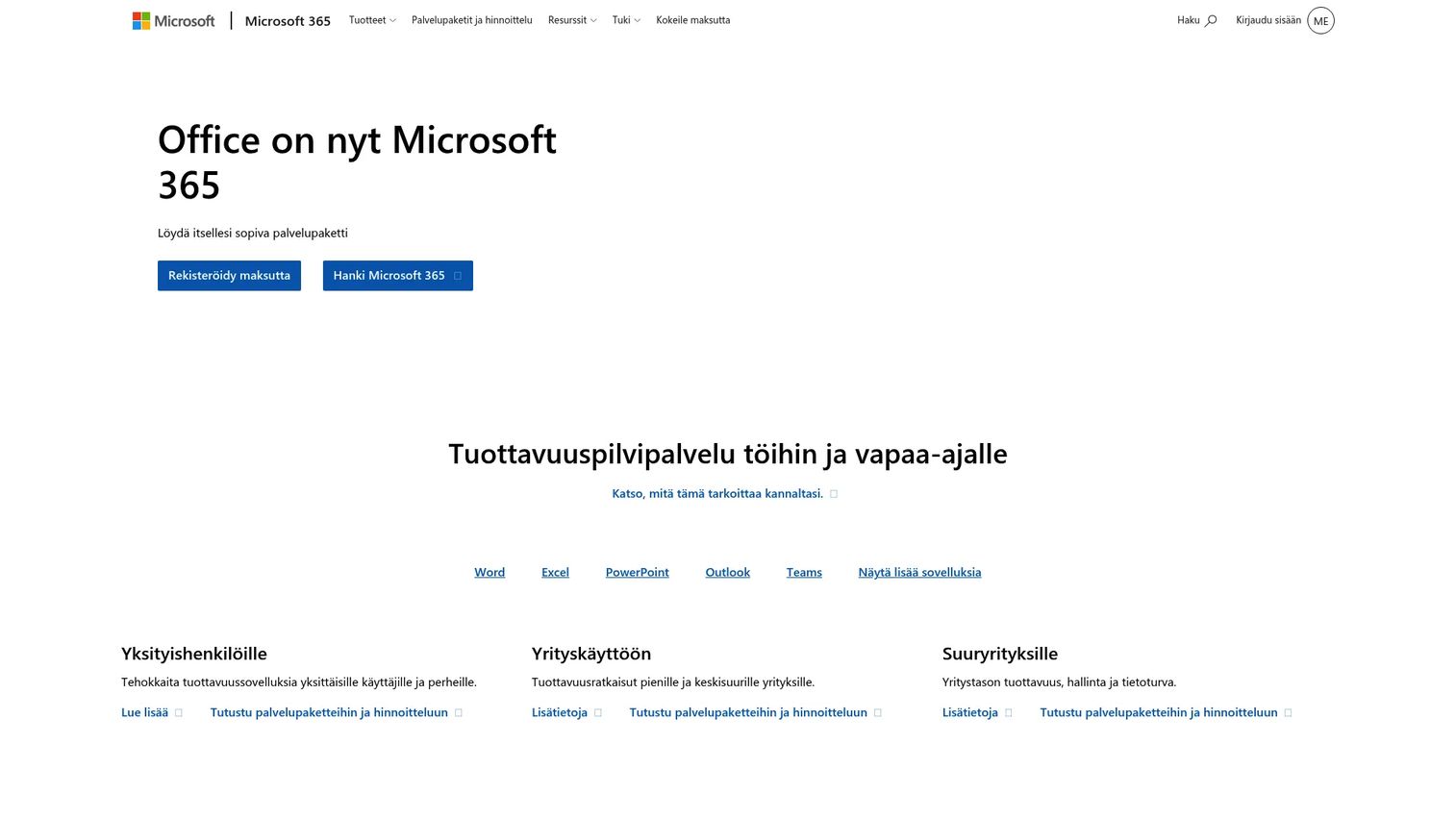
Microsoft Office refers to the traditional installed suite of Word, Excel, PowerPoint, and Outlook available as both perpetual and subscription products. The Office Home 2024 one-time purchase covers one PC or Mac with a fixed version of the core apps, while the personal and family subscriptions layer in cloud storage and regular updates.
Best for: Teams that need familiar desktop applications and can work without the broader 365 administration and collaboration layer.
Key features
- Desktop Word, Excel, and PowerPoint installed locally
- Offline document editing without internet dependency
- Microsoft file format compatibility (DOCX, XLSX, PPTX)
- Optional OneDrive connection for cloud backup
- Microsoft Copilot available on subscription tiers
Why choose Microsoft Office: If your team's work is largely individual rather than collaborative and you want to avoid per-seat subscription costs scaling with headcount, the perpetual Office Home 2024 purchase covers the core workflow. Check support timelines carefully: A perpetual version receives security updates for a defined period, not indefinitely.
Microsoft Office pricing: Office Home 2024 is a one-time purchase at $179.99 for one PC or Mac. Microsoft 365 Personal (subscription) is $9.99 per month or $99.99 per year and includes regular updates, 1 TB OneDrive, and Copilot. Microsoft 365 Family covers up to six people at $12.99 per month or $129.99 per year.
G2 rating: 4.6/5.
3. LibreOffice
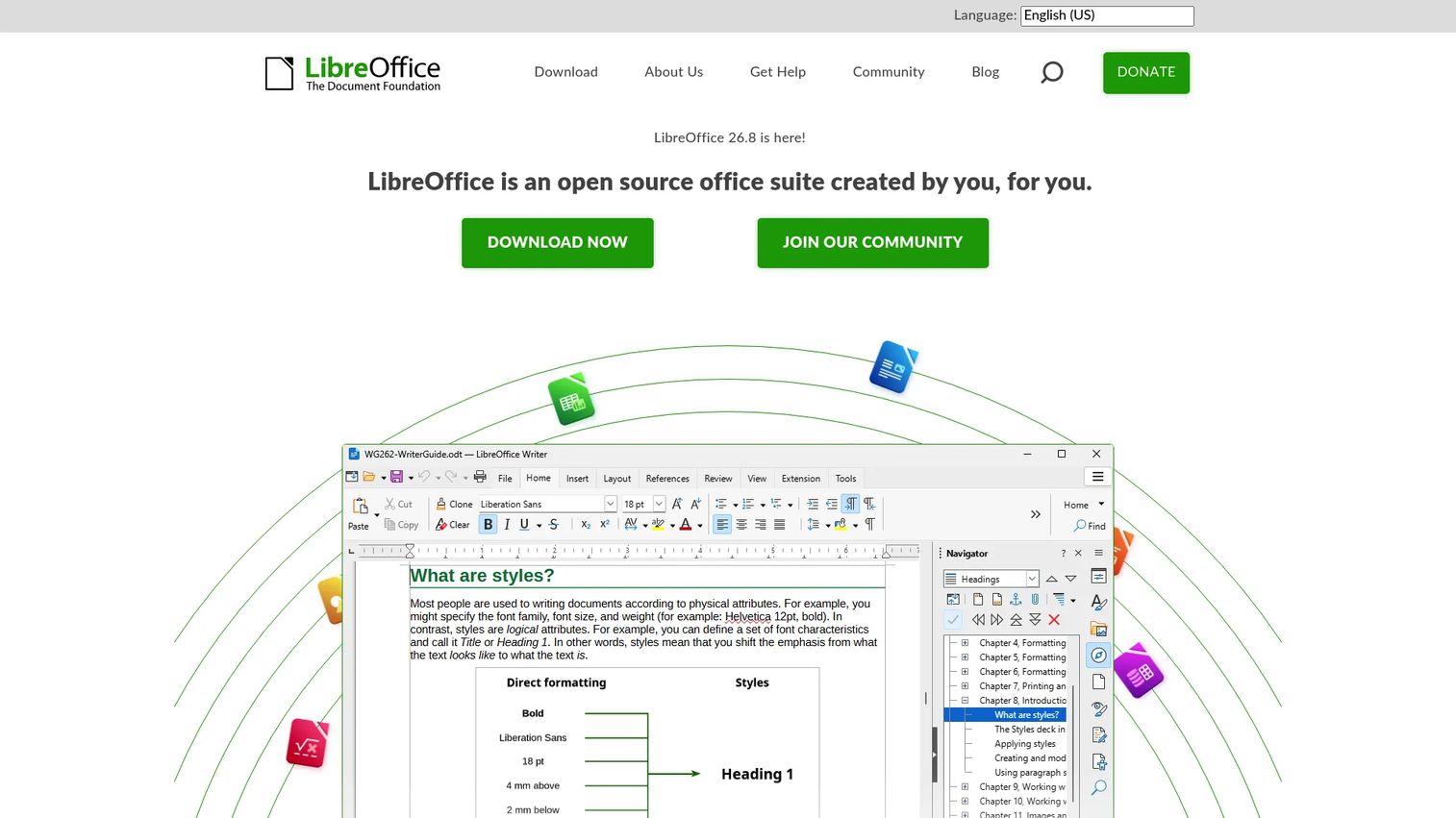
LibreOffice is a free, open-source desktop office suite maintained by The Document Foundation. It includes Writer for word processing, Calc for spreadsheets, Impress for presentations, Draw for diagrams, Base for databases, and Math for formulas. For a budget-conscious team, it covers every core document workflow at zero license cost.
Best for: Budget-focused teams that need full desktop office coverage without recurring license fees and can tolerate some Microsoft format fidelity gaps.
Key features
- Writer word processing with styles, templates, and PDF export
- Calc spreadsheets with charts, pivot tables, and Excel import/export
- Impress presentations with Microsoft PPTX support
- OpenDocument Format (ODF) as native format
- Available on Windows, macOS, and Linux
Why choose LibreOffice: The cost case is straightforward: Zero per-seat fees across any headcount. The practical consideration is fidelity. Complex Excel macros, custom fonts, and heavily formatted PowerPoint files sometimes shift on import. Run your most critical spreadsheets and board decks through LibreOffice before standardizing across the company.
LibreOffice pricing: Completely free to download and use for personal and commercial purposes. No paid tier. Optional support contracts are available through ecosystem partners for organizations that need SLAs.
G2 rating: 4.3/5.
4. Google Workspace
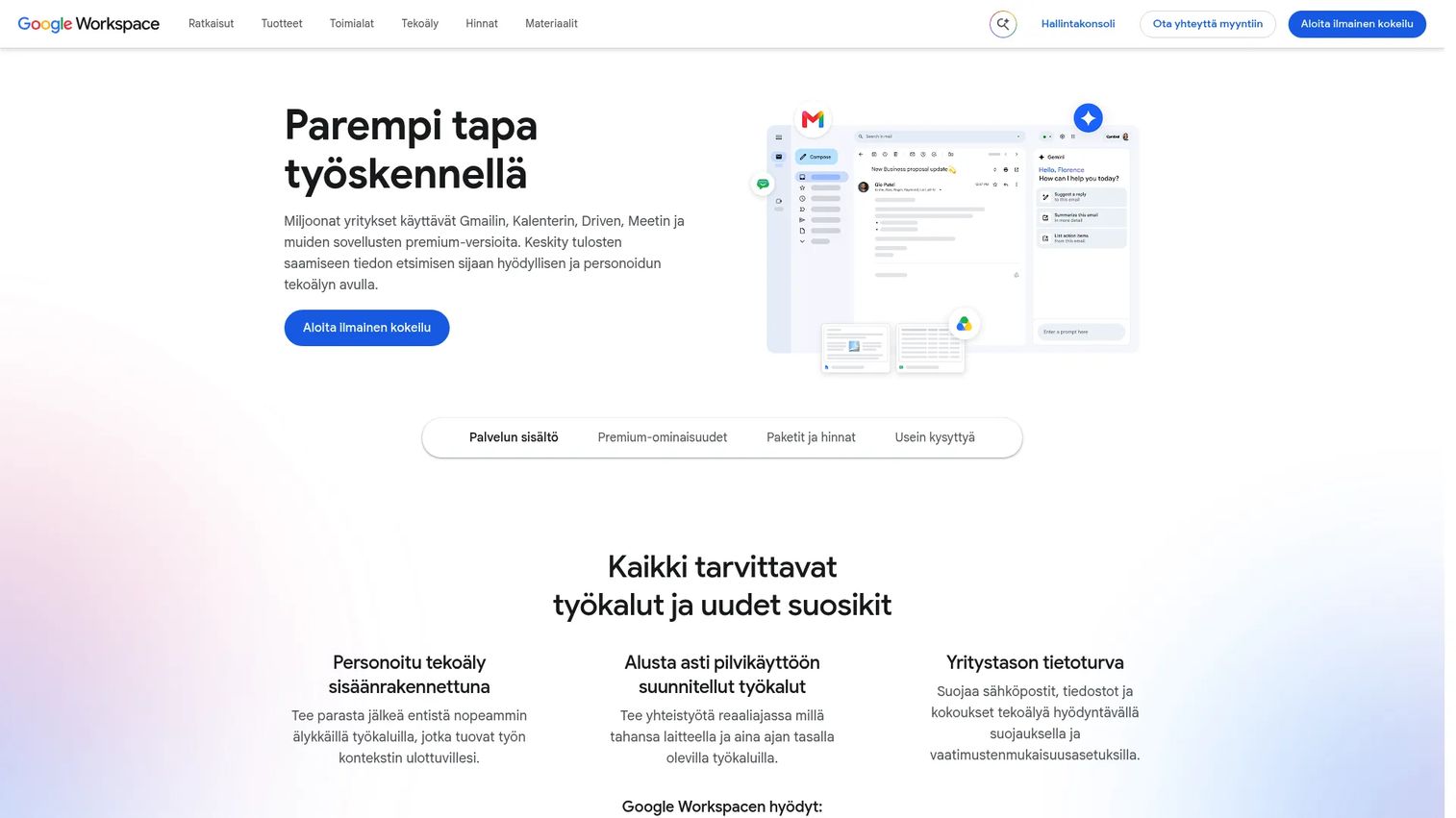
Google Workspace is a cloud-based office and productivity suite centered on Docs, Sheets, Slides, Drive, Gmail, Calendar, and Meet. Every application runs in the browser, which makes it the natural choice for remote-first and distributed teams. The admin console handles user provisioning, shared drives, and security settings from one place, and you'll find deep coverage in the Guideflow guide to cloud content collaboration software if you want to compare it against standalone collaboration platforms.
Best for: Remote or hybrid teams that prioritize shared editing, fast new-hire onboarding, and browser-based access across all devices.
Key features
- Google Docs, Sheets, and Slides with real-time co-editing
- Shared Drive with folder-level permissions and version history
- Gmail with custom domain and Calendar integration
- Google Meet video conferencing built into the suite
- Gemini AI assistance across Workspace applications
Why choose Google Workspace: The shared editing model removes the "who has the latest version?" problem that derails finance and product teams. Onboarding a new VP takes minutes: Create an account, assign to the right shared drives, done. Test complex spreadsheet models and heavily formatted customer documents before migrating, as some Excel formulas and chart types don't convert perfectly.
Google Workspace pricing: Starter is $3.50 per user per month (promotional) or $7.00 standard, with 30 GB pooled storage per user and custom email. Standard is $7.00 promotional or $14.00 standard, with 2 TB pooled storage per user and expanded Gemini features. Plus is $15.40 promotional or $22.00 standard, with 5 TB pooled storage and enhanced security. Enterprise pricing requires contacting sales.
G2 rating: 4.6/5.
5. Polaris Office

Polaris Office is a cross-platform office suite supporting document editing, spreadsheets, presentations, PDF handling, and cloud storage across desktop, mobile, and web. It supports HWP, Microsoft Office formats, PDF, ODF, and several other file types, making it a practical option for teams that work across varied document ecosystems.
Best for: Small teams that need flexible document access across desktop, mobile, and web with broad format compatibility and a free entry point.
Key features
- Document, spreadsheet, and presentation editing across platforms
- Microsoft Office format support (DOCX, XLSX, PPTX)
- PDF viewing and conversion tools
- AI features including summarization, translation, and document analysis
- Cloud storage with centralized document management
Why choose Polaris Office: The free Basic plan covers individual document access across devices without an upfront commitment. Validate collaboration depth and admin controls before positioning it as a team standard. The paid tier names are confirmed but numeric prices were not displayed on the pricing page at verification time.
Polaris Office pricing: A free Basic plan is available. Paid plans include Smart, Pro, and AI tiers for personal users, plus Business and AI Business subscriptions for organizations. Contact Polaris Office directly for current pricing on paid tiers.
G2 rating: 4.3/5.
6. WPS Office
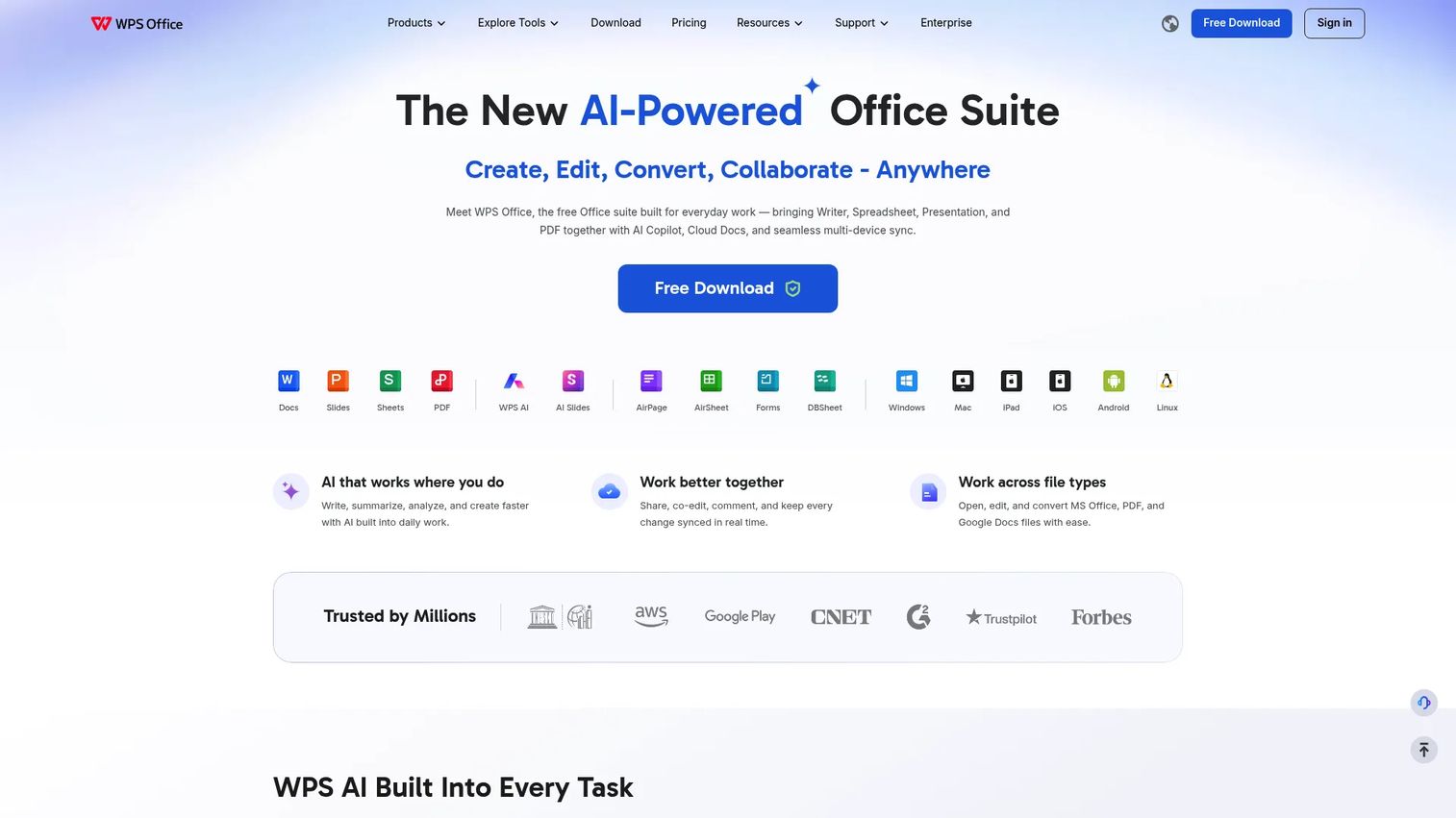
WPS Office is a multi-platform office suite combining Writer, Spreadsheets, Presentation, and PDF tools with cloud document sync and AI features. It's built around Microsoft format compatibility and offers a meaningful free tier alongside an affordable paid upgrade. For a cost-conscious SaaS company that regularly exchanges files with Microsoft users, it deserves a spot in your shortlist.
Best for: Teams that need a low-cost suite with strong Microsoft file compatibility and can work within the free tier's storage and template limits.
Key features
- Writer, Spreadsheets, and Presentation with DOCX, XLSX, PPTX support
- PDF editing, conversion, and annotation tools
- Cloud document sync with real-time co-editing
- AI writing, summarization, and formula assistance
- Desktop and mobile applications across Windows, macOS, iOS, and Android
Why choose WPS Office: The WPS Pro+ upgrade at $5.83 per month (billed annually) adds full PDF editing, unlimited templates, 20 GB cloud storage, and removes advertising. Evaluate the free Standard tier's 1 GB storage limit and advertising presence against your team's workflow before rolling it out broadly. This is also worth reviewing alongside the Guideflow roundup of best document creation software if document output quality is a priority.
WPS Office pricing: WPS Standard is free, with 1 GB cloud storage, 47 file format support, and basic PDF features. WPS Pro+ is $5.83 per month billed at $69.99 annually, adding full PDF editing, unlimited templates, 20 GB cloud storage, and no advertising. The Sharing Plan for multiple users is $41.99 per year per user.
G2 rating: 4.4/5.
7. Zoho Workplace
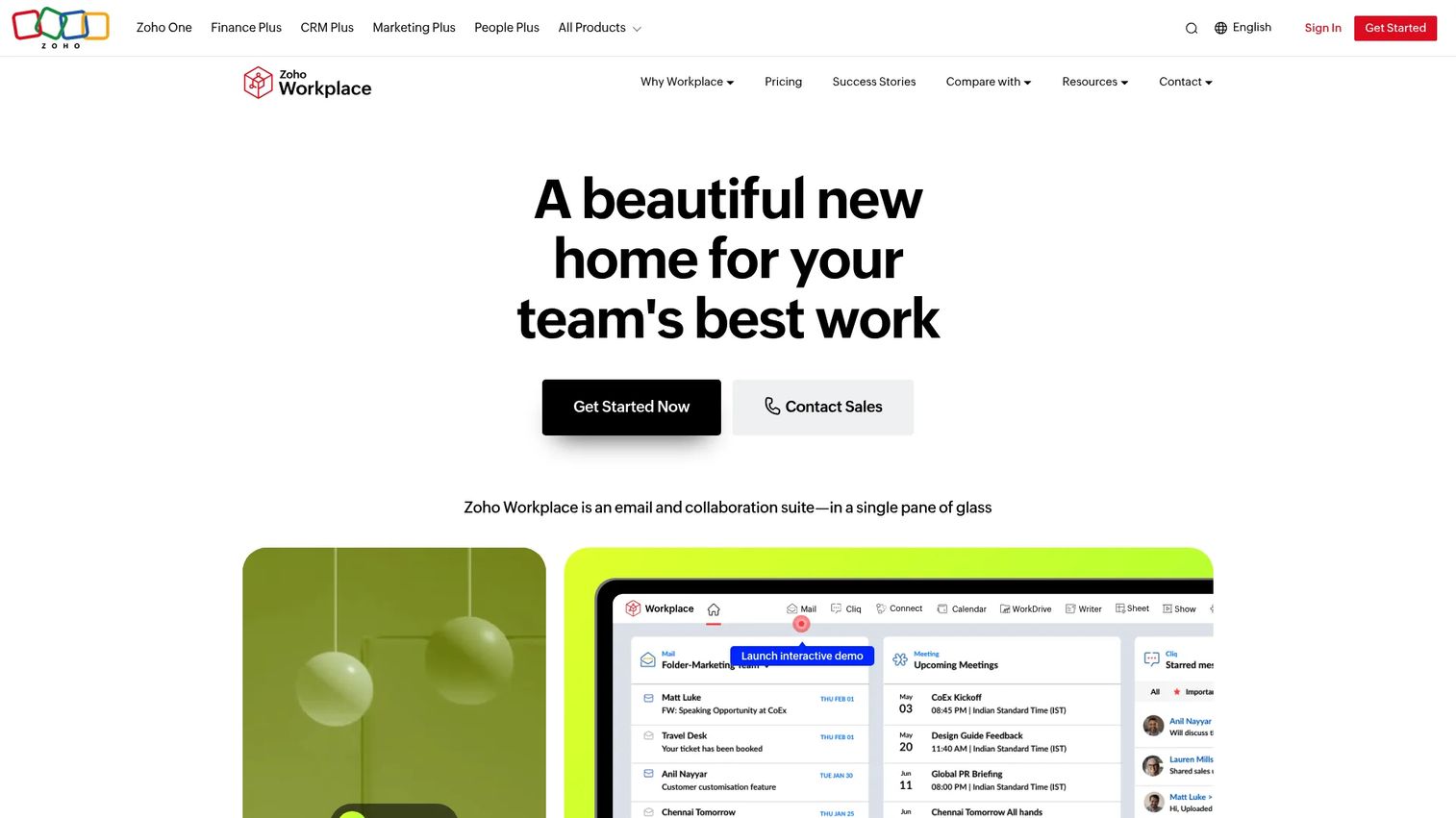
Zoho Workplace is an integrated business productivity suite that bundles office applications with email, cloud storage, team chat, audio and video conferencing, employee intranet tools, and password management. For a founder trying to reduce the number of subscriptions their operations team manages, Workplace consolidates several standalone tools into one contract.
Best for: Small and midsize SaaS companies that want office apps bundled with email, storage, and communication, rather than managing separate subscriptions for each.
Key features
- Writer, Sheet, and Show for documents, spreadsheets, and presentations
- Zoho Mail with custom domain and Calendar
- WorkDrive for cloud file storage and shared team drives
- Cliq for team chat and video meetings
- Admin and user management with SSO and MFA
Why choose Zoho Workplace: Before signing up, map what you're currently paying for email, storage, and communication separately. Workplace's value case is consolidation: Fewer vendors, one admin console, and a predictable cost per seat. Compare existing tools against what Workplace includes before assuming you'll save money on the switch.
Zoho Workplace pricing: A free Mail plan supports up to five users. Workplace Standard and Professional paid tiers are available, billed annually or monthly. Numeric prices were not confirmed on the pricing page at verification time; contact Zoho for current per-user rates. Enterprise is custom-priced.
G2 rating: Not available on G2 at verification time. Capterra lists 4.5/5 from 27 reviews.
8. Apache OpenOffice
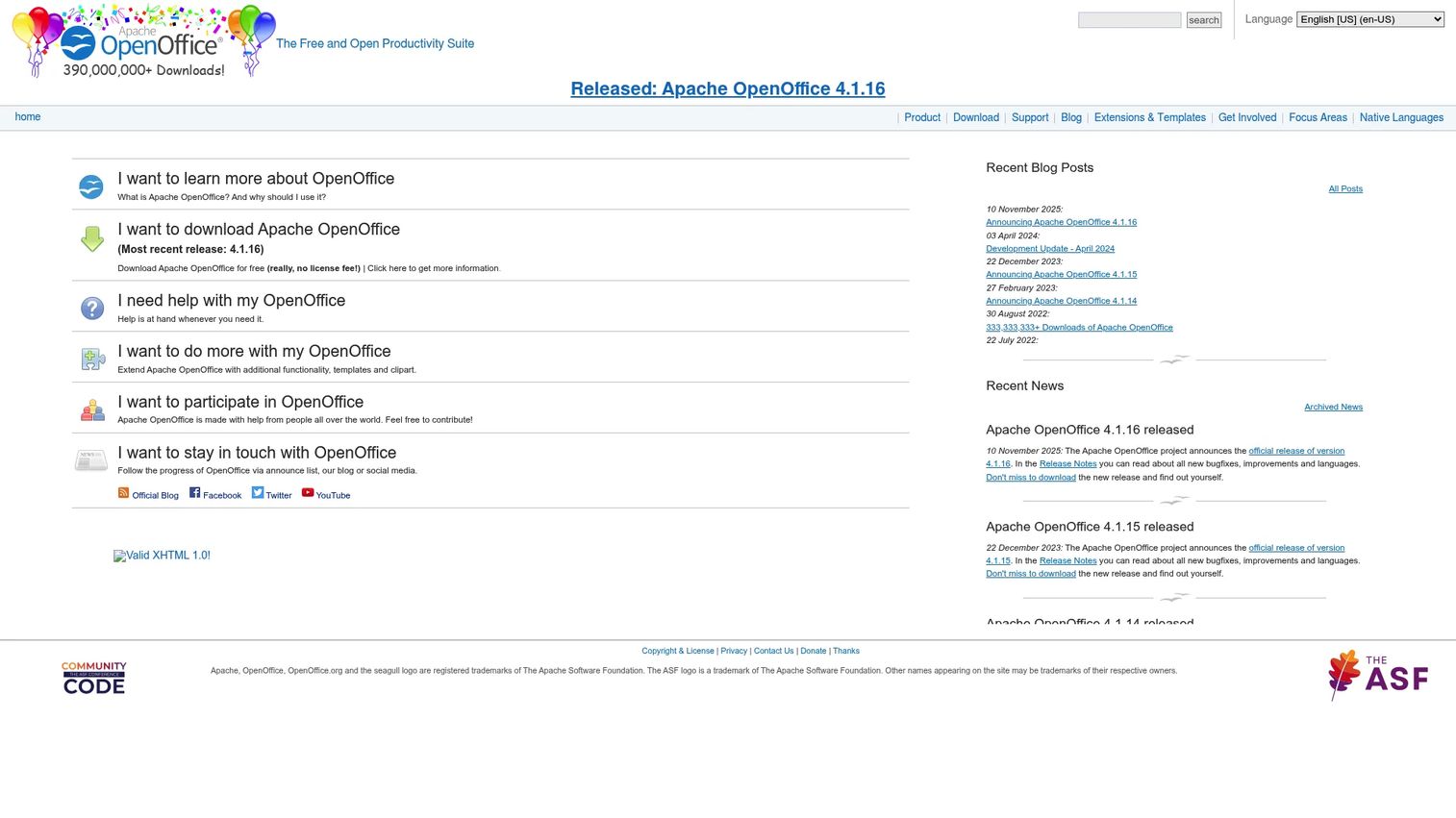
Apache OpenOffice is a free, open-source desktop suite from the Apache Software Foundation, covering Writer, Calc, Impress, Draw, Base, and Math. It's available at no cost for personal, educational, public-sector, and commercial use, making it the go-to option when budget is the primary constraint and collaboration features aren't required.
Best for: Individuals or small teams that need basic offline desktop office capability at zero license cost and have no immediate collaboration or cloud storage requirements.
Key features
- Writer word processing with templates, mail merge, and PDF export
- Calc spreadsheets with data analysis and chart tools
- Impress presentations with Microsoft PPTX import support
- Draw graphics and diagram editor
- OpenDocument Format support with Microsoft file compatibility
Why choose Apache OpenOffice: The zero-cost case is clear. Before rolling it out to a growing team, evaluate the update cadence (releases are less frequent than commercial alternatives), Microsoft file fidelity on complex documents, and the absence of built-in cloud storage or shared editing. It fits individual contributors who need offline word processing more than it fits a collaborative ops team. For a broader look at cloud-based storage options that could pair with a desktop suite, the Guideflow guide to cloud file storage software covers the main alternatives.
Apache OpenOffice pricing: Free to download and use with no license fees. No paid tier exists. Support is community-based; no managed SLA is available.
G2 rating: Not verified at generation time.
9. OnlyOffice
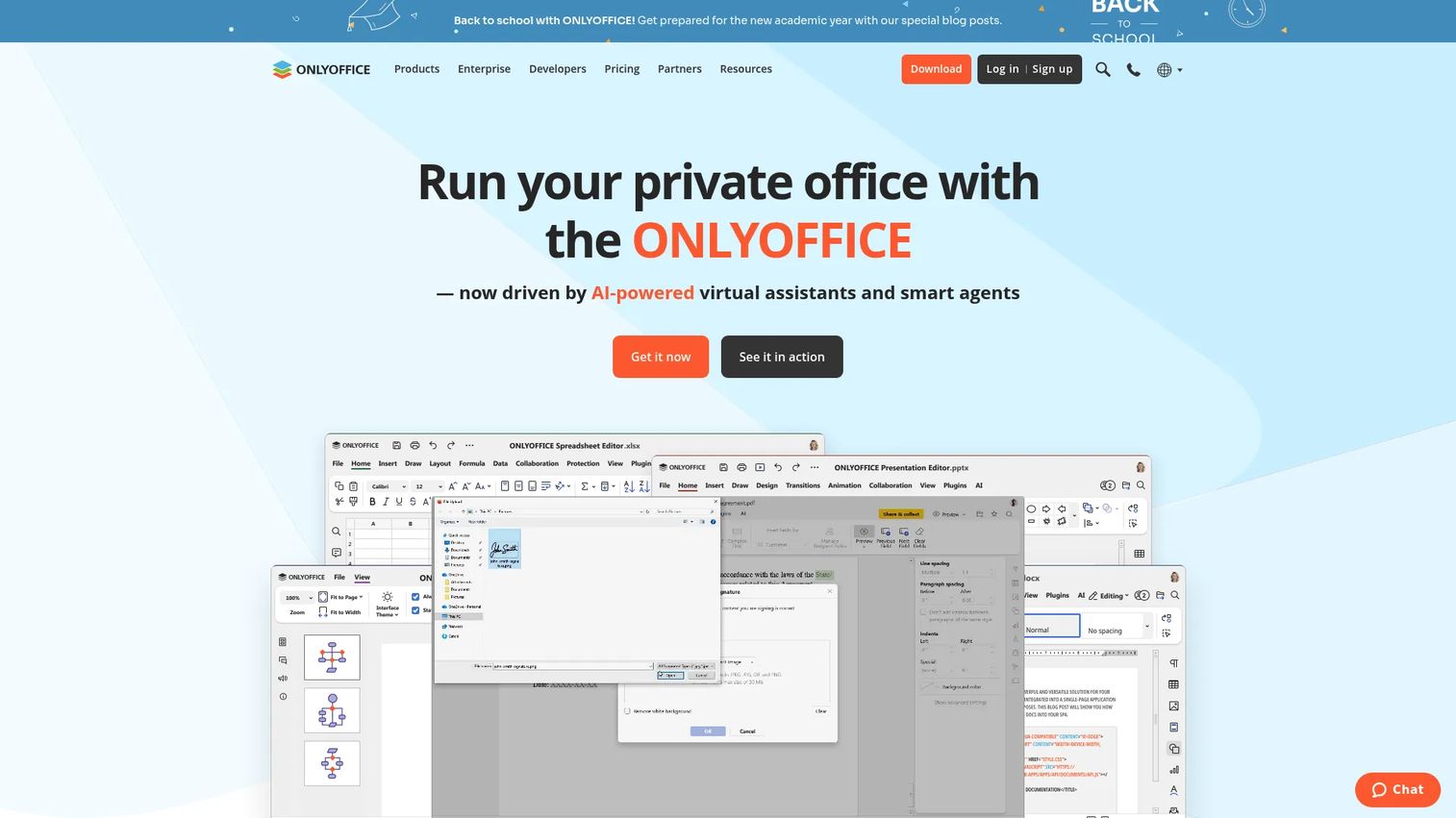
OnlyOffice is an open-source document, spreadsheet, and presentation suite available through a free DocSpace Startup plan, a paid Business cloud tier, and an Enterprise self-hosted deployment. For technical SaaS teams with specific data control requirements or a preference for self-hosting, OnlyOffice offers strong Microsoft format compatibility alongside flexible deployment options.
Best for: Teams that want Microsoft-compatible editing with the option to run their own instance, rather than depending entirely on a cloud vendor's infrastructure.
Key features
- Document, spreadsheet, and presentation editors with Microsoft DOCX, XLSX, PPTX support
- Real-time co-editing with comments, track changes, and review tools
- Fillable form creation and PDF editing
- AI assistants for generation, translation, OCR, and formula creation
- Self-hosted Enterprise deployment for full infrastructure control
Why choose OnlyOffice: The free DocSpace Startup plan covers up to three admins, unlimited users and guests, up to 12 rooms, and 2 GB storage. That's enough to pilot the platform with a small leadership team before committing. If you're evaluating self-hosting, factor in your team's capacity to manage server maintenance and updates. If you want to evaluate OnlyOffice alongside more collaboration-focused platforms, the Guideflow guide to cloud content collaboration software provides a useful comparison frame.
OnlyOffice pricing: The Startup plan is free, with up to 3 admins and 2 GB storage. Business runs $20 per admin per month (billed monthly). Enterprise is custom-priced for self-hosted deployment; contact OnlyOffice for a quote.
G2 rating: 4.4/5.
10. iWork
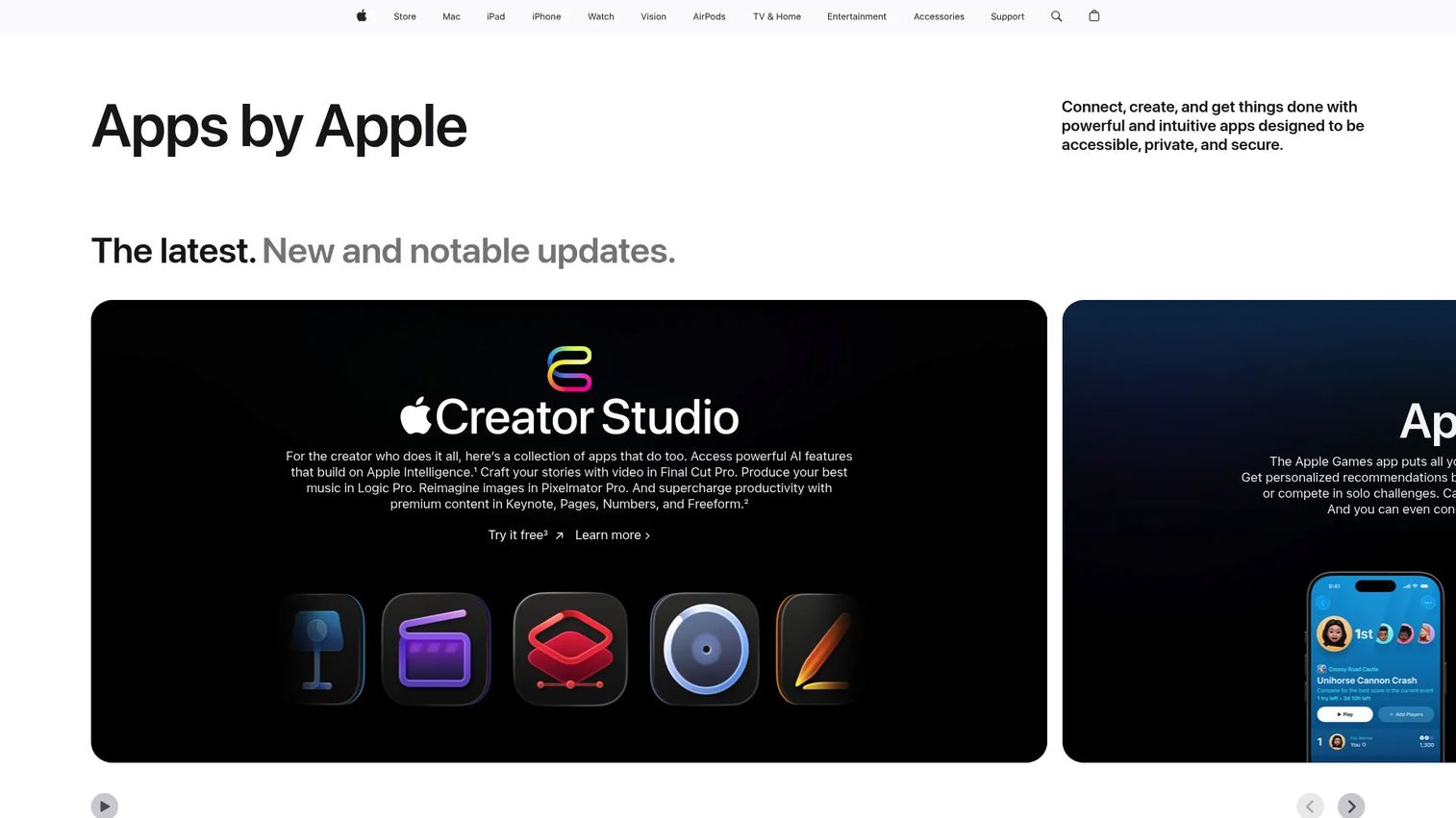
iWork is Apple's productivity suite built around Pages for documents, Numbers for spreadsheets, and Keynote for presentations. The apps come free on supported Apple devices, integrate tightly with iCloud for sharing and storage, and support real-time collaboration across Mac, iPad, iPhone, and web browsers. Keynote in particular has a strong reputation for polished presentation design.
Best for: Apple-focused teams that prioritize polished presentations and native device integration and whose external file exchange is primarily one-way (sharing rather than co-editing with Microsoft users).
Key features
- Pages document creation with layout and design tools
- Numbers spreadsheets with Smart Categories and pivot tables
- Keynote presentations with cinematic transitions and Apple Pencil support
- iCloud collaboration across Mac, iPad, iPhone, and PC web access
- Apple Pencil annotations and illustrations on iPad
Why choose iWork: For a team standardized on Apple hardware, iWork removes any per-seat software cost for the core suite. Run your most complex Excel models through Numbers before migrating: Numbers handles most common functions well but diverges from Excel on advanced macros and some financial modeling conventions. External collaborators on Windows can access documents through iCloud.com in a browser, though the co-editing experience is more limited than in a native Google Workspace or Microsoft 365 workflow.
iWork pricing: Free on supported Apple devices. No subscription required. iCloud storage plans are separate and start at $0.99 per month for 50 GB.
G2 rating: 4.6/5.
Considerations when choosing office suite software
Microsoft file compatibility
Test your actual files, not example documents. Send a board deck, a financial model with charts and formulas, and a proposal with custom fonts through your shortlisted suite before standardizing. Most suites handle simple DOCX and XLSX without issue. Complex macros, conditional formatting, and embedded charts are where fidelity breaks down.
Cloud versus desktop deployment
Browser-first tools like Google Workspace work best when shared editing and remote access dominate the daily workflow. Desktop-first tools like LibreOffice or Apache OpenOffice suit teams with strong offline requirements or limited internet reliability. Hybrid tools like Microsoft 365 cover both, at a higher per-seat cost.
Cost at team scale
Calculate the annual cost for your current headcount and your expected headcount 12 months from now. Include storage overages, premium collaboration features, admin add-ons, and any support contracts. A suite that looks affordable at 30 seats can cost significantly more at 100 if pricing jumps at a tier boundary.
Administration and security
Evaluate user provisioning, shared drive controls, permission inheritance, device management policies, and audit logging. The right level of admin tooling depends on your customer requirements, any compliance obligations, and how much your IT function can manage. A lightweight admin console that's fine at 20 people may create friction at 80.
Migration and adoption
Map existing files, templates, folder structures, and permissions before switching platforms. Run a two-week pilot with finance, sales, and one member of the leadership team. Include the person who owns the most complex spreadsheet in the company. If migration friction is high during the pilot, it will be higher at full rollout.
Conclusion
The right office suite for a Series B SaaS company is the one that works transparently for the people who didn't choose it. That means board decks that open correctly on an investor's laptop, financial models that transfer without formula errors, and a new VP who can find the right files on day one without a guided tour.
For most growing SaaS teams, the practical shortlist comes down to two options: Microsoft 365 if file compatibility and a full business stack are the priority, and Google Workspace if distributed collaboration and fast onboarding matter more. LibreOffice and Apache OpenOffice cover the free desktop use case well for teams with limited collaboration needs. Zoho Workplace is worth evaluating if you want to consolidate email, storage, and office apps into one vendor. OnlyOffice suits teams with deployment control requirements, and iWork fits Apple-standardized teams that don't need deep cross-platform collaboration.
Pick two finalists, run your real files through them, calculate the full annual cost at your projected headcount, and decide who owns administration before you commit.
Start your journey with Guideflow today!
FAQs
Office suite software is a bundled set of productivity applications covering word processing, spreadsheets, and presentations, usually paired with cloud storage and collaboration tools. Most suites also include email, calendaring, and administration features. For a business, the suite becomes the operating layer connecting leadership, finance, sales, and product workflows.
The answer turns on file compatibility, collaboration requirements, and admin overhead. Microsoft 365 covers the broadest range of use cases and eliminates format questions with customers and investors. Google Workspace is the stronger pick for distributed teams that prioritize shared editing and fast onboarding. Zoho Workplace is worth evaluating for teams that want to consolidate email and communication alongside office apps.
LibreOffice is the most capable free desktop option, covering documents, spreadsheets, presentations, and more. Apache OpenOffice covers similar ground at zero cost with community-based support. For free cloud collaboration, Google Workspace doesn't offer a free business tier, but the paid Starter plan starts at $3.50 per user per month with a promotional rate.
Google Workspace has a structural advantage for remote collaboration: Every file lives in the browser, shared editing is native, and new users are productive in minutes. Microsoft 365 closes much of that gap with its web apps and OneDrive, but desktop apps remain the primary experience. Test both against your team's actual workflow, specifically whether your finance team needs complex Excel features and whether your customers expect Microsoft formatted documents.
All ten suites in this guide support DOCX, XLSX, and PPTX to some degree. Compatibility quality varies. Microsoft 365 and Microsoft Office are the reference implementations. Google Workspace, WPS Office, OnlyOffice, and LibreOffice handle most standard documents well. Complex macros, advanced conditional formatting, and custom fonts are where non-Microsoft suites are most likely to diverge. Test your specific files rather than relying on general compatibility claims.
The driver is collaboration frequency. If your team edits documents together regularly, cloud tools like Google Workspace remove the friction of emailing files and reconciling versions. If your team works independently on complex local files and has offline requirements, a desktop suite or hybrid like Microsoft 365 serves better. Run a two-week pilot with real workflows before making the call.
Costs range from free (LibreOffice, Apache OpenOffice, iWork on Apple devices) to $7.00 per user per month for Google Workspace Starter and Microsoft 365 Business Basic, up to $32.00 per user per month for Microsoft 365 Business Premium with advanced security. At 50 users, Business Basic runs approximately $4,200 per year. At 100 users on Business Standard with Copilot, the annual cost reaches roughly $28,200. Factor in storage, admin add-ons, and support when comparing across vendors.
Some can. Microsoft 365 bundles email, calendar, video meetings, chat, storage, and office apps. Google Workspace does the same. Zoho Workplace adds an employee intranet and password management on top of the standard bundle. Before assuming consolidation, list every tool you currently pay for in the productivity category and check which ones the candidate suite actually replaces versus which ones it merely duplicates.