
Your top rep just sent a prospect last quarter's pricing deck. The current one lives in someone's Drive folder, behind a naming convention only the original author remembers. Nobody flagged it. The deal stalls, and you find out two weeks later in a forecast call.
This is the daily reality of content sprawl. Decks, battlecards, playbooks, and onboarding docs scatter across drives, wikis, and Slack threads until nobody knows which version is current. According to Market.us, 99% of remote workers used digital collaboration tools and averaged 4.8 different conferencing apps in 2021, which gives you a sense of how fragmented the average stack has become. More tools rarely means more clarity.
For a Sales Enablement Manager, the cost is concrete. Reps waste time hunting for assets. Approvals stall in inboxes. Stale content reaches the field and undercuts the messaging you spent a quarter building. The fix is not another folder. It is choosing cloud content collaboration software that handles editing, governance, and adoption as one system, so content stays current, findable, and trusted. Many enablement teams pair this with interactive demos to keep buyer-facing content consistent and current.
This article is a shortlist for teams making that choice. We picked the cloud collaboration tools that matter most for enablement workflows, weighed them against the criteria that actually affect ramp and win rates, and laid out which fits which team reality.
What's inside
This guide covers cloud content collaboration software for teams that need shared editing, approvals, version control, and governance in one place. It is written for Sales Enablement Managers, RevOps leaders, and PMM-adjacent teams who own the content that reps and customers depend on. If you also manage internal documentation, our roundup of the best knowledge base software is a useful companion read.
We chose tools based on four criteria:
- Collaboration depth: real-time co-editing, comments, and approval flows
- Governance and security: permissions, version history, and audit controls
- Integrations: fit with CRM, knowledge bases, chat, and file systems
- Usability and adoption: how likely teams are to keep content current
Each tool below includes what it does well, who it fits, pricing, and a G2 rating where available.
TL;DR
Short on time? Here are the decision shortcuts.
- Best for broad collaboration in a Microsoft-heavy org: Microsoft 365 covers docs, chat, storage, and co-editing in one familiar suite.
- Best for cloud-native co-editing: Google Workspace makes real-time editing and sharing effortless for distributed teams.
- Best for enterprise governance and security: Box gives you granular permissions, audit trails, and compliance controls.
- Best for an internal knowledge hub: Notion and Confluence centralize playbooks, processes, and enablement docs.
- Best for workflow-driven content production: Asana, ClickUp, Wrike, monday.com, and Airtable manage approvals and handoffs.
- Best for large or creative assets: LucidLink, Miro, and Figma handle file-heavy and visual collaboration.
What is cloud content collaboration software?
Cloud content collaboration software is a category of cloud based collaboration tools that lets teams create, co-edit, store, govern, and distribute content from a shared online workspace, with version control and permissions built in.
It is easy to blur three categories that overlap but solve different jobs:
- Content collaboration software centers on the content itself: documents, decks, files, and shared assets that multiple people edit and approve.
- Work management software centers on tasks and timelines: who does what by when, with the content as an attachment rather than the main object.
- File storage centers on holding and syncing files, with collaboration layered on top rather than built in.
Most enablement teams need a primary tool from one category plus connectors to the others. The capabilities that matter most:
- Real-time editing: multiple people co-author without emailing versions back and forth
- Comments and approvals: structured review so content ships with sign-off, not guesswork
- Version control: a clear history of what changed, when, and who changed it
- Permissions: control over who can view, edit, or share each asset
- Searchability: reps find the right asset in seconds, not minutes
- Analytics: usage signals that show what content gets used and what gets ignored
- Integrations: content surfaces inside CRM, chat, and the knowledge base where work happens
Why it matters: enablement content has a shelf life. Without version control and governance, the wrong asset spreads quietly, and you find out when a deal slips. The right collaborative software keeps content current by design, not by reminder emails.
Why sales enablement teams use cloud content collaboration software
Enablement teams run on content. Pitch decks, battlecards, playbooks, onboarding docs, certification materials, launch kits. Every one of those assets has an owner, a review cycle, and an expiration date that nobody tracks until it bites.
Cloud collaboration software turns that chaos into a system. Instead of three versions of the same battlecard living in three drives, you get one source of truth with a clear history. When messaging shifts after a launch, you update the master, and the field sees the current version. No reminder emails, no stale PDFs in someone's downloads folder. The same principle applies to buyer-facing assets, which is why teams increasingly rely on buyer enablement tools to keep the field aligned.
The operational wins stack up:
- Less version drift: one current asset instead of five competing copies
- Cleaner approvals: PMM signs off before content ships, with a record of who approved what
- Faster field access: reps find and share the right asset at the right deal stage
- Better signal: analytics show which content gets used and which dies on the shelf
This is about consistency, not storage. A drive holds files. A real content collaboration platform keeps your messaging aligned across every rep, every deck, and every customer touch. When a rep grabs an asset, you want confidence it reflects the positioning your team certified, not last quarter's narrative.
What to look for in cloud content collaboration software
Generic software checklists miss what enablement teams actually need. Below are the criteria that reflect the reality of owning content for a sales org.
Findability and speed
A rep mid-deal does not have time to dig through nested folders. The best content collaboration tools make assets findable through search, tags, and folder logic that maps to how reps think: by stage, persona, industry, or use case.
Evaluate:
- Full-text search that returns the right deck on the first try
- Tagging and metadata so assets surface by context, not just filename
- Folder structures that mirror your sales motion, not your org chart
The test is simple. Can a new rep find the enterprise objection-handling battlecard in under a minute? If not, the tool will not get adopted, no matter how good the content is.
Governance and version control
Governance is where enablement content lives or dies. Without it, stale assets spread and messaging fragments. With it, every asset has an owner, a review cycle, and a clear lineage.
Look for:
- Ownership: every asset has a named owner accountable for accuracy
- Approvals: content ships only after the right sign-off
- Expiration: assets flag for review before they go stale
- Audit trails: a record of who changed what and when
- Version history: the ability to see and restore prior versions
Strong governance is what separates a content system from a shared drive. It prevents the quiet spread of outdated decks that undercut your positioning in the field.
Integrations and workflow fit
Content that lives in a silo does not get used. Your collaboration software has to connect to the systems where reps already work: the CRM, the knowledge base, chat, and file storage. The depth of available integrations often determines whether a tool gets adopted at all.
Useful integration points:
- CRM (Salesforce, HubSpot) so reps access assets inside the deal record
- Chat (Slack, Teams) so content surfaces in the flow of conversation
- Knowledge base so internal docs stay linked to source material
- File systems so storage and collaboration do not fragment
The tool that fits your existing enablement and RevOps workflow wins on adoption. A great content hub that nobody opens because it sits outside the CRM is a great content hub nobody uses.
Security, permissions, and compliance
Enablement teams handle sensitive material: pricing, competitive intel, customer references, and deal-specific content. Secure collaboration software is not optional when that content can leak to the wrong audience.
For secure enterprise collaboration tools, evaluate:
- Permissioning: granular control over view, edit, and share rights
- Audit logs: a record of access and changes for accountability
- Guest access: controlled external sharing without exposing everything
- Enterprise controls: SSO, encryption, and admin governance
- Compliance: SOC 2, ISO 27001, GDPR support where your org requires it
Enterprise cloud collaboration stands or falls on these controls. The more sensitive your content, the more these move from nice-to-have to deal-breaker. (For a sense of what enterprise-grade controls look like, see Guideflow's security and compliance standards.)
Analytics and adoption
You cannot improve what you cannot measure. Analytics tie content to outcomes and tell you what the field actually uses.
Track:
- Usage: which assets get opened, by whom, and how often
- Content performance: which decks correlate with progressed deals
- Engagement signals: where reps and prospects spend time
These metrics close the enablement loop. They tell you which battlecards earn their place and which to retire, and they give you the data to defend enablement's impact in a QBR.
Ease of maintenance and change management
The best tool is the one your team will actually keep updated. A platform that requires heavy admin overhead becomes a graveyard of stale content within two quarters.
Evaluate:
- How easily owners update assets without IT involvement
- Whether the tool supports bulk changes when messaging shifts
- How quickly new reps learn it during onboarding
Maintainability ties directly to governance and adoption. Choose the tool your team will keep current, not the one with the longest feature list.
Comparison table
Here is how the 15 tools compare across intent, differentiation, pricing, and G2 rating. Use it to narrow your shortlist before reading the detail sections below. These cloud collaboration platform options range from secure collaboration software for enterprise governance to flexible collaborative software for content production.
| # | Product | Best for | Key differentiation | Pricing | G2 rating |
|---|---|---|---|---|---|
| 1 | Microsoft 365 | Microsoft-heavy orgs | Full productivity suite with co-editing and Copilot | From $9.99/mo | 4.6/5 |
| 2 | Google Workspace | Cloud-native co-editing | Real-time Docs, Sheets, Slides, shared Drives | From $7/user/mo | 4.6/5 |
| 3 | Box | Enterprise governance | Secure content cloud with compliance controls | From $5/user/mo | 4.2/5 |
| 4 | Dropbox | File sharing and sync | Simple cross-functional file collaboration | From $9.99/mo | 4.4/5 |
| 5 | Notion | Internal knowledge hub | Flexible docs, wikis, and databases | Free tier available | 4.6/5 |
| 6 | Asana | Content workflow management | Structured task and approval coordination | Free; from $10.99/user/mo | 4.4/5 |
| 7 | ClickUp | All-in-one workspace | Tasks, docs, and whiteboards combined | Free; from $7/user/mo | 4.7/5 |
| 8 | Miro | Visual collaboration | Whiteboarding and async planning canvas | Free; from $8/member/mo | 4.6/5 |
| 9 | Figma | Design collaboration | Real-time design and shared libraries | Free; from $16/mo | 4.7/5 |
| 10 | LucidLink | Large-file teams | On-demand cloud file streaming | From $7/member/mo | 4.5/5 |
| 11 | Confluence | Knowledge management | Atlassian wiki and team documentation | Free; from $5.42/user/mo | 4.1/5 |
| 12 | Airtable | Structured content ops | Database-style content workflows | Free; from $20/user/mo | 4.6/5 |
| 13 | Wrike | Cross-functional workflows | Work management with reporting | Free; from $10/user/mo | 4.2/5 |
| 14 | monday.com | Process visibility | No-code workflow coordination | Free; from $9/seat/mo | 4.7/5 |
| 15 | SharePoint | Microsoft content governance | Intranet and document management | From $5/user/mo | - |
1. Microsoft 365
Microsoft 365 is the broad collaboration suite most enterprises already run. It bundles Word, Excel, PowerPoint, and Outlook with OneDrive storage, Teams for chat and meetings, and SharePoint for content management. For enablement teams in a Microsoft-centric org, it covers document creation, real-time co-editing, communication, and file sharing without bolting on a separate tool for each job.
Where it performs best is the org that already lives in Microsoft. Reps build decks in PowerPoint, collaborate in real time, store assets in OneDrive, and share through Teams. Copilot AI features add drafting and summarization across the apps, which speeds up content production.
Best for: Organizations standardized on Microsoft apps that want collaboration and storage in one ecosystem.
Key strengths
- Unified suite: Docs, spreadsheets, presentations, chat, and storage under one license
- Real-time co-editing: Multiple authors work the same file without version conflicts
- Copilot AI: AI-assisted drafting and summarization across the apps
Microsoft 365 makes sense when your stack is already Microsoft and you want to avoid tool sprawl. The deep integration between apps, Teams, and SharePoint means enablement content flows through systems reps already use daily, which helps adoption.
Microsoft 365 pricing starts at $9.99/month for the Personal plan, with Family at $12.99/month and Premium at $19.99/month. Annual billing is available, and Microsoft offers a one-month free trial. Business and enterprise plans carry separate pricing. Microsoft 365 holds a 4.6/5 rating on G2.
2. Google Workspace
Google Workspace is the cloud-native answer for teams that want collaboration to feel effortless. Docs, Sheets, and Slides were built for real-time co-editing from day one, so two people working the same file is the default, not a feature you configure. Shared Drives keep team content in one governed place, and Gmail, Meet, Chat, and Calendar round out the suite.
For enablement teams, the appeal is speed. Sharing a deck is a link, not an attachment. Comments and suggestions make review cycles fast, and the Gemini AI assistant helps draft and refine content inside the apps.
Best for: Distributed teams that want frictionless co-editing and link-based sharing.
Key strengths
- Native co-editing: Built for simultaneous editing with live cursors and comments
- Shared Drives: Team-owned content that does not vanish when someone leaves
- Gemini AI: In-app drafting and summarization across Docs, Sheets, and Slides
Choose Google Workspace when your team values quick, familiar collaboration over a heavy feature set. It is especially strong for orgs that grew up cloud-native and want low friction between creating, sharing, and reviewing content.
Google Workspace pricing starts at $7 per user/month for Starter, $14 for Standard, and $22 for Plus, with Enterprise available through sales. All plans are billed per user. Google Workspace holds a 4.6/5 rating on G2.
3. Box
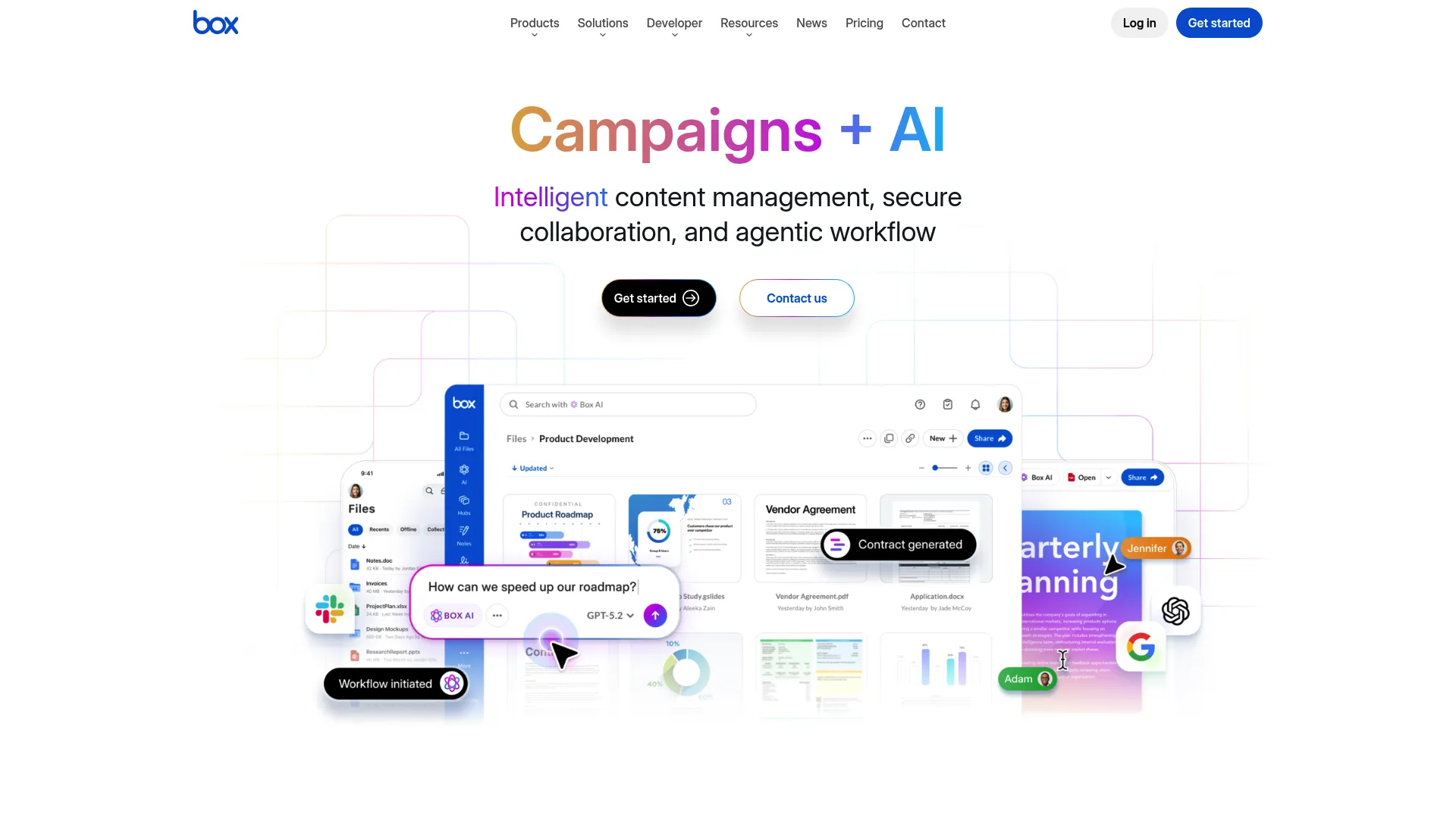
Box positions itself as a secure content cloud for governance-heavy teams. It is built around file collaboration with serious access controls, compliance support, and workflow automation. For enablement teams handling sensitive sales and customer content, Box treats security as the foundation, not an add-on.
Strengths cluster around control. Granular permissions, audit trails, and compliance controls make it a fit for orgs where content governance is non-negotiable. Box AI adds content insights and workflow agents, and Box Sign handles e-signatures inside the platform.
Best for: Enterprise teams that need secure content management with compliance and granular access control.
Key strengths
- Secure file sharing: Granular permissions and access controls on every asset
- Box AI and agents: Content insights and automated workflows
- Box Sign and Hubs: Native e-signatures and branded content portals
Choose Box when governance and security drive the decision. It is a strong fit for regulated industries or any enablement team that handles pricing, contracts, and customer data that cannot leak. The control comes with structure, which is exactly what governance-focused teams want.
Box pricing starts at $5 per user/month for Business Starter (minimum three users), with Business at $15, Business Plus at $25, and Enterprise at $35 per user/month. A free Individual plan is available, and Enterprise Advanced is quote-based. Box holds a 4.2/5 rating on G2.
4. Dropbox
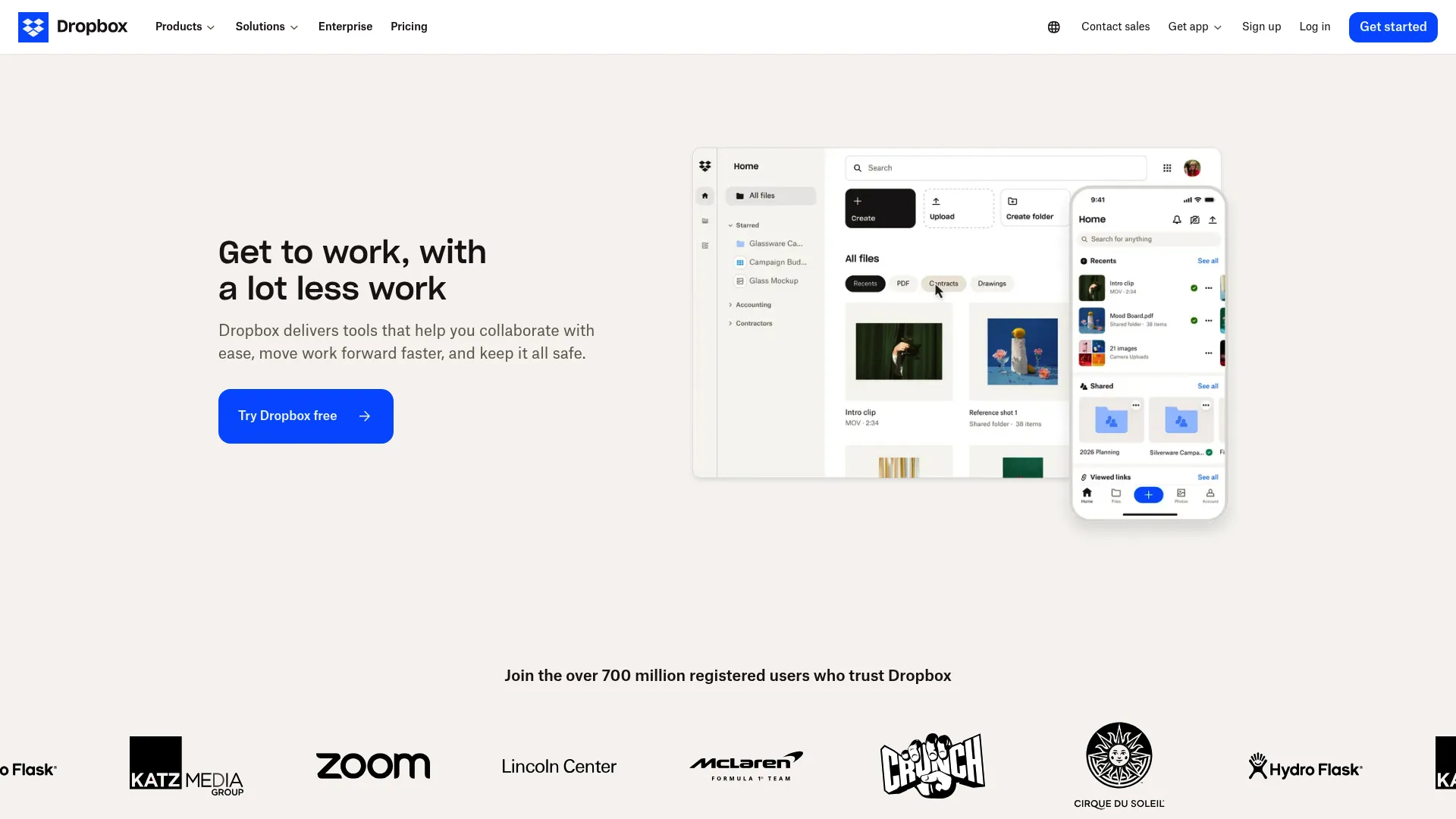
Dropbox is the file sharing and sync tool most teams already know. It stores, shares, and syncs files across devices, with collaboration features layered on through Dropbox Paper and shared folders. For cross-functional asset sharing and lightweight workflows, it keeps things simple.
Where Dropbox works well is moving files between teams without friction. Marketing drops launch assets in a shared folder, sales pulls them, and sync keeps everyone current. It is less a content authoring hub and more a reliable backbone for file distribution.
Best for: Teams that need straightforward cloud storage with dependable sync and sharing.
Key strengths
- Cloud storage: Reliable file storage accessible from any device
- File sharing: Simple link-based sharing across teams and externally
- Content collaboration: Paper docs and shared folders for lightweight co-work
Choose Dropbox when your primary need is clean file distribution rather than deep co-authoring. It fits enablement teams that produce content elsewhere and need a stable, familiar place to store and share the finished assets.
Dropbox pricing starts at $9.99/month for Plus, with Family at $16.99/month and Standard at $15 per user/month. A free Basic plan includes 2 GB of storage, and additional business tiers are available. Dropbox holds a 4.4/5 rating on G2.
5. Notion
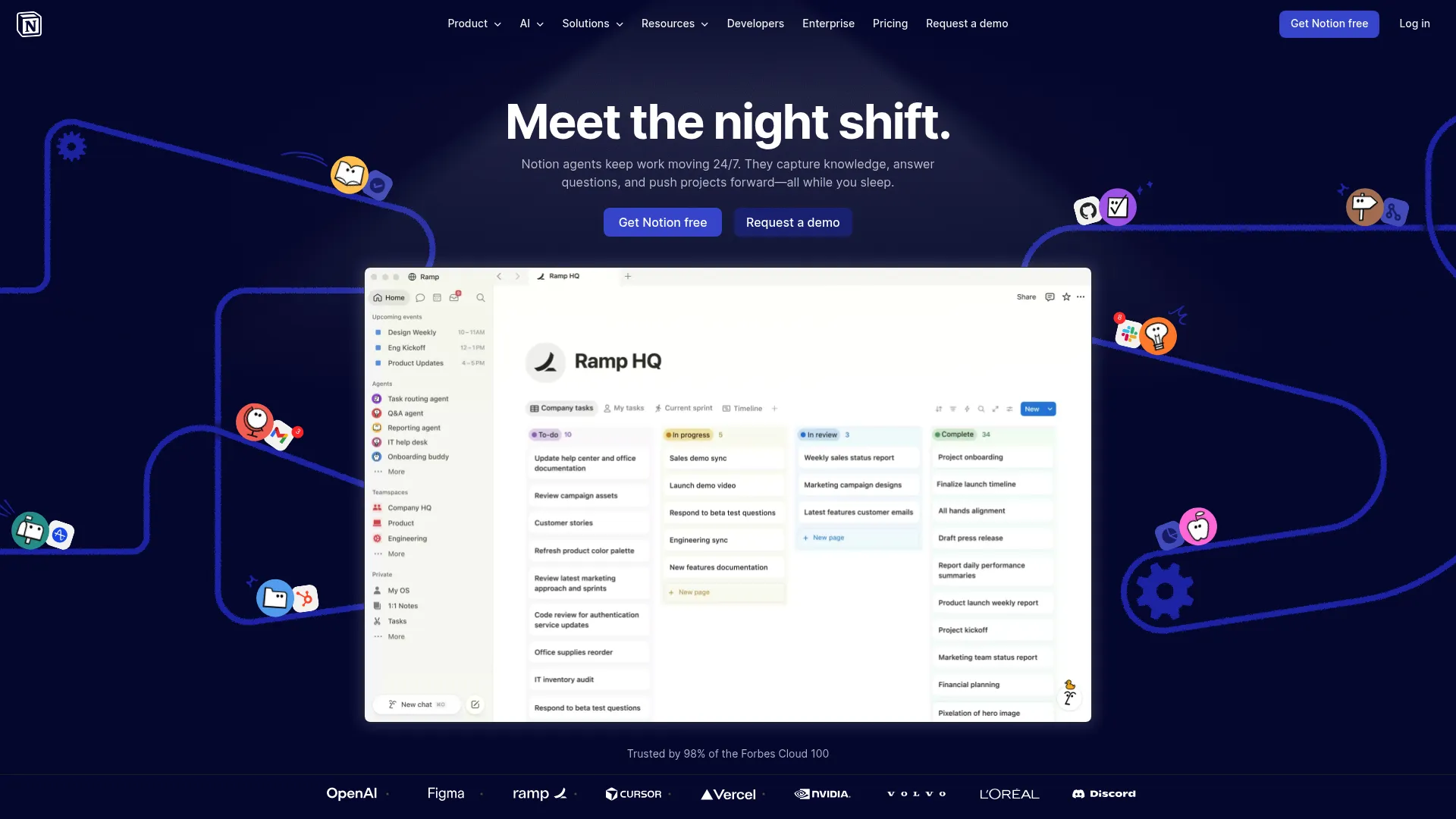
Notion is the flexible workspace that bends to how your team works. It combines docs, databases, team wikis, and task management on one canvas, which makes it a natural home for an enablement knowledge hub. Playbooks, onboarding paths, competitive intel, and process docs all live in linked, searchable pages.
The strength is structure without rigidity. You can build a battlecard library as a database, link it to launch docs, and surface everything through a wiki that reps actually browse. Notion's AI assists with drafting and summarizing content inside the workspace.
Best for: Teams that want a flexible internal hub for docs, knowledge, and process.
Key strengths
- Docs and notes: Rich pages for playbooks, guides, and process docs
- Databases: Structured asset libraries with custom views and filters
- Team wikis: A browsable home for enablement knowledge
Choose Notion when you want one place to organize internal content and the freedom to shape it to your motion. It rewards teams willing to design their structure, and it pays back with a knowledge hub reps can navigate without a map.
Notion offers a free tier for individuals, with paid plans for teams and added AI features. Pricing details are best confirmed directly on Notion's site, as plans vary by team size and feature needs. Notion holds a 4.6/5 rating on G2.
6. Asana
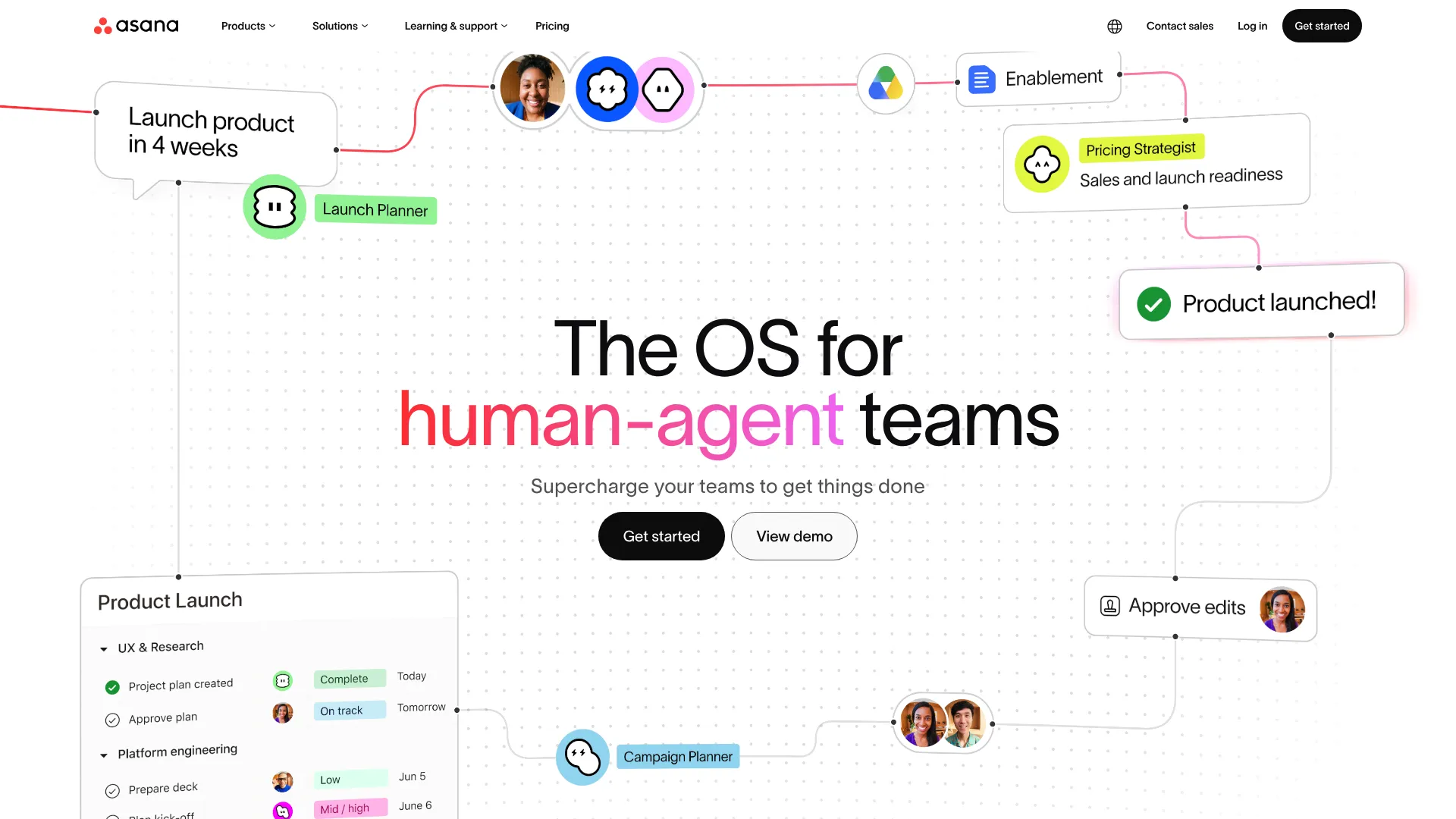
Asana supports collaboration around content workflows, approvals, and project coordination. It is more work-management-oriented than document-native, which means it shines at the process around content rather than the content itself. For enablement teams running launch projects or content production calendars, that distinction matters.
Asana excels at making handoffs visible. A launch kit moves through drafting, review, and approval with clear owners and due dates at each stage. List, calendar, timeline, and board views let you track content production the way your team thinks.
Best for: Teams coordinating content production, approvals, and cross-functional launch projects.
Key strengths
- Tasks and projects: Clear ownership and deadlines across content work
- Multiple views: List, calendar, timeline, and Kanban for any workflow
- Custom fields and automations: Status tracking and routing without manual chasing
Choose Asana when the process around your content needs structure more than the content authoring does. It pairs well with a document-first tool: build assets elsewhere, manage the production workflow in Asana. The clarity it brings to approvals reduces the bottlenecks that stall launches.
Asana offers a free Personal plan, with Starter at $10.99 per user/month and Advanced at $24.99 per user/month, both billed annually. Enterprise and Enterprise+ plans are sales-led. Asana holds a 4.4/5 rating on G2.
7. ClickUp
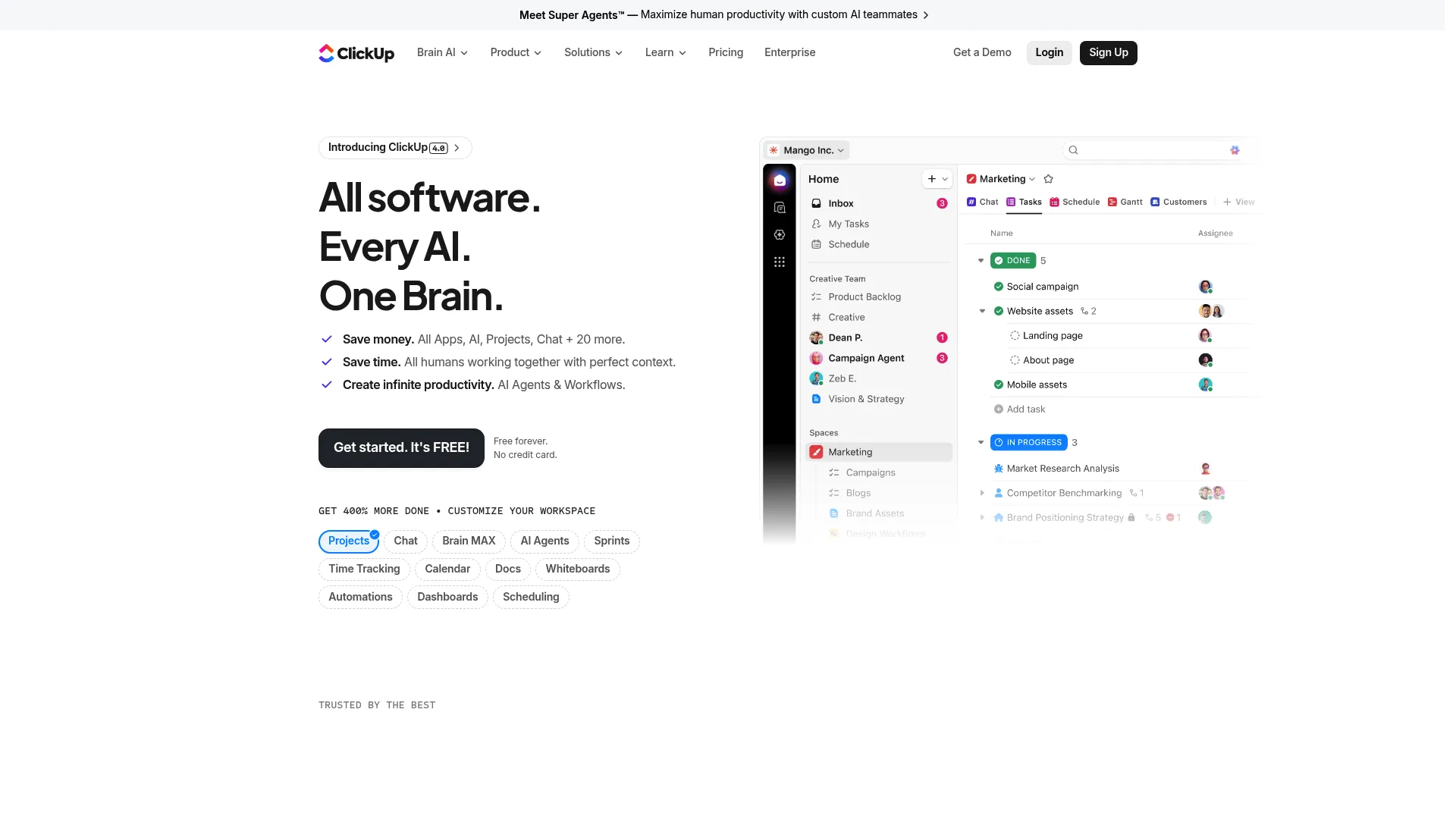
ClickUp bundles tasks, docs, whiteboards, chat, and dashboards into one workspace. For teams managing content production and approvals, that breadth means fewer tools to stitch together. You can draft a doc, attach it to a task, route it for approval, and track the whole pipeline in one place.
The appeal is consolidation. Instead of a doc tool plus a task tool plus a whiteboard, ClickUp tries to be all three. Its AI features, including Brain and enterprise search, help surface content and automate routine steps across the workspace.
Best for: Teams that want content production and project management in a single converged workspace.
Key strengths
- Tasks with depth: Dependencies, subtasks, checklists, and time tracking
- Docs and whiteboards: Native content creation alongside task management
- AI and automation: Brain, agents, and search to reduce manual work
Choose ClickUp when you want to consolidate content work and project management without juggling separate tools. It fits enablement teams that value having tasks, docs, and approvals in one system, and that are willing to invest in setting it up well.
ClickUp offers a free Forever plan, with Unlimited at $7 per user/month and Business at $12 per user/month, both billed yearly. Enterprise is available through sales. ClickUp holds a 4.7/5 rating on G2.
8. Miro
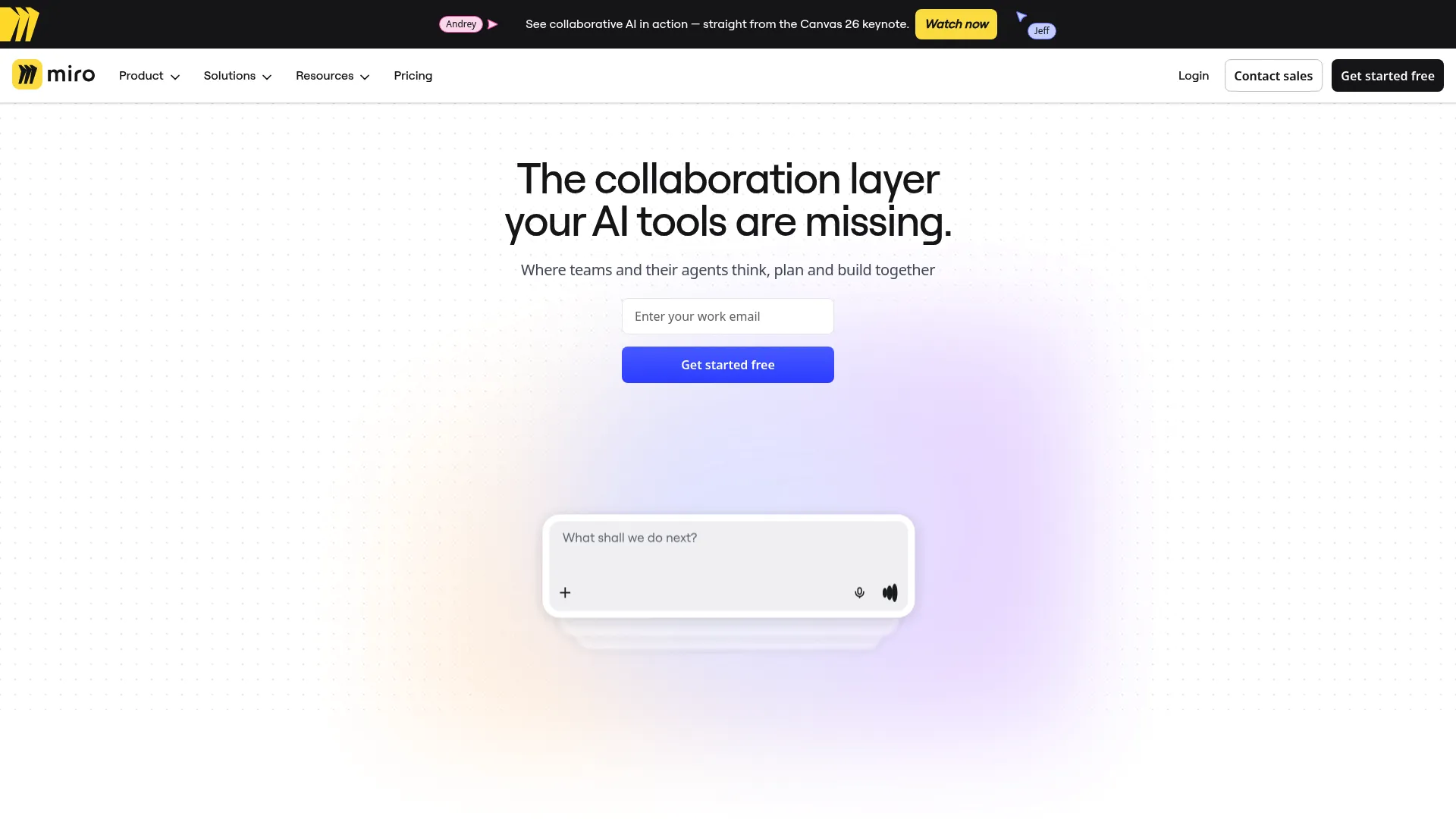
Miro is a visual collaboration canvas for brainstorming, planning, and workshops. For enablement teams, it shines in the alignment work that happens before content gets built: mapping the buyer journey, planning a launch, or running a messaging workshop with PMM and sales leaders.
The strength is shared visual thinking, sync or async. Distributed teams build on one canvas, and Talktrack lets you record async video walkthroughs so people contribute on their own time. With thousands of templates and hundreds of integrations, it slots into existing workflows.
Best for: Teams that need a visual workspace for planning, alignment, and workshops.
Key strengths
- Visual canvas: Whiteboarding for journey maps, plans, and brainstorms
- Templates: Thousands of starting points for common workflows
- Async video: Talktrack walkthroughs for distributed contribution
Choose Miro when the work is planning and alignment rather than document production. It earns its place as the space where enablement, PMM, and sales agree on the narrative before anyone opens a deck. That upstream alignment makes the downstream content sharper.
Miro offers a free plan, with Starter at $8 per member/month and Business at $20 per member/month, both billed annually. Enterprise pricing is custom. Miro holds a 4.6/5 rating on G2.
9. Figma
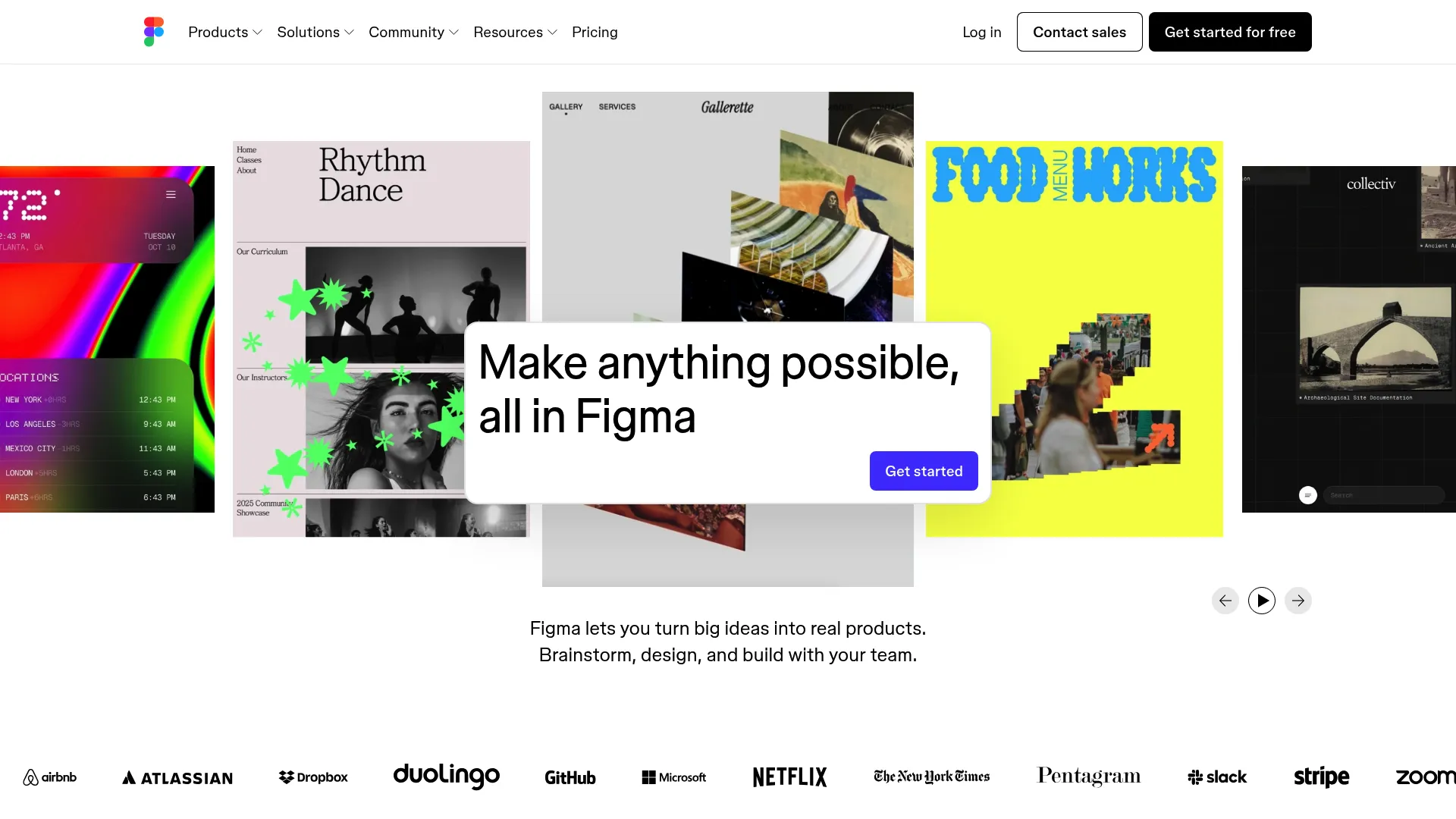
Figma is the real-time design platform for teams building design-heavy content. For enablement, it matters when your assets need polish: branded one-pagers, infographic-rich decks, or any content where design and messaging have to work together. Comments and shared libraries keep collaboration around visual assets tight.
The strength is multiplayer design. Designers, PMMs, and stakeholders work the same file in real time, comment in context, and pull from shared component libraries so branding stays consistent. Dev Mode helps when assets need to ship into product or web surfaces.
Best for: Teams collaborating on design-heavy or brand-polished content assets.
Key strengths
- Real-time collaboration: Multiplayer editing with in-context comments
- Shared libraries: Consistent branding through reusable components
- Dev Mode: Inspection and handoff for assets headed into product
Choose Figma when your enablement content leans visual and brand consistency matters. It is the right tool when designers and content owners need to collaborate on the same asset, rather than passing static files back and forth and losing the source.
Figma offers a free Starter plan, with Professional at $16/month, Organization at $55/month, and Enterprise at $90/month, the higher tiers billed annually. Figma holds a 4.7/5 rating on G2.
10. LucidLink
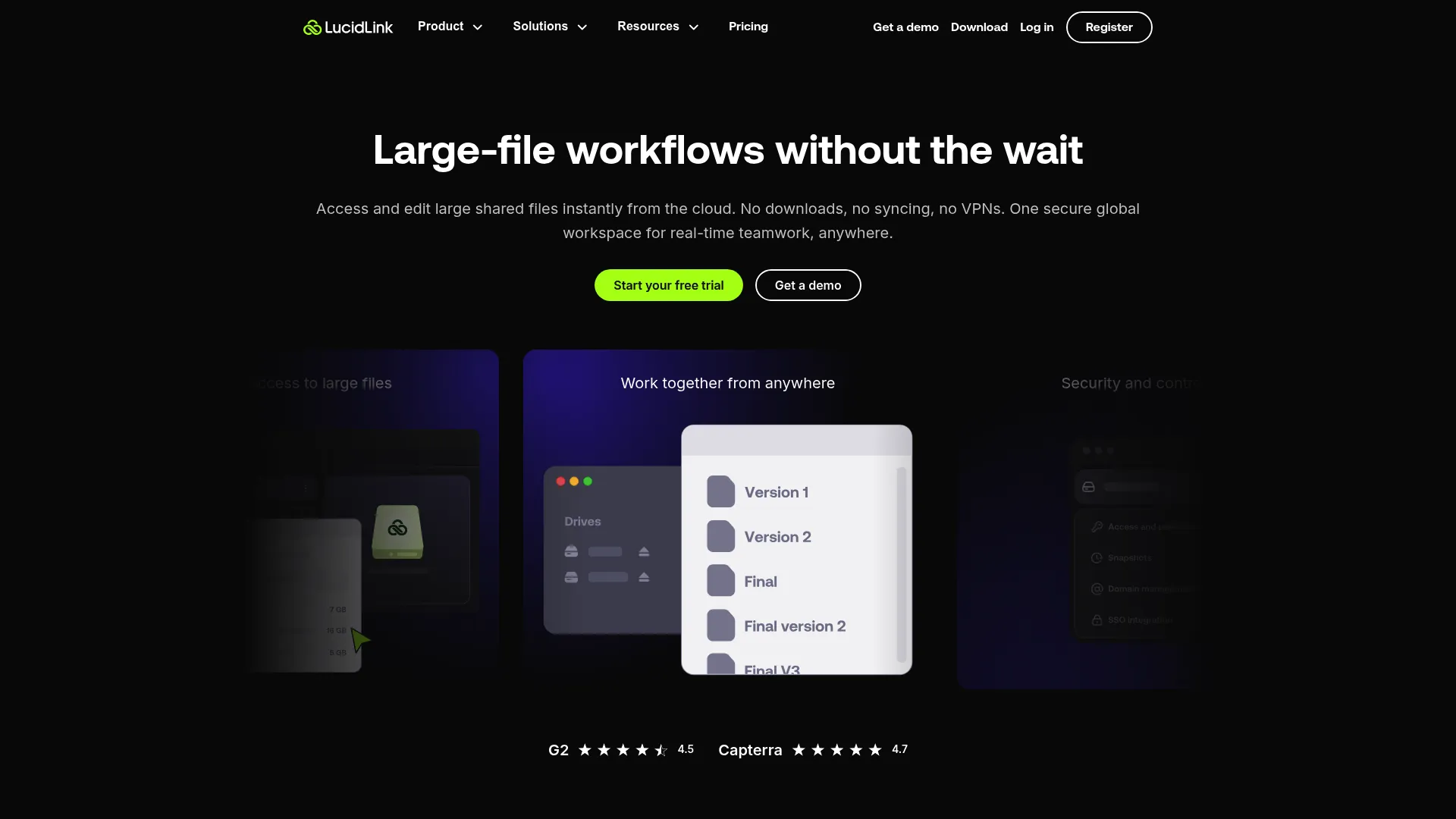
LucidLink is cloud-native file access built for teams working with large media files. It streams files on demand from one global filespace, so a distributed team can open and work multi-gigabyte assets without downloading or syncing everything first. For enablement teams producing video, high-res creative, or large media libraries, that changes the math.
The strength is instant access to big files across locations. A team in three time zones works the same filespace as if it were a local drive, with guest access for external collaborators. It fits collaborative workflows where file size is the bottleneck.
Best for: Distributed teams that need fast shared access to large creative or media files.
Key strengths
- On-demand streaming: Open large files without full downloads or syncs
- One global filespace: A shared drive experience across locations
- Guest access: Controlled external collaboration on shared content
Choose LucidLink when large files slow your team down. It is purpose-built for media-heavy workflows where standard cloud storage struggles, and it pairs well with creative tools that need fast access to the underlying assets.
LucidLink pricing starts at $7 per member/month for Starter with 100 GB included, and Business at $32 per member/month with 400 GB included. Enterprise is custom, and a 30-day free trial is available. LucidLink holds a 4.5/5 rating on G2.
11. Confluence
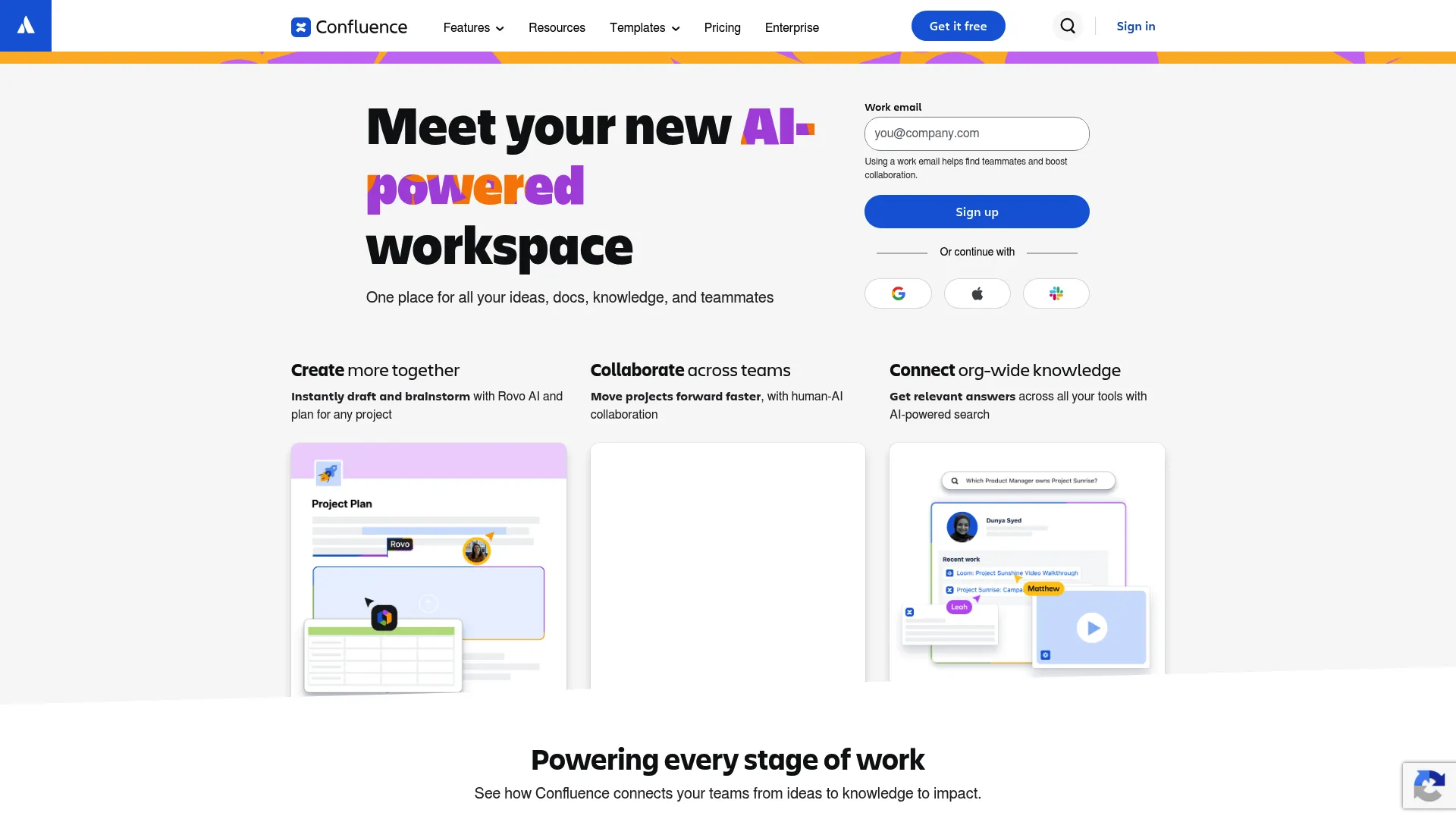
Confluence is Atlassian's knowledge management and documentation workspace. For enablement teams, it works as a central source of truth: process docs, onboarding guides, internal playbooks, and team knowledge organized in spaces and pages. If your org already runs Jira, the integration makes it a natural fit.
The strength is structured documentation at scale. Real-time editing, commenting, and notifications keep collaboration tight, and whiteboards and databases extend it beyond plain pages. It is built for teams that need durable, searchable internal knowledge.
Best for: Teams centralizing internal knowledge, process docs, and onboarding material.
Key strengths
- Real-time editing: Co-authoring with comments and notifications
- Knowledge spaces: Organized homes for team docs and processes
- Whiteboards and databases: Structured content beyond standard pages
Choose Confluence when you need a durable internal knowledge base and especially when your org already uses Atlassian tools. It excels at the documentation layer of enablement: the reference material reps and new hires return to again and again.
Confluence offers a free plan for up to 10 users, with Standard at $5.42 per user/month and Premium at $10.44 per user/month. Enterprise is available through sales. Confluence holds a 4.1/5 rating on G2.
12. Airtable
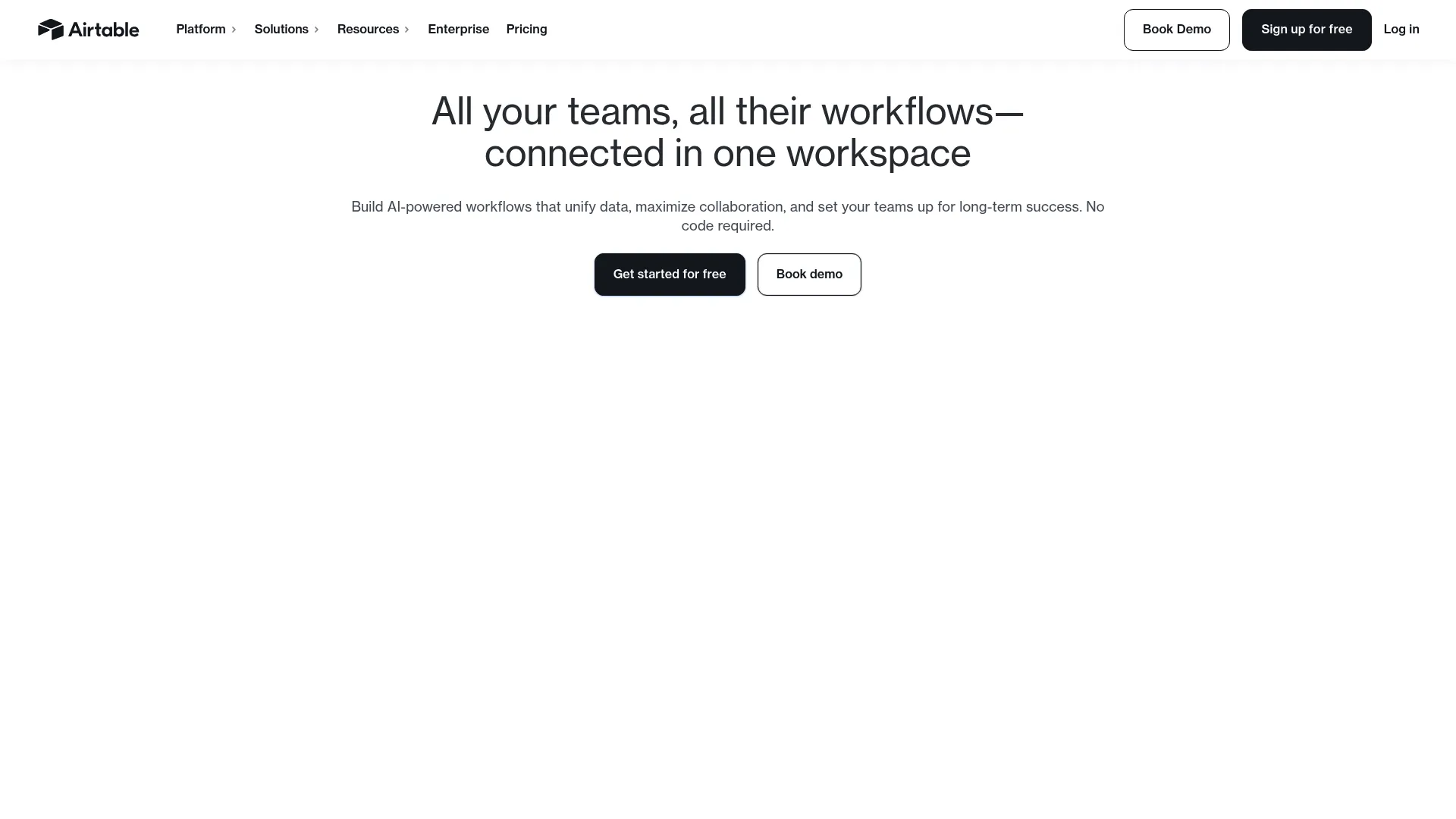
Airtable brings structured content collaboration through bases, views, and automations. It looks like a spreadsheet but works like a database, which makes it ideal for teams managing content production calendars, asset inventories, and production workflows. For enablement, it is a strong fit when content needs to be tracked as structured data, not just files.
The strength is turning content operations into a system. A content calendar with owners, statuses, and due dates becomes a base you can filter, automate, and report on. Omni, its AI app builder, lets teams build custom workflows on top of shared data.
Best for: Teams managing content calendars, asset inventories, and structured workflows.
Key strengths
- Omni AI app builder: Custom apps and workflows on shared data
- Automations: Routing and updates without manual upkeep
- Interfaces: Tailored views for different roles and use cases
Choose Airtable when your content work is really data work: tracking many assets across stages, owners, and statuses. It fits enablement teams that want a flexible operational backbone for content production rather than a document authoring tool.
Airtable offers a free plan, with Team at $20 per collaborator/month billed annually and Business at $45 per collaborator/month billed annually. Enterprise Scale is sales-led. Airtable holds a 4.6/5 rating on G2.
13. Wrike
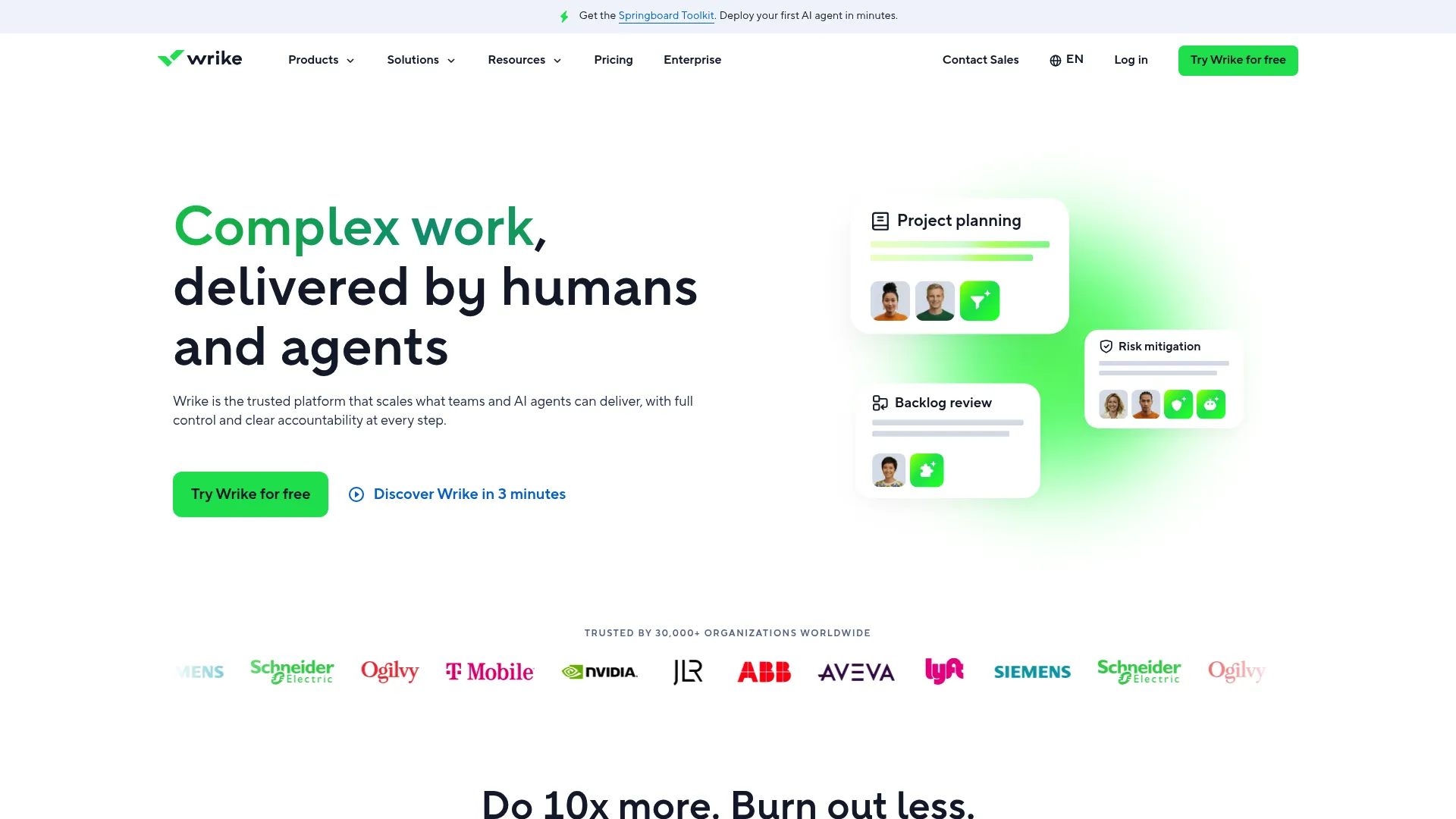
Wrike handles project and content workflow collaboration for cross-functional teams. It supports visibility, approvals, and task-driven execution, which makes it useful for enablement teams running content production with multiple stakeholders. Gantt charts, board views, and reporting give leaders a clear picture of what is in flight.
The strength is structured execution with strong reporting. Custom item types and automation let you model your content workflow, while reporting gives stakeholders the visibility they want. It sits firmly in the work management category, managing the process around content.
Best for: Cross-functional teams that need work management with strong planning and reporting.
Key strengths
- Project and task management: Clear ownership across content workflows
- Gantt and board views: Timeline and Kanban visibility for any process
- Reporting: Dashboards that show stakeholders what is in progress
Choose Wrike when content production involves multiple teams and leadership wants visibility into the pipeline. Like other work management tools, it pairs best with a document-first system: author content elsewhere, run the workflow and reporting in Wrike.
Wrike offers a free plan, with Team at $10 per user/month and Business at $25 per user/month, billed annually. Pinnacle and Apex tiers are quote-based. Wrike holds a 4.2/5 rating on G2.
14. monday.com
monday.com is a no-code work management platform built for workflow coordination, status tracking, and team collaboration around content production. For enablement teams, it brings process visibility and structured handoffs: a launch content board where every asset has a status, owner, and next step.
The strength is flexibility without code. Boards, docs, and dashboards adapt to how your team works, and automations handle the repetitive routing. AI agents and a workflow builder extend it further. It is built to make process visible to everyone involved.
Best for: Teams that want a flexible, no-code system for content workflow visibility.
Key strengths
- Boards and dashboards: Visual status tracking across content work
- Automations and integrations: Routing and updates without manual chasing
- AI agents: Workflow assistance built into the platform
Choose monday.com when you want a highly visual, easy-to-configure way to coordinate content production. It fits enablement teams that value process visibility and structured handoffs, and that want a tool non-technical owners can set up themselves.
monday.com offers a free plan for up to 2 seats, with Basic at $9/seat/month, Standard at $12/seat/month, and Pro at $19/seat/month, billed annually. Enterprise is custom. monday.com holds a 4.7/5 rating on G2.
15. SharePoint
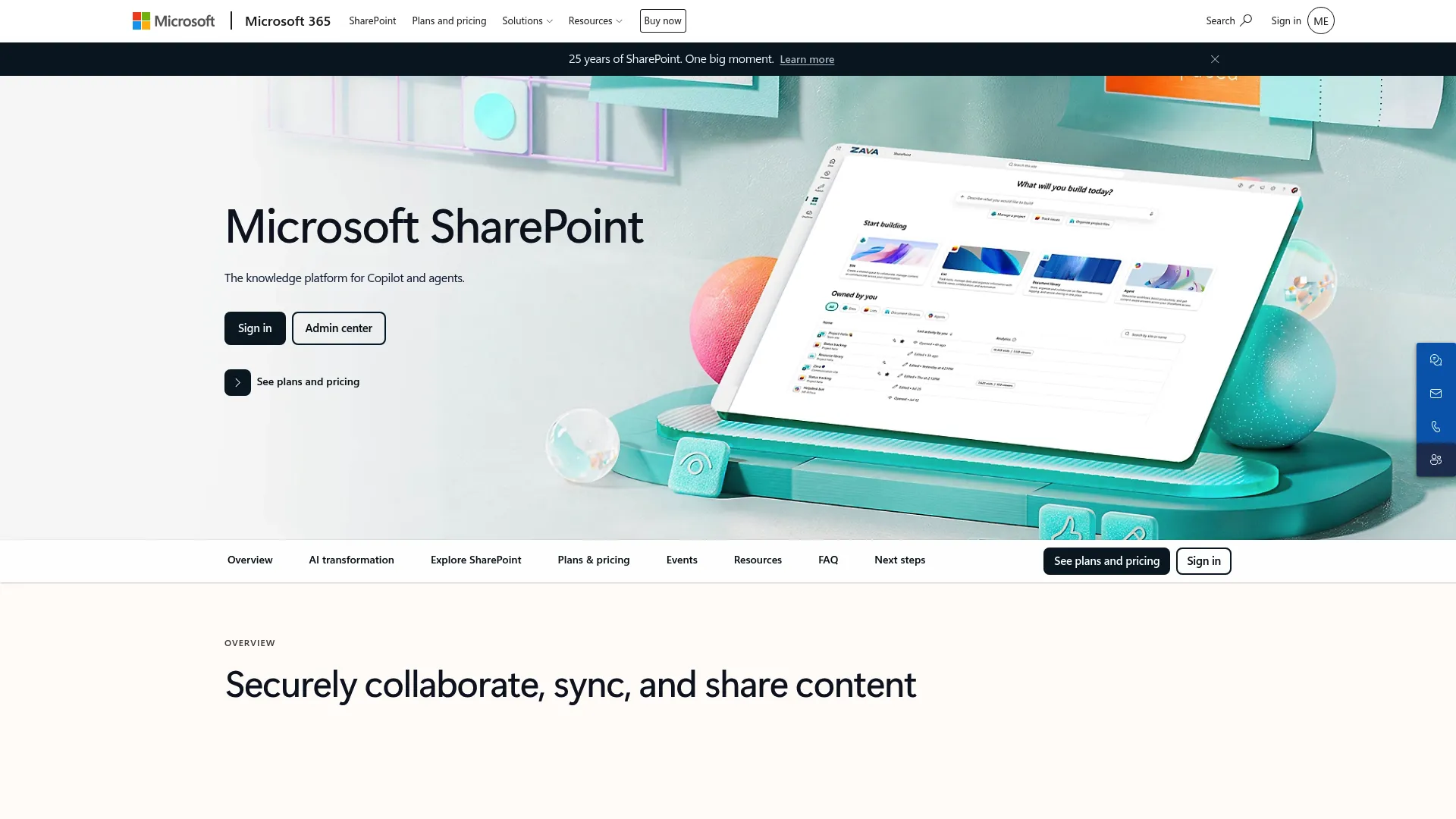
SharePoint is Microsoft's content management and secure file-sharing platform. It powers team sites, document libraries, and intranets, with permissions and versioning built in. For Microsoft-centered organizations with governance requirements, it is the natural home for enablement content that needs structure and access control.
The strength is enterprise content governance. Team sites organize content by department or function, versioning tracks changes, and granular permissions control access. AI-powered search helps surface the right document, and the tight link with the broader Microsoft 365 suite keeps everything connected.
Best for: Microsoft-centered organizations that need secure content management and governance.
Key strengths
- Team sites: Organized hubs for sharing files and resources
- Secure file sharing: Versioning and access control on every document
- AI-powered search: Surface the right content across large libraries
Choose SharePoint when your org runs on Microsoft and content governance is a priority. It is the enterprise content backbone for teams that need structured document management, permissions, and an intranet layer, all integrated with the tools reps already use.
SharePoint pricing starts at $5.00 per user/month (paid yearly) for Plan 1, with Microsoft 365 Business Standard at $12.50 per user/month. Pricing connects closely to broader Microsoft 365 licensing, so the right plan often depends on your existing Microsoft footprint.
How to choose the right tool for your sales enablement team
The best tool depends on your team's reality, not a feature scorecard. Here is how to match the shortlist to your situation.
If your team needs broad collaboration across docs, files, and chat
Microsoft 365 and Google Workspace are the obvious fits. The deciding factor is your existing stack. If your org runs Outlook, Teams, and SharePoint, Microsoft 365 keeps everything in one ecosystem. If you grew up cloud-native and value frictionless co-editing, Google Workspace wins on speed and simplicity. Either way, adoption follows the suite your team already opens every day.
If governance and security are the priority
Box and SharePoint are the stronger fits. Both lead with permissions, audit trails, and enterprise controls. Box stands out for regulated industries and teams that want security as the foundation, with compliance certifications and granular access. SharePoint makes sense when you are already Microsoft and want governance integrated with the rest of the suite. Choose based on whether your center of gravity is Microsoft or independent.
If your team needs a flexible internal knowledge hub
Notion and Confluence fit best. Notion rewards teams that want freedom to shape their own structure, building battlecard databases and wikis that map to their motion. Confluence suits teams that want durable, structured documentation, especially Atlassian shops already on Jira. Both center on content organization and internal discoverability, which is exactly what an enablement knowledge hub needs.
If content creation and workflow management are equally important
Asana, ClickUp, Wrike, monday.com, and Airtable handle the process around content. They differ from document-first tools by centering tasks, approvals, and timelines rather than the document itself. ClickUp bundles docs into the workspace, Airtable treats content as structured data, and Asana, Wrike, and monday.com focus on workflow visibility. Pick based on whether you need light coordination or deep production management.
If the team collaborates on large or creative assets
LucidLink, Miro, and Figma cover file-heavy and visual work. LucidLink solves large-file access for media-heavy teams. Miro is the canvas for planning and alignment before content gets built. Figma is the home for design-heavy, brand-polished assets. These are specialists, so they usually complement a primary content tool rather than replace it.
Conclusion
The right cloud content collaboration software is the one that matches your team's reality, not the one with the most features. For broad collaboration, Microsoft 365 and Google Workspace lead, decided by your existing stack. For governance and security, Box and SharePoint give you the controls enterprise content demands. For an internal knowledge hub, Notion and Confluence centralize your playbooks and process docs. For workflow-driven production, Asana, ClickUp, Wrike, monday.com, and Airtable manage the handoffs. For large or creative assets, LucidLink, Miro, and Figma do the specialized work.
Whatever you choose, judge it against the same lens: governance, adoption, integrations, and speed. The tool that wins is the one your team will actually keep current, that surfaces content where reps work, and that lets a rep find the right asset in seconds. For teams that also need to keep buyer-facing product content current, a demo center centralizes interactive demos the same way a knowledge hub centralizes internal docs. If sales onboarding is part of your mandate, our list of the best sales onboarding software is worth a look, as is the broader roundup of buyer enablement strategies.
Your next step: shortlist two tools that fit your team's reality, run a four-week pilot with a single content type like battlecards, and measure whether reps actually find and use the right version. Adoption is the only signal that matters.
FAQs
Cloud content collaboration software is a category of cloud based collaboration tools that lets teams create, co-edit, store, govern, and share content from a shared online workspace. The defining capabilities are real-time editing, file sharing, comments and approvals, and version control, all accessible from any device. It keeps content current and findable instead of scattered across drives and inboxes.
Content collaboration software centers on the content itself: documents, decks, and shared assets that multiple people edit and approve. Project management software centers on tasks and timelines: who does what by when. The two overlap, since many work management tools attach content to tasks, but the primary object differs. Choose a content-first tool when the asset matters most, and a project-first tool when the process around it does.
There is no single answer, but tools with stronger permissions, audit logs, and security controls lead for governance. Box and SharePoint stand out for granular access control, versioning, and compliance support. The right choice depends on your stack: SharePoint fits Microsoft-centered orgs, while Box works well as an independent secure collaboration platform. Evaluate based on your compliance requirements and existing ecosystem rather than a universal ranking.
It depends on the job. For an internal knowledge hub, Notion and Confluence centralize playbooks and process docs. For secure file collaboration, Box and SharePoint handle sensitive content. For content production workflows, Asana, ClickUp, Wrike, monday.com, and Airtable manage approvals and handoffs. The common thread is findability and adoption: pick the tool reps will actually open and where they can find the current asset fast.
The features that drive value are version control, permissions, search, approval flows, integrations, and analytics. Version control and permissions keep content governed and current. Search and approvals make assets findable and trustworthy. Integrations surface content where teams already work, and analytics show what gets used. Weigh these against your team's workflow rather than chasing the longest feature list.
Security depends on the vendor and the plan tier. Most enterprise-grade tools offer permissions, encryption, SSO, audit trails, and compliance support like SOC 2 or GDPR, but availability often varies by tier. Always confirm which controls come with the plan you are buying. For teams handling sensitive sales and customer content, a secure collaboration platform with granular access control should be a baseline requirement, not an upgrade.
Pricing usually follows one of three models: per user per month, per workspace, or tiered enterprise plans. Entry tiers often start in the single-digit-dollar range per user, with free tiers common for smaller teams. Advanced governance, security, and admin features typically gate behind higher tiers. Confirm exact pricing on the vendor's site, since plans and limits change and enterprise tiers are often quote-based.
The best option is the one with easy cloud access, strong permissions, and reliable cross-device collaboration. Cloud-native suites like Google Workspace and Microsoft 365 handle distributed co-editing well, while LucidLink solves large-file access for remote creative teams. But storage and access are only half the equation. Adoption and workflow fit matter just as much, so choose the tool your distributed team will actually keep current.