You shipped the feature. The launch email went out. The changelog updated. Three weeks later, usage sits flat.
This is the quiet failure most product marketers know intimately. According to the Pendo Feature Adoption Report, 80% of features in the average SaaS product are rarely or never used. And the median core feature adoption rate across 181 companies is just 24.5%, per the Product Metrics Benchmark Report cited by Artisan Growth Strategies in 2024. So most of what teams build never gets touched, and the features that do land still reach only a quarter of users.
For a Product Marketing Manager, that gap is not a UI problem. It is a business problem tied directly to your KPIs: activation, retention, expansion, and proof that the launch actually moved usage. When a feature you positioned and enabled sits idle, the story you told the market and the reality inside the product drift apart. That drift shows up in flat expansion revenue and in sales asking why the "differentiator" nobody uses is worth defending.
Feature adoption software exists to close that gap. It surfaces the right feature at the right moment, guides users to first value, and measures whether they got there. The category overlaps with product adoption software, digital adoption platforms, and onboarding tools, so the labels blur. Below, we cut through the naming and compare eight tools that help teams drive real usage, not just impressions.
What's inside
This guide is for product marketers, product managers, growth teams, and customer success leaders evaluating feature adoption software before shortlisting vendors. We compare eight tools built to drive feature discovery and repeat usage.
We selected each tool on four criteria that matter when you own adoption outcomes:
- Adoption depth: how well it guides users to specific features through in-app messaging, product tours, and tooltips.
- Analytics strength: whether it tracks the adoption metrics that prove launch impact.
- Ease of setup: how much you can publish without engineering.
- Pricing visibility and integrations: whether the cost is knowable and it connects to your existing stack.
TL;DR
For readers who want the shortlist fast:
- Best overall for enterprise adoption and analytics: Pendo, which pairs product analytics with in-app guidance and feedback in one platform.
- Best for no-code onboarding and experimentation: Appcues, built for teams that want to publish fast without engineering.
- Best for product-led teams that want flexibility and speed: Userpilot and Userflow, both strong on segmentation and in-app flows.
- Best for budget-conscious teams: Product Fruits and HelpHero, which cover onboarding basics without enterprise complexity.
- Best for enterprise governance and compliance: WalkMe and Whatfix, built for large-org digital adoption across complex software stacks.
What is feature adoption software?
Feature adoption software is a product adoption platform that helps users discover, understand, and repeatedly use specific features inside a digital product through in-app guidance and analytics. It sits between raw product analytics and full onboarding software, focused less on the first login and more on driving usage of individual capabilities over the whole lifecycle.
The category is often labeled a digital adoption platform, product adoption software, or in-app guidance. The core job is the same: raise the feature adoption rate by connecting the right prompt to the right user at the right moment, then measuring whether usage followed.
Most tools in this category share a common feature set:
- In-app messaging: contextual announcements, banners, and modals that surface new features where users work.
- Product tours and walkthroughs: guided, step-by-step paths that move users through a workflow.
- Tooltips and modals: lightweight hints that explain a control at the point of need.
- Event tracking and segmentation: behavioral data that groups users into cohorts by role, plan, or usage.
- Adoption analytics: dashboards that report adoption rate, breadth, depth, and time to adopt.
- Feedback collection: in-app surveys and NPS to capture why users engage or stall.
Together these turn a feature launch from a one-time announcement into a measurable, repeatable adoption program. The feature usage analytics market alone was worth $8.2 billion in 2025 and is projected to reach $16.7 billion by 2034, per MarketIntelo, a signal of how much budget now flows toward measuring and improving adoption.
When to use feature adoption software
Not every team needs a full platform on day one. Here are the situations where feature adoption software earns its place.
Launch a feature that users are missing
You built something users asked for, but discovery is buried three clicks deep. Feature adoption software surfaces the new capability at the point of need through in-app messaging and contextual walkthroughs. Instead of hoping the release notes get read, you place the prompt inside the workflow where the feature belongs. For new feature launches, the median 90-day adoption rate is 23%, per ProfitWell benchmarks cited by USTechAutomations in 2025, so surfacing matters.
Improve activation and time to value
New users who never reach first value churn early. Guided onboarding flows and product tours move users to a meaningful outcome faster, shortening time to value. This is where user onboarding and feature adoption overlap: the goal is to get someone from signup to their first real win before they lose interest. Accounts using five or more features per month retain at 92 to 96%, per SaaSFactor's 2026 analysis, versus 60 to 75% for accounts using only one or two.
Reduce support burden on repetitive "how do I" questions
When the same "how do I do X" ticket lands weekly, contextual education solves it once. Tooltips, self-serve walkthroughs, and in-app help deflect repetitive questions before they reach the queue. That frees support to handle real issues and gives customer success time back for strategic accounts.
Comparison table
Here is the shortlist at a glance. Pricing and G2 ratings reflect published values at the time of writing. Where a vendor gates pricing behind a sales conversation, we note that plainly.
| # | Product | Intent | Key differentiation | Pricing | G2 rating |
|---|---|---|---|---|---|
| 1 | Pendo | Enterprise analytics plus guidance | Product analytics, in-app guides, and feedback in one platform | Free tier; Base and Core custom | 4.4/5 |
| 2 | Appcues | No-code onboarding and adoption | In-app experiences plus behavioral email and push | Spark from $3,600/year | 4.6/5 |
| 3 | Userflow | Fast no-code adoption | Speed to publish with FlowAI and Adoption Agent | Adoption Studio $500/mo | 4.8/5 |
| 4 | Product Fruits | Budget-friendly onboarding | Tours, checklists, and tooltips at accessible pricing | Starter $96/mo | 4.7/5 |
| 5 | HelpHero | Simple tours for small teams | Lightweight onboarding flows | Not publicly listed | 4.9/5 |
| 6 | Userpilot | Product-led growth and analytics | Onboarding, analytics, and engagement with segmentation | Starter $299/mo | 4.6/5 |
| 7 | WalkMe | Enterprise digital adoption | Guidance and workflow automation across software stacks | Quote-based | 4.5/5 |
| 8 | Whatfix | Enterprise adoption and training | In-app guidance, analytics, and simulation environments | Quote-based | 4.6/5 |
1. Pendo
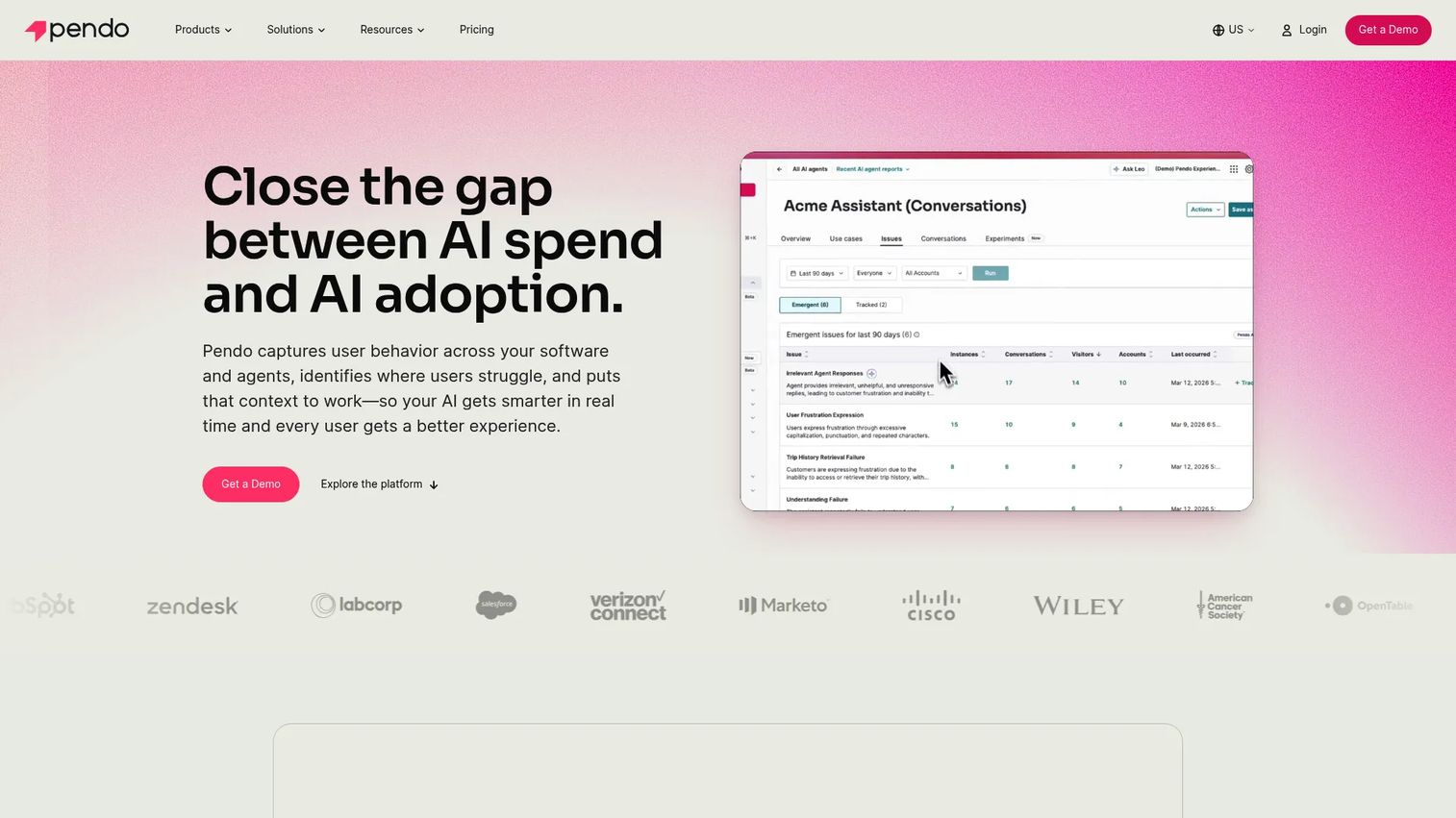
Pendo is a product experience platform that combines product analytics, in-app guidance, feedback collection, and roadmapping in one place. For product marketers and product teams, it is the category leader when you need to measure feature usage and act on it inside the same tool. You see which cohorts adopt a feature, then push a guide to the ones who do not.
Best for: teams that want deep product analytics alongside in-app messaging and feedback in a single platform.
Key strengths
- Product analytics: track feature usage, retention, and paths without stitching together separate tools.
- In-app guides: launch tours, tooltips, and announcements tied directly to usage data.
- Feedback and session replay: capture NPS and watch real sessions to understand where users stall.
Why choose Pendo: Pendo fits teams that treat adoption as a data problem first. When you need to prove a launch moved the feature adoption rate and then intervene with guidance for the cohorts that lagged, having analytics and messaging in one system removes the guesswork. It suits mid-market and enterprise product orgs that want one source of truth for adoption metrics.
Pendo pricing: Pendo offers a free plan for up to 500 monthly active users, which is genuinely useful for small teams testing the waters. The Base and Core plans move to custom pricing, so you request a demo to get a quote. The free tier lets you validate the analytics and guidance combination before committing budget.
2. Appcues
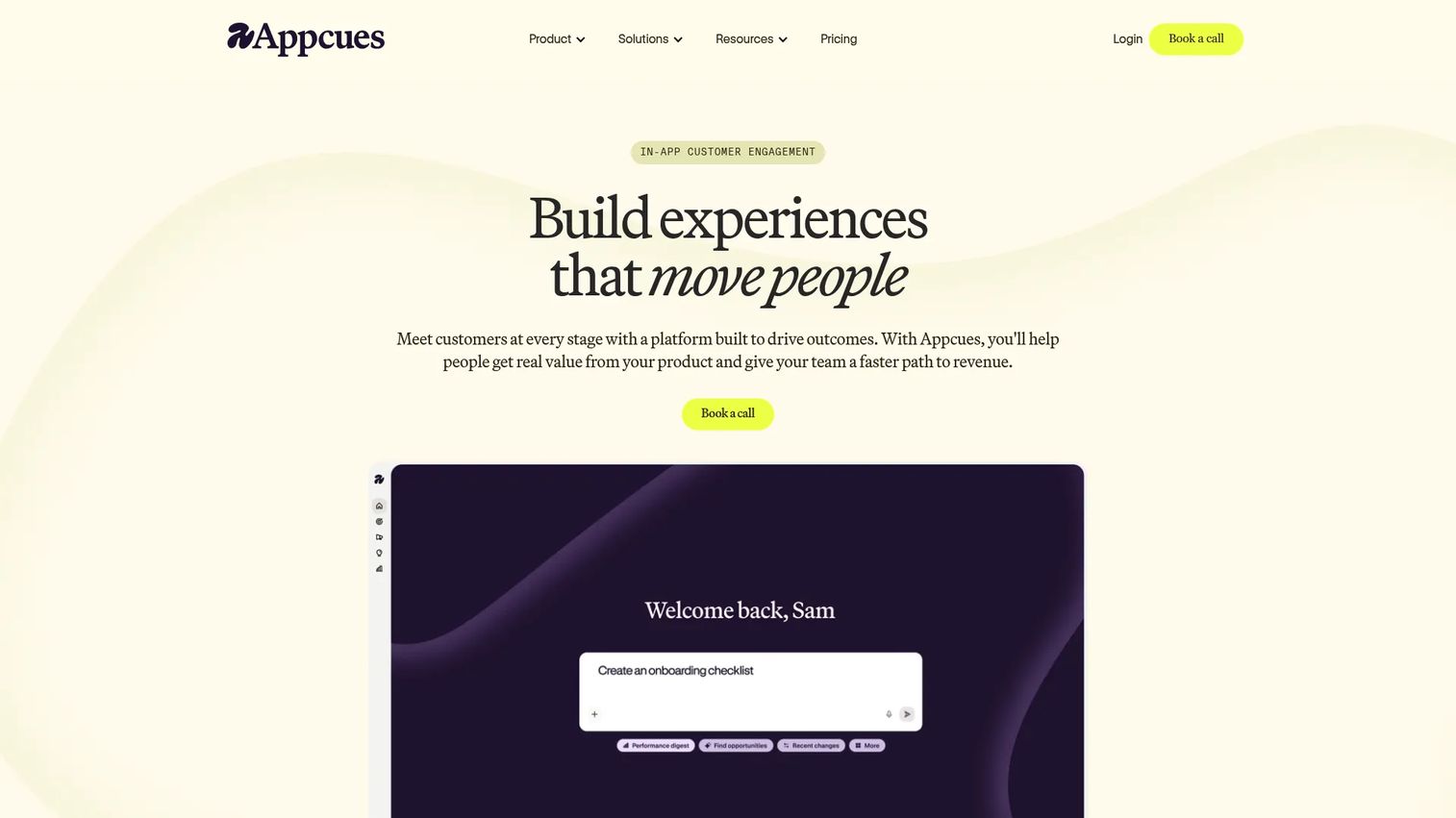
Appcues is a no-code customer engagement platform for in-product onboarding, adoption, and retention. For a PMM who wants to ship a launch announcement or an adoption campaign without filing an engineering ticket, Appcues is built for exactly that. You design modals, slideouts, tooltips, and checklists in a visual builder and publish them yourself.
Best for: SaaS teams that want to publish onboarding and adoption experiences fast, no engineering required.
Key strengths
- In-app experiences: build modals, banners, launchpads, tooltips, hotspots, and checklists without code.
- Behavioral email and push: extend adoption nudges beyond the app to reach dormant users.
- Analytics and experimentation: set goals, run experiments, and use Appcues AI to speed up content.
Why choose Appcues: Appcues fits the PMM who owns launch velocity and needs enablement that ships in hours, not sprints. The combination of in-app messaging with behavioral email means you reach users whether they are active or drifting. It is a strong fit for product-led teams running frequent feature launches.
Appcues pricing: The Spark plan starts at $3,600 per year for up to 1,000 monthly active users, plus a one-time $250 implementation fee. Higher tiers, Start, Grow, and Enterprise, scale with monthly active users but do not show public prices. There is no permanent free tier, though a free trial is available to test the builder first.
3. Userflow
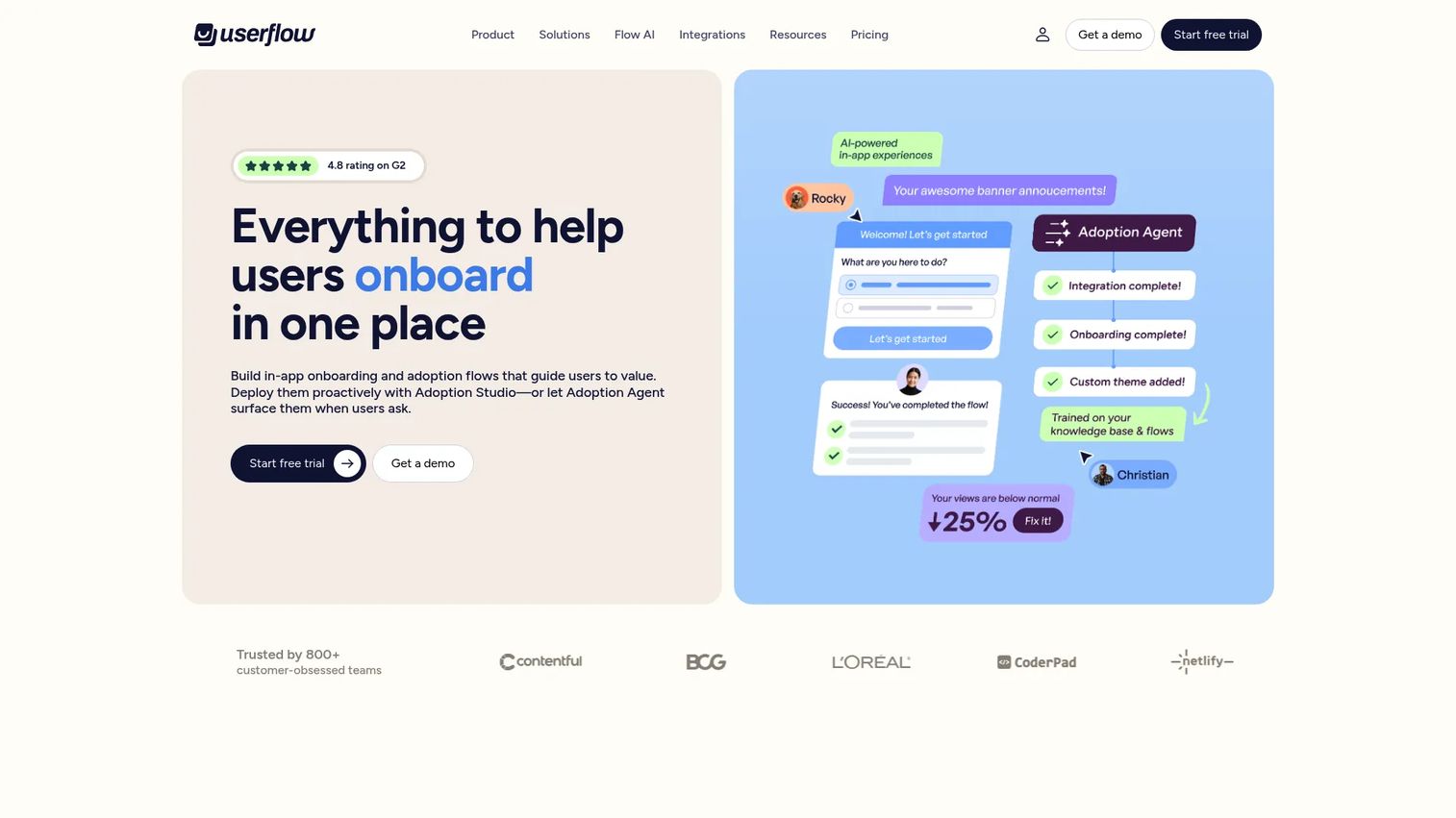
Userflow is a no-code product adoption and in-app guidance platform built for speed. If your bottleneck is time to publish, Userflow's flow builder is known for getting guided experiences live quickly. It carries a 4.8/5 G2 rating, among the highest in this list, which reflects how smooth teams find the build experience.
Best for: SaaS teams that want to launch no-code onboarding and in-app support experiences fast.
Key strengths
- No-code flow builder: build onboarding and in-app guidance without engineering support.
- Surveys and in-app widgets: deploy NPS, banners, launchers, checklists, and tooltips.
- AI features: use FlowAI and an Adoption Agent to speed up content creation.
Why choose Userflow: Userflow fits teams that prize speed to publish and a clean editor. When you need to react to a launch and get a walkthrough live the same day, the builder removes friction. It is a strong pick for product-led teams that want flexibility without a steep learning curve.
Userflow pricing: Userflow offers two products. Adoption Studio is $500 per month billed monthly, and the Adoption Agent is $100 per month billed monthly. A 14-day free trial is available, and pricing is usage-based for monthly active users and credits beyond the included amounts.
4. Product Fruits
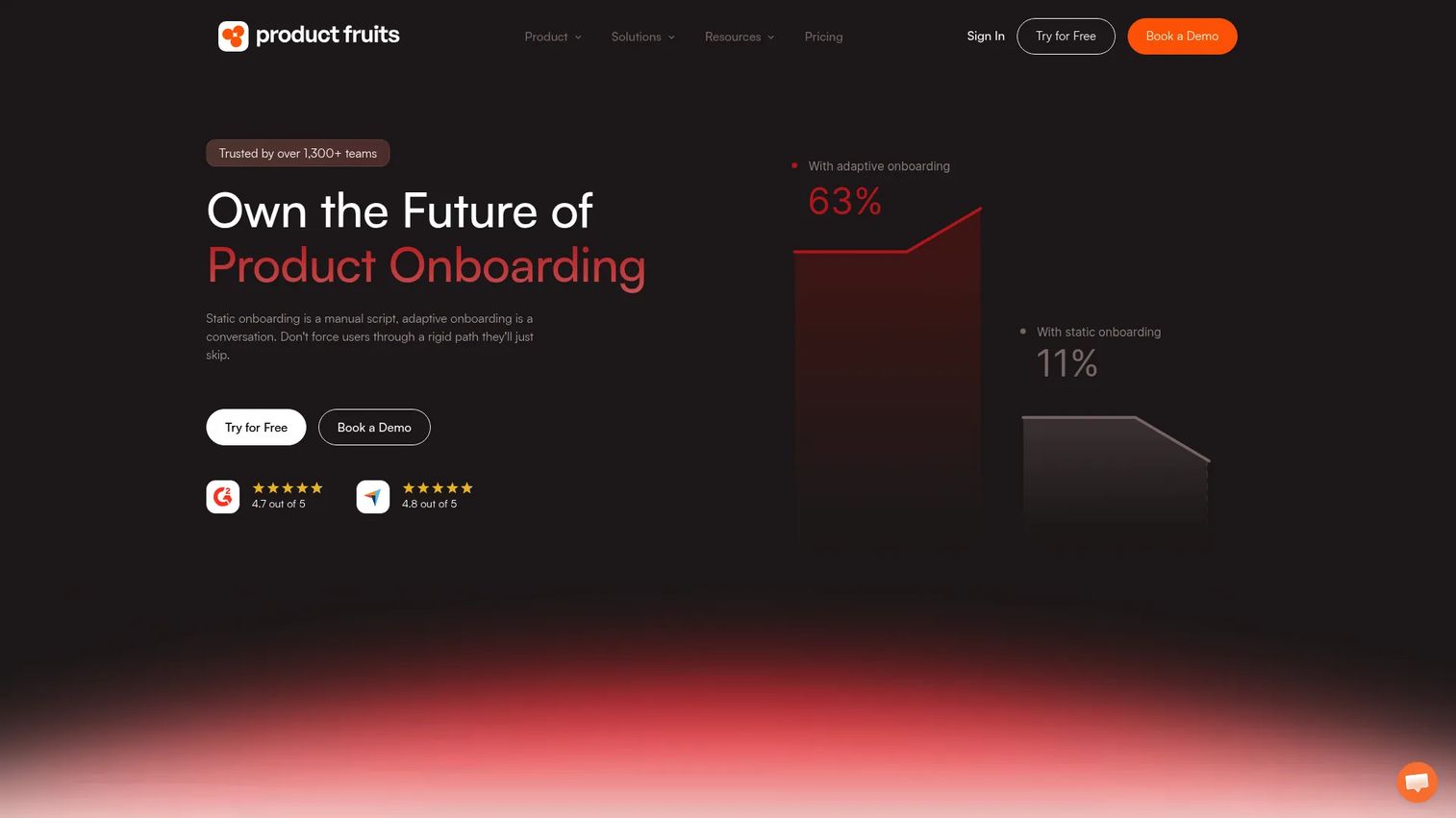
Product Fruits is a no-code product adoption and onboarding platform covering in-app guidance, engagement, and support. It fits smaller teams that want the core adoption toolkit, tours, checklists, and tooltips, without paying enterprise prices. The accessible entry point makes it a practical first platform for teams new to feature adoption software.
Best for: SaaS teams that want no-code onboarding and product adoption tools at an accessible price.
Key strengths
- Tours and guides: build guided product tours and walkthroughs without code.
- Onboarding checklists: give new users a clear path to first value.
- Hints and tooltips: surface contextual help at the point of need.
Why choose Product Fruits: Product Fruits fits budget-conscious teams that need the essentials without complexity. When you want to launch onboarding flows and adoption prompts quickly and keep the cost predictable, it delivers the core toolkit. It is a sensible starting point before scaling to a heavier platform.
Product Fruits pricing: The Starter plan is $96 per month, with Pro and Business plans at $149 per month. Pricing is based on monthly active users and can shift with user count. There is no permanent free tier, but a free trial is available to test the tool first. A custom plan is available by contacting sales.
5. HelpHero
HelpHero is a lightweight product tour and onboarding tool aimed at smaller teams that want simple guided experiences. It carries a 4.9/5 G2 rating, the highest in this list, which reflects how easy reviewers find it to get started. For teams that want product tours without a heavy adoption suite, it is a focused option.
Best for: smaller teams that want simple product tours and onboarding flows with minimal setup.
Key strengths
- Simple product tours: build guided walkthroughs quickly for new users.
- Onboarding flows: move users through key steps toward first value.
- Ease of use: a light footprint that suits teams without dedicated adoption resources.
Why choose HelpHero: HelpHero fits teams that want lightweight adoption help rather than a full analytics-heavy platform. When your immediate need is a clean product tour and a straightforward onboarding sequence, the simplicity is the point. It suits early-stage products where speed and ease matter more than deep segmentation.
HelpHero pricing: HelpHero does not publish current pricing that could be verified at the time of writing, so request a quote directly to confirm plans and included features. Its strong G2 rating suggests reviewers find the value clear once they are in the tool.
6. Userpilot
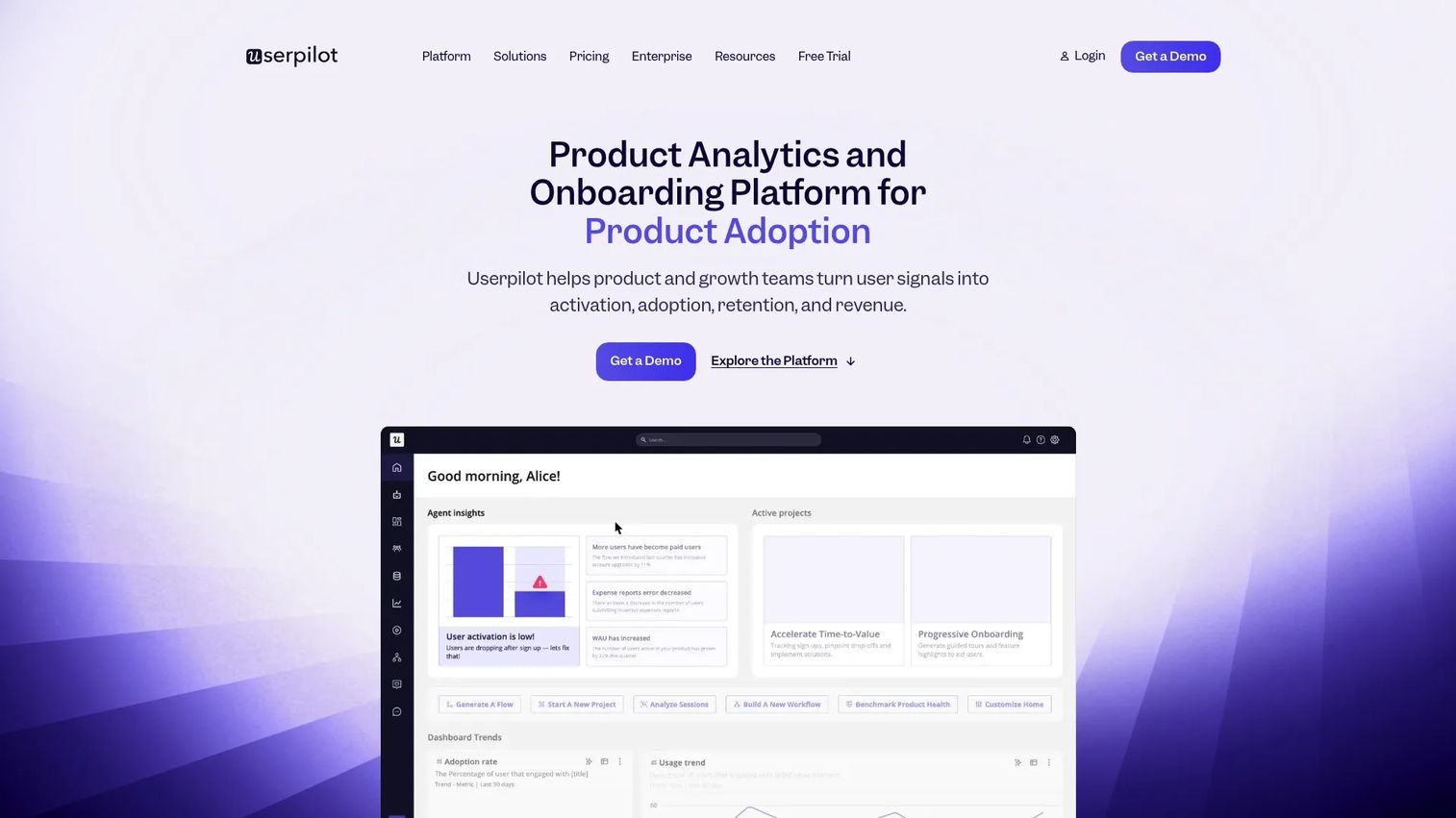
Userpilot is a no-code product growth platform covering onboarding, product analytics, in-app engagement, and user feedback. It leans hard into product-led growth, with segmentation and in-app flows that let you target adoption campaigns by cohort. For teams running feature adoption experiments, the analytics and engagement live under one roof.
Best for: product, UX, and growth teams that want no-code onboarding paired with adoption analytics.
Key strengths
- Product analytics: measure feature usage and cohort behavior to guide adoption campaigns.
- In-app engagement: build flows, tooltips, and walkthroughs targeted by segment.
- User feedback: collect in-app surveys to understand why users adopt or stall.
Why choose Userpilot: Userpilot fits product-led teams that want to run adoption experiments and measure them in the same tool. The segmentation depth lets you test one flow against a cohort, then roll the winner out broadly. It works well when experimentation velocity matters more than heavy enterprise governance.
Userpilot pricing: The Starter plan is $299 per month for up to 2,000 monthly active users. Growth starts from $849 per month and scales with usage, and Enterprise is custom. A 14-day free trial lets you test the platform before committing. Pricing is transparent and MAU-based, which makes budgeting predictable.
7. WalkMe
WalkMe is a digital adoption platform built for guiding users, automating workflows, and improving software adoption across web, desktop, and mobile. It is aimed at enterprises with complex software stacks, where adoption programs span internal tools and customer-facing products. For large orgs with governance and process needs, WalkMe operates at that scale.
Best for: enterprises that need digital adoption and in-app guidance across complex software stacks.
Key strengths
- In-app guidance: deploy interactive guides, tooltips, and notifications across applications.
- Personalized onboarding: tailor product tours and onboarding by role and context.
- Analytics and automation: advanced reporting plus workflow automation for repetitive tasks.
Why choose WalkMe: WalkMe fits enterprises running adoption programs across multiple systems, not just one product. When your challenge is guiding employees or customers through complex, multi-app workflows with governance requirements, the platform is built for that complexity. It suits large organizations with dedicated adoption or enablement teams.
WalkMe pricing: WalkMe uses quote-based pricing and does not display public numbers. You request a quote or a demo through their site. This is standard for enterprise digital adoption platforms, where scope and seat counts drive the contract.
8. Whatfix
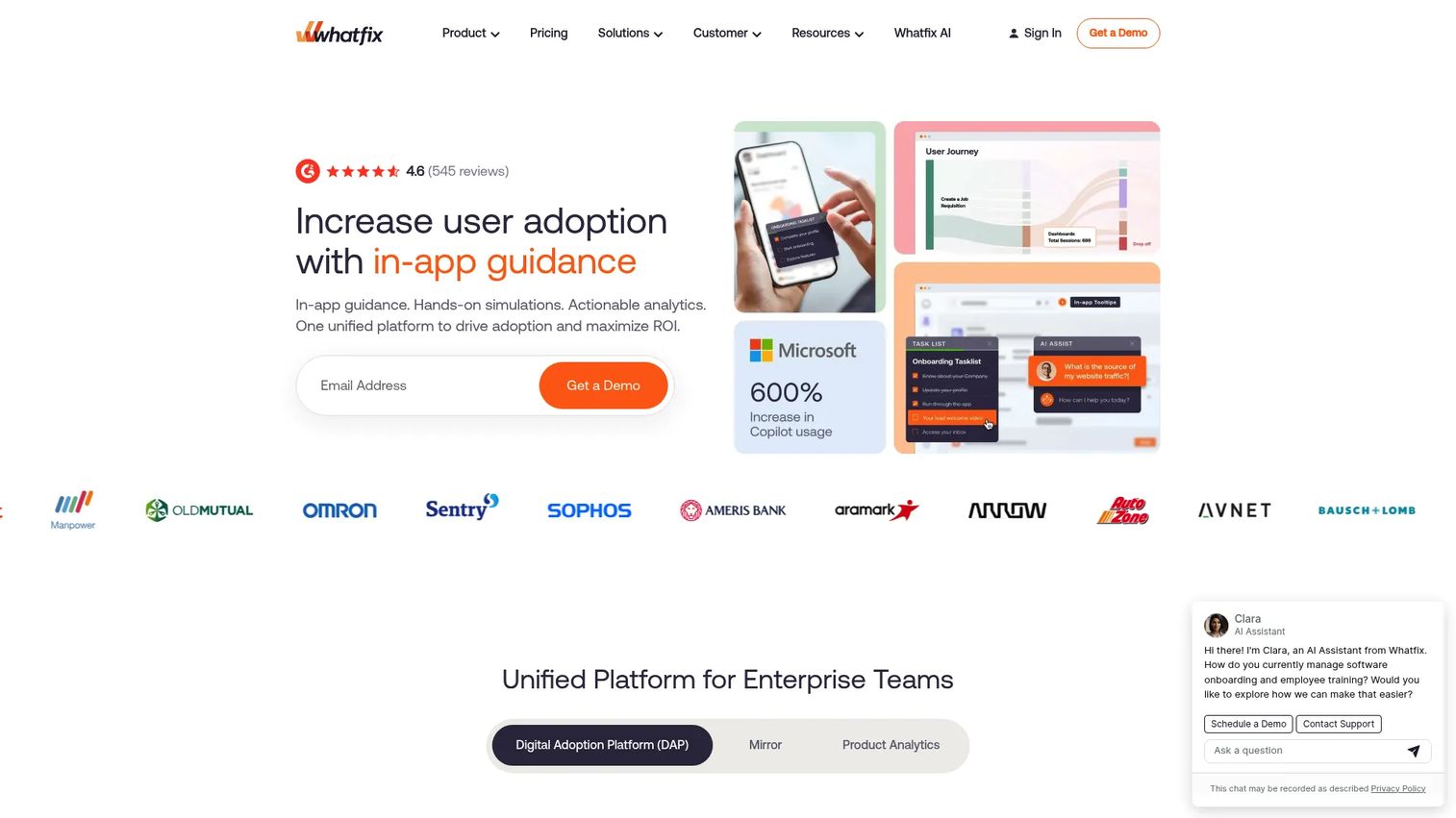
Whatfix is an AI-powered digital adoption platform spanning web, desktop, mobile, and simulation training experiences. It is built for enterprises that need contextual in-app guidance and adoption analytics across multiple business applications. The addition of simulation environments makes it strong for training use cases alongside live adoption.
Best for: enterprises needing contextual in-app guidance and adoption analytics across multiple applications.
Key strengths
- In-app guidance: Flows, Smart Tips, Task Lists, and Self Help delivered contextually.
- Product analytics: guidance analytics and product analytics to measure adoption.
- Mirror simulation: simulation environments and AI role play for training and onboarding.
Why choose Whatfix: Whatfix fits enterprises that need both live adoption guidance and structured training. When your program spans several business applications and you need governance plus simulation-based training, the breadth is the draw. It suits organizations where adoption and enablement sit under the same mandate.
Whatfix pricing: Whatfix does not display public numeric pricing. The site describes a flat fee plus user license fees, with a free trial available. A free Product Analytics Standard plan is included with any DAP Web and Desktop plan. Request a quote to confirm the details for your scope.
Considerations before you buy
Before committing, run the shortlist against the criteria that actually determine whether a tool drives adoption or becomes shelfware.
Adoption depth versus analytics depth
Some tools lead with in-app messaging and guidance; others lead with product analytics. Decide which bottleneck is more urgent. If usage is invisible, prioritize analytics. If you already know what is unused, prioritize guidance depth.
Segmentation and cohorts
The ability to target flows by role, plan, or behavior separates a blunt announcement from a precise adoption campaign. Check how granular the segmentation gets and whether cohorts update in real time.
Ease of setup and no-code publishing
If every change needs engineering, iteration stalls. Confirm how much a PMM or product manager can publish independently, and how the tool handles product changes that break existing flows.
Integrations and data flow
Adoption data is only useful if it reaches your CRM, product analytics, and warehouse. Verify which integrations exist and whether adoption events sync cleanly into the systems where you prove impact.
Pricing transparency and governance
Some tools publish MAU-based pricing; enterprise platforms gate it behind sales. Factor in enterprise governance needs like SSO, permissions, and versioning if you operate at scale.
Conclusion
The best feature adoption software depends on your immediate bottleneck. If you need analytics depth and one source of truth, Pendo leads. If publishing speed without engineering is the priority, Appcues, Userflow, or Userpilot fit product-led teams well. For budget-conscious teams, Product Fruits and HelpHero cover the essentials. For enterprise governance and multi-app adoption, WalkMe and Whatfix are built for that scale.
Do not try to solve every adoption problem at once. Shortlist two or three tools based on your single biggest bottleneck, whether that is invisible usage, slow activation, or repetitive support tickets. Then test them against one real feature launch. Measure the adoption rate lift, the time to value, and the support deflection before you standardize. The tool that moves your numbers on one launch is the one worth rolling out across the roadmap.
Start your journey with Guideflow today!
FAQs
Feature adoption software helps users discover, understand, and repeatedly use specific product features through in-app guidance, messaging, and analytics. It combines contextual prompts like tooltips and product tours with adoption metrics that show whether usage actually followed. The goal is to raise the feature adoption rate, not just announce that a feature exists.
Onboarding software is usually broader, focused on getting a new user from signup to their first success. Feature adoption software narrows in on helping users discover and repeatedly use specific capabilities across the whole lifecycle, including features launched long after signup. In practice, many product adoption platforms cover both, so the line blurs between onboarding and ongoing ad