Every request a visitor makes to your site hits a web server first. It decides how fast a page loads, whether TLS is negotiated cleanly, how traffic is routed to your application, and whether a spike in load turns into a slowdown or an outage. Get that layer right and the rest of your stack has room to breathe. Get it wrong and no amount of clever application code will save the experience.
The stakes are not small. The global web server software market reached USD 4.8B in 2024 and is projected to grow at an 8.1% CAGR through 2033, according to Dataintelo. That growth reflects a simple reality: more traffic, more encryption, more edge routing, and more pressure on the software that sits between your users and your code.
Choosing among web servers is really a systems decision. It depends on your stack, your traffic pattern, your operating system, and how much your team wants to manage day to day. If your work sits closer to enablement and buyer experience, the same evaluation logic that helps you pick web server programs also applies to the tools that power interactive demos, ab testing tools, and ai content creation tools in your GTM stack. Fit beats hype, every time.
This guide breaks down eight of the best web server software options for 2026, with clear guidance on where each one shines.
What's inside
This guide is for engineers, DevOps leads, and technical decision-makers choosing a production web server, plus anyone who wants a plain-English comparison of the most widely deployed web server applications. We selected each option based on four criteria: production stability under real traffic, security and TLS support, deployment fit across common stacks and operating systems, and licensing clarity. Every item includes what it does best, who it fits, verified pricing or licensing context, and a short "best for" so you can pattern-match to your own situation without reading all eight sections.
TL;DR
- Best all-around open-source web server: Apache HTTP Server, for extensibility and broad module support.
- Best for reverse proxy and high concurrency: NGINX, for static content, load balancing, and modern deployment patterns.
- Best for Windows-native stacks: Microsoft IIS, tightly integrated with Windows Server.
- Best for automatic HTTPS and low-maintenance setup: Caddy, with TLS handled by default.
- Best for high-traffic and WordPress-heavy hosting: LiteSpeed Web Server, with built-in caching and Apache compatibility.
- Best for Java applications: Apache Tomcat for servlet/JSP workloads, and Jetty for embedded, lightweight deployments.
What is web server software?
Web server software is a program that accepts HTTP and HTTPS requests from clients, then returns web pages, files, or dynamic content in response. It sits between the browser and your application, handling connection management, TLS encryption, request routing, static file delivery, and often reverse proxying to backend services.
The category splits into two broad groups. General-purpose web servers like Apache HTTP Server, NGINX, Microsoft IIS, and Caddy handle raw HTTP traffic, serve static assets, and proxy requests to application backends. Application servers like Apache Tomcat and Jetty run application code directly, executing Java servlets and JSP pages rather than just serving files. Many production setups combine both: a general-purpose server in front handles TLS and static content, then passes dynamic requests to an application server behind it.
Core features to expect from modern web server programs:
- HTTP protocol support: HTTP/1.1, HTTP/2, and increasingly HTTP/3 over QUIC for faster connections.
- TLS and security: SSL/TLS termination, certificate management, request filtering, and access control.
- Reverse proxy and load balancing: routing requests across backend pools with health checks.
- Static and dynamic content serving: efficient file delivery plus integration with application runtimes.
- Configuration and extensibility: modules, config files, and APIs for tuning behavior.
- Logging and observability: access logs, error logs, and metrics for monitoring.
The right choice depends less on raw benchmarks and more on how the server fits your stack, your team's operating system preferences, and your traffic profile.
When to use each type of web server
Serve static sites and high-concurrency traffic
If your workload is static assets, API gateways, or you need to handle thousands of simultaneous connections efficiently, an event-driven server shines. NGINX, Caddy, LiteSpeed, and OpenLiteSpeed all fit here. They keep memory overhead low under load and make excellent reverse proxies in front of application backends.
Run a Windows or Microsoft-centric stack
If your applications run on .NET, integrate with Active Directory, or live on Windows Server, a Windows-native web server removes friction. Microsoft IIS is built for this environment, with management tooling and authentication that align with the rest of the Microsoft ecosystem.
Deploy Java applications
When you need to run Java servlets, JSP, or Spring applications, you need an application server, not just an HTTP server. Apache Tomcat and Jetty execute Java code directly. Tomcat fits standalone application hosting, while Jetty excels when you want to embed the server inside your application for lightweight, self-contained deployments.
Comparison table
The table below summarizes each web server, its primary intent, its standout use case, verified pricing or licensing context, and its rating where a verified source was available. Use it as a fast filter, then read the detailed sections for the options that match your stack.
| # | Product | Intent | Key use case | Pricing | G2 rating |
|---|---|---|---|---|---|
| 1 | Apache HTTP Server | General-purpose web server | Extensible, module-rich hosting | Free, open-source | 4.3/5 |
| 2 | NGINX | Web server and reverse proxy | High-concurrency serving and load balancing | Free; NGINX Plus from $2,500/year | 4.6/5 |
| 3 | Microsoft IIS | Windows-native web server | Hosting .NET apps on Windows Server | Included with Windows Server | 4.3/5 |
| 4 | Caddy | Web server with automatic HTTPS | Low-maintenance TLS and reverse proxy | Free, open-source | - |
| 5 | LiteSpeed Web Server | High-performance web server | High-traffic and WordPress hosting | Free Starter; paid from $10/mo | - |
| 6 | Apache Tomcat | Java application server | Servlet and JSP hosting | Free, open-source | 4.5/5 |
| 7 | OpenLiteSpeed | Open-source web server | WordPress and PHP acceleration | Free, open-source | - |
| 8 | Jetty | Embeddable Java web server | Lightweight, embedded Java apps | Free, open-source | - |
1. Apache HTTP Server
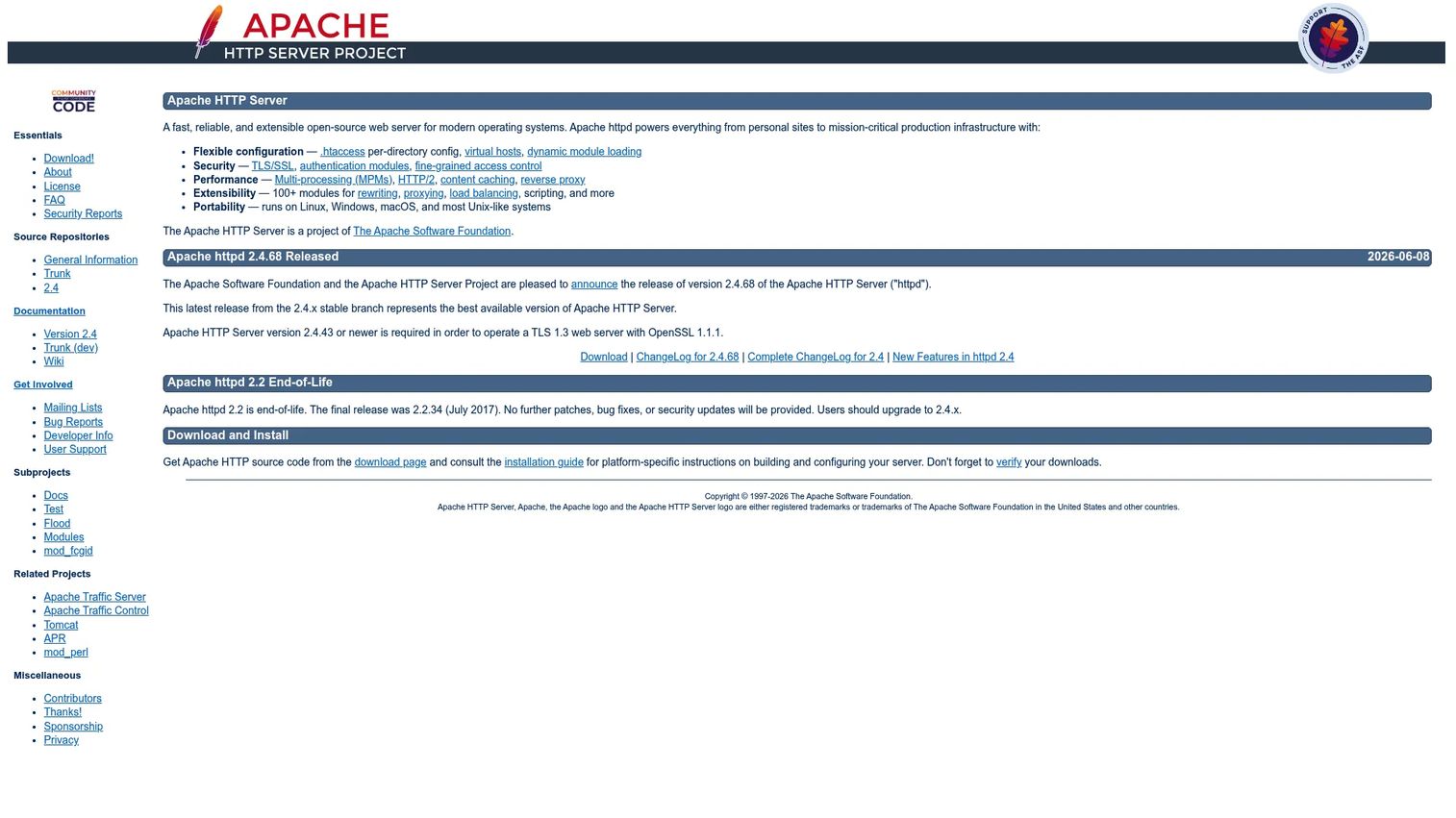
Apache HTTP Server is the open-source HTTP web server from the Apache Software Foundation, and it remains one of the most widely deployed web servers on the internet. It earned that position through decades of stability, a vast module ecosystem, and configuration flexibility that lets teams tune almost any behavior. If you have ever edited an .htaccess file or set up a virtual host, you have touched Apache.
Apache fits teams that value extensibility and broad platform support over raw minimalism. It runs on virtually every operating system, integrates with almost every application runtime, and has documentation and community answers for nearly any scenario you will hit in production.
Best for: Teams needing a free, extensible, widely supported web server.
Key strengths
- Flexible configuration: .htaccess and virtual hosts give granular, per-directory control over behavior.
- Security modules: TLS/SSL support plus authentication and authorization modules for access control.
- Deep extensibility: more than 100 modules and multi-platform support cover almost any hosting need.
Why choose Apache HTTP Server: Choose Apache when you want maximum flexibility and a proven track record. Its module system means you rarely hit a wall you cannot configure around, and its ubiquity means answers are easy to find. It pairs well with a reverse proxy in front for high-concurrency workloads.
Apache HTTP Server pricing: Apache HTTP Server is free, open-source software distributed by the Apache Software Foundation. There are no paid tiers listed on the official site. You download it, deploy it, and run it at no cost across any environment.
2. NGINX
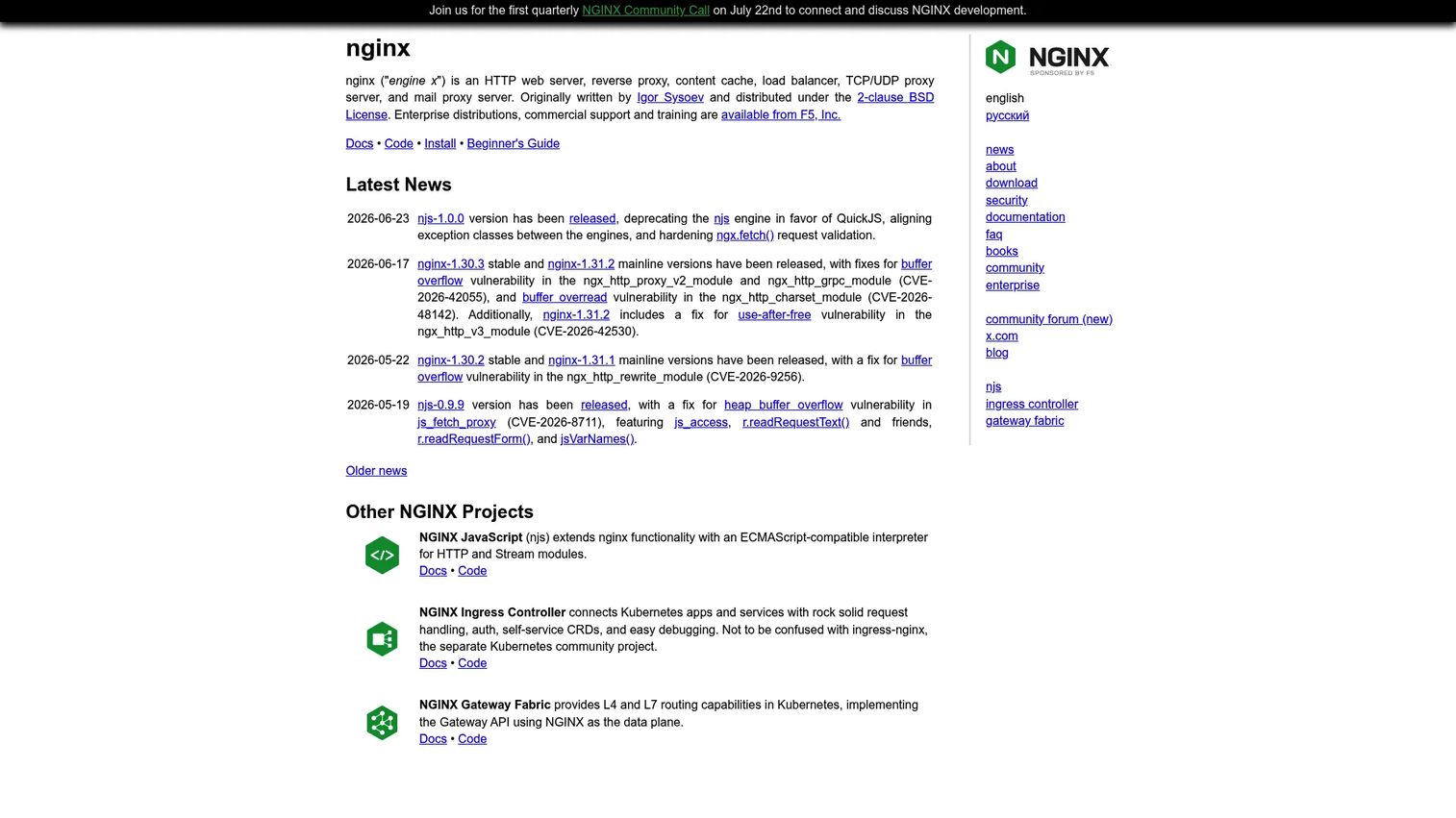
NGINX is an open-source web server and reverse proxy that became the default choice for high-concurrency workloads. Its event-driven architecture handles thousands of simultaneous connections with low memory overhead, which is why it powers a large share of the busiest sites on the web. Beyond serving static content, it excels as a reverse proxy, load balancer, and TLS terminator in front of application backends.
NGINX fits teams building modern, high-traffic deployments where efficient concurrency and flexible routing matter. It is a common front door in containerized and microservice architectures, sitting ahead of application servers and distributing load across them.
Best for: Teams needing high-performance web serving and reverse proxy or load-balancing software.
Key strengths
- HTTP and reverse proxy: serves static content and proxies dynamic requests to backend pools.
- Load balancing: distributes traffic across upstreams with health checks for resilience.
- Multi-protocol proxying: handles TCP, UDP, and mail proxying beyond plain HTTP.
Why choose NGINX: Choose NGINX when concurrency and reverse proxying are central to your architecture. It is the workhorse in front of application backends and a reliable load balancer for high-traffic sites. The open-source version covers most needs, with NGINX Plus adding commercial features and support.
NGINX pricing: The core NGINX server is free and open-source. F5 offers commercial NGINX Plus editions, with publicly listed pricing on G2 starting at $2,500 per year for a single instance, and a separate NGINX WAF option at $2,000 per year. A free trial is available for the paid tiers.
3. Microsoft IIS
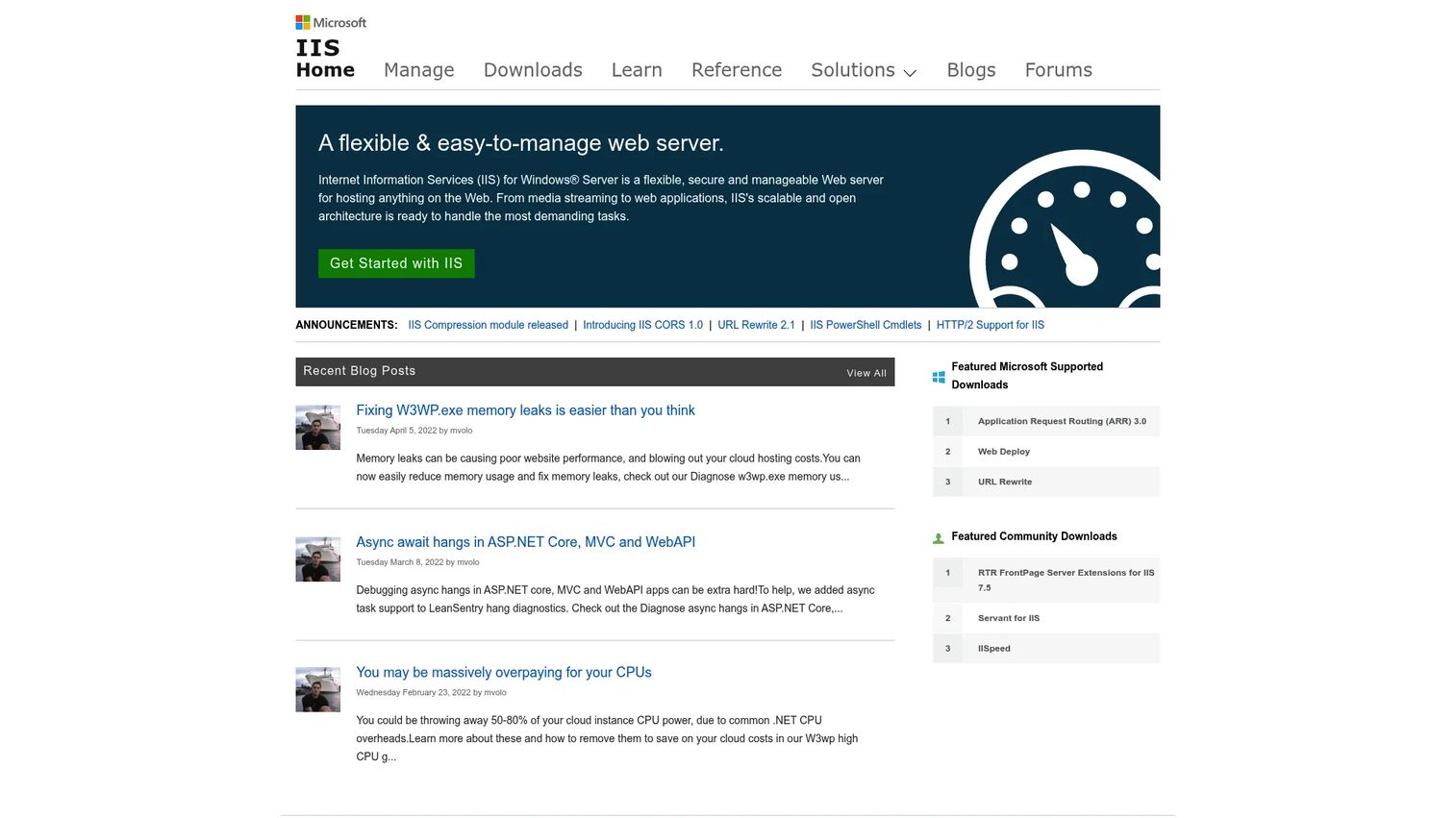
Microsoft IIS (Internet Information Services) is the flexible, secure, and manageable web server built into Windows Server. If your organization runs .NET applications, relies on Active Directory authentication, or standardizes on Microsoft infrastructure, IIS removes the friction of bolting a third-party server onto a Windows environment. It is native, supported, and managed with familiar tooling.
IIS fits organizations hosting web applications on Windows Server. Its graphical management console, delegated remote administration, and built-in request filtering make it approachable for teams already fluent in the Microsoft stack. Linux-native shops will lean toward other options, but for Windows-centric operations, IIS is the natural fit.
Best for: Organizations hosting web applications on Windows Server.
Key strengths
- Web farm management: centralized administration across multiple servers from one console.
- Delegated remote management: grant scoped administrative access without full server control.
- Built-in security: request filtering and URL authorization protect applications out of the box.
Why choose Microsoft IIS: Choose IIS when your stack is Windows-first. It integrates natively with .NET, Active Directory, and the broader Microsoft ecosystem, which saves your team from wiring together cross-platform components. Management feels consistent with the rest of your Windows tooling.
Microsoft IIS pricing: IIS does not carry a separate product price. It ships as a role within Windows Server, so your cost is the Windows Server license itself. You can evaluate it using a free trial edition of Windows Server before committing to a production license.
4. Caddy
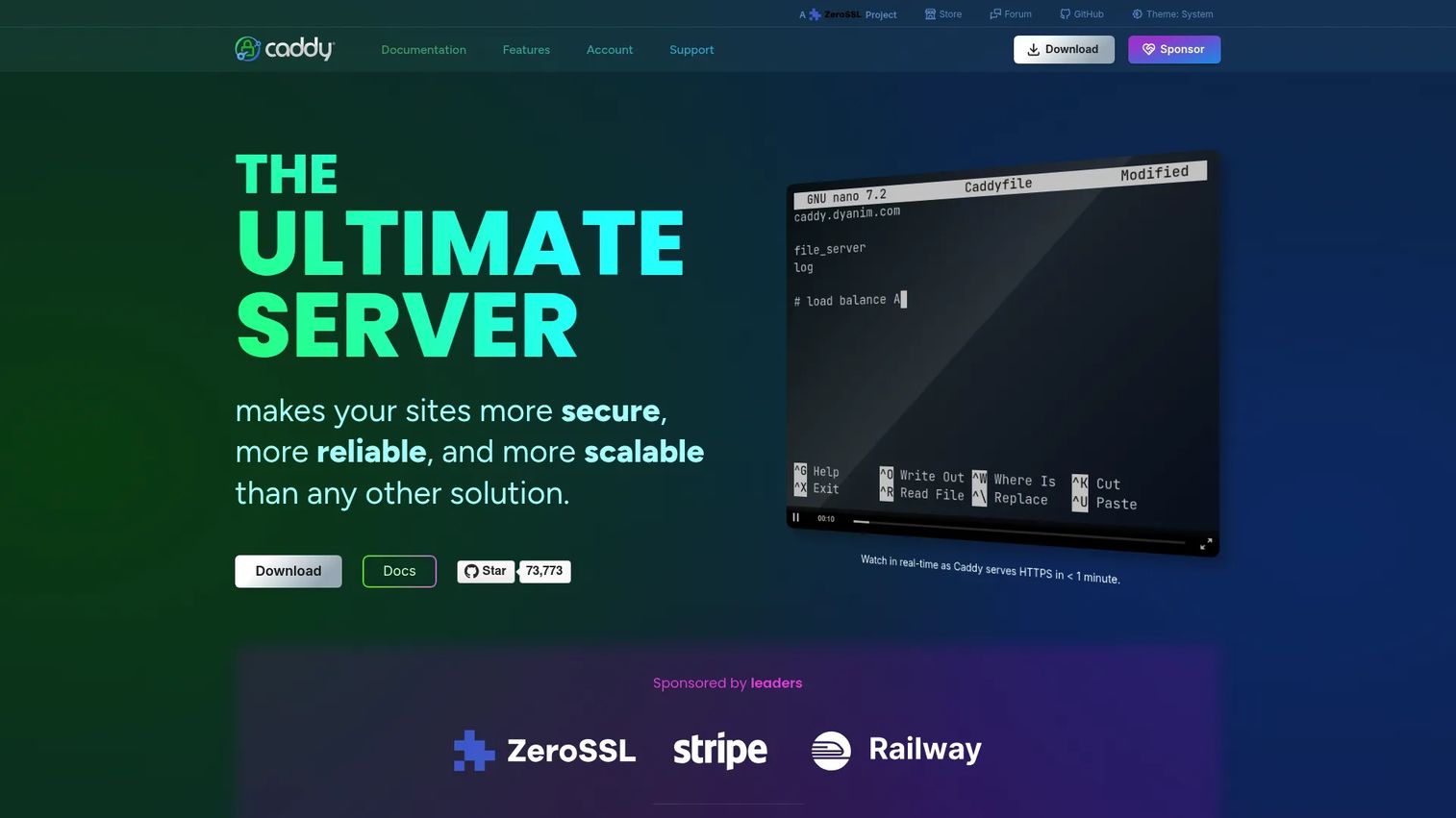
Caddy is an open-source web server best known for handling HTTPS automatically. It obtains and renews TLS certificates on its own by default, which removes one of the most tedious and error-prone parts of running a production server. Combine that with a human-friendly configuration file and Caddy becomes one of the fastest paths from zero to a secure, running site.
Caddy fits teams that want a secure, low-maintenance web server or reverse proxy without wrestling with certificate automation. It is a strong choice for small teams, internal tools, and fast deployments where reducing operational overhead matters more than exhaustive tuning options.
Best for: Teams that want a secure, low-maintenance web server or reverse proxy with built-in HTTPS.
Key strengths
- Automatic HTTPS: obtains and renews TLS certificates by default with no manual steps.
- Reverse proxy: includes load balancing, health checks, and dynamic upstreams out of the box.
- Friendly configuration: a readable Caddyfile plus JSON config and an API for automation.
Why choose Caddy: Choose Caddy when you want secure defaults and minimal configuration. Automatic HTTPS alone saves meaningful setup and maintenance time, and the Caddyfile keeps configuration readable. It is a modern default for teams that value simplicity and fast, secure deployment.
Caddy pricing: Caddy is free software and funded through sponsorships. The official sponsorship page lists tiers for individuals and businesses, starting at $25 per month for the Indie tier and scaling up to enterprise levels for organizations that want to support the project. The server itself remains free to download and run.
5. LiteSpeed Web Server
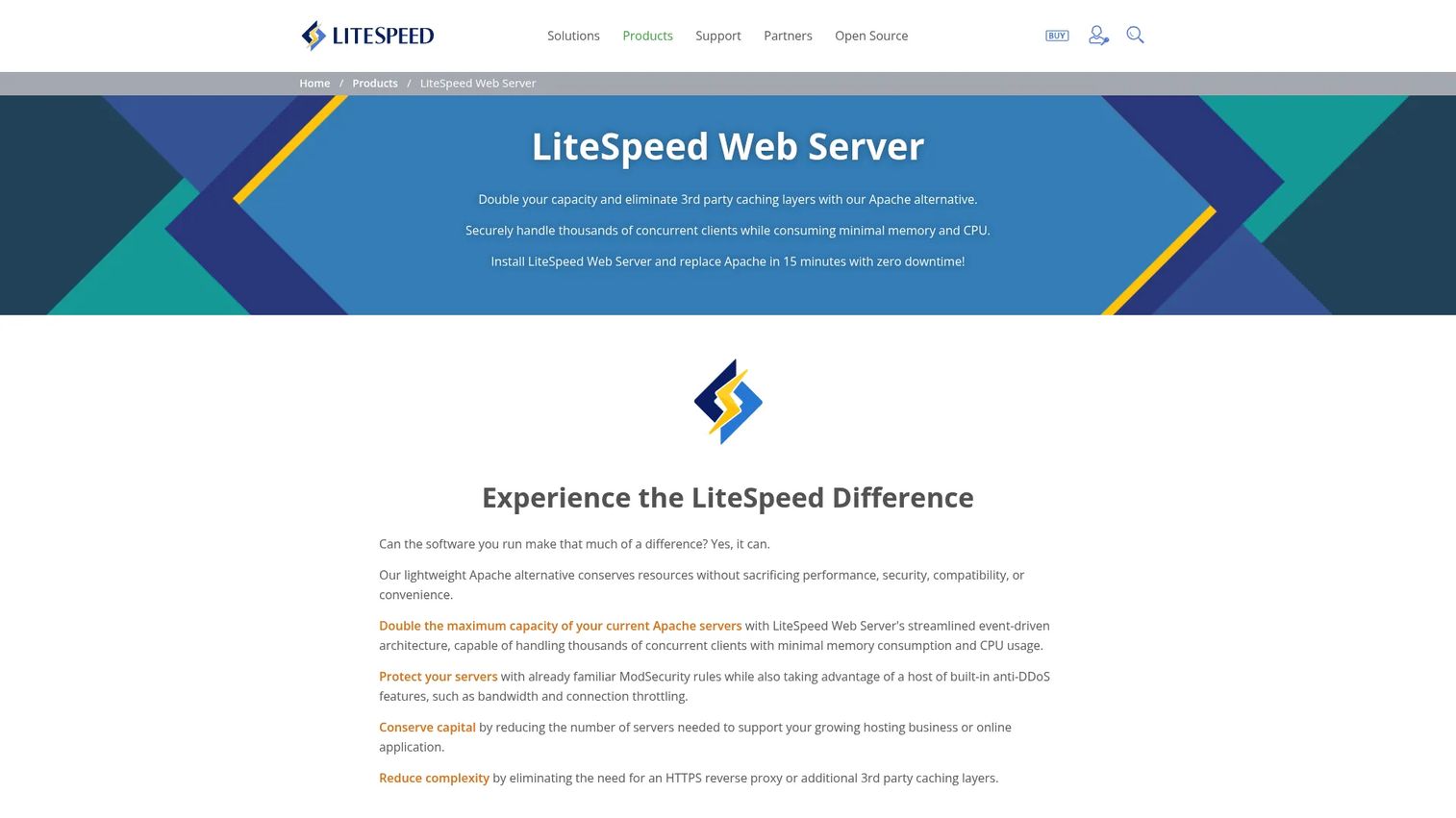
LiteSpeed Web Server is a high-performance, Apache-compatible web server from LiteSpeed Technologies. It positions itself as a drop-in replacement for Apache, reading the same .htaccess files while delivering stronger performance under load. Built-in page caching and modern protocol support make it a frequent pick for high-traffic sites and WordPress-heavy hosting environments.
LiteSpeed fits web hosting providers and site owners who need an Apache-compatible server with a performance focus. If you run WordPress at scale or manage many sites where caching and throughput drive the experience, LiteSpeed is often on the shortlist. Its compatibility means migrating from Apache rarely requires rewriting configuration.
Best for: Web hosting providers and site owners needing an Apache-compatible, performance-focused web server.
Key strengths
- Modern protocols: HTTP/3, QUIC, HTTP/2, and TLS v1.3 support for fast, current connections.
- Apache compatibility: reads .htaccess files as a drop-in Apache replacement.
- Built-in caching and security: page caching, LSAPI, and anti-DDoS features included.
Why choose LiteSpeed Web Server: Choose LiteSpeed when performance under high traffic is the priority and you want to keep Apache compatibility. Its built-in caching removes the need for separate caching layers in many WordPress setups, and modern protocol support keeps connections fast.
LiteSpeed Web Server pricing: LiteSpeed offers public pricing with a Free Starter plan at no cost. Paid plans begin around $10 per month for the Site Owner tier and scale up through Lite, Essential, Professional, Enterprise, and Elite tiers based on domains, workers, and features. Monthly, yearly, and one-time license options are available.
6. Apache Tomcat
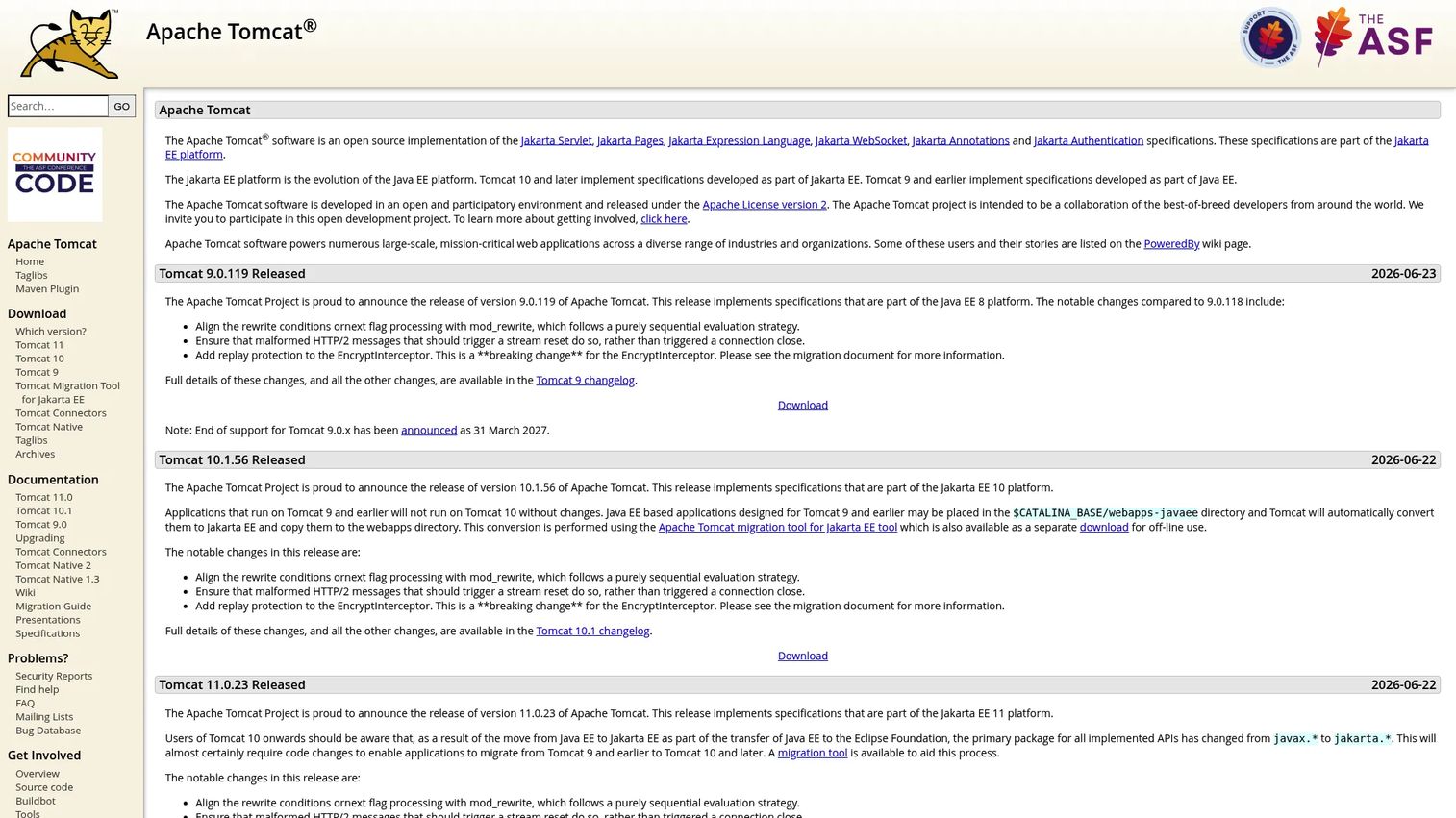
Apache Tomcat is an open-source Java servlet container and web application server from the Apache Software Foundation. Unlike general-purpose web servers, Tomcat runs Java application code directly, executing servlets and JSP pages rather than only serving static files. For Java teams, it is a foundational piece of the delivery stack.
Tomcat fits teams needing a lightweight Java servlet and JSP container. It is common to see Tomcat behind a general-purpose web server or reverse proxy that handles TLS and static content, with Tomcat focused on running the application logic. That separation of concerns keeps each layer doing what it does best.
Best for: Teams needing a lightweight Java servlet and JSP container.
Key strengths
- Servlet container: runs Java servlets as the core of your application layer.
- JSP support: executes JavaServer Pages for dynamic Java-based content.
- Flexible connectors: HTTP and AJP connectors integrate cleanly with front-end web servers.
Why choose Apache Tomcat: Choose Tomcat when you are running Java web applications and need a proven servlet container. It is lightweight, well-documented, and typically deployed as part of a broader Java delivery architecture rather than as a standalone front door. Pair it with a reverse proxy for TLS and static serving.
Apache Tomcat pricing: Apache Tomcat is open-source and free. The Apache Software Foundation does not display any paid pricing on its official site. You deploy and run it at no cost, with community support and extensive documentation.
7. OpenLiteSpeed
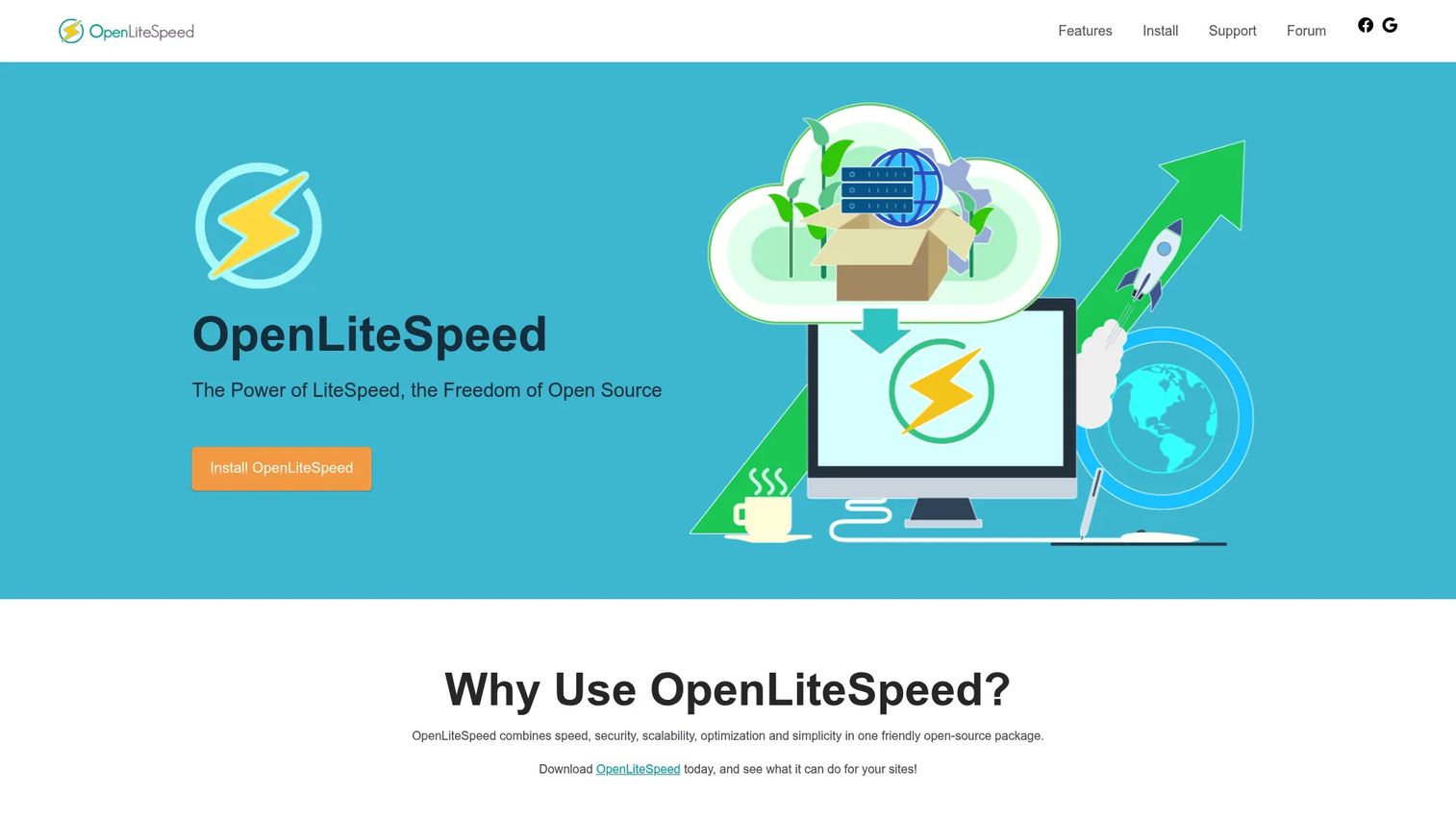
OpenLiteSpeed is the open-source, GPLv3-licensed web server from LiteSpeed Technologies, focused on speed, scalability, security, and WordPress acceleration. It shares the performance-oriented DNA of the commercial LiteSpeed Web Server while being free to download, use, distribute, and modify. Its event-driven architecture keeps CPU and RAM overhead low even under significant load.
OpenLiteSpeed fits teams needing a free, open-source web server with WordPress caching and Apache-compatible rewrite rules. It includes a built-in WebAdmin GUI, which makes it more approachable than editing raw config files, and full-page caching that benefits PHP and WordPress sites out of the box. It is a practical choice for cost-conscious teams that still want strong performance.
Best for: Teams needing a free, open-source web server with WordPress caching and Apache-compatible rewrite rules.
Key strengths
- Event-driven architecture: low CPU and RAM overhead sustains performance under load.
- Apache compatibility: mod_rewrite compatibility eases migration from Apache-based setups.
- Built-in tooling: a WebAdmin GUI and full-page caching simplify management and speed.
Why choose OpenLiteSpeed: Choose OpenLiteSpeed when you want LiteSpeed-style performance and caching without licensing cost. The WebAdmin GUI lowers the management barrier, and mod_rewrite compatibility makes it a natural step for teams moving off Apache. It is well-suited to WordPress and PHP workloads.
OpenLiteSpeed pricing: OpenLiteSpeed is free and open-source under GPLv3. You can download, use, distribute, and modify it at no cost. There are no paid tiers on the brand site, which makes it an attractive option for teams that want performance features without a license fee.
8. Jetty
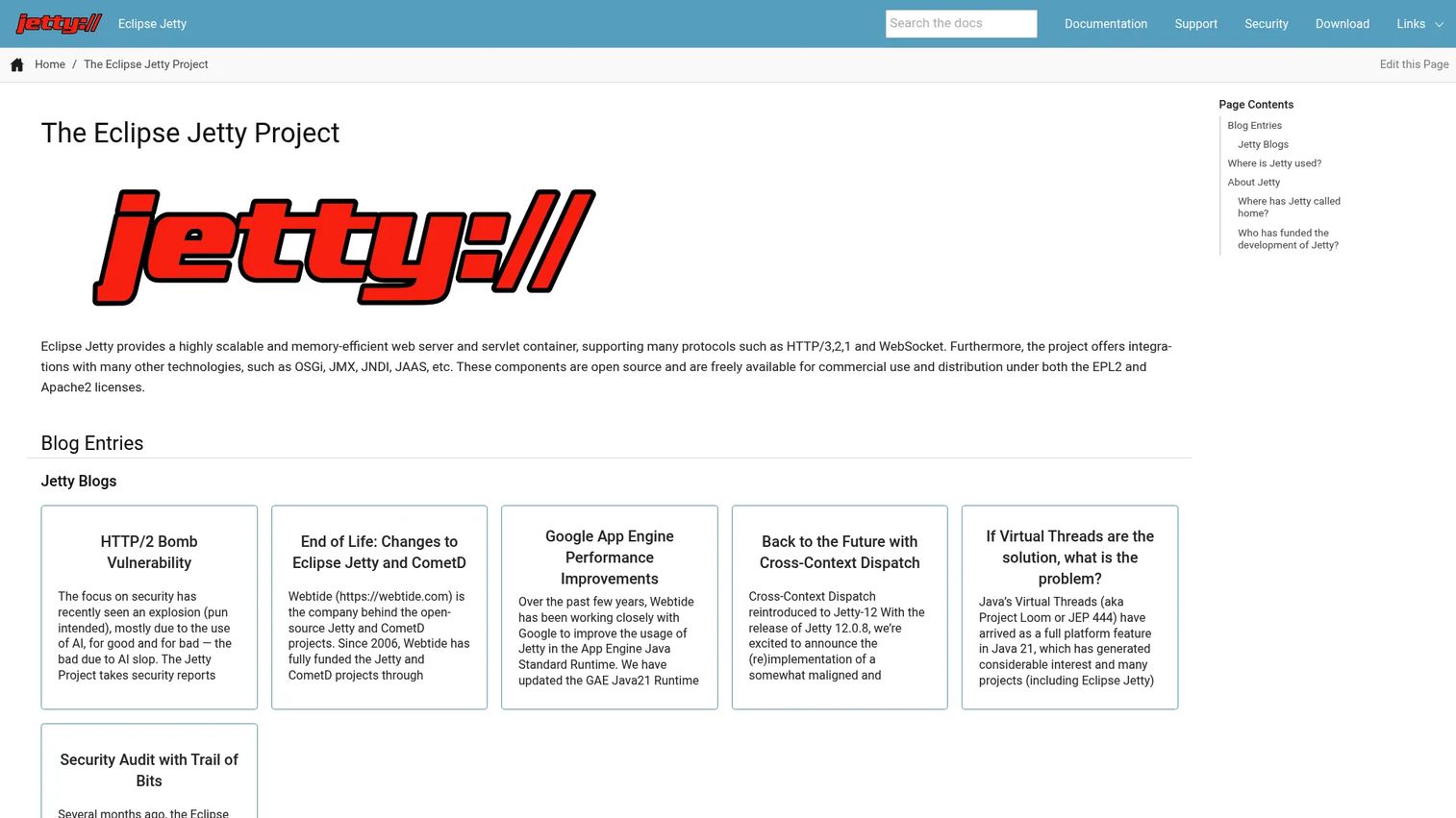
Jetty is an open-source Java web server and servlet container from the Eclipse Jetty project. Its defining trait is how well it embeds: rather than deploying your application into a standalone server, you can embed Jetty inside your application to produce a self-contained, lightweight deployable. That model suits microservices and applications that ship as a single runnable artifact.
Jetty fits teams needing an embeddable, high-performance Java HTTP server and servlet container. Developers reach for it when they want fine-grained control over which server features are enabled and prefer packaging the server with the application. It supports modern protocols and integrates with common Java enterprise components.
Best for: Teams needing an embeddable, high-performance Java HTTP server and servlet container.
Key strengths
- Modern protocol support: HTTP/1.1, HTTP/2, HTTP/3, and WebSocket in one server.
- Modular servlet container: enable only the features your application needs.
- Enterprise integrations: JMX, JNDI, JAAS, and OSGi support for Java environments.
Why choose Jetty: Choose Jetty when embedding the server in your application matters, or when you want a lightweight, modular Java server. Its embeddability makes it a favorite for microservices and self-contained deployables, and its modular design keeps the runtime lean.
Jetty pricing: Jetty is open-source and free for commercial use and distribution under the EPL2 and Apache2 licenses. There is no public product price. Commercial support is available through Webtide for teams that want backed assistance, though the server itself remains free to run.
Considerations before you choose
Picking a web server is a stack-fit decision, not a leaderboard. Run each candidate against the criteria below before committing to production.
Stack and operating system fit
Match the server to your environment. Windows and .NET workloads favor Microsoft IIS. Linux-native, high-concurrency setups favor NGINX, Caddy, LiteSpeed, or OpenLiteSpeed. Java applications need Apache Tomcat or Jetty. Forcing a server against the grain of your stack creates ongoing friction.
Traffic profile and performance
Estimate your concurrency and traffic pattern honestly. Event-driven servers handle thousands of simultaneous connections efficiently, which matters for high-traffic sites and API gateways. If caching drives your performance, a server with built-in caching like LiteSpeed reduces the moving parts you have to maintain.
Security and protocol support
Confirm the server supports the protocols and security features you need. HTTP/2 and HTTP/3 improve connection efficiency, and clean TLS handling is non-negotiable for a secure web server. Caddy's automatic HTTPS removes certificate toil, while modules and request filtering in Apache and IIS give granular control.
Maintenance and team preference
Consider who runs this day to day. Automatic HTTPS and readable config lower operational load. A GUI, like OpenLiteSpeed's WebAdmin or the IIS console, helps teams that prefer visual management. Match the maintenance model to your team's skills and available time.
Licensing and cost
Most options here are free and open-source, so cost often comes down to support and commercial features. NGINX Plus, LiteSpeed's paid tiers, and IIS via Windows Server licensing carry costs, while Apache, Caddy, Tomcat, OpenLiteSpeed, and Jetty run free.
Conclusion
There is no single best web server for every situation. The right pick depends on your stack, your traffic, and how your team prefers to operate. Apache HTTP Server and NGINX cover the broadest range of general-purpose needs, with Apache leaning on extensibility and NGINX on high-concurrency reverse proxying. Microsoft IIS is the clear choice for Windows-native environments, while Caddy wins on secure, low-maintenance deployment with automatic HTTPS.
For performance-focused hosting, LiteSpeed Web Server and its open-source counterpart OpenLiteSpeed bring caching and speed, especially for WordPress and PHP. Java teams should evaluate Apache Tomcat for standalone servlet hosting and Jetty for embedded, lightweight deployments.
The best next step is to shortlist two or three that match your stack, then test them against your real traffic and security requirements before committing. Fit beats hype, and the only way to confirm fit is to run it against production constraints.
FAQs
Web server software is a program that accepts HTTP and HTTPS requests from browsers and other clients, then returns web pages, files, or dynamic content in response. It handles connection management, TLS encryption, request routing, static file delivery, and often reverse proxying to backend applications. Common examples of web servers include Apache HTTP Server, NGINX, Microsoft IIS, and Caddy.
A general-purpose web server handles HTTP traffic, serves static files, and proxies requests to backend services. An application server runs application code directly, such as Java servlets or JSP pages in the case of Apache Tomcat and Jetty. Many production stacks use both together: a web server in front for TLS and static content, and an application server behind it for dynamic logic.
For high-traffic sites, event-driven servers handle concurrency most efficiently. NGINX is a widely used choice for its low memory overhead and reverse proxy and load-balancing capabilities. LiteSpeed Web Server and OpenLiteSpeed are strong picks when built-in caching drives performance, particularly for WordPress and PHP workloads at scale.
Neither is universally better; they excel at different things. NGINX shines at high-concurrency serving, reverse proxying, and load balancing with low resource use. Apache HTTP Server offers deeper configuration flexibility through .htaccess and its large module ecosystem. Many teams run both, using NGINX as a front-end proxy and Apache for application hosting behind it.
Security depends more on configuration and maintenance than on the server itself, since all major web servers support TLS and hardening. That said, Caddy's automatic HTTPS reduces certificate misconfiguration risk out of the box. Apache and Microsoft IIS offer extensive request filtering and access control modules for granular protection when configured correctly.
Microsoft IIS is the natural choice for Windows environments. It ships as a role within Windows Server, integrates natively with .NET and Active Directory, and is managed through familiar Microsoft tooling. For cross-platform Windows deployments, NGINX and Apache also run on Windows, but IIS offers the tightest native integration.
Reverse proxy support is valuable if you run application backends, need load balancing, or want a single entry point that handles TLS termination and routing. NGINX and Caddy are strong reverse proxies, and LiteSpeed and OpenLiteSpeed also support proxying. If you serve only static files with no backend, a reverse proxy is optional but still useful for future flexibility.
HTTP/2 improves performance through multiplexing, header compression, and prioritization over a single connection. HTTP/3 runs over QUIC on UDP, reducing connection setup latency and handling packet loss better on unstable networks. Servers like LiteSpeed Web Server and Jetty support HTTP/3, which can meaningfully improve load times for users on mobile or high-latency connections.