Content marketing tools are software platforms that help teams plan, create, optimize, distribute, and measure content across blogs, social media, email, and websites. The category spans AI writing assistants, SEO research platforms, design tools, and distribution schedulers.
Most teams don't struggle to find tools. They struggle to find the right combination that actually works together without creating more manual work. This guide covers 14 content marketing tools across six categories, with honest evaluations of what each does well and where it falls short.
What's inside
This guide covers 14 content marketing tools across creation, SEO, design, video, distribution, and management. Each tool was evaluated based on team collaboration features, ease of use, and integration capabilities with common marketing stacks.
TL;DR
Best for AI writing: Jasper, Grammarly
Best for SEO and content strategy: Semrush, Ahrefs, Surfer SEO
Best for interactive content: Guideflow
Best for visual design: Canva, Figma
Best for video: Vidyard, Descript
Best for distribution: Hootsuite, HubSpot
Best for content management: CoSchedule, Notion
What makes a great content marketing tool
Content marketing tools are software platforms that help teams plan, create, optimize, distribute, and measure content across channels like blogs, social media, email, and websites. The category includes everything from AI writing assistants to SEO platforms to social scheduling tools.
When evaluating content marketing tools, look for a few core capabilities:
Creation capabilities: Writing assistance, templates, and brand voice consistency across content types
SEO features: Keyword research, optimization suggestions, and competitor analysis built into the workflow
Collaboration: Team workflows, approval processes, and version control
Distribution: Multi-channel publishing, scheduling, and automation from a single dashboard
Analytics: Performance tracking, engagement metrics, and attribution reporting
Not every tool excels at all five. The key is matching capabilities to your team's biggest gaps.
When to use content marketing tools
Content creation and AI writing tools
AI writing tools make sense when your team produces high volumes of blog posts, social copy, or marketing materials. They cut first-draft time significantly while maintaining quality and brand consistency.
SEO and content strategy tools
Turn to SEO tools when you want to identify ranking opportunities, optimize existing content, or track competitor performance. Without keyword data and optimization guidance, teams often publish content that never gets found.
Content promotion tools
Distribution tools become valuable when publishing content across social media, email, and paid channels from one platform. Manual posting across five or six channels quickly becomes unsustainable as content volume grows.
Content analytics and optimization tools
Analytics tools matter when you want to understand what content performs, where visitors drop off, and how to improve engagement. Without measurement, you're guessing at what works.
Best content marketing tools comparison
Product | Intent | Key differentiation | Pricing | G2 rating |
|---|---|---|---|---|
1. Guideflow | Interactive demos | No-code product demos with analytics | Free tier available | 4.7 |
2. Jasper | AI content creation | Brand voice training | Starts $49/mo | 4.7 |
3. Grammarly | Writing improvement | Real-time suggestions | Free tier available | 4.7 |
4. Semrush | SEO suite | Comprehensive keyword data | Starts $139/mo | 4.5 |
5. Ahrefs | Link building and SEO | Backlink analysis depth | Starts $129/mo | 4.5 |
6. Surfer SEO | Content optimization | NLP-based suggestions | Starts $89/mo | 4.8 |
7. Canva | Visual design | Template library | Free tier available | 4.7 |
8. Figma | Design collaboration | Real-time co-editing | Free tier available | 4.7 |
9. Vidyard | Video hosting | Sales video analytics | Free tier available | 4.5 |
10. Descript | Video and audio editing | Text-based editing | Free tier available | 4.6 |
11. Hootsuite | Social management | Multi-platform scheduling | Starts $99/mo | 4.2 |
12. HubSpot | Marketing automation | CRM integration | Free tier available | 4.4 |
13. CoSchedule | Content calendar | Marketing calendar | Starts $29/mo | 4.4 |
14. Notion | Content management | Flexible workspace | Free tier available | 4.7 |
Best tools for content creation and AI writing
AI writing tools help teams produce more content faster while maintaining brand consistency - 81% of B2B marketers now use generative AI. The difference between a good AI writing tool and a mediocre one often comes down to how well it learns your brand voice.
1. Guideflow
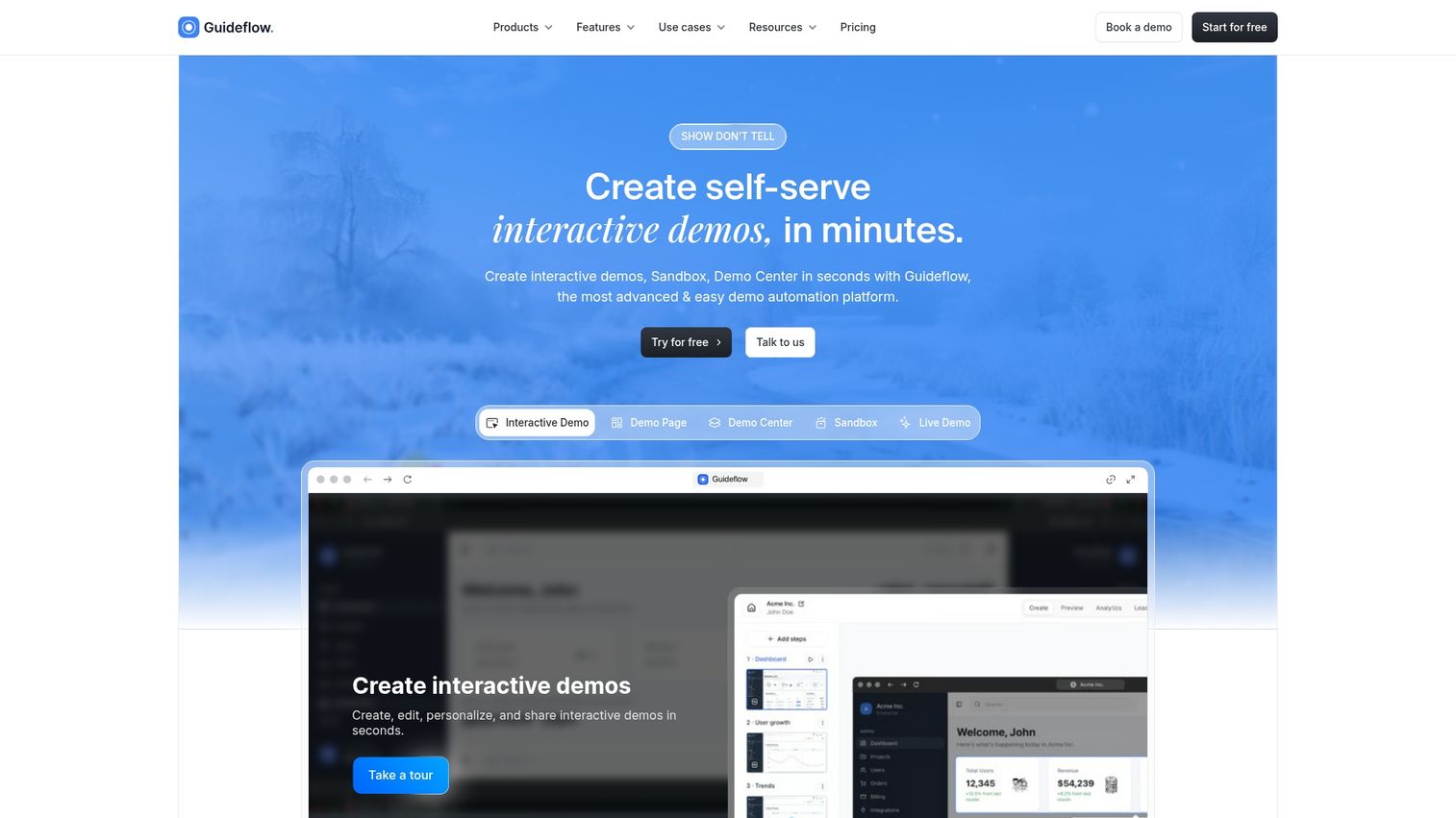
Guideflow is an interactive demo platform that turns your product into clickable, self-serve experiences. Instead of static screenshots or PDFs, you create guided walkthroughs that let visitors experience your product firsthand.
For content marketing, interactive content consistently outperforms static assets. Teams embedding interactive demos on landing pages often see 2x more engagement compared to traditional content formats.
Best for: Product marketing teams, growth teams, and content marketers focused on product-led content.
Key strengths
No-code capture: Record your product flow directly from your browser
Personalization at scale: Customize demos for different segments using dynamic variables
Analytics and lead capture: Track impressions, completion rates, and collect leads within demos
Multi-channel distribution: Embed on websites, share via links, or add to email campaigns
Why pick Guideflow?
Pick Guideflow when your content strategy includes product-led experiences. Interactive demos function as high-converting content assets that scale a core marketing action: showing prospects exactly what your product does. The platform connects to 3,000+ tools, so demo engagement data flows into your CRM and analytics stack.
Guideflow pricing
Free: $0/month (5 guideflows, unlimited viewers, 7-day analytics)
Solo: $40/month (unlimited guideflows, advanced analytics, lead forms, AI features)
Growth: $499/month
Advanced: $1,499/month
Enterprise: From $2,999/month
Start your journey with Guideflow today!
2. Jasper
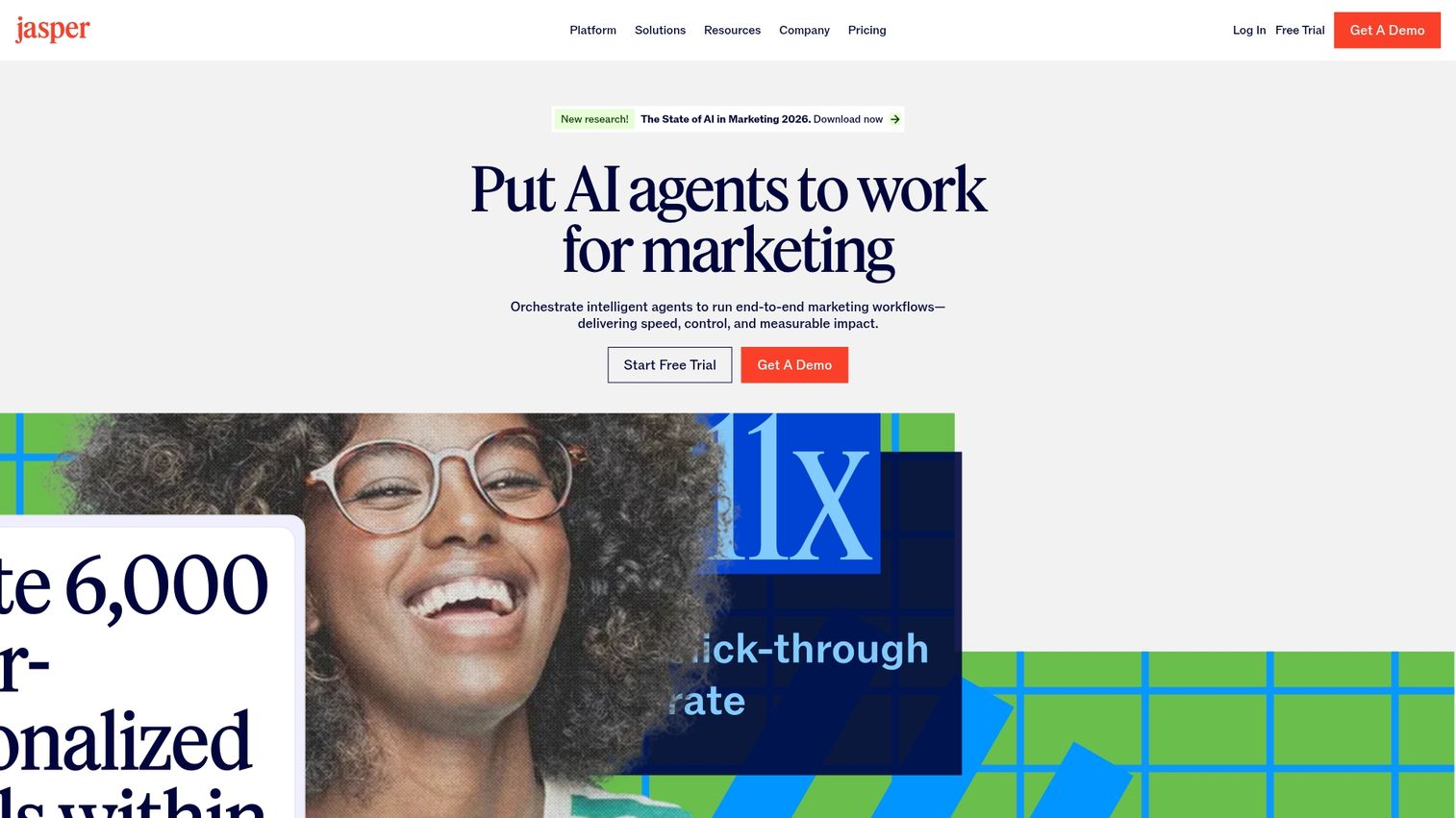
Jasper is an AI content platform for marketing teams that want to generate on-brand copy at scale. The platform learns your brand voice, tone, and style guidelines, then applies them across every piece of content.
Best for: Marketing teams producing high volumes of blog posts, social copy, ads, and email content.
Key strengths
Brand voice training: Upload examples and guidelines so AI outputs match your tone
Templates for every format: Blog posts, social captions, product descriptions, email sequences
Team collaboration: Multiple users can work on campaigns with shared brand assets
Jasper pricing
Plans start at $49/month for individual creators. Team and business plans scale based on usage and features.
3. Grammarly
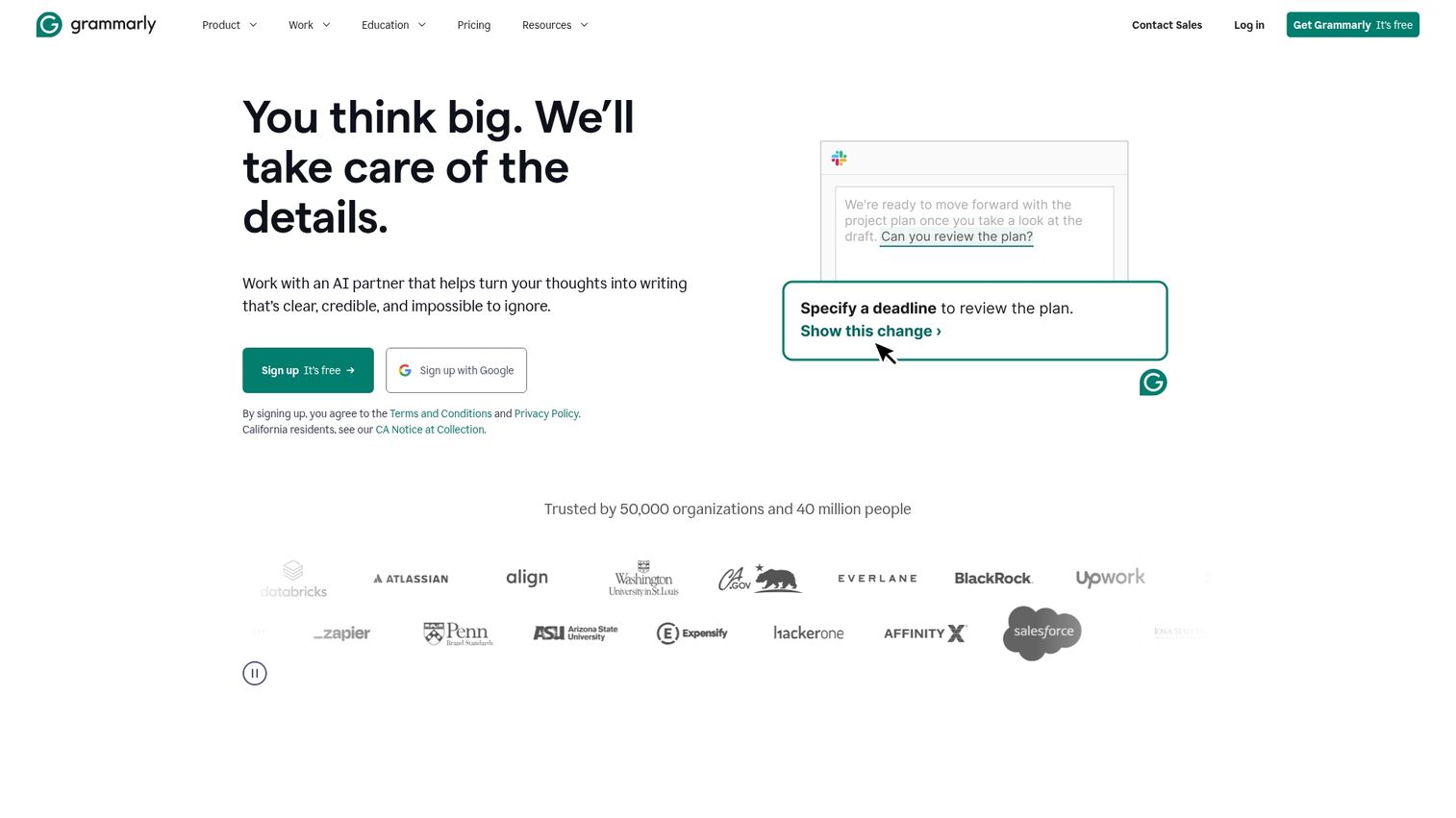
Grammarly is a writing assistant that provides real-time suggestions for grammar, clarity, tone, and style. Beyond basic spell-check, it helps teams maintain consistent quality across all written content.
Best for: Any team that wants to improve writing quality and maintain consistency without extensive editing cycles.
Key strengths
Real-time suggestions: Catches errors and awkward phrasing as you write
Tone detection: Identifies whether your writing sounds confident, friendly, formal, or unclear
Team style guides: Set custom rules so everyone follows the same conventions
Grammarly pricing
Free tier covers basic grammar and spelling. Premium starts at $12/month. Business plans with team features start at $15/user/month.
Best tools for SEO and content strategy
SEO tools help teams identify what to write about and how to optimize for search visibility. Without them, you're often creating content that never gets found.
4. Semrush
Semrush is a comprehensive SEO suite covering keyword research, competitor analysis, content audits, and position tracking. It's one of the most widely used platforms for content teams serious about organic traffic.
Best for: Marketing teams that want deep keyword data and competitive intelligence in one platform.
Key strengths
Keyword research: Discover opportunities with search volume, difficulty, and intent data
Competitor analysis: See what keywords competitors rank for and identify gaps
Content audit tools: Analyze existing content for optimization opportunities
Semrush pricing
Plans start at $139/month for Pro. Guru ($249/month) and Business ($499/month) tiers add more features and limits.
5. Ahrefs
Ahrefs specializes in backlink analysis and keyword research, with one of the largest link databases in the industry. Content teams use it to find top-performing content in any niche and identify link-building opportunities.
Best for: Teams focused on building authority through backlinks and finding proven content topics.
Key strengths
Backlink analysis: See who links to competitors and identify outreach targets
Content Explorer: Find top-performing content by topic, format, or domain
Keyword research: Comprehensive data with click metrics and SERP analysis
Ahrefs pricing
Plans start at $129/month for Lite. Standard ($249/month) and Advanced ($449/month) tiers increase limits and features.
6. Surfer SEO
Surfer SEO is a content optimization tool that provides real-time suggestions while you write. It analyzes top-ranking pages and tells you exactly what to include for better rankings.
Best for: Writers and content teams who want actionable optimization guidance during the writing process.
Key strengths
Real-time content editor: Get NLP-based suggestions as you write
SERP analysis: See what top-ranking pages include and how to compete
Content audit: Analyze existing pages and get specific improvement recommendations
Surfer SEO pricing
Plans start at $89/month for Essential. Scale ($129/month) and Enterprise (custom) tiers add more articles and features.
Best tools for visual content design
Design tools help teams create professional visuals without dedicated designers. Visual content consistently drives higher engagement across channels.
7. Canva
Canva is a user-friendly design tool with templates for social graphics, infographics, presentations, and more. Non-designers can create professional-looking visuals in minutes.
Best for: Marketing teams that want to create visuals quickly without design expertise.
Key strengths
Template library: Thousands of templates for every content format
Brand kit: Store logos, colors, and fonts for consistent branding
Magic resize: Adapt designs for different platforms instantly
Canva pricing
Free tier covers basic features. Pro starts at $15/month per user. Teams plans add collaboration features.
8. Figma
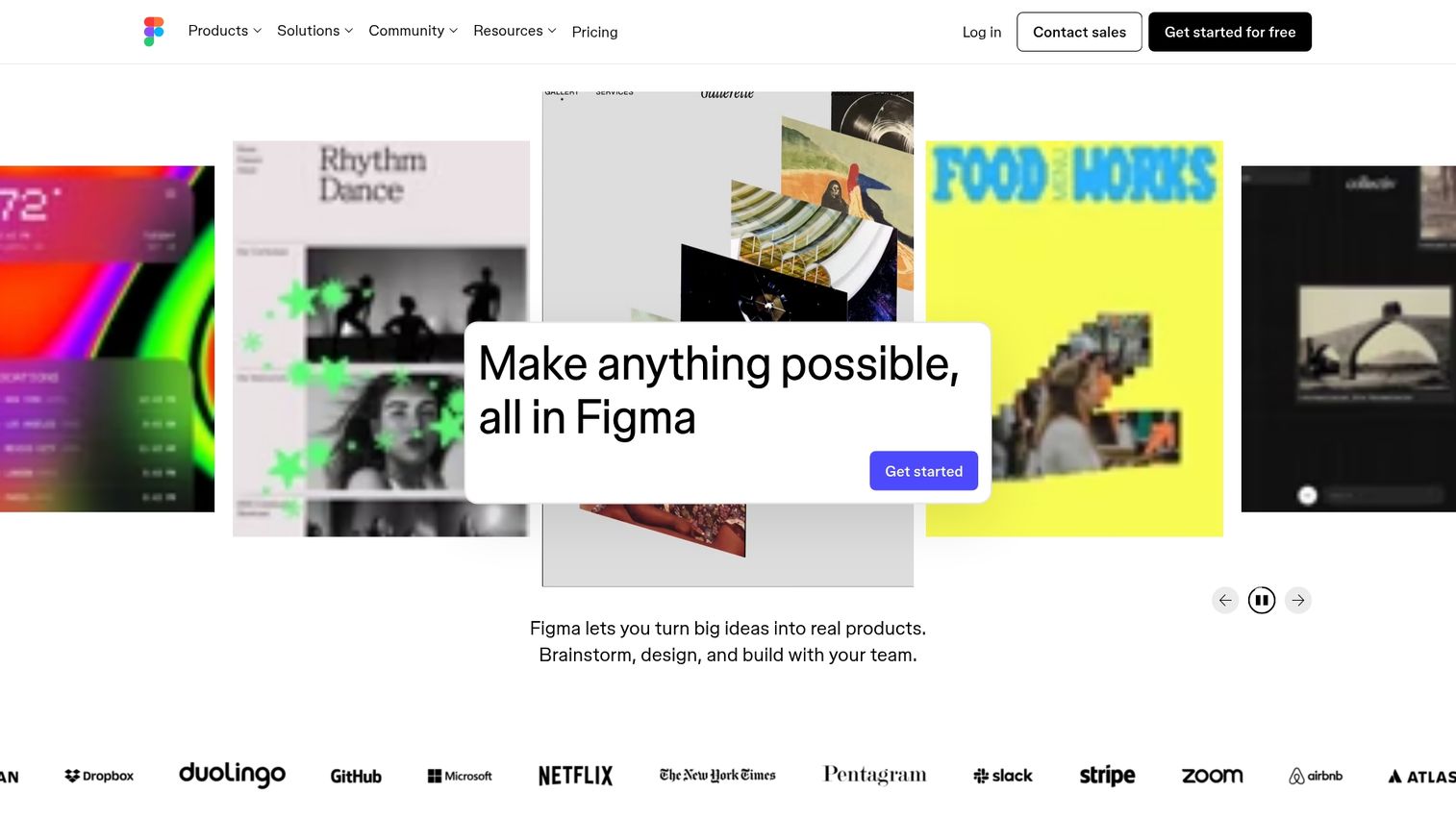
Figma is a collaborative design tool where teams can work on marketing assets together in real time. It's more powerful than Canva but requires more design knowledge.
Best for: Teams with design skills who want real-time collaboration on marketing assets.
Key strengths
Real-time collaboration: Multiple people can edit simultaneously
Component libraries: Reusable elements for consistent design systems
Prototyping: Create interactive mockups for campaigns and landing pages
Figma pricing
Free tier for individuals. Professional starts at $15/editor/month. Organization plans add admin features.
Best tools for video and interactive content
Over 90% of businesses use video as a marketing tool, and it drives higher engagement than static assets. Video tools help teams create multimedia experiences without extensive production resources.
9. Vidyard

Vidyard is a video hosting platform with analytics designed for marketing and sales teams. You can track exactly who watches your videos and how they engage.
Best for: Teams using video for marketing campaigns and sales outreach who want detailed engagement data.
Key strengths
Viewer tracking: See who watches, how long, and which parts they rewatch
Video hubs: Create branded libraries for prospects to browse
Sales integration: Connect video engagement to CRM records
Vidyard pricing
Free tier for basic recording and sharing. Pro starts at $29/month. Business and Enterprise tiers add advanced analytics and integrations.
10. Descript
Descript is a video and audio editing tool that uses text-based editing. Edit your video by editing the transcript, making production accessible to non-editors.
Best for: Teams creating podcasts, video content, or repurposing video into written content.
Key strengths
Text-based editing: Edit video by editing words in the transcript
Transcription: Automatic, accurate transcripts for all content
Repurposing: Turn video transcripts into blog posts and social content
Descript pricing
Free tier with limited features. Creator starts at $15/month. Pro ($30/month) adds more transcription hours and features.
Best content distribution and promotion tools
Distribution tools help teams publish and schedule content across multiple channels from one platform. Manual distribution becomes unsustainable as content volume grows.
11. Hootsuite
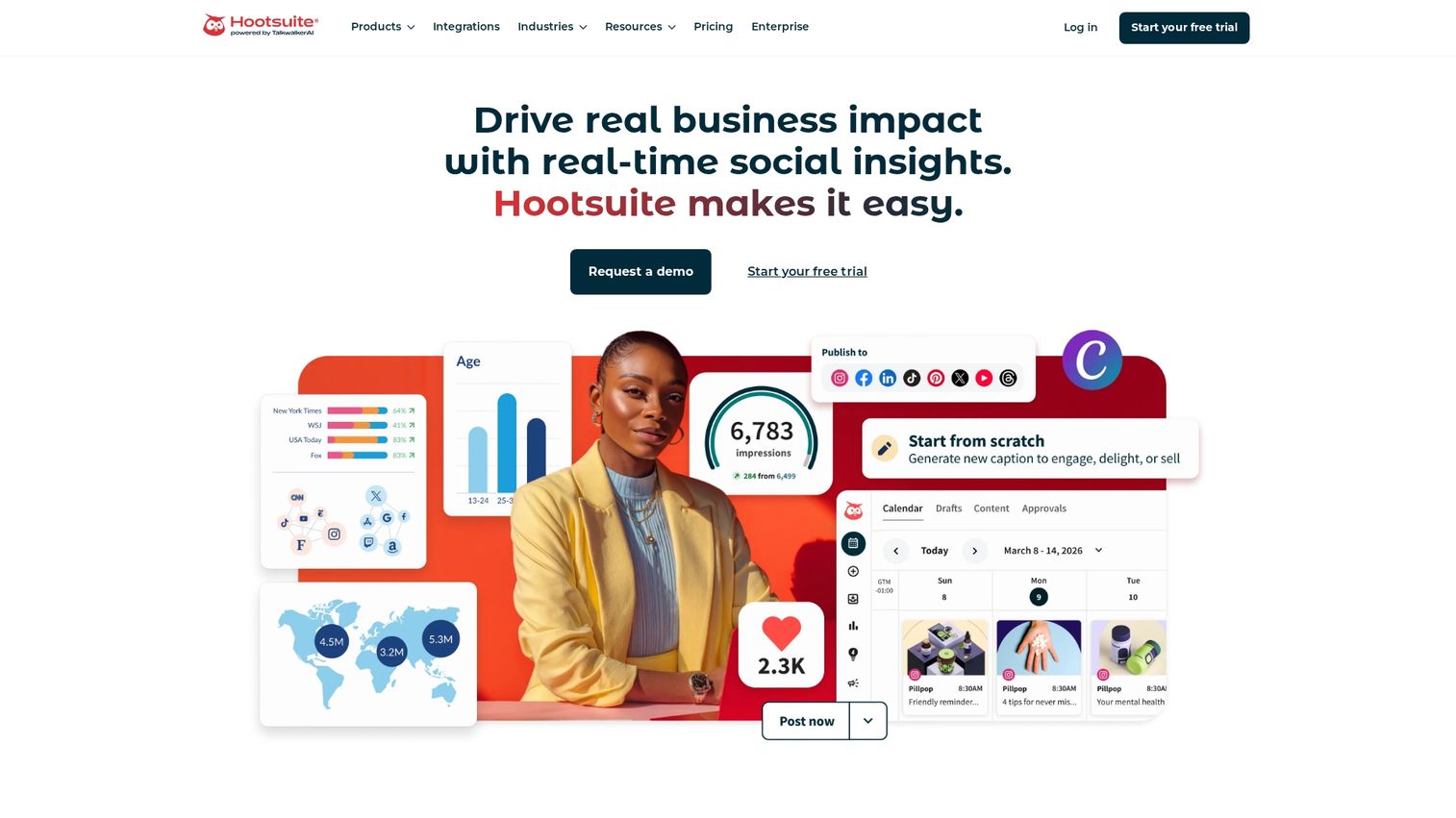
Hootsuite is a social media management platform for scheduling, monitoring, and analyzing content across multiple networks. Teams manage all social channels from a single dashboard.
Best for: Teams managing multiple social accounts who want centralized scheduling and analytics.
Key strengths
Multi-platform scheduling: Plan and schedule posts across all major networks
Social listening: Monitor brand mentions and industry conversations
Team collaboration: Approval workflows and content calendars for teams
Hootsuite pricing
Professional starts at $99/month. Team ($249/month) and Enterprise (custom) tiers add users and features.
12. HubSpot

HubSpot is a marketing automation platform that connects content marketing to CRM data. You can manage email, social, blog, and landing pages while tracking how content influences pipeline.
Best for: Teams that want content marketing connected to lead nurturing and sales data.
Key strengths
CRM integration: See how content influences leads and deals
Email marketing: Automated sequences triggered by content engagement
Attribution reporting: Understand which content drives revenue
HubSpot pricing
Free CRM and basic tools available. Marketing Hub Professional starts at $800/month for full automation features.
Best content marketing management tools
Management tools help teams plan, organize, and collaborate on content workflows. Good project management prevents the chaos that slows down content production.
13. CoSchedule
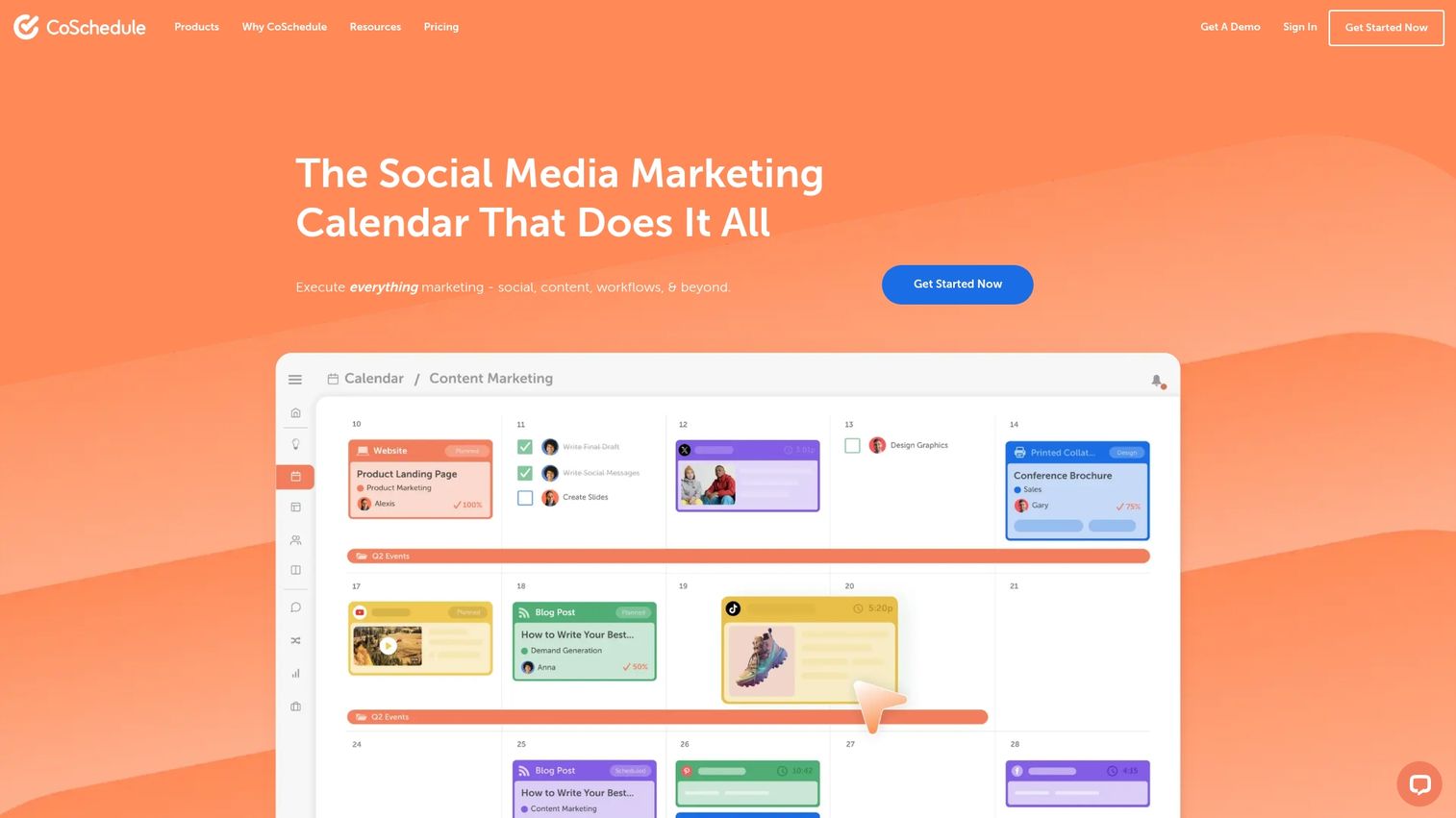
CoSchedule is a marketing calendar tool for planning and scheduling content across channels. Teams see everything in one calendar view with drag-and-drop organization.
Best for: Teams that want a visual calendar for planning content and campaigns.
Key strengths
Marketing calendar: See all content and campaigns in one view
Drag-and-drop scheduling: Easily move and reschedule content
Task management: Assign work and track progress within the calendar
CoSchedule pricing
Marketing Calendar starts at $29/month. Marketing Suite (custom pricing) adds more features for larger teams.
14. Notion
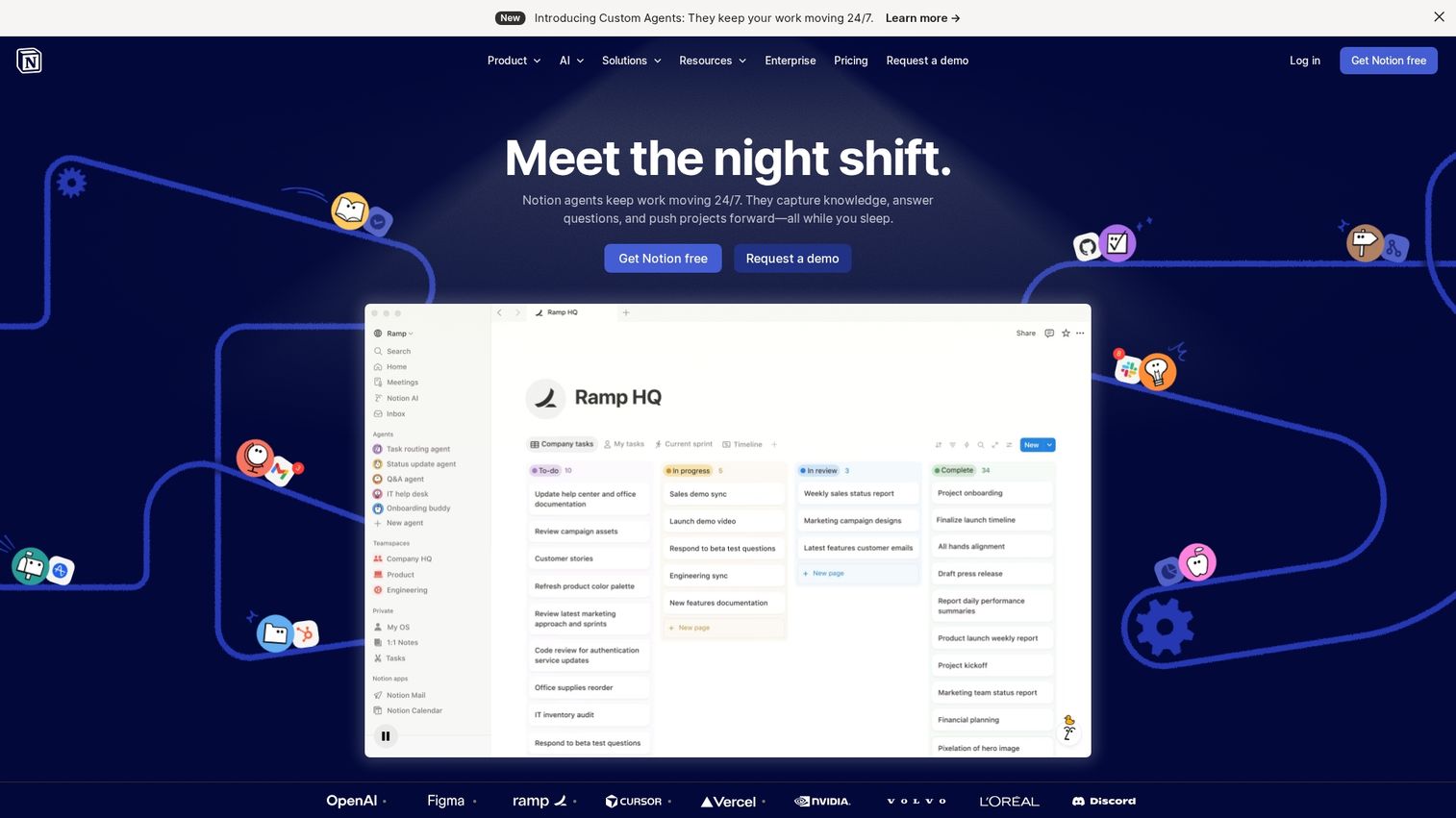
Notion is a flexible workspace for content documentation, briefs, and editorial calendars. Teams customize it to match their exact workflow.
Best for: Teams that want a customizable system for content planning and documentation.
Key strengths
Flexible databases: Build custom content calendars and tracking systems
Documentation: Store briefs, guidelines, and reference materials
Collaboration: Comments, mentions, and real-time editing
Notion pricing
Free for individuals. Plus starts at $10/user/month. Business ($18/user/month) adds advanced features.
How to choose the best content marketing platform
Selecting the right tools depends on your specific situation. Here's what to evaluate:
Team size and collaboration: Evaluate user limits, permissions, and approval workflows. A tool that works for three people may break down at fifteen.
Integration with existing stack: Check connections to your CRM, analytics, and publishing tools. Disconnected tools create manual work and data gaps.
Content types supported: Match tool capabilities to your content formats. If you're creating video, interactive demos, and blog posts, you want tools that support all three.
Scalability: Consider growth plans and whether pricing scales reasonably.
Learning curve: Assess onboarding time and available training resources.
Build your content marketing toolkit
The best content marketing tools depend on your team's specific goals and gaps. Most teams don't start with all 14 categories covered. Instead, they identify their biggest bottleneck and solve that first.
Start with one tool per category where you have the most pain. Measure results, then expand based on what's working. The goal isn't to have the most tools. It's to have the right tools that your team actually uses.
Start your journey with Guideflow today!
FAQs about content marketing tools
Content marketing tools are software platforms that help teams create, optimize, distribute, and measure marketing content across channels like blogs, social media, email, and websites. The category ranges from AI writing assistants to SEO platforms to social scheduling tools.
The 3-3-3 rule suggests structuring content with three key points, limiting to roughly three minutes of reading time, and using a maximum of three calls to action. It's a guideline for keeping content focused and actionable.
The 5 C's typically refer to clarity, consistency, creativity, customer focus, and conversion optimization. Content marketers use these principles to guide strategy across all formats and channels.
The traditional 4 Ps of marketing are product, price, place, and promotion. Content marketing tools primarily support the promotion element by helping teams create and distribute content that attracts and converts customers.
Small businesses often start with tools that have free tiers and low learning curves. Canva for design, Grammarly for writing quality, Notion for planning, and Guideflow for interactive demos all offer free options that scale as teams grow.
Budgets vary widely based on team size and goals. Small teams might spend $100-500/month on essential tools, while larger organizations invest $2,000-10,000/month or more for enterprise platforms with advanced features.
Most teams use a combination of specialized tools rather than one all-in-one platform. They typically choose best-in-class options for each workflow stage: one tool for SEO research, another for writing, another for design, and so on.
Several tools offer robust free tiers: Canva for design, Grammarly for writing assistance, Notion for content management, HubSpot's free CRM, and Guideflow's free plan for interactive demos. Free options often cover basic functionality for smaller teams.