



You sit down to write out an arrangement. Two hours later you have fought the note entry more than the music.
That is the real cost of the wrong notation tool. The keyboard shortcuts feel backwards, the playback sounds like a toy, the export mangles your PDF, and the file you made on your desktop refuses to open cleanly on your laptop. None of that has anything to do with your ideas. It is friction between you and the page.
Digital sheet music now represents 45% of global demand, up more than 45% from 2020 to 2024, according to Industry Research (2026). The tools have matured. The gap between them has not closed. Some are built for fast composition, some for browser collaboration, some for browsing and practicing scores on your phone.
This guide sorts them by workflow, not by hype. You pick based on how you actually work.
What's inside
Here is the scope before you scroll.
- Who it's for: Composers, arrangers, teachers, and anyone choosing a sheet music maker for a specific job, not a generic feature list.
- How tools were chosen: Verified first-party pricing and features, current platform coverage, and workflow fit for real notation tasks.
- Selection criteria: Notation workflow speed, playback and print quality, platform coverage across desktop, web, and mobile, and collaboration or sharing options.
- What you get: A side-by-side comparison table, seven detailed breakdowns, a buyer's checklist, and answers to the questions people actually search.
TL;DR
- Best free option for notation purists: MuseScore Studio. Open source, no limits, full desktop composing.
- Best for collaboration and shared editing: Flat. Browser-based, real-time co-editing, works across devices.
- Best for cross-device browser access: Noteflight. Compose online, print, share, and upgrade when you need more.
- Best for browsing and practicing scores: MuseScore. A catalog of scores plus practice utilities like a metronome and virtual piano.
- Best for scores on the go: MuseScore app. Mobile-first browsing, playback, and quick practice.
- Best for MIDI-to-sheet conversion: Notation Software. Turns MIDI files into readable scores you can edit and print.
What is sheet music software?
Sheet music software is a tool that helps you create, edit, play back, print, export, and sometimes share music notation. It replaces hand-drawn manuscript with a digital score you can revise instantly and hear before it ever hits paper.
The category covers everything from a free open source notation software desktop editor to a browser-based music score app you open on any device. Some tools focus on composition. Others focus on distribution and practice. Most modern options handle audio playback so you can catch a wrong rhythm before you print a single page.
Core features you should expect from a music notation software:
- Note entry and editing: Type notes by mouse, keyboard, or MIDI keyboard input, then correct measures fast.
- Playback and instrument sounds: Hear your arrangement with real instrument libraries and tempo control.
- Print and export options: Print sheet music cleanly, plus export PDF, MIDI, and audio.
- Import and interoperability: Open MusicXML and MIDI files from other tools.
- Collaboration and sharing: Share links, co-edit, or publish to a library.
- Instrument libraries: Templates and sounds for specific instruments and ensembles.
If you are evaluating a music writing software for the first time, treat these as your baseline. A tool missing playback or export is not a serious contender for anything beyond quick sketching. A sheet music creator that only works on one platform will slow you down the moment your workflow moves between devices.
The line between a full notation editor and a lightweight sheet music app matters. Notation editors are built to compose from a blank page. Sheet music apps lean toward finding, playing, and practicing scores others made. Knowing which job you have decides which tool earns your time.
When to use sheet music software
Write original scores
When you are composing or arranging from scratch, you need real notation software, not a viewer or a simple app. You want fast note entry, full control over measures and voices, and instrument-specific workflows for the ensemble you write for. A composer scoring for strings needs different defaults than an arranger charting a horn section.
Hear and refine arrangements
Playback is where mistakes surface. A rhythm that looks fine on the page can sound wrong the second you press play. Good audio playback lets you loop a passage, slow the tempo, and catch harmonic clashes before printing. This is the fastest way to refine an arrangement without a live ensemble in the room.
Share scores across devices and collaborators
When you move between a desktop at your studio and a laptop on the road, cross-platform sheet music software saves you from file wrangling. When two people edit the same score, live collaboration keeps you from emailing versions back and forth. When you just need to hand a player a part, link sharing or a print export gets it done.
Comparison table
We ranked these tools by workflow relevance for the primary jobs: Composing, collaborating, browsing, and exporting. Free and open source options lead for pure notation, browser tools lead for cross-device work, and app-based platforms lead for practice and discovery. Pricing and ratings reflect current first-party sources verified in 2026. Where a vendor does not publish a numeric price or a current G2 score, the cell reflects that plainly.
| # | Product | Best for | Key differentiator | Pricing | G2 rating |
|---|---|---|---|---|---|
| 1 | MuseScore Studio | Free desktop notation | Open source, no feature limits | Free | Not listed |
| 2 | Flat | Browser collaboration | Real-time co-editing in the browser | Free plan; Flat Power paid | 4.9 |
| 3 | Noteflight | Online composing | Cloud notation with premium library | Free plan; $7.95/mo Premium | Not listed |
| 4 | MuseScore | Browsing and practice | Score catalog plus practice tools | Free plan; paid Pro | Not listed |
| 5 | MuseScore app | Mobile scores | Mobile-first catalog and playback | Free plan; in-app upgrade | Not listed |
| 6 | Notation Software | MIDI to sheet music | Converts MIDI into editable scores | $122.99 one-time | Not listed |
Best 6 tools for sheet music software
1. MuseScore Studio
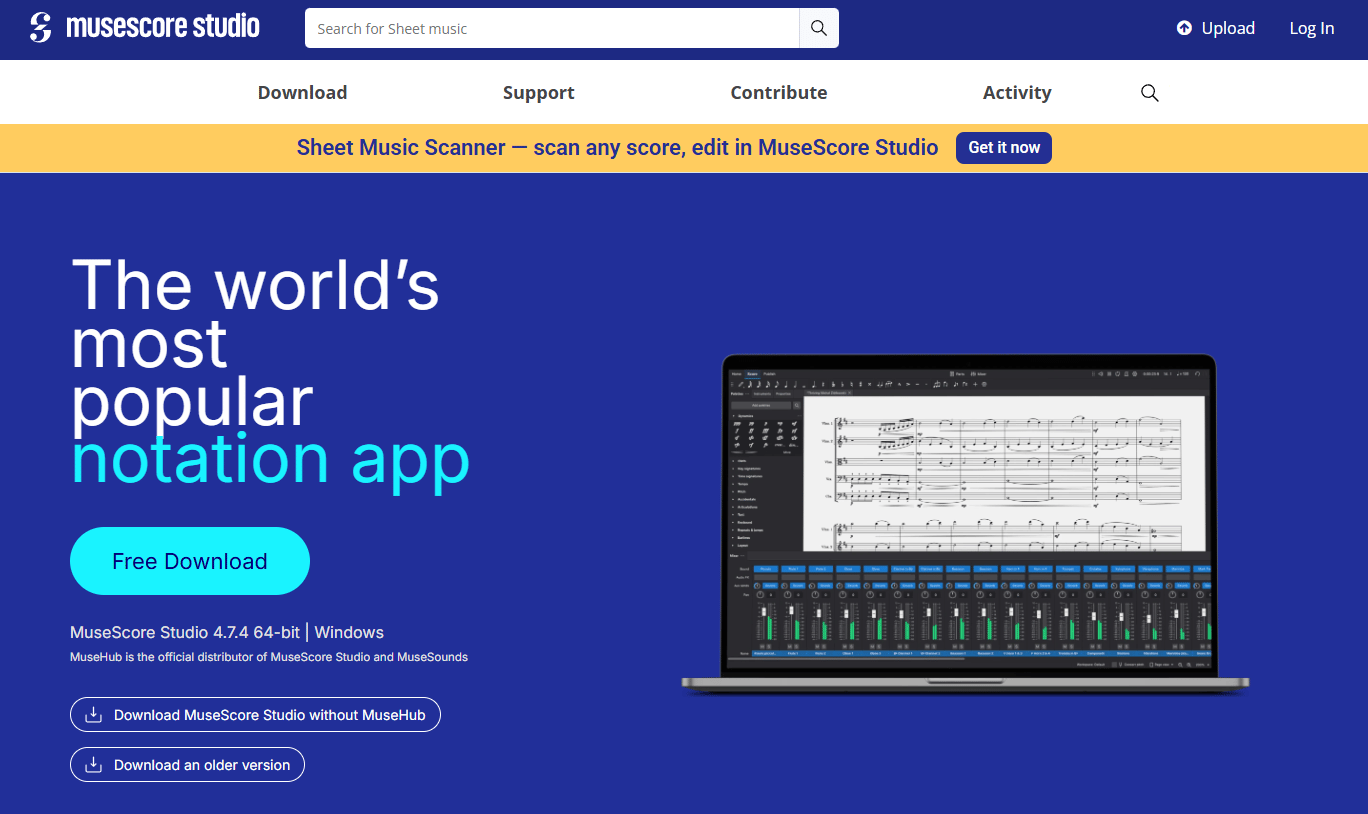
MuseScore Studio is free, open source notation software for composing, editing, playing back, and printing scores. It runs as a full desktop editor with no feature gates, which is rare in a category where the good stuff usually sits behind a subscription. You get MIDI keyboard input, MusicXML and MIDI import and export, and PDF and WAV output.
Best for: Musicians, educators, and arrangers who need a serious sheet music maker without paying for it.
Key features
- Completely free, no feature limits
- Open source with community plugins
- MIDI keyboard input for fast note entry
- MusicXML and MIDI import and export
- PDF and WAV export for print and audio
Why choose MuseScore Studio: If you want a robust desktop composing tool with broad ecosystem support and zero cost, this is the one. The tradeoff is a learning curve typical of full notation editors, so budget time to get fluent.
MuseScore Studio pricing: MuseScore Studio is completely free with no paid tier for the notation software, per its first-party site as of 2026.
A current G2 rating for MuseScore Studio was not listed at the time of writing, so treat community reputation and your own trial as your guide.
2. Flat
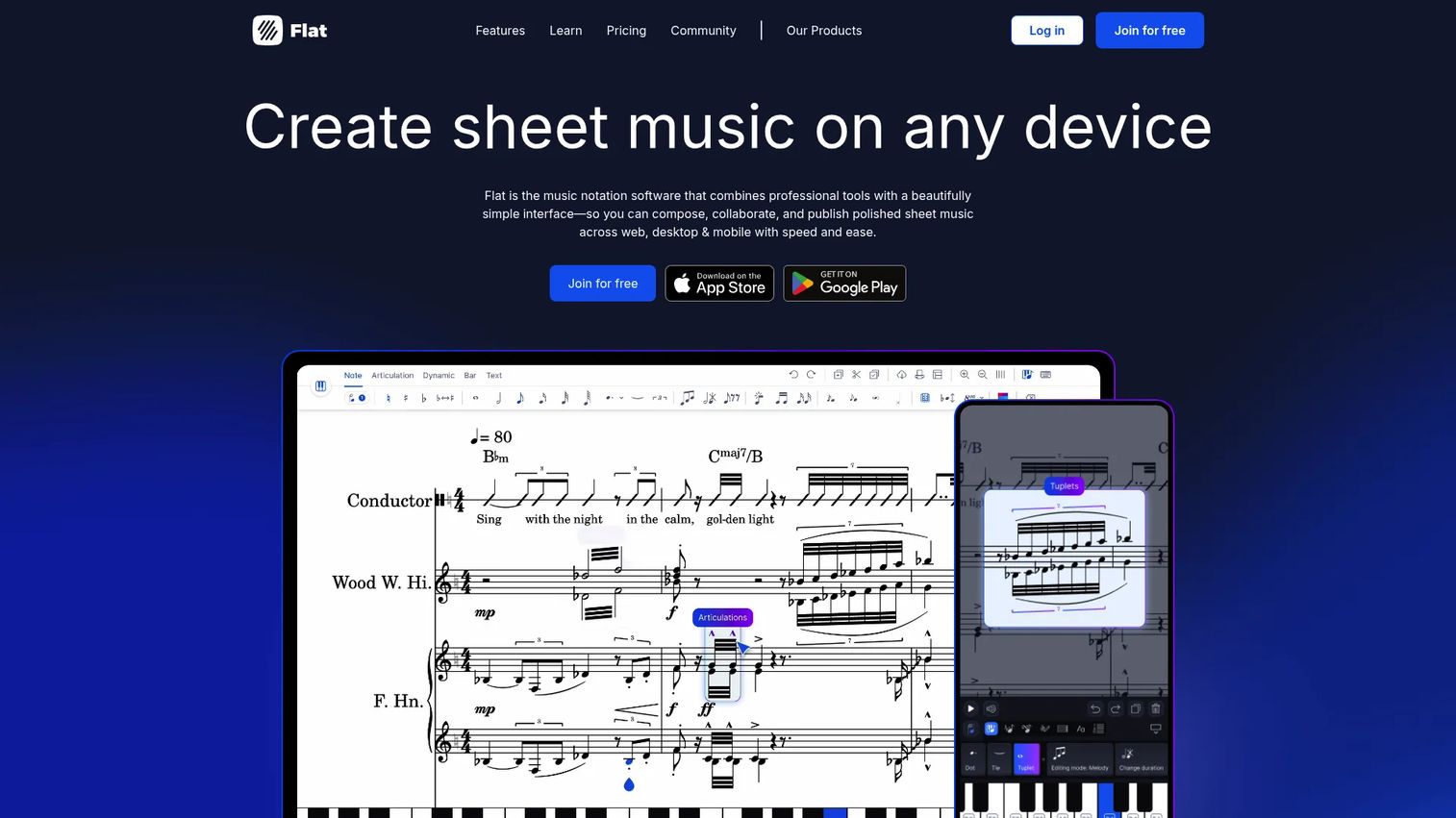
Flat is online music notation software built for composing, collaborating, and sharing scores from the browser. Its standout is real-time collaboration, so two people can edit the same score at once, the way a founder thinks about shared docs across a team. It also supports offline composing plus MusicXML and MIDI import and export.
Best for: Musicians and educators who need browser-based composition and live collaboration across devices.
Key features
- Real-time collaboration on a shared score
- Browser editing on web, desktop, and mobile
- Offline composing when you lose connection
- MusicXML and MIDI import and export
- Cloud sync across every device you use
Why choose Flat: Pick Flat when you move between devices constantly or edit with others. It removes the version-control headache that email attachments create.
Flat pricing: Flat Basic is free, and Flat Power is offered on monthly, yearly, and lifetime plans, per Flat's first-party pricing page as of 2026.
Flat holds a 4.9 out of 5 on G2, which is strong for the category.
3. Noteflight
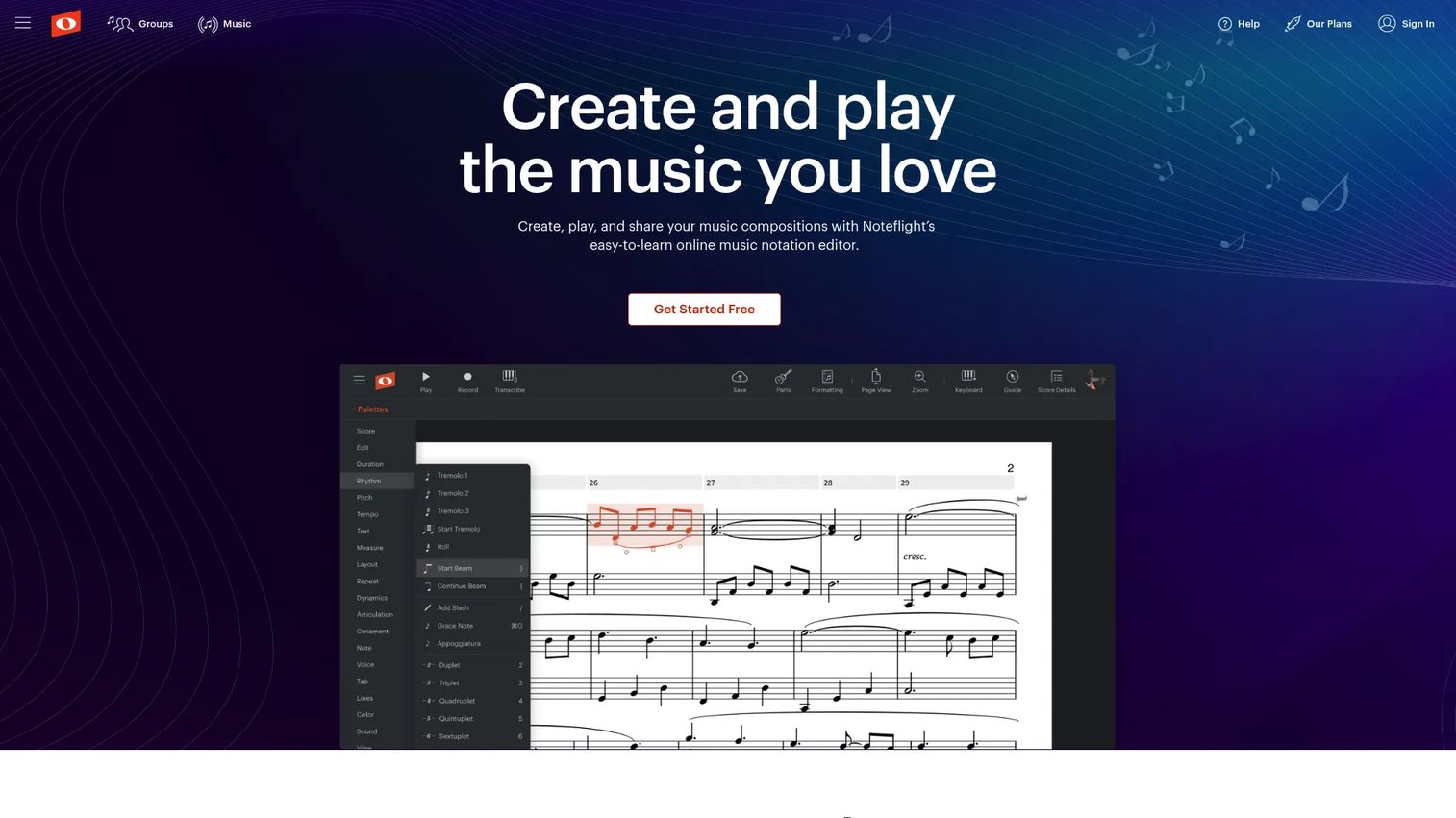
Noteflight is cloud-based online sheet music software for composing, sharing, and playing scores in the browser. It keeps the workflow simple, which suits classroom use and casual collaboration. Premium access adds a library of more than 80,000 digital sheet music titles on top of the editor.
Best for: Musicians and educators who want browser-based score creation and easy sharing.
Key features
- Online notation editor in the browser
- Playback and sharing tools built in
- Print sheet music directly from the editor
- Premium library of 80,000-plus titles
- Simple interface suited to teaching
Why choose Noteflight: Choose Noteflight if you value a low-friction browser editor over a deep desktop feature set. It fits teachers and casual composers more than power arrangers.
Noteflight pricing: Noteflight offers a free start, with Premium at $7.95 per month or $49 per year, per its first-party site as of 2026.
A current G2 rating for Noteflight was not listed when this was written, so lean on a trial to judge fit.
4. MuseScore
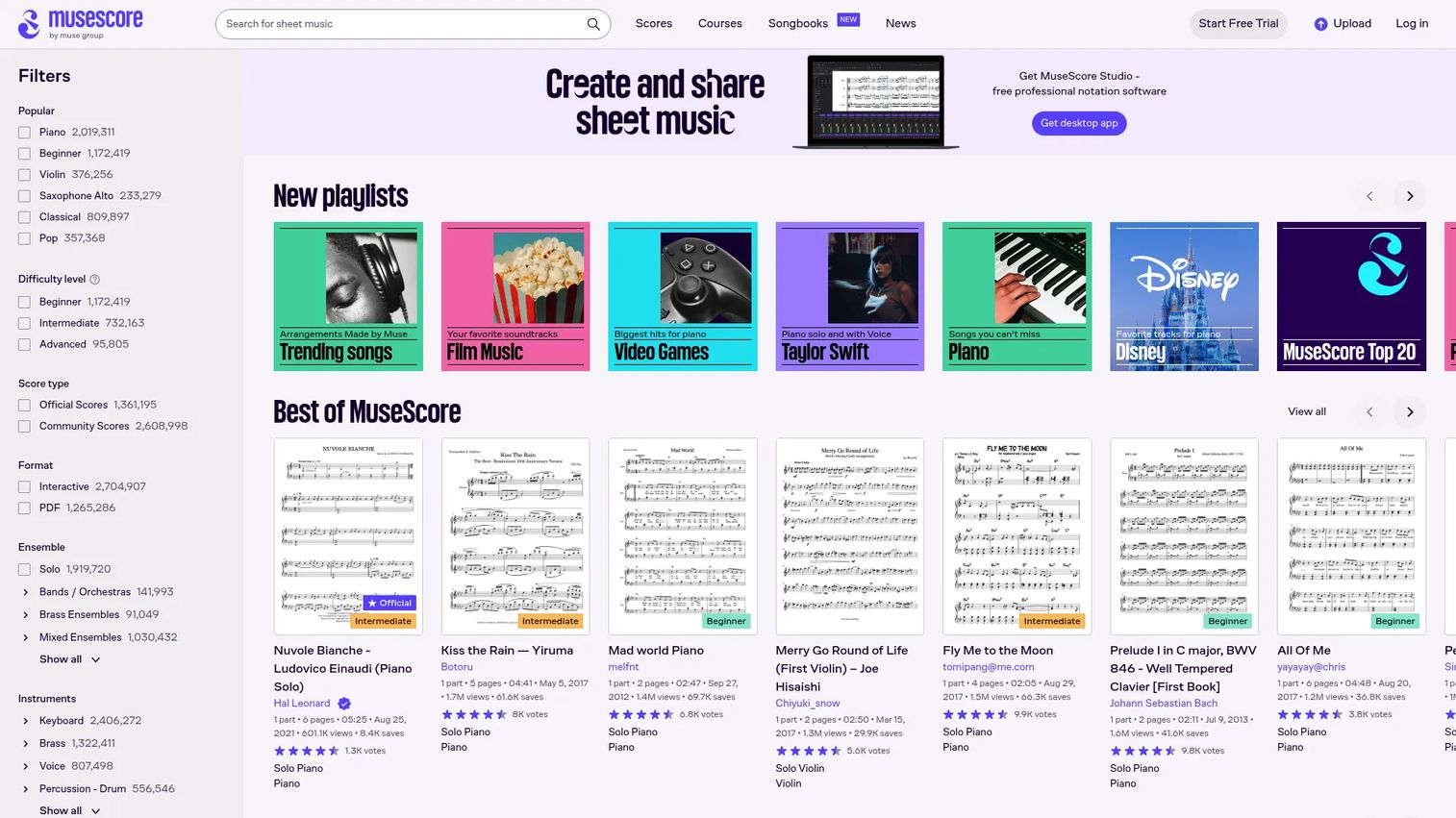
MuseScore is an online sheet music platform and music tools brand, distinct from the Studio desktop editor. It leans toward browsing and playing scores rather than composing from a blank page. You get a catalog to explore, playback, and online practice utilities.
Best for: Musicians looking for sheet music, practice tools, and music-learning content.
Key features
- Browse and play a large score catalog
- Online metronome and virtual piano
- Music courses and educational content
- Playback for practice and learning
- Web access from any browser
Why choose MuseScore: Reach for MuseScore when your job is finding and practicing scores, not writing them. It is a discovery and practice experience first.
MuseScore pricing: MuseScore lists a Pro landing page for its plans, but readable numeric figures were not exposed on the accessible page as of 2026, so confirm current rates directly on its pricing page before you commit.
A current G2 rating for MuseScore was not listed at the time of writing.
5. MuseScore app
The MuseScore app is the mobile-first side of the MuseScore catalog and tools platform. It is built for browsing, playing back, and learning sheet music on a phone or tablet. Think discovery and quick practice rather than full composition.
Best for: Musicians who want to browse, play back, and learn sheet music on the go.
Key features
- Mobile-first access to a large catalog
- Playback for practice anywhere
- Music courses and lessons in-app
- Online practice utilities on mobile
- Quick-reference scores away from a desk
Why choose MuseScore app: Use the app when you need scores in your pocket for rehearsal, a lesson, or a gig. It changes the use case for learners and performers who work away from a computer.
MuseScore app pricing: The app points to the MuseScore Pro pricing page, and readable numeric figures were not exposed on the accessible page as of 2026, so check the in-app upgrade screen for current rates.
A current G2 rating for the MuseScore app was not listed when this was written.
6. Notation Software
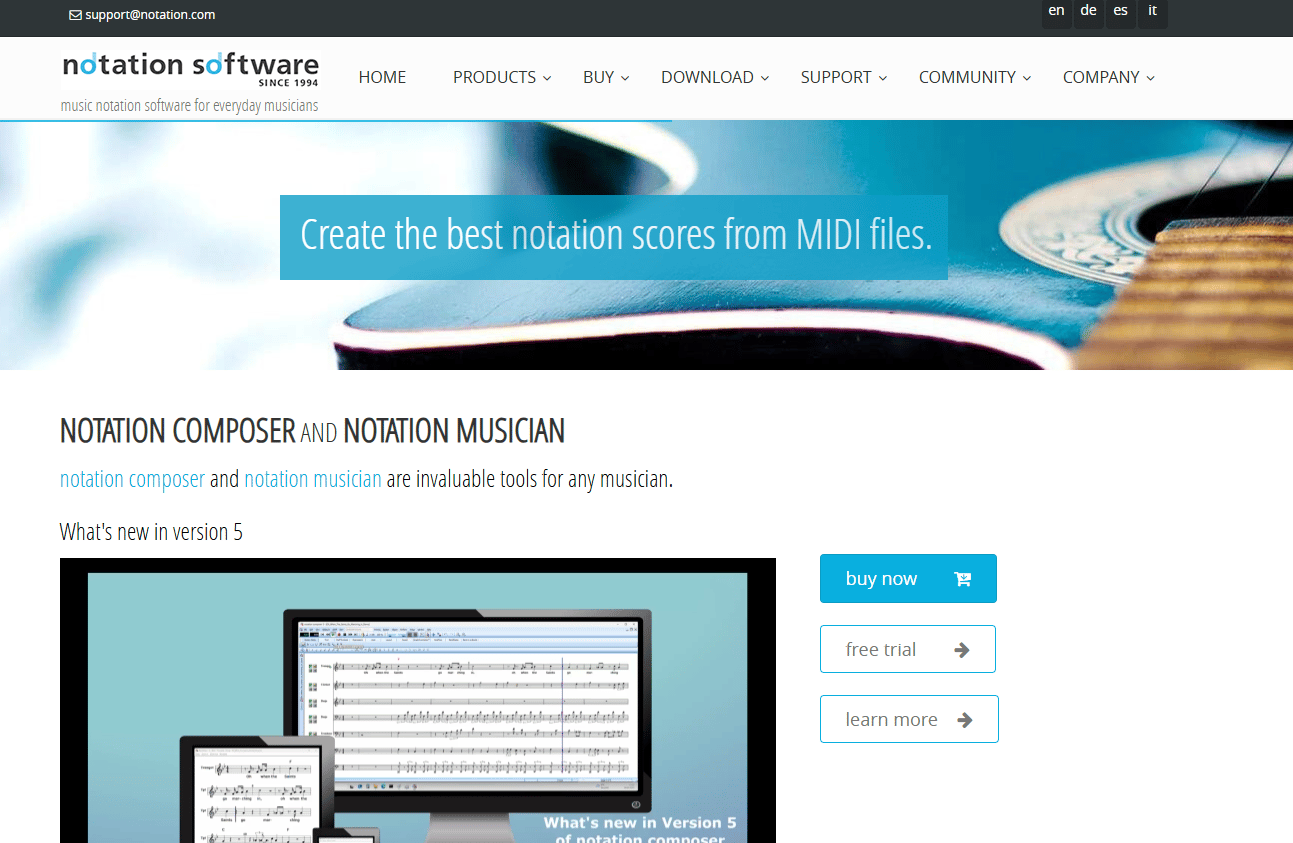
Notation Software is music notation software aimed at everyday musicians who want to turn MIDI into readable sheet music. Its differentiator is MIDI-to-score conversion, so you import a MIDI or MusicXML file and get an editable score. You can also create or arrange from scratch, add lyrics, export PDF, and share.
Best for: Musicians who want MIDI-to-sheet-music conversion plus lightweight score creation.
Key features
- Convert MIDI and MusicXML to sheet music
- Create or arrange scores from scratch
- Add lyrics to your score
- Export MIDI and PDF for sharing
- Two desktop products for different needs
Why choose Notation Software: Choose it when your starting point is a MIDI file, not a blank page. It handles conversion better than tools built purely for composition.
Notation Software pricing: Notation Musician is $122.99 and Notation Composer is $198.99 as one-time desktop purchases, both with a 90-day money-back guarantee, per notation.com as of 2026.
A current G2 rating for Notation Software was not listed at the time of writing.
Considerations
Treat this like any tool decision: Pick for the job, test the exits, then commit. Here is the checklist a buyer who values first-win speed should run.
Notation workflow
Evaluate how fast you enter notes, edit measures, and fix mistakes. If the shortcuts fight you, every session costs more than it should. Try scoring one full page in your trial before you judge anything else.
Playback quality
Check the instrument sounds, tempo control, looping, and any practice modes. Playback is how you catch a bad rhythm or a clash before print. Weak audio means you find problems on paper instead of on screen.
Platform coverage
Confirm whether you need desktop power, browser access, mobile, or offline support. A tool that shines on one device but stalls on the next will slow your handoffs. Match the coverage to where you actually work.
Export and interoperability
Test MusicXML, MIDI, PDF, and MP3 output, plus print quality. If you collaborate or move files between tools, MusicXML and MIDI keep you portable. Verify a real export early, because a broken PDF at deadline is the worst time to learn this.
Collaboration and sharing
Decide whether you need live collaboration, link sharing, or library access. A solo composer and a teaching team have different needs here. Do not pay for co-editing you will never use, and do not skip it if your workflow is shared.
Conclusion
The right pick comes down to your primary workflow. For free desktop composing with no limits, MuseScore Studio is the pragmatic default. For browser collaboration across devices, Flat earns the spot. For simple online composing and teaching, Noteflight fits. For browsing and practicing scores, MuseScore and its mobile app do the job. For turning MIDI files into editable sheet music, Notation Software is built for exactly that.
Start with the tool that matches your main task, not the longest feature list. Then test two things before you commit: Run a real export in the format you actually need, and play back a full passage to judge the sound. Those two checks tell you more than any spec sheet. Pick the one that gets out of your way, and get back to the music.
Start your journey with Guideflow today!
If your day job is showing a software product rather than scoring music, Guideflow turns your product into self-serve interactive demos your team can capture, edit, personalize, share, and analyze without engineering time. Its AI tools polish demos fast, collaboration keeps your team in sync, and native integrations push engagement data into your stack. Start your journey with Guideflow today!
FAQs
MuseScore Studio is the strongest free option, since it is open source with no feature limits on the desktop notation software. You get note entry, playback, printing, and MusicXML and MIDI export at no cost. Flat and Noteflight also offer free browser tiers if you prefer working online.
Yes, most serious tools do both. MuseScore Studio exports PDF and WAV plus MIDI, Flat and Noteflight handle MusicXML and MIDI, and Notation Software exports PDF and MIDI. Always run a test export in your trial, since print and file quality vary between tools.
Flat leads on collaboration because it supports real-time co-editing in the browser. Two people can work the same score at once, which removes the emailed-version problem. Noteflight also supports online sharing that suits classroom and casual group work.
If you only browse and print existing scores, a sheet music app like MuseScore or its mobile app covers you. If you want to create, edit, and then print your own notation, you need a notation editor such as MuseScore Studio or Noteflight. Match the tool to whether you are making or just printing.
Notation software is built to compose and edit scores from a blank page, with deep control over notes, voices, and layout. Sheet music apps focus on finding, playing back, and practicing scores that others created. MuseScore Studio is a notation editor, while the MuseScore app is closer to a browsing and practice tool.
MuseScore Studio runs as a desktop app across major operating systems, while Flat and Noteflight run in any browser on desktop, web, and mobile. Browser tools give you the widest cross-platform reach without installs. Confirm current platform support on each vendor's site before you decide.
Yes. MuseScore Studio is used by composers, arrangers, and educators for real scoring work, with full note entry, playback, and export. The tradeoff is a learning curve rather than a capability gap. Commit time to the shortcuts and it handles serious composing.
Beginners should prioritize fast note entry, clear playback, and easy printing over advanced features they will not touch yet. A free tier lets you learn without spending, so MuseScore Studio, Flat Basic, or Noteflight's free start are good places to begin. Test one full score, then decide whether you need to upgrade.










