A single case can generate thousands of documents, dozens of hearing dates, hundreds of facts, and a witness list that changes weekly. Track all of that across spreadsheets, shared drives, and email threads and something eventually slips. A deadline gets missed. A key exhibit gets lost. Two paralegals build the same chronology twice. The case history lives in five people's heads and nowhere everyone can see it.
The market has moved to fix exactly this. The litigation support software market was valued at $4.8 billion in 2025 and is projected to reach $10.2 billion by 2034, growing at a 9.2% CAGR, according to MarketIntelo (2025). Nearly 69% of enterprises handling over 500 legal matters annually now rely on litigation management software to cut administrative burden, per IndustryResearch.biz (2026). The reason is simple: a case is a system of facts, evidence, deadlines, documents, and tasks that all connect. Software that treats it that way reduces missed dates and manual coordination in a way that scattered files never will.
Litigation support software is the shared record where all of that lives. It centralizes the case file, links evidence to facts, tracks every deadline, and increasingly uses AI to speed up reading and drafting. The right tool turns a pile of documents into a case you can actually work. The wrong one is just another place to store files. This guide compares eight tools built for real litigation workflows, so you can shortlist the two or three worth a closer look.
What's inside
This guide is for legal ops teams, litigation managers, law firm leaders, and in-house litigation teams comparing tools to replace spreadsheets and inboxes. We selected eight platforms based on how well they handle five things that matter in litigation: case organization and fact chronology, evidence and document management, deadline tracking and legal calendaring, collaboration and task assignment, and AI-assisted reading or drafting.
We prioritized litigation-specific workflow relevance over general practice management breadth. A tool that does billing, intake, and accounting but treats the case file as an afterthought did not make the cut. Every entry below earns its place by helping a team build and run a case from a single source of truth.
TL;DR
- Best overall for case building: Casefleet, for fact-and-evidence chronologies with document review and AI assistance.
- Best for broader AI-assisted legal workflows: Harvey, for research, drafting, and document analysis across the litigation lifecycle.
- Best for regional and enterprise litigation operations: Legistify, for centralized case tracking, hearing alerts, and matter visibility.
- Best litigation module inside a broader legal suite: App4Legal (now Lexzur), for teams already standardizing on one platform.
- Best for deadline and document management at a fixed monthly price: Iolite, for firms that want calendar sync and a central repository.
- Best for configurable legal knowledge and matter management: Knowliah, for organizations that need structured access to litigation-related information.
What is litigation support software?
Litigation support software is a system that centralizes the facts, evidence, documents, deadlines, tasks, and reporting for a legal case so a team can work from one shared record instead of scattered files. It is sometimes called litigation management software or a litigation management system, and it overlaps with litigation case management software when it also handles matter tracking and workflow.
The category exists because litigation is fundamentally connected work. A fact links to an exhibit. An exhibit links to a deposition. A deposition drives a filing deadline. When those connections live in one place, the whole team sees the same case. When they live in spreadsheets and inboxes, the connections break.
Core capabilities to expect from litigation case management software:
- Case workspace and master file: a single home for every matter, so the case history is not spread across drives and threads.
- Evidence and document management: upload, tag, and organize documents with full-text search and discovery readiness in mind.
- Calendaring and deadline tracking: legal calendaring with rules-based dates, reminders, and hearing alerts to reduce missed deadlines.
- Chronology and timeline building: fact chronology tools that link each fact to its supporting document or witness.
- Collaboration and permissions: task assignment, access controls, and an audit trail so multiple attorneys and paralegals share one view.
- AI-assisted reading and drafting: AI document analysis, summarization, and legal research support to speed up deposition review and case preparation.
Cloud deployment now accounts for 64% of newly implemented litigation management software installations worldwide, per IndustryResearch.biz (2026), which is why most tools below are browser-based and built for distributed case teams.
When to use litigation support software
Replace spreadsheets and inboxes
Scattered tracking works until a case gets big. The moment you have more matters, deadlines, and documents than one person can hold in their head, the risk shows up: missed dates, duplicate work, and a case history nobody can fully reconstruct. If your deadlines live in a shared calendar, your facts live in a Word doc, and your evidence lives in a folder tree, you are one handoff away from a gap. Litigation support software collapses those into one connected record, so the case has a single source of truth instead of five partial ones.
Build a shared record for the case team
Litigation is a team sport. Attorneys, paralegals, and support staff all touch the same matter, and they all need the same view. This is where task assignment, access controls, and auditability matter. The right tool lets a lead attorney see what a paralegal filed, assign the next task, and trust that the record reflects reality. Everyone works from the same case file, and the audit trail shows who changed what and when. That is the difference between a system and a pile of documents.
Speed up discovery and trial prep
When discovery hits, volume becomes the enemy. Documents, transcripts, and exhibits pile up faster than any team can read them manually. This is where full-text search, tagging, chronology building, and AI reading earn their keep. You search across the full document set, tag what matters, link each fact to its source, and let AI summarize long depositions or extract entities. Trial prep stops being a scramble to find the right exhibit and becomes a matter of pulling an already-organized case together.
Comparison table
Here is how the eight tools compare on intent, primary use case, pricing, and rating. Pricing reflects publicly available figures at the time of writing; where a vendor gates pricing behind a demo, that is noted.
| # | Product | Intent | Key use case | Pricing | G2 rating |
|---|---|---|---|---|---|
| 1 | Casefleet | Case building | Fact chronologies, document review, AI assistance | From $30/user/mo | 4.5/5 |
| 2 | Harvey | AI-assisted legal work | Research, drafting, document analysis | Not publicly listed | 4.8/5 |
| 3 | Legistify | Litigation operations | Case tracking, hearing alerts, matter visibility | Demo-based | 5.0/5 |
| 4 | App4Legal (Lexzur) | Suite-based case module | Case and matter tracking inside a legal platform | Demo-based | 5.0/5 |
| 5 | AVACOM | Litigation oversight | Structured litigation case tracking | Not publicly listed | Not rated |
| 6 | Iolite | Deadline and document management | Calendar sync, central repository, hearing tracking | From $80/mo | Not rated |
| 7 | IRIS LMS | Litigation operations | Case tracking, deadlines, centralized data | Not publicly listed | Not rated |
| 8 | Knowliah | Legal knowledge and matter management | Litigation, contracts, matter organization | Custom | Not rated |
1. Casefleet
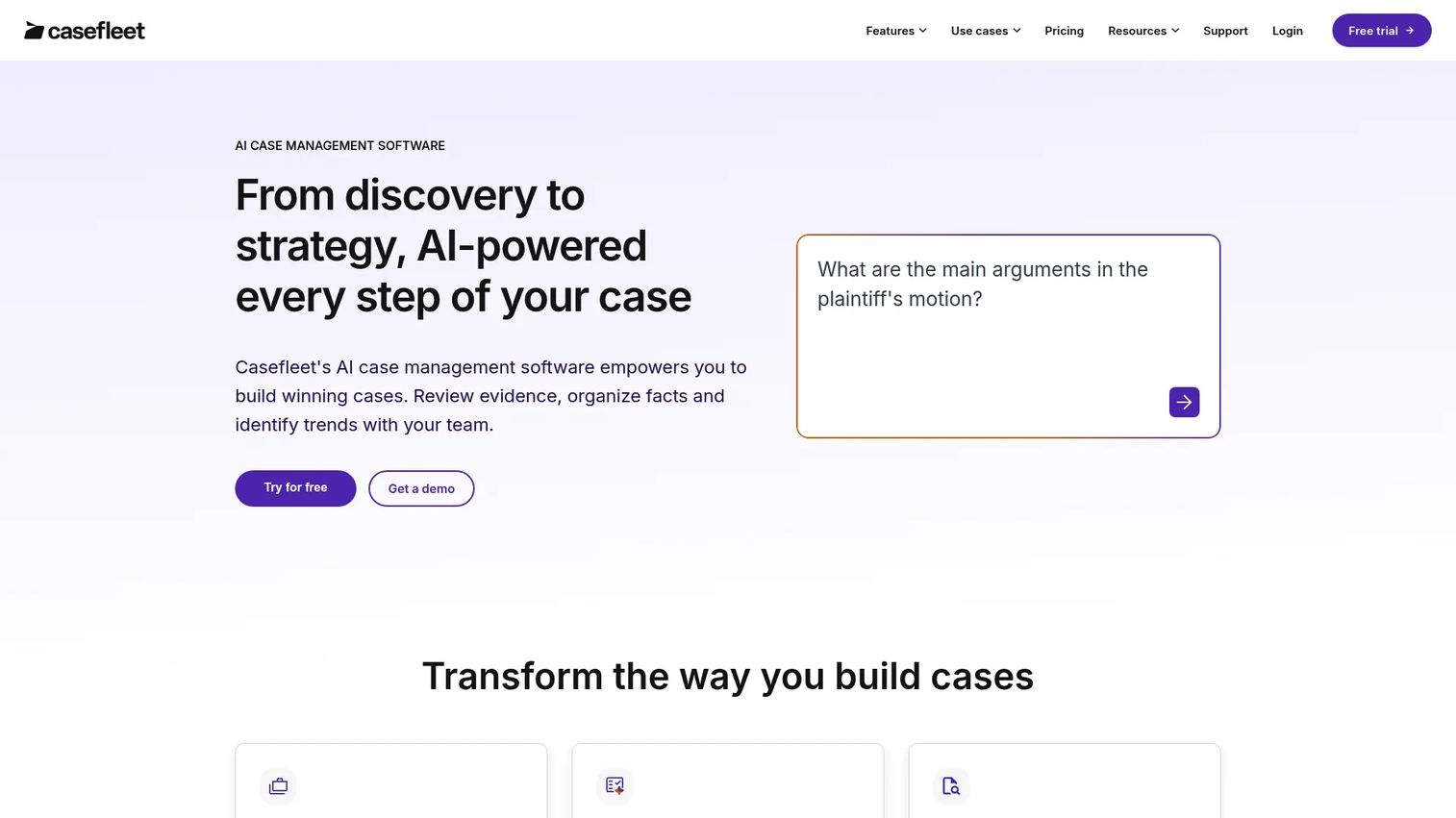
Casefleet is AI-powered legal case management software built for organizing facts, documents, witnesses, and evidence. Where a generic practice tool treats the case file as one feature among many, Casefleet makes the case itself the product. Its fact chronology sits at the center: you enter a fact, link it to the supporting document or witness, and the timeline builds itself. That turns a messy set of documents into a defensible narrative you can hand to a partner or take to trial.
The document review and management side pairs with the chronology, so an exhibit you tag while reading feeds directly into the fact record. Its AI features add real leverage here, with document intelligence, summarization, entity extraction, and proposed facts that surface likely facts from a document set before a human confirms them. That is AI grounded in an actual litigation workflow, not a bolt-on chatbot.
Best for: law firms and litigators managing chronology-heavy cases who want document review and AI assistance in one place.
Key strengths
- Fact chronology and timeline maker: Link every fact to its source so the case story stays connected and defensible.
- Document review and management: Tag and organize documents with review flowing straight into the fact record.
- AI document intelligence: Summarization, entity extraction, and proposed facts speed up reading dense document sets.
Why choose Casefleet: If your cases live or die on the strength of the timeline, Casefleet is the most direct fit on this list. It is purpose-built for the fact-and-evidence work that defines litigation, and the AI features reduce the manual reading that eats a paralegal's week. Teams that value a tight case workspace over broad practice management breadth will feel at home fast.
Casefleet pricing: Casefleet starts at $30 per user per month on the Starter plan. The Advanced AI plan runs $140 per user per month, and Enterprise pricing is available as a custom quote. A 14-day free trial is available, and some usage limits and overages apply. Pricing is billed monthly. Casefleet holds a 4.5/5 rating on G2.
2. Harvey

Harvey is AI software for legal and professional services, aimed at law firms and in-house teams that want secure AI across research, drafting, review, and workflows. Rather than centering the case chronology like Casefleet, Harvey centers the AI layer that sits across the litigation lifecycle. Its Assistant handles legal Q&A, document analysis, and drafting, while Vault provides secure document storage and bulk analysis for large document sets.
Where Harvey fits is teams that want AI support to run wide, not just deep in one workflow. Its Knowledge, Workflow Agents, and integrations connect to the tools legal teams already use, including Word, Outlook, iManage, SharePoint, Google Drive, and LexisNexis. That integration scope matters for a litigation team that does not want to move its documents just to get AI-assisted reading and drafting.
Best for: law firms and in-house legal teams that need secure AI for research, drafting, document review, and workflows across matters.
Key strengths
- Assistant for Q&A and drafting: Ask legal questions, analyze documents, and draft inside one interface.
- Vault for secure storage and bulk analysis: Store documents securely and run analysis across large sets at once.
- Broad integrations: Connects to Word, Outlook, iManage, SharePoint, Google Drive, and LexisNexis.
Why choose Harvey: Choose Harvey when your priority is AI-assisted work across the full litigation lifecycle rather than a single case-building workflow. Its strength is breadth of AI support and integration with the document systems firms already run. Security-conscious teams will appreciate the secure Vault approach to storage and bulk analysis.
Harvey pricing: Harvey does not publish pricing on its site, so figures could not be verified from a first-party source. Legal teams evaluating Harvey should expect to contact sales for a quote tied to firm size and scope. Harvey holds a 4.8/5 rating on G2.
3. Legistify
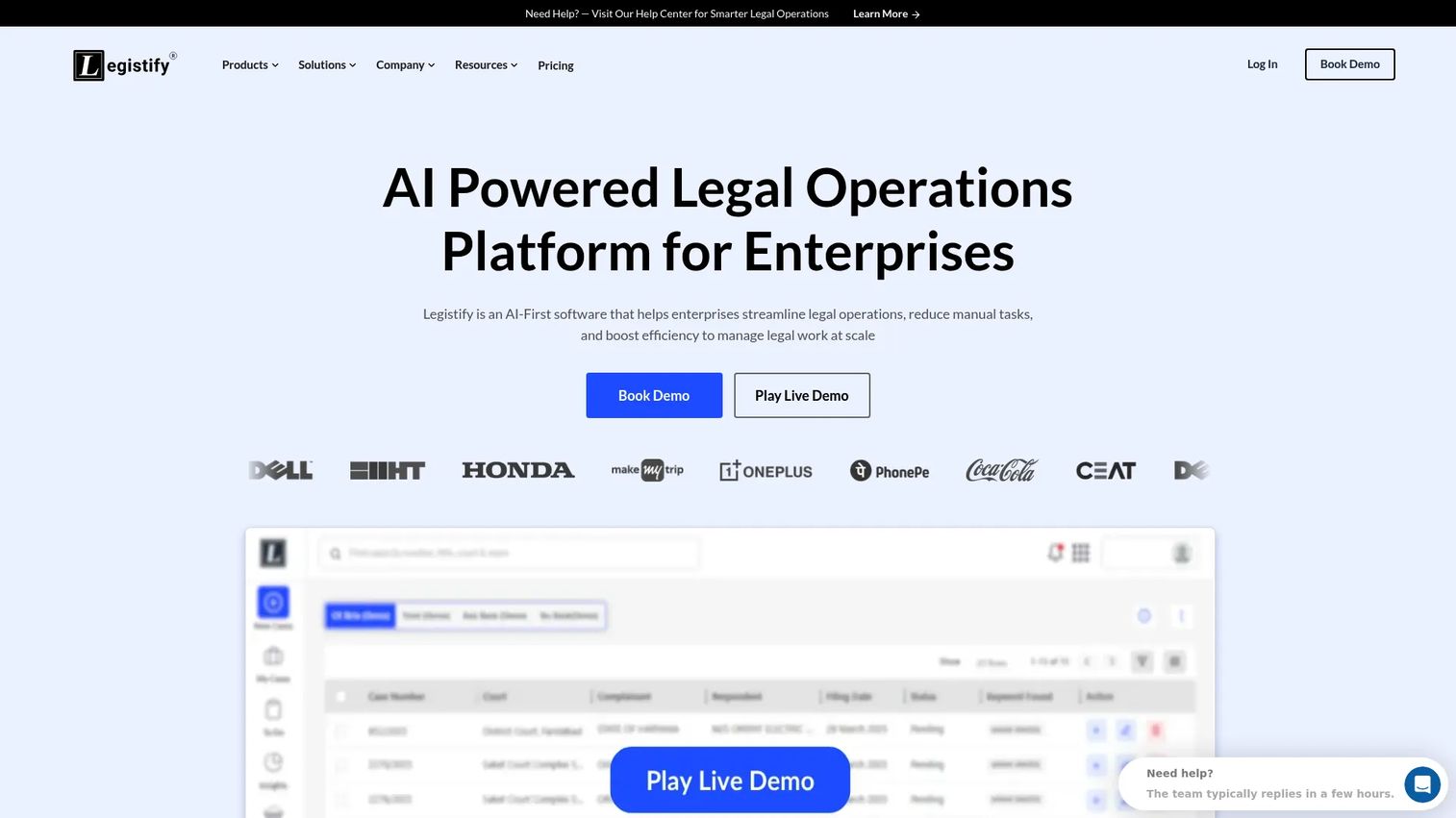
Legistify is an AI-powered legal operations platform covering litigation, contracts, IP, and legal notices. For litigation specifically, its focus is operations control: tracking every case, staying ahead of hearings, and giving leadership a clear view of the matter portfolio. That makes it a strong fit for enterprise legal teams and regional operations that manage litigation at volume and need centralized visibility rather than a single-case tool.
The platform leans on litigation case tracking with hearing alerts, so deadlines and court dates surface before they become fire drills. Its AI-powered insights and case summaries reduce the manual reading required to stay current across a large docket, and its document management with a matter-level repository keeps case files organized by matter. This is litigation lifecycle management aimed at teams that treat litigation as an ongoing operation.
Best for: enterprise legal teams needing litigation workflow automation and centralized case visibility across a large matter portfolio.
Key strengths
- Litigation case tracking and hearing alerts: Stay ahead of court dates and deadlines across every active matter.
- AI insights and case summaries: Cut the manual reading needed to keep leadership current on a large docket.
- Matter-level document repository: Keep case files organized by matter for fast retrieval.
Why choose Legistify: Legistify fits teams that need operations-level control and visibility more than deep single-case chronology work. Its hearing alerts and matter-level reporting are built for legal ops leaders who answer for an entire portfolio. If your challenge is scale and visibility across many matters, this is the operations lens.
Legistify pricing: Legistify has a pricing page but does not display a public price figure; it directs visitors to request pricing or book a demo. Expect pricing tied to team size and modules. Legistify holds a 5.0/5 rating on G2.
4. App4Legal (Lexzur)
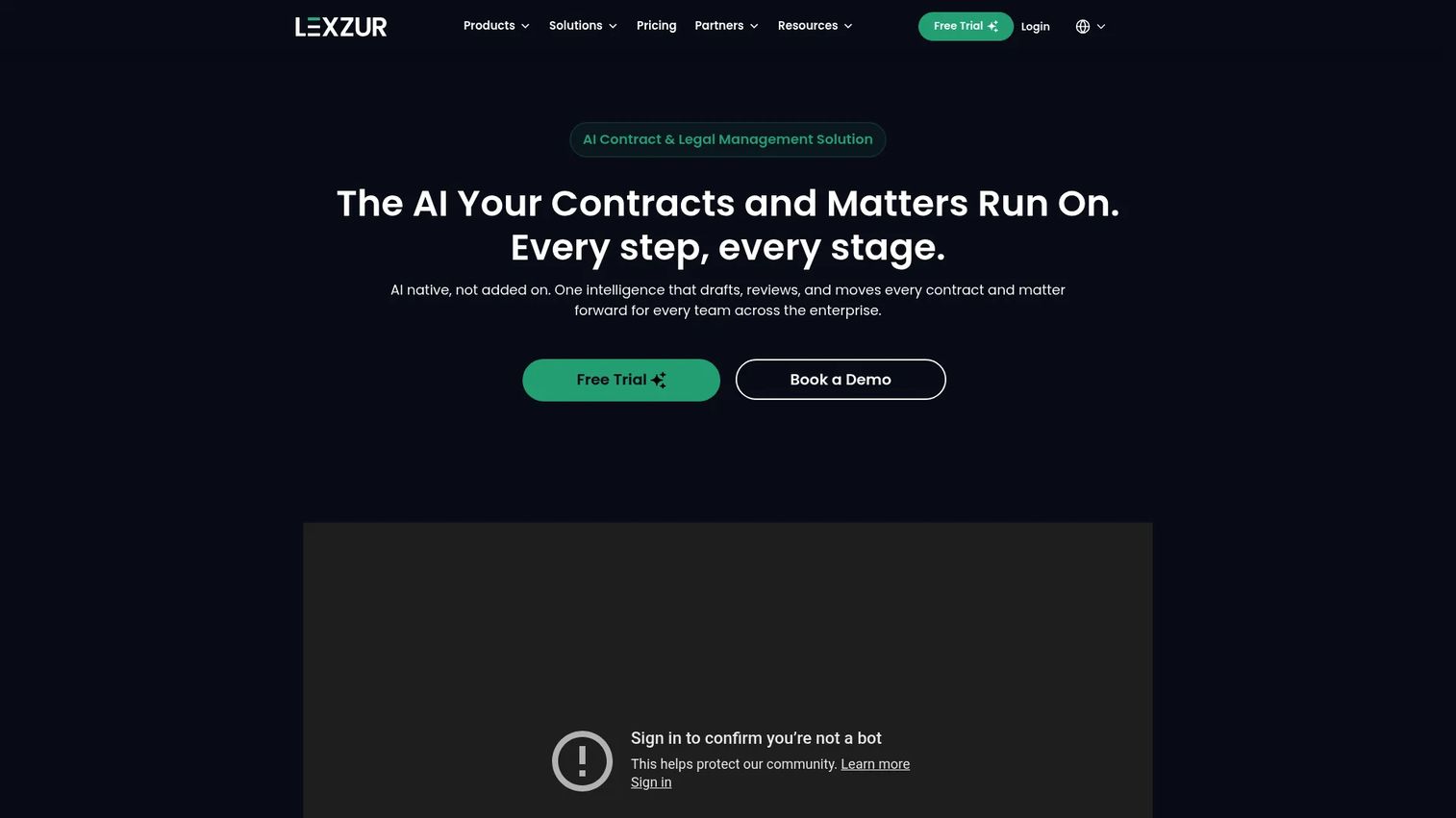
App4Legal, now branded Lexzur, is legal practice management software with a litigation case module for tracking cases and related legal workflows. Its value is context: if your firm already runs on the broader Lexzur platform for matters, tasks, and documents, the litigation module slots into a system your team already knows. You get litigation tracking without adding a separate tool to the stack.
The module handles legal case management, matter and task tracking, and document and workflow management within the wider platform. For a firm standardizing on one legal operations system, that consolidation is the appeal. Deadlines, documents, and case collaboration live alongside the rest of the firm's work rather than in a siloed application, which keeps the case record connected to everything else the firm manages.
Best for: legal teams that want a case and matter management module inside a broader legal operations platform they already use.
Key strengths
- Legal case management: Track litigation matters alongside the firm's wider practice management.
- Matter and task tracking: Assign and monitor tasks tied to each case within one system.
- Document and workflow management: Keep case documents and workflows connected to the broader platform.
Why choose App4Legal: Choose App4Legal when consolidation matters more than best-of-breed depth in any single litigation feature. Its strength is fit for firms already invested in the Lexzur ecosystem, where the litigation module removes the need for a standalone tool. That reduces tool sprawl and keeps the case record inside the system the firm already runs.
App4Legal pricing: App4Legal (Lexzur) does not display a public price for the litigation case module from a verifiable first-party source, so pricing should be confirmed directly with the vendor. Expect pricing tied to the broader platform and module selection. The Lexzur listing holds a 5.0/5 rating on G2.
5. AVACOM litigation management
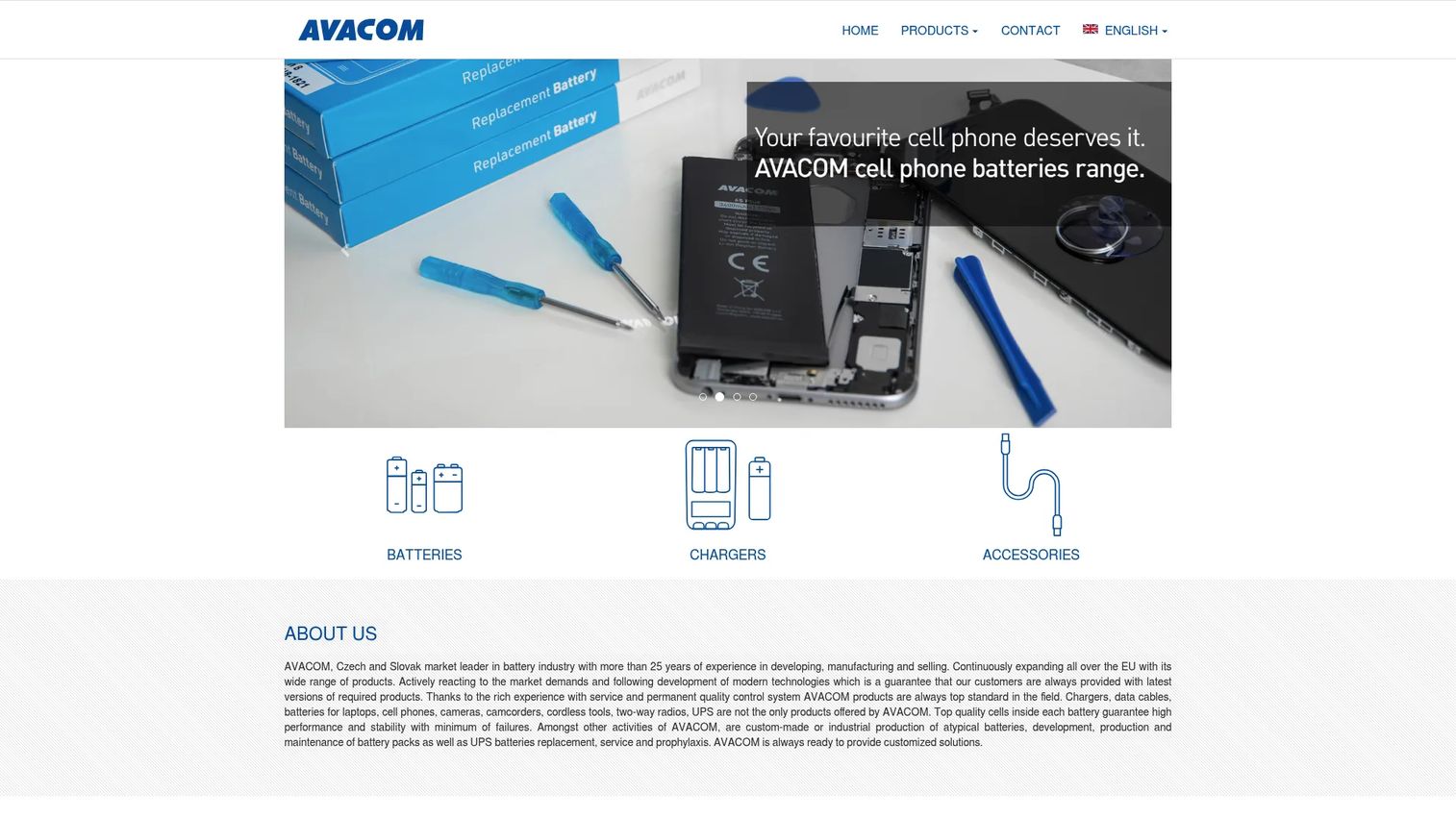
AVACOM appears in vendor lists for structured litigation case tracking and legal process oversight, positioned for organizations that need formal litigation management rather than a general practice tool. Teams that carry compliance obligations alongside their litigation work tend to look for this kind of structured oversight, where every matter, date, and action is tracked in a defensible way.
For legal teams evaluating AVACOM for litigation, the practical step is to confirm the current product scope and offering directly with the vendor before shortlisting, since public software details vary. If your requirement is disciplined litigation case tracking with clear process oversight, treat AVACOM as a candidate to validate against your specific compliance and reporting needs during a demo.
Best for: organizations that need structured litigation case tracking and legal process oversight, particularly where compliance discipline matters.
Key strengths
- Litigation case tracking: Keep every matter and its status in a structured record.
- Legal process oversight: Support disciplined tracking of dates, actions, and case progress.
- Compliance-oriented structure: Fit teams that need defensible, auditable litigation management.
Why choose AVACOM: Consider AVACOM when your priority is structured oversight and compliance discipline over broad AI features or deep chronology building. Confirm the current litigation offering and scope directly with the vendor, then evaluate it against your reporting and audit requirements.
AVACOM pricing: Public pricing for a litigation management offering was not verifiable from a first-party source, so request current pricing and product scope directly from the vendor. A verified third-party rating was not available at the time of writing.
6. Iolite litigation management software
Iolite is legal case and litigation management software for tracking deadlines, documents, hearings, and client communication. Its strength is operational consistency at a predictable monthly price: a deadline calendar that syncs with Google and Outlook, a centralized case and document repository, and structured management of hearings, orders, decisions, and deadlines. For firms that want fewer missed dates without a complex rollout, that combination is the draw.
Iolite is positioned across a broader legal suite that also covers IP and matter management, with a litigation page on the same first-party site. That means a litigation team gets deadline tracking and document organization that plug into a wider system if the firm handles trademarks or patents too. The calendar sync in particular addresses the single most common source of litigation risk: a date that lived in one person's calendar and nowhere else.
Best for: law firms and in-house teams that need reliable litigation deadline and document management at a fixed monthly price.
Key strengths
- Deadline calendar with sync: Google and Outlook sync so court dates and deadlines live where the team already works.
- Centralized case and document repository: One home for case files and supporting documents.
- Hearing and order tracking: Manage hearings, orders, decisions, and deadlines in a structured record.
Why choose Iolite: Choose Iolite when deadline safety and document organization are the priority and you want a predictable monthly cost. Its calendar sync directly targets missed-date risk, and the central repository keeps the case file in one place. Firms that also manage IP can use it across a wider suite.
Iolite pricing: Iolite lists monthly plans starting at $80 per month for Matters, with Trademarks at $120 per month and Patents at $220 per month. A 30-day free trial is available, along with a volume license option, and the litigation offering includes Standard, Enterprise, and Volume License tiers. A verified third-party star rating was not available at the time of writing.
7. IRIS LMS
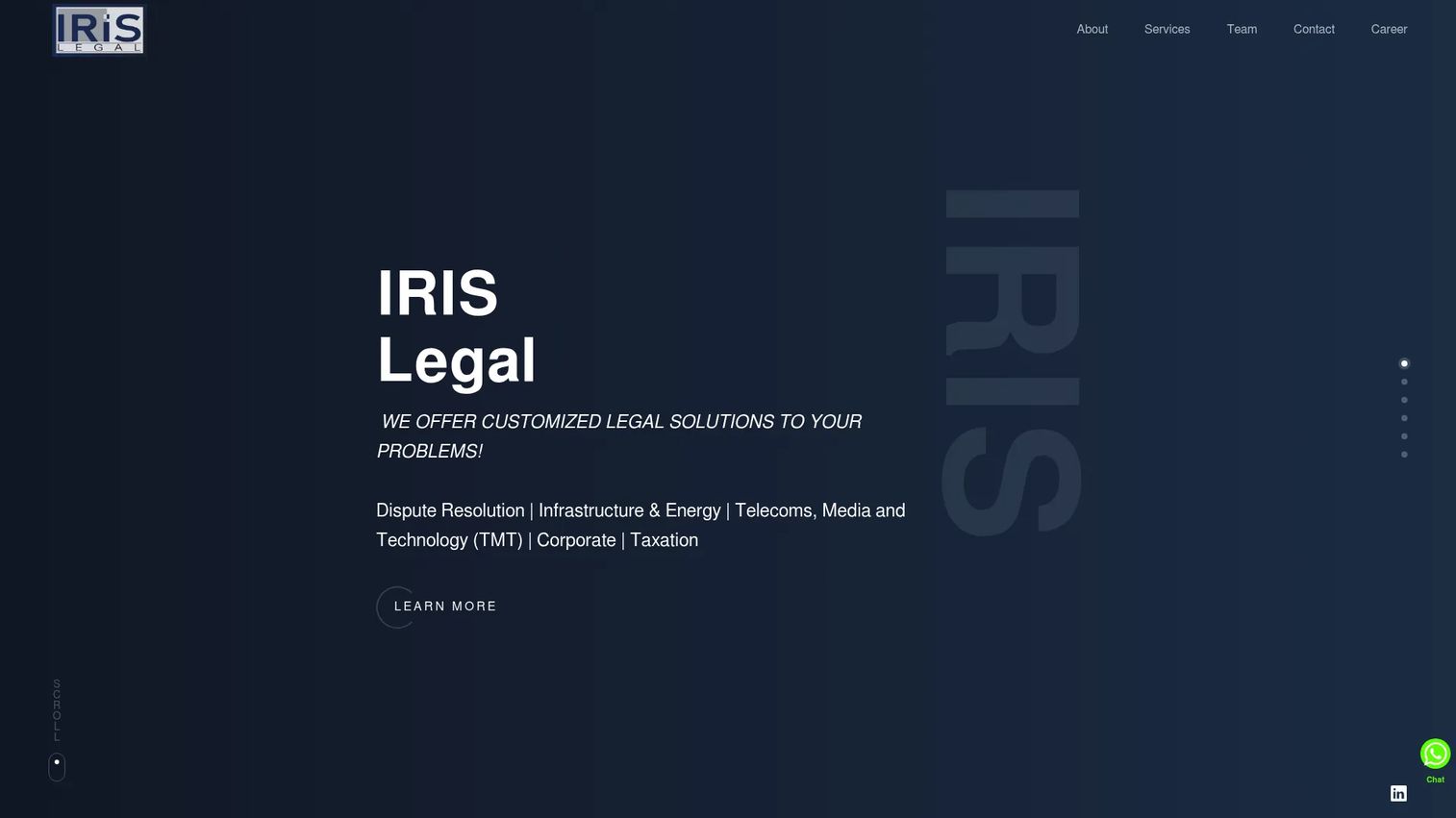
IRIS LMS appears in litigation management shortlists for case tracking, deadline management, and centralized access to legal data. Its fit is teams that prioritize litigation operations and visibility: keeping every matter, date, and document reachable from one place so nothing falls through the cracks. For a legal team drowning in scattered case files, that centralization is the core value.
Because public product and pricing details vary, legal teams evaluating IRIS LMS for litigation should confirm the current software scope and offering directly with the vendor before shortlisting. If your requirement is straightforward litigation case tracking with centralized data and reliable deadline management, treat it as a candidate to validate in a demo against your specific workflow.
Best for: teams that prioritize litigation operations, case tracking, and centralized visibility into legal data.
Key strengths
- Case tracking: Keep every matter and its status in one visible record.
- Deadline management: Track key dates so fewer deadlines slip.
- Centralized legal data: Reach case files and matter information from a single place.
Why choose IRIS LMS: Consider IRIS LMS when centralized visibility and operational consistency matter most. Confirm the current litigation offering with the vendor, then evaluate it against your deadline, search, and collaboration needs in a demo before committing.
IRIS LMS pricing: Public pricing for the litigation management offering was not verifiable from a first-party source, so request current pricing and product scope directly from the vendor. A verified third-party rating was not available at the time of writing.
8. Knowliah
Knowliah is legal and operational information management software for legal teams, law firms, and enterprises that need structured access to litigation-related information. Its angle is knowledge management: rather than centering the single-case chronology, it organizes matters, documents, and legal information so a large team can find what it needs across many workflows. That makes it a fit for organizations where litigation is one of several connected legal functions.
Knowliah covers contract lifecycle management, legal matter management, and claims and litigation management within a configurable platform. For a litigation team inside a larger legal operation, the appeal is a single system that handles litigation alongside contracts and matters, with the structure to keep information findable. The configurability means it can be shaped to how a specific organization actually works rather than forcing a fixed template.
Best for: organizations that need a configurable legal and knowledge management platform with structured access to litigation-related information.
Key strengths
- Legal matter management: Organize matters and the information tied to them across the team.
- Claims and litigation management: Handle litigation alongside broader legal workflows in one platform.
- Contract lifecycle management: Manage contracts within the same configurable system.
Why choose Knowliah: Choose Knowliah when your organization needs litigation handled inside a broader, configurable legal information platform rather than a standalone case-building tool. Its strength is structured access to information across matters, contracts, and claims. That fits enterprises where litigation is one function among many.
Knowliah pricing: Knowliah uses customized pricing that depends on users, solution, plan, and content volume, and directs visitors to request a demo or contact sales. No public numeric price is listed, so confirm pricing directly. A verified third-party rating was not available at the time of writing.
Considerations before you buy
Once you have a shortlist, pressure-test each tool against the criteria that actually determine whether it reduces risk and manual work. Here is what to evaluate.
Case organization and search
Look at how the tool structures a case and how fast you can find anything inside it. Full-text search across documents, transcripts, and notes is table stakes for discovery readiness. Test it on a real document set during the demo, not a tidy sample. If search is slow or shallow, trial prep will feel the pain.
Deadline tracking and calendaring
Missed deadlines are the most expensive failure in litigation. Check whether the tool supports legal calendaring with reminders and, ideally, calendar sync to Google or Outlook so dates live where your team already works. Ask how hearing alerts and rules-based dates are handled, and whether reminders reach the right people.
Collaboration, permissions, and audit trail
A shared case record only works if the right people have the right access. Confirm task assignment, granular access controls, and an audit trail that shows who changed what. For teams with confidentiality obligations, verify security, access controls, and how the vendor handles sensitive data.
AI that fits the workflow
AI is only useful if it is grounded in real litigation work. Favor AI document analysis, summarization, and entity extraction that feed directly into your chronology or review, over generic chat features. Ask the vendor to show AI-assisted reading on your kind of document set, not a demo file.
Fit for your team size
A large firm managing hundreds of matters needs different depth than a small firm replacing spreadsheets. Match the tool to your volume, budget, and workflow rather than buying the most feature-heavy option and hoping the team adopts it.
Conclusion
The right litigation support software is the one that centralizes your case record and cuts the manual coordination that creates risk. For fact-and-evidence case building, Casefleet leads with chronologies and grounded AI. For AI-assisted work across the full litigation lifecycle, Harvey brings breadth and integration depth. For operations control and portfolio visibility, Legistify fits enterprise and regional teams. For consolidation inside an existing platform, App4Legal works when you already run Lexzur. For predictable deadline and document management, Iolite covers the basics at a fixed price, and Knowliah suits organizations that need litigation handled inside a broader knowledge platform.
The pattern across all of them is the same: a case is a system, not a folder. Software that treats it that way reduces missed deadlines, duplicate work, and lost history. Shortlist two or three tools that match your team's size and workflow, then compare them head-to-head against deadlines, search, collaboration, and AI needs in a live demo. Bring a real case, not a sample, and you will know within a week which one actually earns its place in your stack.
FAQs
Litigation support software is a system that centralizes the facts, evidence, documents, deadlines, and tasks for a legal case in one shared record. It replaces scattered spreadsheets, drives, and email threads with a single source of truth. The goal is fewer missed deadlines, less duplicate work, and faster case preparation.
The two overlap heavily, and many tools do both. Litigation support software focuses on the case itself: facts, evidence, chronology, discovery, and trial prep. Broader legal case management software often adds billing, intake, and firm-wide matter management. If your priority is building and running the case, the litigation-specific angle matters most.
Prioritize case organization with full-text search, deadline tracking and legal calendaring, evidence and document management, collaboration with access controls and an audit trail, and AI that fits real litigation work. A fact chronology that links each fact to its source is a strong signal a tool is built for litigation rather than general practice management.
Yes, and it is one of the strongest reasons to adopt it. Deadline tracking with reminders, rules-based dates, hearing alerts, and calendar sync moves dates out of one person's head and into a system the whole team sees. That directly reduces the single most costly failure in litigation: a missed date.
When it is grounded in the workflow, yes. AI document analysis, summarization, and entity extraction cut the manual reading that eats a paralegal's week during discovery. Features like proposed facts can surface likely facts from a document set for a human to confirm. Favor AI tied to your chronology and review over generic chatbots.
Often, yes. A small firm replacing spreadsheets and inboxes gets the biggest relative gain in reduced risk and manual work. Look for tools with predictable pricing, a free trial, and a workflow simple enough that the team adopts it quickly rather than the most feature-heavy option available.
Test search on a real document set, confirm how deadlines and hearing alerts work, verify access controls and the audit trail for confidentiality, and ask the vendor to show AI on your kind of documents. Also confirm security and data handling, and match the tool to your matter volume and budget rather than overbuying.
Shortlist two or three tools first, then run each demo against the same real case rather than a sample. Score them on deadlines, search, collaboration, and AI using one consistent checklist. Bringing an actual case surfaces the gaps a polished demo hides, so you know within a week which tool earns its place.