The credential is rarely the whole problem. By the time you are evaluating privileged access software, you already know the real exposure is broader: standing admin rights nobody revoked, third-party technicians with permanent VPN access, service accounts with hardcoded passwords, and sessions nobody can reconstruct after an incident. Every one of those is a place a breach walks in and out unrecorded.
That is why the category has moved past password vaulting. Modern privileged access management software now spans session recording, just-in-time access, endpoint privilege management, secrets management, and vendor access, all with audit trails a security reviewer can actually defend. The market reflects the shift. According to Mordor Intelligence (2026), the global PAM market is projected to grow from USD 5.17 billion in 2026 to USD 13.83 billion by 2031, a 21.72% CAGR.
Here is the harder truth. MarketsandMarkets (2023) found that 68% of IT managers consider their PAM products unnecessarily complex, and 56% have abandoned a full PAM implementation because of that complexity. So the buying decision is not just about feature depth. It is about which platform your team will actually finish deploying.
This shortlist is built for that decision. If you sit in presales, security, or infrastructure and need to defend a recommendation in front of procurement, this is the practical rundown, not a glossary.
What's inside
This guide compares seven strong PAM tools across the controls that matter in a real evaluation: password vaulting, session management, just-in-time access, vendor access, endpoint privilege management, secrets, and governance. We picked and ordered them on four criteria:
- Breadth of controls: how much of the privileged access problem one platform covers
- Evaluation fit: how cleanly it supports technical validation and security diligence
- Deployment options: cloud, on-prem, and hybrid flexibility
- Buyer trust signals: ratings, recognition, and enterprise references
Use it to build a shortlist you can hand to stakeholders, then pressure-test the top two against your environment.
TL;DR
- Best for unified breadth: Securden covers PAM, endpoint privilege management, vendor access, secrets, and CIEM under one platform.
- Best for enterprise depth: CyberArk is the reference-standard platform for large, mature privileged access programs.
- Best for identity security plus PAM: BeyondTrust pairs privileged access with strong secure remote access and just-in-time workflows.
- Best for hybrid and modular deployment: Delinea fits teams that want privileged credential management and privilege elevation as composable pieces.
- Best for mature session governance: One Identity brings deep session controls and auditability across enterprise environments.
- Best for smaller and mid-market teams: miniOrange delivers identity-first PAM with practical JIT access and rotation.
- Best for cloud-native access: Google Cloud Privileged Access Manager suits teams standardized on Google Cloud identity.
What is privileged access software
Privileged access software controls, monitors, and audits elevated access across accounts, credentials, sessions, and systems, so that admin and root-level power is granted deliberately and never left standing.
It is the operational layer between identity and infrastructure. Where identity and access management (IAM) answers "who is this user," privileged access management answers "what elevated access can they get, for how long, and what did they do with it." The core building blocks:
- Privileged accounts: discovery and lifecycle control over admin, root, and service accounts
- Password vaulting: central storage, sharing, and credential rotation for privileged credentials
- Session recording: live monitoring and replay of privileged sessions for audit trails
- Just-in-time access: temporary elevation that expires automatically
- Zero standing privileges: removing permanent entitlements so access exists only when needed
- Secure remote access: brokered connections for admins and vendors without exposing raw credentials
- Endpoint privilege management: least privilege enforcement on workstations and servers
- Secrets management: protecting machine identities, API keys, and DevOps credentials
PAM sits deliberately between IAM, infrastructure, and security operations. IAM handles the front door. PAM handles the keys to the server room.
When to use privileged access software
Secure admin and root access
Every domain admin, database owner, and root account is a high-value target. The risk is not that these accounts exist, it is that they sit with standing passwords that never rotate and sessions nobody records. Privileged access software vaults the credential, brokers the session, and records what happened, so a compromised admin account leaves evidence instead of a blind spot. This is the first thing a security reviewer asks about in any evaluation.
Control third-party and vendor access
Vendors, contractors, and managed service providers need access to systems they do not own. Permanent VPN accounts and shared credentials are how that access turns into an incident. Vendor access management gives outsiders time-boxed, monitored, credential-free connections, then revokes them automatically. If your buying committee includes a compliance lead, expect this to be a scored requirement, not a nice-to-have.
Reduce standing privilege across cloud, DevOps, and endpoints
Standing privilege is the quiet risk. Cloud consoles, CI/CD pipelines, and developer workstations accumulate entitlements that outlive their purpose. Just-in-time access and zero standing privileges shrink that window to minutes. Endpoint privilege management removes local admin rights without breaking workflows, while secrets management pulls hardcoded credentials out of code. Together they cut the standing attack surface across your whole estate.
Comparison table
The list below is ordered by breadth of coverage and relevance to a general PAM buyer, from broad unified platforms to focused cloud-native access control. Most enterprise security vendors keep pricing behind a sales conversation, so several entries reflect quote-based pricing verified against each vendor's site. G2 ratings are seller-level where noted.
| # | Product | Best for | Key differentiator | Pricing | G2 rating |
|---|---|---|---|---|---|
| 1 | Securden | Unified PAM breadth | PAM, EPM, vendor access, secrets, and CIEM in one platform | Free for 5 users; quote-based paid tiers | 4.5/5 |
| 2 | CyberArk | Enterprise PAM programs | Deep identity security across human, machine, and AI identities | SSO from $2.00/user/mo; PAM quote-based | 4.5/5 |
| 3 | BeyondTrust | Identity security plus PAM | Privileged access with strong secure remote access | Quote-based | 4.6/5 |
| 4 | Delinea | Hybrid, modular PAM | Composable credential management and privilege elevation | Quote-based | 4.6/5 |
| 5 | One Identity | Session governance | Unified identity fabric with deep session controls | Quote-based | 4.4/5 |
| 6 | miniOrange | Mid-market teams | Identity-first PAM alongside SSO, MFA, and CIAM | Product-specific, custom quotes | 4.7/5 |
| 7 | Google Cloud PAM | Google Cloud environments | Just-in-time elevation native to Google Cloud IAM | Tied to Security Command Center tiers | Not listed |
Best 7 privileged access software tools for 2026
1. Securden
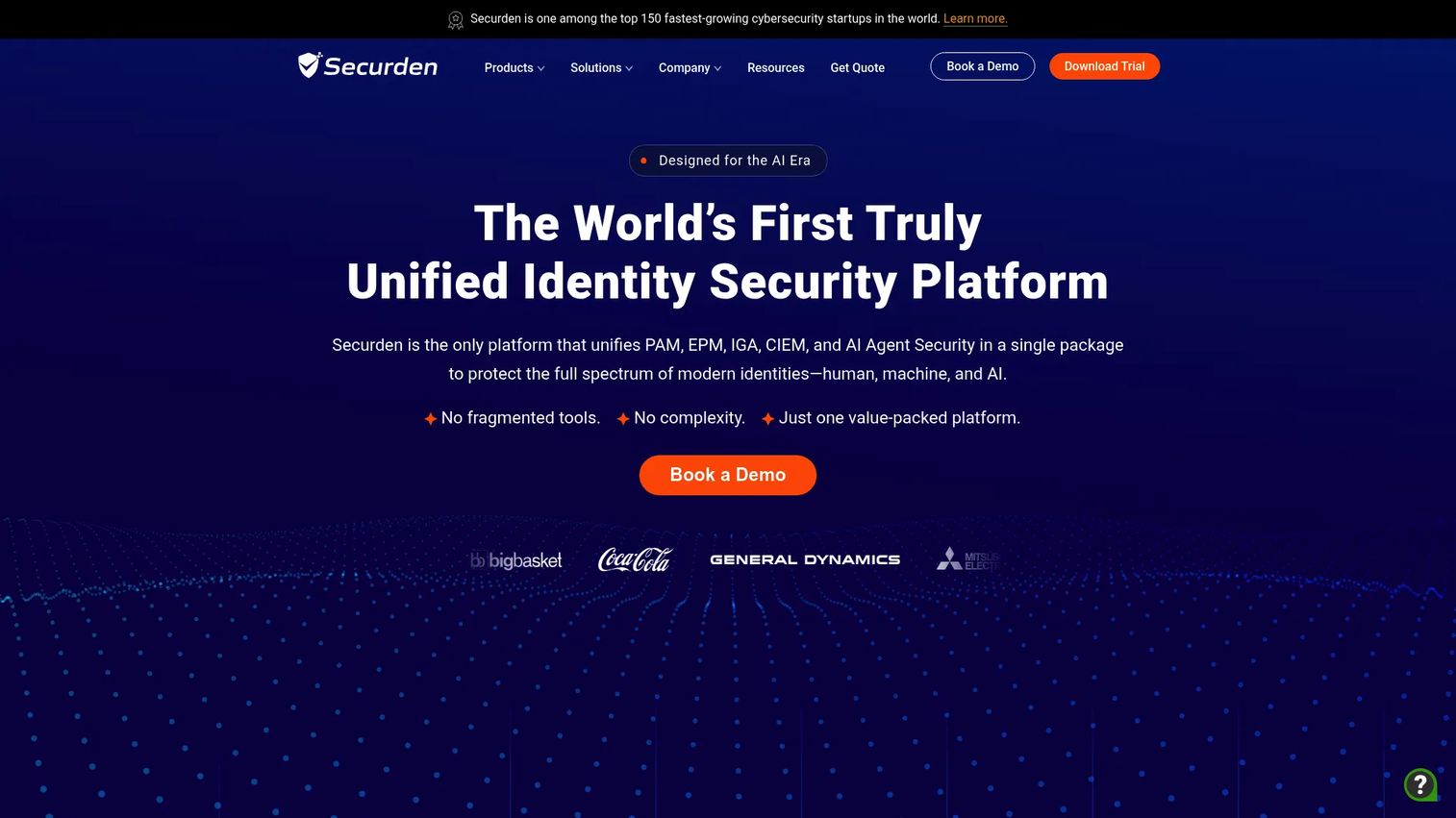
Securden is the broadest unified option on this list. It pulls privileged access management, endpoint privilege management, vendor access, secrets, CIEM, and machine and AI identity security into one platform. For teams consolidating a scatter of point tools, that consolidation is the main draw: fewer contracts, one policy model, and a single place to prove control during an audit.
Best for: IT and security teams that want centralized password vaulting and privileged access control without stitching together separate products.
Key strengths
- Privileged access and session management
- Endpoint privilege management with least privilege enforcement
- Enterprise password vault with sharing and credential rotation
Why choose Securden: If your evaluation criteria weigh breadth and lower operational friction, Securden makes a strong case. It fits teams that would rather run one identity security platform than manage vaulting, EPM, and vendor access as three separate deployments.
Securden pricing: A free Starter edition covers up to 5 users. Teams, Enterprise, and Enterprise PAM tiers are quote-based by user count, and a 14-day free trial is available.
2. CyberArk
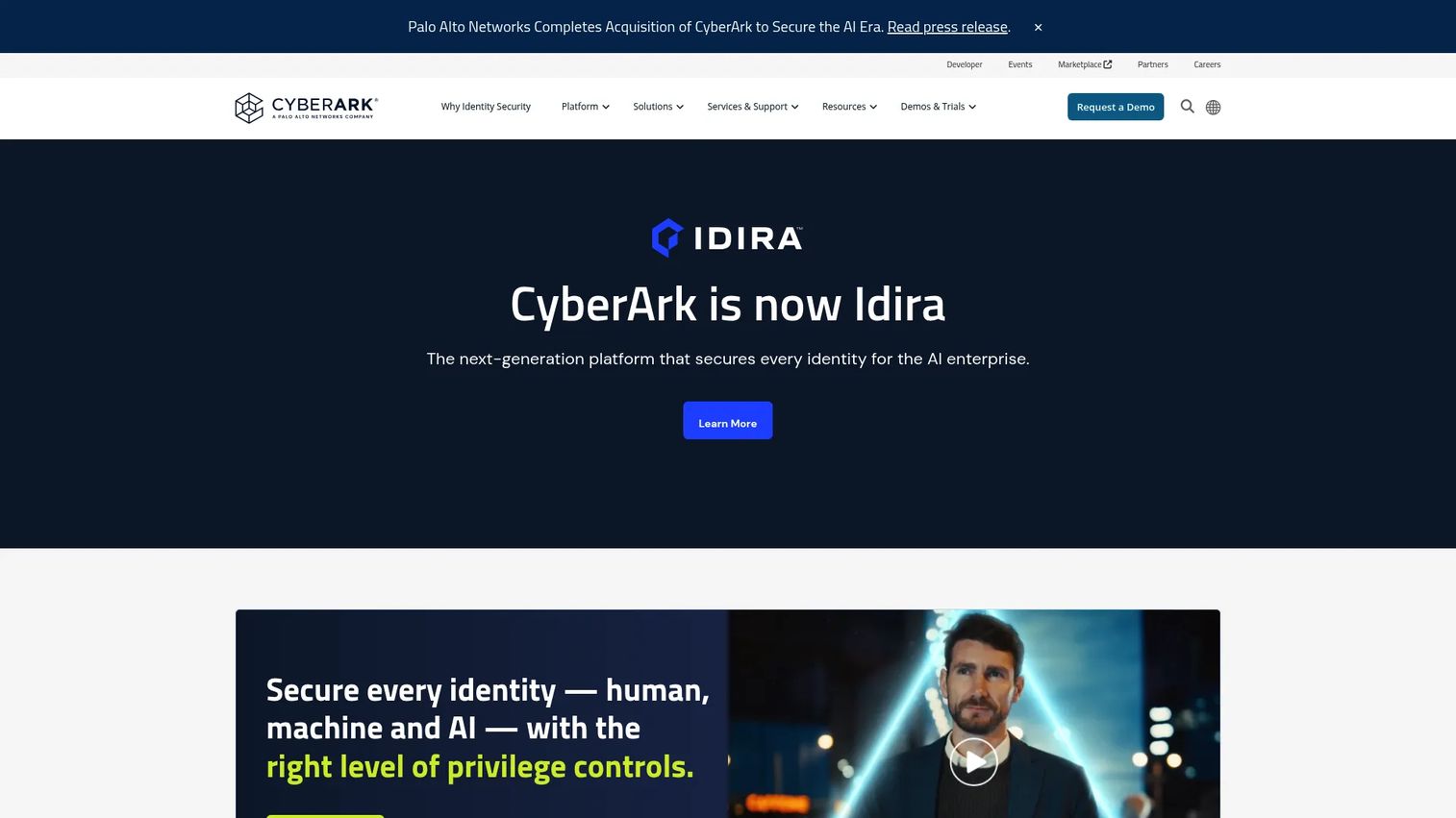
CyberArk is the enterprise benchmark for privileged access management. It secures human, machine, and AI identities with vaulting, session monitoring, secrets management, endpoint controls, and MFA and SSO, backed by one of the deepest integration footprints in the category. For large, mature programs with complex compliance obligations, it is the platform other vendors get measured against.
Best for: Enterprises needing identity security across workforce, privileged, and machine identities at scale.
Key strengths
- Privileged access management with vaulting and session monitoring
- Single sign-on and multifactor authentication
- Machine identity and secrets management
Why choose CyberArk: Choose CyberArk when scale, maturity, and evaluation confidence matter more than a lean footprint. Its breadth and ecosystem depth give a large security team room to standardize across every privileged access use case.
CyberArk pricing: CyberArk publishes some plan-level pricing on its product pages. Single Sign-On starts at $2.00 per user per month with a free trial, and an App Gateway add-on runs $3.50 per user per month. Its core PAM products are quote-based through sales.
3. BeyondTrust
BeyondTrust is a strong choice for teams that want identity security and privileged access with broad coverage across passwords, sessions, just-in-time access, and remote vendor workflows. Its secure remote access strength stands out for organizations that manage a lot of third-party and distributed admin connections.
Best for: Enterprises needing PAM, privileged remote access, and endpoint least-privilege controls in one program.
Key strengths
- Privileged access management with password and session control
- Endpoint privilege management
- Secure remote access for admins and vendors
Why choose BeyondTrust: Pick BeyondTrust when robust control needs to come with clear workflow structure. It suits organizations that want privileged remote access and least-privilege endpoint controls treated as first-class parts of the platform, not add-ons.
BeyondTrust pricing: BeyondTrust uses quote-based pricing and directs prospects to contact sales for details tied to modules and scale.
4. Delinea
Delinea frames its platform around privileged credential management, privilege elevation, secrets, and hybrid enterprise deployment. Its lineage in products like Secret Server and Privilege Manager makes it a natural fit for teams that want a more modular approach to PAM, adding capabilities as their program matures rather than buying everything up front.
Best for: Enterprises needing PAM and broader identity security across cloud, on-prem, and AI environments.
Key strengths
- Continuous identity discovery and inventory
- Privileged access management with session monitoring and recording
- Just-in-time access and zero standing privilege
Why choose Delinea: Choose Delinea when hybrid environments and staged least-privilege enforcement are the priority. Its composable packaging lets you start with credential management and layer in privilege elevation, DevOps secrets, and discovery over time.
Delinea pricing: Delinea publishes package structures, Essentials, Standard, and Enterprise, with included capabilities documented. Numeric pricing is quote-based through sales.
5. One Identity
One Identity is a mature PAM option with strong session controls, secure remote access, and privileged password management, sitting inside a broader identity security fabric that also spans IGA and Active Directory management. Its history and breadth make it a fit for enterprises that want privileged access governed alongside the rest of their identity program.
Best for: Enterprises needing unified identity security across governance, access, and privileged access.
Key strengths
- Identity governance and administration
- Privileged access management with session controls
- Identity fabric for unified identity security
Why choose One Identity: Pick One Identity when auditability and enterprise governance are central. Session recording, searchable session data, and compliance support make it strong for teams that need privileged activity evidence tied into a wider governance model.
One Identity pricing: One Identity uses request-a-quote pricing only. No public numeric price is published, so plan on a sales conversation scoped to your modules and environment.
6. miniOrange
miniOrange is a lighter-weight PAM option for teams that want practical just-in-time access, session monitoring, and password rotation without overbuilding. It sits within a wider identity and security portfolio, so PAM comes alongside SSO, MFA, user lifecycle management, CIAM, and DLP, which appeals to teams that want identity-first access control from one vendor.
Best for: Organizations needing enterprise identity and security tooling across cloud, on-prem, and legacy apps.
Key strengths
- Single sign-on and multi-factor authentication
- Privileged access management with JIT access
- User lifecycle management and adaptive authentication
Why choose miniOrange: Choose miniOrange when simpler deployment and identity-first access control matter more than the deepest enterprise feature set. It fits smaller and mid-market teams that want practical privileged access without a heavy implementation.
miniOrange pricing: miniOrange pricing is product-specific. Some products offer free trials or tiers, while others use custom quotes or annual billing, so pricing depends on the exact modules you select.
7. Google Cloud Privileged Access Manager
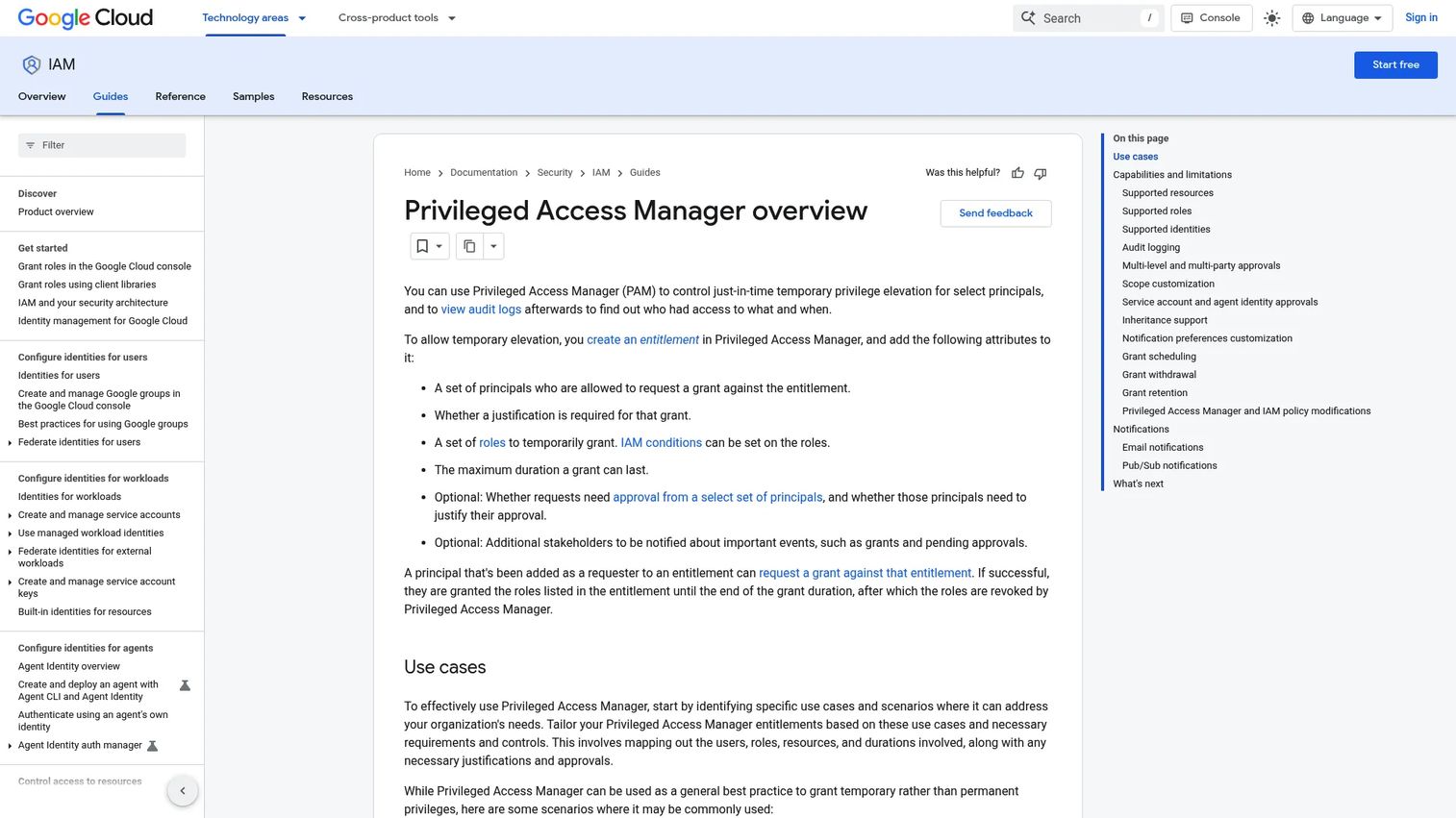
Google Cloud Privileged Access Manager is a cloud-native choice for Google Cloud environments that need managed, auditable privileged access with operational velocity. It handles just-in-time temporary privilege elevation with structured entitlements, so access is requested, justified, approved, time-boxed, and logged, all inside Google Cloud IAM.
Best for: Google Cloud customers needing temporary, auditable elevation of privileged access.
Key strengths
- Just-in-time temporary privilege elevation
- Entitlements with requester, justification, approval, duration, and notification controls
- Audit logging of grants and access activity
Why choose Google Cloud Privileged Access Manager: Pick it when your team is already standardized on Google Cloud identity and governance patterns. It keeps privileged elevation native to the environment your engineers already work in, rather than adding a separate platform.
Google Cloud Privileged Access Manager pricing: Advanced capabilities are tied to the Enterprise or Premium tier of Security Command Center. Those tiers use subscription or pay-as-you-go pricing, with contact-sales for some subscription cases.
Considerations before you buy
A shortlist gets you to two finalists. These criteria get you to a defensible recommendation.
Deployment model fit
Cloud, on-prem, and hybrid are not interchangeable. Mordor Intelligence (2025) reports cloud deployments held 57.05% of PAM market share in 2025, with hybrid the fastest-growing mode. Map the vendor's deployment options against where your privileged systems actually live before you score anything else.
Vendor and remote access depth
If third parties touch your systems, test how each tool brokers vendor access. Look for time-boxed grants, credential-free connections, session recording on those sessions, and automatic revocation. Shared VPN accounts should never be the fallback.
Session evidence and audit trails
Session recording is only useful if you can search, replay, and export it. Verify what a reviewer sees during an incident: full session replay, keystroke or command logs, and audit trails that map cleanly to your compliance framework.
Endpoint and secrets coverage
Confirm whether endpoint privilege management and secrets management are native or bolted on. If your risk lives in developer workstations and CI/CD pipelines, these controls matter as much as vaulting.
Integration and lifecycle control
Check the depth of AD, SSO, IAM, cloud, and DevOps integrations, plus discovery and lifecycle control over privileged accounts. The tool has to fit your existing identity stack, not force a parallel one.
Conclusion
The seven tools here sort into three shapes. Broad enterprise suites (Securden, CyberArk, BeyondTrust, One Identity) cover the full privileged access problem for mature programs. Modular hybrid options (Delinea, miniOrange) let teams stage least-privilege enforcement and fit lighter footprints. Cloud-native access control (Google Cloud Privileged Access Manager) suits teams standardized on a single cloud.
Your next step is narrowing to two based on deployment model, vendor access needs, session evidence, endpoint controls, and integration depth, then validating those two against your real environment. Given that more than half of PAM implementations stall on complexity, the finalist your team can actually operate matters more than the one with the longest feature list. Run a hands-on evaluation, put a security reviewer and an infrastructure lead in the room, and pressure-test the workflow before procurement ever gets involved.
If part of your job is helping buyers reach that validation faster, the same principle applies to how you show technical products. Teams that let stakeholders experience a product through guided, self-serve journeys, the kind Guideflow builds, tend to shorten technical validation and keep multi-stakeholder deals moving.
FAQs
IAM manages identities and everyday access for the general user population: who can log in and what standard apps they reach. Privileged access management focuses specifically on elevated access, the admin, root, and service accounts that can change or destroy systems. PAM adds vaulting, session recording, and just-in-time access on top of identity, so high-risk access is granted deliberately and audited.
For most security and compliance programs, yes. Session recording is what turns "we think an admin did X" into a searchable, replayable record. It matters most for shared administrative accounts, vendor sessions, and any system under regulatory scrutiny. During evaluation, confirm you can search, replay, and export sessions, not just capture them.
Focus on workflow fit before feature counts. Validate how credential checkout, session brokering, and just-in-time access feel in your actual environment. Test vendor access, endpoint privilege management, and secrets against real use cases, and confirm integrations with your AD, SSO, IAM, cloud, and DevOps stack. The goal is technical validation your security and infrastructure stakeholders trust.
Standing privileges are permanent attack surface: if an account is compromised, the access is already there. Just-in-time access grants elevation only when needed and expires it automatically, moving you toward zero standing privileges. That shrinks the window an attacker can use a privileged account from indefinite to minutes.
Yes. Endpoint privilege management enforces least privilege on workstations and servers by removing local admin rights while still letting users run approved tasks. It closes a gap that credential vaulting alone leaves open, since much real-world compromise starts on an over-privileged endpoint. Many broad PAM platforms include it, while some treat it as a separate module.
Prioritize the systems your privileged access already touches. Active Directory and SSO or IAM integrations keep identity consistent. Cloud and DevOps integrations extend controls to consoles, pipelines, and secrets. Also weigh SIEM and ITSM connections so session data and access requests flow into your existing monitoring and approval workflows, feeding clean audit trails.
Look at four things: whether access is time-boxed, whether vendors connect without ever seeing raw credentials, whether their sessions are recorded, and whether access revokes automatically. Then check how much administrative overhead onboarding a new vendor takes. Strong vendor access management makes third-party connections auditable by default rather than an exception you manage manually.
A capable platform should produce audit trails that map to frameworks like SOC 2, ISO 27001, PCI DSS, SOX, and NIST. Expect session recordings, access request and approval logs, credential rotation history, and least-privilege reports you can export for auditors. The test is simple: during an audit, can you show who had what access, when, why, and what they did with it.