You open the finance channel on Monday. Three vendors are asking where their payment is. Two invoices are stuck in someone's inbox waiting for approval. One got paid twice. And your head of finance is spending the first hour of the week reconstructing what happened instead of closing the books.
That is not a bookkeeping problem. It is a control problem.
Once your AP volume climbs past a few dozen invoices a month, the old system, email for approvals, a spreadsheet for tracking, and your accounting tool for the ledger, stops holding together. Invoices scatter across inboxes. Approvals stall because nobody knows whose turn it is. Status lives in someone's head. And the founder or finance lead becomes the human router for every payment question.
The market has noticed. The global invoice processing software market is projected to grow from $40.52B in 2025 to $94.12B by 2030, a 17.7% CAGR, according to The Business Research Company (2026). More than 64% of U.S. SMEs have already moved to cloud-based billing and invoicing platforms, per the U.S. SBA via Business Research Insights (2023). The shift is happening because manual invoice work does not scale, and finance teams know it.
If you are building a repeatable back office the same way you think about a repeatable go-to-market motion, the right invoice management software is infrastructure, not overhead. The same discipline that makes teams standardize on tools like marketing automation or contract lifecycle management applies here: reduce manual work, get clean data, and make the process survive an audit. It also pairs naturally with audit management software when compliance pressure rises.
What's inside
This guide covers seven invoice management tools worth shortlisting in 2026, ranging from deep AP automation to simple invoicing for small teams. It is written for founders, finance leads, and operators deciding what belongs in their stack, not for accountants who already own a mature system.
We selected tools based on four things that matter when invoice volume scales: workflow depth (capture, routing, approvals, matching), integrations with accounting and ERP systems, reporting and audit readiness, and payment or status control. Each entry includes verified pricing where public, a G2 rating where available, and a clear read on who it fits best.
TL;DR
- Best for AP automation and invoice control: Stampli, built for capture, coding, approvals, and vendor management in one place.
- Best for simple small-business invoicing: invoicely, with a free tier and clean billing basics.
- Best for small teams that want more than invoicing: Invoice Ninja, with a client portal, projects, and expenses.
- Best for accounting-native teams: Xero, where invoicing lives inside full cloud accounting.
- Best for AP plus payments in one system: BILL AP/AR, covering intake, approvals, and payment execution.
- Best for enterprise governance: SAP Concur, for policy-driven invoice, travel, and expense workflows.
- Best for global payables at scale: Tipalti, with compliance, multi-currency payments, and ERP matching.
What is invoice management software?
Invoice management software is a system that captures incoming invoices, routes them for approval, matches them against purchase orders or receipts, stores them for audit, and tracks status through to payment. It replaces the email-and-spreadsheet workflow most teams start with.
The category sits between two adjacent tools. Invoicing software focuses on creating and sending invoices to your customers. Accounting software owns the ledger. Invoice management, or an invoice management system, handles the messy middle: the flow of vendor and supplier invoices through your organization before they hit the books.
A capable invoice management system typically covers these stages:
- Capture: Pull invoices from email, PDF, scan, or vendor portal, often with OCR or AI extraction so data does not get keyed by hand.
- Routing and approvals: Send each invoice to the right approver based on amount, department, or vendor, with a clear status trail.
- Matching: Compare invoices to purchase orders and receipts (two-way or three-way matching) to catch errors before payment.
- Duplicate and fraud detection: Flag repeat invoices, altered bank details, and other risks before money moves.
- Storage and audit trails: Keep a searchable, timestamped record of every invoice and every approval decision.
- Payment and sync: Execute or schedule payment and push clean data to accounting or ERP.
Tools in this space are also described as invoice automation software, invoice processing software, AP automation software, vendor invoice management software, or invoice control software. The labels shift with the buyer, but the job is the same: take manual work and lost visibility out of accounts payable.
When to use invoice management software
Not every company needs a dedicated invoice management platform on day one. Here is how to tell when it earns a place in your stack.
Reduce manual invoice processing
Email-based approvals and spreadsheet tracking work fine at ten invoices a month. At a hundred, they break. Invoices get buried, data entry eats hours, and errors slip through because nobody has time to check. Invoice automation software fixes the intake problem first: it captures invoice data automatically and routes each one to the right place without a human forwarding emails. If your finance team spends more time chasing invoices than analyzing spend, capture and routing are where you win time back.
Tighten approval visibility
Multi-stakeholder approvals are where AP slows down. A single invoice might need a department head, a budget owner, and finance to sign off, and each handoff is a chance for it to stall. A supplier invoice management system routes invoices to the right approvers and shows status in one place, so nobody wonders whether an invoice is stuck or simply forgotten. Audit trails record who approved what and when. That reduces bottlenecks and gives you a clean record when finance, your board, or an auditor asks.
Improve cash and control
Payment sync, reminders, and reporting matter most when cash visibility becomes a board-level question. Founders preparing for a raise or a tight quarter need to know what is owed, what is scheduled, and where money is going, without stitching together five spreadsheets. Invoice control software connects invoice status to payment and reporting, so you can forecast outflow and defend the numbers in a board meeting.
Comparison table
The table below gives you a fast read on where each tool fits. "Intent" tells you the buyer motion it serves best. "Key use case" is the job it does best. Pricing reflects publicly listed starting prices as of mid-2026; ratings are from G2 where available. Match the intent column to your stage before you shortlist.
| # | Product | Intent | Key use case | Pricing | G2 rating |
|---|---|---|---|---|---|
| 1 | Stampli | AP automation | Invoice capture, coding, approvals, and vendor management | Quote-based | 4.6/5 |
| 2 | invoicely | Simple invoicing | Small-business billing with a free tier | Free; paid from $9.99/mo | Not listed |
| 3 | Invoice Ninja | Invoicing plus extras | Invoicing, client portal, projects, expenses | Free; Pro from $14/mo | 4.3/5 |
| 4 | Xero | Accounting-native | Invoicing inside full cloud accounting | From $25/mo after intro | 4.4/5 |
| 5 | BILL AP/AR | AP plus payments | Bill intake, approvals, and payment execution | From $49/user/mo | 4.5/5 |
| 6 | SAP Concur | Enterprise governance | Policy-driven invoice, travel, and expense | From $7 (Expense) | 4.0/5 |
| 7 | Tipalti | Global payables | AP automation and multi-currency payments | AP from $99/mo | 4.5/5 |
1. Stampli
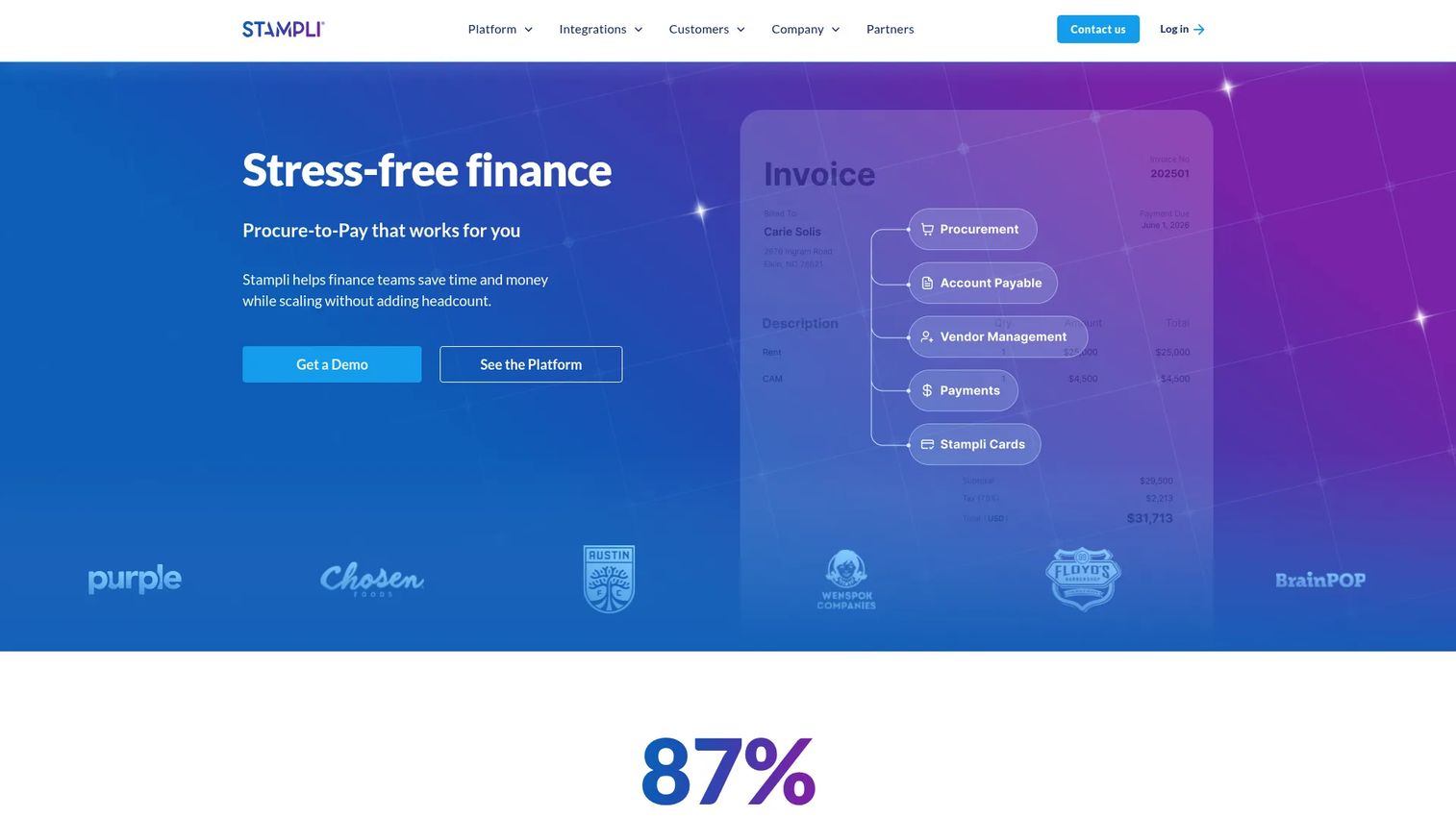
Stampli is a procure-to-pay and AP automation platform built for finance teams that want invoice management and vendor workflows in one place. It centers the entire AP process around each invoice, capturing the document, coding it, routing approvals, and keeping vendor communication attached to the record. For a founder trying to get invoice chaos under control, it is the most complete fit on this list.
Best for: Finance teams that want AP automation plus broader procure-to-pay workflows, not just invoicing.
Key strengths
- Invoice capture and coding: Pulls invoice data in and applies AI-assisted coding, so approvals move without manual entry.
- Approvals and vendor management: Routes each invoice to the right approver and keeps vendor onboarding, portal access, and messaging tied to the invoice.
- Payments and procurement in one platform: Adds payments, procurement, and the Stampli Card so the full P2P flow lives in one system.
Why choose Stampli: If your bottleneck is invoices scattered across inboxes and approvals that stall, Stampli collapses the whole cycle into a single view. It fits teams past the spreadsheet stage that need duplicate detection, audit trails, and vendor control without buying a heavyweight enterprise suite. That makes it a strong pick for a scaling SaaS company standardizing its back office.
Stampli pricing: Stampli does not publish pricing on its site; plans are quote-based through sales. Its G2 listing shows a 4.6/5 rating. Expect a demo and a scoping conversation tied to your invoice volume and workflow needs before you see a number.
2. invoicely
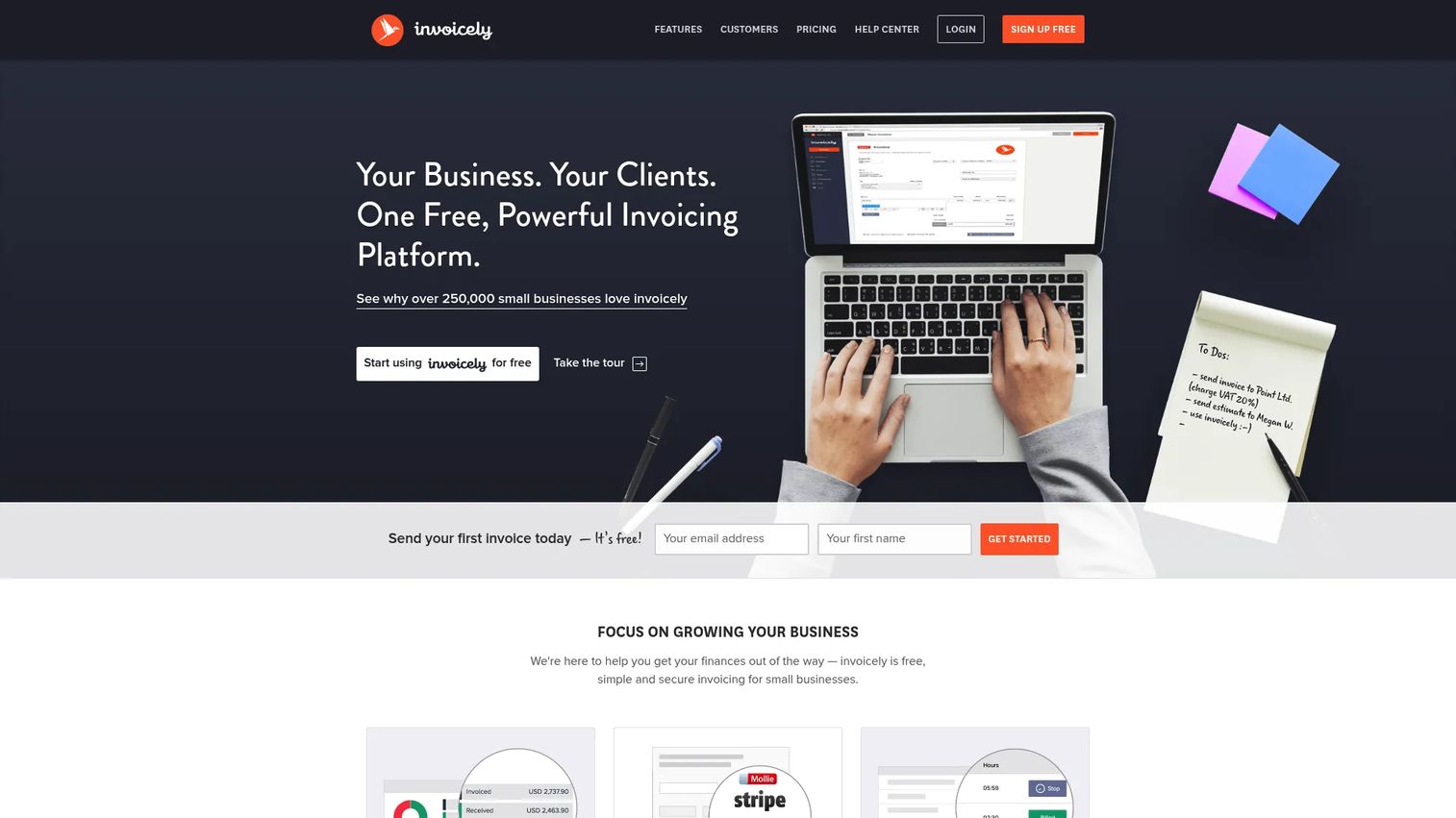
invoicely is cloud-based invoicing software aimed at small businesses and freelancers who need clean billing without a heavy AP system. It handles invoices, estimates, online payments, and basic time and expense tracking. If your invoice problem is really a "send professional invoices and get paid" problem, this is the lightweight end of the market.
Best for: Small businesses and freelancers who need simple invoicing with a free entry tier.
Key strengths
- Invoicing and estimates: Create and send branded invoices and estimates in minutes.
- Online payments: Accept payments online so clients can pay from the invoice.
- Time, expense, and mileage tracking: Log billable time, expenses, and mileage in the same tool.
Why choose invoicely: Choose invoicely when the job is sending invoices to customers, not routing vendor bills through internal approvals. It performs best for early-stage teams and solo operators who want a free or low-cost tool that covers billing basics. If you later need deep AP automation, you will graduate to a tool built for that, but invoicely keeps things simple while you are small.
invoicely pricing: invoicely offers a Free plan at $0/month, plus Basic at $9.99/month, Professional at $19.99/month, and Enterprise at $29.99/month, all billed monthly (verified on invoicely.com). The free tier makes it easy to start with no commitment.
3. Invoice Ninja
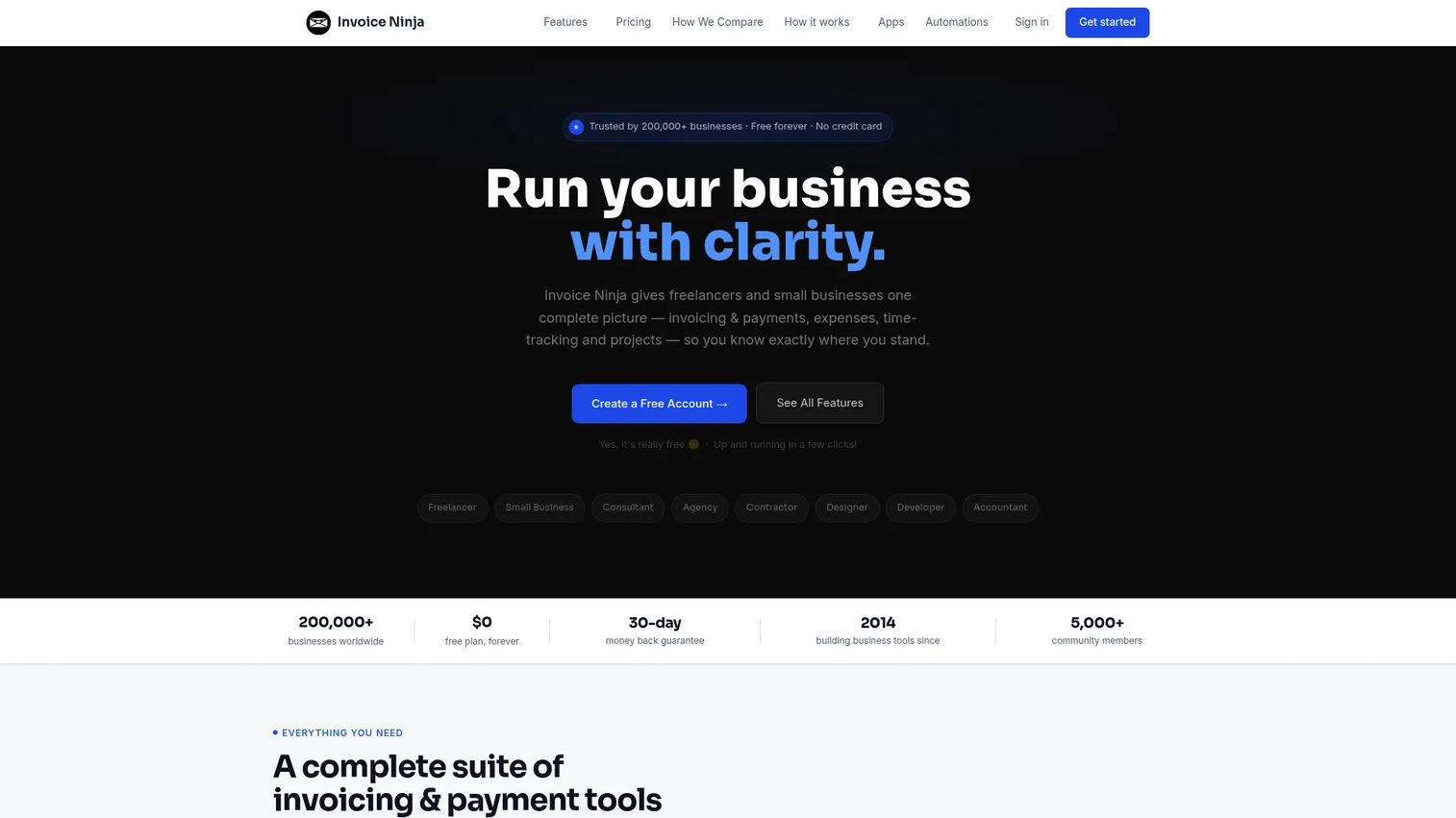
Invoice Ninja is invoicing and billing software for freelancers and small businesses that want more than invoicing alone. Alongside unlimited invoicing, it bundles a client portal, recurring billing, time tracking, projects, expenses, and basic vendor management. It sits a notch above pure invoicing tools without becoming an enterprise AP platform.
Best for: Freelancers and small businesses that need invoicing, payments, and light business workflow tools in one place.
Key strengths
- Unlimited invoicing and client portals: Send unlimited invoices and give clients a portal to view and pay.
- Online payments with recurring billing: Collect payments online and automate recurring invoices.
- Projects, time, and expenses: Track time, manage projects, log expenses, and handle basic vendor records.
Why choose Invoice Ninja: Pick Invoice Ninja when you want invoicing plus operational extras without paying for a full finance suite. It fits agencies, consultancies, and small SaaS teams that bill clients and want project and expense tracking attached. The free tier lets you validate the fit before upgrading as volume grows.
Invoice Ninja pricing: Invoice Ninja has a Free plan at $0 (forever free), Ninja Pro at $14/month, and Enterprise at $18/month, both billed monthly, plus a Premium Business tier from $280/year (verified on invoiceninja.com). Annual billing includes two months free. Its G2 rating is 4.3/5.
4. Xero
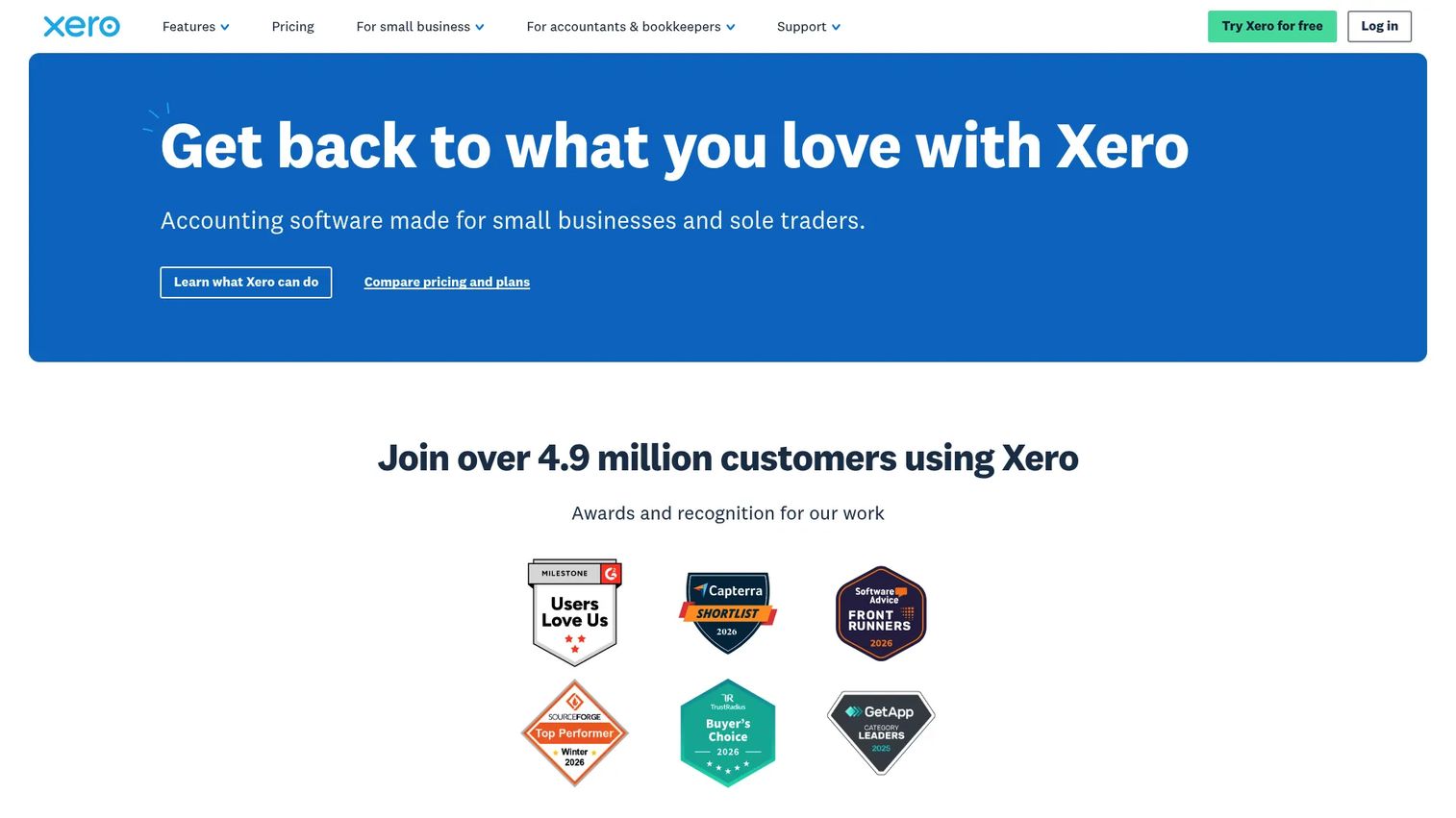
Xero is cloud accounting software for small businesses and advisors, where invoicing is one part of a broader finance stack. It handles online invoicing, bank connections, reconciliation automation, expenses, and reporting. If you want invoice management inside your general ledger rather than as a separate layer, Xero is the accounting-first option.
Best for: Small businesses that need cloud accounting, invoicing, and bank reconciliation in one place.
Key strengths
- Online invoicing: Create, send, and track invoices directly inside your accounting system.
- Bank connections and reconciliation: Connect bank feeds and automate reconciliation to keep the ledger clean.
- Expenses, analytics, and fixed assets: Manage expenses, run reports, and track assets alongside invoicing.
Why choose Xero: Choose Xero when accounting-first control matters more than deep AP routing. It is strongest for founder-led teams that want one system for the books and are comfortable working with an accountant or finance operator. If your AP volume is heavy and approval-intensive, you may pair Xero with a dedicated AP tool that syncs to it, which several tools on this list do.
Xero pricing: Xero's U.S. plans are Early ($2.50/month for the first six months, then $25/month), Growing ($5.50 then $55/month), and Established ($9 then $90/month), all billed monthly (verified on xero.com). There is no free tier, though Xero notes a first-month-free offer. Its G2 rating is 4.4/5.
5. BILL AP/AR
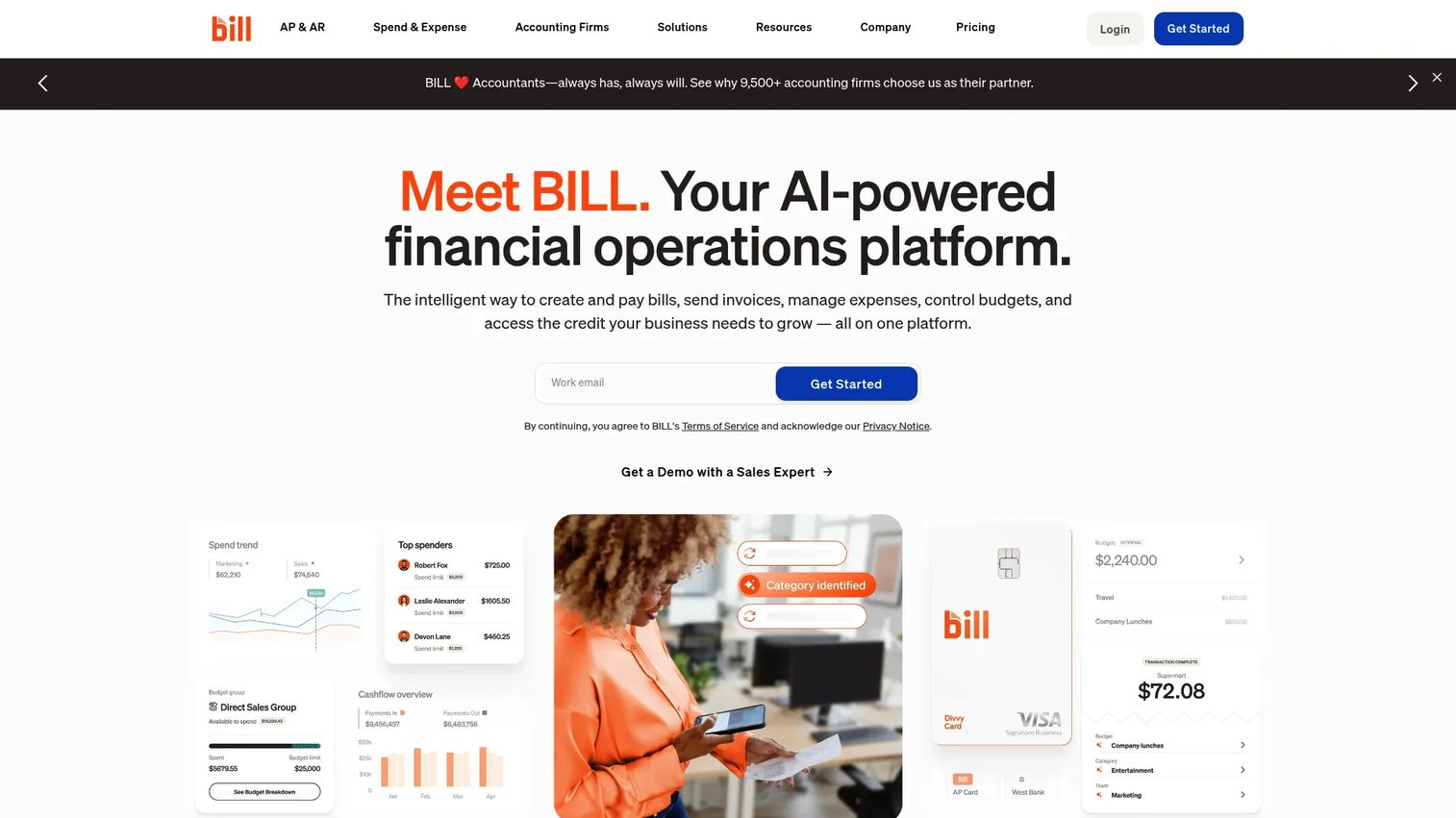
BILL AP/AR is financial operations software that combines accounts payable and accounts receivable automation in one platform. On the AP side it handles bill intake, approvals, and payments; on the AR side it covers invoicing, reminders, and collections. It is a strong fit for teams that want invoice workflow and payment execution together.
Best for: SMBs that want a single platform for AP, AR, and accounting sync.
Key strengths
- AP automation: Handles bill intake, approval routing, and payment execution in one flow.
- AR automation: Manages customer invoicing, payment reminders, and collections workflows.
- Accounting integrations: Syncs with QuickBooks, Xero, NetSuite, Sage Intacct, Microsoft Dynamics, and more.
Why choose BILL AP/AR: Choose BILL when you want approvals, payments, and accounting sync in one system rather than stitching a payment tool onto your ledger. It fits teams that want finance approvals and cash control without a full enterprise procure-to-pay platform. The broad accounting integration list makes it easy to slot into an existing stack.
BILL AP/AR pricing: BILL AP/AR uses per-user monthly plans: Essentials at $49/user/month, Team at $65/user/month, Corporate at $89/user/month, and a custom-priced Enterprise tier (verified on bill.com). There is no free tier. Its G2 rating is 4.5/5.
6. SAP Concur
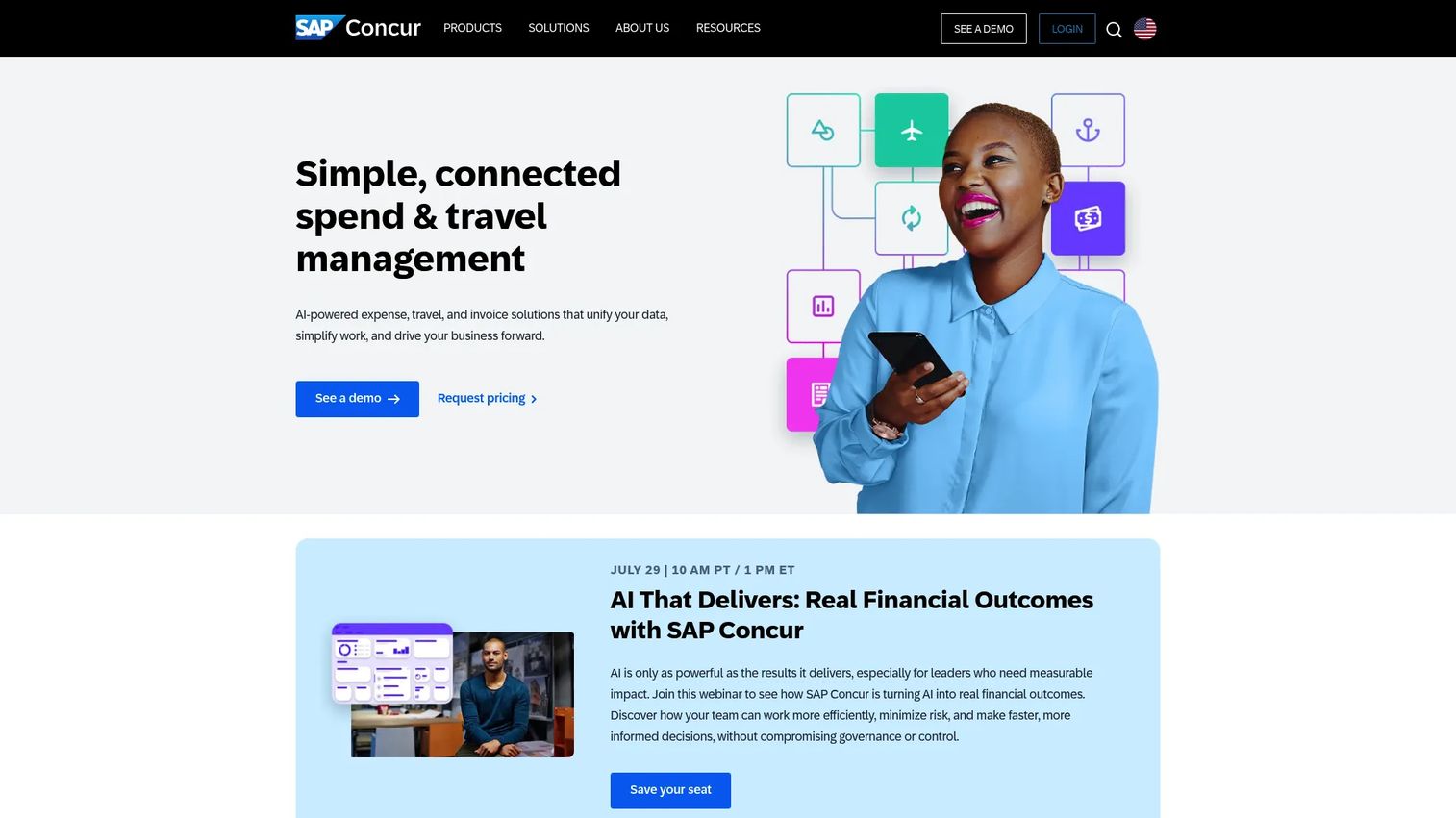
SAP Concur is cloud-based travel, expense, and invoice management software built for larger finance teams with real governance requirements. Invoice management here lives inside a broader spend platform, with policy controls, approval routing, and auditability across travel, expense, and AP. It fits companies where invoice workflow is one piece of a larger controls story.
Best for: Mid-market to enterprise teams that need travel, expense, and invoice automation under one policy framework.
Key strengths
- AI-powered receipt capture: Extracts data from receipts and invoices to cut manual entry.
- Corporate card integration: Ties spend to corporate cards for tighter reconciliation.
- Built-in policy controls: Enforces approval policies and spend rules across the organization.
Why choose SAP Concur: Choose Concur when invoice management needs to sit inside a governed spend and travel program, not stand alone. It fits companies with complex approval policies and compliance requirements that want one platform across expense categories. For a lean SaaS team, it may be more than you need early, but it earns its place as governance demands grow.
SAP Concur pricing: SAP Concur does not publish full pricing on its site; G2 shows Concur Expense starting at $7.00, with Travel & Expense listed as contact-us. Pricing varies by deployment, so expect a scoping conversation. Its G2 rating is 4.0/5.
7. Tipalti
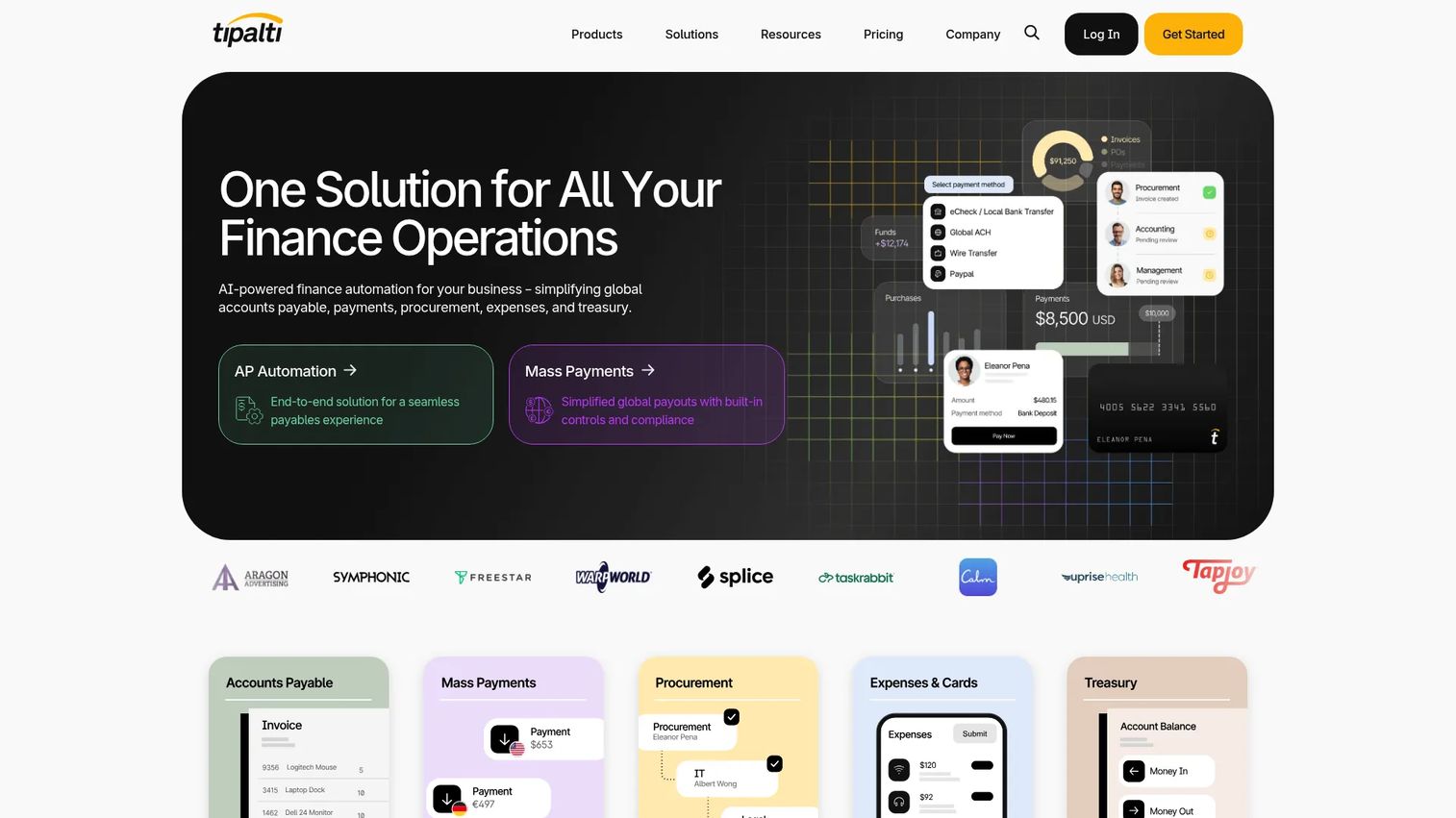
Tipalti is AI-powered finance automation for AP, global payments, procurement, expenses, and treasury. It leans heavy on automation and control: supplier onboarding, invoice processing, PO matching, reconciliation, tax compliance, and payments across 200+ countries and 120 currencies. For teams dealing with vendor complexity and cross-border payables, it is the scale-and-control option.
Best for: Mid-market and enterprise finance teams that need AP automation and global payables.
Key strengths
- End-to-end AP automation: Handles invoice capture, matching, approvals, and reconciliation in one flow.
- Global payments: Pays suppliers across 200+ countries and 120 currencies.
- Supplier onboarding and compliance: Manages supplier onboarding, PO matching, and tax compliance built in.
Why choose Tipalti: Choose Tipalti when payables get complicated: many vendors, multiple currencies, and compliance obligations that manual processes cannot keep up with. It fits teams that need control and automation over global payment operations rather than basic invoicing. If you are paying suppliers or partners internationally at volume, this is the tool built for it.
Tipalti pricing: Tipalti's public pricing shows subscription plus transaction-based fees, with Accounts Payable starting at $99/month and Mass Payments starting at $249/month; custom quotes are available for larger deployments (verified on tipalti.com). There is no free tier. Its G2 rating is 4.5/5.
Considerations before you buy
The best invoice management software depends on your workflow maturity, not on which tool has the longest feature list. Run your shortlist through this checklist before you commit.
Workflow depth versus simplicity
Match the tool to your actual invoice volume and approval complexity. A ten-invoice-a-month team does not need enterprise AP automation, and a hundred-invoice team will outgrow a simple invoicing tool fast. Be honest about where you are and where you will be in a year.
Integrations with your finance stack
Confirm the tool syncs cleanly with your accounting or ERP system, whether that is QuickBooks, NetSuite, Sage, or Xero. Clean sync means less duplicate entry and fewer reconciliation errors. A tool that does not fit your stack becomes a data-entry tax, not a time-saver.
Approvals and audit readiness
Check how the tool handles multi-stakeholder approvals and whether it keeps a complete, timestamped audit trail. This matters most when your board, an auditor, or due diligence starts asking questions. Approval visibility and audit trails are what separate an invoice management system from a glorified inbox.
Payment and fraud controls
Look at how the tool handles payment execution, duplicate detection, and fraud prevention. Duplicate invoices and altered bank details are common ways money leaks out of AP. Controls here protect cash directly.
Cost relative to stage
Weigh pricing against the manual work it removes and the finance-team hours it frees. A per-user tool that saves your finance lead ten hours a week can pay for itself fast. Do not overbuy governance you will not use for another two years.
Conclusion
The right invoice management software comes down to what you are actually solving. If your pain is AP chaos, scattered invoices, stalled approvals, and no clear status, Stampli is the most complete fit, with BILL AP/AR strong when you want payments and AR in the same platform. If you need global payables and vendor complexity handled, Tipalti is built for that scale. SAP Concur fits enterprise teams that need invoice workflow inside a governed spend program.
If your real need is simpler, invoicely and Invoice Ninja cover small-business invoicing well, and Xero is the accounting-native choice when you want the books and invoicing in one system.
For a founder, the recommendation path is straightforward: if manual invoice work is distracting finance or leadership, and cash visibility is becoming a board question, move to a dedicated AP tool like Stampli or BILL. If you are still small and billing customers rather than routing vendor invoices, a lightweight tool is enough until scale changes the equation. Pick for the company you will be in twelve months, not the one you are today.
FAQs
Invoice management software is the system that captures incoming invoices, routes them for approval, stores them for audit, and tracks status through to payment. It sits between your invoicing tool and your accounting ledger, handling the flow of vendor and supplier invoices through your organization. The goal is to remove manual work and lost visibility from accounts payable.
It starts with capture, pulling invoice data from email, PDF, scan, or vendor portal, often using OCR or AI so nothing is keyed by hand. From there it routes each invoice to the right approver, matches it against purchase orders or receipts, flags duplicates or fraud risks, and records every step in an audit trail. Once approved, it executes or schedules payment and syncs clean data to your accounting or ERP system.
The features that drive real outcomes are capture (removes manual entry), approval workflows (cut bottlenecks), accounting integrations (prevent duplicate entry), audit trails (support compliance), reporting (improve cash visibility), and payment handling (control cash outflow). Duplicate detection and fraud prevention matter too, since they protect money directly. Prioritize the features tied to your biggest current pain, not the longest feature list.
Yes. It routes each invoice to the right approver based on amount, department, or vendor, and shows status in one place so nobody wonders whether an invoice is stuck or lost. That reduces bottlenecks and cuts the number of invoices that slip through the cracks. Every approval decision is recorded, which also strengthens your audit trail.
The best tools sync directly with systems like QuickBooks, NetSuite, Sage Intacct, or Xero, pushing approved invoice and payment data into the ledger automatically. This keeps data consistent across systems and eliminates duplicate entry between AP and accounting. Confirm your specific accounting or ERP tool is supported before you buy, since integration depth varies.
It is worth it once manual invoice work starts distracting finance or leadership, or when cash visibility becomes a board-level question. Early on, a lightweight invoicing tool is often enough to send invoices and get paid. But as AP volume and approval complexity grow, a dedicated invoice management system pays for itself in reclaimed finance hours and cleaner control.
Invoicing software focuses on creating and sending invoices to your customers so you get paid. Invoice management software goes further, handling incoming vendor and supplier invoices through capture, routing, approvals, matching, tracking, and payment. In short, invoicing software is about getting money in, while invoice management is about controlling how money goes out.