
A customer is stuck on step six of an eleven-step configuration. Your agent has typed the same walkthrough four times this week. The customer pastes a screenshot that shows the wrong screen entirely. You can feel the ticket aging in the queue.
This is the moment text stops working. You stop describing and start showing, or you take control and fix it yourself.
That is what remote support software does. It lets a support agent see and operate a customer's device over the internet, so a ten-minute back-and-forth becomes a two-minute fix. The need is not going away. A 2026 remote-work overview citing Gallup data reports that 52% of remote-capable employees now work hybrid and 27% work fully remotely, which means nearly 79% spend at least part of their week away from an office where someone could walk over and help. Distributed users generate distributed problems, and those problems land in your queue.
The market is moving with that demand. Fortune Business Insights projects the global remote desktop software market to grow from USD 4.63 billion in 2026 to USD 19.36 billion by 2034, a 19.6% compound annual growth rate. Remote support tools sit at the customer-facing end of that category, and the field of options has grown crowded. This guide cuts it down to the ten that actually fit a customer support team's reality.
What's inside
This guide is for SaaS customer support and help-desk teams: Heads of Support, Support Managers, Support Ops, and senior agents who own time-to-resolution and the queue. It is not a generic IT roundup.
We evaluated tools against four criteria that matter for support work:
- Security posture: encryption standard, multi-factor authentication, and audit logs.
- Attended and unattended support: both on-demand customer sessions and always-on device access.
- Cross-platform and device coverage: Windows, macOS, Linux, iOS, and Android.
- Pricing transparency and verified G2 ratings: real numbers, checked against vendor pages and live G2 listings.
Every tool below is genuine remote support software. No category padding, no banned vendors.
TL;DR
Short on time? Here are the shortcuts:
- Best for cross-platform coverage: TeamViewer. Broadest device support and a free personal tier.
- Best for fast, low-bandwidth sessions: AnyDesk. Lightweight client built on the DeskRT codec.
- Best value for help desks: Zoho Assist. Attended and unattended plans from US$ 10/month.
- Best for scaling support teams: Splashtop. Predictable per-seat pricing and a 4.8/5 G2 rating.
- Best for enterprise security: BeyondTrust Remote Support. Privileged access, session recording, and audit trails.
- Best in-CRM, agentless option: ScreenMeet. Browser-based, no-download, Salesforce-native.
What is remote support software?
Remote support software lets a support agent view, access, and control a customer's device over the internet to diagnose and resolve issues in real time. Instead of describing a fix in text, the agent sees the exact screen the customer sees, then guides or takes over to resolve it.
It overlaps with two adjacent categories. Remote desktop software focuses on persistent access to a machine you own or manage. Remote access software covers the broader set of tools for connecting to devices from anywhere. Remote support is the customer-facing slice: short, session-based help, often called remote assistance.
Core capabilities most remote support tools share:
- Screen viewing and remote control: see the device, then take the keyboard and mouse when needed.
- File transfer: push a config file or pull a log without email attachments.
- Multi-platform reach: Windows, macOS, Linux, plus iOS and Android.
- Session security: encryption, multi-factor authentication, and consent prompts.
- Logging and reporting: session records for audits and quality review.
Most tools operate in three modes. Understanding them is the difference between buying the right tier and overpaying for the wrong one.
- Attended support: the customer is present and grants access for a live session. This is the classic "join my session" flow for customer-facing help.
- Unattended support: the agent connects to a device with no one in front of it, using a pre-installed agent. Useful for managed machines and after-hours work.
- Screen viewing: the agent watches the screen without taking control, guiding the customer verbally or via chat.
For a customer support team, attended and screen viewing carry most of the load. Unattended matters more when you also manage devices or support kiosks. Match the mode to your ticket types before you compare price.
When customer support teams use remote support
Remote support is the high-touch, reactive end of your toolkit. It earns its cost on the issues that text cannot close. Here is where it fits.
Resolve complex issues you can't fix over text
Some problems do not survive a screenshot. A misconfigured integration, a permissions setting buried three menus deep, a state that only appears on the customer's exact build. When a macro and an annotated image are not enough, a live session lets the agent see the real environment and act on it. You stop guessing about what the customer sees and start working with it directly.
Cut handle time on multi-step problems
Typing an eight-step walkthrough takes minutes. The customer then misreads step three and you start over. Taking control and performing the steps yourself collapses that loop. For genuinely hands-on fixes, a remote session usually beats a written sequence on both handle time and accuracy, and it ends with the problem actually solved rather than re-queued.
That said, many repetitive "how do I" tickets never need a remote session at all. If a customer can follow a self-serve interactive guide embedded in a help article, the simple cases resolve themselves. Self-serve guides perform best when they sit upstream of remote support, deflecting the routine questions so your agents reserve live sessions for the issues that genuinely need hands-on takeover. For repetitive onboarding questions specifically, user onboarding software can deflect even more volume before it reaches your queue.
Support customers without scheduling a live call
Booking a call adds friction and delay. Attended quick-connect sessions remove the calendar entirely. The customer clicks a link or enters a code, the agent joins in seconds, and the issue gets fixed on the same touch. No VPN, no install for the customer in browser-based tools, no waiting for a meeting slot. This is remote assistance at the speed of a chat reply.
Comparison table
Ten remote support tools, sorted by relevance to customer support teams. Pricing reflects entry-level paid tiers from each vendor's pricing page as of June 2026. G2 ratings are from each tool's live G2 listing. Where a vendor does not publish numeric pricing, the table notes contact-sales positioning.
| # | Product | Intent | Key use case | Pricing | G2 rating |
|---|---|---|---|---|---|
| 1 | TeamViewer | Cross-platform remote support | Widest device and platform coverage | Annual plans, contact vendor; free personal tier | 4.5/5 |
| 2 | AnyDesk | Fast, low-bandwidth sessions | Low-latency remote control | From $28.90/mo (billed annually) | 4.5/5 |
| 3 | Zoho Assist | Help-desk-friendly support | Affordable attended and unattended | From US$ 10/mo (billed annually) | 4.7/5 |
| 4 | Splashtop | Scalable per-seat support | Growing help desks and MSPs | From $6/mo; SOS from $22/mo | 4.8/5 |
| 5 | BeyondTrust Remote Support | Enterprise, security-first | Regulated and audited environments | Contact sales | 4.7/5 |
| 6 | LogMeIn Rescue | High-volume help desks | Technician workflows and reporting | From $109/mo (billed annually) | 4.6/5 |
| 7 | ISL Online | Flexible deployment | Cloud or self-hosted control | 15-day free trial; paid plans annual | 4.6/5 |
| 8 | RealVNC Connect | Straightforward secure access | VNC-based attended and unattended | Tiered plans, contact vendor | 4.7/5 |
| 9 | GoTo Resolve | Support plus IT management | Zero-trust remote support and RMM | Tiered plans, contact vendor | 4.4/5 |
| 10 | ScreenMeet | In-CRM, agentless support | Browser-based, Salesforce-native | Contact sales | 4.4/5 |
1. TeamViewer
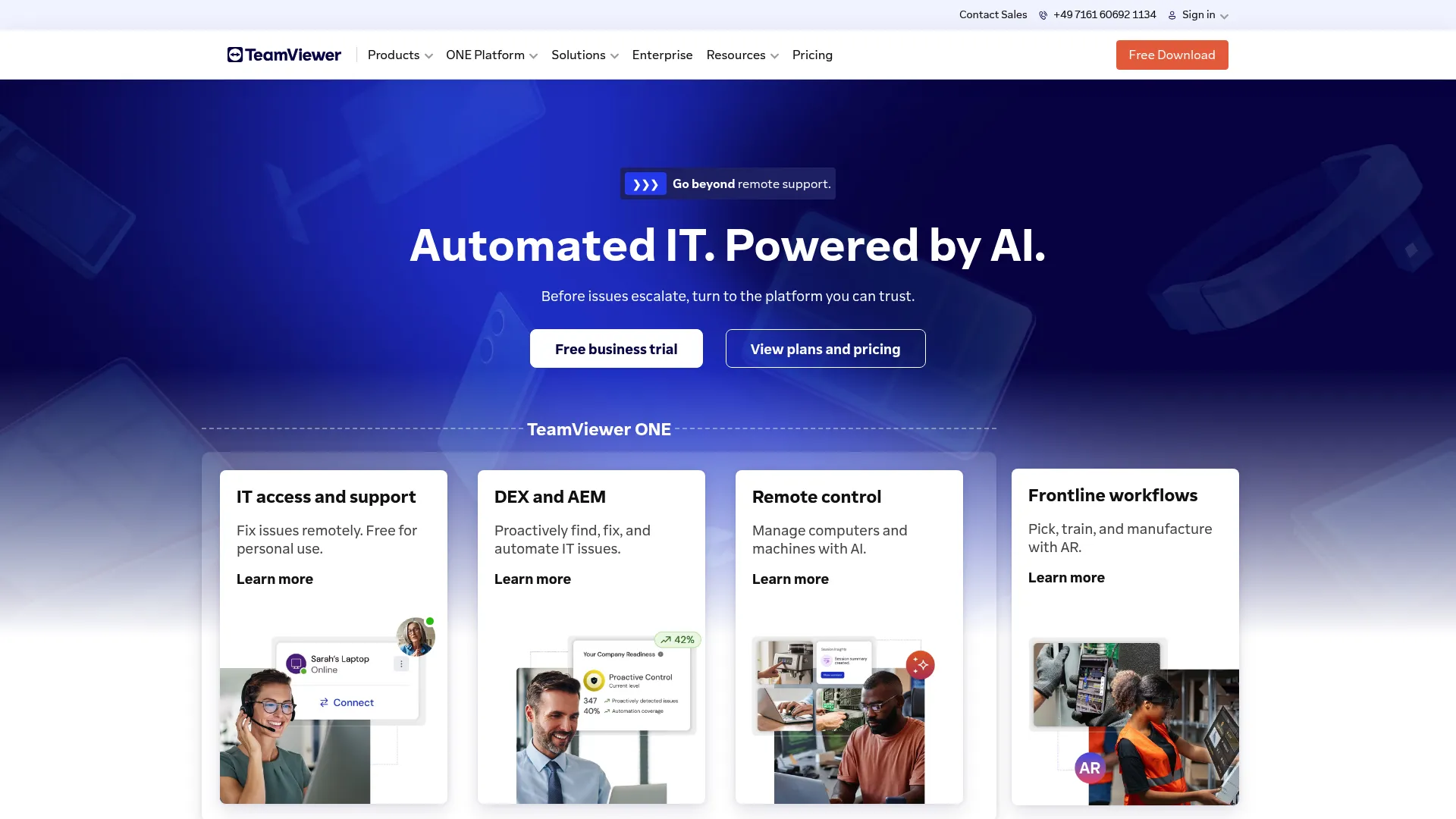
TeamViewer is the cross-platform benchmark for remote support. It provides secure remote access, remote control, monitoring, and device management for individuals and businesses, and it shows up on nearly every 2026 best-of list for the category. For a support team that touches every operating system a customer might run, the breadth is hard to beat.
The product handles both attended and unattended work. QuickSupport gives customers a lightweight, no-install module to start a session fast, while unattended access covers always-on machines. Connections run without a VPN through TeamViewer's own secure tunneling, which removes a common setup headache for customer-facing sessions.
Best for: Support teams that need the widest platform and device coverage in one tool.
Key strengths
- Cross-platform reach: Windows, macOS, Linux, and mobile, so no customer device is out of scope.
- AES-256 encryption with 2FA: strong session security and account protection by default.
- QuickSupport and unattended access: on-demand customer sessions plus always-on device control.
Why choose TeamViewer: If your customers run a mix of operating systems and you want one tool that connects to all of them without VPN gymnastics, TeamViewer is the safe default. Its market presence also means abundant documentation and a deep talent pool already familiar with it. The trade-off is pricing opacity at the higher tiers.
TeamViewer pricing: TeamViewer lists Business, Premium, and Corporate licenses for single users or teams, plus TeamViewer Tensor as a fully customizable enterprise license. Plans are annual subscriptions, and the higher tiers route through sales rather than published numbers. A free version is available for personal, non-commercial use. Verify current commercial pricing on the vendor page before you commit.
2. AnyDesk
AnyDesk provides remote desktop software for remote support, remote access, remote work, and device management, built around a lightweight client and low-latency performance. The speed comes from its proprietary DeskRT codec, which compresses video and input efficiently enough to stay responsive on weak connections. For support over flaky customer broadband, that responsiveness matters.
The tool covers remote control and desktop sharing, a file manager with file transfer, and unattended access. Security rests on TLS 1.2 with RSA 2048 key exchange and multi-factor authentication, with a privacy mode that blanks the customer's local screen during sensitive work.
Best for: Support teams that prioritize fast, low-bandwidth sessions across devices.
Key strengths
- DeskRT codec: low-latency sessions that hold up on slow customer connections.
- RSA 2048 and MFA: secure key exchange plus multi-factor account protection.
- File transfer and privacy mode: move files mid-session and shield sensitive screens.
Why choose AnyDesk: When session responsiveness is the deciding factor, AnyDesk's lightweight architecture is the reason teams pick it. It runs well on older hardware and constrained bandwidth, which is exactly the environment many customers are in when they need help. Confirm enterprise deployment and CRM integration details on the vendor page if those matter to your workflow.
AnyDesk pricing: AnyDesk lists four paid licenses, all billed yearly. Solo starts at $28.90 per month for a single business user, Standard at $49.90 per month for one connection, and Advanced at $111.90 per month for two connections. Ultimate is a customizable cloud or on-premises enterprise plan priced by quote. A free tier is available for personal use.
3. Zoho Assist
Zoho Assist is a cloud-based remote support and unattended remote access tool for troubleshooting and managing remote computers and devices. It is built for IT and customer support teams that want browser-based remote troubleshooting without heavy setup, and its pricing sits well below the enterprise-tier tools. For budget-conscious support teams, it punches above its price.
The product splits cleanly into Remote Support plans for customer-facing teams and Unattended Access plans for IT. On-demand sessions include file transfer, chat, multi-monitor navigation, reboot and reconnect, and screen capture. Security covers multi-factor authentication and SSL with 256-bit AES encryption, and it integrates with Zoho Desk, Zendesk, and ServiceNow.
Best for: Support teams in the Zoho ecosystem or any team wanting strong value tiers.
Key strengths
- Attended and unattended plans: separate, affordable tracks for support and IT work.
- Help-desk integrations: connects to Zoho Desk, Zendesk, and ServiceNow.
- 256-bit AES with MFA: solid session security at an entry-level price.
Why choose Zoho Assist: The value case is the headline here. With a 4.7/5 G2 rating across hundreds of reviews and plans starting at US$ 10/month, it gives smaller support teams capable remote assistance without an enterprise budget. The fit is strongest if you already run other Zoho tools. You can also explore an interactive Zoho demo to see how the ecosystem fits your workflow.
Zoho Assist pricing: A free plan is available. Remote Support Standard starts at US$ 10/month, Professional at US$ 15/month, and Enterprise at US$ 24/month, all billed annually. Unattended Access plans run parallel, starting at US$ 10/month. Custom quotes cover concurrent licensing and OEM needs.
4. Splashtop
Splashtop provides secure remote access, remote support, endpoint management, and related security products for individuals, teams, IT support teams, MSPs, and enterprises. It carries a 4.8/5 G2 rating, the highest on this list, and its per-seat pricing model makes budgeting predictable as a support team grows. That combination of price clarity and review strength is its calling card.
For customer support, the Remote Support SOS product handles on-demand attended sessions, while the broader plans cover unattended access from any device. Core features include file transfer, remote printing, multi-monitor support, chat, and session recording, with security and compliance controls aimed at business and education use.
Best for: Growing support teams that want predictable per-seat pricing and scale.
Key strengths
- Attended and unattended support: SOS sessions for customers plus always-on access.
- Session recording and chat: quality review and in-session communication built in.
- Per-seat scalability: clear costs as you add agents.
Why choose Splashtop: The highest G2 rating in this roundup, paired with transparent pricing, makes Splashtop an easy shortlist entry for teams that dislike contact-sales mystery. It scales cleanly from a handful of agents to a large help desk without repricing surprises.
Splashtop pricing: Remote Work and Access plans start at Solo for $6/month, Pro at $8.25/month per user, and Performance at $13/month per user, all billed annually. Remote Support SOS starts at $22/month per concurrent user license, billed annually. Enterprise plans for support and access are quote-based. A free personal tier covers non-commercial local-network use.
5. BeyondTrust Remote Support
BeyondTrust Remote Support is a secure remote support solution for accessing, servicing, and monitoring remote devices across platforms, on or off network. Formerly known as Bomgar, it is the security-first choice for enterprise service desks and regulated industries where every session must be controlled and auditable. If compliance reviewers will scrutinize your support tooling, this is built for that scrutiny.
The platform centers on privileged access controls, with granular roles, permissions, session policies, and native two-factor authentication. Unattended access runs through Jump Clients, and every session can be logged, recorded, and audited for compliance reporting. That depth is why enterprise buyers with strict requirements land here.
Best for: Regulated or enterprise support organizations that need auditability and access controls.
Key strengths
- Privileged access controls: granular roles, permissions, and session policies.
- Session recording and audit trails: full logs for compliance reporting.
- Native 2FA and security policies: strong access controls built into the platform.
Why choose BeyondTrust: When security and compliance drive the decision, BeyondTrust's privileged-access model and audit depth carry a weight that lighter tools cannot match. It holds a 4.7/5 G2 rating and is purpose-built for service desks handling sensitive environments. The trade-off is contact-sales pricing and a heavier footprint than quick-connect tools. For teams evaluating their own tooling against compliance standards, Guideflow's own security and compliance overview is a useful reference point.
BeyondTrust pricing: The first-party Remote Support pricing page does not publish plan names or numeric prices; it directs buyers to contact sales or request pricing information. A free trial is visible on the vendor and G2 pages. Confirm current pricing and compliance certifications directly with BeyondTrust before purchase.
6. LogMeIn Rescue
LogMeIn Rescue is enterprise remote support software for securely supporting PCs, Macs, mobile devices, and tablets. It is purpose-built for help desks, with technician workflows and reporting designed around high session volume. For a busy support desk that runs many concurrent sessions a day, the workflow tooling is the draw.
Rescue covers remote control and screen sharing, unattended machine access, real-time monitoring and reporting, file transfer, and diagnostics. Technician features include scripting, queueing, routing, and multi-session handling, plus SSO, AD sync, permissions, and security controls for managed teams.
Best for: High-volume support desks that need technician routing and session reporting.
Key strengths
- Technician workflows: scripting, queueing, routing, and multi-session handling.
- Multi-platform support: PCs, Macs, mobile devices, and tablets.
- Reporting and monitoring: session records and real-time visibility for quality control.
Why choose LogMeIn Rescue: If your desk runs at volume and needs to route, queue, and report on sessions like an operations function, Rescue's technician-first design fits. It carries a 4.6/5 G2 rating and includes the access controls larger teams require. The entry price is higher than budget tools, which reflects its enterprise focus.
LogMeIn Rescue pricing: Remote Device Support starts at $109 per month, billed annually, and includes Windows and Mac remote control, unattended access, in-session diagnostics, agent collaboration, and scripting. Rescue Enterprise is contact-sales and adds dedicated support, 24/7 priority care, white-glove onboarding, and committed SLAs. No permanent free tier is offered, only a free trial.
7. ISL Online
ISL Online is remote desktop software for remote support, unattended access, remote work, and screen sharing. Its standout trait is deployment flexibility: teams can run it in the cloud or self-host it on their own servers, which matters for organizations with data-residency or compliance requirements. If where your session data lives is a hard constraint, ISL Online gives you control over it.
The product covers remote support and unattended remote access, with file transfer, chat, audio and video calls, annotation tools, and session recording. It supports RDP and SSH connections, user management, permissions, two-factor authentication, and AES 256-bit end-to-end encryption.
Best for: Teams that need self-hosting or strict data-residency control.
Key strengths
- Cloud or self-hosted: run it your way to meet data-residency rules.
- AES 256-bit end-to-end encryption: strong security with 2FA and permissions.
- Rich session tools: file transfer, annotation, recording, and audio/video.
Why choose ISL Online: The self-hosted option is the differentiator. For support teams bound by regulations that dictate where customer session data can reside, ISL Online removes a deal-breaker that pure-cloud tools cannot. It holds a 4.6/5 G2 rating and offers a 15-day free trial to test before committing.
ISL Online pricing: The US pricing page lists Free Trial, Starter, Standard, Premium, Self-Hosted, and Enterprise plans, with the Free Trial running 15 days at no cost. Prices are quoted annually in USD, with paid-plan amounts available on the live pricing page. Confirm current figures directly with ISL Online before purchase.
8. RealVNC Connect
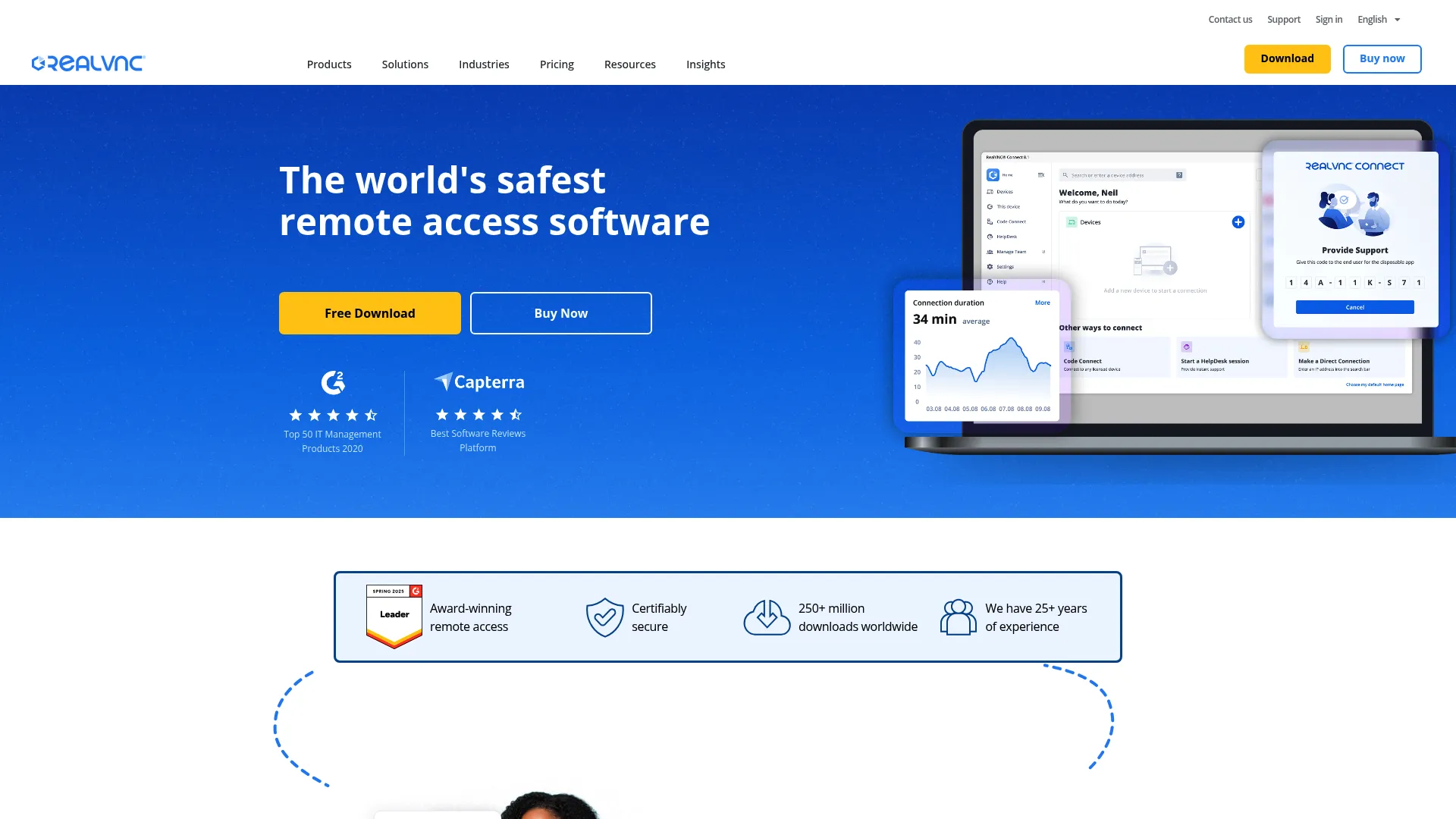
RealVNC Connect is secure remote access software built on the VNC protocol, covering Windows, macOS, and Linux for both attended and unattended sessions. For teams that want straightforward, well-priced remote access without the heavier feature stacks of enterprise suites, it is a clean fit. It does the core job reliably and gets out of the way.
The tool focuses on secure connections, cross-platform support, and the attended and unattended modes that customer support teams rely on. Its VNC heritage means broad compatibility and a familiar model for technical agents.
Best for: Teams wanting straightforward, well-priced VNC-based remote access.
Key strengths
- Secure remote access: encrypted connections across major operating systems.
- Cross-platform support: Windows, macOS, and Linux coverage.
- Attended and unattended modes: flexible session types for support work.
Why choose RealVNC Connect: If you want dependable remote access without paying for management layers you will not use, RealVNC Connect keeps the scope tight and the price reasonable. It carries a 4.7/5 G2 rating and suits teams that value simplicity over a sprawling feature set. Verify the current tier structure on the vendor page for your seat count.
RealVNC Connect pricing: RealVNC offers tiered plans for remote access and support, with seat-based structures. Pricing details and current tier names are listed on the vendor pricing page; confirm the figures for your team size before purchase, and check for any trial availability.
9. GoTo Resolve
GoTo Resolve, formerly associated with the LogMeIn brand, combines remote support with IT management in one platform, anchored by a zero-trust security architecture. For support teams that also handle light IT management, it folds two jobs into a single tool rather than stacking separate subscriptions. That consolidation is the efficiency play.
The product brings together remote support sessions, IT management and RMM-style capabilities, and ticketing, with zero-trust access controls as a differentiator. It targets teams that want their support and device-management workflows under one roof.
Best for: Support teams that also handle light IT management and want consolidation.
Key strengths
- Remote support plus IT management: support sessions and RMM features together.
- Zero-trust architecture: access controls designed around verify-everything security.
- Consolidated workflows: support and device management in one platform.
Why choose GoTo Resolve: If your team straddles support and IT, GoTo Resolve removes the seam between two tools. The zero-trust model adds a modern security posture, and the combined feature set reduces stack sprawl. It holds a 4.4/5 G2 rating. Confirm current pricing tiers on the vendor page for your use case.
GoTo Resolve pricing: GoTo offers tiered plans spanning free and paid options for remote support and IT management, with feature depth increasing by tier. Current prices and tier names are on the GoTo pricing page; verify the figures and any free-tier limits before purchase.
10. ScreenMeet
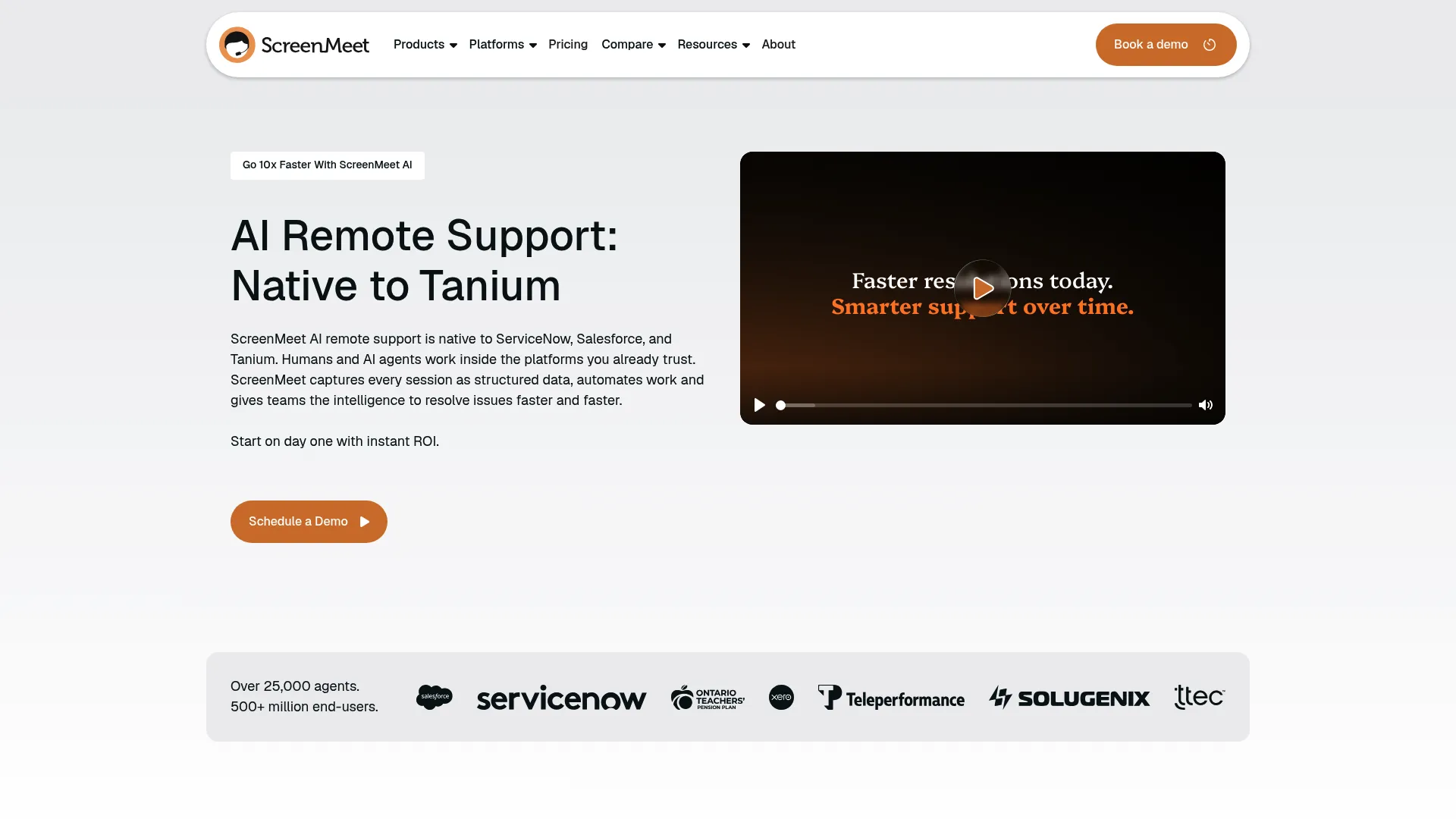
ScreenMeet is browser-based remote support built natively for customer service teams, with no download required for the customer and deep CRM integration. It is designed around Salesforce and other CRM systems, so sessions launch and log inside the tools agents already work in. For SaaS support teams living in their CRM, that native fit removes the context-switch tax.
The platform delivers agentless, in-browser remote support sessions, screen sharing, and remote control, with the workflow built around customer service rather than IT operations. Because it runs in the browser, customers avoid installing software, which speeds up the start of every session.
Best for: SaaS support teams wanting agentless, in-CRM remote sessions.
Key strengths
- Browser-based, no download: customers join sessions without installing anything.
- CRM and Salesforce-native: sessions launch and log inside your CRM.
- Built for customer service: workflow designed for support, not IT operations.
Why choose ScreenMeet: If your agents work inside Salesforce all day, ScreenMeet's native integration keeps remote support in the same window, with session context attached to the record. The agentless model also lowers customer friction to near zero. It carries a 4.4/5 G2 rating. Pricing is contact-sales, so request a quote for your seat count.
ScreenMeet pricing: ScreenMeet does not publish numeric pricing; it directs prospective buyers to contact sales for a quote based on team size and integration needs. Confirm current pricing and CRM compatibility directly with the vendor before purchase.
Considerations: how to choose remote support software for your support team
The right tool depends on your ticket types, your stack, and your compliance reality. Run any shortlist through this checklist before you trial.
Security and compliance
Look for secure remote access software with strong encryption (AES-256 or TLS with RSA key exchange), multi-factor authentication, and audit logs. If you operate in a regulated space, confirm SOC 2, HIPAA, or GDPR compliance directly on the vendor's trust page. Session recording and granular permissions matter for teams that need to prove who did what.
Attended vs unattended needs
Match the mode to your tickets. Customer-facing support leans on attended quick-connect sessions, where the customer grants access live. If you also manage devices, kiosks, or after-hours machines, unattended access earns its place. Buying a heavy unattended tier you will not use is a common, avoidable overspend.
Platform and device coverage
Confirm the tool covers every operating system your customers run: Windows, macOS, Linux, iOS, and Android. Coverage depth varies, especially on mobile, where iOS often allows view-only sessions while Android permits full control. Test against your actual customer base, not the marketing matrix.
Integration with your help desk
A remote session that does not log to the ticket creates rework. Check for integration with your help desk and CRM, whether that is Zendesk, Salesforce, Intercom, or your ticketing system. Native integration keeps session context attached to the customer record and saves agents a manual copy-paste. If you rely on self-serve content alongside live support, a strong knowledge base software keeps documentation and demos in one place.
Pricing model and scalability
Most remote support tools price per technician seat, sometimes per concurrent license. Model the cost at your current team size and at your projected size in a year. Per-seat pricing that looks cheap at five agents can sting at fifty, so factor growth in before you sign.
Reduce remote support volume before it starts
Here is the math support leaders eventually run: the cheapest remote session is the one you never have to run. Remote support is the right tool for hands-on fixes, but a large share of your queue is not hands-on at all. It is repetitive "how do I" questions that a customer could resolve themselves with the right self-serve resource.
Consider a common pattern. A text macro walks a customer through an eight-step setup. The customer reads three steps, gets confused, and replies asking for help anyway, so the ticket stays open and an agent eventually joins a session. Replace that macro with an embedded interactive demo inside the same help article, and the customer clicks through the actual screens at their own pace. The simple cases close without a human, and the remote sessions you do run are reserved for the genuinely complex ones.
That is the smartest support setup: interactive demos and guided walkthroughs sit upstream as a high-engagement deflection layer, performing best when paired with remote support for the issues that truly need takeover. One layer absorbs the routine volume, the other handles the hard fixes. Teams adopting this approach often pair it with a digital adoption platform to guide users in-product. Together they keep your queue shorter and your handle time honest. Before you scale remote support seats, audit which repetitive tickets could be deflected first.
Conclusion
The right remote support tool depends on what your queue actually looks like. For the widest cross-platform coverage, TeamViewer remains the default. For fast sessions on weak connections, AnyDesk's lightweight client wins. If budget drives the decision, Zoho Assist delivers capable support from US$ 10/month, and Splashtop pairs the highest G2 rating on this list with predictable per-seat pricing.
Security-first and enterprise teams should look at BeyondTrust for privileged access and audit depth, or ISL Online if self-hosting is non-negotiable. High-volume desks get technician workflows from LogMeIn Rescue, while teams living in Salesforce will value ScreenMeet's agentless, in-CRM sessions. RealVNC Connect and GoTo Resolve round out the field for straightforward access and support-plus-IT consolidation.
Your next step: shortlist two or three tools that match your ticket types and stack, then start a trial with each. While you are at it, audit which repetitive tickets could be deflected with self-serve guides before they ever reach a remote session. Building those guides is fast with the right demo creation tools, and cutting the volume that needs takeover is the cheapest win available.
FAQs
Remote support software lets a support agent view, access, and control a customer's device over the internet to diagnose and resolve issues in real time. It typically operates in three modes: attended, where the customer is present and grants access; unattended, where the agent connects to a device with no one in front of it; and screen viewing, where the agent watches without taking control.
Remote support is usually session-based and customer-facing: short, attended sessions started on demand to fix a specific issue. Remote access software emphasizes persistent connections to devices you own or manage, often unattended and always available. Many tools do both, but remote support tools optimize for quick-connect sessions, while remote access tools optimize for ongoing control of managed machines.
Reputable remote support software uses strong encryption such as AES-256 or TLS with RSA 2048 key exchange, plus multi-factor authentication and session consent prompts. Enterprise tools add audit logs, session recording, and granular permissions for compliance. If you operate under SOC 2, HIPAA, or GDPR, confirm the vendor's certifications directly on its trust page before purchase.
Attended support means the customer is present and actively grants access for a live session, which is the standard flow for customer-facing help like resolving a setup error while the customer watches. Unattended support means the agent connects to a device with no one in front of it, using a pre-installed agent, which suits managed machines, kiosks, or after-hours fixes.
Yes. Several vendors offer free tiers, though most restrict them to personal, non-commercial use. TeamViewer provides a free personal license, Zoho Assist offers a free plan, and Splashtop includes a free personal tier for local-network use. For commercial support work, you will generally need a paid plan, so check each vendor's terms before relying on a free tier.
Prioritize strong security (encryption, MFA, audit logs), both attended and unattended support modes, and cross-platform coverage for Windows, macOS, Linux, iOS, and Android. Help-desk and CRM integration keeps sessions logged to the ticket, and session reporting supports quality review. Match the feature depth to your ticket types rather than buying the heaviest tier by default.
Yes. Most major tools offer iOS and Android apps and can support customers on mobile devices. Coverage depth differs by platform: Android typically allows full remote control, while iOS often limits agents to view-only sessions or screen sharing due to platform restrictions. Test mobile support against your actual customer base before committing.
Pricing is usually per technician seat, sometimes per concurrent license, and varies widely. Entry-level plans start around US$ 10/month per seat with tools like Zoho Assist, while help-desk-focused products like LogMeIn Rescue start at $109/month billed annually. Enterprise and security-first tools such as BeyondTrust and ScreenMeet use contact-sales pricing. Free tiers exist for personal use, and most vendors offer trials.