



Your buyer asks why margin slipped last week. The merchandising lead wants to know which SKUs to mark down. The ecommerce team needs to reallocate ad spend before the weekend. Three questions, three teams, three different spreadsheets. None of them agree.
That is the real cost of fragmented retail data. The answers exist, scattered across POS exports, ERP tables, warehouse logs, loyalty records, and ad platforms. Stitching them together takes days. By the time the report lands, the pricing window has closed and the overstock is already sitting on shelves.
Retail data is growing fast. According to Market Research Future (2024), data generated from ecommerce, POS, and customer interactions is climbing more than 20% annually, which is exactly why retailers keep adopting more capable analytics platforms. The market reflects that pressure: Fortune Business Insights (2025) values global retail analytics at USD 10.20 billion in 2025, on track to reach USD 37.18 billion by 2034.
More data does not help if it takes a week to turn into a decision. The platforms that win are the ones that connect messy sources, surface answers fast, and let operators act before the moment passes. If you care about clean reporting and defensible ROI, you may also find related roundups useful, like our guides to agentic analytics, marketing analytics, and data visualization tools. This article compares the best retail analytics software for teams that want faster, better retail decisions.
What's inside
This guide is for retail, growth, and analytics teams choosing a retail analytics platform across ecommerce, stores, inventory, forecasting, and omnichannel reporting. We focused the comparison on the decisions that actually move numbers, not on feature checklists.
We evaluated each retail analytics tool against four criteria:
- Integration depth: how well it connects POS, ERP, WMS, ecommerce, loyalty, and marketing data
- Retail-specific functionality: merchandising, inventory, demand forecasting, and store analytics built in or bolted on
- Scalability: whether it holds up from a single banner to a global fleet
- Implementation fit: time to value relative to your current data maturity
The list spans enterprise BI platforms and retail-native solutions, so you can match the tool to your stack.
TL;DR
- Best overall for retail operations and forecasting: Oracle Retail Analytics, built for planning, pricing, and inventory intelligence at scale.
- Best for fast self-serve analytics: ThoughtSpot, where natural-language search puts answers in operators' hands without a queue.
- Best for marketing and attribution-heavy teams: Improvado, which consolidates ad, ecommerce, and CRM data into reporting workflows.
- Best for Microsoft-native retailers: Microsoft Power BI, the flexible, cost-controlled choice for teams already in the Microsoft ecosystem.
- Best for merchandising and inventory workflows: Aptos Analytics, a retail-native option with pre-built KPIs and replenishment insight.
- Best for enterprise data standardization: Looker, where one semantic model gives every team a single version of the truth.
What is retail analytics software?
Retail analytics software is a category of tools that collects, unifies, and analyzes data from across a retail business so teams can make faster decisions about pricing, inventory, merchandising, and marketing. It connects the systems that run the business and turns raw transactions into reporting, forecasts, and recommendations.
Most retail data analytics platforms operate across four capability layers:
- Descriptive analytics: what happened. Sales by store, SKU, region, and channel, surfaced in retail analytics dashboards.
- Diagnostic analytics: why it happened. Root-cause analysis on margin erosion, returns, or a sudden traffic drop.
- Predictive analytics: what is likely next. Demand forecasting, sell-through projections, and seasonal modeling.
- Prescriptive analytics: what to do about it. Replenishment recommendations, markdown timing, and assortment adjustments.
The value depends on what the platform can see. Strong retail data analytics connects to:
- Point-of-sale (POS) systems and transaction logs
- ERP and merchandising systems
- Warehouse management systems (WMS) and supply chain feeds
- Ecommerce platforms and digital storefronts
- Loyalty programs and customer data
- Returns and exchange records
- Marketing and ad platforms
Common features across the category include role-based retail KPI dashboards, exception alerts, demand forecasting, inventory replenishment signals, omnichannel reporting that merges online and offline sales, and self-serve query so operators answer their own questions. The strongest retail analytics solutions reduce the gap between a question and a decision.
When to use retail analytics software
Unify store, ecommerce, and campaign data
When your store team, ecommerce team, and marketing team each report different numbers, the problem is rarely the people. It is the data living in separate systems with no shared definition of revenue, margin, or conversion. A retail analytics platform pulls those sources into one view so a question about performance has one answer, not three. This matters most when fragmented reporting is delaying pricing and allocation calls.
Forecast inventory and demand
Stockouts cost sales. Overstock ties up cash and triggers markdowns. Both erode margin. Retail analytics software uses historical sales, seasonality, and demand signals to forecast what each location and channel needs, then translates that into inventory replenishment recommendations. Teams use it to right-size buys, reduce safety stock, and catch demand shifts before they show up as empty shelves or clearance racks.
Give operators faster answers
Analysts become a bottleneck when every store manager and category lead has to file a request and wait. Self-serve retail store analytics and governed dashboards flip that. Operators ask their own questions and trust the answer because the definitions are centralized. This frees your analytics team for harder work and gets decisions out of the spreadsheet queue, which is where most reporting time disappears.
Comparison table
The table below separates retail-native platforms from general BI tools so you can see, at a glance, which solves retail-specific jobs out of the box and which gives you flexible reporting power to build on. Pricing reflects publicly listed figures at the time of writing; verify current rates with each vendor.
| # | Product | Intent | Key use case | Pricing | G2 rating |
|---|---|---|---|---|---|
| 1 | Improvado | Marketing data unification | Consolidating ad, ecommerce, and CRM data for reporting | Demo-based (Growth, Advanced, Enterprise) | 4.4/5 |
| 2 | ThoughtSpot | Self-serve analytics | Natural-language queries and governed dashboards | From $25/user/mo (Essentials) | 4.4/5 |
| 3 | Aptos Analytics | Retail-native analytics | Merchandising, inventory, and store reporting | Quote-based | 4.0/5 |
| 4 | Microsoft Power BI | Flexible BI | Microsoft-native dashboards and reporting | Free; Pro $14/user/mo | 4.5/5 |
| 5 | Tableau | Visualization-first BI | Polished dashboards and exploratory analysis | From $15/user/mo (Standard) | 4.4/5 |
| 6 | Looker | Governed, semantic-model BI | Single version of the truth across teams | Call sales | 4.4/5 |
| 7 | Domo | Cloud BI and data integration | Fast-deploy dashboards with broad connectors | Free trial; custom | 4.3/5 |
| 8 | Oracle Retail Analytics | Enterprise retail suite | Planning, pricing, and inventory intelligence | Quote-based | Not listed |
1. Improvado
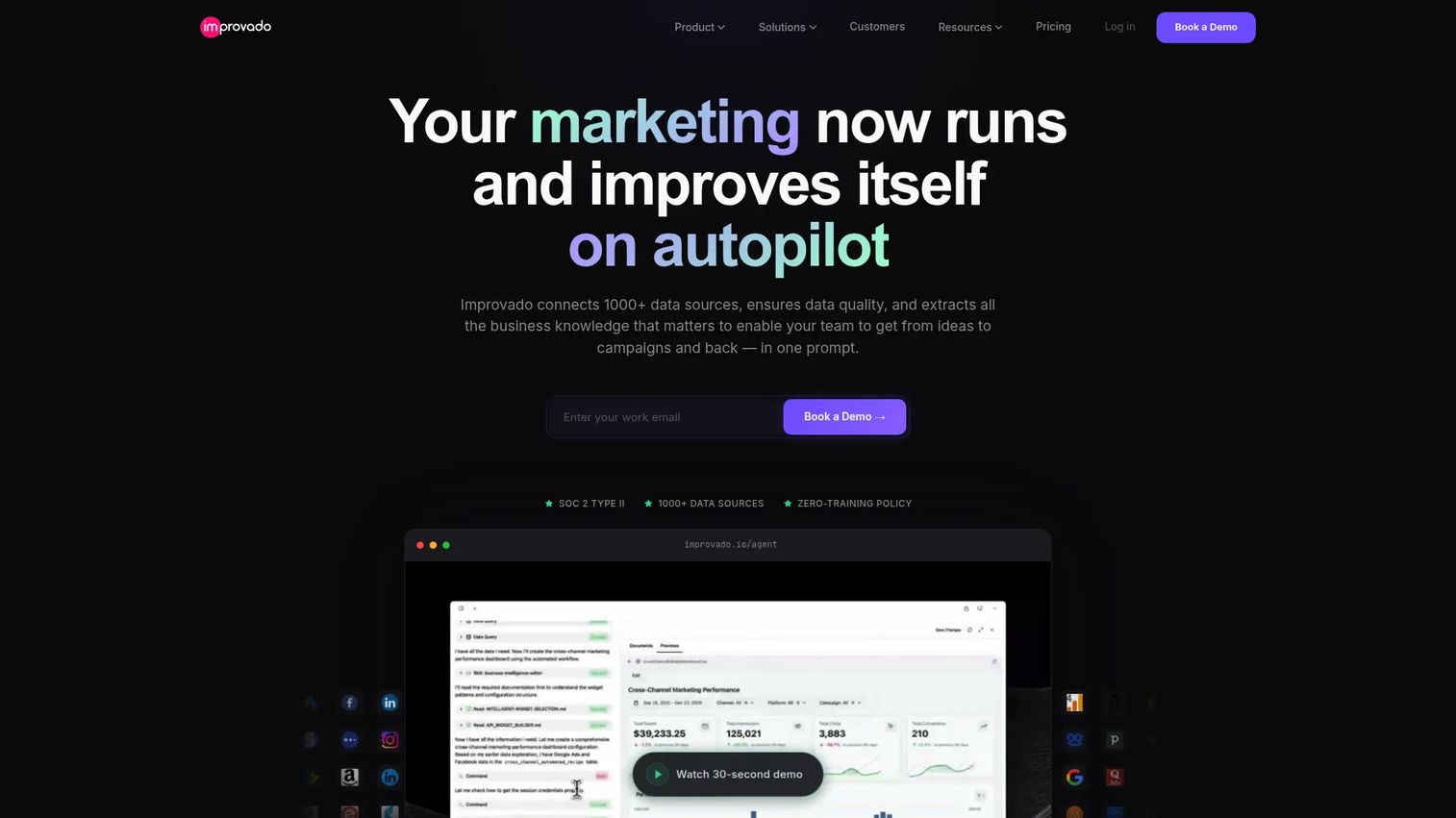
Improvado is an AI-powered marketing intelligence and analytics platform built for large enterprises and agencies. For retailers, its value sits in pulling fragmented marketing, ecommerce, and business data into a single reporting layer. It connects ad platforms, CRMs, and MarTech sources, then harmonizes that data so the numbers reconcile before anyone builds a dashboard. That makes it a strong fit for retail analytics software for ecommerce teams drowning in disconnected channel reports.
Best for: Enterprise retail and marketing teams that need automated data integration and defensible attribution.
Key strengths
- Broad source coverage: Connects marketing data from 500+ sources, so paid, ecommerce, and CRM data land in one place.
- Data harmonization: Centralizes and standardizes cross-channel data so reporting reconciles across systems.
- AI insights and enterprise controls: Surfaces insights with enterprise-grade security and compliance built in.
Why choose Improvado: If your retail analytics pain is marketing attribution and reporting chaos rather than store-level inventory, Improvado is the sharper fit. It automates the data plumbing that usually eats analyst hours, so the team spends time interpreting performance instead of assembling it. The platform fits retailers running heavy paid acquisition across multiple channels.
Improvado pricing: Improvado does not publish dollar amounts. The pricing page presents three demo-based tiers: Growth, Advanced, and Enterprise. Pricing is quote-driven, so you book a demo to get a figure scoped to your data volume and source count. Improvado holds a 4.4/5 rating on G2.
2. ThoughtSpot
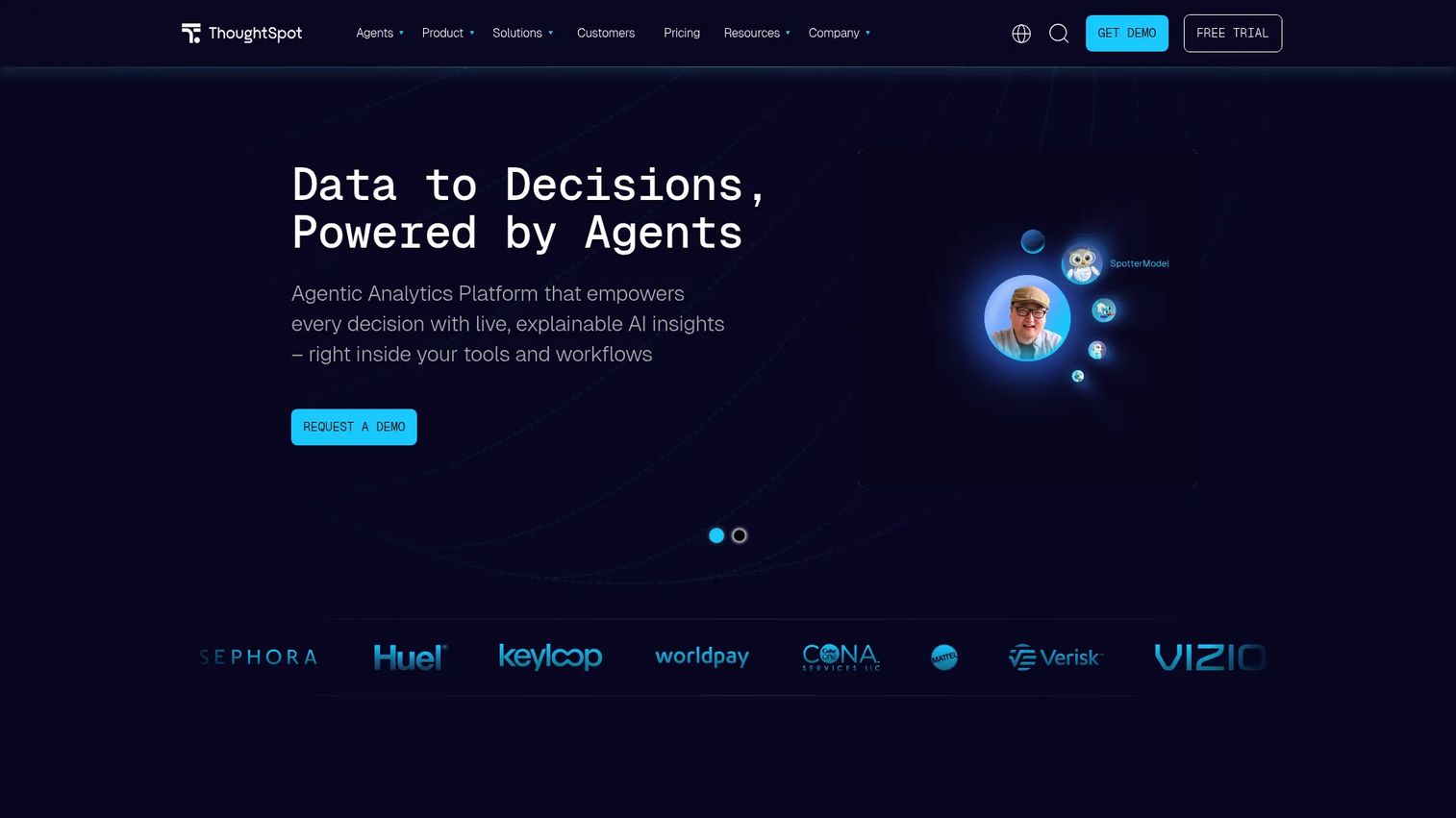
ThoughtSpot is an AI-powered analytics platform built around search, dashboards, and embedded insights. Its defining feature is natural-language query: a category manager types a question in plain English and gets an answer, no SQL and no analyst ticket. That speed-to-answer model fits retail teams that need merchandising, operations, and executive reporting without a reporting backlog. It also supports retail analytics software for omnichannel reporting when online and offline data sit in the same model.
Best for: Retail teams that want self-serve access and consistent, governed answers across the organization.
Key strengths
- Natural language search: Conversational analytics lets non-analysts ask questions and get answers directly.
- Interactive Liveboards: Dashboards with drilldowns so operators move from summary to root cause in clicks.
- Embedded analytics: SDK and API support to push insights into the apps teams already use.
Why choose ThoughtSpot: ThoughtSpot performs best when self-serve access and semantic consistency matter more than building custom visuals. The semantic layer keeps definitions consistent, so the answer a store manager gets matches the one the CFO sees. That trust is what gets decisions made without a meeting.
ThoughtSpot pricing: The public pricing page lists Essentials at $25 per user per month billed annually, a usage-based Pro plan at $0.10 per query, and custom Enterprise pricing. A Developer plan is free for one year. ThoughtSpot holds a 4.4/5 rating on G2.
3. Aptos Analytics
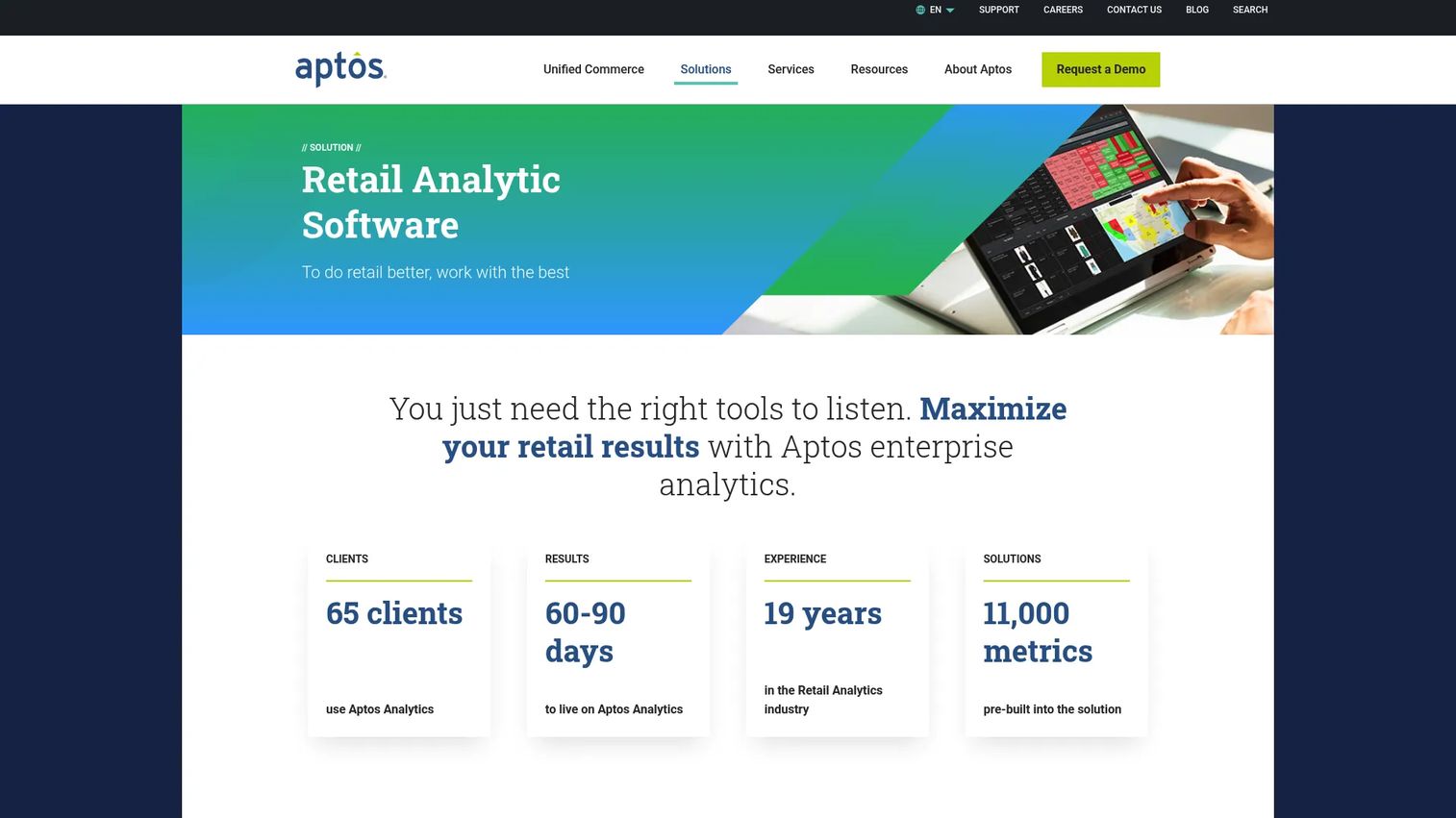
Aptos Analytics is a retail-native analytics and data warehousing platform built to consolidate, visualize, and act on enterprise retail data. Unlike general BI tools, it ships with retail context already baked in: pre-built reports, KPIs, and a report wizard tuned for merchandising and operations. That makes it strong retail analytics software for inventory and POS analytics work where the team wants answers without modeling everything from scratch.
Best for: Large retailers that need centralized analytics, role-based dashboards, and inventory and productivity insight.
Key strengths
- Advanced data warehousing: Consolidates enterprise retail data into a single analytical store.
- Role-based dashboards: Tailored views for merchandisers, planners, and operators.
- Pre-built retail content: Out-of-the-box reports, KPIs, and a report wizard that speed time to insight.
Why choose Aptos Analytics: Aptos Analytics is strongest for retail organizations that want retail logic out of the box rather than a blank BI canvas. It fits retail execution workflows, exception management, and demand forecasting, and it pairs especially well for teams already running on Aptos systems. The retail-specific framing means less time translating generic BI into store reality.
Aptos Analytics pricing: Aptos does not publish pricing; it is quote-based and scoped through a sales conversation. The product page and brochure confirm the feature set, but no public dollar figure is listed. Aptos Analytics shows a 4.0/5 rating on G2.
4. Microsoft Power BI
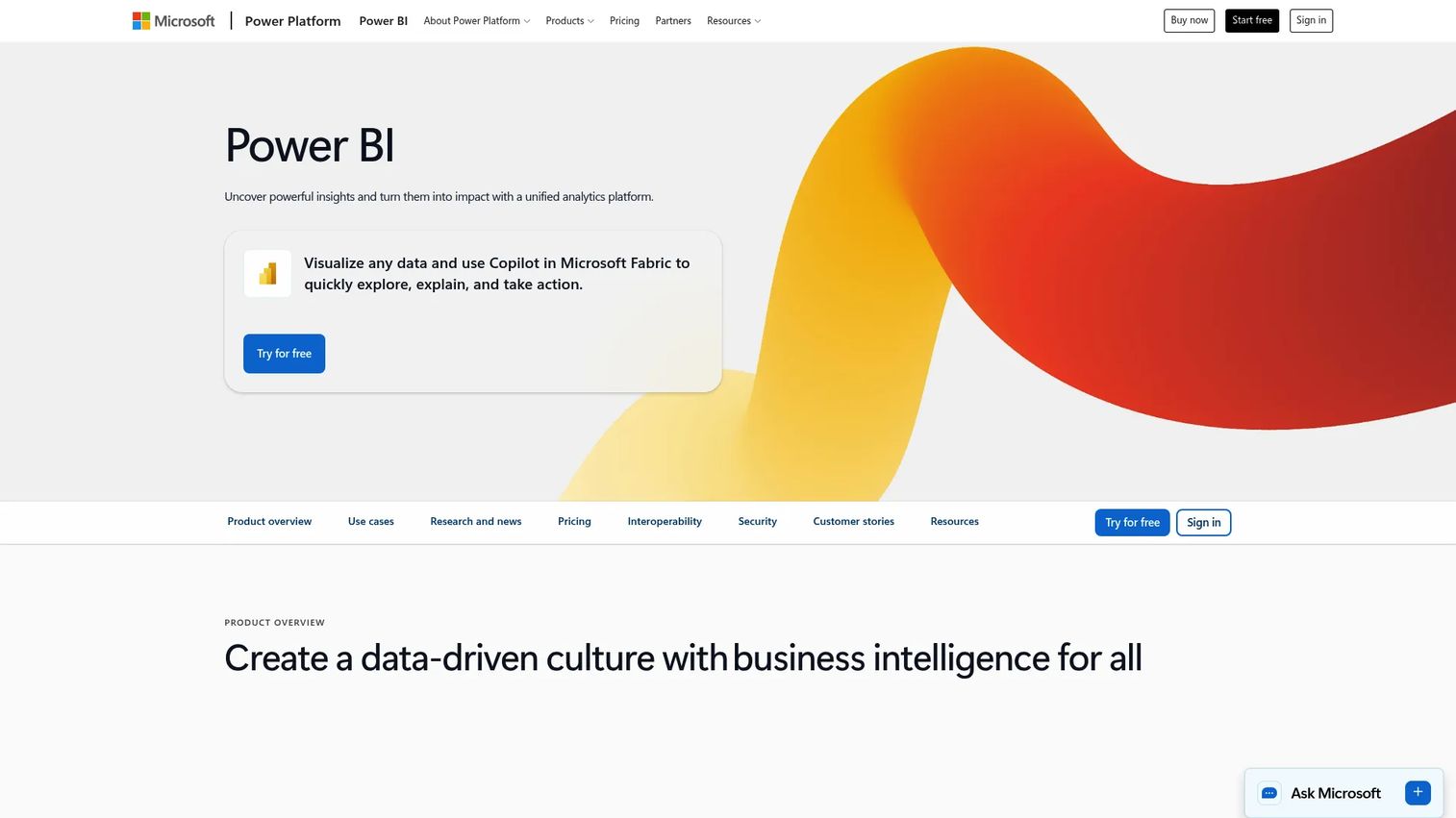
Microsoft Power BI is a business intelligence platform for building, sharing, and exploring interactive reports and dashboards. For retailers already living in Microsoft 365, it is the path of least resistance: familiar interface, broad integration, and tight cost control. It does not arrive with retail logic built in, so teams typically pair it with a data warehouse or retail systems to make the data retail-ready. It handles retail analytics software for omnichannel reporting well once those pipelines are in place.
Best for: Retail teams already in the Microsoft ecosystem that want flexible, affordable self-serve BI.
Key strengths
- Power BI Desktop authoring: Build reports locally, then publish and share across the org.
- Broad integration: Connects natively to Microsoft data sources and hundreds of others.
- Copilot AI assistance: AI-assisted insights and report building to speed up analysis.
Why choose Microsoft Power BI: Power BI wins on cost and familiarity. If your retail data already lives in Azure or Microsoft tooling, the integration story is hard to beat, and the free tier lets analysts prove value before anyone commits budget. The trade-off is that retail-specific modeling is on you, so it rewards teams with some data engineering support.
Microsoft Power BI pricing: Power BI offers a free account, Power BI Pro at $14.00 per user per month billed yearly, and Power BI Premium Per User at $24.00 per user per month billed yearly. Power BI Embedded uses variable, usage-based pricing. Power BI shows a strong rating on G2, around 4.5/5.
5. Tableau
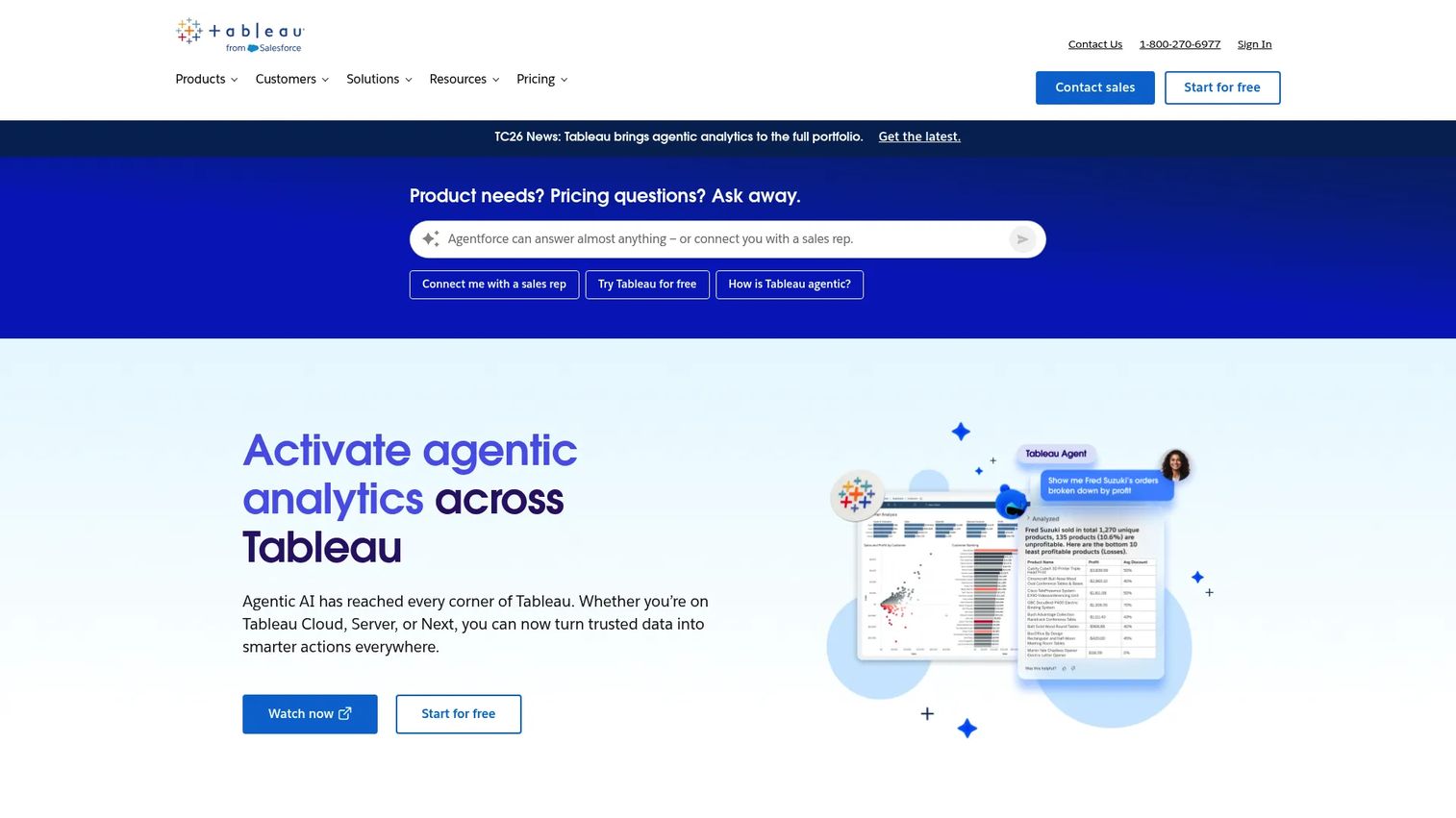
Tableau, founded in 2003, is a visual analytics and BI platform built for exploring, managing, and sharing data insights. Its strength is visualization: polished, interactive dashboards that retail leaders can read in a glance and analysts love to build. For executive reporting and exploratory analysis across stores and ecommerce, few tools match its storytelling. It works best when your data pipelines are already mature, since it visualizes data rather than wrangling it.
Best for: Retail leaders and analysts who need polished dashboards and broad analyst adoption.
Key strengths
- Web authoring and collaboration: Build and share dashboards in the browser across teams.
- Desktop and Prep Builder: Powerful authoring plus data prep for analysts.
- AI-assisted analytics: Surfaces patterns and supports exploratory questions.
Why choose Tableau: Choose Tableau when dashboard quality and analyst adoption drive the decision. It is the tool analysts reach for when they want exploratory freedom and executives want a report that communicates clearly. It rewards retail teams with mature data pipelines, since it shines once the data is clean and connected. This pairs well with the principles in our data visualization roundup.
Tableau pricing: Tableau Cloud starts at $15 per user per month for Standard, billed annually, with Enterprise at $35 per user per month billed annually. Cloud+ and the Tableau+ bundle require contacting sales. A free Tableau Public edition is available. Tableau holds a 4.4/5 rating on G2.
6. Looker
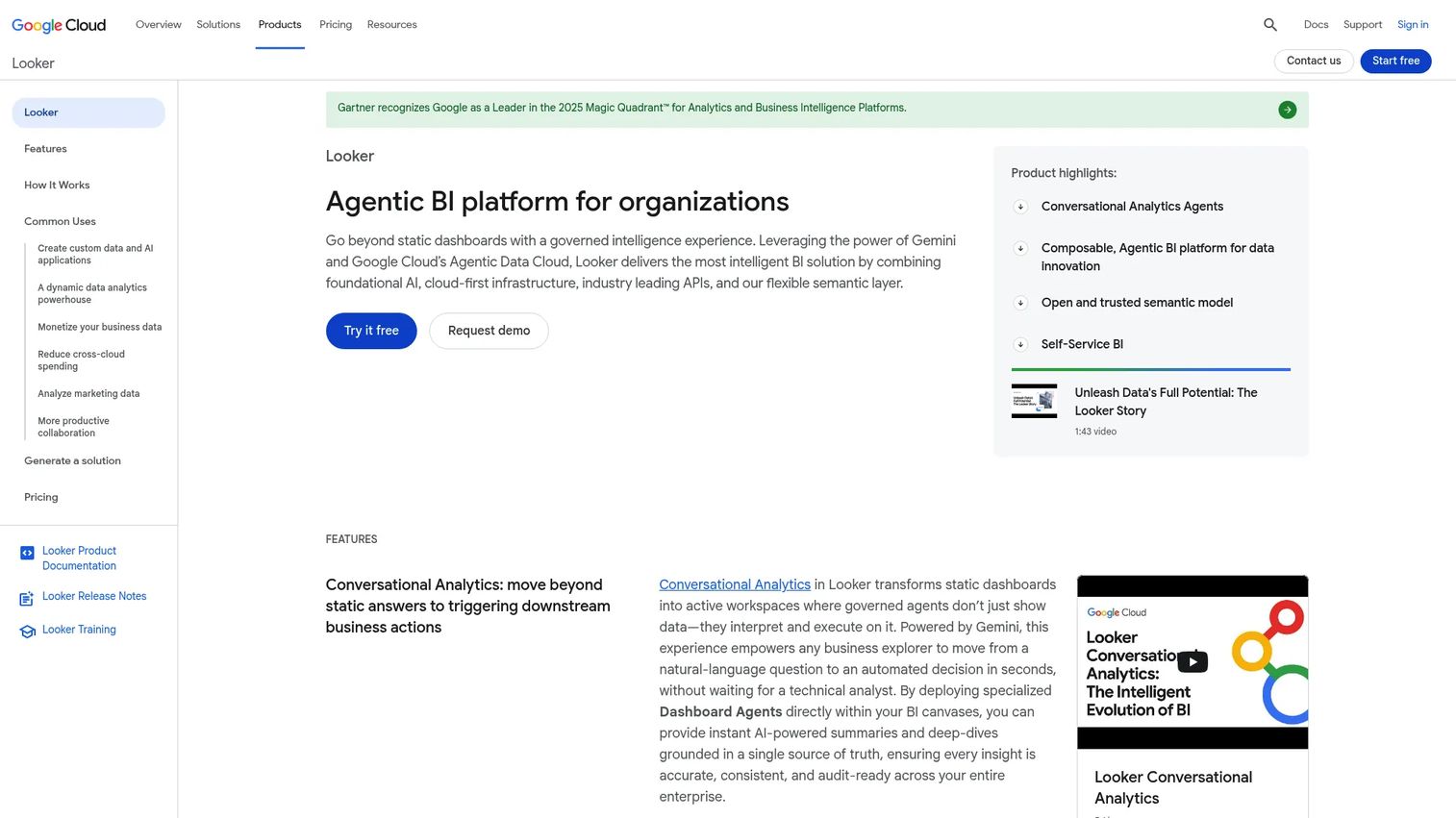
Looker is Google Cloud's business intelligence and embedded analytics platform, built around a centralized semantic model. Its differentiator is LookML, a modeling layer that defines metrics once so every dashboard, report, and embedded view uses the same logic. For retail organizations where revenue, margin, and conversion must mean the same thing everywhere, that governance is the whole point. It scales reporting across merchandising, ecommerce, and operations from a single source of definitions.
Best for: Data-rich retail organizations with analytics engineering support that want one version of the truth.
Key strengths
- LookML semantic modeling: Define metrics once and reuse them everywhere, eliminating conflicting numbers.
- BigQuery and Google Cloud integration: Native connection to a scalable data warehouse.
- Governed self-service: Teams explore freely within centrally defined guardrails.
Why choose Looker: Looker is the pick when consistency outranks speed of setup. The semantic model takes investment to build, but once it is in place, every team queries the same definitions and arguments about whose number is right disappear. It fits retailers with the analytics engineering muscle to maintain LookML. For broader context, see our take on how analytics platforms drive ROI.
Looker pricing: Looker does not publish numeric pricing. The first-party page lists three editions, Standard, Enterprise, and Embed, all marked "Call sales" with annual commitment terms. Each platform includes 10 Standard users and 2 Developer users, with 1, 2, and 3-year subscription terms. Looker holds a 4.4/5 rating on G2.
7. Domo
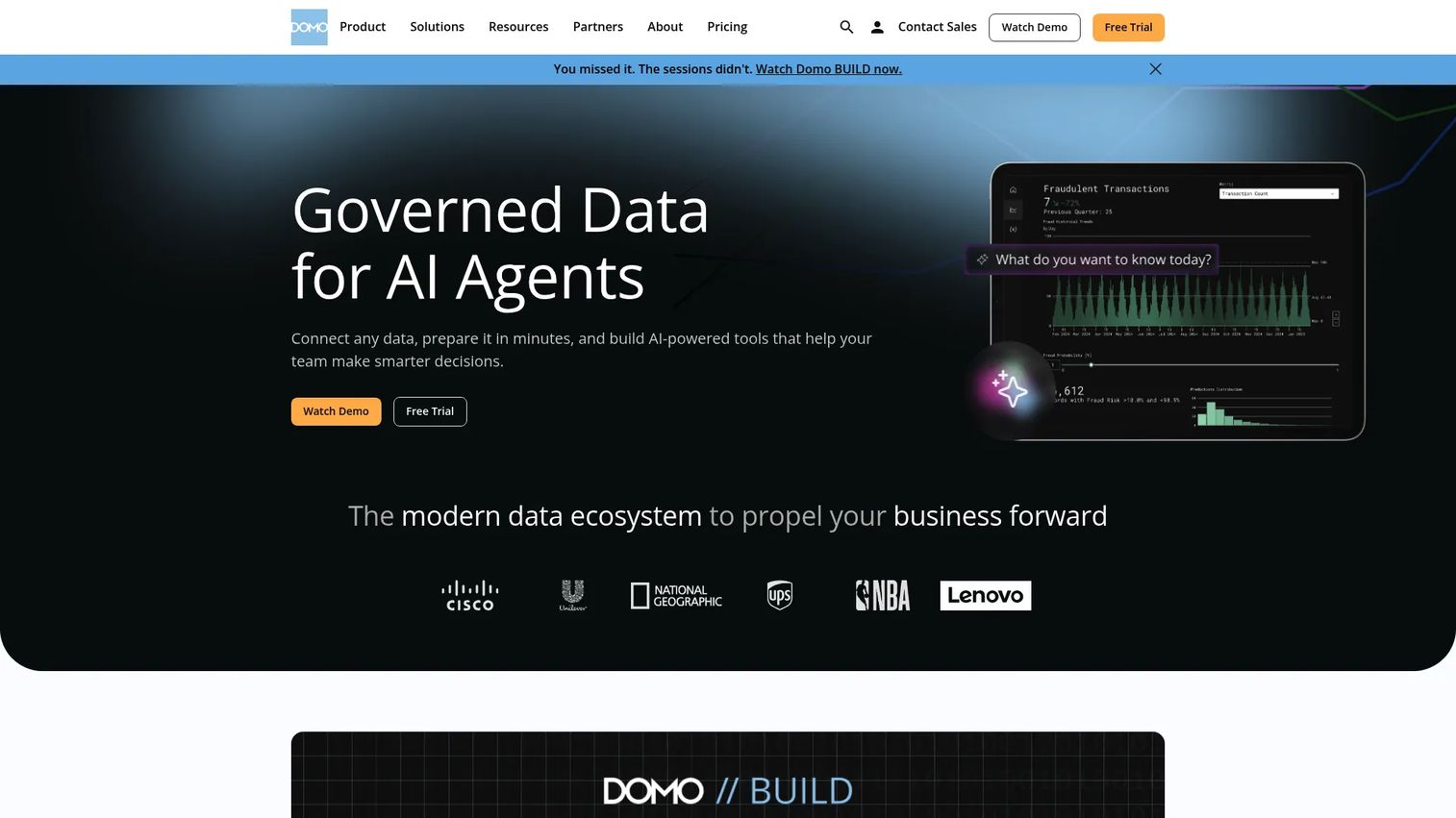
Domo is a cloud platform spanning data integration, BI, AI, workflows, and embedded analytics. For retailers, the draw is speed: more than 1,000 pre-built connectors and built-in ETL mean you can stand up operations dashboards and executive visibility without a long pipeline project. It leans toward fast time to value, which suits teams that need retail analytics dashboards live in weeks, not quarters.
Best for: Retail teams that want quick deployment, broad connectors, and accessible executive sharing.
Key strengths
- 1,000+ connectors: Pull data from across the retail stack without custom integration work.
- Magic ETL and SQL DataFlows: Transform data with low-code or SQL, depending on the team.
- Domo AI and natural-language queries: Ask questions in plain language and get answers fast.
Why choose Domo: Domo is strong when time to value is the priority and you want a single platform covering integration through dashboards. The all-in-one model reduces the number of tools to stitch together, which appeals to leaner retail teams that lack a deep data engineering bench. Sharing is accessible enough that executives actually use it.
Domo pricing: Domo uses credit-based, consumption pricing and does not list a public starting figure. It offers a 30-day free trial and custom pricing through a sales conversation. Domo holds a 4.3/5 rating on G2.
8. Oracle Retail Analytics
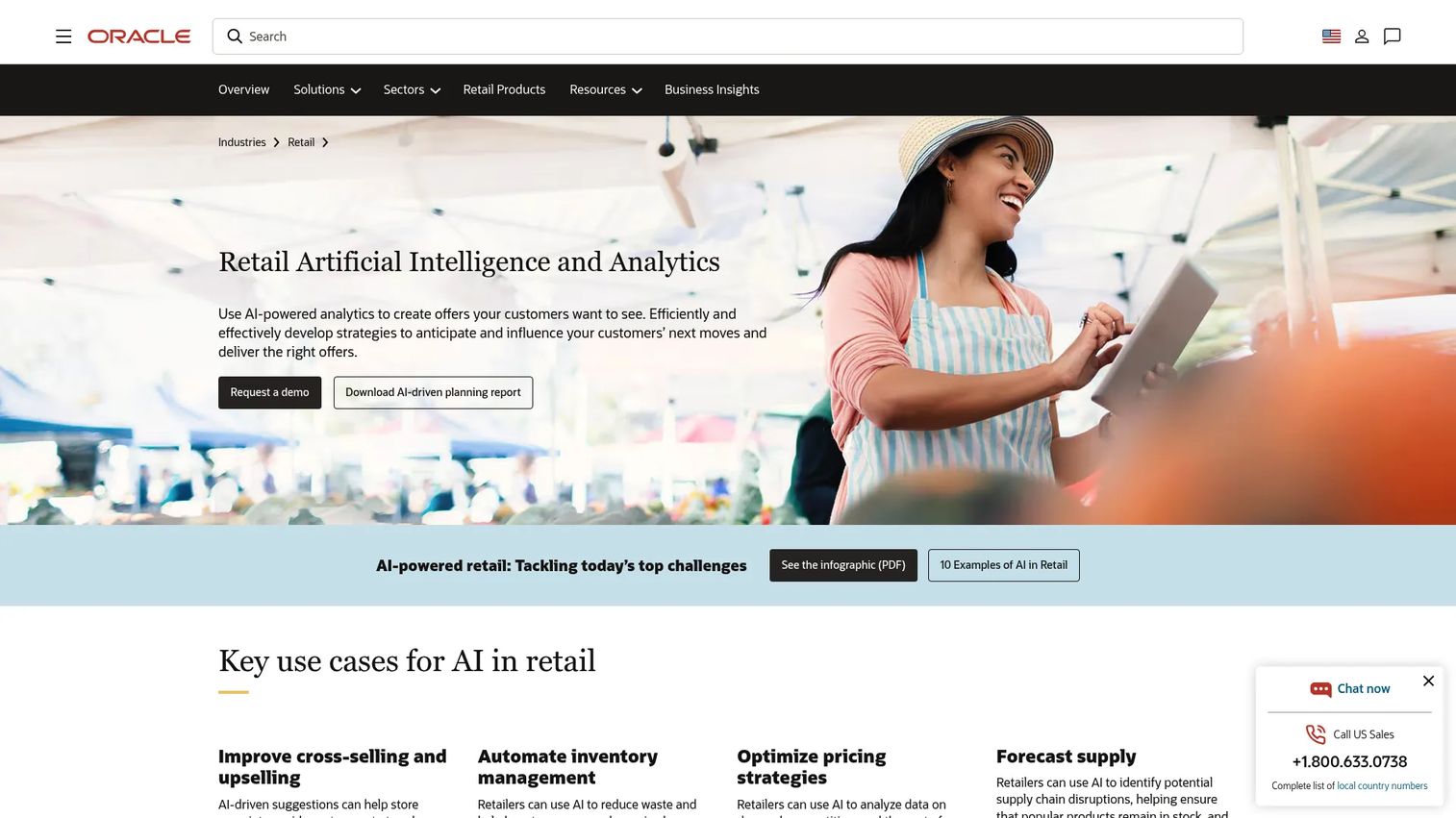
Oracle Retail Analytics is Oracle's retail AI and analytics solution set, built for planning, pricing, optimization, and customer insight at enterprise scale. This is the most retail-native option on the list, with workflows designed around how merchants and operators actually run a business. It covers demand forecasting, lifecycle pricing, inventory planning, and assortment optimization, and it integrates tightly with the broader Oracle retail stack. For large retailers that need retail analytics software for forecasting and POS analytics under one roof, it is built for the job.
Best for: Large retailers seeking Oracle-native, AI-driven planning and optimization.
Key strengths
- Oracle Retail AI Foundation: Retail-specific AI and machine learning for forecasting and optimization.
- Lifecycle Pricing Optimization: Promotions, markdowns, and targeted offers managed in one place.
- Planning and optimization suite: Consumer insights, inventory planning, and assortment and space optimization.
Why choose Oracle Retail Analytics: Oracle Retail Analytics is the enterprise-first choice when retail-specific planning and forecasting outweigh general-purpose flexibility. It performs best for retailers already invested in Oracle's retail stack, where the integration removes friction between analytics and execution. The depth of retail logic is hard to match with a horizontal BI tool.
Oracle Retail Analytics pricing: Oracle does not publish public pricing for its retail analytics suite. Pricing is contact and demo driven, scoped to the specific modules and scale you need. The product pages describe capabilities in detail but list no dollar figure, and no current public G2 rating was confirmed.
Things to weigh before you buy
Picking a retail analytics platform is less about feature counts and more about fit with your data, team, and timeline. Run any shortlist through these checks.
Integration complexity
Map every source you need connected: POS, ERP, WMS, ecommerce, loyalty, returns, and marketing. Then ask each vendor exactly how it connects to yours, and who maintains those pipelines. The cleanest dashboard is useless if half your data never reaches it.
Total cost of ownership
Look past the seat price. Factor in implementation, data engineering, training, and ongoing maintenance. A quote-based enterprise suite and a low-cost BI tool can converge on real cost once you add the people needed to run them.
Scalability and governance
Confirm the platform holds up as data volume, users, and locations grow. Governance matters as much as scale: a shared semantic layer or consistent metric definitions prevent the "whose number is right" arguments that erode trust in reporting.
Reporting maturity fit
Be honest about where you are. A team still living in spreadsheets gets more value from a retail-native tool with pre-built content than from a flexible BI platform that assumes mature pipelines. Match the tool to your current state, not your aspirational one.
Conclusion
The best retail analytics software depends on the job in front of you. Oracle Retail Analytics and Aptos Analytics lead when you need retail-native operations, planning, and forecasting. ThoughtSpot and Domo win when fast self-serve answers matter most. Power BI, Tableau, and Looker give you flexible BI power, while Improvado solves the marketing data unification problem that trips up ecommerce-heavy teams.
The pattern across all of them is the same: integration fit and decision speed matter more than feature breadth alone. A tool that connects your real sources and gets answers to operators quickly will beat a more capable platform that takes a quarter to wire up.
Your next step is practical. Shortlist two or three retail analytics solutions based on your data stack and reporting maturity, then test each against a real retail decision, like a markdown call or an allocation question. Whichever one gets you to a trustworthy answer fastest is the one to buy.
FAQs
Retail analytics software is used to turn data from across a retail business into decisions about pricing, inventory, merchandising, store performance, ecommerce, and marketing. Teams use it to track store and channel performance, forecast demand, plan inventory replenishment, analyze customer behavior, and report on marketing ROI. The goal is faster, more reliable retail decisions backed by unified data.
General BI tools are broad and built to visualize and report on any data, while retail data analytics is often tailored to retail-specific workflows and data sources. Retail-native platforms ship with pre-built KPIs, merchandising logic, demand forecasting, and POS analytics, so teams spend less time modeling. BI tools like Power BI, Tableau, and Looker offer more flexibility but expect you to build the retail context yourself.
A capable retail analytics platform should connect to POS systems, ERP and merchandising systems, warehouse management systems, ecommerce platforms, loyalty programs, returns and exchange records, supply chain feeds, and marketing and ad platforms. The more sources it unifies, the more complete the picture. Omnichannel reporting in particular depends on merging online and offline data cleanly.
For inventory and demand forecasting, retail-native platforms tend to be strongest. Oracle Retail Analytics offers enterprise-grade planning, forecasting, and inventory optimization, while Aptos Analytics provides retail-specific forecasting and replenishment insight with pre-built content. Larger retailers with complex assortments usually favor these, while smaller teams may build forecasting on a flexible BI platform paired with a data warehouse.
Yes. Retail analytics tools support omnichannel reporting when they can unify online and offline data, such as ecommerce sales, store transactions, and loyalty activity, into a single model. ThoughtSpot, Domo, and Power BI all handle this well once the data is connected. The quality of that unification and the consistency of metric definitions determine how trustworthy the omnichannel view becomes.
Focus on integration complexity, total cost of ownership, scalability, governance, and whether the tool matches your current reporting maturity. Confirm it connects to your actual data sources and that you have the people to maintain those pipelines. A platform that fits your stack and gets answers to operators quickly delivers more value than the one with the longest feature list.
Yes, if manual reporting is consuming too much time or if the team needs faster, more reliable decisions. Smaller retailers often start with an affordable, flexible tool like Power BI or a fast-deploy platform like Domo before graduating to a retail-native suite. The trigger is usually the same: when reconciling spreadsheets eats hours that should go toward acting on the numbers.










