



You built the proposal template three months ago. Sales rebuilt it anyway. Now there are four versions floating in Slack, two with the old logo, one with pricing that expired in Q2.
That is the real problem with document work. Not the writing. The drift.
Most go-to-market teams lose hours reassembling the same documents, chasing approvals, and hunting for the current version. The market has noticed. The global document creation software market is worth USD 7.67B in 2026 and is growing at a 4.7% CAGR through 2035, according to Market Growth Reports (2026). That growth is not about typing faster. It is about turning repeatable documents into a governed workflow instead of a scavenger hunt.
So the question is not whether you need a document creator. It is which type of tool matches how your team actually works.
What's inside
This guide is for product marketing managers, RevOps, sales ops, and operations teams comparing tools for proposals, quotes, contracts, and internal launch documents.
We picked and ranked these tools against four criteria that matter most for repeatable document work:
- Templates and reuse: how well the tool standardizes recurring documents
- Automation: data population, conditional logic, CRM sync, and API-driven generation
- Collaboration and governance: approvals, versioning, access control, and brand consistency
- Output and delivery: PDF, Word export, e-signature, and distribution
The list spans visual document creation, automated document generation, and delivery, not just editing.
TL;DR
- Best for visual, team-friendly document creation: Canva Docs
- Best for sales and proposal workflows: PandaDoc
- Best for data-driven document automation: Formstack Documents
- Best for enterprise brand governance: Templafy
- Best for workflow-heavy, scalable automation: Conga
- Best for API-led document generation: Docmosis
- Best for editing and export flexibility: Adobe Acrobat
- Best for presentation-style document creation: Gamma
If your bottleneck is design and speed, go visual. If it is data and approvals, go automation-first. Most GTM teams end up running one of each.
What is document creation software
Document creation software is any tool that helps teams create, populate, collaborate on, and deliver repeatable business documents from a shared template or data source.
That covers a wide range. On one end sit visual editors built for speed and design. On the other sit automated document creation software and document assembly software that pull data from a CRM or database and generate finished files with no manual typing.
Core capabilities to expect:
- Templates: reusable layouts for proposals, quotes, contracts, invoices, and internal docs
- Data population: merge fields, CRM integrations, and conditional logic that adapt content per record
- Collaboration: real-time editing, comments, approvals, and version history
- Governance: access control, brand controls, audit trails, and single-source-of-truth templates
- Output: PDF, Word export, e-signature, and multi-channel delivery
- AI document creation: drafting help, summarization, and content suggestions
The difference between a basic editor and an automation-first platform comes down to one question. Does a person assemble each document, or does data assemble it?
A basic editor gives you a clean canvas and manual control. An automation-first platform treats documents as output from a workflow. You define the template once, connect a data source, and the tool generates hundreds of documents on demand. Both are valid. The right pick depends on volume, data complexity, and how much governance your team needs.
For PMMs, the practical framing is simple. Document creation software is where your messaging, proof points, and branding either stay consistent across every touchpoint or quietly drift out of sync.
When to use document creation software
Standardize recurring business documents
If your team rebuilds the same proposal or one-pager every week, templates pay for themselves fast. Reusable components keep messaging and branding consistent across launch docs, quotes, contracts, and internal updates. You write the value proposition once, and every rep pulls the approved version instead of improvising a new one.
Automate data-heavy document assembly
When documents depend on live data, manual assembly breaks down. CRM sync, API-driven automation, and conditional logic let you generate quotes, invoices, and contracts that populate themselves from a record. This is where sales, finance, and operations teams reclaim the most time, especially at high document volume.
Govern brand and approvals across teams
Multi-stakeholder documents need control. Versioning, access control, and approval routing keep the wrong draft from reaching a customer. For PMM and cross-functional sign-off, governance is the difference between a defensible proof point and a compliance headache. This matters most in regulated workflows involving legal agreements and contracts.
Comparison table
We compared these eight tools on their primary strength, a key differentiator, entry pricing, and G2 rating. Pricing reflects each vendor's published rates at the time of writing. Where a vendor keeps pricing behind a sales conversation, that is noted plainly.
| # | Product | Best for | Key differentiator | Pricing | G2 rating |
|---|---|---|---|---|---|
| 1 | Canva Docs | Visual, collaborative docs | Design-led editor with templates and charts | Free; Pro US$144/year | 4.7/5 |
| 2 | PandaDoc | Proposals and e-signature | Docs, e-sign, and pricing tables in one flow | Free; Starter $19/mo | 4.7/5 |
| 3 | Formstack Documents | Data-driven automation | No-code generation from forms and data | Suite $250/mo | Not published |
| 4 | Templafy | Enterprise brand governance | On-brand templates across Microsoft 365 | Free; Team $40/user/mo | 4.4/5 |
| 5 | Conga | Revenue lifecycle automation | Document automation plus CPQ and CLM | Custom pricing | 4.3/5 |
| 6 | Docmosis | API-led generation | Word or LibreOffice templates via REST API | From $49/mo | 4.6/5 |
| 7 | Adobe Acrobat | PDF editing and export | PDF creation, editing, and e-signatures | Free reader; Pro US$19.99/mo | Not published |
| 8 | Gamma | Presentation-style docs | AI-generated decks, docs, and web pages | Free tier available | 4.6/5 |
Best 8 document creation software tools for 2026
1. Canva Docs
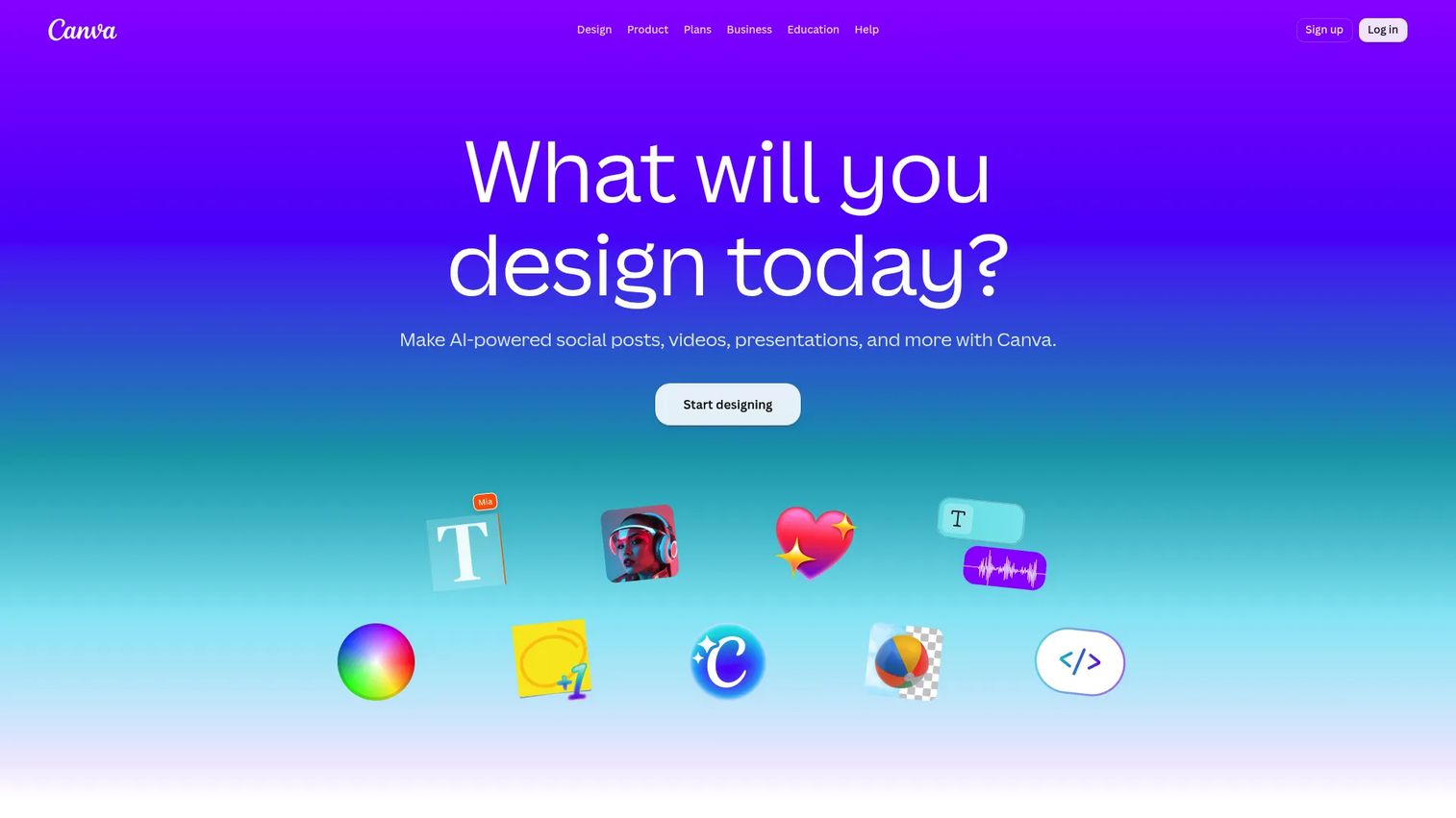
Canva Docs is Canva's free online document creator for visual, collaborative documents. It pairs a familiar drag-and-drop canvas with templates, charts, and design blocks, so a PMM can build a launch brief or one-pager that looks polished without a designer. Real-time collaboration, comments, and task assignment make it a fast option for cross-functional docs.
Best for: Teams and individuals creating visually rich collaborative documents.
Key features
- Free online document creator
- Templates, charts, and visual design blocks
- Real-time collaboration, comments, and task assignment
- Brand controls on paid plans
- Export to PDF and other formats
Why choose Canva Docs: Pick it when speed and visual polish matter more than data automation. It fits PMMs and marketing teams shipping launch docs, concept briefs, and lightweight internal documents.
Canva Docs pricing: Canva Docs is included in the Free plan at US$0/year for one person. Canva Pro runs US$144/year for one person, and Enterprise pricing is handled through sales.
Canva holds a G2 rating of 4.7/5.
2. PandaDoc
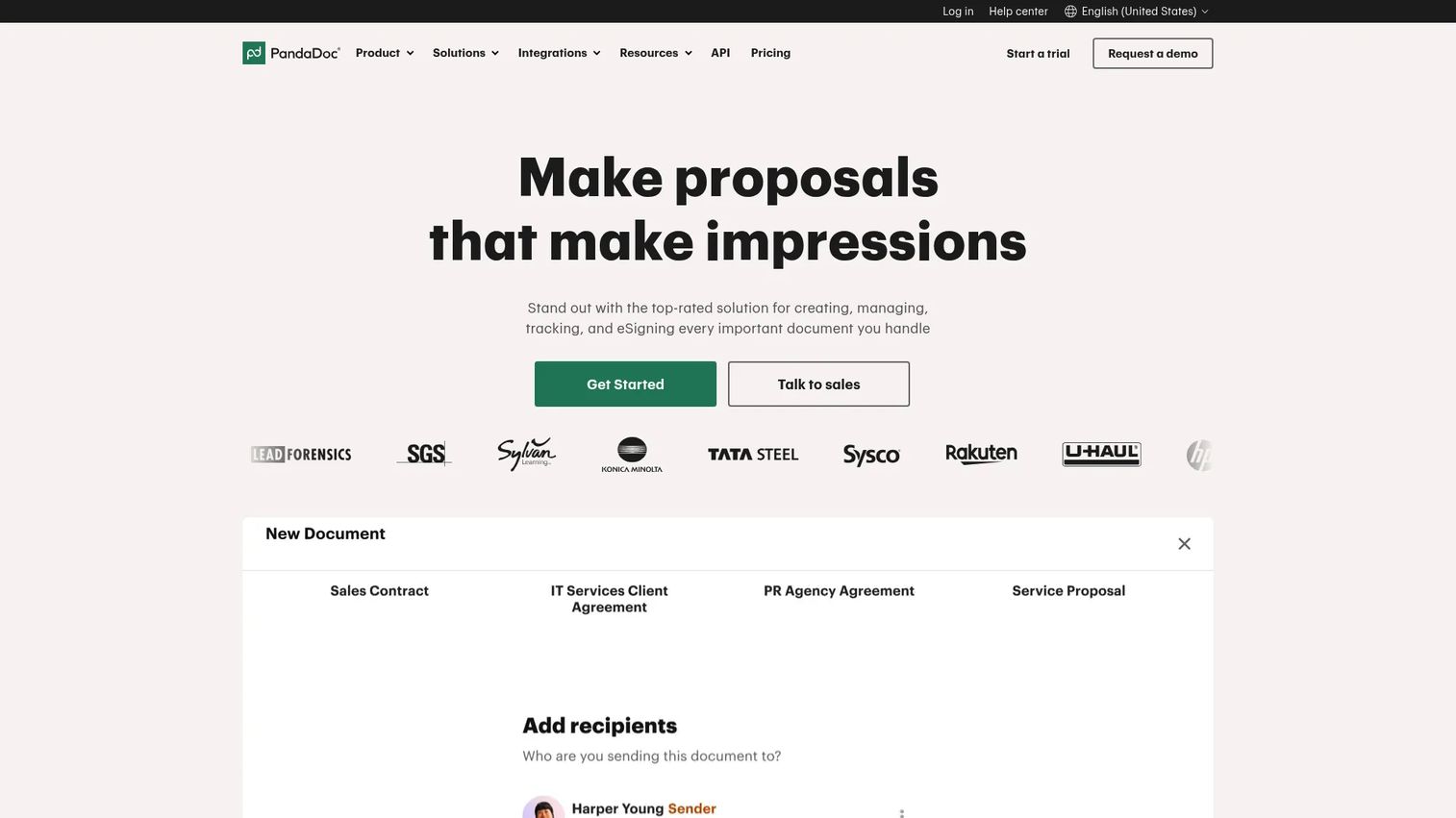
PandaDoc is document workflow software for creating, sending, e-signing, and managing business documents. It combines a document editor and templates with e-signatures, document tracking, pricing tables, and approvals. For revenue-facing teams, that means a proposal, quote, or contract moves from draft to signature inside one tool.
Best for: Teams that need proposal, contract, and e-signature workflows in one tool.
Key features
- Document editor and templates
- E-signatures and document tracking
- Pricing tables, approvals, and automations
- AI assistant for drafting
- CRM integrations for data sync
Why choose PandaDoc: Choose it when documents are tied to the sales process and you want e-signature and approvals in the same flow. It stands out over simpler editors because it manages the full document lifecycle, not just the writing.
PandaDoc pricing: The Free plan is $0 per month. Starter is $19 per month billed annually, Business is $49 per seat per month billed annually, and Enterprise uses per-seat or per-document pricing through sales.
PandaDoc holds a G2 rating of 4.7/5.
3. Formstack Documents
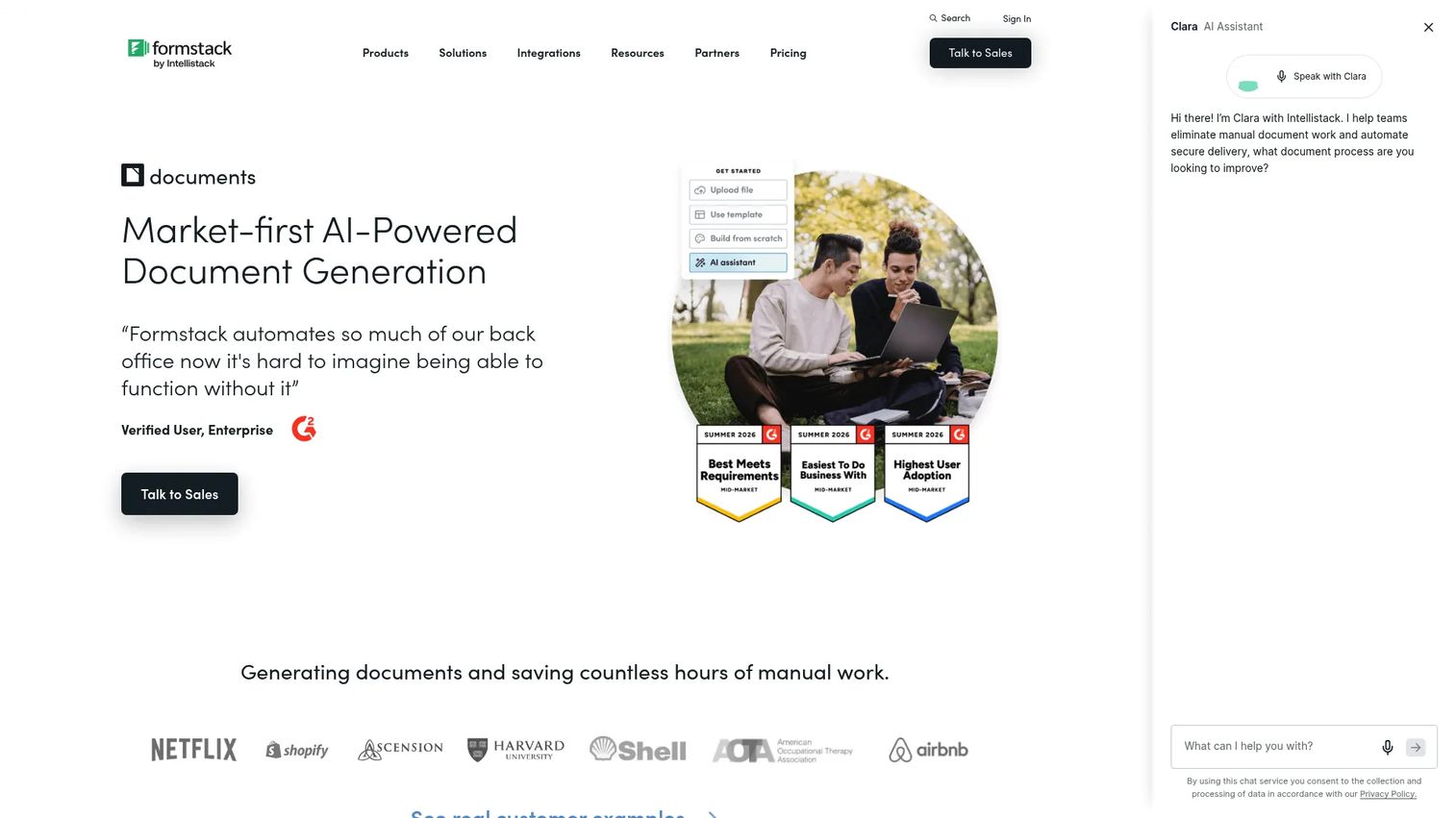
Formstack Documents is no-code document generation software for turning data into automated, dynamic documents. It builds finished files from forms, CRM records, or databases, applying conditional content so each output reflects the underlying data. For back-office teams, it removes the manual assembly step entirely.
Best for: Teams that need automated document generation and workflow integration.
Key features
- AI-powered document builder
- Conditional document content
- Documents API for custom workflows
- Data merge from forms and CRM
- Automated delivery of finished files
Why choose Formstack Documents: Pick it when your documents are generated from structured data rather than written by hand. It fits sales, finance, and operations teams producing quotes, contracts, and invoices at volume.
Formstack Documents pricing: Formstack sells Documents inside the broader Formstack Suite, which starts at $250 per month paid annually and bundles Forms, Documents, and Sign. Enterprise plans use custom pricing.
A current G2 star rating for Formstack Documents was not published at the time of writing.
4. Templafy
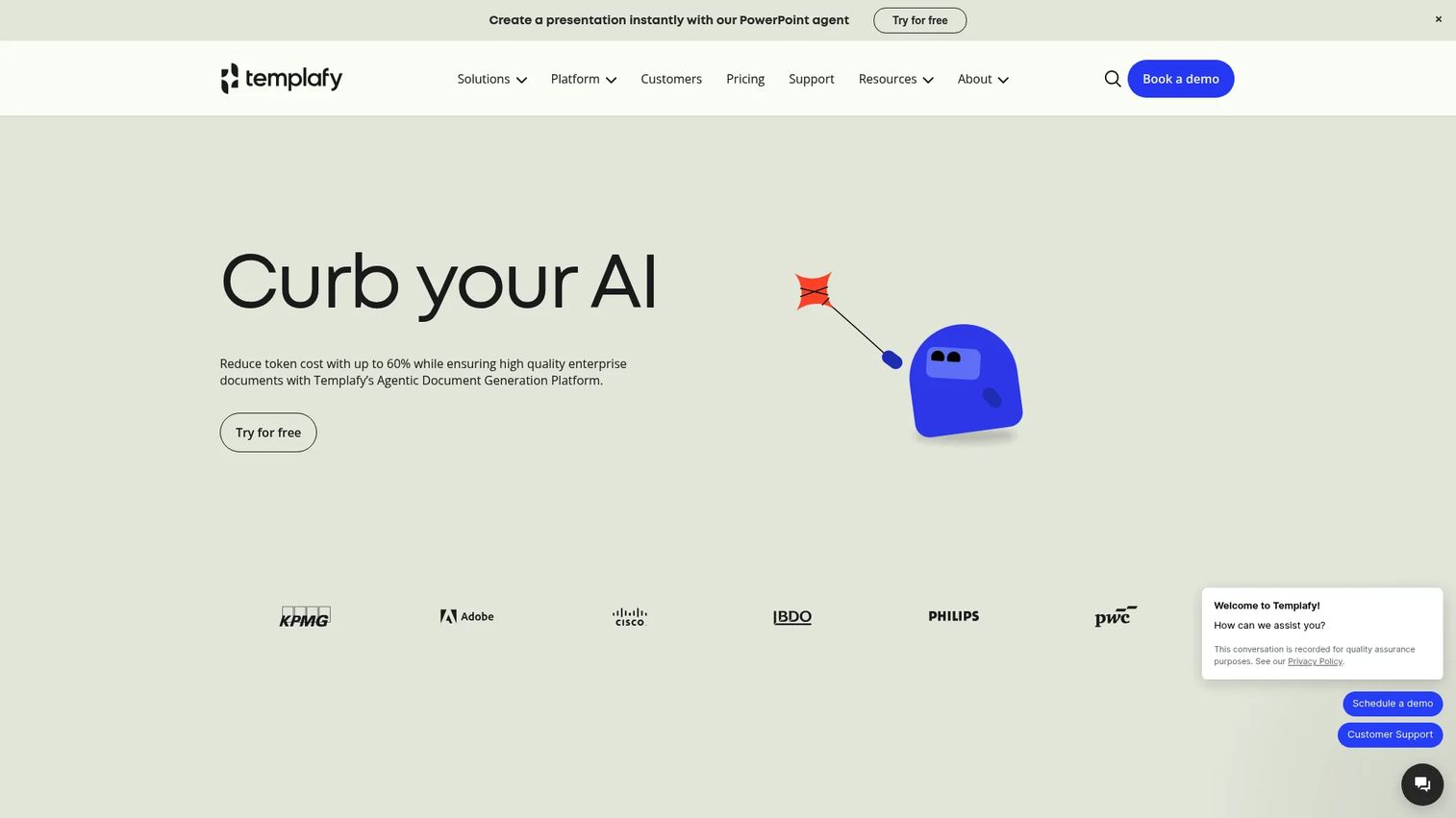
Templafy is an agentic document generation platform for creating compliant, on-brand business documents. It plugs into Microsoft Office and enforces approved templates, brand controls, and content governance across large teams. For a PMM guarding messaging consistency, it acts as a single source of truth for every document your organization produces.
Best for: Enterprises standardizing branded, compliant documents across Microsoft 365 and AI workflows.
Key features
- AI PowerPoint generation and editing
- Microsoft Office integration
- Document agents and content governance
- Approved template library
- Brand and compliance controls
Why choose Templafy: Choose it when brand governance and cross-team consistency are the priority, not just document speed. It fits PMMs and large teams that need every deck and doc to stay on message.
Templafy pricing: The Individual plan is free for one seat. The Team plan is $40 per user per month with a 25-seat maximum and a $400 minimum monthly price, and Enterprise is custom.
Templafy holds a G2 rating of 4.4/5.
5. Conga
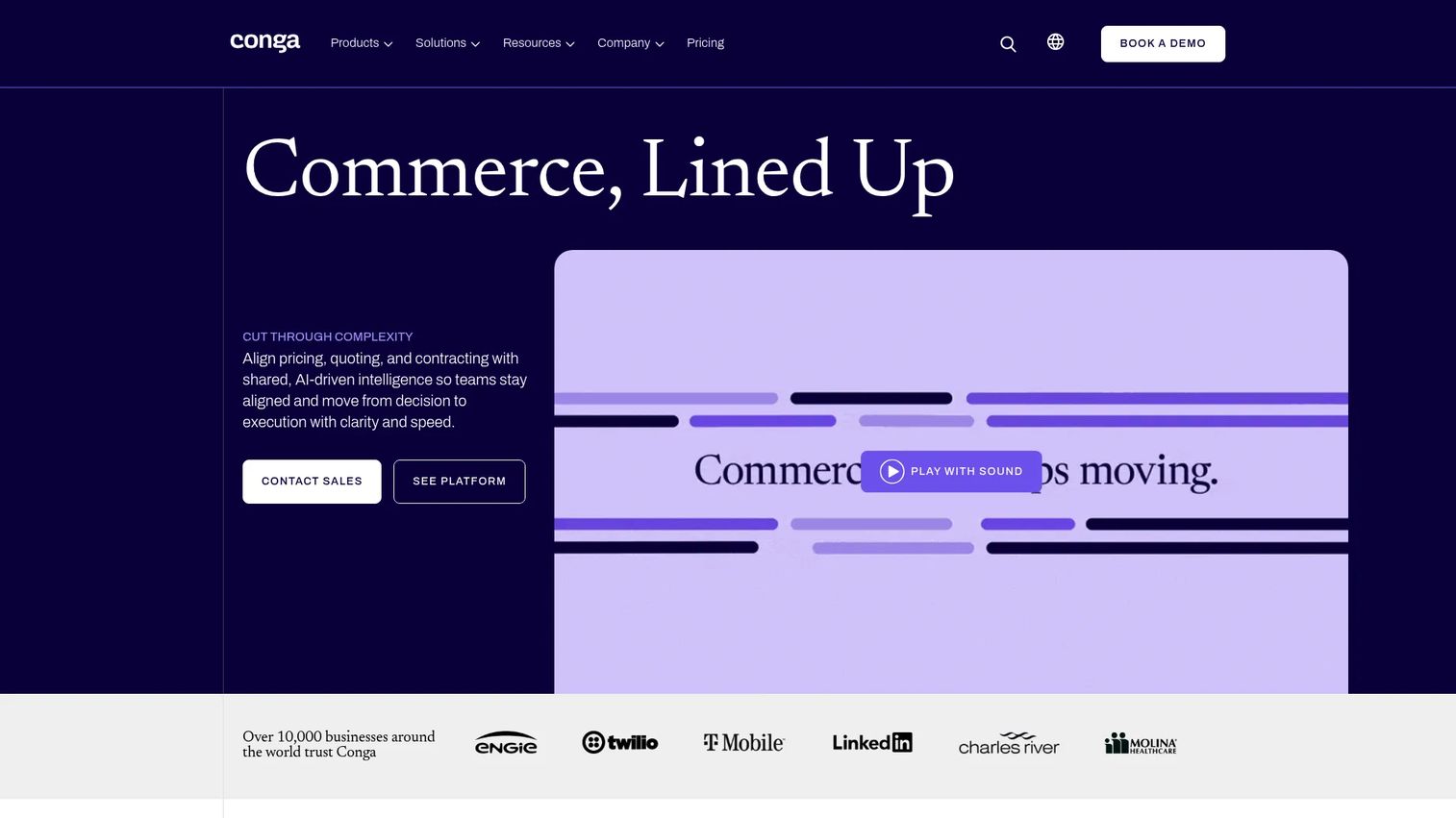
Conga is revenue lifecycle software for document automation, CPQ, CLM, billing, and pricing management. Document generation is one part of a larger workflow that spans quoting through contract to signature. For teams with complex quote-to-cash processes, it handles document assembly inside the broader deal motion.
Best for: Mid-market and enterprise teams needing revenue lifecycle automation.
Key features
- Document automation and eSignature workflows
- CPQ and contract lifecycle management
- Price optimization and management
- CRM integration, including Salesforce
- Scalable, workflow-heavy generation
Why choose Conga: Pick it when document generation is part of a wider revenue operation, not a standalone task. It suits teams that need quote-to-cash and operational document processes managed together.
Conga pricing: Conga does not list public prices on its pricing page and directs buyers to contact sales for a quote, so plan for a scoped conversation and an implementation timeline.
Conga holds a G2 rating of 4.3/5.
6. Docmosis
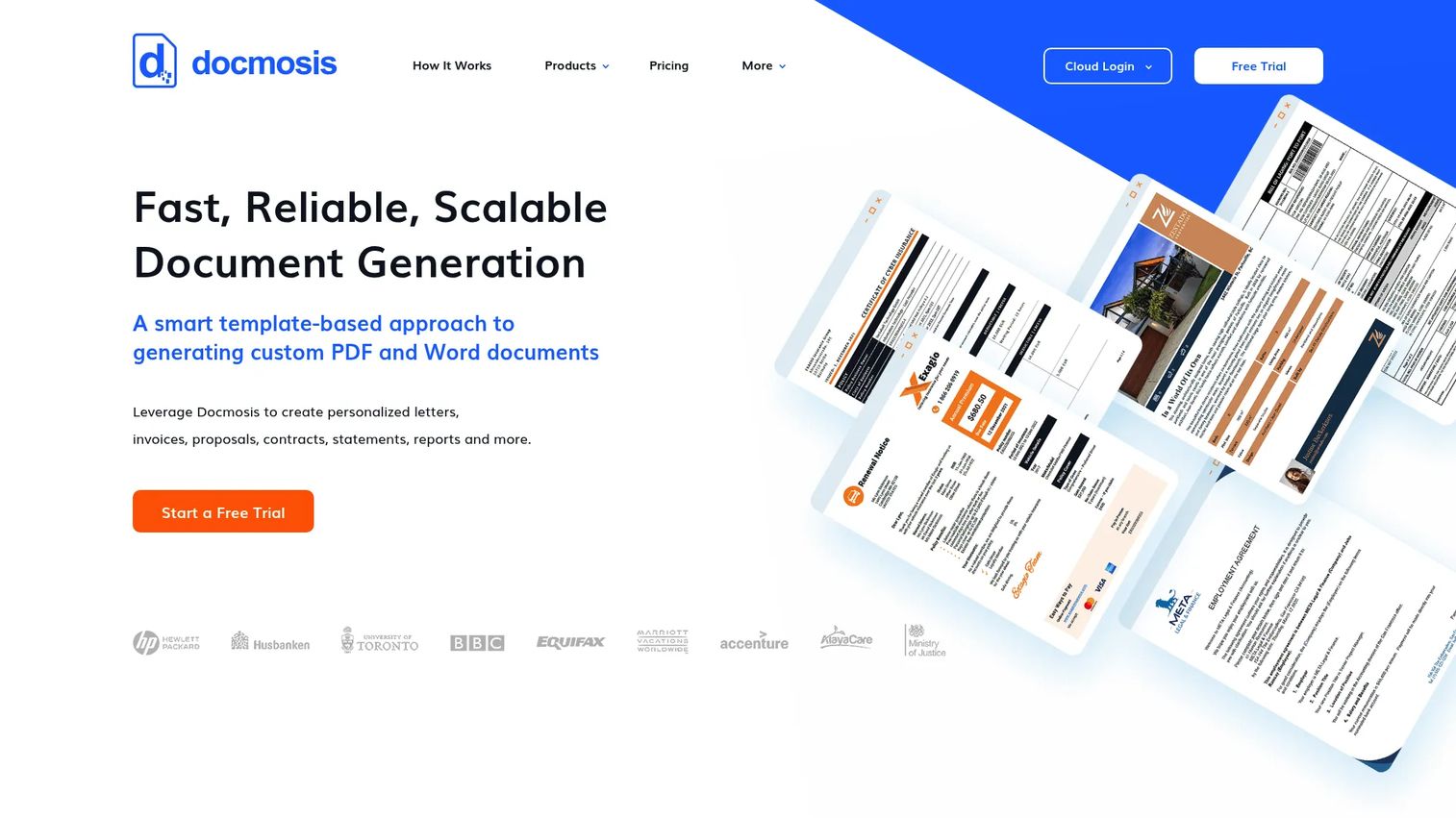
Docmosis is template-based document generation software available as SaaS, self-hosted, or a Java library. Developers design templates in Microsoft Word or LibreOffice Writer, then generate PDF, DOCX, ODT, or TXT files through a REST API. It is built to embed document generation directly into other systems.
Best for: Teams needing template-driven document generation with SaaS or self-hosted deployment options.
Key features
- Create templates in Word or LibreOffice Writer
- Generate PDF, DOCX, ODT, or TXT outputs
- REST API integration for custom software
- No-code and low-code platform support
- Self-hosted or cloud deployment
Why choose Docmosis: Choose it when document generation needs to run inside your own application or ops stack. It fits developers and operations teams that want programmatic output with control over deployment.
Docmosis pricing: Cloud plans start at $49 USD per month for Professional, with Business at $64 and Enterprise at $78 per month. Docmosis also sells perpetual licenses starting at $3,795 one-off, and a free trial is available.
Docmosis holds a G2 rating of 4.6/5.
7. Adobe Acrobat
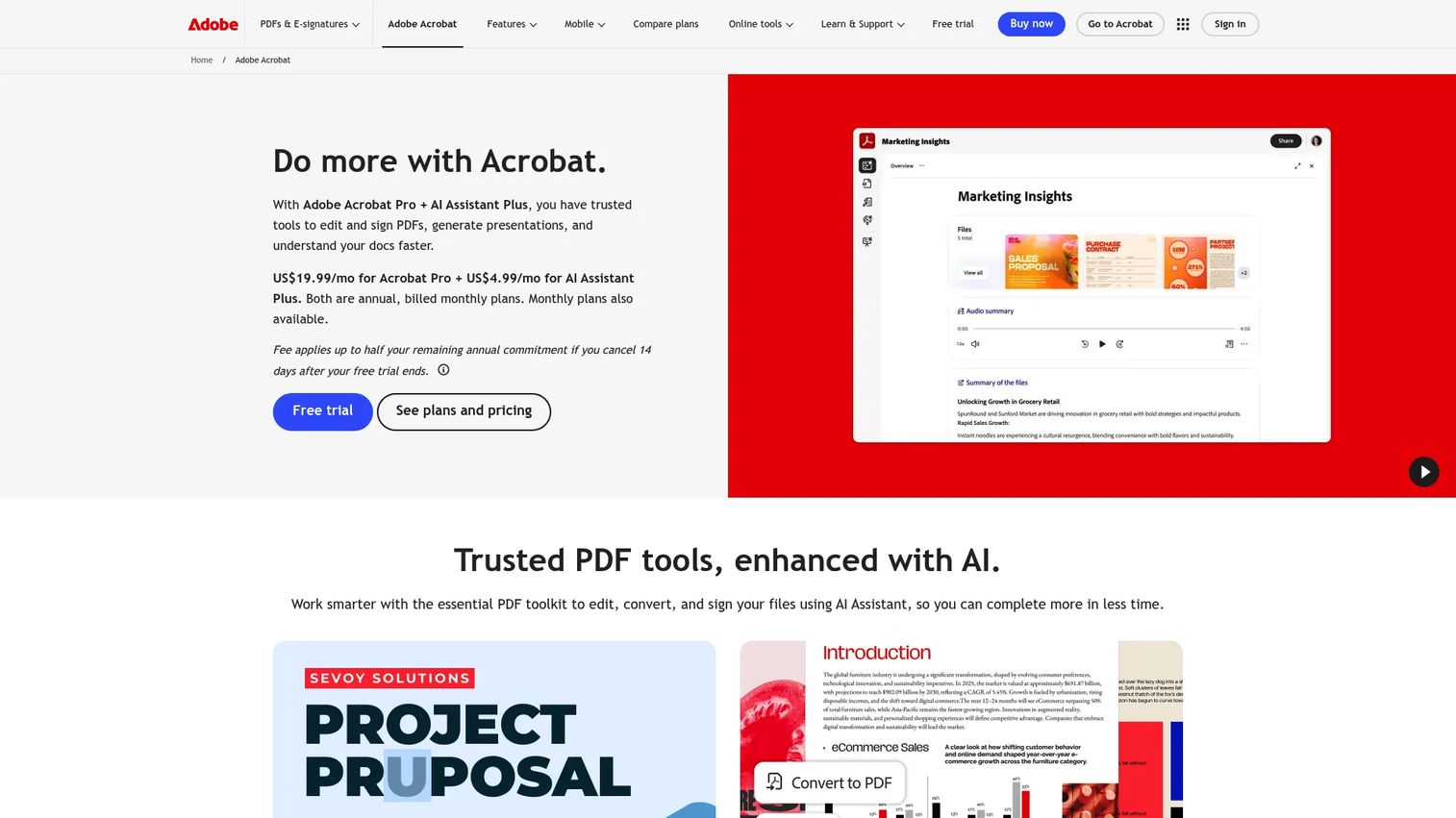
Adobe Acrobat is Adobe's PDF creation, editing, signing, and AI-assisted document workflow product. It edits PDFs and images, converts files to and from PDF, and collects e-signatures with response tracking. For teams that live in PDF handoffs, it is the default for final-format documents.
Best for: Teams and individuals who need PDF editing, e-signatures, and AI-assisted document workflows.
Key features
- Edit PDFs and images
- Create and convert PDFs
- Collect e-signatures and track responses
- AI-assisted document workflows
- Word and other format export
Why choose Adobe Acrobat: Pick it when your documents move as PDFs and you need reliable editing, conversion, and signing. It suits teams whose workflows center on final-format handoff rather than data-driven assembly.
Adobe Acrobat pricing: Acrobat Reader is free. Acrobat Pro is US$19.99 per month on an annual plan billed monthly, and Acrobat Studio is US$24.99 per month on the same billing structure.
A current G2 star rating for Adobe Acrobat was not published at the time of writing.
8. Gamma
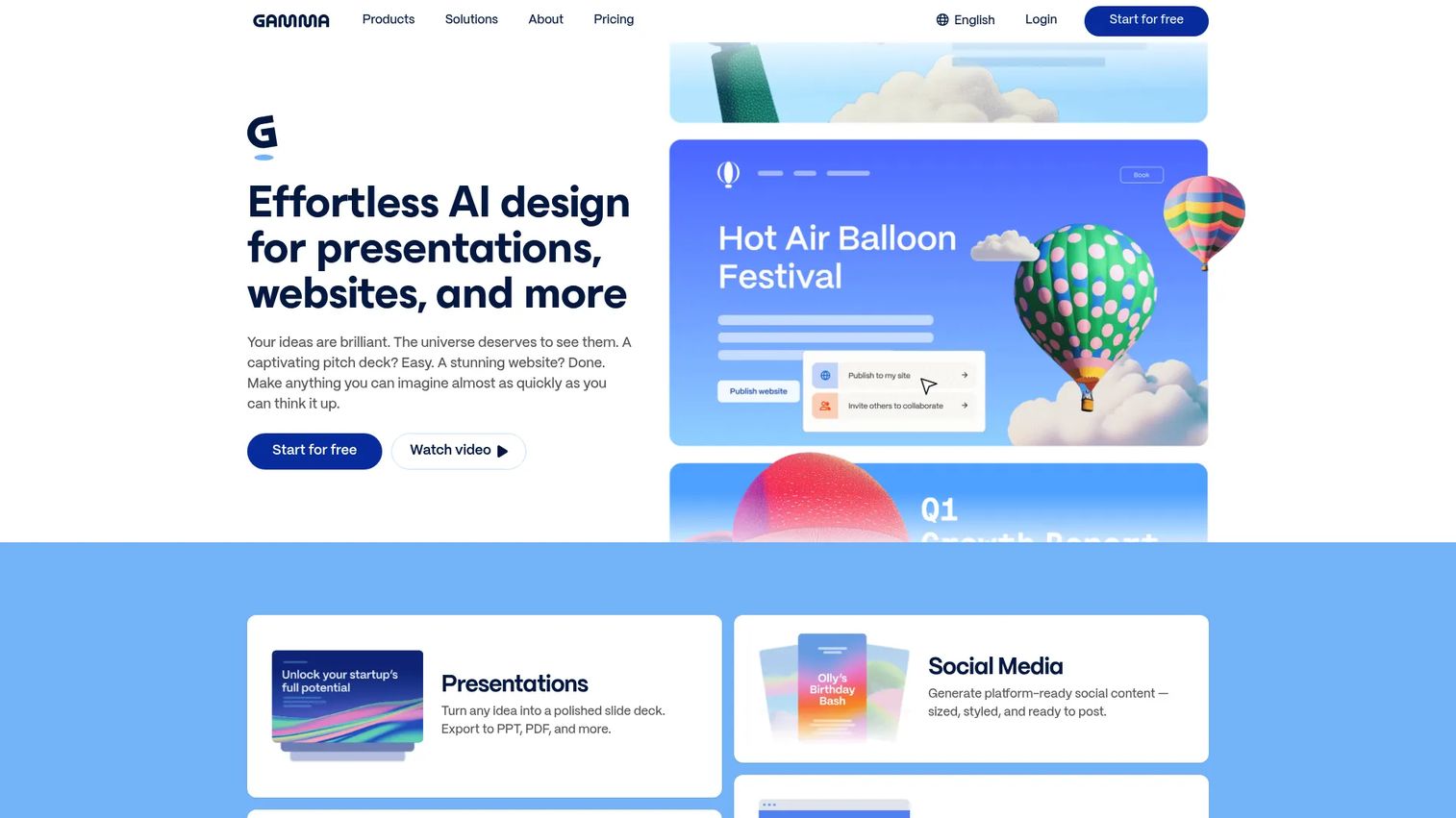
Gamma is an AI-native tool for creating and sharing presentations, websites, docs, social posts, and graphics. You describe what you need, and Gamma drafts a structured, visual document you can refine. Its AI Agent handles generation and editing, which makes it fast for PMMs producing concept docs and internal decks.
Best for: Teams and individuals creating AI-generated presentations and lightweight web content.
Key features
- Create presentations, docs, and websites from prompts
- AI Agent editing and generation
- Custom branding and domains
- Built-in analytics on shared content
- Fast drafting from a single input
Why choose Gamma: Choose it when you want AI-assisted drafting for narrative and presentation-style documents. It complements automation-first tools rather than replacing them, covering the fast-draft end of your document work.
Gamma pricing: Gamma offers a Free plan at $0 per month, along with Plus, Pro, and Ultra paid tiers. Paid plan prices were not shown on the accessible pricing page at the time of writing, so check the pricing page for current figures.
Gamma holds a G2 rating of 4.6/5.
Considerations
Template depth and reuse
Look at how easily you can build, lock, and reuse templates across teams. Reusable components are what turn a one-off document into a repeatable GTM asset. Check whether templates support merge fields and whether non-technical users can edit approved layouts without breaking them.
Data population and automation
Verify how the tool pulls data. Ask about CRM integrations, API hooks, and conditional logic, and confirm they connect to your actual stack. The gap between a tool that supports Salesforce natively and one that needs a workaround is measured in engineering hours.
Collaboration and approvals
Evaluate comments, version history, and approval routing as a set. Real-time collaboration is table stakes, but approval workflows and access control are what keep a stale draft off a customer's desk. Map the tool's routing to how sign-off actually happens on your team.
Security and governance
Ask about SSO, RBAC, audit trails, and data handling before you commit. For regulated documents and legal agreements, governance is not optional. Confirm the tool meets your compliance requirements and gives admins visibility into who changed what and when.
Output and delivery
Check the output formats you need, whether that is PDF, Word export, or e-signature. Then look at delivery. A tool that generates a perfect document but cannot route it for signature or embed it where you need it leaves the last mile to manual work.
Conclusion
The right document creation software depends on where your bottleneck sits.
If it is design and speed, Canva Docs and Gamma get polished documents out fast. If it is proposals and signatures, PandaDoc runs the full sales document lifecycle. For data-driven generation, Formstack Documents and Docmosis assemble documents from your systems, with Docmosis leaning API-first. For enterprise brand governance, Templafy keeps every document on message, and Conga handles document automation inside a broader revenue workflow. For PDF-centric handoffs, Adobe Acrobat remains the default.
Next step: shortlist two tools, one visual and one automation-first, and run each against a real document you produce weekly. Measure setup time, output quality, and how cleanly it fits your CRM and approval flow. That single test tells you more than any feature list.
Whichever you pick, the goal is the same. Turn document work from a scramble into a governed, repeatable workflow.
Start your journey with Guideflow today!
FAQs
Document creation software helps a person write, design, and format a document, often from a template. Document automation software generates finished documents from data, using merge fields, conditional logic, and CRM or API connections. The overlap is large, and many platforms do both. The distinction is whether a human assembles each document or a workflow does.
Team fit depends on collaboration, approvals, and governance more than raw features. Tools with real-time collaboration, version history, and approval routing keep multiple stakeholders aligned without version drift. For enterprises, add access control and brand governance to the checklist. Match the tool's workflow to how sign-off actually happens on your team.
Yes. Many platforms offer native CRM integrations, with Salesforce and HubSpot among the most common. Data population is why this matters: connecting your CRM lets quotes, proposals, and contracts fill themselves from live records instead of manual entry. Confirm the specific integration you need is native, not a workaround, before you buy.
AI document creation is genuinely useful for drafting, summarizing, and generating first versions fast. It shortens the blank-page problem and speeds up repetitive writing. It works best with a human in the loop for accuracy, brand voice, and final approval. Treat AI as a drafting accelerator, not a replacement for governance and review.
Start with your document volume and data complexity. If you produce a handful of polished, visual documents, a design-led tool wins on speed and appearance. If you generate many documents from structured data, an automation-led platform saves far more time through data population and conditional logic. High-volume, data-heavy teams often run one of each.
For PMMs, the priorities are brand consistency, approvals, speed to publish, and collaboration. You want positioning and proof points that stay consistent across every touchpoint, plus governance so the approved version is the one that ships. Analytics on how documents perform is a bonus. Above all, pick a tool your cross-functional partners will actually adopt.










