A roadmap decision lives in one page. The ticket that implements it sits in another tool. The latest requirement got pasted into a chat thread three weeks ago, and the customer-facing release notes still describe last quarter's version of the feature. Nobody agrees anymore on which document is current.
That fragmentation isn't a filing problem, it's a coordination cost. Knowledge workers and team leaders now spend 25% of their time just searching for answers they should already have, according to Atlassian's State of Teams report (2025). For a Product Manager juggling engineering, design, sales, and support, that search tax shows up as repeated Slack questions, reopened decisions, and onboarding docs that quietly go stale after every release.
Project documentation software exists to close that gap. The right platform keeps requirements, decisions, and release context attached to the work itself, so teams stop reconstructing history from memory. This guide compares 12 platforms built for that job.
What's inside
This guide is built for Product Managers evaluating a documentation system that has to hold up across a full release cycle, not just store files. Here's what you'll find:
- Which of the 12 platforms fit project documentation, and which solve an adjacent job like process execution or developer publishing
- How to tell a project workspace apart from a knowledge base, a docs-as-code tool, or a process platform
- A side-by-side comparison covering pricing, ratings, and the capability that sets each tool apart
- Buyer criteria for version history, permissions, search, and long-term maintenance cost
Tools were selected based on project workflow fit, collaboration depth, version control, integration reach, and current, verified pricing.
TL;DR
- Best overall for cross-functional product context: Confluence connects requirements, decisions, and meeting notes to the work teams are already tracking.
- Best for structured documentation governance: Document360 adds review workflows and role-based access for teams publishing customer-facing content.
- Best for product and developer documentation together: GitBook pairs a visual editor with Git synchronization and API publishing.
- Best for issue-linked delivery records: Jira keeps requirements and acceptance criteria attached to the backlog item they describe.
- Best for docs-as-code teams: GitHub and Docusaurus fit engineering-led documentation reviewed alongside code.
- Best for a flexible product workspace: Notion adapts to requirements, research notes, and roadmap context in one place.
What is project documentation software?
Project documentation software is a platform that helps teams create, organize, maintain, share, and track project information across the project lifecycle.
That category stretches wider than most people assume. It can cover:
- Product requirements documentation
- Project briefs and scope notes
- Research findings and discovery synthesis
- Decision records and the reasoning behind them
- Roadmap context and meeting outcomes
- Technical specifications and release documentation
- Process documentation for repeatable work
- Customer-facing implementation guides
- Project files and supporting assets
Project documentation software versus adjacent categories
One platform often covers more than one of these jobs, which is exactly why teams confuse categories when shortlisting tools.
| Category | Primary job | Best fit |
|---|---|---|
| Project documentation software | Preserve project context and decisions | Product and project teams |
| Knowledge base software | Organize reusable internal knowledge | Company-wide reference content |
| Technical documentation software | Publish developer or API information | Engineering and developer relations |
| Process documentation software | Capture repeatable procedures | Operations, support, and enablement |
| Project management software | Track tasks, owners, status, and deadlines | Delivery coordination |
| File storage software | Store and retrieve files | Asset and document storage |
Core capabilities to evaluate
When you're narrowing a shortlist, weigh these capabilities against your actual workflow rather than a feature count:
- Structured pages and reusable templates
- Search, tagging, and information architecture
- Comments, mentions, and collaborative editing
- Version history and change tracking
- Permissions and external sharing controls
- Integrations with project, design, engineering, and support systems
- Publishing paths for internal or customer-facing documentation
- Workflow automation and review reminders
- Analytics on content usage and search gaps
When to use project documentation software
Preserve product decisions across the release cycle
Connect research, requirements, design tradeoffs, and the final call into one trail. When a decision has context attached, the next PM who inherits the feature doesn't reopen a question your team already settled six months earlier.
Coordinate cross-functional delivery
Documentation becomes the shared surface for engineering, design, data, sales, and support. Comments, ownership fields, and linked work items support asynchronous review, which matters most when your team spans time zones.
Maintain customer and internal guidance after launch
Release notes, onboarding material, and support macros all need to reflect the current product, not last quarter's build. Some teams pair written release documentation with an interactive walkthrough so support and sales tell the same story a customer sees on screen. Guideflow lets a PM capture a real workflow, then personalize it by plan or role before handing it to onboarding and customer success.
Project documentation software comparison
The table below sorts platforms by relevance to project documentation rather than raw feature count, since a heavier feature list doesn't automatically mean a better fit for your release cadence. Pricing and ratings were verified against each vendor's live pricing page and current G2 listing.
| # | Product | Best for | Key differentiator | Pricing | G2 rating |
|---|---|---|---|---|---|
| 1 | Document360 | Structured knowledge base governance | Review workflows and versioned spaces | Custom pricing, 14-day trial | 4.5 |
| 2 | GitBook | Product and API documentation | Visual editor with Git sync | Free, from $65/site/month | N/A |
| 3 | Confluence | Cross-functional project knowledge | Page hierarchy tied to work tracking | Free, from $5.42/user/month | N/A |
| 4 | Jira | Issue-linked requirements | Documentation attached to backlog items | Free, custom paid tiers | 4.2 |
| 5 | GitHub | Version-controlled dev documentation | Pull request review for docs changes | Free, from $4/user/month | 4.6 |
| 6 | Notion | Flexible product workspace | Databases plus pages in one tool | Free, from €9.50/member/month | 4.6 |
| 7 | Process Street | Repeatable process documentation | Conditional logic and execution tracking | Custom pricing, 14-day trial | 4.6 |
| 8 | Tettra | Internal team knowledge | Slack-native answers with verification | From $8/user/month | 4.7 |
| 9 | Miro | Visual discovery documentation | Infinite canvas for research synthesis | Free, from $8/member/month | 4.6 |
| 10 | ReadMe | Developer and API portals | Interactive API reference | Free, Pro from $250/month | 4.5 |
| 11 | Docusaurus | Docs-as-code publishing | Markdown and MDX with static builds | Free, open source | N/A |
| 12 | monday AI Workspace | Documentation inside active projects | Boards, updates, and files in one workspace | Free, from $9/seat/month | 4.7 |
1. Document360
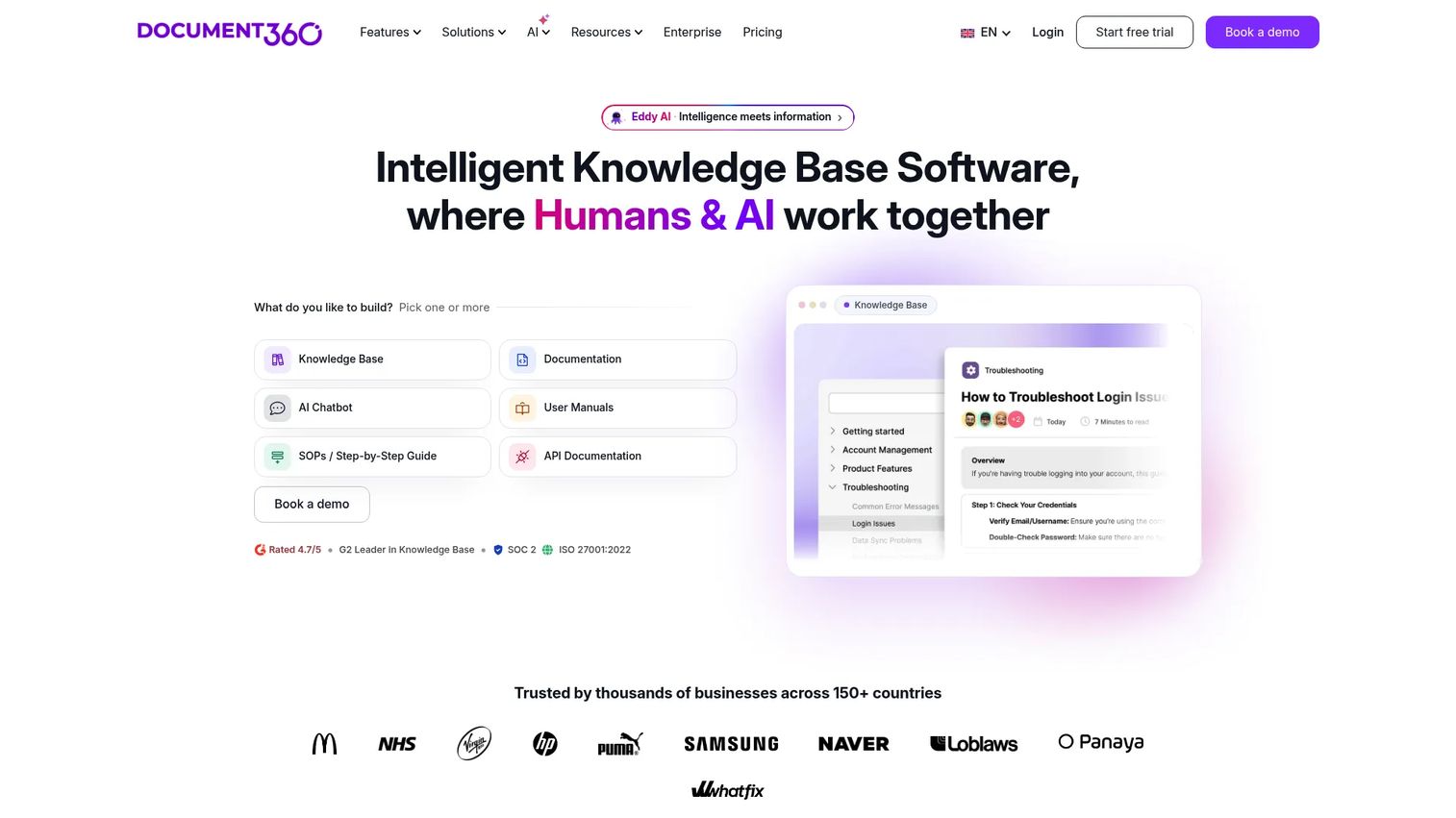
Document360 is a structured documentation platform built for teams publishing organized knowledge bases, whether that content stays internal or ships to customers. It fits Product Managers who need a requirements library or a release documentation archive that has clear ownership and version history attached to every page.
Best for: Product teams that need a governed documentation site with publishing workflows and role-based permissions.
Key features
- Markdown and WYSIWYG editors
- Custom workflow builder with revision history
- AI-assisted search and writing support
- Role-based access controls
Why choose Document360: It gives Product Managers stronger publishing control than a general workspace, at the cost of a steeper setup than a blank canvas.
Document360 pricing: Document360 doesn't post a flat number. Every plan gets quoted around your team size, workspace count, and security requirements, and you can test the platform on a 14-day free trial before committing to anything.
On G2, Document360 holds a 4.5 out of 5 rating.
2. GitBook
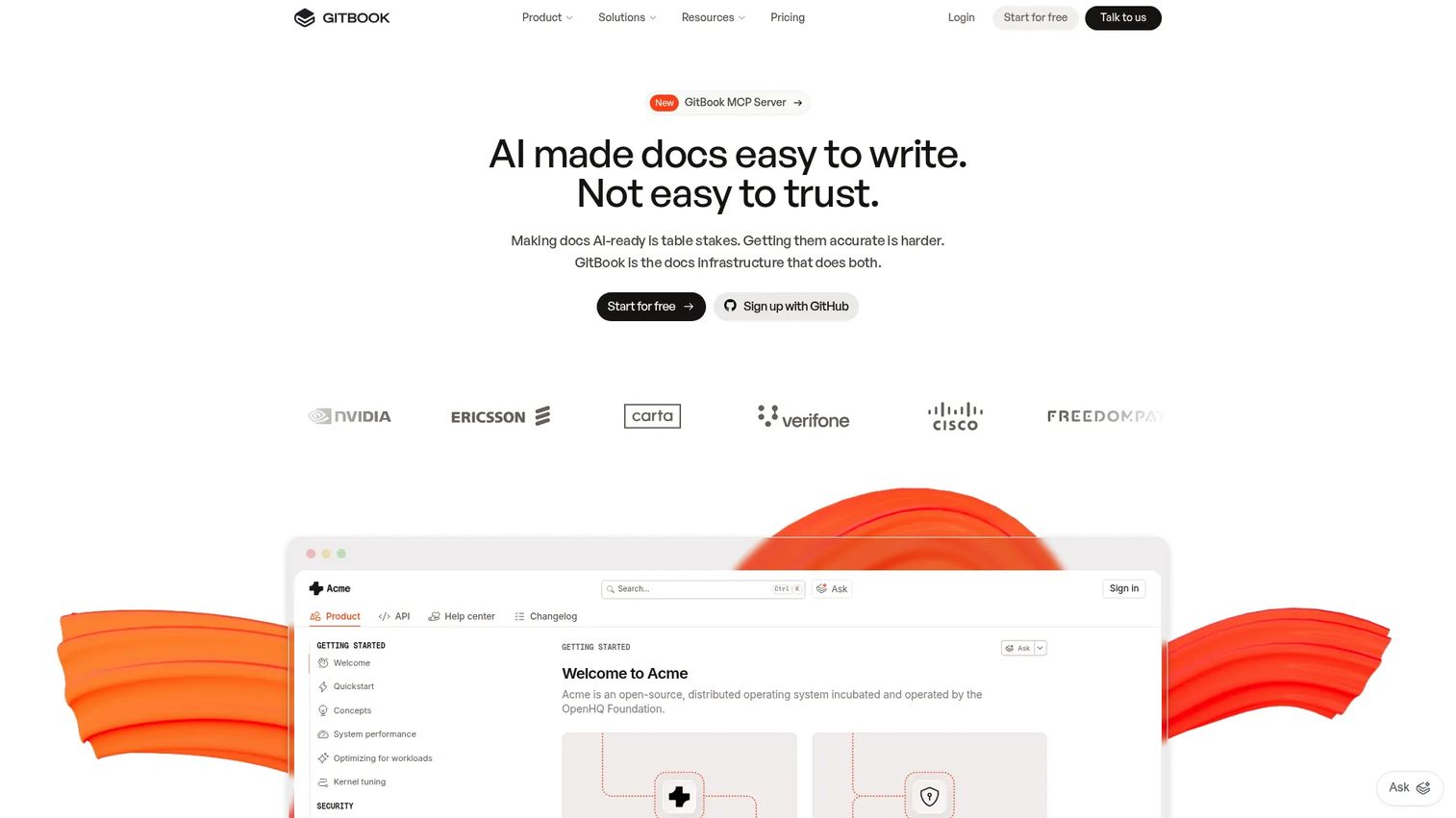
GitBook is a documentation platform for product, developer, and API content, and it's a natural fit for Product Managers who work closely with engineering on public-facing docs. Roughly 68% of developers say they used technical documentation to learn a skill in the past year, per the Stack Overflow Developer Survey (2025), which is exactly the audience GitBook is built to serve.
Best for: Product teams publishing structured documentation sites alongside a developer or API audience.
Key features
- Visual block-based editor
- GitHub and GitLab synchronization
- Interactive API playgrounds
- Content analytics and reader feedback
Why choose GitBook: It balances collaborative editing with developer-grade publishing, though teams running heavy project coordination will still need a separate delivery tool.
GitBook pricing: The Free plan suits a single documentation site for one person. Premium starts at $65 per site per month plus $12 per user per month, billed annually, and Ultimate runs $249 per site per month plus $12 per user per month. Enterprise pricing is custom.
GitBook doesn't currently carry a listed G2 rating.
3. Confluence
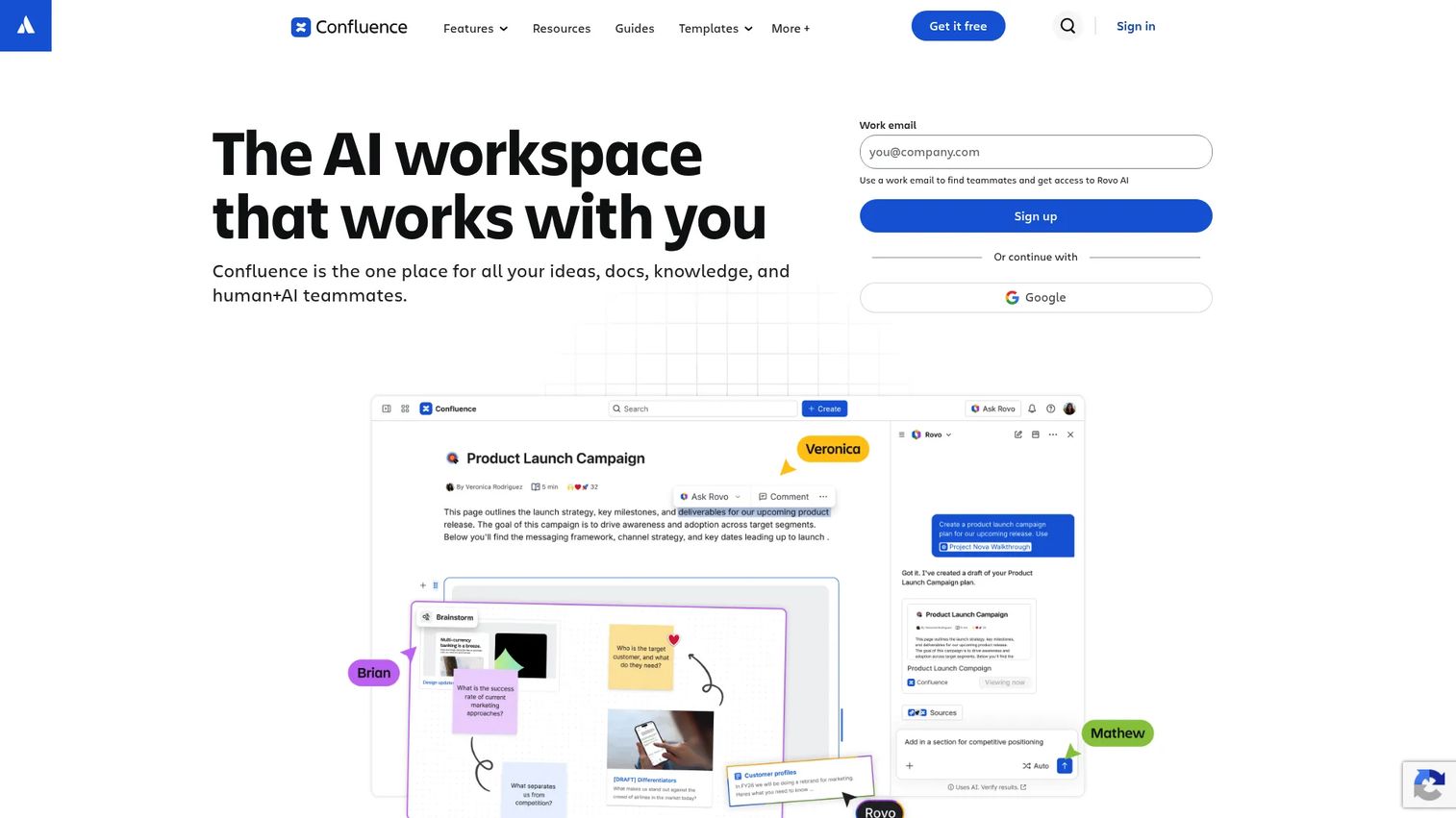
Confluence is a collaborative workspace for project context: Requirements pages, meeting notes, decision records, and planning docs that stay connected to the work a team tracks elsewhere. It's a common choice for Product Managers who already run their backlog in a connected work-tracking tool.
Best for: Cross-functional product teams that want shared documentation linked directly to delivery work.
Key features
- Product requirements templates
- Page hierarchy organized into spaces
- Real-time comments and mentions
- Version history on every page
Why choose Confluence: It scales well across functions, but without naming conventions and page ownership, spaces sprawl fast.
Confluence pricing: The Free plan covers up to 10 users with 2 GB of storage. Standard starts at $5.42 per user per month, and Premium runs $10.44 per user per month. Enterprise pricing requires a sales conversation.
Confluence doesn't have a current G2 rating listed.
4. Jira
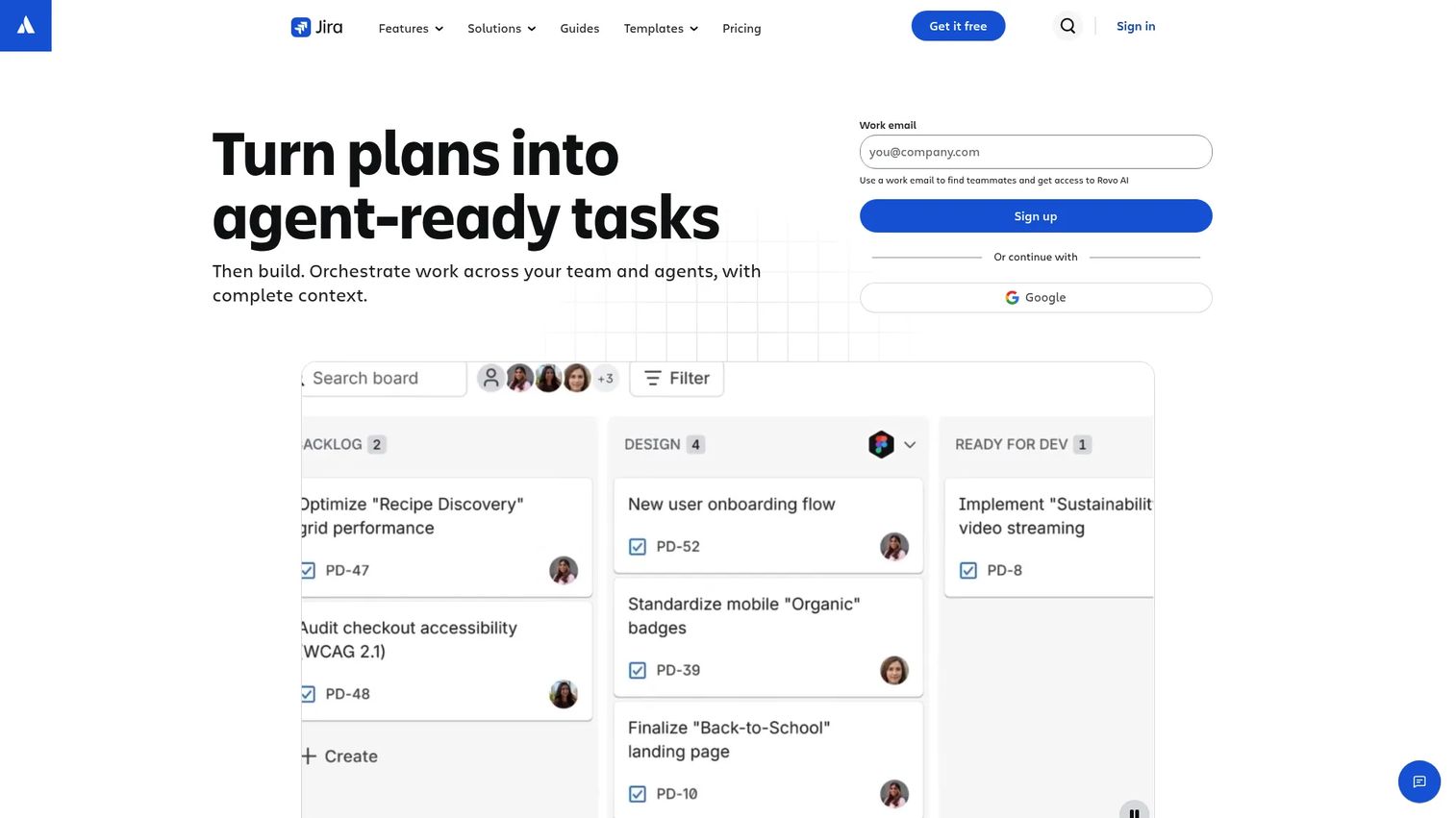
Jira is a project and issue tracking platform, and it doubles as documentation infrastructure when requirements, acceptance criteria, and release context stay attached to the tickets they describe. That proximity is the appeal for teams tired of documentation drifting away from delivery status.
Best for: Product teams that want requirements connected directly to backlog items, sprints, and release status.
Key features
- Issue-linked requirements
- Release and sprint context
- Custom workflows per project type
- Reporting with traceability back to source tickets
Why choose Jira: It fits structured delivery environments well, but you'll likely need a companion space for long-form knowledge or customer-facing material.
Jira pricing: The Free plan covers up to 10 users at no cost. Standard and Premium pricing depends on your team size, since you enter a headcount before Jira quotes a rate. Enterprise pricing runs through a sales conversation.
On G2, Jira holds a 4.2 out of 5 rating.
5. GitHub

GitHub hosts README files, contribution guides, and technical decision records right next to the code they describe. That's part of why 81% of developers report using GitHub for code documentation and collaboration, according to the Stack Overflow Developer Survey (2025).
Best for: Engineering-led product teams that want documentation changes reviewed alongside code.
Key features
- Markdown-based documentation
- Pull request review on doc changes
- Full repository version history
- Static documentation publishing via Pages
Why choose GitHub: Version control and review discipline are strong here, though nontechnical stakeholders may find the interface harder to navigate than a visual workspace.
GitHub pricing: The Free plan includes unlimited public and private repositories. Team pricing starts at $4 per user per month for the first 12 months, and Enterprise starts at $21 per user per month for the same introductory period.
On G2, GitHub holds a 4.6 out of 5 rating.
6. Notion
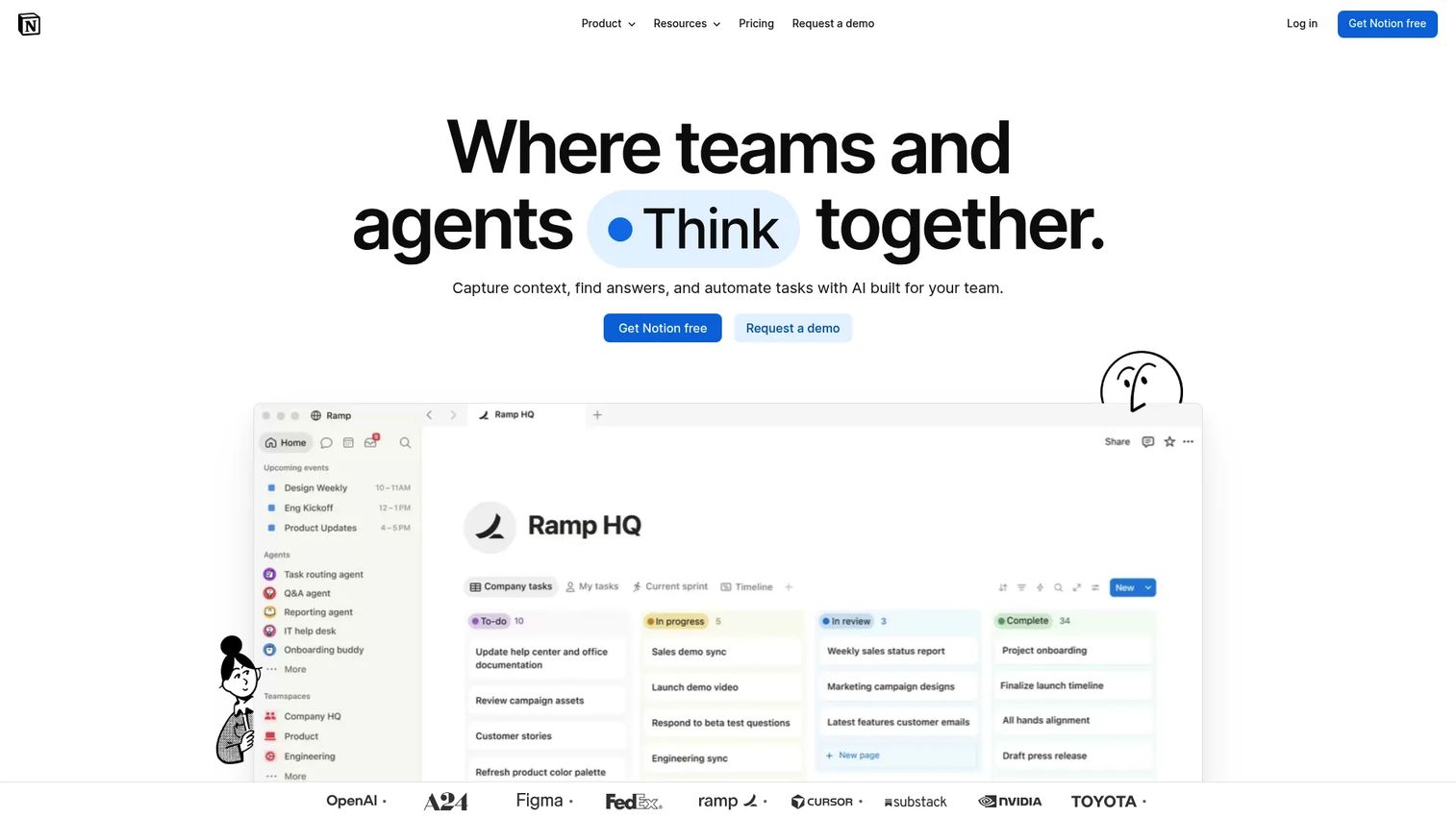
Notion gives Product Managers a flexible surface for requirements, roadmaps, research notes, and decision logs without forcing a rigid page structure from day one. That flexibility is also its biggest maintenance risk once several teams start editing the same workspace.
Best for: Product Managers who need a workspace that adapts across requirements, research, and lightweight project tracking.
Key features
- Flexible pages and linked databases
- Templates built for product workflows
- Real-time collaborative editing
- Internal knowledge hubs by team or project
Why choose Notion: Teams move fast here, but that speed needs governance, or you end up with duplicate pages and inconsistent terminology within a quarter.
Notion pricing: The Free plan works for individuals. Plus starts at €9.50 per member per month, and Business runs €19.50 per member per month. Enterprise pricing is custom.
On G2, Notion holds a 4.6 out of 5 rating.
7. Process Street
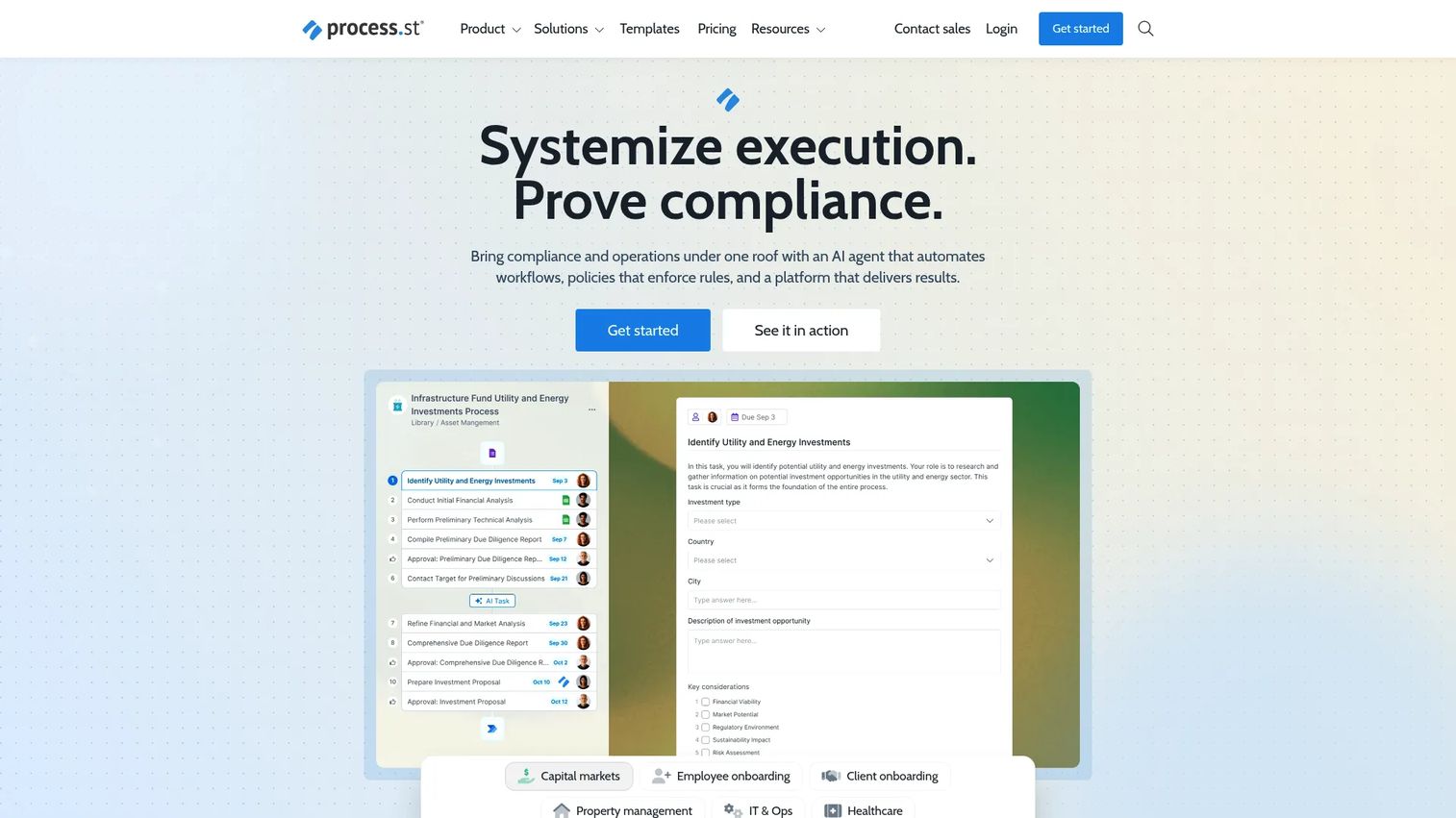
Process Street turns documented procedures into workflows teams actually run, which fits launch checklists, release-readiness reviews, and recurring product operations better than long-form project context does.
Best for: Product and operations teams converting documented processes into repeatable execution.
Key features
- Workflow templates with conditional logic
- Recurring checklists
- Task assignments per step
- Process completion tracking
Why choose Process Street: It's built for execution, not narrative context, so pair it with a separate space for requirements and decisions.
Process Street pricing: Process Street doesn't show flat numbers for its Startup, Pro, or Enterprise plans. Each one requires a sales conversation, though you can try Pro free for 14 days without a credit card.
On G2, Process Street holds a 4.6 out of 5 rating.
8. Tettra
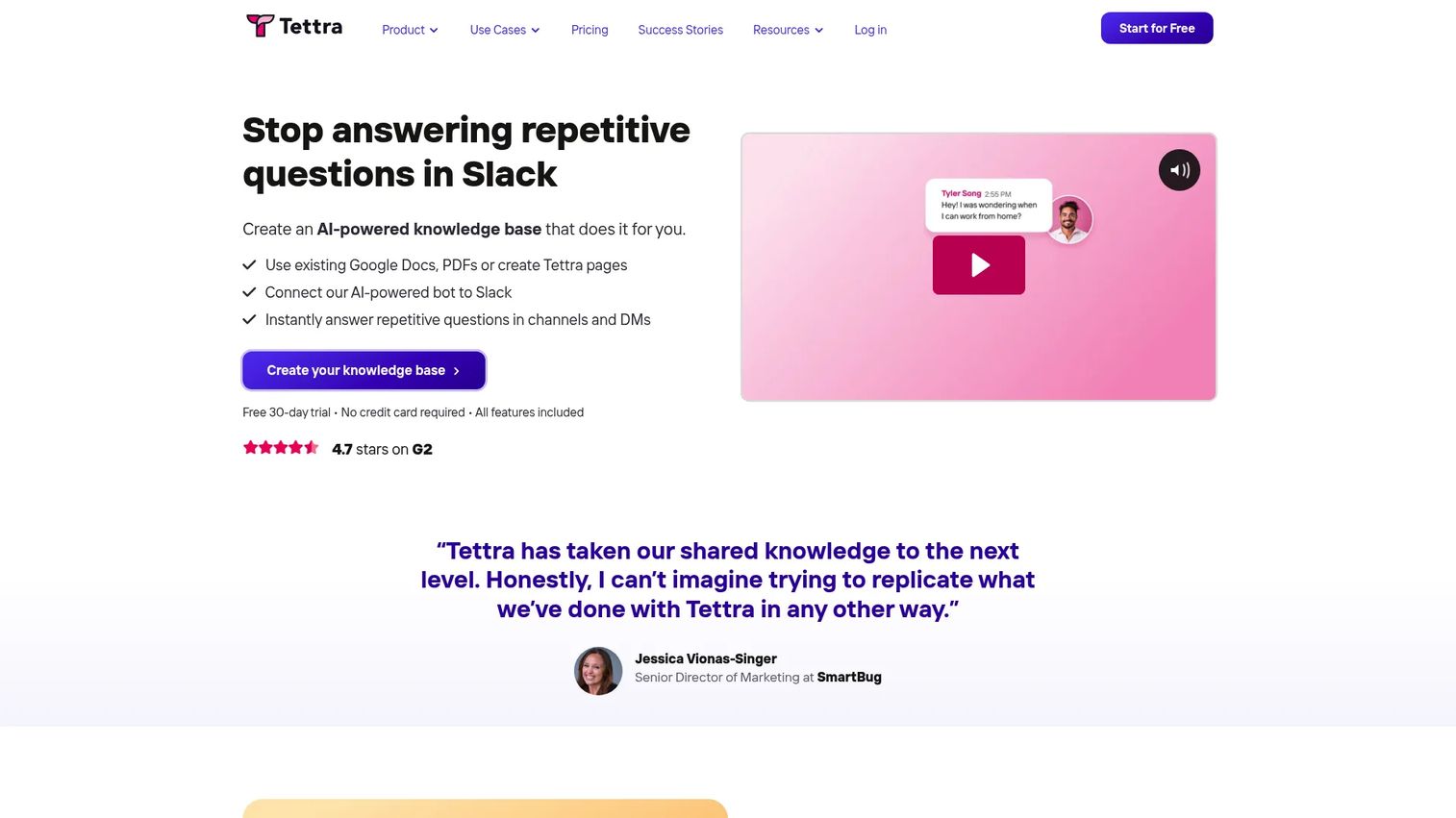
Tettra centralizes the recurring questions teams answer over and over, with verification reminders that flag pages before they go stale. It's a tighter fit for internal answers than for full project context.
Best for: Product teams that want a focused internal knowledge base with clear page ownership.
Key features
- Internal knowledge pages
- Slack-based AI answers
- Stale-page verification reminders
- Unlimited version history
Why choose Tettra: It prioritizes findability over complex execution, so most teams still run a separate tracker for active delivery work.
Tettra pricing: The Scaling plan starts at $8 per user per month, with a 10-user minimum, and annual billing saves 20%. Enterprise pricing is custom.
On G2, Tettra holds a 4.7 out of 5 rating.
9. Miro
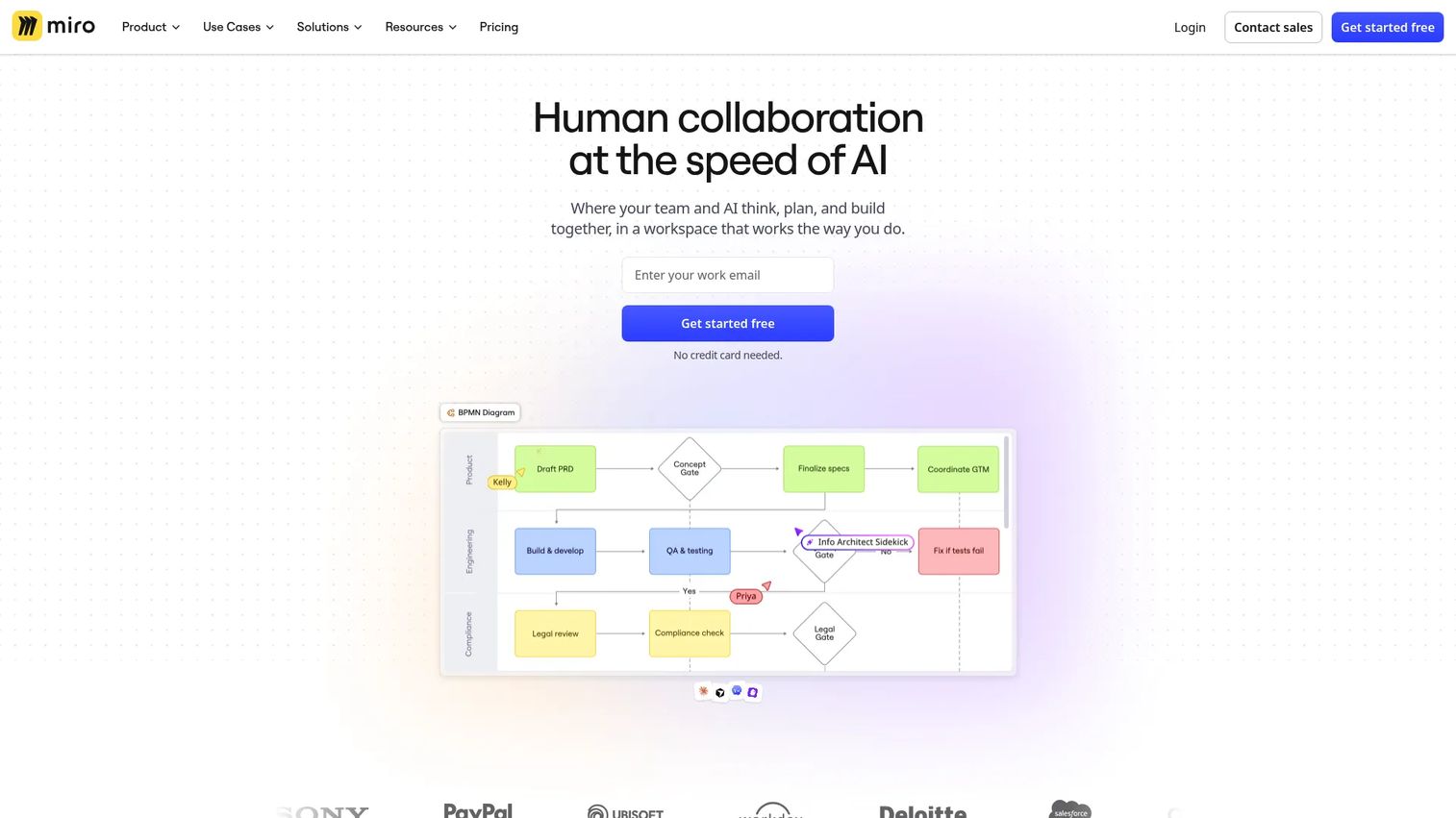
Miro is where discovery documentation actually looks like the thinking behind it: Journey maps, research synthesis, and workshop output on an infinite canvas rather than a static page.
Best for: Product teams documenting complex ideas visually during discovery and cross-functional alignment.
Key features
- Collaborative infinite canvas
- Research synthesis templates
- Diagramming and prototyping tools
- Export and sharing controls
Why choose Miro: It's strongest for visual exploration, so durable requirements and release records usually still need a written companion tool.
Miro pricing: The Free plan includes three editable boards. Starter costs $8 per member per month, billed yearly, and Business runs $20 per member per month on the same billing cycle. Enterprise pricing starts from 30 members with a custom quote.
On G2, Miro holds a 4.6 out of 5 rating.
10. ReadMe
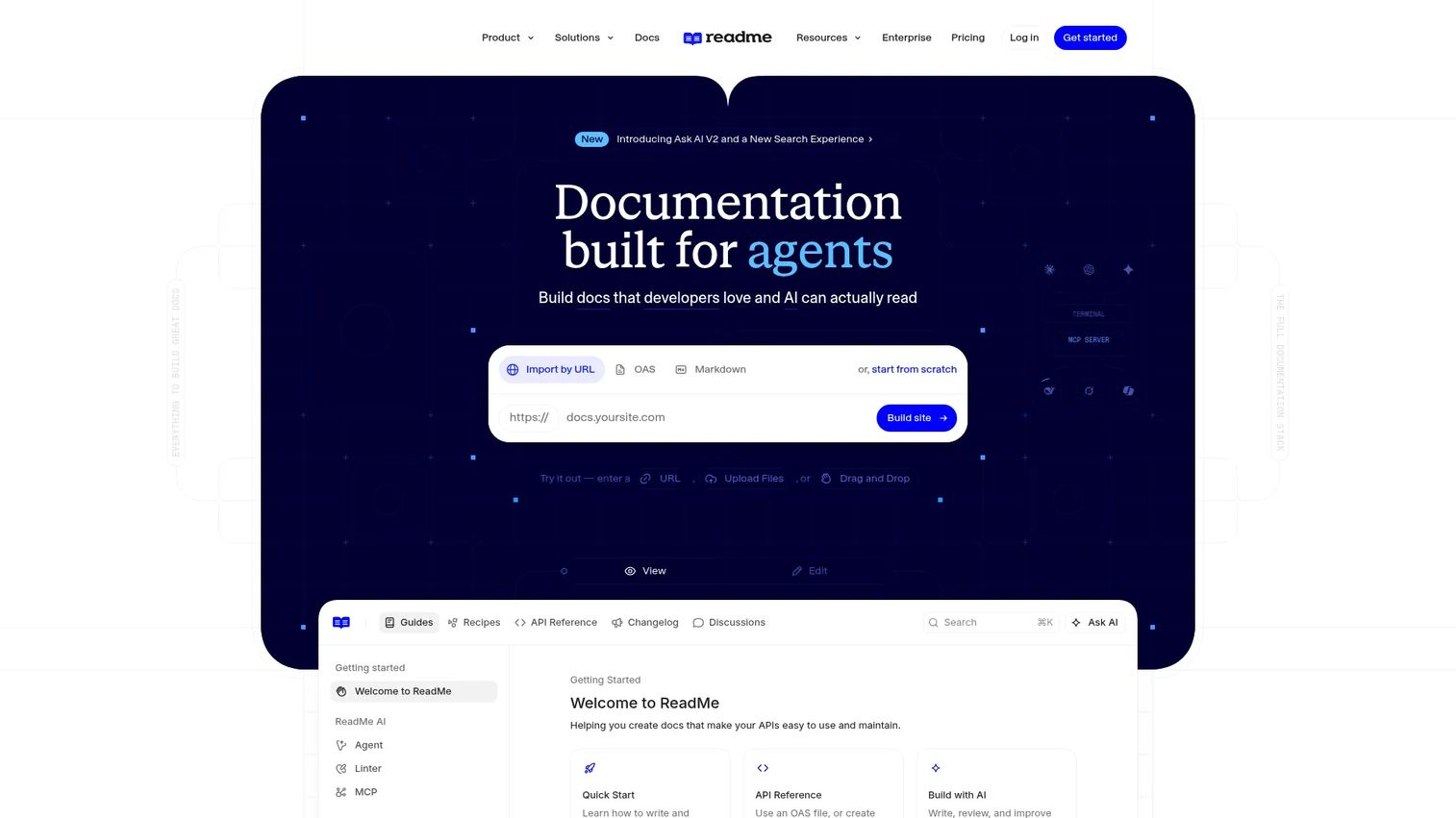
ReadMe publishes interactive API references and developer portals, which matters directly for Product Managers whose adoption metrics depend on how fast integration partners get unstuck.
Best for: API-first product teams publishing interactive developer documentation.
Key features
- Interactive API reference with OpenAPI support
- Bi-directional Git synchronization
- Usage analytics per endpoint
- AI-assisted docs auditing
Why choose ReadMe: It's a specialist tool for developer experience, not a substitute for an internal product workspace.
ReadMe pricing: The Starter plan is free for everyone. Pro costs $250 per month, billed annually, and Enterprise pricing requires a sales conversation.
On G2, ReadMe holds a 4.5 out of 5 rating.
11. Docusaurus
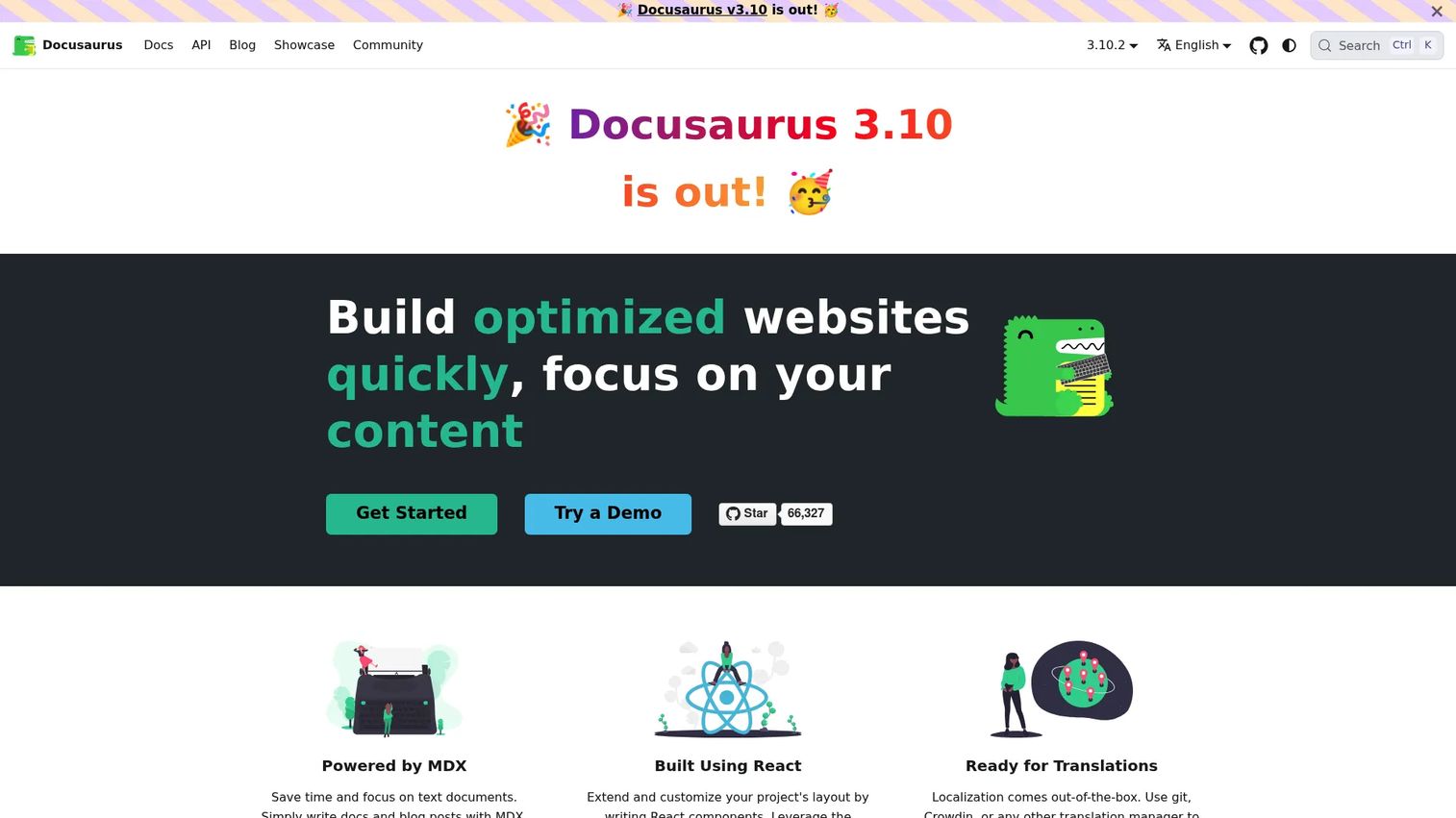
Docusaurus is an open-source framework for building documentation sites from Markdown and MDX, with versioning and static deployment built in. It suits engineering-led teams that want full control over their documentation stack rather than a hosted platform someone else maintains.
Best for: Engineering-led teams that want ownership over a docs-as-code publishing stack.
Key features
- Markdown and MDX support
- Built-in documentation versioning
- React-based customization
- Static site generation with Git workflows
Why choose Docusaurus: You get full extensibility, but someone on your team owns the build pipeline, hosting, and search integration going forward.
Docusaurus pricing: Docusaurus itself costs nothing to license, since it's open source software maintained by the community. You'll still budget for hosting, a domain, and any search or analytics tools you layer on top.
Docusaurus doesn't appear as a rated product on G2, since it's a framework rather than a hosted service.
12. Monday AI Workspace
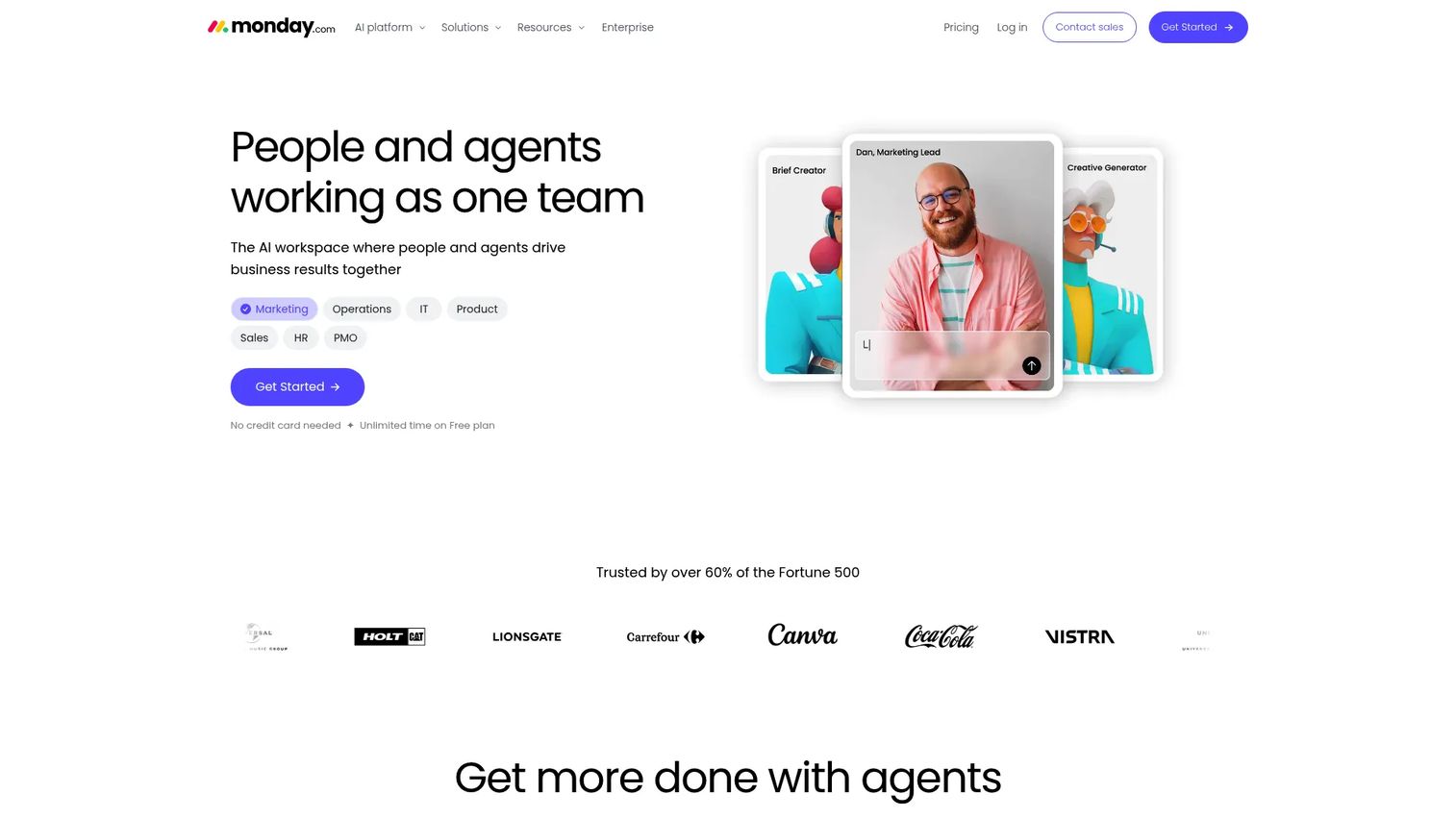
Monday AI Workspace combines project boards, updates, files, and documentation context in one workspace, which fits Product Managers who want documentation living next to active planning rather than in a separate tool.
Best for: Product teams that want documentation connected to live project coordination and ownership tracking.
Key features
- Custom boards and views
- Status and ownership tracking
- Workflow automations
- AI-assisted meeting notes and summaries
Why choose monday AI Workspace: It keeps documentation close to active work, though teams needing a dedicated documentation site or developer portal will need a specialized platform alongside it.
monday AI Workspace pricing: The Free plan covers up to 2 seats. Basic starts at $9 per seat per month, Standard runs $12 per seat per month, and Pro costs $19 per seat per month, all billed annually. Enterprise pricing is custom.
On G2, monday AI Workspace holds a 4.7 out of 5 rating.
Considerations
Match the platform to the documentation job
Ask whether the primary need is project context, internal knowledge, process execution, or developer publishing. A tool with the longest feature list isn't automatically the right fit if it solves a job you don't actually have.
Check how documentation connects to delivery
Test whether a requirement page can link to its owner, its ticket, and its release. Integrations with issue trackers, design tools, and support platforms determine whether documentation stays current or drifts away from the work it describes.
Test version history and governance
Review page history, approval steps, and restore options before you commit. Documentation should show what changed and who changed it, not just the latest version.
Evaluate search and information architecture
Time how long it takes a teammate to find a specific decision or release note. Navigation, tagging, and search quality matter more once a workspace passes a few hundred pages.
Calculate maintenance cost
Factor in migration effort, admin time, review reminders, and training. A low subscription price can still carry a high operational cost if nobody owns keeping the content current.
Conclusion
The 12 platforms above split cleanly by job. Confluence and Jira fit teams that want documentation attached to active delivery work. Document360 and GitBook fit teams publishing structured content to customers or developers. GitHub and Docusaurus fit engineering-led docs-as-code workflows. Notion fits teams that want one flexible workspace, and Process Street, Tettra, Miro, ReadMe, and monday AI Workspace each solve a narrower slice of the same problem.
Choose the platform that keeps decisions, ownership, requirements, and release context connected to the work, rather than the one with the longest feature list.
Start with one documentation workflow, whether that's product requirements or release documentation. Name an owner, build a short template, connect it to the delivery work it describes, and check usage after your next release cycle before you expand further.
FAQs
Project documentation software creates, organizes, maintains, shares, and tracks project information across a project's lifecycle. The category spans project workspaces, knowledge bases, process platforms, and technical documentation sites, and most teams end up combining two or three of these rather than relying on one.
Cover product requirements, research findings, decisions and the reasoning behind them, roadmap context, release notes, instrumentation plans, launch readiness, and post-launch learnings. The goal is preserving why a call was made, not just recording what shipped.
Distributed teams should prioritize search quality, asynchronous comments, clear page ownership, version history, and notification controls over any single feature. The right answer depends on your team's existing workflow rather than one universal winner.
Project documentation captures context for a specific initiative, including its decisions, requirements, and outcomes. Process documentation explains repeatable work that teams perform across many projects, like an onboarding checklist or a release-readiness review.
Most platforms connect through linked tasks, issue references, embedded views, or status fields that sync between systems. Test whether those links stay useful after a project's status changes, since some integrations only work well while work is active.
Look for named page ownership, review reminders, version history, and release-linked update checklists. Stale-content reports and archival rules also help, since they surface pages nobody has touched in months before a reader stumbles into outdated guidance.
Docs-as-code fits well when engineering already owns the documentation workflow and wants Git-based review, Markdown, and deployment control. A visual workspace usually fits better when nontechnical stakeholders edit content frequently and don't want to learn a build pipeline.
Start with the project goal, decision owner, scope, requirements, dependencies, risks, open questions, and success metrics. Add links to the delivery work and a change history section, and keep the whole template short enough that your team will actually fill it out mid-sprint.