You ship a new feature. The onboarding flow changes. Six weeks later, a support ticket lands because the help article still describes the old UI. Your CS lead is manually re-explaining the same workflow for the fourth time this sprint. Nobody owns the doc. Nobody has time to fix it.
That is what process drift looks like at the PM level, and it is expensive. The business process documentation tools market reached $2.4B in 2026, up from $2.16B in 2025, according to The Business Research Company, a signal that ops-focused teams are finally treating documentation as infrastructure rather than an afterthought.
The right business process documentation software does not just create SOPs faster. It keeps them accurate across release cadences, distributes them to the right segments, and gives you measurable signal on whether anyone actually follows them. That is the angle this guide takes: Not just "what tool looks nice," but which one fits the operational reality of a PM who needs docs that survive the next deployment.
What's inside
This guide is for product managers, ops leads, and enablement teams who need process documentation tools that stay maintainable across frequent releases. Items were selected based on four criteria:
- Process capture speed: How quickly can a non-writer turn a workflow into a usable doc?
- Version control and governance: Does the tool support audit trails, permissions, and update tracking?
- Collaboration and templates: Can multiple team members contribute without creating chaos?
- Integration and execution fit: Does the tool connect to the stack you already run on?
TL;DR
- Best for interactive product demos and walkthroughs: Guideflow turns product workflows into interactive demos and guides with adoption analytics, free tier included
- Best for structured workflow execution: Process Street handles approvals, conditional logic, and audit trails in one platform
- Best for polished SOP libraries: Document360 offers AI-assisted writing and a structured knowledge base architecture
- Best for flexible internal docs: Notion handles wikis, databases, and lightweight process pages, starting free
- Best for Atlassian teams: Confluence connects directly to Jira with version history and space-level permissions
- Best for simple SOP management on a small team: SweetProcess covers procedures, policies, and task assignments at a flat rate
What is process documentation software
Process documentation software helps teams create, organize, update, and share repeatable workflows, standard operating procedures, and operational knowledge. It differs from a general wiki or project management tool by focusing on capturing how work gets done, not just what needs to happen.
The category spans several tool types that often get conflated:
- SOP software: Focused on building standardized procedure libraries, often with checklist-based execution
- Workflow documentation software: Emphasizes capturing and visualizing process steps, usually with screenshot or screen-capture functionality
- Knowledge base platforms: Structured repositories for policies, guides, and reference docs, often customer-facing or internally searchable
- Process management platforms: Add execution, approvals, and automation on top of documentation
Core features to evaluate across any tool:
- Step capture and templates: Auto-generate docs from recorded actions or use pre-built SOP templates
- Version control and audit trails: Track changes, restore prior versions, and maintain a record of who edited what
- Permissions and collaboration: Control who can view, edit, or publish; support async commenting
- Visuals and annotations: Annotate screenshots, add callouts, blur sensitive fields
- Central search and repository: Make docs findable across teams without Slack archaeology
- Integrations: Connect to project management, CRM, help desk, or analytics tools already in your stack
For PMs specifically, the hidden cost of documentation is maintenance. A tool that is fast to create but hard to update will produce docs that rot. Prioritize tools with clear ownership models, update reminders, and the ability to push changes across multiple linked docs without rebuilding from scratch.
When to use process documentation software
Reduce onboarding and training time
New hires and cross-functional teammates learn recurring workflows faster when docs are clear, current, and easy to find. Instead of scheduling a live walkthrough for every handoff, a well-maintained SOP library lets people self-serve the steps they need. This directly reduces time-to-first-value and cuts the support load your CS or ops teams carry during ramp.
Standardize repeatable work across teams
QA handoffs, launch checklists, support macros, and approval flows all benefit from documented standards. Without a shared reference, each team member runs the process slightly differently. Documented workflows create a baseline you can measure against, which matters when you are trying to figure out whether a process problem is a training gap or a design gap.
Keep documentation current as products and processes change
This is the part most teams underestimate. Every UI change or policy update has a documentation tail. Tools with version control, ownership assignments, and scheduled review prompts make it possible to treat docs like code: Versioned, owned, and updated on a cadence. For a PM managing a product with frequent releases, this is the difference between docs that help and docs that mislead.
Process documentation software comparison
The table below ranks tools by their relevance to PMs who care about capture speed, maintainability, and cross-team adoption. Pricing and ratings reflect verified data from each vendor's pricing page and G2 listing as of August 2026.
| # | Product | Best for | Key differentiator | Pricing | G2 rating |
|---|---|---|---|---|---|
| 1 | Guideflow | Interactive product demos and workflow walkthroughs | Interactive demos and guides with adoption analytics | Free / Custom | N/A |
| 2 | Process Street | Recurring workflows with approvals and audit trails | Conditional logic and compliance-grade execution | Custom pricing | 4.6/5 |
| 3 | Document360 | Structured SOP libraries and internal knowledge bases | AI writing assistant with taxonomy and version control | Custom pricing (14-day trial) | 4.7/5 |
| 4 | Notion | Flexible wikis, databases, and lightweight process pages | All-in-one workspace with AI and public site support | Free / $10/member/mo (Plus) | 4.6/5 |
| 5 | Confluence | Centralized docs for Atlassian-native teams | Jira integration, space permissions, version history | Free / $5.42/user/mo (Standard) | N/A |
| 6 | SweetProcess | Simple SOP management for smaller teams | Flat-rate pricing with procedures, policies, and task tracking | $99/mo (up to 10 users) | 4.3/5 |
Best 6 process documentation tools for 2026
1. Guideflow

Guideflow is an interactive demo and product tour platform that turns your product workflows into interactive, embeddable step-by-step guides and demos. Instead of static screenshots, you capture live product flows and share them as clickable walkthroughs that people can follow at their own pace. For PMs who need to document product workflows for onboarding, enablement, or customer-facing use, Guideflow keeps the guidance interactive and measurable.
Best for: Teams that want interactive product documentation and demos people will actually follow, with adoption analytics to show whether guides are working.
Key features
- Interactive demos and product tours captured from live workflows
- Step-level editing, annotations, and field blurring for sensitive data
- Embed and share guides inside products, portals, and help centers
- Adoption and engagement analytics on individual guides
Why choose Guideflow: The interactive guidance layer is what separates Guideflow from static capture tools. If your goal is not just to document a process but to track whether new hires or customers are actually completing the steps, Guideflow gives you that signal. It is a lighter governance model than Process Street but far more adoption-aware than a static wiki.
Guideflow pricing: A free plan is available at no cost, with paid and enterprise tiers priced based on features and usage. Contact Guideflow for a custom quote.
Guideflow does not currently carry a verified G2 numeric rating in this evaluation cycle.
2. Process Street
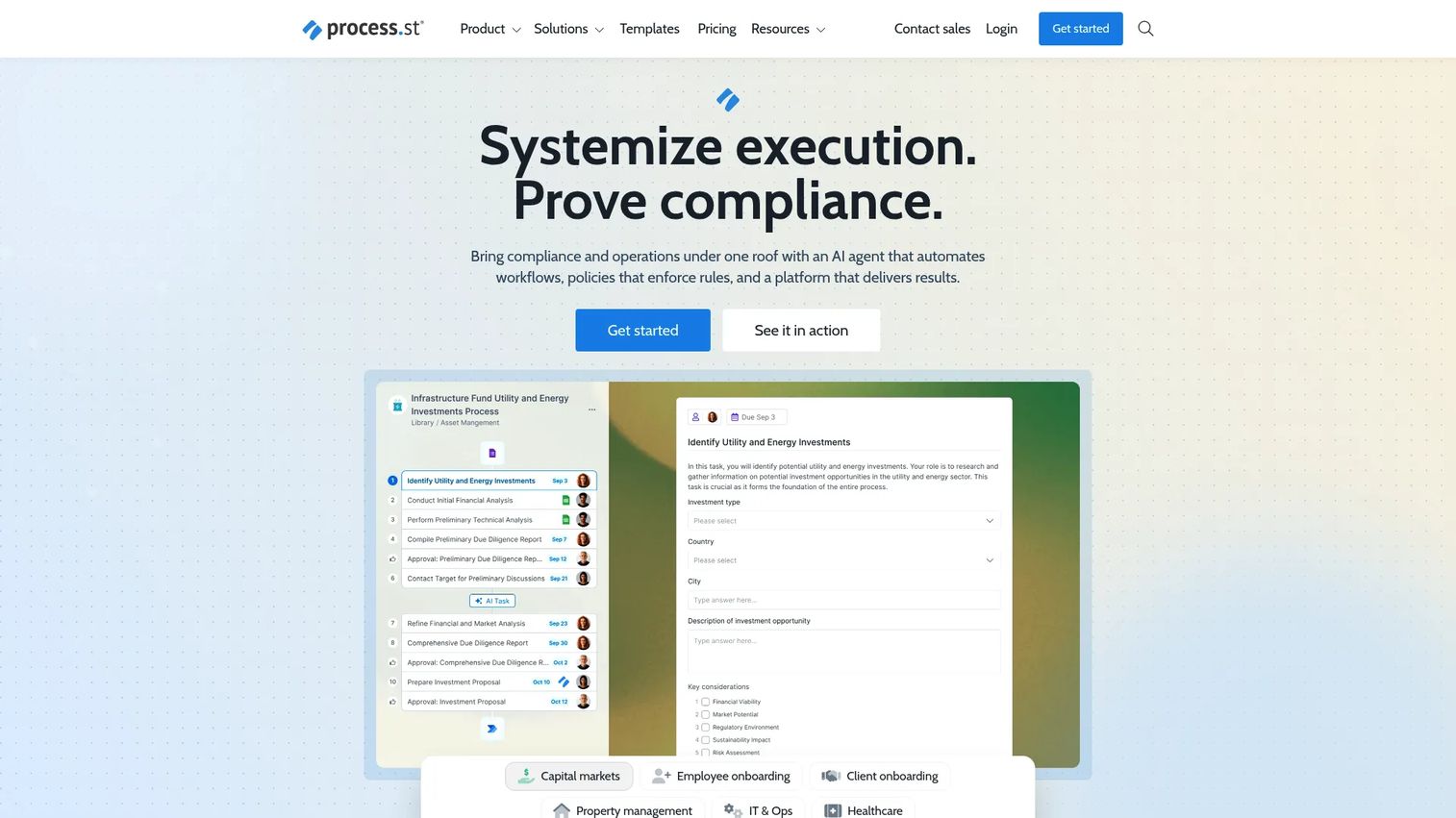
Process Street is a compliance operations platform built for teams that need documentation and execution to live in the same place. It goes beyond static SOPs: Workflows run as checklists, support conditional branching, trigger automations, and log every action for audit purposes. For PMs who manage recurring processes like QA reviews, onboarding approvals, or compliance sign-offs, this is closer to a process management system than a documentation tool.
Best for: Teams running recurring approval-based workflows where documentation governance and audit trails matter.
Key features
- Checklist-based workflow execution with conditional logic
- Docs and Pages for SOP and policy management
- Audit trail, role-based permissions, and compliance controls
- AI workflow generation, forms, data sets, and integration support
Why choose Process Street: If your process documentation needs to be followed, tracked, and audited, not just read, Process Street is the strongest fit in this list. The complexity is real: This is not the right tool if you need fast capture or a lightweight wiki. It earns its place when the cost of a missed step is high.
Process Street pricing: All plans (Startup, Pro, and Enterprise) are custom quoted. A complimentary 14-day Pro trial is available for new accounts without a credit card.
Process Street holds a 4.6/5 rating on G2.
3. Document360
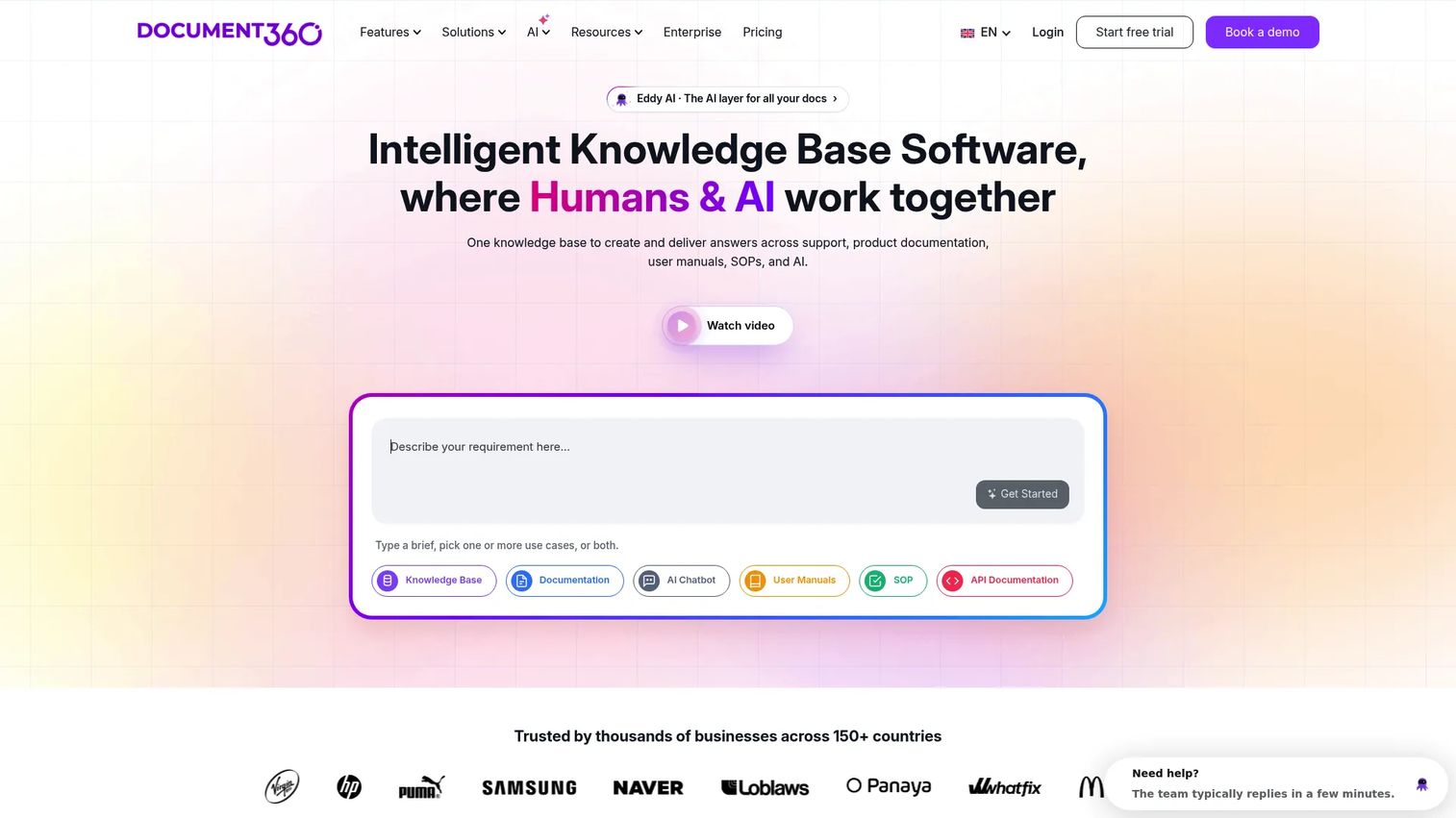
Document360 is an AI-powered knowledge base platform designed for teams that need structured, searchable, and well-governed documentation. It is less a capture tool and more a documentation repository: You write or import SOPs, organize them by category and taxonomy, control who sees what, and use analytics to understand which docs are actually being read.
Best for: Teams needing a scalable, well-organized internal knowledge base with AI writing support and analytics.
Key features
- AI writing assistant and AI-powered search
- Version control with change history and rollback
- Structured category taxonomy and customizable knowledge bases
- Analytics, permissions, security controls, and migration support
Why choose Document360: If your organization has accumulated a significant volume of SOPs and policy documents that need to be findable, maintained, and governed across departments, Document360 provides the architecture for that. It is better as a documentation repository than as a capture tool. Teams that need to auto-generate docs from screen recordings should combine it with a capture-first tool.
Document360 pricing: All three tiers (Professional, Business, and Enterprise) are custom quoted. A 14-day free trial is available with no credit card required.
Document360 holds a 4.7/5 rating on G2.
4. Notion
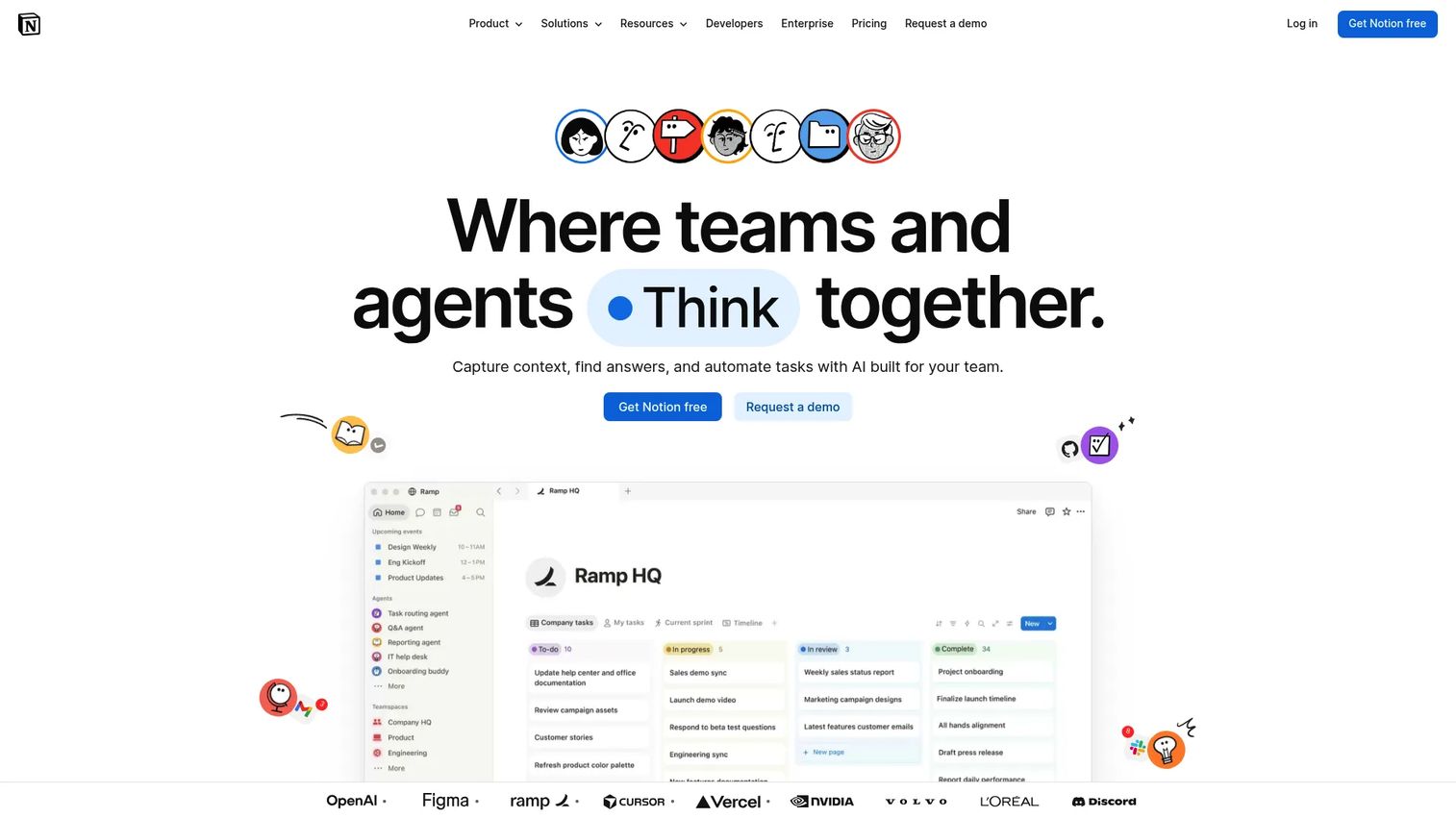
Notion is a connected workspace that combines docs, wikis, databases, and AI-powered collaboration into one environment. For process documentation, it works best as a flexible hub where teams can write runbooks, link related processes, embed databases of task ownership, and maintain lightweight SOPs without adopting a dedicated documentation system.
Best for: Teams that want docs, databases, and process pages in one workspace without tool sprawl.
Key features
- Docs, wikis, projects, and databases in a single workspace
- Notion AI with writing, summarization, and meeting notes
- Collaboration with comments, mentions, and real-time editing
- Templates, public sites, forms, and integration support
Why choose Notion: Notion's strength is flexibility. You can structure a Notion space to handle process documentation very well, but it requires intention. Without clear ownership and a governance model, Notion spaces accumulate docs the same way Confluence spaces do: Fast to write, slow to find, rarely updated. It is the right call for teams that already live in Notion and want to avoid adding another tool.
Notion pricing: The Free plan is available with unlimited pages. Plus runs $10 per member per month billed monthly, or $8 on annual billing. Business is $20 per member per month monthly, or $15 annually. Enterprise pricing requires contacting Notion directly.
Notion holds a 4.6/5 rating on G2.
5. Confluence

Confluence is Atlassian's documentation and knowledge-sharing workspace, built for teams that manage work inside Jira. It provides pages, whiteboards, databases, and structured spaces with version history, comment threads, and space-level permissions. For PMs already running sprints and roadmaps in Jira, the ability to link a process doc directly to a ticket or epic is a meaningful workflow advantage.
Best for: Teams in the Atlassian ecosystem that need centralized documentation tightly connected to their engineering and project workflows.
Key features
- Pages, whiteboards, databases, and video content in one space
- Version history with page-level change tracking
- Space permissions, page restrictions, and team-level governance
- Rovo AI search, chat, and agent support
- Native Jira connection for linking docs to issues and epics
Why choose Confluence: Confluence is the natural choice when your engineering team is already in Jira and you need documentation that sits next to the work, not in a separate system. The usability critique is fair: New users often find it less intuitive than Notion. Maintenance discipline matters more in Confluence than in most tools, because spaces accumulate pages quickly without active curation.
Confluence pricing: The Free plan supports up to 10 users. Standard is $5.42 per user per month, with pricing calculated through Atlassian's pricing tool based on user count. Premium and Enterprise tiers use the same calculator model, with Enterprise requiring annual commitment and a sales conversation.
Confluence's current G2 numeric rating was not confirmed in this evaluation cycle.
6. SweetProcess
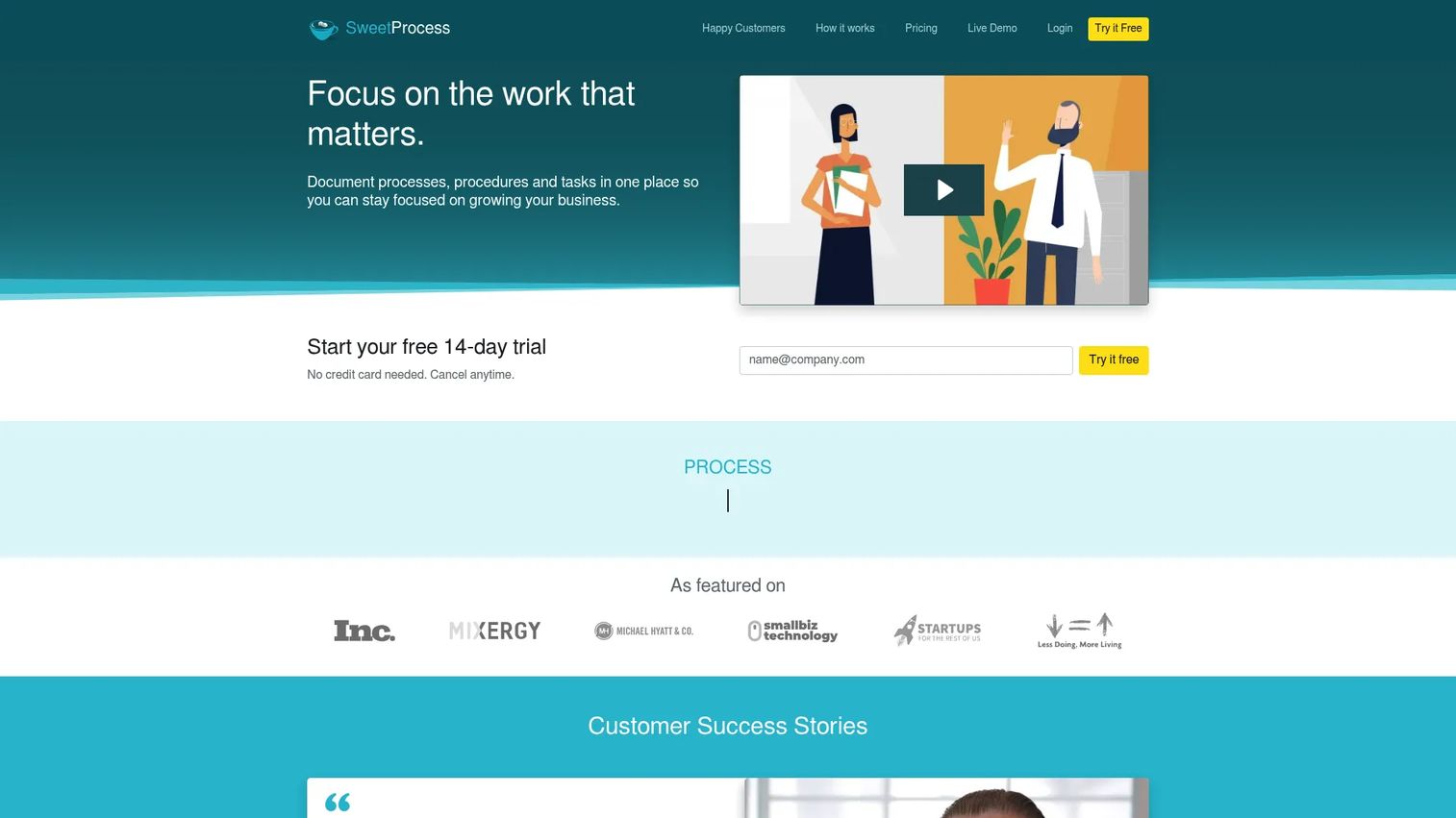
SweetProcess is a cloud-based SOP and process documentation platform designed around simplicity. You build procedures step by step, attach policies to them, assign tasks to team members, and track completion. There is no heavy configuration overhead and no sprawling feature set to learn. For smaller teams that need a dedicated SOP system without the complexity of a full process management platform, it covers the core jobs well.
Best for: Small to mid-sized teams that need a focused SOP and policy documentation system with task assignment and tracking.
Key features
- Step-by-step procedure builder with rich text and media support
- Policy management with version tracking
- Task assignment, roles, and completion tracking
- Easy sharing with team members and external collaborators
Why choose SweetProcess: The pricing model is honest: One flat-rate plan, all features included, price determined by user count. That simplicity extends to the product itself. If you need conditional logic, integrations with complex workflows, or a repository with advanced taxonomy, SweetProcess will feel limited. It excels when the goal is a clean, usable SOP library that a small team can maintain without ops overhead.
SweetProcess pricing: Monthly billing is $99 per month for up to 10 users, with $5 per month for each additional user. Annual billing is $990 per year for up to 10 users, with $50 per year per additional user. A Small Team annual plan is available at $495 per year for up to 5 users. A 14-day free trial is offered.
SweetProcess holds a 4.3/5 rating on G2.
Considerations for buying process documentation software
Update cadence and ownership model
A doc that nobody owns is a doc that will be wrong within two sprints. Before committing to a tool, ask how it handles ownership assignment, review reminders, and stale content alerts. Process Street and Document360 have structured approaches here. Notion and Confluence require you to build that governance yourself.
Maintenance cost across release cycles
For PMs, the relevant question is not how long it takes to write a doc but how long it takes to update one after a UI change. Interactive capture tools like Guideflow require recapture when the product changes. Knowledge base tools like Document360 allow targeted text edits. Factor in your release cadence when calculating the true maintenance cost.
Integration with your existing stack
A process documentation tool that lives outside your workflow will be ignored. Check whether the tool connects to Jira, Slack, your CRM, your help desk, and your analytics platform. Process Street and Document360 have broader integration libraries. Confluence wins on Jira depth. Notion has a wide range of integrations through its API and native connectors.
Version control and audit trail depth
Not all version control is equal. Some tools log every change with timestamps and authorship; others only store the last few versions. If your documentation touches regulated processes, approval flows, or compliance requirements, verify specifically what the audit trail captures and how long history is retained.
Scalability across segments and user types
A PM building documentation for multiple personas (admins versus end users, onboarding versus advanced workflows) needs a tool that supports separate spaces, access tiers, or conditional visibility. Document360 and Confluence handle this with structured permissions. Notion can, with the right setup. SweetProcess and Guideflow are better suited to focused, single-team use cases.
Conclusion
The right process documentation tool depends on the specific failure mode you are solving.
If your team's core problem is turning product workflows into interactive, followable guides with adoption feedback, Guideflow is the strongest fit. For teams that need workflows to be executed and audited, not just read, Process Street stands out. Document360 works well when you are building a structured SOP library that multiple teams will reference over time. Notion and Confluence suit teams that already live in those environments and want documentation adjacent to their existing work. SweetProcess keeps things simple for smaller teams that do not need enterprise governance.
A practical next step: Pick one workflow that breaks most often in your handoffs. Document it in whichever tool fits your team's segment, assign an owner, and set a review date tied to your next major release. That single doc, maintained well, will tell you more about your documentation tool's real cost than any feature comparison.
Thinking about how to show your product workflows to prospects and customers beyond internal docs? Start your journey with Guideflow today!
FAQs
SweetProcess is built specifically for this context: Flat-rate pricing, all features included, no per-seat complexity below 10 users. Notion is a strong alternative if your team already uses it for other work and wants to avoid adding another tool. Both require you to build your own governance model, so assign a documentation owner from the start.
SOP software focuses specifically on standardized procedure creation and execution, often with checklist-based workflows, approvals, and compliance tracking. Process documentation software is a broader category that includes SOP tools, workflow capture tools, and knowledge base platforms. The practical difference matters at purchase: If you need docs to be followed and audited, choose an SOP-oriented tool like Process Street. If you need docs to be written, organized, and searched, a knowledge base platform fits better.
Guideflow uses AI to help build interactive demos and guides from captured workflows. Document360 includes an AI writing assistant for drafting and editing within its knowledge base, and Process Street offers AI workflow generation. For teams evaluating AI process documentation software, the most important question is whether AI output is editable and auditable, not just fast. These tools all allow post-generation editing.
Assign a named owner to every doc, not a team. Connect review dates to your release calendar rather than arbitrary quarterly cycles. Keep individual guides short (three to five steps when possible) so updates are fast. Centralize docs in one system so a single correction propagates rather than requiring edits across multiple copies. Tools with version history make rollback safe if an update introduces an error.
PMs should weight four things above generic feature lists: How the tool handles ownership and review reminders (governance), whether it integrates with the analytics and project management stack already in use (integration fit), how expensive updates are after a UI or policy change (maintenance cost per release), and whether it supports different access levels for different user segments (segmentation). Capture speed matters but is not the primary constraint for most mature product teams.
Confluence is the stronger choice if your engineering team runs on Jira and you want documentation linked directly to tickets and epics. Notion is the stronger choice if your team values flexibility, wants a single workspace for docs, databases, and project tracking, and does not need deep Atlassian integration. Both require deliberate governance to prevent doc sprawl. Confluence's space and permission model is more structured out of the box; Notion's flexibility means the structure is entirely up to you.
Document360 provides full version history with rollback and change attribution. Confluence logs page revisions with timestamps and authorship. Process Street maintains an audit trail on workflow execution, not just document edits, making it the most compliance-oriented option. Notion stores version history on paid plans. Guideflow offers lighter version management, more suited to recapture than rollback.
Guideflow's free plan is a strong starting point for teams that want interactive, capture-based documentation. Notion also offers a free plan with meaningful functionality, and Confluence's free plan supports up to 10 users. For teams that want a free starting point with room to grow, Guideflow or Notion covers most early-stage documentation needs without a paid commitment.