Picking mechanical design software is a decision you live with for years. Change it later and you pay for file conversion, retraining, and a migration nobody budgeted for. Pick wrong now and the bill arrives as missed handoff dates, assembly rework, and engineers translating between tools instead of shipping.
The global MCAD market reached $14.29 billion in 2025 and is projected to hit $28.07 billion by 2034, according to Dataintelo (2026). Mechanical design software is no longer just an aerospace and automotive concern. Hardware startups, medical device companies, and industrial equipment makers all run on it.
This guide compares 11 platforms, what each one is actually good at, and what it costs.
What's inside
- What MCAD software is and how it differs from general CAD and ECAD
- How the 11 tools compare on modeling approach, pricing, and G2 rating
- Where each one fits by team size and product complexity
- What to evaluate before you commit
Selection criteria used:
- Mechanical design depth (3D modeling, assemblies, drawings, simulation links)
- ECAD collaboration and manufacturing handoff capability
- Deployment flexibility and team scalability
- Publicly verifiable pricing and current G2 ratings
TL;DR
- Best for enterprise mechanical design: CATIA, for complex surfacing, systems engineering, and lifecycle governance at scale
- Best for unified design and manufacturing: Autodesk Fusion, which puts CAD, CAM, simulation, and electronics in one cloud environment
- Best for Autodesk-centered teams: Inventor, for parametric modeling with Vault and AutoCAD integration
- Best mainstream mechanical choice: SOLIDWORKS, with the broadest adoption and the largest pool of engineers who already know it
- Best for complex parametric engineering: Creo and Designcenter (formerly NX), both built for mature engineering processes
- Best for direct modeling and geometry cleanup: Ansys Discovery and KeyCreator, for editing imported geometry without a feature tree
- Best for reverse engineering: Geomagic, for turning scan data into editable CAD
What is MCAD software?
MCAD software, or mechanical computer-aided design software, helps engineers create, modify, analyze, document, and manufacture mechanical parts, assemblies, and products.
Teams use it to define geometry, manage part relationships, run interference checks, generate manufacturing drawings, and prepare data for suppliers and production. Unlike general-purpose CAD, MCAD is built specifically around mechanical engineering.
Core MCAD capabilities
- 3D mechanical modeling: parts, surfaces, and freeform geometry with parametric or direct control
- 2D drafting: engineering drawings, GD&T annotations, and manufacturing documentation
- Parametric modeling: history-based design with captured intent, reusable features, and controlled updates
- Direct modeling: geometry editing without a feature tree, useful for imported files and fast concept changes
- Assembly modeling: multi-part management with interference checks, motion studies, and BOM generation
- Simulation links: FEA, thermal, motion, and stress analysis, integrated or via add-ons
- PDM and PLM integration: version control, access management, and product lifecycle governance
- Manufacturing handoff: CAM data, model-based definition, and supplier file formats
MCAD versus ECAD
MCAD covers mechanical geometry: fit, materials, assemblies, enclosures, and manufacturing output. ECAD covers electrical systems: PCB layouts, schematics, harnesses, circuits, and signal constraints.
The distinction matters the moment your product contains electronics. A PCB has to fit inside an enclosure, which makes connector positions, thermal constraints, and board keep-outs a shared problem. The two toolsets exchange data through formats like STEP and IDF, but how well that exchange works varies a lot by platform, so test it rather than assume it. You can also explore our roundup of best 3D modeling software for adjacent tooling options.
Where MCAD fits in product development
MCAD sits at the center of concept design, prototyping, engineering validation, supplier handoff, manufacturing planning, and lifecycle governance. It is the single system where mechanical design intent is captured, validated, and released downstream.
When to use MCAD software
Design mechanical products before prototyping
Exploring geometry, mechanisms, materials, and part interactions in software costs a fraction of building physical prototypes. Changes that would cost days on a physical prototype take minutes in a well-structured assembly model.
Validate assemblies before manufacturing
Interference checks, motion studies, and simulation data catch fit and function problems before a single part is machined or printed. Ask any vendor how their tool performs at your actual assembly size, because performance degrades fast when tools are stretched beyond what they were designed for.
Coordinate MCAD and ECAD workflows
PCB clearances, connector placement, thermal management, and harness routing all need mechanical context. When those workflows are disconnected, the problem usually surfaces during manufacturing integration, or when a supplier flags a conflict that should have been caught in design.
MCAD software comparison
The table below summarizes all 11 tools by best-fit use case, key differentiator, current pricing, and G2 rating. Pricing reflects published vendor list prices as of October 2026. For quote-based tools, the pricing column notes that buyers go through sales.
| # | Product | Best for | Key differentiator | Pricing | G2 rating |
|---|---|---|---|---|---|
| 1 | CATIA | Enterprise product engineering | Deep surface, systems, and lifecycle workflows | Quote via sales | 4.2/5 |
| 2 | Autodesk Fusion | Unified design and manufacturing | Cloud-connected CAD, CAM, CAE, and electronics | $680/year ($57/month billed annually) | 4.5/5 |
| 3 | Inventor | Autodesk-centered mechanical teams | Parametric CAD with Autodesk ecosystem fit | From $2,585/year | 4.4/5 |
| 4 | SOLIDWORKS | Mainstream mechanical engineering | Broad adoption and strong documentation workflows | From $2,820/year | 4.4/5 |
| 5 | Creo | Complex parametric product design | Advanced parametric modeling with deep extensions | Quote via sales | 4.1/5 |
| 6 | Designcenter (formerly NX) | Advanced engineering and manufacturing | Integrated CAD, CAM, simulation, enterprise workflows | Quote via sales | Listed on G2 under Designcenter |
| 7 | Designcenter Solid Edge | Mid-market mechanical design | Synchronous Technology and Siemens ecosystem | Quote via sales | 4.3/5 |
| 8 | Ansys Discovery (SpaceClaim) | Direct modeling and geometry prep | Fast direct editing for imported or simulation geometry | Quote via sales | 4.1/5 |
| 9 | IronCAD | Flexible mechanical design | Dual-kernel modeling and drag-and-drop assembly | Quote via sales | Not listed |
| 10 | KeyCreator | Direct CAD for manufacturing teams | Direct modeling without history-tree constraints | From $540/year | 4.5/5 |
| 11 | Geomagic | Reverse engineering and scan-to-CAD | 3D scan processing and inspection-oriented workflows | From $1,900/year | 4.2/5 |
Best 11 MCAD software tools for 2026
1. CATIA

CATIA, developed by Dassault Systèmes, is an enterprise-grade MCAD and product development platform used across aerospace, automotive, industrial equipment, high-tech, and regulated manufacturing. It covers advanced surface modeling, large assembly management, systems engineering alignment, and connection to broader product lifecycle workflows. CATIA is widely used by organizations where mechanical design connects tightly to simulation, manufacturing planning, and governance requirements.
Best for: Large engineering organizations designing complex mechanical products that require deep surfacing, lifecycle integration, and cross-functional governance.
Key features
- Advanced surface and shape modeling for complex geometry
- Large assembly support with configuration management
- Systems engineering and product lifecycle workflows
- Simulation and analysis integration
- Manufacturing and CAM capability within the platform
Why choose CATIA: It earns its complexity when products outgrow mainstream parametric CAD, particularly where design, simulation, and manufacturing planning have to stay governed in one environment. Smaller teams will find it heavier than they need.
CATIA pricing: Pricing goes through Dassault Systèmes sales or authorized resellers. Cost is driven by role packages, modules selected, deployment model, and contract size.
G2 rating: 4.2/5
2. Autodesk Fusion
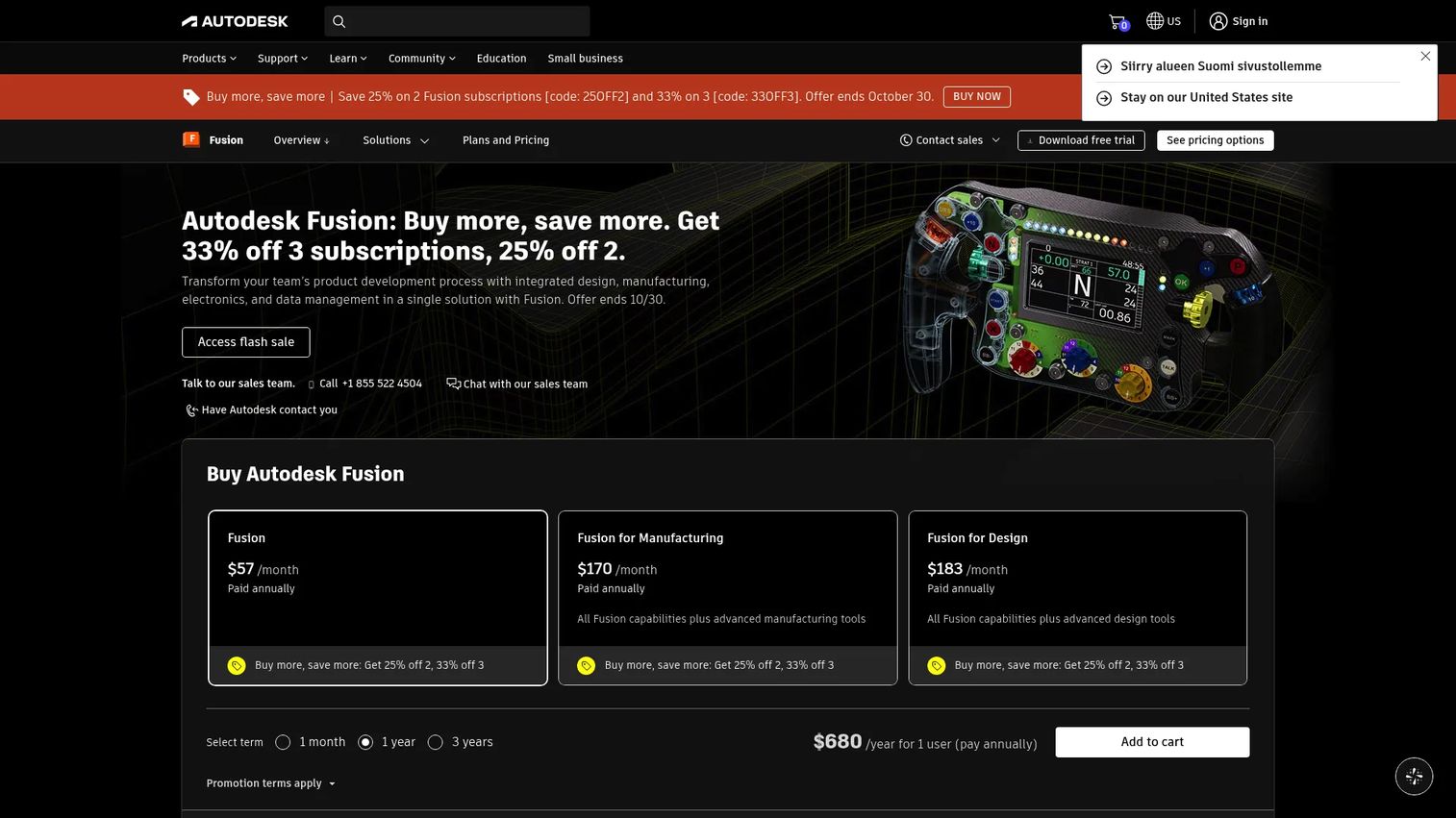
Autodesk Fusion is a cloud-connected product development platform combining CAD, CAM, CAE, PCB design, data management, and manufacturing workflows. Design, prototyping, and manufacturing preparation sit in one environment instead of three, with version control and collaboration built in. You can explore related tooling context in our guide to 3D printing software for downstream manufacturing workflows.
Best for: Product teams that want design, simulation, electronics collaboration, and manufacturing preparation in a connected Autodesk workflow.
Key features
- 3D parametric, direct, surface, and mesh modeling
- Integrated CNC CAM with 2D through 5-axis toolpaths
- PCB and electronics design with MCAD/ECAD collaboration
- Generative design and simulation tools
- Cloud data management and version control
Why choose Autodesk Fusion: It collapses early design, machining preparation, and collaboration into one subscription at a price point no other full CAD/CAM platform matches. The trade-off is that governance and data management controls are thinner than what large IT organizations usually require.
Autodesk Fusion pricing: $680/year, or $85/month billed monthly. A three-year term is $2,040. A free version is available for personal, non-commercial use, and educational licenses are free for qualifying students and educators.
G2 rating: 4.5/5
3. Inventor
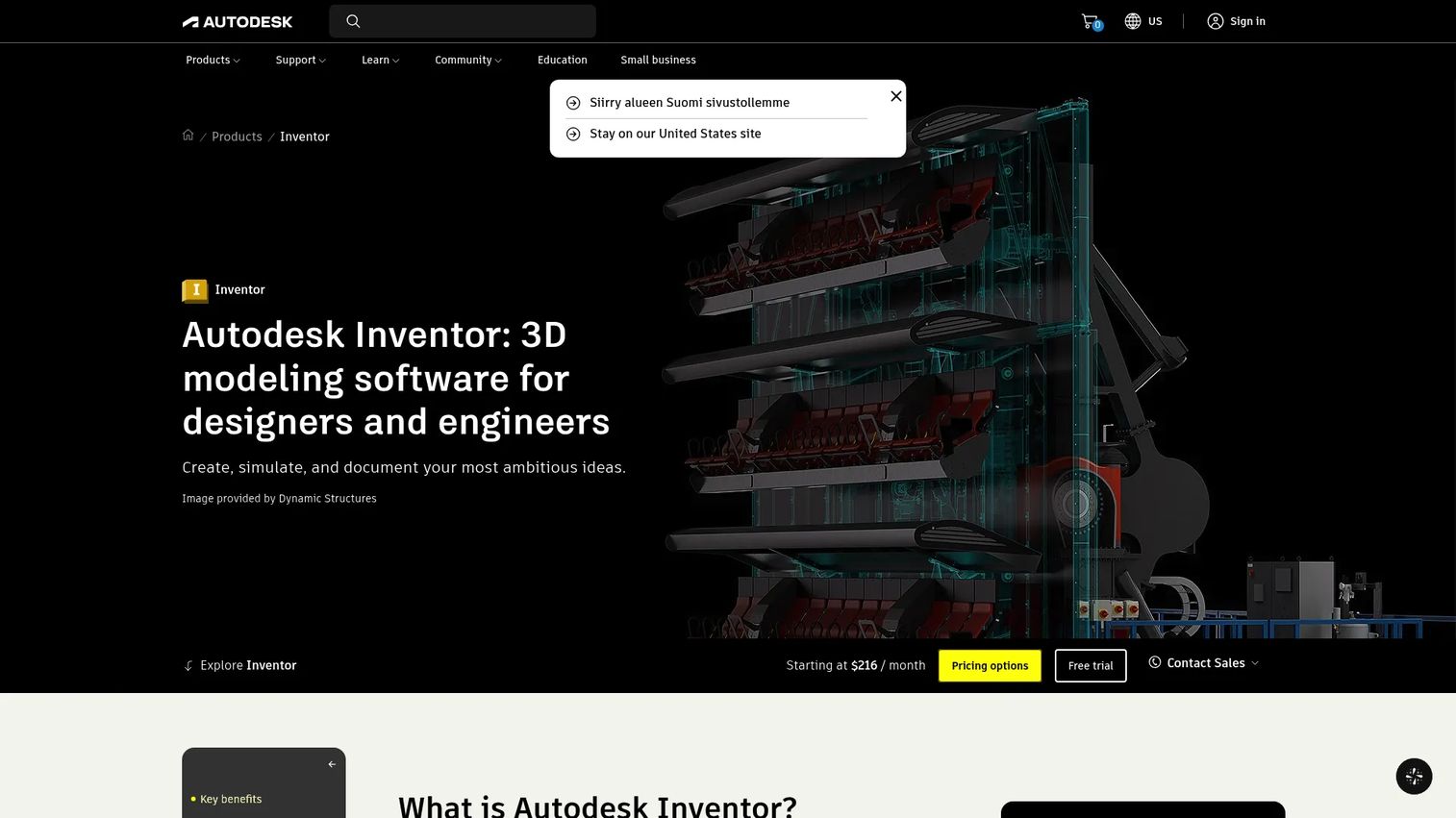
Autodesk Inventor is professional mechanical CAD software for 3D design, simulation, tooling, and manufacturing documentation. It integrates with Autodesk Vault for data management and works closely with AutoCAD-based drawing workflows, making it a natural fit for engineering teams already standardized on Autodesk products. Inventor covers parametric part modeling, sheet metal design, frame and weldment work, and drawing automation.
Best for: Mechanical engineering teams standardized on Autodesk tools who need professional parametric design and documentation workflows.
Key features
- Parametric 3D part and assembly modeling
- Sheet metal, frame, and weldment design
- Drawing automation for manufacturing documentation
- Dynamic simulation and stress analysis
- Autodesk Vault integration for data management
Why choose Inventor: Compare it directly against Fusion before buying. Inventor is the stronger traditional desktop tool with deeper documentation and sheet metal capability, while Fusion wins if cloud collaboration and integrated manufacturing matter more than desktop performance.
Inventor pricing: Monthly plans are $320/month. Annual subscriptions run $2,585/year, and a 3-year plan is available at $7,755. A 30-day free trial is offered.
G2 rating: 4.4/5
4. SOLIDWORKS

SOLIDWORKS is one of the most widely adopted mechanical design platforms for parts, assemblies, drawings, and manufacturing documentation. The ecosystem is deep, and so is the talent pool: hiring an engineer who already knows it is routine in a way that is not true for most tools on this list. Simulation add-ons and PDM options cover version control and design governance. See also our comparison of best product management tools for adjacent planning workflows.
Best for: Mechanical design teams that want a broadly adopted platform with strong engineering documentation and a large community of practitioners.
Key features
- Parametric 3D part and assembly modeling
- Production-ready 2D drawings and GD&T documentation
- Simulation add-ons for stress, thermal, and motion analysis
- PDM options for version control and design data management
- Cloud-based sharing and collaboration tools
Why choose SOLIDWORKS: Adoption is the argument. Training cost drops, ramp time drops, and contractors can start work without a learning curve. What you give up is the lifecycle depth that CATIA and Designcenter bring to large regulated programs.
SOLIDWORKS pricing: Annual plans start at $2,820/year for the Standard tier with Cloud Services. Professional runs $3,456/year and Premium is $4,716/year. Buyers request exact quotes through resellers for multi-seat or enterprise configurations.
G2 rating: 4.4/5
5. Creo
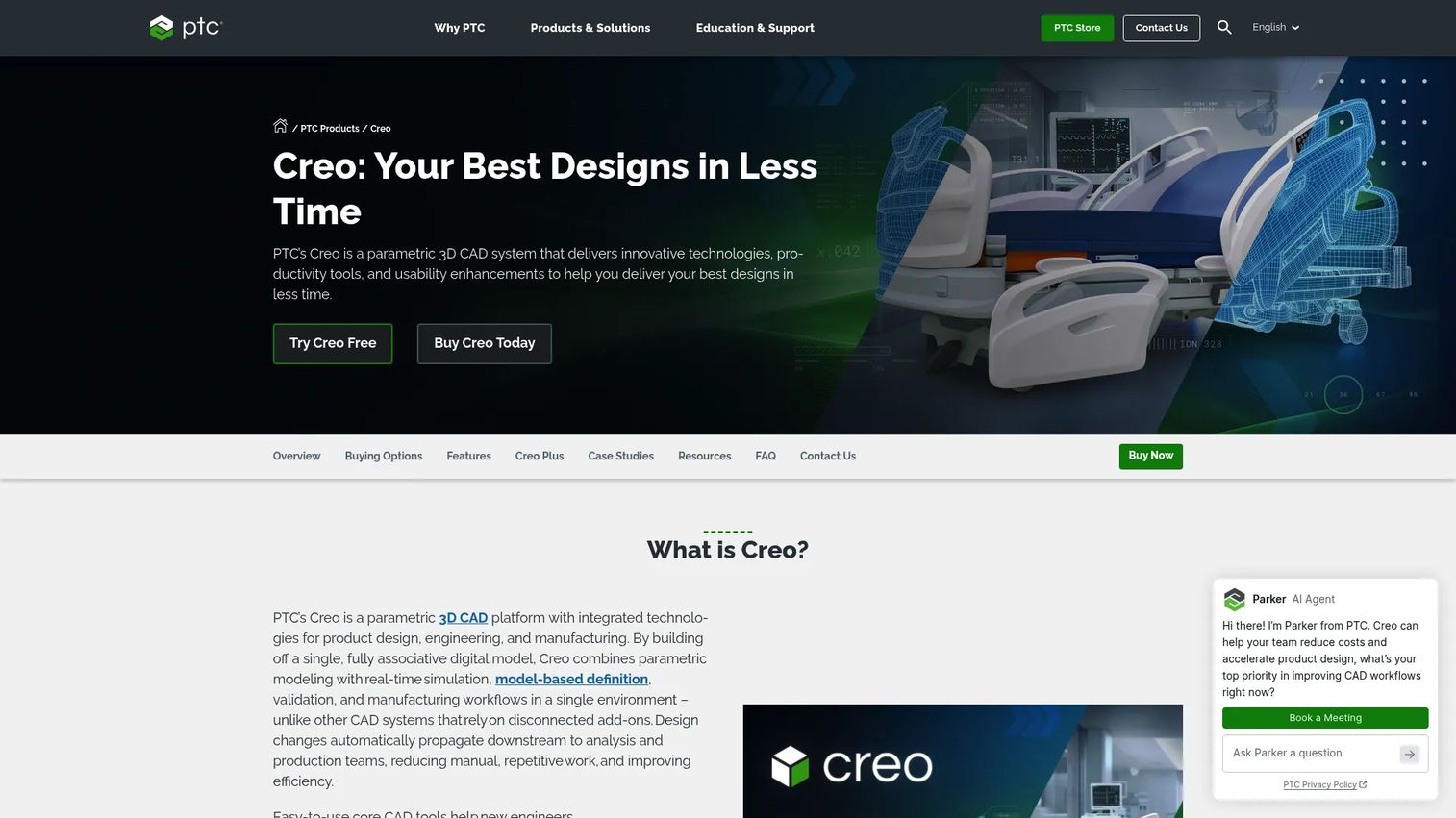
Creo, from PTC, is a robust MCAD platform built around parametric modeling, complex assemblies, simulation, additive manufacturing, and model-based definition. It is a natural fit for organizations with mature engineering processes where design intent, feature reuse, and downstream validation carry high stakes. Creo also offers a SaaS-based version, Creo+, for teams that want subscription flexibility. Its extension library covers generative design, multi-CAD collaboration, and advanced CAM.
Best for: Teams designing complex products that need strong parametric control, GD&T, and advanced engineering extensions for simulation and manufacturing.
Key features
- Parametric 3D part and assembly design with full feature history
- Integrated simulation and stress analysis extensions
- Generative design and topology optimization
- Model-based definition with GD&T annotations
- Additive manufacturing preparation and CAM extensions
Why choose Creo: It is the strongest option when design intent has to stay traceable across the full product lifecycle. Budget carefully, because the extension model means cost scales with every capability you turn on, so scope the module list before you negotiate.
Creo pricing: Pricing is not published on PTC's site and goes through sales. Cost depends on the package (Creo Design Essentials or expanded bundles), deployment model, and extensions selected. Creo+ is available as a SaaS subscription. Contact PTC or an authorized reseller for current figures.
G2 rating: 4.1/5
6. Designcenter (formerly NX)
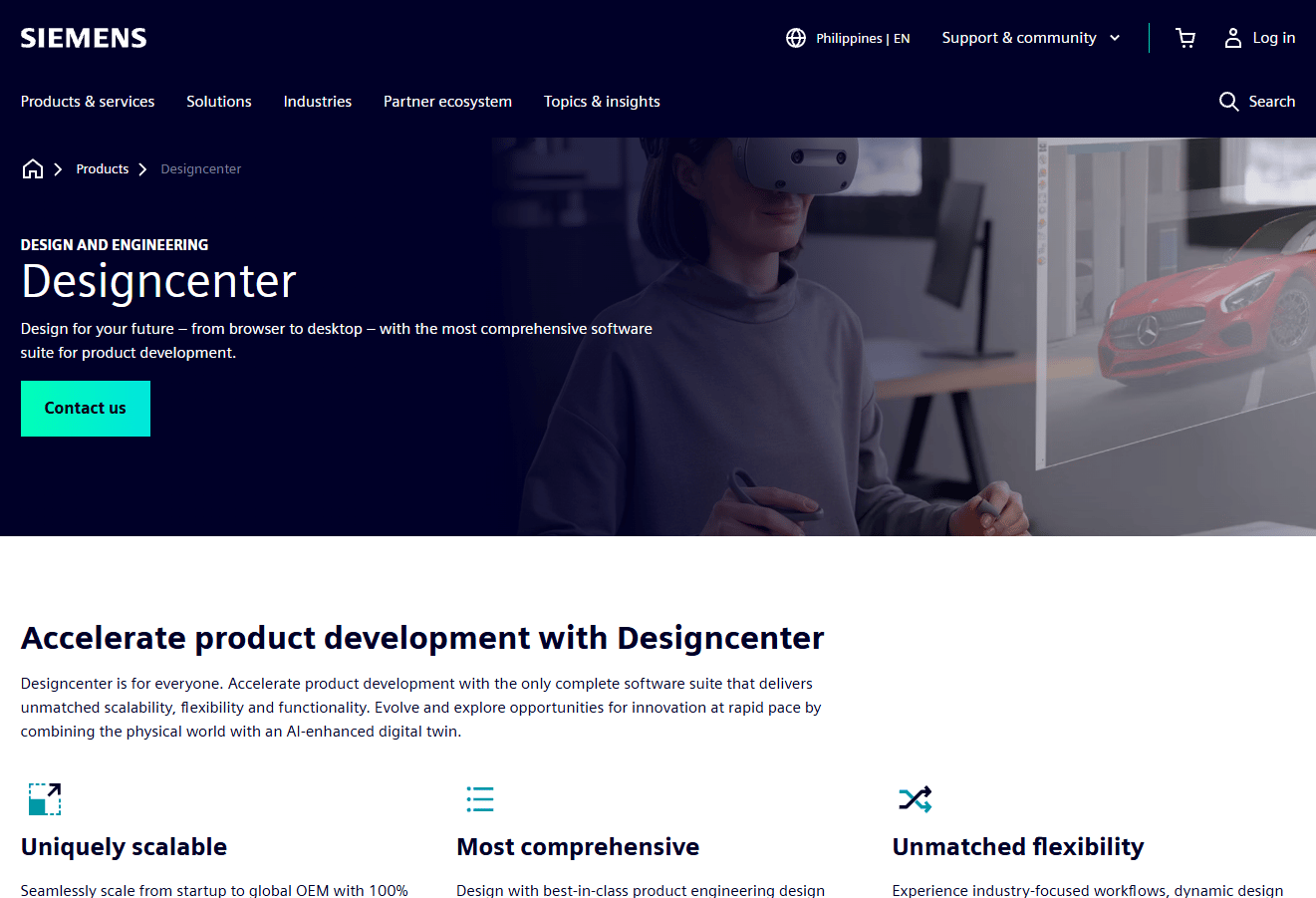
Designcenter, from Siemens Digital Industries Software, is an advanced product engineering environment that integrates CAD, CAM, simulation, manufacturing, and enterprise lifecycle workflows. Siemens renamed NX to Designcenter with the June 2026 release: the on-premises product is Designcenter and the SaaS version is Designcenter X. The software itself is unchanged, so most third-party documentation, training material, and job listings still say NX.
It is particularly strong for aerospace, automotive, medical device, and complex manufacturing organizations where engineering data governance and cross-functional coordination are non-negotiable. It connects to Teamcenter for data management.
Best for: Enterprise engineering organizations that need advanced CAD, integrated manufacturing, simulation, and lifecycle governance in one environment.
Key features
- Advanced 3D solid and surface modeling
- Integrated CAM for CNC and multi-axis machining
- Simulation and validation across structural and thermal domains
- Large assembly management with performance controls
- Teamcenter alignment for enterprise data management
Why choose Designcenter: It fits organizations where the cost of engineering rework is high and manufacturing data must remain accurate through the full product cycle. Bring IT, manufacturing, and procurement into the evaluation early, because the implementation is a program rather than an install.
Designcenter pricing: Siemens offers a limited-time trial of Designcenter X Essentials for $1. Full Designcenter and Designcenter X configurations are handled through sales, with cost driven by modules, deployment, and enterprise contract terms.
7. Designcenter Solid Edge
Solid Edge, also from Siemens and now branded Designcenter Solid Edge, is a professional MCAD tool known for its Synchronous Technology, which blends direct modeling with parametric control in a single environment. It covers mechanical design, simulation, electrical design collaboration, sheet metal, and manufacturing support, and it targets small to mid-market engineering teams that need broad capability without the overhead of a heavy enterprise stack. It includes a free 2D Drafting product and a 30-day trial for teams evaluating the full 3D suite. Our roundup of 3D visualization software covers adjacent visualization tools that some teams pair with it.
Best for: Mid-market mechanical teams that need flexible modeling, electrical design collaboration, and Siemens ecosystem compatibility.
Key features
- Synchronous Technology combining direct and parametric modeling
- Sheet metal, frame, and weldment design
- Finite-element, motion, and thermal simulation options
- Electrical design, wiring, and PCB collaboration
- CAM preparation and additive manufacturing support
Why choose Designcenter Solid Edge: Mixing direct and parametric modeling in one tool means mid-project requirement changes do not force a rebuild. Against Designcenter proper, the question is whether you need enterprise governance depth enough to pay for the heavier implementation.
Designcenter Solid Edge pricing: Four tiers are available (Design and Drafting, Foundation, Classic, Premium), but prices are not currently listed on Siemens' site and require contacting sales. Free options include Solid Edge 2D Drafting and a qualifying startup or community program.
G2 rating: 4.3/5
8. Ansys Discovery (formerly SpaceClaim)
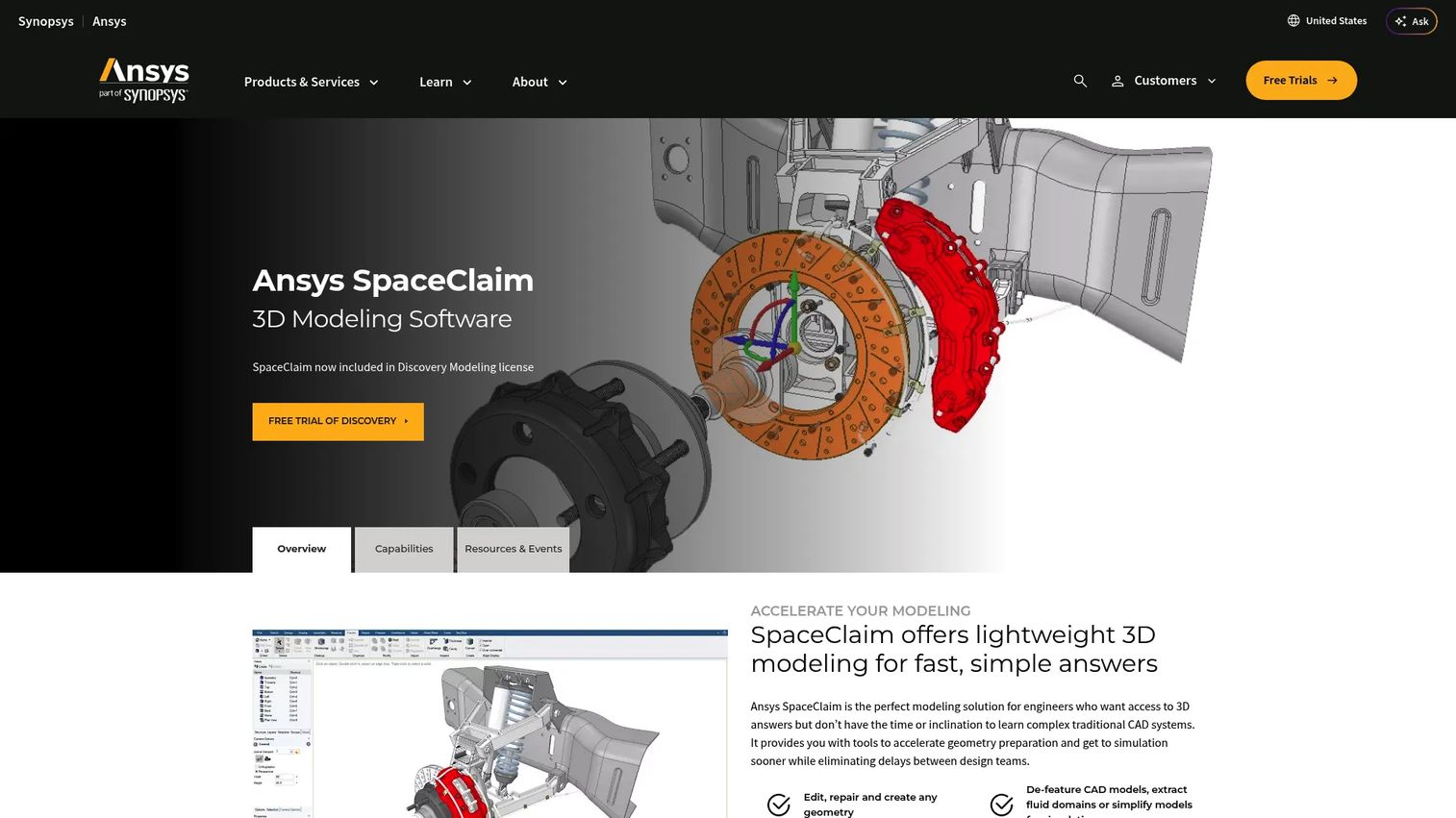
Ansys SpaceClaim is a direct-modeling CAD tool built for engineers who need to create, repair, simplify, or prepare geometry without managing a full feature tree. It is particularly useful with imported geometry from suppliers, scans, or other CAD systems, and when models need cleanup before simulation.
Check the product status before you plan around it. SpaceClaim has been in maintenance mode since Ansys 2023 R2, standalone licenses have been discontinued, and it was removed from the unified installer at 2025 R1. All new development goes into Ansys Discovery Modeling, which is the forward path and includes SpaceClaim in its license. Evaluate Discovery and treat SpaceClaim as the legacy interface.
Best for: Engineering teams that work frequently with imported geometry, simulation model preparation, or fast direct edits to supplier files.
Key features
- Direct 3D geometry editing without a history tree
- CAD file repair, cleanup, and defeaturing
- Simulation model preparation and geometry simplification
- Concept modeling and fast shape exploration
- Sheet metal and 3D printing preparation
Why choose it: Direct editing removes the rebuild overhead a parametric system forces on you when a supplier STEP file arrives and needs changing today. It is a geometry tool rather than a product development platform, so expect to run it alongside a primary MCAD system.
Pricing: Included in the Ansys Discovery Modeling license, quoted through Ansys sales. A free trial is available through the Ansys site.
G2 rating: 4.1/5
9. IronCAD
IronCAD is a flexible 3D mechanical design tool that runs both parametric and direct modeling in a unified environment. Its TriBall and IntelliShape approach allows drag-and-drop assembly design using catalog components, which makes it fast for machinery, equipment layout, and modular product design. The single-scene environment eliminates the hard boundary between part and assembly context, which suits teams that move frequently between design levels.
Best for: Mechanical design teams that build machinery, industrial equipment, or modular product families and need fast iteration between concept and detailed design.
Key features
- Dual-kernel modeling with parametric and direct control
- TriBall and IntelliShape drag-and-drop design approach
- Unified single-scene environment for parts and assemblies
- Direct geometry editing for fast design changes
- Sheet metal and 2D drawing tools
Why choose IronCAD: It suits shops that adapt the same base design to customer-specific requirements over and over, where a rigid history tree costs more than it gives back.
IronCAD pricing: IronCAD sells perpetual licenses through its sales team and authorized resellers. A 30-day free trial is available. Contact IronCAD or a reseller for current pricing.
10. KeyCreator
KeyCreator, from Kubotek Kosmos, is direct CAD software aimed at manufacturing teams, tooling designers, and engineers who need to work quickly with existing geometry from multiple external sources. It handles 3D modeling, 2D drafting, file translation, and interference checking without requiring design history. This makes it a practical choice when imported models need edits, repairs, or manufacturing-specific modifications. Our article on 3D parts catalog software covers related catalog and parts management tooling that manufacturing teams often use alongside direct CAD.
Best for: Manufacturing-focused teams doing tooling design, fixture work, or geometry-intensive edits on imported models from multiple CAD sources.
Key features
- Direct 3D modeling with Boolean operations and topology editing
- Comprehensive 2D drafting with associative drawings
- CAD file import, repair, and conversion across formats
- Dynamic face and entity editing with DynaHandle
- Interference checking and draft-angle analysis
Why choose KeyCreator: Close to production, where files arrive in every format and need changing fast, it removes the rebuild step history-based tools demand. It is not the right call for teams building products from scratch with complex assembly hierarchies.
KeyCreator pricing: Annual lease plans start at $540/year for KeyCreator Drafting Limited. KeyCreator Prime runs $1,020/year for Limited, $1,356/year for Standard, and $1,704/year for Premium. KeyCreator Pro leases start at $1,188/year, with perpetual licenses from $3,845. No free tier.
G2 rating: 4.5/5
11. Geomagic

Geomagic, now part of Hexagon, is a specialist software portfolio for reverse engineering, scan-to-CAD, inspection, and 3D scan processing. It is not a general-purpose MCAD platform. Its strength is physical-to-digital work: taking scan data from a 3D scanner or portable CMM and turning it into usable, editable CAD geometry, or performing deviation analysis against a nominal design. Geomagic Design X is the primary product for reverse engineering, while Geomagic Control X handles inspection.
Best for: Engineering and manufacturing teams converting physical parts, scan data, or legacy components into editable CAD geometry or performing dimensional inspection.
Key features
- Scan-to-CAD reverse engineering with feature-based, editable models
- 3D inspection and deviation analysis using scan data
- Mesh processing and organic or freeform surface modeling
- 3D scan cleanup and model preparation
- Inspection alignment and GD&T deviation reporting
Why choose Geomagic: It covers the one thing standard MCAD tools do not, which is starting from a physical object rather than a digital concept. Useful for legacy part digitization, supplier part validation, and prototype inspection, alongside a primary MCAD platform.
Geomagic pricing: Geomagic Design X Go starts at $1,900/year. Design X Plus subscriptions start at $4,190/year. Design X Pro and other Geomagic products (Control X, Freeform, Wrap) require contacting sales for pricing.
G2 rating: 4.2/5 (based on Geomagic Wrap reviews)
Considerations when choosing MCAD software
Modeling approach
Map parametric versus direct modeling to how your team actually changes designs. Parametric tools maintain design intent through a feature history, which matters when geometry is reused across product families or when downstream changes need to propagate cleanly. Direct tools edit geometry on demand, which suits imported files, fast concept changes, and supplier model modifications. Many platforms now offer both, but each team's ratio of controlled versus ad-hoc changes should drive the choice.
Assembly and product complexity
A tool that handles single parts well can fall apart at a thousand components. Evaluate large assembly performance, interference checking depth, BOM management, and multi-user collaboration. Ask vendors for performance benchmarks at assembly sizes comparable to your actual product, and test with your own files during the trial.
ECAD and adjacent engineering workflows
If your product contains electronics, ask how each MCAD platform handles PCB fit, connector placement, harness routing, and thermal management coordination with electrical teams. Integration quality varies enough that you should test both the MCAD export and the ECAD import before assuming they work together. Related reading: asset lifecycle management software for downstream lifecycle tooling context.
Deployment and collaboration model
Desktop, cloud, or hybrid deployment affects version control, supplier sharing, IT governance, and distributed team access. Cloud adoption is real: Dataintelo (2026) puts cloud delivery at roughly 48% of new MCAD licenses in 2025. It also brings data residency, permissions, and IT approval questions that take time to clear. Match the deployment model to your release cadence and your team's geographic distribution.
Total implementation cost
Training, reseller support, PDM or PLM add-ons, migration from an existing tool, file conversion, and ongoing admin overhead routinely exceed the license in year one. Build a total cost of ownership estimate that runs through year three, not just the initial subscription or perpetual license.
Conclusion
The right MCAD choice depends on product complexity, team size, ecosystem fit, and how closely mechanical and electrical workflows need to coordinate.
CATIA and Designcenter serve enterprise organizations where complex products, high governance requirements, and manufacturing integration are non-negotiable. Autodesk Fusion and Inventor fit teams already invested in Autodesk infrastructure, with Fusion better suited to cloud-first collaboration and manufacturing integration, and Inventor to more traditional desktop-based mechanical design. SOLIDWORKS remains the mainstream choice for teams that value adoption breadth and community resources.
Creo and Designcenter Solid Edge both offer serious engineering depth for teams with mature processes, differing primarily in ecosystem alignment and the balance between parametric control and modeling flexibility. Ansys Discovery, KeyCreator, IronCAD, and Geomagic address more specialized work: direct geometry editing, manufacturing-driven CAD, modular mechanical design, and scan-to-CAD respectively.
Shortlist three tools, run a pilot on one representative assembly, and include either an ECAD handoff or a manufacturing handoff in the test. Compare time-to-update, drawing output, collaboration ease, and downstream data quality on your own files rather than the vendor's.
If your team also needs to explain complex product workflows to buyers or internal stakeholders, Guideflow helps teams create interactive demos that buyers and users can click through at their own pace, without requiring a live call or a staging environment.
Start your journey with Guideflow today!
FAQs
MCAD software, or mechanical computer-aided design software, is used for creating, modifying, analyzing, documenting, and manufacturing mechanical parts and assemblies. Engineering teams use it across concept design, prototyping, manufacturing handoff, and product lifecycle management. It is the primary system for capturing mechanical design intent and preparing geometry for production.
CAD is the broader category covering computer-aided design across many disciplines: architecture, electrical engineering, civil engineering, industrial design, and more. MCAD is a subset that focuses specifically on mechanical design, including 3D parts, assemblies, mechanical systems, engineering drawings, and manufacturing documentation. All MCAD tools are CAD tools, but not all CAD tools are MCAD tools.
No. Siemens renamed NX to Designcenter with the June 2026 release, and Solid Edge became Designcenter Solid Edge. The software, file formats, and capabilities are unchanged, and the SaaS version is now Designcenter X. Most third-party documentation, training material, and job postings still use the old names.
ECAD focuses on electrical design: PCB layouts, schematics, harnesses, circuits, and signal constraints. MCAD focuses on mechanical geometry: enclosures, assemblies, mechanisms, materials, and manufacturing output. Products that contain both electronics and mechanical structures, like most consumer hardware, medical devices, and industrial equipment, require both. The key integration challenge is data exchange between the two environments, particularly for connector placement, PCB clearances, harness routing, and thermal management.
Neither wins outright. Cloud delivery improves collaboration, access for distributed teams, and version management, and Dataintelo (2026) reported that 48% of new MCAD licenses used cloud delivery in 2025. Desktop tools remain preferred for large assembly performance, IT-controlled environments, and specialized engineering setups where latency or offline access matters. The right answer depends on team distribution, assembly size, and IT governance requirements.
Small teams generally benefit from evaluating Autodesk Fusion at $680/year for its integrated CAD-CAM-simulation workflow, Designcenter Solid Edge for its free 2D drafting entry point and flexible modeling, IronCAD for fast modular design, and KeyCreator from $540/year for manufacturing-focused direct CAD. The right choice depends on whether the team's primary need is concept-to-manufacturing integration, traditional parametric design, or direct editing of supplier geometry. You can also see our guide on best CAD software for a broader category comparison.
CATIA, Designcenter, Creo, and SOLIDWORKS all serve enterprise product development, but they fit different organizational contexts. CATIA and Designcenter are strongest when mechanical design must connect to systems engineering, simulation, and manufacturing governance at scale. Creo fits mature engineering processes with a heavy extension model. SOLIDWORKS works for enterprise teams that prioritize adoption breadth and hiring familiarity over deep lifecycle integration. The right choice depends on PLM infrastructure, manufacturing process complexity, industry compliance requirements, and supplier collaboration needs.
Pricing varies substantially. Autodesk Fusion is $680/year billed annually, with free options for personal and educational use. Inventor runs $2,585/year on an annual subscription. SOLIDWORKS starts at $2,820/year for the Standard tier. KeyCreator annual leases start at $540/year, and Geomagic Design X starts at $1,900/year. CATIA, Creo, Designcenter, Designcenter Solid Edge, and Ansys Discovery are all quote-based through sales teams, with cost driven by modules, user roles, deployment model, and support terms. Buyers should also budget for implementation, training, PDM integration, and ongoing administration, which often exceed the license cost in the first year.