Your revenue report shows a dip. Your sales cycle stretched by 12 days last quarter. Onboarding completion dropped. Nobody can agree on why.
The data exists somewhere across your CRM, your billing system, your support platform, and a handful of spreadsheets your ops team maintains by hand. What you don't have is a shared view of how work actually moves through your company.
That gap is what process mining software closes. It reconstructs real workflows from the event logs your systems already produce, shows you where cycles stall and where rework clusters, and gives your VP of RevOps something they can bring to the board without stitching together five dashboards. According to Gartner's Market Share Analysis (2025), worldwide process mining software revenue reached $1.1 billion in 2024, up 31.7% year over year. Adoption is following the revenue curve: 48% of surveyed organizations now report company-wide process mining deployment, up from 45% in 2021, per the Deloitte Global Process Mining Survey (2025).
This guide compares 21 process mining tools by use case, stack fit, deployment model, pricing direction, and time to first insight.
What's inside
This guide is written for Series B founders, RevOps leads, and operations managers evaluating process intelligence platforms and related tooling. Tools were selected based on four criteria:
- Depth of process discovery and conformance analysis: Does it reconstruct actual workflows, or just visualize designed ones?
- Stack fit: Does it connect to the ERPs, CRMs, and data platforms your team already runs?
- Deployment model: SaaS, on-premises, or embedded in a platform you already own?
- Time to first insight: Can a proof of value land within one quarter, or does it require a year-long implementation program?
TL;DR
- Best overall process mining platform: Celonis, for cross-system process intelligence at enterprise scale
- Best for SAP-centric organizations: SAP Signavio, for transformation governance tightly coupled to SAP environments
- Best for automation-led teams: UiPath, for connecting process discovery directly to an existing RPA program
- Best for Microsoft-first teams: Power Automate, for teams already inside the Microsoft stack who want to start mining without a separate procurement cycle
- Best for lower-friction evaluation: Apromore, for a focused proof of value before committing to a broader platform
- Best for desktop activity analysis: KYP.ai or Scout, when the work you need to understand happens in spreadsheets, email, and browser tabs
- Best free starting point: mindzie, which includes a free Desktop Edition for up to 1,000 cases
What is process mining software?
Process mining software analyzes timestamped event data from business systems to reconstruct how work moves, identify deviations, and reveal opportunities for improvement or automation.
Every modern enterprise system, your CRM, ERP, ticketing platform, and billing tool, records events as they happen. A basic event log needs three things: A case ID that groups related events, an activity name that describes what happened, and a timestamp that places it in sequence. Optional fields such as owner, customer segment, deal value, or region allow deeper root-cause analysis once the baseline process map is visible.
From that data, process mining platforms produce several types of analysis:
- Process discovery: Visualizes the actual process, not the one your team believes exists. Approval steps that add hidden delay, rework that repeats inside the same case, and exception paths that cluster around specific customer segments all appear in the map.
- Conformance checking: Compares the observed process against the intended model, SLA, or control framework. Deals that skip approval thresholds, customers who enter onboarding without required data, and refunds that bypass review all surface here.
- Process enhancement: Adds performance data, bottleneck timing, root-cause exploration, simulation, and automation opportunity discovery on top of the base model.
- Task mining: Captures user activity at the desktop or browser level, explaining how people complete work across applications that core system logs miss.
- Object-centric process mining: Analyzes multiple connected objects within one workflow, connecting a customer, order, invoice, shipment, and support case without forcing every event into a single case ID.
| Concept | Primary data source | Main question answered |
|---|---|---|
| Process mining | Enterprise event logs | How does the process run? |
| Task mining | User activity data | How do people complete tasks? |
| Process modeling | Designed process definitions | How should the process run? |
| Process intelligence | Mining, monitoring, modeling, automation | What should we improve next? |
Process mining analyzes operational behavior from data. It does not replace a CRM, ERP, workflow engine, or BI platform.
When to use process mining tools
Find where revenue processes stall
Sales cycles that stretch without explanation usually contain hidden approval steps, routing delays, or handoff gaps that nobody has measured. Process mining maps the actual lead-to-close path across your CRM and billing events, showing cycle-time leakage by segment, rep, or deal size. That gives your VP of Sales something specific to fix instead of a hunch to investigate.
Reduce operational rework
Duplicate data entry, failed handoffs, manual reconciliations, and repeated approvals eat margin and revenue per employee without showing up in any obvious line item. Mining those workflows surfaces the exact steps driving rework, connecting them to burn multiple and gross margin rather than leaving them as anecdotal complaints.
Prioritize automation with evidence
Every automation backlog has more candidates than budget. Process mining ranks those candidates by actual volume, average delay, exception rate, and business impact, so your team funds the automations most likely to move the metrics that matter. The caveat: Process mining is less useful when event data is incomplete, case IDs are inconsistent, or the workflow has no stable digital trace.
Process mining tools comparison
The table below compares all 21 platforms by primary fit, key differentiator, pricing direction, and verified G2 rating. G2 ratings were verified from each tool's live G2 listing. Pricing was verified from each vendor's official pricing page at generation time.
| # | Product | Best for | Key differentiator | Pricing | G2 rating |
|---|---|---|---|---|---|
| 1 | Celonis | Enterprise process intelligence | Broad cross-system analysis and execution management | Custom pricing | 4.5/5 |
| 2 | SAP Signavio | SAP-centered transformation | Process modeling, mining, and governance for SAP environments | Custom pricing | 4.4/5 |
| 3 | UiPath | Automation-led process improvement | Process and task discovery connected to RPA delivery | From $25/month | 4.6/5 |
| 4 | IBM Process Mining | IBM automation environments | AI-powered process intelligence within IBM automation tooling | From $4,250/month (SaaS) | 4.7/5 |
| 5 | Power Automate | Microsoft-first teams | Process and task mining within the Power Platform | From $15/user/month; mining add-on $5,000/tenant/month | 4.4/5 |
| 6 | ServiceNow Process Mining | ServiceNow workflow optimization | Process visibility natively connected to ServiceNow workflows | Custom pricing | Not rated |
| 7 | ARIS | Process architecture and governance | Process modeling, governance, and analysis with Basic, Advanced, and Enterprise editions | Custom pricing | 4.3/5 |
| 8 | ABBYY Timeline | Process intelligence with task analysis | Timeline-based process and task discovery with 25+ analysis tools | Custom pricing | 4.5/5 |
| 9 | Apromore | Focused process mining programs | Discovery, conformance, simulation, and AI Copilot | Custom pricing | 4.7/5 |
| 10 | Appian | Process improvement tied to workflow delivery | Mining connected to low-code automation; free Community Edition | Custom pricing (free Community Edition) | 4.5/5 |
| 11 | Scout | Desktop activity and work-pattern analysis | Activity intelligence beyond system logs | Custom pricing | 4.8/5 |
| 12 | KYP.ai | Combined process and task intelligence | Agentic process intelligence with production-ready agent code output | Custom pricing | Not rated |
| 13 | Pegasystems | Pega-centered transformation | Process intelligence connected to case management and decisioning | Custom pricing | 4.2/5 |
| 14 | iGrafx Process360 | Governance and process management | Process intelligence combined with BPMN design and risk management | Custom pricing | 4.6/5 |
| 15 | QPR ProcessAnalyzer | Process analysis and conformance | Object-centric process mining with 100+ prebuilt analyses | Custom pricing (30-day trial) | 4.5/5 |
| 16 | Automation Anywhere | Automation opportunity discovery | Process intelligence connected to agentic RPA | From $750/month; free Community Edition | 4.5/5 |
| 17 | ProcessGold | Process mining for automation programs | Now UiPath Process Mining; process discovery and optimization | Custom pricing | 4.5/5 |
| 18 | Process360 Live | Live process intelligence | Continuous process monitoring and deviation analysis | Custom pricing | Not rated on G2 |
| 19 | Skan Process Intelligence Platform | Operational process intelligence | Observation-based process maps from desktop activity | Custom pricing | 4.0/5 |
| 20 | mindzie | AI-assisted process analysis | Full-featured free Desktop Edition up to 1,000 cases | Free Desktop Edition; paid editions custom | 4.6/5 |
| 21 | UpFlux | AI-enabled process intelligence | Process mining with AI agents and auditable Return on AI reporting | Custom pricing | Not rated |
21 best process mining tools for 2026
1. Celonis
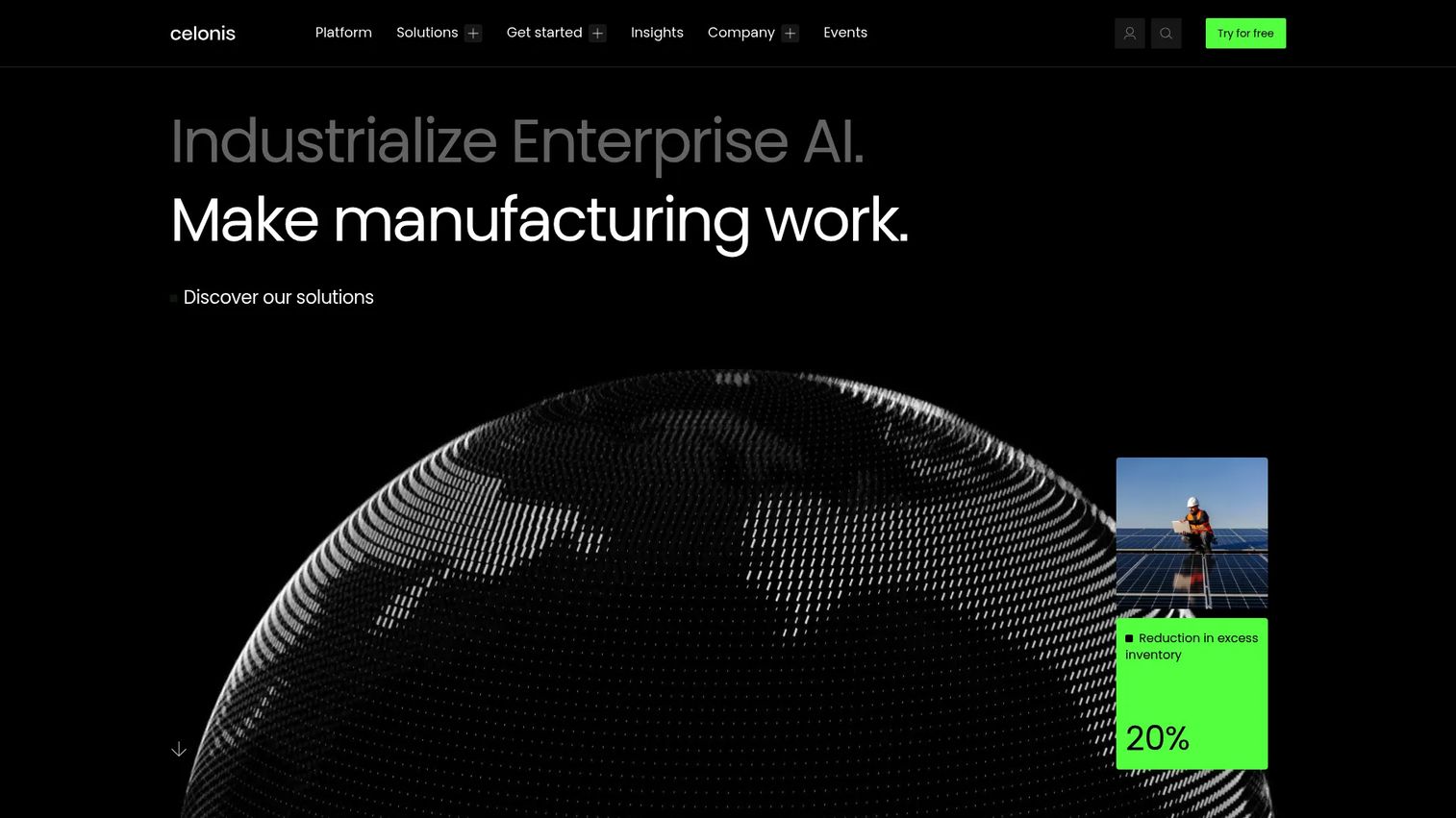
Celonis provides a Process Intelligence Platform that combines process data, business knowledge, and AI to analyze, design, and operate enterprise processes at scale. Its Context Model creates a real-time digital twin of operations, enabling predictions, recommendations, simulations, and root-cause analysis across ERP, CRM, and custom data sources.
Best for: Large organizations with complex, multi-system operational data who need cross-functional process intelligence.
Key features
- Process mining with end-to-end process discovery and analysis
- Celonis Context Model: Real-time digital twin of operations
- Predictions, recommendations, and simulations
- Process orchestration and automation triggers
- Enterprise AI and AI-agent enablement
Why choose Celonis: It fits organizations where process variation has grown across sales, finance, customer success, and operations simultaneously. For a Series B team with a narrow scope, the platform depth may exceed immediate needs unless the expected ROI is well-defined before deployment begins.
Celonis pricing: Celonis confirms a free plan is available. Commercial pricing depends on the scale and nature of your process mining program and requires a sales conversation.
G2 rating: 4.5/5
2. SAP Signavio
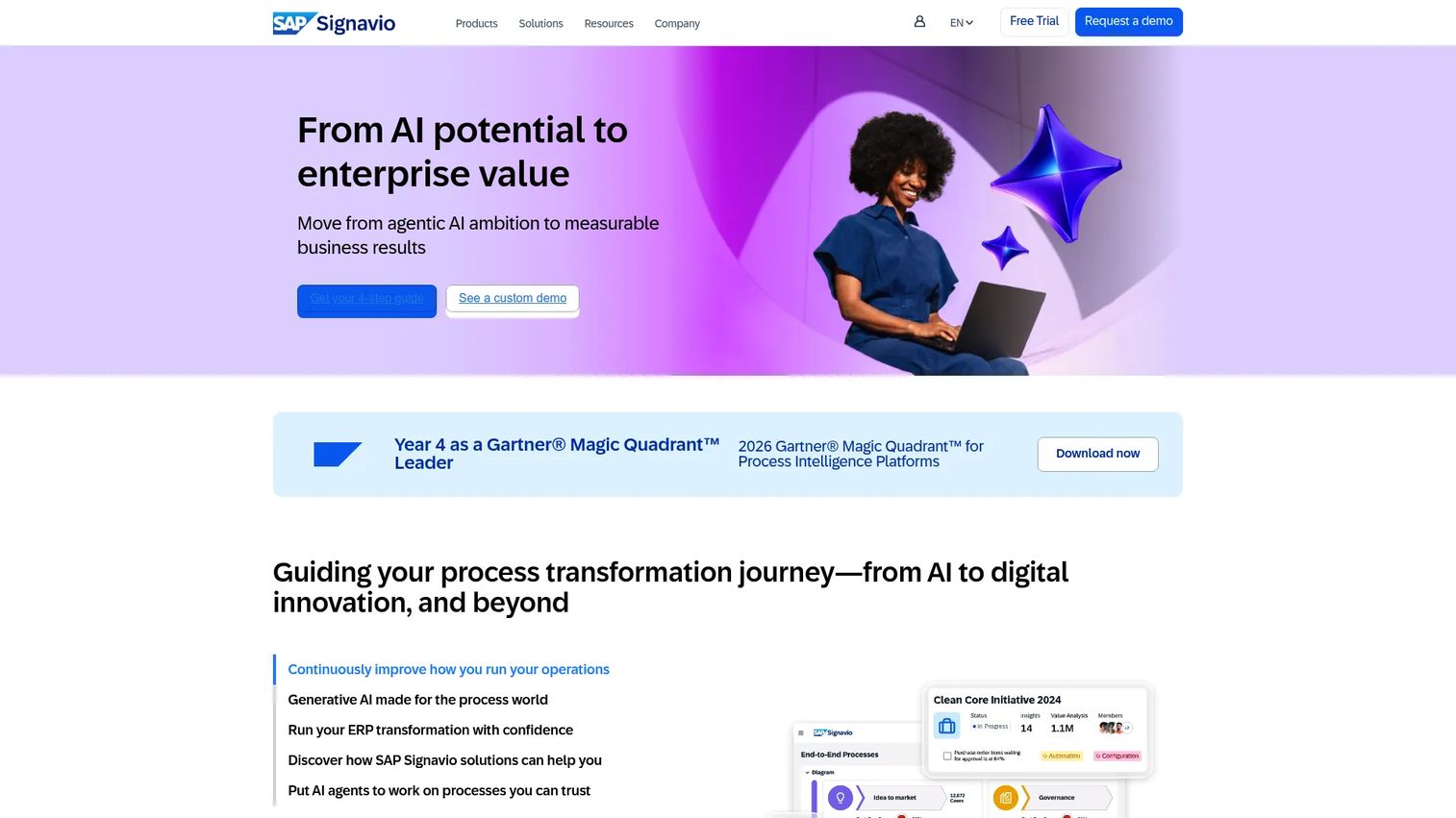
SAP Signavio is a process transformation suite covering process modeling, mining, governance, collaboration, and AI-assisted insights. It connects process intelligence directly to SAP transformation programs, making it the natural choice for organizations where SAP is the operational backbone.
Best for: Enterprise organizations managing SAP-centered transformation programs who need process governance alongside operational analysis.
Key features
- Process modeling and documentation with centralized repository
- Process mining and advanced process analysis
- Governance, approval workflows, and conformance checking
- AI-assisted process insights and recommendations
- Collaboration with role-based access and process ownership
Why choose SAP Signavio: Its strongest fit is when transformation governance matters as much as the analytics output, particularly in SAP-heavy environments where teams need modeling and mining in one place.
SAP Signavio pricing: Pricing comes through a custom sales quote. A 30-day free trial is advertised on the official site.
G2 rating: 4.4/5
3. UiPath
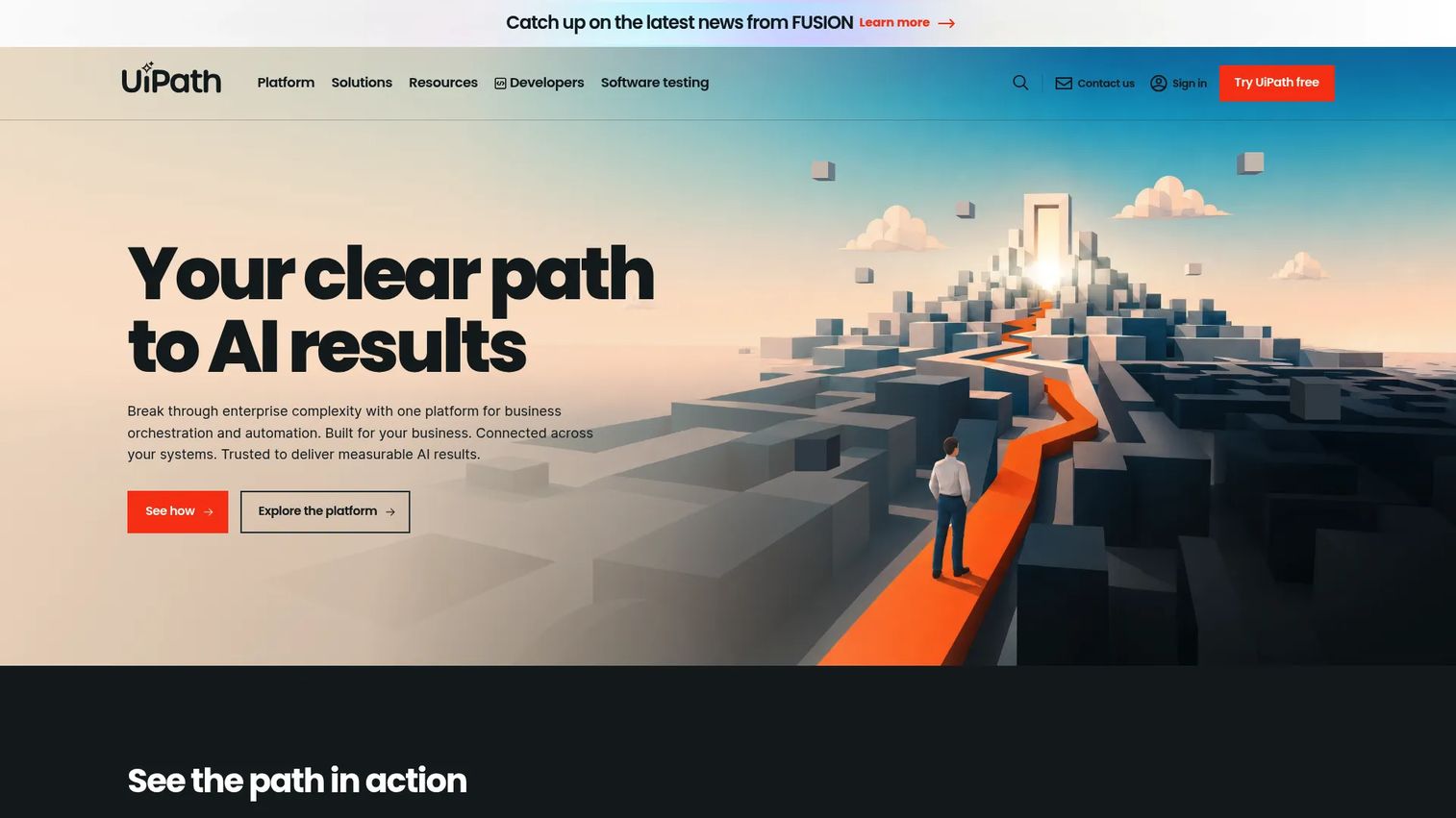
UiPath is an enterprise automation platform that includes process mining and task mining as part of its broader offering covering AI agents, robotic process automation, document processing, and orchestration. Process discovery feeds directly into the automation delivery pipeline, shortening the path from bottleneck identification to deployed bot.
Best for: Teams with an established RPA program who need evidence before funding more automation work.
Key features
- Process and task mining within the Automation Cloud platform
- Desktop activity analysis for work outside system logs
- Automation opportunity identification and prioritization
- Low-code and pro-code automation development
- Automated software testing
Why choose UiPath: It works best when your team already owns RPA infrastructure and wants a discovery layer that connects directly to the automation backlog rather than producing a separate report.
UiPath pricing: The Basic plan starts at $25/month. Standard and Enterprise tiers require contacting sales. A free trial is available.
G2 rating: 4.6/5
4. IBM Process Mining
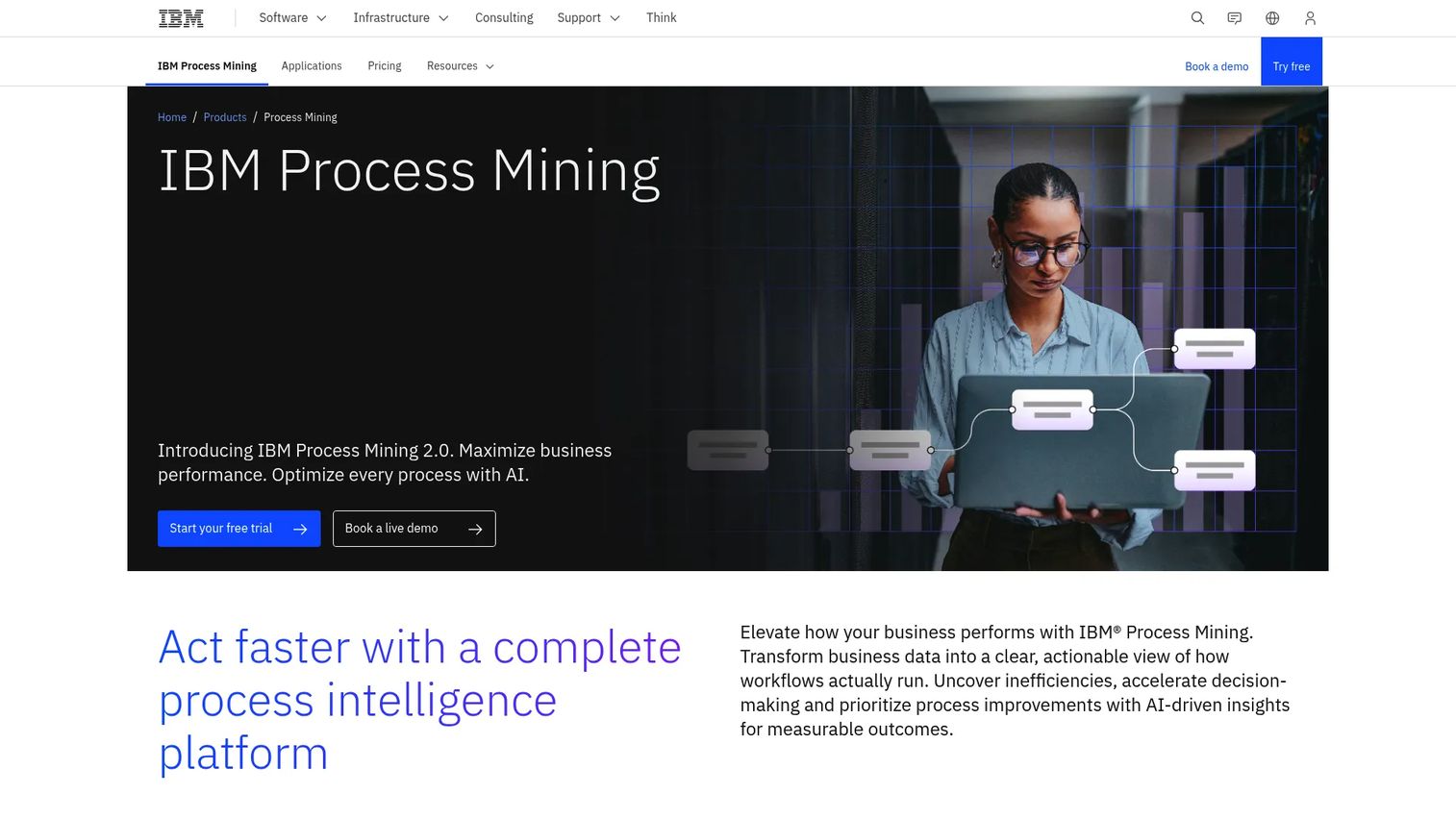
IBM Process Mining delivers AI-powered process intelligence for discovering, monitoring, analyzing, and optimizing business processes. It includes prescriptive recommendations, what-if simulation, task mining, and automated RPA bot generation, all within IBM's automation and AI tooling.
Best for: Large organizations already invested in IBM automation, AI, or enterprise architecture who want process visibility without adding an external tool.
Key features
- Prescriptive process mining with AI-powered recommendations
- End-to-end process visibility across ERP, CRM, and other systems
- Predictive analytics, simulation, and what-if analysis
- Task mining and automated RPA bot generation
- Action triggering, alerting, and compliance analysis
Why choose IBM Process Mining: The tightest fit is when IBM infrastructure is already part of the stack and the team wants governance, compliance monitoring, and automation opportunity discovery from a single vendor.
IBM Process Mining pricing: The SaaS platform starts at $4,250/month (sold annually), which includes 20 GB storage and three business users. On-premises deployment starts at $2,885/month with three projects and 20 million events.
G2 rating: 4.7/5
5. Power Automate
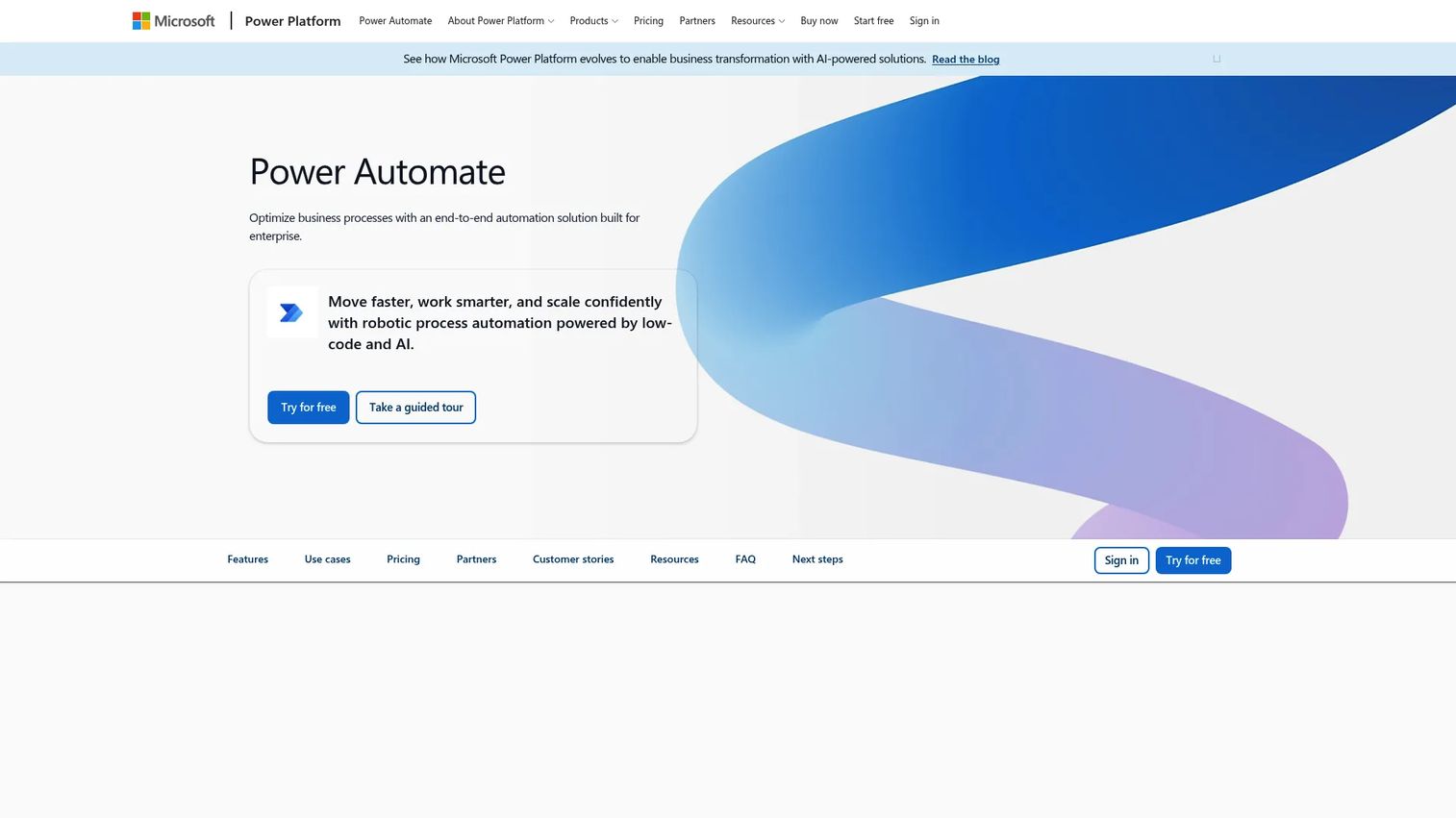
Power Automate is Microsoft's low-code automation platform with built-in process mining and task mining through its Process Mining add-on. It connects to Microsoft 365, Dynamics, and over 1,000 API connectors, making it the most accessible entry point for companies already inside the Microsoft stack. See also our guide to business intelligence software for complementary analytics context.
Best for: Organizations running on Microsoft 365 or Dynamics who want process and task mining without a separate procurement cycle.
Key features
- Task and process mining for identifying optimization opportunities
- Cloud flows automating cloud and on-premises apps
- Attended and unattended desktop automation
- AI-assisted authoring, insights, and content generation
- More than 1,000 API connectors plus custom connectors
Why choose Power Automate: Platform fit reduces adoption friction when Microsoft tooling already governs identity, data, and workflow. Model your total licensing cost carefully, because the process mining capability arrives as a tenant-level add-on on top of base automation licenses.
Power Automate pricing: The Premium plan starts at $15/user/month (billed annually). The Process Mining add-on is $5,000/tenant/month (billed annually). A 30-day free trial is available.
G2 rating: 4.4/5
6. ServiceNow Process Mining
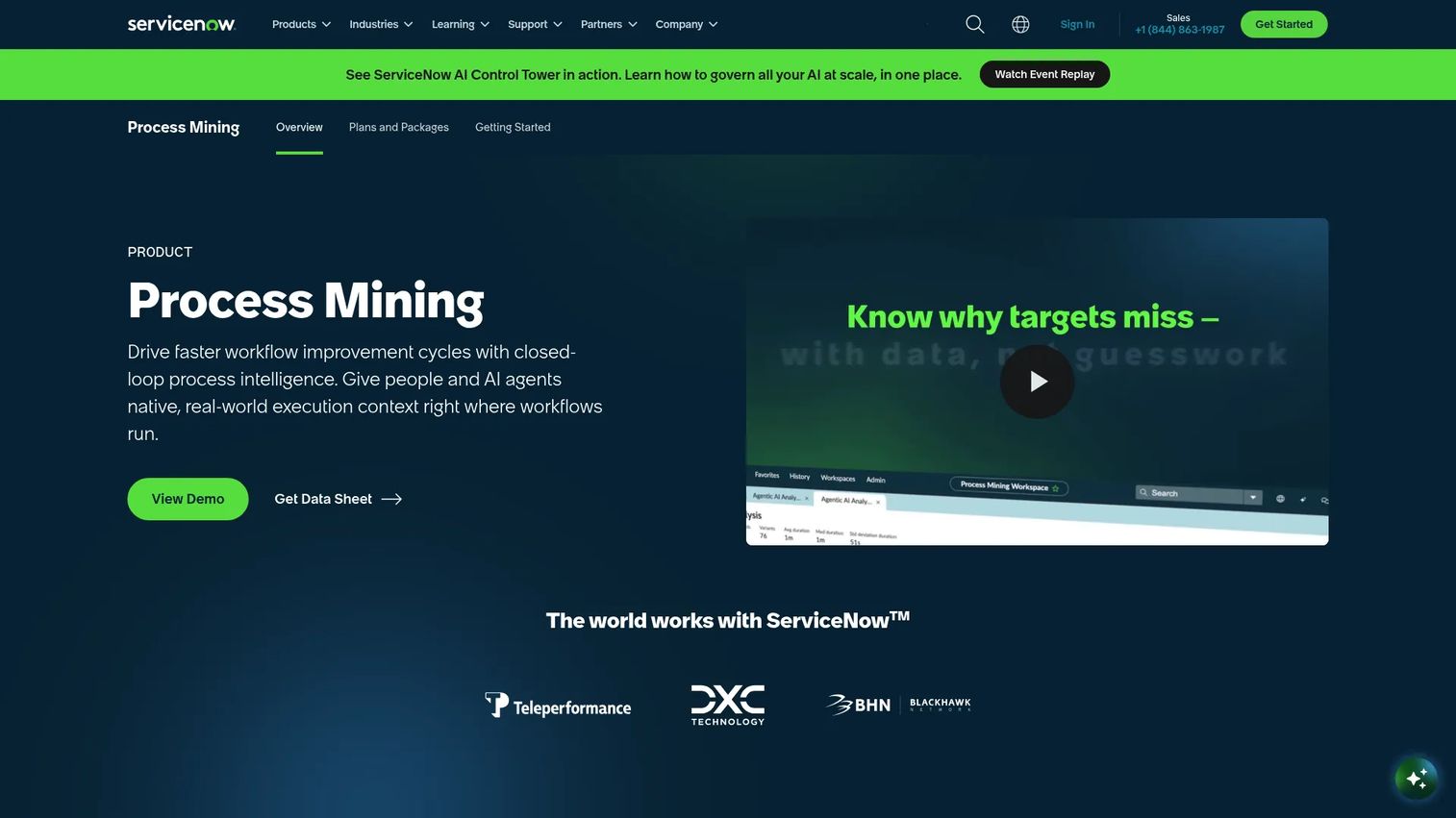
ServiceNow Process Mining analyzes workflow execution data to reveal bottlenecks, deviations, compliance gaps, and improvement opportunities, all within the ServiceNow platform. It supports automated process discovery, interactive process maps, and multidimensional analysis across connected business systems.
Best for: Enterprise teams whose core operations run through ServiceNow IT, HR, or customer service workflows and need process visibility without exporting data to a separate tool.
Key features
- Automated process discovery and interactive process maps
- Bottleneck, conformance, and root-cause analysis
- Multidimensional and external-data process mining
Why choose ServiceNow Process Mining: It is the correct choice when ServiceNow is already the operating layer for the workflows you need to analyze. If your key processes live outside ServiceNow, a standalone process mining platform will give you broader coverage.
ServiceNow Process Mining pricing: A free version supports sample mining only. Full mining requires a license, and subscriptions are handled through a ServiceNow account manager. Contact sales for current commercial terms.
G2 rating: Not available for this product.
7. ARIS
ARIS is an enterprise process intelligence platform that combines process modeling, process mining, governance, and AI-readiness into one environment. It supports Basic, Advanced, and Enterprise editions scaled to organizational complexity. For teams evaluating related tooling, our guide to business process management software covers complementary platforms.
Best for: Large organizations that need process management discipline alongside mining, not only a dashboard of bottlenecks.
Key features
- Business process modeling and architecture management
- Process mining with discovery, root-cause analysis, and conformance checking
- Task mining and digital twin for enterprise AI
- Interactive dashboards and data feeds
- Document management with versioning and approval workflows
Why choose ARIS: It fits organizations where process architecture and governance carry equal weight with operational analytics. If you need a quick bottleneck analysis rather than a governance layer, a narrower process mining tool will reach first insight faster.
ARIS pricing: Pricing across Basic, Advanced, and Enterprise editions is provided by ARIS Sales upon request.
G2 rating: 4.3/5
8. ABBYY Timeline
ABBYY Timeline is a cloud-based process intelligence platform for discovering, analyzing, monitoring, predicting, and simulating business processes. It pairs system-level process mining with task mining and desktop recording, giving teams visibility across both application logs and human work patterns.
Best for: Enterprises that need combined process and task intelligence, particularly when desktop work and system activity both contribute to the bottleneck.
Key features
- Process discovery and visualization
- 25+ analysis tools including compliance checking and root-cause analysis
- Real-time process monitoring and AI-based prediction
- Process simulation using a digital twin
- Task mining and desktop recording
Why choose ABBYY Timeline: Its combined process and task mining capability reduces the need for two separate tools when the bottleneck lives partly in application logs and partly in how people work across desktops.
ABBYY Timeline pricing: A free 30-day trial is available. Paid plan pricing requires contacting ABBYY sales.
G2 rating: 4.5/5
9. Apromore
Apromore is a process intelligence platform for discovering, analyzing, simulating, monitoring, and optimizing business processes. It includes BPMN model support, no-code visual filtering, simulation and digital twins, AI Copilot, and data pipeline integrations. It earns the highest G2 rating on this list at 4.7/5.
Best for: Organizations seeking a focused process mining starting point with strong analytical depth before committing to a broader transformation platform.
Key features
- Process discovery and BPMN model support
- No-code visual filtering and performance dashboards
- Process simulation and digital twins
- Predictive process monitoring
- AI-powered Copilot and ETL integrations
Why choose Apromore: It stands out for proof-of-value scenarios where you need to demonstrate measurable improvement quickly. For an operator who wants first insight within a quarter, Apromore's analytical depth without the implementation overhead of larger platforms makes it worth prioritizing.
Apromore pricing: Pricing details require contacting Apromore directly. A research and education edition exists, but commercial plan pricing was not displayed on the official site at time of verification.
G2 rating: 4.7/5
10. Appian
Appian is an enterprise AI-powered process automation platform that includes process intelligence alongside low-code application development, RPA, data fabric, and AI agents. It connects process mining findings directly to workflow delivery, shortening the path from analysis to action. For context on adjacent platforms, see our overview of business process documentation software.
Best for: Large enterprises and government organizations where process analysis must lead directly into application or workflow changes.
Key features
- Low-code application development
- Process orchestration and business process automation
- Data fabric for connecting enterprise data sources
- Robotic process automation
- Process intelligence and intelligent document processing
Why choose Appian: Its strongest fit is when the organization needs to move from analysis to deployed workflow change without switching platforms. If standalone process mining is the primary goal, a purpose-built process mining tool will produce results faster.
Appian pricing: Standard, Advanced, and Premium plans are priced per user, per month, per app. The Appian Community Edition is free with full platform access. Paid plan prices require contacting Appian.
G2 rating: 4.5/5
11. Scout
Scout focuses on desktop activity intelligence and work-pattern analysis. It captures work that occurs outside core system logs, covering the spreadsheets, email threads, browser workflows, and manual steps that standard process mining tools miss. Note: The scout.ai domain redirected during verification; review current product availability at tryscout.ai before evaluation.
Best for: Teams whose most important processes happen across desktop applications rather than inside a single enterprise system.
Key features
- Desktop activity and work-pattern analysis
- Process visibility beyond system event logs
- Automation opportunity discovery from observed work patterns
Why choose Scout: When the operational bottleneck lives in how people work across tools rather than what applications record, task-led intelligence reaches the problem that system-log mining cannot. Confirm current product status and pricing directly with Scout before procurement.
Scout pricing: Pricing is not available through a public pricing page. Contact Scout for current commercial terms.
G2 rating: 4.8/5 (10 reviews on G2)
12. KYP.ai
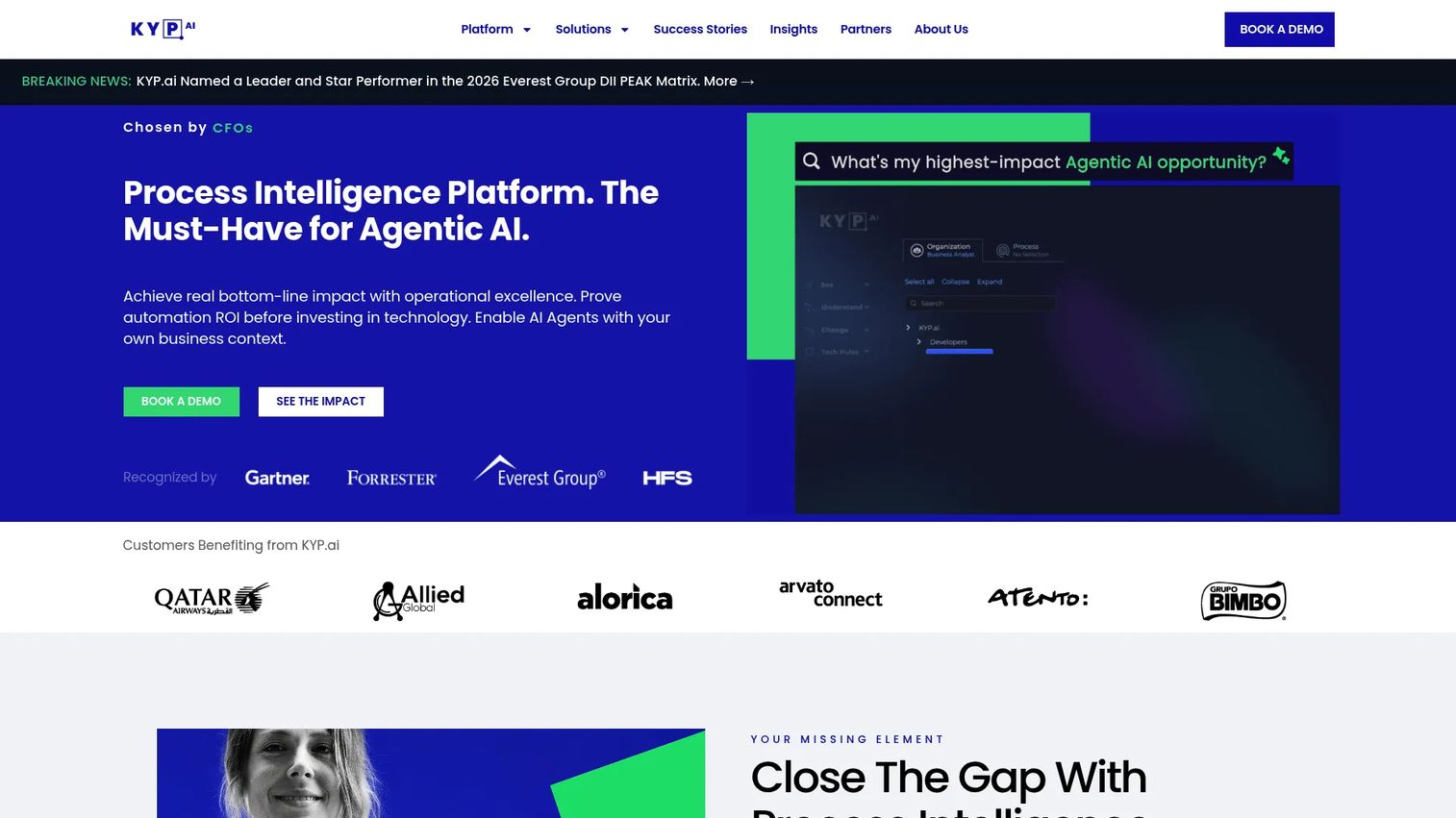
KYP.ai is an agentic process intelligence platform that captures operational work, quantifies improvement opportunities and automation ROI, and generates production-ready agent code. It takes a 360-degree view across people, processes, and technology, combining process mining with desktop activity analysis, natural-language operational queries, and on-device data anonymization.
Best for: Large enterprises with fragmented workflows across distributed operations who need quantified automation ROI rather than raw process maps.
Key features
- 360-degree enterprise view: Capturing real-time data across people, processes, and technology
- ROI-ranked process improvement and automation opportunities
- Production-ready, platform-agnostic agent code output
- Real-time workforce capacity and performance monitoring
- Natural-language operational queries through KYP AI Concierge
Why choose KYP.ai: It differentiates by outputting prioritized, quantified automation opportunities with production-ready code, not just a visual process map. For teams that want to move from insight to execution with minimal friction, this output format changes the shape of the automation backlog conversation.
KYP.ai pricing: Pricing is quoted based on the scale and requirements of the operation. Contact KYP.ai for current commercial terms.
G2 rating: Not yet rated on G2.
13. Pegasystems
Pegasystems provides an AI-powered enterprise transformation platform that combines workflow automation, case management, decisioning, application development, and process mining. Process intelligence connects to Pega's case management and next-best-action capabilities, making analysis actionable within the same platform.
Best for: Large enterprises running important customer or operational workflows through the Pega platform who want process intelligence without exporting to a separate system.
Key features
- AI-powered decisioning and next-best-action capabilities
- Workflow automation, case management, BPM, process mining, and RPA
- Low-code application development with App Studio and App Factory
Why choose Pegasystems: The fit is strongest when the company already runs significant workflows through Pega. Adding process intelligence within the same environment avoids integration overhead and keeps insights close to the workflows they need to change.
Pegasystems pricing: Pricing requires contacting Pega sales. No public numeric pricing was displayed on the official site at time of verification.
G2 rating: 4.2/5
14. iGrafx Process360
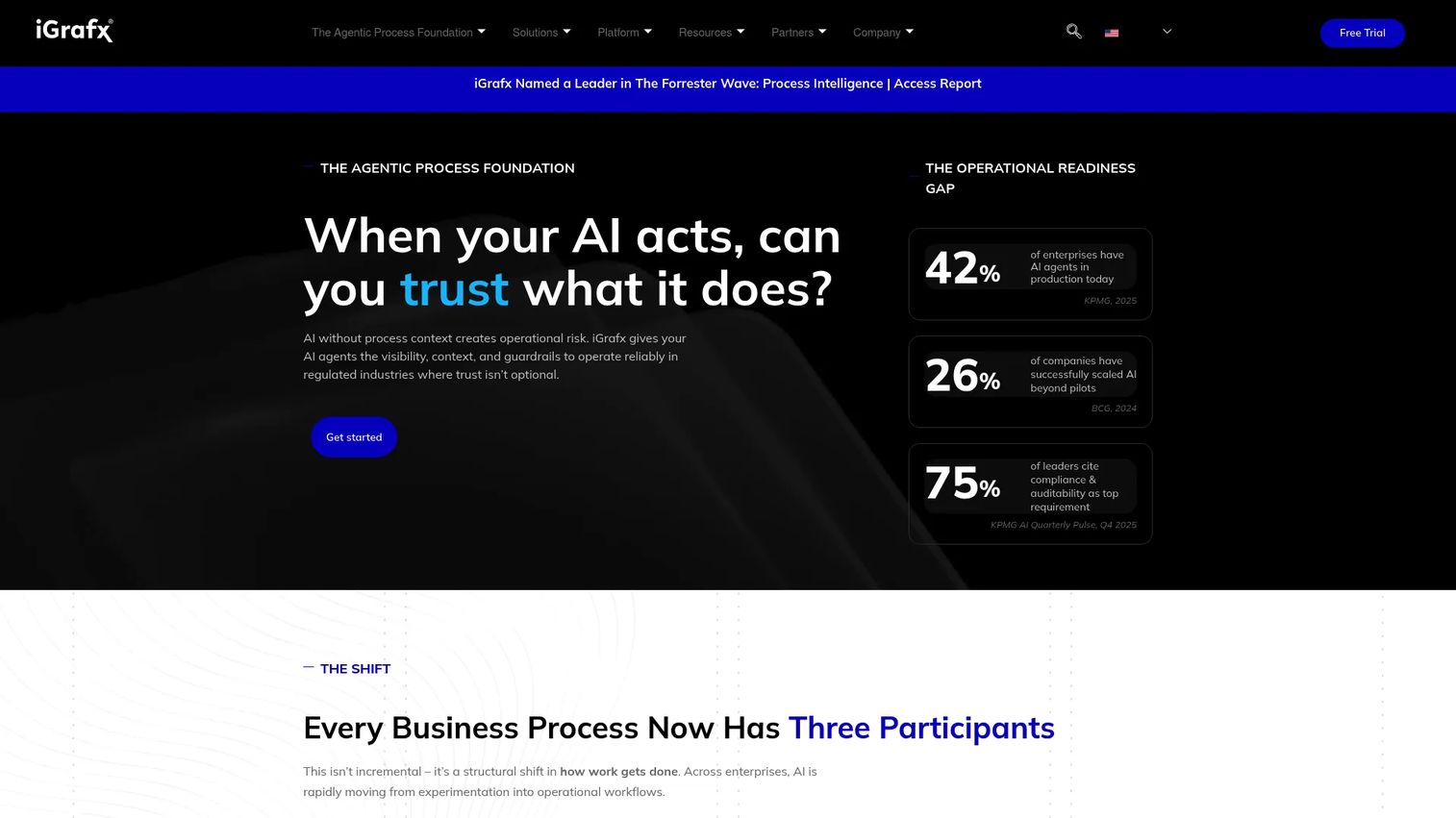
iGrafx Process360 is an end-to-end process intelligence platform that combines process mining, BPMN-based process design, simulation, risk management, and automation in one environment. It covers the full process lifecycle from discovery through governance and continuous improvement.
Best for: Organizations where process governance, risk management, and operational analytics need to share a single platform.
Key features
- Process mining: Bottleneck, variant, conformance, predictive, monitoring, and risk analytics
- BPMN-based process design and centralized process repository
- Data-driven process simulation and what-if analysis
- Performance, risk, and compliance management
- Process automation capabilities
Why choose iGrafx Process360: It suits organizations that treat process architecture and compliance as first-class concerns alongside operational analysis. If the immediate goal is faster process discovery without governance overhead, a narrower tool will move faster.
iGrafx Process360 pricing: Pricing requires contacting iGrafx. No public numeric pricing was available on the official site at time of verification.
G2 rating: 4.6/5
15. QPR ProcessAnalyzer
QPR ProcessAnalyzer is enterprise process intelligence and process mining software with 100+ prebuilt analyses, object-centric process mining, AI and machine-learning predictions, and a Snowflake-native deployment option. It includes an MCP interface for AI tools and agents, bridging process data into AI-enabled workflows. For context on related analytics tooling, see our roundup of analytics platforms that drive ROI.
Best for: Large organizations seeking process analysis and conformance without committing immediately to a broad automation suite.
Key features
- 100+ prebuilt analyses including automation opportunities and root-cause analyses
- Object-centric process mining (OCPM)
- AI and machine-learning predictions with one-click root-cause analysis
- Process KPI monitoring, dashboards, and alerts
- Snowflake-native, cloud, hybrid, and on-premises deployment
Why choose QPR ProcessAnalyzer: Object-centric mining is a meaningful differentiator for organizations whose processes span multiple connected objects, such as customers, orders, invoices, and shipments, without a single governing case ID.
QPR ProcessAnalyzer pricing: A 30-day free trial is available. Commercial pricing uses custom or flexible terms; no paid plan price was available at time of verification.
G2 rating: 4.5/5
16. Automation Anywhere
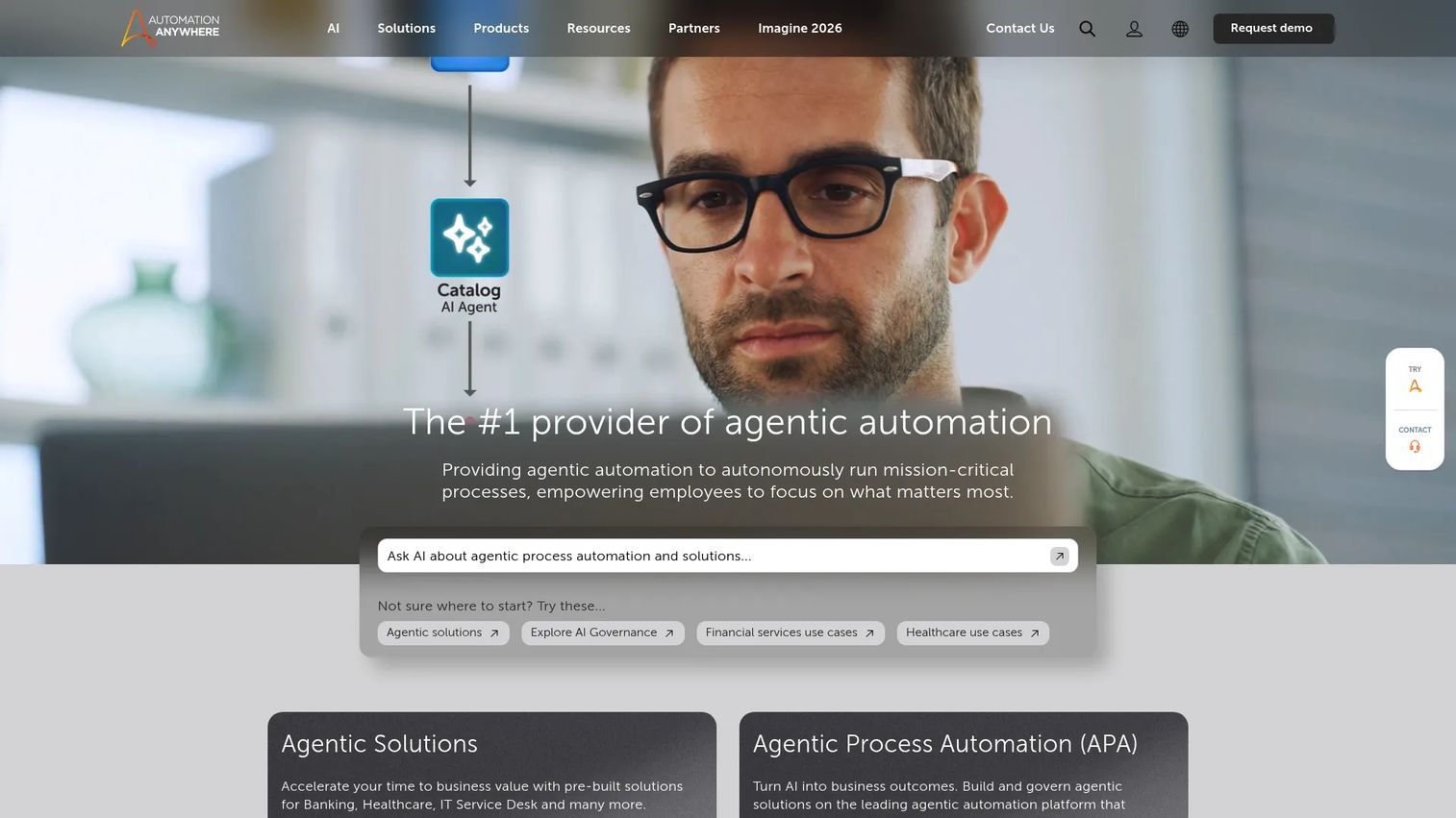
Automation Anywhere provides an agentic process automation platform combining AI agents, RPA, document processing, orchestration, and governance. Process intelligence sits inside the broader platform to rank automation candidates by business value before they enter the delivery pipeline. Our guide to agentic AI platforms covers related tooling.
Best for: Organizations with an established automation roadmap that need to prioritize candidates by measured impact.
Key features
- AI agents and Process Reasoning Engine
- Robotic process automation and UI automation
- Document Automation for intelligent document processing
- Process orchestration with human-in-the-loop collaboration
- Security, governance, auditability, and role-based access
Why choose Automation Anywhere: It fits teams that have already committed to an automation program and want process intelligence to inform which bots to build next, rather than producing process analysis as a standalone deliverable.
Automation Anywhere pricing: The Cloud Starter Pack starts at $750/month and includes one Bot Creator, one Control Room, and one unattended Bot Runner. A Community Edition is free for eligible students, developers, and qualifying small businesses. Enterprise pricing requires contacting sales.
G2 rating: 4.5/5
17. ProcessGold
ProcessGold was an enterprise process mining platform for business process management and optimization. UiPath acquired ProcessGold in October 2019, and the product became UiPath Process Mining. If you are evaluating ProcessGold specifically, verify current product availability and packaging directly with UiPath, since the standalone ProcessGold brand and website are no longer actively maintained.
Best for: Organizations researching UiPath Process Mining's origins or evaluating the capability within UiPath's broader platform.
Key features
- Process mining and visualization
- Multi-level process mining
- Process conformance analysis
- KPI-based process monitoring
- Gap and root-cause analysis
Why choose ProcessGold: Evaluate UiPath Process Mining as the current offering. The historical ProcessGold capabilities are now embedded in UiPath's Automation Cloud, alongside task mining and RPA delivery.
ProcessGold pricing: The product is now part of the UiPath platform. See UiPath pricing above.
G2 rating: 4.5/5 (rating reflects UiPath Process Mining, the successor product)
18. Process360 Live
Process360 Live focuses on continuous process monitoring and live operational visibility. It targets teams that need ongoing deviation analysis rather than a one-time discovery project, keeping process maps current as the process evolves.
Best for: Operations teams that need continuous monitoring of a defined process rather than a periodic deep-dive analysis.
Key features
- Continuous process monitoring and live operational visibility
- Bottleneck and deviation analysis
- Process intelligence with ongoing alerting
Why choose Process360 Live: It suits use cases where a process requires ongoing surveillance, such as a billing workflow with recurring exception patterns or a customer onboarding flow where SLA adherence needs weekly review. Ask whether continuous monitoring solves a current problem with a named owner before committing.
Process360 Live pricing: The official site was inaccessible at time of verification. Contact Process360 Live directly for current commercial terms.
G2 rating: Not confirmed from a verified G2 listing. Capterra reports 4.7/5, but the G2 listing was not accessible for verification.
19. Skan Process Intelligence Platform
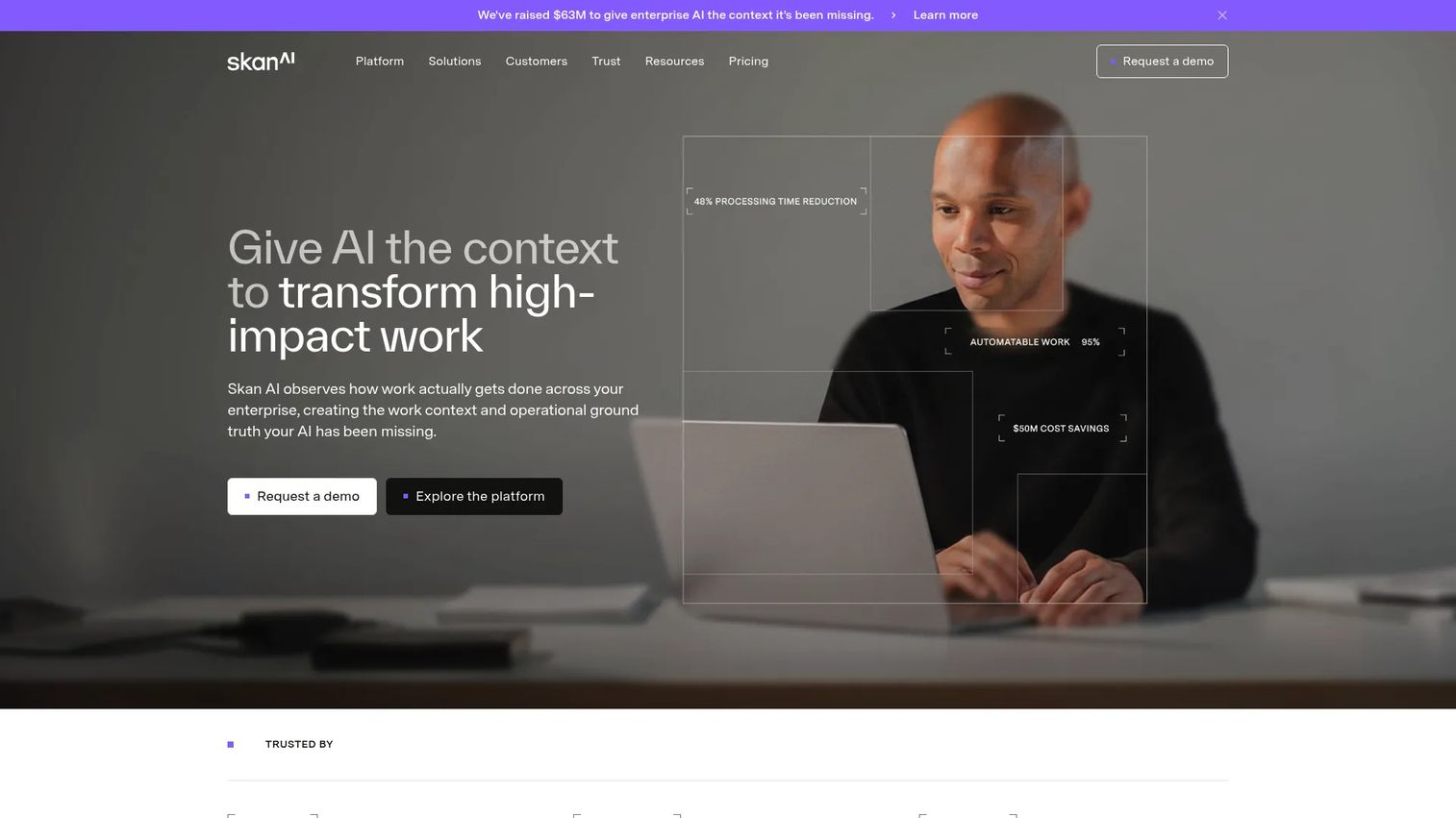
Skan is an enterprise process intelligence platform that observes how work is performed across applications and teams, then turns that observation into process maps, operational insights, and automation opportunities. Its Blueprint, Intelligence, and Agents tiers support different levels of analysis depth. For adjacent tooling context, see our list of AI governance tools.
Best for: Large enterprises seeking observation-based process discovery when system logs alone do not capture the full workflow.
Key features
- Continuous observation of work across applications, teams, and workflows
- End-to-end process maps with variant, exception, and rework analysis
- Bottleneck, workload, and context-switching analysis
- Continuous compliance monitoring and audit trails
- Automation opportunity identification and prioritization
Why choose Skan: When leadership needs visibility into how work moves across systems and teams rather than activity inside one application, Skan's observation-based approach surfaces patterns that event-log analysis misses.
Skan pricing: Pricing is quote-based across Blueprint, Intelligence, and Agents tiers. Contact Skan for current commercial terms.
G2 rating: 4.0/5 (based on one review)
20. mindzie AI-Driven Process Mining Platform
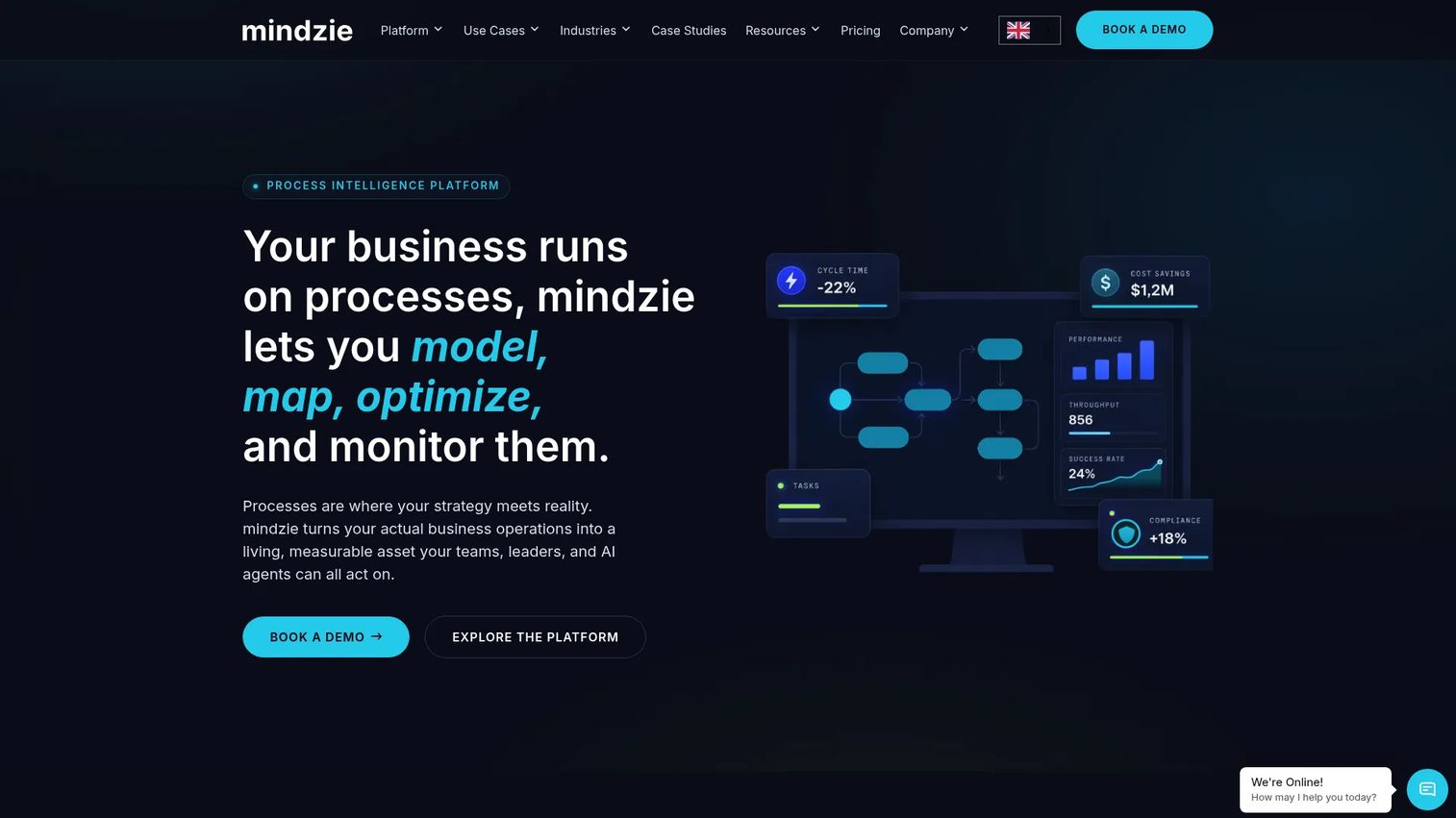
mindzie is an AI-driven process intelligence platform combining process mining, BPMN 2.0 modeling, task mining, real-time monitoring, ETL, and AI Copilot. Its free Desktop Edition supports full platform functionality for up to 1,000 cases, making it one of the most accessible starting points on this list.
Best for: Enterprise operations, process excellence, and compliance teams who want to start with a free evaluation before committing to a paid deployment.
Key features
- Process mining: Automated discovery, bottleneck, variant, root-cause, and conformance analysis
- BPMN 2.0 business process modeling and AI-generated models
- Task mining and real-time process monitoring with SLA tracking
- AI Copilot, AI-generated reports, and AI-agent process context
- ETL and data transformation with Data Designer
Why choose mindzie: The free Desktop Edition gives you a working proof of value before any contract conversation. It is the most direct answer to the "we want to test before we commit" objection that every operator should be asking.
mindzie pricing: The free Desktop Edition covers full functionality up to 1,000 cases at $0. Professional, Cloud, and On-Premises editions use custom pricing based on deployment model, data volume, and user count.
G2 rating: 4.6/5
21. UpFlux
UpFlux is an enterprise AI platform combining process intelligence, process mining, and AI agents for procurement, healthcare, and business operations. It reconstructs real process flows from ERP and system event logs, runs AI agents inside SAP, Salesforce, and ServiceNow, and reports results in auditable Return on AI (RoAI) currency.
Best for: Large organizations in procurement or healthcare that need measurable, auditable process improvement tied to hard financial outcomes.
Key features
- Process intelligence and process mining from ERP and system event logs
- AI agents executing operational work inside SAP, TOTVS, Salesforce, ServiceNow, and clinical systems
- Auditable Return on AI (RoAI) reporting in hard currency
Why choose UpFlux: Its RoAI reporting model connects process improvement directly to financial outcomes in a format useful for board and investor conversations. Before committing, evaluate connector coverage for your specific ERP environment and confirm time to first insight with the UpFlux team.
UpFlux pricing: UpFlux describes a two-week diagnostic with no license requirement. Ongoing commercial terms are not publicly listed. Contact UpFlux for current pricing.
G2 rating: Not rated on G2.
Considerations when choosing process mining tools
Start with the decision, not the demo
Define the process, the business metric, and the change you need to make before evaluating any platform. Useful anchors include sales-cycle length, onboarding completion rate, invoice exception volume, and support escalation time. A process mining tool that produces a beautiful map without changing a metric has not earned its place in the stack.
Check event-log quality before selecting a vendor
Confirm that source systems contain stable case IDs, meaningful activity names, and reliable timestamps. Ask how the tool handles missing events, duplicate records, and data refresh frequency. Poor data quality compounds after deployment, not before. For broader context on data architecture, see our guide to business process documentation software.
Separate system mining from task mining
System logs record what applications captured. Task mining records how people work across desktops and browsers. If the bottleneck lives inside your CRM or ERP, system-log mining reaches it. If it lives across spreadsheets and email threads, task mining or a combined platform reaches it. Selecting the wrong approach produces analysis that describes the wrong layer of the problem.
Model implementation ownership explicitly
Identify who owns connectors, data transformation, privacy review, dashboard design, and adoption cadence before signing. A technically strong platform still fails when no team owns the operating cadence after go-live. The total cost of ownership includes connector build, data engineering, governance, training, and ongoing process owner time, not only software licensing.
Calculate total cost of ownership before comparing sticker prices
Most platforms on this list use custom pricing. The meaningful comparison is license plus connectors plus implementation services plus the loaded cost of internal process owner time. Compare that total against the measurable value of reduced cycle time, lower rework, improved conversion, or avoided hiring.
How to choose the right process mining tool for your team
If you need enterprise-wide process intelligence
Celonis and SAP Signavio are the primary candidates. Celonis fits organizations with complex, multi-system operational data and a clear executive sponsor for the program. SAP Signavio is the tighter fit when the operating model depends on SAP and transformation governance is a stated priority. Both require a sales conversation and a scoped implementation.
If you already have an automation program
UiPath, Automation Anywhere, and Appian all connect process discovery directly to automation delivery. Choose the platform that matches your existing RPA stack. For teams evaluating agentic AI alongside automation, see our coverage of agentic AI tools for sales and agentic AI platforms for adjacent context.
If your stack is centered on Microsoft, ServiceNow, or Pega
Start with the native offering: Power Automate for Microsoft, ServiceNow Process Mining for ServiceNow, and Pegasystems for Pega-centered environments. Native connectors reduce deployment friction and use existing identity controls. Still compare analytical depth and total cost against standalone platforms before choosing by vendor familiarity alone.
If you need a proof of value within one quarter
Pick a narrow process with reliable event data and a visible executive metric. Apromore and mindzie are the strongest options for founders who need demonstrable output before the next board meeting. mindzie's free Desktop Edition removes the licensing decision entirely for the initial evaluation. QPR ProcessAnalyzer offers a 30-day trial for teams that want object-centric analysis in the proof-of-value phase.
Conclusion
The right process mining tool depends on where the bottleneck lives, what data you have to describe it, and who owns the change after the analysis is done.
Celonis and SAP Signavio cover enterprise-wide intelligence at scale. UiPath, Automation Anywhere, and Appian fit automation-led programs. Power Automate is the lowest-friction entry point for Microsoft shops. Apromore and mindzie are the fastest routes to a first proof of value. Scout, KYP.ai, and Skan reach the layer of work that system logs miss. QPR ProcessAnalyzer and iGrafx Process360 are strong for organizations that weight governance and object-centric analysis. UpFlux adds auditable financial ROI reporting for procurement and healthcare.
A polished process map has limited value if nobody changes the workflow, funds the automation, or measures the result. The practical next step is straightforward: Choose one process, define one metric, confirm event-log readiness, run a time-boxed proof of value, then measure the operational change.
Start your journey with Guideflow today!
FAQs
Process mining analyzes event logs from business systems such as CRMs, ERPs, and ticketing platforms to reconstruct how work moves through defined systems. Task mining captures user activity across desktop applications, browsers, and email to explain how people complete work that system logs do not record. Many organizations use both when the bottleneck spans both layers.
Most enterprise platforms use custom pricing driven by data volume, number of users, processes covered, deployment model, and services included. IBM Process Mining is one of the few platforms with a published starting price, at $4,250/month for its SaaS offering. Power Automate publishes its process mining add-on at $5,000/tenant/month. Total cost also includes connectors, data engineering, implementation services, and process owner time.
Yes. Tools can analyze CRM event data covering lead creation, routing, qualification, opportunity stages, approvals, proposals, and renewals. The usefulness of the output depends on reliable timestamps, stable opportunity IDs, and consistent stage definitions across the CRM configuration.
A basic event log needs three fields: A case ID that groups related events, an activity name describing what happened, and a timestamp placing it in sequence. Optional attributes such as owner, customer segment, deal value, channel, or product enable deeper root-cause analysis once the baseline map is established.
A focused proof of value can move within a quarter when the target process has clean event data, a defined metric, and a named owner. Broader programs take longer because they require connectors, data modeling, governance setup, security review, and change management. The single largest delay in most implementations is data readiness, not software configuration.
Object-centric process mining analyzes multiple related objects within a connected workflow simultaneously. Rather than forcing every event into one case ID, it can connect a customer, order, invoice, shipment, and support case and trace how they interact across the same process. QPR ProcessAnalyzer is one of the platforms on this list that explicitly supports object-centric process mining.
Yes. Process mining highlights repetitive activities, high-volume exception paths, long wait states between steps, and manual rework clusters. Teams should validate the business case for each candidate before automating, because not every inefficient step produces enough volume or value to justify a software workflow.
Establish a metric baseline before the project begins. Useful measures include cycle time, rework rate, exception volume, conversion rate, cost per transaction, manual hours, and SLA adherence. Compare the post-implementation change in that metric against the total cost of the program, including licensing, connectors, implementation services, and internal process owner time.